
Split-Screen MR2 Touge Drive
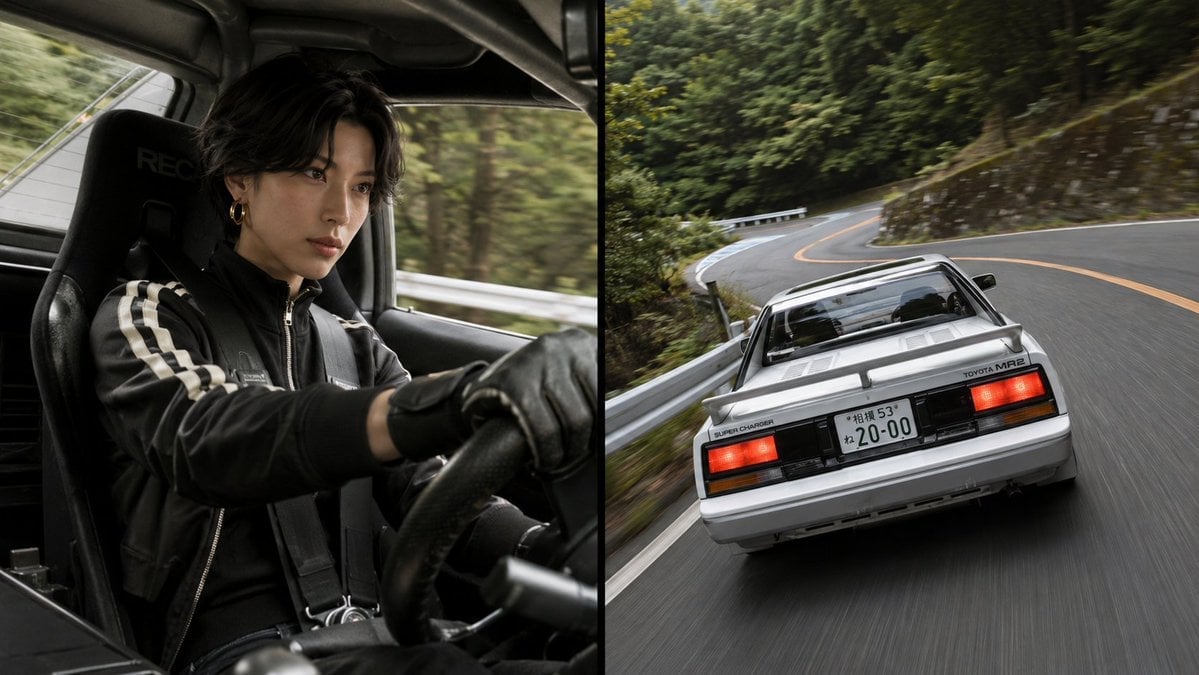
A cinematic split-screen prompt showing a masked driver cockpit view and a classic Toyota MR2 racing along a Japanese mountain road.
- Prompt included
- Model and format preset
- Free template
The prompt behind this image
Copy the exact prompt behind Split-Screen MR2 Touge Drive, or open it in the studio and make it yours.
Create a cinematic two-panel automotive action photograph in a 16:9 horizontal frame, split exactly down the center by a thin vertical black divider. Left panel: an interior cockpit shot from the passenger side of a classic compact sports car, showing one driver wearing a black racing jacket with two white sleeve stripes, black leather driving gloves, a black harness, and a small gold hoop earring. The driver has messy dark hair, their face intentionally obscured by a plain dark brown square, hands gripping the steering wheel, seated in a black RECARO-style bucket seat. The cabin is dark, tight, and realistic, with blurred forest and guardrail streaking past the window to imply speed. Right panel: a dynamic rear three-quarter tracking shot of a {argument name="car model" default="white Toyota MR2 AW11 late-model G-Limited Supercharger"} driving fast on a winding Japanese mountain road. Show the car from low behind, centered slightly right, with rectangular red taillights, black rear trim, rear spoiler, rear glass engine cover area, visible badge text including “TOYOTA MR2” and “SUPER CHARGER,” and a Japanese license plate reading {argument name="license plate text" default="20-00"}. The road curves through dense green forest with metal guardrails, stone retaining walls, orange center lines, and strong motion blur on the asphalt. Use photorealistic DSLR quality, natural overcast daylight, muted green and gray tones, high shutter-speed realism mixed with panning blur, dramatic touge racing atmosphere, and no extra captions, logos, watermarks, or added vehicles.
How to use Split-Screen MR2 Touge Drive in 3 steps
- 1Upload ImagePNG, JPG or paste
Add your photo
Upload the photo the template builds on. The prompt, model and format are already set.
- 2…a portrait of your subject in softgolden-hour light, 85mm…
Personalize
Edit the subject and creative details for your destination.
- 3Generate
Generate
Press Generate — your image is created in PicX Studio, so you can compare it with the original and refine one variable at a time.
More like this
Templates with the same subject, style or setup. Open one to see its prompt.
Split-Screen Surreal Printmaking Design
Split Screen Aging Effect
Gen Z Split Screen Advertising Poster
Drive-In Movie Screen Night

Automotive Blueprint Split Composition

Blueprint Split Reality Archetype Prompt
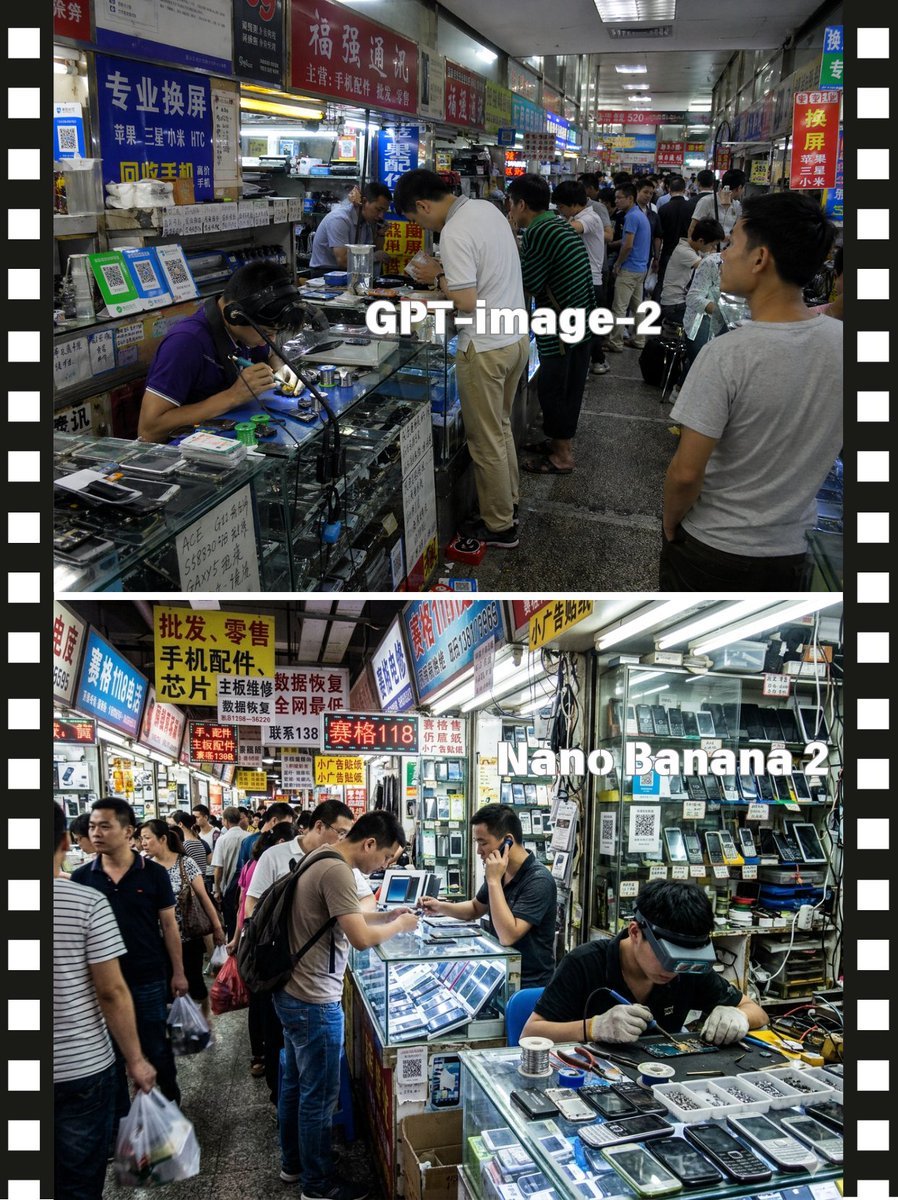
Split-Screen China Phone Market Comparison
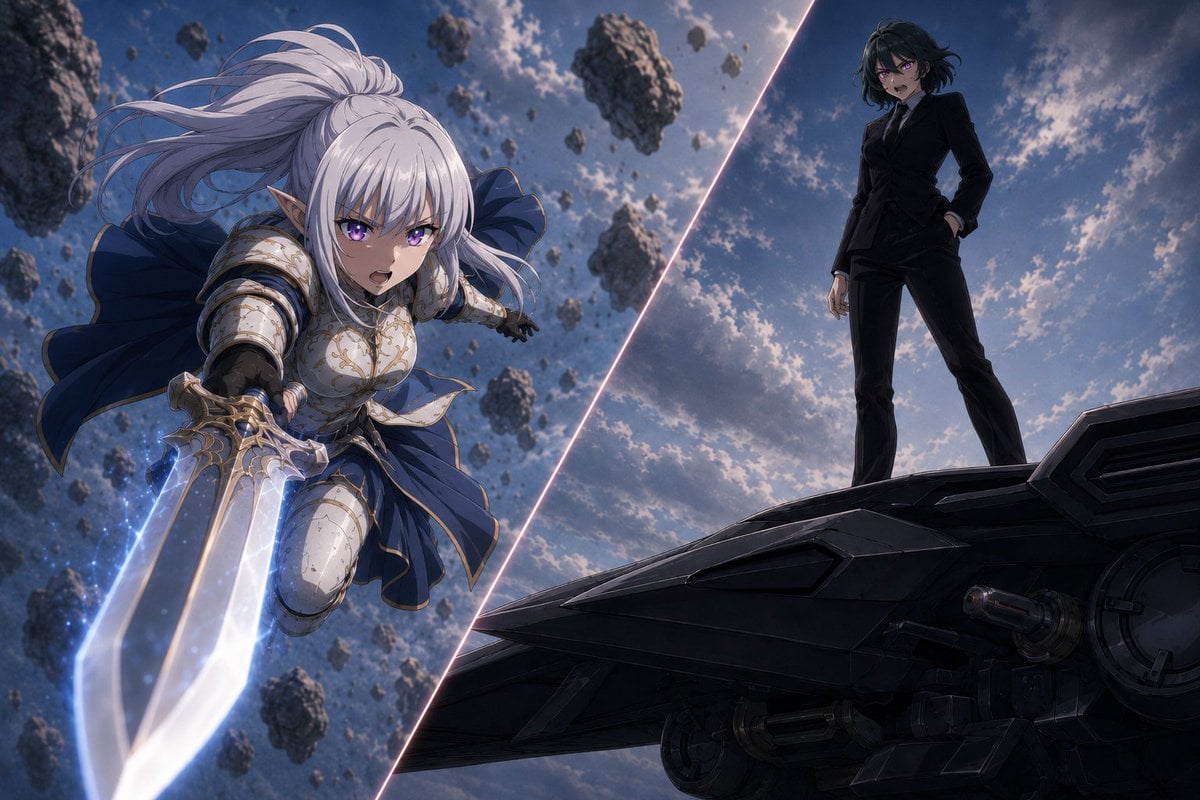
Anime Split-Screen Sword Confrontation
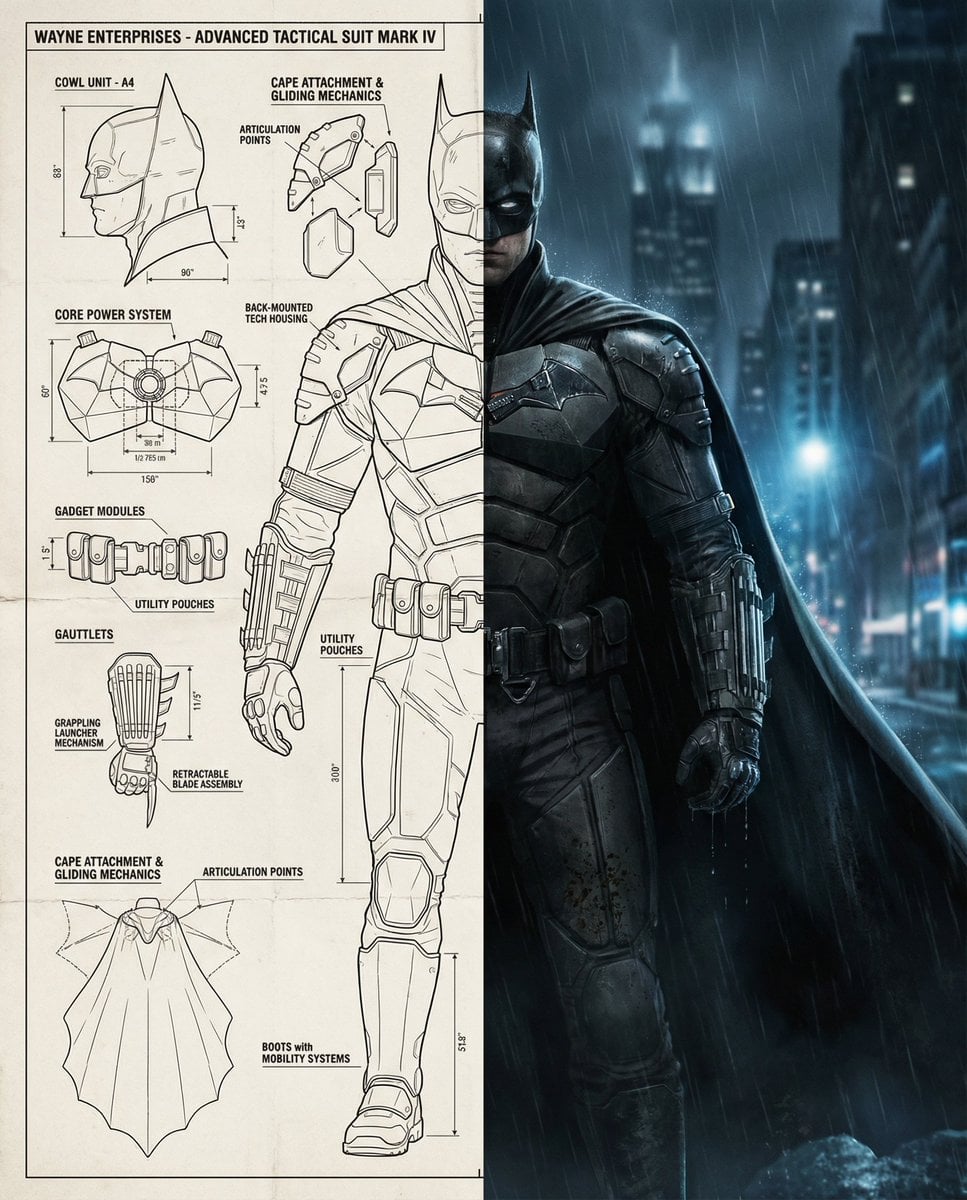
Split-Screen Cinematic Batman Blueprint
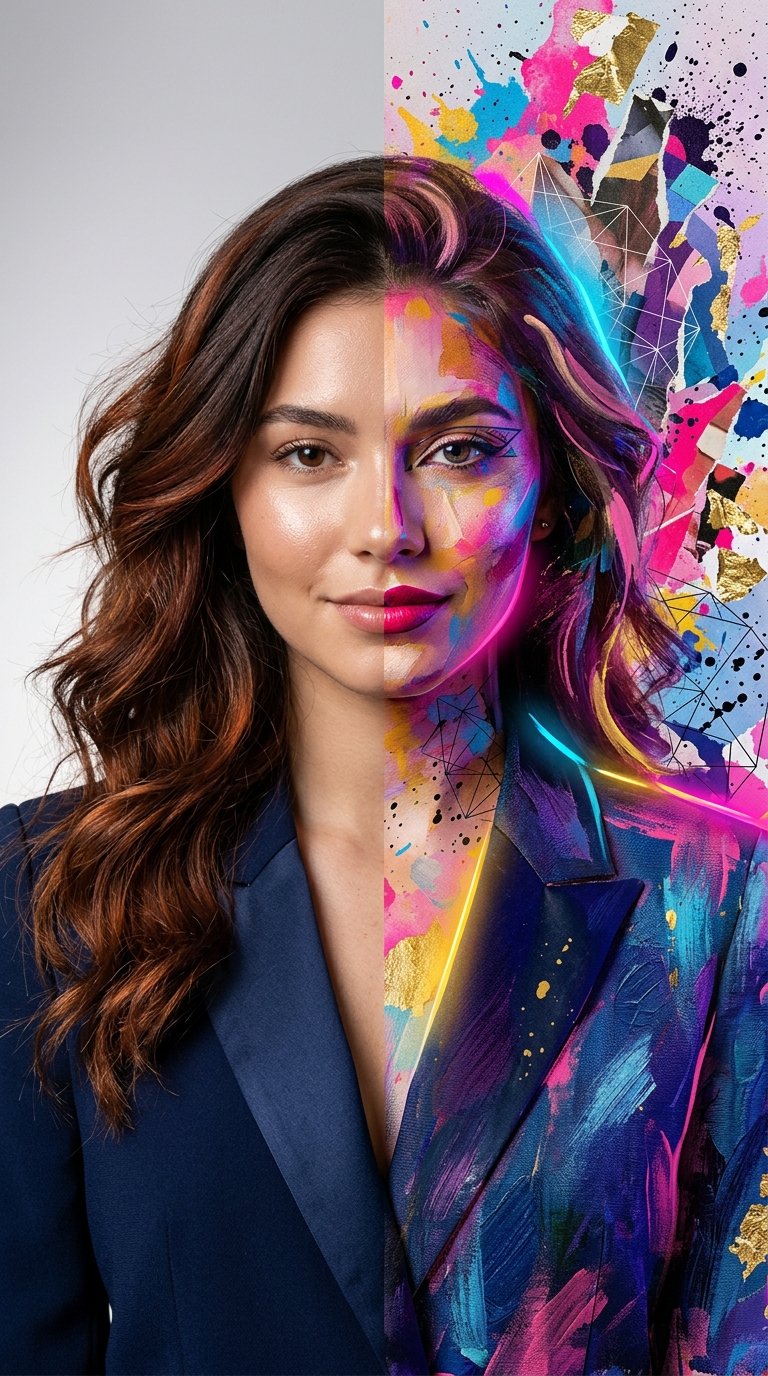
Split Portrait - Mixed Media
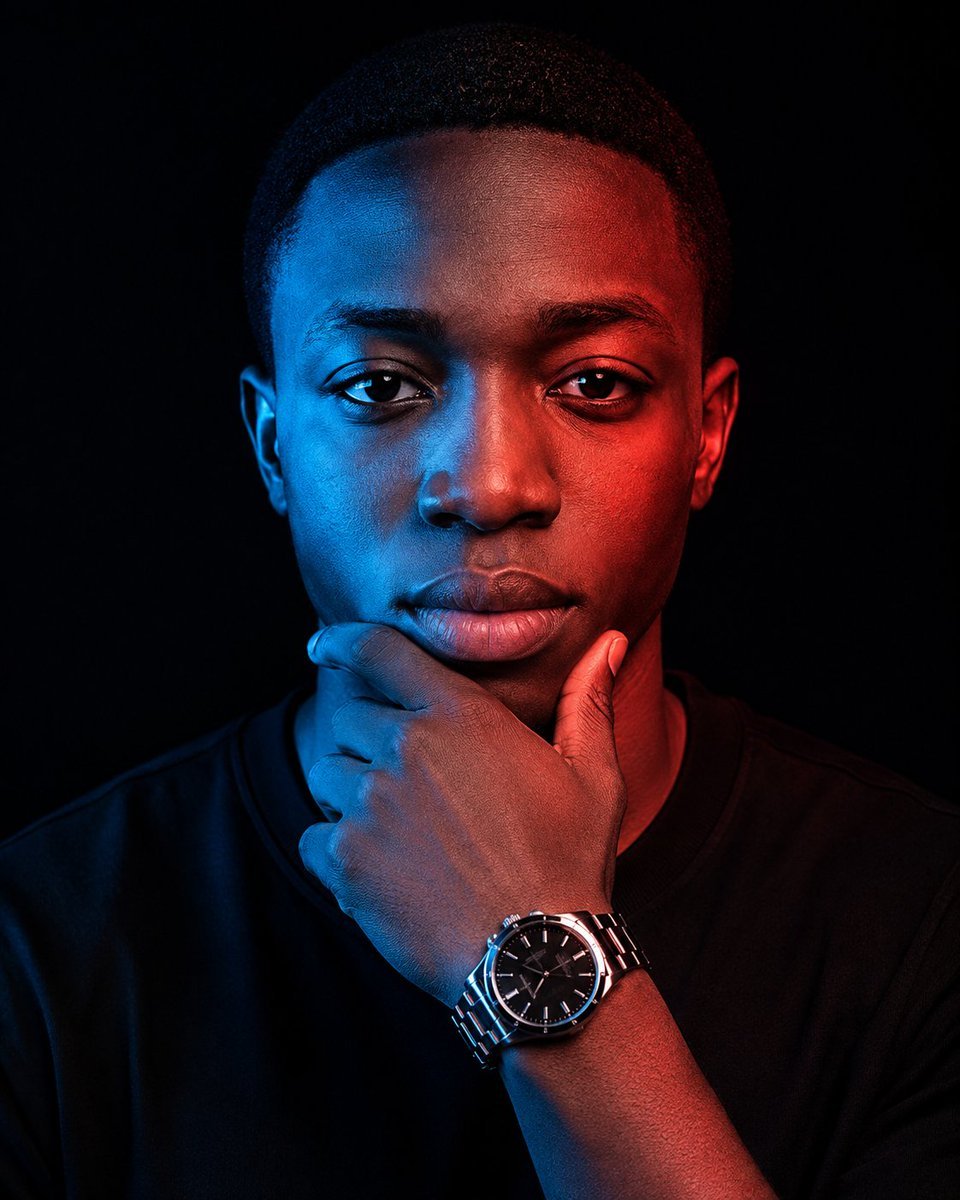
Cinematic Red Blue Split-Light Portrait
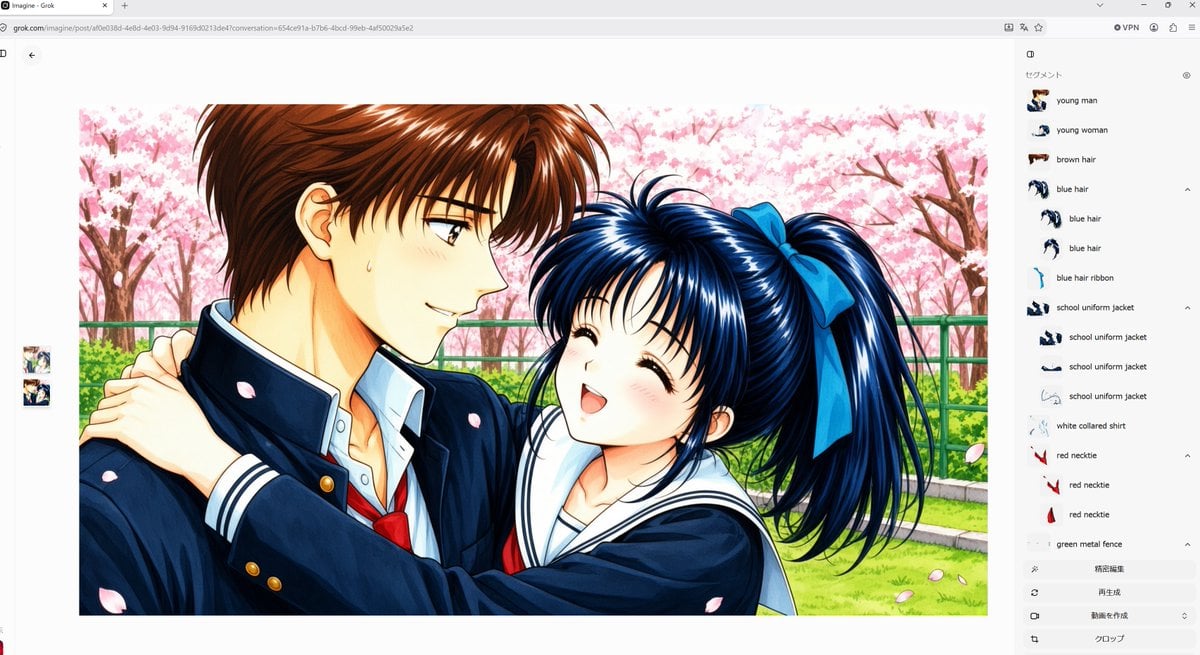
Anime Couple Segmentation UI Screenshot
Make it yours
Split-Screen MR2 Touge Drive works as-is. These are the safest ways to change it without losing the look.
Change one field
Copy a single group, rewrite it, and generate again so you can see what that field is doing.
Keep the frame, change the subject
Hold the composition and light of Split-Screen MR2 Touge Drive, then swap wardrobe, props or the person for a new take.
| If the result… | Why | Fix |
|---|---|---|
| The result drifts from the preview | Too many fields changed at once. | Reuse Split-Screen MR2 Touge Drive as-is first, then change one group — subject, light, or setting. |
| The model over-stylizes the scene | The prose prompt leaves finish and camera underspecified. | Add one camera or lighting sentence and stay on GPT Image 2. |
More GPT Image 2 templates
Other prompts made for GPT Image 2.

Six VTuber Japanese Logo Sheet

Realistic Portrait of Woman and Deer

The Vista Modular Condo Poster

AI Model Routing Comparison Infographic

2.5D Anime Art Board

Isometric Productivity Desk Scene

New York Double Exposure Poster

Four-Panel AI Landscape Comparison

Japanese Tatami Lifestyle Magazine Cover

NESCAFÉ Coffee Map Poster
More image prompts
Fresh picks from across the catalog.
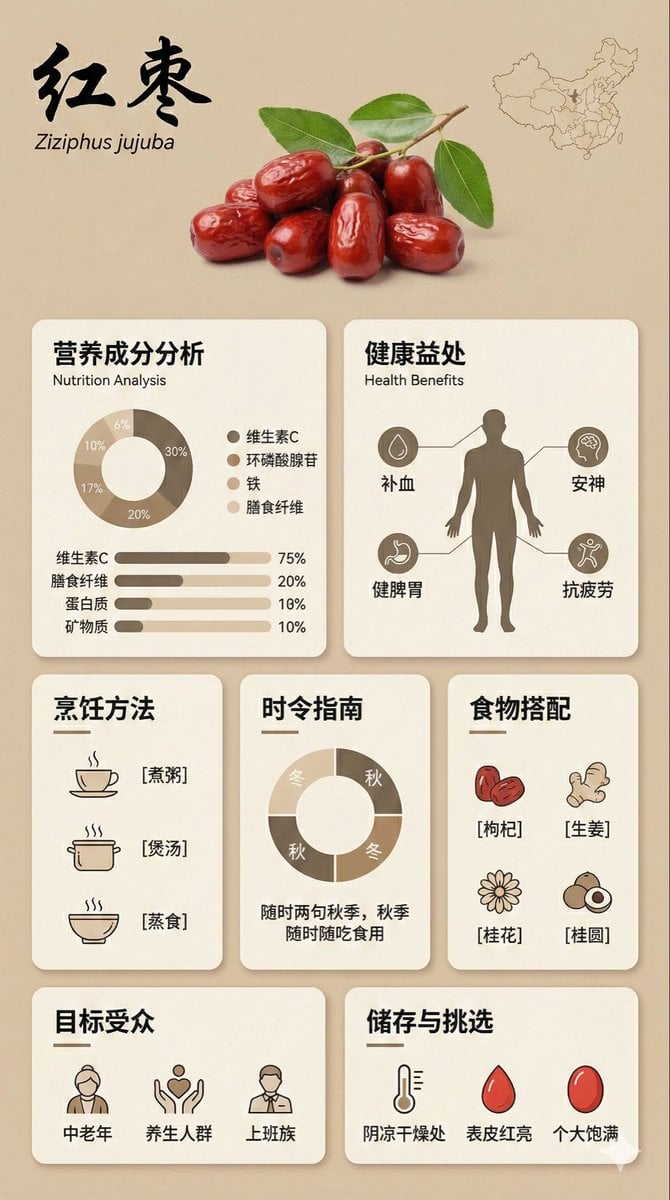
Bento Grid Infographic Prompt for Food Science
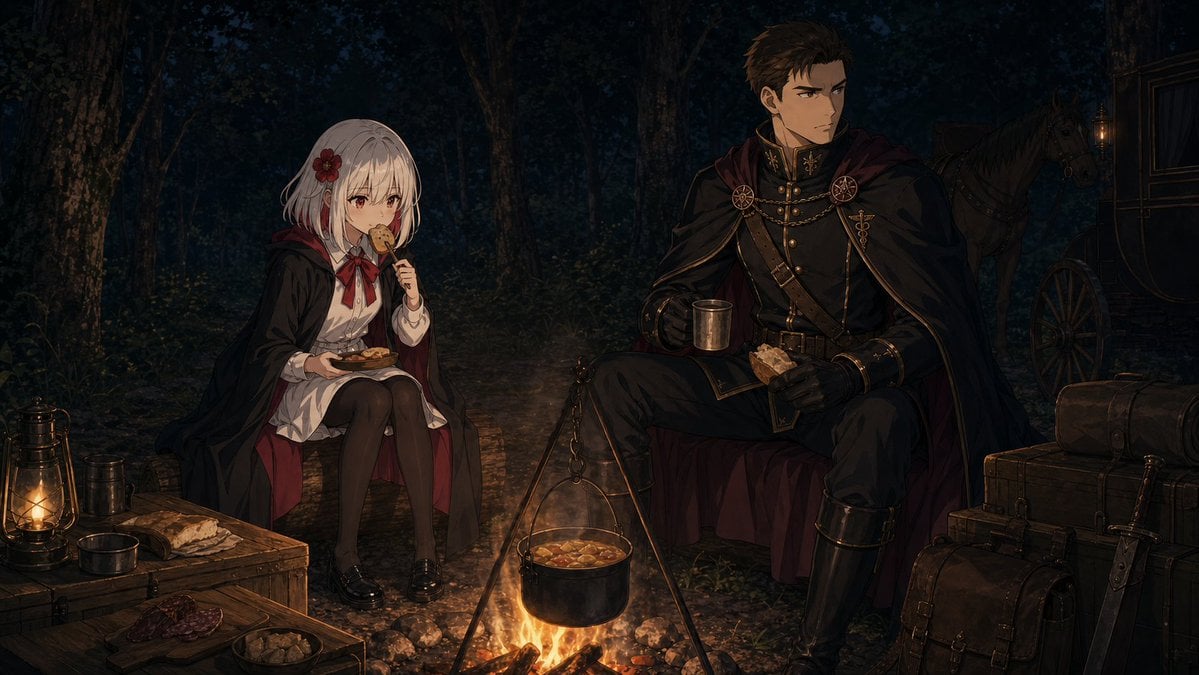
Night Forest Fantasy Camp
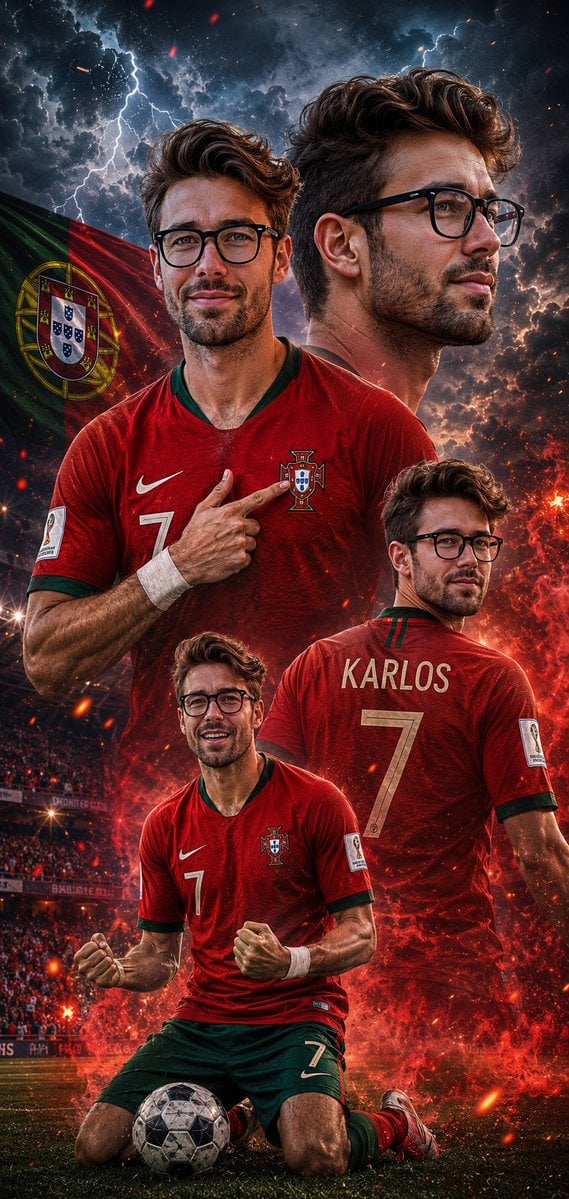
Cinematic Football Poster Portrait
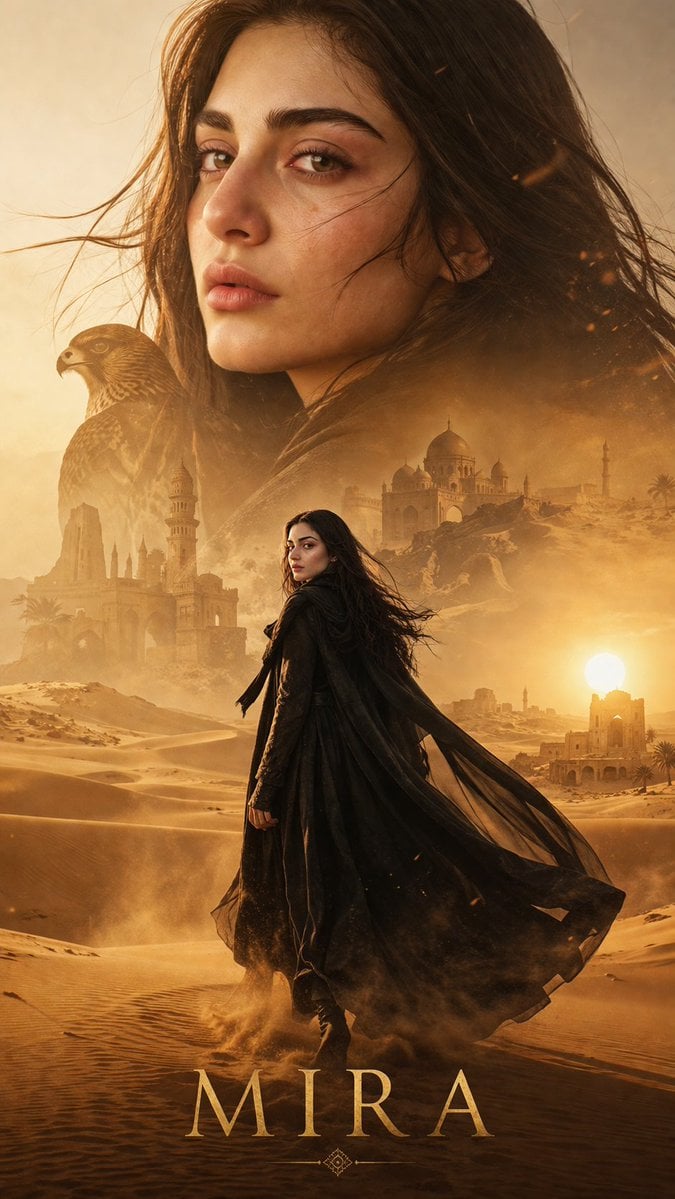
Desert Character Cinematic Poster
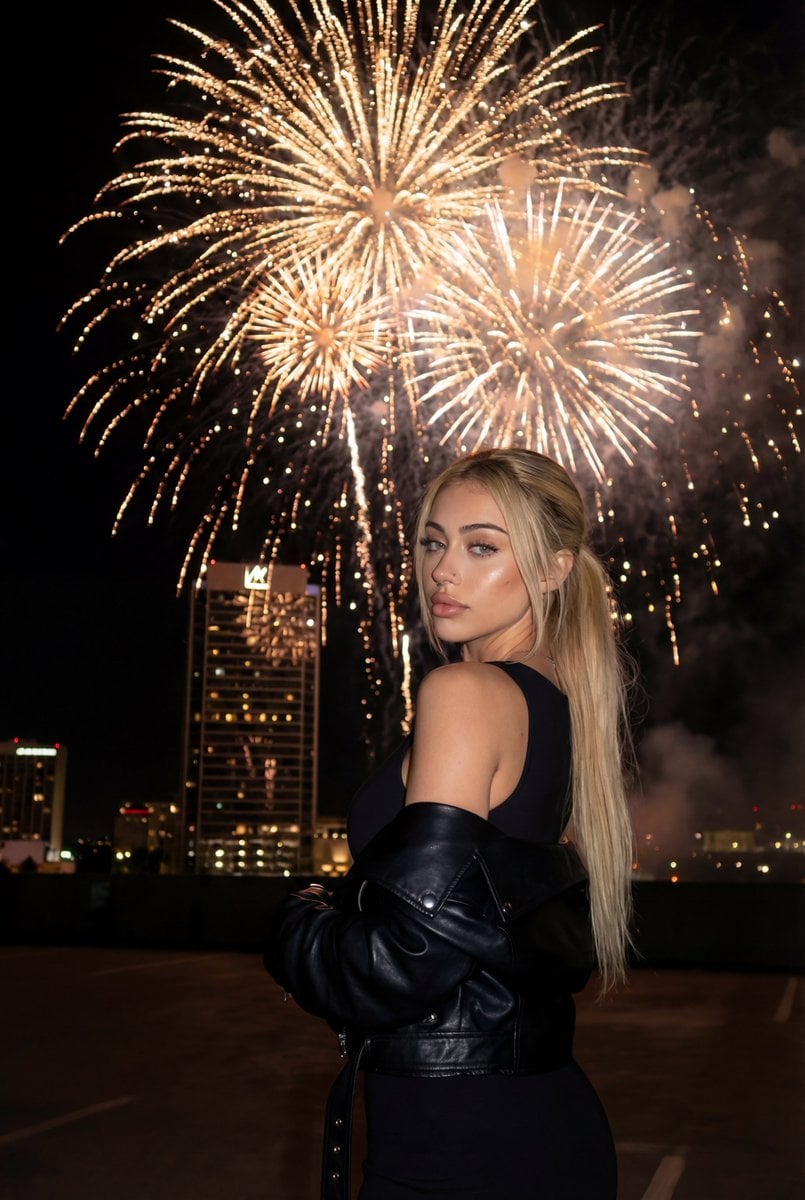
Cinematic New Year's Eve Cityscape Portrait
Shraddha Kapoor Black Turtleneck Studio Portrait Prompt
Anime Visual Novel Confession Scene
Bellingham Star Dossier Poster
Editorial-Style Marketing Banner for Premium Tech
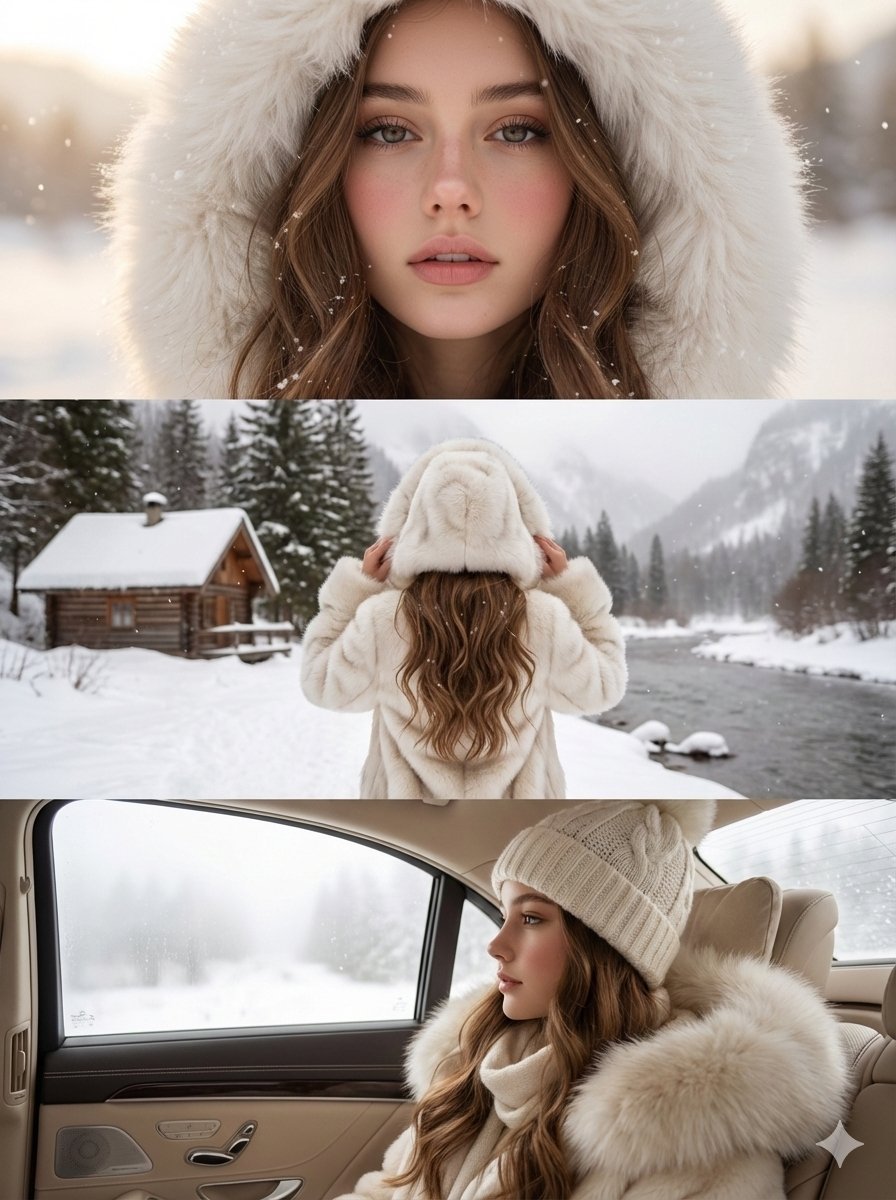
High-Quality Vertical Collage of a Young Woman in Luxury Winter Style
Browse template categories
Split-Screen MR2 Touge Drive questions
How do I use the Split-Screen MR2 Touge Drive template?
Add your photo if the template asks for one, edit the prompt if you like — the template's model and format are already selected — and press Generate. Your version opens in PicX Studio.
Can I customize the Split-Screen MR2 Touge Drive template?
Yes. You can change the subject, setting, lighting, mood, format, and available model controls before creating your image.
Is the Split-Screen MR2 Touge Drive template free?
Opening and editing this template is free. Generating uses credits, shown on the Generate button when you are signed in.
Which AI model should I use?
Start with GPT Image 2, which is the model associated with this template. You can compare another compatible model for a different finish.
Looking for something else? Browse all templates.

Your photo, any look
Thousands of ready templates for every top image and video model, from one credit balance.