How do I use the Gen Z Split Screen Advertising Poster template?
Choose the primary action to open PicX Studio with the available template settings. Review the model and format, personalize the creative direction, and generate when ready.
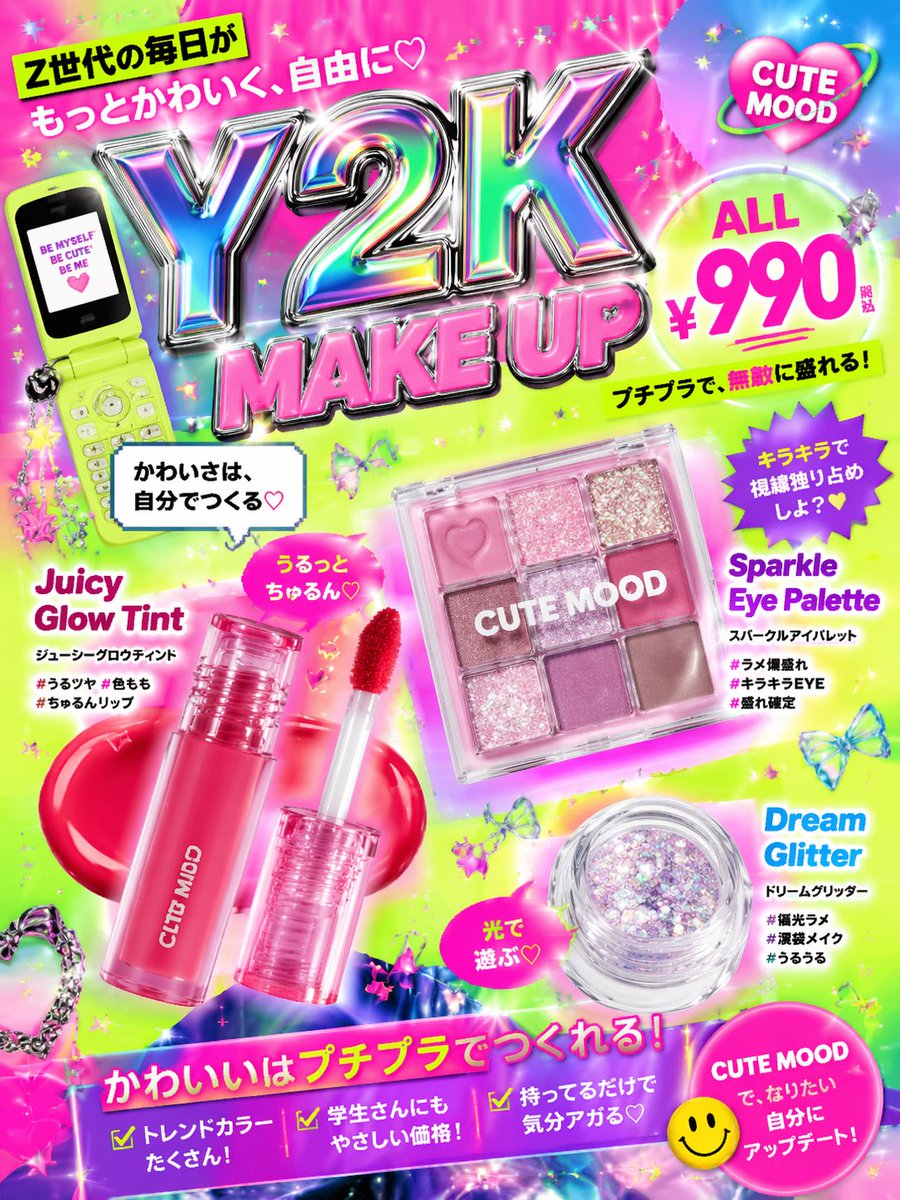
A high-energy, commercial-style prompt for a split-screen poster featuring two distinct products with vibrant neon lighting and floating motion effects.
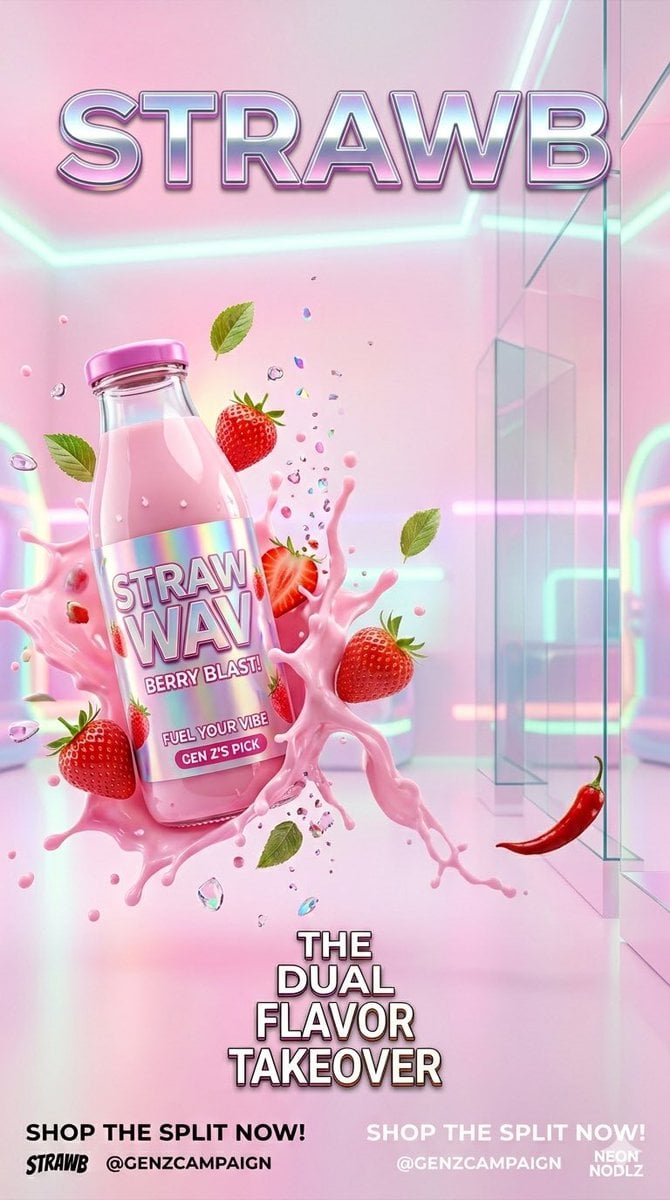
Create a split screen Gen Z FMCG advertising campaign poster featuring {argument name="product one" default="a futuristic strawberry milk drink bottle"} and {argument name="product two" default="a spicy instant ramen cup"} in one ultra cinematic composition. 1. {argument name="product one" default="a futuristic strawberry milk drink bottle"} floating in mid air with explosive pink milk splashes, fresh strawberries flying around, glossy reflections, transparent liquid droplets, {argument name="lighting" default="pastel neon lighting"}, dreamy soft pink and white gradient background, Y2K inspired aesthetic, playful Gen Z vibe, luxury beverage commercial style, high speed frozen motion, chrome typography, holographic particles, studio lighting, hyper realistic textures, fashion editorial energy, social media ad style, vibrant youthful atmosphere. 2. {argument name="product two" default="a spicy instant ramen cup"} exploding with noodles, fiery sauce splashes, floating chili peppers, sesame seeds, steam effects, glowing orange and red neon lighting, dark moody cyberpunk convenience store aesthetic, cinematic shadows, crunchy toppings suspended mid air, premium FMCG commercial photography, dramatic food styling, ultra detailed textures, streetwear inspired Gen Z branding, energetic motion blur, trendy TikTok advertisement vibe, glossy packaging reflections.
Choose the primary action to open PicX Studio with the available template settings. Review the model and format, personalize the creative direction, and generate when ready.
Yes. You can change the subject, setting, lighting, mood, format, and available model controls before creating your image.
This template is free to open and customize. Generation usage is shown in PicX Studio before you create.
Start with Nano Banana 2, which is the model associated with this template. You can compare another compatible model for a different finish.
Follow a topic to a crawlable collection of related PicX Studio templates.