
Hyper-Realistic iPhone Photo Portrait with Motion Blur and Digital Artifacts
A complex, hyper-realistic image generation prompt for Gemini Nano Banana, requiring the use of a reference image for character appearance.
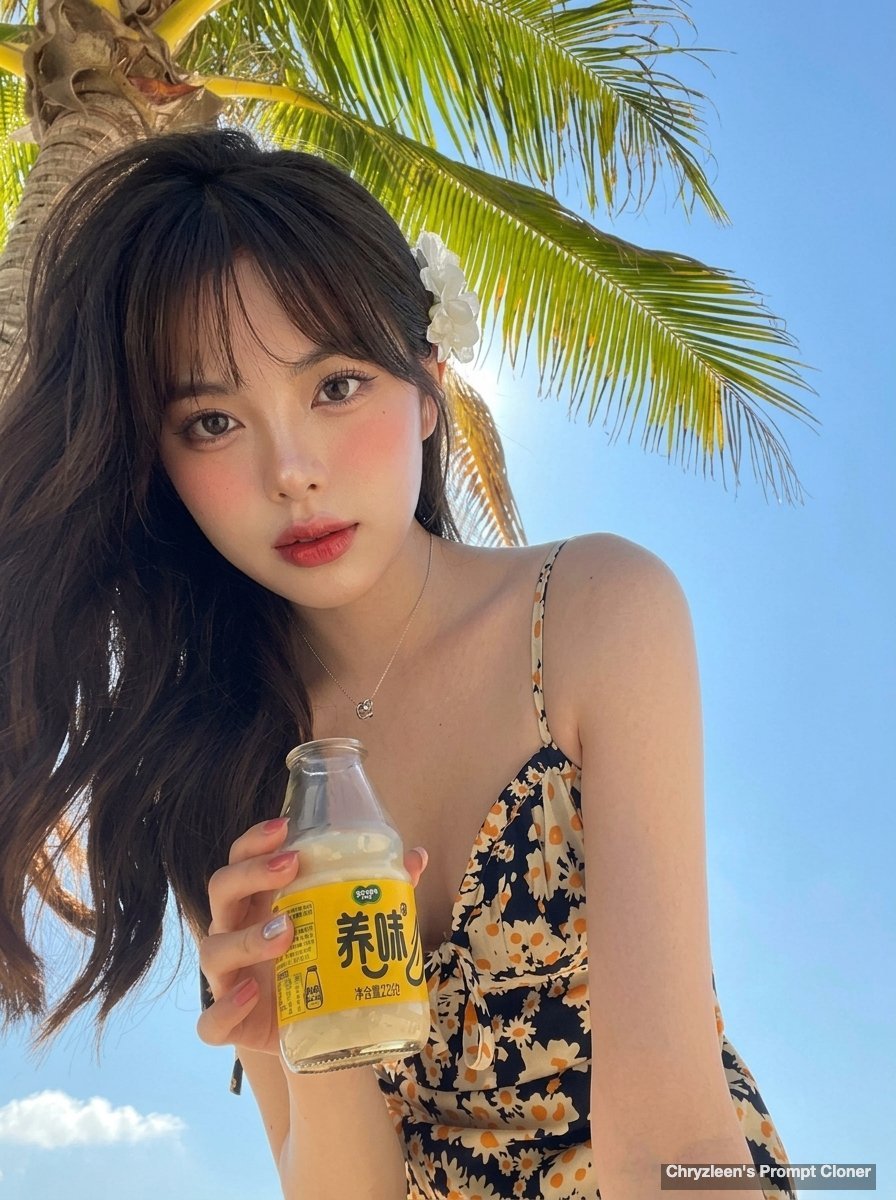
- Prompt included
- Model and format preset
- Free template
The prompt behind this image
Copy the exact prompt behind Hyper-Realistic iPhone Photo Portrait with Motion Blur and Digital Artifacts, or open it in the studio and make it yours.
Create image: Use the attached reference image as a visual guide for the character’s appearance. Preserve key visual traits such as facial structure and overall proportions, while allowing small natural variations typical of real photography. The generated subject should clearly resemble the reference while remaining a natural photographic interpretation. A hyper-realistic, ultra-sharp photograph taken on a modern iPhone 15 Pro, characterized by its digital clarity and bright HDR rendering. The subject is captured in a dynamic low-angle pose, leaning forward toward the lens while holding a small glass bottle with a yellow label containing a light-colored liquid. The person wears a dark-toned summer sundress featuring a delicate pattern of small white and yellow daisies and thin spaghetti straps, complemented by a minimalist silver pendant necklace. The hair is styled in long, voluminous dark waves swept over one shoulder and adorned with a white floral accessory. The composition is framed by vibrant green palm fronds against a vast, cloudless, bright blue sky, with the entire scene rendered in sharp focus. The lighting is bright and even, typical of modern smartphone photography, lifting all shadows to reveal realistic, dewy skin textures with visible pores. A powerful and authentic motion blur effect is applied to the hand holding the bottle to create a sense of candid, energetic action, while the entire image incorporates a low-fidelity compression look with authentic early digital artifacts and slight pixelation. The makeup aesthetic features a soft coral-toned blush, subtle dark eyeliner techniques, and a soft-edged reddish-pink lip color with a satin finish. Aspect Ratio: 3:4 Negative: extra limbs, extra hands, extra fingers, missing fingers, fused fingers, dislocated hands, broken wrists, unnatural hand pose, twisted arms, duplicated body parts, bad anatomy, incorrect anatomy, broken anatomy, impossible pose, warped body, distorted proportions, ai artifacts, poorly drawn hands, malformed anatomy
How to use Hyper-Realistic iPhone Photo Portrait with Motion Blur and Digital Artifacts in 3 steps
- 1Upload ImagePNG, JPG or paste
Add your photo
Upload the photo the template builds on. The prompt, model and format are already set.
- 2…a portrait of your subject in softgolden-hour light, 85mm…
Personalize
Edit the subject and creative details for your destination.
- 3Generate
Generate
Press Generate — your image is created in PicX Studio, so you can compare it with the original and refine one variable at a time.
More like this
Templates with the same subject, style or setup. Open one to see its prompt.
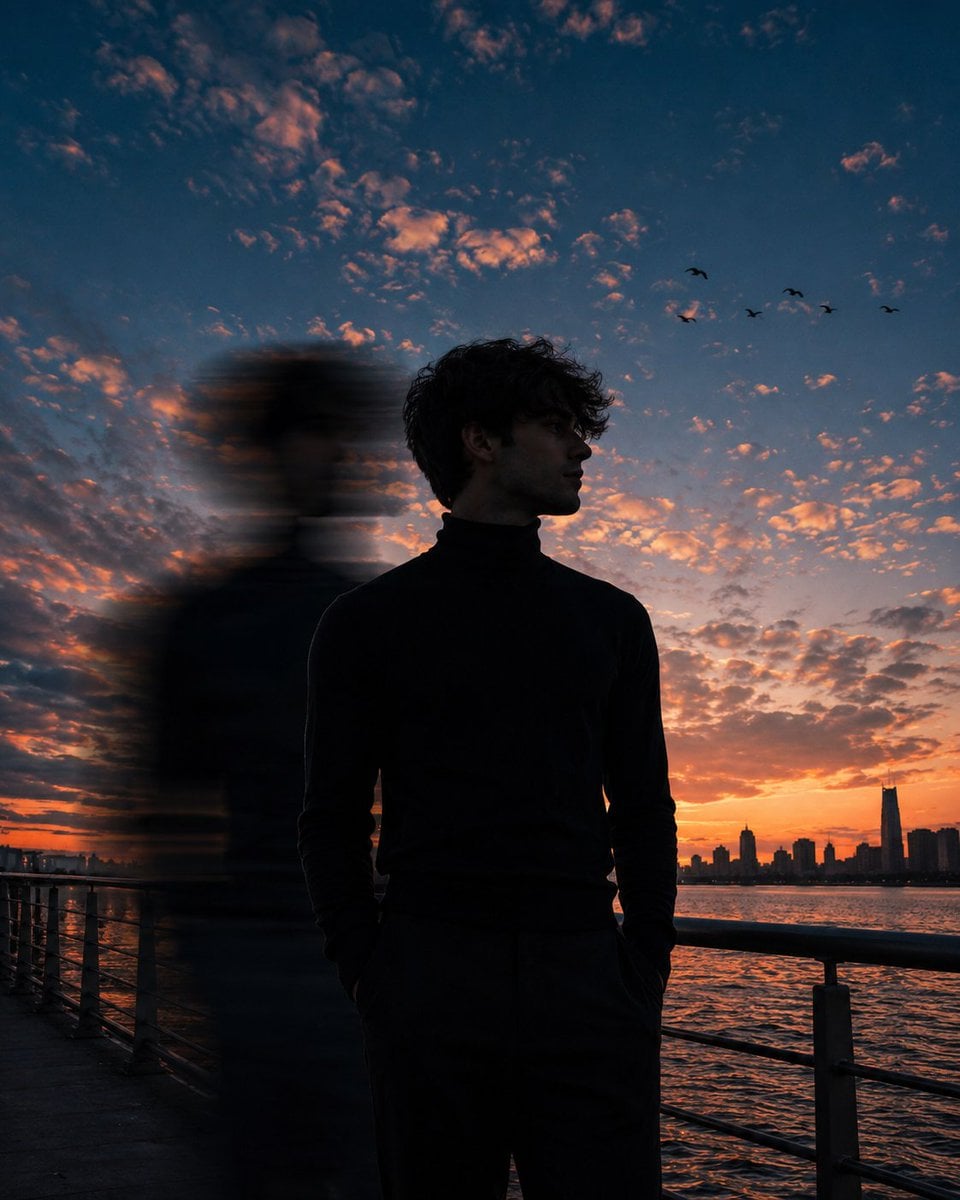
Motion Blur Sunset Portrait
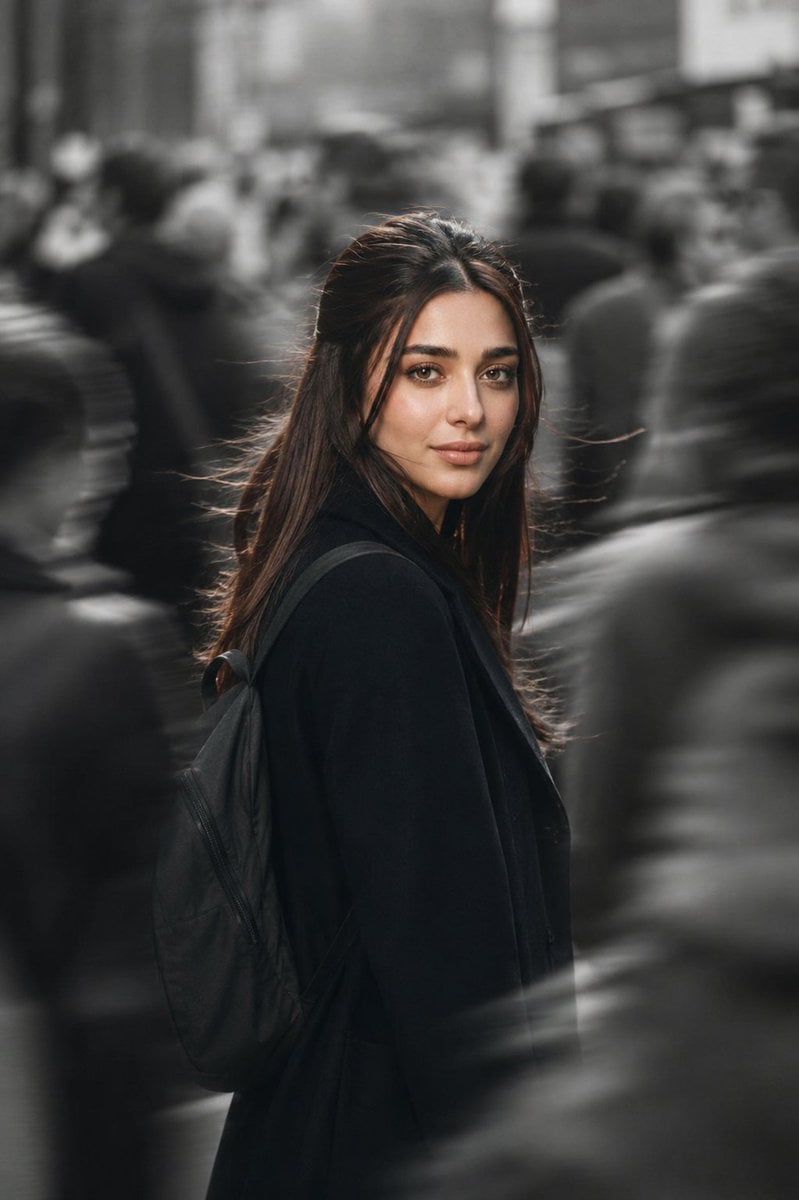
Cinematic City Motion Blur Portrait
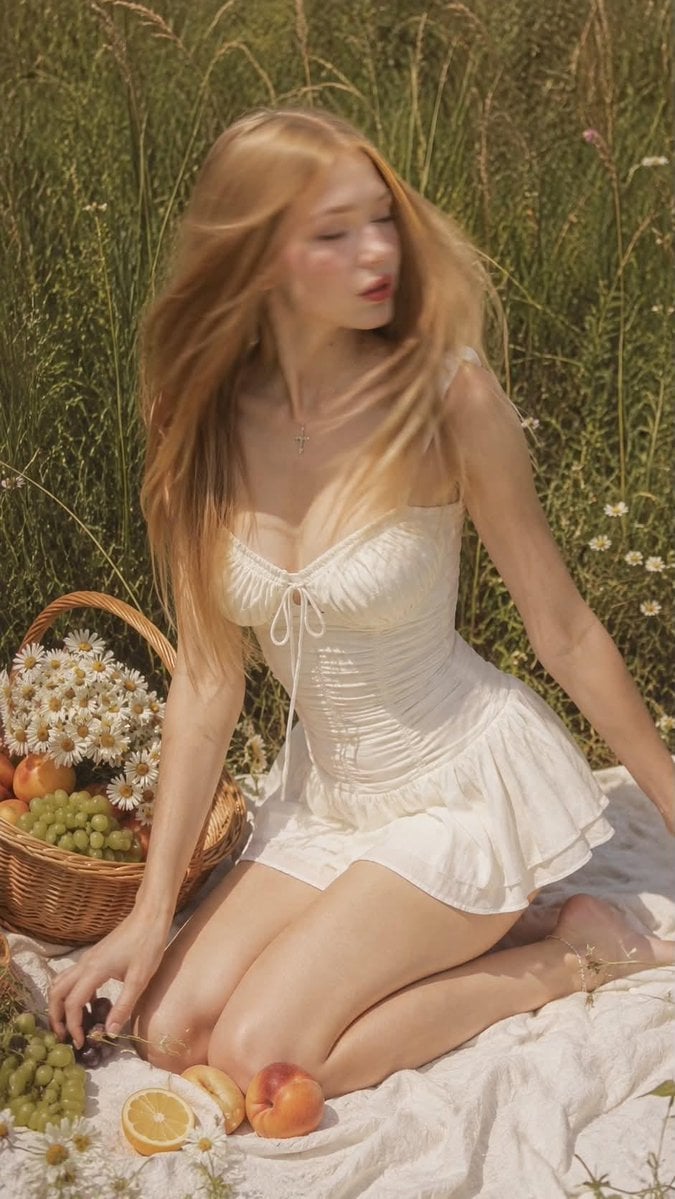
Ultra Realistic Motion Blur Portrait
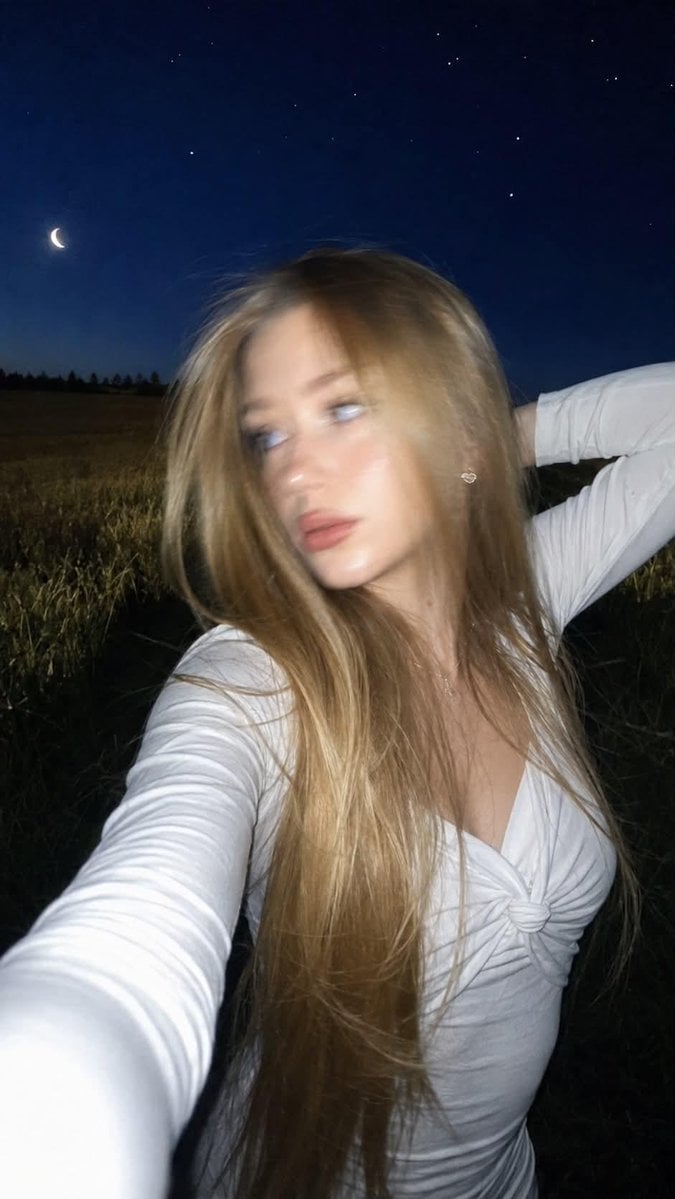
Night Flash iPhone Selfie with Motion Blur
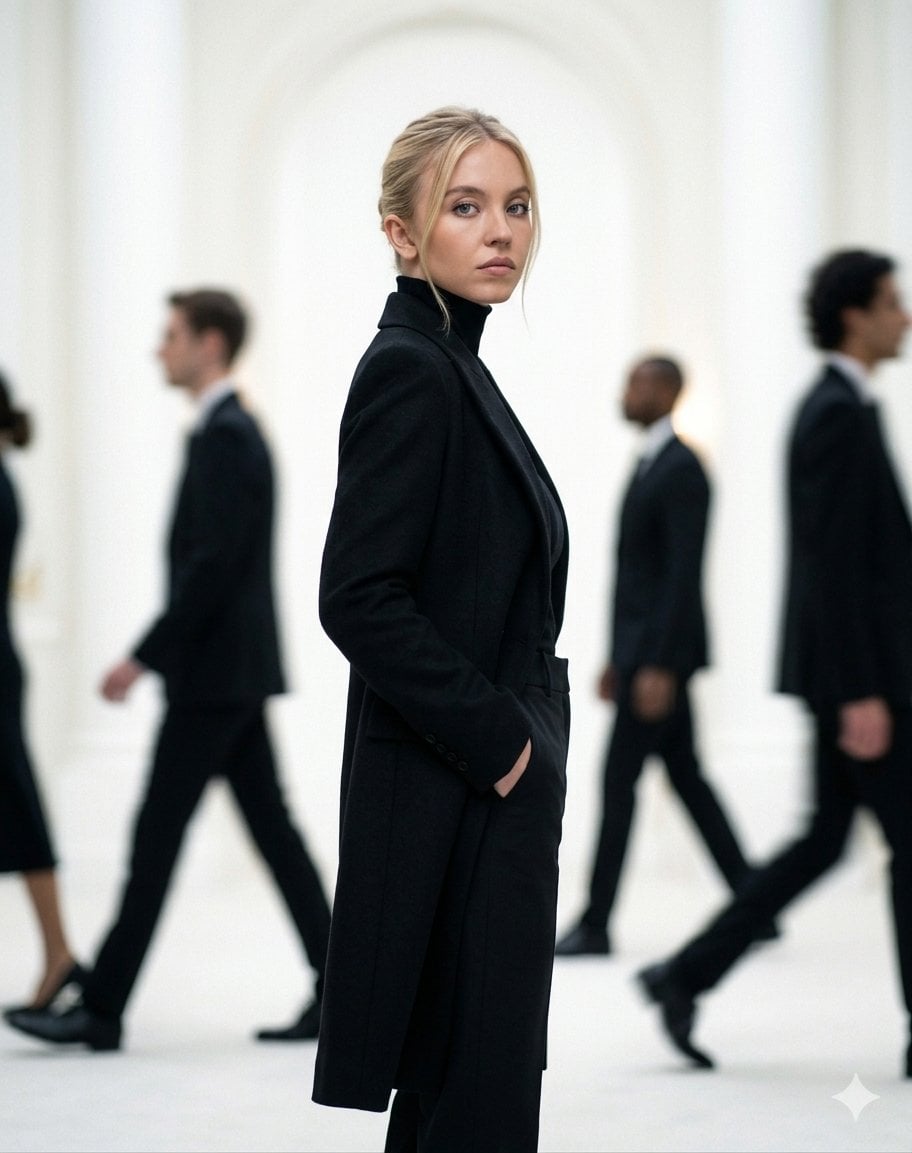
Cinematic Motion Blur Fashion Portrait
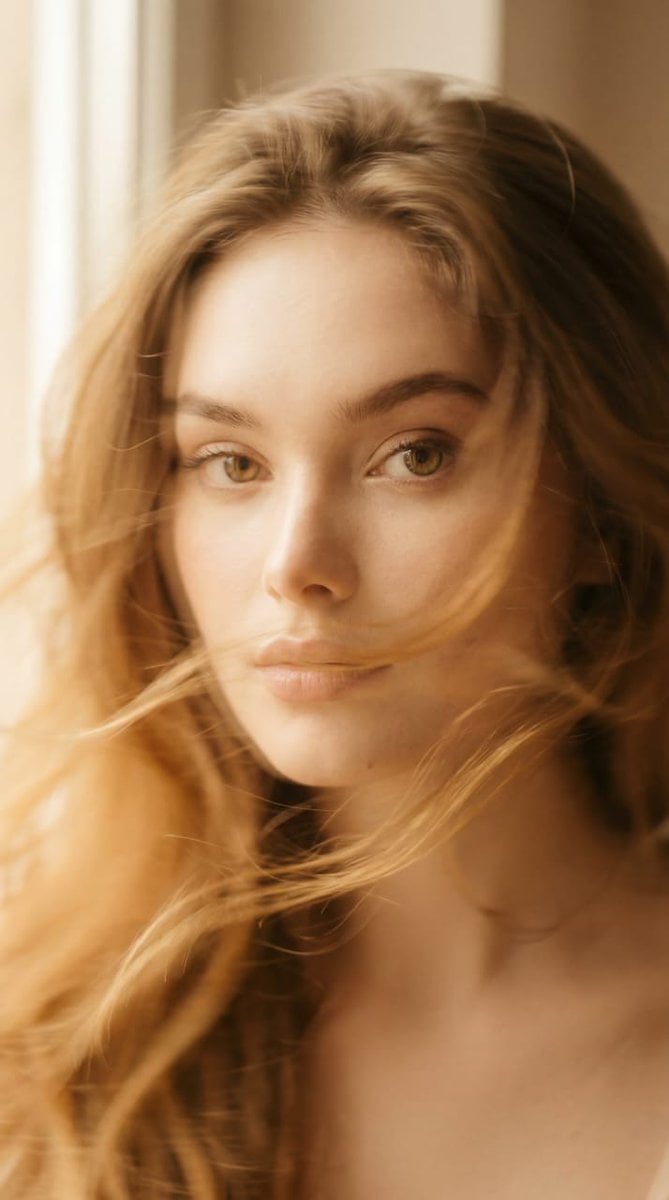
Ethereal Motion Blur Portrait
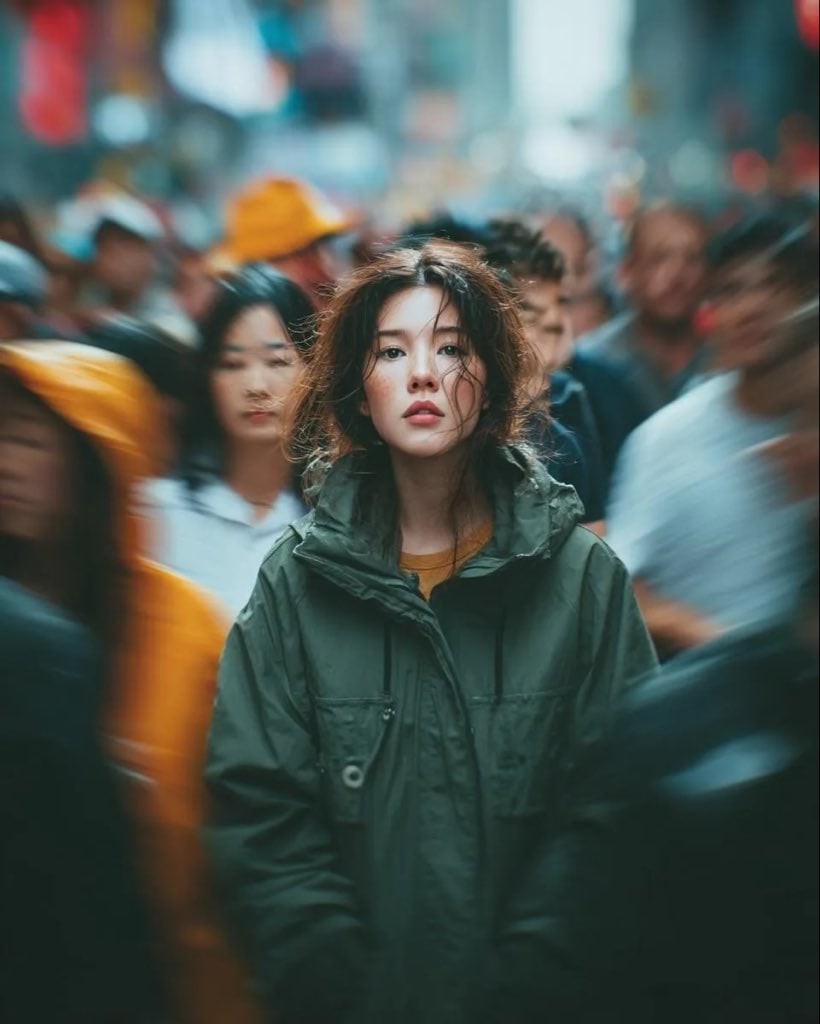
Candid Paparazzi Street Portrait with Motion Blur
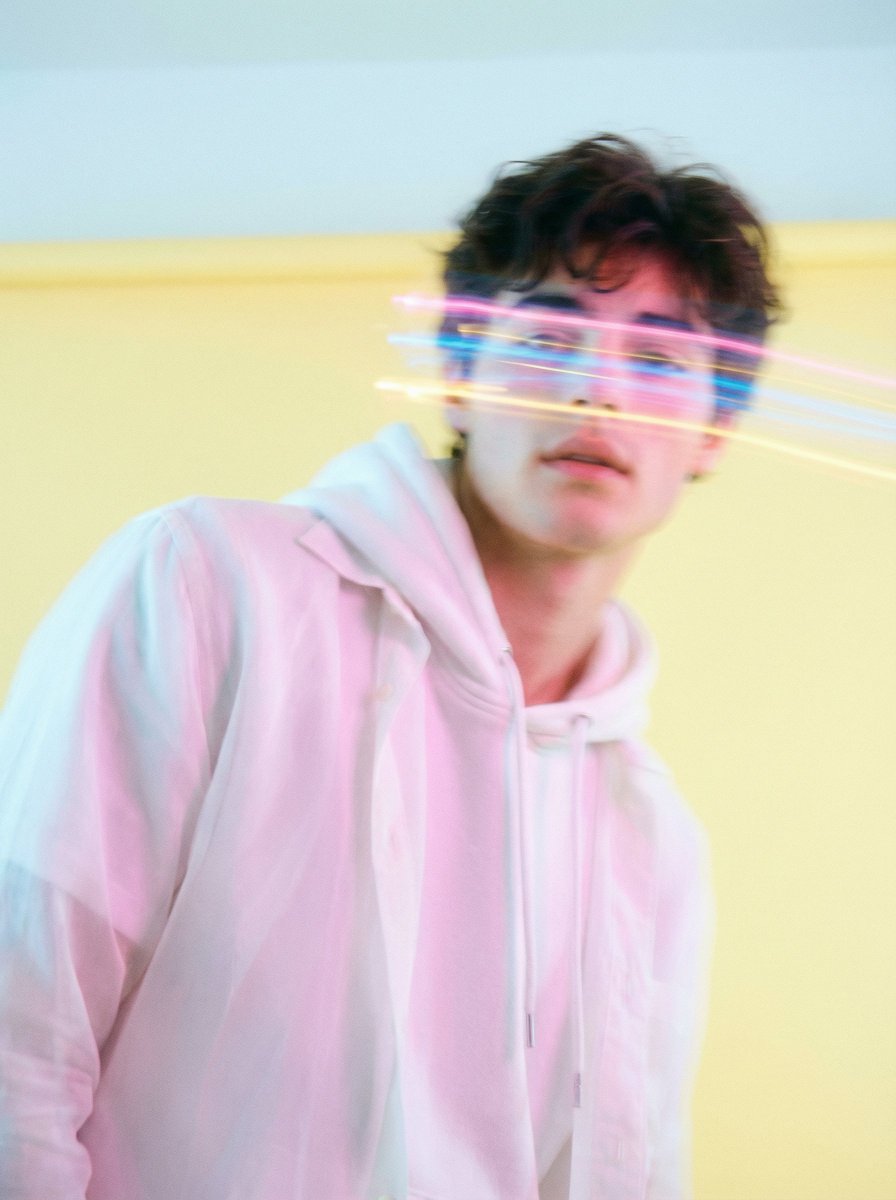
Richard Avedon Style Motion Blur Portrait
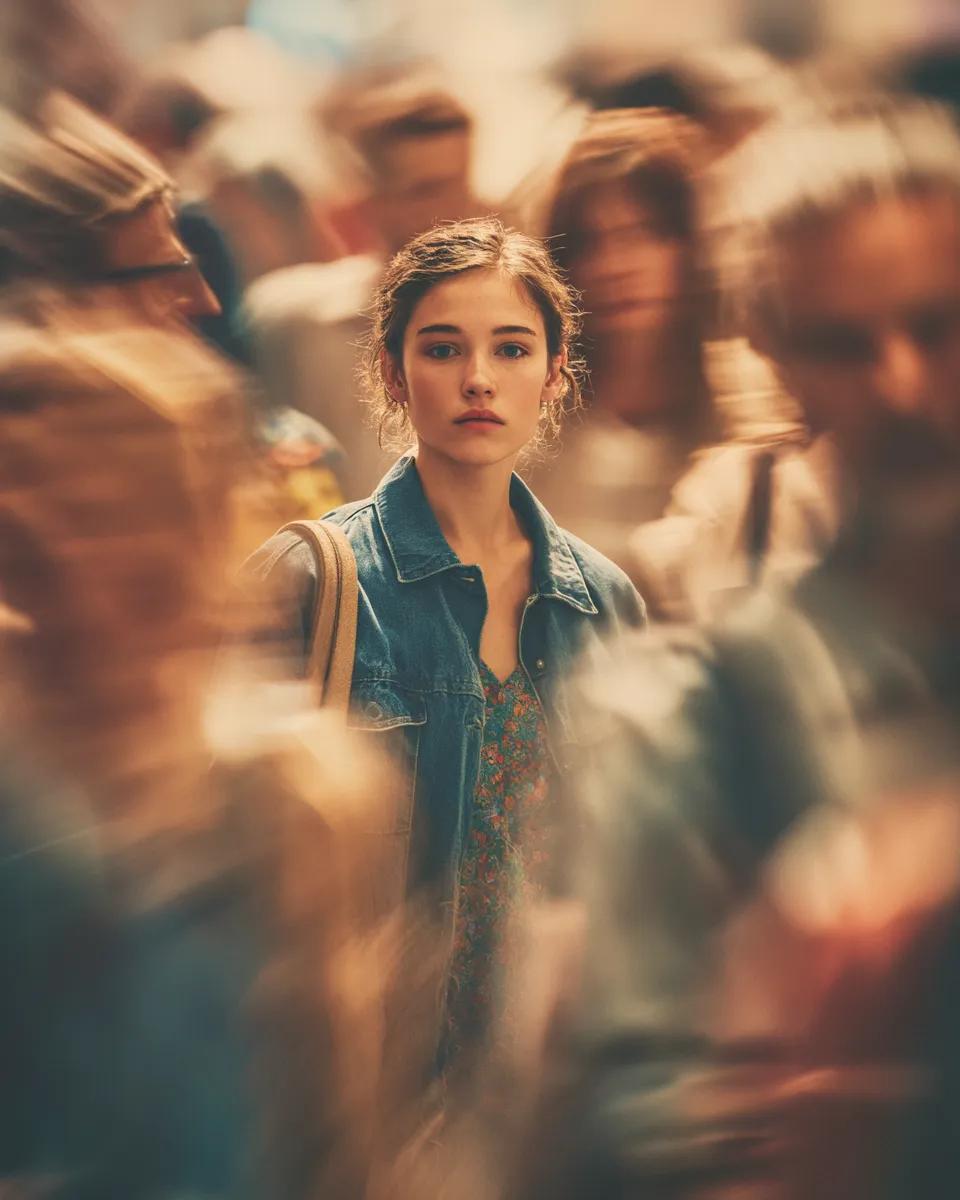
Cinematic Portrait with Motion Blur Crowd
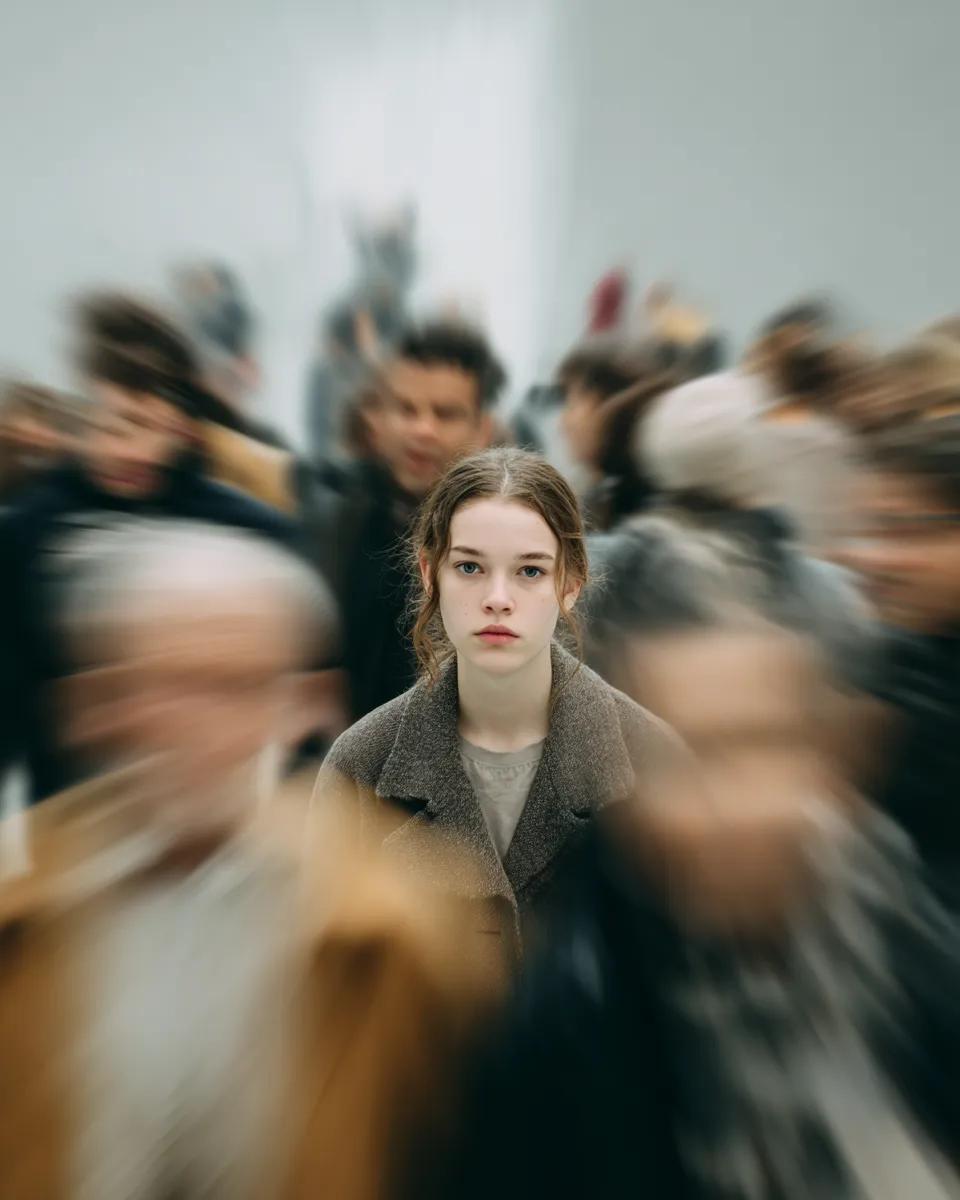
Cinematic Portrait with Radial Motion Blur
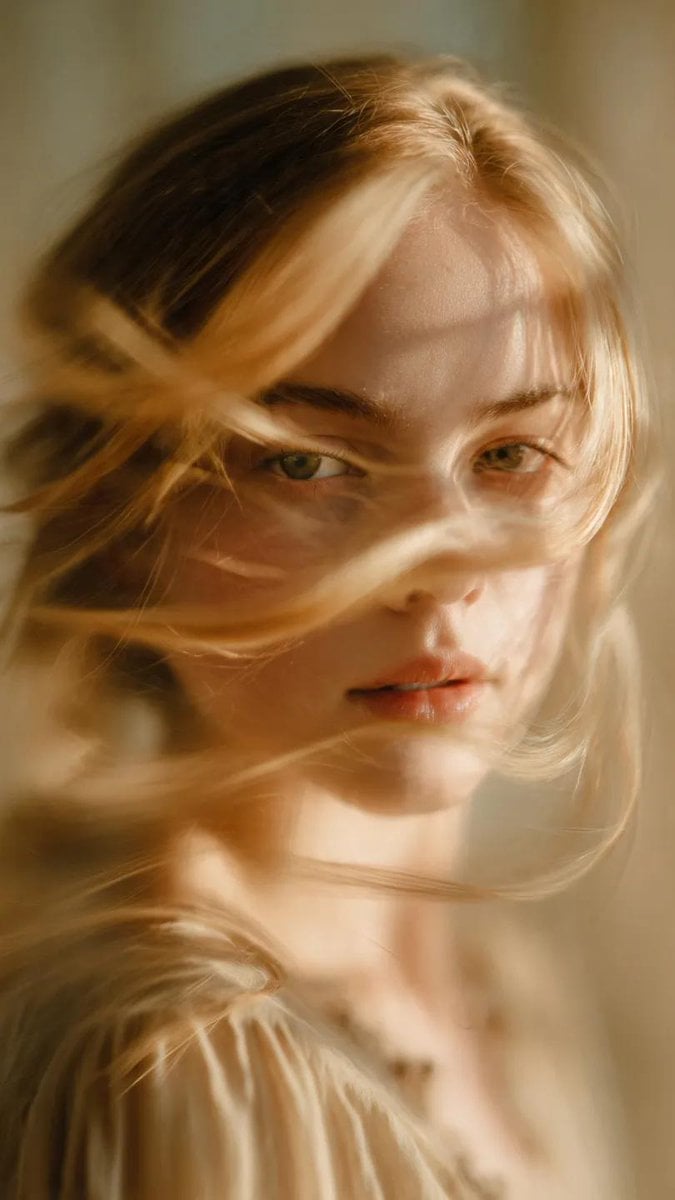
Soft-Focus Ethereal Portrait with Motion Blur
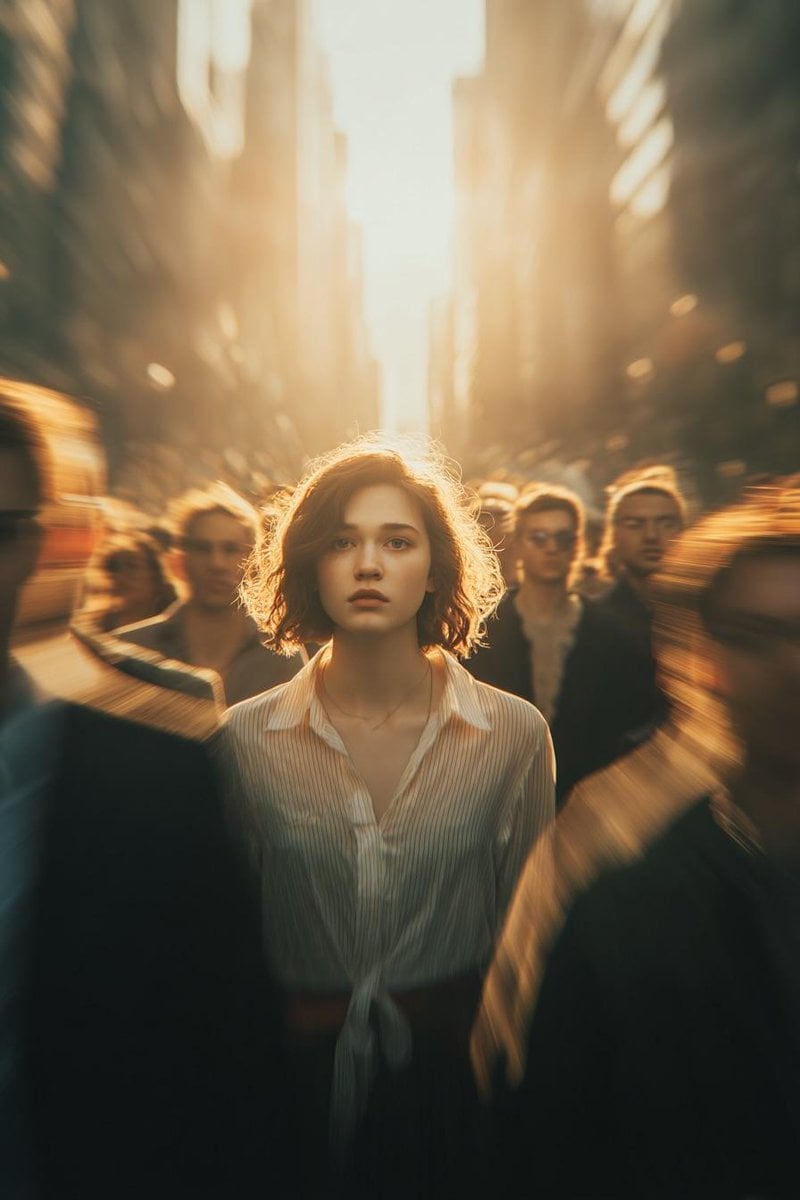
Cinematic Conceptual Portrait with Radial Motion Blur
Make it yours
Hyper-Realistic iPhone Photo Portrait with Motion Blur and Digital Artifacts works as-is. These are the safest ways to change it without losing the look.
Change one field
Copy a single group, rewrite it, and generate again so you can see what that field is doing.
Keep the frame, change the subject
Hold the composition and light of Hyper-Realistic iPhone Photo Portrait with Motion Blur and Digital Artifacts, then swap wardrobe, props or the person for a new take.
| If the result… | Why | Fix |
|---|---|---|
| The result drifts from the preview | Too many fields changed at once. | Reuse Hyper-Realistic iPhone Photo Portrait with Motion Blur and Digital Artifacts as-is first, then change one group — subject, light, or setting. |
| The model over-stylizes the scene | The prose prompt leaves finish and camera underspecified. | Add one camera or lighting sentence and stay on Nano Banana 2. |
More Nano Banana 2 templates
Other prompts made for Nano Banana 2.

Photorealistic Leaf Shaped Like a Dragon

K-Pop Idol Portrait Grid for Rapid Selection

Poetic Rain Forest Portrait During Golden Hour

Urban Street Portrait with Cartoon Inner Self Duo

Candid Nighttime Photo with Cat Prompt

High-Concept 3D Diorama Generation Prompt

Cinematic Futuristic Studio Portrait Template

Skincare Editorial Photography Collage Prompt

Hyper-Realistic Commercial Product Photography (Splash Effect)

Hyper-Realistic Nightclub Portrait Prompt
More image prompts
Fresh picks from across the catalog.

Product Render Config: Chocolate Wafer Hazelnut Edition
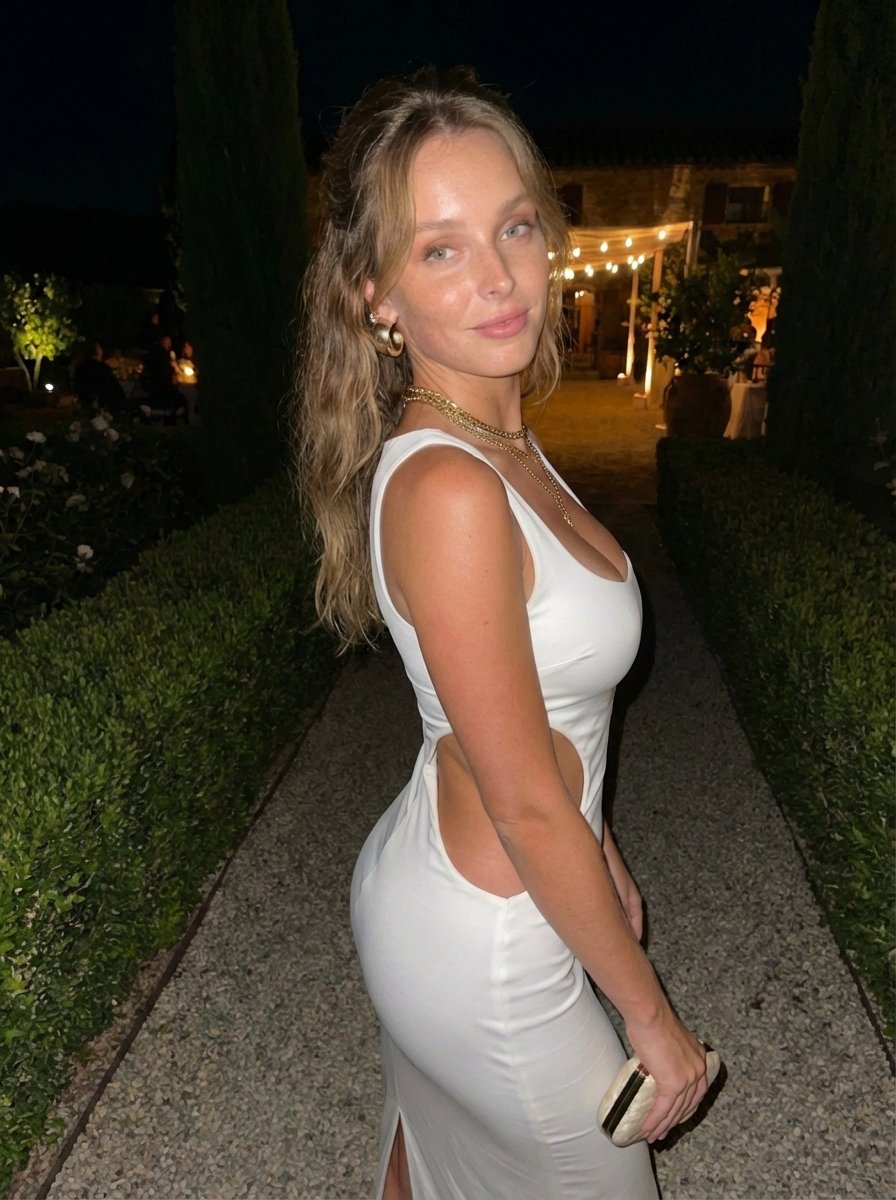
Candid Flash Photo of Woman in Avant-Garde Silk Gown
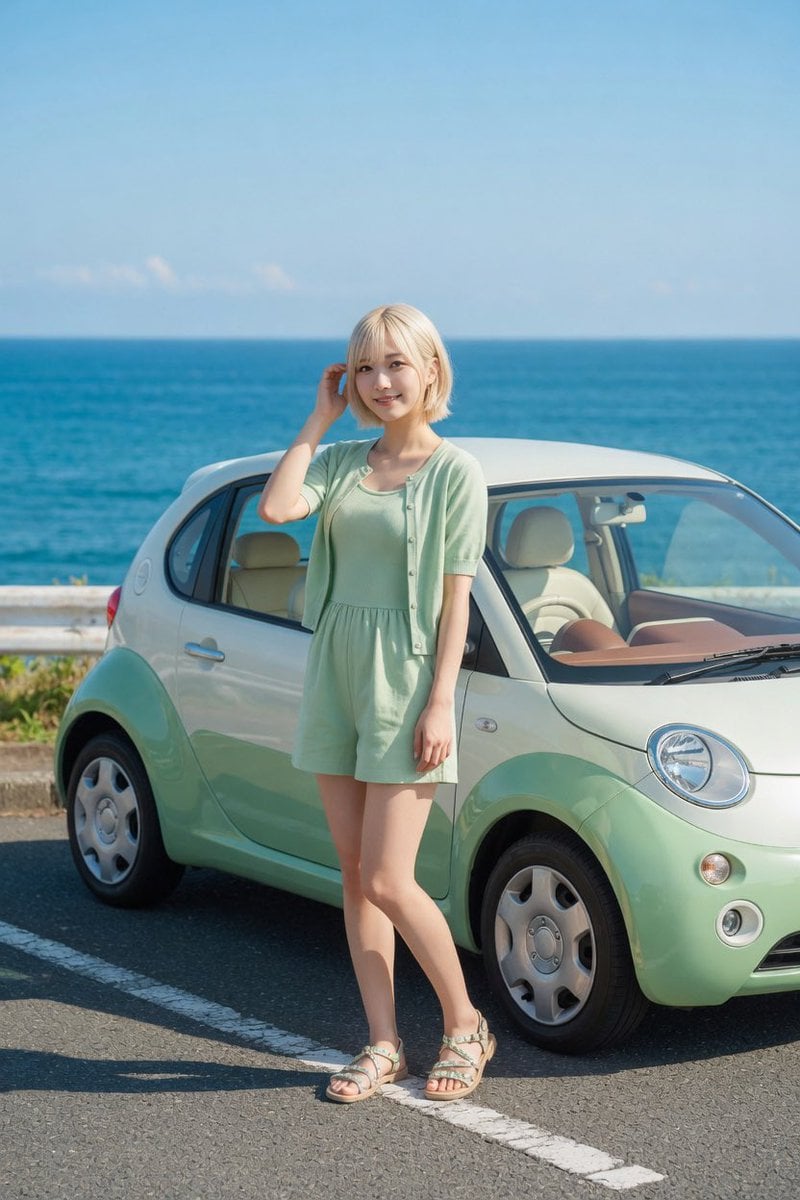
Mint Compact Car by the Sea

Generating a Food Infographic for a Hamburger
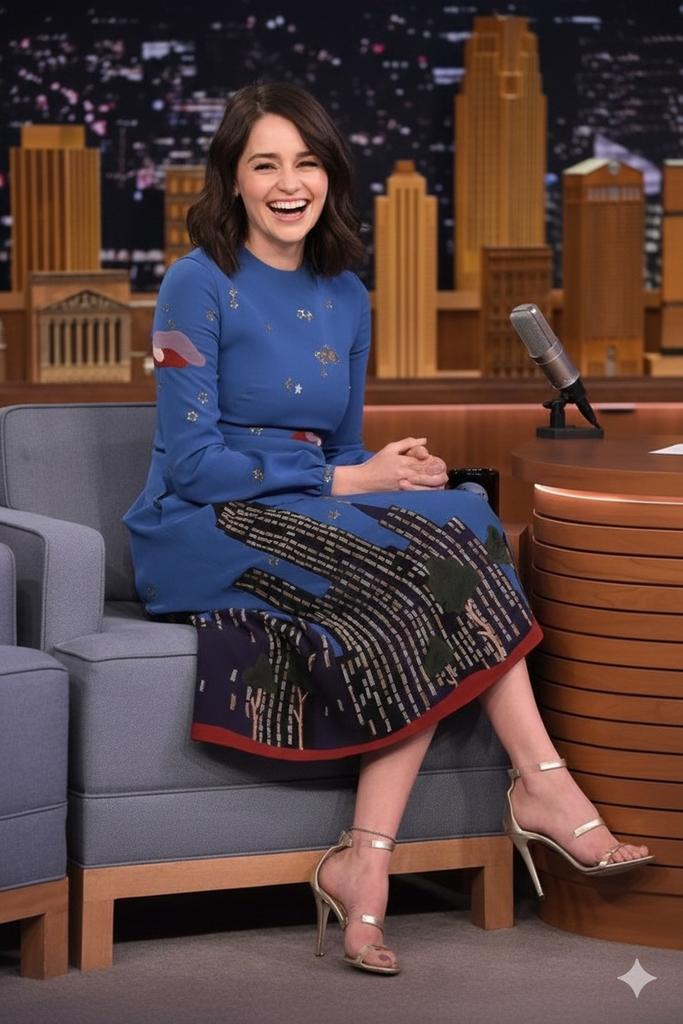
Cinematic Talk Show Portrait (Emilia Clarke Inspired)
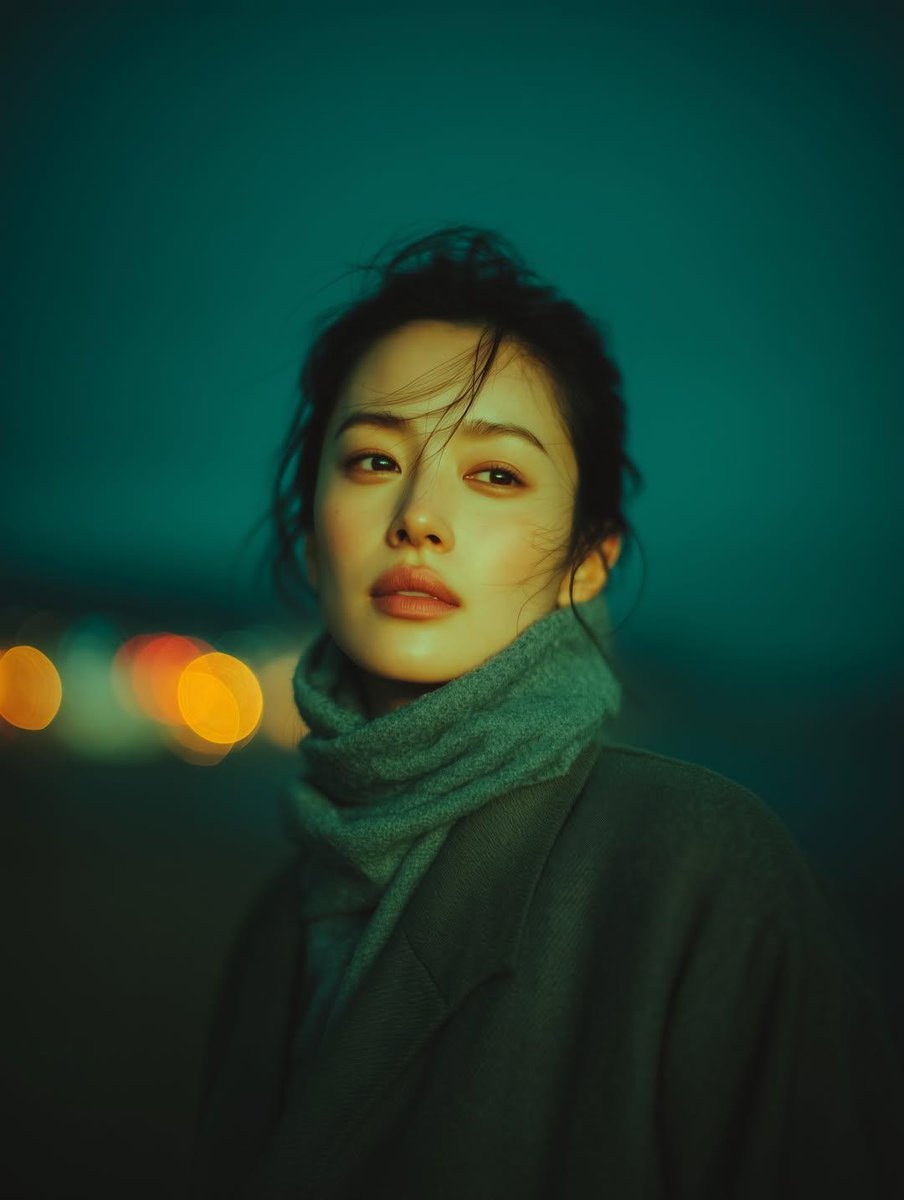
Cinematic Night Portrait with Teal-Green Grading
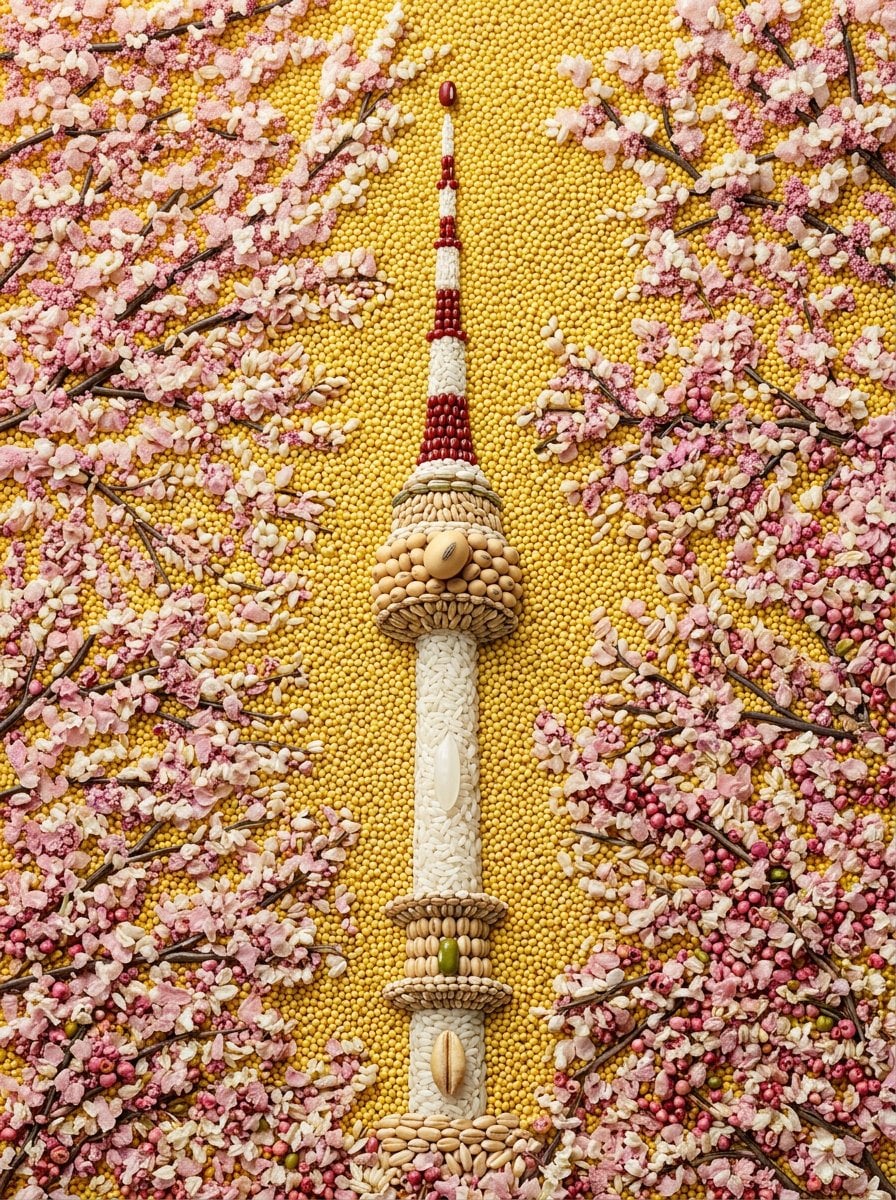
Maximalist Grain Art Prompt for Nano Banana 2
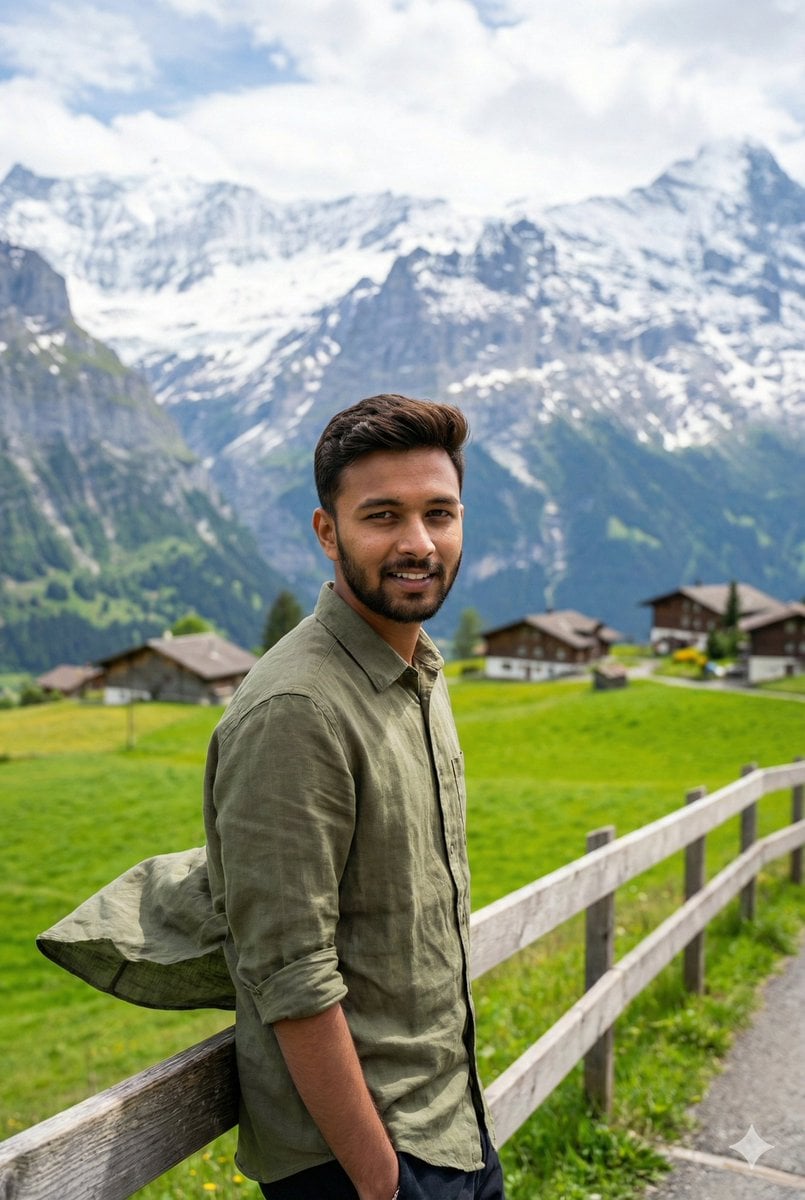
Serene Mountain Trail Portrait
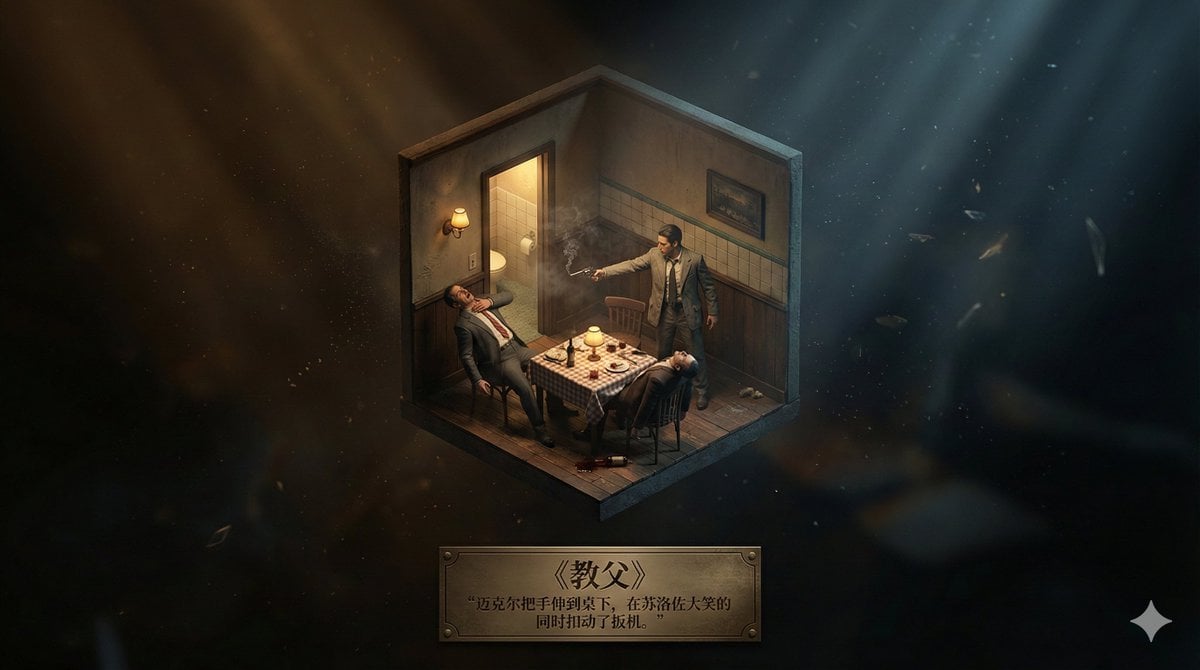
Realistic Axonometric Miniature Model with Narrative Abstract Background
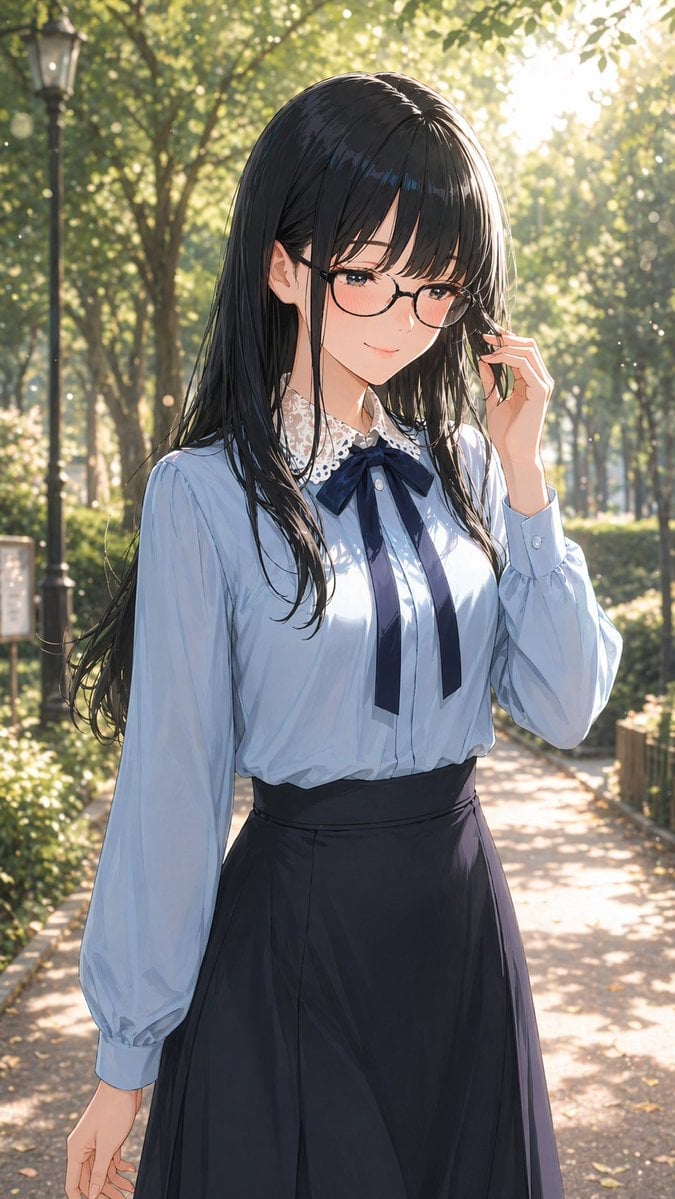
Gpt2 Profile Avatar Portrait of a Gentle Woman with Glasses
Browse template categories
Hyper-Realistic iPhone Photo Portrait with Motion Blur and Digital Artifacts questions
How do I use the Hyper-Realistic iPhone Photo Portrait with Motion Blur and Digital Artifacts template?
Add your photo if the template asks for one, edit the prompt if you like — the template's model and format are already selected — and press Generate. Your version opens in PicX Studio.
Can I customize the Hyper-Realistic iPhone Photo Portrait with Motion Blur and Digital Artifacts template?
Yes. You can change the subject, setting, lighting, mood, format, and available model controls before creating your image.
Is the Hyper-Realistic iPhone Photo Portrait with Motion Blur and Digital Artifacts template free?
Opening and editing this template is free. Generating uses credits, shown on the Generate button when you are signed in.
Which AI model should I use?
Start with Nano Banana 2, which is the model associated with this template. You can compare another compatible model for a different finish.
Looking for something else? Browse all templates.

Your photo, any look
Thousands of ready templates for every top image and video model, from one credit balance.