
Realistic Axonometric Miniature Model with Narrative Abstract Background
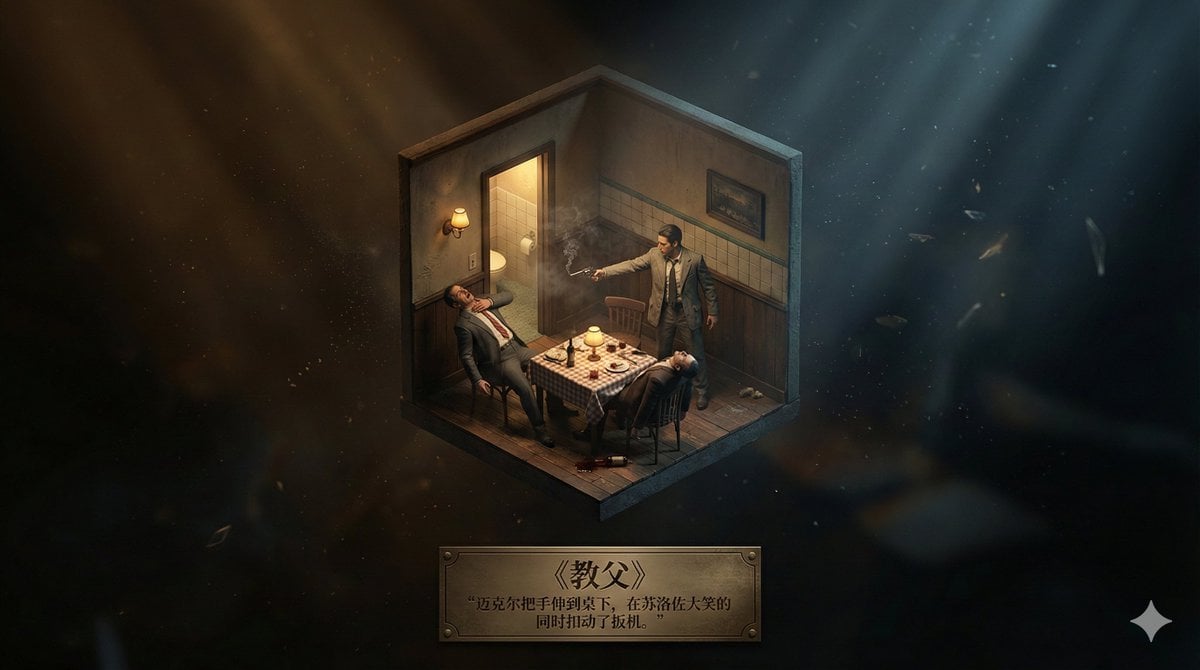
A complex, multi-part prompt designed to generate a highly realistic 3D miniature model of a scene from a fictional work (film/novel) set within an abstract, emotionally resonant background.
- Prompt included
- Model and format preset
- Free template
The prompt behind this image
Copy the exact prompt behind Realistic Axonometric Miniature Model with Narrative Abstract Background, or open it in the studio and make it yours.
【Work information retrieval】 - Target work title: 《{argument name="work title" default="需要添加的名称 (name to be added)"}》 - Task: Retrieve the plot, setting, and narrative structure of this film/TV drama or novel. - Goal: Automatically select the most representative iconic scene or core location, and extract its emotional core (such as sorrow, hope, resolve, reunion, destruction, tranquility, etc.). 【Main scene construction: a 3D isometric miniature model】 - Present a realistic 3D miniature model at the center. - Viewpoint: axonometric/isometric. - Model content: - Architectural details realistically restored based on the original work - Character actions and expressions consistent with physics and narrative logic - Environmental atmosphere realistically rendered (storm, morning mist, sunset, firelight, etc.) - Rendering style: physically based rendering of realistic materials and light. - Effect: though small, the model has real detail, like "a miniature replica of a real scene, illuminated by exhibition-grade lighting." 【Background design: a narrative-driven, realistic abstract space】 - No pure white or solid-color background allowed. - The background, based on the "scene's emotional core," is built as a realistic, abstracted emotional space, including: ① Emotional color tone (e.g., sorrow → cold blue-gray; hope → warm gold light; tension → dark contrast) ② Air dynamics and volumetric light (light haze, dust particles, backlighting, etc., carrying narrative meaning) ③ Lightweight symbolic elements (petals, scraps of paper, ash, stardust, water ripples, etc. as emotional particles) ④ Spatial depth (aerial perspective, soft focus, gradient lighting creating a deep void with "a lingering, flowing afterglow") - Goal: let the background hint at the story's context through abstract light and shadow, echoing emotionally with the main scene. 【Bottom layout: work title + a classic line】 - Bottom-centered layout. - Content: ① The Chinese work title: 《{argument name="work title" default="需要添加的名称 (name to be added)"}》 (font matching the work's mood) ② A line of original description or dialogue related to that scene (an elegant serif font) - Overall layout referencing an art-museum placard, simple, balanced, and refined. 【Overall visual requirements】 - The miniature model should be realistic, precise, with genuine material quality. - The background should reinforce the narrative through emotional color, volumetric light, and symbolic particles. - The entire frame should convey the realism and poetic mood of a high-end exhibition-grade narrative artwork. Output the image directly, size 16:9
How to use Realistic Axonometric Miniature Model with Narrative Abstract Background in 3 steps
- 1
Open
The prompt is already in the box next to the preview, with the template's model and format selected.
- 2…a portrait of your subject in softgolden-hour light, 85mm…
Personalize
Edit the subject and creative details for your destination.
- 3Generate
Generate
Press Generate — your image is created in PicX Studio, so you can compare it with the original and refine one variable at a time.
More like this
Templates with the same subject, style or setup. Open one to see its prompt.

Paper Tunnel Book Architecture

Floraverse Botanical Fusion

FLORAVERSE BOTANICAL FUSION

Premium Vertical Product Campaign Poster

Photoreal Selfie Minecraft Block World

Isometric Brand Store Diorama
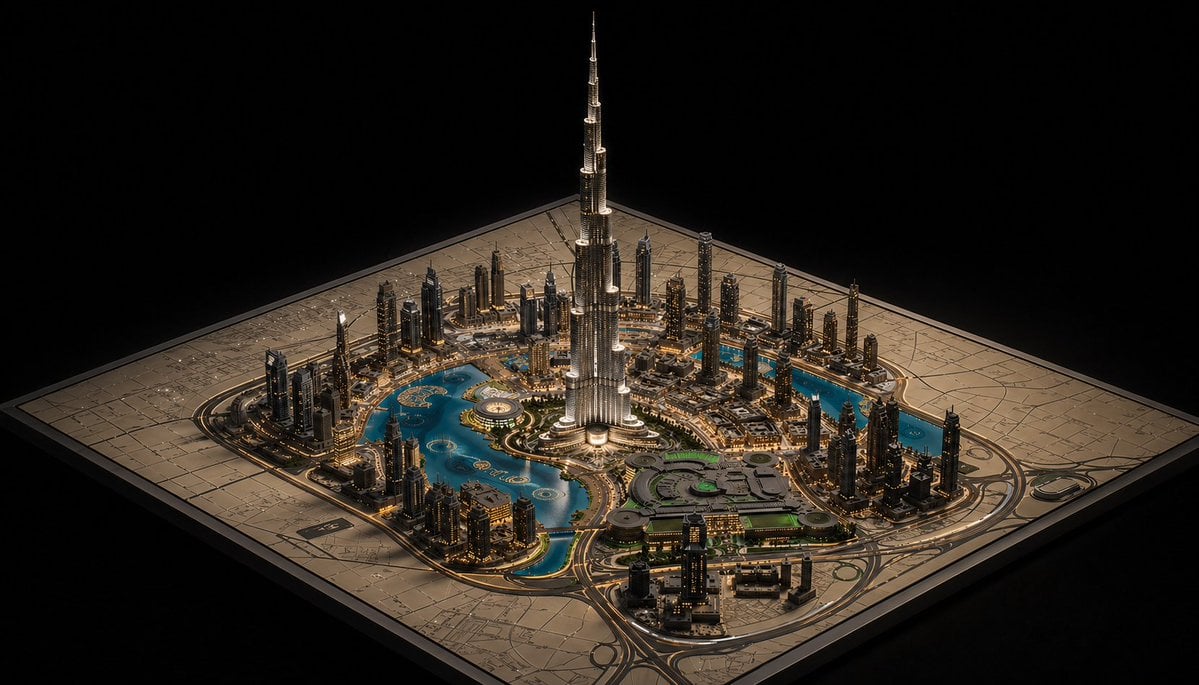
Luxury Miniature Dubai City Model

Abstract Background Generation (Reference-Based)
Abstract Background for Premium Website
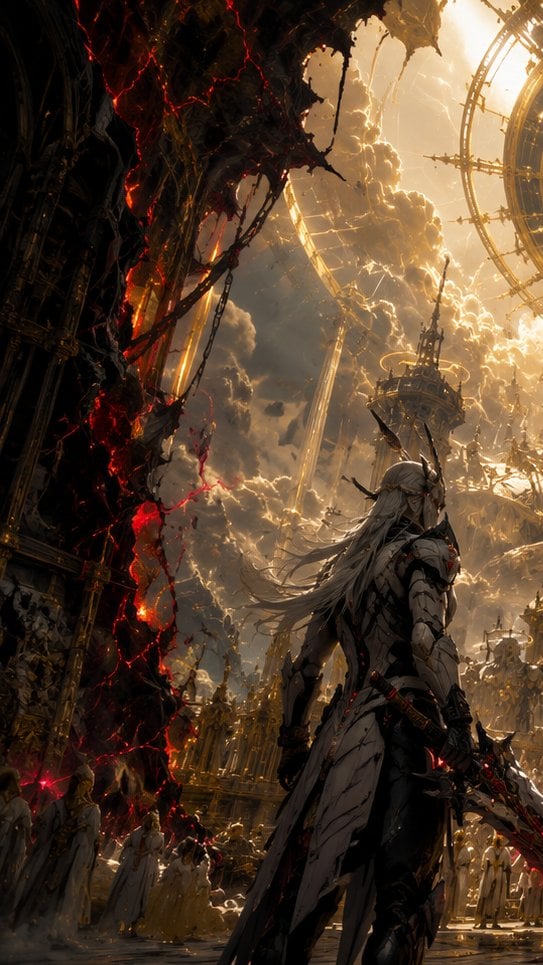
The First Gaze Narrative
Abstract Fine-Art Editorial Portrait
The God Kneels Narrative Scene
Make it yours
Realistic Axonometric Miniature Model with Narrative Abstract Background works as-is. These are the safest ways to change it without losing the look.
Change one field
Copy a single group, rewrite it, and generate again so you can see what that field is doing.
Keep the frame, change the subject
Hold the composition and light of Realistic Axonometric Miniature Model with Narrative Abstract Background, then swap wardrobe, props or the person for a new take.
| If the result… | Why | Fix |
|---|---|---|
| The result drifts from the preview | Too many fields changed at once. | Reuse Realistic Axonometric Miniature Model with Narrative Abstract Background as-is first, then change one group — subject, light, or setting. |
| The model over-stylizes the scene | The prose prompt leaves finish and camera underspecified. | Add one camera or lighting sentence and stay on Nano Banana 2. |
More Nano Banana 2 templates
Other prompts made for Nano Banana 2.

Photorealistic Leaf Shaped Like a Dragon

K-Pop Idol Portrait Grid for Rapid Selection

Poetic Rain Forest Portrait During Golden Hour

Urban Street Portrait with Cartoon Inner Self Duo

Candid Nighttime Photo with Cat Prompt

High-Concept 3D Diorama Generation Prompt

Cinematic Futuristic Studio Portrait Template

Skincare Editorial Photography Collage Prompt

Hyper-Realistic Commercial Product Photography (Splash Effect)

Hyper-Realistic Nightclub Portrait Prompt
More image prompts
Fresh picks from across the catalog.
Rain-Soaked Dark Western Gunslinger

Perfume Bottle Product Shot with Torn Paper Effect
Sci-Fi Commander Portrait

Lake Como Lifestyle Photography
GPT Image 2 Denoise Purification Instruction
East Asian Woman with Milk Glass and Louis Vuitton Bag

Miniature Girl on Giant Football
Japanese Minimalist Wellness Poster
Dark Xianxia Shattered Glass Poster
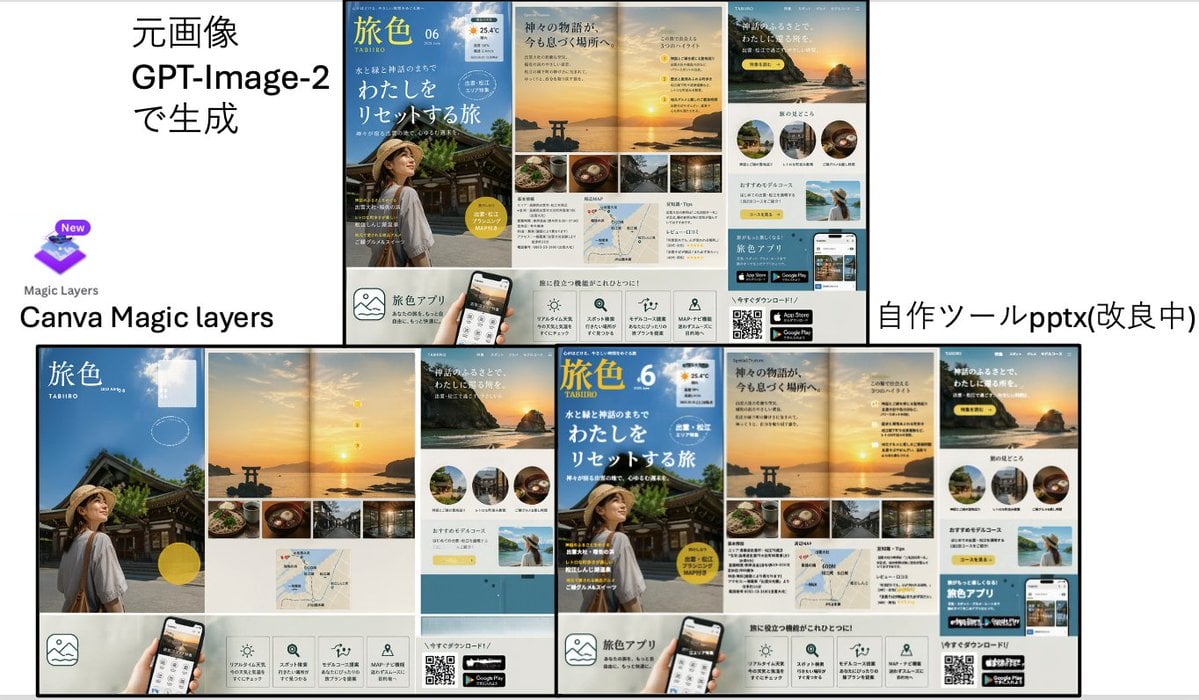
Travel Ad Conversion Comparison Slide
Browse template categories
Realistic Axonometric Miniature Model with Narrative Abstract Background questions
How do I use the Realistic Axonometric Miniature Model with Narrative Abstract Background template?
Add your photo if the template asks for one, edit the prompt if you like — the template's model and format are already selected — and press Generate. Your version opens in PicX Studio.
Can I customize the Realistic Axonometric Miniature Model with Narrative Abstract Background template?
Yes. You can change the subject, setting, lighting, mood, format, and available model controls before creating your image.
Is the Realistic Axonometric Miniature Model with Narrative Abstract Background template free?
Opening and editing this template is free. Generating uses credits, shown on the Generate button when you are signed in.
Which AI model should I use?
Start with Nano Banana 2, which is the model associated with this template. You can compare another compatible model for a different finish.
Looking for something else? Browse all templates.

Your photo, any look
Thousands of ready templates for every top image and video model, from one credit balance.