
Rain-Soaked Dark Western Gunslinger
This prompt generates a cinematic monochrome western portrait scene, ideal for moody poster art, album covers, or dramatic neo-noir cowboy imagery.
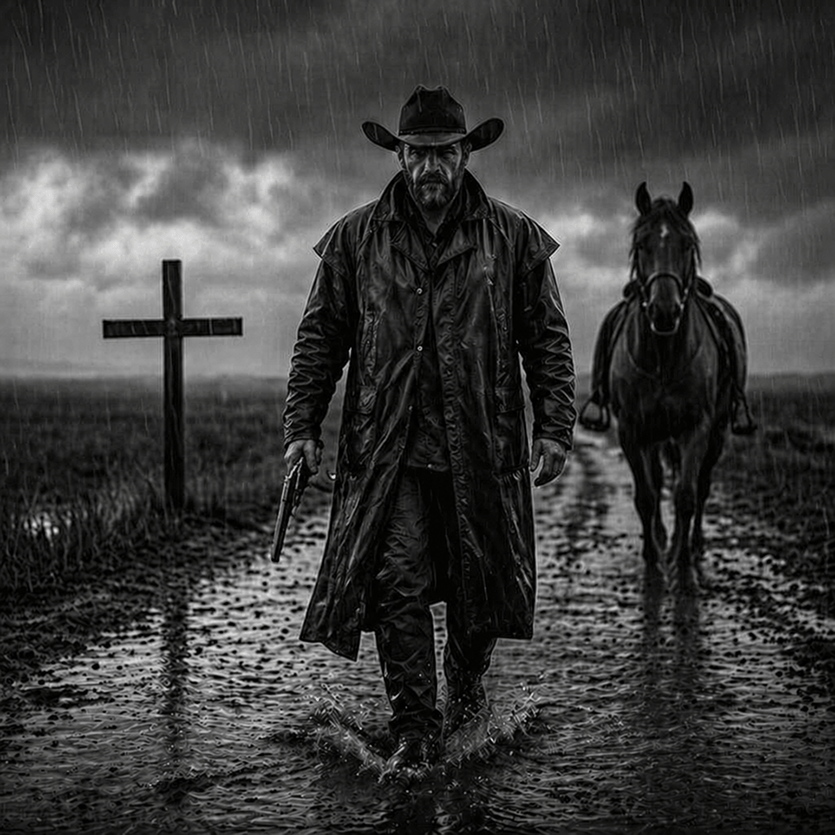
- Prompt included
- Model and format preset
- Free template
The prompt behind this image
Copy the exact prompt behind Rain-Soaked Dark Western Gunslinger, or open it in the studio and make it yours.
A cinematic black-and-white neo-western scene in heavy rain: a lone cowboy gunslinger walks directly toward the camera down a muddy road, centered in the frame, full body visible. He wears a dark wide-brim cowboy hat, a long soaked leather duster coat, dark shirt, dark pants, gloves, and boots, with rainwater glistening across every surface. His face is obscured in deep shadow for an anonymous, intimidating presence. In one hand he carries a revolver pointed downward. Behind him on the right side of the road stands or slowly follows a dark horse, also wet from the rain, slightly out of focus but clearly visible. On the left side of the road is a single wooden grave cross planted in the ground. The landscape is flat, barren, and desolate, with open fields stretching into the distance beneath low storm clouds. The road is filled with puddles and reflective wet mud, with visible splashes around the cowboy’s boots. Use dramatic storm lighting, high contrast, deep blacks, silvery highlights, and a gloomy, brooding atmosphere. Composition should feel like a dark western movie poster, symmetrical and confrontational, with the central figure dominating the image, rain streaks falling vertically across the whole frame, sharp texture on the coat and mud, shallow depth of field in the background, and an overall gritty, somber, menacing tone.
How to use Rain-Soaked Dark Western Gunslinger in 3 steps
- 1Upload ImagePNG, JPG or paste
Add your photo
Upload the photo the template builds on. The prompt, model and format are already set.
- 2…a portrait of your subject in softgolden-hour light, 85mm…
Personalize
Edit the subject and creative details for your destination.
- 3Generate
Generate
Press Generate — your image is created in PicX Studio, so you can compare it with the original and refine one variable at a time.
More like this
Templates with the same subject, style or setup. Open one to see its prompt.

Meet Me When It Rains

Rainy Night Android Cyberpunk Portrait

Spider-Man Noir Detective Rain Alley

Selective Color Monochrome Football Poster
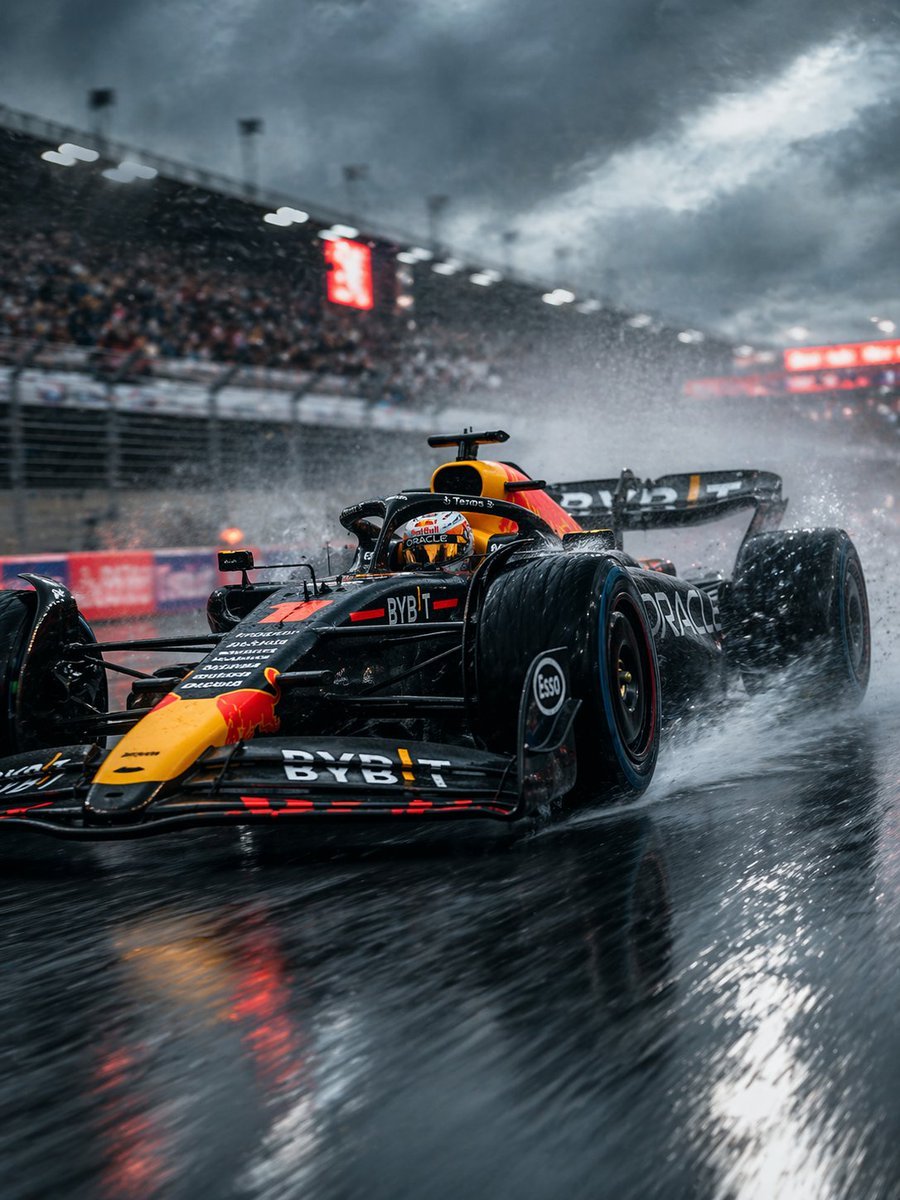
Rain-Soaked Formula Race Car Action
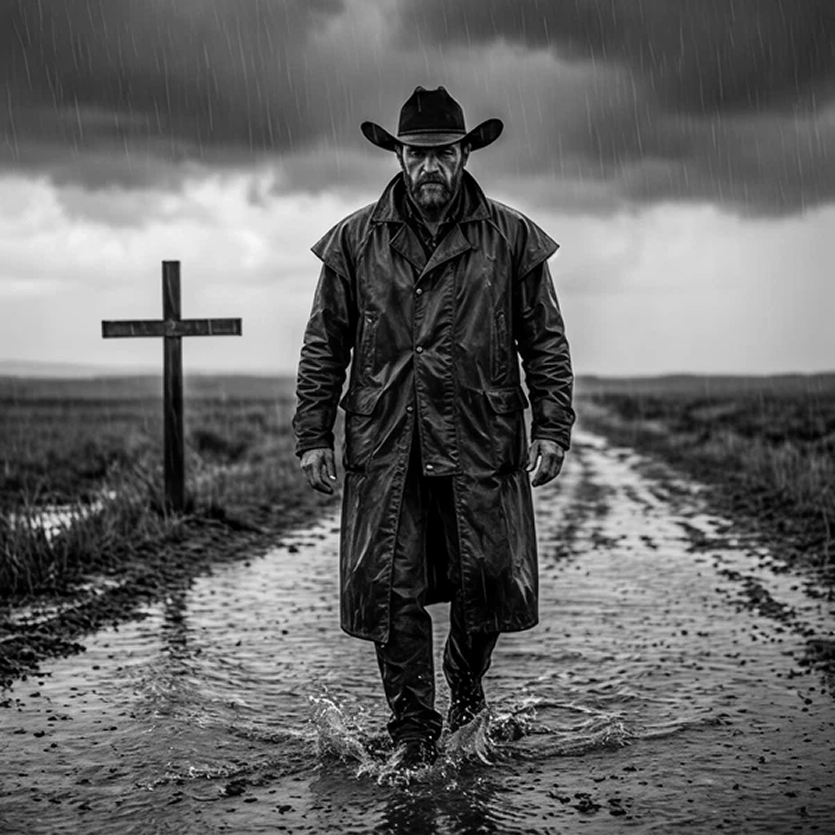
Rain-Soaked Anonymous Cowboy
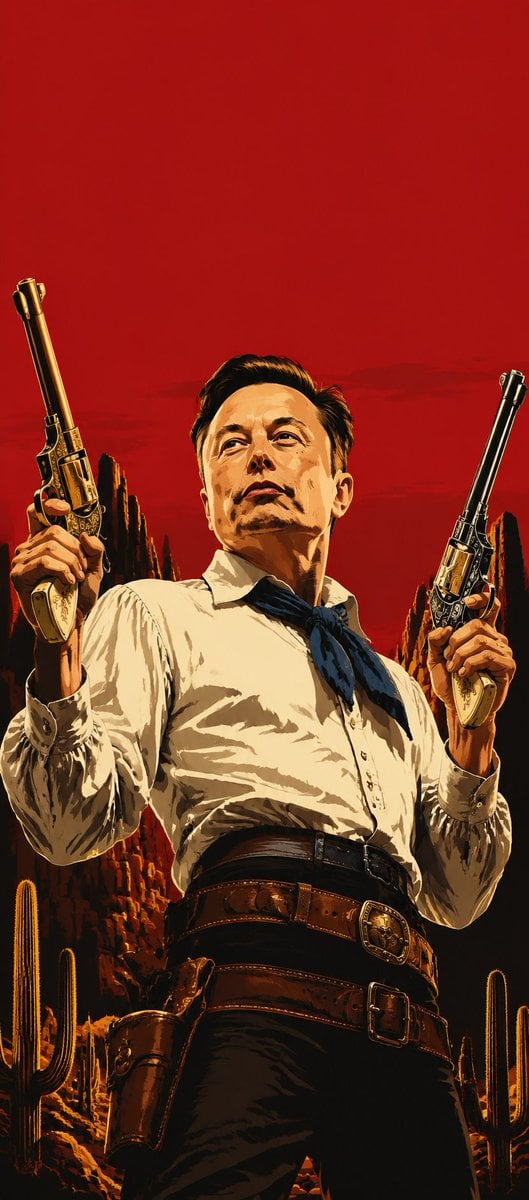
Blood-Red Western Gunslinger Poster
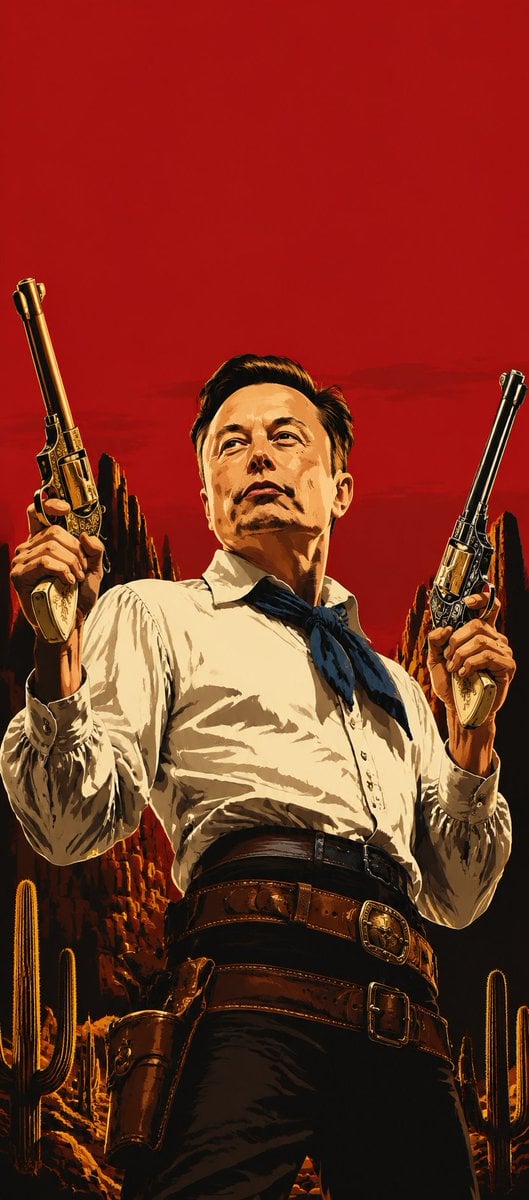
Blood Red Western Gunslinger
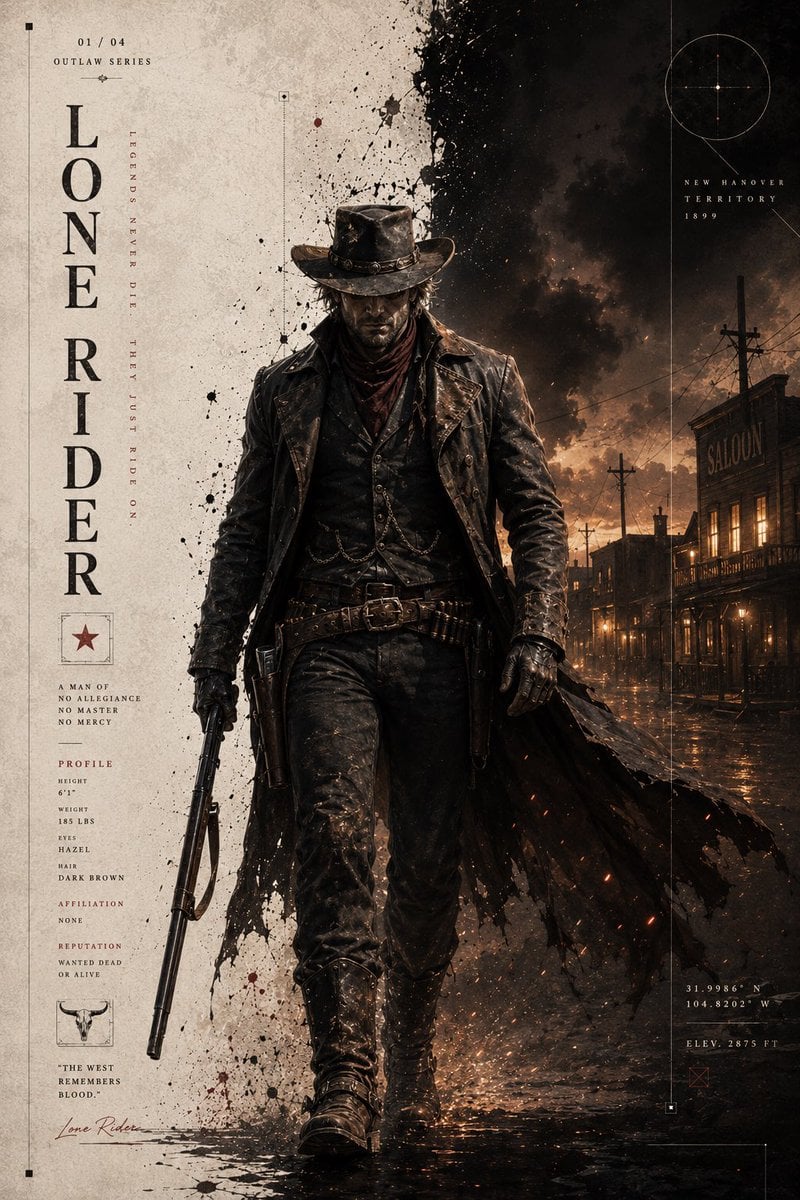
Dark Western Outlaw Poster
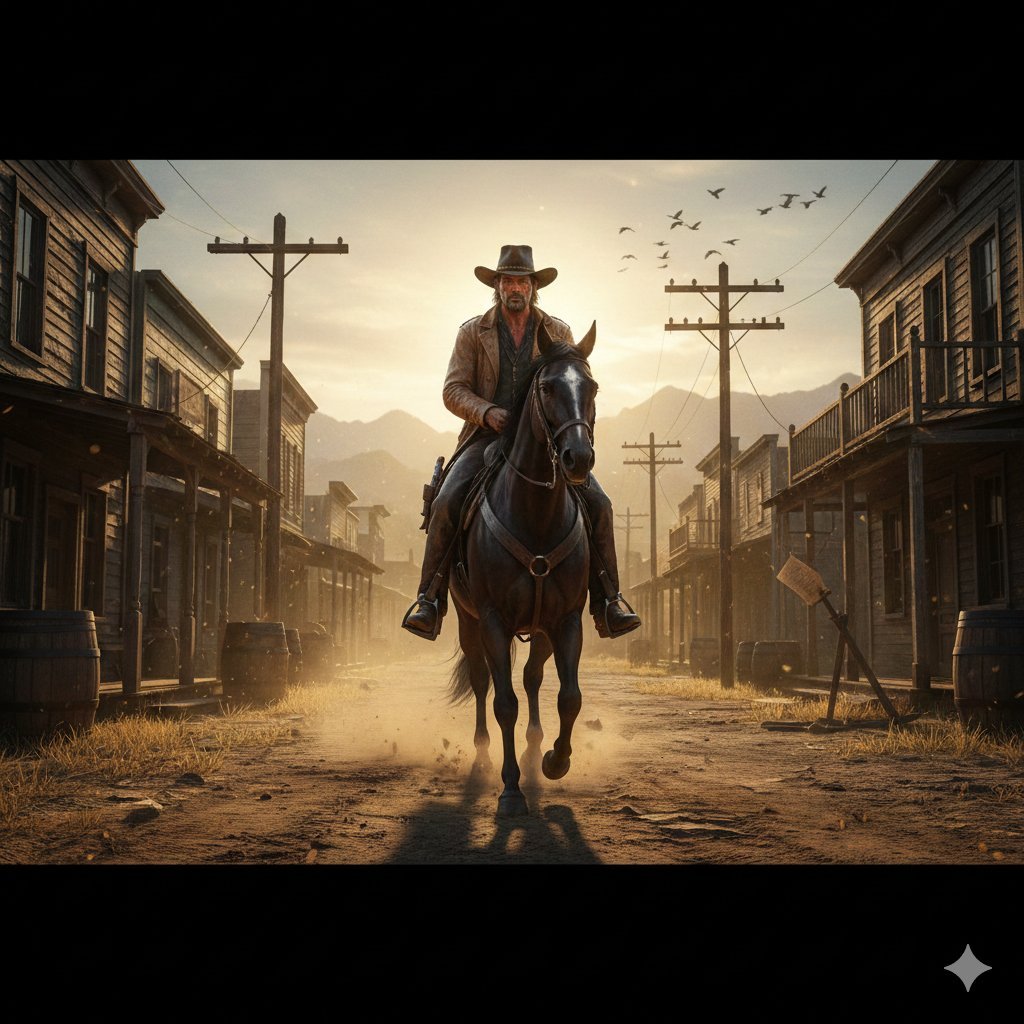
Gritty Western Gunslinger Scene Prompt
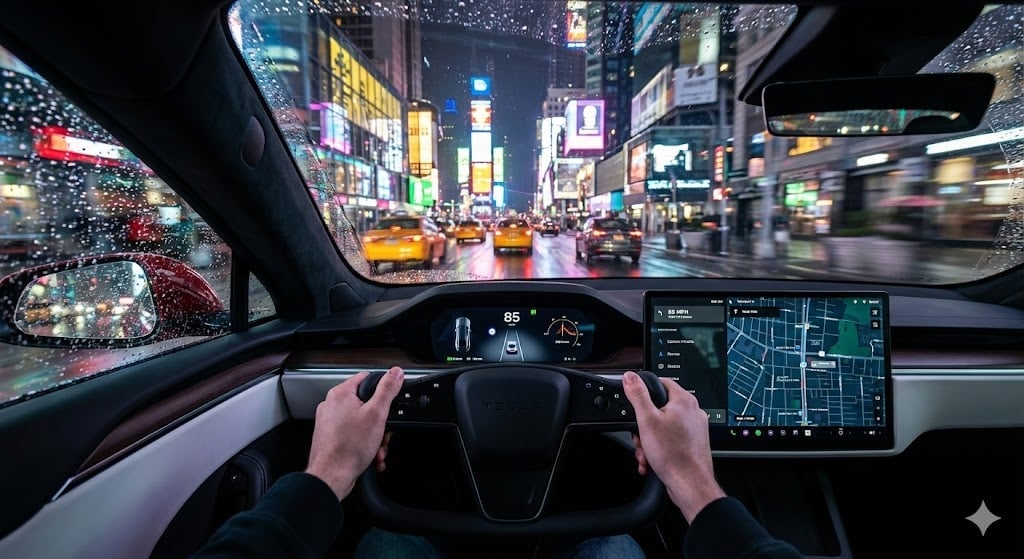
Cinematic First-Person Tesla Drive in Rain-Soaked Manhattan
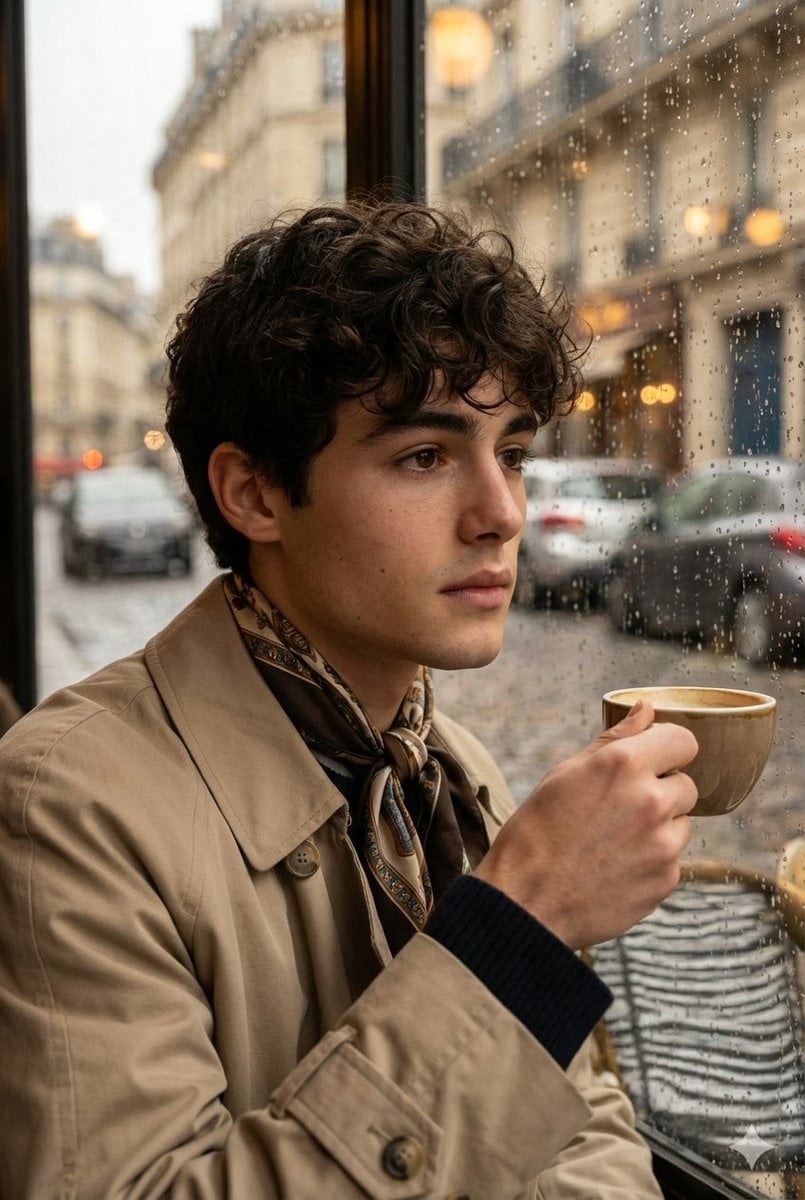
Ultra-realistic cinematic portrait through a rain-soaked café window
Make it yours
Rain-Soaked Dark Western Gunslinger works as-is. These are the safest ways to change it without losing the look.
Change one field
Copy a single group, rewrite it, and generate again so you can see what that field is doing.
Keep the frame, change the subject
Hold the composition and light of Rain-Soaked Dark Western Gunslinger, then swap wardrobe, props or the person for a new take.
| If the result… | Why | Fix |
|---|---|---|
| The result drifts from the preview | Too many fields changed at once. | Reuse Rain-Soaked Dark Western Gunslinger as-is first, then change one group — subject, light, or setting. |
| The model over-stylizes the scene | The prose prompt leaves finish and camera underspecified. | Add one camera or lighting sentence and stay on GPT Image 2. |
More GPT Image 2 templates
Other prompts made for GPT Image 2.

Six VTuber Japanese Logo Sheet

Realistic Portrait of Woman and Deer

The Vista Modular Condo Poster

AI Model Routing Comparison Infographic

2.5D Anime Art Board

Isometric Productivity Desk Scene

New York Double Exposure Poster

Four-Panel AI Landscape Comparison

Japanese Tatami Lifestyle Magazine Cover

NESCAFÉ Coffee Map Poster
More image prompts
Fresh picks from across the catalog.
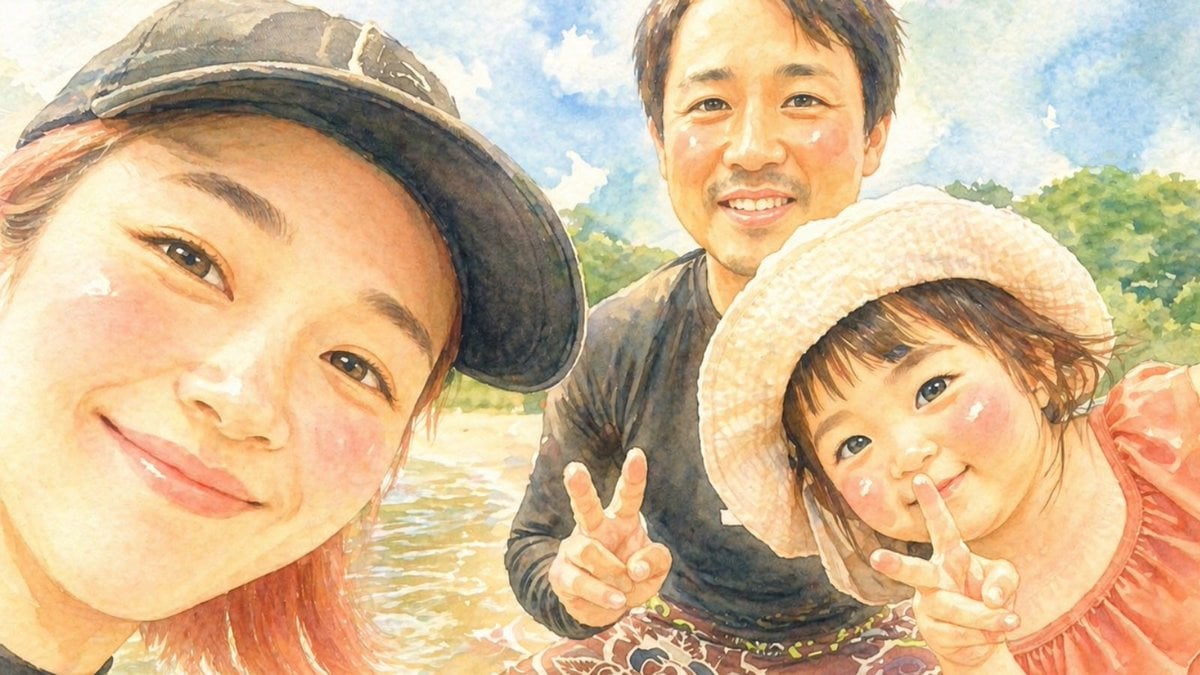
Watercolor Family Riverside Selfie
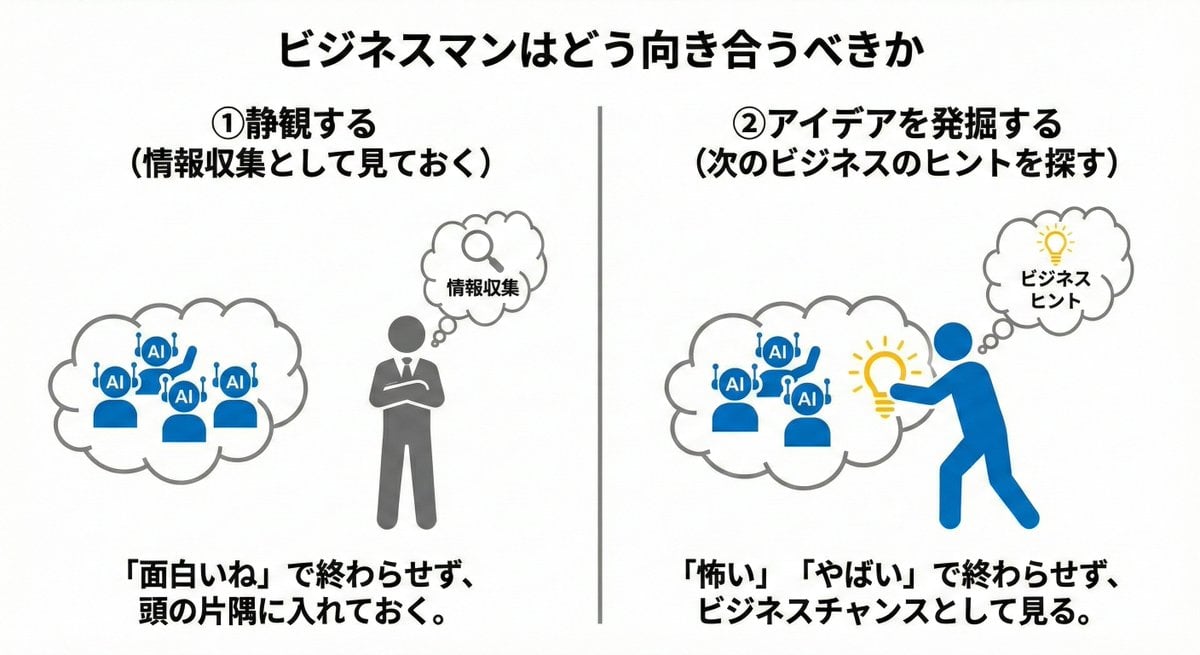
Nano Banana Pro Prompting Strategy for Stable Output
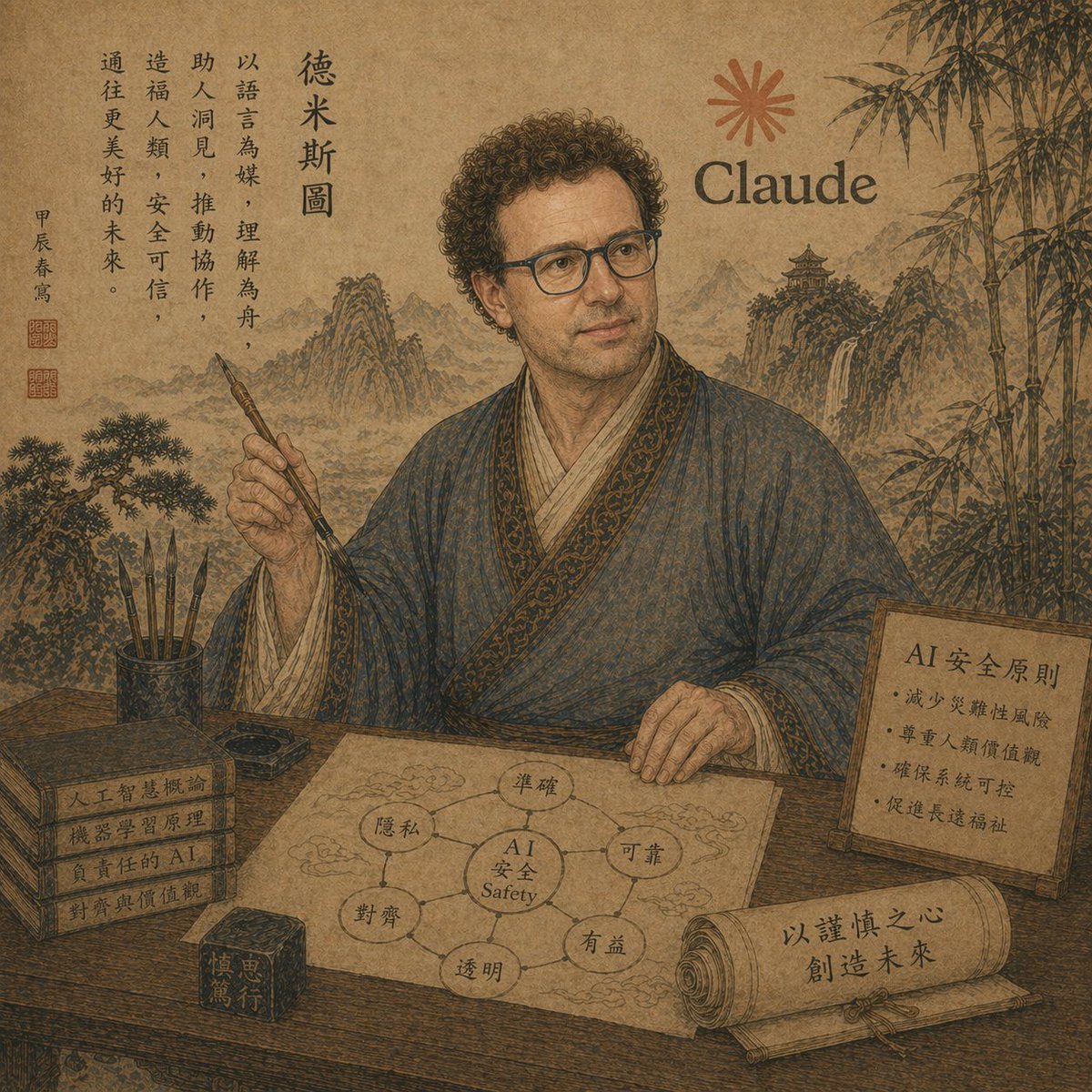
Ancient Scholar AI Safety Poster

Paris Travel Collage Grid - Face Reference
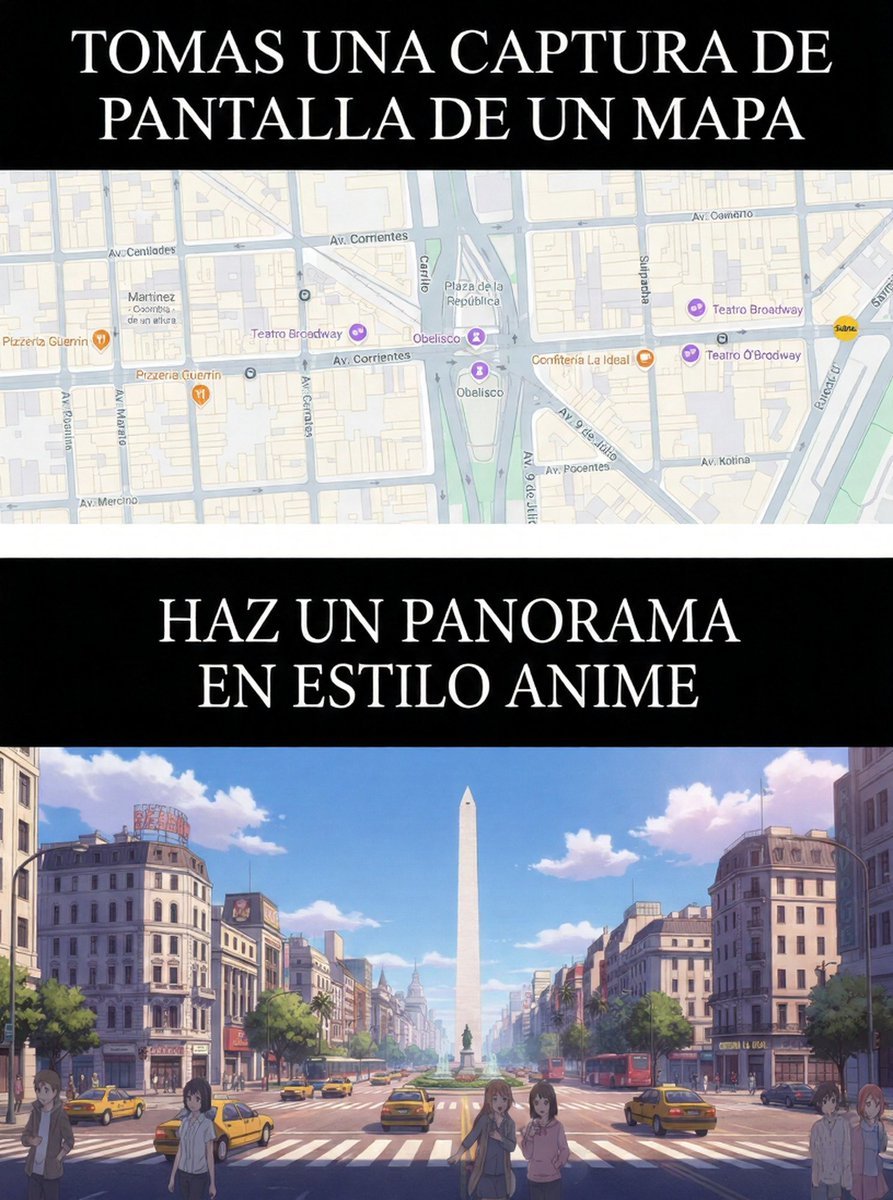
Map to Anime Panorama Conversion
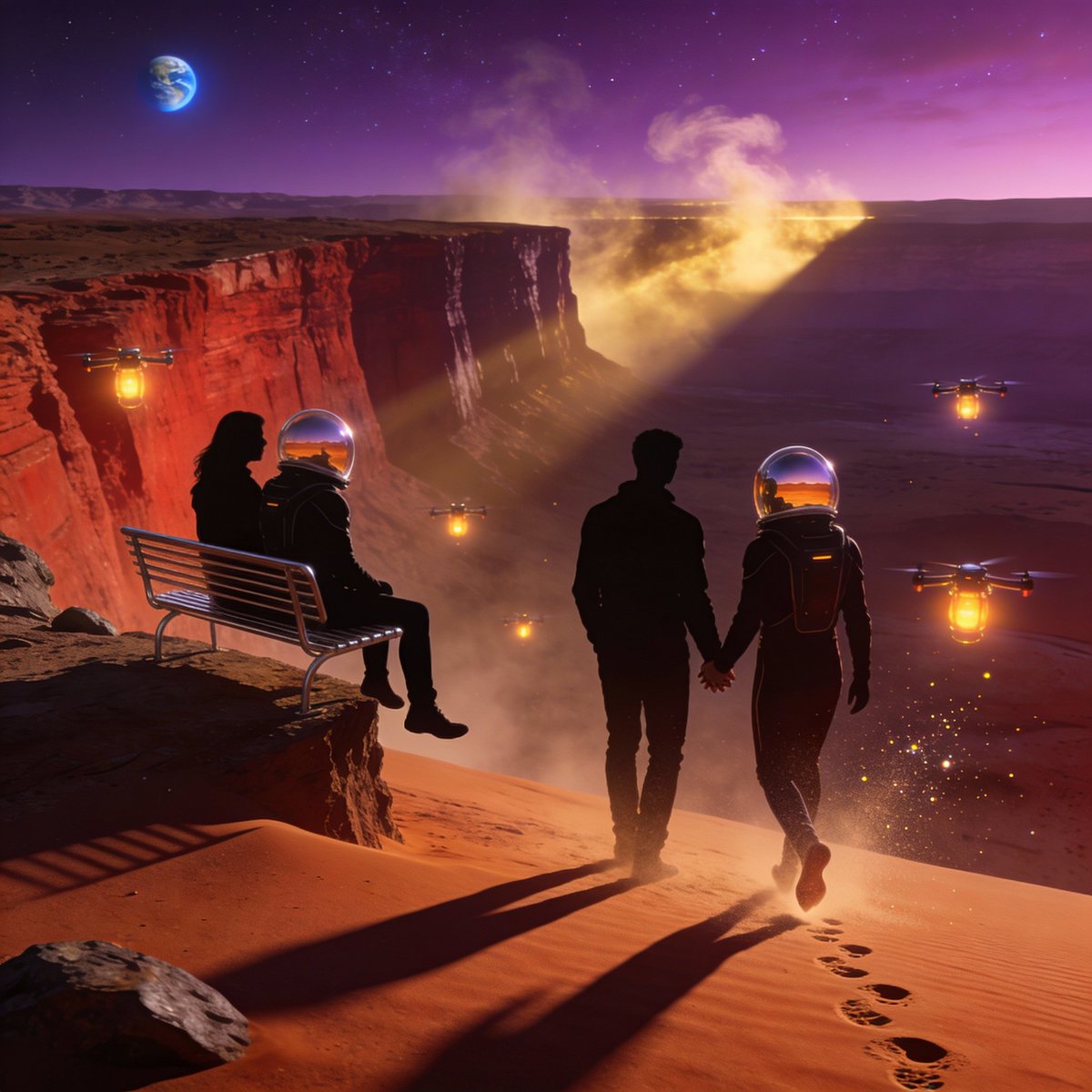
Ultra-Real 16K Cinematic Scene of Romantic Date on Mars
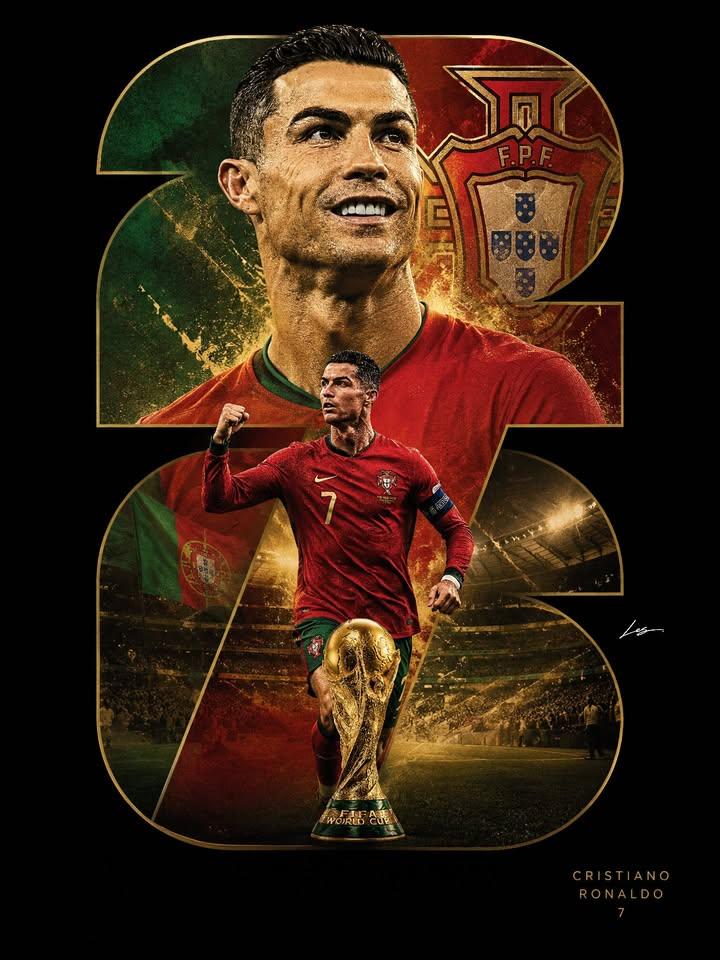
Luxury Sports Poster Design
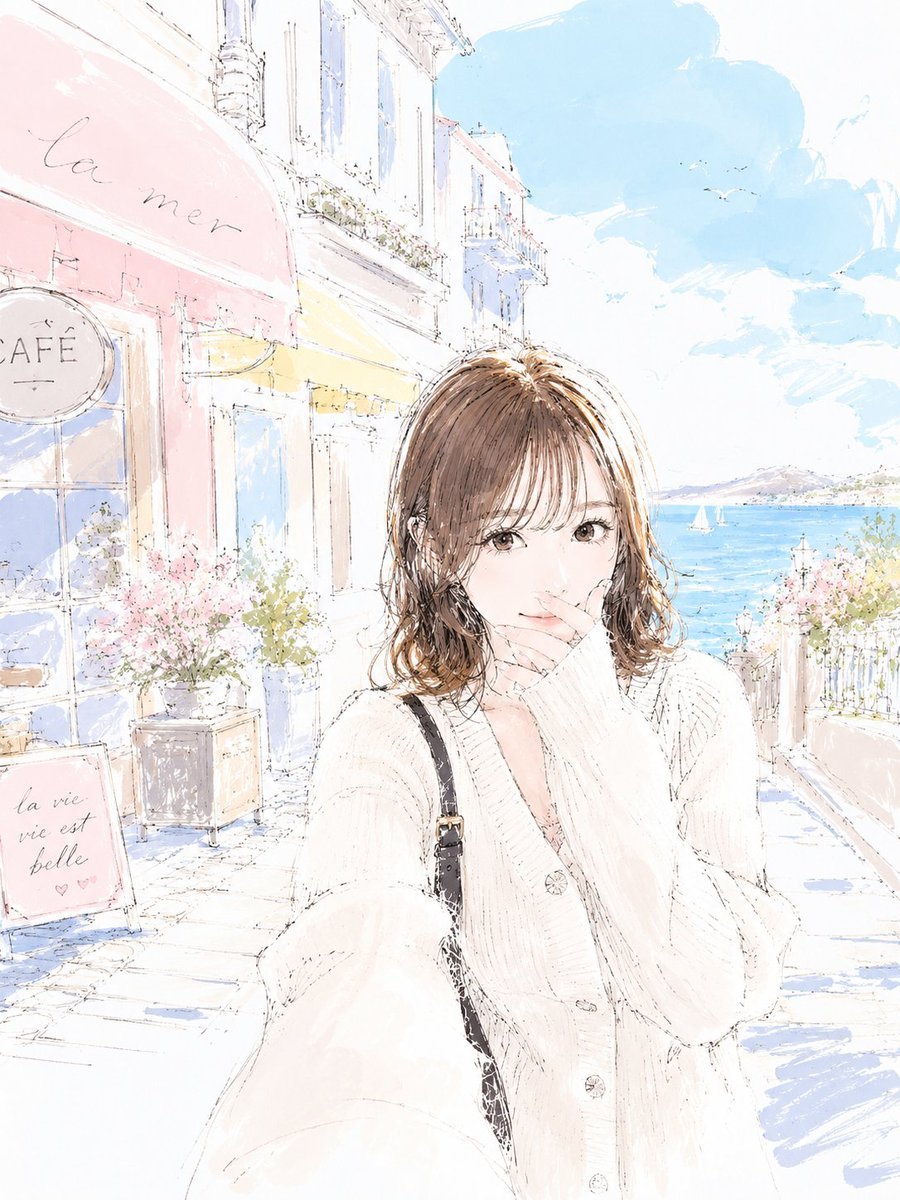
Pastel Sketch Animation Illustration
Elegant Indian Wedding Portrait
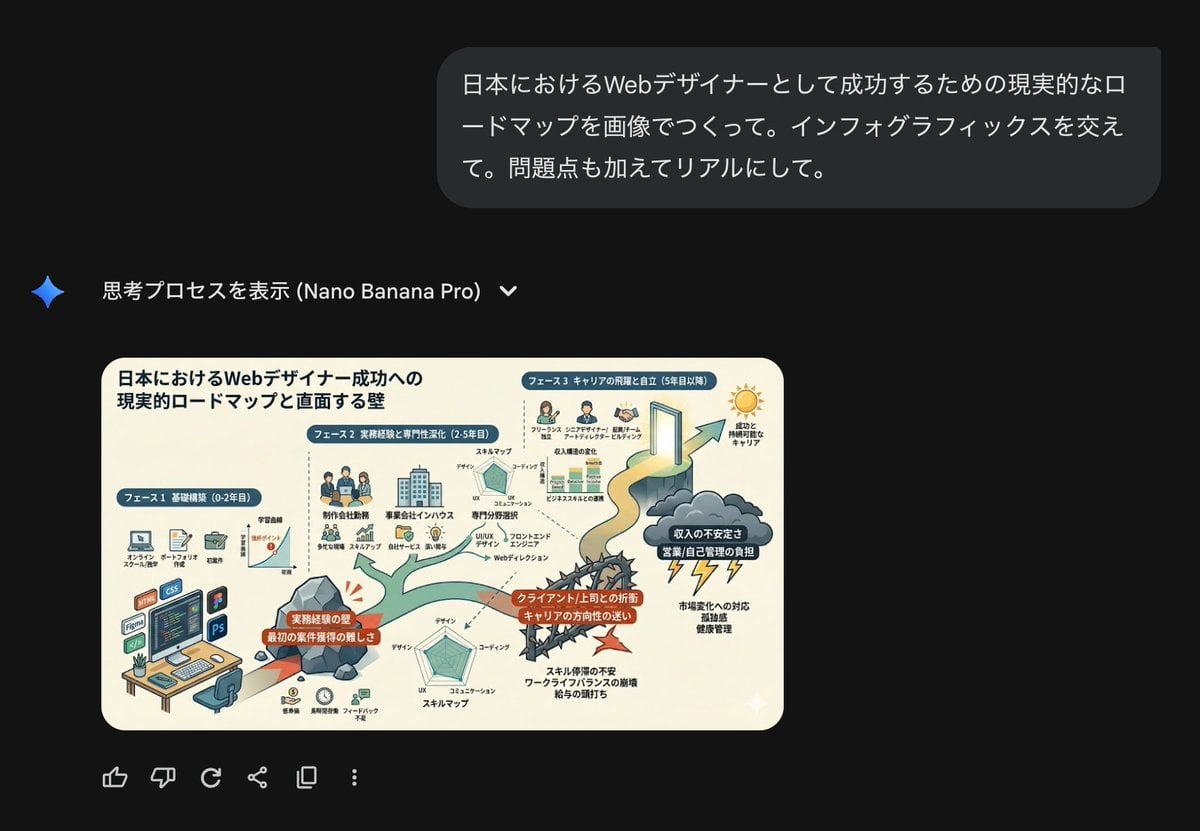
Roadmap diagram for becoming a successful web designer in Japan
Browse template categories
Rain-Soaked Dark Western Gunslinger questions
How do I use the Rain-Soaked Dark Western Gunslinger template?
Add your photo if the template asks for one, edit the prompt if you like — the template's model and format are already selected — and press Generate. Your version opens in PicX Studio.
Can I customize the Rain-Soaked Dark Western Gunslinger template?
Yes. You can change the subject, setting, lighting, mood, format, and available model controls before creating your image.
Is the Rain-Soaked Dark Western Gunslinger template free?
Opening and editing this template is free. Generating uses credits, shown on the Generate button when you are signed in.
Which AI model should I use?
Start with GPT Image 2, which is the model associated with this template. You can compare another compatible model for a different finish.
Looking for something else? Browse all templates.

Your photo, any look
Thousands of ready templates for every top image and video model, from one credit balance.