
Ultra-Real 16K Cinematic Scene of Romantic Date on Mars
A highly detailed, multi-model comparison prompt requesting an ultra-realistic, 16K cinematic scene of two couples on a romantic date on Mars.
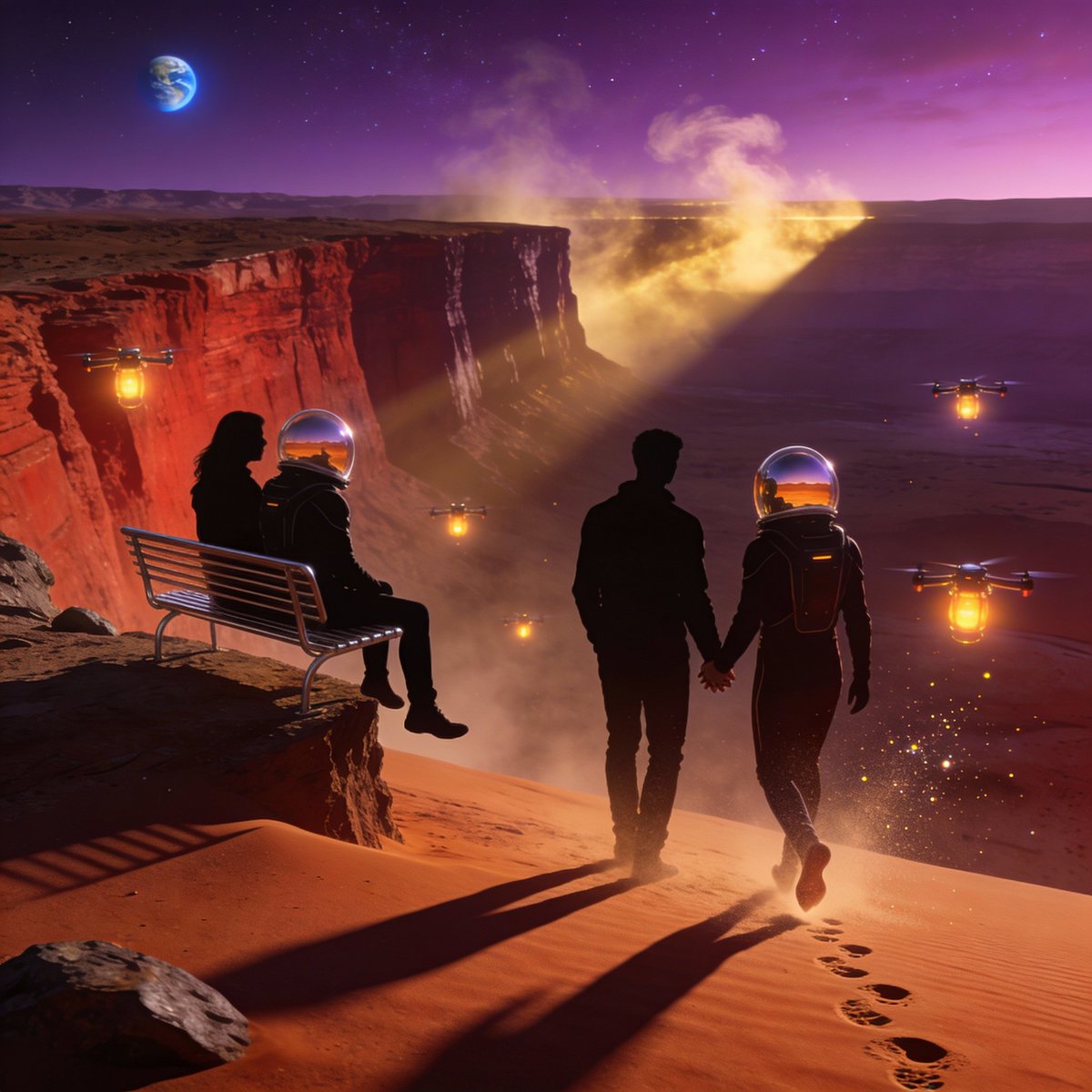
- Prompt included
- Model and format preset
- Free template
The prompt behind this image
Copy the exact prompt behind Ultra-Real 16K Cinematic Scene of Romantic Date on Mars, or open it in the studio and make it yours.
Ultra-real 16K cinematic scene of two couples on a romantic date on Mars, standing at the edge of a massive red canyon under a glowing violet-red Martian sky. The low sunlight casts long, dramatic shadows across the rust-colored sand dunes. Show subtle dust storms swirling in the distance, illuminated by soft golden light. The couples wear sleek, minimal futuristic suits with transparent helmets, reflections of the Martian horizon visible on the glass. Their hands touch gently as they walk together, leaving crisp footprints in the thin Martian dust. One couple sits on a metallic bench overlooking the landscape, legs dangling over the cliff, while the other couple takes a slow, weightless walk as if gravity is slightly lower. Add floating luminescent drones acting as warm lanterns around them, casting soft romantic glows. Include ultra-detailed textures of rocks, dust particles sparkling in the light, and the faint outline of Earth visible as a tiny blue dot in the sky. Capture everything with cinematic depth of field, anamorphic lens streaks, natural color grading, and a completely zero-CGI, photoreal documentary style. Keywords: ultra-real, 16K, Mars romance, emotional sci-fi realism, couple silhouettes, atmospheric dust glow, futuristic minimalism, breathtaking cosmic landscape
How to use Ultra-Real 16K Cinematic Scene of Romantic Date on Mars in 3 steps
- 1
Open
The prompt is already in the box next to the preview, with the template's model and format selected.
- 2…a portrait of your subject in softgolden-hour light, 85mm…
Personalize
Edit the subject and creative details for your destination.
- 3Generate
Generate
Press Generate — your image is created in PicX Studio, so you can compare it with the original and refine one variable at a time.
More like this
Templates with the same subject, style or setup. Open one to see its prompt.
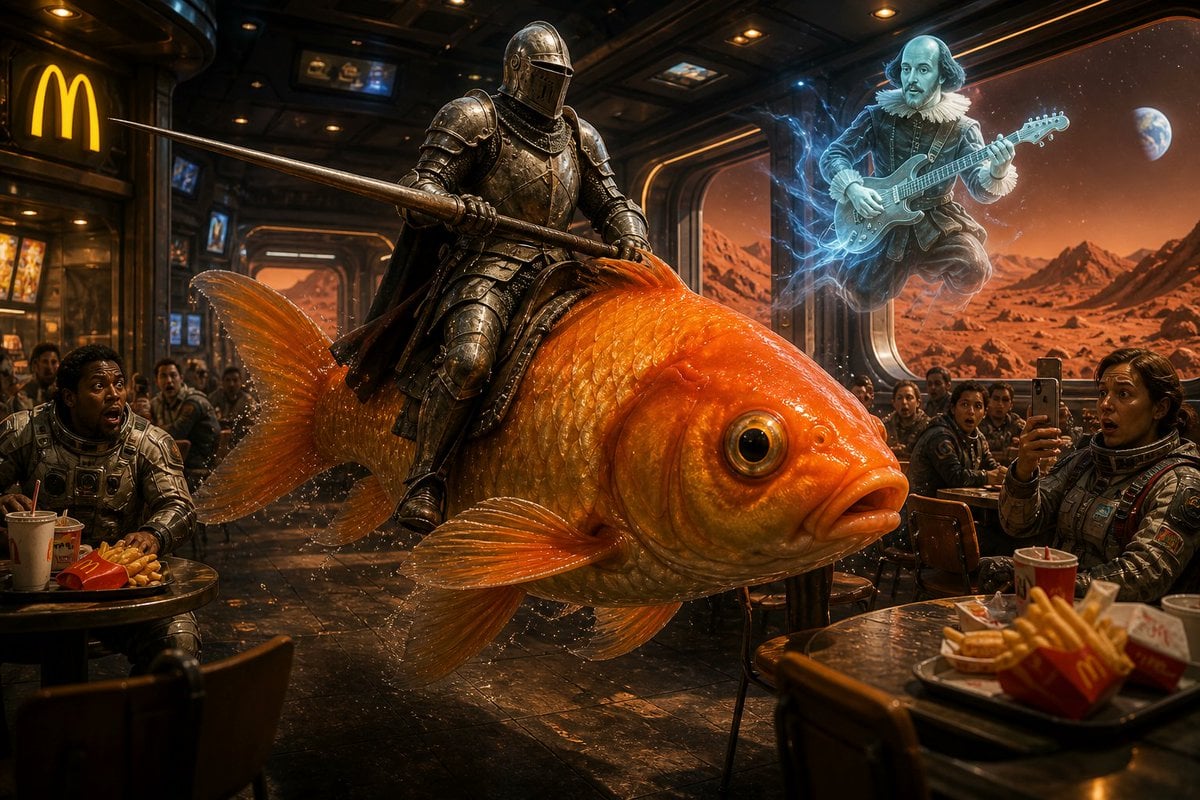
Surreal Knight on Mars
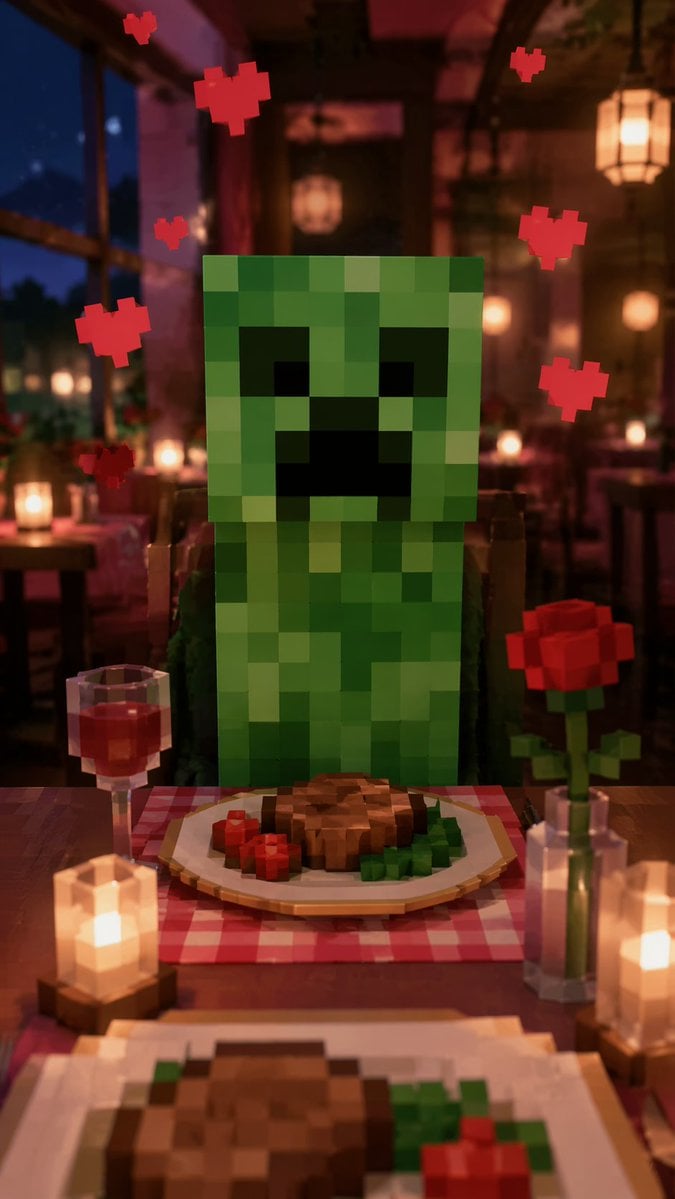
Romantic Voxel Dinner Date
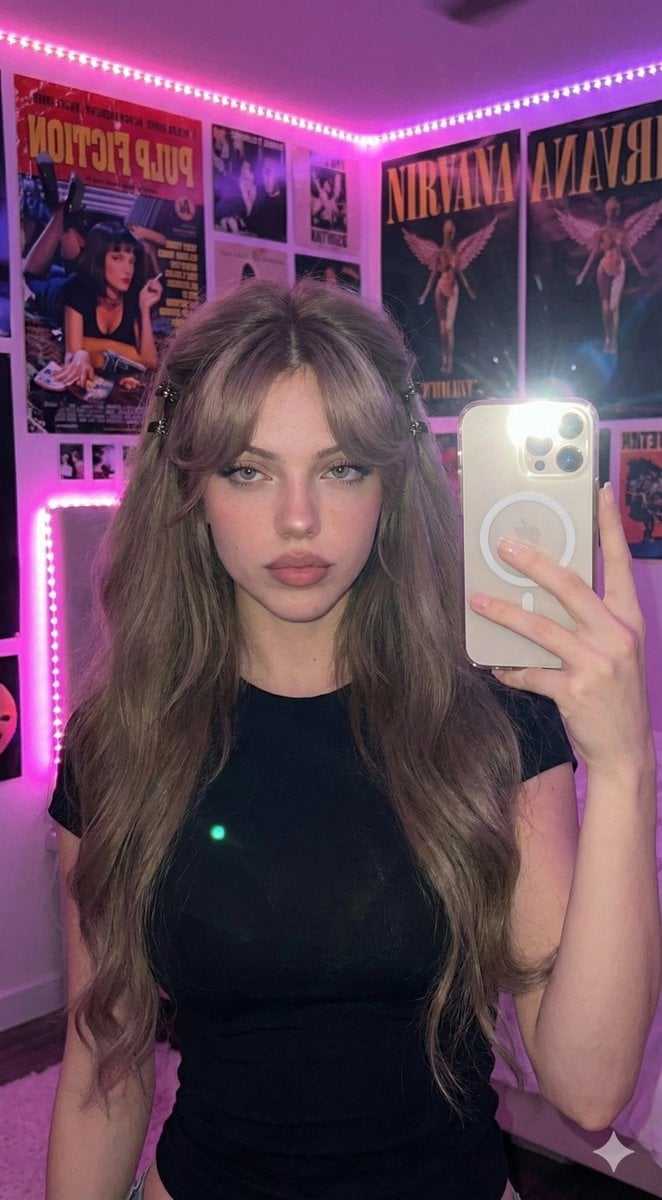
Ultra-Realistic 16K Smartphone Flash Selfie
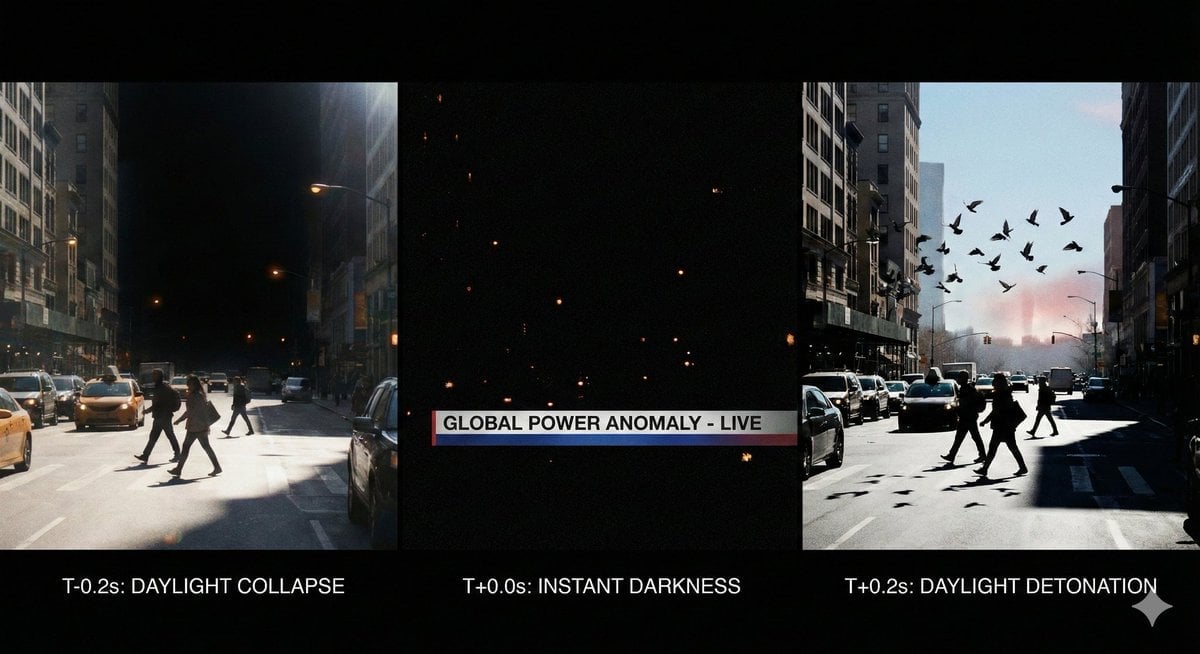
Hyper-Real 16K Documentary Shot: The Sun Flickers Off
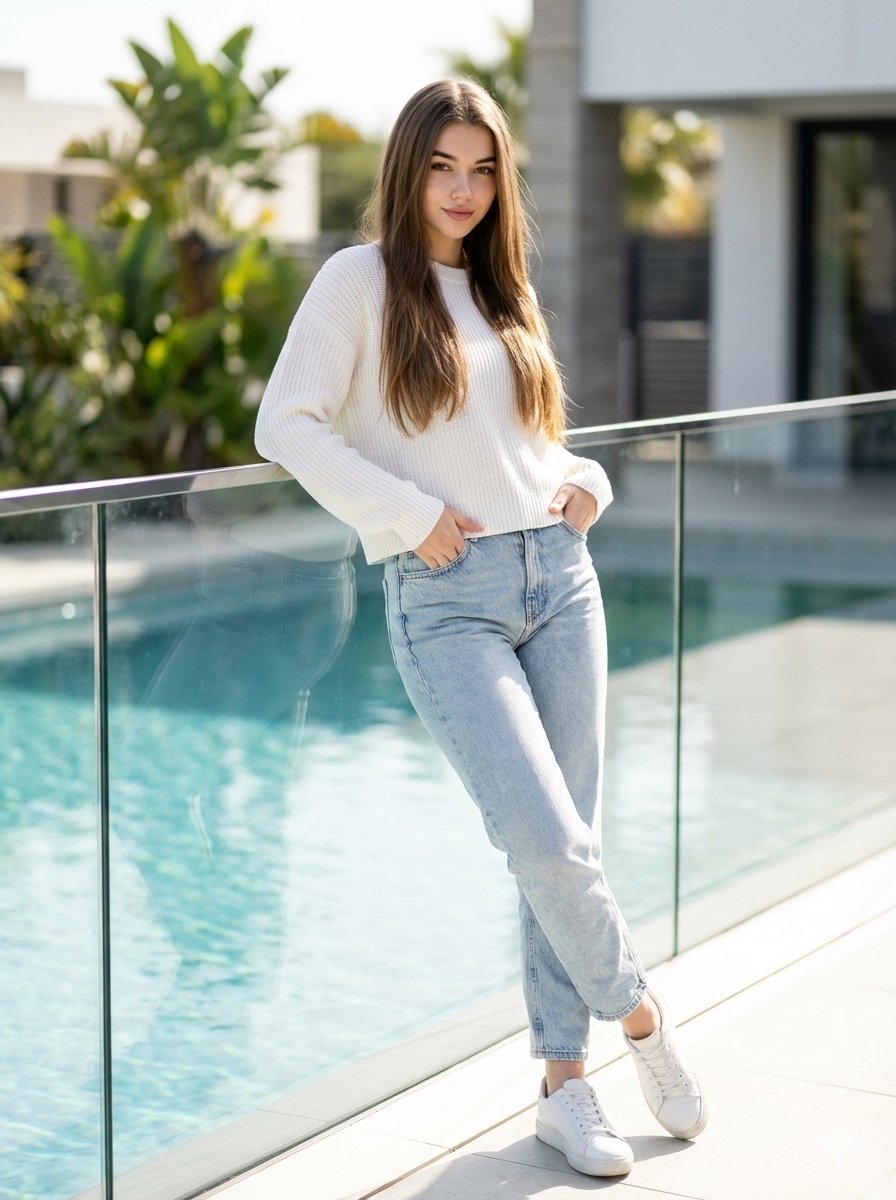
16K Ultra-Realistic Identity-Locked Luxury Portrait
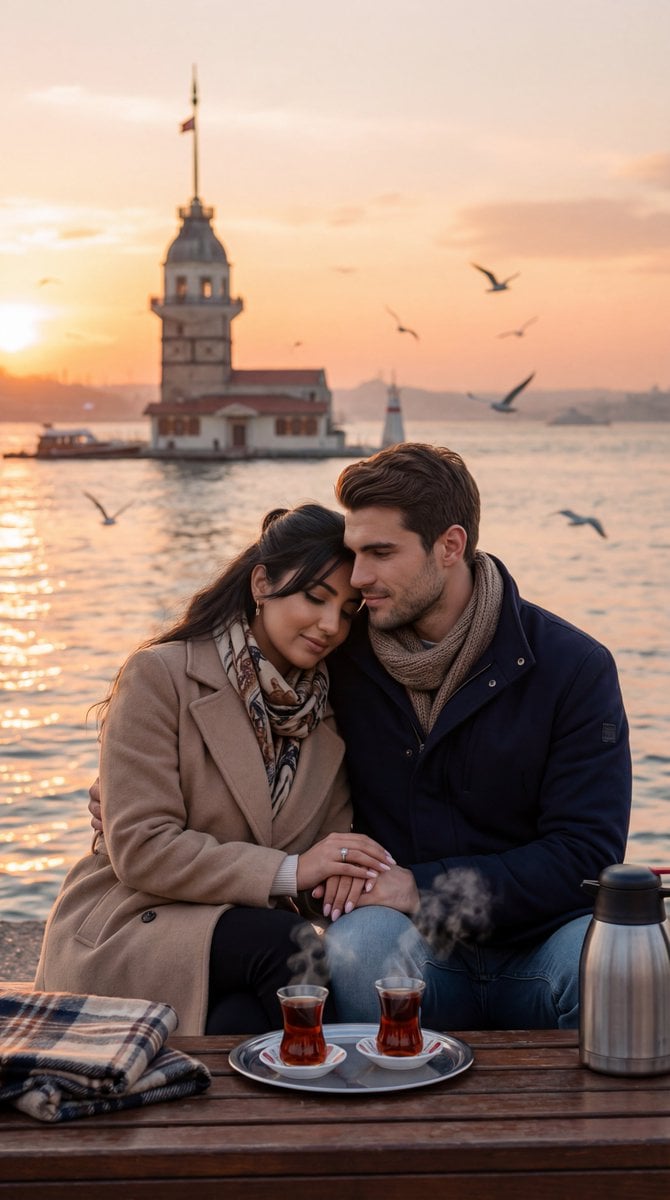
Ultra-Photorealistic Romantic Film Still (Uskudar Sunset)
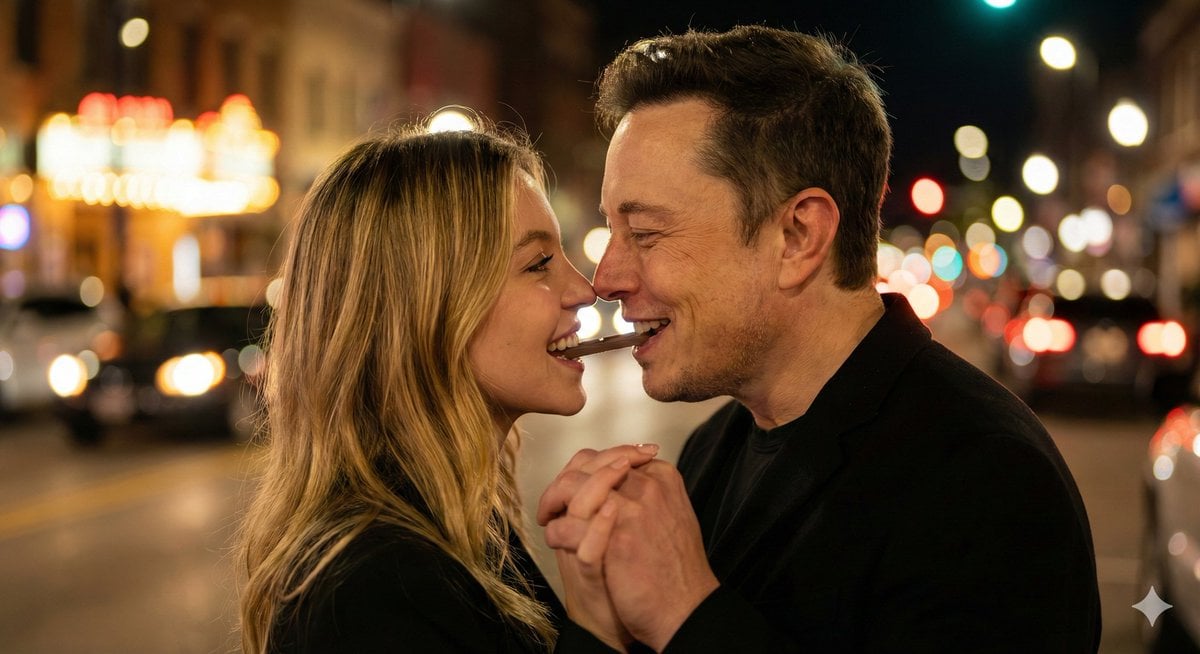
Ultra-Realistic Romantic Chocolate Portrait

Cinema Date Popcorn Realistic By Nano Ba

Nano Banana - Evening Champagne Blue
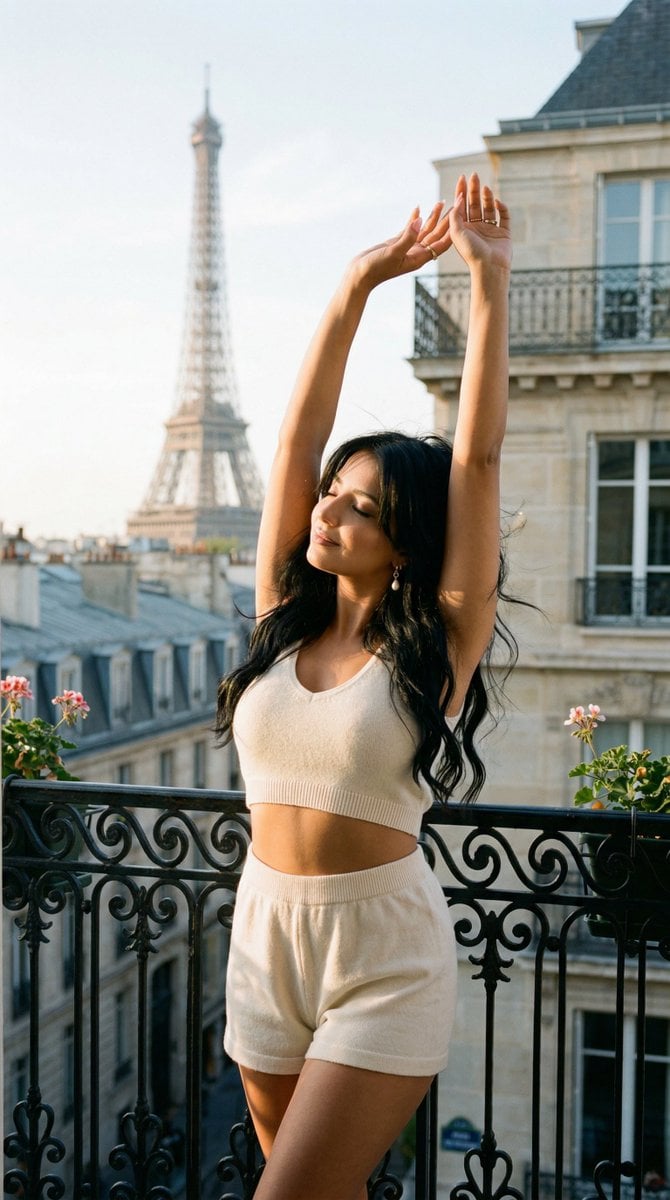
Nano Banana - Bathtub Eiffel Night
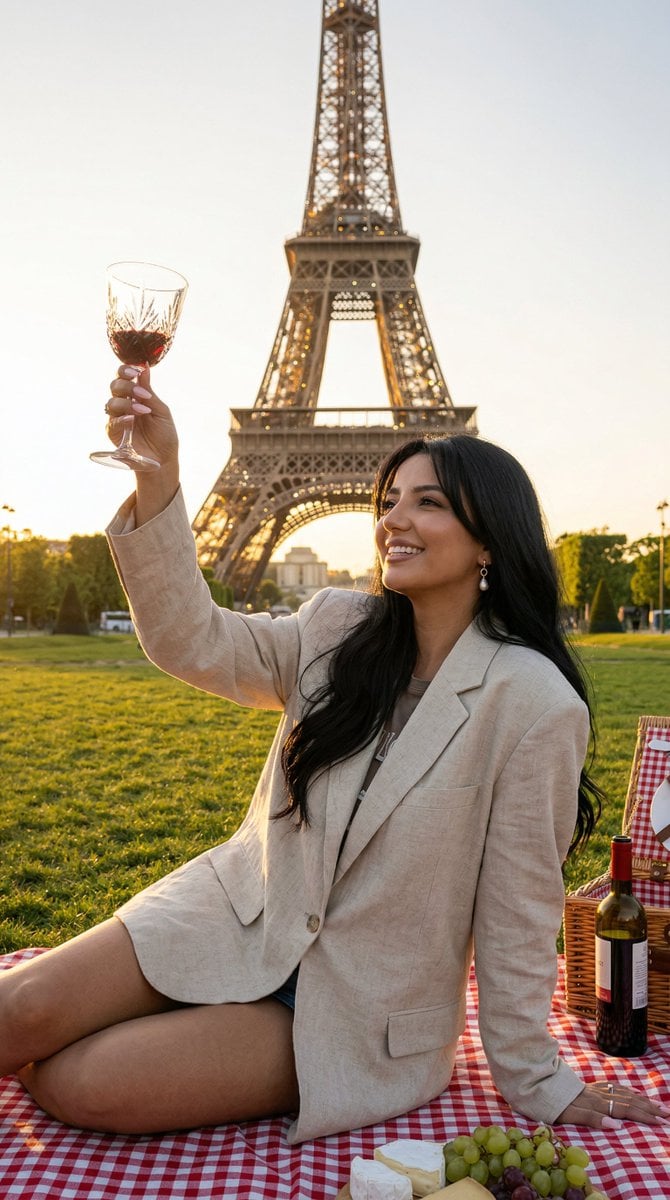
Nano Banana - Paris Fleurs Romantic
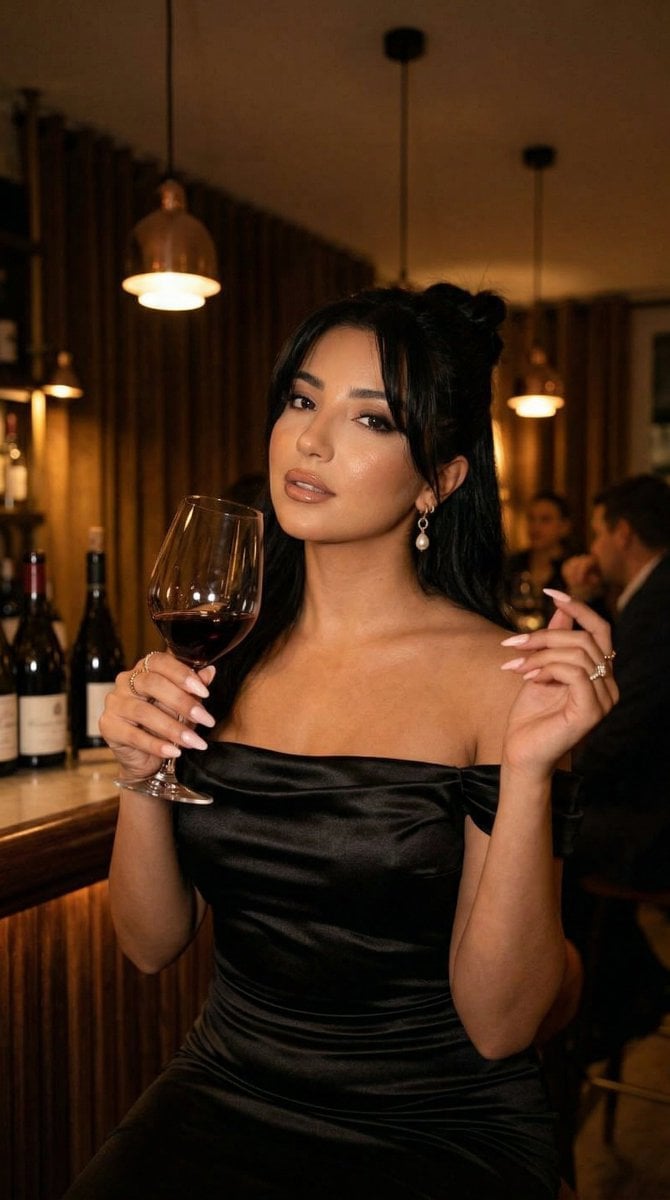
Nano Banana - Pont Alexandre III Kiss
Make it yours
Ultra-Real 16K Cinematic Scene of Romantic Date on Mars works as-is. These are the safest ways to change it without losing the look.
Change one field
Copy a single group, rewrite it, and generate again so you can see what that field is doing.
Keep the frame, change the subject
Hold the composition and light of Ultra-Real 16K Cinematic Scene of Romantic Date on Mars, then swap wardrobe, props or the person for a new take.
| If the result… | Why | Fix |
|---|---|---|
| The result drifts from the preview | Too many fields changed at once. | Reuse Ultra-Real 16K Cinematic Scene of Romantic Date on Mars as-is first, then change one group — subject, light, or setting. |
| The model over-stylizes the scene | The prose prompt leaves finish and camera underspecified. | Add one camera or lighting sentence and stay on Nano Banana 2. |
More Nano Banana 2 templates
Other prompts made for Nano Banana 2.

Photorealistic Leaf Shaped Like a Dragon

K-Pop Idol Portrait Grid for Rapid Selection

Poetic Rain Forest Portrait During Golden Hour

Urban Street Portrait with Cartoon Inner Self Duo

Candid Nighttime Photo with Cat Prompt

High-Concept 3D Diorama Generation Prompt

Cinematic Futuristic Studio Portrait Template

Skincare Editorial Photography Collage Prompt

Hyper-Realistic Commercial Product Photography (Splash Effect)

Hyper-Realistic Nightclub Portrait Prompt
More image prompts
Fresh picks from across the catalog.
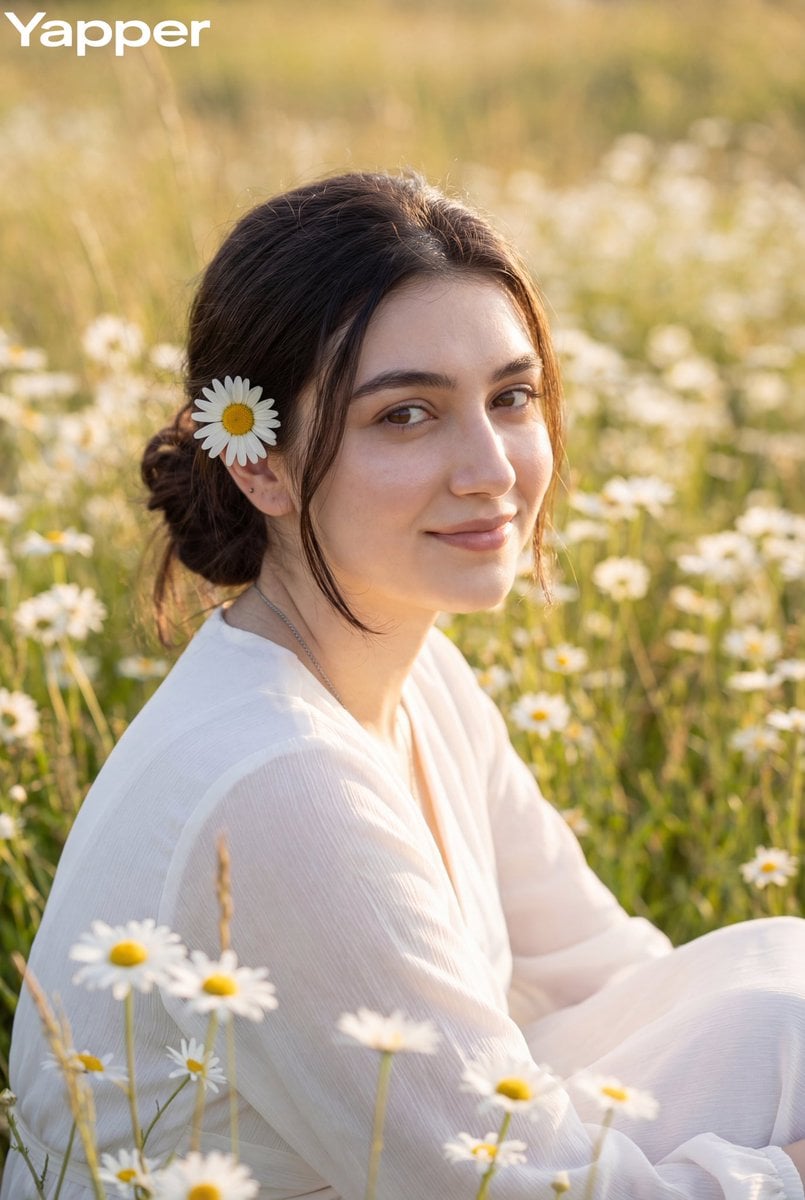
Dreamy Meadow Portrait at Golden Hour
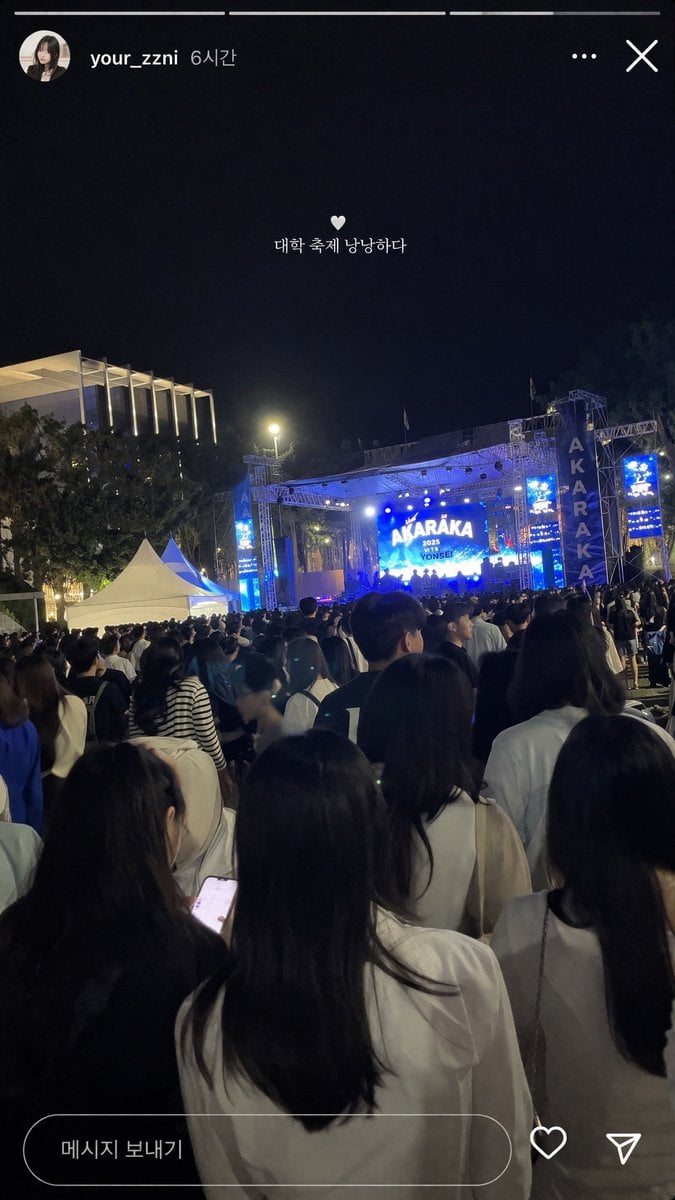
Social Media Concert Story Mockup
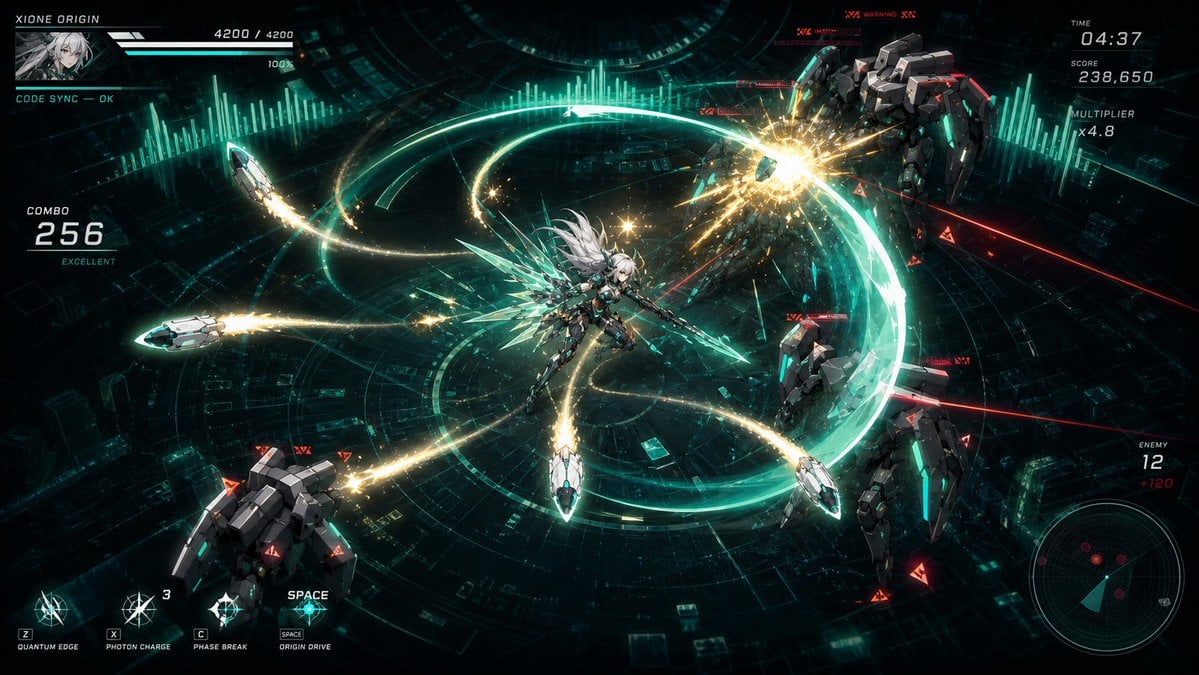
Cyber Angel Mecha Battle HUD
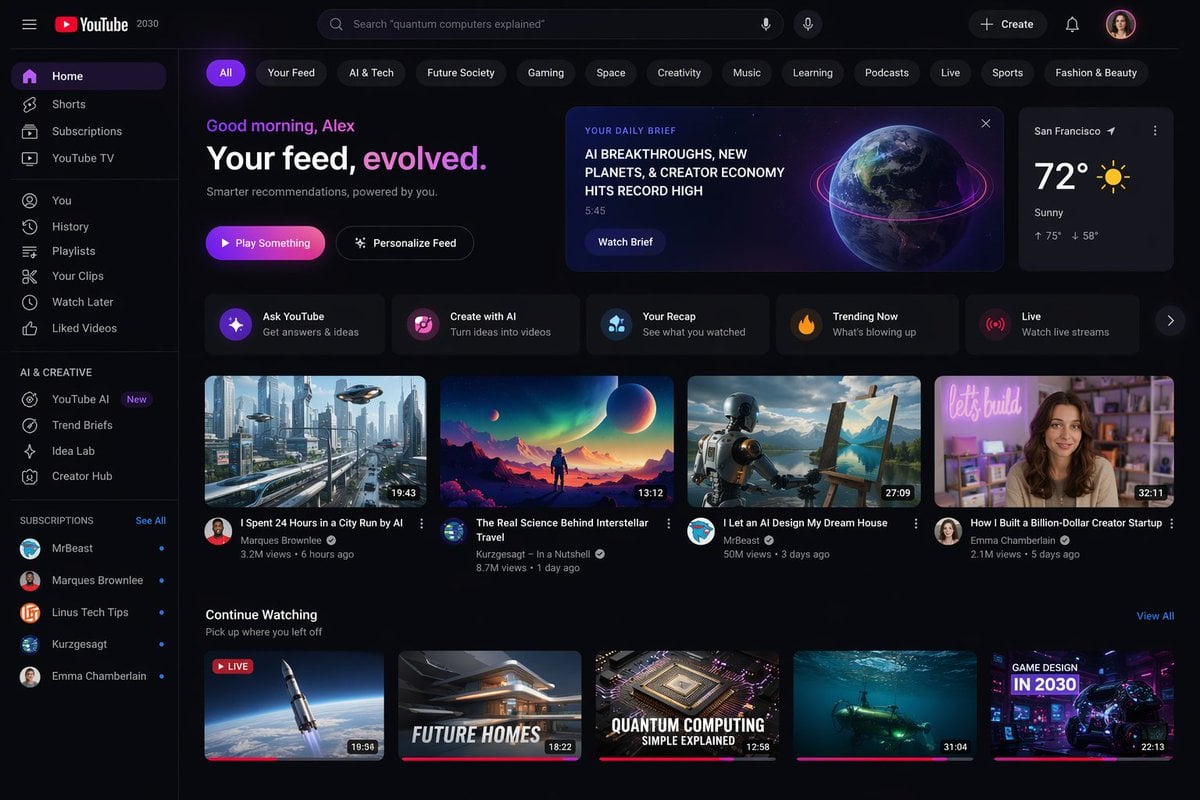
YouTube 2030 Interface
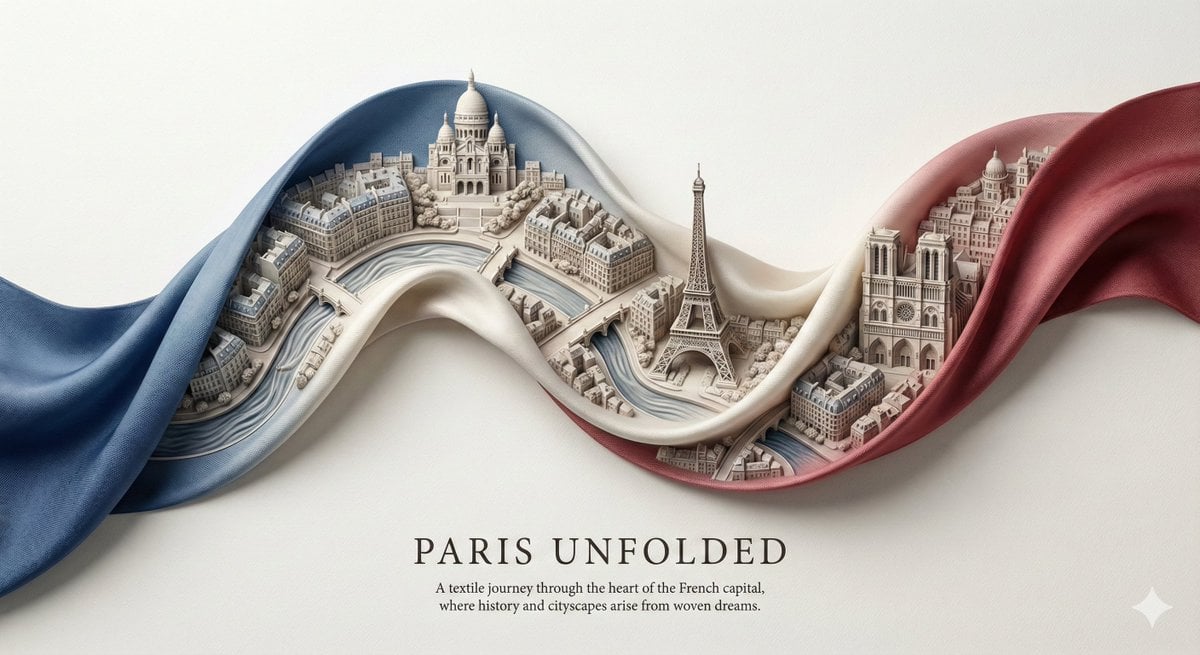
City Ribbon Poster Design Prompt

Image Editing Prompt for Accessory Background Replacement
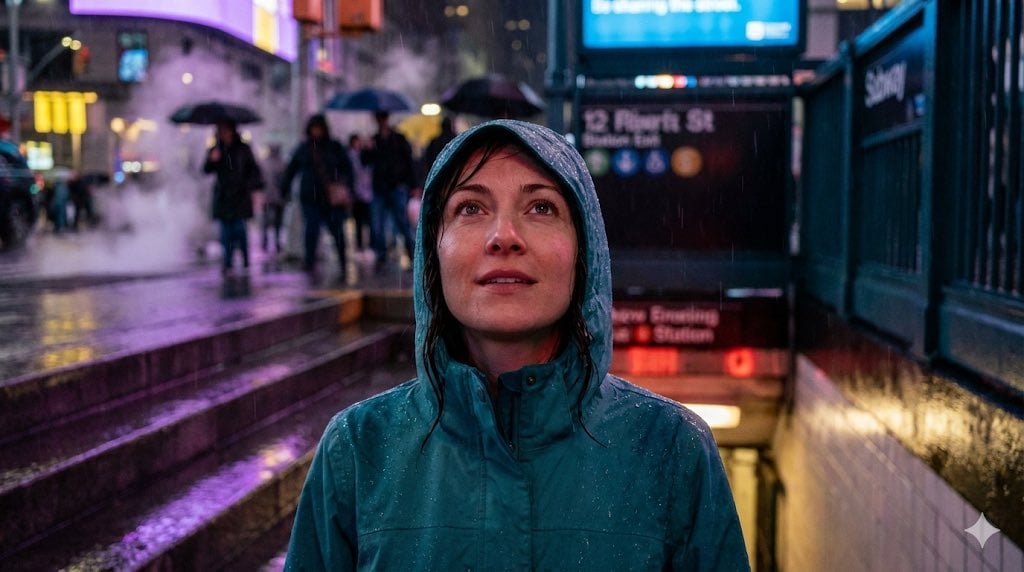
Neon Rain Subway Exit Portrait Prompt
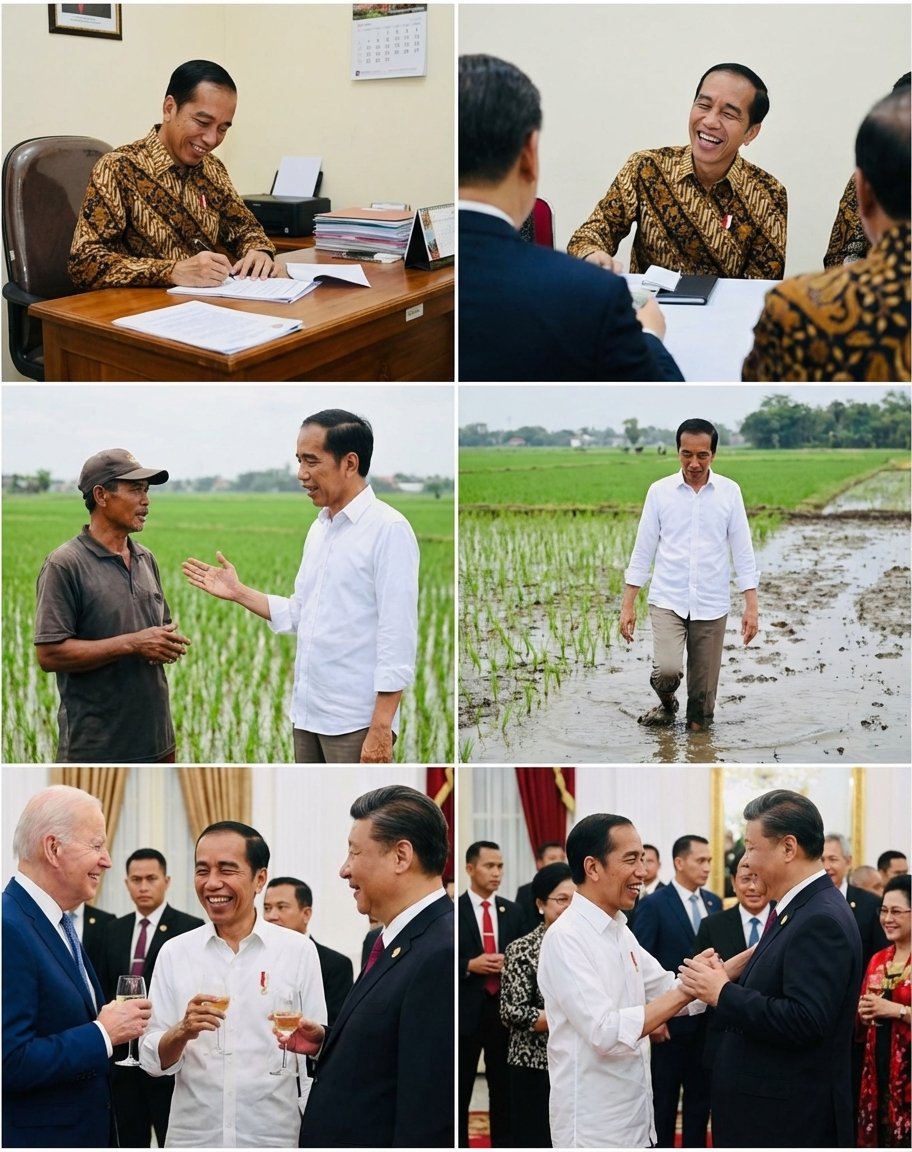
Candid series of Indonesian president photos
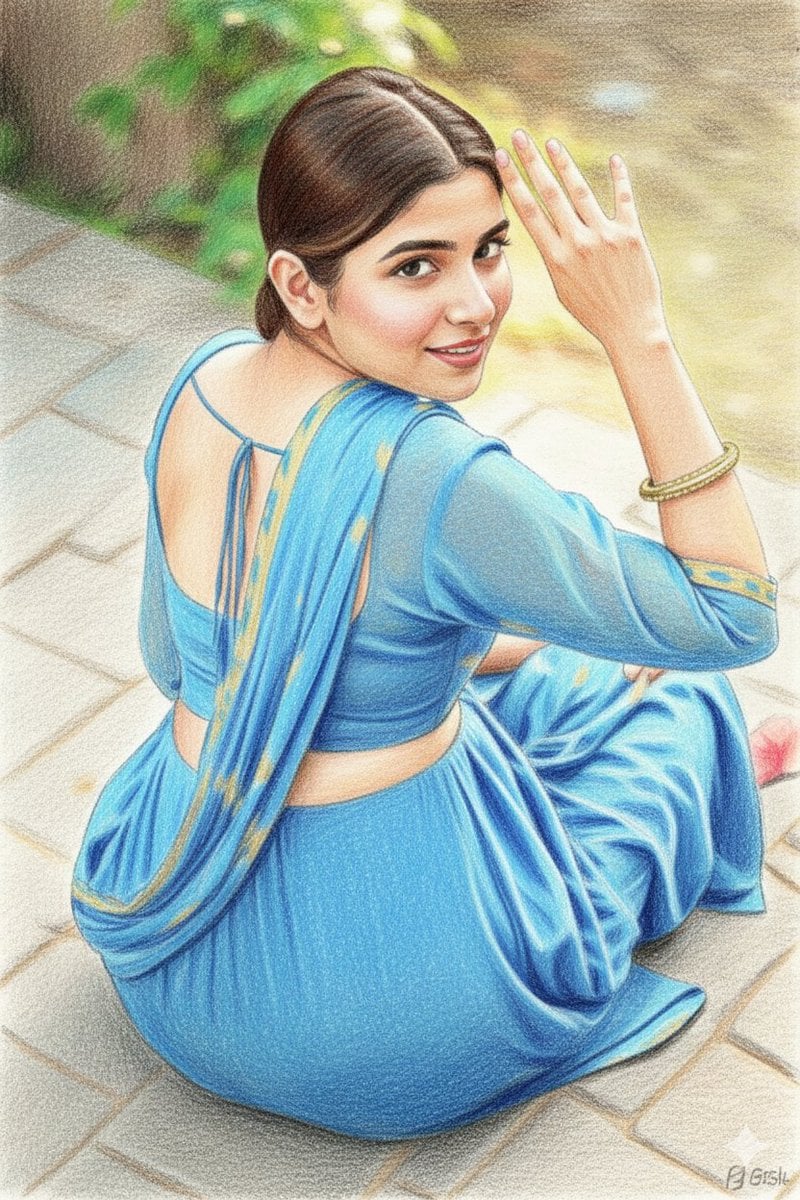
Colored Pencil Sketchbook Illustration
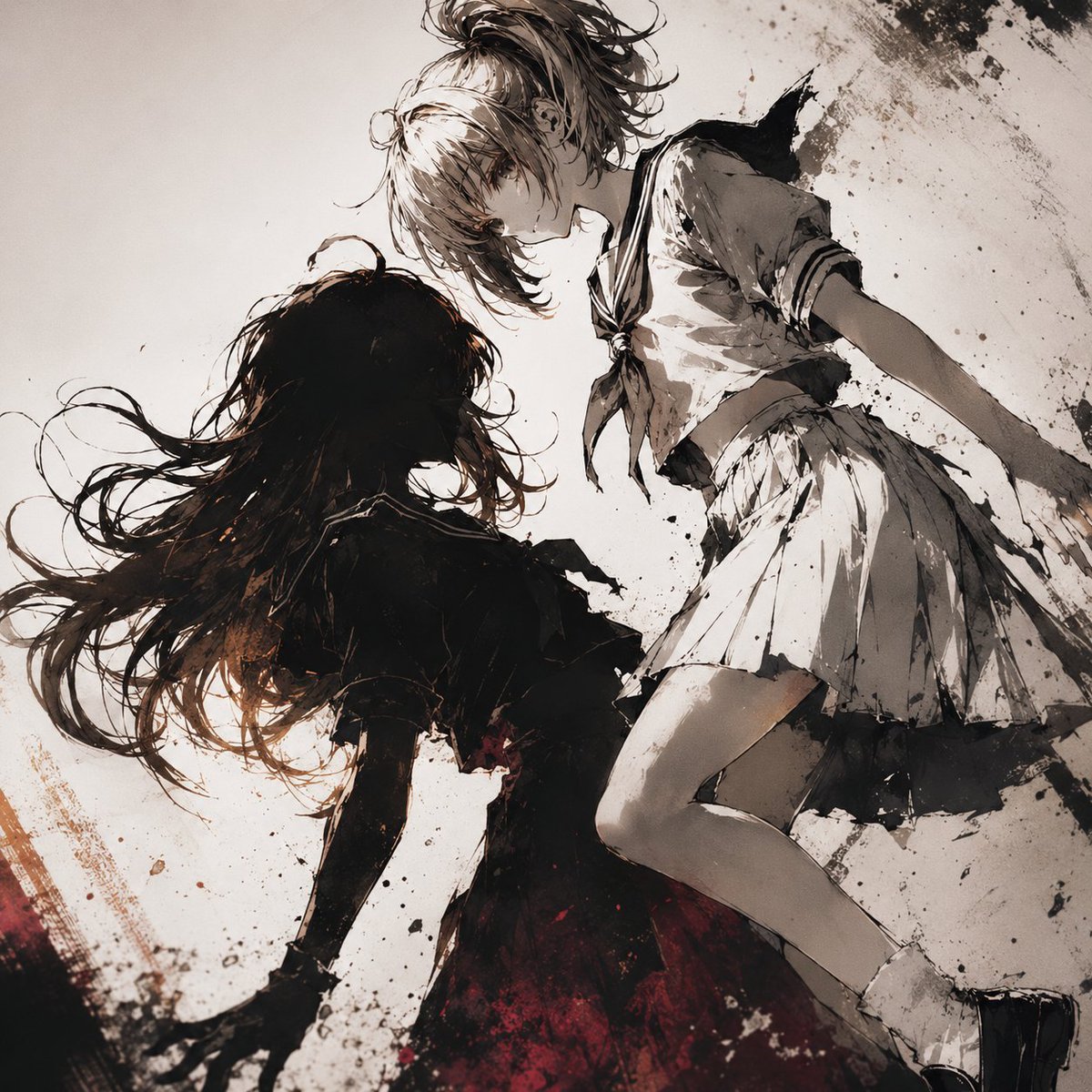
Two Girls in Ink Storm
Browse template categories
Ultra-Real 16K Cinematic Scene of Romantic Date on Mars questions
How do I use the Ultra-Real 16K Cinematic Scene of Romantic Date on Mars template?
Add your photo if the template asks for one, edit the prompt if you like — the template's model and format are already selected — and press Generate. Your version opens in PicX Studio.
Can I customize the Ultra-Real 16K Cinematic Scene of Romantic Date on Mars template?
Yes. You can change the subject, setting, lighting, mood, format, and available model controls before creating your image.
Is the Ultra-Real 16K Cinematic Scene of Romantic Date on Mars template free?
Opening and editing this template is free. Generating uses credits, shown on the Generate button when you are signed in.
Which AI model should I use?
Start with Nano Banana 2, which is the model associated with this template. You can compare another compatible model for a different finish.
Looking for something else? Browse all templates.

Your photo, any look
Thousands of ready templates for every top image and video model, from one credit balance.