
Two Girls in Ink Storm
A dramatic anime-style illustration prompt for creating two schoolgirls suspended in a gritty monochrome ink-wash composition.
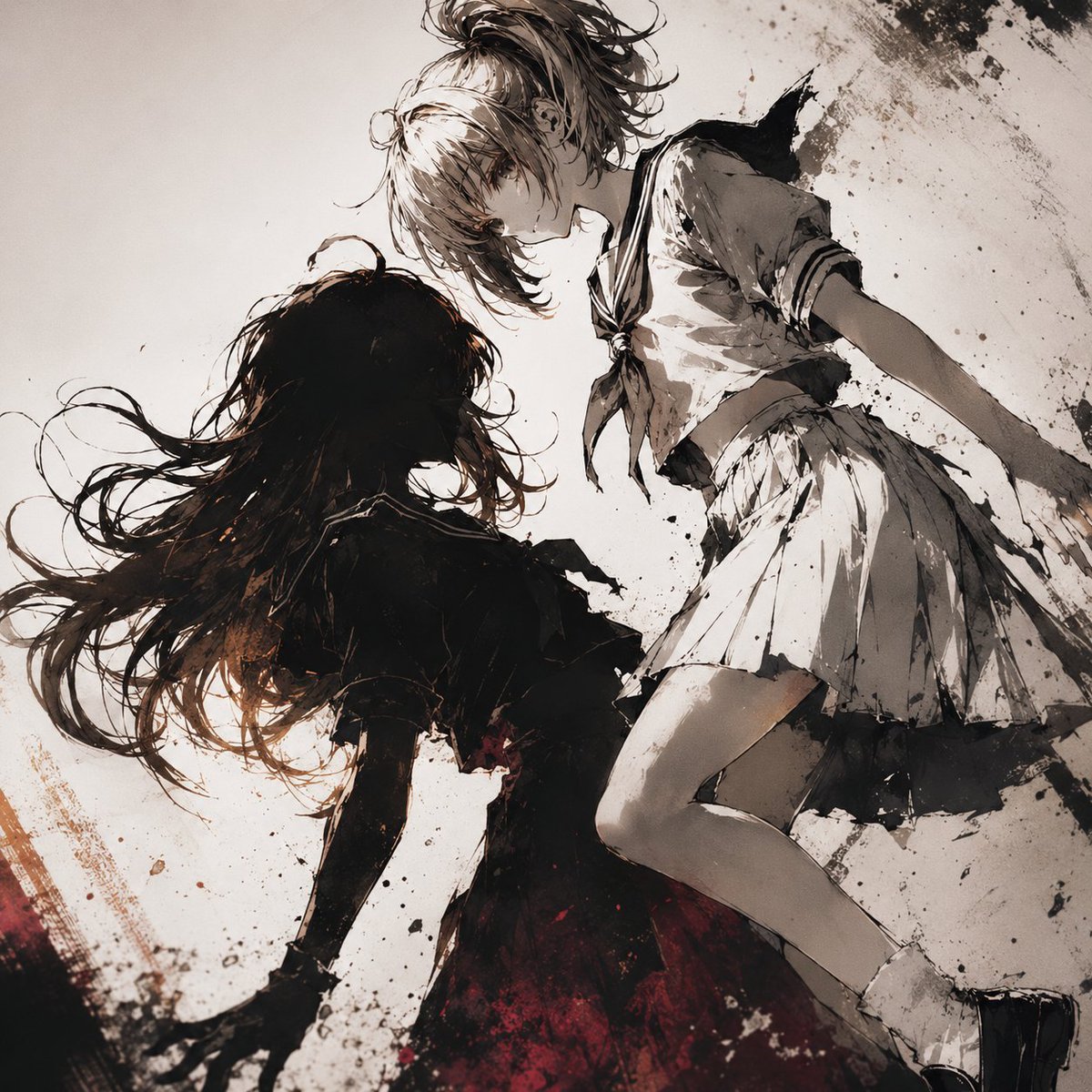
- Prompt included
- Model and format preset
- Free template
The prompt behind this image
Copy the exact prompt behind Two Girls in Ink Storm, or open it in the studio and make it yours.
Create a dramatic square anime illustration of exactly two teenage girls in dynamic motion, seen from a low, tilted angle as if they are falling, floating, or dancing through an abstract storm of ink. The first girl has {argument name="light-haired girl hair color" default="pale blonde hair"} tied in a messy high ponytail with loose strands covering part of her face; she wears a white Japanese sailor school uniform with dark collar trim, a tied neckerchief, a pleated skirt, white socks, and black shoes. She is positioned on the upper-right side, body angled diagonally, one knee bent, one arm extended back, looking downward with a soft serious expression. The second girl has {argument name="dark-haired girl hair color" default="long black hair"} flowing wildly across the left side; her face is mostly hidden in shadow and hair. She wears a dark, tattered school-uniform-like dress or blouse and skirt, rendered almost as a black silhouette, with deep crimson tones around the lower fabric. Place her on the lower-left side, reaching or drifting toward the blonde girl, creating an intimate but tense two-character composition. Use a gritty monochrome palette of warm ivory, charcoal black, sepia brown, and muted blood-red accents. Style it as expressive Japanese anime concept art mixed with ink wash, scratchy pen lines, watercolor stains, splattered black ink, rough brush textures, distressed paper grain, and high-contrast chiaroscuro. Background is mostly off-white empty space with explosive black and brown ink splashes concentrated in the upper-right and lower-left corners, diagonal motion streaks, and scattered speckles. Emphasize flowing hair, pleated fabric movement, dramatic shadows, delicate faces, painterly anatomy, and a cinematic, melancholic atmosphere. No text, no border, no watermark.
How to use Two Girls in Ink Storm in 3 steps
- 1Upload ImagePNG, JPG or paste
Add your photo
Upload the photo the template builds on. The prompt, model and format are already set.
- 2…a portrait of your subject in softgolden-hour light, 85mm…
Personalize
Edit the subject and creative details for your destination.
- 3Generate
Generate
Press Generate — your image is created in PicX Studio, so you can compare it with the original and refine one variable at a time.
More like this
Templates with the same subject, style or setup. Open one to see its prompt.
Two Maid Cafe Girls Making a Heart

Vintage Lithograph Retro World Cup Poster
Vintage Lithograph Retro World Cup Poster
Two Anime Girls with Flashy Hair

Anime Illustration of Two Girls
Minkowski sum of two non-convex sets
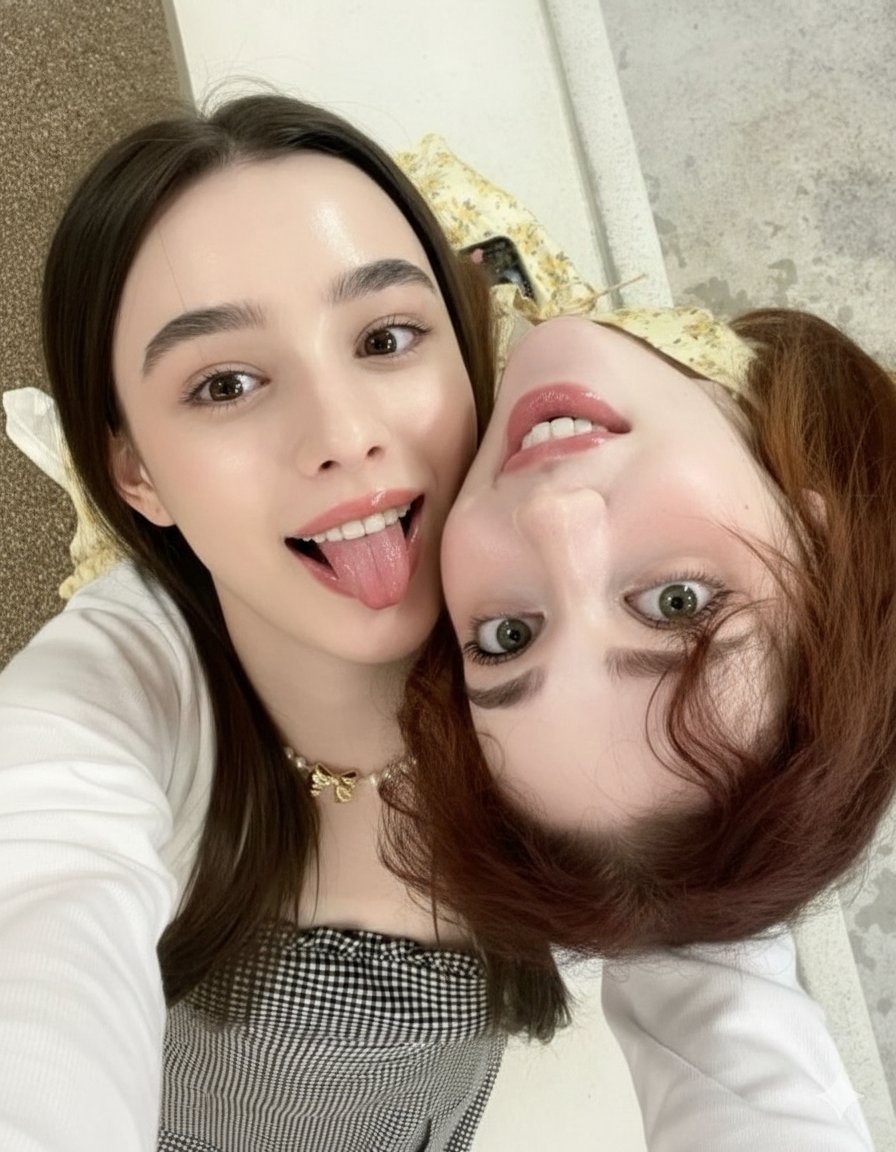
Ultra-Detailed Close-Up Selfie of Two Girls
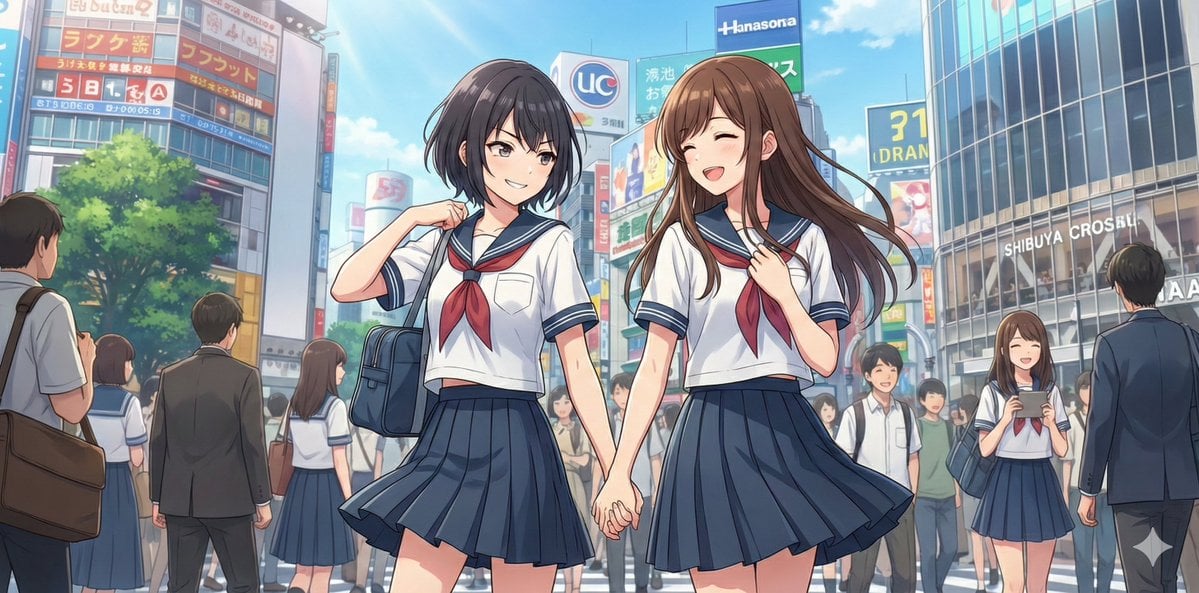
NanoBananaPro Image Generation Prompt: Two High School Girls in Shibuya

Seedance 2.0 - Anime Girl Fight

Two Tickets, One Night

Two Hearts. One Scooter.
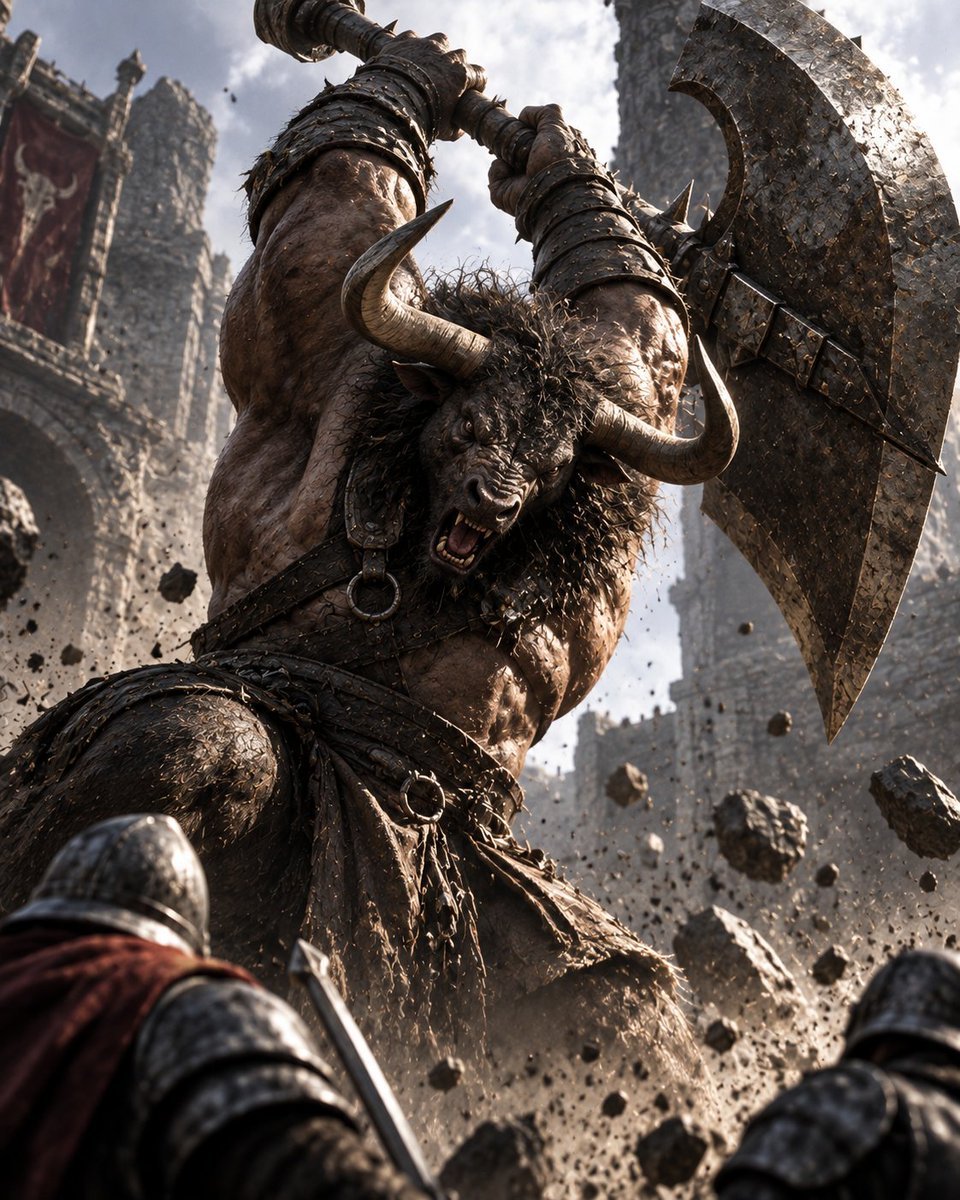
Minotaur Storming Fortress
Make it yours
Two Girls in Ink Storm works as-is. These are the safest ways to change it without losing the look.
Change one field
Copy a single group, rewrite it, and generate again so you can see what that field is doing.
Keep the frame, change the subject
Hold the composition and light of Two Girls in Ink Storm, then swap wardrobe, props or the person for a new take.
| If the result… | Why | Fix |
|---|---|---|
| The result drifts from the preview | Too many fields changed at once. | Reuse Two Girls in Ink Storm as-is first, then change one group — subject, light, or setting. |
| The model over-stylizes the scene | The prose prompt leaves finish and camera underspecified. | Add one camera or lighting sentence and stay on GPT Image 2. |
More GPT Image 2 templates
Other prompts made for GPT Image 2.

Six VTuber Japanese Logo Sheet

Realistic Portrait of Woman and Deer

The Vista Modular Condo Poster

AI Model Routing Comparison Infographic

2.5D Anime Art Board

Isometric Productivity Desk Scene

New York Double Exposure Poster

Four-Panel AI Landscape Comparison

Japanese Tatami Lifestyle Magazine Cover

NESCAFÉ Coffee Map Poster
More image prompts
Fresh picks from across the catalog.
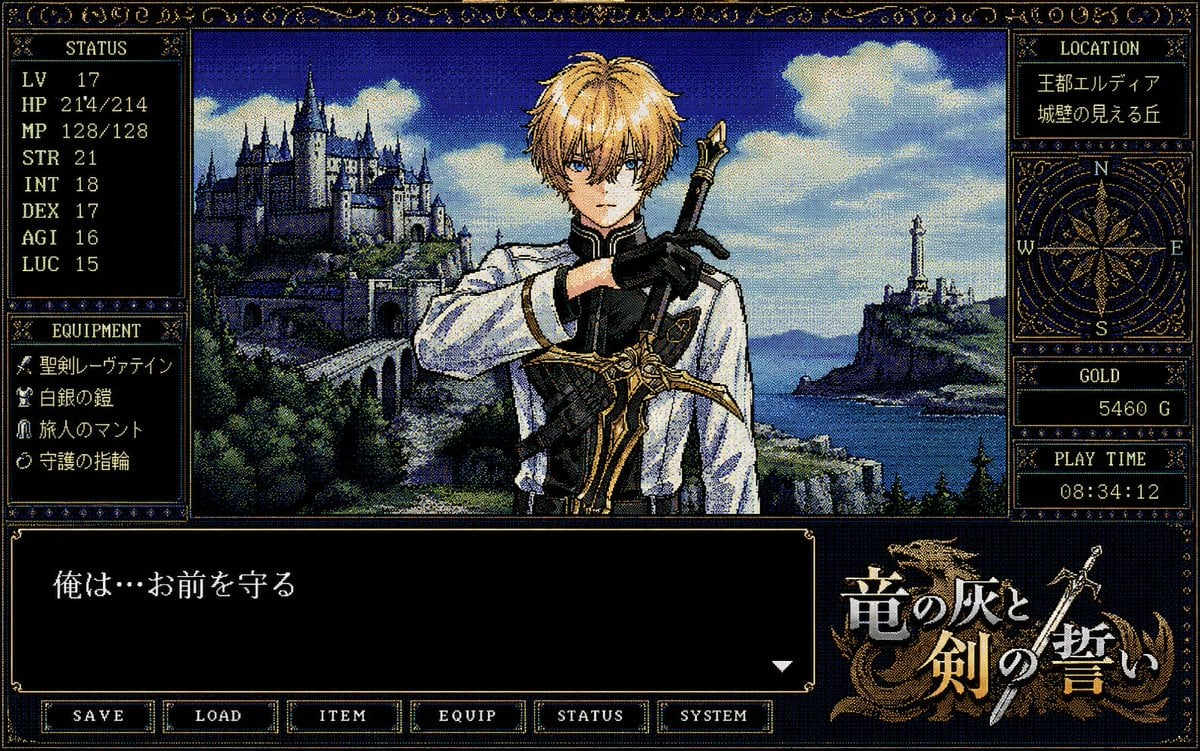
Retro PC-98 Fantasy RPG UI
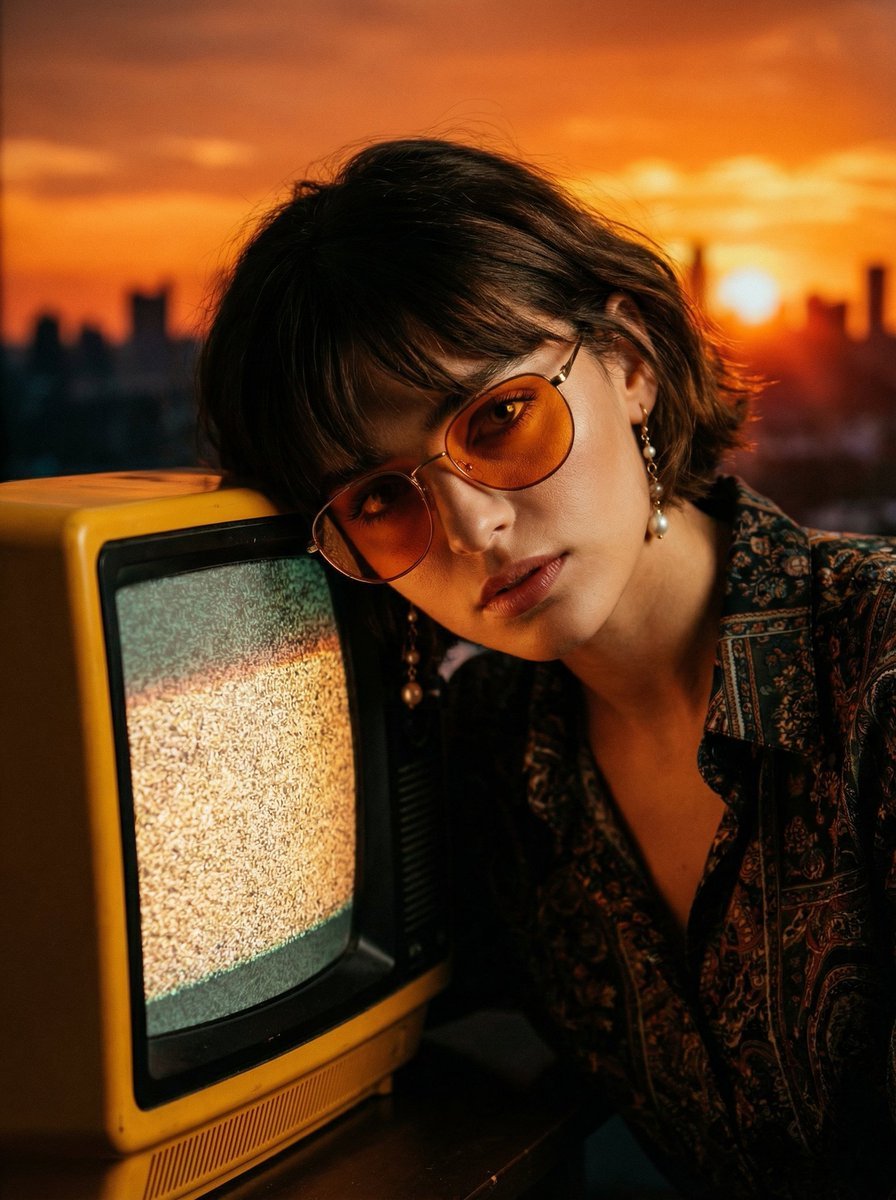
Cinematic Portrait with Static CRT Television
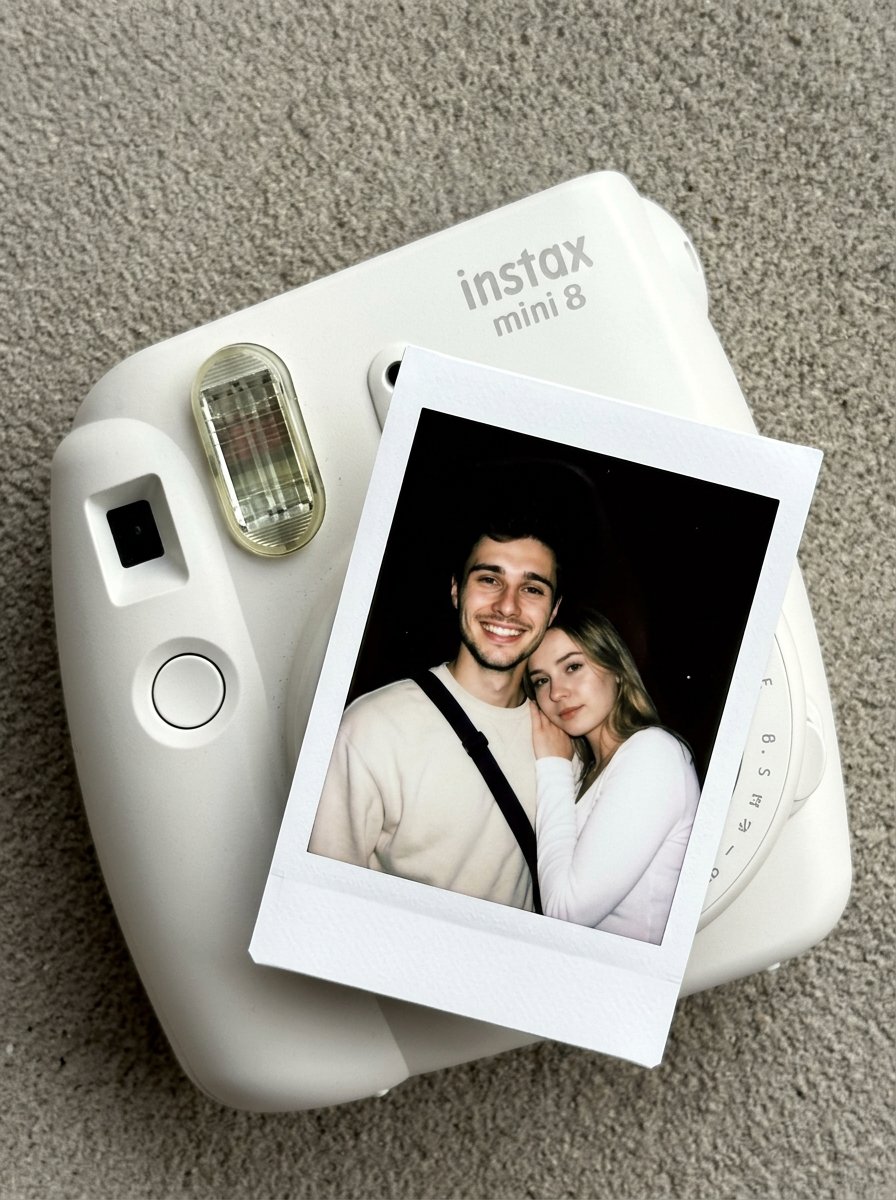
02 Instax Camera Product — Nano Banana 2
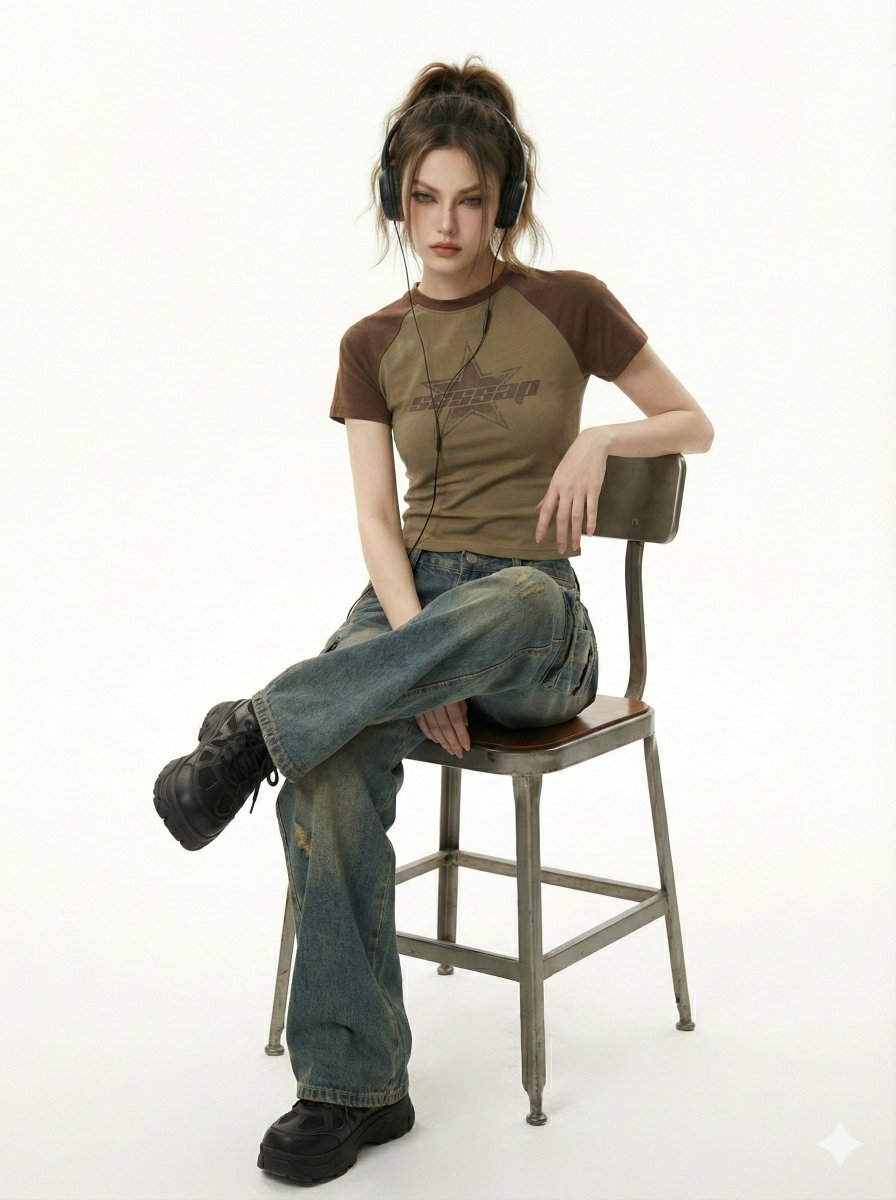
Y2K Indie Sleaze Editorial Portrait
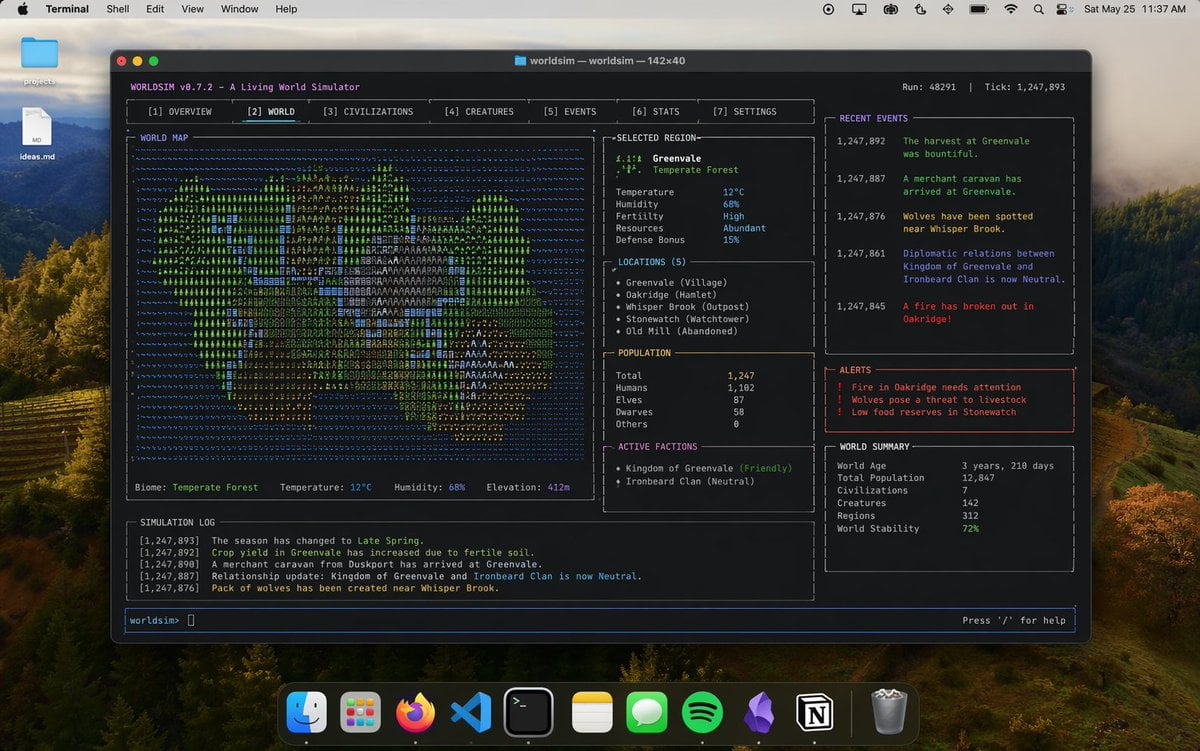
Mac Terminal World Sim UI
Zhao Lusi Gala Portrait with Bulgari Jewelry
Six-Panel Numbered Humanoid Storyboard
Ultra-Photoreal Candlelight Dinner Scene with Couple
panel Japanese gag manga about Nanami eating ramen
Pastel Chinese Landscape Expansion
Browse template categories
Two Girls in Ink Storm questions
How do I use the Two Girls in Ink Storm template?
Add your photo if the template asks for one, edit the prompt if you like — the template's model and format are already selected — and press Generate. Your version opens in PicX Studio.
Can I customize the Two Girls in Ink Storm template?
Yes. You can change the subject, setting, lighting, mood, format, and available model controls before creating your image.
Is the Two Girls in Ink Storm template free?
Opening and editing this template is free. Generating uses credits, shown on the Generate button when you are signed in.
Which AI model should I use?
Start with GPT Image 2, which is the model associated with this template. You can compare another compatible model for a different finish.
Looking for something else? Browse all templates.

Your photo, any look
Thousands of ready templates for every top image and video model, from one credit balance.