
Minotaur Storming Fortress
A cinematic dark fantasy prompt for generating a colossal minotaur attacking a medieval fortress from a dramatic soldier-level viewpoint.
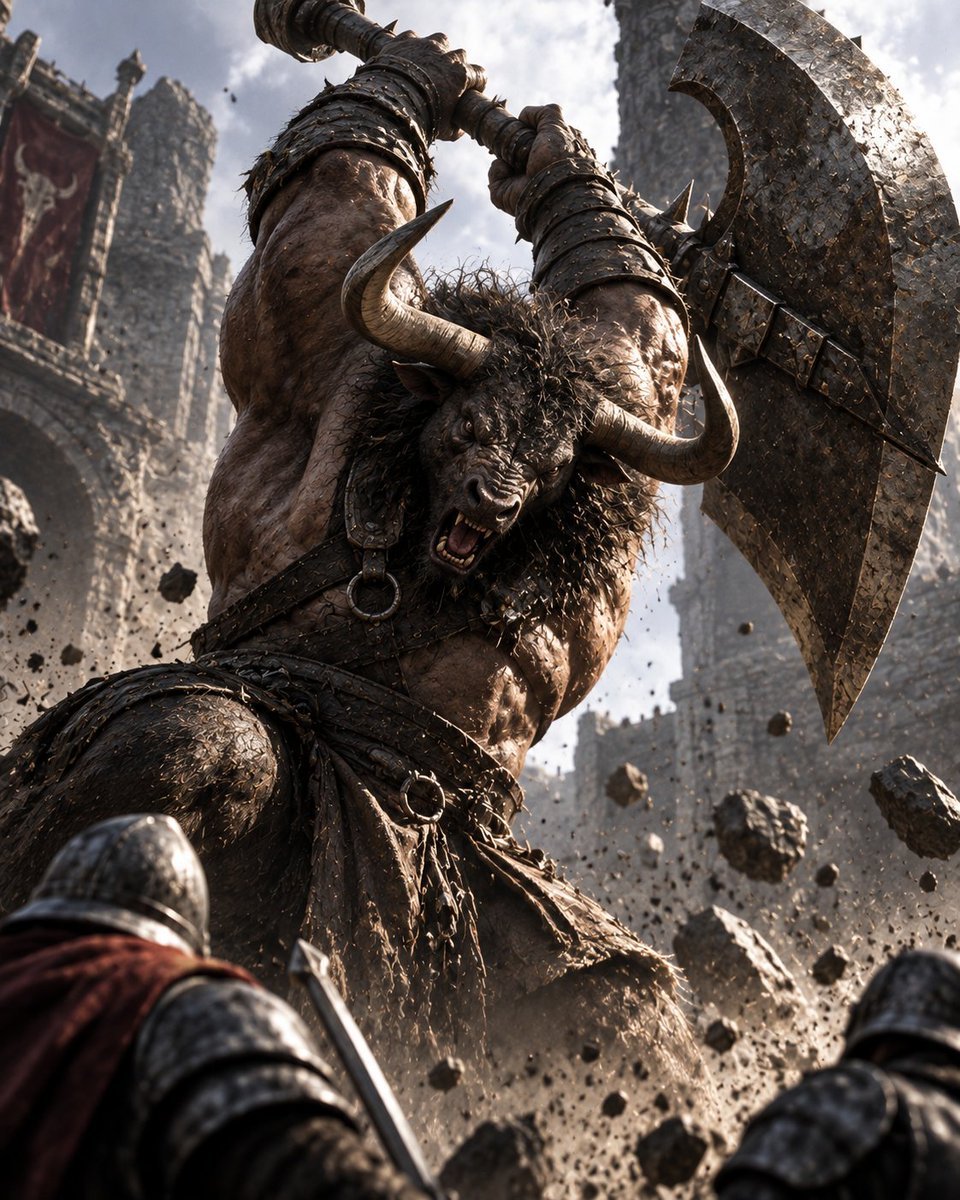
- Prompt included
- Model and format preset
- Free template
The prompt behind this image
Copy the exact prompt behind Minotaur Storming Fortress, or open it in the studio and make it yours.
Create an epic dark fantasy cinematic battle scene of {argument name="main creature" default="a colossal minotaur"} assaulting {argument name="fortress type" default="a medieval stone fortress"}. Use a dramatic low-angle perspective from the viewpoint of human soldiers at the creature’s feet, making the monster tower over the frame. The minotaur is extremely muscular, covered in rough brown hide and tangled black fur around the neck and head, with two huge curved ivory horns, a snarling bull face, bared teeth, and furious eyes. It wears brutal dark leather and iron barbarian armor: wrist bracers, straps across the chest, metal rings, a ragged leather loincloth, belts, and spiked details. It raises both arms overhead, gripping a massive double-bladed battle axe with a long wrapped handle and a weathered, chipped, dark steel blade, preparing to smash downward. In the foreground, show exactly two human defenders partially visible from behind: one armored soldier at lower left with a rounded steel helmet, shoulder armor, sword, and red cloak, and one armored soldier at lower right with a steel helmet and dark armor. Around them, depict flying chunks of stone, dust, gravel, and impact debris suspended in the air. The background shows tall ruined castle towers, battlements, arched stone walls, tattered red banners, smoke, haze, and bright cloudy daylight breaking through, creating harsh rim light and deep shadows. Visual style: ultra-detailed photorealistic fantasy concept art, gritty medieval realism, cinematic composition, dynamic action, high contrast, textured stone and metal, dust-filled atmosphere, shallow depth of field, dramatic scale, no modern objects, no text, no watermark.
How to use Minotaur Storming Fortress in 3 steps
- 1Upload ImagePNG, JPG or paste
Add your photo
Upload the photo the template builds on. The prompt, model and format are already set.
- 2…a portrait of your subject in softgolden-hour light, 85mm…
Personalize
Edit the subject and creative details for your destination.
- 3Generate
Generate
Press Generate — your image is created in PicX Studio, so you can compare it with the original and refine one variable at a time.
More like this
Templates with the same subject, style or setup. Open one to see its prompt.
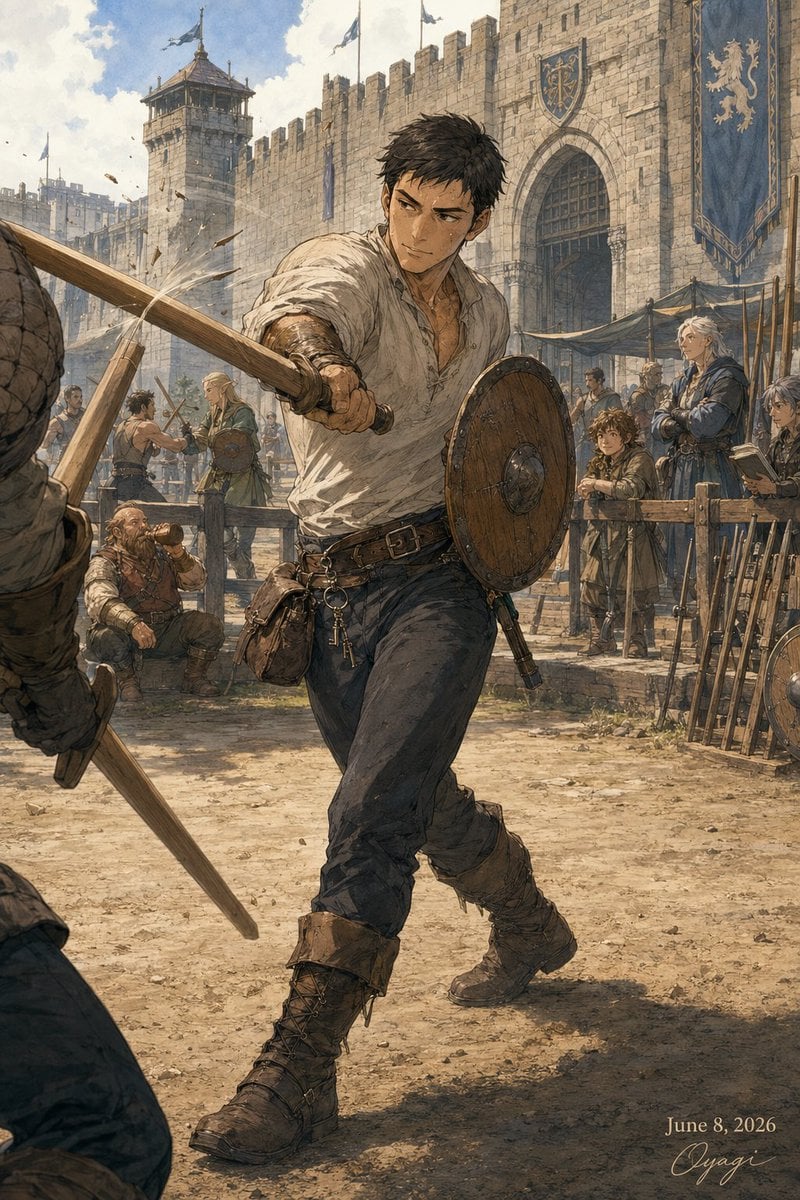
Medieval Fortress Training Yard
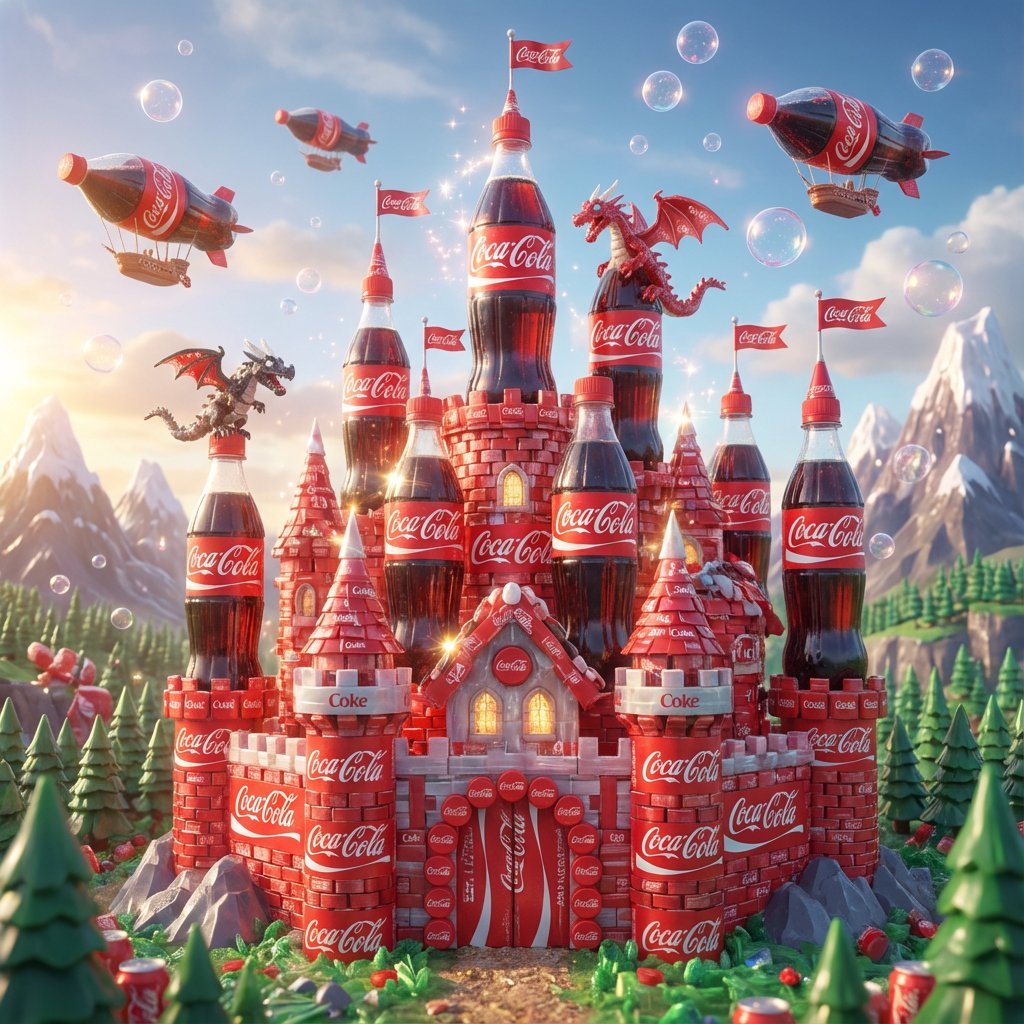
The Soft Drink Fortress Prompt Share
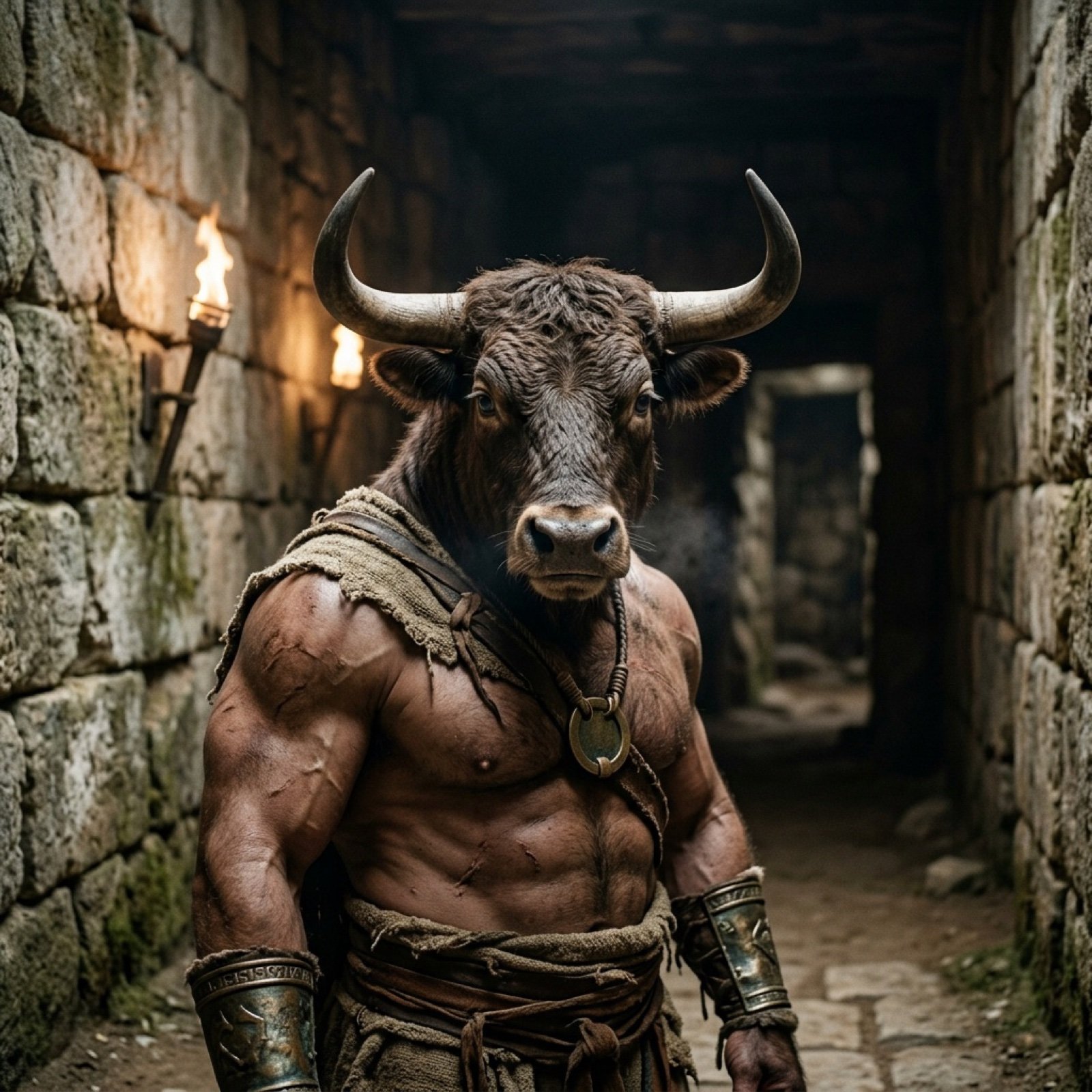
Photorealistic Minotaur Mythology Prompt
Epic Douluo Fantasy Tower Poster
Sci-Fi AI Battle Movie Poster
Night Fashion Portrait at Shibuya Station

BMW M5 Automotive Fashion Photography

AI Dragon Multiverse Meme
Cyberpunk Android Monk Sky City

Fantasy Model Comparison Grid
Three Kingdoms Pop-Up Book Scene
Purple Mechanical Goddess Triptych
Make it yours
Minotaur Storming Fortress works as-is. These are the safest ways to change it without losing the look.
Change one field
Copy a single group, rewrite it, and generate again so you can see what that field is doing.
Keep the frame, change the subject
Hold the composition and light of Minotaur Storming Fortress, then swap wardrobe, props or the person for a new take.
| If the result… | Why | Fix |
|---|---|---|
| The result drifts from the preview | Too many fields changed at once. | Reuse Minotaur Storming Fortress as-is first, then change one group — subject, light, or setting. |
| The model over-stylizes the scene | The prose prompt leaves finish and camera underspecified. | Add one camera or lighting sentence and stay on GPT Image 2. |
More GPT Image 2 templates
Other prompts made for GPT Image 2.

Six VTuber Japanese Logo Sheet

Realistic Portrait of Woman and Deer

The Vista Modular Condo Poster

AI Model Routing Comparison Infographic

2.5D Anime Art Board

Isometric Productivity Desk Scene

New York Double Exposure Poster

Four-Panel AI Landscape Comparison

Japanese Tatami Lifestyle Magazine Cover

NESCAFÉ Coffee Map Poster
More image prompts
Fresh picks from across the catalog.
Hiking Photo to Marker Sketch
PPT Weapon Specialist Character Sheet

Miniature Diorama of Confused Alien in a Suburban Backyard
Extreme Wet Close-Up Portrait with Realistic Water Droplets
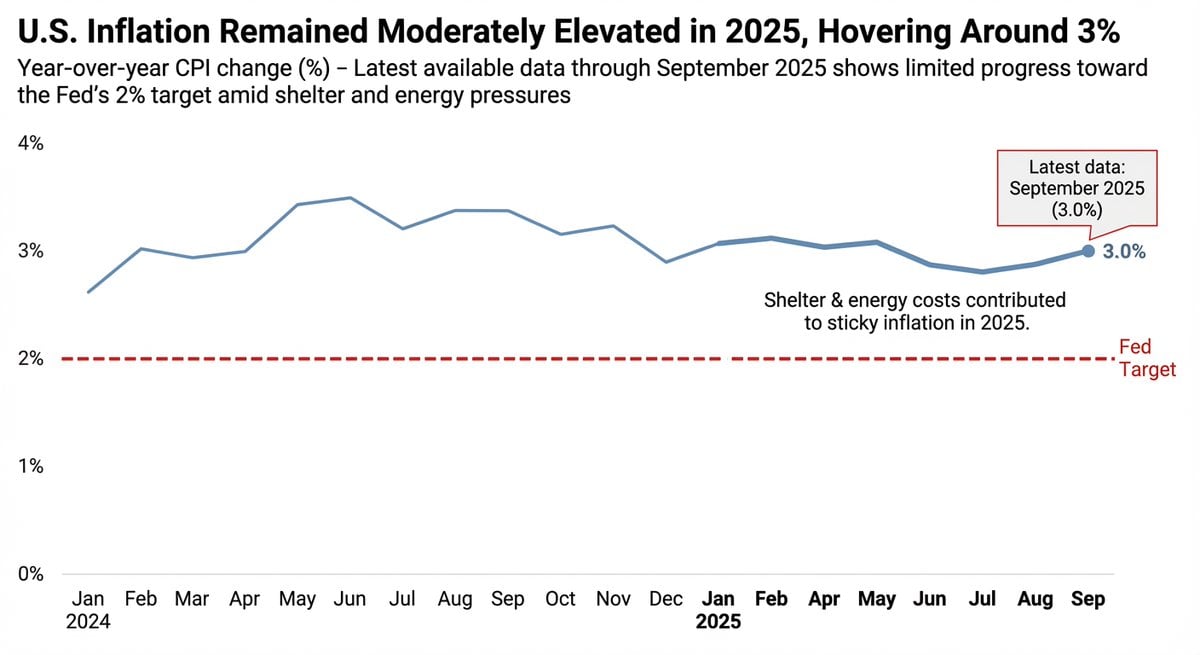
Data Visualization based on Storytelling with Data
Swiss Punk Editorial Poster
Monochrome Anime Couple Sketch
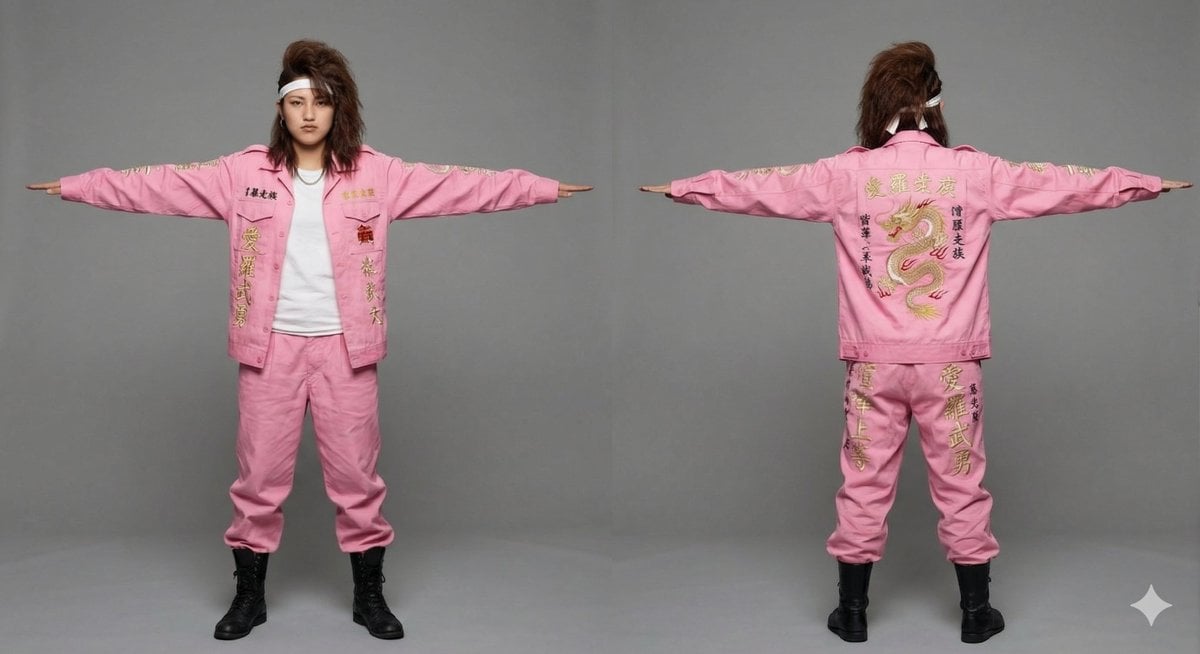
3D Model Asset Style: Classic Japanese Bosozoku (Female)
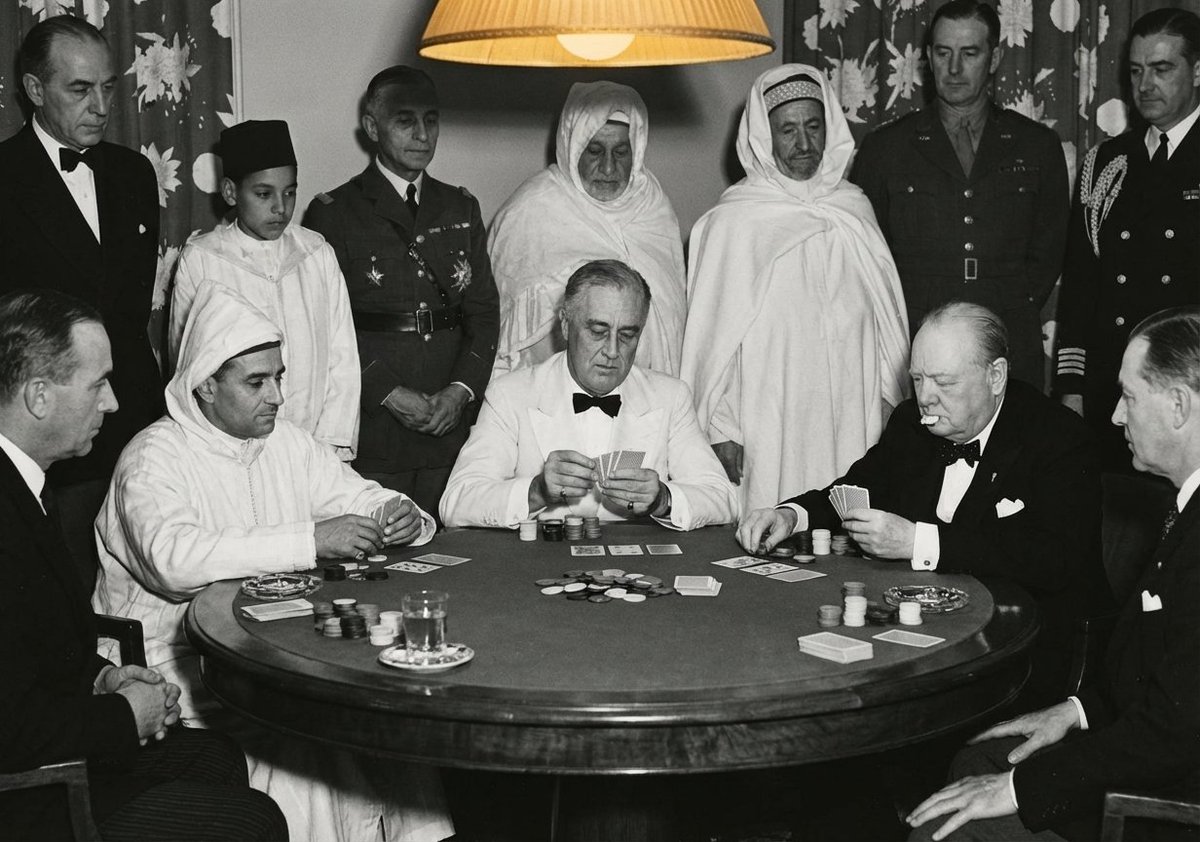
Leaders playing poker scene
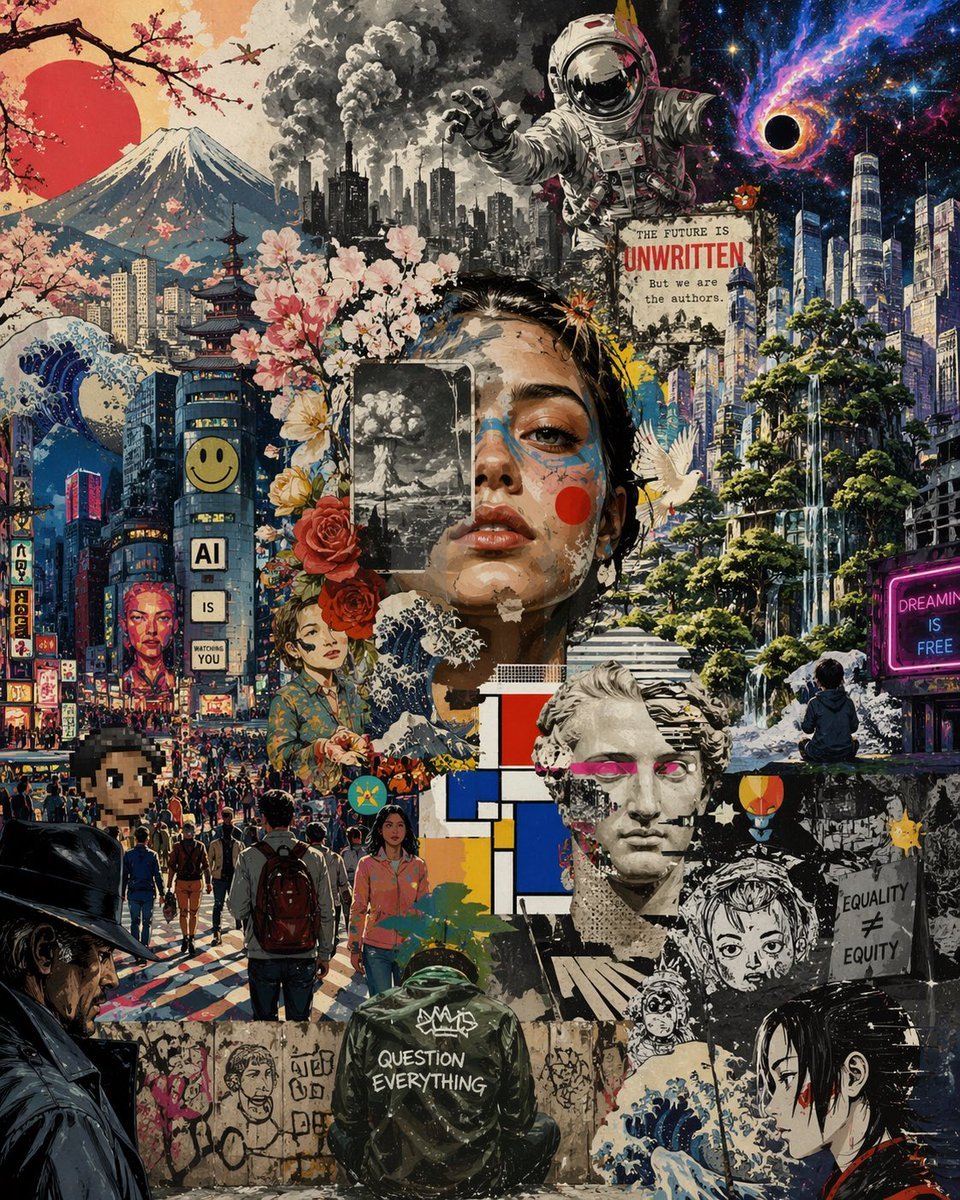
Surreal Futurist Japanese Collage Poster
Browse template categories
Minotaur Storming Fortress questions
How do I use the Minotaur Storming Fortress template?
Add your photo if the template asks for one, edit the prompt if you like — the template's model and format are already selected — and press Generate. Your version opens in PicX Studio.
Can I customize the Minotaur Storming Fortress template?
Yes. You can change the subject, setting, lighting, mood, format, and available model controls before creating your image.
Is the Minotaur Storming Fortress template free?
Opening and editing this template is free. Generating uses credits, shown on the Generate button when you are signed in.
Which AI model should I use?
Start with GPT Image 2, which is the model associated with this template. You can compare another compatible model for a different finish.
Looking for something else? Browse all templates.

Your photo, any look
Thousands of ready templates for every top image and video model, from one credit balance.