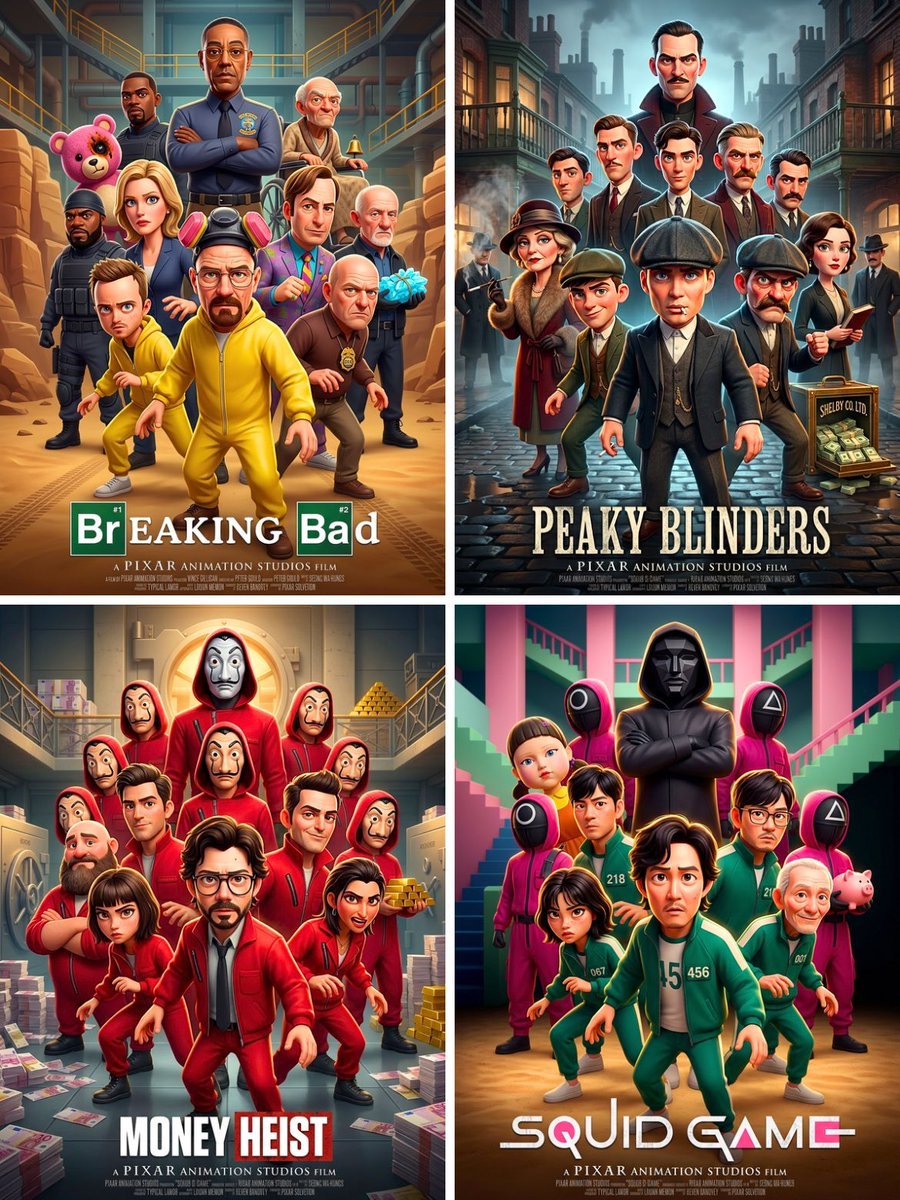
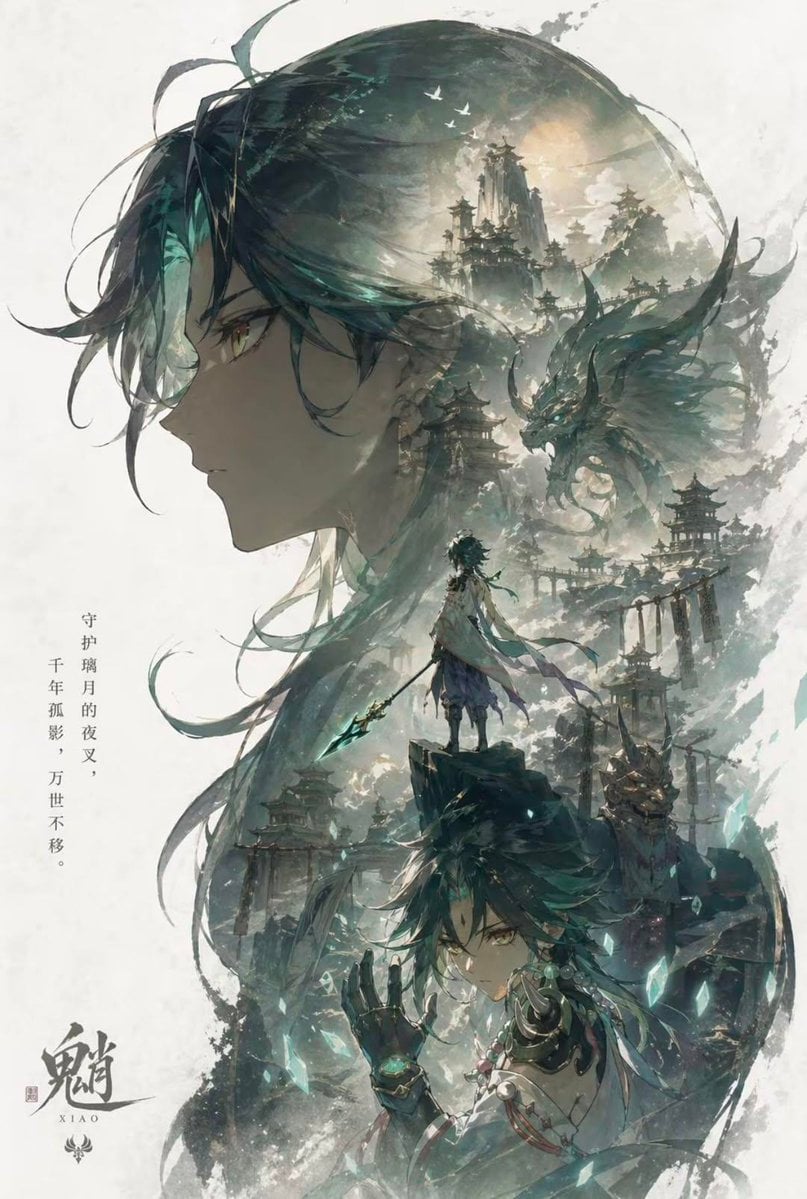
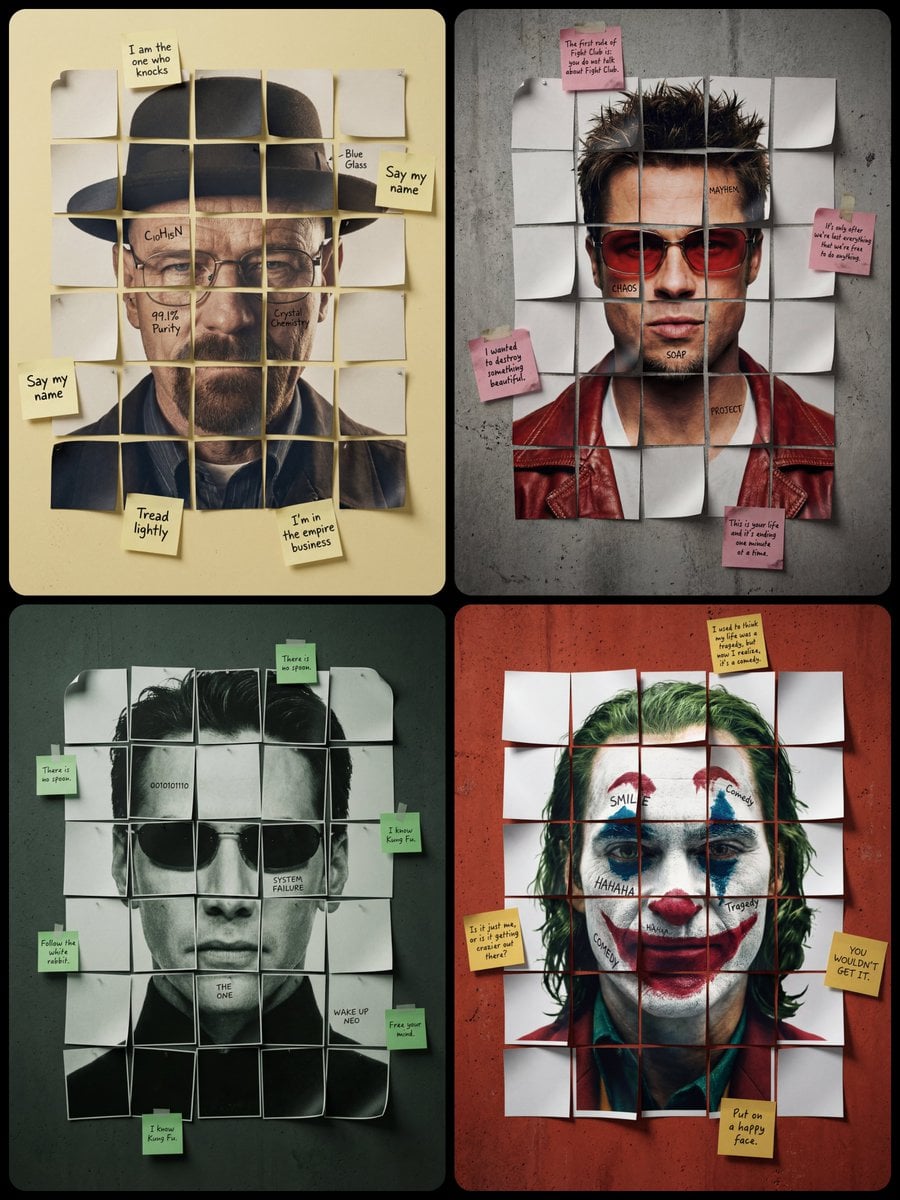
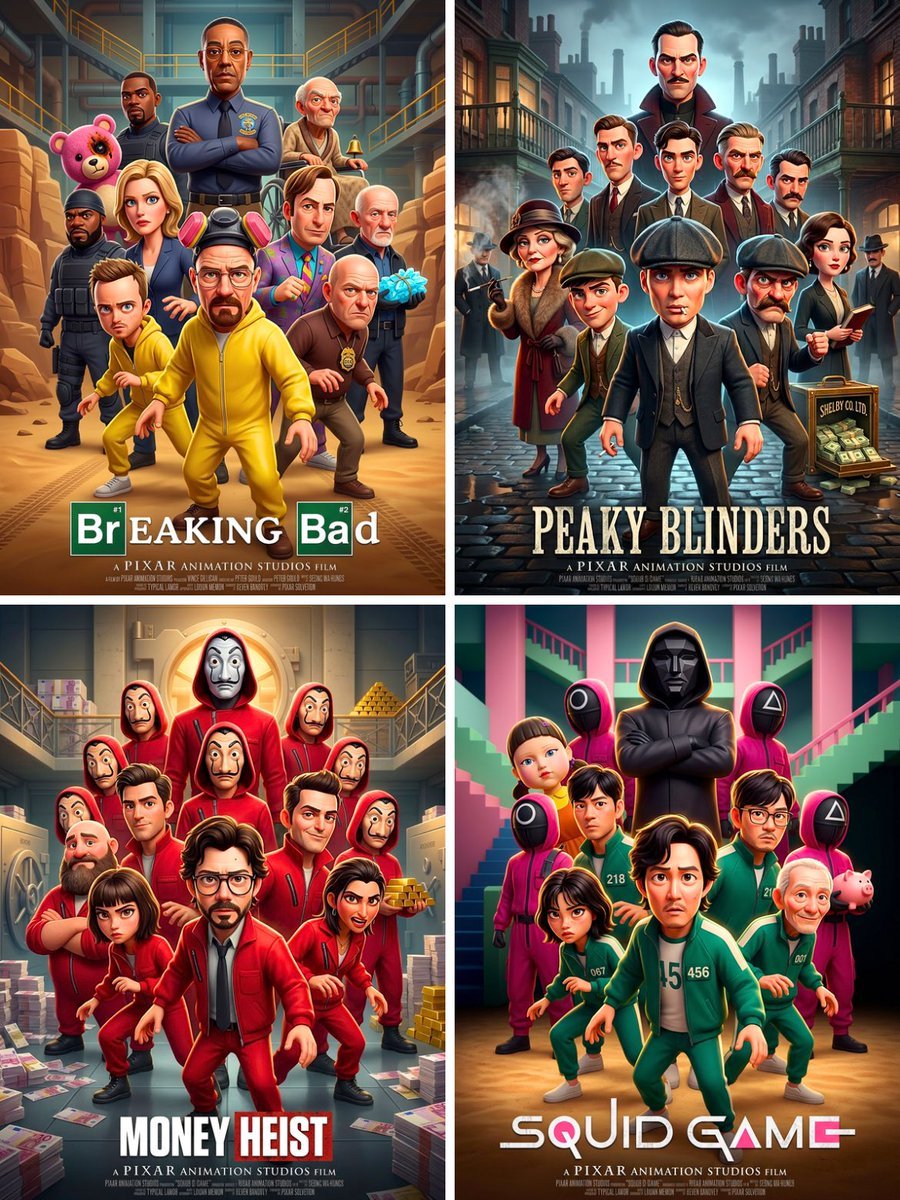
How do I use the Sci-Fi AI Battle Movie Poster template?
Edit the prompt in the box under the preview — the template's model and format are already selected — and press Generate. Your version appears right on this page.
Curated from MeiGen gallery (ID: 2047676720707482049) by Amira Zairi.

A cinematic epic sci-fi fantasy movie poster featuring three powerful tech leaders standing together as rival kings of artificial intelligence, dramatic futuristic battlefield, dark stormy sky, glowing AI energy, towering digital fortress in the background, armies of advanced robots below, intense blue and golden lighting contrast, ultra-detailed armor-inspired futuristic outfits, heroic serious expressions, high-budget streaming series poster style, dramatic composition, sharp facial details, atmospheric smoke, lightning, sparks, cinematic depth, professional poster typography with the title "THE FINAL AI BATTLE", subtitle "The future is intelligent. The battle is real.", 4:3 aspect ratio
A cinematic epic sci-fi fantasy movie poster featuring three powerful tech leaders standing together as rival kings of artificial intelligence, dramatic futuristic battlefield, dark stormy sky, glowing AI energy, towering digital fortress in the background, armies of advanced robots below, intense blue and golden lighting contrast, ultra-detailed armor-inspired futuristic outfits, heroic serious expressions, high-budget streaming series poster style, dramatic composition, sharp facial details, atmospheric smoke, lightning, sparks, cinematic depth, professional poster typography with the title "THE FINAL AI BATTLE", subtitle "The future is intelligent. The battle is real.", 4:3 aspect ratio
Edit the prompt in the box under the preview — the template's model and format are already selected — and press Generate. Your version appears right on this page.
Yes. You can change the subject, setting, lighting, mood, format, and available model controls before creating your image.
Opening and editing this template is free. Generating uses credits, shown on the Generate button when you are signed in.
Choose a compatible model in PicX Studio based on the style, speed, and output controls your project needs.
Follow a topic to a crawlable collection of related PicX Studio templates.