How do I use the Chibi Designer Toy Character on Smartphone template?
Edit the prompt in the box under the preview — the template's model and format are already selected — and press Generate. Your version appears right on this page.
Curated from MeiGen gallery (ID: 2031741057105526932) by simeon-sanai.

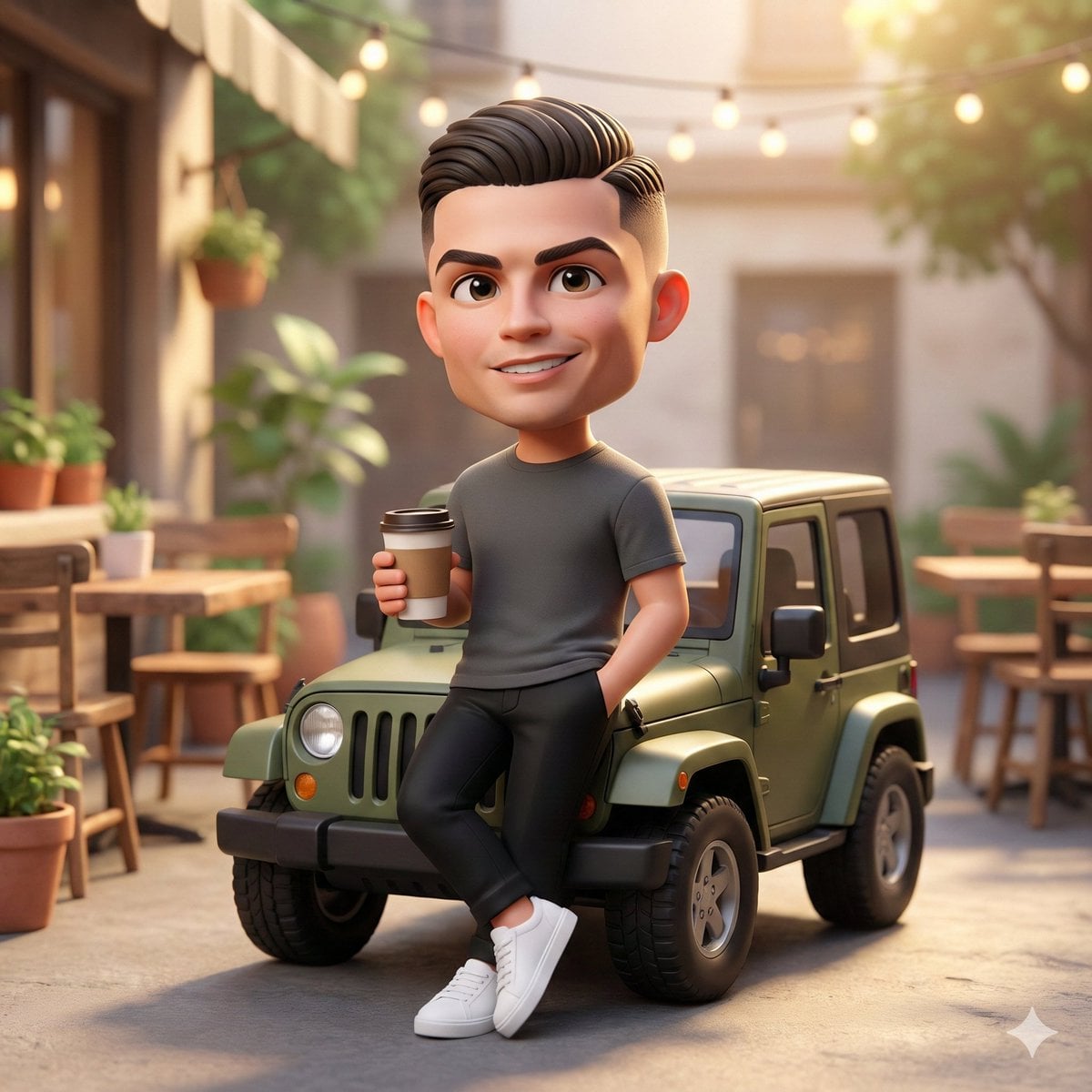
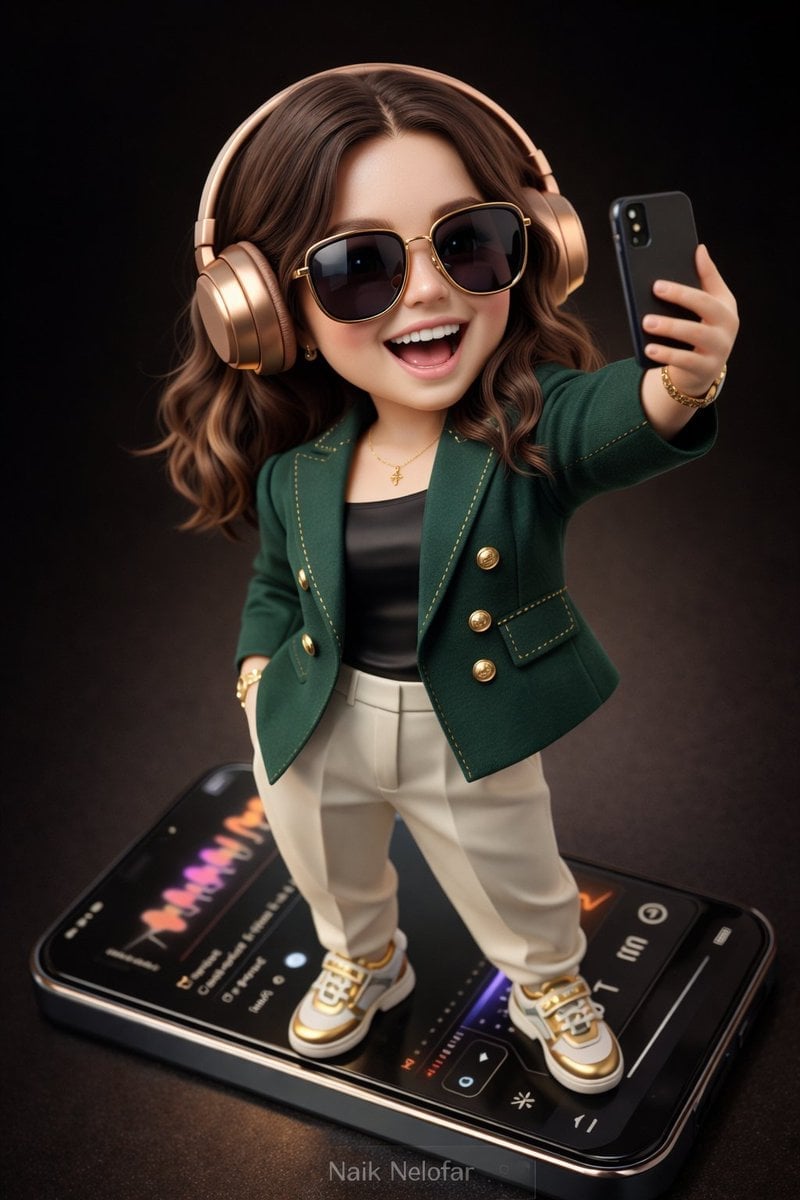
Create a high-detail 3D semi-realistic chibi character with slightly exaggerated cute proportions but with photorealistic facial rendering, natural skin pores, realistic lighting, and finely detailed hair strands. The character should look like a collectible designer toy figure with smooth surfaces, high-end materials, and ultra-clean edges. The character is styled in an fashion look: A tailored designer jacket in deep emerald green with gold stitching accents A sleek black silk fitted top underneath High-fashion tapered trousers in matte ivory tone designer sneakers / footwear in white and gold with polished details Accessories must feel ultra- and fashionable: oversized sunglasses with glossy black lenses and gold frame wristwatch with metallic gold case and elegant dial Subtle designer bracelet and minimal accents The character stands confidently on top of a giant modern smartphone, like a collectible display piece. They are wearing stylish wireless over-ear headphones in metallic rose gold and holding the phone slightly forward while taking a playful joyful selfie, smiling and laughing with energetic expression. The smartphone screen displays a realistic modern music-player interface with colorful waveform animations and elegant UI elements. Scene style and lighting: Background: deep cinematic dark brown gradient studio backdrop Lighting: soft studio lighting with subtle reflections and rim light Materials: high-quality fabric textures, polished metals, and realistic plastics Style: collectible toy aesthetic mixed with semi-realistic chibi design Camera perspective: Aerial / top-down camera angle Slight cinematic depth of field for realism Rendering quality: Ultra-detailed 3D render 8K resolution smooth shading hyper-clean edges high clarity Add a small elegant watermark text "Naik Nelofar " at the bottom of the image, subtle but clearly readable. Aspect ratio: 3:4 vertical composition
Create a high-detail 3D semi-realistic chibi character with slightly exaggerated cute proportions but with photorealistic facial rendering, natural skin pores, realistic lighting, and finely detailed hair strands. The character should look like a collectible designer toy figure with smooth surfaces, high-end materials, and ultra-clean edges. The character is styled in an fashion look: A tailored designer jacket in deep emerald green with gold stitching accents A sleek black silk fitted top underneath High-fashion tapered trousers in matte ivory tone designer sneakers / footwear in white and gold with polished details Accessories must feel ultra- and fashionable: oversized sunglasses with glossy black lenses and gold frame wristwatch with metallic gold case and elegant dial Subtle designer bracelet and minimal accents The character stands confidently on top of a giant modern smartphone, like a collectible display piece. They are wearing stylish wireless over-ear headphones in metallic rose gold and holding the phone slightly forward while taking a playful joyful selfie, smiling and laughing with energetic expression. The smartphone screen displays a realistic modern music-player interface with colorful waveform animations and elegant UI elements. Scene style and lighting: Background: deep cinematic dark brown gradient studio backdrop Lighting: soft studio lighting with subtle reflections and rim light Materials: high-quality fabric textures, polished metals, and realistic plastics Style: collectible toy aesthetic mixed with semi-realistic chibi design Camera perspective: Aerial / top-down camera angle Slight cinematic depth of field for realism Rendering quality: Ultra-detailed 3D render 8K resolution smooth shading hyper-clean edges high clarity Add a small elegant watermark text "Naik Nelofar " at the bottom of the image, subtle but clearly readable. Aspect ratio: 3:4 vertical composition
Edit the prompt in the box under the preview — the template's model and format are already selected — and press Generate. Your version appears right on this page.
Yes. You can change the subject, setting, lighting, mood, format, and available model controls before creating your image.
Opening and editing this template is free. Generating uses credits, shown on the Generate button when you are signed in.
Choose a compatible model in PicX Studio based on the style, speed, and output controls your project needs.
Follow a topic to a crawlable collection of related PicX Studio templates.