How do I use the Pixar 3D Character Sticker Pack 3x3 template?
Edit the prompt in the box under the preview — the template's model and format are already selected — and press Generate. Your version appears right on this page.
Curated from MeiGen gallery (ID: 2039340995322446177) by WasifAI.

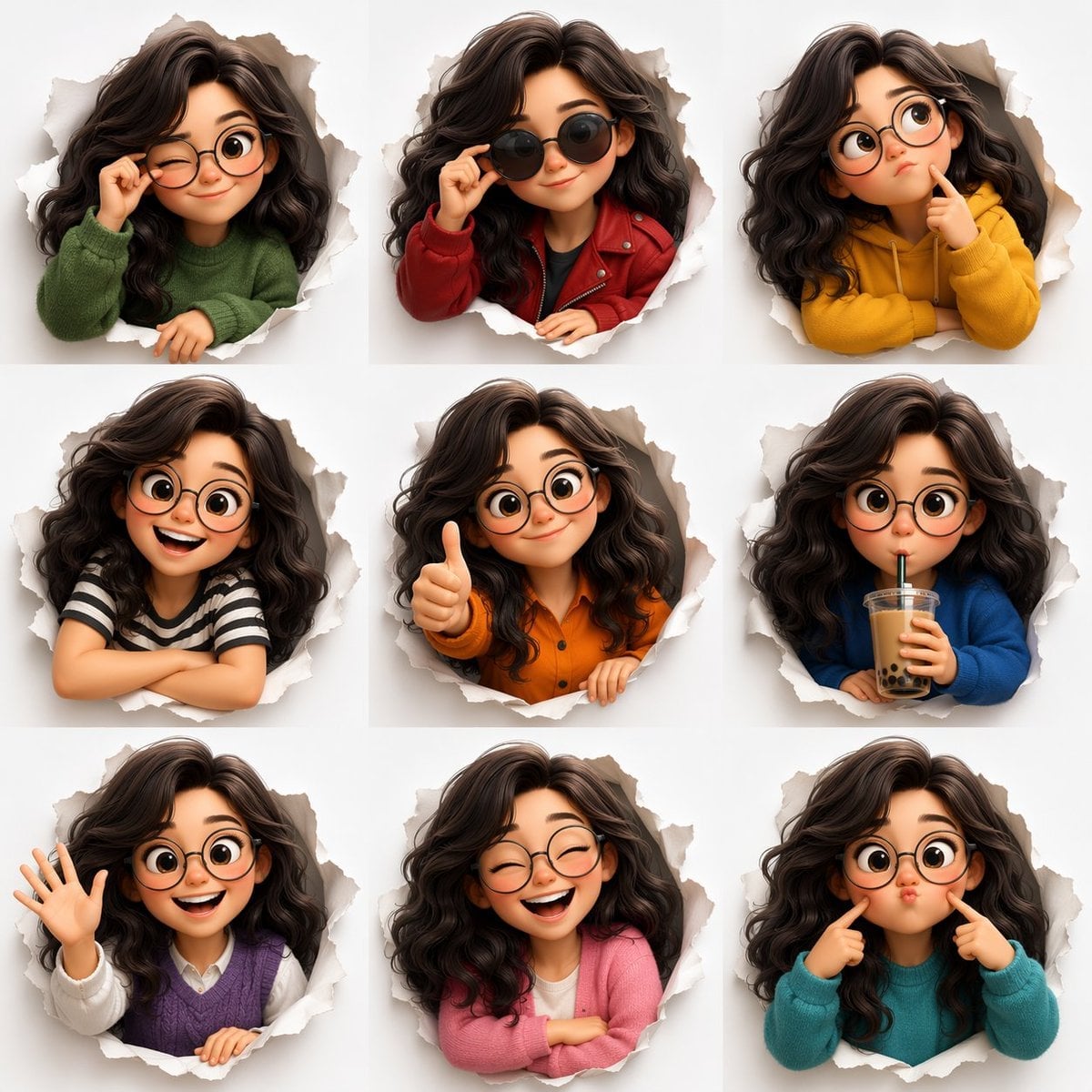
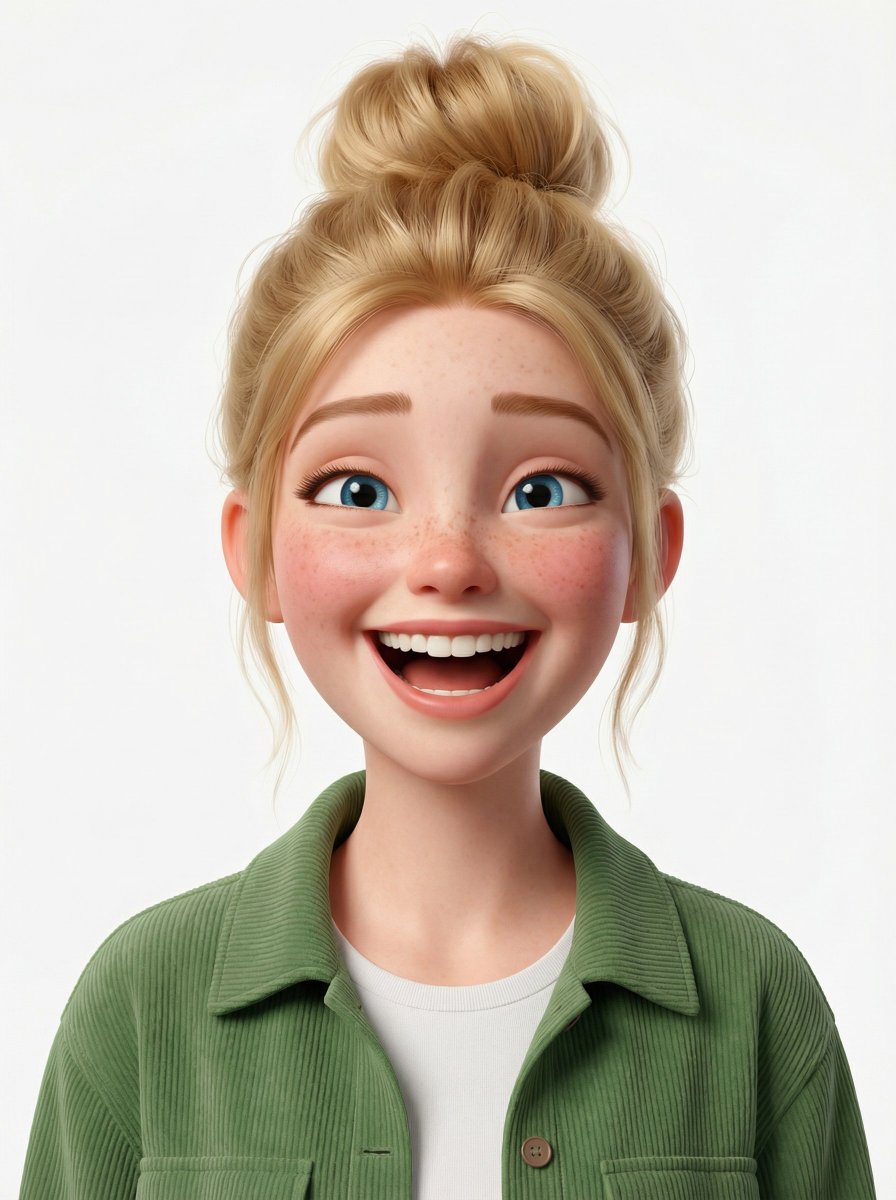
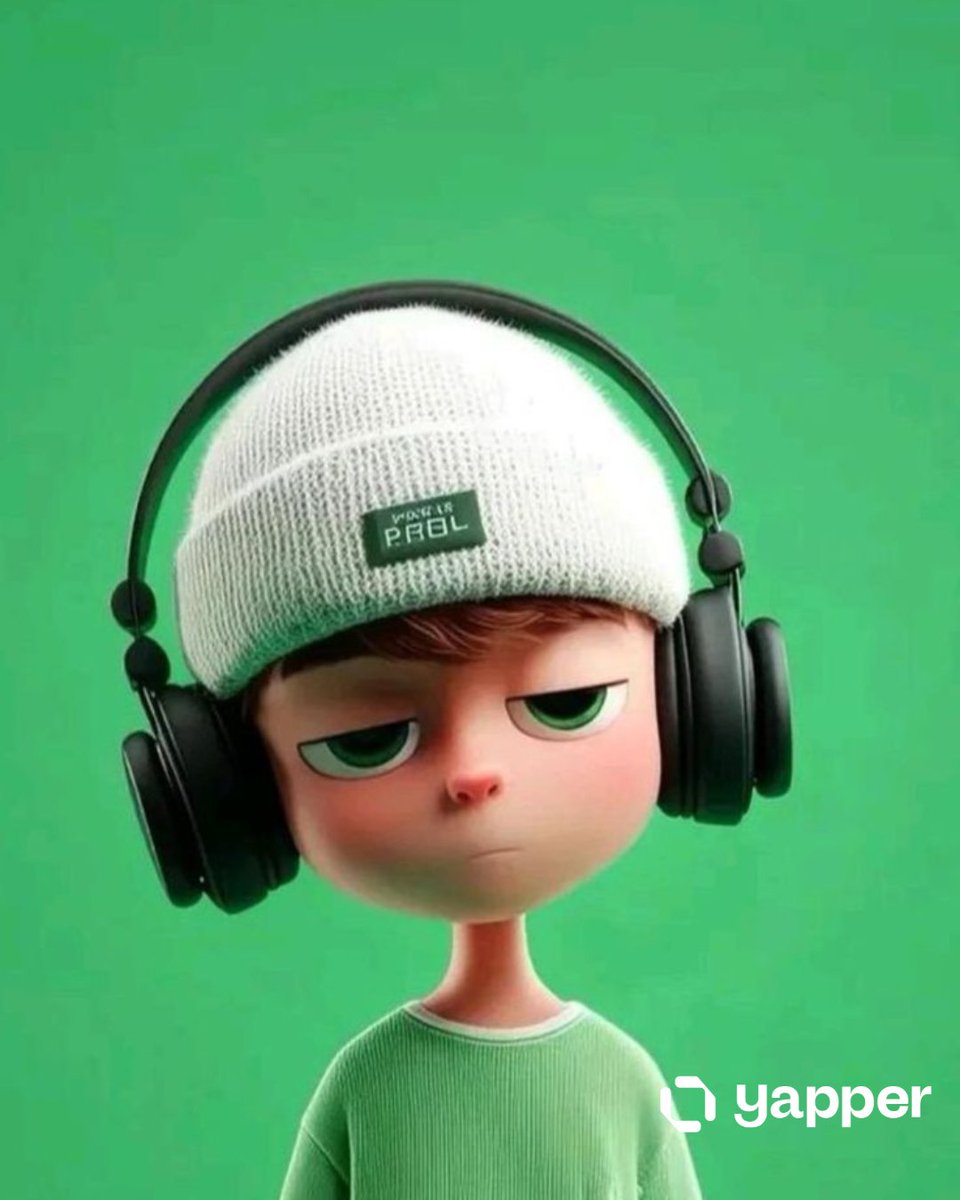
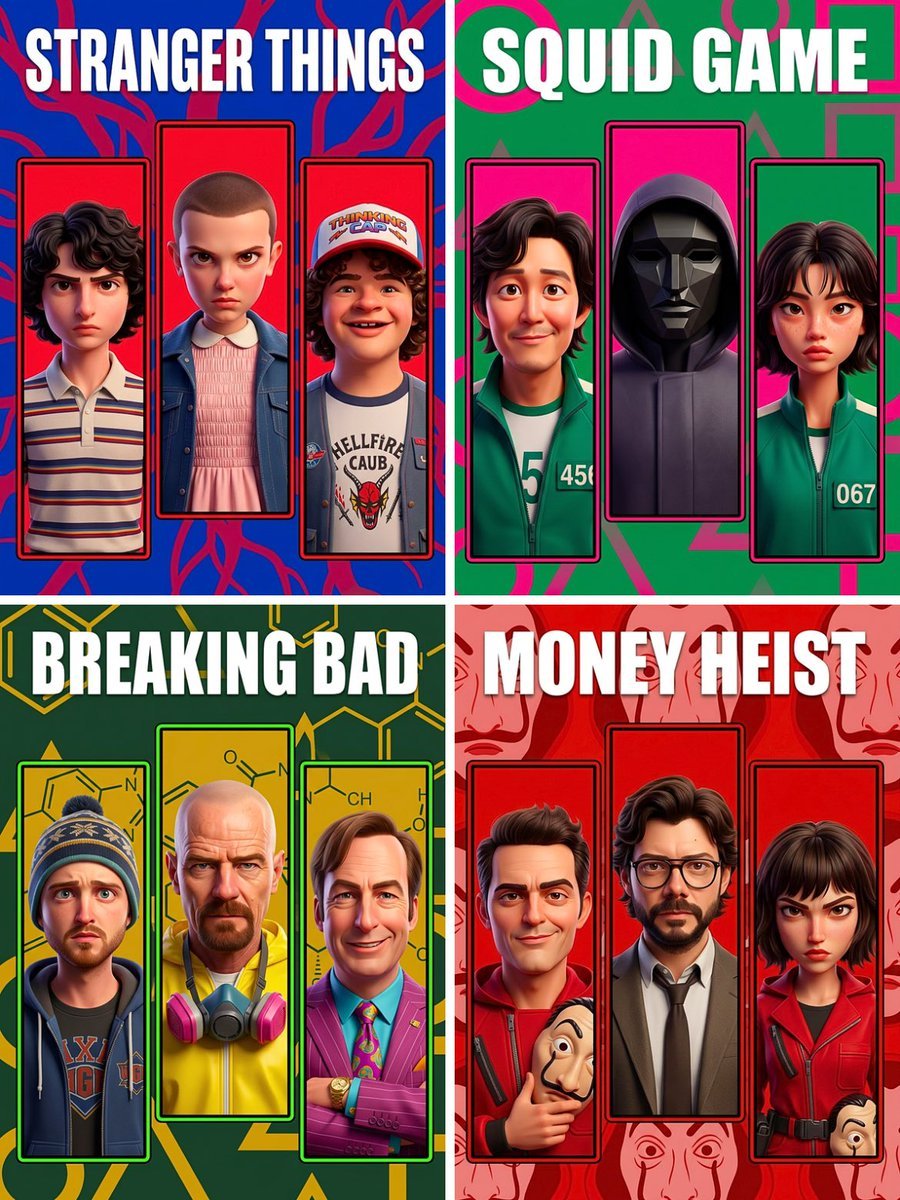
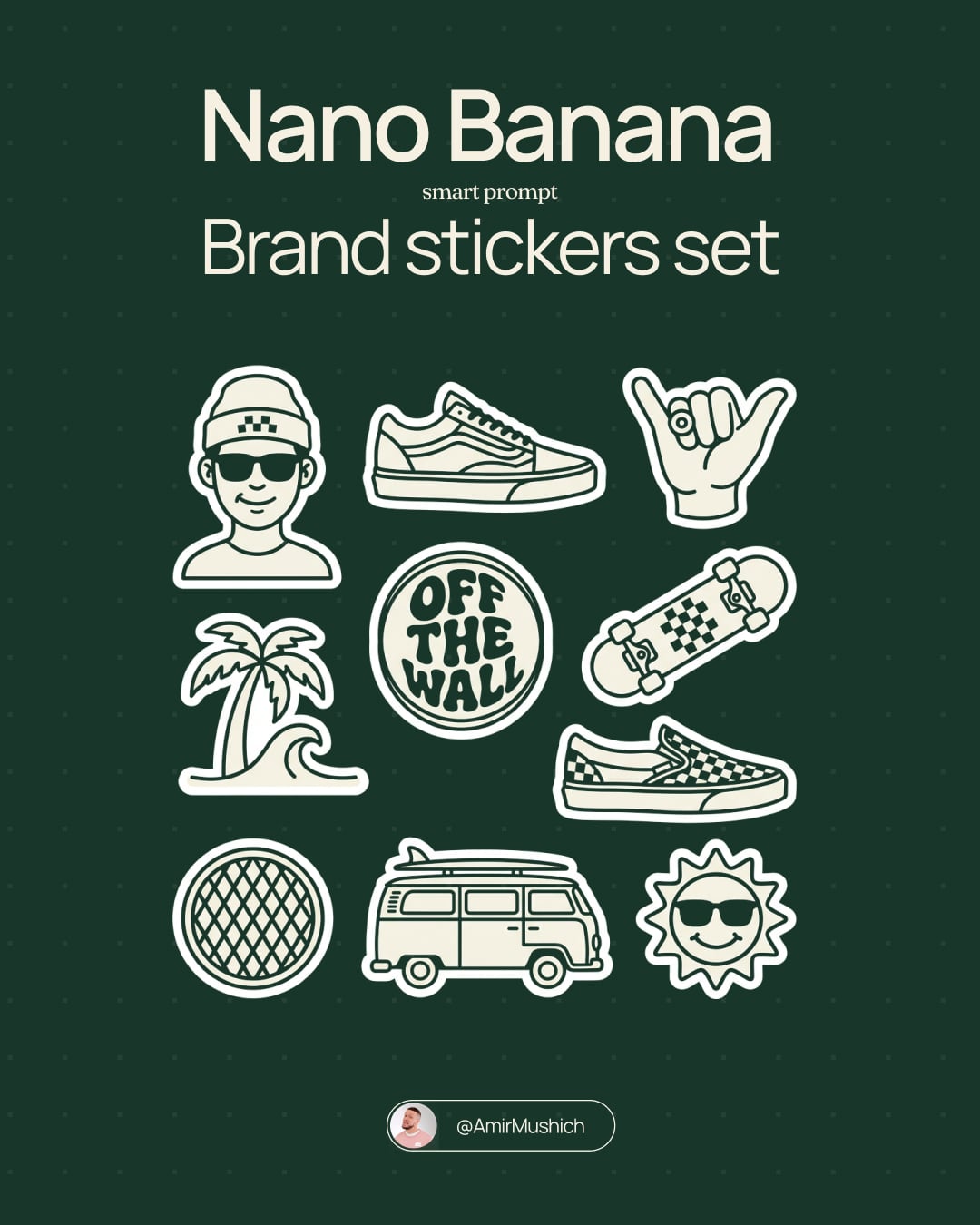
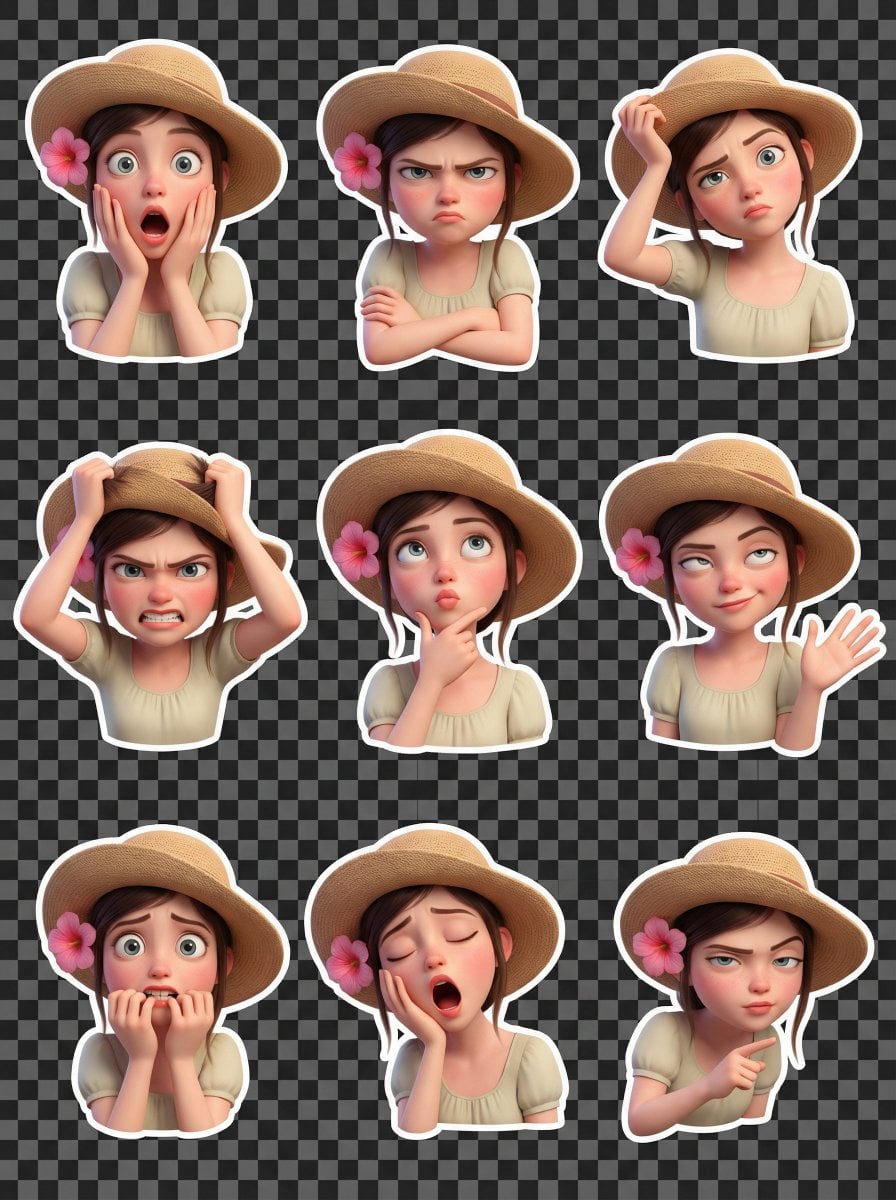
Create a premium Pixar-style 3D character sticker set that is clearly recognizable as the same person. Use the uploaded image as the ONLY facial reference. Output Requirements: 3x3 grid layout (9 stickers total) Final aspect ratio: 4:5 Ultra high resolution (8K) Clean cream background Each sticker is separated with clear spacing Add a subtle drop shadow under each sticker for depth Character Identity (VERY IMPORTANT): MUST preserve exact facial structure, hairstyle, grooming details, and unique features from the uploaded image Maintain high likeness accuracy Do NOT over beautify or alter identity beyond recognition Style: Pixar-style 3D animation Glossy, high-end rendering Soft global illumination Smooth shading High-detail facial textures Framing: All stickers must be head and shoulders (portrait close-up) only No full-body or mid-body shots allowed Focus tightly on face and upper shoulders to emphasize expressions Outfit: Modern casual and slightly stylized clothing Each sticker must have a different outfit (no repetition at all) Clean, minimal, and visually appealing for sticker use Expressions & Poses (9 variations): 1. Happy smile 2. Laughing 3. Cool (with sunglasses) 4. Angry/serious 5. Surprised 6. Thinking 7. Wink 8. Love (heart eyes and heart gesture) 9. Thumbs up Sticker Design: Bold, clean outline Slightly exaggerated cartoon proportions Strong emphasis on facial expressions Optimized for digital sticker platforms Each sticker must have a smooth rounded bottom cutout (semi-curved base) No text Lighting: Soft studio lighting Subtle rim light for depth and separation Goal: Create a highly engaging, cute, and expressive sticker pack that feels premium and collectable.
Create a premium Pixar-style 3D character sticker set that is clearly recognizable as the same person. Use the uploaded image as the ONLY facial reference. Output Requirements: 3x3 grid layout (9 stickers total) Final aspect ratio: 4:5 Ultra high resolution (8K) Clean cream background Each sticker is separated with clear spacing Add a subtle drop shadow under each sticker for depth Character Identity (VERY IMPORTANT): MUST preserve exact facial structure, hairstyle, grooming details, and unique features from the uploaded image Maintain high likeness accuracy Do NOT over beautify or alter identity beyond recognition Style: Pixar-style 3D animation Glossy, high-end rendering Soft global illumination Smooth shading High-detail facial textures Framing: All stickers must be head and shoulders (portrait close-up) only No full-body or mid-body shots allowed Focus tightly on face and upper shoulders to emphasize expressions Outfit: Modern casual and slightly stylized clothing Each sticker must have a different outfit (no repetition at all) Clean, minimal, and visually appealing for sticker use Expressions & Poses (9 variations): 1. Happy smile 2. Laughing 3. Cool (with sunglasses) 4. Angry/serious 5. Surprised 6. Thinking 7. Wink 8. Love (heart eyes and heart gesture) 9. Thumbs up Sticker Design: Bold, clean outline Slightly exaggerated cartoon proportions Strong emphasis on facial expressions Optimized for digital sticker platforms Each sticker must have a smooth rounded bottom cutout (semi-curved base) No text Lighting: Soft studio lighting Subtle rim light for depth and separation Goal: Create a highly engaging, cute, and expressive sticker pack that feels premium and collectable.
Edit the prompt in the box under the preview — the template's model and format are already selected — and press Generate. Your version appears right on this page.
Yes. You can change the subject, setting, lighting, mood, format, and available model controls before creating your image.
Opening and editing this template is free. Generating uses credits, shown on the Generate button when you are signed in.
Choose a compatible model in PicX Studio based on the style, speed, and output controls your project needs.
Follow a topic to a crawlable collection of related PicX Studio templates.