How do I use the Hyper-Realistic Manga Portrait with Comic Panels template?
Edit the prompt in the box under the preview — the template's model and format are already selected — and press Generate. Your version appears right on this page.
Curated from MeiGen gallery (ID: 2025580480175710454) by TechieSA.

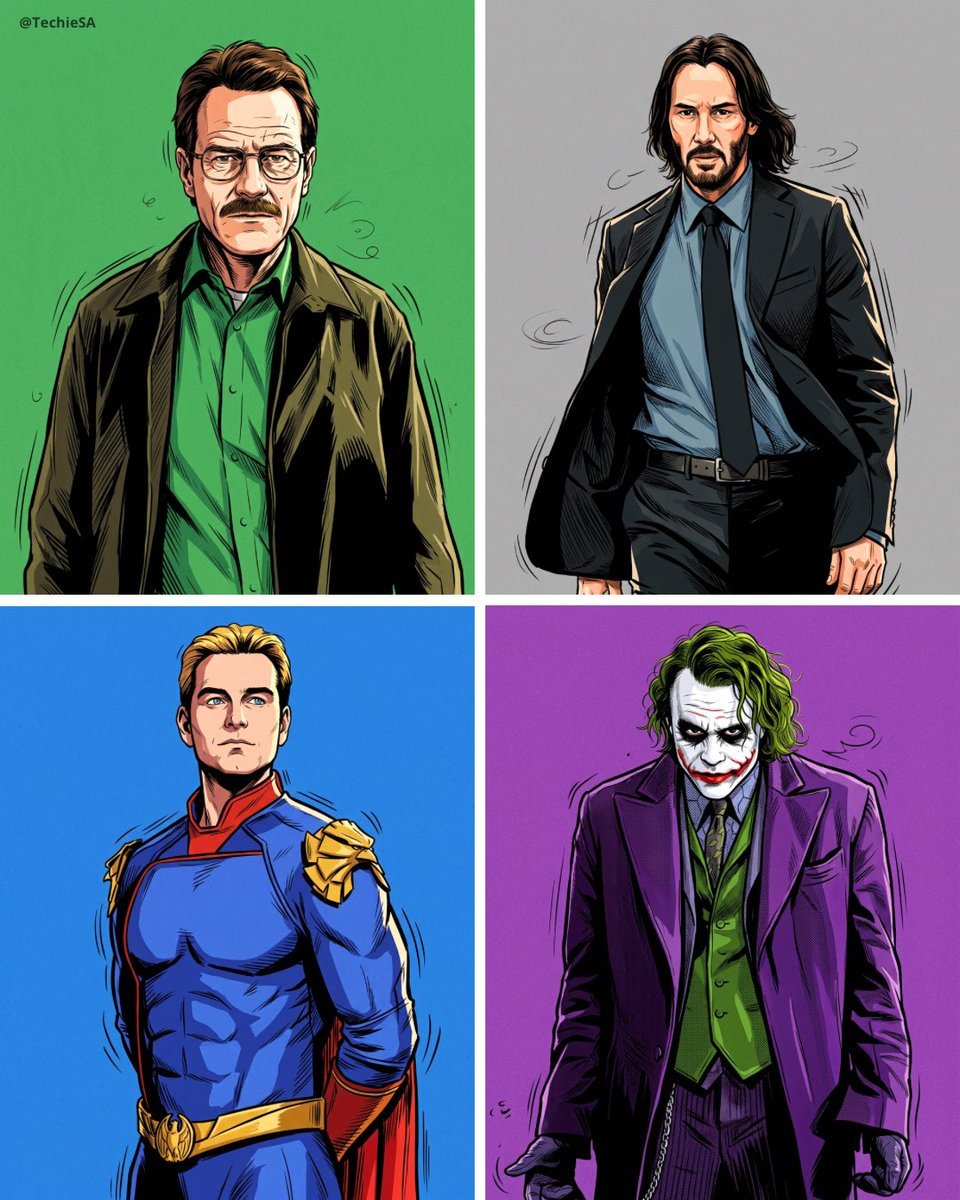
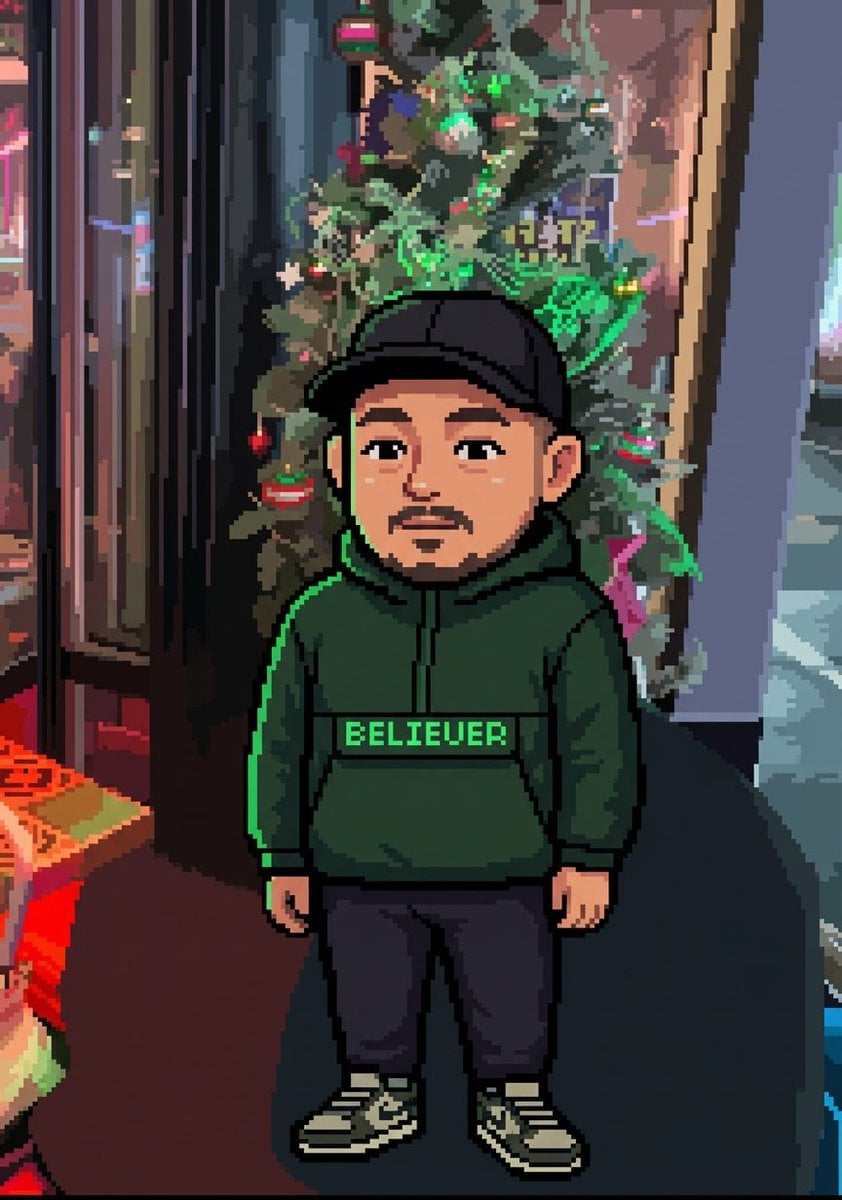
Create an image in 4:5 ratio, with hyper-realistic aesthetics applied to a premium cartoon/cinematographic manga style, combining extreme realism with high-impact illustrated visual language. The face must be identical to that of the photo sent in 103%, maintaining absolute tidelity the original tactical identity: bone structure, skull shape, proportions, intense expression, eyebrows, eyes, nose, mouth, jaw, mustache, hair and capillary volume. No aesthetic change, identity change, artificial smoothing or stylization that mischaracterizes the face. Male character reference pose. Stroke style inspired by high-level realistic cartoon, with well-defined volumes, deep shadows and clean finish. costume: referenced image, with realistic fabric texture, natural folds and precise lighting. Background composed of black and white comic panels, organized in multiple narrative frames, creating depth, visual context and sensation of an expanded universe. The panels should look like action scenes and graphic narrative, with varied perspective and dynamic composition. Professional cinematic lighting, with soft front main light and dramatic contrast, precise face enhancements, controlled shadows, subtle depth of field, extreme sharpness, visible microdetails, premium rendering finish. Maximum quality, high-budget editorial illustration appearance, full focus on the face, strong visual impact, Realism 333%, no readable texts, no watermarks, no distortions, no artifacts.
Create an image in 4:5 ratio, with hyper-realistic aesthetics applied to a premium cartoon/cinematographic manga style, combining extreme realism with high-impact illustrated visual language. The face must be identical to that of the photo sent in 103%, maintaining absolute tidelity the original tactical identity: bone structure, skull shape, proportions, intense expression, eyebrows, eyes, nose, mouth, jaw, mustache, hair and capillary volume. No aesthetic change, identity change, artificial smoothing or stylization that mischaracterizes the face. Male character reference pose. Stroke style inspired by high-level realistic cartoon, with well-defined volumes, deep shadows and clean finish. costume: referenced image, with realistic fabric texture, natural folds and precise lighting. Background composed of black and white comic panels, organized in multiple narrative frames, creating depth, visual context and sensation of an expanded universe. The panels should look like action scenes and graphic narrative, with varied perspective and dynamic composition. Professional cinematic lighting, with soft front main light and dramatic contrast, precise face enhancements, controlled shadows, subtle depth of field, extreme sharpness, visible microdetails, premium rendering finish. Maximum quality, high-budget editorial illustration appearance, full focus on the face, strong visual impact, Realism 333%, no readable texts, no watermarks, no distortions, no artifacts.
Edit the prompt in the box under the preview — the template's model and format are already selected — and press Generate. Your version appears right on this page.
Yes. You can change the subject, setting, lighting, mood, format, and available model controls before creating your image.
Opening and editing this template is free. Generating uses credits, shown on the Generate button when you are signed in.
Choose a compatible model in PicX Studio based on the style, speed, and output controls your project needs.
Follow a topic to a crawlable collection of related PicX Studio templates.