
IMAGEGoogle · from 18 credits / image
Google's Flash image model, tuned for design
Nano Banana 2.1 AI Image Generator
1K, 2K or 4K. Up to 10 references. Ratios from 8:1 to 1:8.
Nano Banana 2.1 is Google's update to Nano Banana 2, pitched at visual design: sharper text, tidier infographic layouts and better image quality at 1K, 2K and 4K. Generate from a prompt or edit with up to 10 reference images.
- 1K–4K
Built for layouts, not just pictures
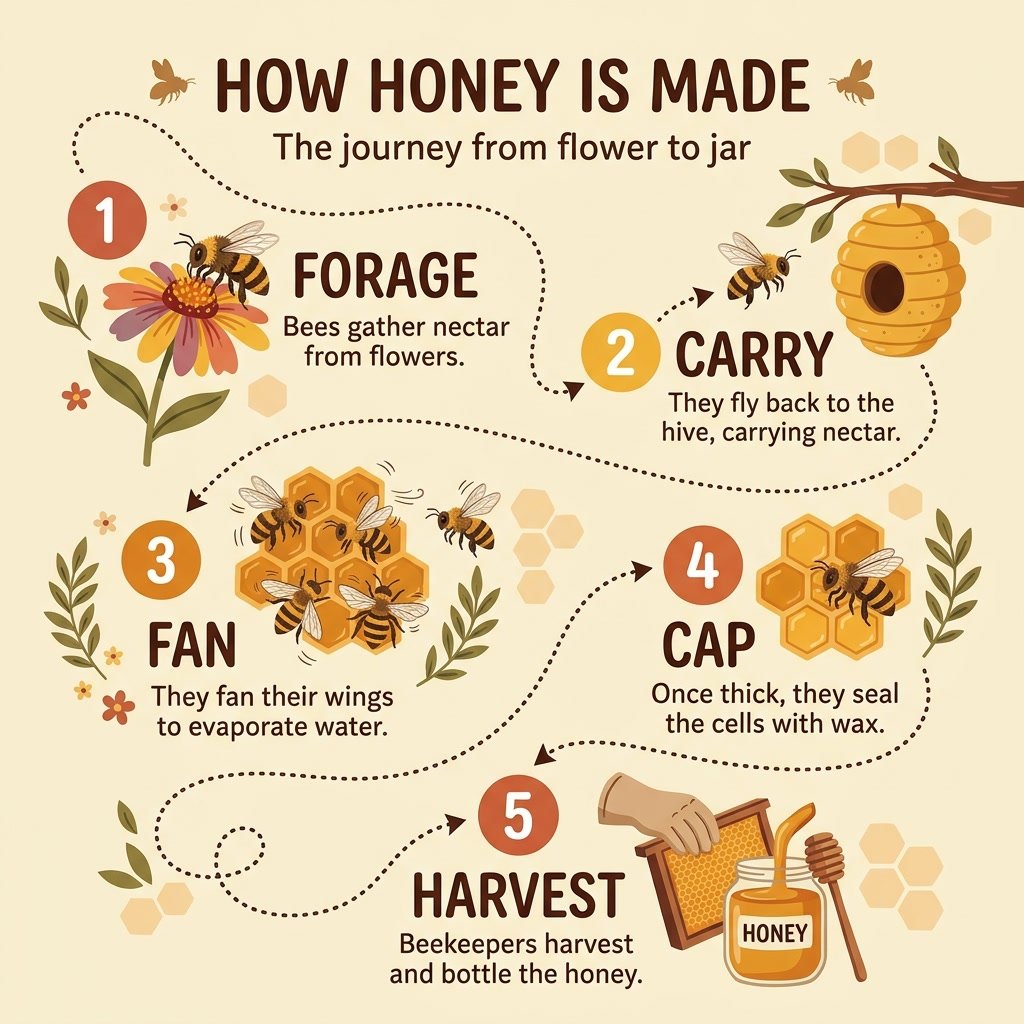
Infographics with tidier layouts
Google calls out text rendering and infographic layout as the main upgrades in 2.1, and its own tests rate it above Nano Banana 2 and Pro on infographic design. Ask for a few labelled steps and check the facts yourself: tiny text, long paragraphs and factual accuracy are still on Google's list of known limits.
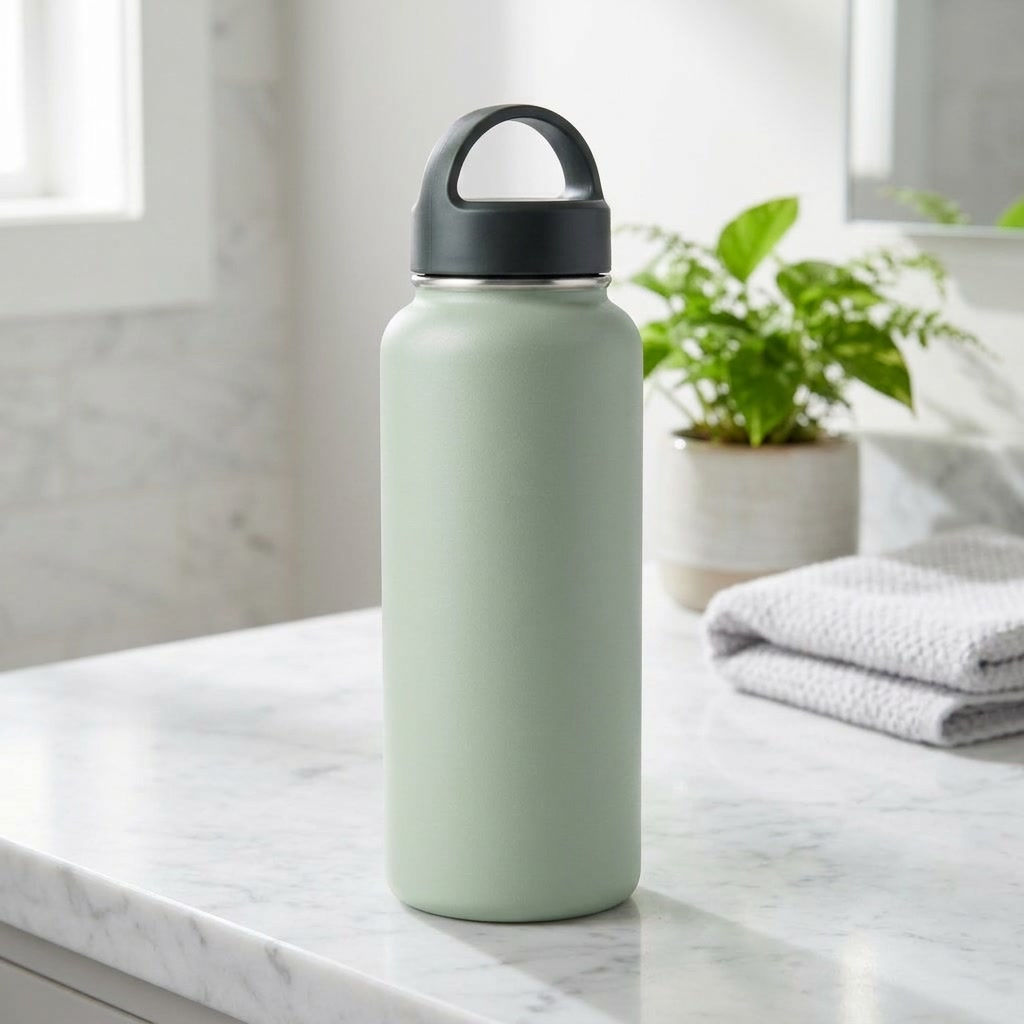
New background, same product
Upload a product photo, say what has to stay and describe the new setting. Google lists editing among 2.1's upgrades and scores it above Nano Banana 2 and Pro in its editing tests. On PicX you edit with words and reference images; there is no mask brush yet.
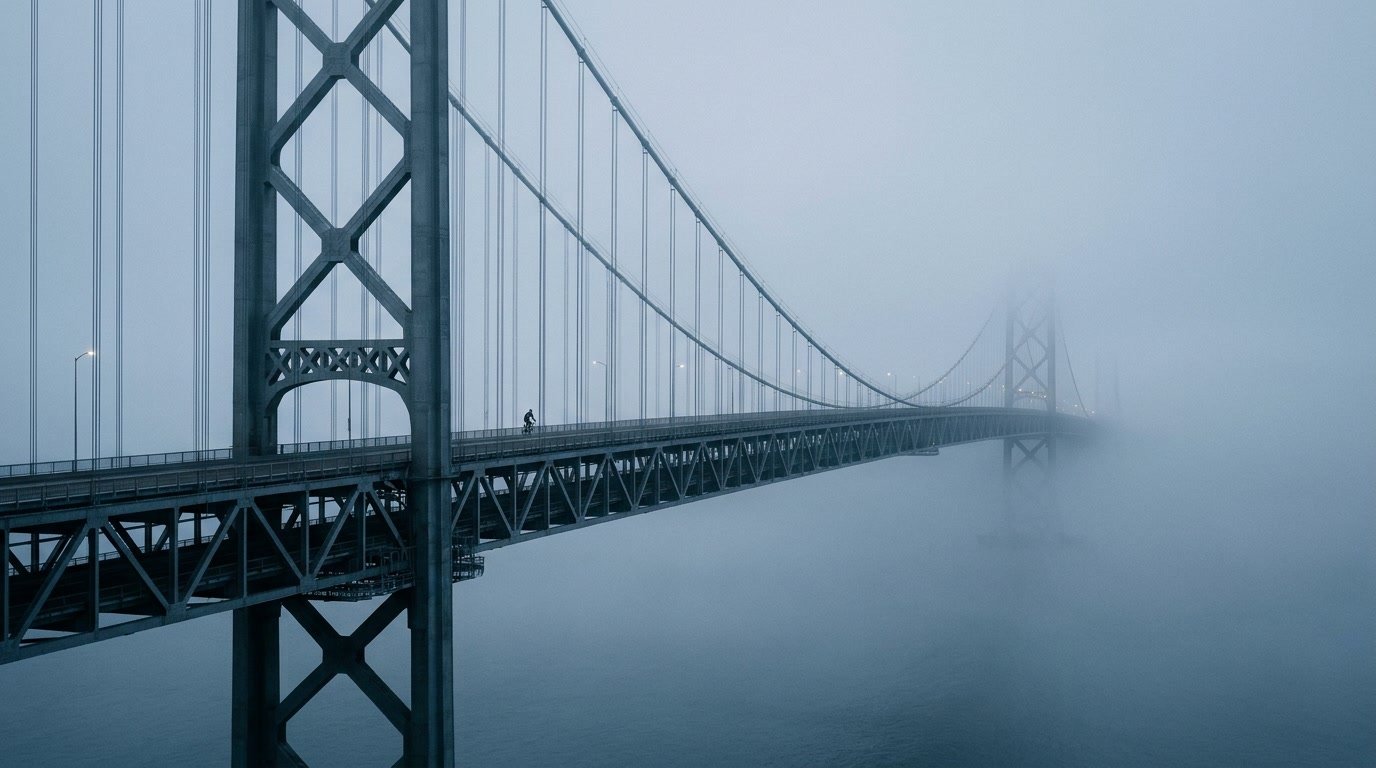
Panoramas without seams
Google says 2.1 fixes the tiling artifacts Nano Banana 2 could show on 4:1, 1:4, 8:1 and 1:8 at 2K and 4K. That makes the extreme ratios usable for web banners, headers and tall story strips.
Nano Banana 2.1
1K, 2K or 4K. Up to 10 references. Ratios from 8:1 to 1:8.
Where 2.1 earns its place
Product scene swaps Re-stage one packshot in many settings from a short brief.
Explainers and diagrams Step-by-step infographics with short, readable labels.
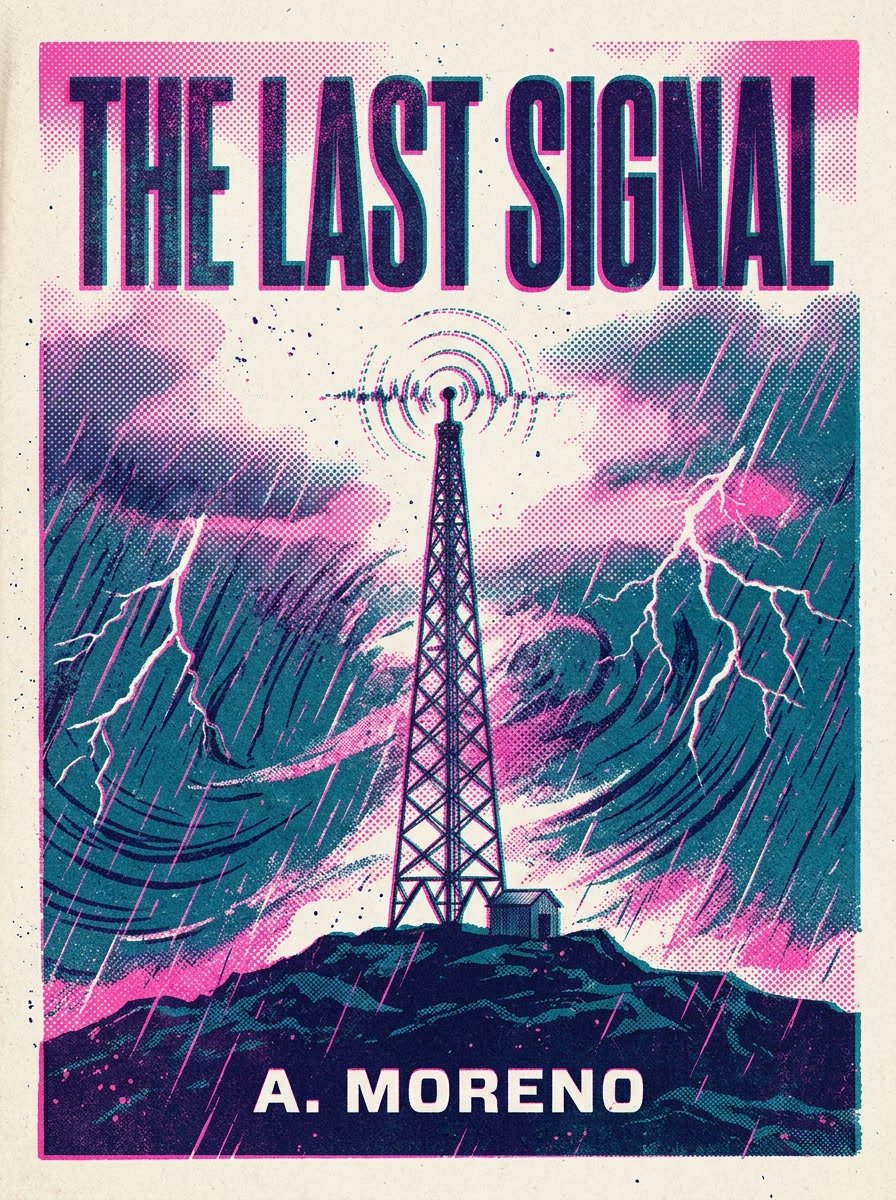
Posters and covers Swiss, retro or risograph looks with a real title on top.
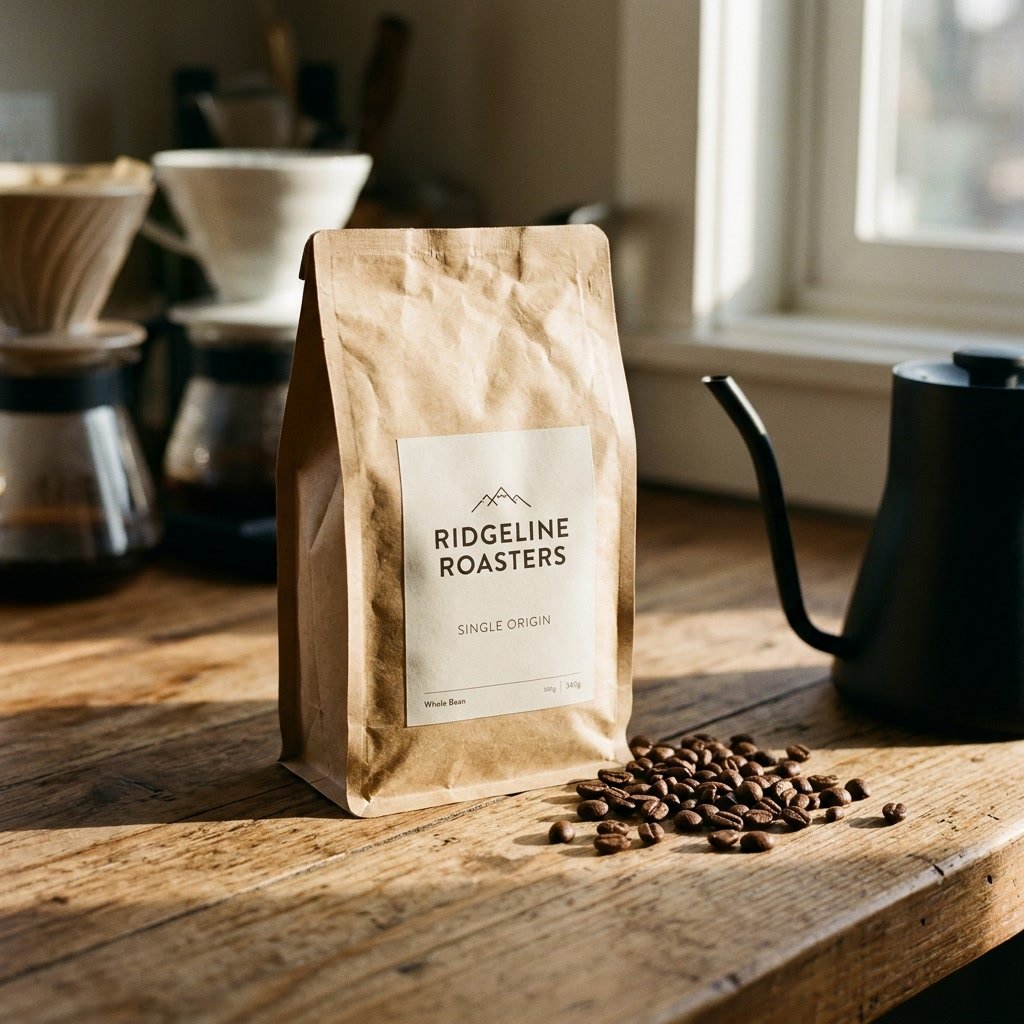
Packaging with a readable label Bags, boxes and bottles with a short brand name on the label.
Why pick Nano Banana 2.1
- #1In Google's own ratingsTop overall Elo in Google's human ratings, with or without Thinking, above Nano Banana 2 and Pro.
- TextPosters and infographicsGoogle's stated focus for this update.
- 8:1Wide ratios fixedNo tiling seams at 2K and 4K, per Google.
- 10References on PicXCombine products, people and places.
- 4K1K, 2K or 4K2K is the default here.
- FlashFlash-tier modelGoogle's Flash line, fewer credits than Pro per image.
What Nano Banana 2.1 costs
Billed per image, at the resolution you pick. The same prices the generator shows before you run it.
- 1K18credits / imageOn Starter≈ 200 images / mo
- 2K27credits / imageOn Starter≈ 133 images / mo
- 4K45credits / imageOn Starter≈ 80 images / mo
Every model on every planCredits never expireSee plans
Pay for Nano Banana 2.1 with crypto
Buy credits with Bitcoin, USDT, USDC, ETH, Solana and more — no card, nothing auto-renews, packs from $5, and 15% extra credits on crypto payments.
Nano Banana 2.1 vs Nano Banana 2 and Pro
All three run on PicX on one credit balance. Scores are Elo ratings from Google's own side-by-side human evaluations in the Nano Banana 2.1 model card (October 2026); higher is better.
Google's Thinking scores are for its own Thinking mode, which PicX does not expose for 2.1 yet. Google's editing test uses masks and doodles; PicX edits by prompt and reference images. Live credit prices are in the pricing table.
How to use Nano Banana 2.1 in 3 steps
- 1
Add references (optional)
Upload up to 10 images: the product to re-stage, a face to keep, or a layout to follow. Skip this step for pure text to image.
- 2
Write the brief like a designer
Name the format (poster, infographic, banner), the exact words to print in quotes, the style and the light. For edits, say what must stay put and what should change.
- 3
Pick the ratio and resolution
Choose from auto or 14 ratios, 8:1 to 1:8, at 1K, 2K or 4K. Use 2K or 4K for the wide ratios: that is where Google fixed the seams.
Nano Banana 2.1 prompts to copy
Real prompts and what they made. Copy one, or open it in the generator with the model already picked.
Panorama in the fog
Ultra-wide panorama of a steel suspension bridge vanishing into thick morning fog, a single cyclist halfway across, muted blue-grey tones, minimal composition
Honey infographic
Clean educational infographic titled 'How Honey Is Made', five numbered steps from flower to jar (Forage, Carry, Fan, Cap, Harvest), one short label per step, warm flat illustration, cream background
Risograph book cover
Risograph-print style book cover for a thriller titled 'The Last Signal', a lone radio tower in a storm, two-colour pink and teal ink with visible grain, bold condensed sans-serif title, author name 'A. Moreno' at the bottom
Keep the bottle, change the room
Keep this bottle exactly where it is and the same size. Replace everything around it with a white marble bathroom counter in soft morning window light, a folded towel and a small plant out of focus behind
Templates to start from
Browse all templates







Nano Banana 2.1 questions
What is Nano Banana 2.1?
Nano Banana 2.1 is Google's image generation and editing model released in October 2026. It updates Nano Banana 2 (Gemini 3.1 Flash Image) and, per Google's model card, is built on Gemini 3.6 Flash. Google pitched it at visual design: posters, infographics, clear text and product edits.
Nano Banana 2.1 vs Pro: which is better?
In Google's own human ratings, Nano Banana 2.1 scored above Nano Banana Pro in every category it published, with or without Thinking, including overall preference, infographics and editing. On PicX, Pro still gives you 14 references and a seed, which 2.1 does not offer here yet, while 2.1 adds the 4:1 to 1:8 ratios and a 1K size that Pro lacks. 2.1 costs less per image; the pricing table has both.
Nano Banana 2.1 vs Nano Banana 2: what changed?
Google lists better visual quality at every resolution, sharper text and infographic layouts, and a fix for the tiling seams Nano Banana 2 could show on 4:1, 1:4, 8:1 and 1:8 images at 2K and 4K. On PicX, Nano Banana 2 keeps a few controls 2.1 lacks for now: a Thinking switch, a seed, a 0.5K size and 14 references instead of 10.
What are the Nano Banana 2.1 benchmark results?
Google's model card reports Elo scores from side-by-side human ratings. Overall text-to-image preference: 1050 for 2.1 with Thinking, 1015 without, 990 for Nano Banana 2 and 935 for Nano Banana Pro. The biggest gap is multi-character consistency (1106 vs 978 for Nano Banana 2). These are Google's own tests, not an independent leaderboard.
When was Nano Banana 2.1 released?
Google published the Nano Banana 2.1 model card on 6 October 2026 and lists the Gemini app, Google AI Studio and the Gemini API among its channels. PicX Studio added it in November 2026.
How do I use Nano Banana 2.1?
On PicX, pick Nano Banana 2.1 in the generator, type a prompt or upload up to 10 images, choose a ratio and 1K, 2K or 4K, and generate. No Google account or API key needed. For best results, put the exact words you want printed in quotes and keep them short: Google lists small text, long paragraphs and left/right placement as known weak spots.
How much does Nano Banana 2.1 cost?
Nano Banana 2.1 is billed in PicX credits per image, by resolution, and it is cheaper per image than Nano Banana 2 and Pro. The pricing table on this page shows the live price for each size, read from the same catalog the generator charges from.
Nano Banana 2.1 vs GPT Image: which should I use?
Google has not published a head-to-head with OpenAI's models, so there is no official winner. Google's stated focus for Nano Banana 2.1 is visual design: text rendering, infographic layout, multi-image fusion and editing. The quickest way to decide is to run the same prompt on Nano Banana 2.1 and GPT Image 2.6 Flare from one PicX credit balance.

Try Nano Banana 2.1
Posters, infographics and product edits at up to 4K, paid per image.