
IMAGEOpenAI · from 104 credits / image
The speed tier of OpenAI's Images 2.6
GPT Image 2.6 Flare: fast image generation and editing
Text-to-image and edits. Up to 16 references. 1K, 2K or 4K.
Flare is the model OpenAI built for quick turnaround in GPT Image 2.6. Write a brief or upload pictures to change, get a result fast, and keep refining until it is right.

- 1K–4K
Built for the next attempt
Made for many quick rounds
OpenAI pitches Flare for fast iteration and says Images 2.6 generates about 50% faster than the version before. That makes it the tier for trying five wordings of a headline or five colourways of a product before you commit.
Edits that start from your pictures
Upload up to 16 images and say what should change and what must stay. Refer to them by order (first image, second image) to swap a background, merge a product into a scene or restyle a photo.
Lettering you can put in quotes
Put the exact words in quotes and ask Flare to set them in the image: cover lines, labels, shade names. Proof the result, since OpenAI still lists precise text placement and clarity as a limitation.
GPT Image 2.6, from its maker
Official release video by OpenAI
GPT Image 2.6
Text-to-image and edits. Up to 16 references. 1K, 2K or 4K.
Where a fast model pays off

Cover and poster drafts Headlines rendered in place.
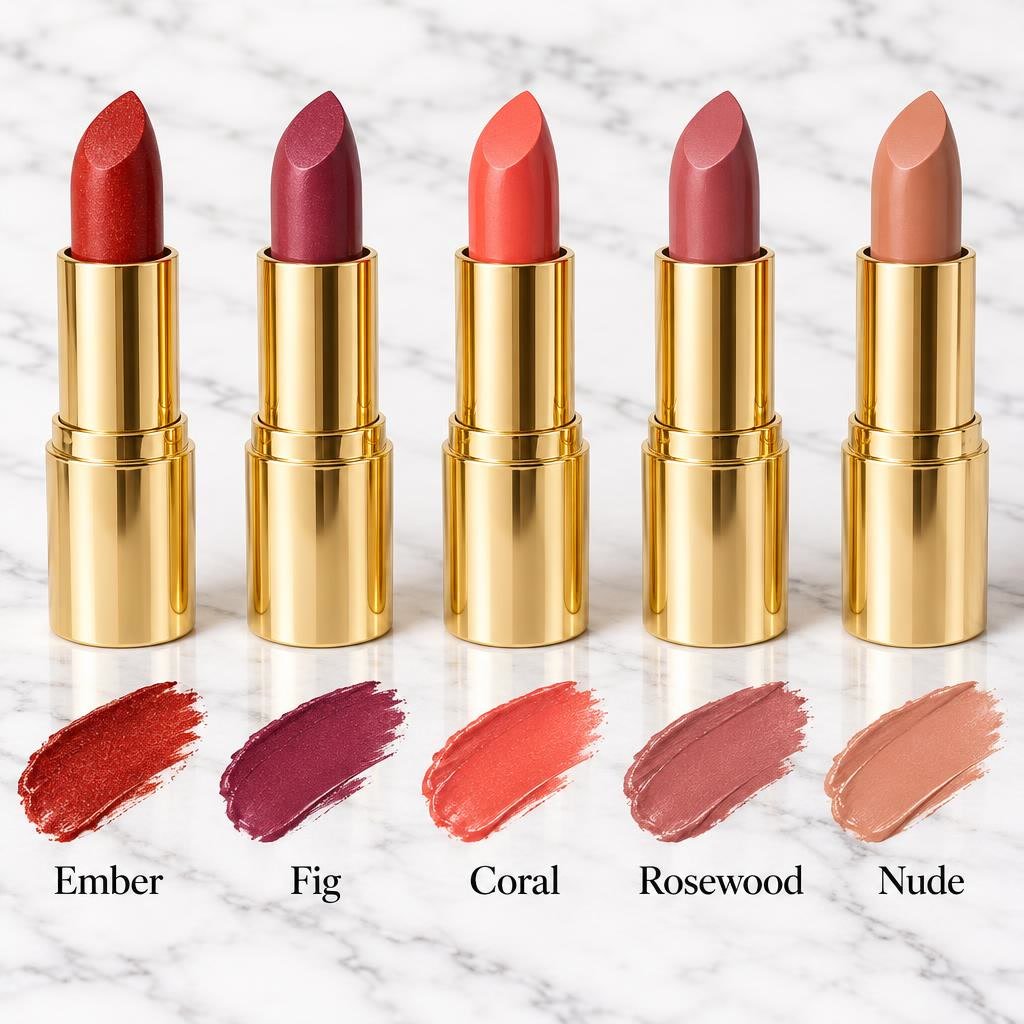
Product colourways Named variants, side by side.
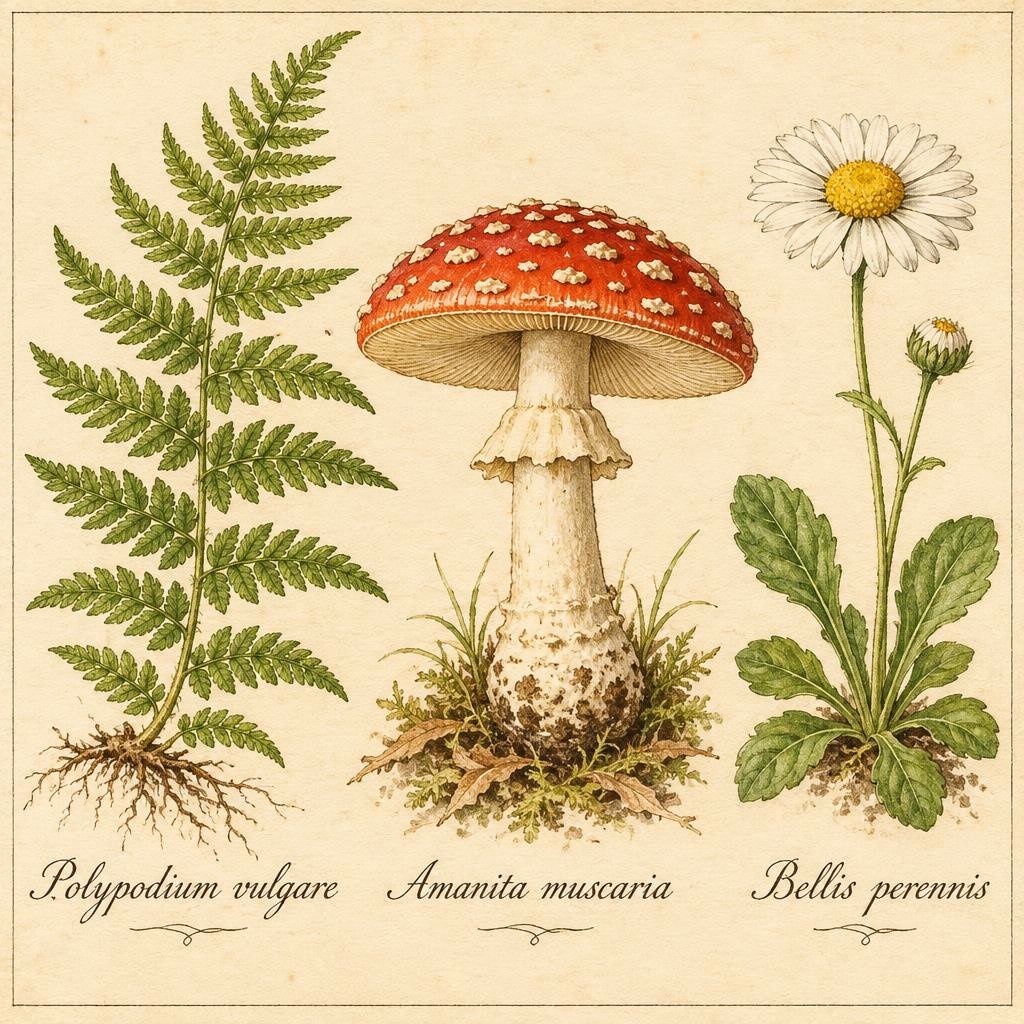
Labelled illustrations Plates with captions drawn in.
Travel and listing art A scene plus a tagline.
Why pick GPT Image 2.6 Flare
- 50%Faster generationOpenAI's claim for Images 2.6.
- 16Reference imagesPer edit or composite.
- "Text"Quoted wordingAsk for the words you want shown.
- 15 ratios3:1 to 1:3, plus autoWide banners to tall phone screens.
- 4K1K, 2K or 4KDraft small, finish large.
- APIIn the PicX APISame model, same credits.
What GPT Image 2.6 costs
Billed per image, at the resolution you pick. The same prices the generator shows before you run it.
- 1K104credits / imageOn Starter≈ 34 images / mo
- 2K253credits / imageOn Starter≈ 14 images / mo
- 4K928credits / imageOn Starter≈ 3 images / mo
Every model on every planCredits never expireSee plans
Pay for GPT Image 2.6 with crypto
Buy credits with Bitcoin, USDT, USDC, ETH, Solana and more — no card, nothing auto-renews, packs from $5, and 15% extra credits on crypto payments.
GPT Image 2.6 Flare vs GPT Image 2.5 Flare
Both are OpenAI's fast tier and both are on PicX. 2.6 is the newer, quicker model with more frame shapes; 2.5 keeps the transparent-background option here.
Live credit prices are in the pricing table.
How to use GPT Image 2.6 in 3 steps
- 1
Add pictures to edit (optional)
Upload up to 16 images if you are changing or combining existing ones. Skip this for a new image from text.
- 2
Write the brief, words in quotes
Describe subject, setting, layout and style. Put any text that should appear in quotation marks, and for edits say what must stay the same.
- 3
Choose frame and size, then generate
Set the aspect ratio and 1K, 2K or 4K. Small sizes suit quick rounds of trial wording; save the larger sizes for the brief you have settled on.
GPT Image 2.6 prompts to copy
Real prompts and what they made. Copy one, or open it in the generator with the model already picked.
Cabin poster
Travel poster of a wooden cabin with glowing windows in snowy mountains at blue hour, smoke from the chimney, the headline 'STAY A WHILE' in bold serif letters across the top
Named lipstick shades
Five lipsticks in gold cases in a row on white marble, each with a colour swatch and its shade name printed below: 'Ember', 'Fig', 'Coral', 'Rosewood', 'Nude', beauty catalogue style
Labelled botanical plate
Vintage botanical plate on cream paper: a fern, a red mushroom and a daisy, each with a handwritten label, 'Polypodium vulgare', 'Amanita muscaria', 'Bellis perennis'
Magazine cover
Fashion magazine cover titled 'NORTH', a model in a red coat in the snow, cover lines 'Winter Issue' and 'The Cold Edit'
Templates to start from
Browse all templates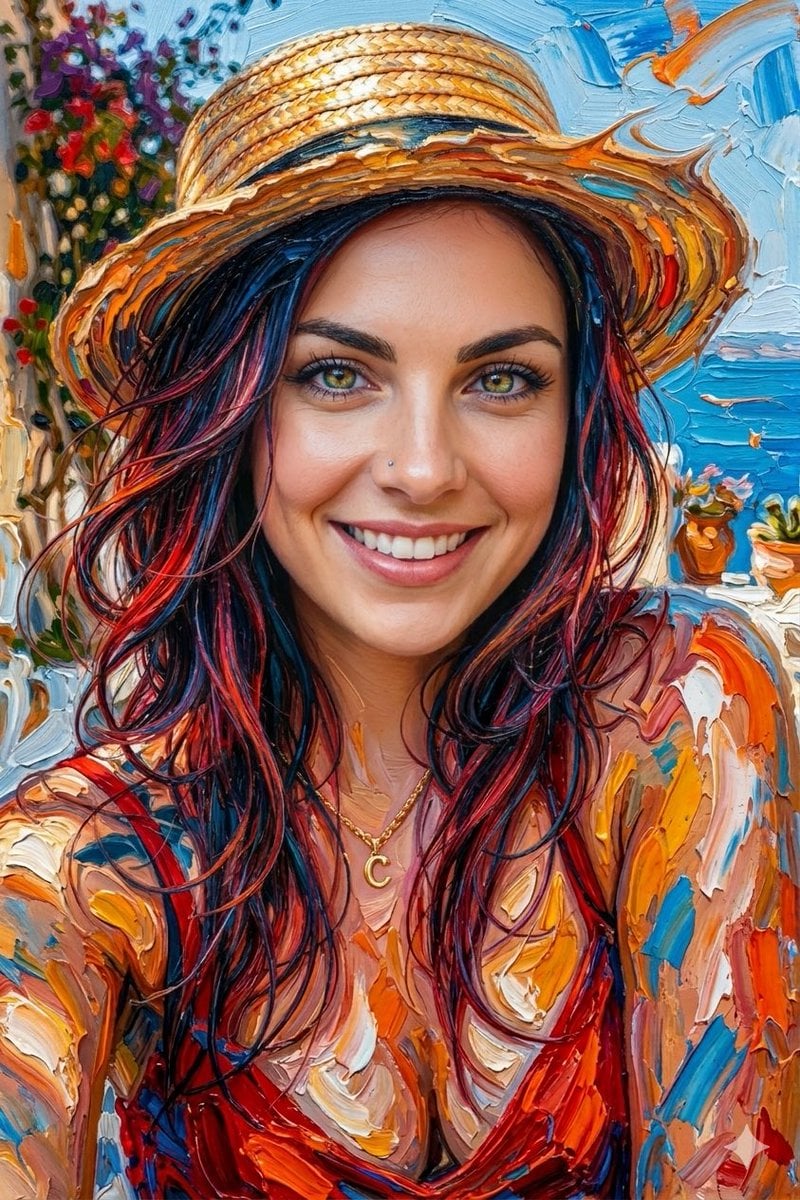







GPT Image 2.6 questions
What is GPT Image 2.6?
GPT Image 2.6 is the OpenAI image model behind ChatGPT Images 2.6, released on 4 November 2026. In the API it comes as two models: Flare, built for speed, and Sunburst, built for detail and consistency across edits. This page runs Flare.
Is GPT Image 2.6 the same as ChatGPT Images 2.6?
It is the same model family. ChatGPT Images 2.6 is OpenAI's app feature; GPT Image 2.6 Flare is the API model PicX Studio runs. ChatGPT-only extras, such as saved reference images, are not part of it: on PicX you upload your references with each edit.
What is the difference between Flare and Sunburst?
OpenAI positions Flare for fast iteration, with images in as little as six seconds on its side, and Sunburst for higher detail and edits that stay more consistent from one round to the next. Pick Flare when you want many attempts quickly.
Can GPT Image 2.6 make GIFs?
OpenAI added animated GIF output in 2.6, along with SVG output and markup-guided edits. These are not available on PicX yet: PicX Studio offers GPT Image 2.6 Flare for still images.
What resolutions and aspect ratios does it support on PicX?
1K, 2K and 4K, in 15 aspect ratios from 3:1 to 1:3, plus auto. OpenAI calls output above 2560x1440 experimental, so the 4K setting is best kept for a composition you already like.
How good is GPT Image 2.6 at text in images?
You can ask for headlines, labels and short phrases by writing the exact words in quotes in your prompt. OpenAI says the model can still struggle with precise text placement and clarity, so proofread every result before you publish it.
Can I edit my own photos with GPT Image 2.6?
Yes. Upload up to 16 images, describe what should change and what should stay, and Flare returns the edited picture. With several images, refer to them by order in the prompt.
How much does GPT Image 2.6 cost per image?
It is billed in PicX credits per image, by resolution. The pricing table on this page shows the live price for each size, read from the same catalog the generator charges from.

Create with GPT Image 2.6 Flare
Fast images and edits from a written brief, pay per image.