
IMAGEOpenAI · from 53 credits / image
The default, fast GPT Image 2.5
GPT Image 2.5 Flare — AI Image Generation
Natural light. 16 references. Transparent PNGs. Up to 4K.
Flare is the fast, everyday version of OpenAI's GPT Image 2.5. Generate from a prompt or edit with up to 16 reference images, from 1K drafts to 4K finals.
- 1K–4K
Fast, with a natural finish
Natural light and rich texture
Flare is the quick GPT Image 2.5 option, built for natural lighting and rich textures. Describe the light source and the materials in the prompt, and the image picks them up.
Edit with up to 16 references
Upload a photo and describe the change, or add several references to pin a product, a person and a style at once. Say what must stay the same as clearly as what must change.
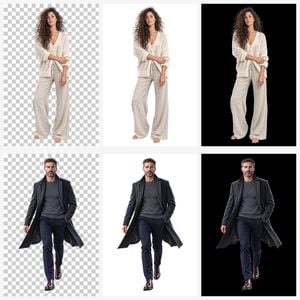
Cutouts with no background
Set Background to Transparent and you get a PNG with nothing behind the subject, ready for a website, a slide or a sticker sheet. Opaque and Auto are there for filled frames.
GPT Image 2.5 Flare
Natural light. 16 references. Transparent PNGs. Up to 4K.
Made for everyday work
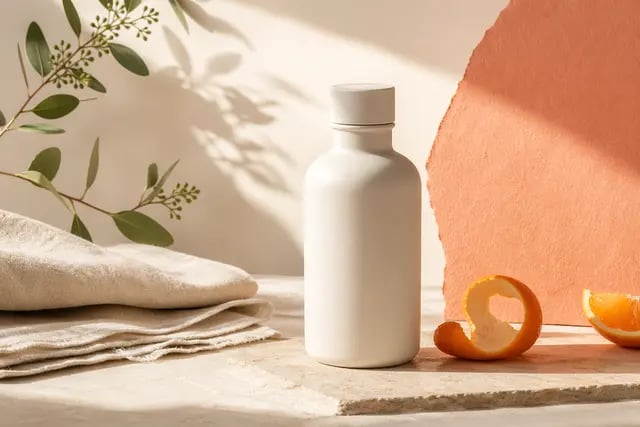
Product stills. Packaging, glass and fabric under believable light for product pages and listings.
Posters and ads. Put the exact words in quotes and say where they go, for posters, banners and social frames.
Photo edits. Change the background, the light or the season of a photo while the subject stays the same.
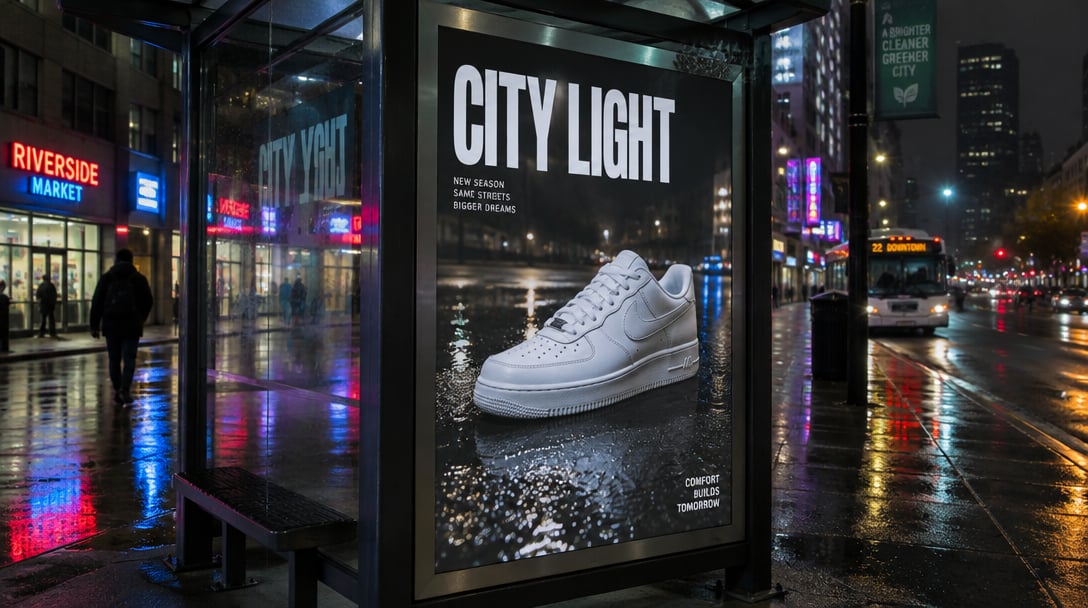
Outdoor and print mockups. Bus shelters, billboards and print layouts at up to 4K.
Why pick Flare
- FastThe default 2.5The quicker GPT Image 2.5 option, for everyday work.
- 16 refsReference imagesLock a product, a face or a style before you edit.
- PNGTransparent backgroundsOne setting gives you a cutout with no background.
- 4KTop resolution1K for drafts, 2K by default, 4K for print and large screens.
- 53Credits per imageAt 1K or 2K. 4K is 105 credits.
- 8Aspect ratios1:1, 4:3, 3:4, 16:9, 9:16, 3:2, 2:3 and 21:9.
What GPT Image 2.5 Flare costs
Billed per image, at the resolution you pick. The same prices the generator shows before you run it.
- 1K–2K53credits / imageOn Starter≈ 67 images / mo
- 4K105credits / imageOn Starter≈ 34 images / mo
Every model on every planCredits never expireSee plans
Flare or Sunburst?
Three GPT Image models on PicX Studio, all at the same credit price.
Pick per image; they share one credit balance.
How to use GPT Image 2.5 Flare in 3 steps
- 1
Add references (optional)
Upload up to 16 images to match a product, a person or a style. Skip this for text to image.
- 2
Write the brief
Name the subject, the setting and the light. Put any words that must appear in quotes.
- 3
Pick size and generate
Choose an aspect ratio, a resolution and a background, then generate. The cost shows on the button first.
GPT Image 2.5 Flare prompts to copy
Real prompts and what they made. Copy one, or open it in the generator with the model already picked.
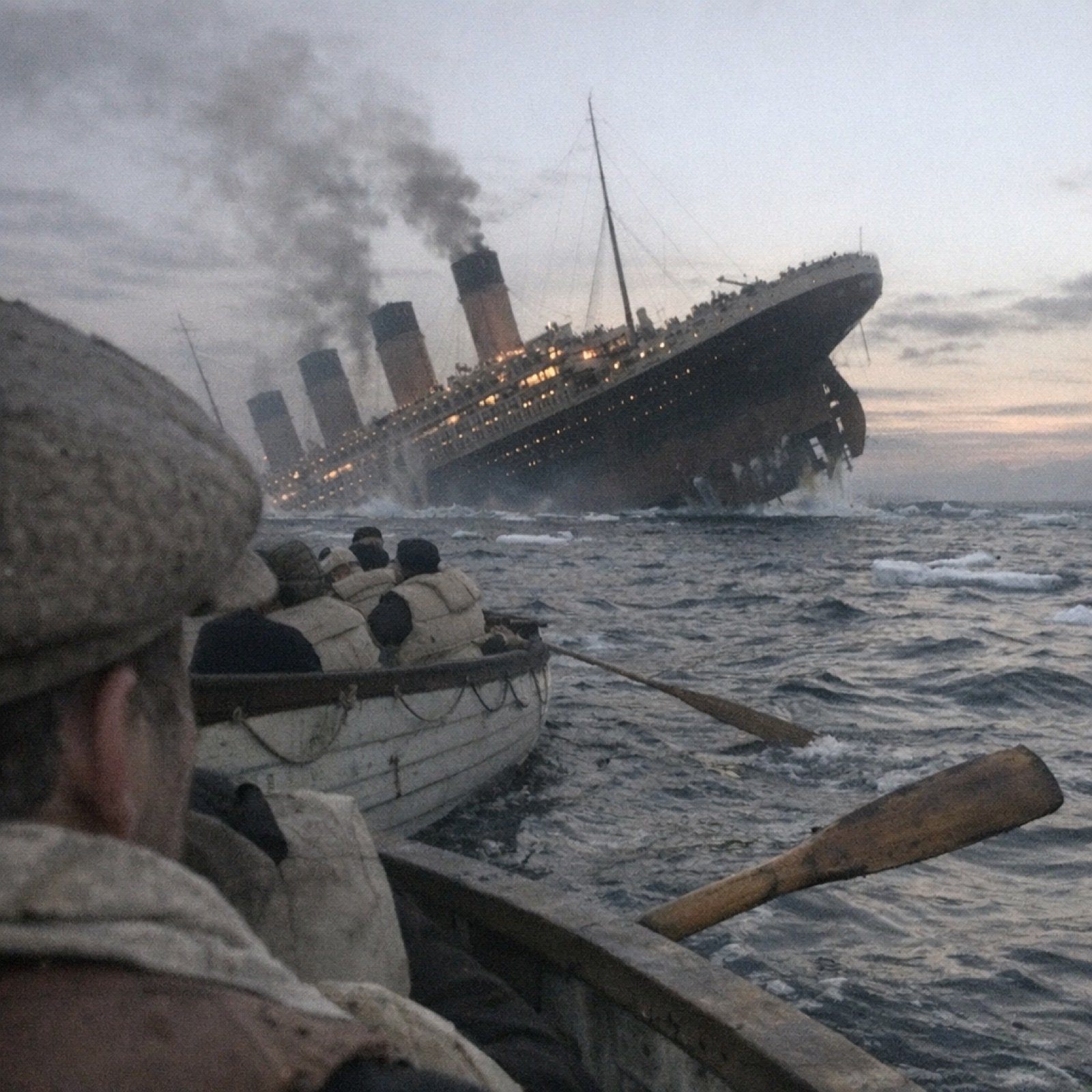
Ocean liner at night
A crowded lifeboat on dark water watches a great ocean liner sink in the distance, lights still burning on the tilted hull, cold night air, cinematic still, natural moonlight.
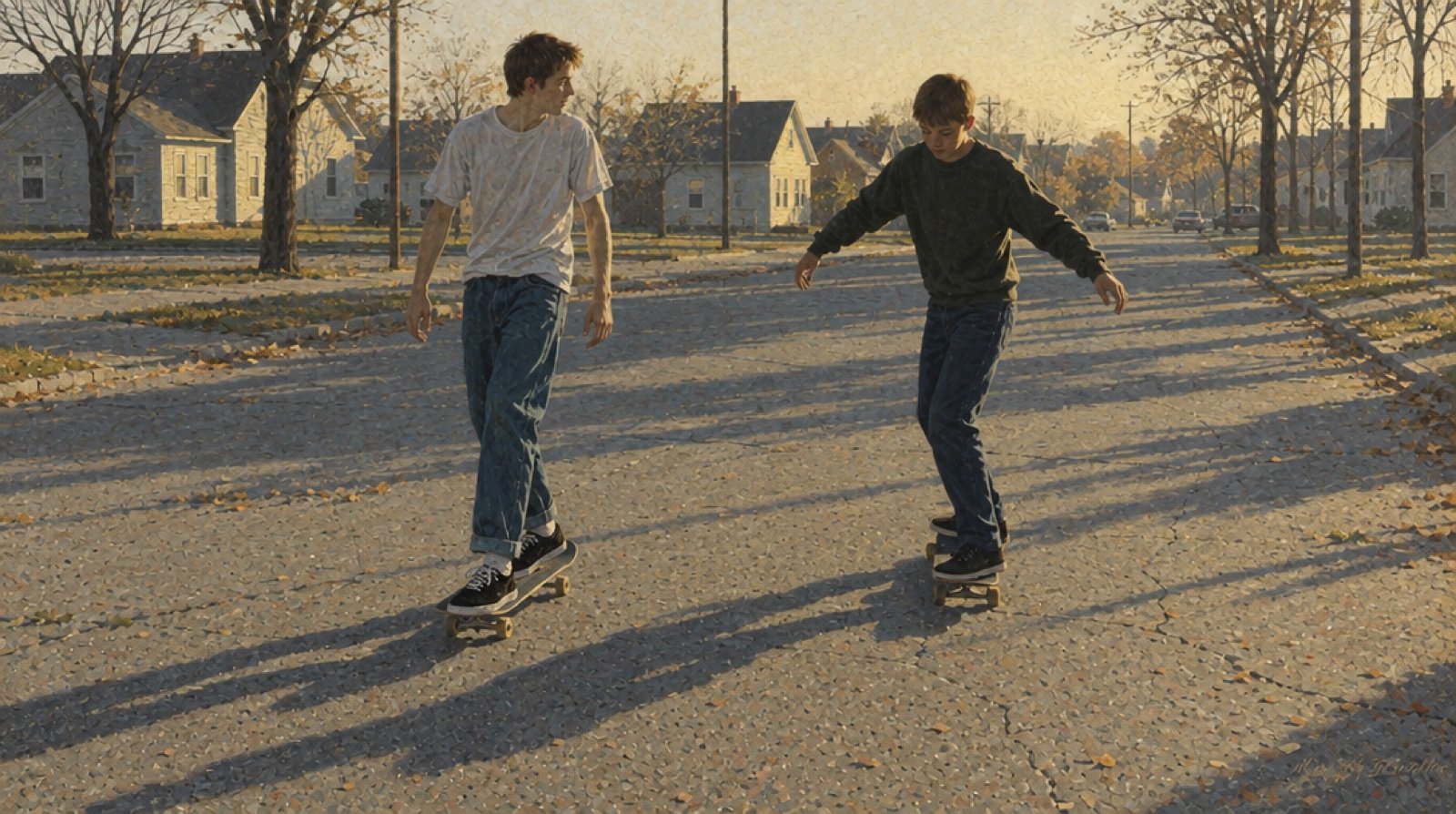
Suburban skate session
Two teenagers skateboarding down a quiet suburban street at golden hour, film photo look, natural light, motion blur on the wheels.
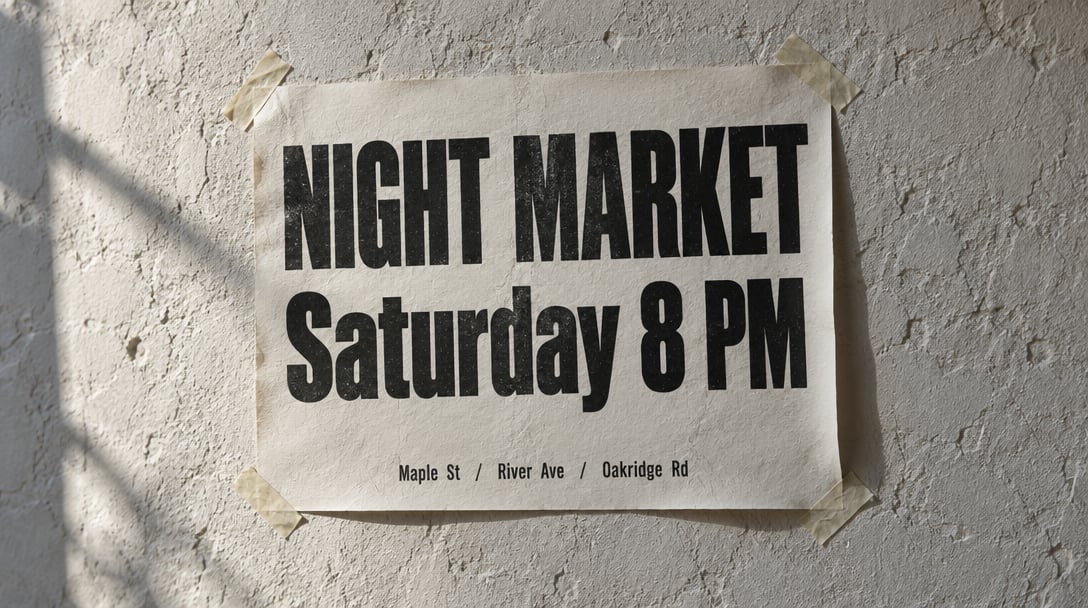
Poster with exact type
Letterpress concert poster pasted on a rough plaster wall. Big headline “NIGHT MARKET”, smaller line below “Saturday 8 PM”. Two ink colors, paper fibers visible, warm evening side light.
Templates to start from
Browse all templates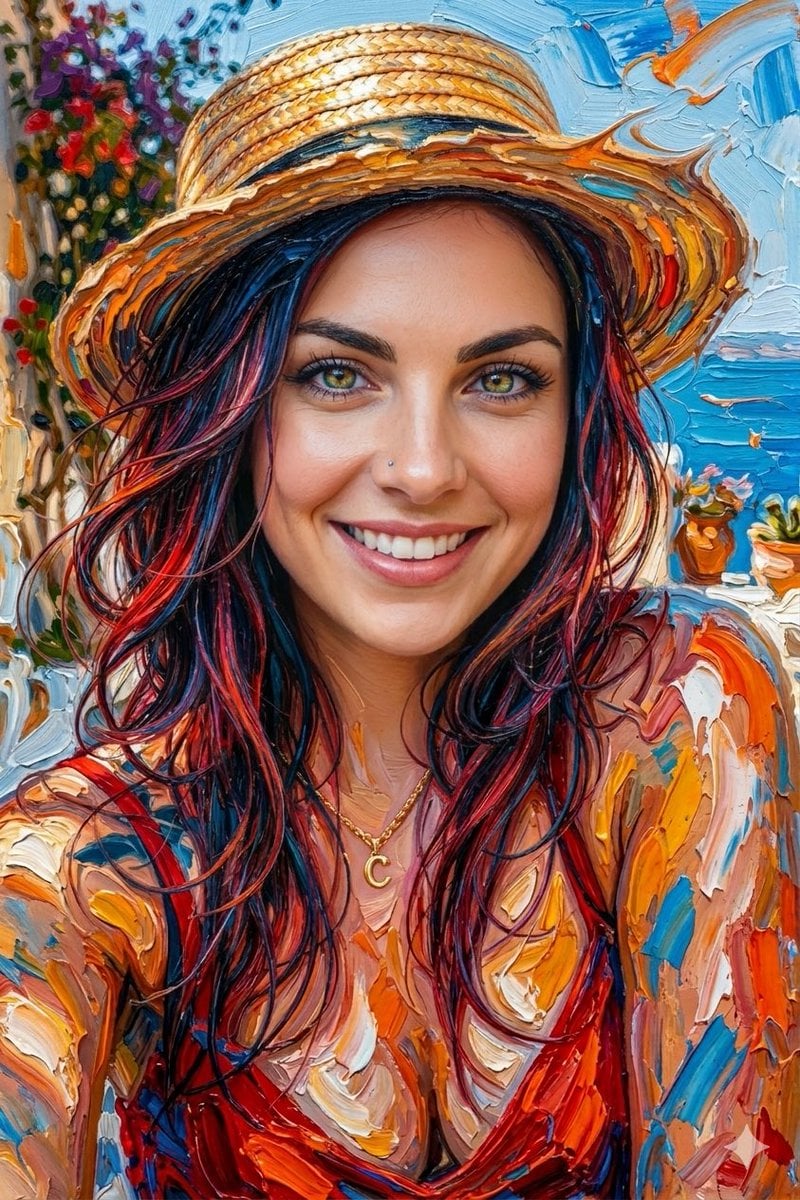







GPT Image 2.5 Flare questions
What is GPT Image 2.5 Flare?
GPT Image 2.5 Flare is the default, fast version of OpenAI's GPT Image 2.5 image model, tuned for natural lighting and rich textures. On PicX Studio it generates from text and edits with up to 16 reference images, at 1K, 2K or 4K.
What is the difference between Flare and Sunburst?
Flare is the fast default. Sunburst is the precision version: premium fidelity with a longer generation time. Settings and prices are the same, so you can switch per image.
How much does GPT Image 2.5 Flare cost?
53 credits per image at 1K or 2K, and 105 credits at 4K.
Can it make transparent PNGs?
Yes. Set Background to Transparent before you generate and you get a PNG with no background.
Which resolution should I pick?
On PicX, 1K maps to OpenAI's low quality setting, 2K to medium and 4K to high. 1K and 2K cost the same, so 2K is the default; 4K costs about twice as much and suits print or crops.
How do I get readable text in the image?
Put every word that must appear in quotation marks, exactly as it should be spelled, and say where it sits. Keep it short: a headline and one supporting line work better than a paragraph.
Can I try GPT Image 2.5 Flare for free?
Your first image is free after you sign up, no card needed, and you can run it on GPT Image 2.5 Flare. After that, images spend credits from a plan or a one-time credit pack. Credits never expire.

Run GPT Image 2.5 Flare on PicX
Natural light, 16 references and transparent PNGs, up to 4K. Your first image is free.