How do I use the Woodcut Linocut Portrait Illustration template?
Edit the prompt in the box under the preview — the template's model and format are already selected — and press Generate. Your version appears right on this page.
Curated from MeiGen gallery (ID: 2042785774245154868) by simeon-sanai.

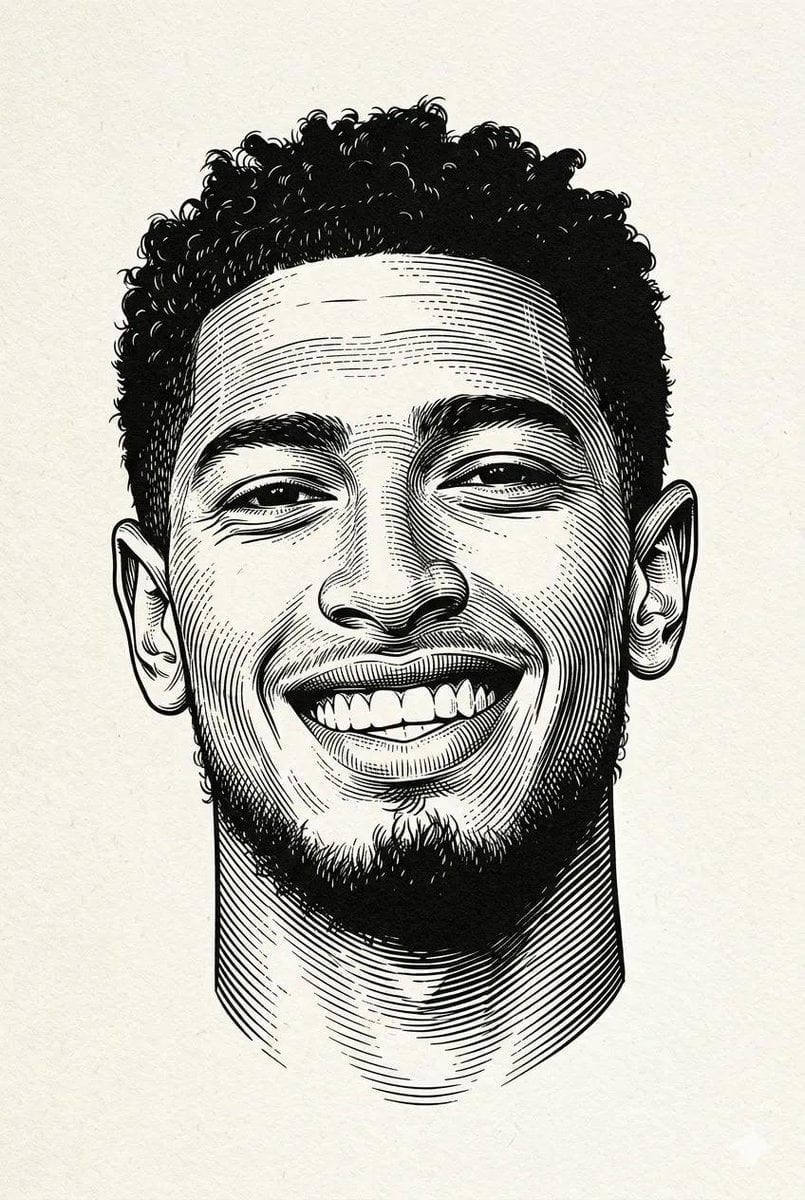
Black and white engraved portrait illustration of a person. Drawn in classic woodcut / linocut engraving style, high contrast black ink on textured off-white paper. Bold carved lines with visible gouge marks, cross-hatching shadows, dramatic chiaroscuro. Subject: enigmatic person with intense gaze, flowing hair rendered in sweeping curved cuts, clothing suggested by parallel line work. Paper grain texture visible throughout. Master printmaker aesthetic, German Expressionist influence, museum-quality fine art print. 8K resolution, aspect ratio 3:4
Black and white engraved portrait illustration of a person. Drawn in classic woodcut / linocut engraving style, high contrast black ink on textured off-white paper. Bold carved lines with visible gouge marks, cross-hatching shadows, dramatic chiaroscuro. Subject: enigmatic person with intense gaze, flowing hair rendered in sweeping curved cuts, clothing suggested by parallel line work. Paper grain texture visible throughout. Master printmaker aesthetic, German Expressionist influence, museum-quality fine art print. 8K resolution, aspect ratio 3:4
Edit the prompt in the box under the preview — the template's model and format are already selected — and press Generate. Your version appears right on this page.
Yes. You can change the subject, setting, lighting, mood, format, and available model controls before creating your image.
Opening and editing this template is free. Generating uses credits, shown on the Generate button when you are signed in.
Choose a compatible model in PicX Studio based on the style, speed, and output controls your project needs.
Follow a topic to a crawlable collection of related PicX Studio templates.