
Anime Characters in Photorealistic Room
Curated from MeiGen gallery (ID: 2015676042460168488) by M.
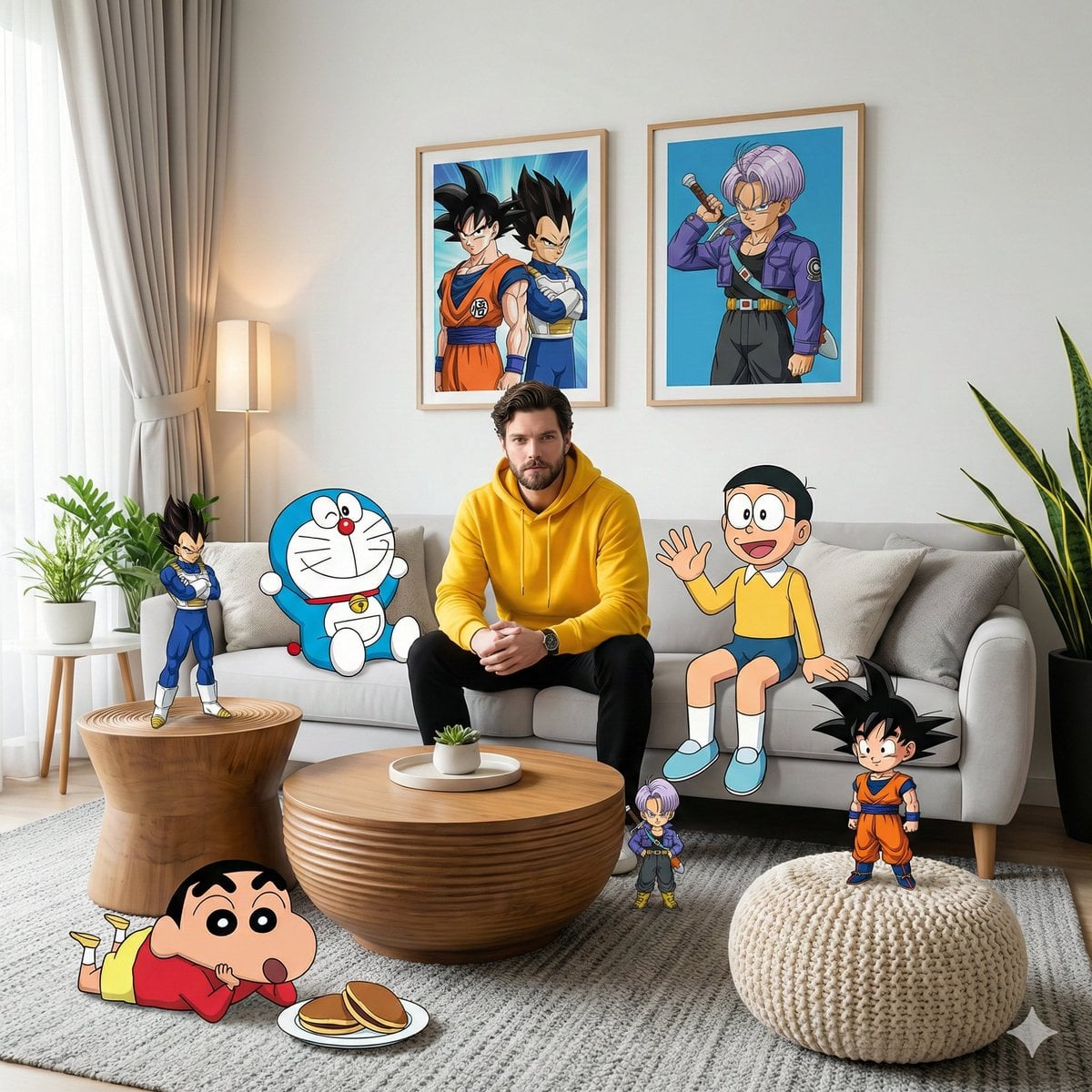
- Prompt included
- Model and format preset
- Free template
The prompt behind this image
Copy the exact prompt behind Anime Characters in Photorealistic Room, or open it in the studio and make it yours.
- A high-fidelity, wide-angle interior shot captures a surreal, mixed-media composition within a modern living room. It features a man resembling the face in the reference photo—using an uploaded face as a reference—wearing a bright yellow hoodie and black pants, sitting centrally on a plush light gray sofa. The scene seamlessly blends photorealistic 3D environments with cel-shaded 2D anime and cartoon characters interacting directly with the physical space. On the right side of the subject on the sofa, Nobita sits casually waving his hand, while on the left side, Doraemon leans casually on a pillow. Behind the sofa, two framed posters hang on the white wall—one featuring Son Goku and Vegeta, and the other featuring Trunks in a dynamic anime style. In the foreground, Shinchan lies relaxed on a textured gray carpet near a plate of dorayaki, while a chibi version of Son Goku stands triumphantly on a cream-colored knit pouf. On the left side of the room, Vegeta stands tall on a grooved wooden side table in a confident pose, while a miniature version of Trunks is near the wooden coffee table in the center, as if observing the scene with a curious expression. Soft natural light streams in from the left side through sheer curtains, creating subtle volumetric lighting that accentuates the texture of the blanket, the wood grain of the tiered table, and the leaves of the snake plant in the corner of the room. The entire scene is rendered in 8K resolution with sharp focus, vivid colors, and a dreamy, cinematic, and playful aesthetic blending between the real world and the anime world, with no AI visible.
How to use Anime Characters in Photorealistic Room in 3 steps
- 1Upload ImagePNG, JPG or paste
Add your photo
Upload the photo the template builds on. The prompt, model and format are already set.
- 2…a portrait of your subject in softgolden-hour light, 85mm…
Personalize
Edit the subject and creative details for your destination.
- 3Generate
Generate
Press Generate — your image is created in PicX Studio, so you can compare it with the original and refine one variable at a time.
More like this
Templates with the same subject, style or setup. Open one to see its prompt.
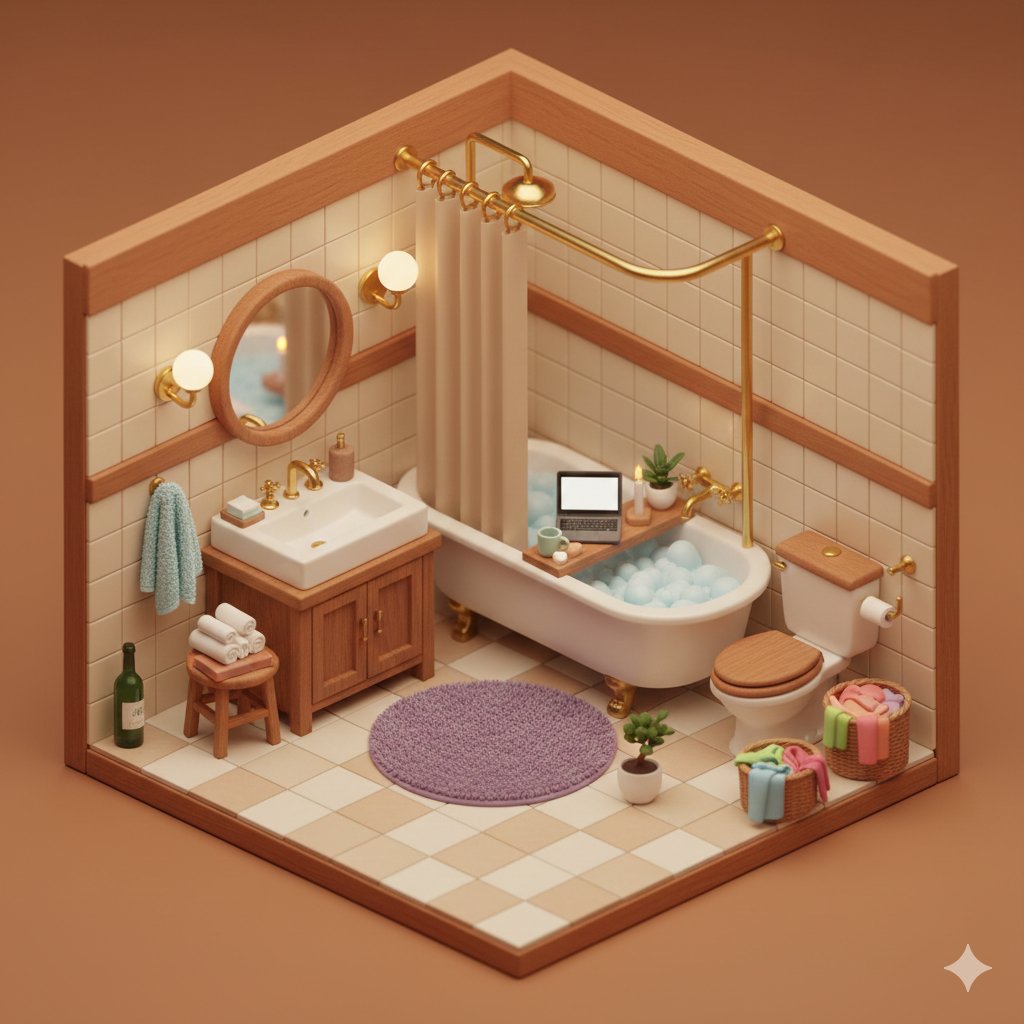
Cozy Isometric Bathroom Miniature Diorama
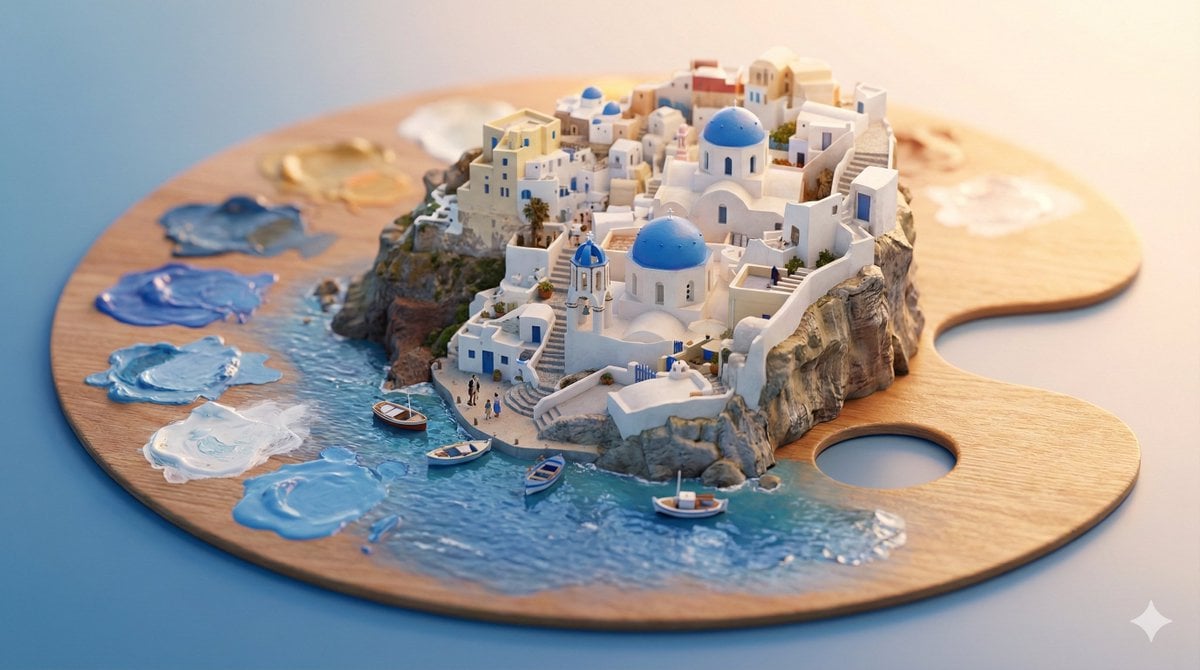
Stylized Miniature 3D Diorama Craft
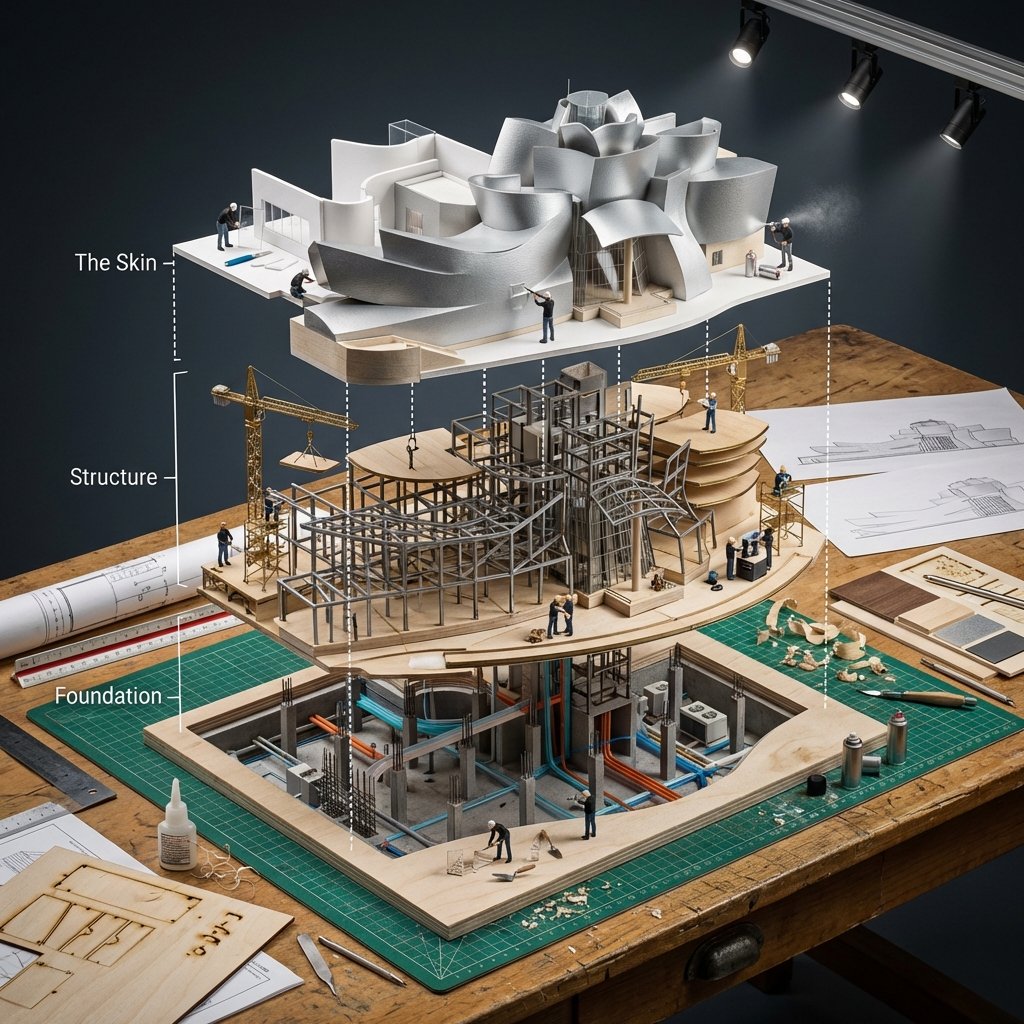
Building Exploded View Architectural Diorama
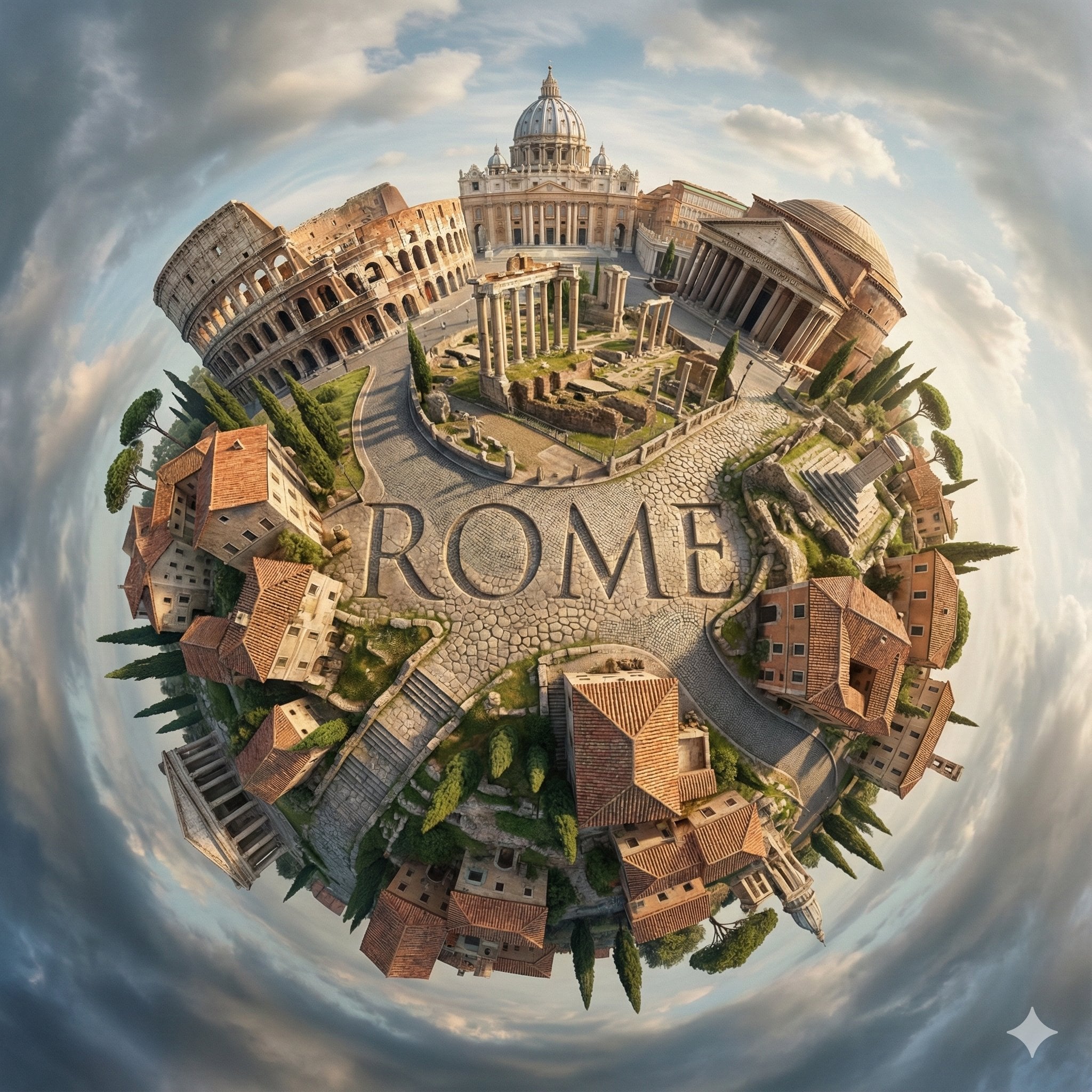
City Spherical Panorama Tiny Planet
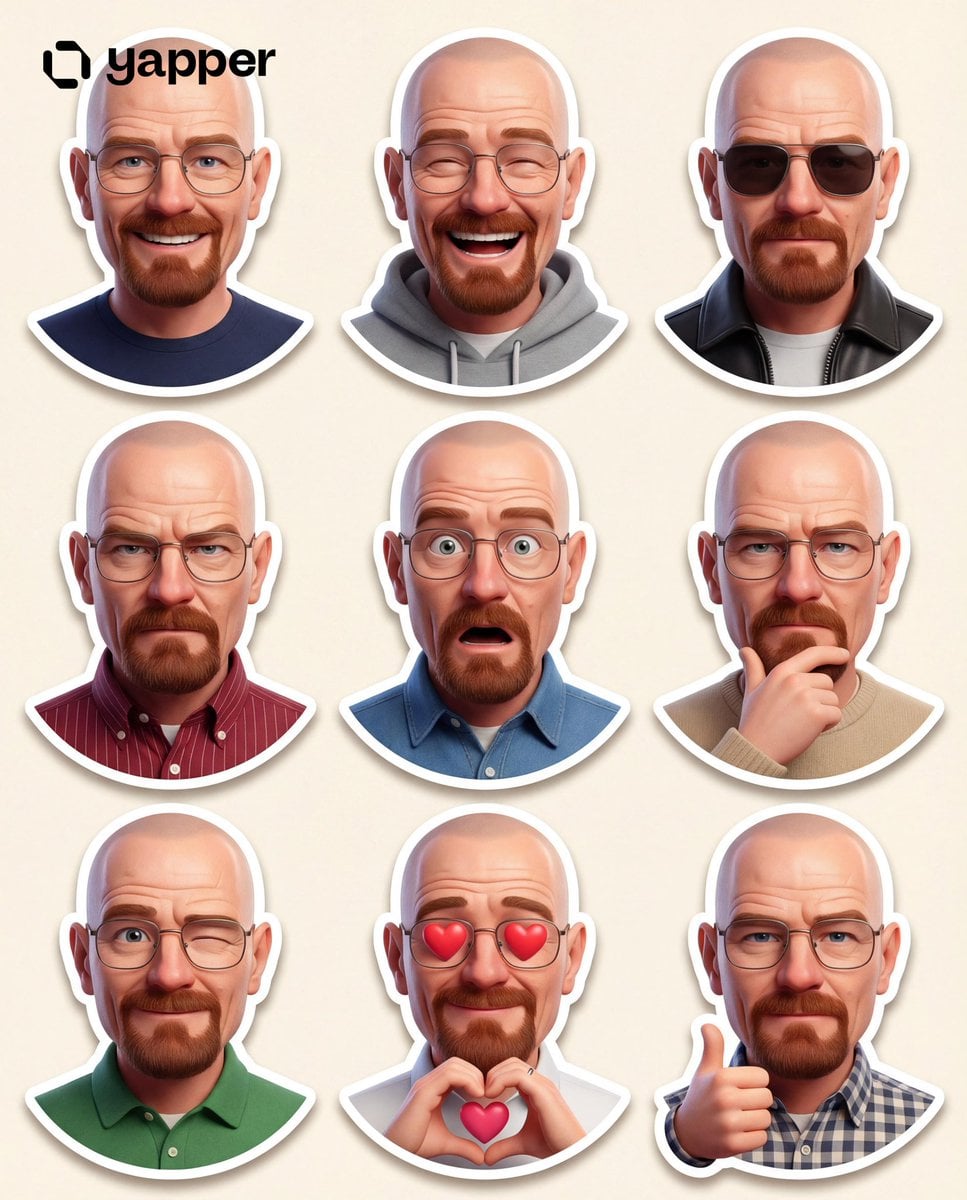
Pixar 3D Character Sticker Pack 3x3
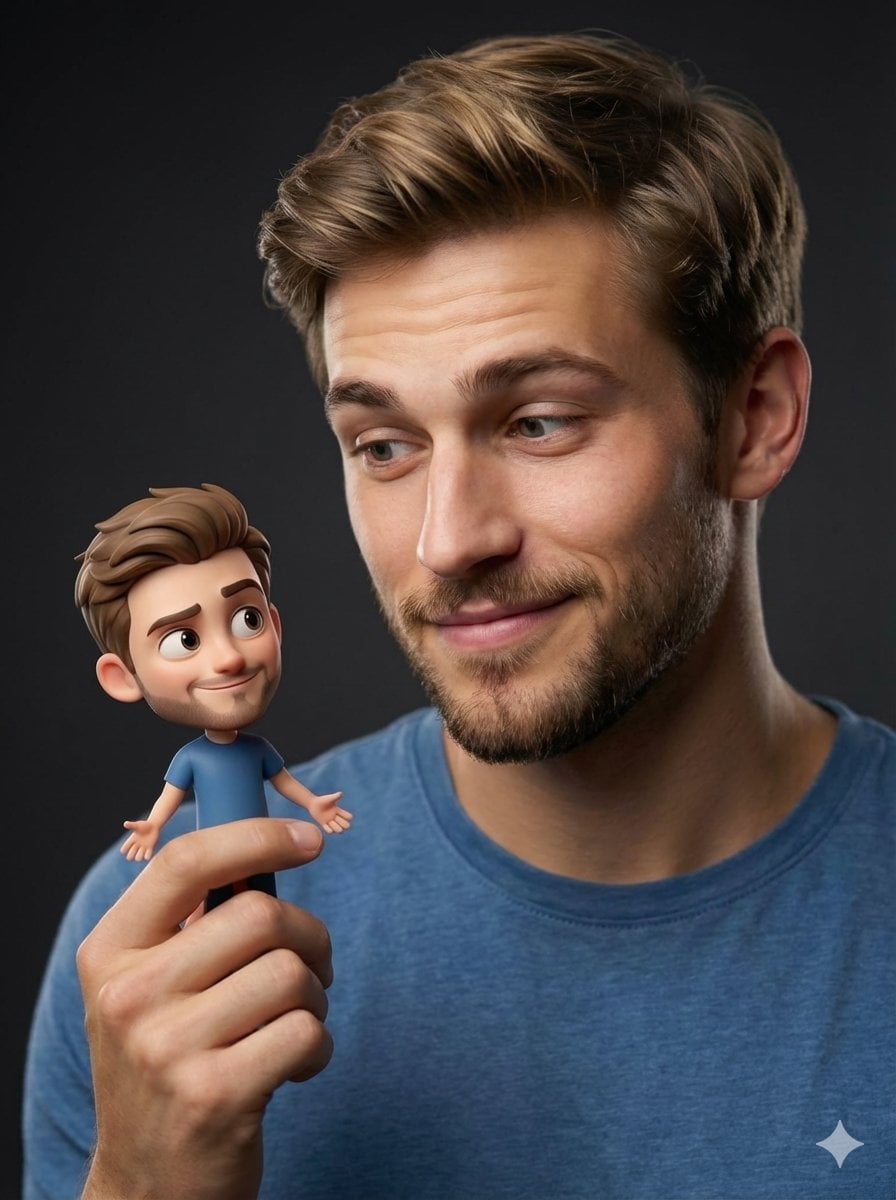
Human with Miniature 3D Self Portrait
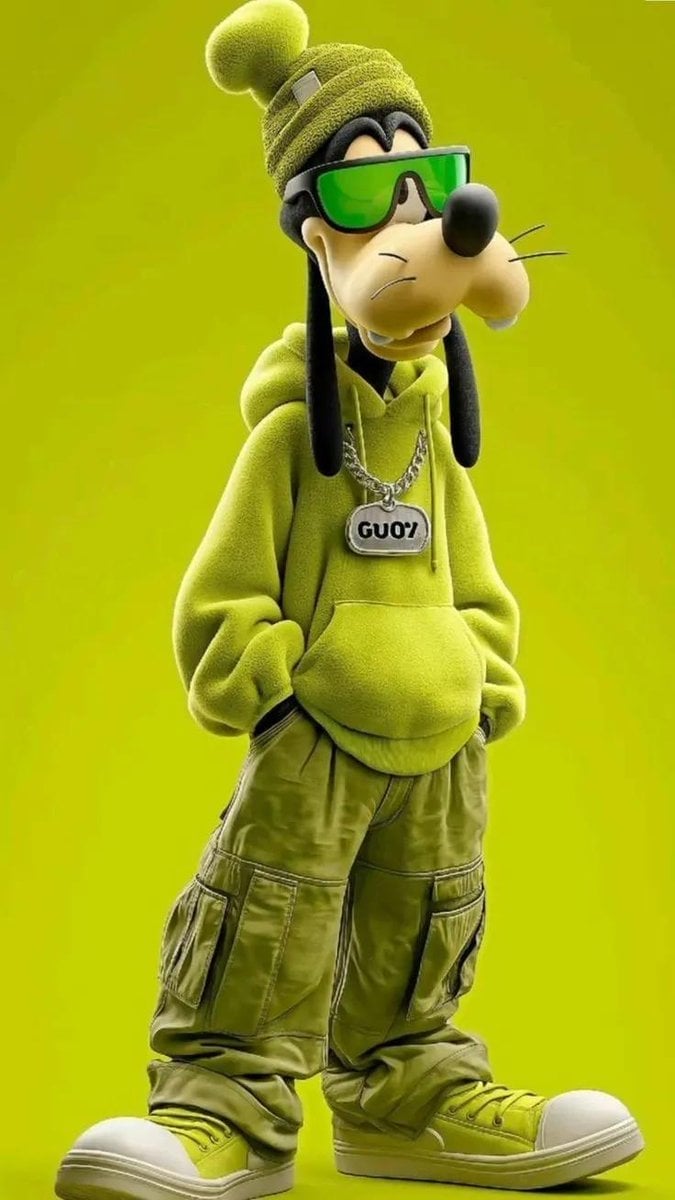
Anthropomorphic Dog Streetwear Character
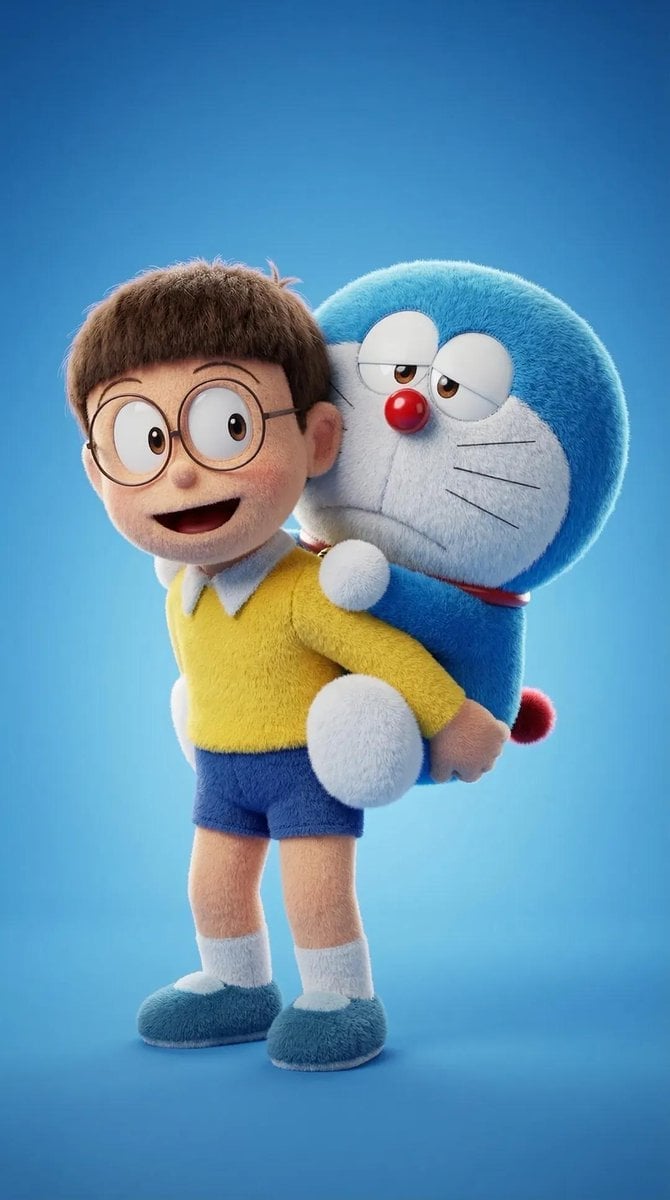
Plush Cartoon Character Doraemon Tribute
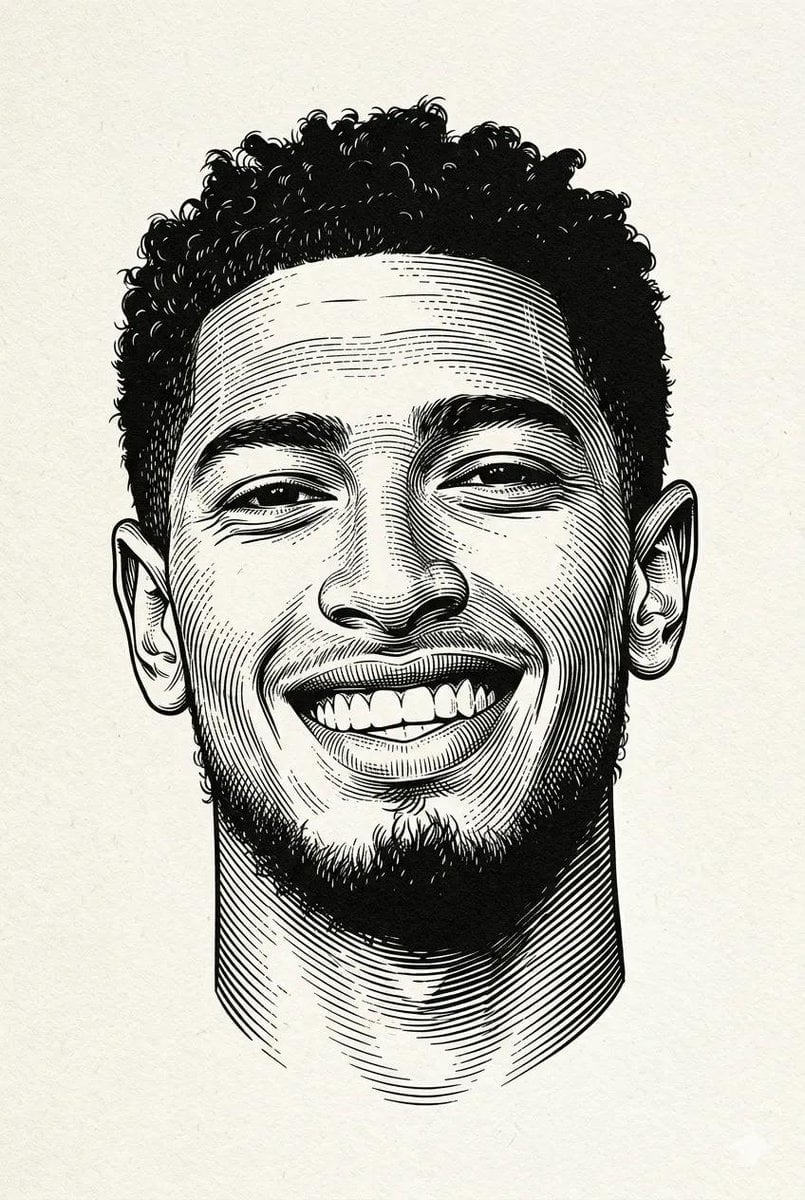
Woodcut Linocut Portrait Illustration
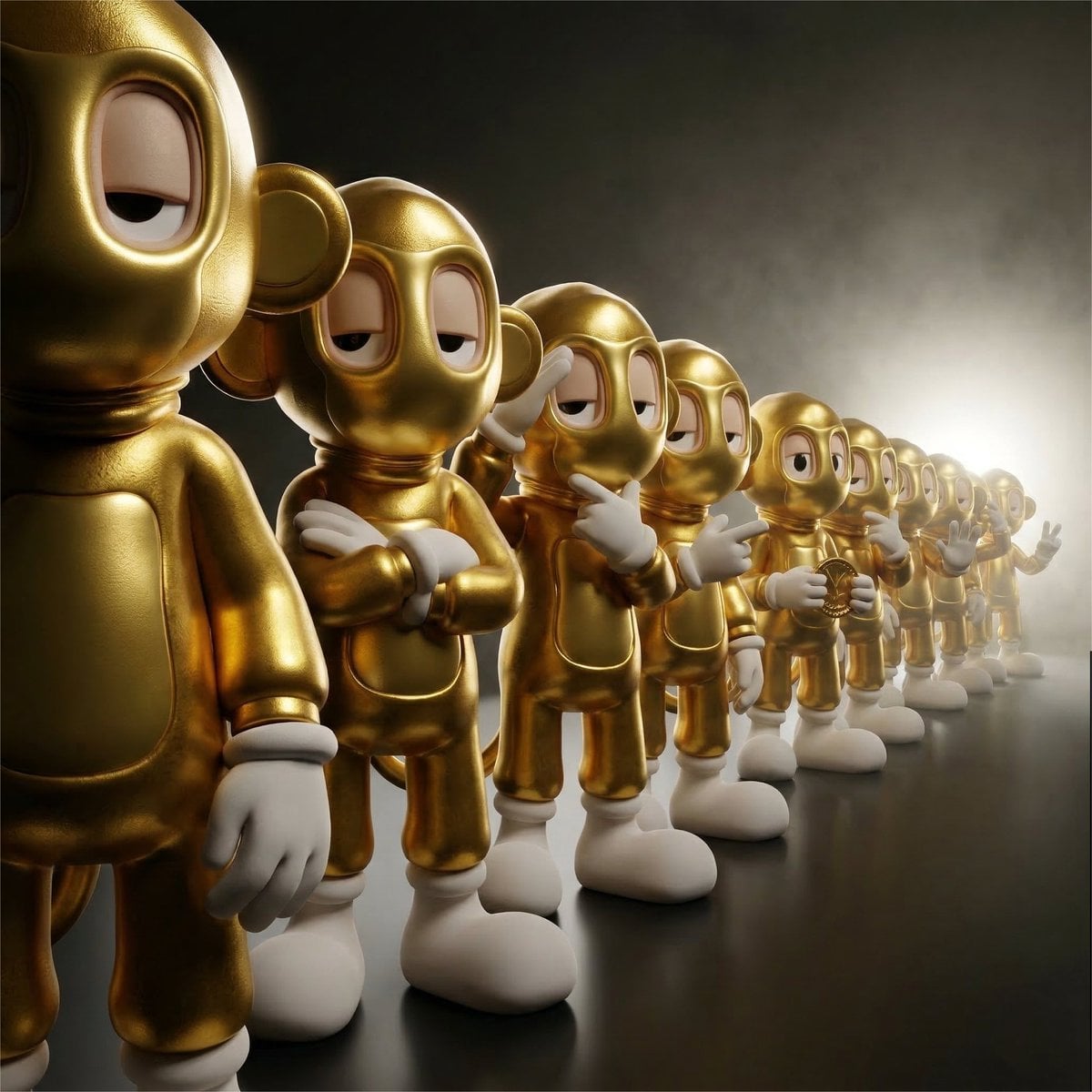
Collectible Vinyl Toy Procession 3D
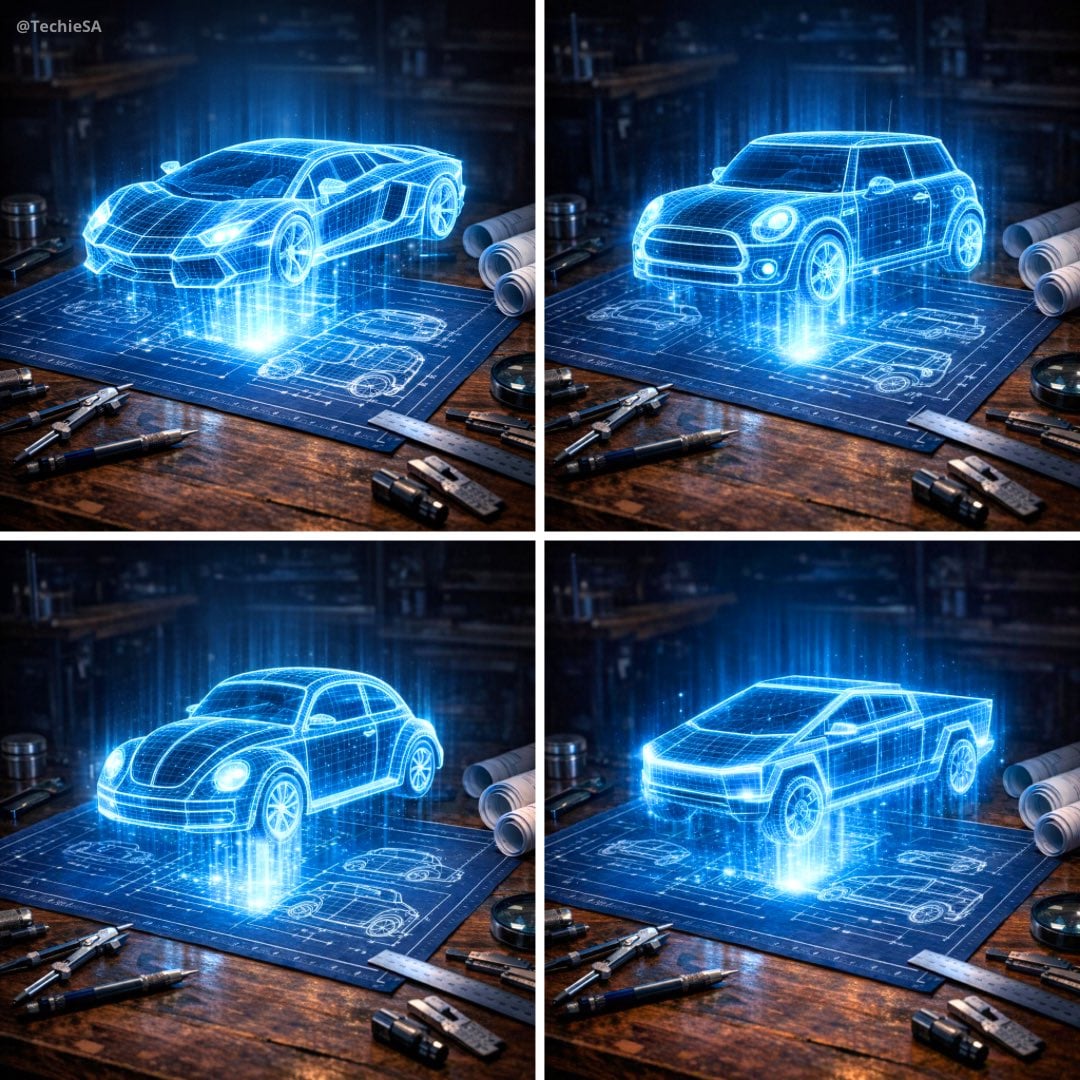
Holographic Car Blueprint Wireframe
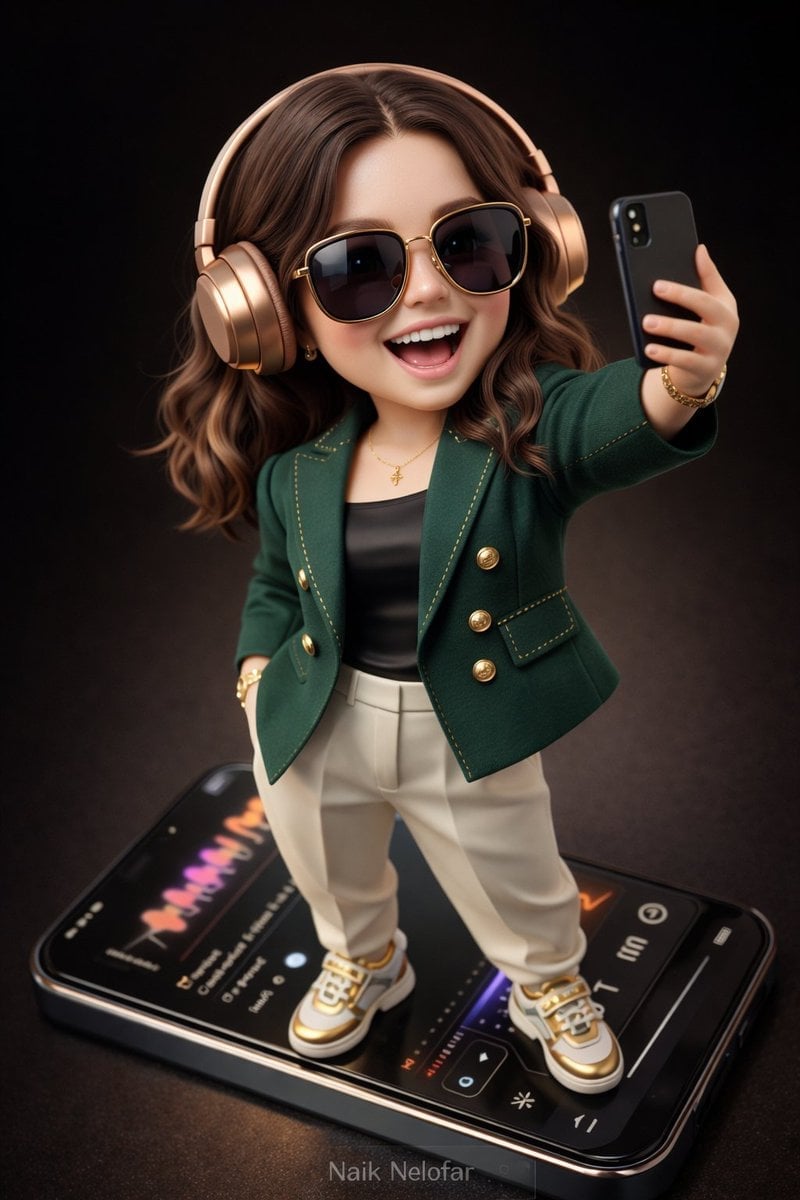
Chibi Designer Toy Character on Smartphone
Make it yours
Anime Characters in Photorealistic Room works as-is. These are the safest ways to change it without losing the look.
Change one field
Copy a single group, rewrite it, and generate again so you can see what that field is doing.
Keep the frame, change the subject
Hold the composition and light of Anime Characters in Photorealistic Room, then swap wardrobe, props or the person for a new take.
| If the result… | Why | Fix |
|---|---|---|
| The result drifts from the preview | Too many fields changed at once. | Reuse Anime Characters in Photorealistic Room as-is first, then change one group — subject, light, or setting. |
| The model over-stylizes the scene | The prose prompt leaves finish and camera underspecified. | Add one camera or lighting sentence and stay on PicX Studio. |
More image prompts
Fresh picks from across the catalog.
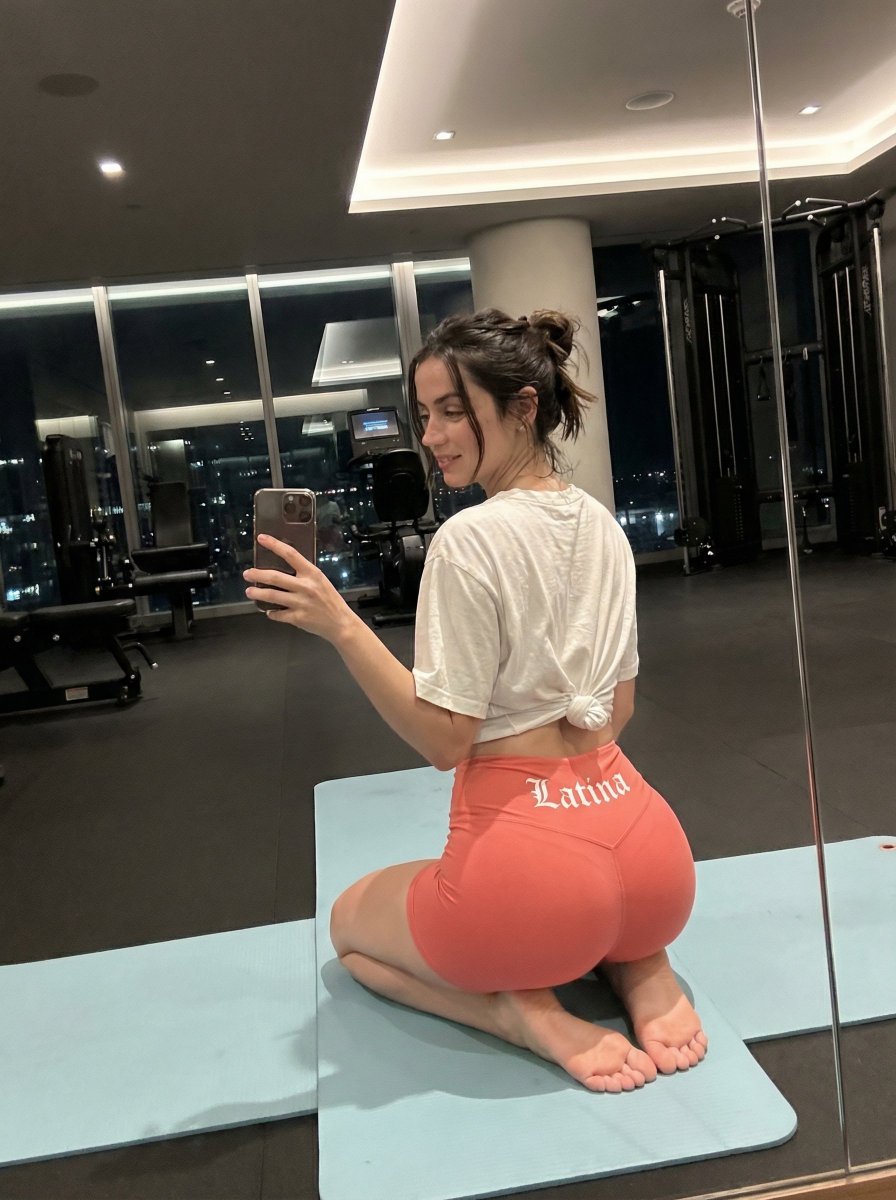
Exaggerated Hourglass Gym Selfie Prompt
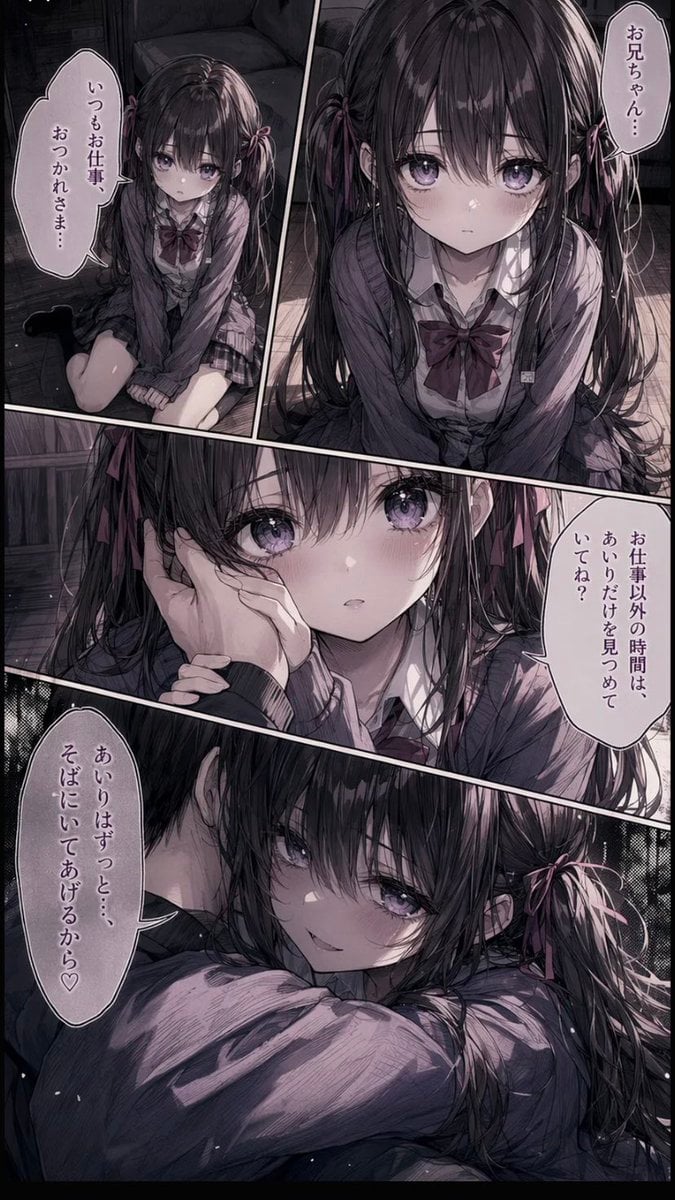
Delicate Pen Drawing Manga Style
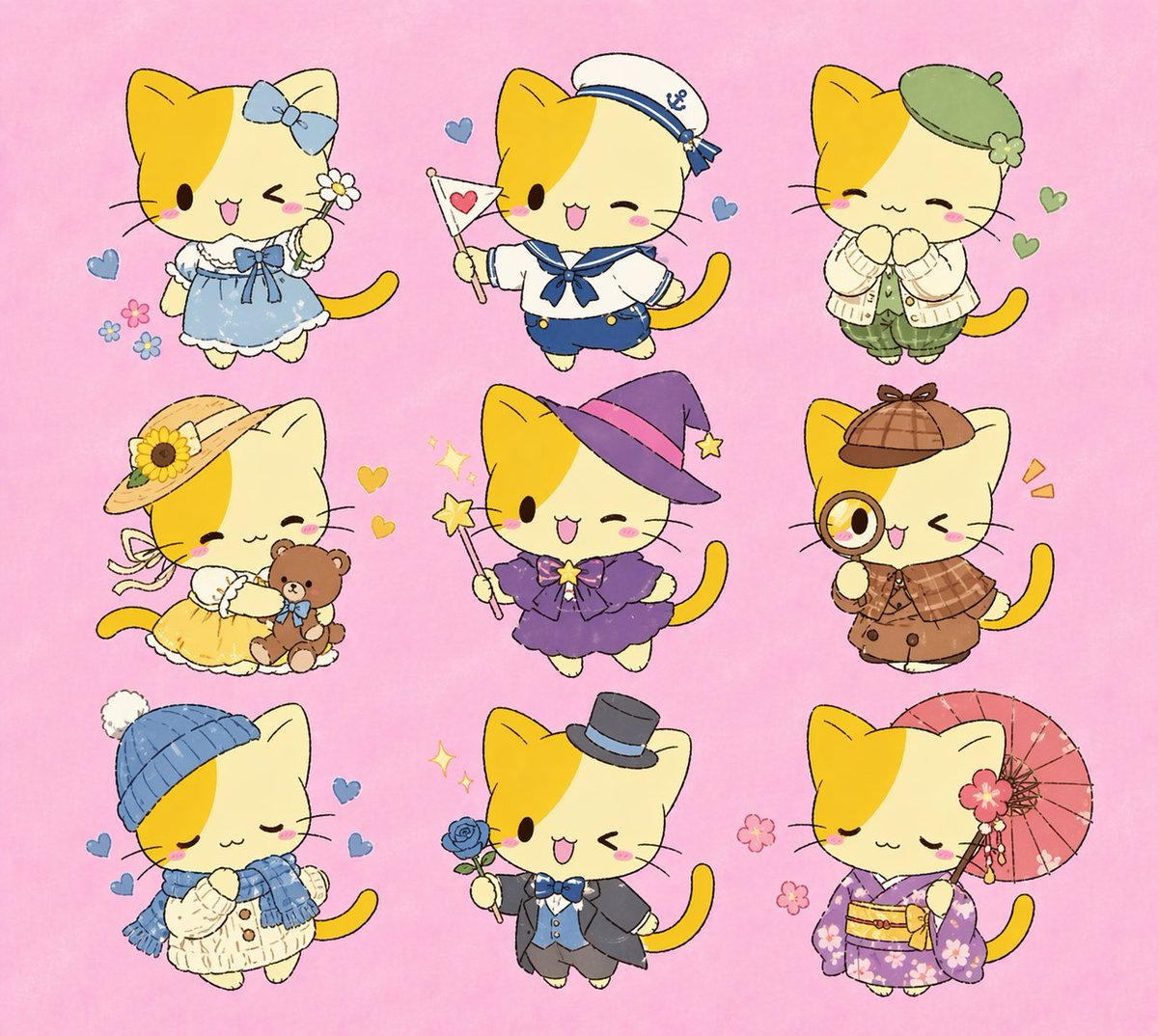
Nine Chibi Kitten Costume Variants
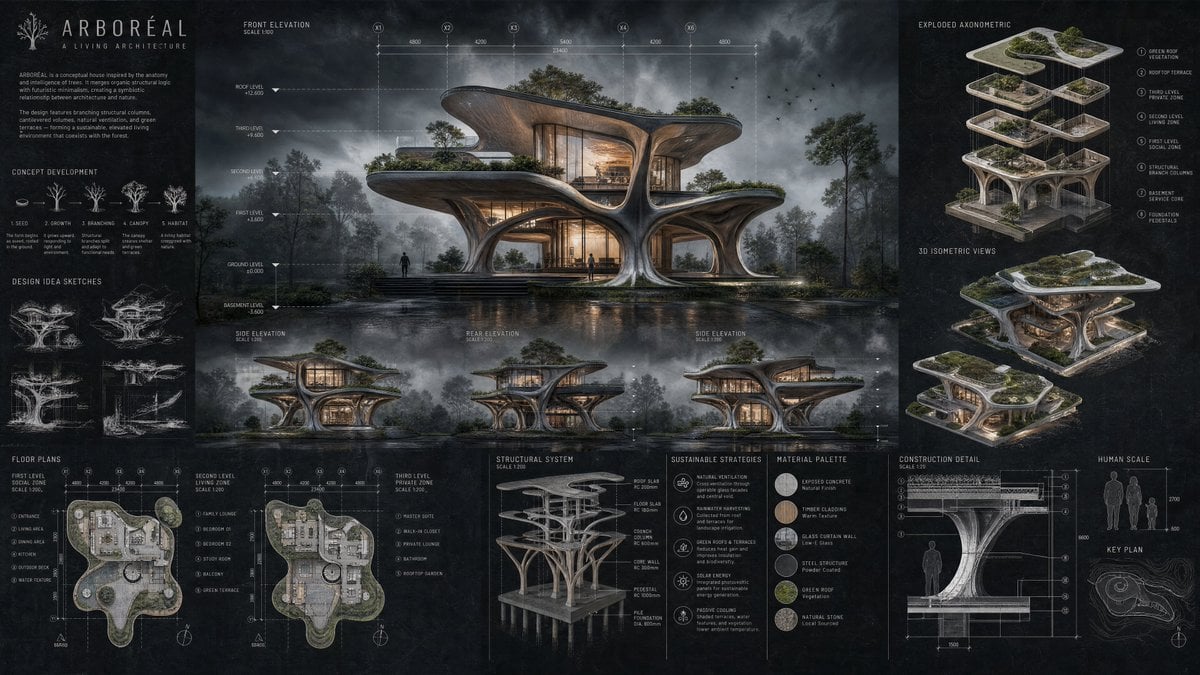
Arboreal Architecture Presentation Board
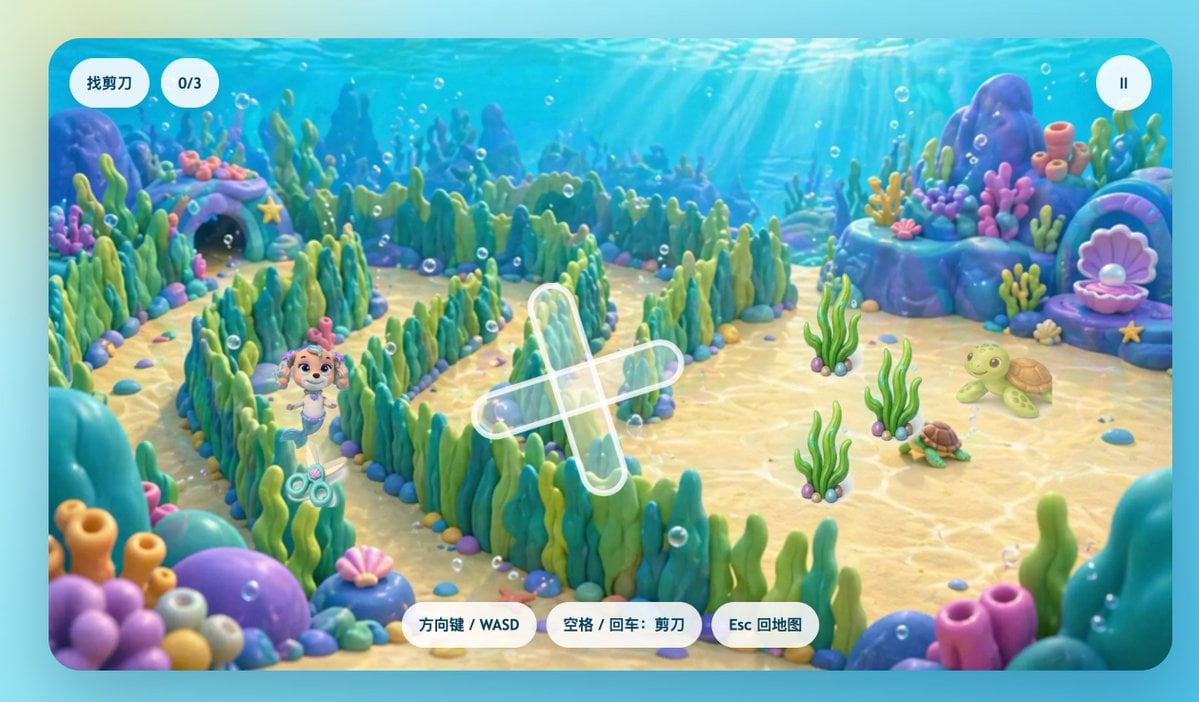
Cute Underwater Mermaid Puppy Game UI
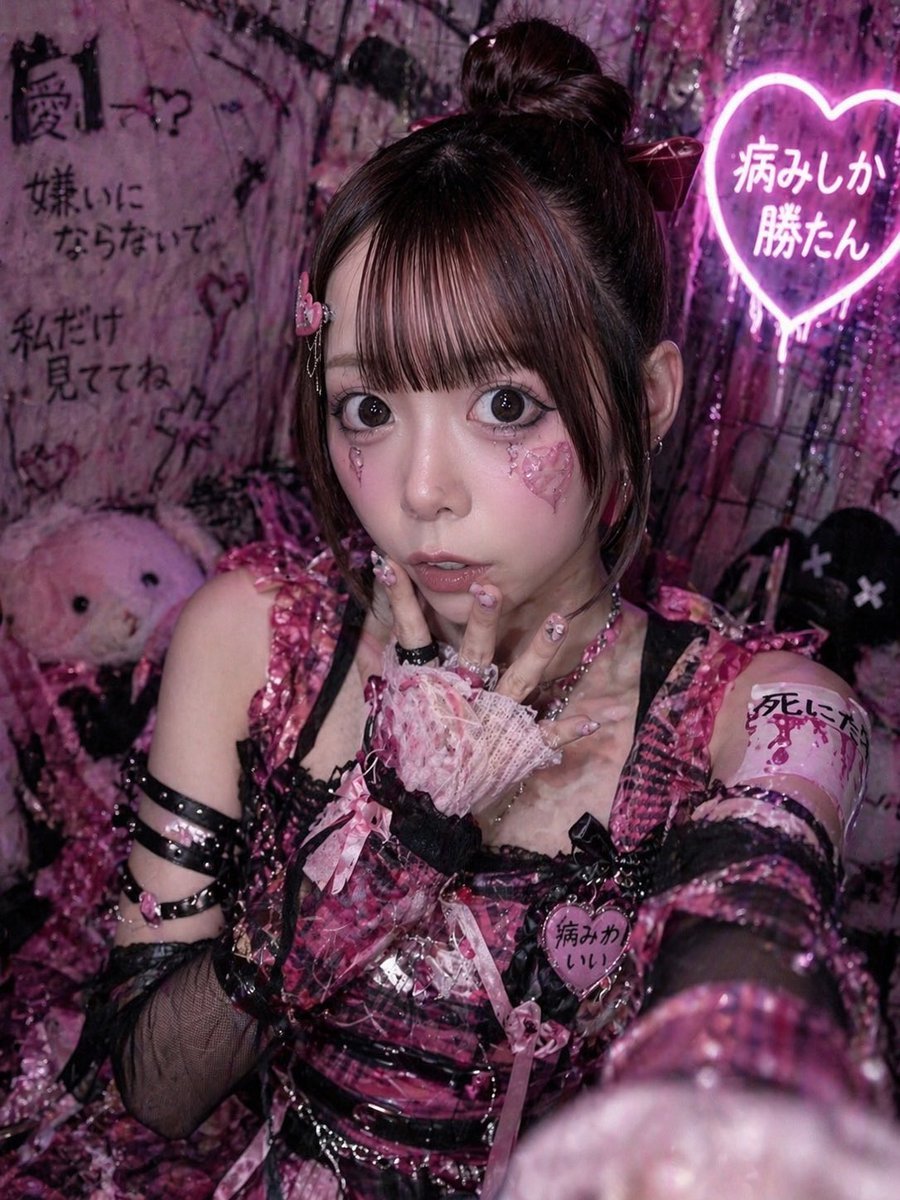
Yami Kawaii Idol Selfie
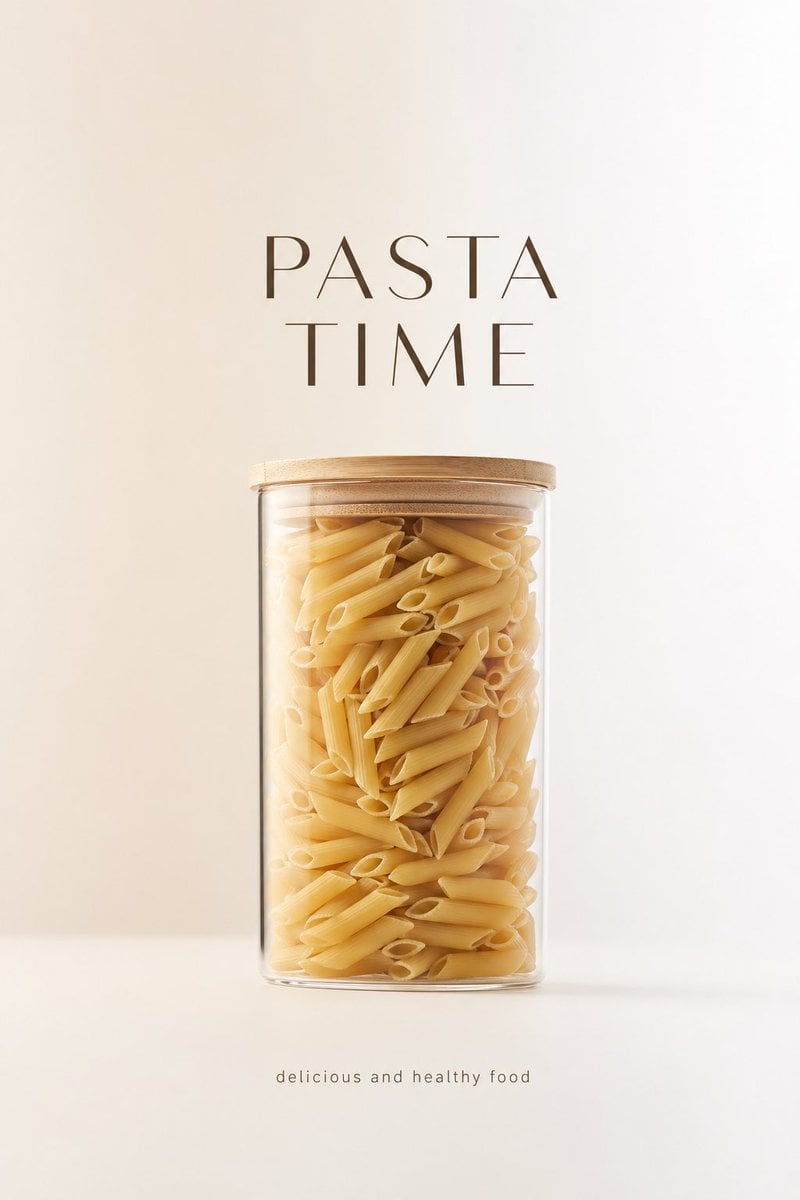
Minimalist Product Advertisement
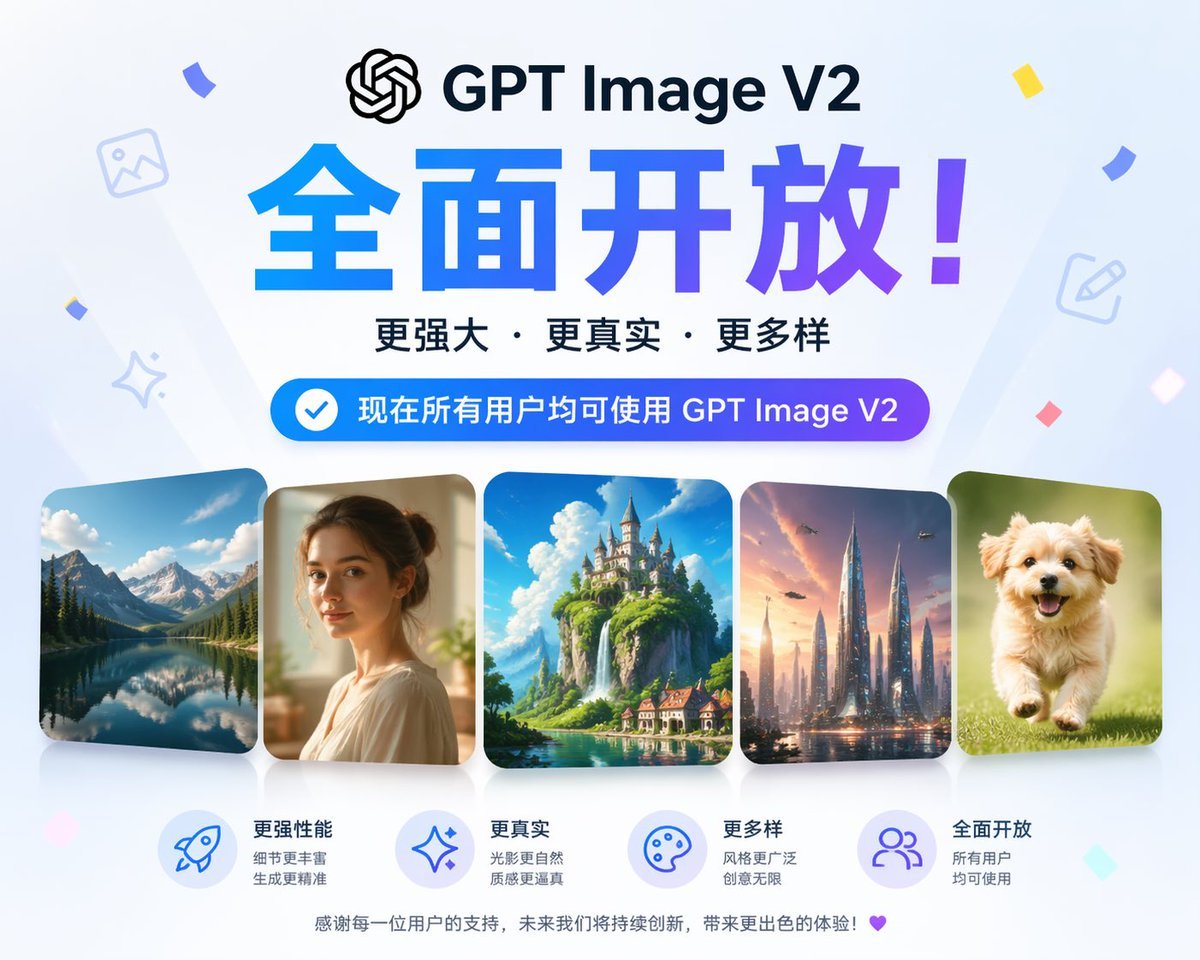
GPT-Image V2 Feature Announcement
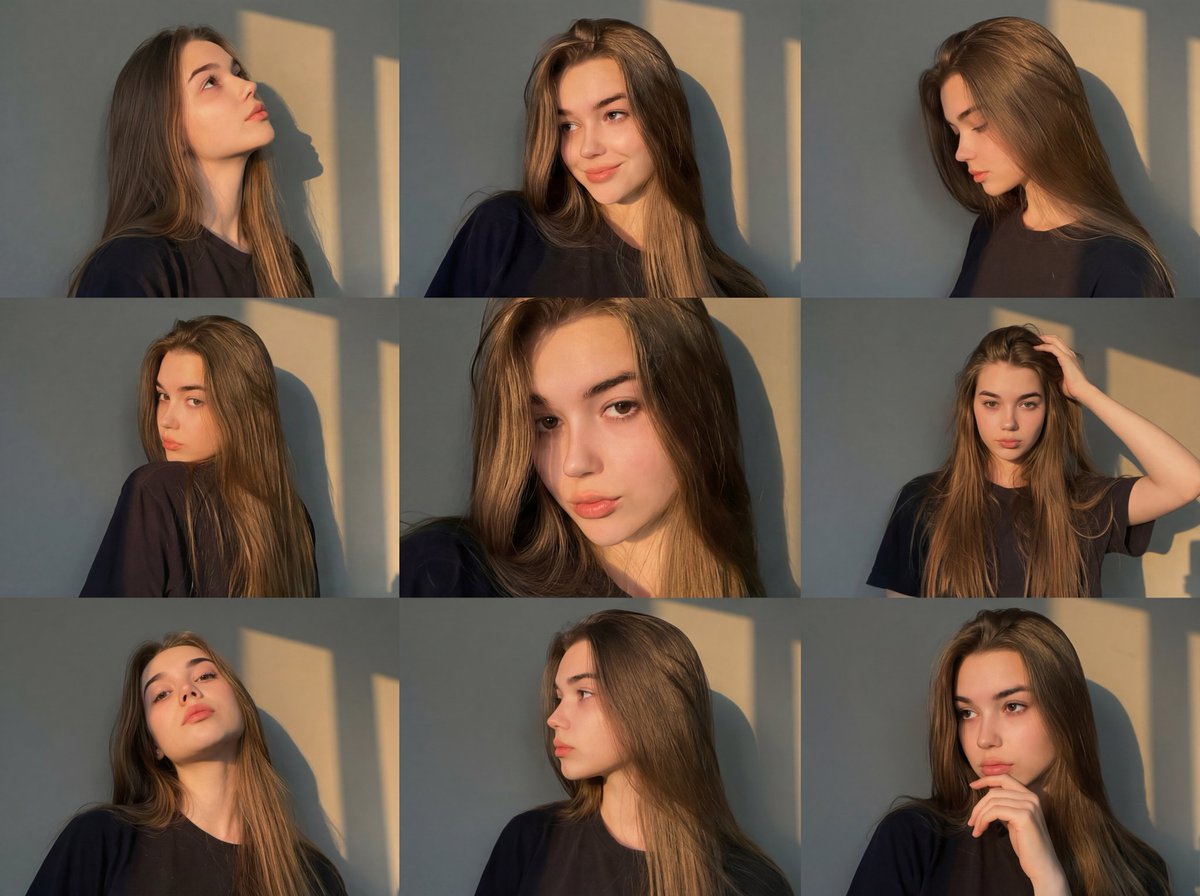
Golden Hour Portrait Collage JSON Prompt
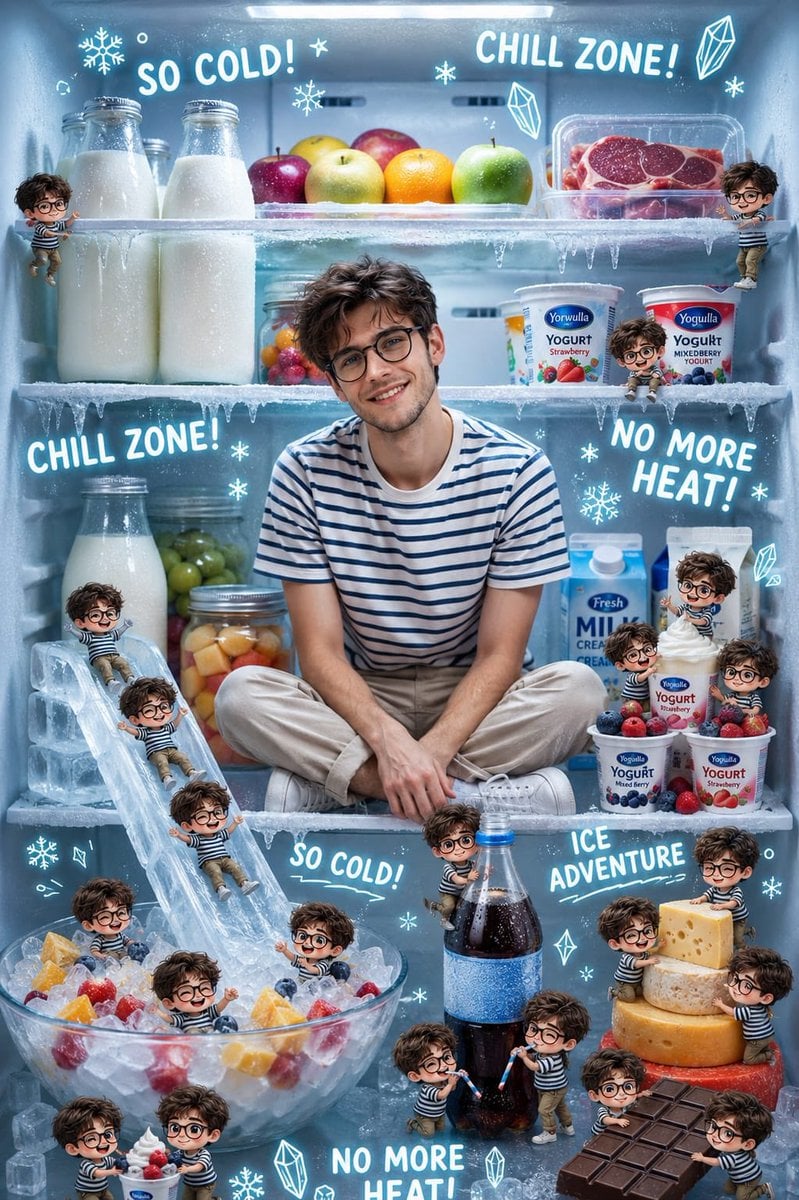
Chibi Boys in a Frozen Refrigerator
Browse template categories
Anime Characters in Photorealistic Room questions
How do I use the Anime Characters in Photorealistic Room template?
Add your photo if the template asks for one, edit the prompt if you like — the template's model and format are already selected — and press Generate. Your version opens in PicX Studio.
Can I customize the Anime Characters in Photorealistic Room template?
Yes. You can change the subject, setting, lighting, mood, format, and available model controls before creating your image.
Is the Anime Characters in Photorealistic Room template free?
Opening and editing this template is free. Generating uses credits, shown on the Generate button when you are signed in.
Which AI model should I use?
Choose a compatible model in PicX Studio based on the style, speed, and output controls your project needs.
Looking for something else? Browse all templates.

Your photo, any look
Thousands of ready templates for every top image and video model, from one credit balance.