
Chibi Boys in a Frozen Refrigerator
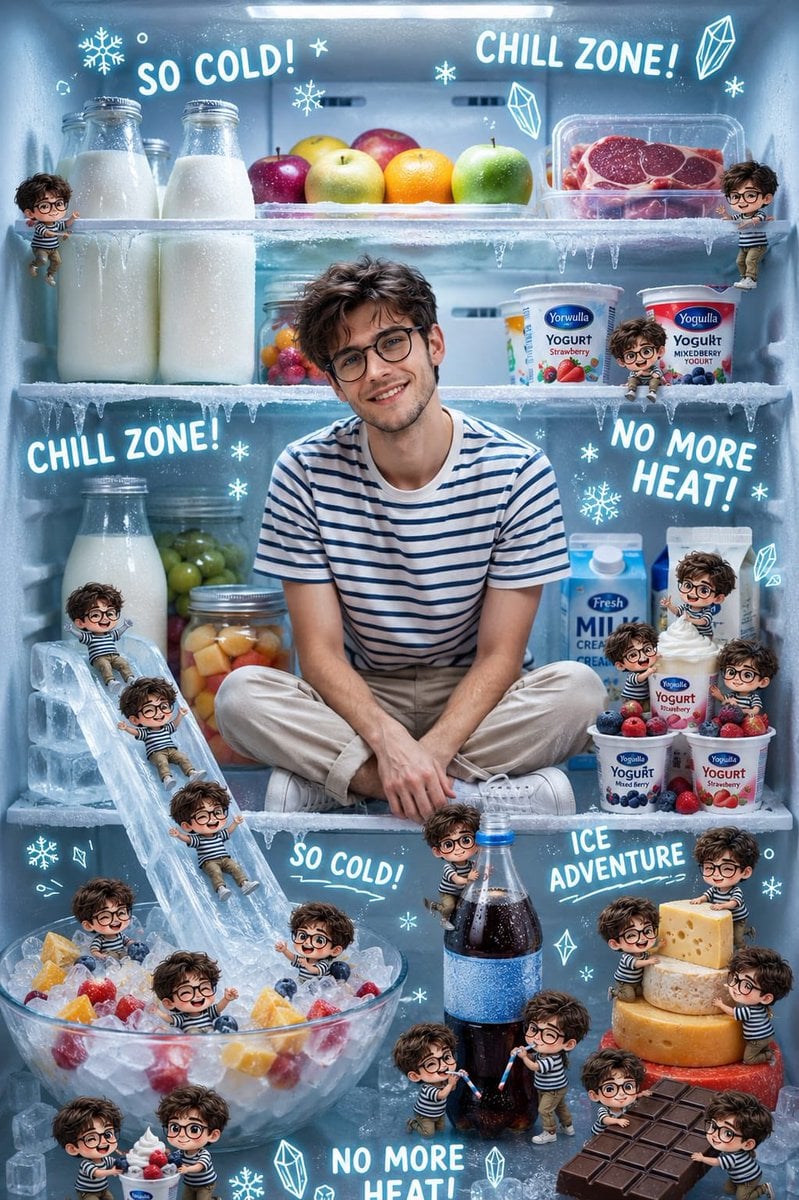
A whimsical fantasy prompt for a refrigerator turned into a frozen wonderland, featuring photorealistic food and dozens of miniature chibi characters.
- Prompt included
- Model and format preset
- Free template
The prompt behind this image
Copy the exact prompt behind Chibi Boys in a Frozen Refrigerator, or open it in the studio and make it yours.
Ultra-realistic whimsical fantasy scene inside an open refrigerator transformed into a playful {argument name="theme" default="frozen wonderland"}. At the center sits a {argument name="main character" default="cheerful young boy"} with soft facial features, thick wavy dark-brown hair, bright expressive eyes, and a wide joyful smile. He wears a white-and-navy striped T-shirt and light beige pants, sitting cross-legged comfortably on a refrigerator shelf while surrounded by chilled foods and icy decorations. The refrigerator is fully stocked with realistic bottles of milk, fresh fruits, yogurt cups, cheese wheels, chocolate bars, soda bottles, berries, and glass jars filled with colorful fruits. Frost covers the shelves, tiny icicles hang from the edges, and cool blue lighting creates a refreshing icy atmosphere. Dozens of {argument name="miniature versions" default="adorable miniature chibi versions of the same boy"} are scattered throughout the fridge, each interacting playfully with the food and ice. Some tiny boys slide down an ice slide into a bowl filled with ice cubes and fruit, some swim in the icy fruit bowl, others climb giant cheese wheels, carry chocolate bars, drink from a giant soda bottle with straws, enjoy yogurt cups, and play among ice cubes.
How to use Chibi Boys in a Frozen Refrigerator in 3 steps
- 1
Open
The prompt is already in the box next to the preview, with the template's model and format selected.
- 2…a portrait of your subject in softgolden-hour light, 85mm…
Personalize
Edit the subject and creative details for your destination.
- 3Generate
Generate
Press Generate — your image is created in PicX Studio, so you can compare it with the original and refine one variable at a time.
More like this
Templates with the same subject, style or setup. Open one to see its prompt.

Cute Layered Paper Cut Chibi Girl

Pixar-Style Chibi Café Morning Scene

Nano Banana Pro Pink Office Chibi
Indian Street Market Frozen in Time
Miniature Woman in Refrigerator Storyboard

Chibi Anime Ninja Sticker Sheet
Frozen Pizza Commercial Storyboard
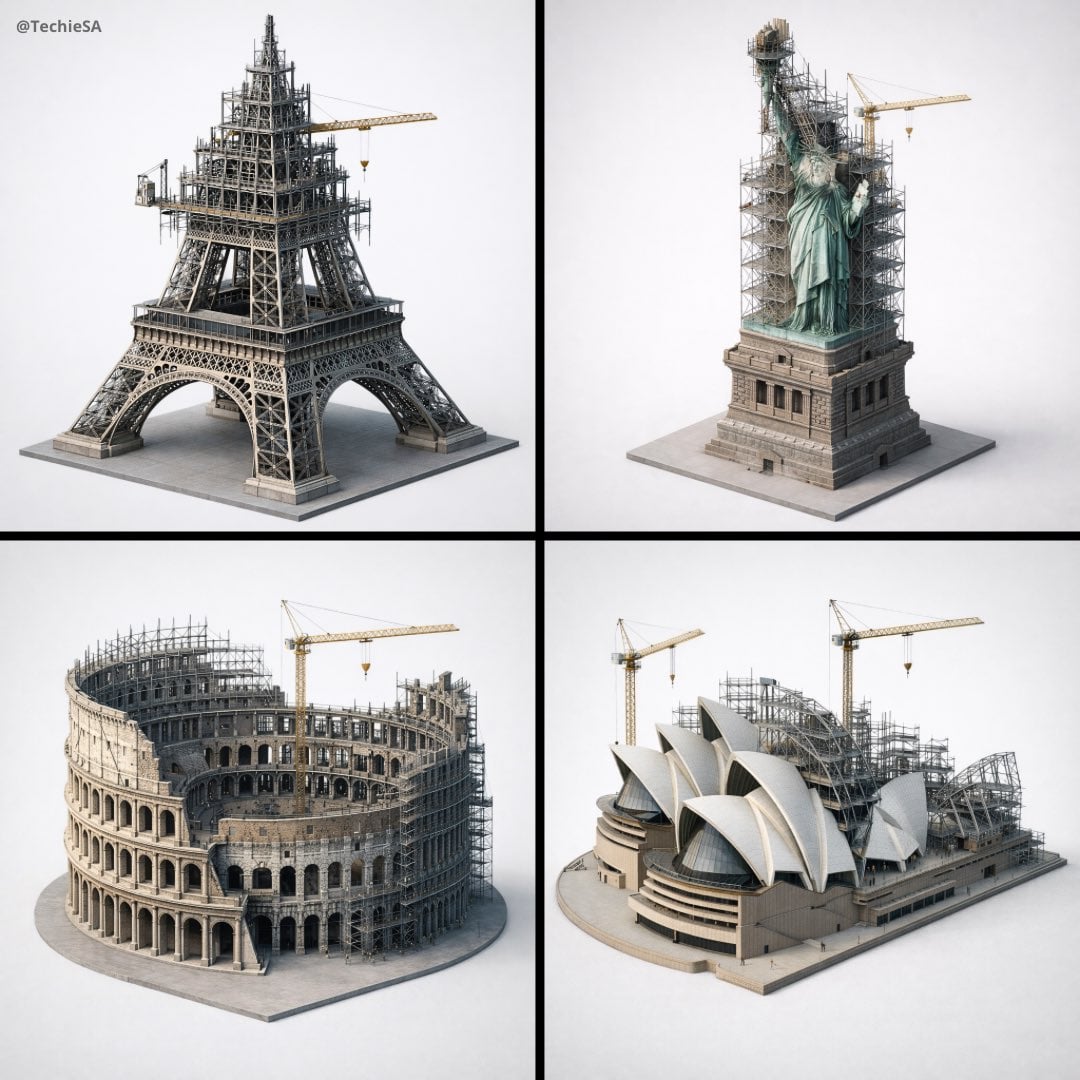
Depict frozen in an eternal state of construction
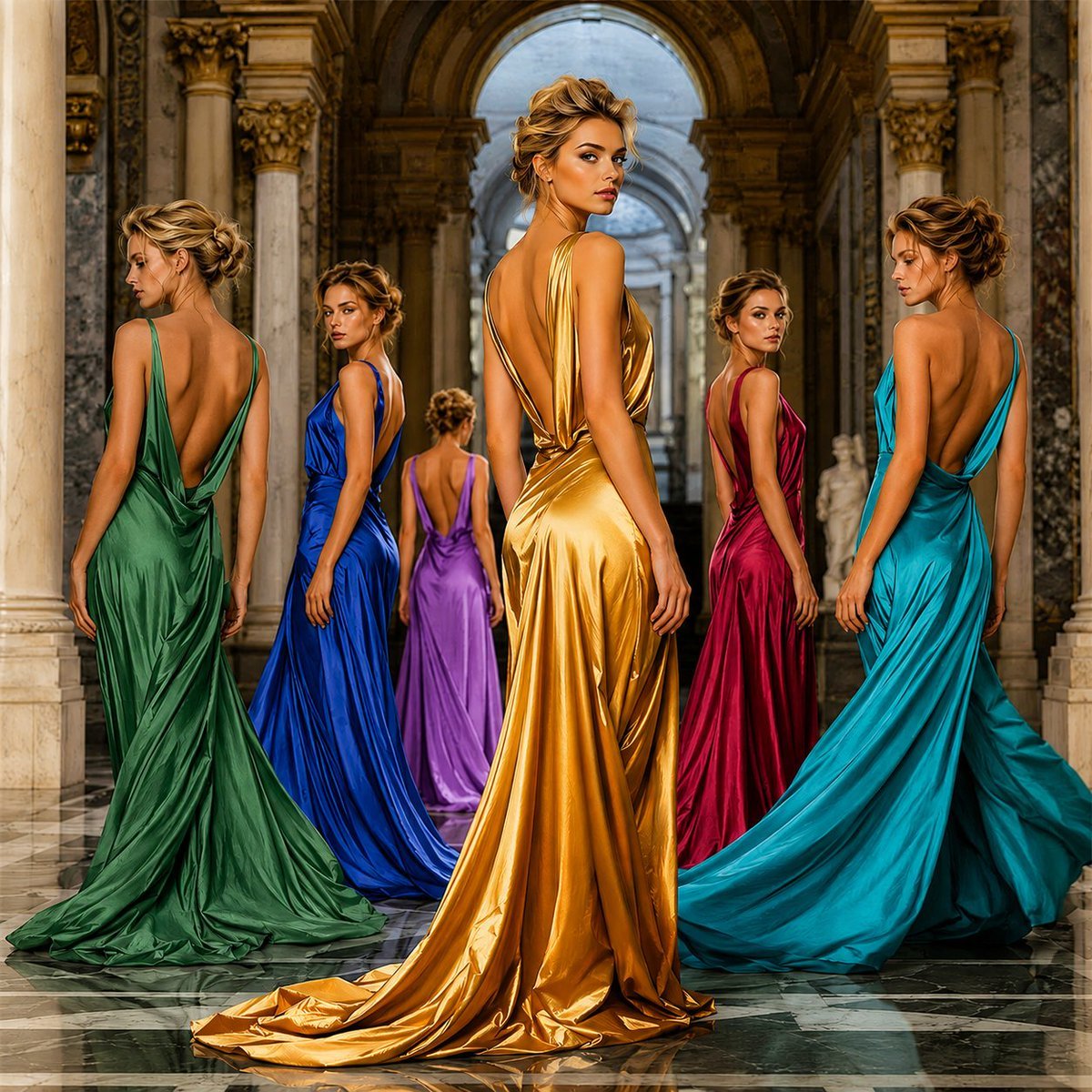
Frozen-Time Couture Hall Portrait
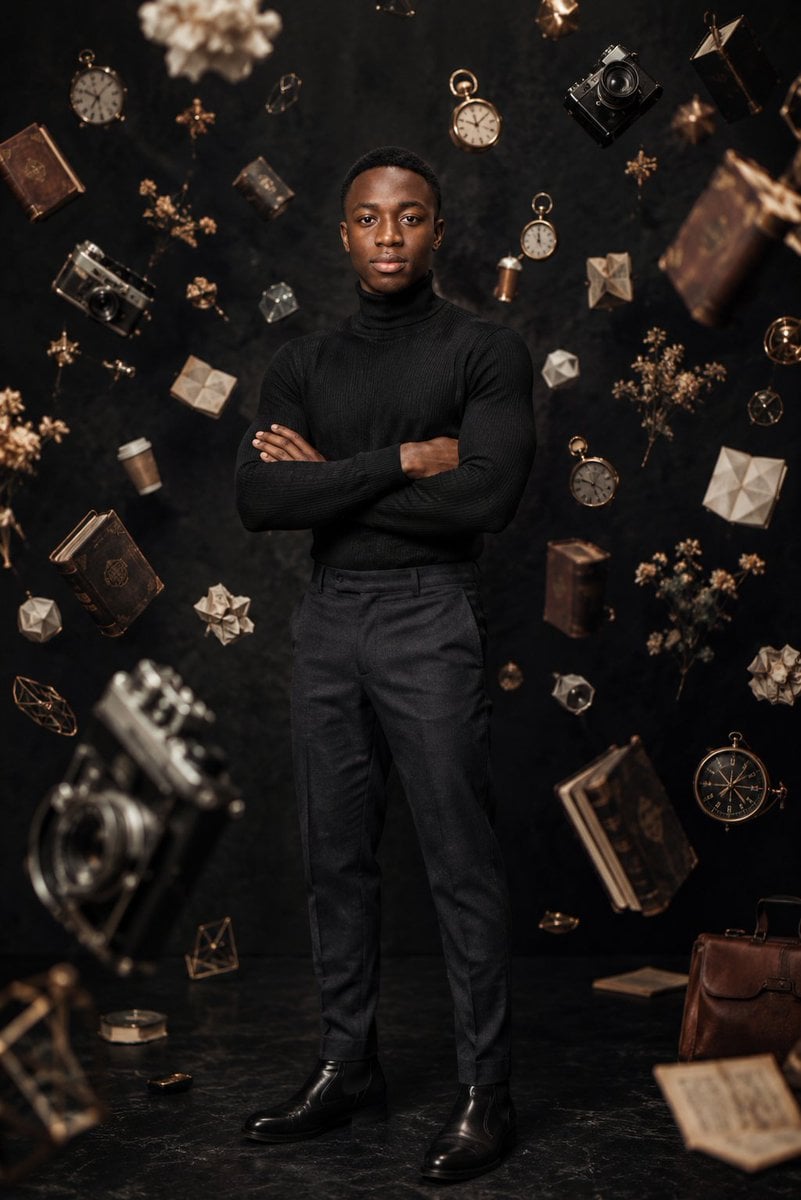
Frozen Time Editorial Portrait
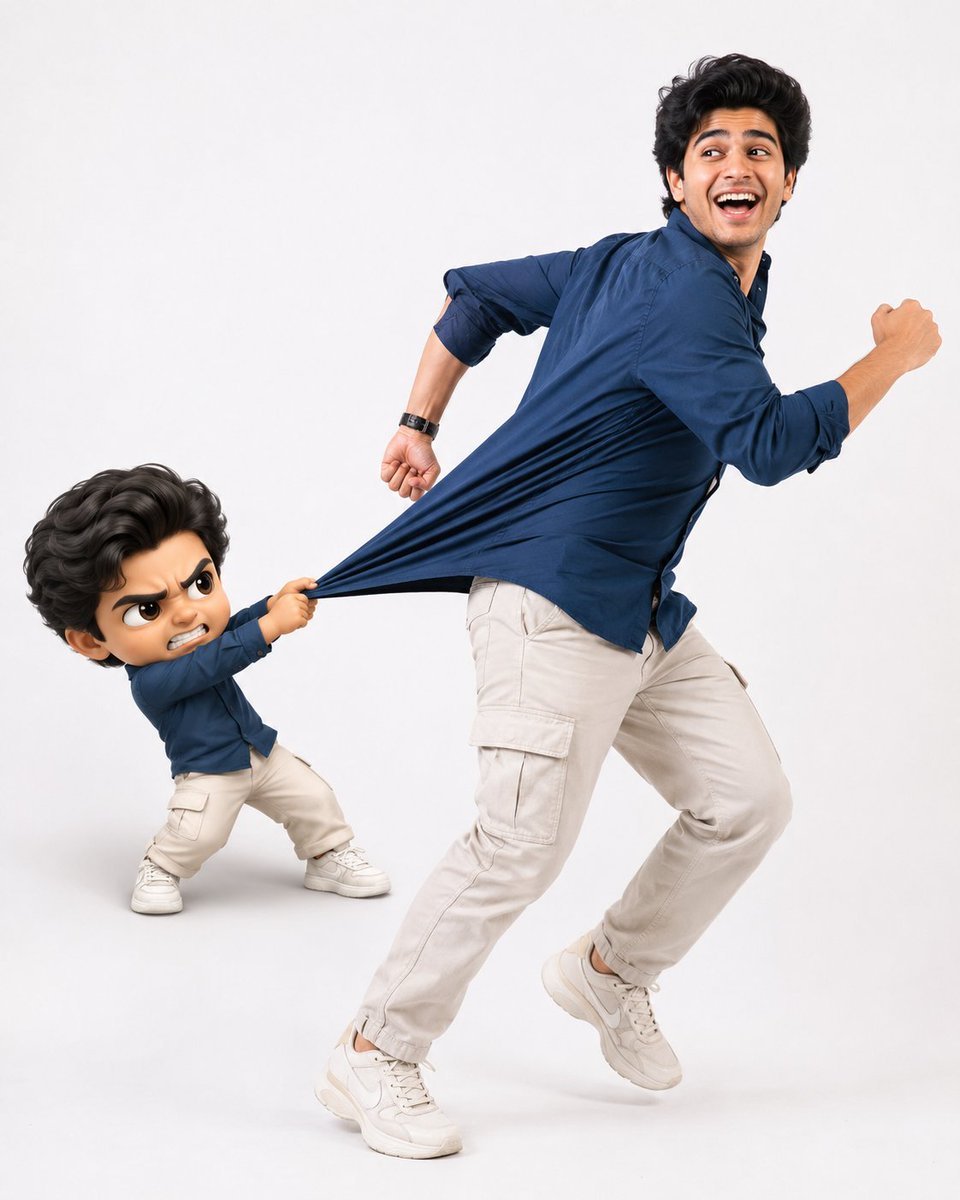
Playful Semi-Chibi Lifestyle Editorial

Halloween Nun Chibi Character Sheet
Make it yours
Chibi Boys in a Frozen Refrigerator works as-is. These are the safest ways to change it without losing the look.
Change one field
Copy a single group, rewrite it, and generate again so you can see what that field is doing.
Keep the frame, change the subject
Hold the composition and light of Chibi Boys in a Frozen Refrigerator, then swap wardrobe, props or the person for a new take.
| If the result… | Why | Fix |
|---|---|---|
| The result drifts from the preview | Too many fields changed at once. | Reuse Chibi Boys in a Frozen Refrigerator as-is first, then change one group — subject, light, or setting. |
| The model over-stylizes the scene | The prose prompt leaves finish and camera underspecified. | Add one camera or lighting sentence and stay on GPT Image 2. |
More GPT Image 2 templates
Other prompts made for GPT Image 2.

Six VTuber Japanese Logo Sheet

Realistic Portrait of Woman and Deer

The Vista Modular Condo Poster

AI Model Routing Comparison Infographic

2.5D Anime Art Board

Isometric Productivity Desk Scene

New York Double Exposure Poster

Four-Panel AI Landscape Comparison

Japanese Tatami Lifestyle Magazine Cover

NESCAFÉ Coffee Map Poster
More image prompts
Fresh picks from across the catalog.
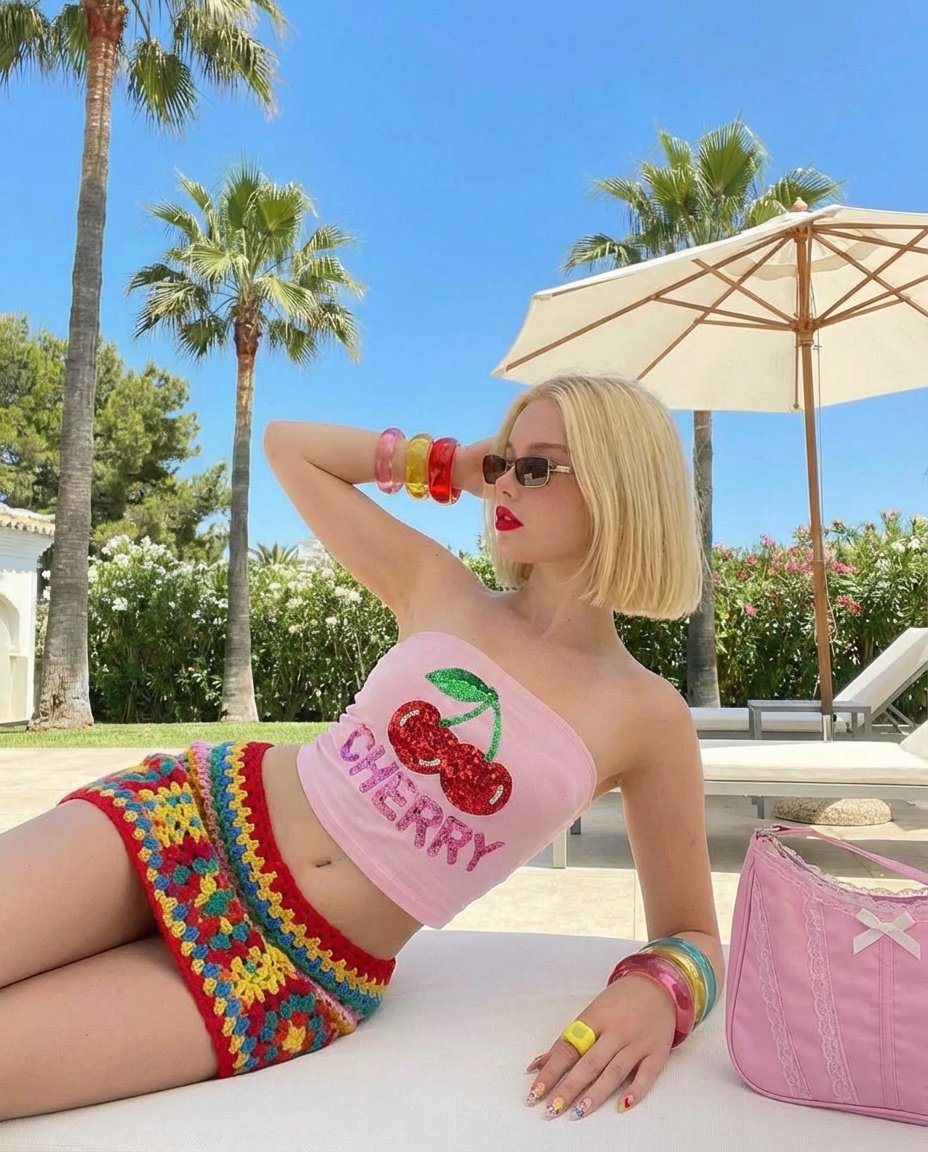
Stylish Poolside Retro Fashion Prompt
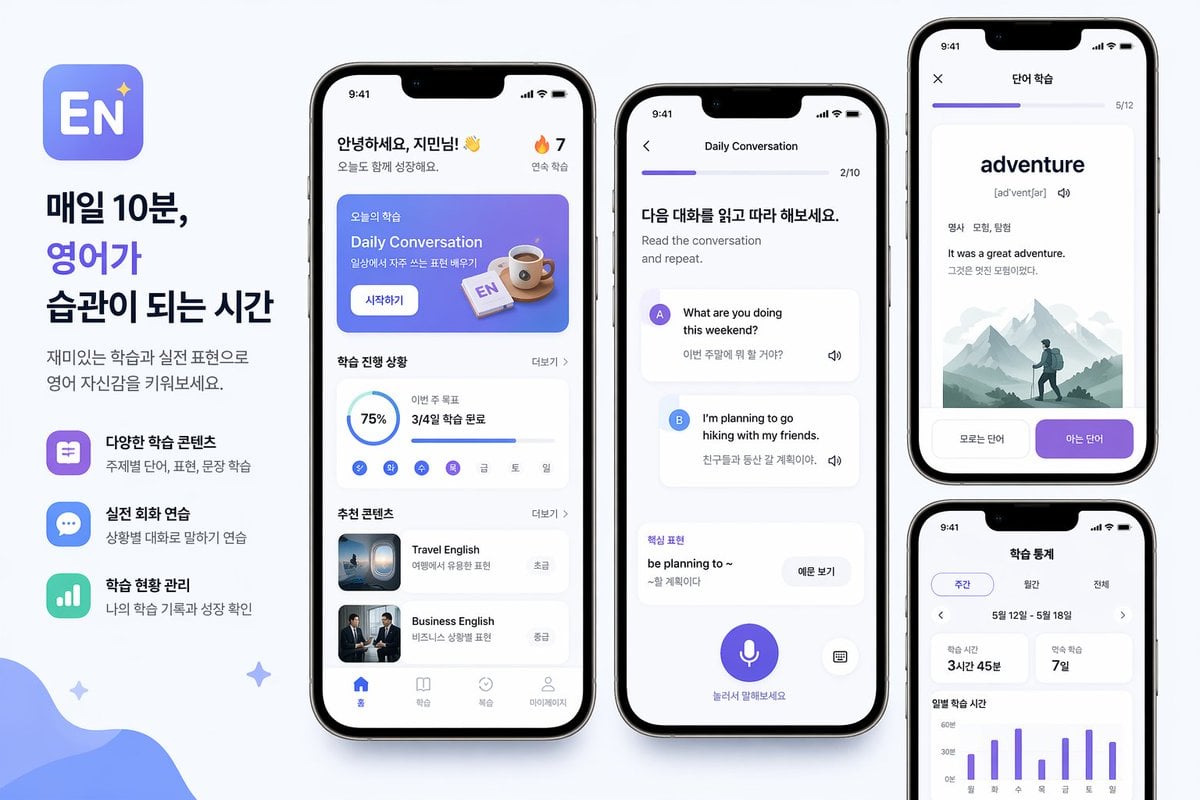
Korean English Learning App Promo
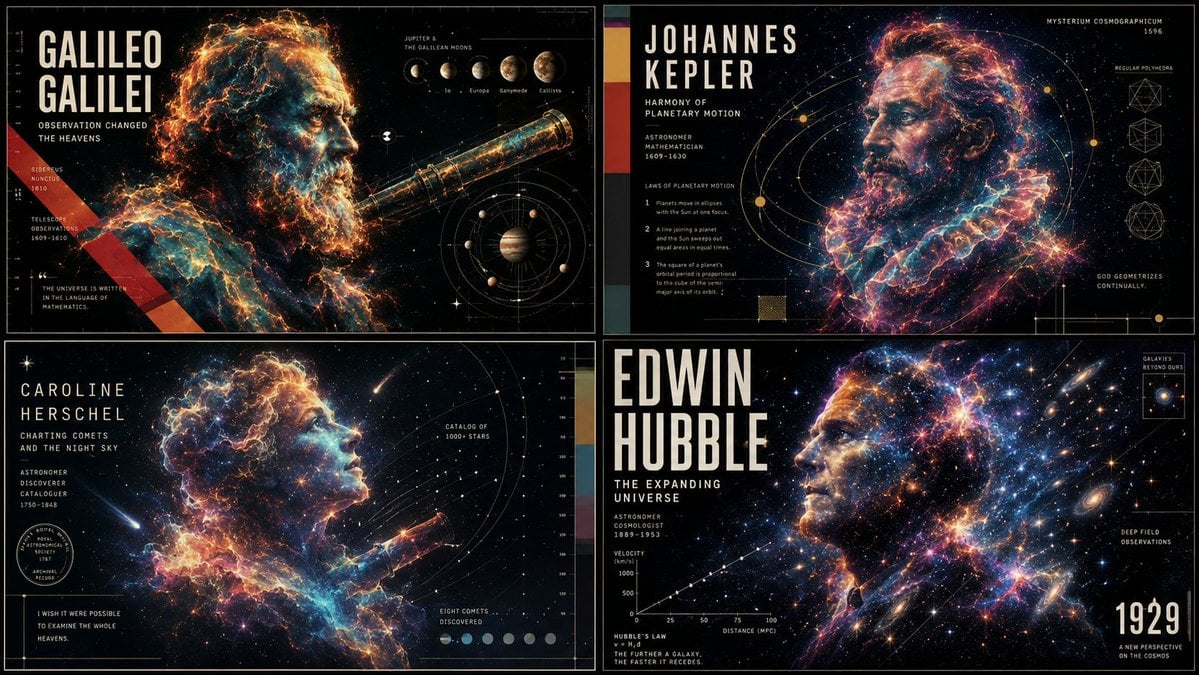
Ethereal Data Portrait for Astronomers
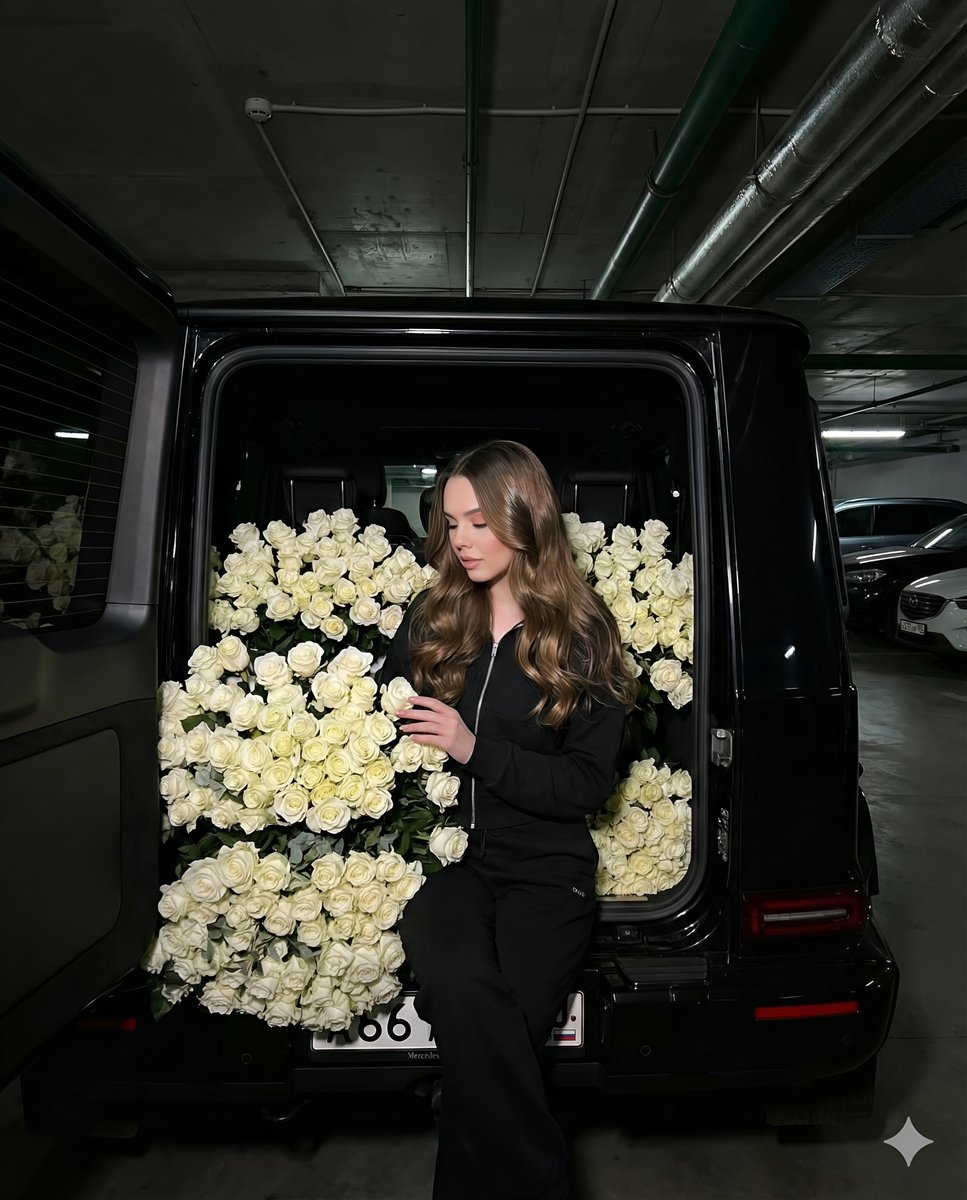
Fashion Shoot in a Car Trunk Filled with White Roses
Assassin Style Conversion Prompt (Japanese)
Graphic School Trip Schedule Poster
Dynamic 3D Floating Head Portrait
Anime Office Lady Beer Toast at Night
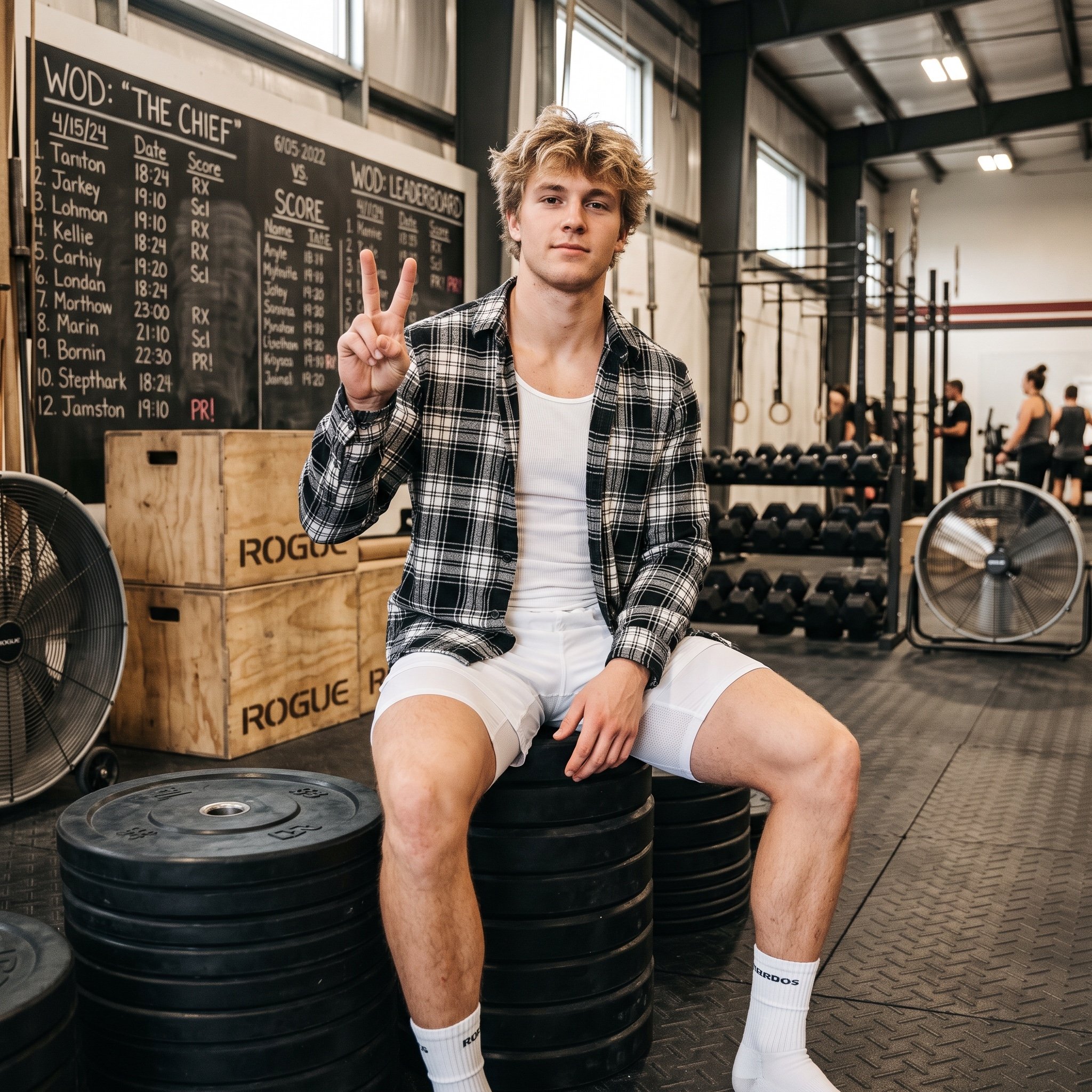
Gym Bro Aesthetic Photo Analysis
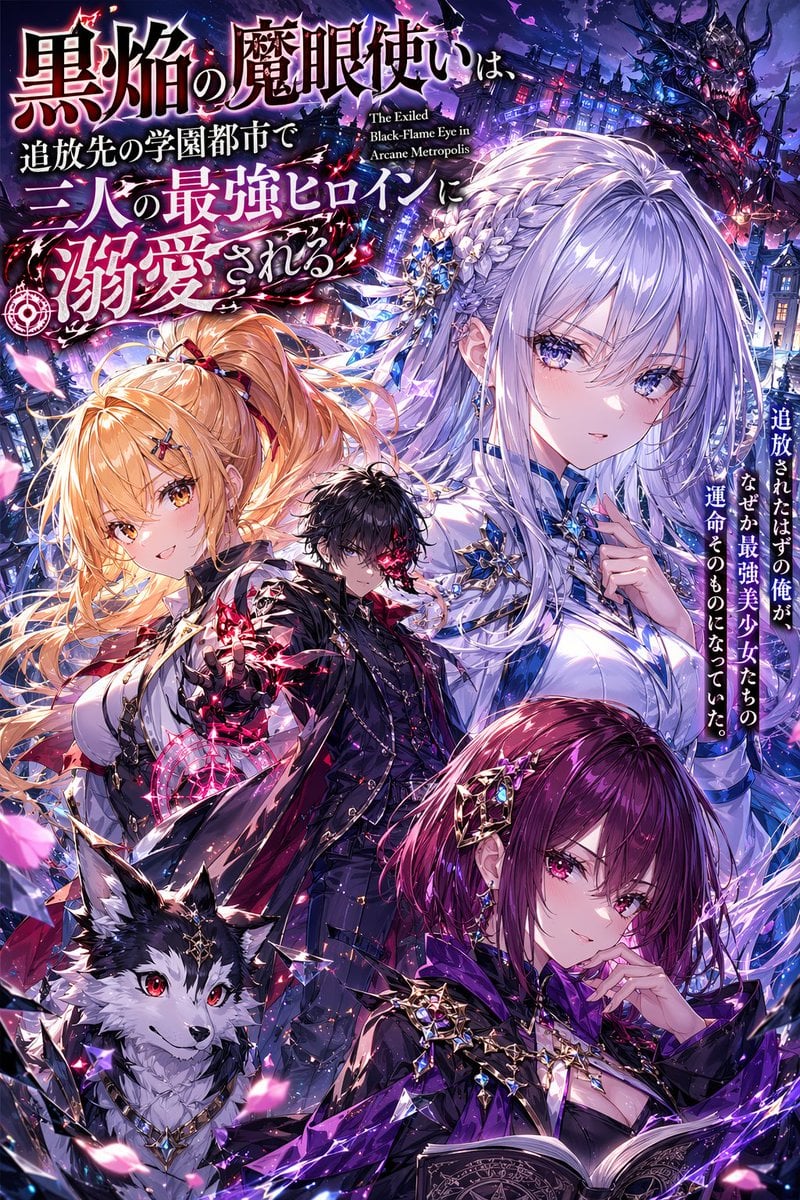
Anime Light Novel Cover with Typography
Browse template categories
Chibi Boys in a Frozen Refrigerator questions
How do I use the Chibi Boys in a Frozen Refrigerator template?
Add your photo if the template asks for one, edit the prompt if you like — the template's model and format are already selected — and press Generate. Your version opens in PicX Studio.
Can I customize the Chibi Boys in a Frozen Refrigerator template?
Yes. You can change the subject, setting, lighting, mood, format, and available model controls before creating your image.
Is the Chibi Boys in a Frozen Refrigerator template free?
Opening and editing this template is free. Generating uses credits, shown on the Generate button when you are signed in.
Which AI model should I use?
Start with GPT Image 2, which is the model associated with this template. You can compare another compatible model for a different finish.
Looking for something else? Browse all templates.

Your photo, any look
Thousands of ready templates for every top image and video model, from one credit balance.