
Frozen-Time Couture Hall Portrait
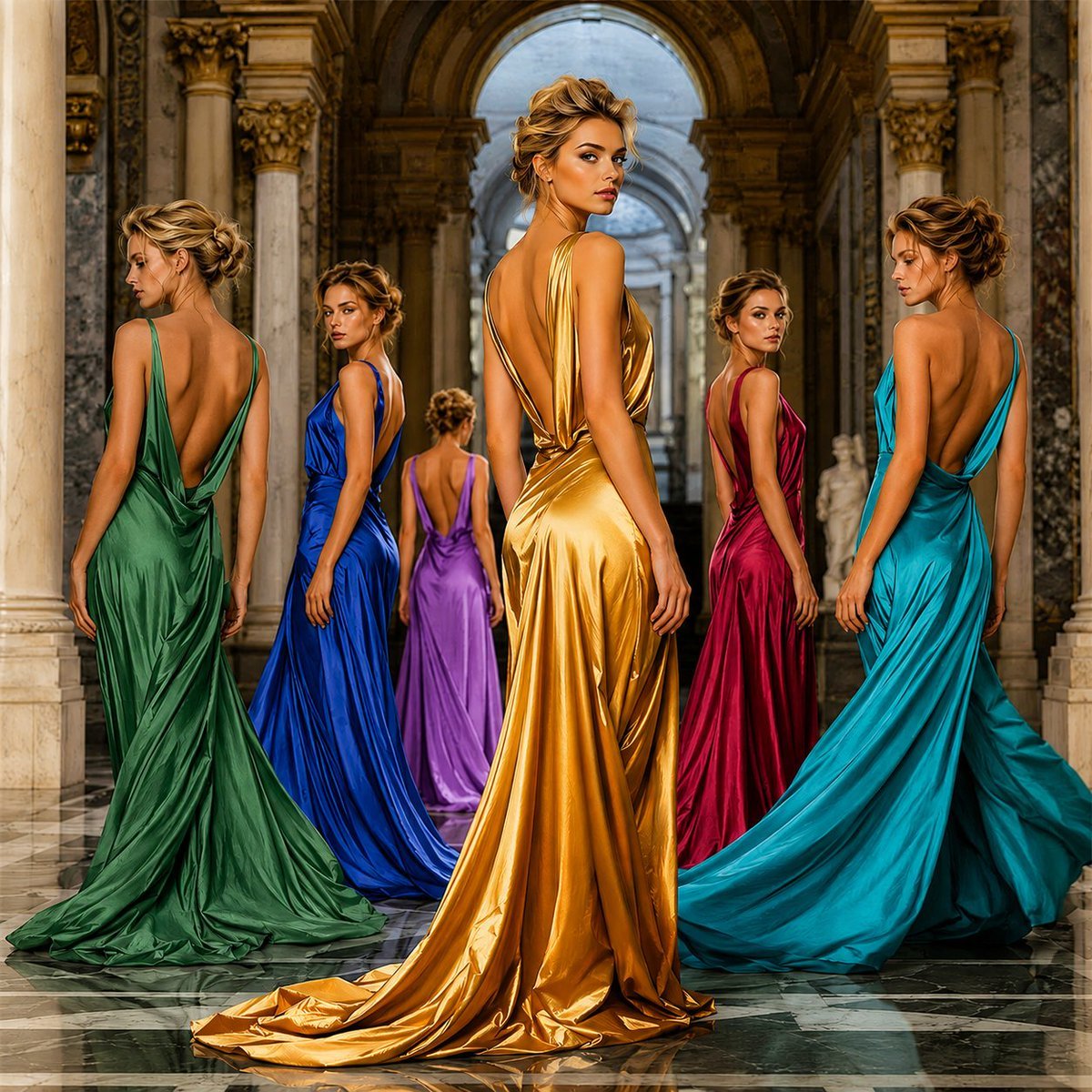
A luxury fashion editorial scene showing six temporal echoes of one model in colorful satin gowns inside an ornate marble hall.
- Prompt included
- Model and format preset
- Free template
The prompt behind this image
Copy the exact prompt behind Frozen-Time Couture Hall Portrait, or open it in the studio and make it yours.
Create a square 1:1 high-fashion editorial portrait set inside a grand luxury architectural hall with marble floors, towering Corinthian columns, ornate gold capitals, vaulted arches, and classical statues receding into the background. Show exactly 6 versions of the same glamorous blonde female model as if captured at different moments in one continuous runway walk, all wearing dramatic backless satin evening gowns with long flowing trains. The central present-time model is the largest and sharpest: she stands in the foreground, turned away with her back visible and head looking over her shoulder toward the viewer, wearing a metallic {argument name="main gown color" default="gold"} draped dress with a deep open back, glossy folds, and a long puddled train. Arrange 5 echo models around and behind her: left foreground in emerald green, left-mid in royal blue, center background in violet-purple, right-mid in deep magenta red, and right foreground in bright turquoise teal. Each echo model has the same blonde updo hairstyle and poised fashion-model posture, mostly viewed from the back or three-quarter back, creating a frozen-time visual echo effect. Use cinematic editorial lighting, polished marble reflections, warm museum-like highlights, ultra-detailed satin fabric, elegant realism, luxury magazine styling, dramatic depth, symmetrical palace architecture, and no text or watermark. The mood should feel like reality bending into pure fashion art, where every step creates a new couture moment.
How to use Frozen-Time Couture Hall Portrait in 3 steps
- 1Upload ImagePNG, JPG or paste
Add your photo
Upload the photo the template builds on. The prompt, model and format are already set.
- 2…a portrait of your subject in softgolden-hour light, 85mm…
Personalize
Edit the subject and creative details for your destination.
- 3Generate
Generate
Press Generate — your image is created in PicX Studio, so you can compare it with the original and refine one variable at a time.
More like this
Templates with the same subject, style or setup. Open one to see its prompt.
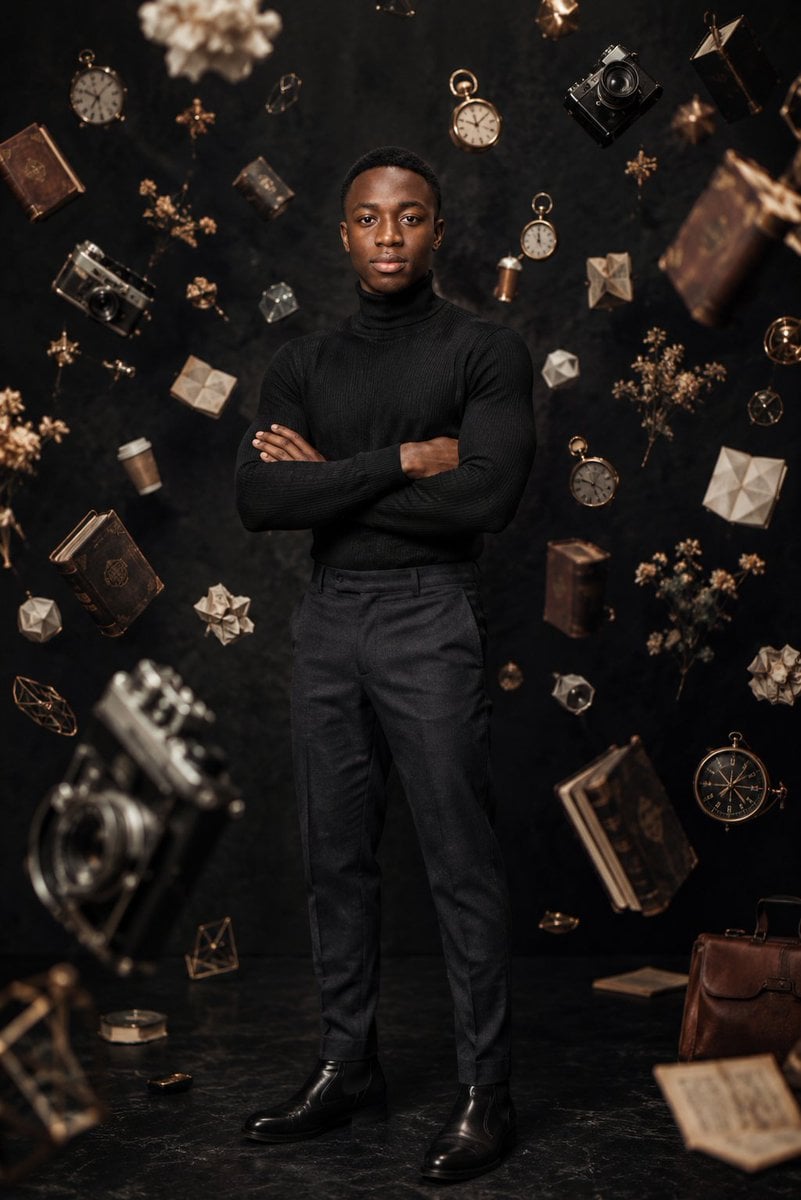
Frozen Time Editorial Portrait
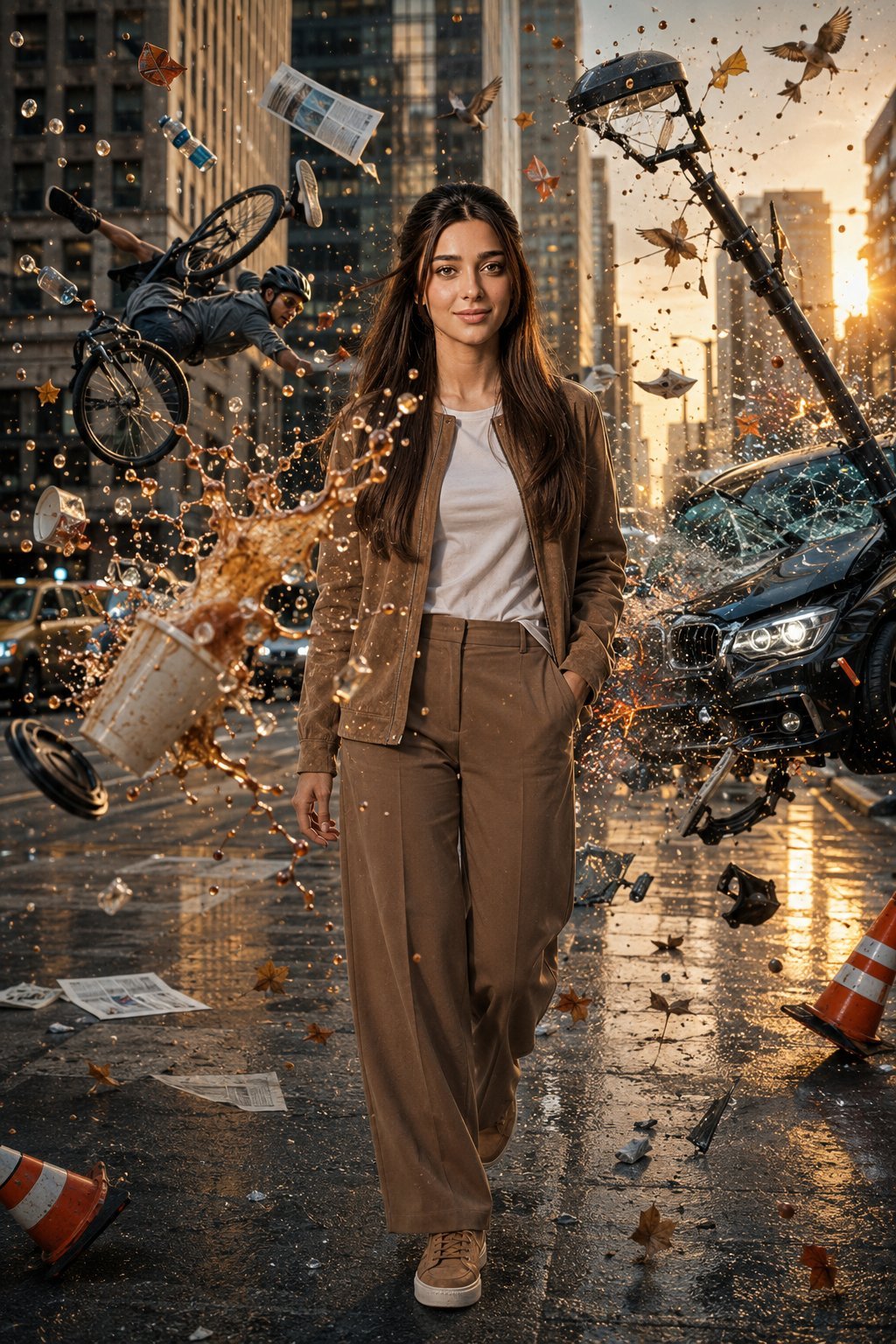
Bullet Time Frozen Street Action Portrait

Couture Fashion Editorial Woman and Drag

Found Photograph: Us, 1970

80s Couple Studio Portrait

80s Bollywood Star

80s Golden Hour Cinema

Me in 1985

1985 Studio Portrait
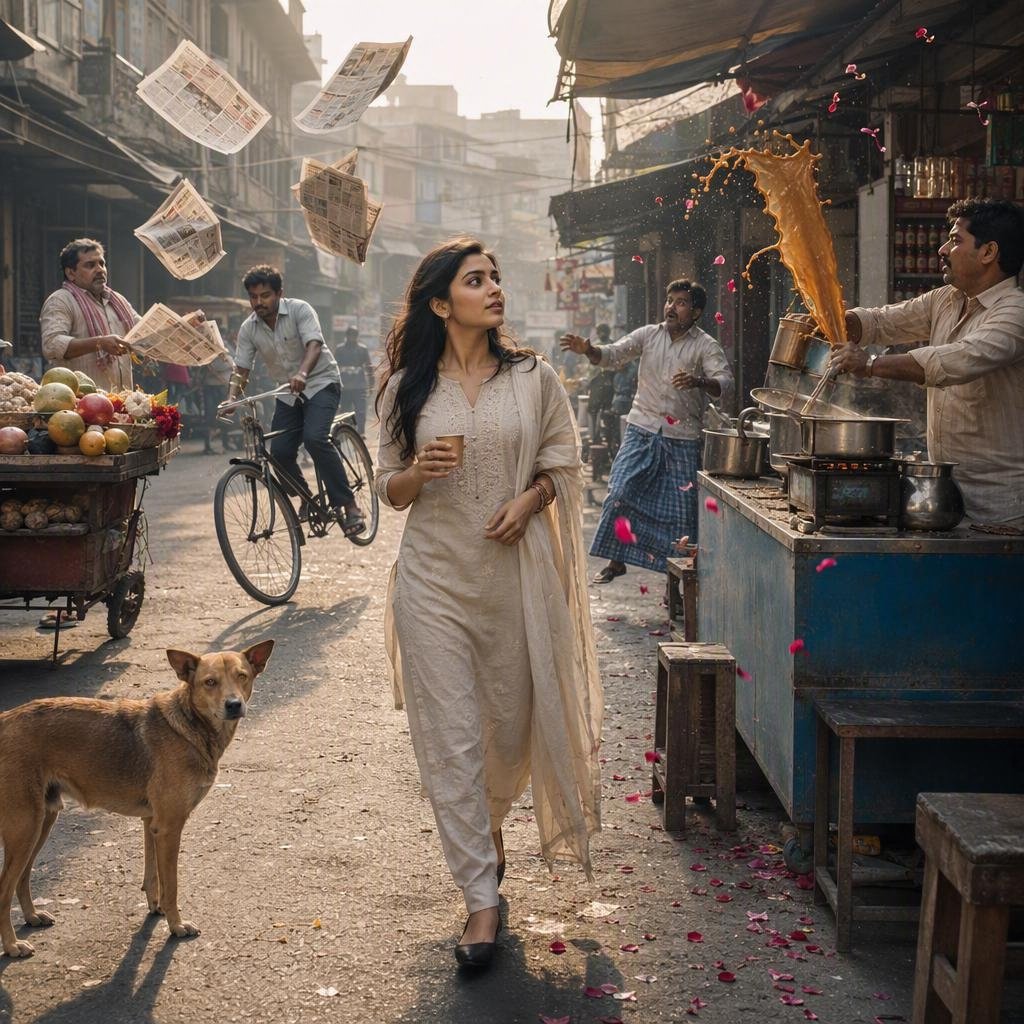
Indian Street Market Frozen in Time
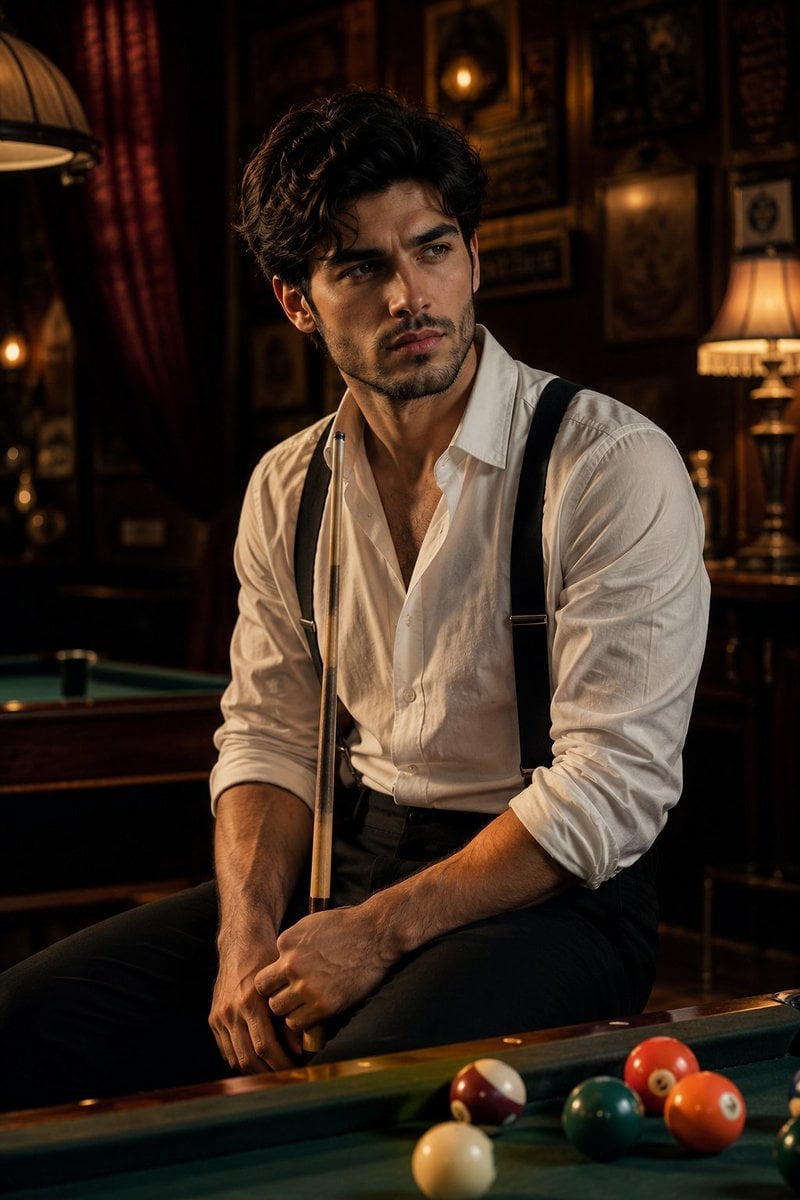
Vintage Billiards Hall Portrait
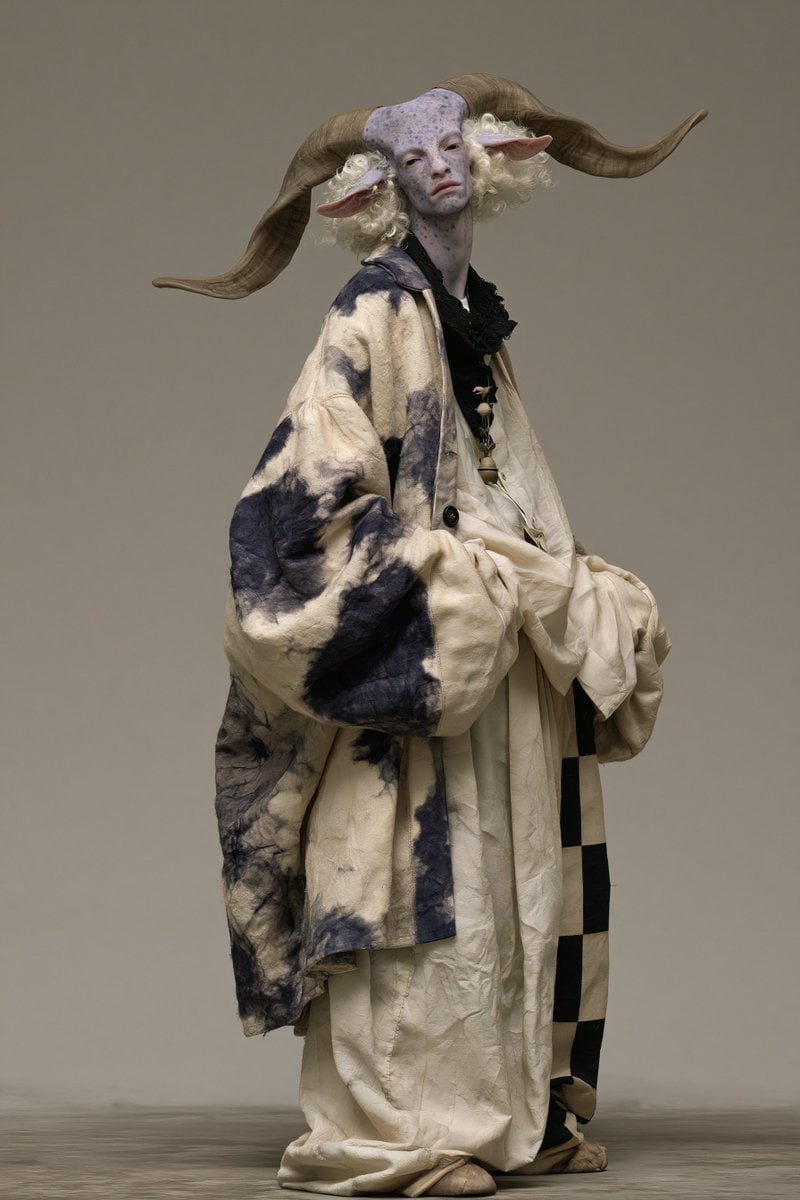
Fantasy Ram Faun Couture Portrait
Make it yours
Frozen-Time Couture Hall Portrait works as-is. These are the safest ways to change it without losing the look.
Change one field
Copy a single group, rewrite it, and generate again so you can see what that field is doing.
Keep the frame, change the subject
Hold the composition and light of Frozen-Time Couture Hall Portrait, then swap wardrobe, props or the person for a new take.
| If the result… | Why | Fix |
|---|---|---|
| The result drifts from the preview | Too many fields changed at once. | Reuse Frozen-Time Couture Hall Portrait as-is first, then change one group — subject, light, or setting. |
| The model over-stylizes the scene | The prose prompt leaves finish and camera underspecified. | Add one camera or lighting sentence and stay on GPT Image 2. |
More GPT Image 2 templates
Other prompts made for GPT Image 2.

Six VTuber Japanese Logo Sheet

Realistic Portrait of Woman and Deer

The Vista Modular Condo Poster

AI Model Routing Comparison Infographic

2.5D Anime Art Board

Isometric Productivity Desk Scene

New York Double Exposure Poster

Four-Panel AI Landscape Comparison

Japanese Tatami Lifestyle Magazine Cover

NESCAFÉ Coffee Map Poster
More image prompts
Fresh picks from across the catalog.
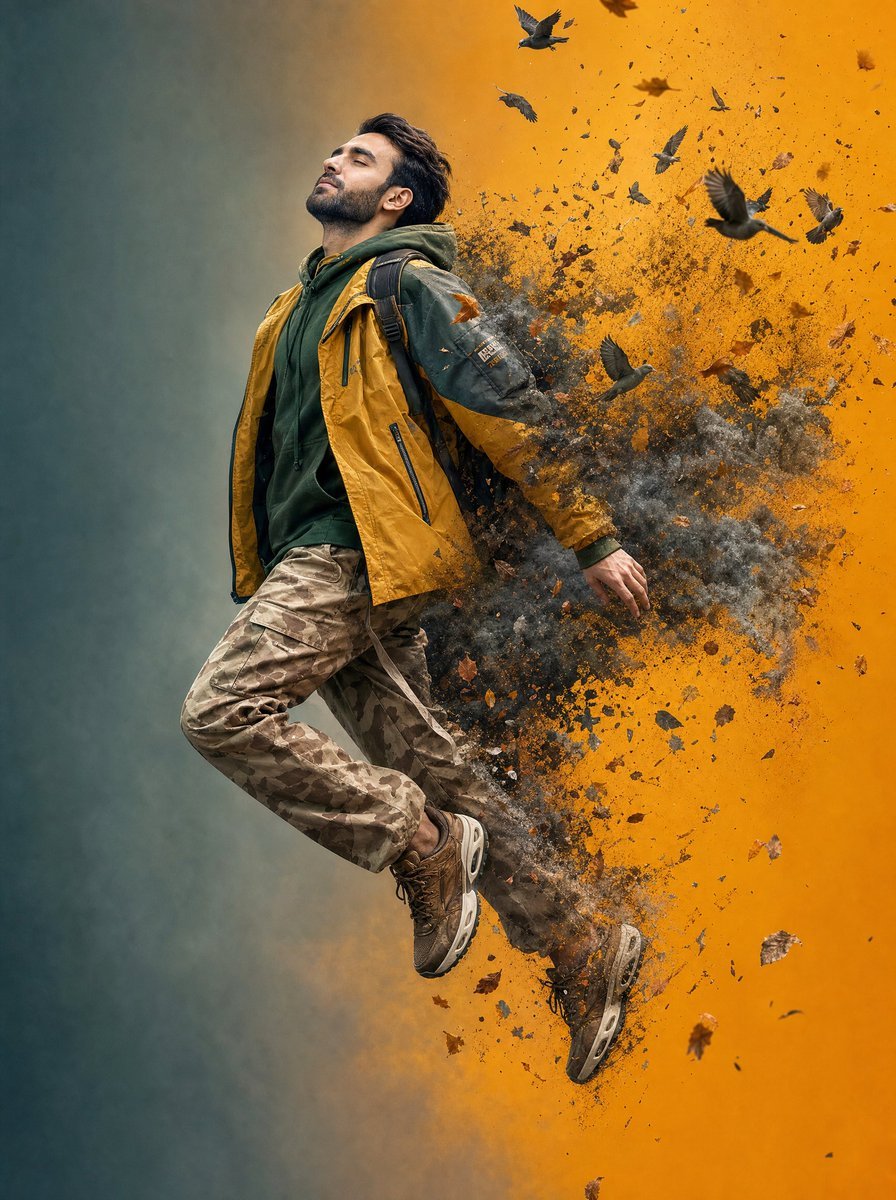
Surreal Floating Man Dissolving Into Ash
Portrait
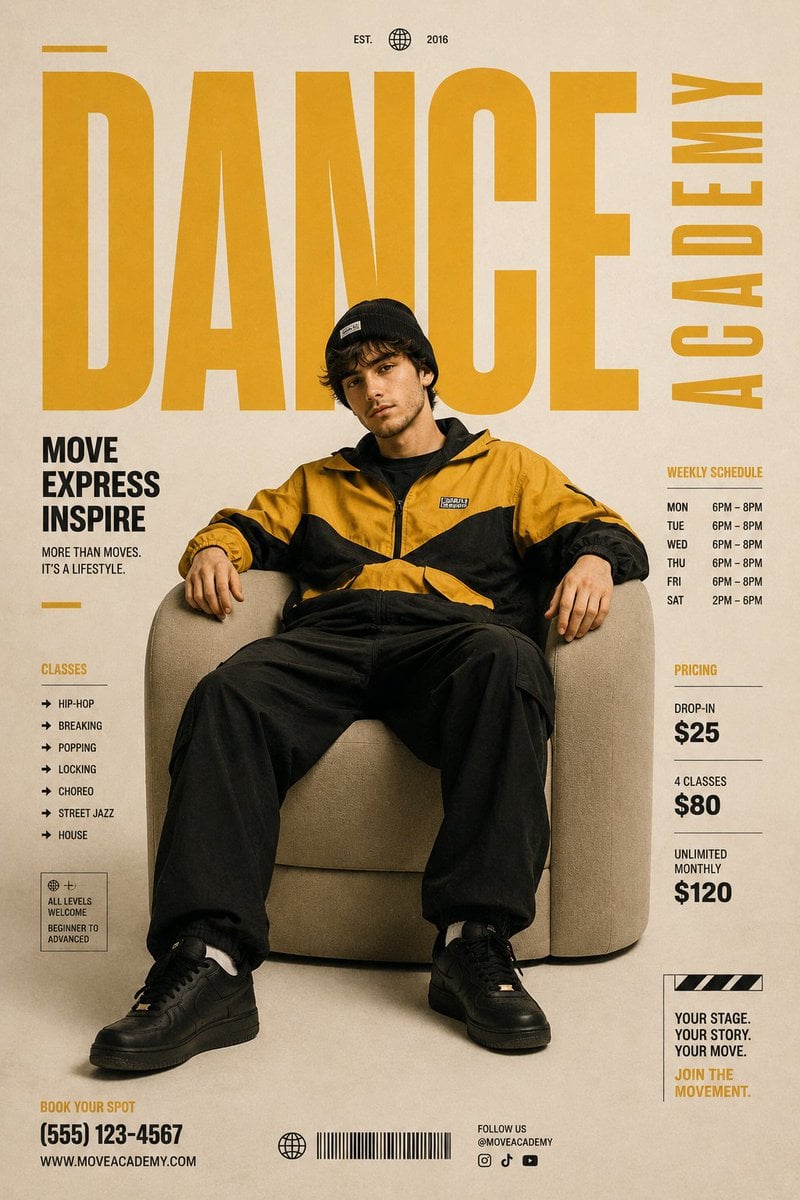
Minimalist Contemporary Dance Academy Poster
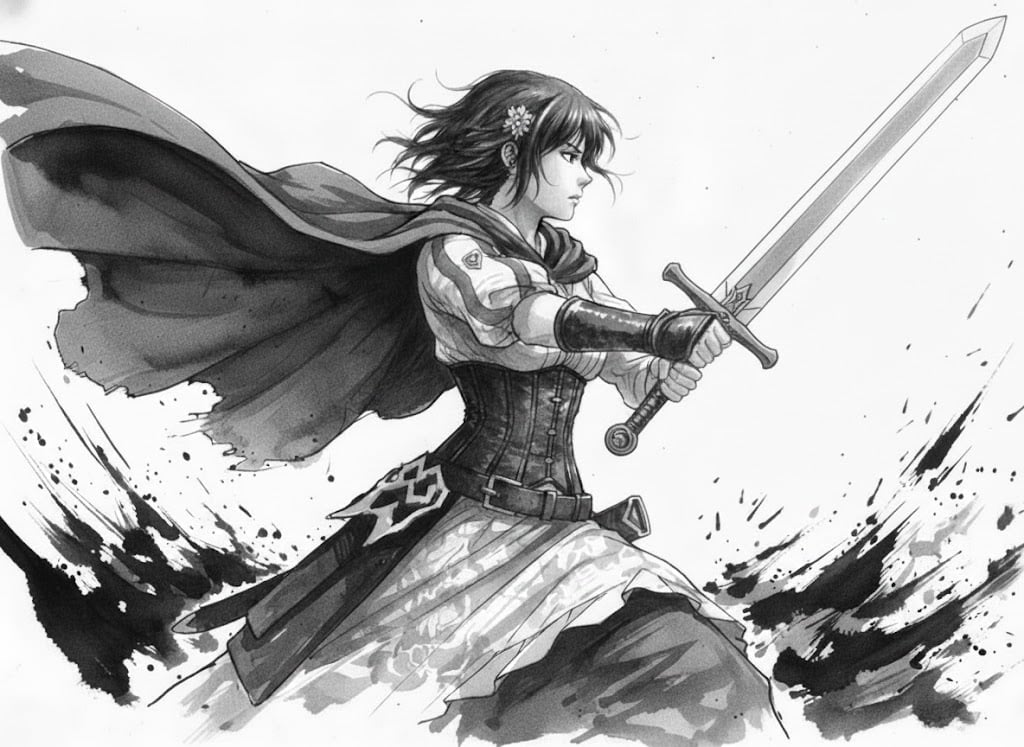
Ink painting style Abé-chan with a sword
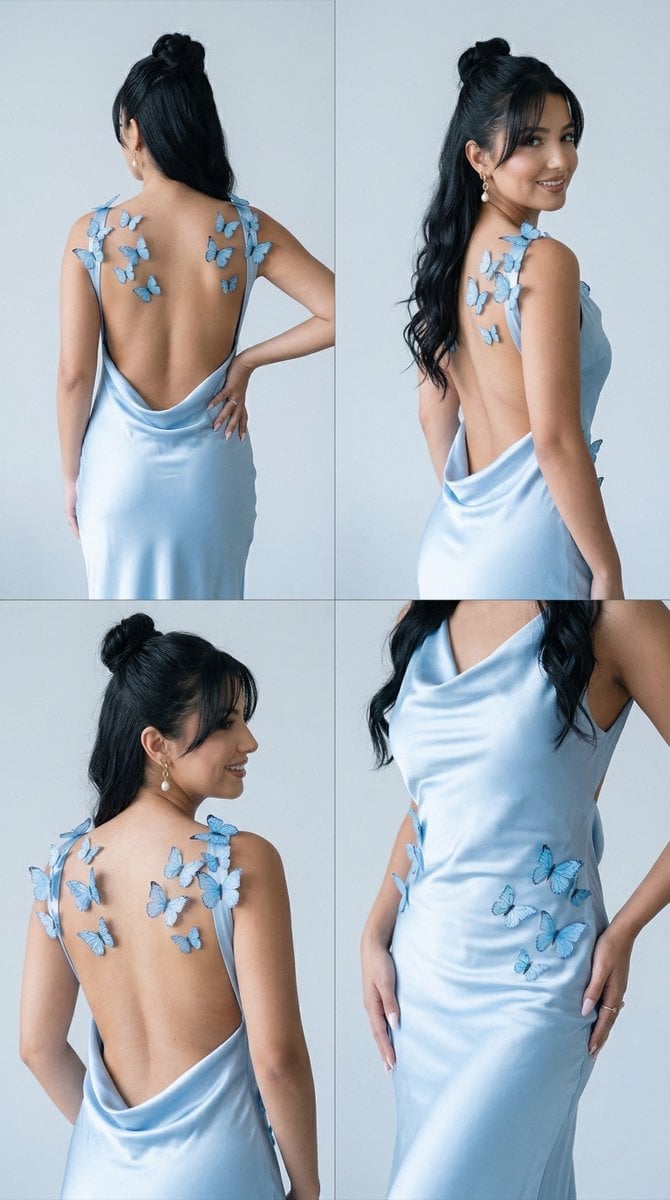
Butterfly Dress Editorial Grid Prompt for Nano Banana 2
Image Generation from Photo and Short Prompt
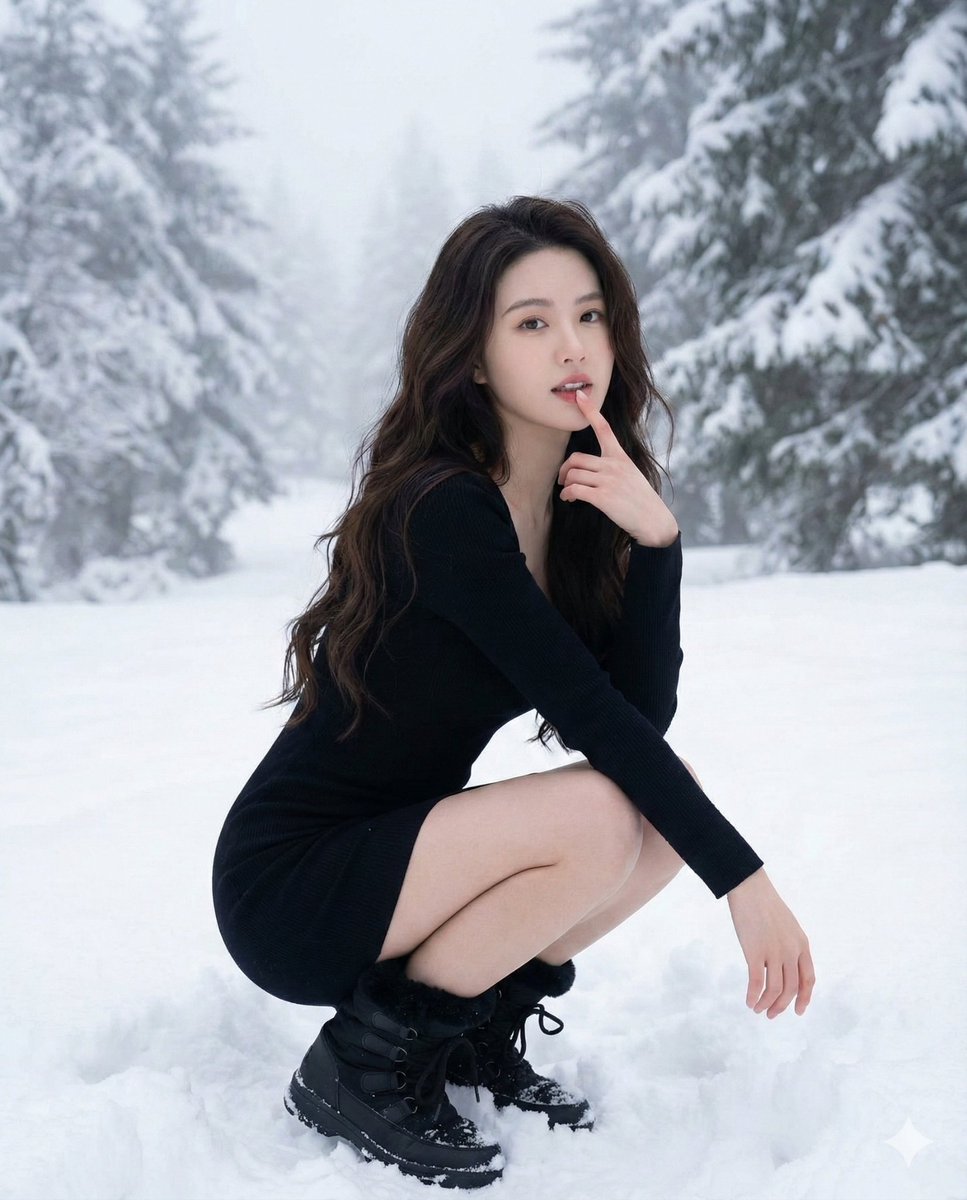
Ultra-Realistic Winter Fashion Portrait
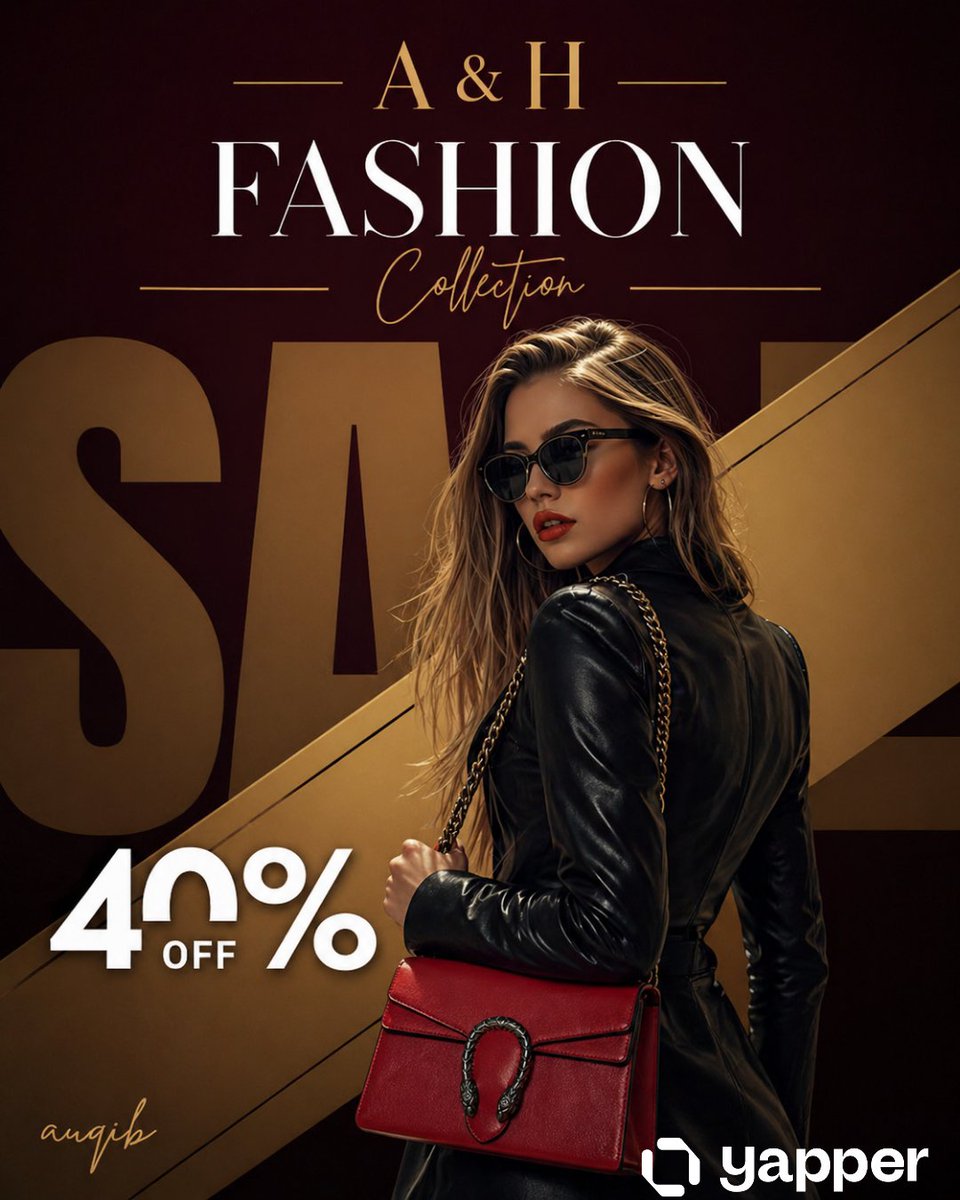
Luxury Fashion Sale Poster
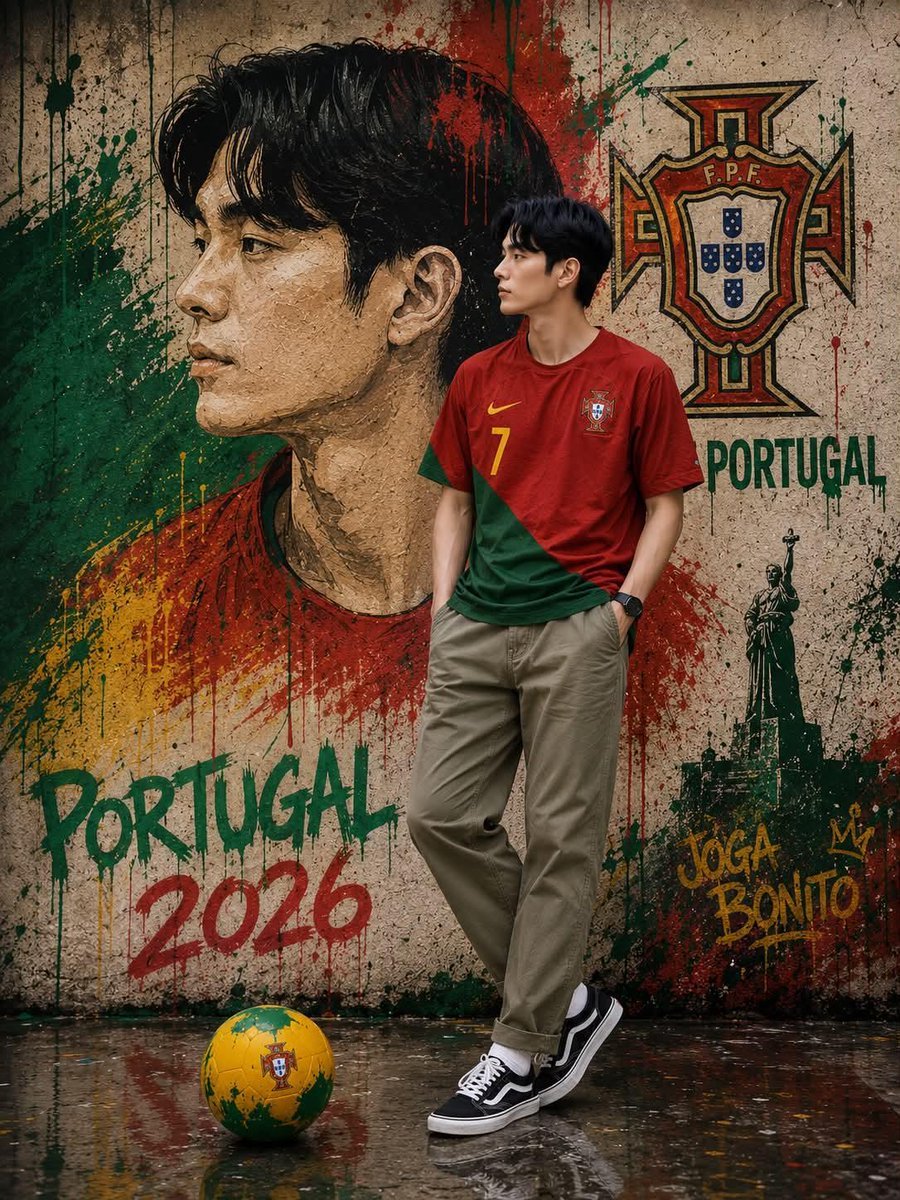
South Korean Graffiti Jersey Portrait
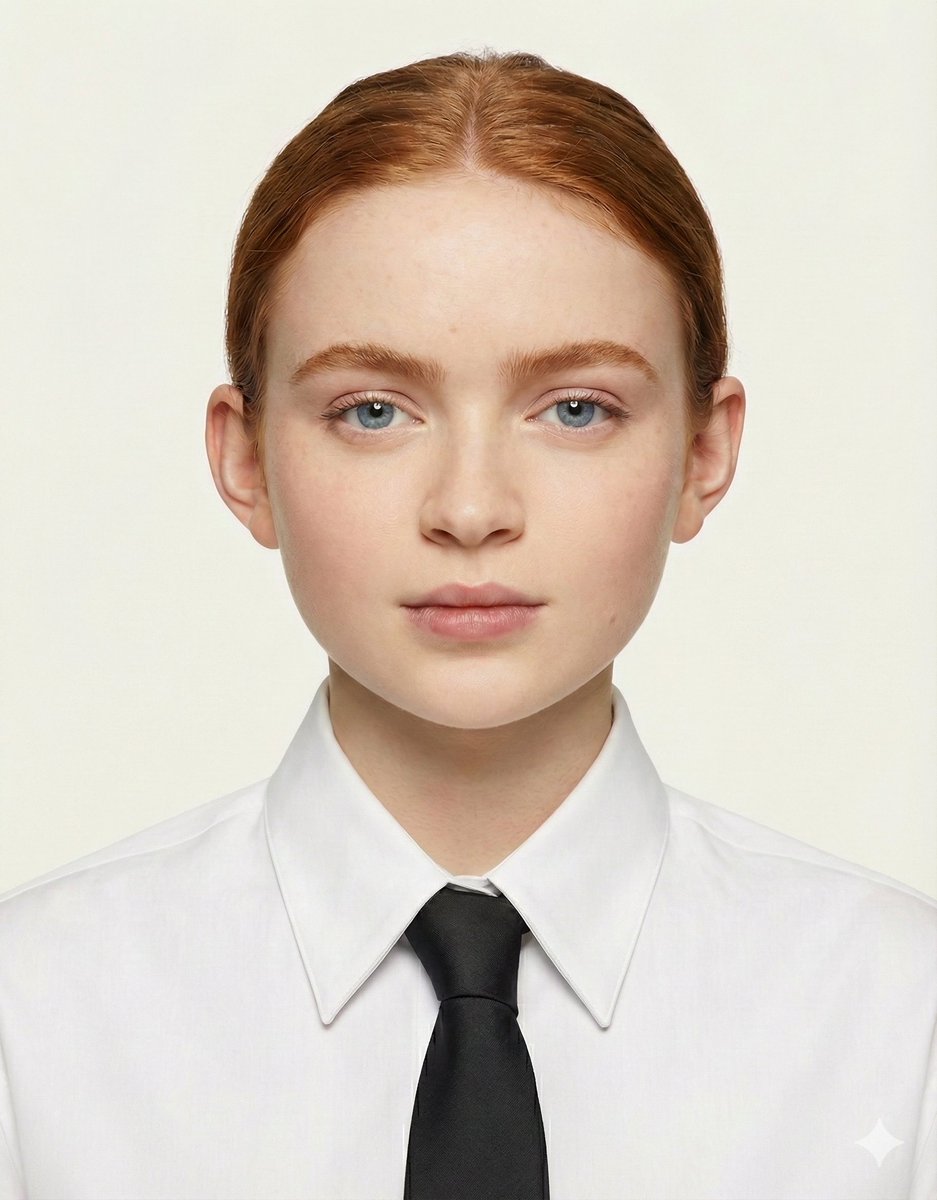
Passport Size Image Generator
Browse template categories
Frozen-Time Couture Hall Portrait questions
How do I use the Frozen-Time Couture Hall Portrait template?
Add your photo if the template asks for one, edit the prompt if you like — the template's model and format are already selected — and press Generate. Your version opens in PicX Studio.
Can I customize the Frozen-Time Couture Hall Portrait template?
Yes. You can change the subject, setting, lighting, mood, format, and available model controls before creating your image.
Is the Frozen-Time Couture Hall Portrait template free?
Opening and editing this template is free. Generating uses credits, shown on the Generate button when you are signed in.
Which AI model should I use?
Start with GPT Image 2, which is the model associated with this template. You can compare another compatible model for a different finish.
Looking for something else? Browse all templates.

Your photo, any look
Thousands of ready templates for every top image and video model, from one credit balance.