
Bullet Time Frozen Street Action Portrait
Model: GPT IMAGE 2 on CHAT GPT:.
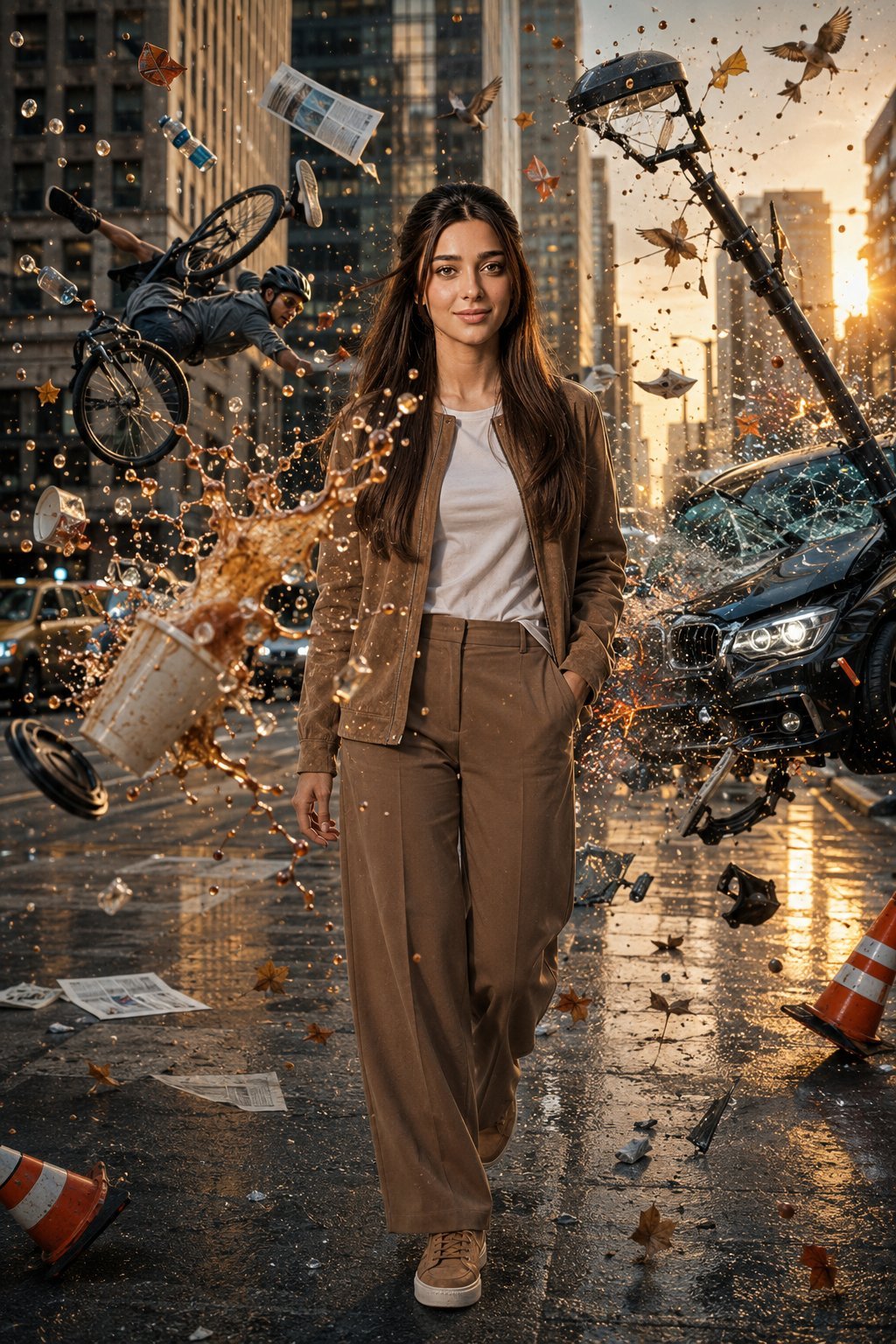
- Prompt included
- Model and format preset
- Free template
The prompt behind this image
Copy the exact prompt behind Bullet Time Frozen Street Action Portrait, or open it in the studio and make it yours.
Create an ultra-realistic Hollywood blockbuster bullet-time action scene on a busy modern downtown city street during golden hour. The camera captures a dramatic low-angle, three-quarter full-body shot as the woman calmly walks toward the camera with absolute confidence while time is completely frozen around her. A large cup of ice-cold coffee has just been thrown toward her. The paper cup has exploded in mid-air, suspended only inches away from her body. Thousands of razor-sharp coffee droplets, creamy milk swirls, ice cubes, mist, liquid splashes, and torn paper cup fragments float perfectly frozen, creating an intricate liquid sculpture without touching her. Behind her, a cyclist has lost control. The bicycle is suspended sideways with both wheels off the ground while the rider is frozen horizontally in mid-fall. Shoes, backpack, water bottle, sunglasses, loose papers, phone, and personal belongings remain floating weightlessly around the rider in perfect bullet-time suspension. On the opposite side of the street, a dramatic traffic collision has just occurred. A luxury sedan has crashed into a streetlight. The bent streetlight leans dangerously while shattered windshield glass, side-window fragments, chrome trim, broken headlights, sparks, smoke, dust, bumper pieces, and metallic debris remain suspended in mid-air with physically accurate detail. Fill the environment with frozen autumn leaves, newspapers, raindrops, birds mid-flight, traffic cones, reflective dust particles, tiny glass shards, floating debris, and cinematic atmospheric haze, emphasizing that the entire world has stopped in time while only the woman continues walking. The woman wears a premium light brown suede jacket with a modern tailored feminine fit over a fitted white crew-neck T-shirt, paired with matching light brown tailored wide-leg trousers and premium light brown leather sneakers. The clothing fits naturally according to her exact physique with realistic fabric folds, subtle movement, and elegant proportions while maintaining a sophisticated, minimalist aesthetic. Her expression is calm, fearless, focused, and confident. Her shoulders are relaxed, her walking posture is natural, and she maintains steady eye contact with the camera while remaining completely unaffected by the frozen chaos surrounding her. Hyper-realistic cinematic photography, true bullet-time effect, impossible frozen physics, Hollywood action movie quality, volumetric lighting, dramatic god rays, HDR, global illumination, ray-traced reflections, realistic liquid simulation, physically accurate glass refraction, microscopic splash details, floating debris, shallow depth of field, anamorphic lens flares, Kodak Vision3 film color grading, Unreal Engine 5 realism, 85mm cinema lens, masterpiece composition, ultra-photorealistic, extremely sharp focus, premium action movie poster aesthetic, 8K UHD.
How to use Bullet Time Frozen Street Action Portrait in 3 steps
- 1
Open
The prompt is already in the box next to the preview, with the template's model and format selected.
- 2…a portrait of your subject in softgolden-hour light, 85mm…
Personalize
Edit the subject and creative details for your destination.
- 3Generate
Generate
Press Generate — your image is created in PicX Studio, so you can compare it with the original and refine one variable at a time.
More like this
Templates with the same subject, style or setup. Open one to see its prompt.

Face-Locked Train Window Lifestyle Portrait

Face-Locked Cream Half-Zip Street Walk

Face-Locked Identity Reference Portrait

Gpt2 Fisheye Sky Crouch Portrait
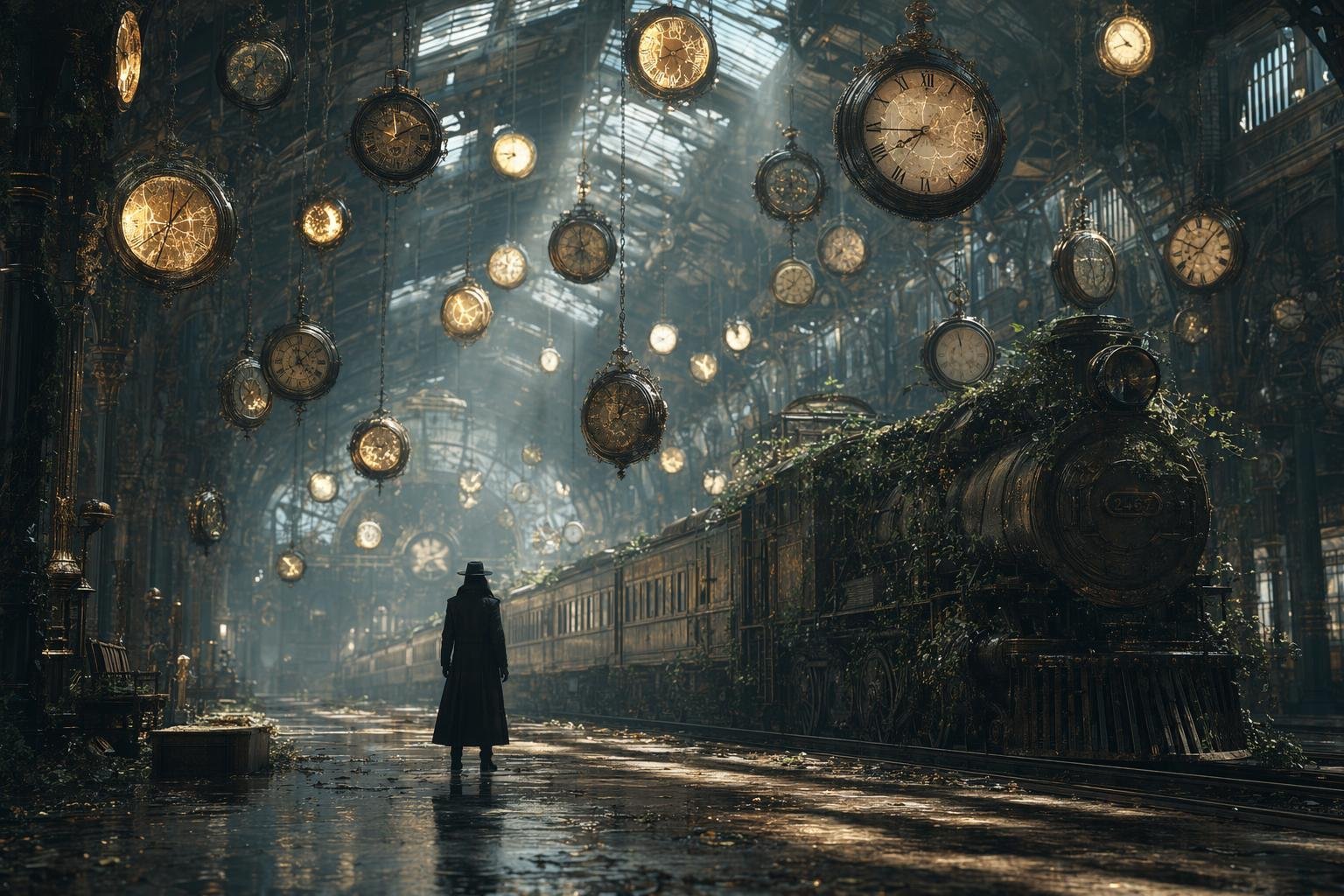
Same Traveler Different Timeline Portrait

80s Golden Hour Cinema

1985 Street Scene
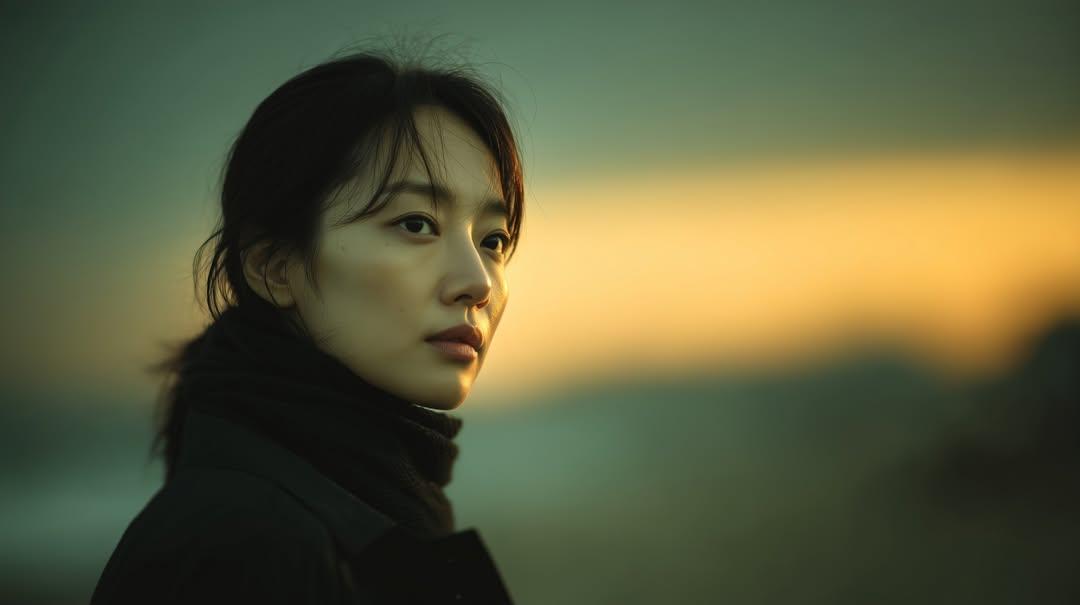
Sunset Side Profile East Asian Portrait
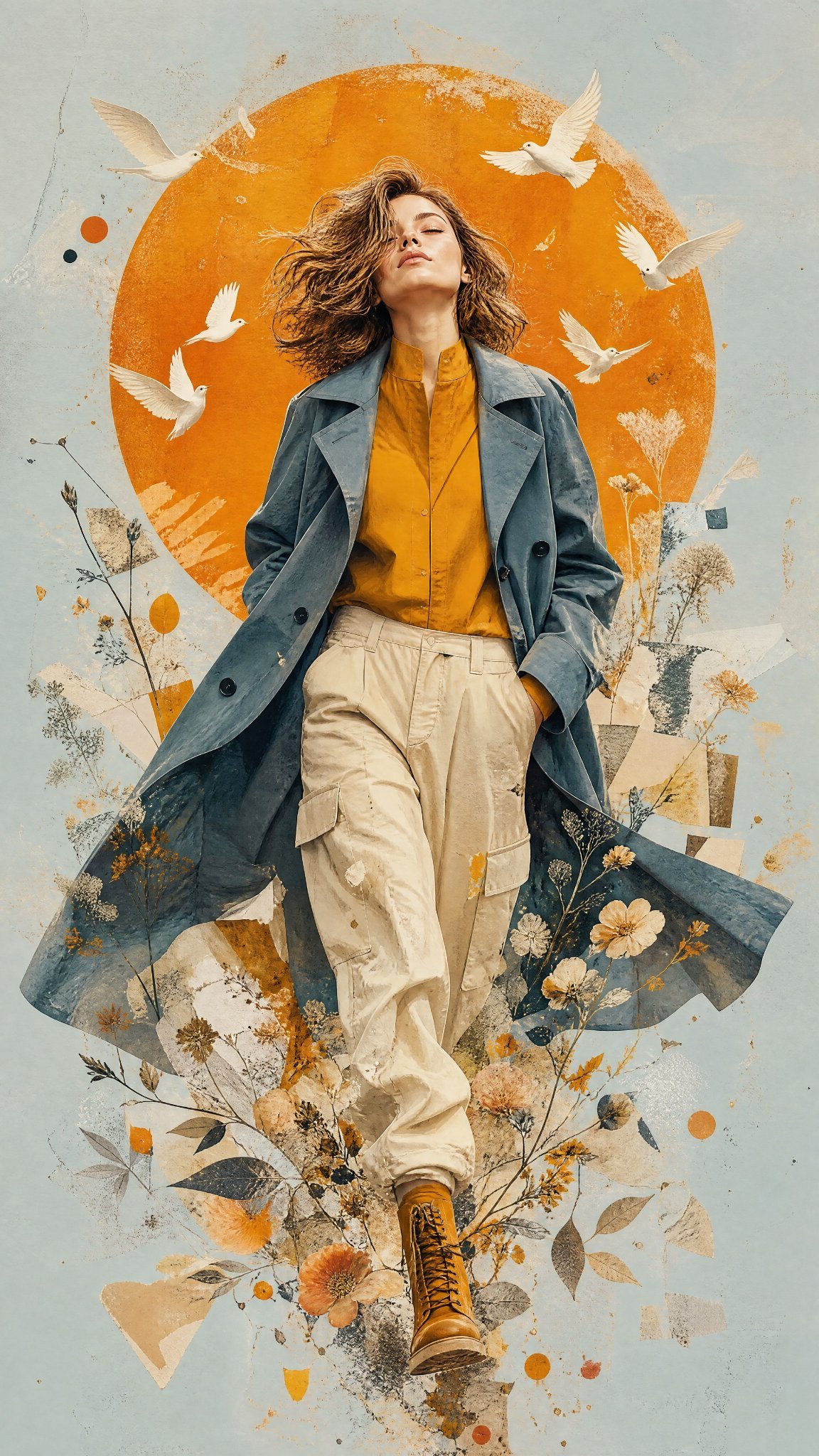
Mixed Media Editorial Woman Illustration

Dancer Character - Four View Reference Sheet
Bullet Time Businessman Seedance 2 0
Bullet Time Businessman Seedance 2 0
Make it yours
Bullet Time Frozen Street Action Portrait works as-is. These are the safest ways to change it without losing the look.
Change one field
Copy a single group, rewrite it, and generate again so you can see what that field is doing.
Keep the frame, change the subject
Hold the composition and light of Bullet Time Frozen Street Action Portrait, then swap wardrobe, props or the person for a new take.
| If the result… | Why | Fix |
|---|---|---|
| The result drifts from the preview | Too many fields changed at once. | Reuse Bullet Time Frozen Street Action Portrait as-is first, then change one group — subject, light, or setting. |
| The model over-stylizes the scene | The prose prompt leaves finish and camera underspecified. | Add one camera or lighting sentence and stay on GPT IMAGE 2 On CHAT GPT:. |
More image prompts
Fresh picks from across the catalog.
Glitch Character Transformation
Live-action version of an existing image
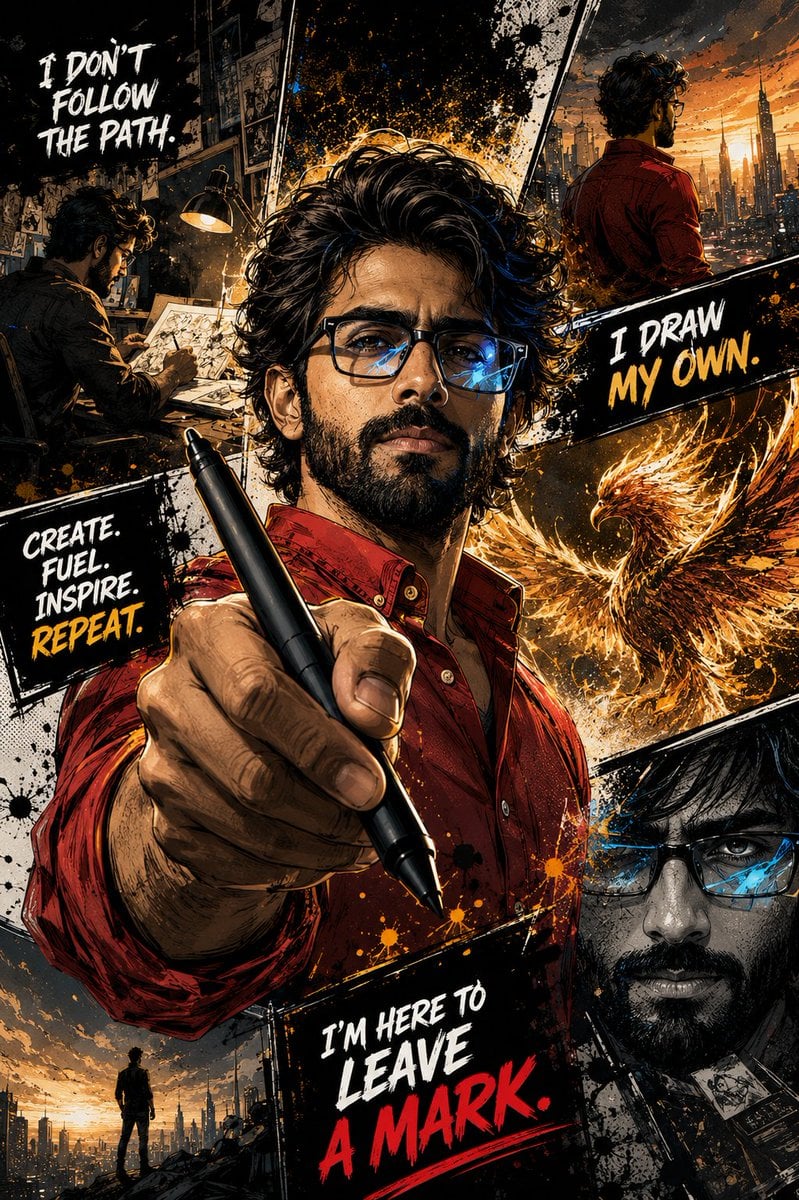
Gritty Comic-Book Graphic Novel Portrait
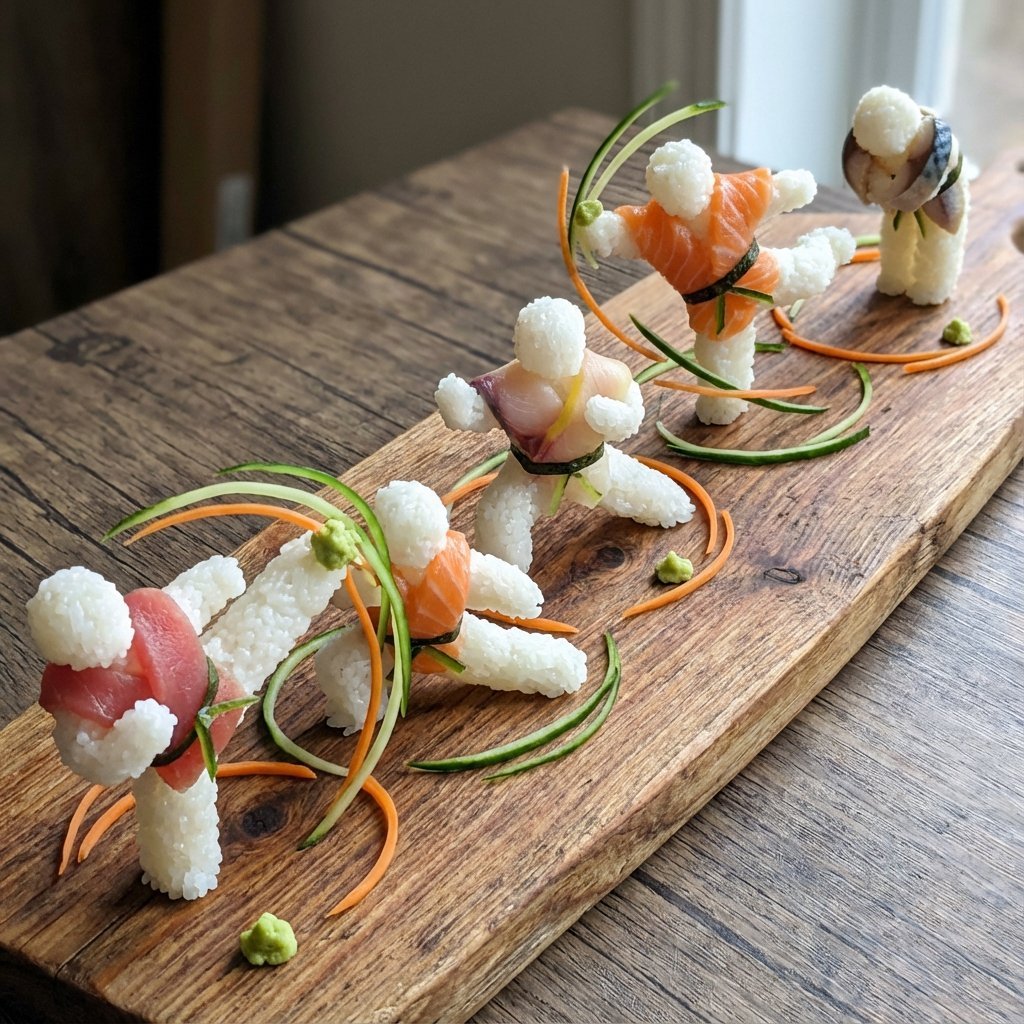
Sushi Kata/Forms Movement Arrangement on a Wooden Board
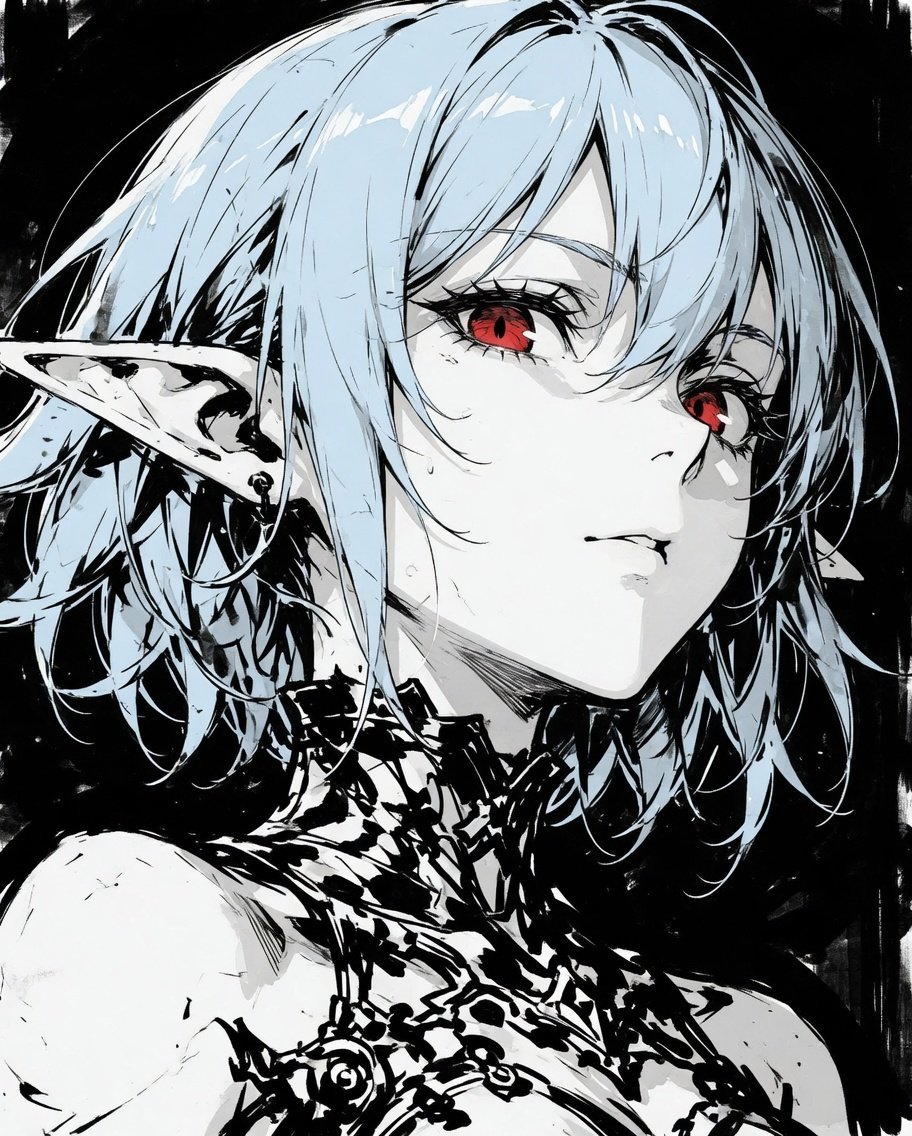
Censored Elf Cyborg Portrait
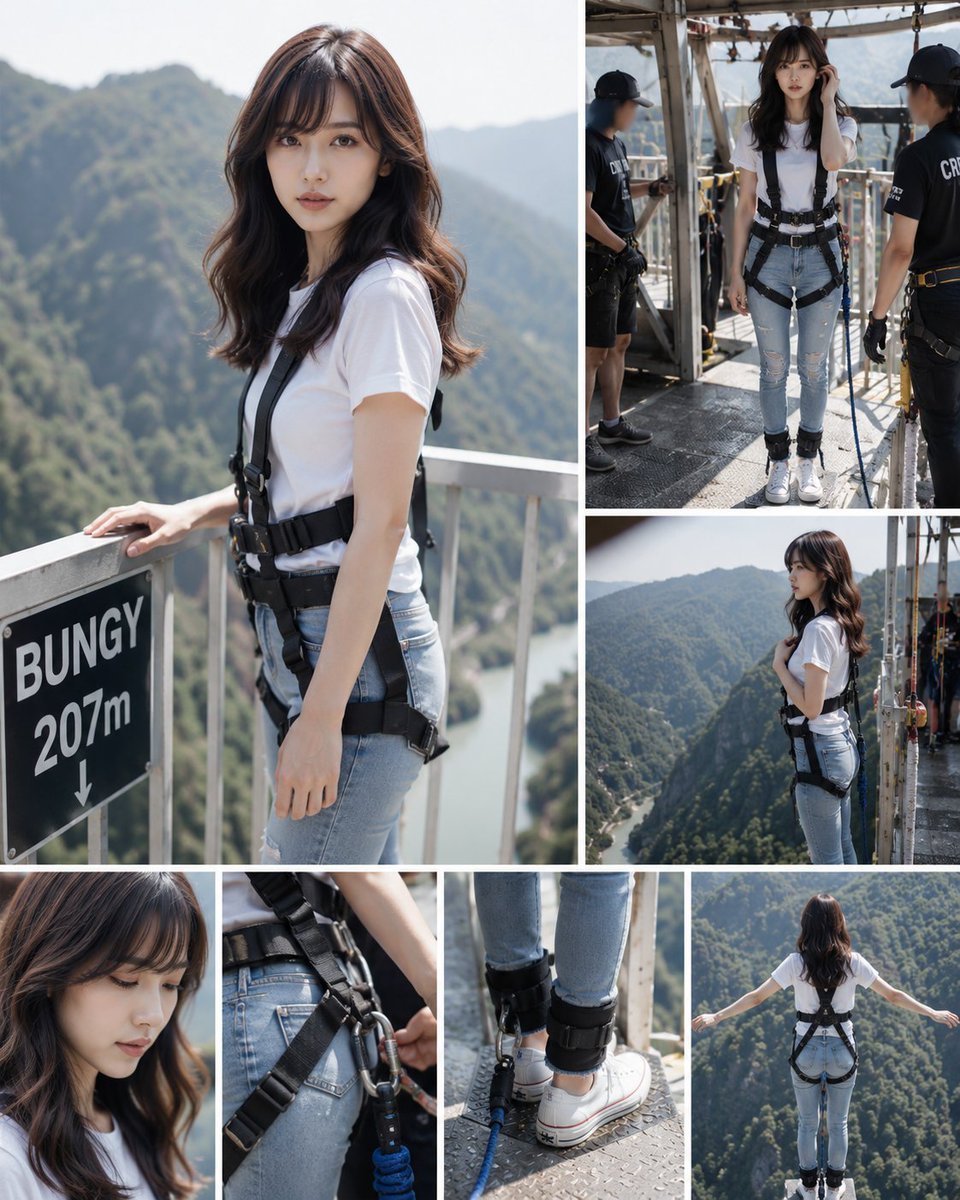
Bungee Jump Collage
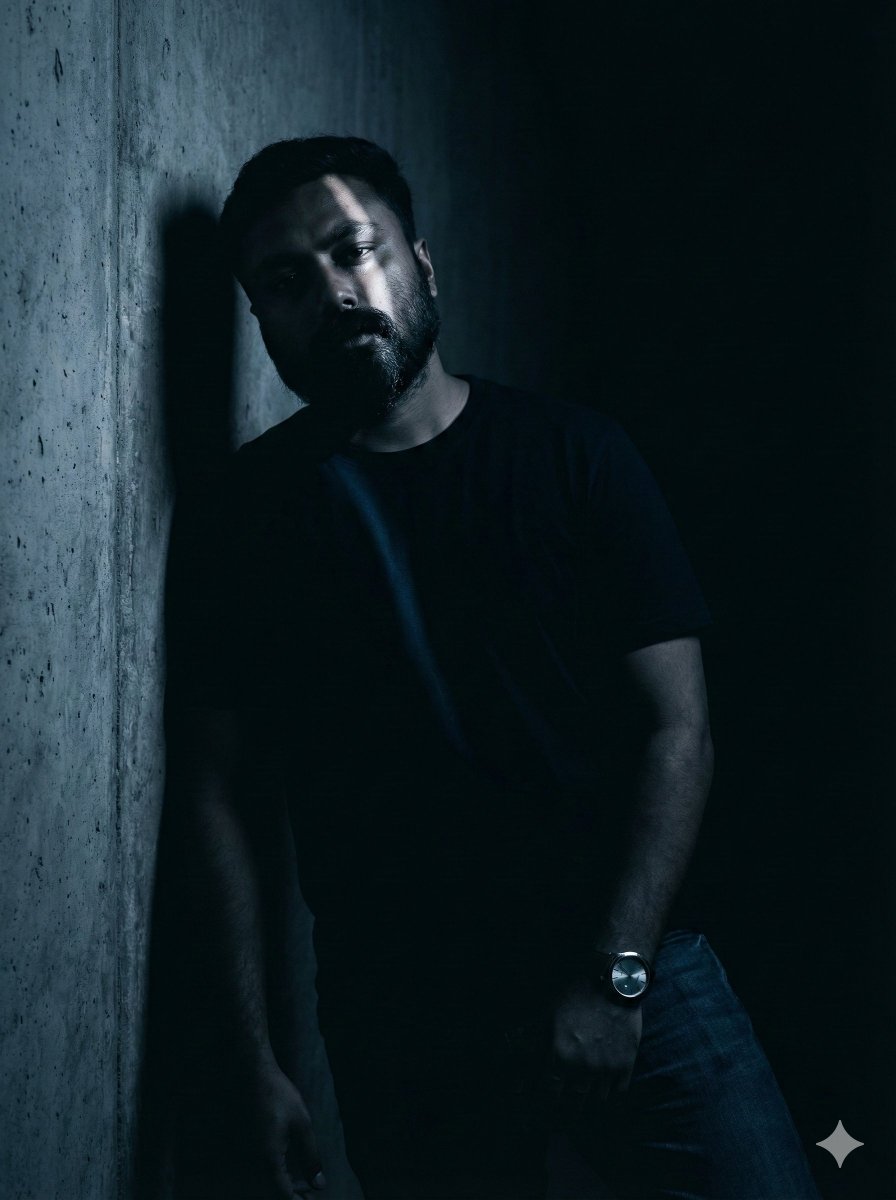
Moody Portrait with Diagonal Light Beam
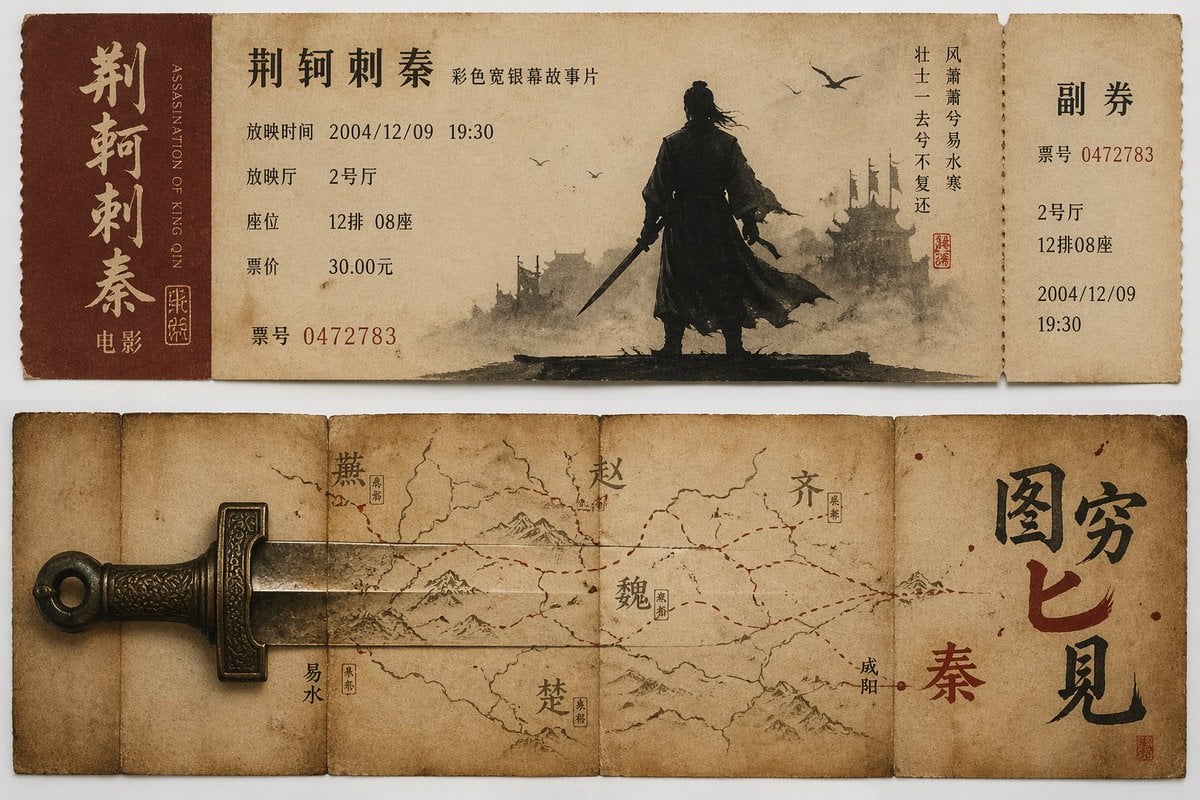
Nostalgic movie ticket stub prompt
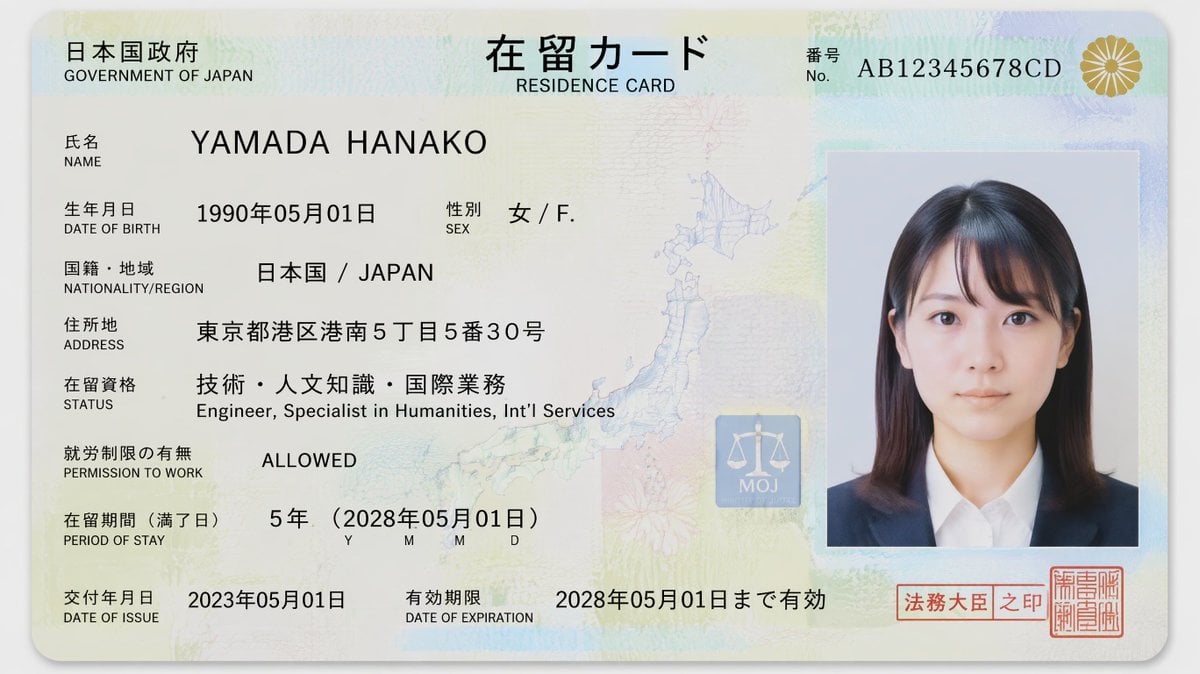
Authentic Japanese Residence Card
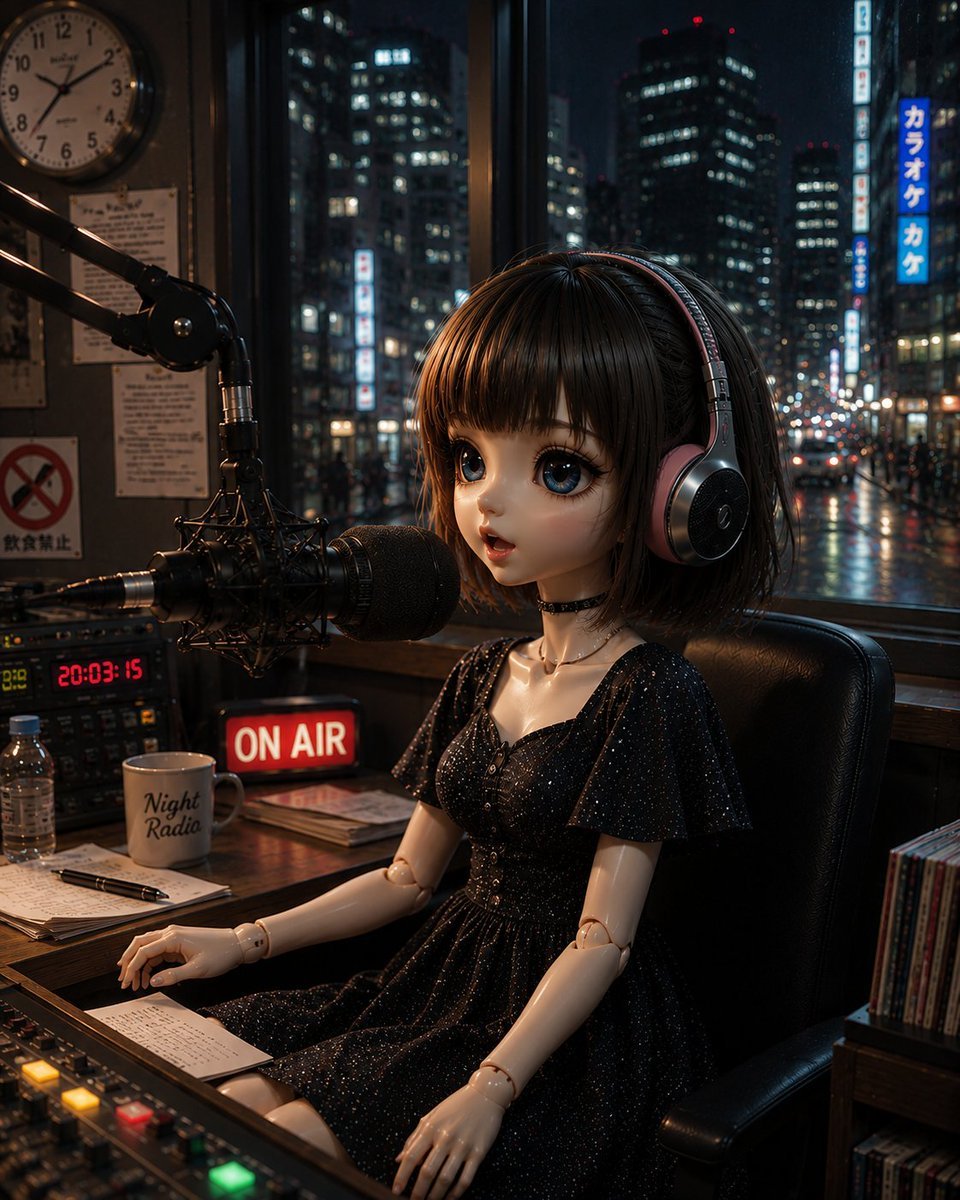
Anonymous Night Radio Doll Host
Browse template categories
Bullet Time Frozen Street Action Portrait questions
How do I use the Bullet Time Frozen Street Action Portrait template?
Add your photo if the template asks for one, edit the prompt if you like — the template's model and format are already selected — and press Generate. Your version opens in PicX Studio.
Can I customize the Bullet Time Frozen Street Action Portrait template?
Yes. You can change the subject, setting, lighting, mood, format, and available model controls before creating your image.
Is the Bullet Time Frozen Street Action Portrait template free?
Opening and editing this template is free. Generating uses credits, shown on the Generate button when you are signed in.
Which AI model should I use?
Start with GPT IMAGE 2 On CHAT GPT:, which is the model associated with this template. You can compare another compatible model for a different finish.
Looking for something else? Browse all templates.

Your photo, any look
Thousands of ready templates for every top image and video model, from one credit balance.