
Sunset Side Profile East Asian Portrait
Photorealistic cinematic side-profile portrait at sunset with orange-teal grade and shallow DOF.
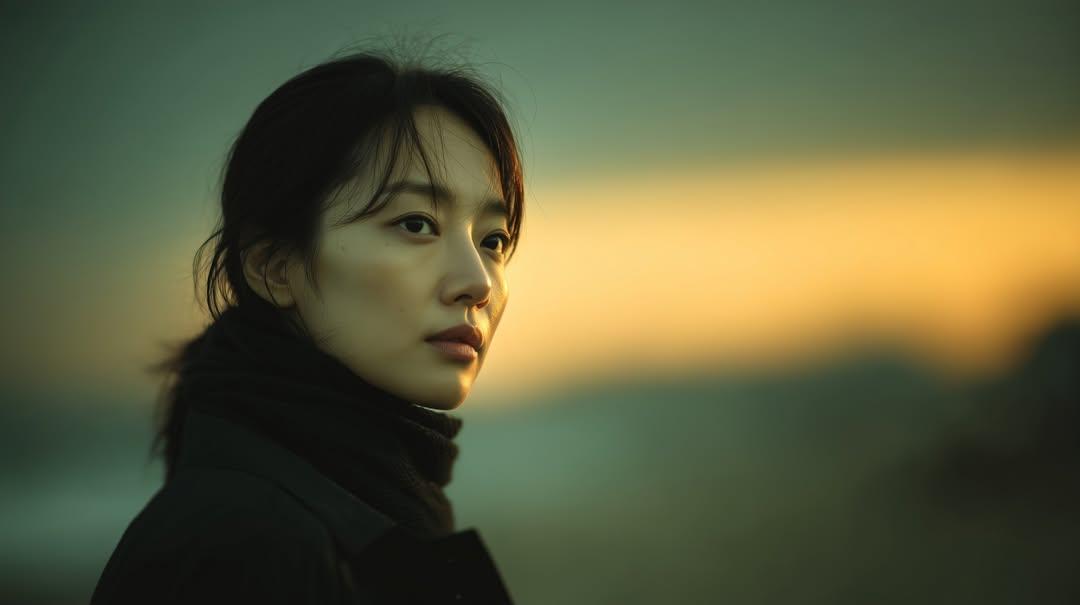
- Prompt included
- Model and format preset
- Premium template
The prompt behind this image
Copy the exact prompt behind Sunset Side Profile East Asian Portrait, or open it in the studio and make it yours.
Photorealistic cinematic portrait of a young East Asian woman standing outdoors at sunset, side-profile close-up, looking thoughtfully into the distance. Soft golden hour lighting illuminating one side of her face, warm orange and teal color grading. She wears a black coat and dark scarf, hair loosely tied back with soft natural strands around her face. Natural skin texture, realistic facial details, minimal makeup. Shallow depth of field with blurred landscape background, smooth bokeh, dramatic atmospheric mood, soft gradient sky transitioning from warm orange to cool green tones. Shot on 85mm lens, f/1.8, ultra-realistic, high dynamic range, cinematic composition, moody, film still aesthetic.
How to use Sunset Side Profile East Asian Portrait in 3 steps
- 1
Open
The prompt is already in the box next to the preview, with the template's model and format selected.
- 2…a portrait of your subject in softgolden-hour light, 85mm…
Personalize
Edit the subject and creative details for your destination.
- 3Generate
Generate
Press Generate — your image is created in PicX Studio, so you can compare it with the original and refine one variable at a time.
More like this
Templates with the same subject, style or setup. Open one to see its prompt.

80s Golden Hour Cinema

80s Bollywood Star

Rooftop Fisheye — Cat-Ear Balaclava at Golden Hour

Toddler Version of a Person in 3d Pixar

Ultra Detailed 3d Plush Cartoon Characte

Nano Banana 2

Gemini Nano Banana 2 Logo in Wet Sand Be

Nano Banana 2 Gourmet Ice Cream Commerci

Hyper-Realistic Minecraft POV Portrait

Rainy Café Window Moody Portrait

Gpt2 Fisheye Sky Crouch Portrait

Cinematic Sport Logo Render in Midjourne
Make it yours
Sunset Side Profile East Asian Portrait works as-is. These are the safest ways to change it without losing the look.
Change one field
Copy a single group, rewrite it, and generate again so you can see what that field is doing.
Keep the frame, change the subject
Hold the composition and light of Sunset Side Profile East Asian Portrait, then swap wardrobe, props or the person for a new take.
| If the result… | Why | Fix |
|---|---|---|
| The result drifts from the preview | Too many fields changed at once. | Reuse Sunset Side Profile East Asian Portrait as-is first, then change one group — subject, light, or setting. |
| The model over-stylizes the scene | The prose prompt leaves finish and camera underspecified. | Add one camera or lighting sentence and stay on Nanobanana. |
More Nanobanana templates
Other prompts made for Nanobanana.
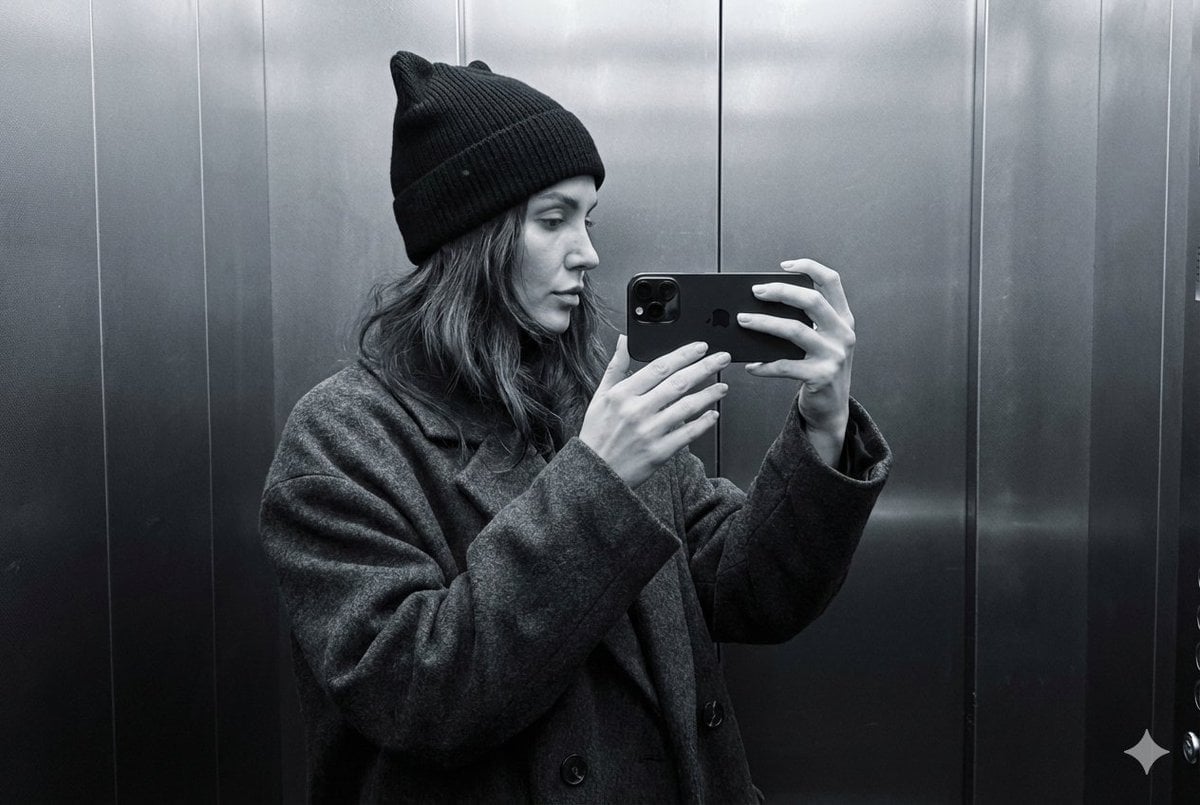
Monochrome Elevator Profile Cat Ear Selfie
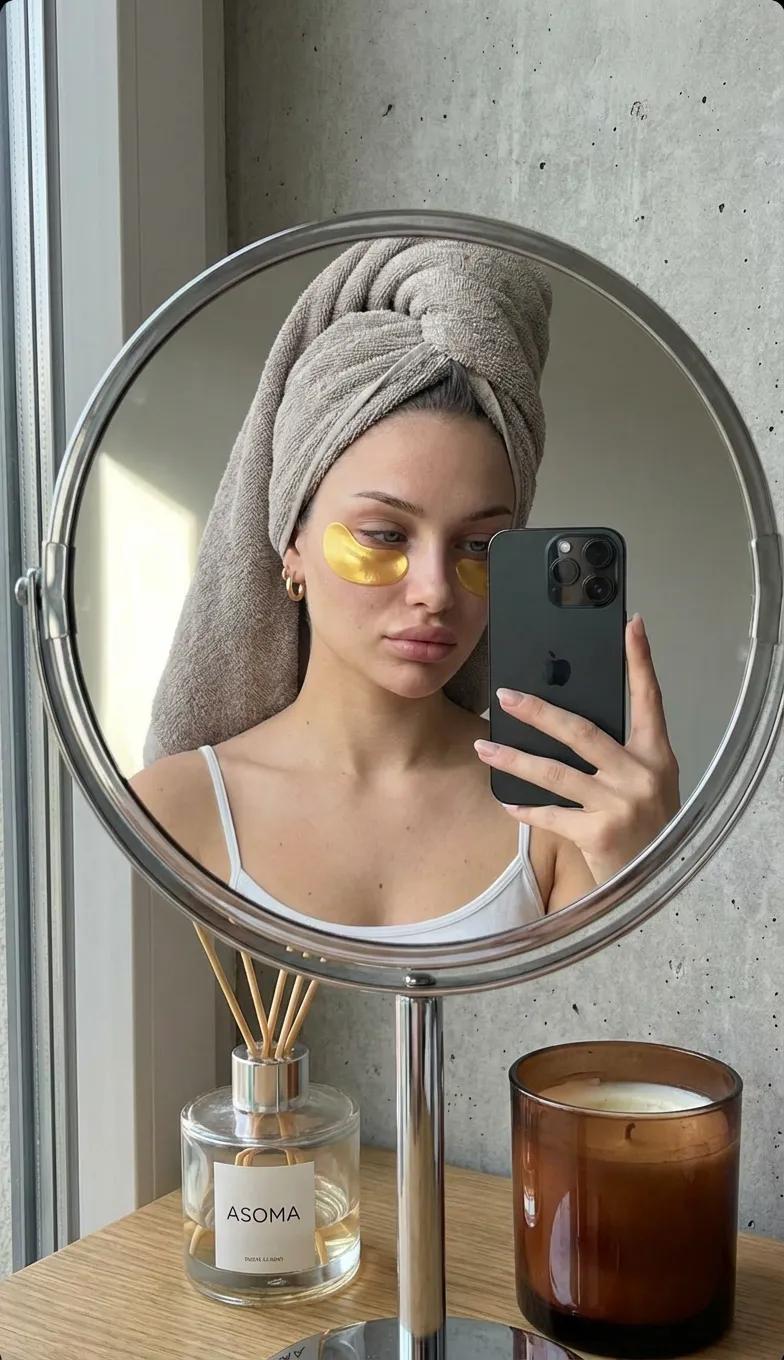
Round Tabletop Mirror Skincare Selfie
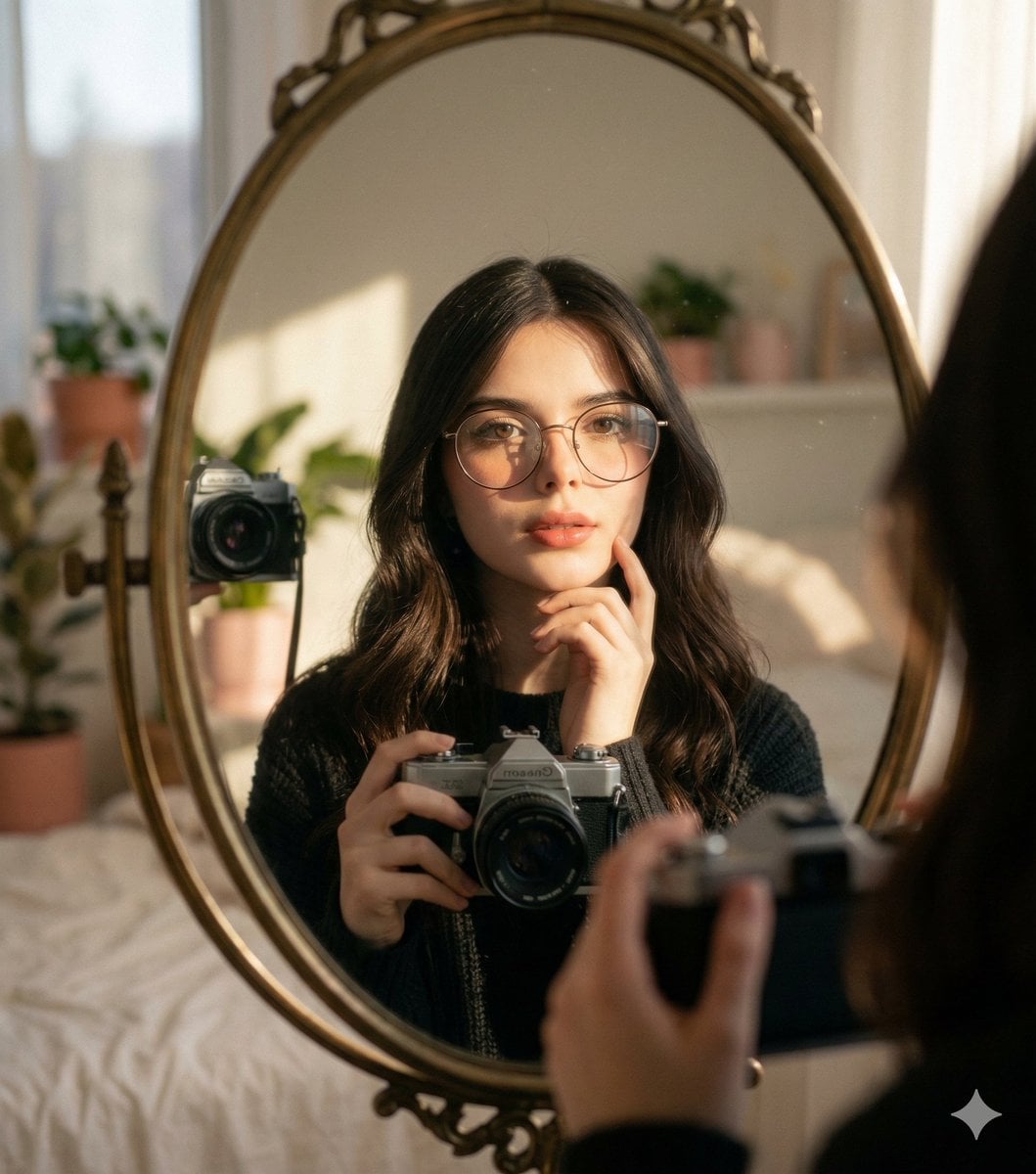
Oval Mirror Vintage Camera Self Portrait
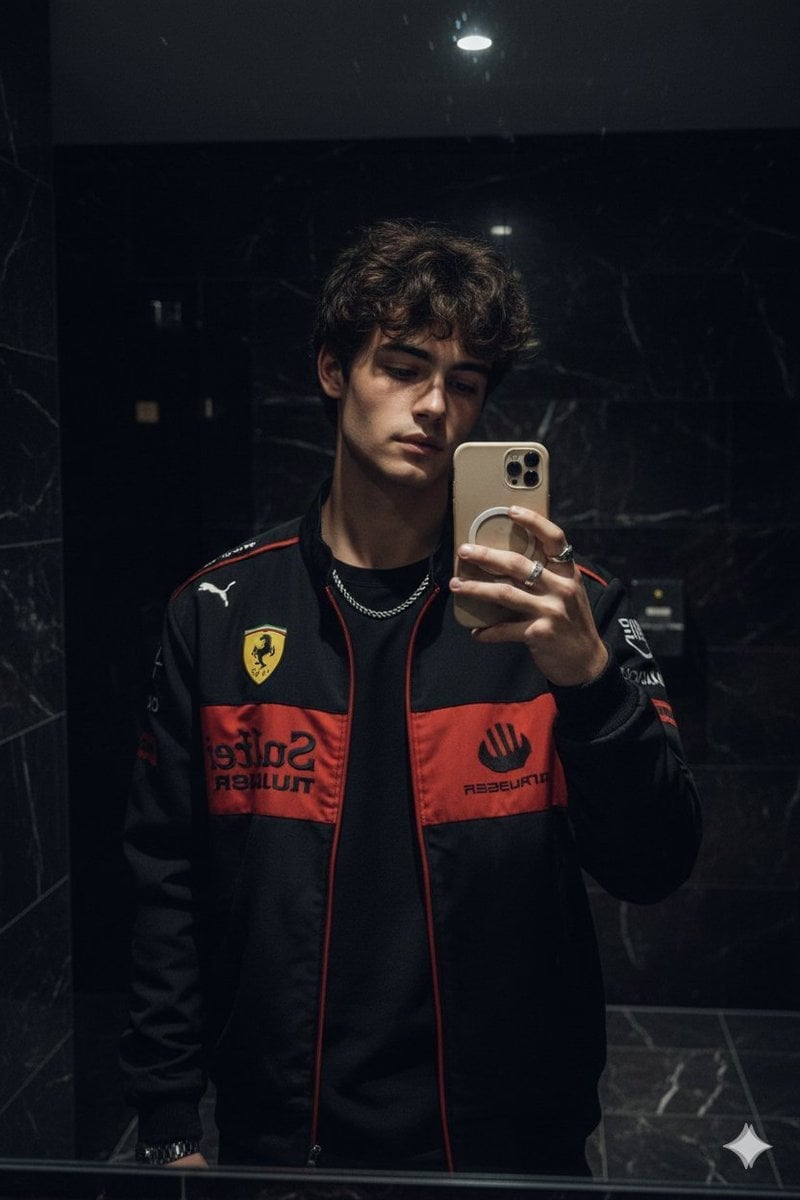
Dark Marble Bathroom Racing Jacket Mirror Selfie
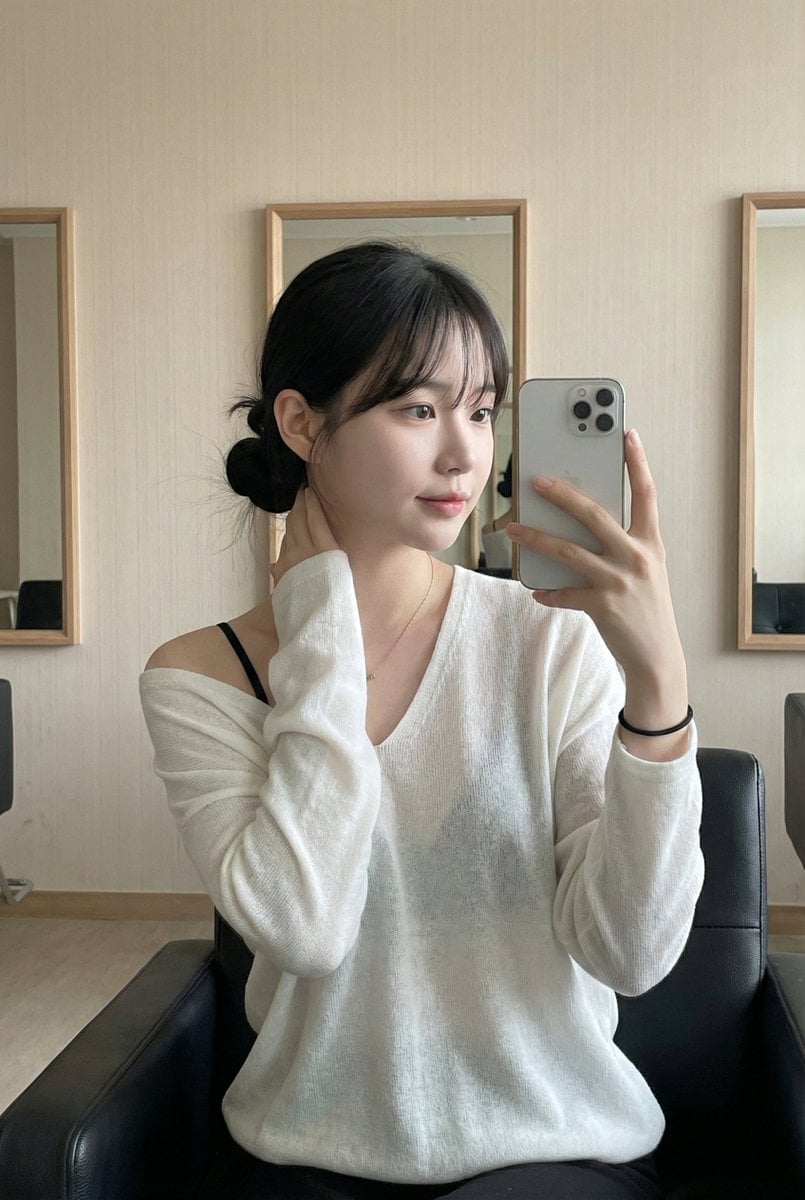
Leather Chair Soft Indoor Mirror Selfie
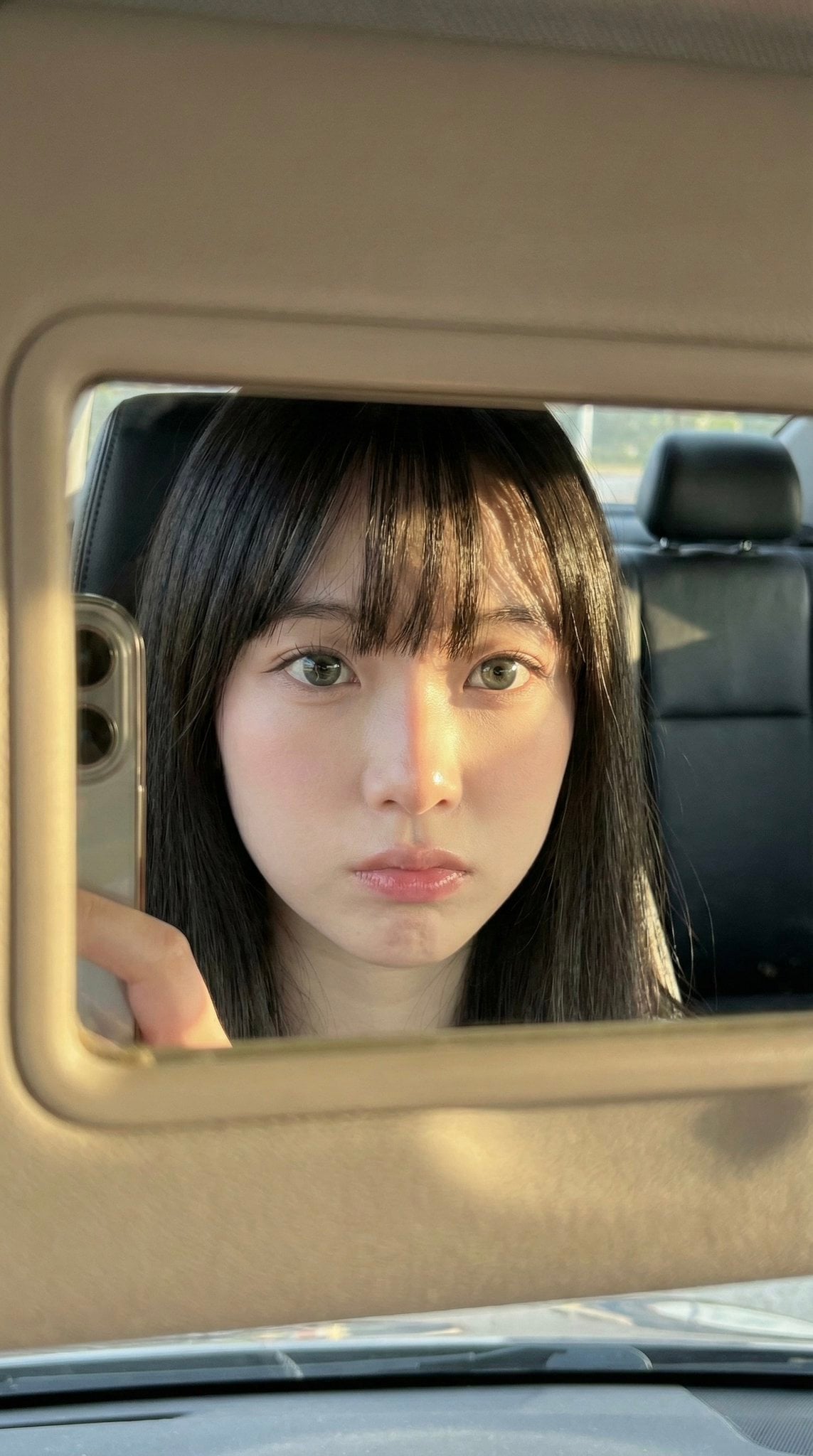
Car Sun Visor Vanity Mirror Close Up
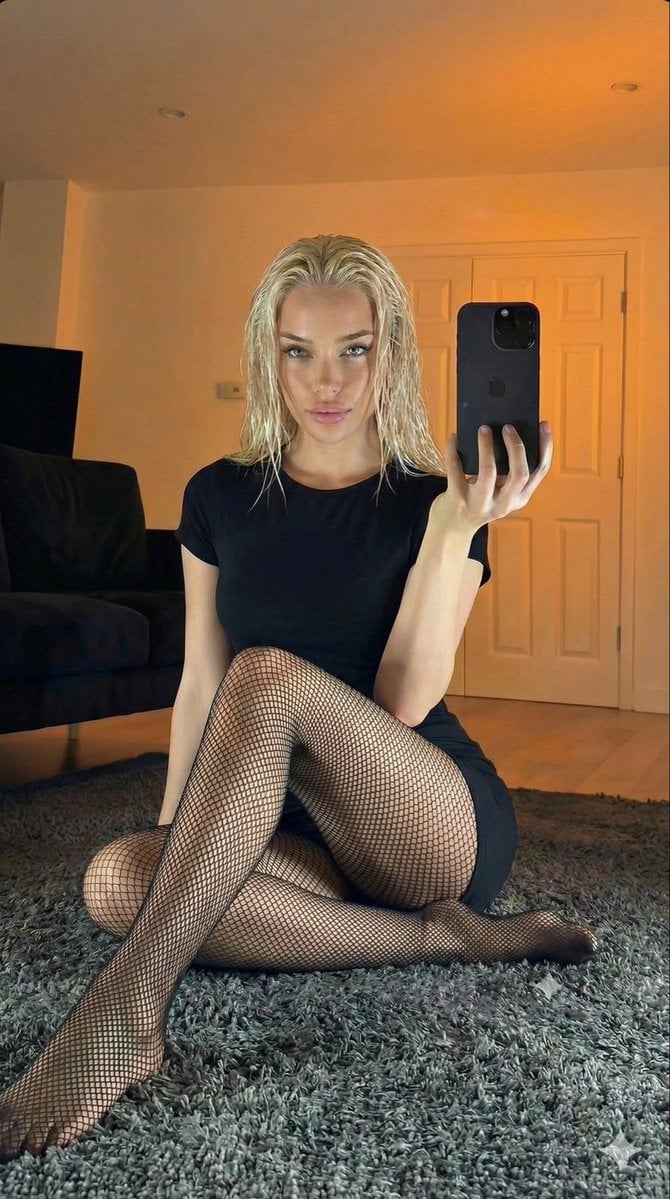
Living Room Rug Evening Mirror Selfie
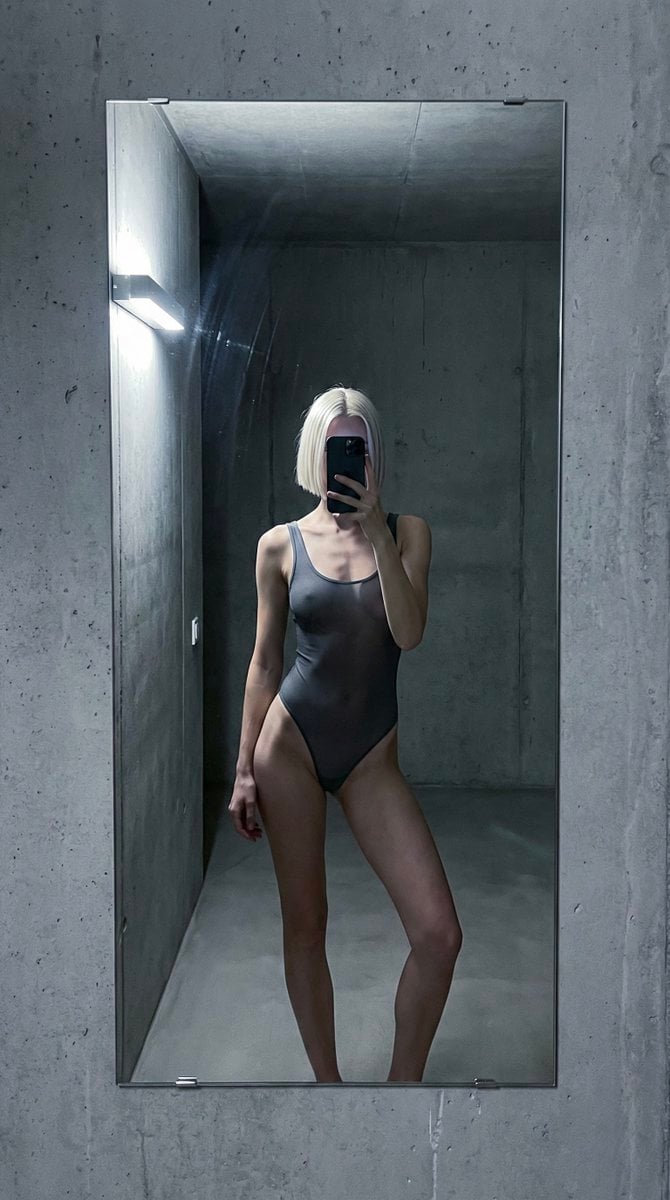
Concrete Hallway Editorial Mirror Selfie
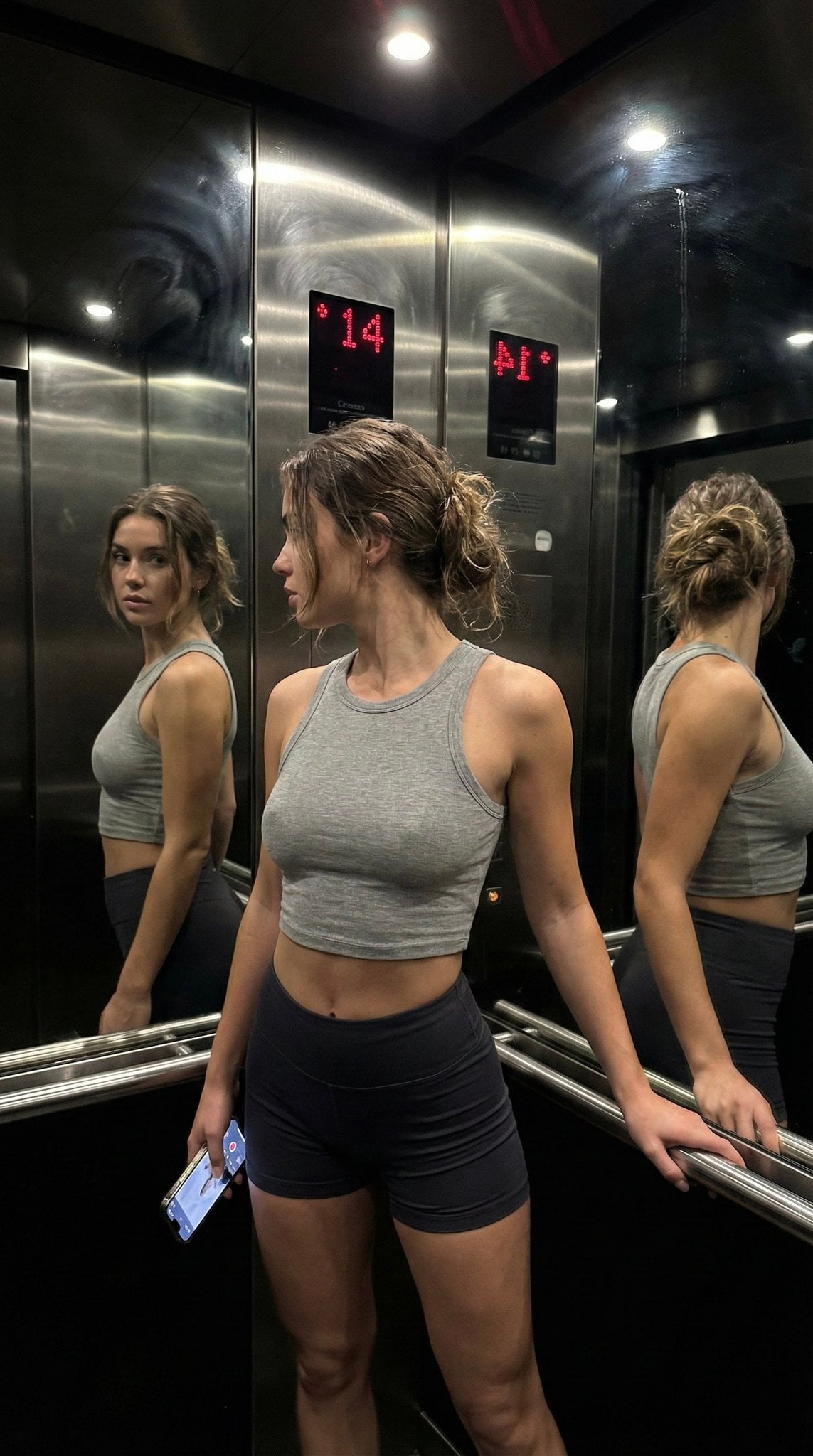
Late Night Elevator Multi Mirror Selfie

Headphones Lifestyle Nine Panel Grid
More image prompts
Fresh picks from across the catalog.
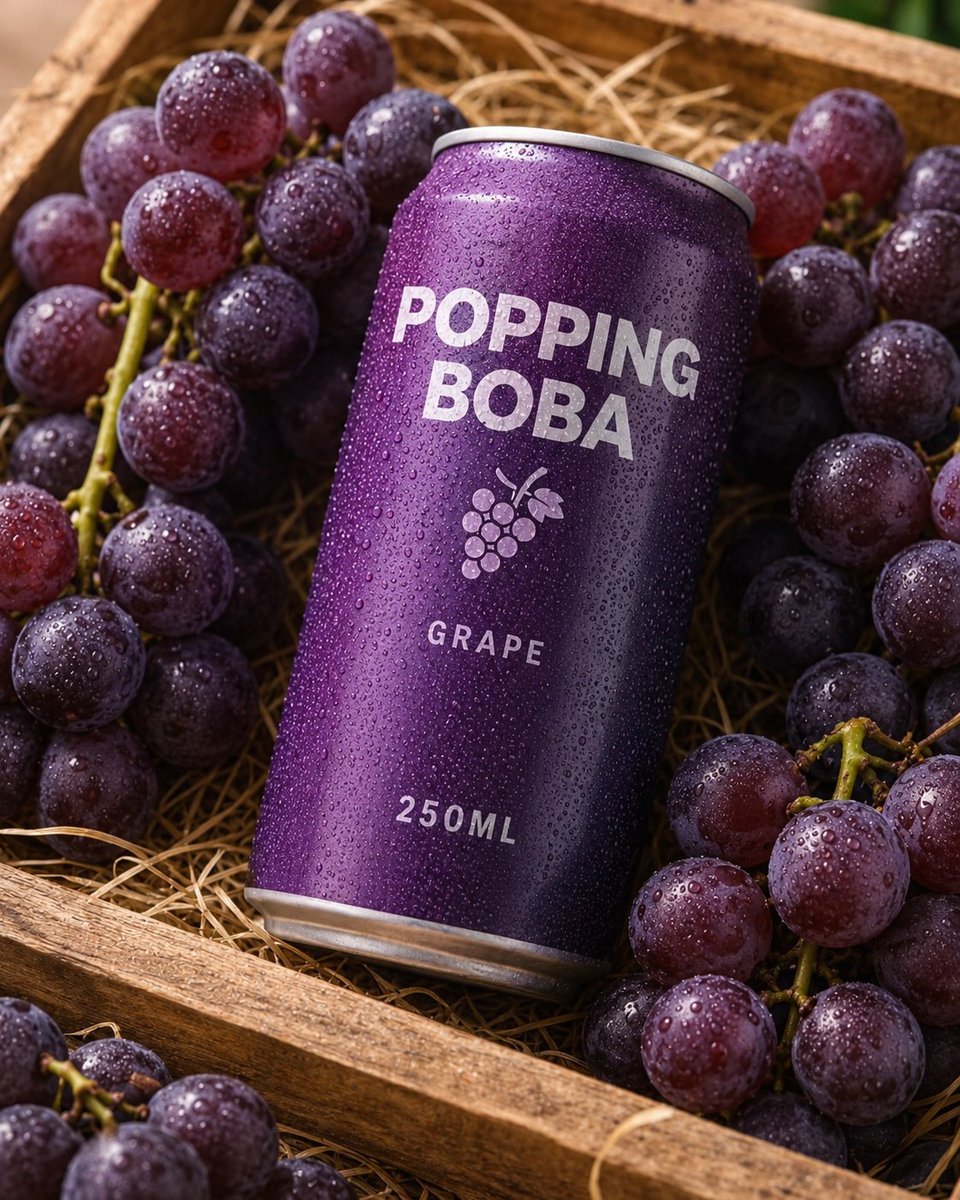
Splash Hero Beverage Photography
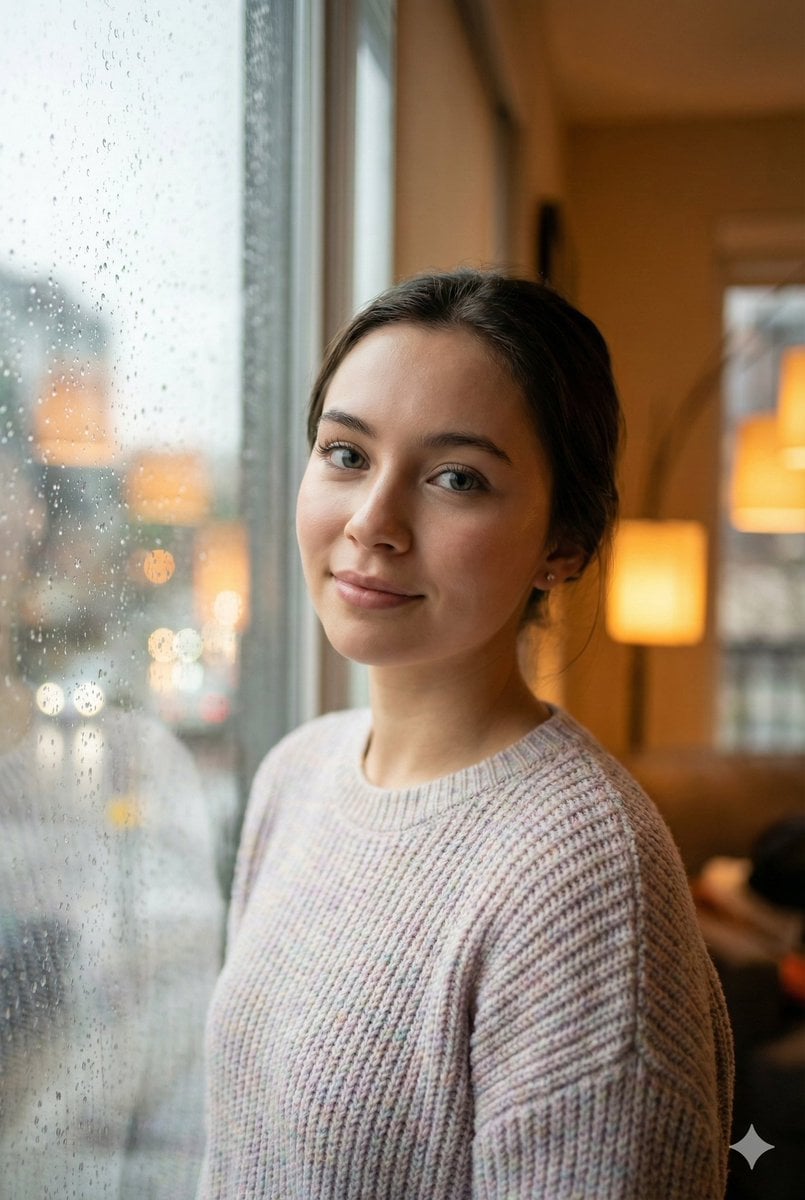
Cozy Realism Rainy Day Portrait Prompt
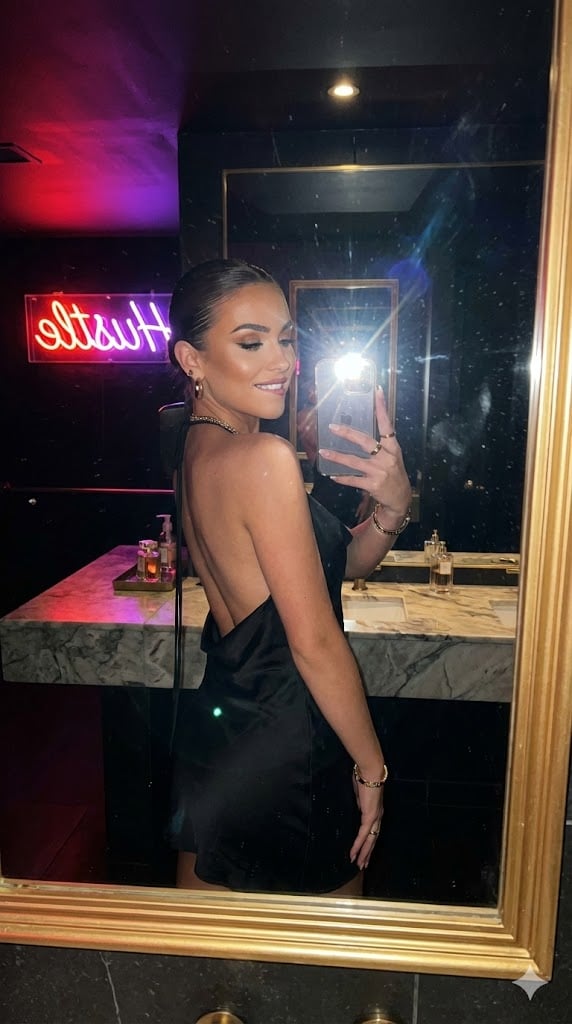
Sultry Neon Nightclub Mirror Selfie
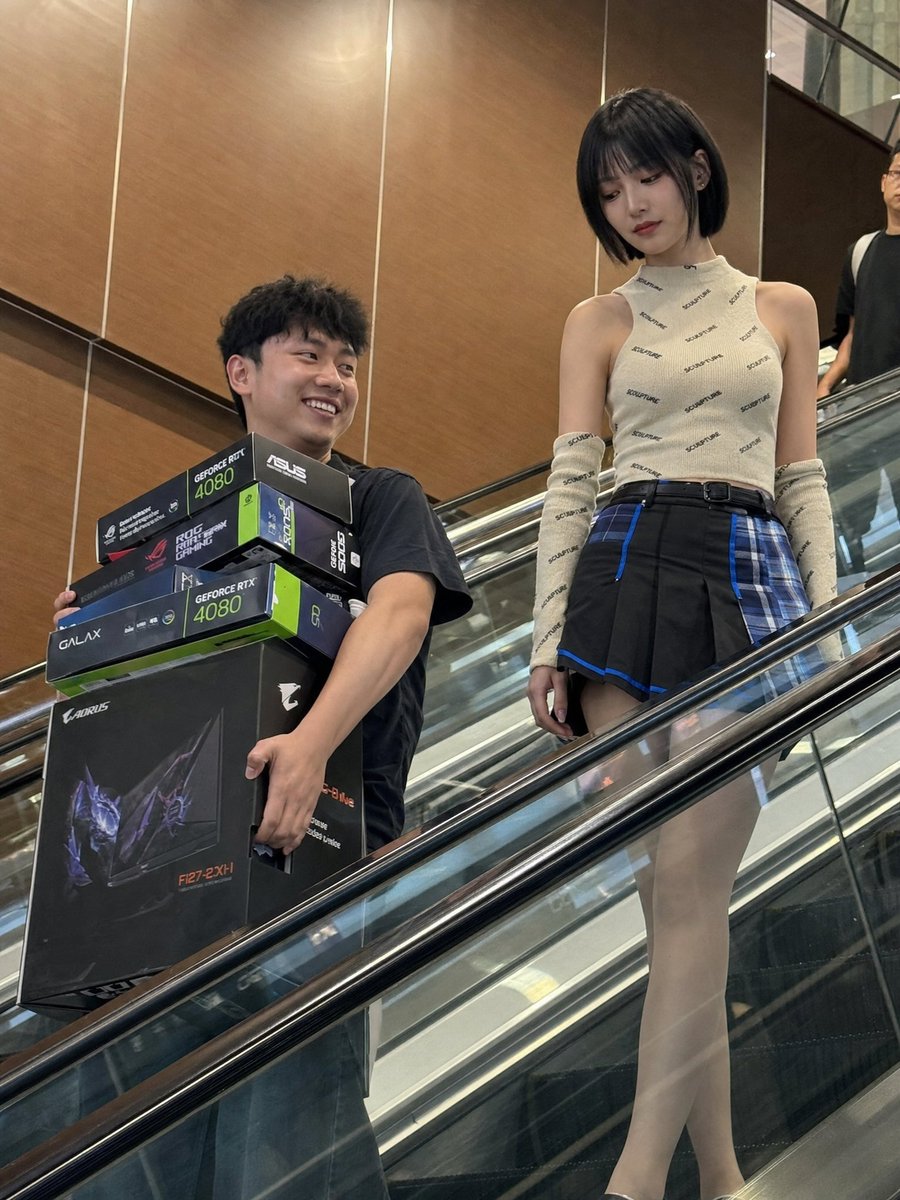
Candid Mall Shopping Snapshot
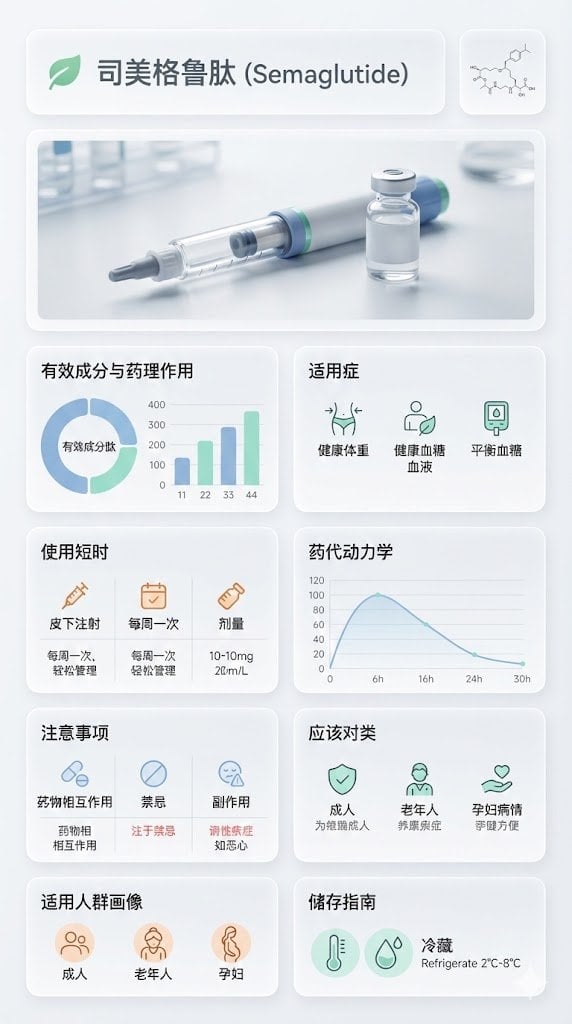
Medical Infographic Poster for Drug Information (Bento Grid Style)
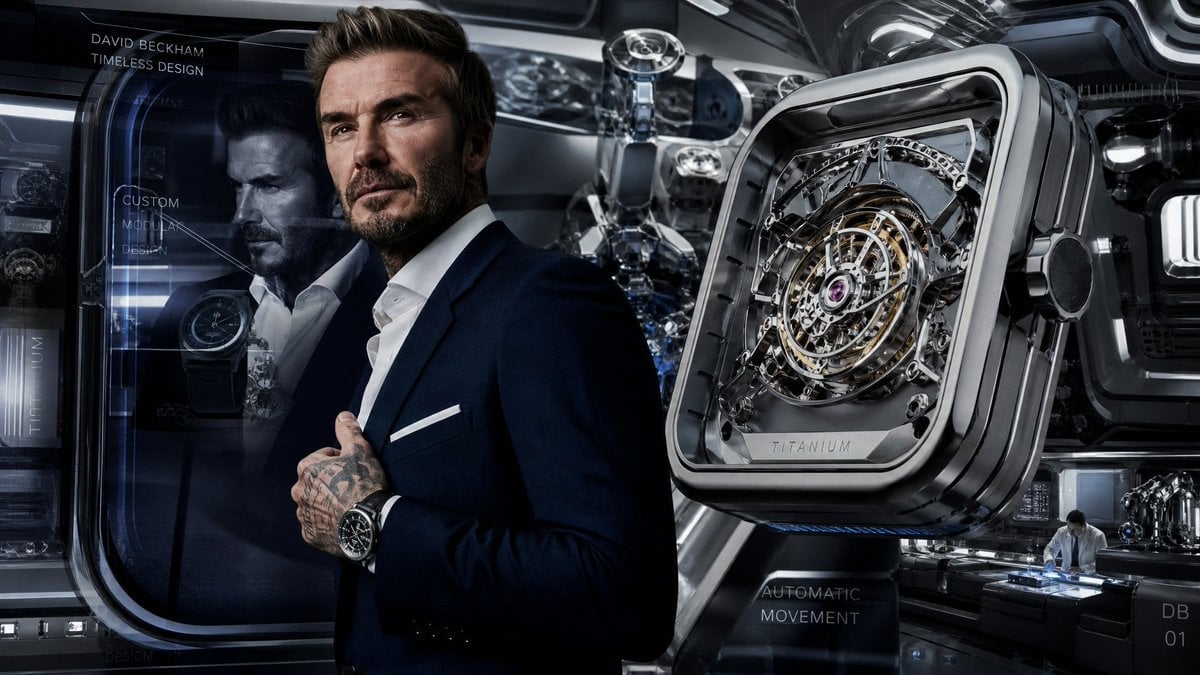
Futuristic Luxury Watch Ad
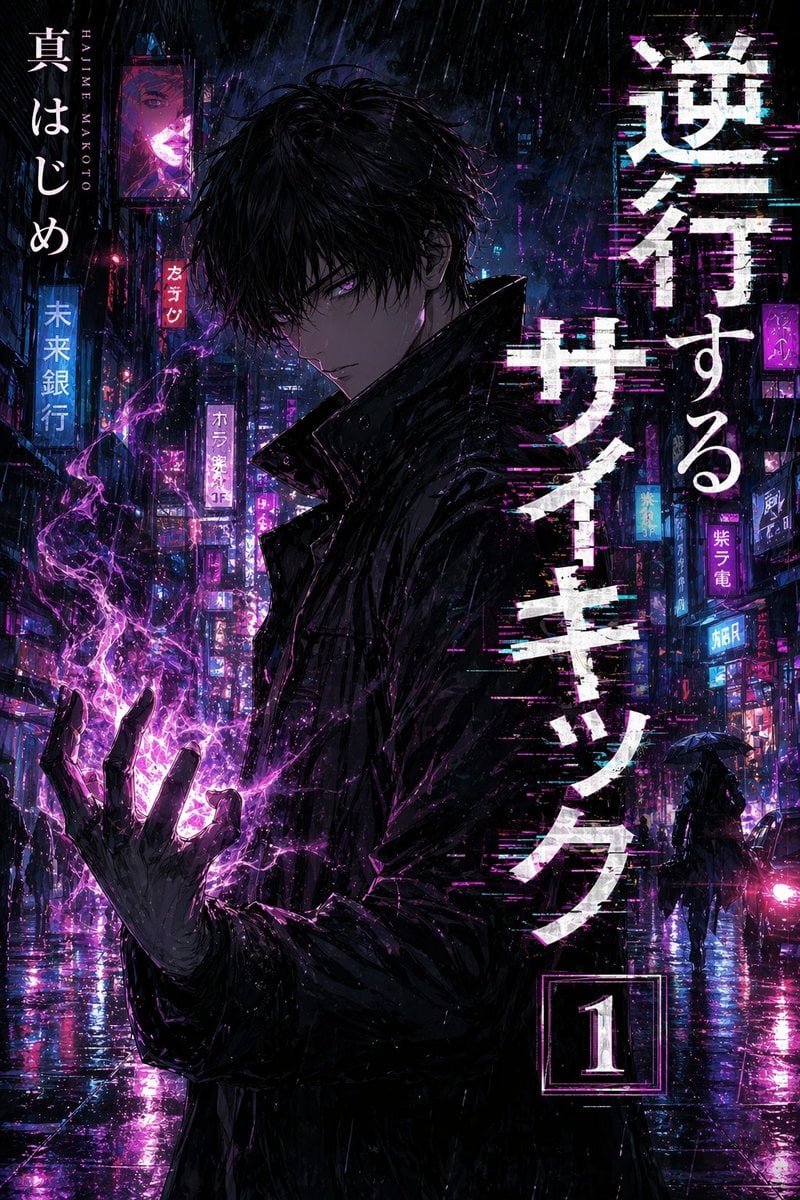
Manga Tankobon Cover Illustrator
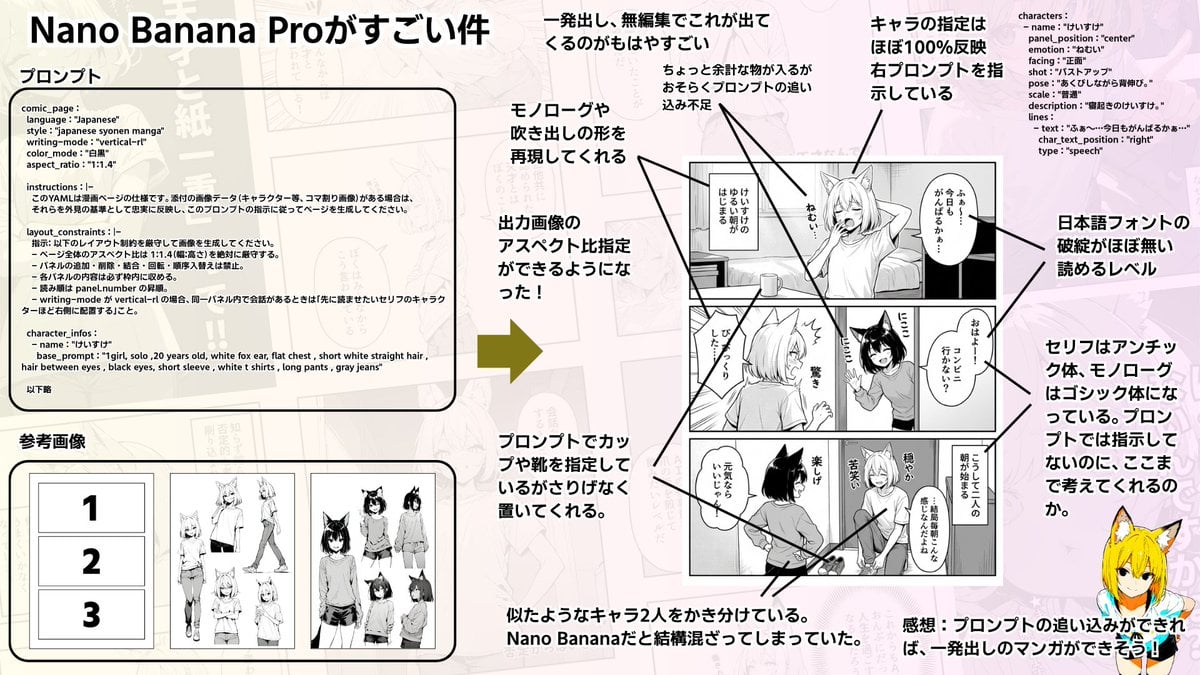
Config-style Japanese shonen manga page settings
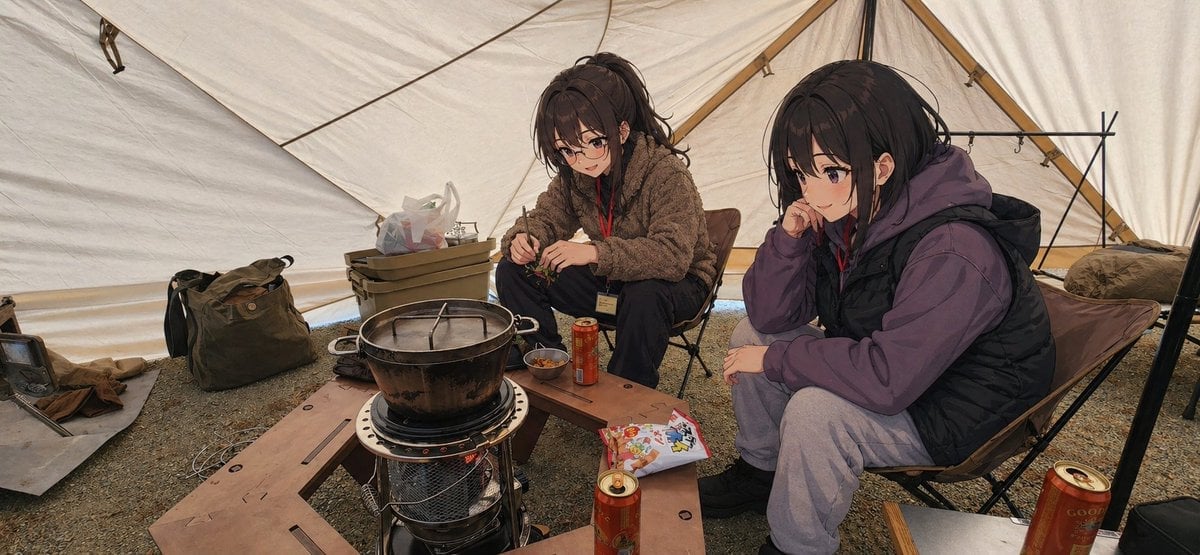
Anime Campers in a Winter Tent

Haunting Ballerina in a Flooded Library (Flow Prompt)
Browse template categories
Sunset Side Profile East Asian Portrait questions
How do I use the Sunset Side Profile East Asian Portrait template?
Add your photo if the template asks for one, edit the prompt if you like — the template's model and format are already selected — and press Generate. Your version opens in PicX Studio.
Can I customize the Sunset Side Profile East Asian Portrait template?
Yes. You can change the subject, setting, lighting, mood, format, and available model controls before creating your image.
Is the Sunset Side Profile East Asian Portrait template free?
Opening and editing this template is free. Generating uses credits, shown on the Generate button when you are signed in.
Which AI model should I use?
Start with Nanobanana, which is the model associated with this template. You can compare another compatible model for a different finish.
Looking for something else? Browse all templates.

Your photo, any look
Thousands of ready templates for every top image and video model, from one credit balance.