
Oval Mirror Vintage Camera Self Portrait
MeiGen selfie/mirror selfie pack.
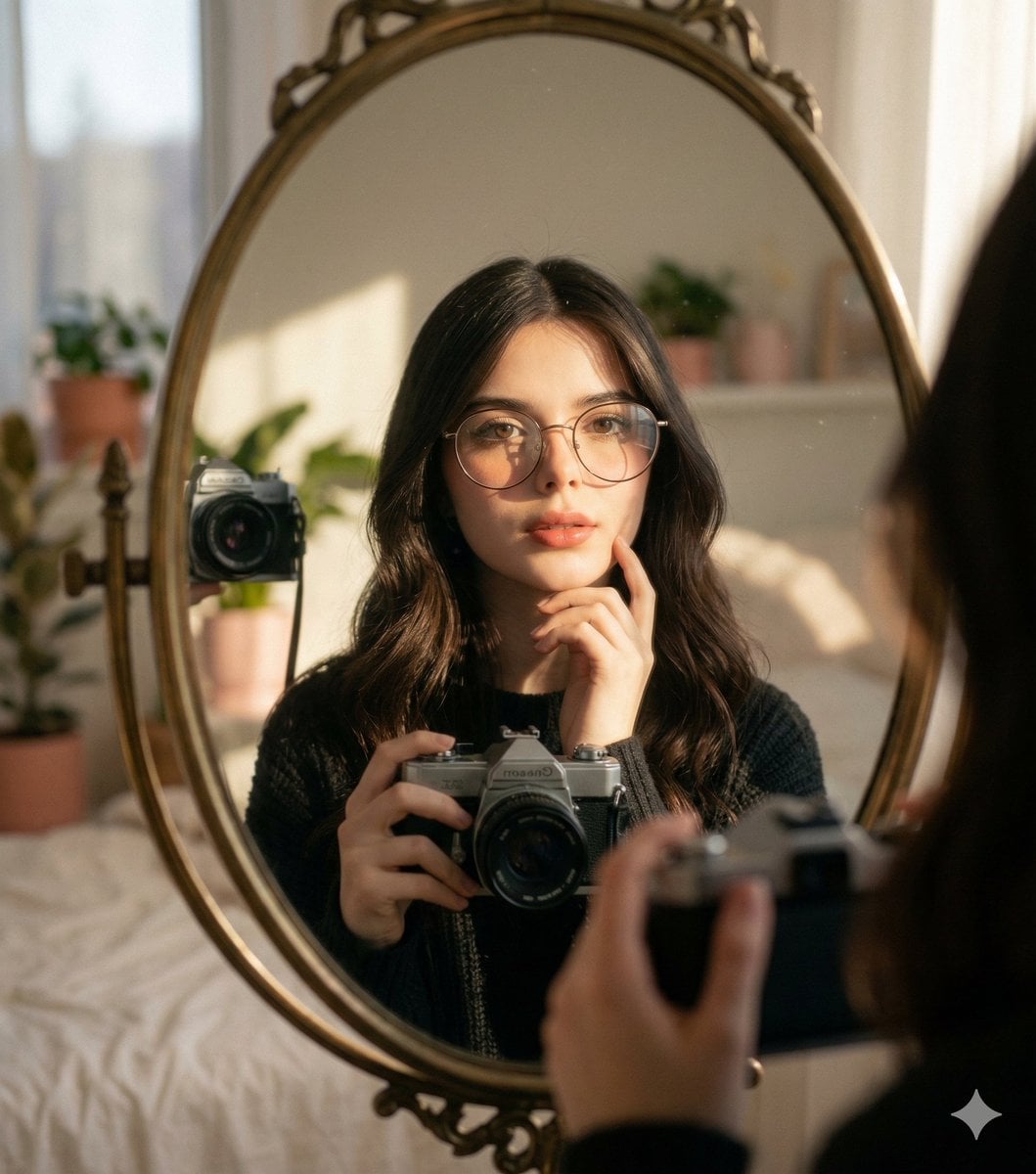
- Prompt included
- Model and format preset
- Free template
The prompt behind this image
Copy the exact prompt behind Oval Mirror Vintage Camera Self Portrait, or open it in the studio and make it yours.
A self-portrait of a young woman with long, dark, wavy hair looking directly into the camera. She is standing in front of a round or oval mirror, reflected in which is her holding a vintage or analog camera. The scene is captured in natural, dramatic sunlight coming from a nearby window, casting strong shadows across the mirror and illuminating the right side of her face and hair with a warm glow. Her expression is soft and contemplative, with one hand gently touching her chin/cheek. Photorealistic, natural skin texture, no plastic skin.
How to use Oval Mirror Vintage Camera Self Portrait in 3 steps
- 1
Open
The prompt is already in the box next to the preview, with the template's model and format selected.
- 2…a portrait of your subject in softgolden-hour light, 85mm…
Personalize
Edit the subject and creative details for your destination.
- 3Generate
Generate
Press Generate — your image is created in PicX Studio, so you can compare it with the original and refine one variable at a time.
More like this
Templates with the same subject, style or setup. Open one to see its prompt.

Vintage Camera Leather Case
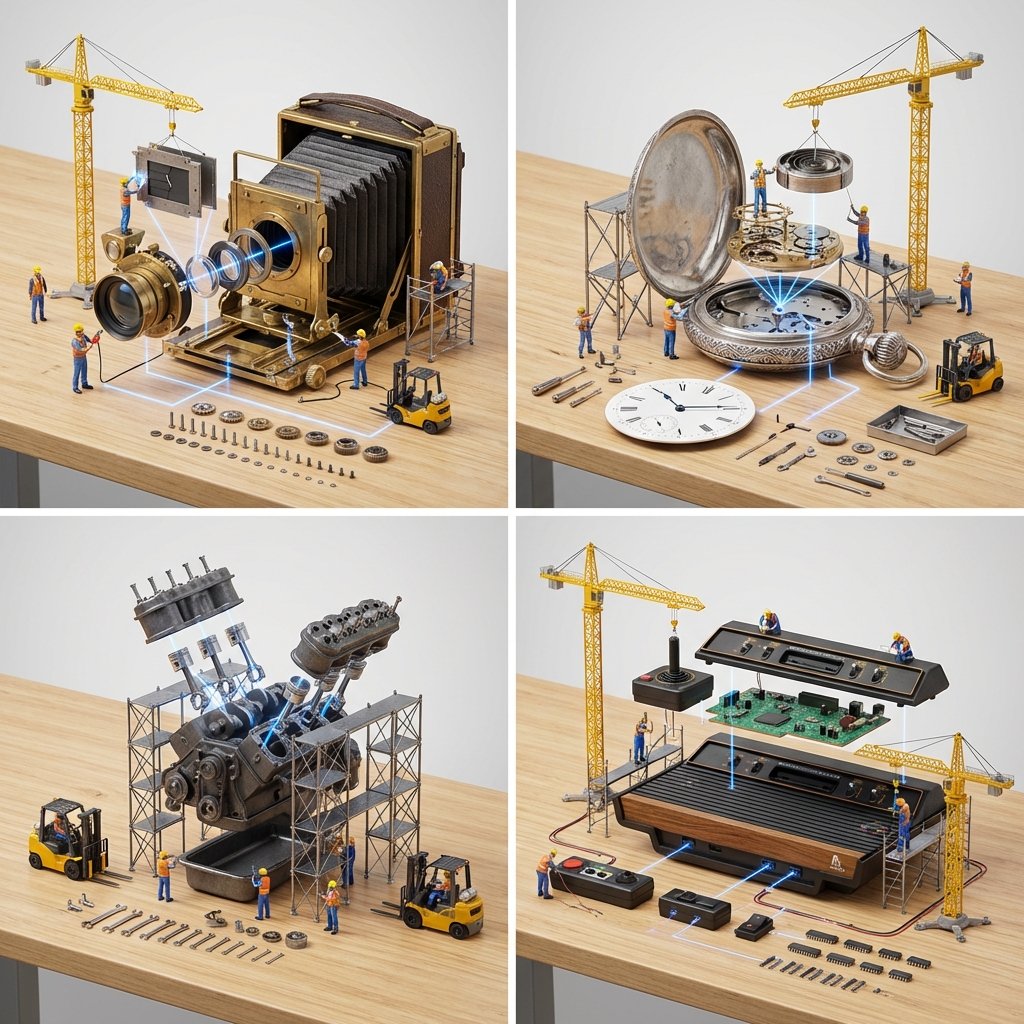
Input A is a Mechanical Device or Gadget e g, Vintage Camera, Mechanical
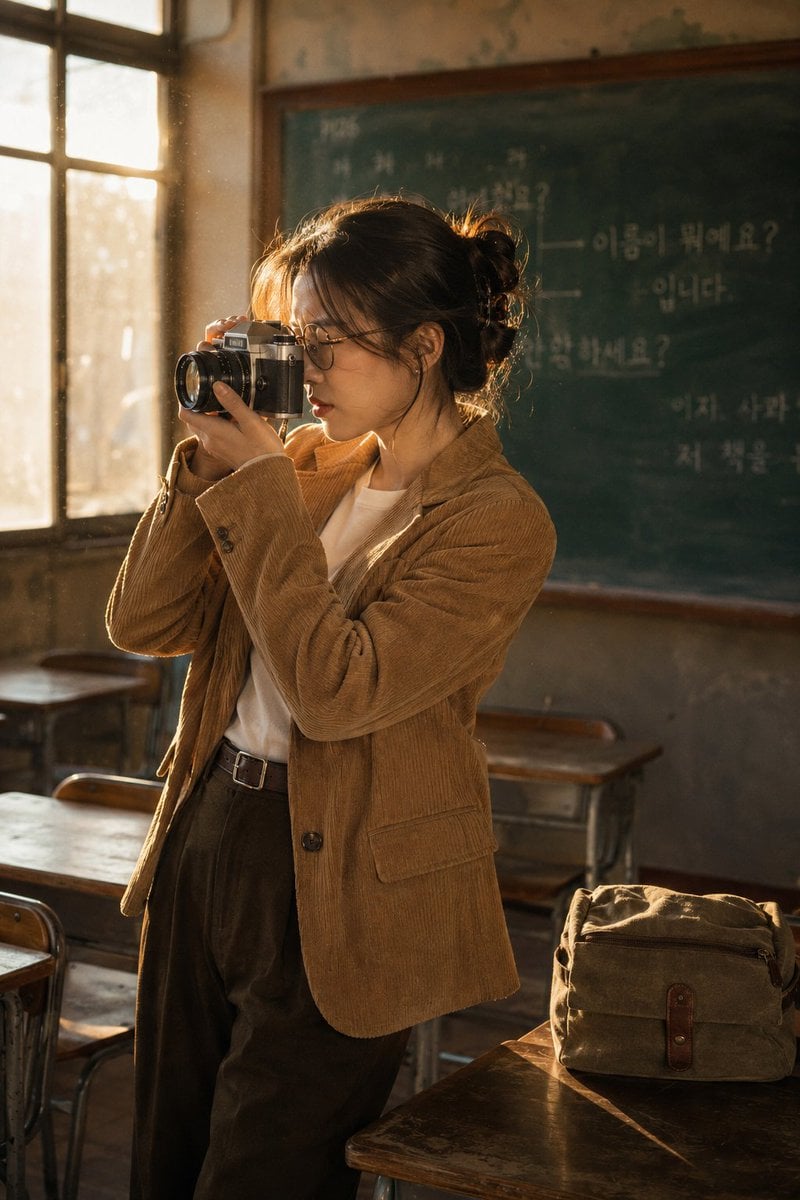
Vintage Film Camera Portrait
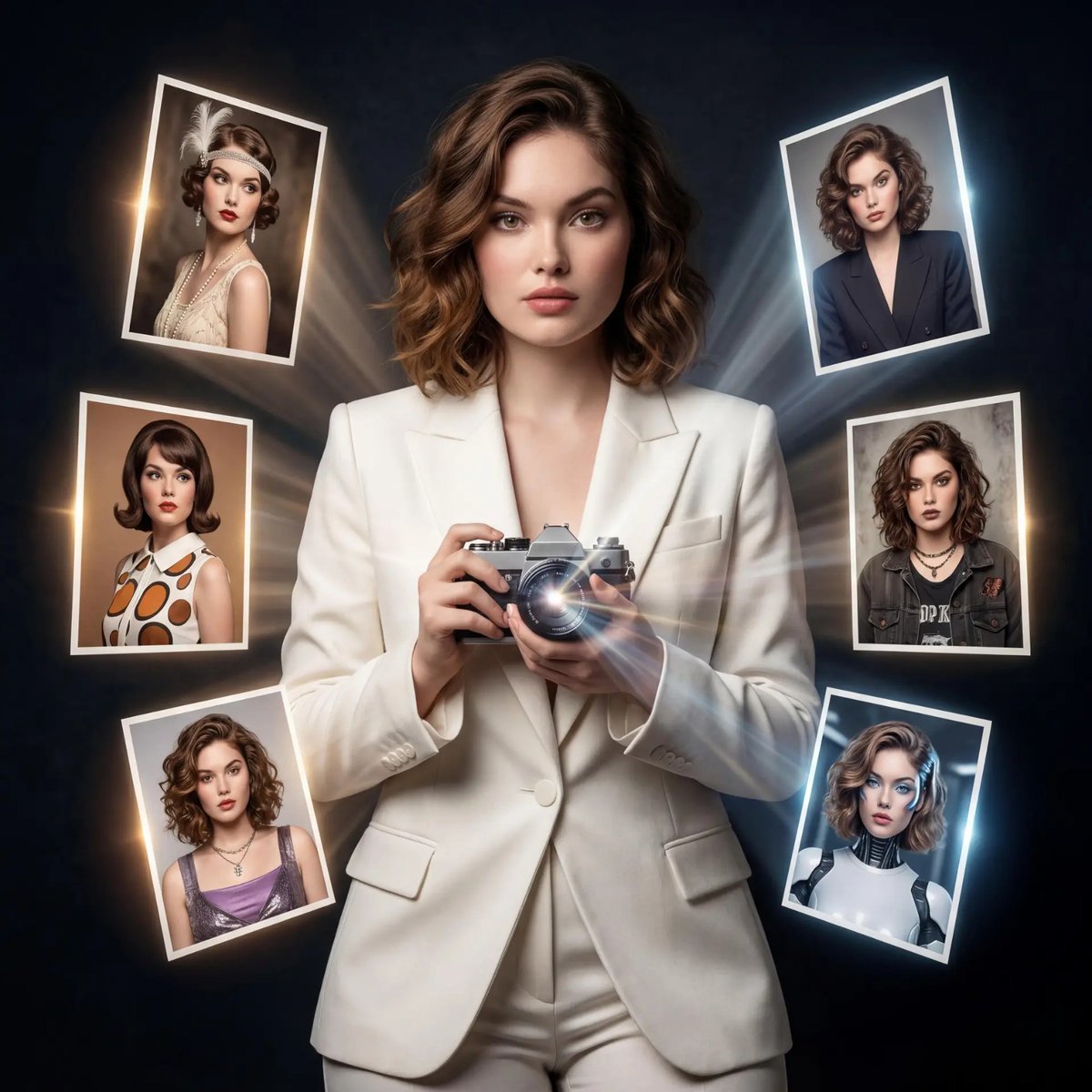
Vintage Camera Creativity Metaphor
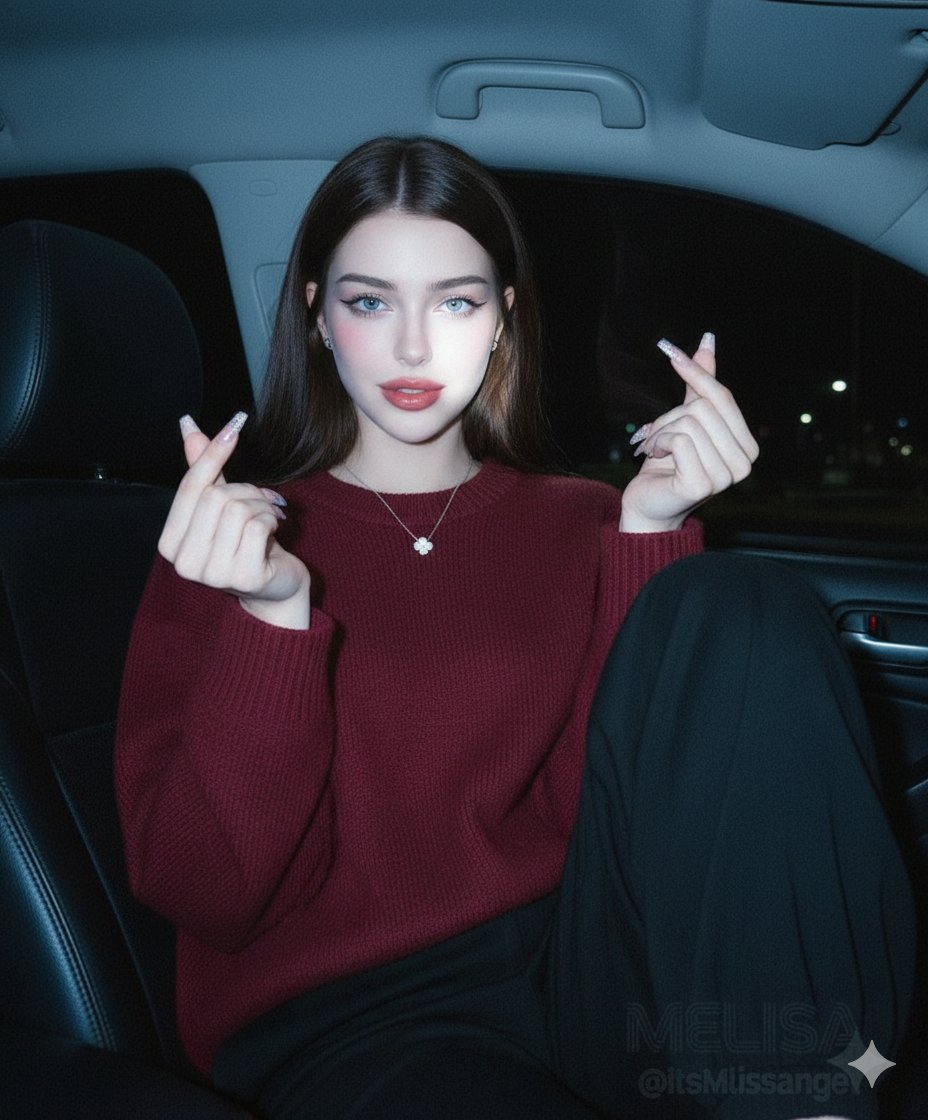
Vintage Digital Camera Car Selfie Prompt
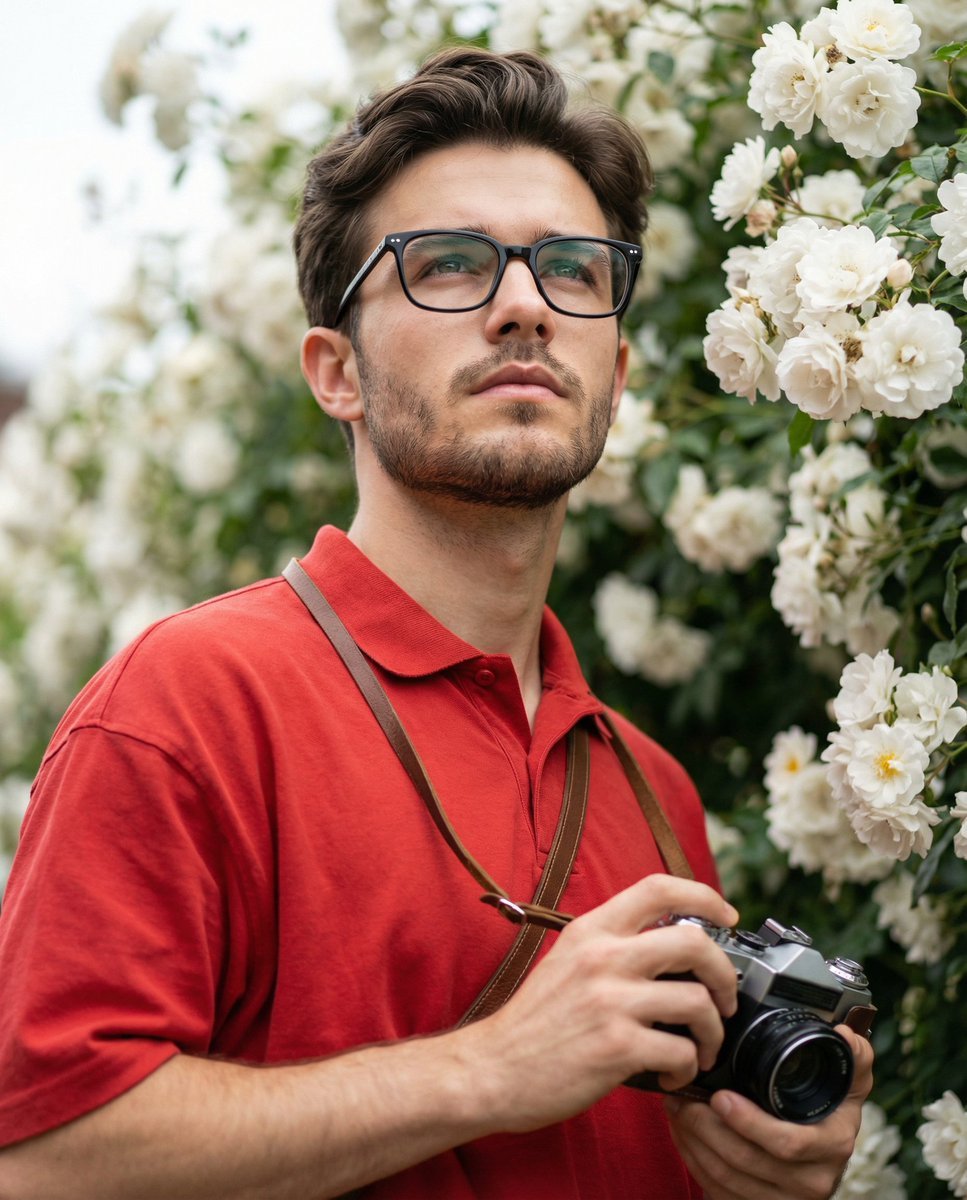
Ultra-Realistic Portrait with Vintage Camera and Flowers
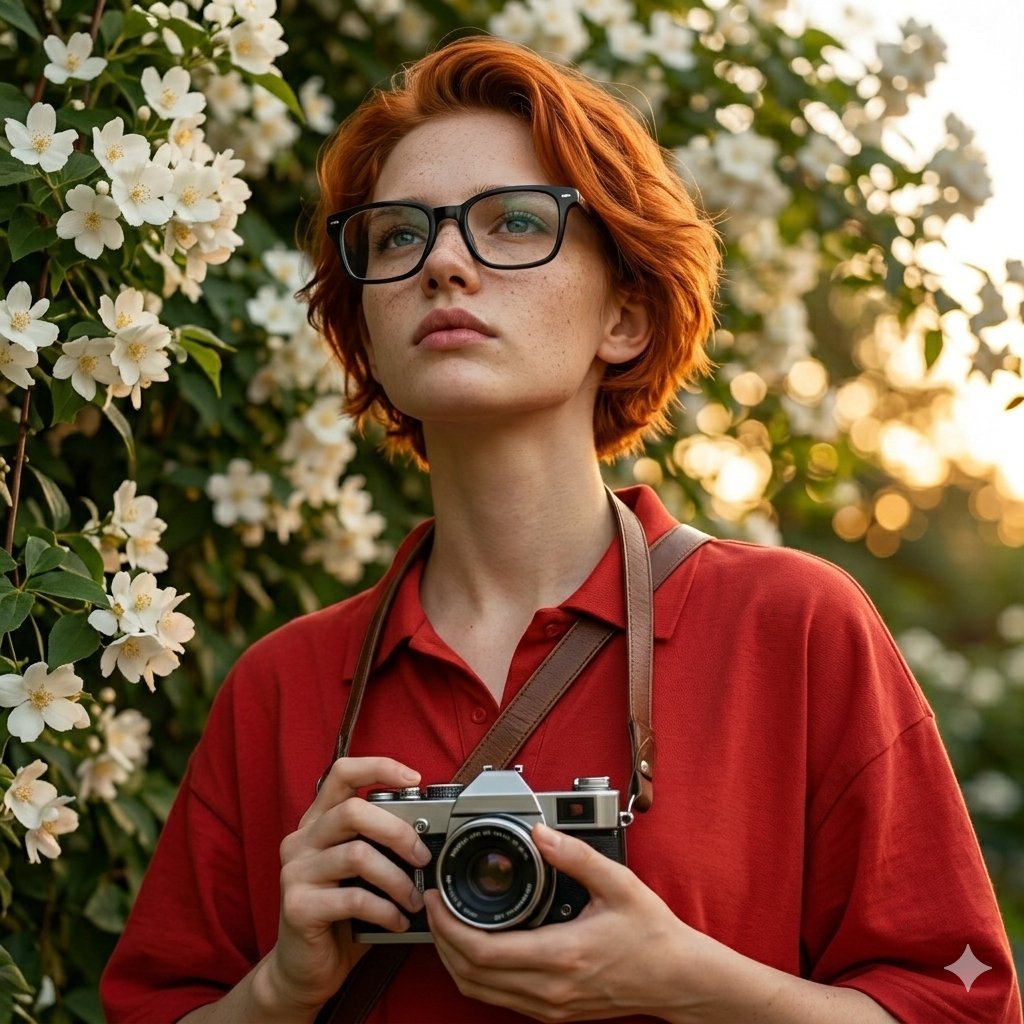
Ultra-Realistic Portrait with Vintage Camera Prompt
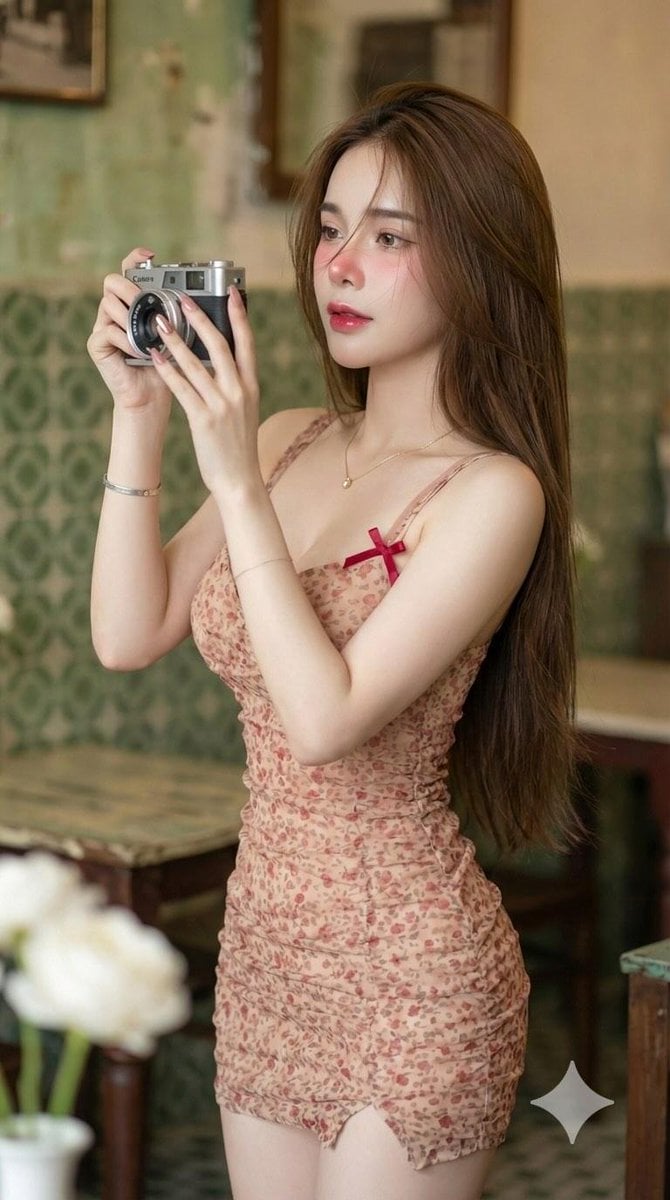
Vintage Camera Girl Aesthetic and Post-Workout Glow Yoga Vibes Prompts

Sunday Afternoon, 1988

Two Tickets, One Night

If We Met in 1985

Found Photograph: Us, 1970
Make it yours
Oval Mirror Vintage Camera Self Portrait works as-is. These are the safest ways to change it without losing the look.
Change one field
Copy a single group, rewrite it, and generate again so you can see what that field is doing.
Keep the frame, change the subject
Hold the composition and light of Oval Mirror Vintage Camera Self Portrait, then swap wardrobe, props or the person for a new take.
| If the result… | Why | Fix |
|---|---|---|
| The result drifts from the preview | Too many fields changed at once. | Reuse Oval Mirror Vintage Camera Self Portrait as-is first, then change one group — subject, light, or setting. |
| The model over-stylizes the scene | The prose prompt leaves finish and camera underspecified. | Add one camera or lighting sentence and stay on Nanobanana. |
More Nanobanana templates
Other prompts made for Nanobanana.
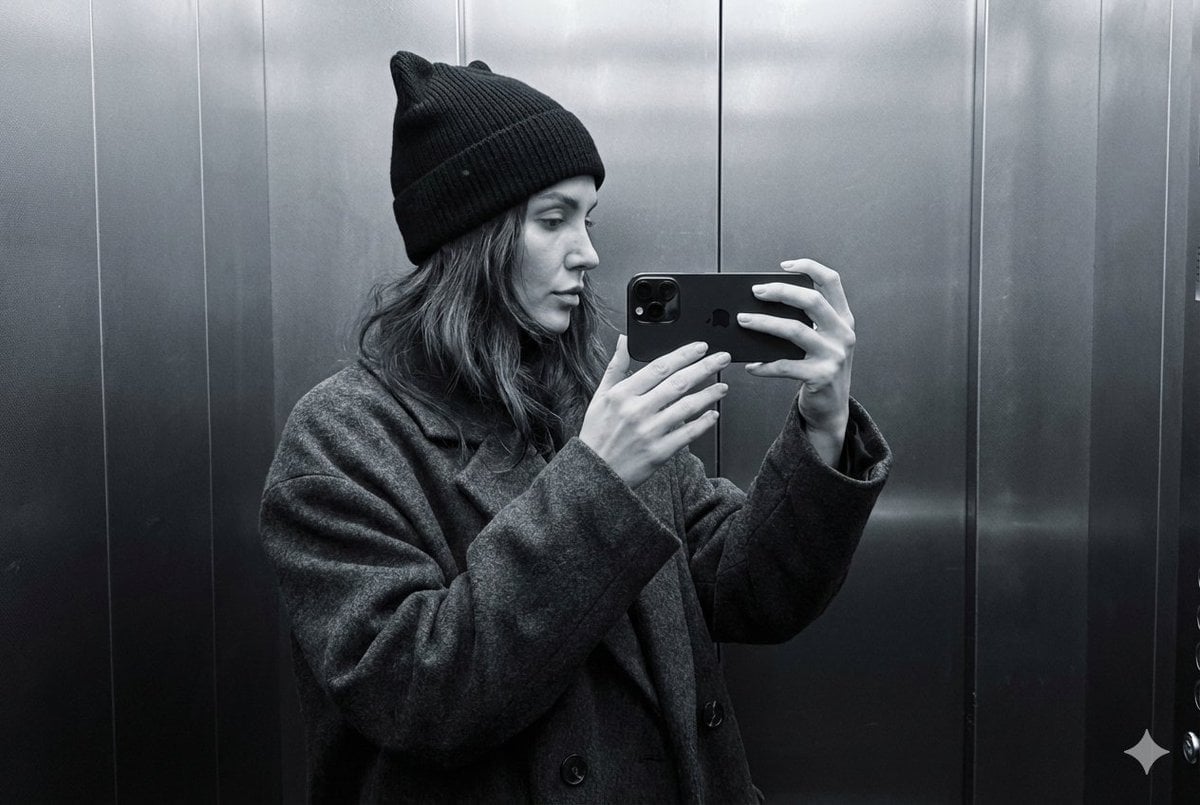
Monochrome Elevator Profile Cat Ear Selfie
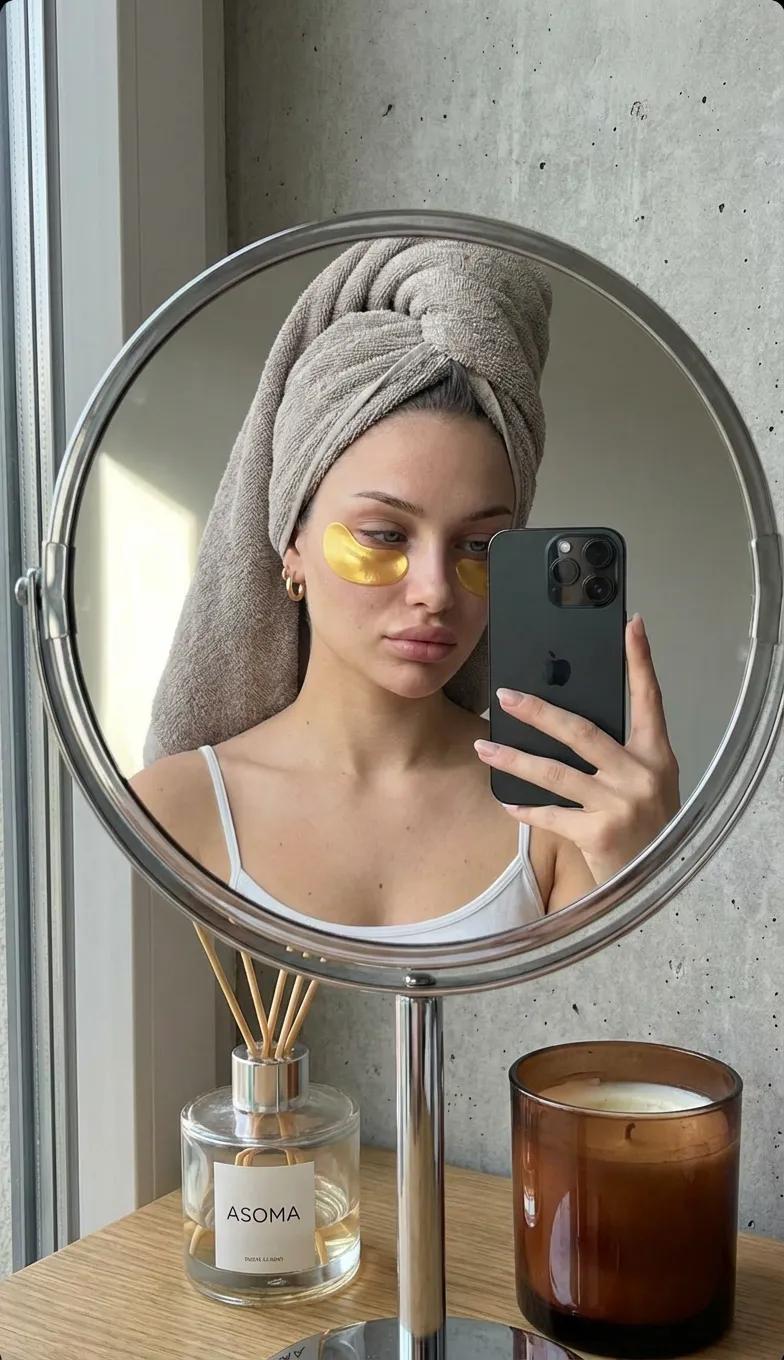
Round Tabletop Mirror Skincare Selfie
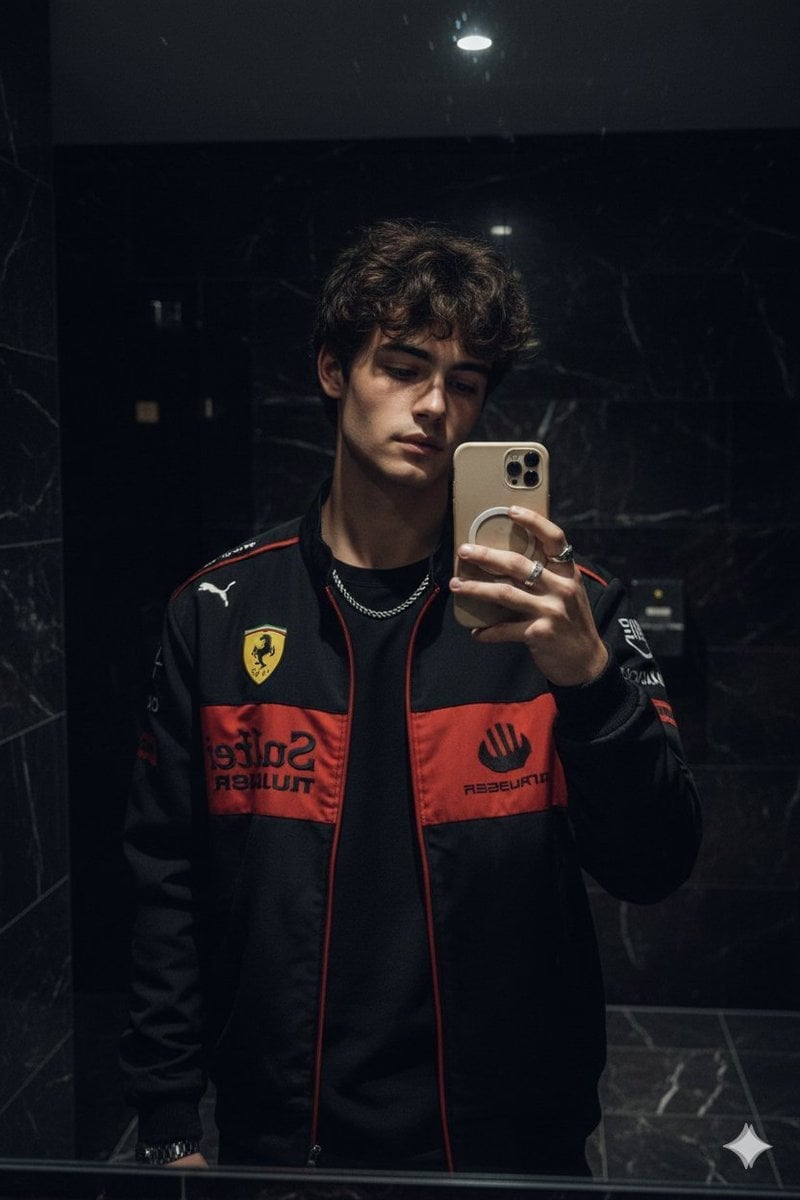
Dark Marble Bathroom Racing Jacket Mirror Selfie
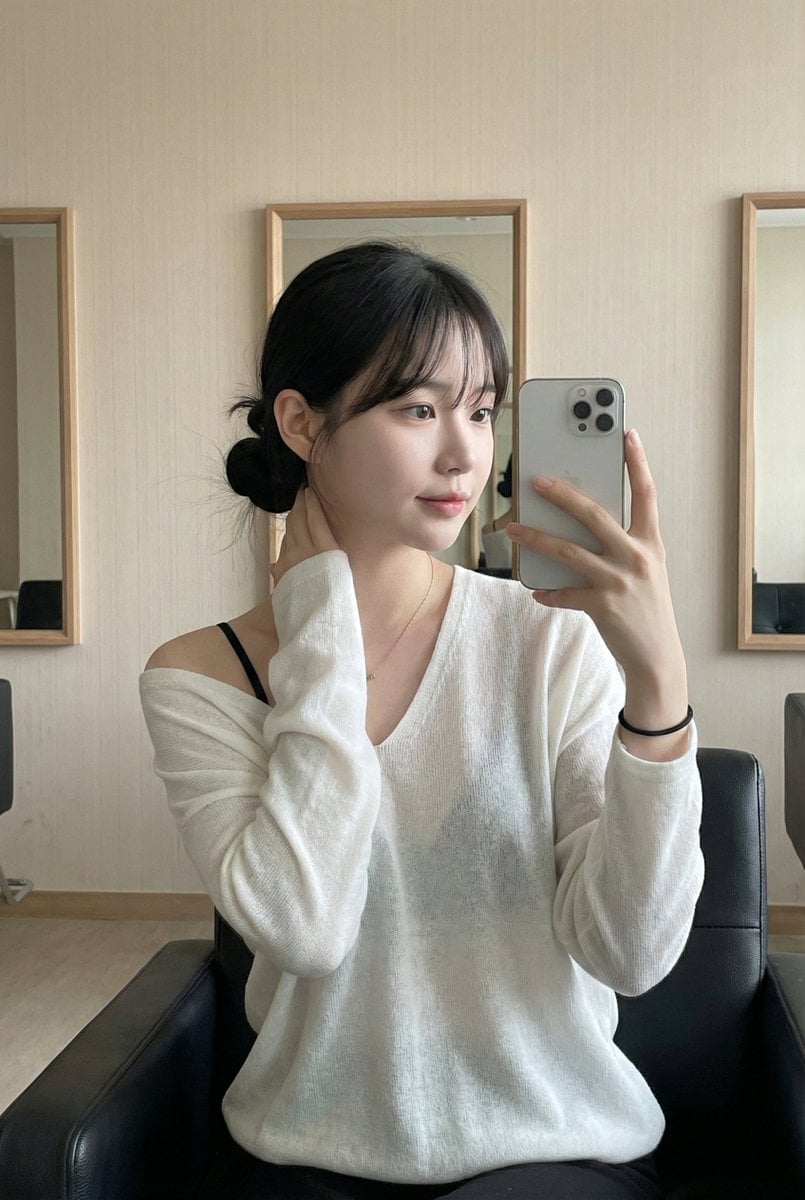
Leather Chair Soft Indoor Mirror Selfie
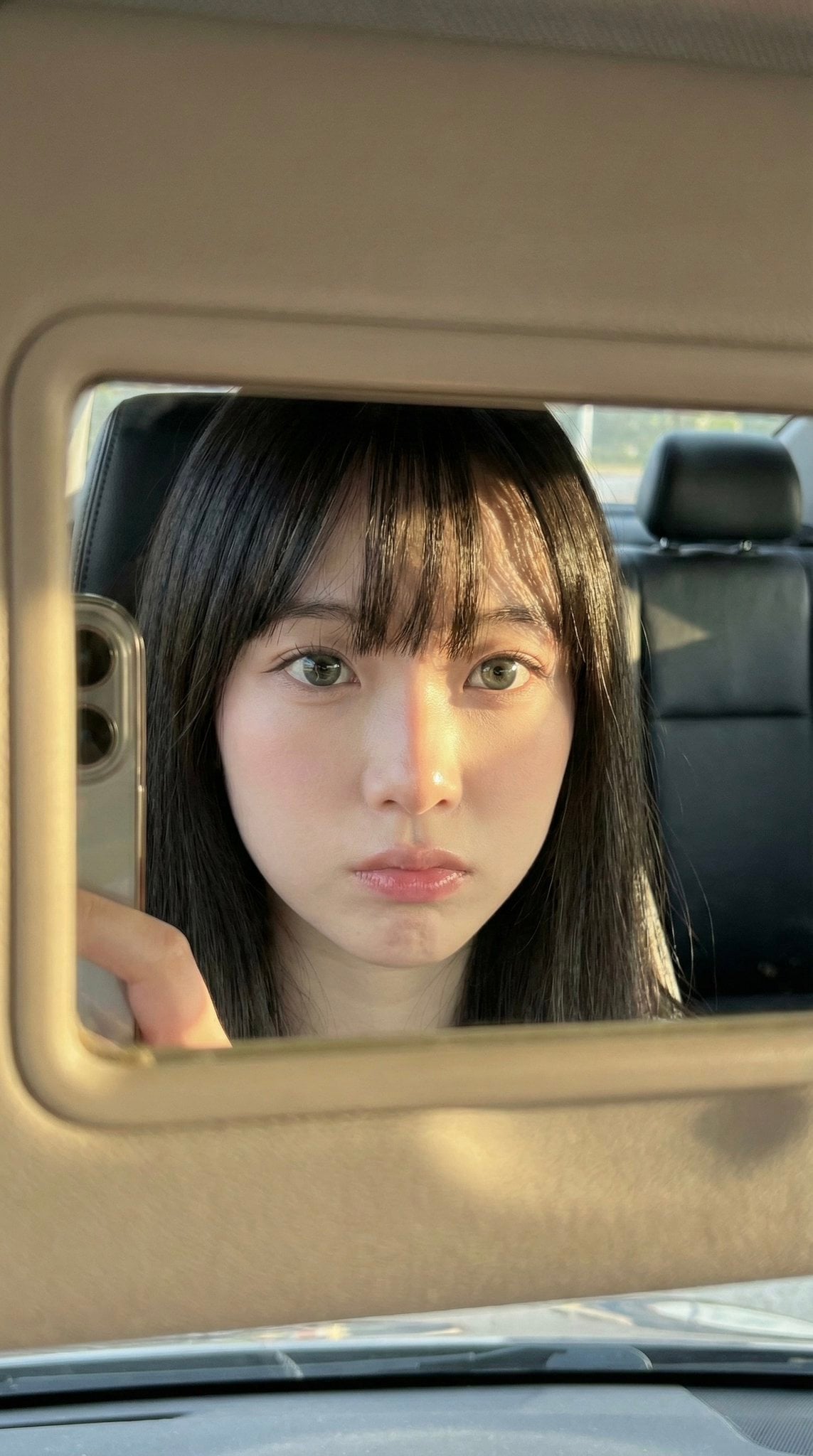
Car Sun Visor Vanity Mirror Close Up
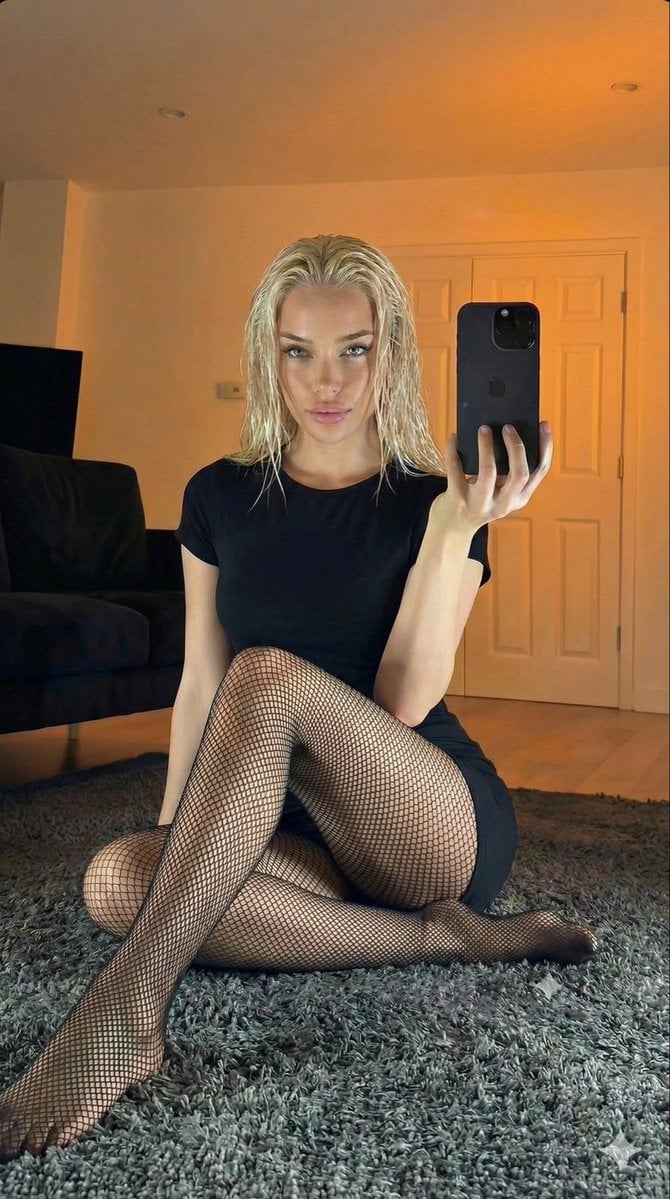
Living Room Rug Evening Mirror Selfie
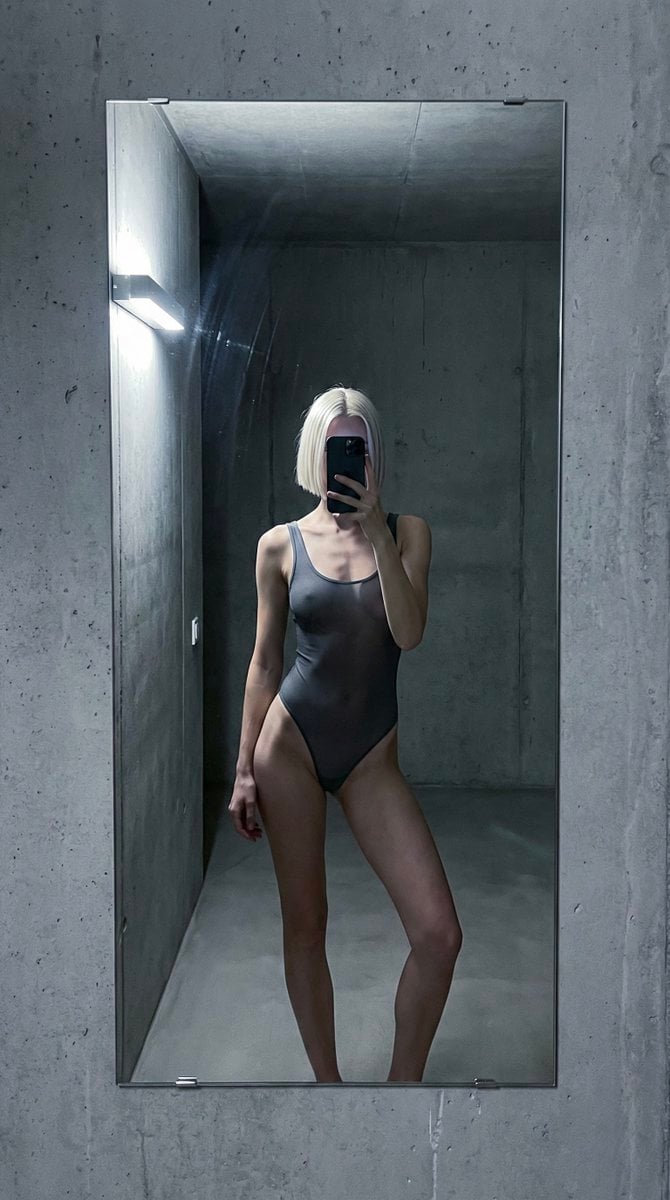
Concrete Hallway Editorial Mirror Selfie
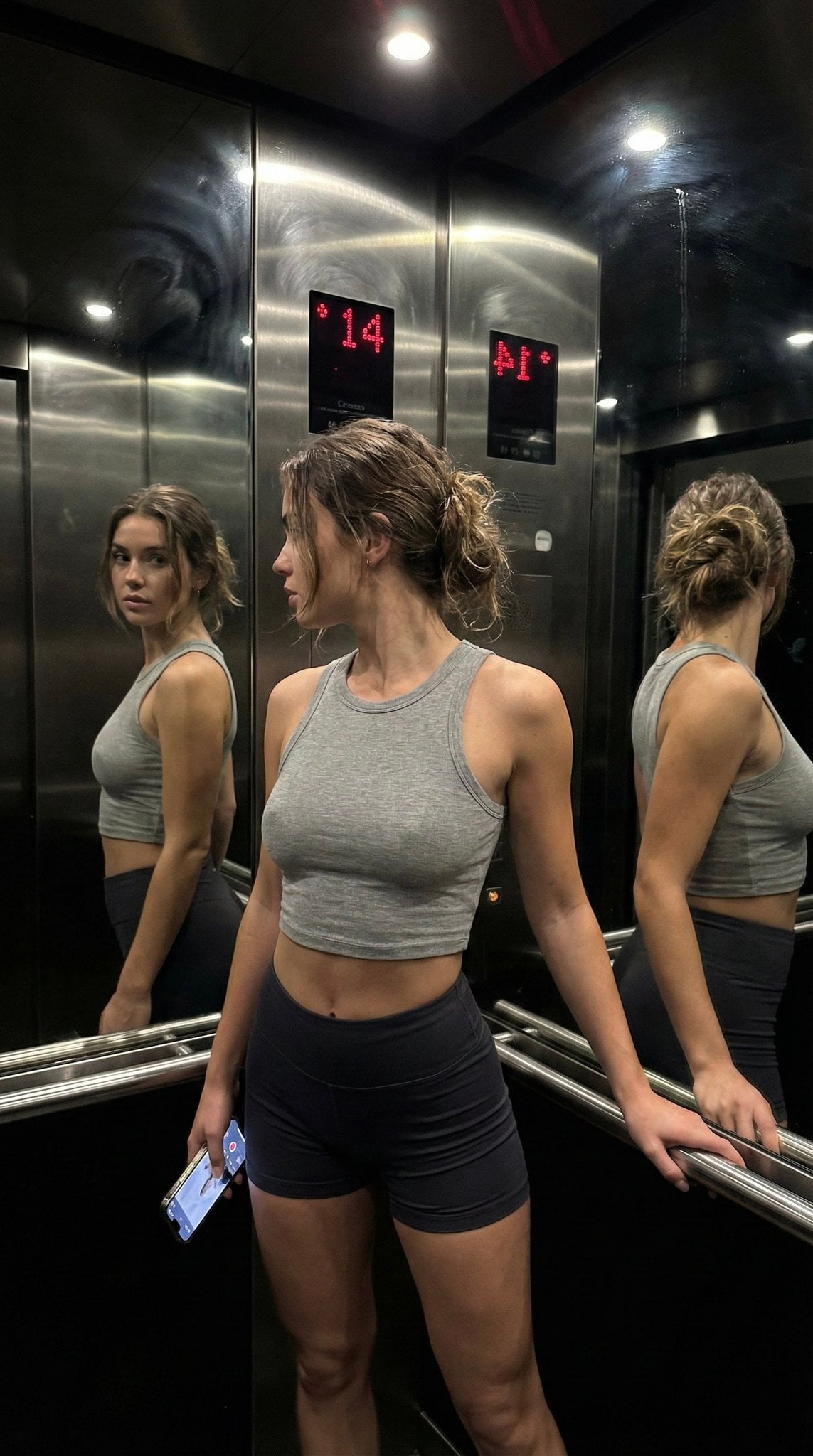
Late Night Elevator Multi Mirror Selfie

Headphones Lifestyle Nine Panel Grid

Isometric Process Educational Diorama
More image prompts
Fresh picks from across the catalog.
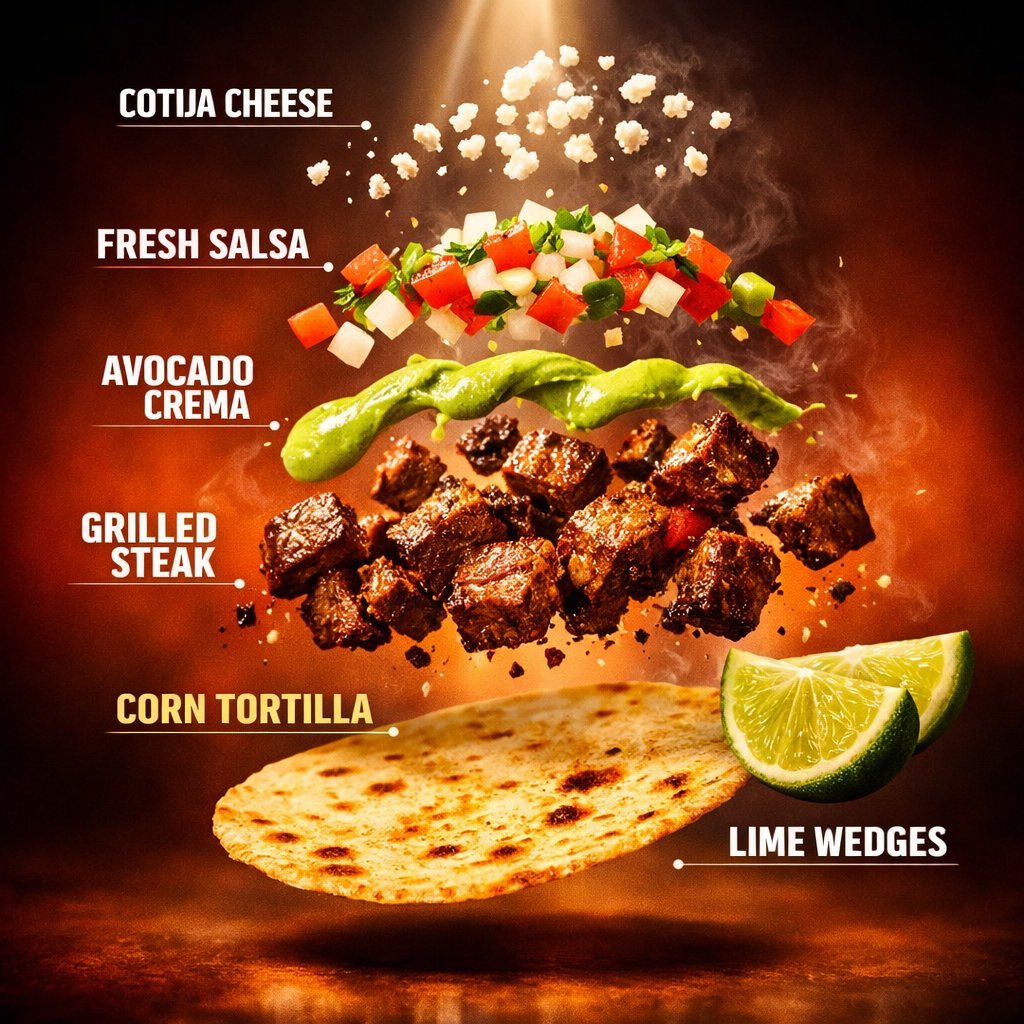
Exploded Tacos Commercial Visualization
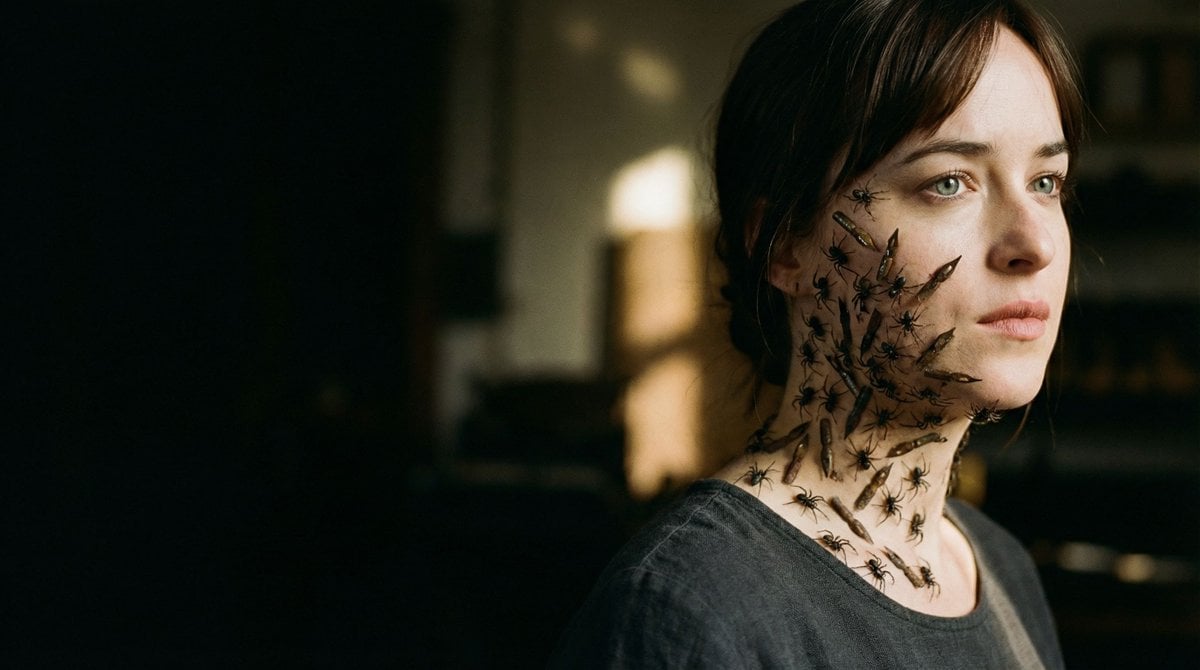
Editorial Surrealist Portrait: The Ink Lament
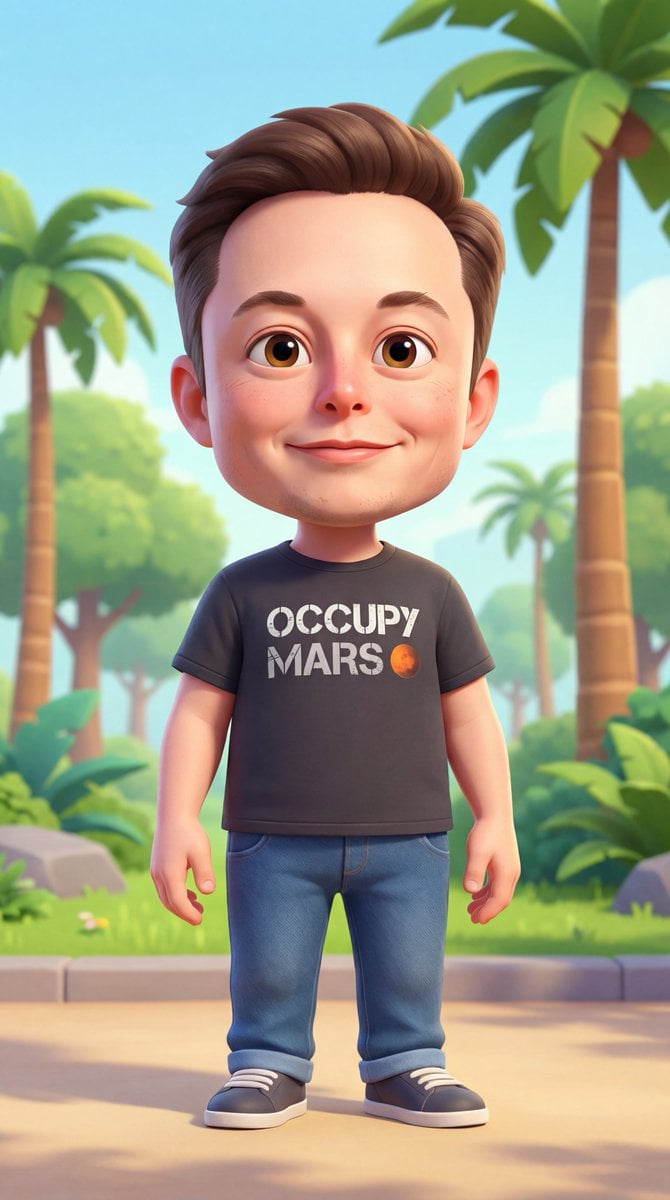
3D Cartoon Character Generation Prompt
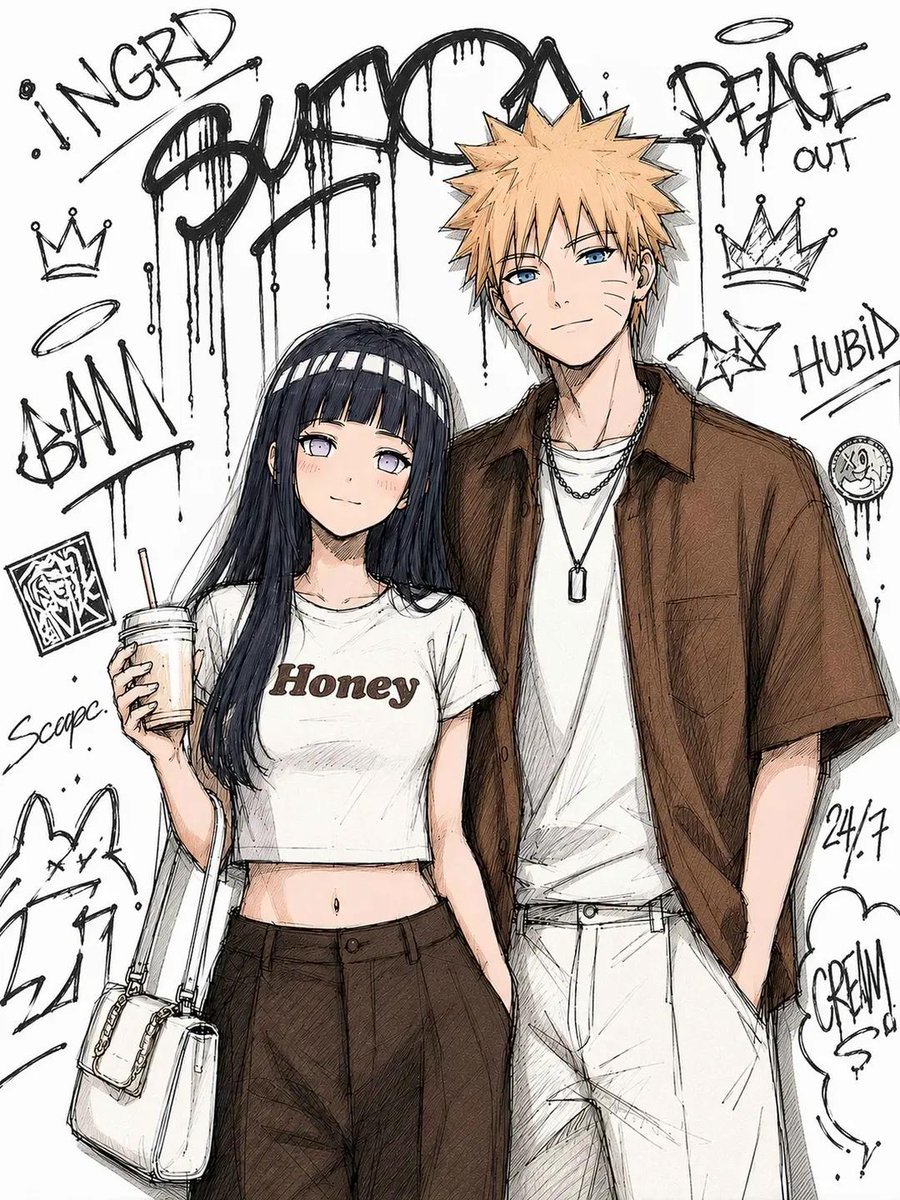
Tokyo Street Fashion Anime Art
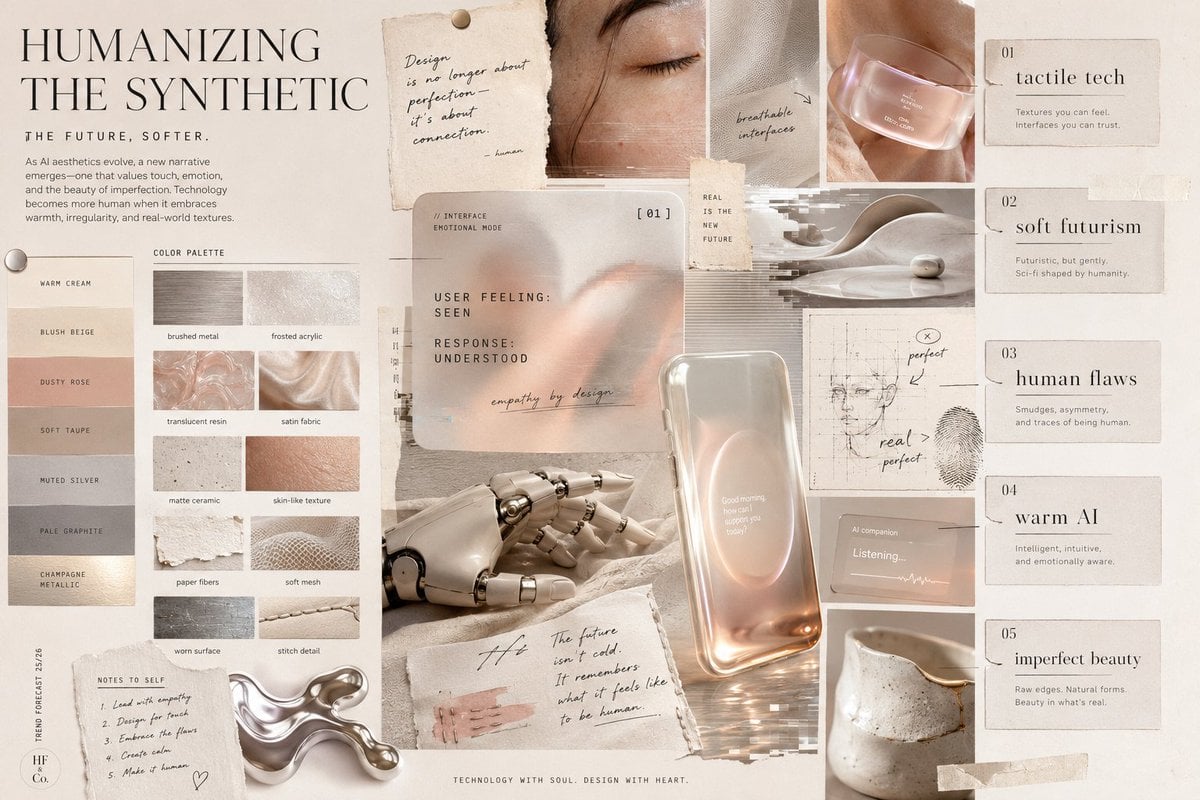
Visual Trend Analysis Moodboard
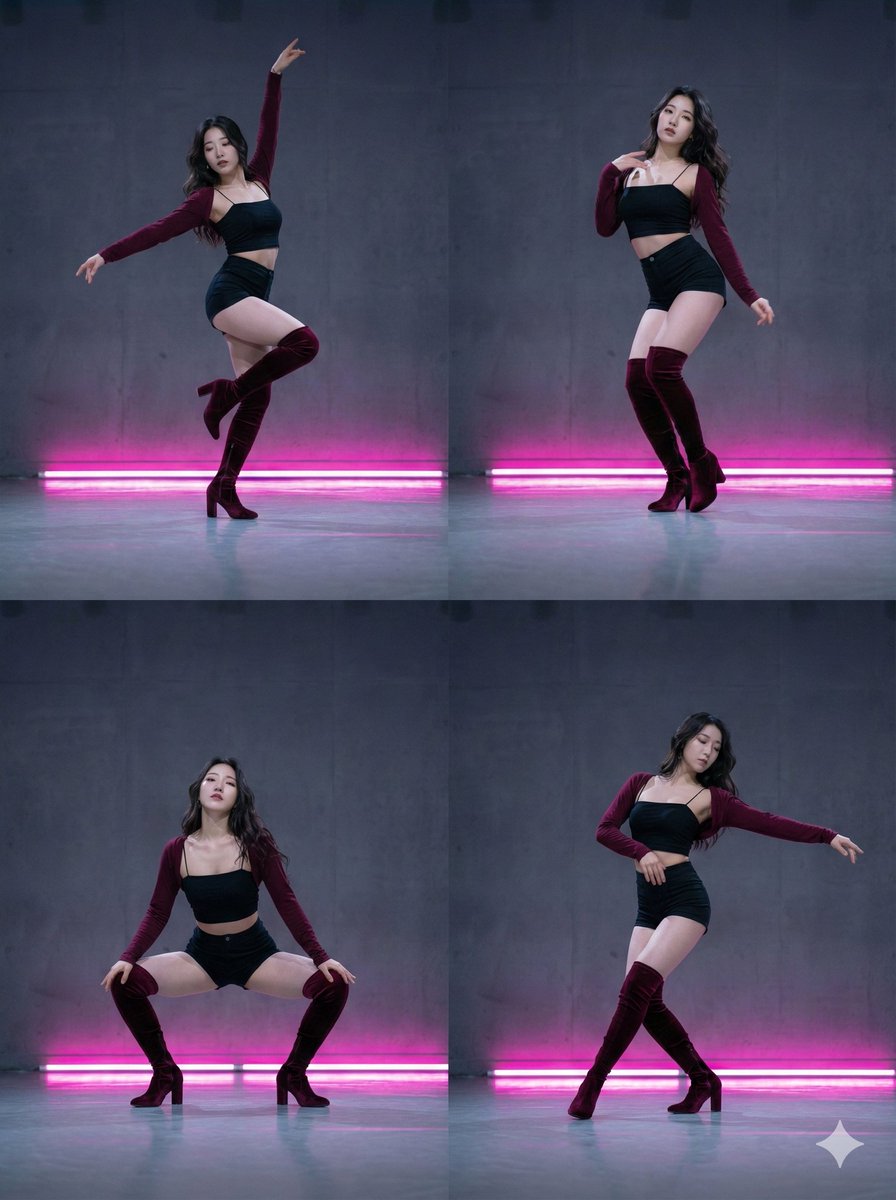
2x2 Grid Composition for Consistent Images
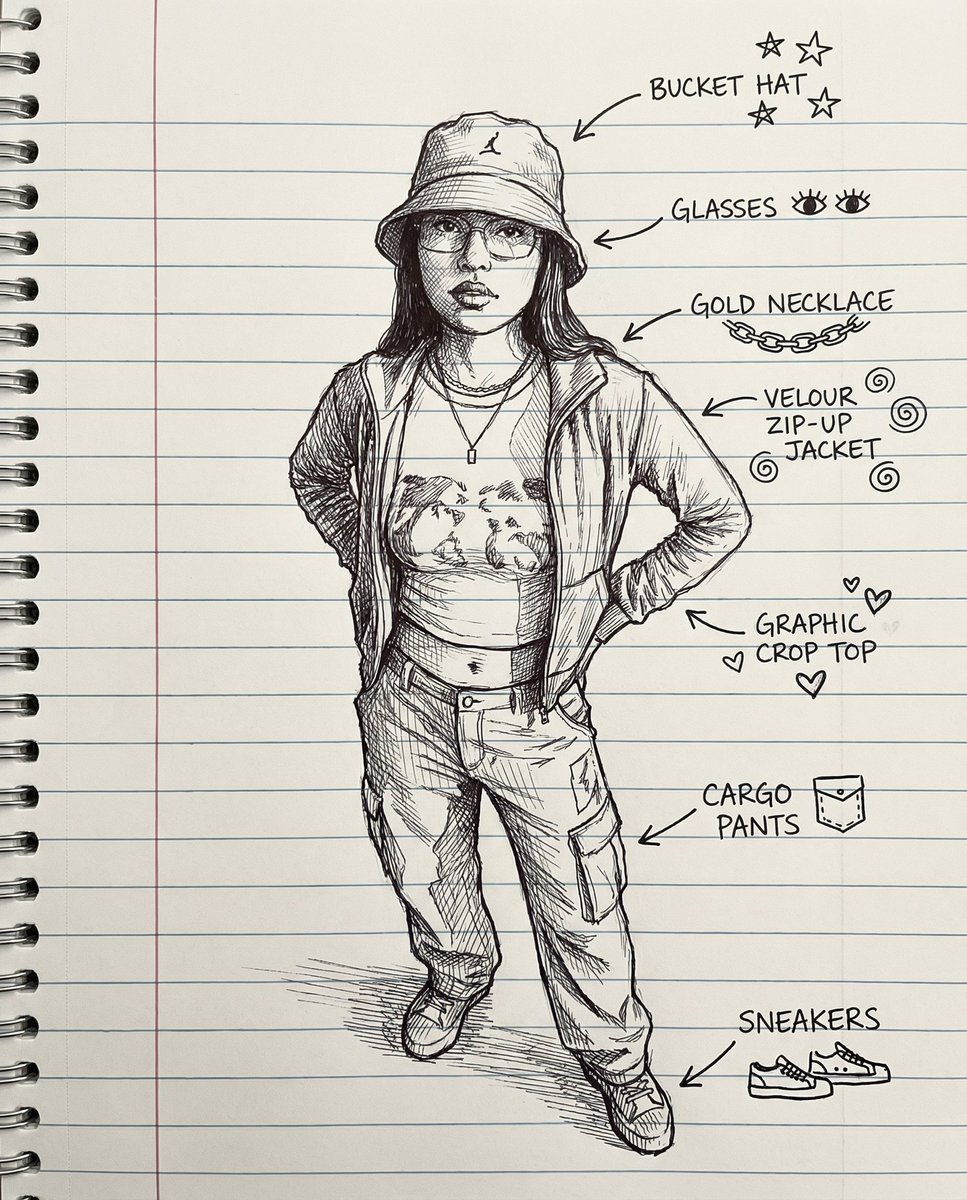
Sketch Drawing Annotation Prompt
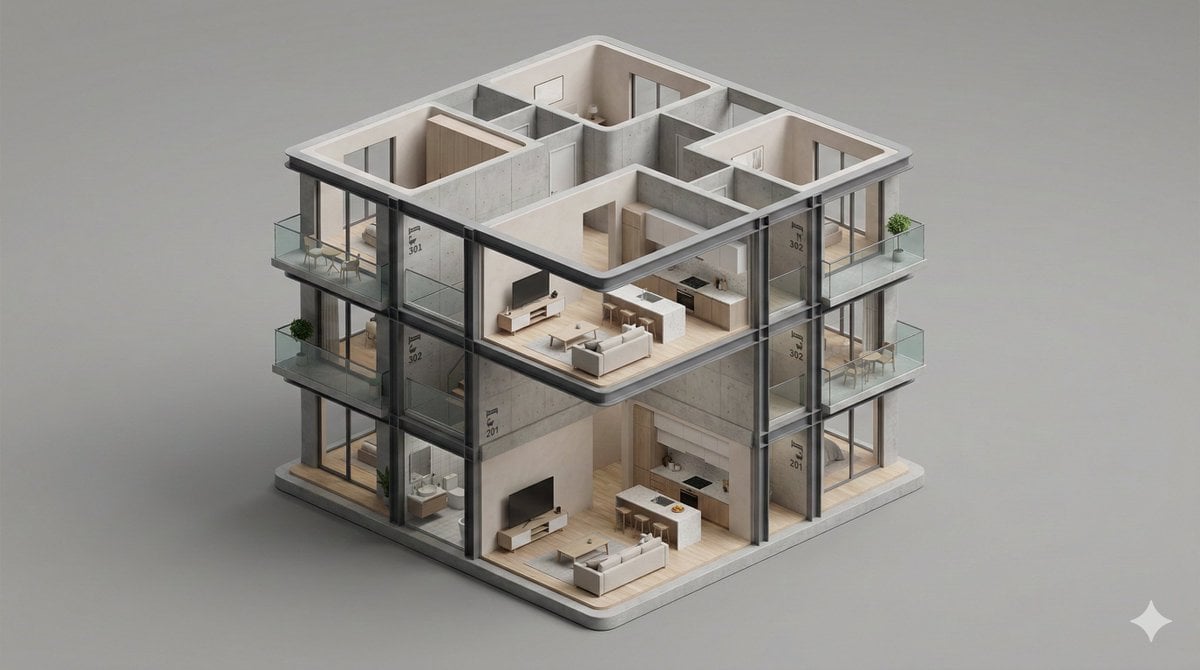
Minimalist 3D Isometric Architectural Diorama

Japanese AI Case Study Slide
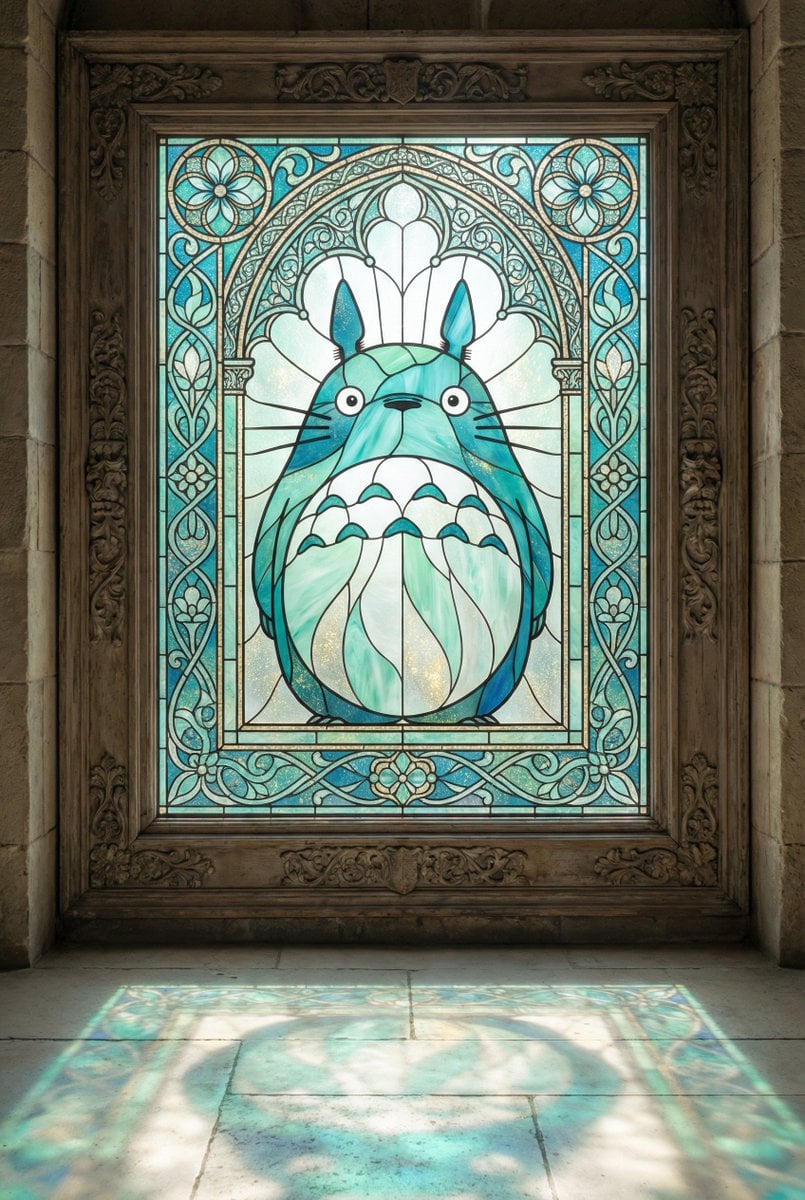
Stained Glass Window Art Prompt
Browse template categories
Oval Mirror Vintage Camera Self Portrait questions
How do I use the Oval Mirror Vintage Camera Self Portrait template?
Add your photo if the template asks for one, edit the prompt if you like — the template's model and format are already selected — and press Generate. Your version opens in PicX Studio.
Can I customize the Oval Mirror Vintage Camera Self Portrait template?
Yes. You can change the subject, setting, lighting, mood, format, and available model controls before creating your image.
Is the Oval Mirror Vintage Camera Self Portrait template free?
Opening and editing this template is free. Generating uses credits, shown on the Generate button when you are signed in.
Which AI model should I use?
Start with Nanobanana, which is the model associated with this template. You can compare another compatible model for a different finish.
Looking for something else? Browse all templates.

Your photo, any look
Thousands of ready templates for every top image and video model, from one credit balance.