
Concrete Hallway Editorial Mirror Selfie
MeiGen selfie/mirror selfie pack.
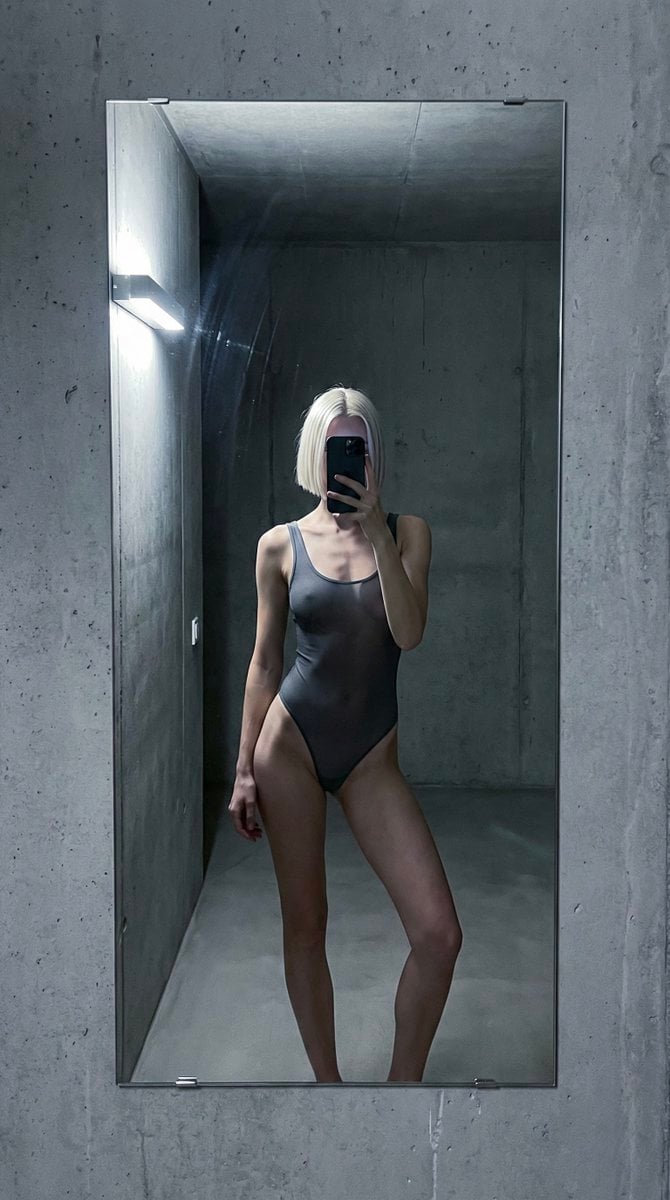
- Prompt included
- Model and format preset
- Premium template
The prompt behind this image
Copy the exact prompt behind Concrete Hallway Editorial Mirror Selfie, or open it in the studio and make it yours.
- Meta › Aspect Ratio
- 9:16
- Meta › Camera
- iPhone rear camera
- Meta › Lens
- 35mm
- Meta › Quality
- ultra photorealistic
- Meta › Style
- cold editorial mirror reflection, raw iphone realism, natural skin texture, slight grain
- Scene › Location
- empty concrete hallway apartment
- Scene › Visibility Rule
- only mirror reflection visible, subject never appears directly
- Scene › Environment Details
- tall frameless mirror mounted on concrete wall, industrial gray walls, soft shadow gradients, clean but slightly brutalist interior
- Scene › Time
- very late night
- Scene › Atmosphere
- silent, detached, fashion-editorial tension
- Lighting › Type
- single directional light
- Lighting › Source
- cool LED wall light from side
- Lighting › Color Temperature
- cold white
- Lighting › Effect
- sharp highlights on shoulders and collarbones, deep controlled shadows
- Camera Perspective › Pov
- mirror reflection only
- Camera Perspective › Angle
- straight-on, chest-height
- Camera Perspective › Framing
- upper thighs to head visible only inside mirror
- Camera Perspective › Real World Visibility
- no body parts visible outside mirror
- Camera Perspective › Phone Visibility
- phone covering face in reflection
- Subject › Gender
- female
- Subject › Age Vibe
- young adult
- Subject › Ethnicity
- Northern European
- Subject › Hair › Color
- icy platinum blonde
- Subject › Hair › Style
- short blunt bob
Raw JSON
{
  "meta": {
    "aspect_ratio": "9:16",
    "camera": "iPhone rear camera",
    "lens": "35mm",
    "quality": "ultra photorealistic",
    "style": "cold editorial mirror reflection, raw iphone realism, natural skin texture, slight grain"
  },
  "scene": {
    "location": "empty concrete hallway apartment",
    "visibility_rule": "only mirror reflection visible, subject never appears directly",
    "environment_details": [
      "tall frameless mirror mounted on concrete wall",
      "industrial gray walls",
      "soft shadow gradients",
      "clean but slightly brutalist interior"
    ],
    "time": "very late night",
    "atmosphere": "silent, detached, fashion-editorial tension"
  },
  "lighting": {
    "type": "single directional light",
    "source": "cool LED wall light from side",
    "color_temperature": "cold white",
    "effect": "sharp highlights on shoulders and collarbones, deep controlled shadows"
  },
  "camera_perspective": {
    "pov": "mirror reflection only",
    "angle": "straight-on, chest-height",
    "framing": "upper thighs to head visible only inside mirror",
    "real_world_visibility": "no body parts visible outside mirror",
    "phone_visibility": "phone covering face in reflection"
  },
  "subject": {
    "gender": "female",
    "age_vibe": "young adult",
    "ethnicity": "Northern European",
    "hair": { "color": "icy platinum blonde", "style": "short blunt bob", "behavior": "clean lines, barely touching jaw" },
    "outfit": {
      "bodysuit": {
        "type": "one-piece mesh bodysuit",
        "color": "smoky graphite gray",
        "material": "semi-transparent technical mesh",
        "fit": "tight, sculpting, stretched naturally",
        "coverage": "fashion-revealing, non-explicit"
      }
    },
    "pose": {
      "position": "standing still close to mirror",
      "legs": { "stance": "asymmetrical", "detail": "one leg straight, one knee slightly bent inward" },
      "hips": { "action": "subtle sideways shift creating tension in fabric" },
      "arms": { "phone_hand": "holding phone directly in front of face", "free_hand": "hanging loose by side, relaxed fingers" },
      "vibe": "cold confidence, model-off-duty, emotionally distant"
    },
    "face": { "visibility": "completely hidden by phone", "effect": "identity erased, body language only" }
  },
  "imperfections": ["minor mirror streaks", "uneven LED light falloff", "slight handheld camera micro-tilt"]
}How to use Concrete Hallway Editorial Mirror Selfie in 3 steps
- 1
Open
The prompt is already in the box next to the preview, with the template's model and format selected.
- 2…a portrait of your subject in softgolden-hour light, 85mm…
Personalize
Edit the subject and creative details for your destination.
- 3Generate
Generate
Press Generate — your image is created in PicX Studio, so you can compare it with the original and refine one variable at a time.
More like this
Templates with the same subject, style or setup. Open one to see its prompt.

Rooftop Fisheye — Cat-Ear Balaclava at Golden Hour

Felt & Knit 3D Character — Photo-Exact Face, Pixar-Quality Plush Figurine

Surreal Cat Astronaut — Humanoid Face Freefall
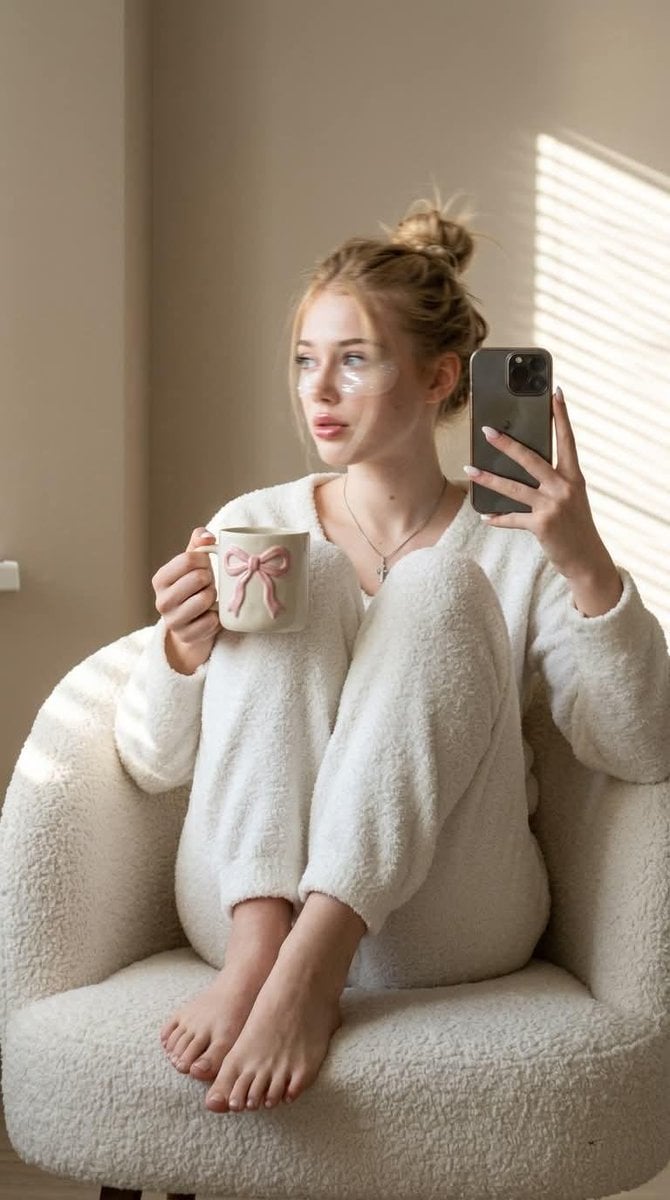
Morning Mirror Selfie Candid

Panel Mirror Selfie Collage
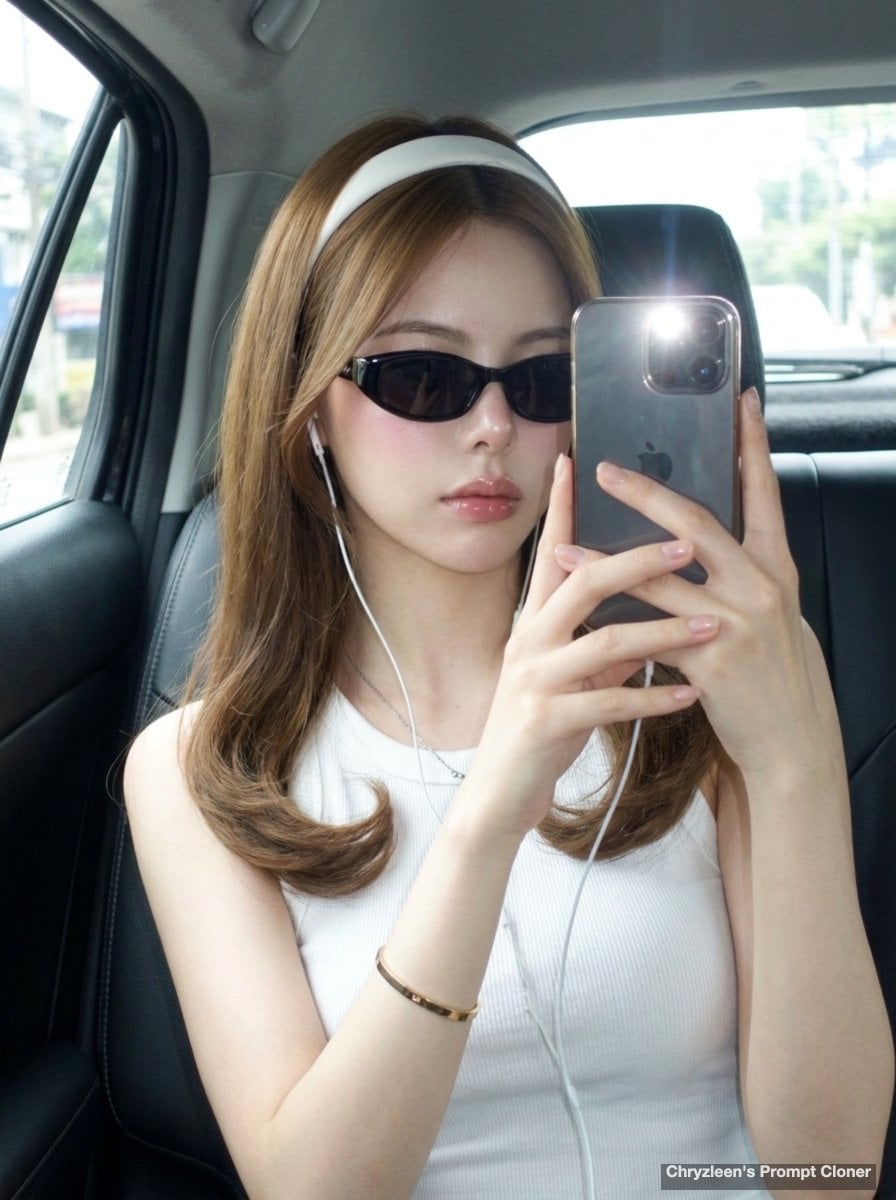
Backseat Mirror Selfie
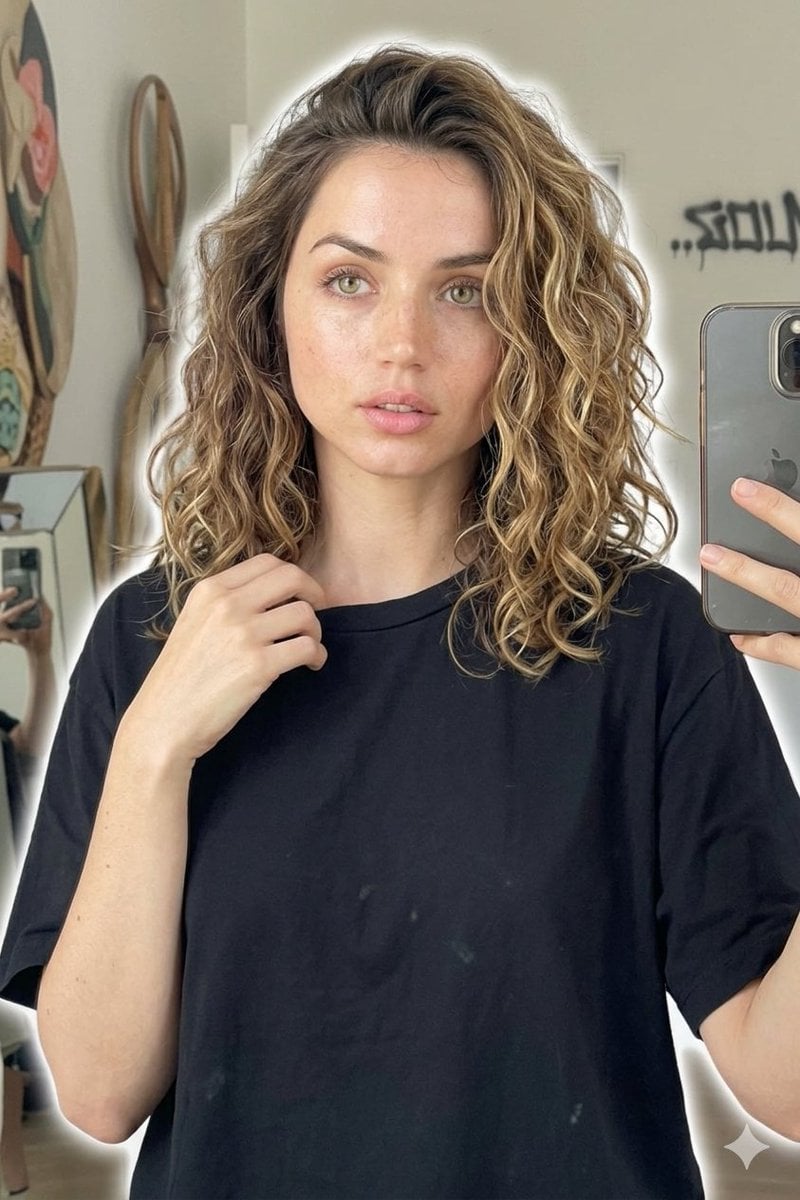
Candid Mirror Selfie Beauty Portrait
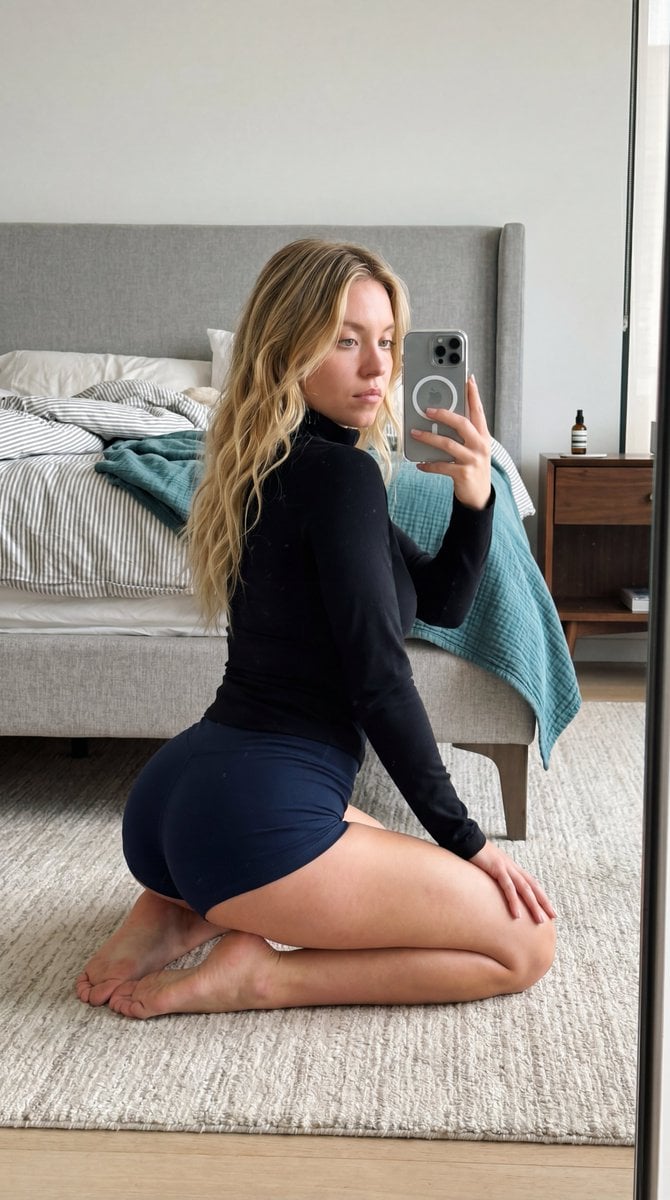
Intimate Bedroom Mirror Selfie
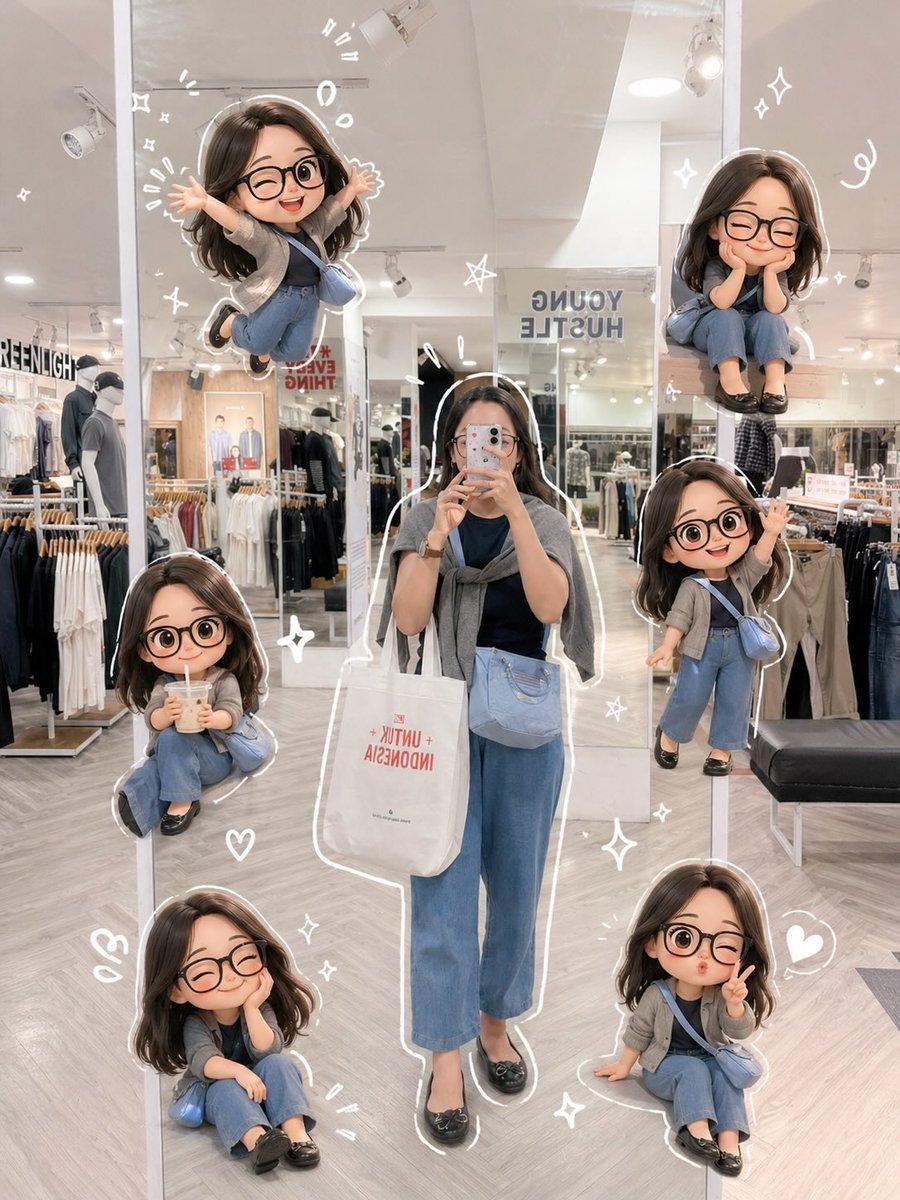
Chibi Mirror Selfie with Kawaii Doodles
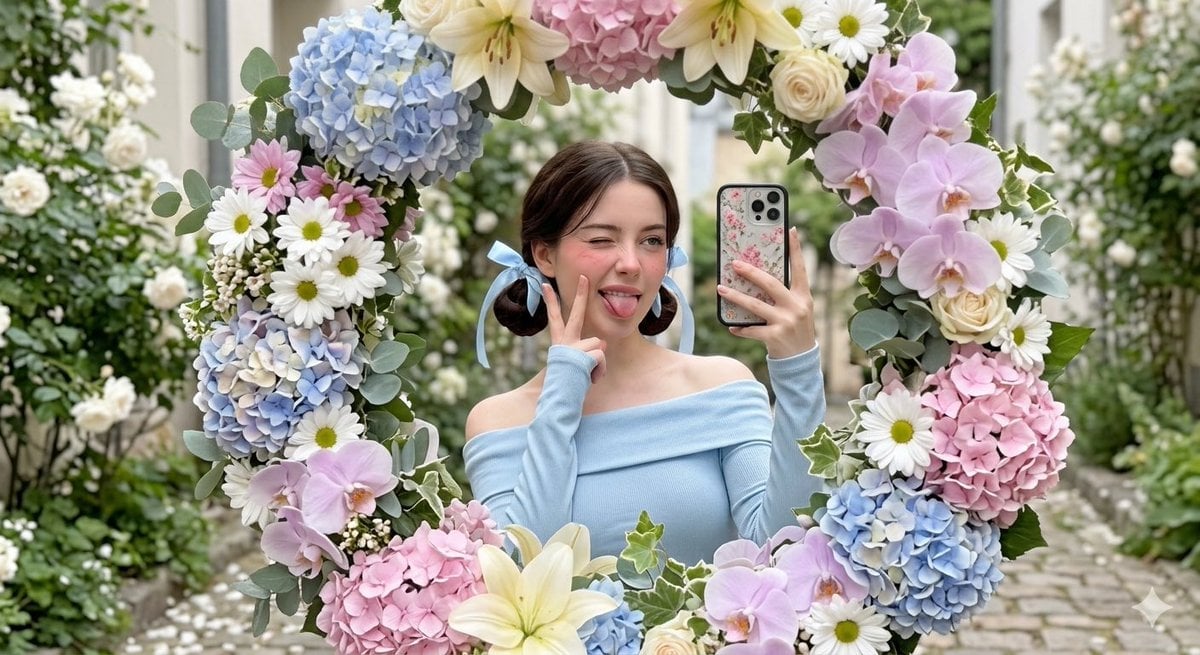
Floral Mirror Selfie Portrait
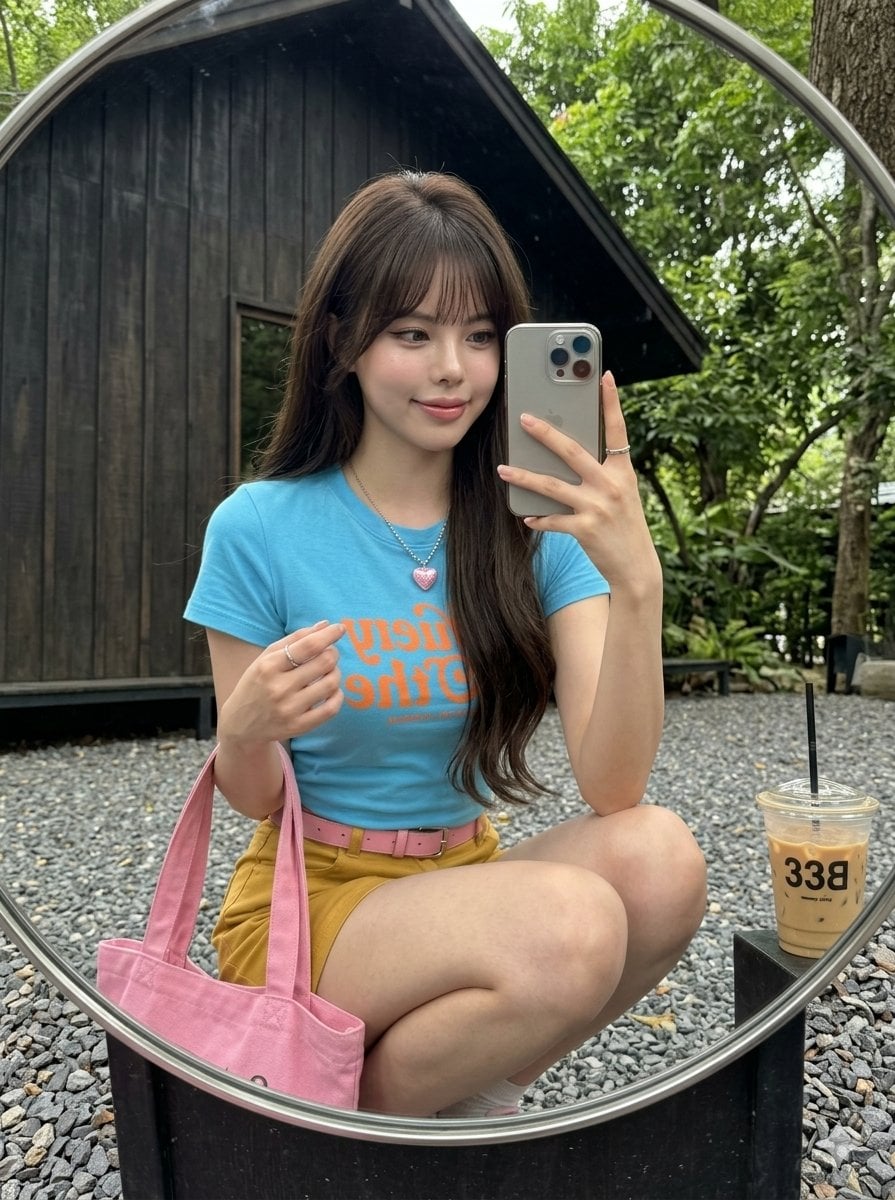
iPhone Mirror Selfie Realism
Make it yours
Concrete Hallway Editorial Mirror Selfie works as-is. These are the safest ways to change it without losing the look.
Swap the setting
Keep the rest of the prompt and replace the location block. The current setting is “empty concrete hallway apartment”.
Swap the light
One lighting change is enough to compare takes. Current light: “single directional light”.
Change one field
Copy a single group, rewrite it, and generate again so you can see what that field is doing.
| If the result… | Why | Fix |
|---|---|---|
| The result drifts from the preview | Too many fields changed at once. | Reuse Concrete Hallway Editorial Mirror Selfie as-is first, then change one group — subject, light, or setting. |
| Nanobanana ignores part of the JSON | Some models flatten or skip nested keys. | Keep the same values and paste them as a short paragraph instead. |
More Nanobanana templates
Other prompts made for Nanobanana.
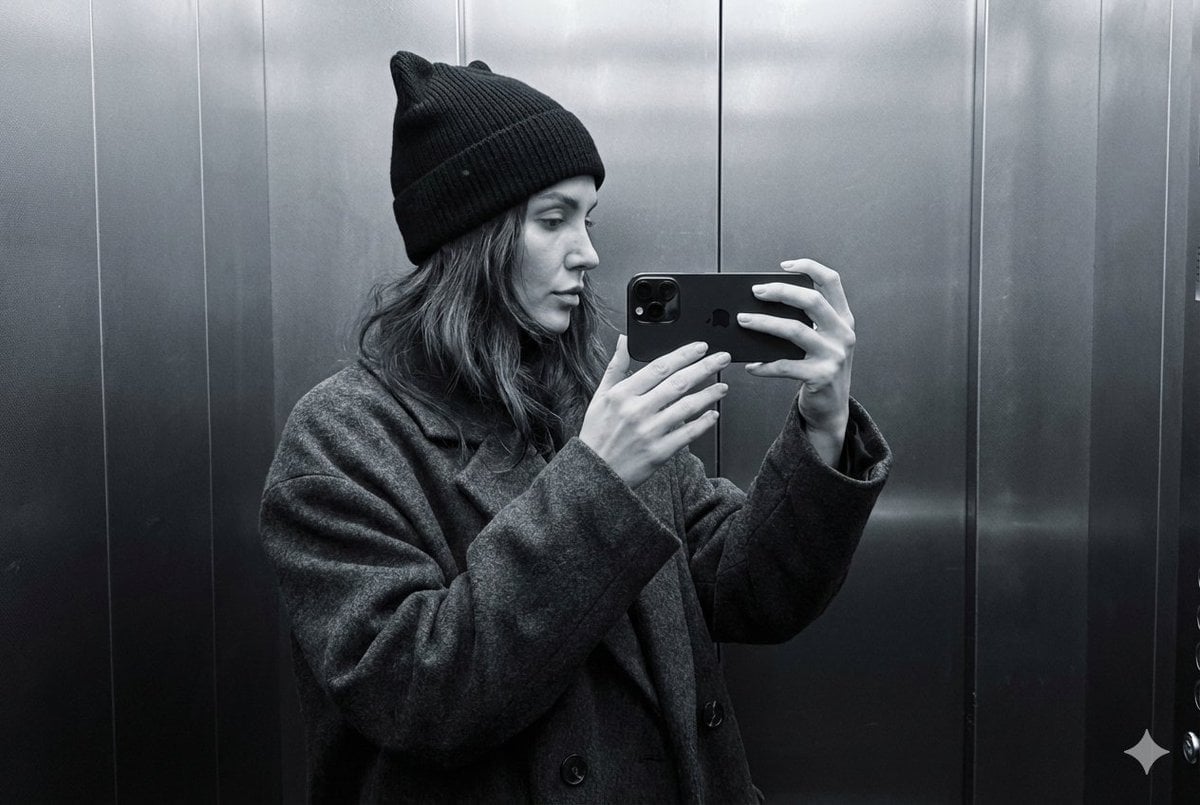
Monochrome Elevator Profile Cat Ear Selfie
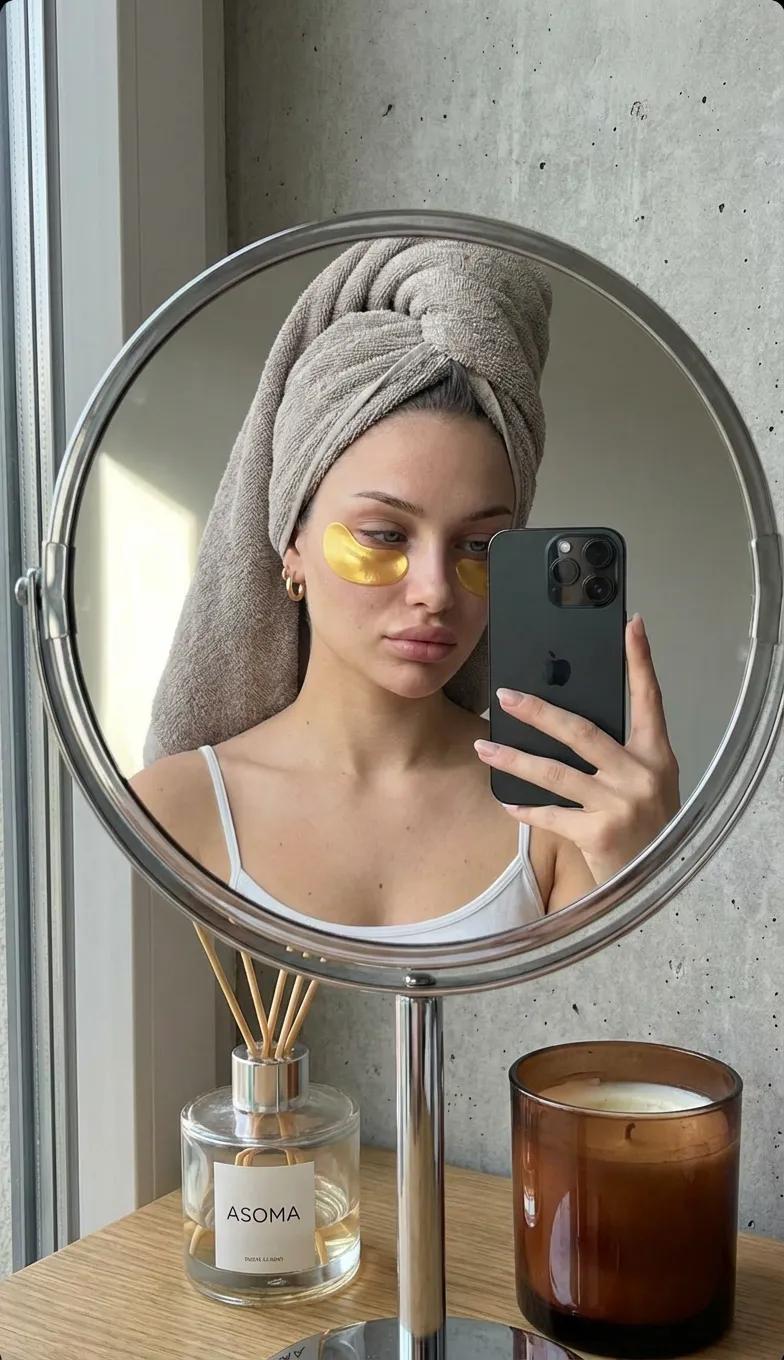
Round Tabletop Mirror Skincare Selfie
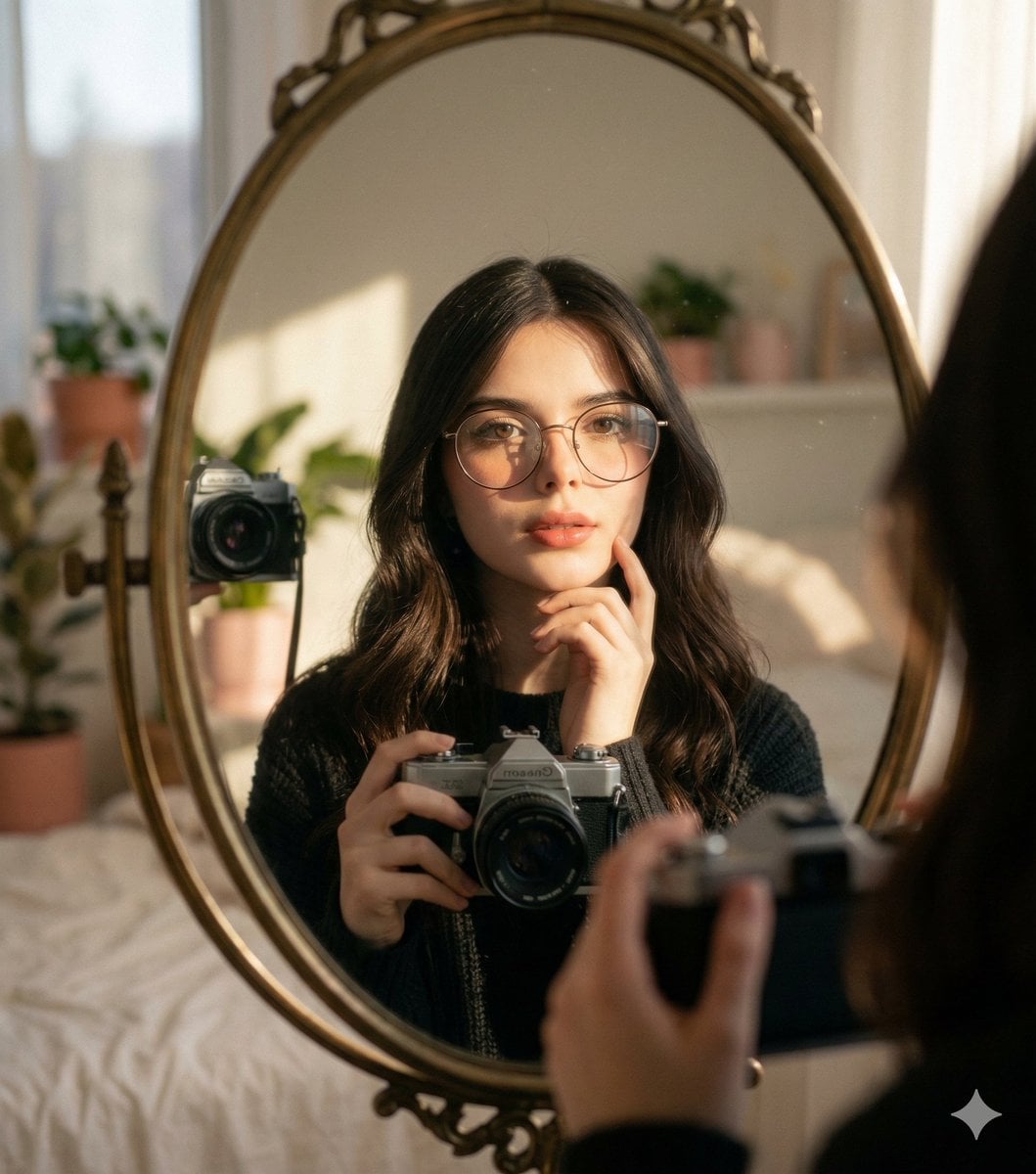
Oval Mirror Vintage Camera Self Portrait
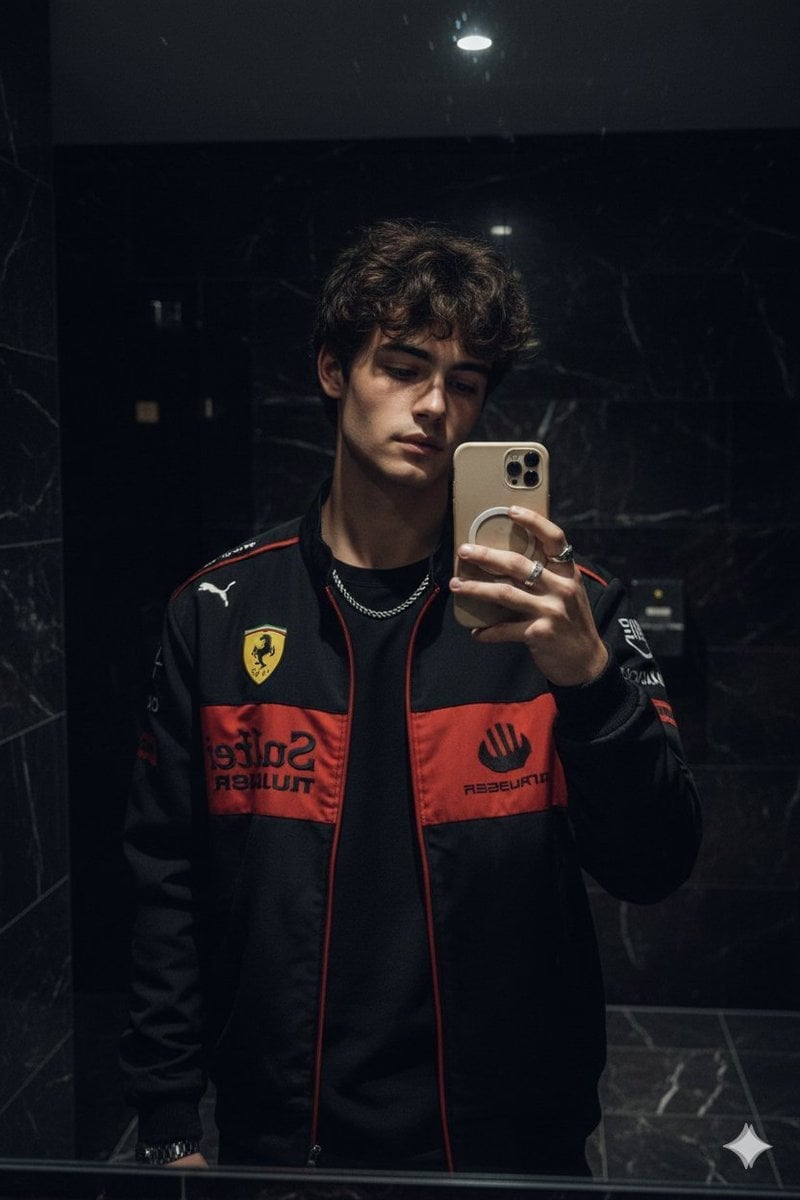
Dark Marble Bathroom Racing Jacket Mirror Selfie
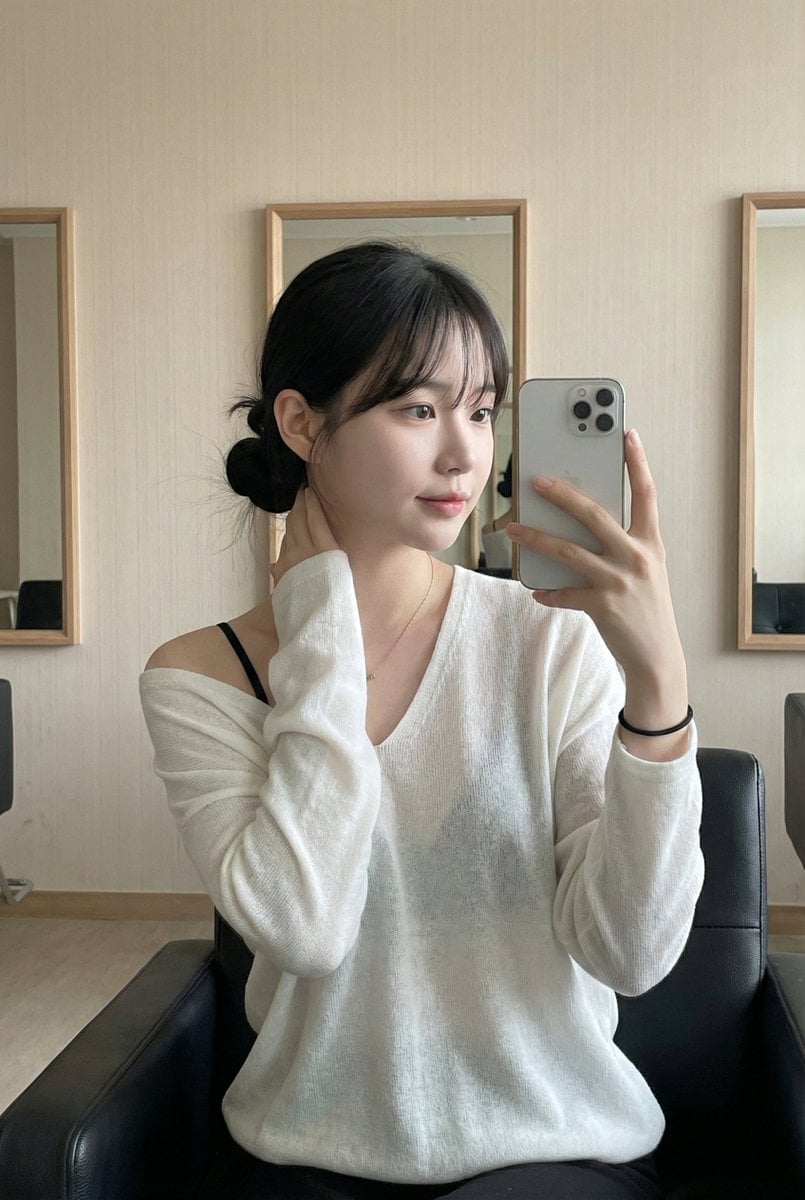
Leather Chair Soft Indoor Mirror Selfie
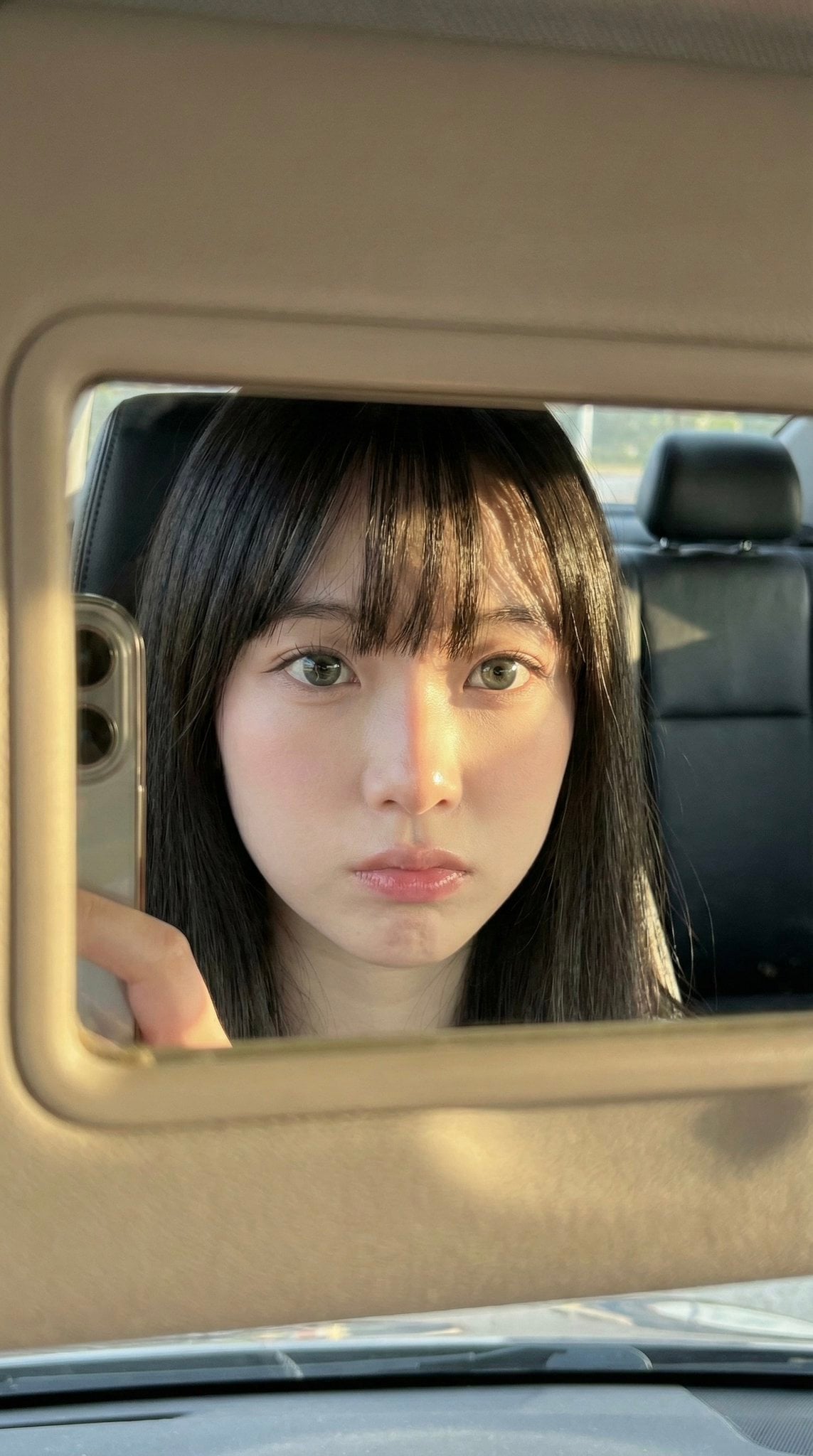
Car Sun Visor Vanity Mirror Close Up
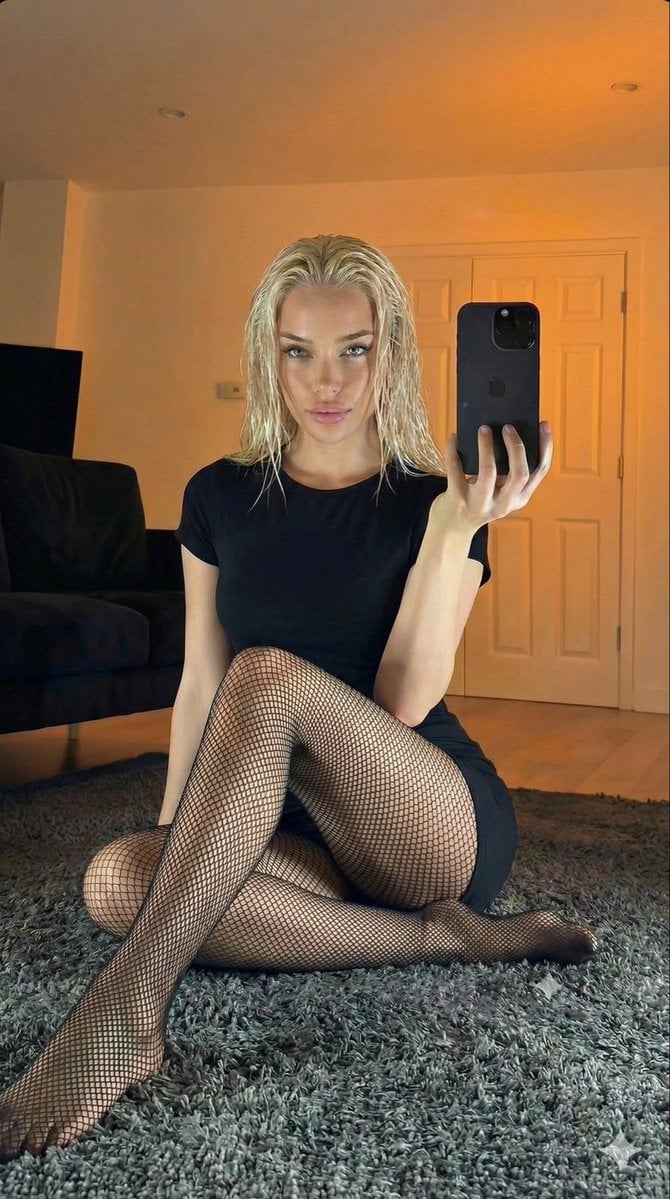
Living Room Rug Evening Mirror Selfie
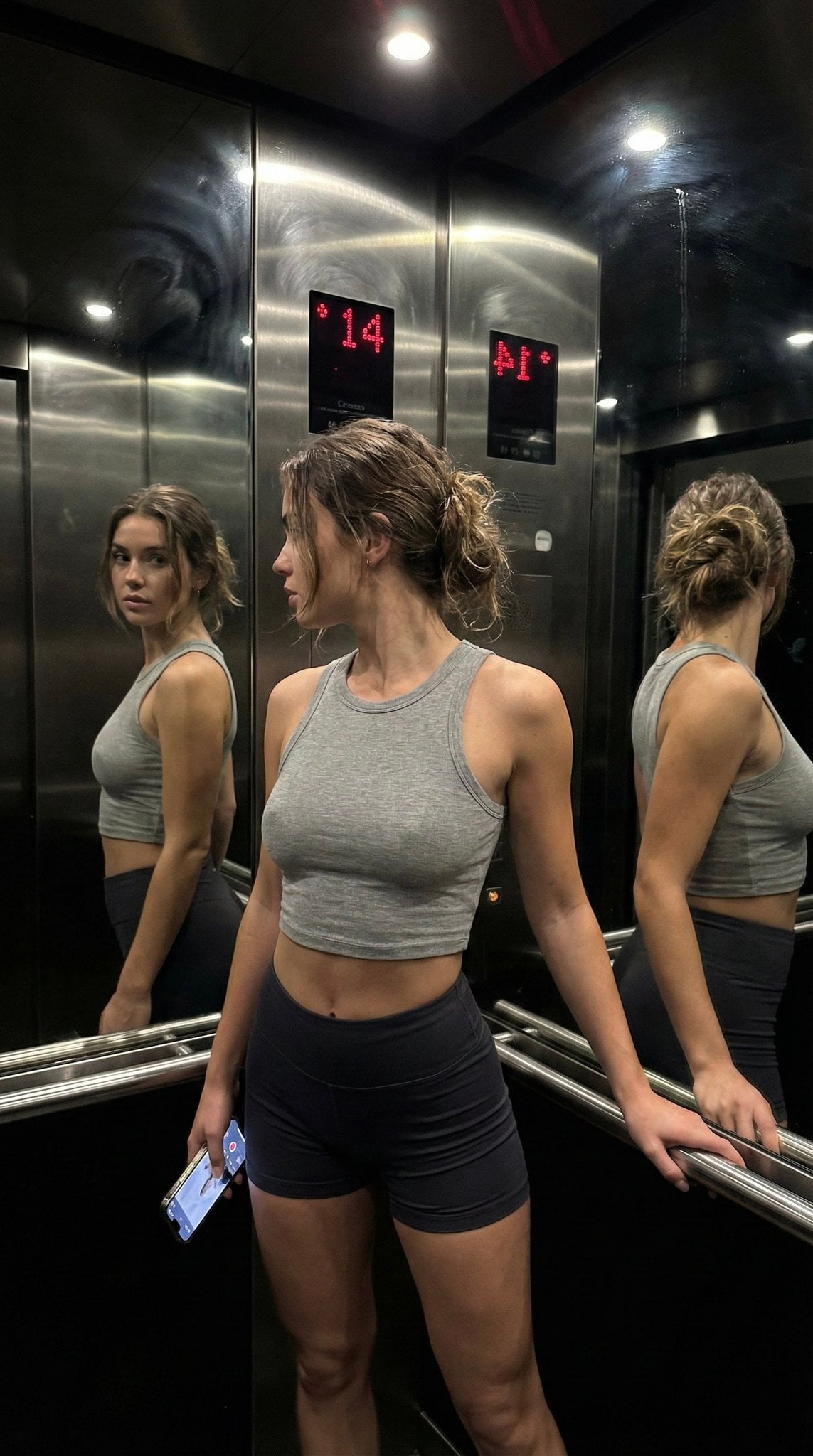
Late Night Elevator Multi Mirror Selfie

Headphones Lifestyle Nine Panel Grid

Isometric Process Educational Diorama
More image prompts
Fresh picks from across the catalog.
Ultra-Photorealistic Luxury Pop-Up Store Prompt
Shraddha Kapoor Black Turtleneck Studio Portrait Prompt
Cinematic Golden Hour City Sunset Illustration

Fantasy Landscape Image Prompt for Gemini Nano 3 Pro
Hyperrealistic Mayan Pyramid Coffee Bean Miniature Prompt
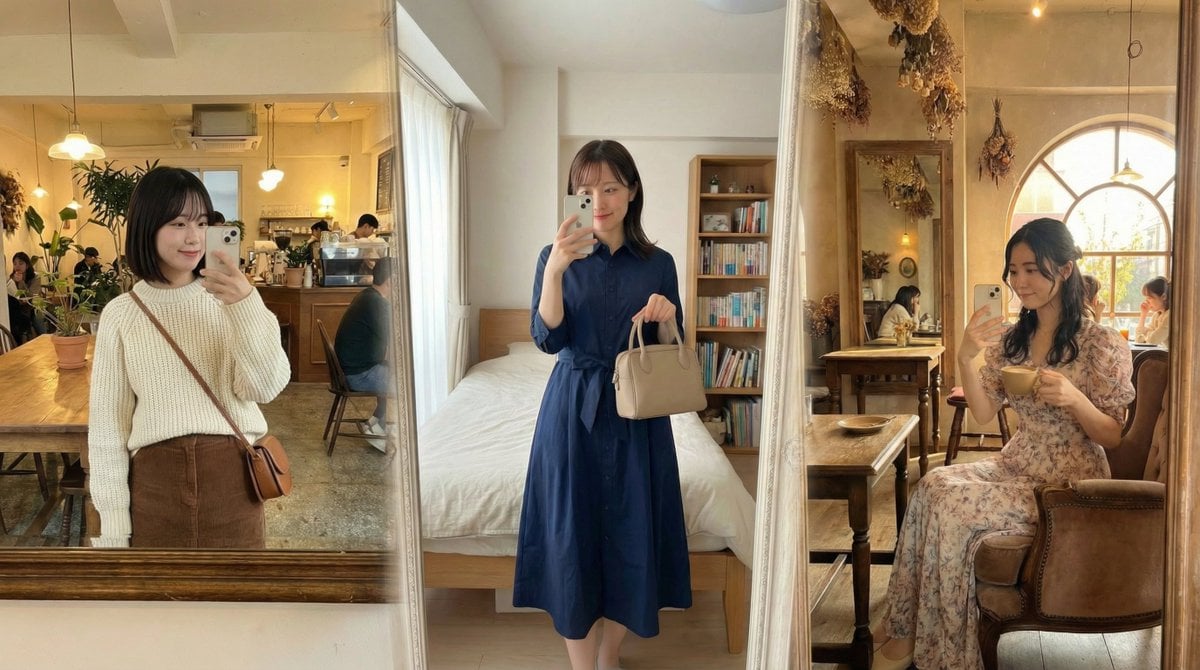
Nano Banana Pro Prompt for Realistic Selfie Photos
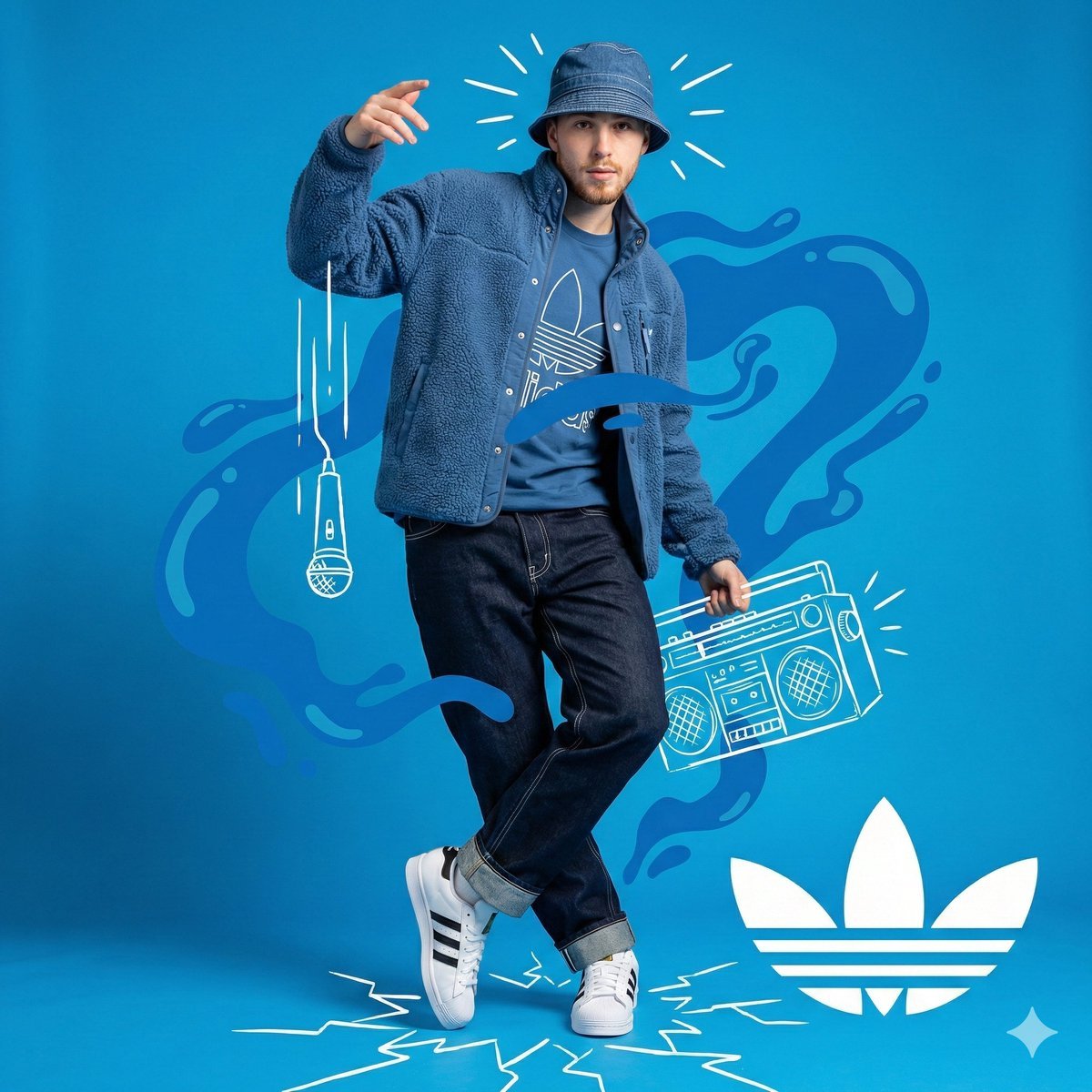
Blue Adidas Streetwear Composite Portrait Prompt (Nano Banana Pro)
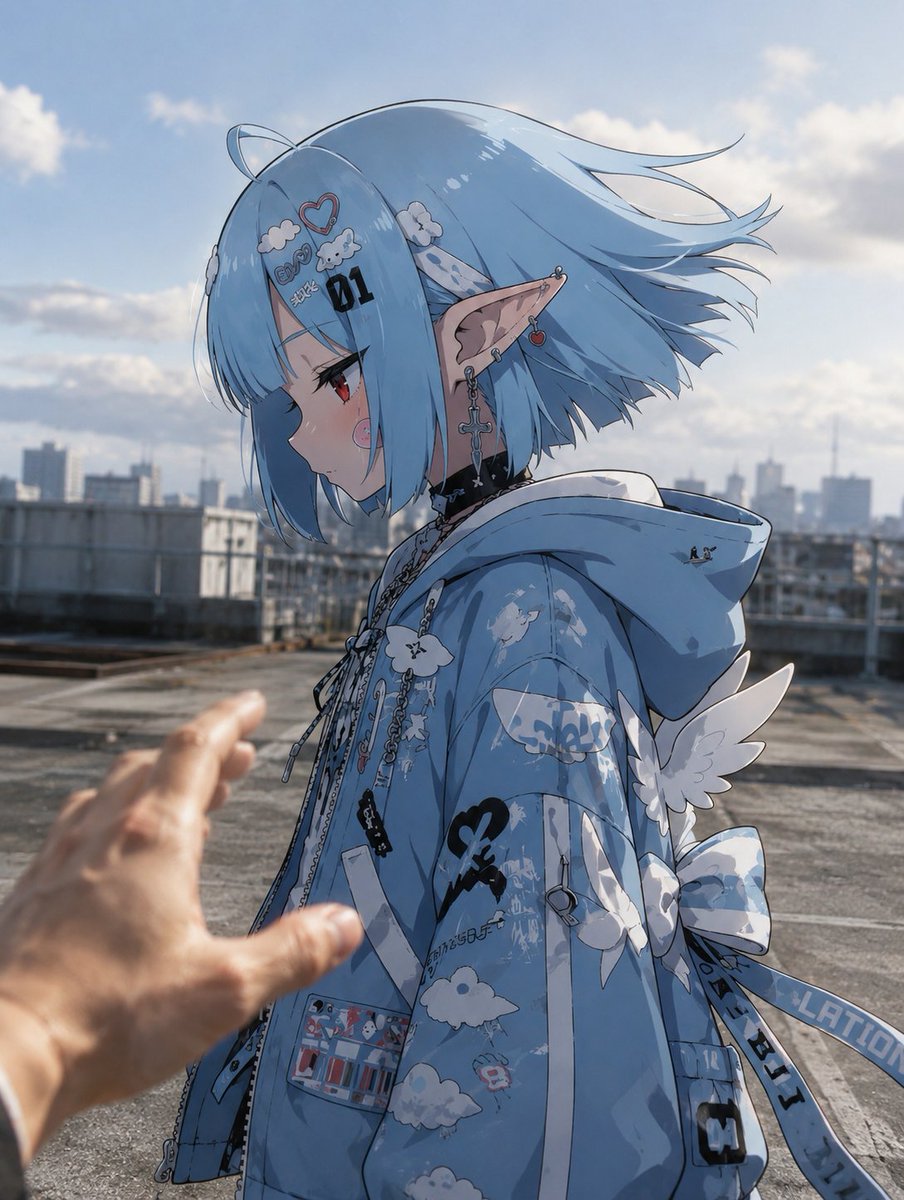
Anime Character in Real Rooftop Scene

Propaganda Poster Style: Nose Hair Horror

Professional Infographic Generation Prompt
Browse template categories
Concrete Hallway Editorial Mirror Selfie questions
How do I use the Concrete Hallway Editorial Mirror Selfie template?
Add your photo if the template asks for one, edit the prompt if you like — the template's model and format are already selected — and press Generate. Your version opens in PicX Studio.
Can I customize the Concrete Hallway Editorial Mirror Selfie template?
Yes. You can change the subject, setting, lighting, mood, format, and available model controls before creating your image.
Is the Concrete Hallway Editorial Mirror Selfie template free?
Opening and editing this template is free. Generating uses credits, shown on the Generate button when you are signed in.
Which AI model should I use?
Start with Nanobanana, which is the model associated with this template. You can compare another compatible model for a different finish.
Looking for something else? Browse all templates.

Your photo, any look
Thousands of ready templates for every top image and video model, from one credit balance.