
Car Sun Visor Vanity Mirror Close Up
MeiGen selfie/mirror selfie pack.
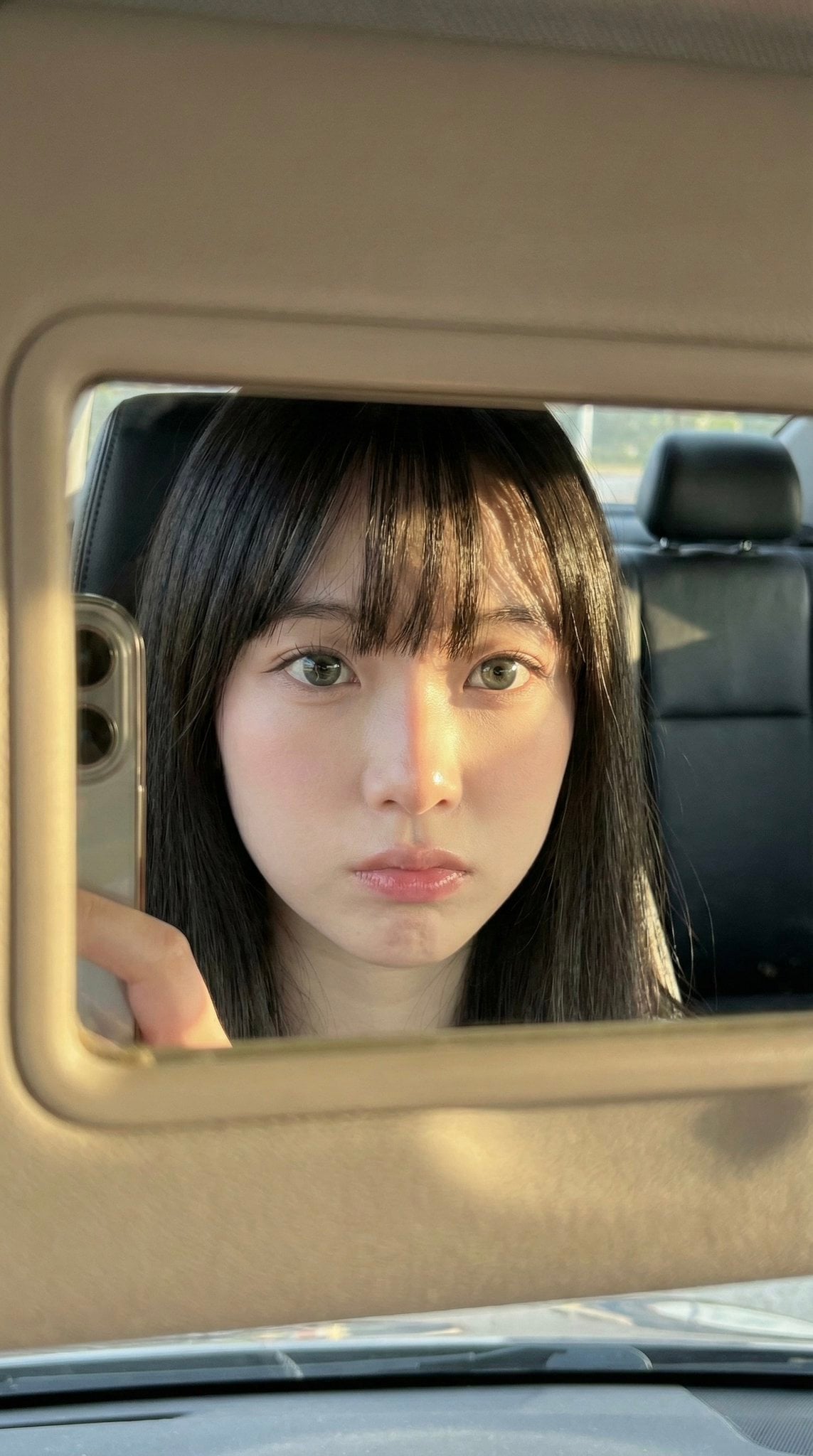
- Prompt included
- Model and format preset
- Free template
The prompt behind this image
Copy the exact prompt behind Car Sun Visor Vanity Mirror Close Up, or open it in the studio and make it yours.
- Meta › Aspect Ratio
- 9:16
- Meta › Quality
- ultra_photorealistic
- Meta › Resolution
- 8K
- Meta › Camera
- iPhone front camera
- Meta › Lens
- 24mm
- Meta › Style
- raw iphone realism, pinterest girl aesthetic, natural skin texture, zero plastic look
- Composition › Concept
- frame within a frame
- Composition › Framing
- extreme close-up face reflection inside car sun visor vanity mirror
- Composition › Mirror Frame › Material
- thick beige / cream plastic
- Composition › Mirror Frame › Visibility
- dominant around edges of photo, slightly worn texture
- Composition › Phone Visibility › Type
- iPhone
- Composition › Phone Visibility › Detail
- partial phone edge visible on left side of mirror, controlling the shot
- Composition › Phone Visibility › Camera Bump
- subtle, realistic
- Scene › Location
- inside parked car
- Scene › Environment
- dark car interior, black leather seats, headrest visible in reflection
- Scene › Time
- golden hour
- Scene › Atmosphere
- quiet, intimate, candid daily life moment
- Lighting › Type
- direct golden hour sunlight
- Lighting › Direction
- sharp side sunlight from afternoon sun
- Lighting › Color Temperature
- warm golden
- Lighting › Contrast
- high
- Lighting › Effects
- strong highlights on skin, abstract hair shadow patterns across forehead and cheek, natural light bloom on lips and eyes
- Subject › Gender
- female
- Subject › Age
- early 20s (clearly adult)
Raw JSON
{
  "meta": {
    "aspect_ratio": "9:16",
    "quality": "ultra_photorealistic",
    "resolution": "8K",
    "camera": "iPhone front camera",
    "lens": "24mm",
    "style": "raw iphone realism, pinterest girl aesthetic, natural skin texture, zero plastic look"
  },
  "composition": {
    "concept": "frame within a frame",
    "framing": "extreme close-up face reflection inside car sun visor vanity mirror",
    "mirror_frame": {
      "material": "thick beige / cream plastic",
      "visibility": "dominant around edges of photo, slightly worn texture"
    },
    "phone_visibility": {
      "type": "iPhone",
      "detail": "partial phone edge visible on left side of mirror, controlling the shot",
      "camera_bump": "subtle, realistic"
    }
  },
  "scene": {
    "location": "inside parked car",
    "environment": ["dark car interior", "black leather seats", "headrest visible in reflection"],
    "time": "golden hour",
    "atmosphere": "quiet, intimate, candid daily life moment"
  },
  "lighting": {
    "type": "direct golden hour sunlight",
    "direction": "sharp side sunlight from afternoon sun",
    "color_temperature": "warm golden",
    "contrast": "high",
    "effects": [
      "strong highlights on skin",
      "abstract hair shadow patterns across forehead and cheek",
      "natural light bloom on lips and eyes"
    ]
  },
  "subject": {
    "gender": "female",
    "age": "early 20s (clearly adult)",
    "ethnicity": "East Asian / mixed pale tone",
    "face_structure": {
      "shape": "soft oval",
      "cheeks": "full, youthful, slightly flushed",
      "jawline": "delicate and smooth",
      "nose": "small, straight, soft rounded tip"
    },
    "eyes": {
      "size": "large",
      "shape": "round-almond hybrid",
      "color": "grey-green / light hazel",
      "vibe": "doll-like, calm, distant",
      "lashes": "long, natural, softly separated",
      "under_eye": "subtle natural shadow for soft tired-cute look",
      "gaze": "looking directly into mirror/lens"
    },
    "lips": {
      "size": "full",
      "shape": "soft cupid's bow",
      "color": "natural pink",
      "finish": "slightly glossy",
      "state": "relaxed, faint pout"
    },
    "skin": {
      "tone": "very pale porcelain",
      "undertone": "cool pink",
      "texture": "real skin with visible pores",
      "finish": "natural glow, no smoothing",
      "blush": "soft pink blush across cheeks and nose bridge"
    },
    "hair": {
      "color": "deep black",
      "length": "long",
      "style": "straight",
      "bangs": "full blunt bangs just above the eyes",
      "behavior": "hair framing face symmetrically, strands catching sunlight"
    },
    "makeup": {
      "style": "no-makeup makeup",
      "base": "sheer skin tint",
      "eyes": "very subtle eyeliner, emphasis on lashes",
      "cheeks": "natural pink flush",
      "lips": "clear or soft pink gloss"
    },
    "outfit": {
      "visibility": "minimal",
      "detail": "only hint of bare shoulders or thin strap visible",
      "color": "dark clothing",
      "note": "focus remains entirely on face"
    }
  },
  "vibe": {
    "aesthetic": ["pinterest girl", "soft doll face", "car mirror selfie", "candid", "raw photography"],
    "mood": "quiet, slightly melancholic confidence",
    "social_feel": "looks like an accidental golden hour story shot"
  }
}How to use Car Sun Visor Vanity Mirror Close Up in 3 steps
- 1
Open
The prompt is already in the box next to the preview, with the template's model and format selected.
- 2…a portrait of your subject in softgolden-hour light, 85mm…
Personalize
Edit the subject and creative details for your destination.
- 3Generate
Generate
Press Generate — your image is created in PicX Studio, so you can compare it with the original and refine one variable at a time.
More like this
Templates with the same subject, style or setup. Open one to see its prompt.

Rooftop Fisheye — Cat-Ear Balaclava at Golden Hour

Cat Photobomb Selfie — 0.5x Wide Angle Café Chaos
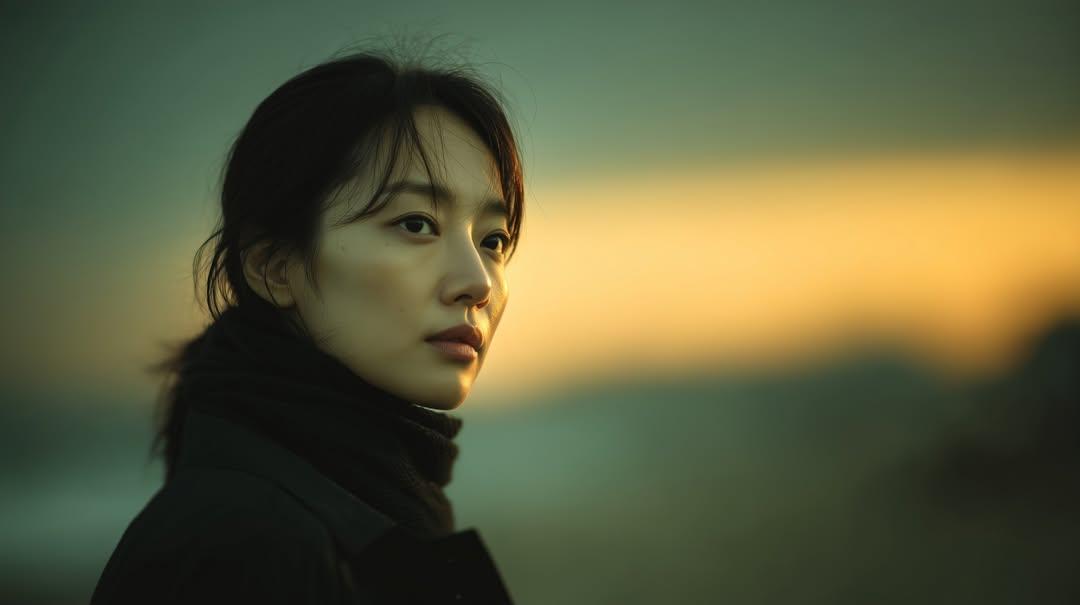
Sunset Side Profile East Asian Portrait
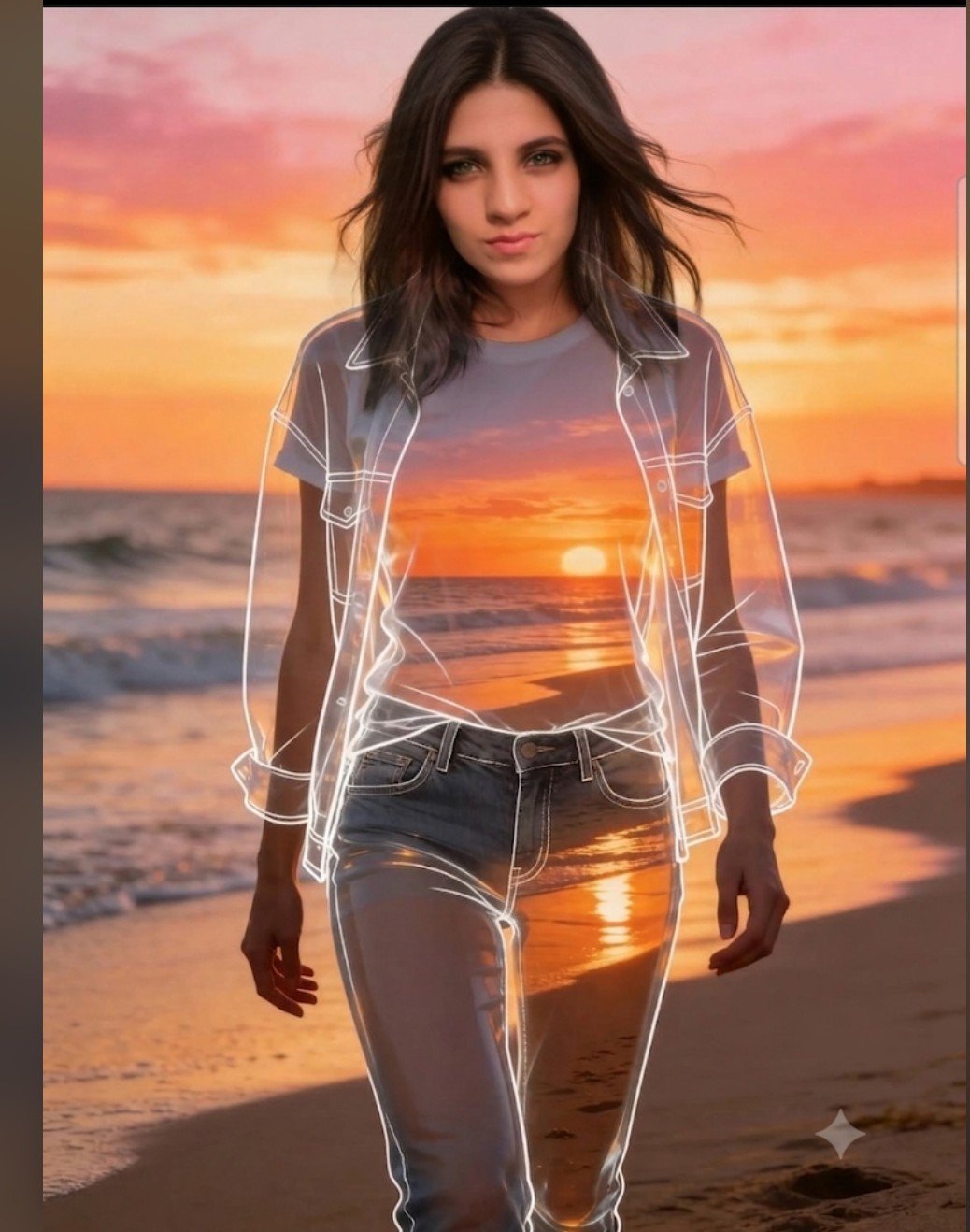
Beach Sunset Double Exposure Wireframe Portrait
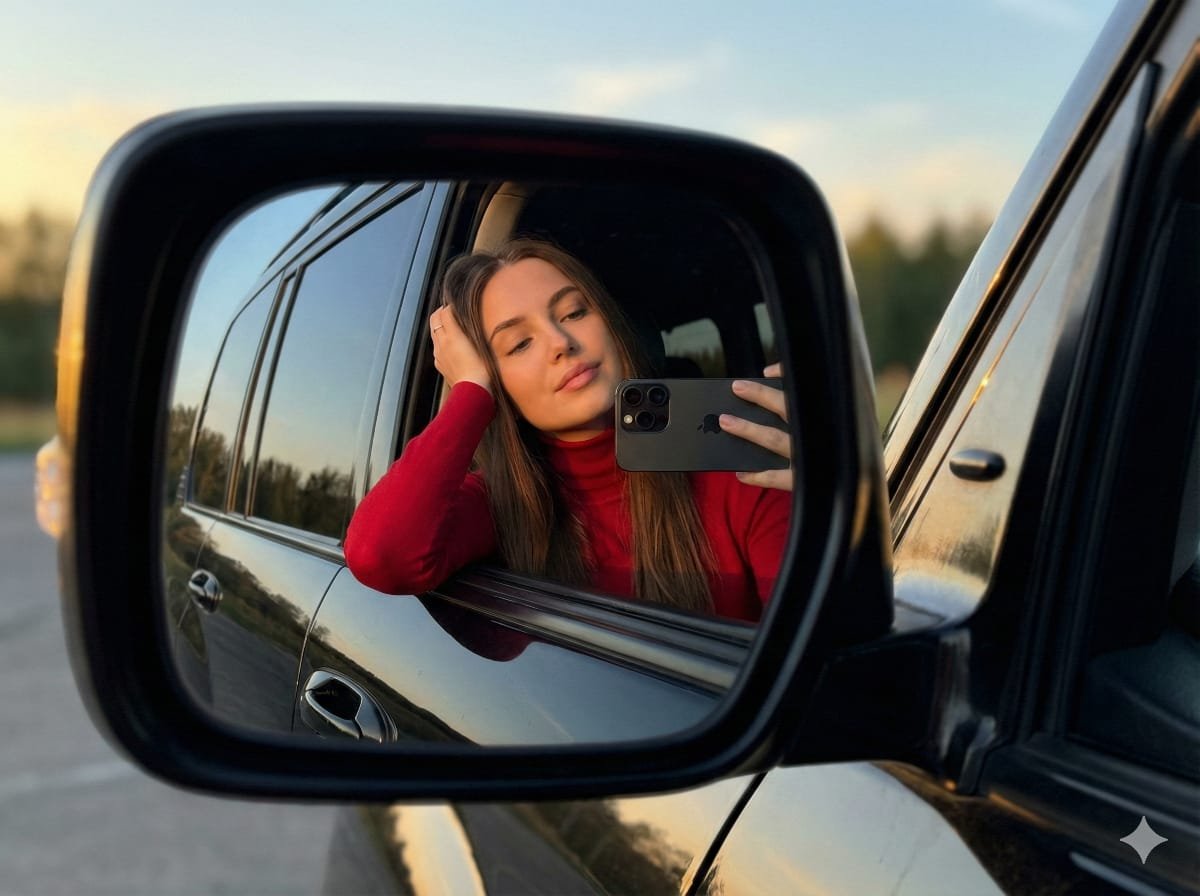
JSON selfie-in-car mirror prompt for Nano Banana Pro

If We Met in 1985

80s Rooftop Couple

80s Golden Hour Cinema

Felt & Knit 3D Character — Photo-Exact Face, Pixar-Quality Plush Figurine

Eid al-Adha Cute Chaos — Fisheye Selfie with Farm Selfie, Mosque & Animals

Gen Z Triple Selfie Collage — Y2K Flash Photography

Surreal Cat Astronaut — Humanoid Face Freefall
Make it yours
Car Sun Visor Vanity Mirror Close Up works as-is. These are the safest ways to change it without losing the look.
Swap the setting
Keep the rest of the prompt and replace the location block. The current setting is “inside parked car”.
Swap the light
One lighting change is enough to compare takes. Current light: “direct golden hour sunlight”.
Change one field
Copy a single group, rewrite it, and generate again so you can see what that field is doing.
| If the result… | Why | Fix |
|---|---|---|
| The result drifts from the preview | Too many fields changed at once. | Reuse Car Sun Visor Vanity Mirror Close Up as-is first, then change one group — subject, light, or setting. |
| Nanobanana ignores part of the JSON | Some models flatten or skip nested keys. | Keep the same values and paste them as a short paragraph instead. |
More Nanobanana templates
Other prompts made for Nanobanana.
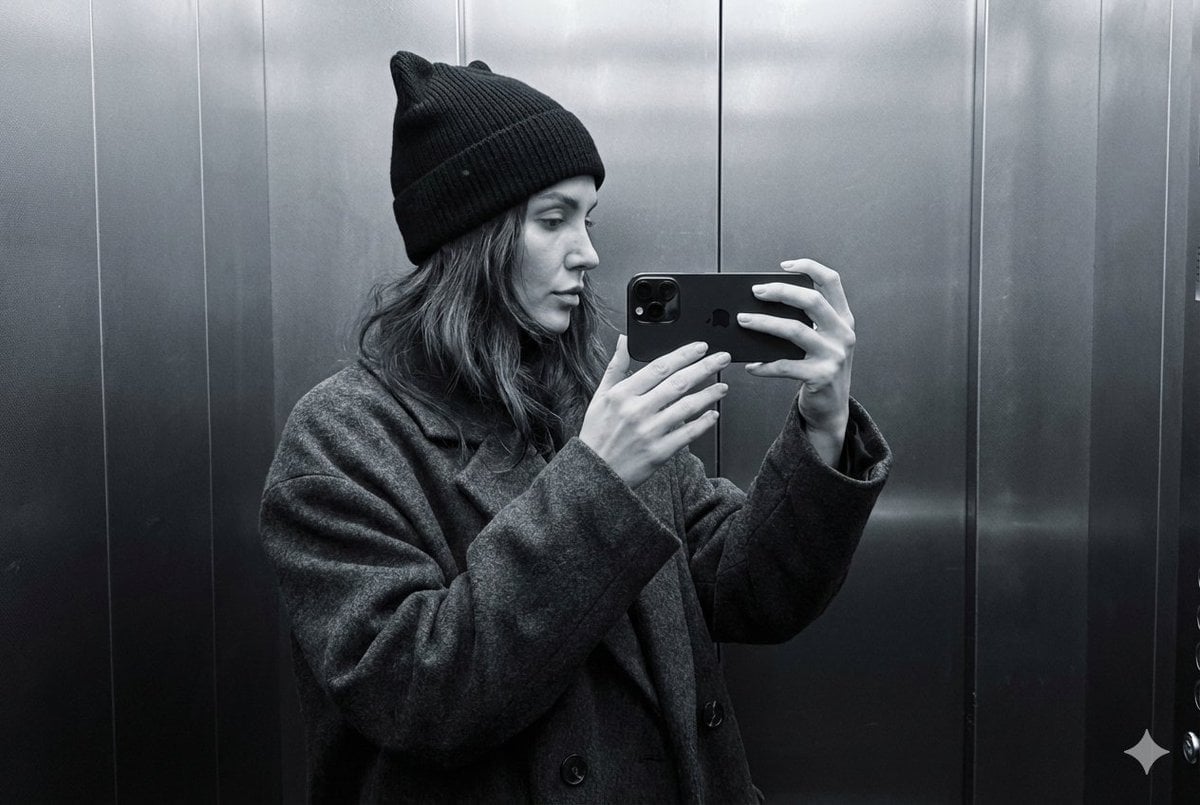
Monochrome Elevator Profile Cat Ear Selfie
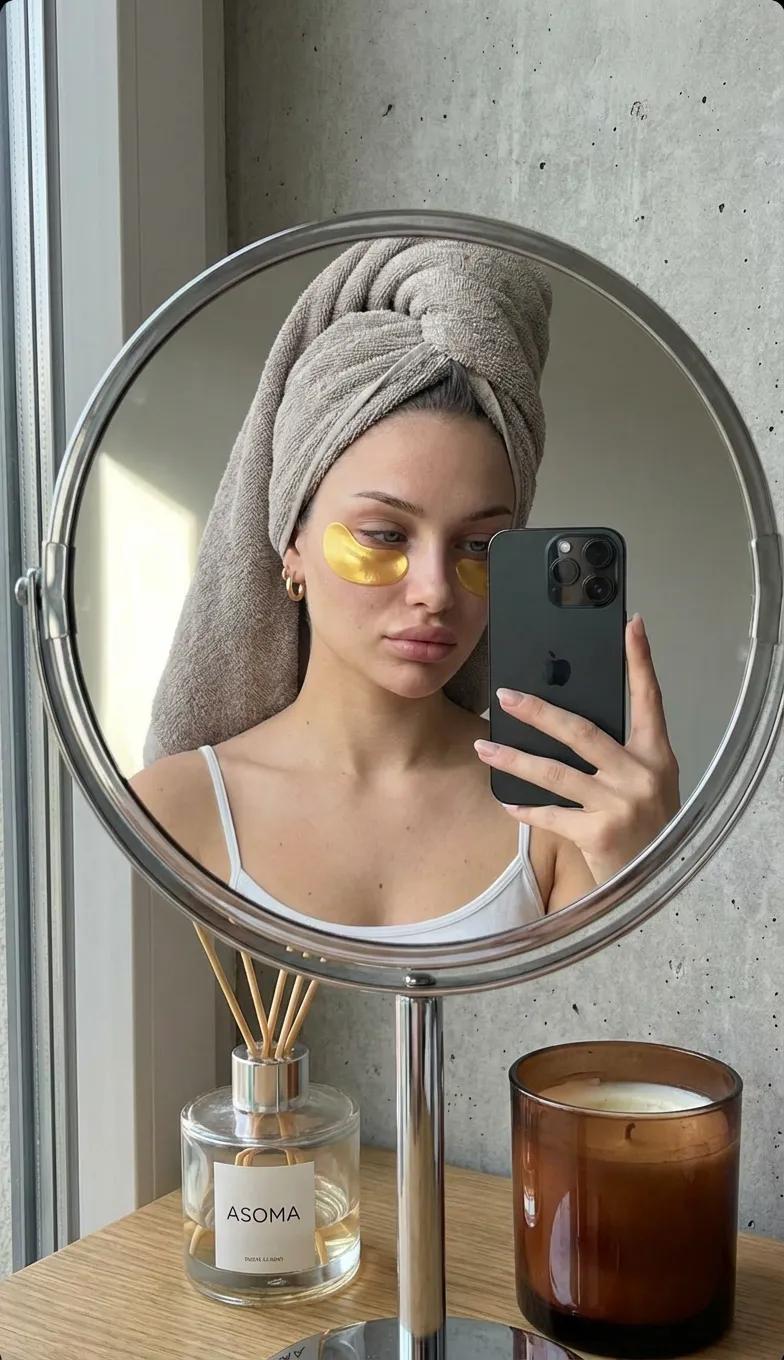
Round Tabletop Mirror Skincare Selfie
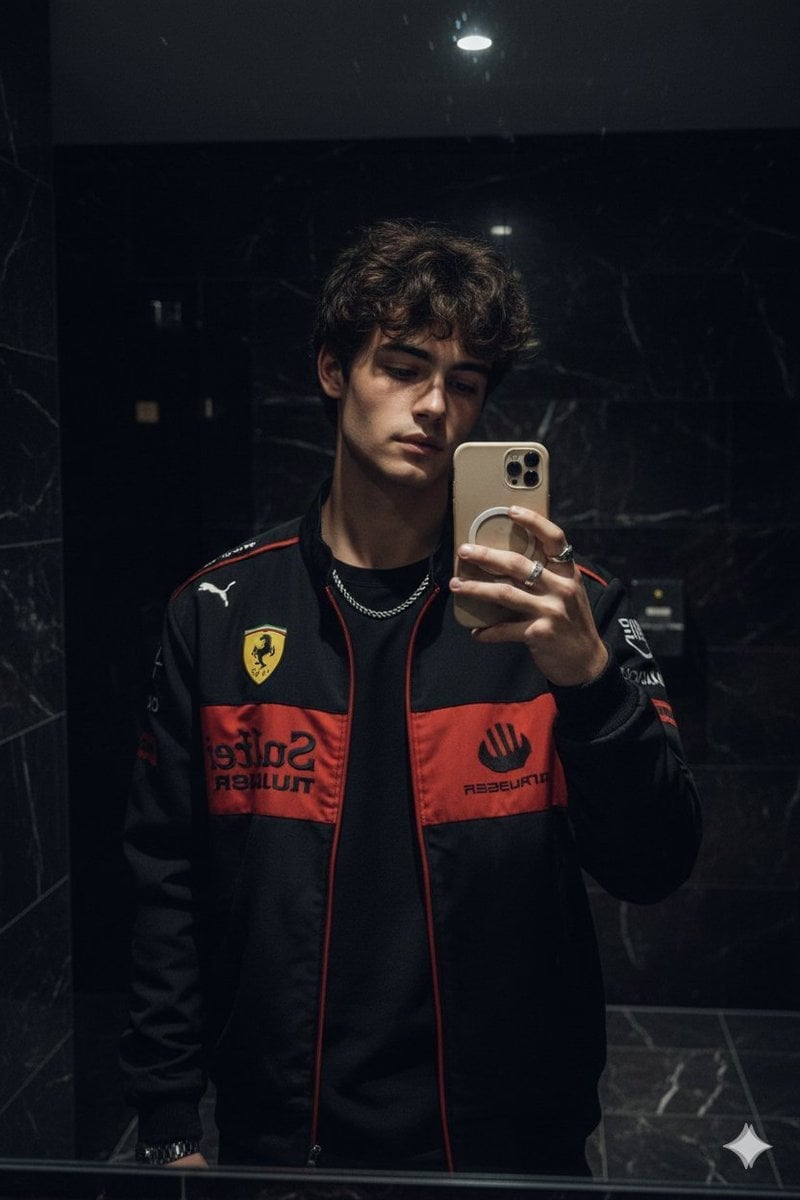
Dark Marble Bathroom Racing Jacket Mirror Selfie
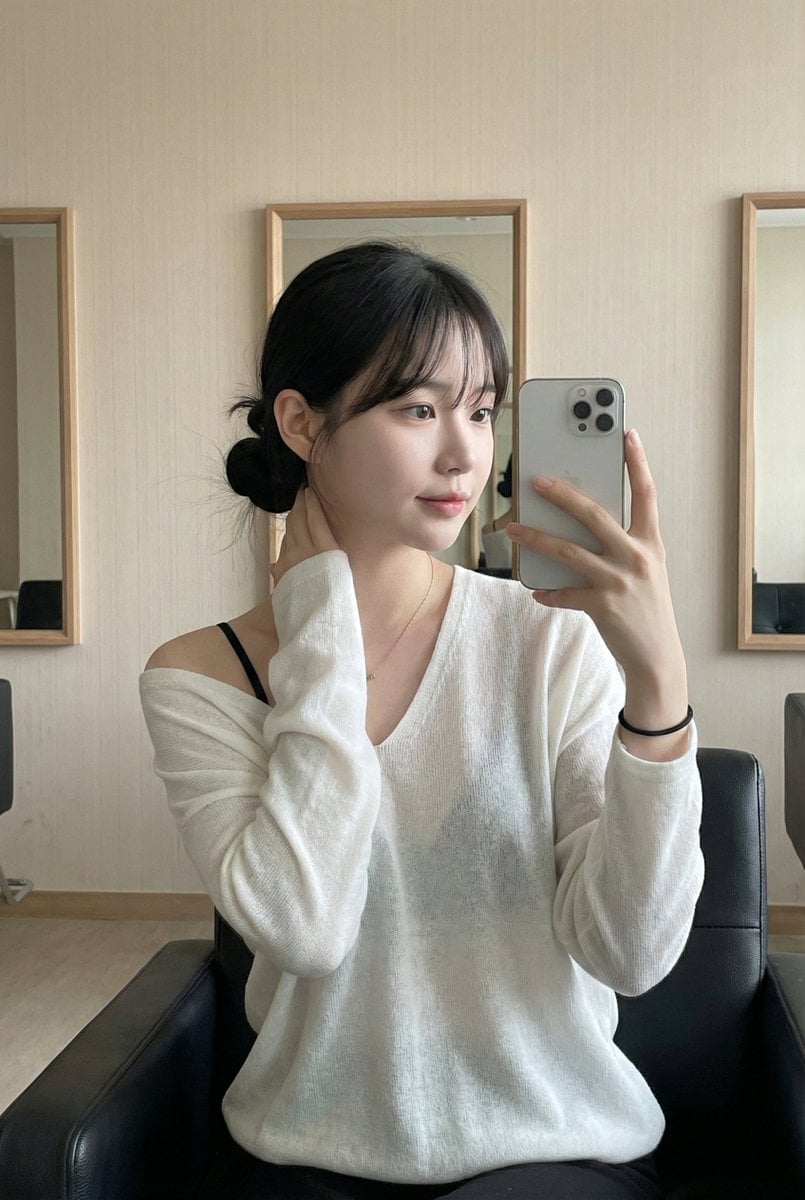
Leather Chair Soft Indoor Mirror Selfie
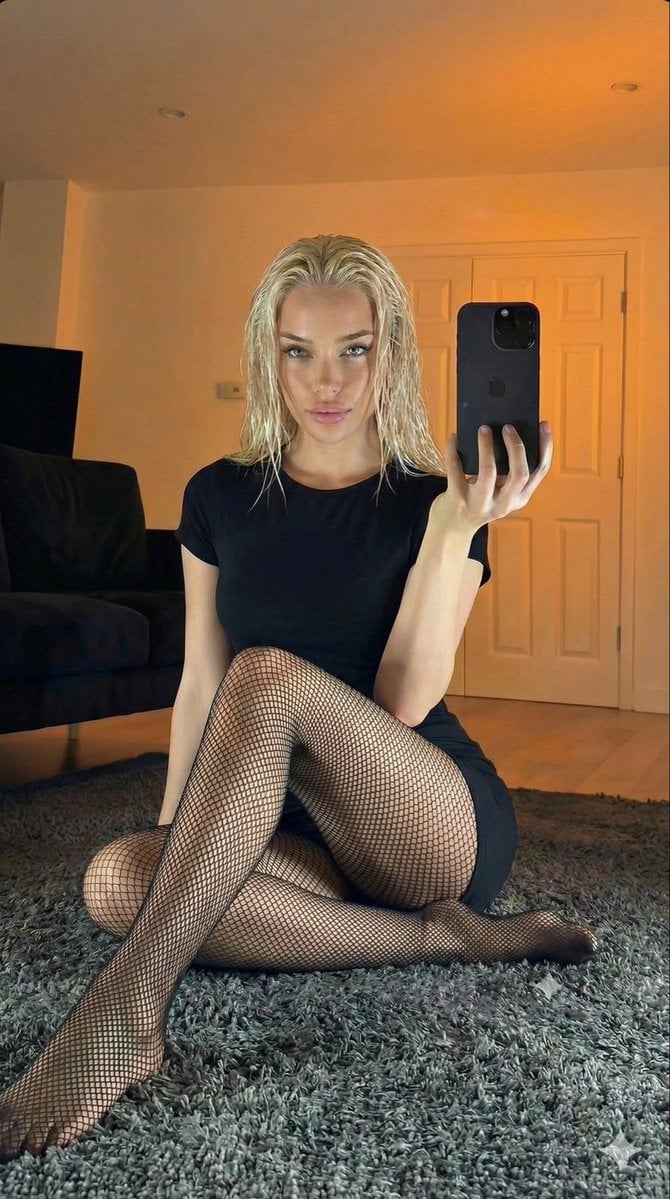
Living Room Rug Evening Mirror Selfie
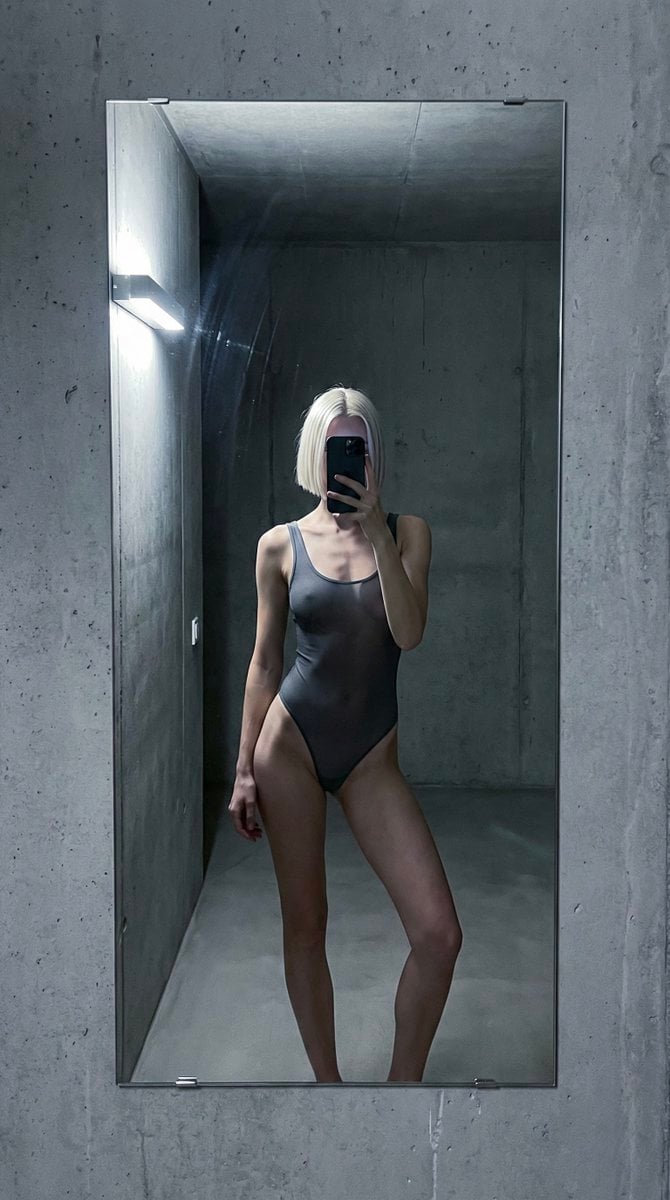
Concrete Hallway Editorial Mirror Selfie
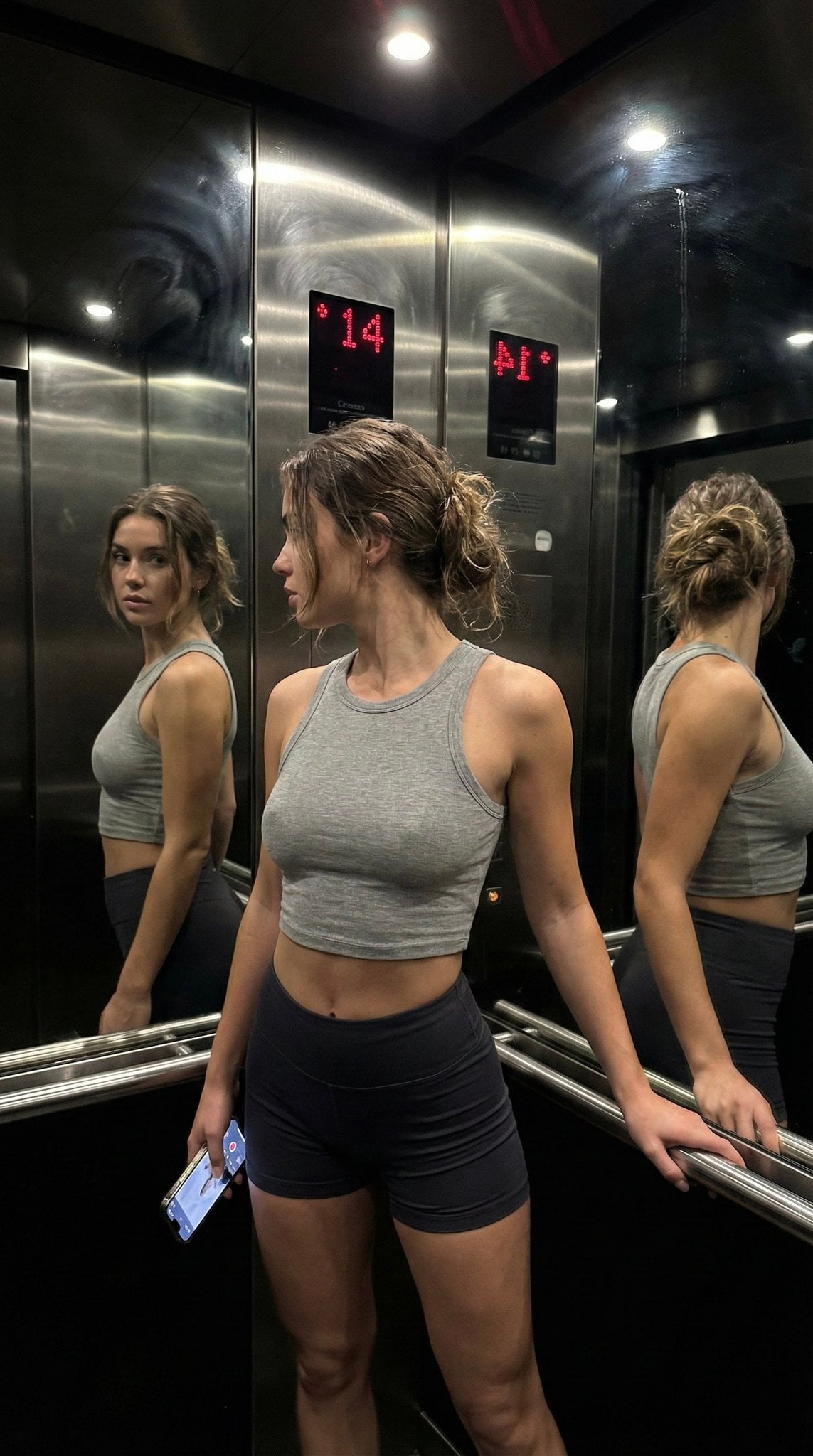
Late Night Elevator Multi Mirror Selfie

Headphones Lifestyle Nine Panel Grid

Isometric Process Educational Diorama

Cappuccino Bottle Splash Product Ad
More image prompts
Fresh picks from across the catalog.
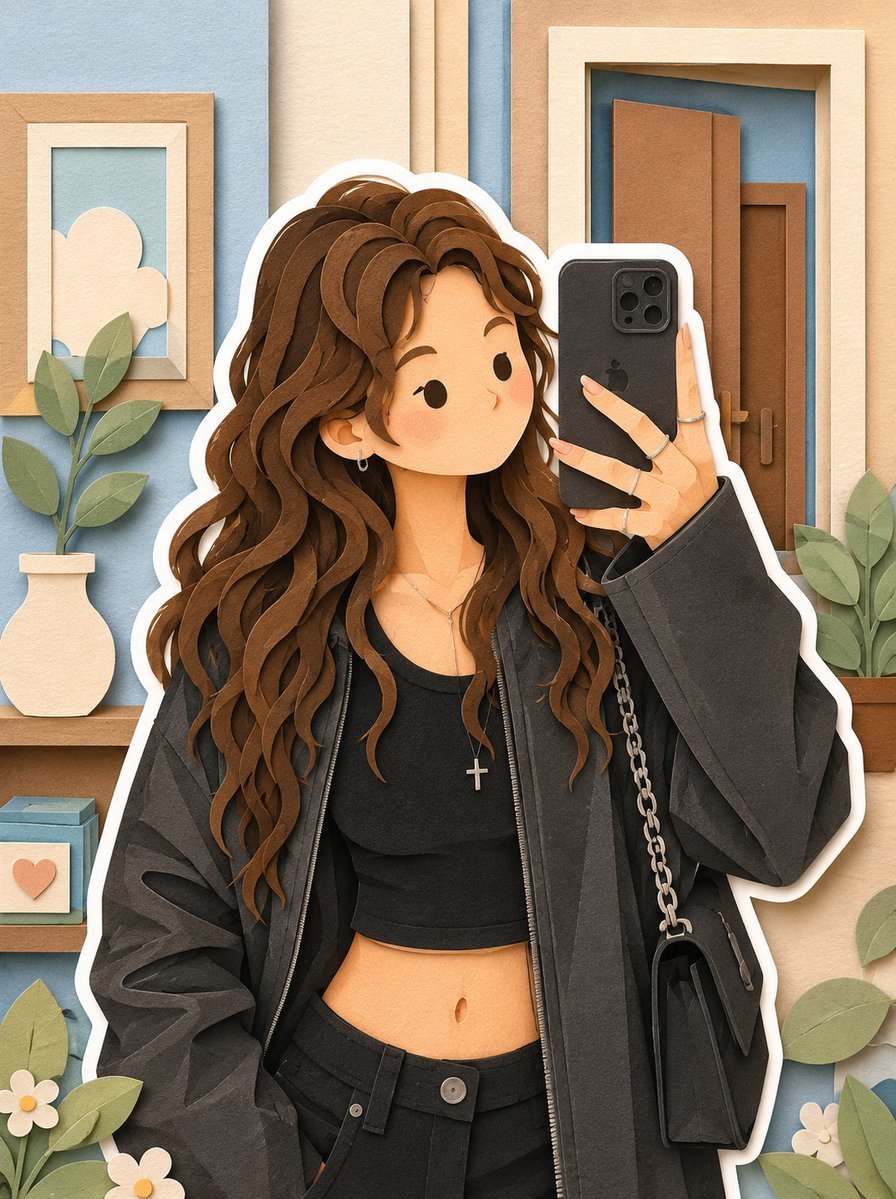
Soft Layered Papercraft Diorama
High-Contrast Black and White Woodcut Portrait
Cinematic Sport Logo Render in Midjourne
Architectural Tiramisu Cross-Section
Moonlit Gothic Lolita Balcony
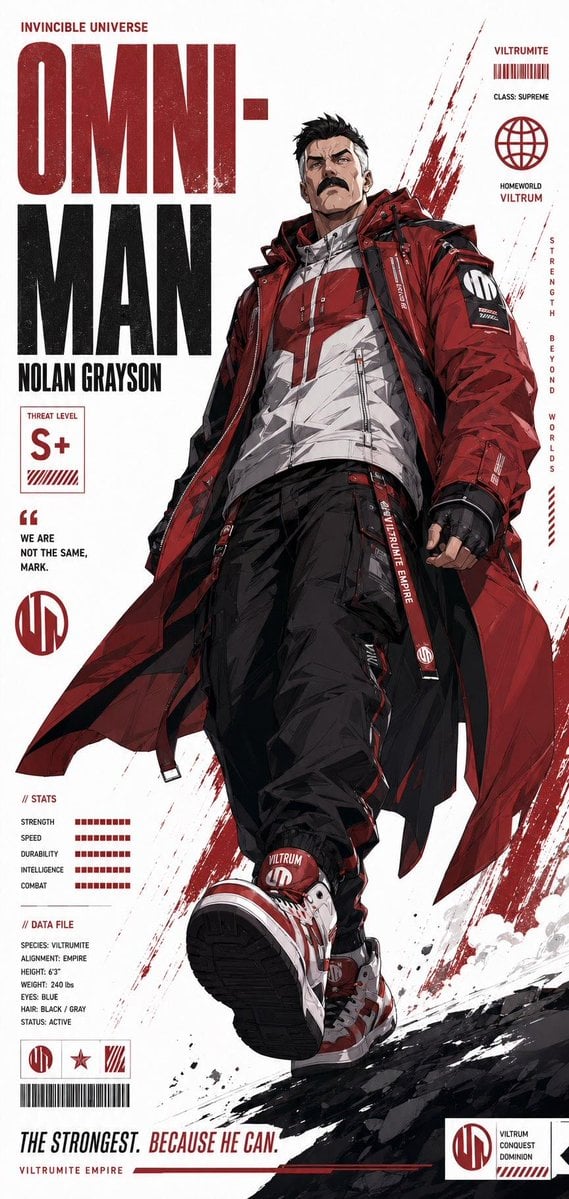
Futuristic Anime Superhero Techwear Poster
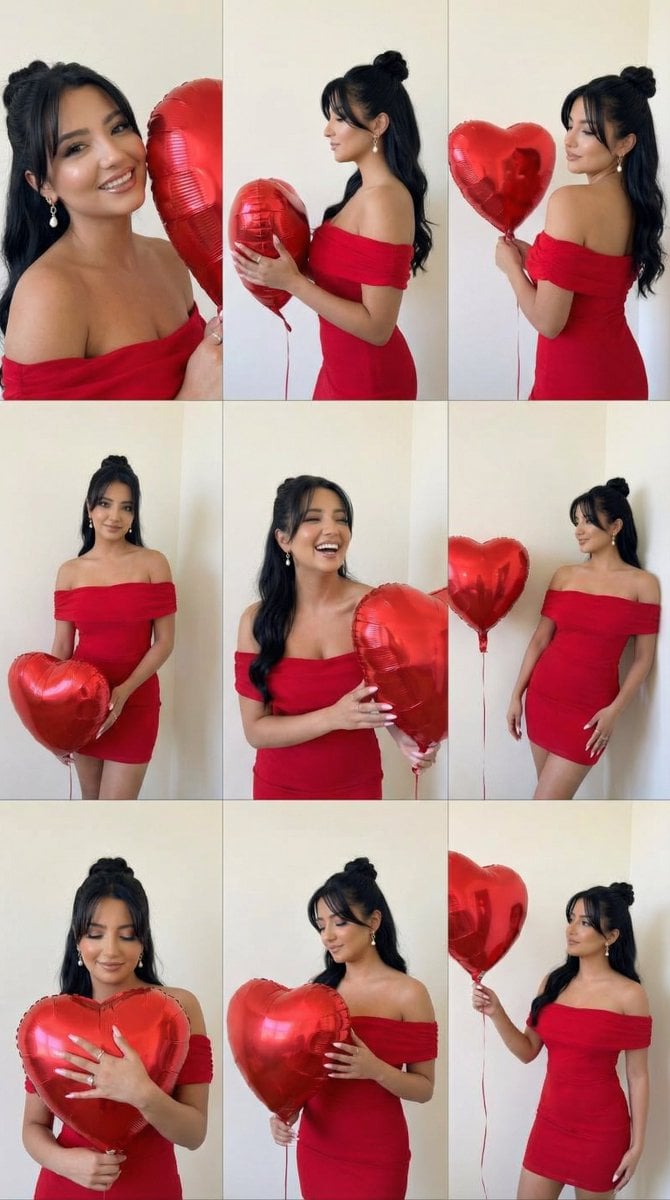
Romantic Rose Editorial 3x3 Grid Prompt
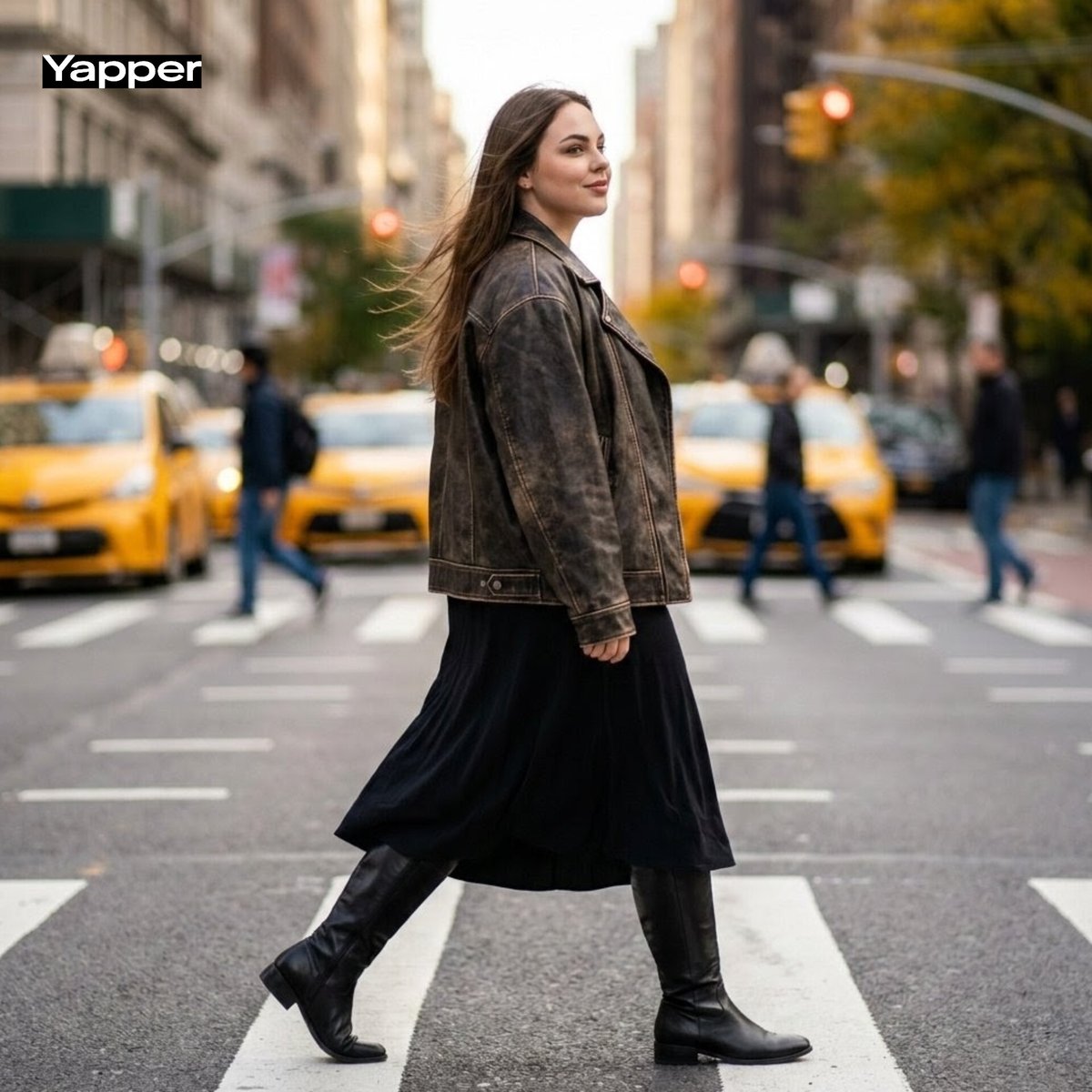
Cinematic Street Fashion Photography Prompt
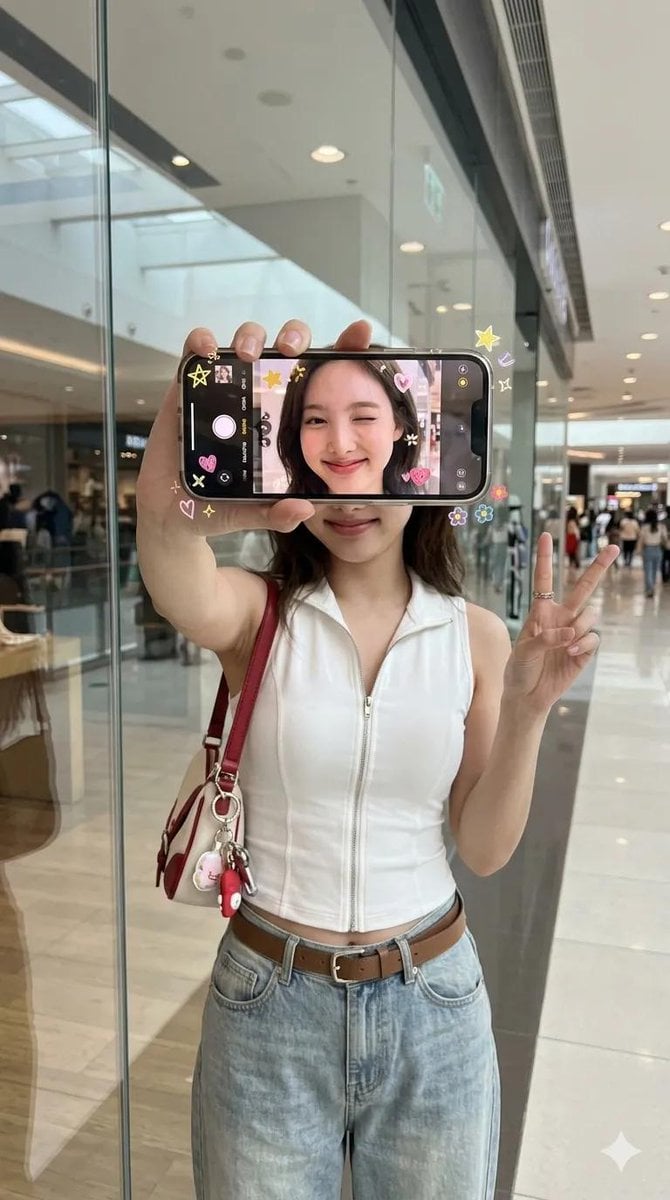
iPhone Screen Reflection Portrait

Nano Banana Grwm Mirror Selfie Pink
Browse template categories
Car Sun Visor Vanity Mirror Close Up questions
How do I use the Car Sun Visor Vanity Mirror Close Up template?
Add your photo if the template asks for one, edit the prompt if you like — the template's model and format are already selected — and press Generate. Your version opens in PicX Studio.
Can I customize the Car Sun Visor Vanity Mirror Close Up template?
Yes. You can change the subject, setting, lighting, mood, format, and available model controls before creating your image.
Is the Car Sun Visor Vanity Mirror Close Up template free?
Opening and editing this template is free. Generating uses credits, shown on the Generate button when you are signed in.
Which AI model should I use?
Start with Nanobanana, which is the model associated with this template. You can compare another compatible model for a different finish.
Looking for something else? Browse all templates.

Your photo, any look
Thousands of ready templates for every top image and video model, from one credit balance.