
Romantic Rose Editorial 3x3 Grid Prompt
A highly structured JSON prompt for generating a 3x3 editorial collage of a woman (identity preserved from reference image) holding a large bouquet of deep red roses, emphasizing romantic lighting, specific pose…
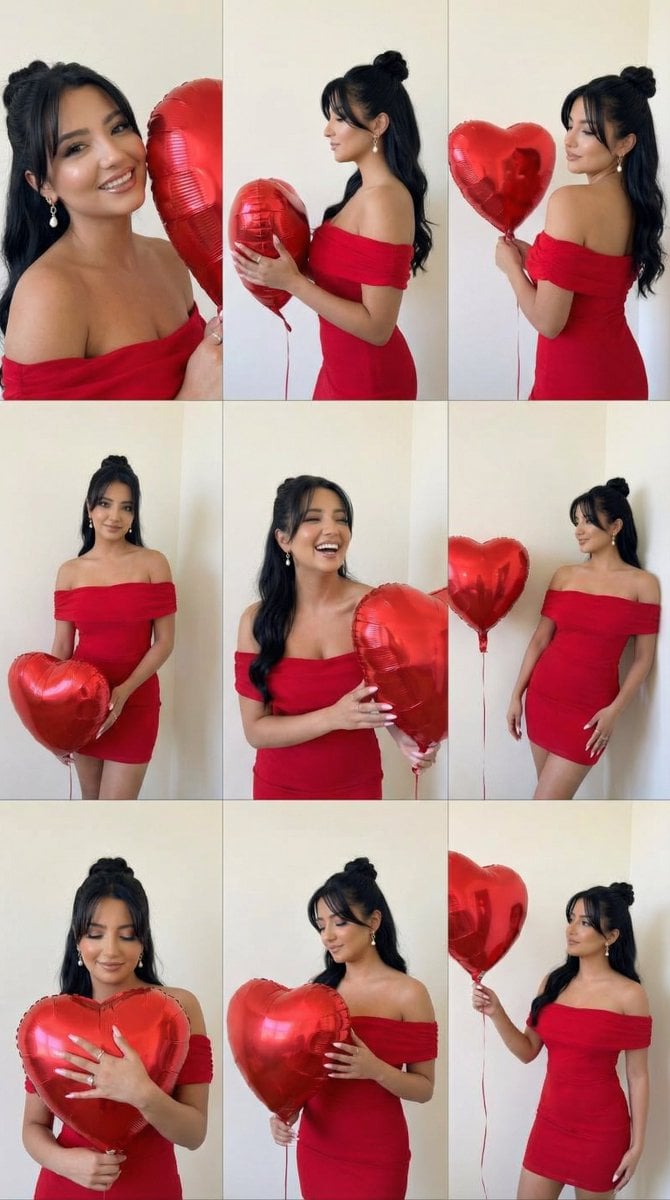
- Prompt included
- Model and format preset
- Free template
The prompt behind this image
Copy the exact prompt behind Romantic Rose Editorial 3x3 Grid Prompt, or open it in the studio and make it yours.
- Generation Request › Meta Data › Task Type
- romantic_rose_editorial_grid
- Generation Request › Meta Data › Language
- en
- Generation Request › Meta Data › Priority
- highest
- Generation Request › Meta Data › Version
- v1.0_ROSE_EDITORIAL_GRID_3X3
- Generation Request › Input › Mode
- image_to_image
- Generation Request › Input › Reference Image Usage
- very_high
- Generation Request › Input › Preserve Identity
- true
- Generation Request › Input › Preserve Facial Features
- true
- Generation Request › Input › Preserve Body Structure
- true
- Generation Request › Input › Notes
- Keep the same adult woman, same hair length and color, same red off-shoulder dress, same neutral indoor wall. Create a 3x3 editorial collage with varied poses holding a large bouquet of deep red roses.
- Generation Request › Output › Aspect Ratio
- 1:1
- Generation Request › Output › Resolution
- ultra_high
- Generation Request › Output › Num Images
- 1
- Generation Request › Output › Layout › Type
- grid
- Generation Request › Output › Layout › Rows
- 3
- Generation Request › Output › Layout › Cols
- 3
- Generation Request › Output › Layout › Gutter
- thin
- Generation Request › Output › Layout › Panel Consistency
- high
- Generation Request › Output › Sharpness
- high
- Generation Request › Output › Grain
- subtle_analog_warm
- Generation Request › Scene › Concept
- romantic valentine rose editorial
- Generation Request › Scene › Environment
- minimal indoor studio with soft beige wall
- Generation Request › Scene › Lighting › Style
- soft on-camera flash aesthetic
- Generation Request › Scene › Lighting › Temperature
- warm indoor tone
Raw JSON
{
  "generation_request": {
    "meta_data": {
      "task_type": "romantic_rose_editorial_grid",
      "language": "en",
      "priority": "highest",
      "version": "v1.0_ROSE_EDITORIAL_GRID_3X3"
    },
    "input": {
      "mode": "image_to_image",
      "reference_image_usage": "very_high",
      "preserve_identity": true,
      "preserve_facial_features": true,
      "preserve_body_structure": true,
      "notes": "Keep the same adult woman, same hair length and color, same red off-shoulder dress, same neutral indoor wall. Create a 3x3 editorial collage with varied poses holding a large bouquet of deep red roses."
    },
    "output": {
      "aspect_ratio": "1:1",
      "resolution": "ultra_high",
      "num_images": 1,
      "layout": {
        "type": "grid",
        "rows": 3,
        "cols": 3,
        "gutter": "thin",
        "panel_consistency": "high"
      },
      "sharpness": "high",
      "grain": "subtle_analog_warm"
    },
    "scene": {
      "concept": "romantic valentine rose editorial",
      "environment": "minimal indoor studio with soft beige wall",
      "lighting": {
        "style": "soft on-camera flash aesthetic",
        "temperature": "warm indoor tone",
        "shadow_behavior": "soft short shadows behind subject",
        "highlight_control": "controlled shine on roses, no blown highlights"
      },
      "camera": {
        "lens": "50mm equivalent",
        "framing": "waist-up to half body",
        "focus": "face and roses sharp"
      }
    },
    "subject": {
      "type": "adult woman",
      "expression_range": [
        "soft romantic gaze",
        "eyes closed serene expression",
        "over-the-shoulder look",
        "gentle smile"
      ],
      "pose_variation": [
        "holding bouquet close to chest",
        "over shoulder pose showing back",
        "hiding half face behind roses",
        "looking down at bouquet",
        "turning head while holding stems",
        "hugging bouquet tightly"
      ],
      "anatomy_rules": "perfect hands, correct finger count, realistic wrist bend, no distorted shoulders"
    },
    "wardrobe": {
      "dress": "deep red off-shoulder dress",
      "fabric": "matte satin texture with natural folds"
    },
    "props": {
      "bouquet": {
        "type": "large bouquet of deep red roses",
        "petals": "velvety texture with layered detail",
        "leaves": "natural green leaves with subtle gloss",
        "stems": "visible natural stems",
        "density": "full, luxurious bouquet"
      }
    },
    "color_grading": {
      "palette": "deep red dominant with warm beige background",
      "contrast": "medium-high",
      "skin_tone": "natural warm tone",
      "avoid": "orange cast, plastic skin, oversaturation"
    },
    "negative_prompt": [
      "extra fingers",
      "missing fingers",
      "warped roses",
      "melted petals",
      "distorted face",
      "bad anatomy",
      "low resolution"
    ]
  }
}How to use Romantic Rose Editorial 3x3 Grid Prompt in 3 steps
- 1
Open
The prompt is already in the box next to the preview, with the template's model and format selected.
- 2…a portrait of your subject in softgolden-hour light, 85mm…
Personalize
Edit the subject and creative details for your destination.
- 3Generate
Generate
Press Generate — your image is created in PicX Studio, so you can compare it with the original and refine one variable at a time.
More like this
Templates with the same subject, style or setup. Open one to see its prompt.

Korean Luxury Fashion Editorial 2x2 Grid Series
Editorial 3x3 Photo Grid of Intimate Portraits
Korean Fashion 3x3 Editorial Sheet

A 3x3 grid storyboard contact sheet comprised of nine candid, cinematic
3x3 Instagram-style grid of low-quality smartphone photos featuring
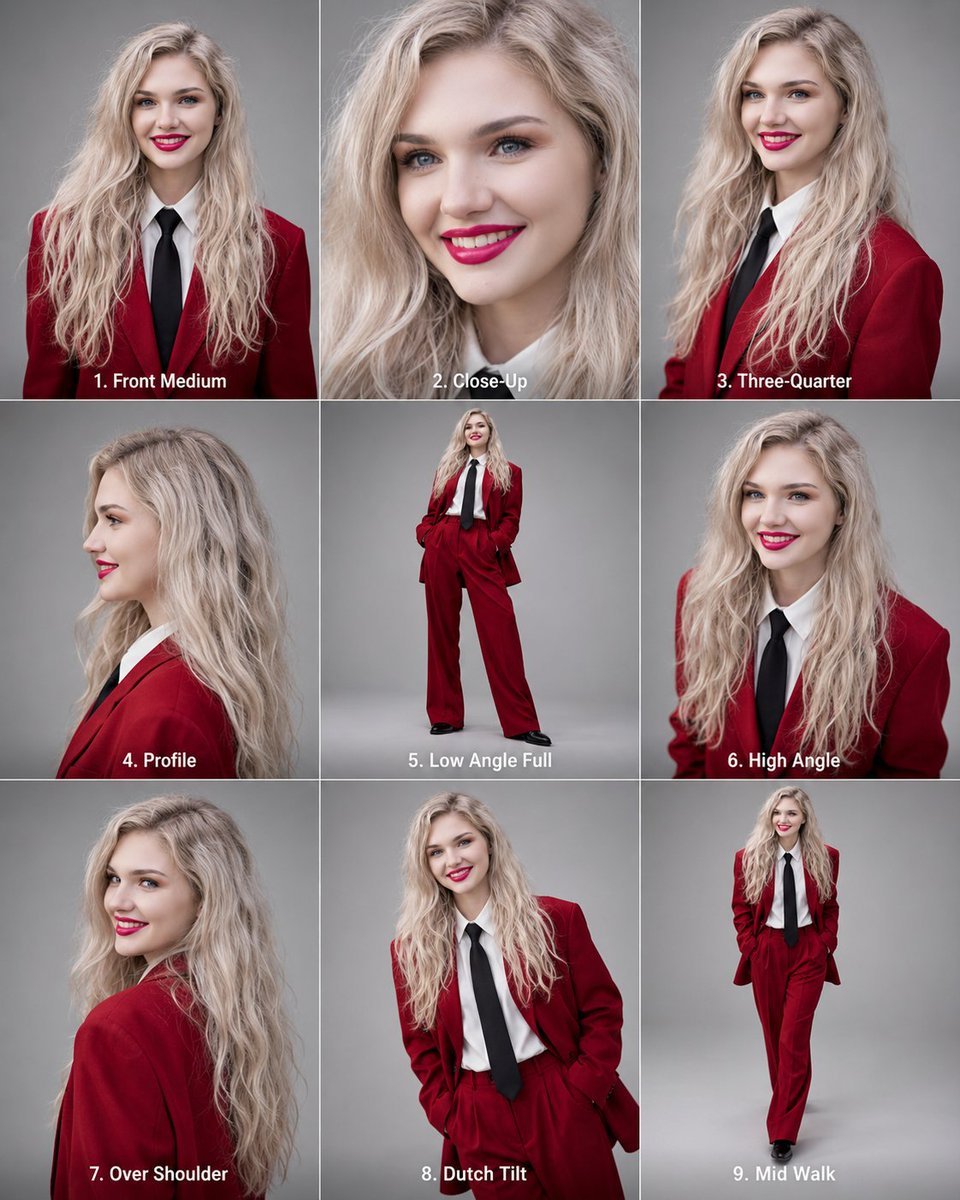
Editorial 3x3 Angle Reference Sheet
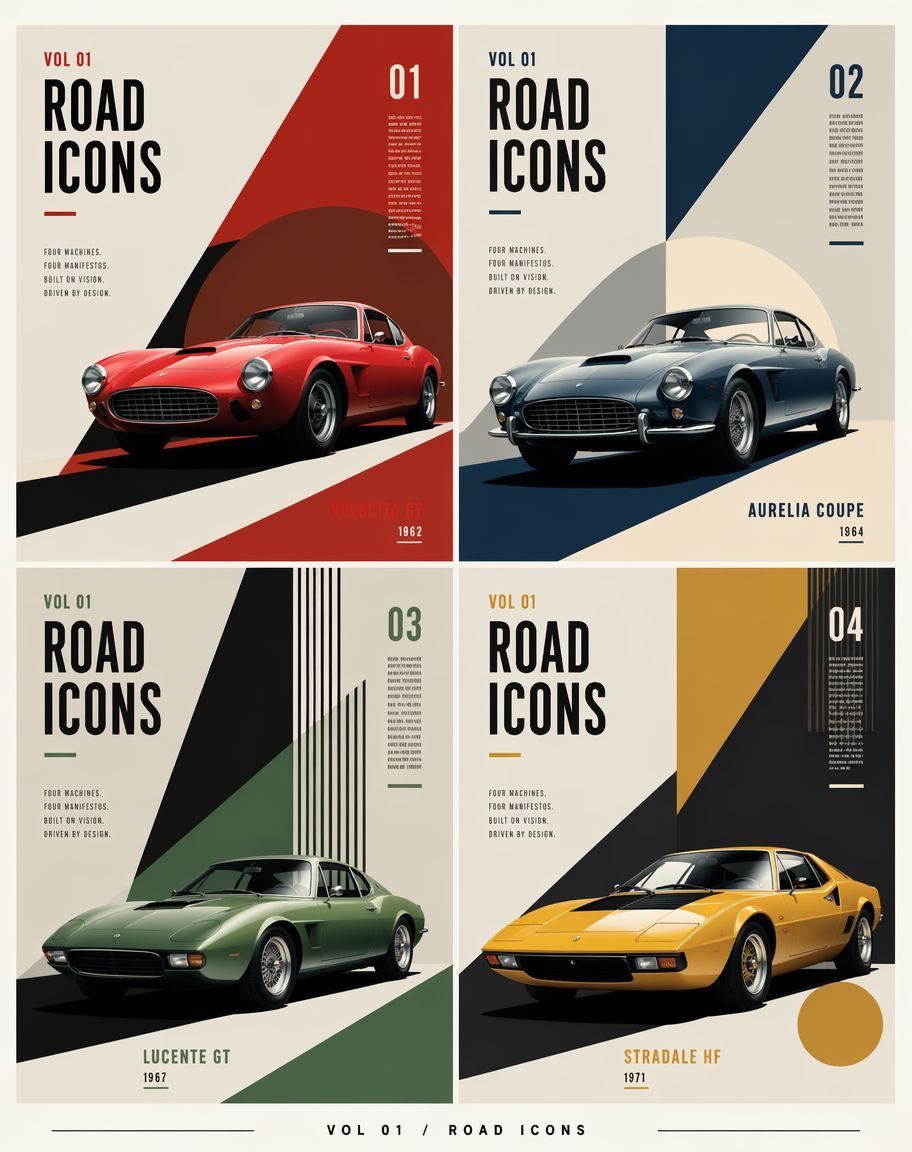
Constructivist Classic Car Editorial Grid
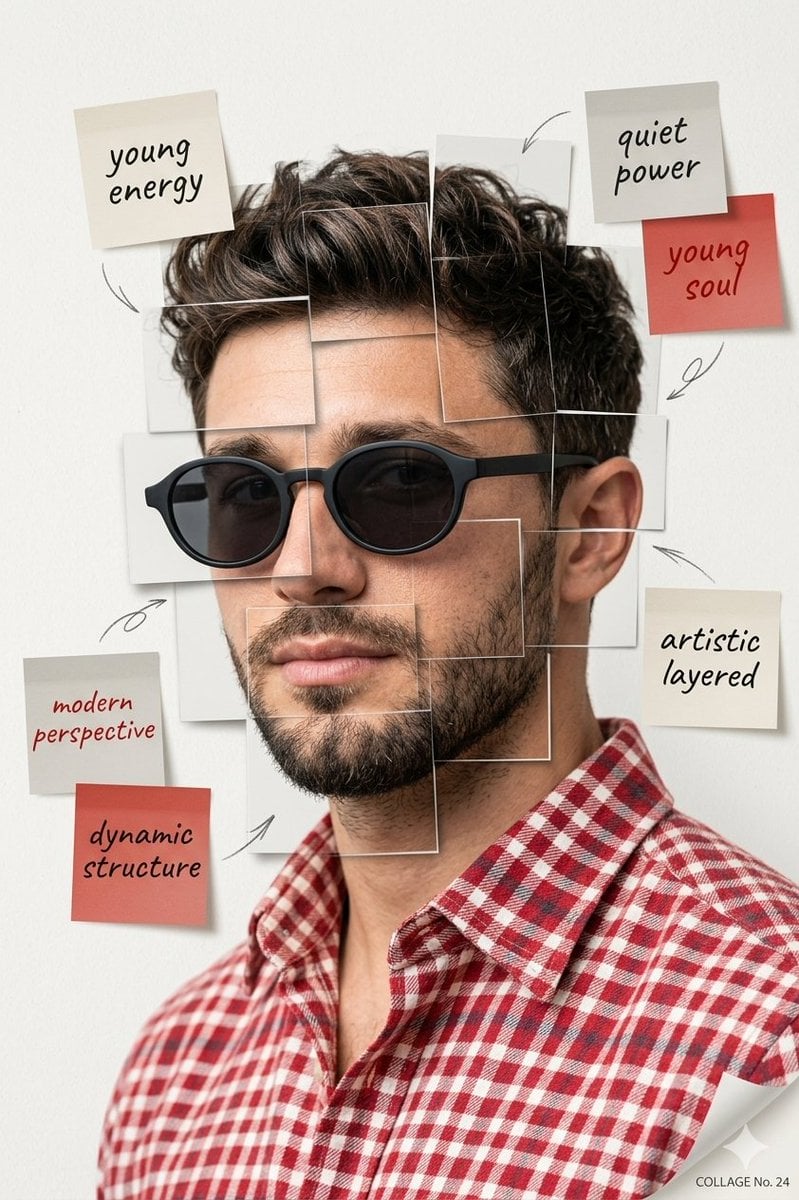
Deconstructed Grid Editorial Portrait

Urban Fashion Editorial Collage Streetwear Poster

Monochrome Hypebeast Street Fashion Editorial Motion

Elegant Green Evening Gown Studio Fashion Portrait

Artistic Patchwork Fashion Portrait Spring Festival
Make it yours
Romantic Rose Editorial 3x3 Grid Prompt works as-is. These are the safest ways to change it without losing the look.
Swap the setting
Keep the rest of the prompt and replace the location block. The current setting is “minimal indoor studio with soft beige wall”.
Swap the light
One lighting change is enough to compare takes. Current light: “soft on-camera flash aesthetic”.
Change one field
Copy a single group, rewrite it, and generate again so you can see what that field is doing.
| If the result… | Why | Fix |
|---|---|---|
| The result drifts from the preview | Too many fields changed at once. | Reuse Romantic Rose Editorial 3x3 Grid Prompt as-is first, then change one group — subject, light, or setting. |
| Nano Banana 2 ignores part of the JSON | Some models flatten or skip nested keys. | Keep the same values and paste them as a short paragraph instead. |
More Nano Banana 2 templates
Other prompts made for Nano Banana 2.

Photorealistic Leaf Shaped Like a Dragon

K-Pop Idol Portrait Grid for Rapid Selection

Poetic Rain Forest Portrait During Golden Hour

Urban Street Portrait with Cartoon Inner Self Duo

Candid Nighttime Photo with Cat Prompt

High-Concept 3D Diorama Generation Prompt

Cinematic Futuristic Studio Portrait Template

Skincare Editorial Photography Collage Prompt

Hyper-Realistic Commercial Product Photography (Splash Effect)

Hyper-Realistic Nightclub Portrait Prompt
More image prompts
Fresh picks from across the catalog.
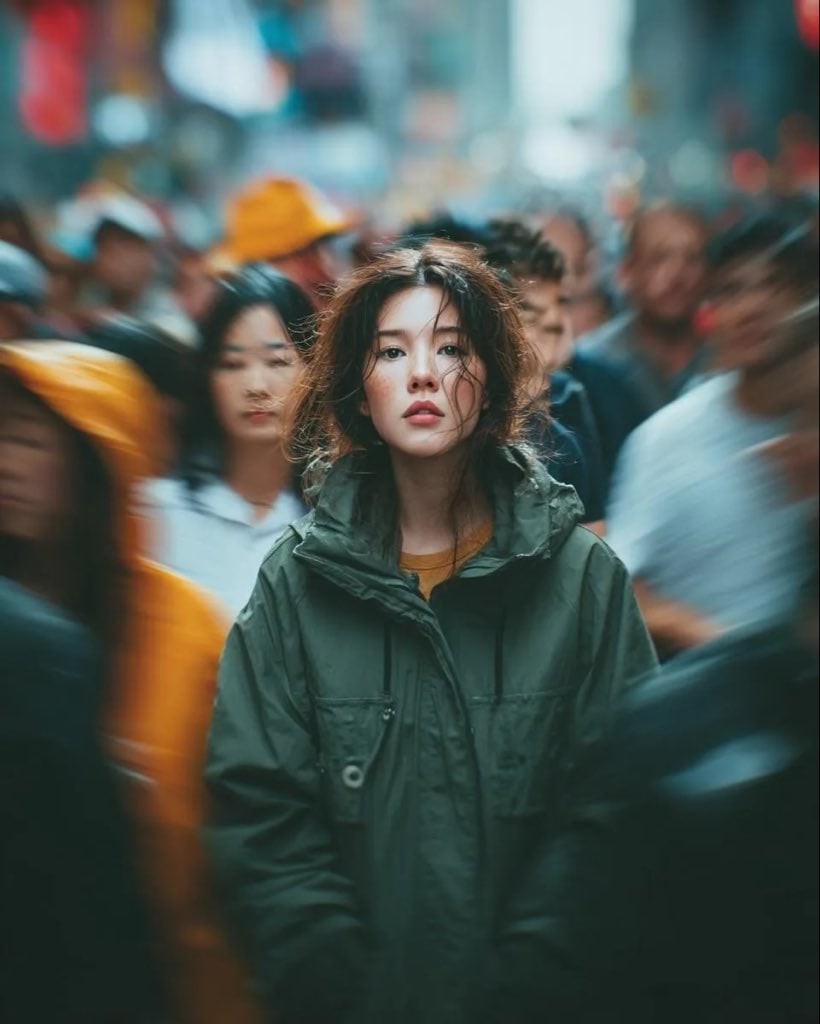
Candid Paparazzi Street Portrait with Motion Blur
Lazy Sunday Morning Bedroom Selfie Prompt
Cinematic Night Portrait with Teal-Green Grading
Vintage Diner Menu Board Scene
8K Cinematic Portrait with Video UI Overlays
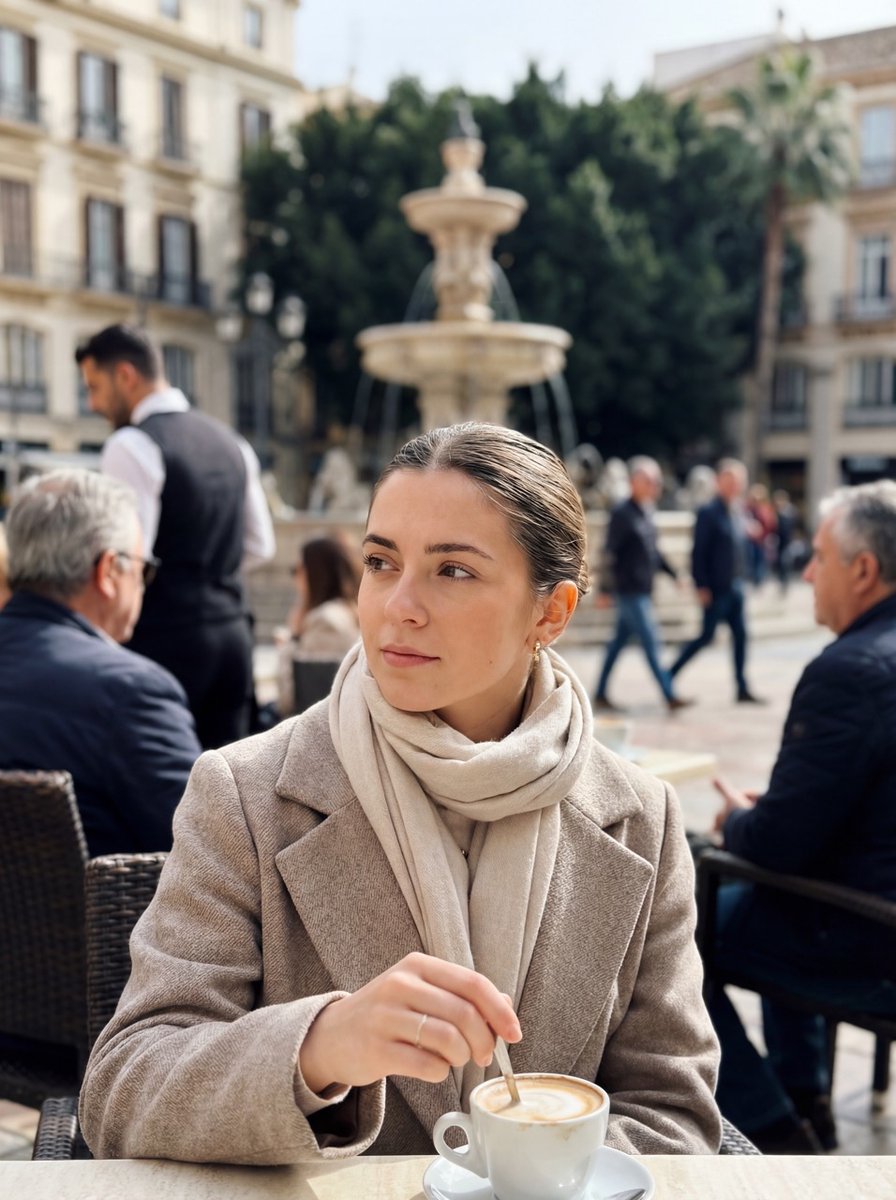
Photorealistic iPhone street café scene in Málaga
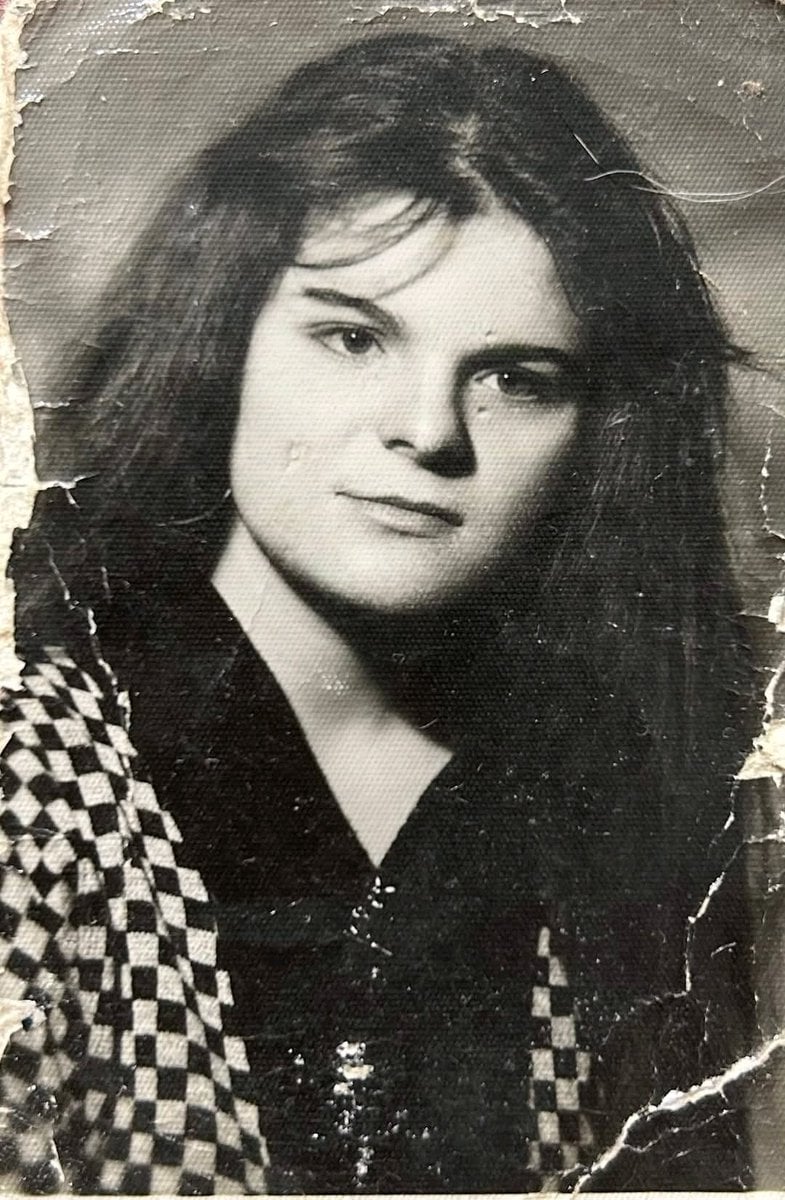
Photo Restoration and Upscaling Prompt

Cinematic studio portrait with moody lighting
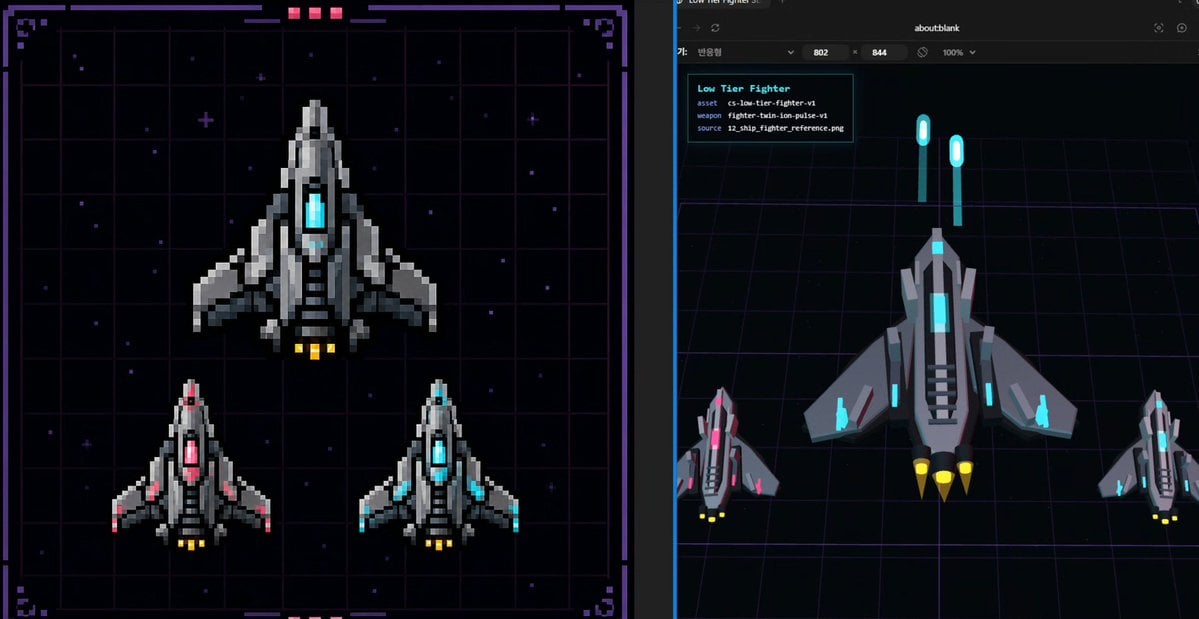
Pixel Fighter to 3D Asset Sheet
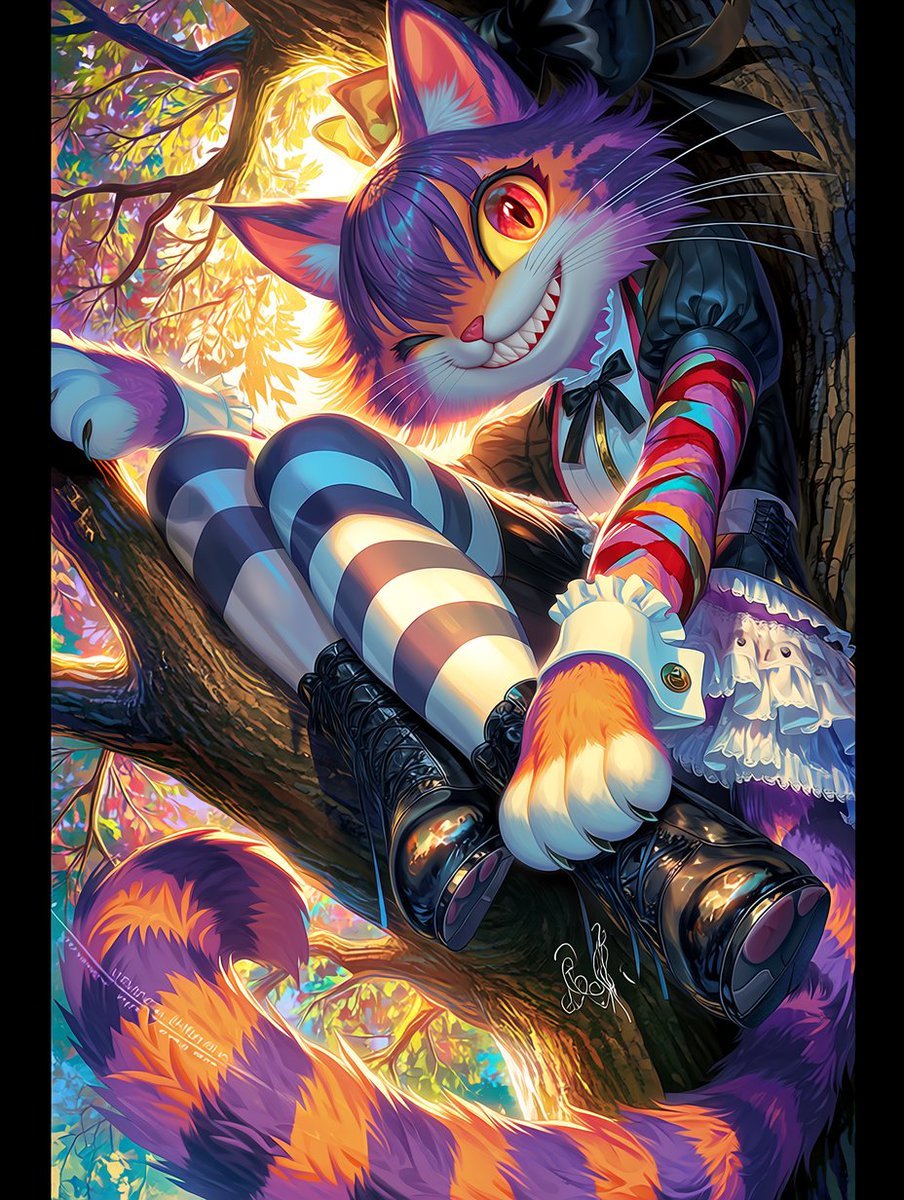
Dark Pop Cheshire Cat Girl
Browse template categories
Romantic Rose Editorial 3x3 Grid Prompt questions
How do I use the Romantic Rose Editorial 3x3 Grid Prompt template?
Add your photo if the template asks for one, edit the prompt if you like — the template's model and format are already selected — and press Generate. Your version opens in PicX Studio.
Can I customize the Romantic Rose Editorial 3x3 Grid Prompt template?
Yes. You can change the subject, setting, lighting, mood, format, and available model controls before creating your image.
Is the Romantic Rose Editorial 3x3 Grid Prompt template free?
Opening and editing this template is free. Generating uses credits, shown on the Generate button when you are signed in.
Which AI model should I use?
Start with Nano Banana 2, which is the model associated with this template. You can compare another compatible model for a different finish.
Looking for something else? Browse all templates.

Your photo, any look
Thousands of ready templates for every top image and video model, from one credit balance.