
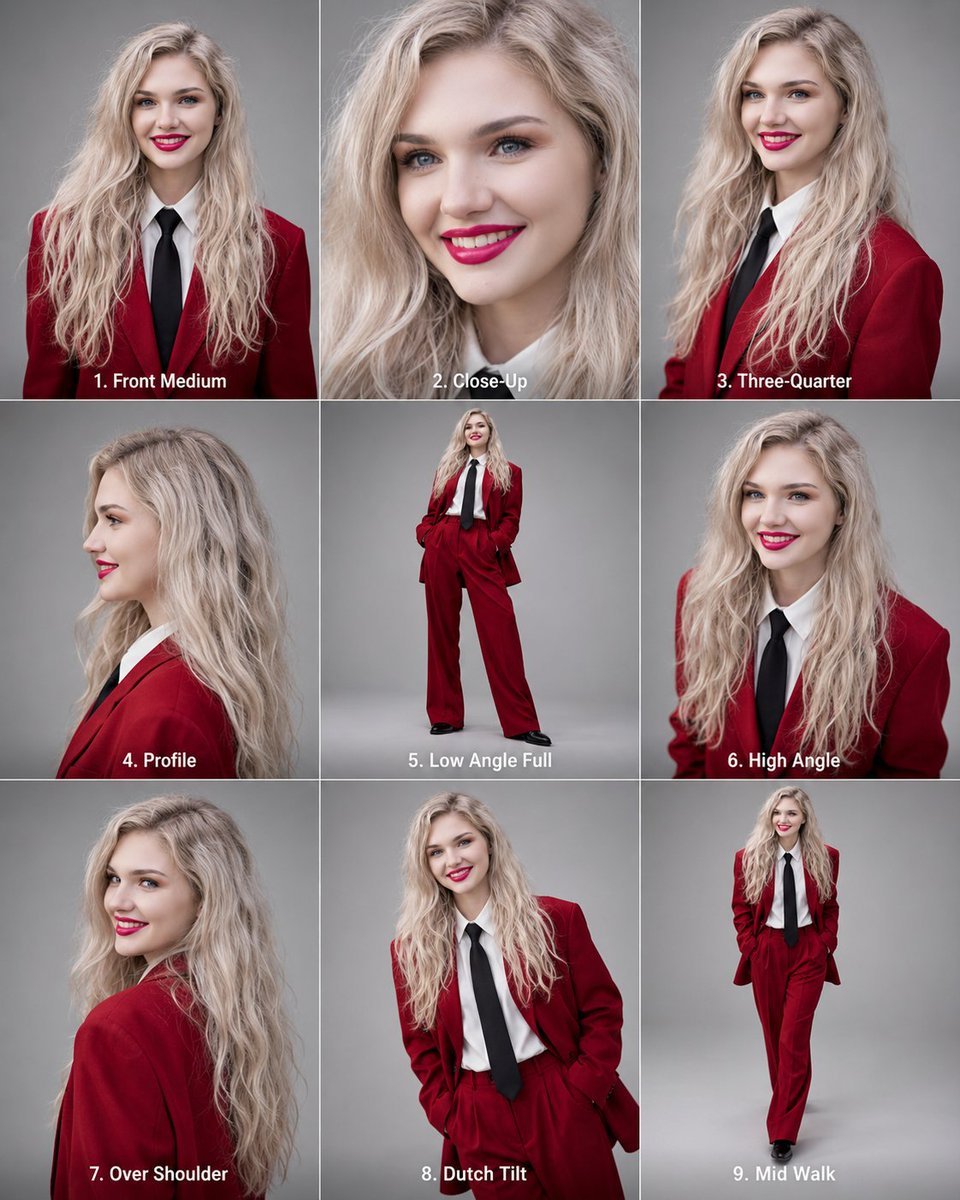
Editorial 3x3 Angle Reference Sheet
Creates a realistic studio fashion reference sheet showing one consistent model across nine labeled camera angles and poses.
- Prompt included
- Model and format preset
- Premium template
The prompt behind this image
Copy the exact prompt behind Editorial 3x3 Angle Reference Sheet, or open it in the studio and make it yours.
Goal: Create a high-resolution editorial angle reference sheet featuring the same fashion model consistently across exactly 9 panels. Canvas: Vertical 4:5 aspect ratio, arranged as a perfect 3x3 grid with thin white dividers between panels. Use a neutral gray studio backdrop in every panel, soft editorial lighting, realistic photography, crisp detail, and consistent color grading. Subject details: A smiling young adult woman with fair skin, long wavy {argument name="hair color" default="platinum blonde"} hair, blue eyes, polished makeup, and bright red lipstick. Maintain identical facial identity, age, hair texture, skin tone, and proportions across all panels. Wardrobe is fixed in every panel: a deep {argument name="suit color" default="red"} tailored blazer and matching trousers, white collared shirt, long black necktie, and black shoes. Confident editorial fashion styling. Layout and required panels: Include exactly 9 separate portraits, each with a bold white numbered caption centered near the bottom of its panel: 1. “1. Front Medium” — medium front-facing portrait, smiling, torso visible. 2. “2. Close-Up” — tight beauty close-up of the same face, smiling, hair framing the face. 3. “3. Three-Quarter” — three-quarter view from the waist up, turned slightly to one side. 4. “4. Profile” — clean side profile portrait, facing left. 5. “5. Low Angle Full” — full-body low-angle fashion pose, hands in pockets, legs apart. 6. “6. High Angle” — high-angle medium portrait, looking up toward camera. 7. “7. Over Shoulder” — over-the-shoulder view with the model turned away but looking back and smiling. 8. “8. Dutch Tilt” — tilted-camera medium fashion portrait, hands in pockets, playful confident pose. 9. “9. Mid Walk” — full-body walking pose, stepping forward, smiling at camera. Visual style: Editorial studio photography, realistic lens rendering, professional fashion reference sheet, balanced exposure, shallow-to-moderate depth of field depending on shot type. Keep the background plain and consistent. Constraints: Use exactly the 3x3 grid and exactly the 9 labeled panels listed above. Keep the same model identity and outfit in all panels. Do not add extra panels, props, logos, watermarks, or decorative text beyond the panel captions.
How to use Editorial 3x3 Angle Reference Sheet in 3 steps
- 1Upload ImagePNG, JPG or paste
Add your photo
Upload the photo the template builds on. The prompt, model and format are already set.
- 2…a portrait of your subject in softgolden-hour light, 85mm…
Personalize
Edit the subject and creative details for your destination.
- 3Generate
Generate
Press Generate — your image is created in PicX Studio, so you can compare it with the original and refine one variable at a time.
More like this
Templates with the same subject, style or setup. Open one to see its prompt.

Dancer Character - Four View Reference Sheet
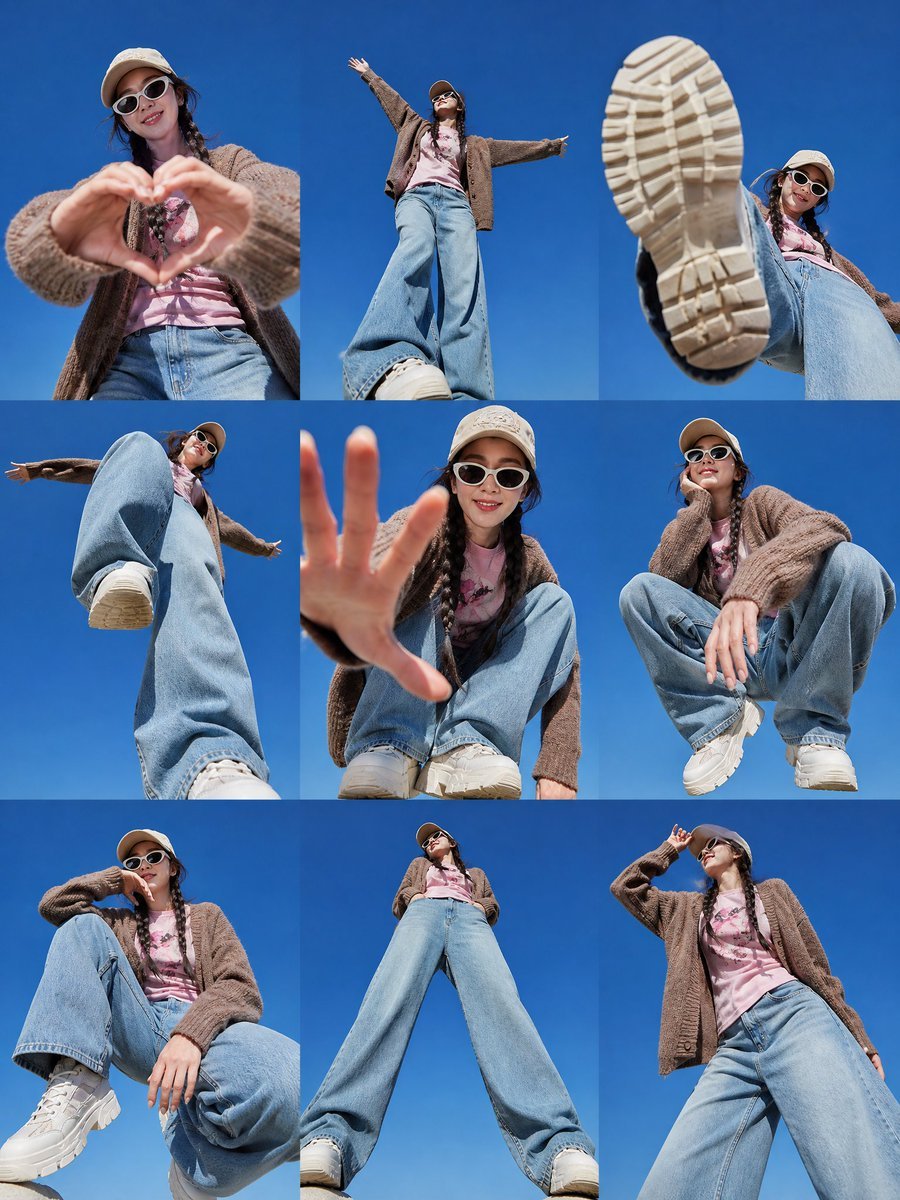
Korean Fashion 3x3 Editorial Sheet

Luxury Black-and-White Fashion Contact Sheet

Anime Character Charm Analysis Sheet
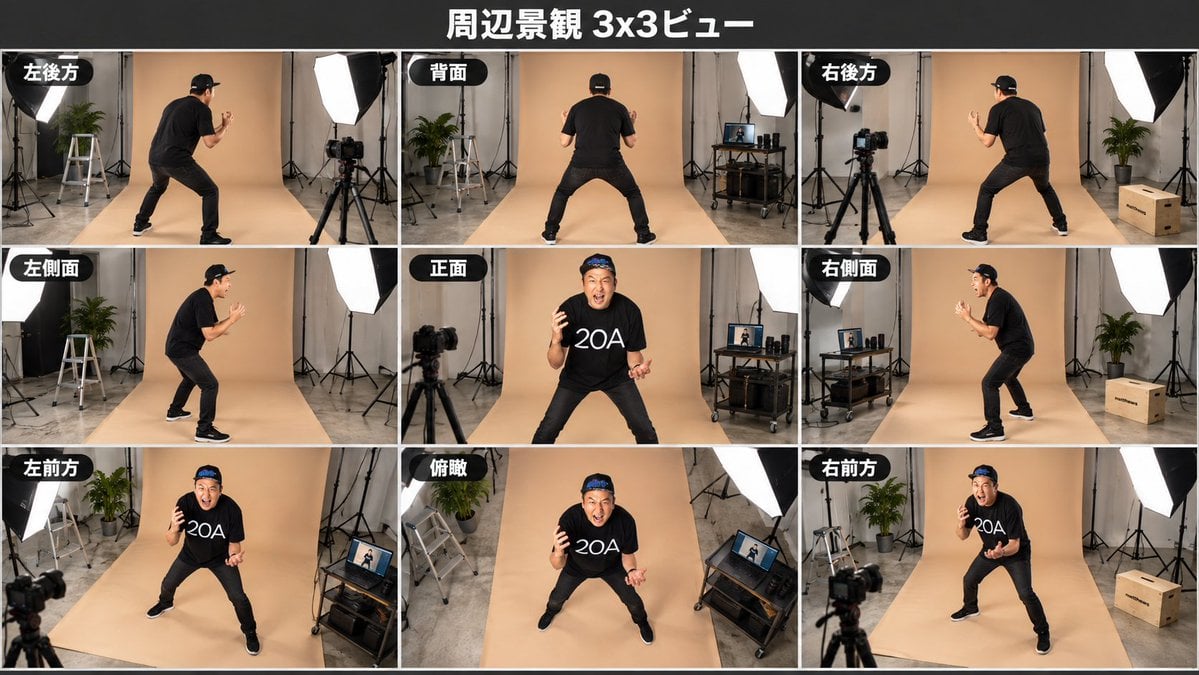
Consistent 3x3 Studio View Sheet

A 3x3 grid storyboard contact sheet comprised of nine candid, cinematic
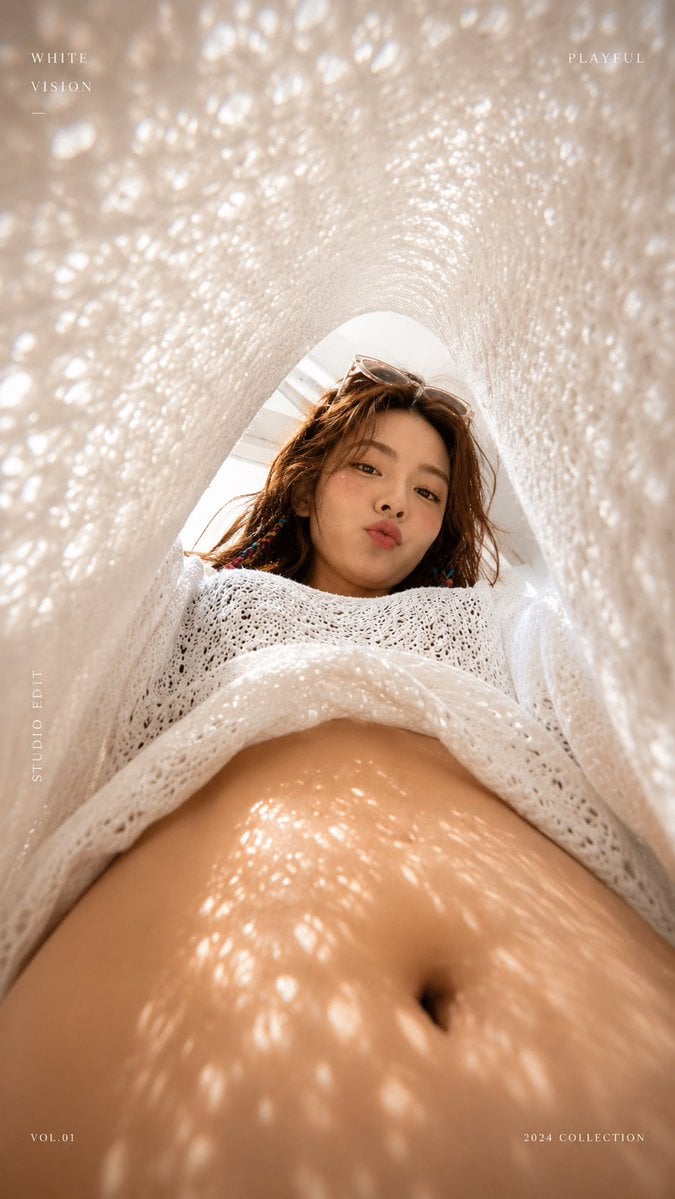
White Lace Low-Angle Editorial

Gray Studio Character Reference Sheet

Anime Character Sheet Reference Prompt
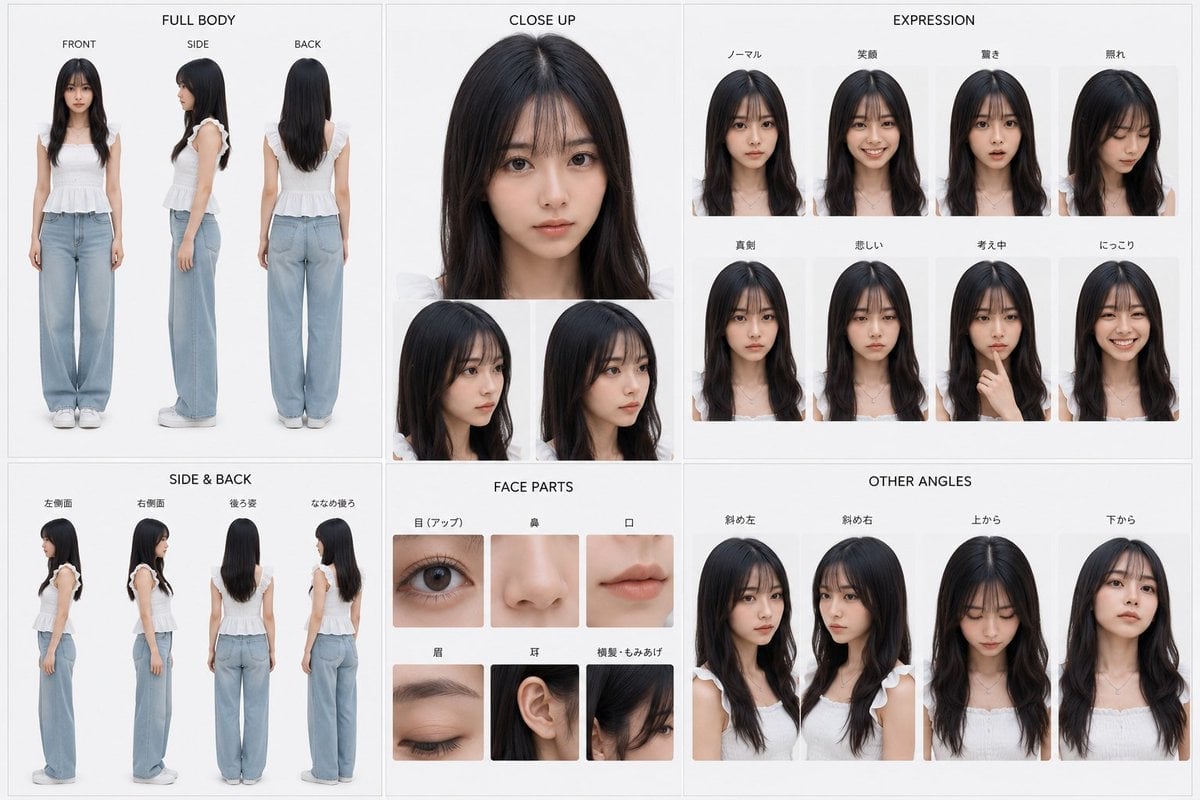
Photoreal Character Reference Sheet
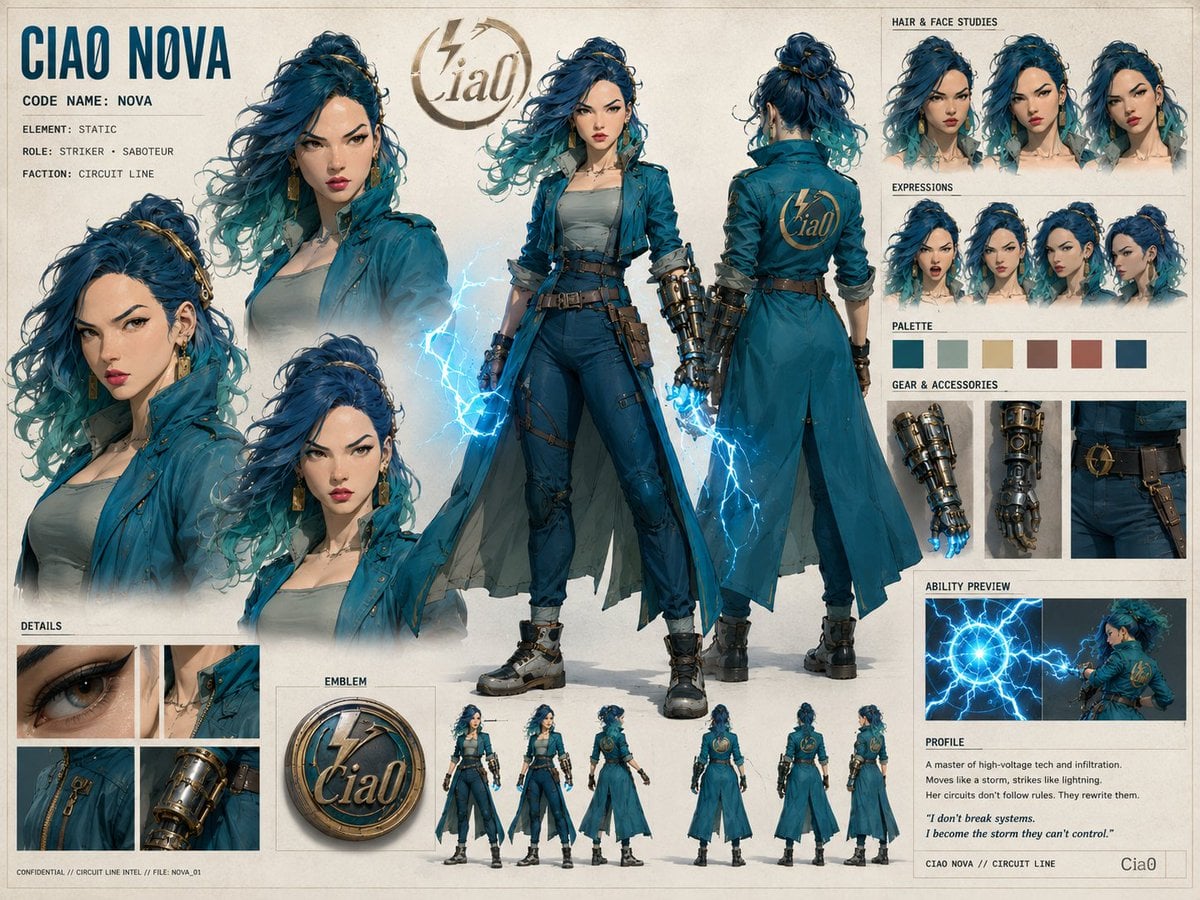
Ciao Nova Character Reference Sheet
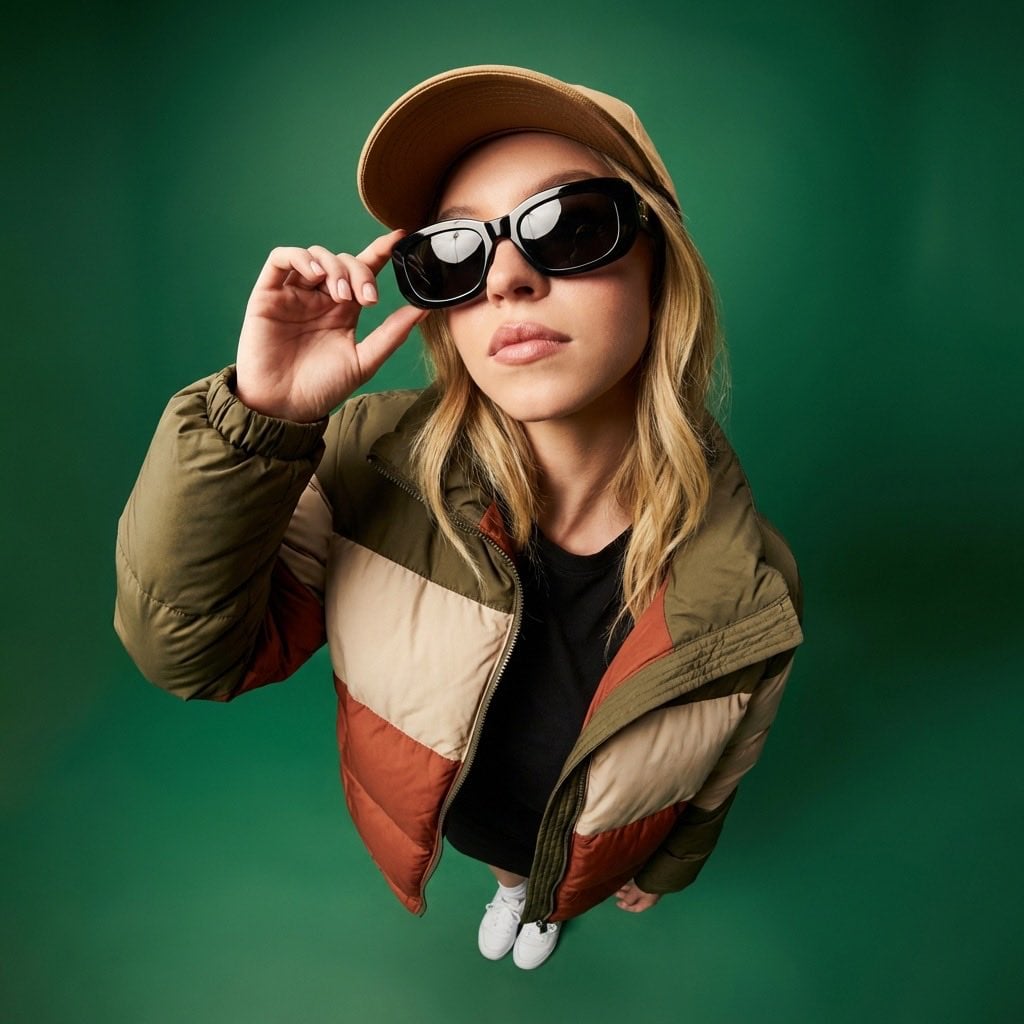
High-Angle Editorial Fashion Portrait
Make it yours
Editorial 3x3 Angle Reference Sheet works as-is. These are the safest ways to change it without losing the look.
Change one field
Copy a single group, rewrite it, and generate again so you can see what that field is doing.
Keep the frame, change the subject
Hold the composition and light of Editorial 3x3 Angle Reference Sheet, then swap wardrobe, props or the person for a new take.
| If the result… | Why | Fix |
|---|---|---|
| The result drifts from the preview | Too many fields changed at once. | Reuse Editorial 3x3 Angle Reference Sheet as-is first, then change one group — subject, light, or setting. |
| The model over-stylizes the scene | The prose prompt leaves finish and camera underspecified. | Add one camera or lighting sentence and stay on GPT Image 2. |
More GPT Image 2 templates
Other prompts made for GPT Image 2.

Six VTuber Japanese Logo Sheet

Realistic Portrait of Woman and Deer

The Vista Modular Condo Poster

AI Model Routing Comparison Infographic

2.5D Anime Art Board

Isometric Productivity Desk Scene

New York Double Exposure Poster

Four-Panel AI Landscape Comparison

Japanese Tatami Lifestyle Magazine Cover

NESCAFÉ Coffee Map Poster
More image prompts
Fresh picks from across the catalog.
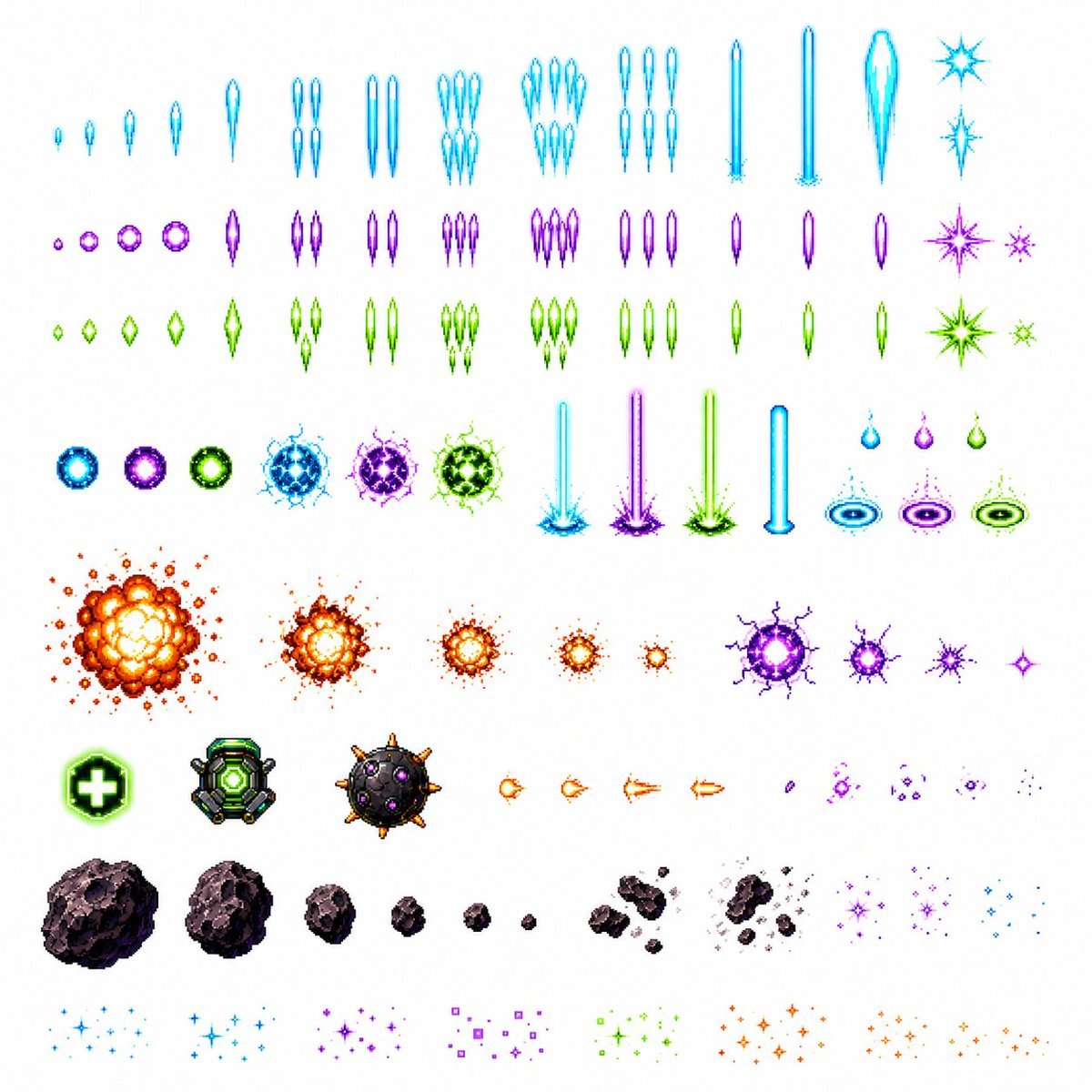
Retro Space Shooter VFX Sprite Sheet
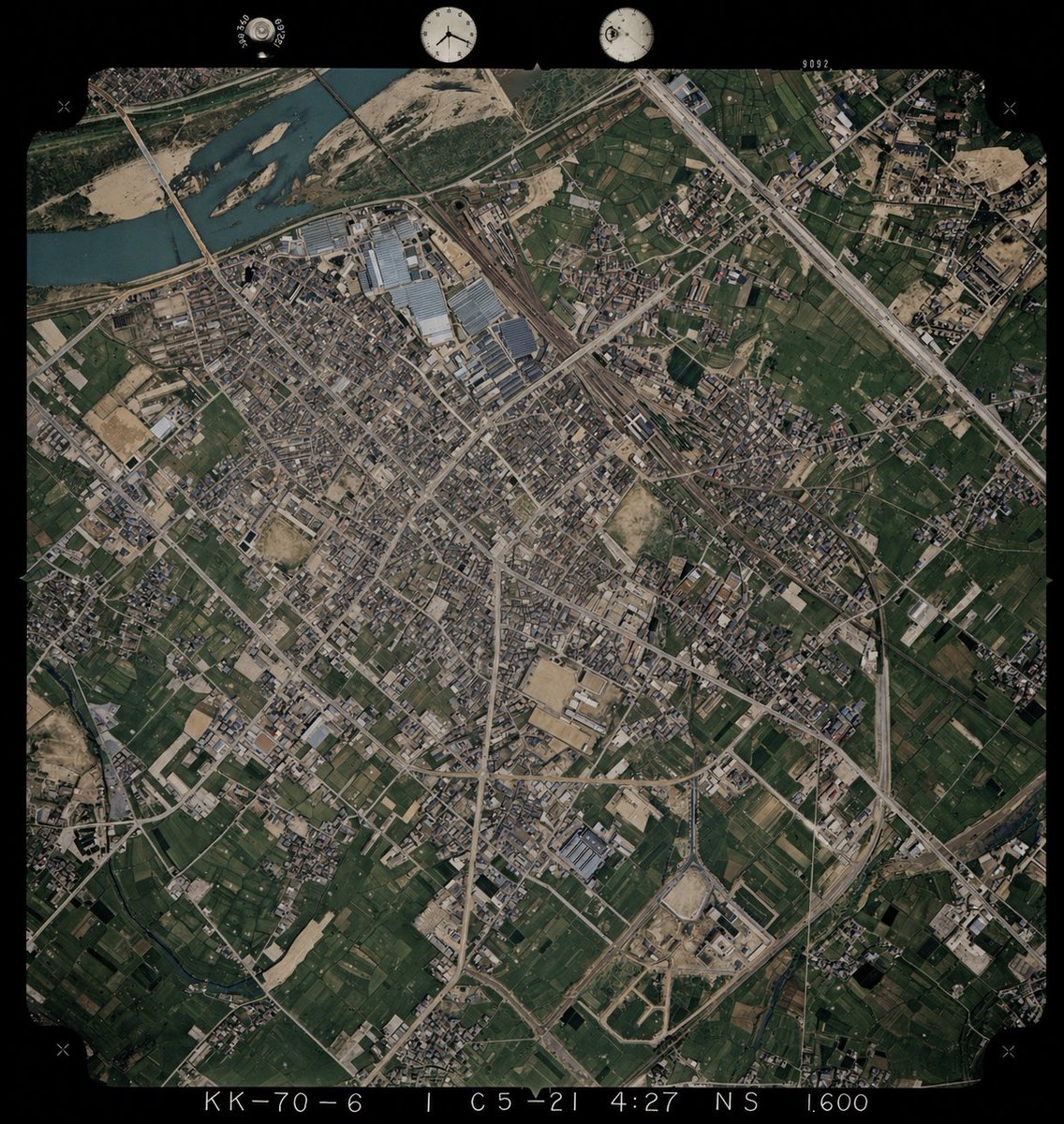
Colorize Historical Aerial Photo
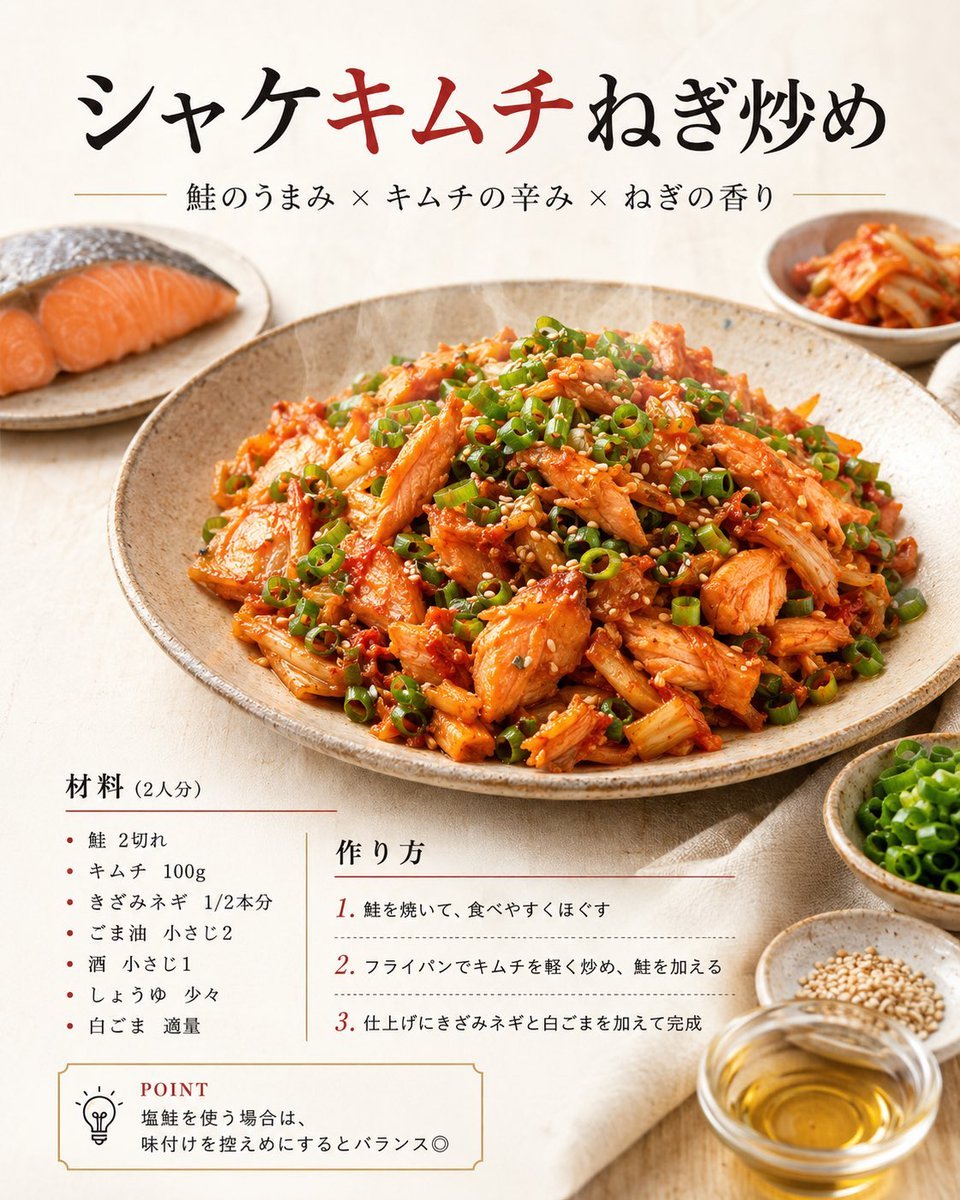
Japanese Salmon Kimchi Recipe Poster
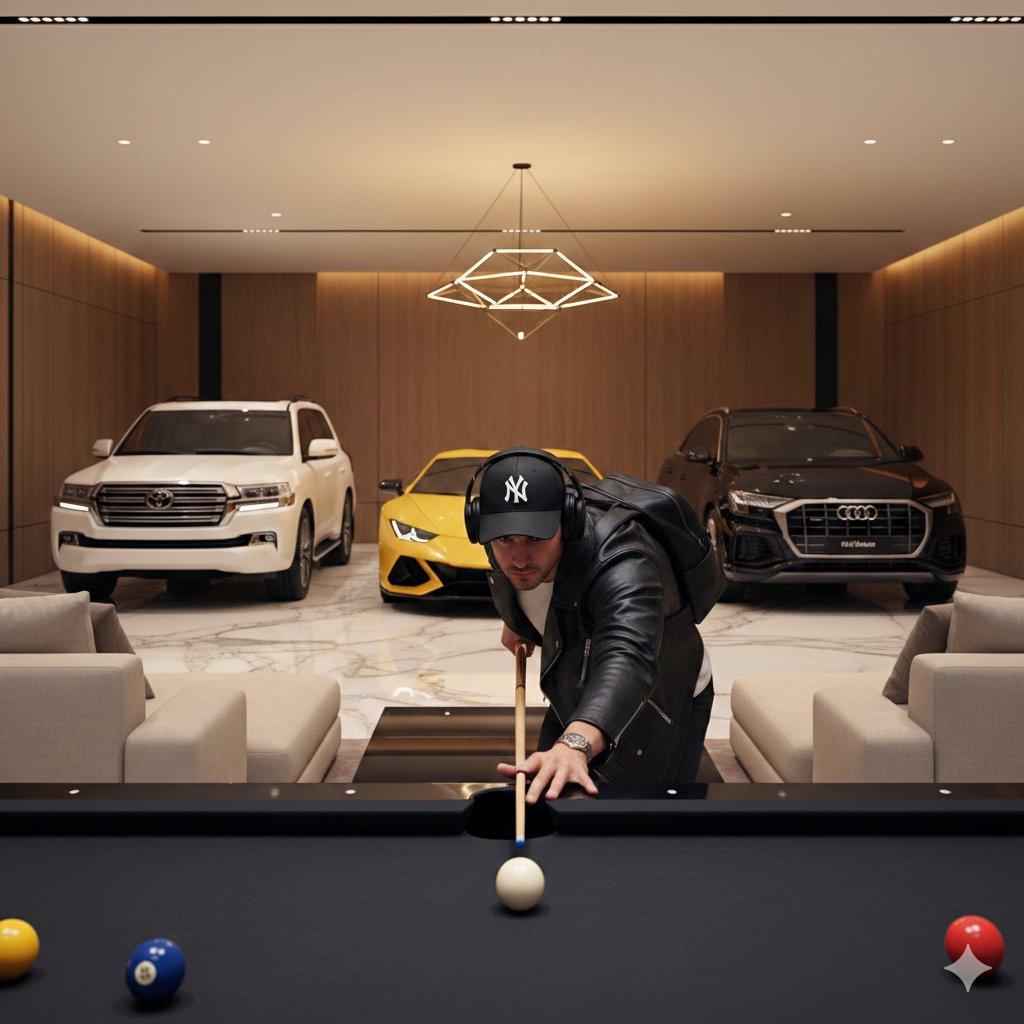
Luxury Lifestyle Billiards Scene with High-End Cars
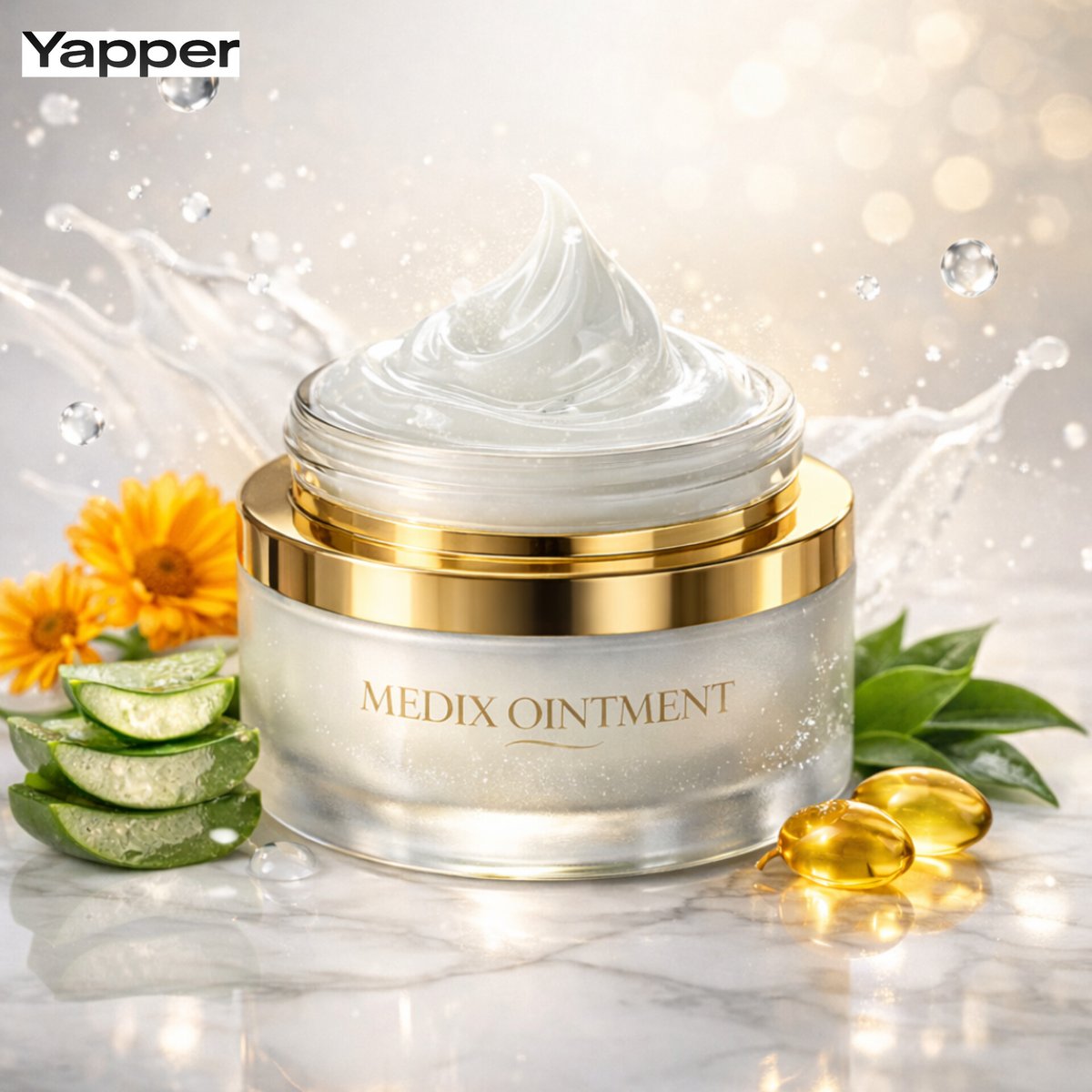
Ultra-Premium Cinematic Skincare Product Photography
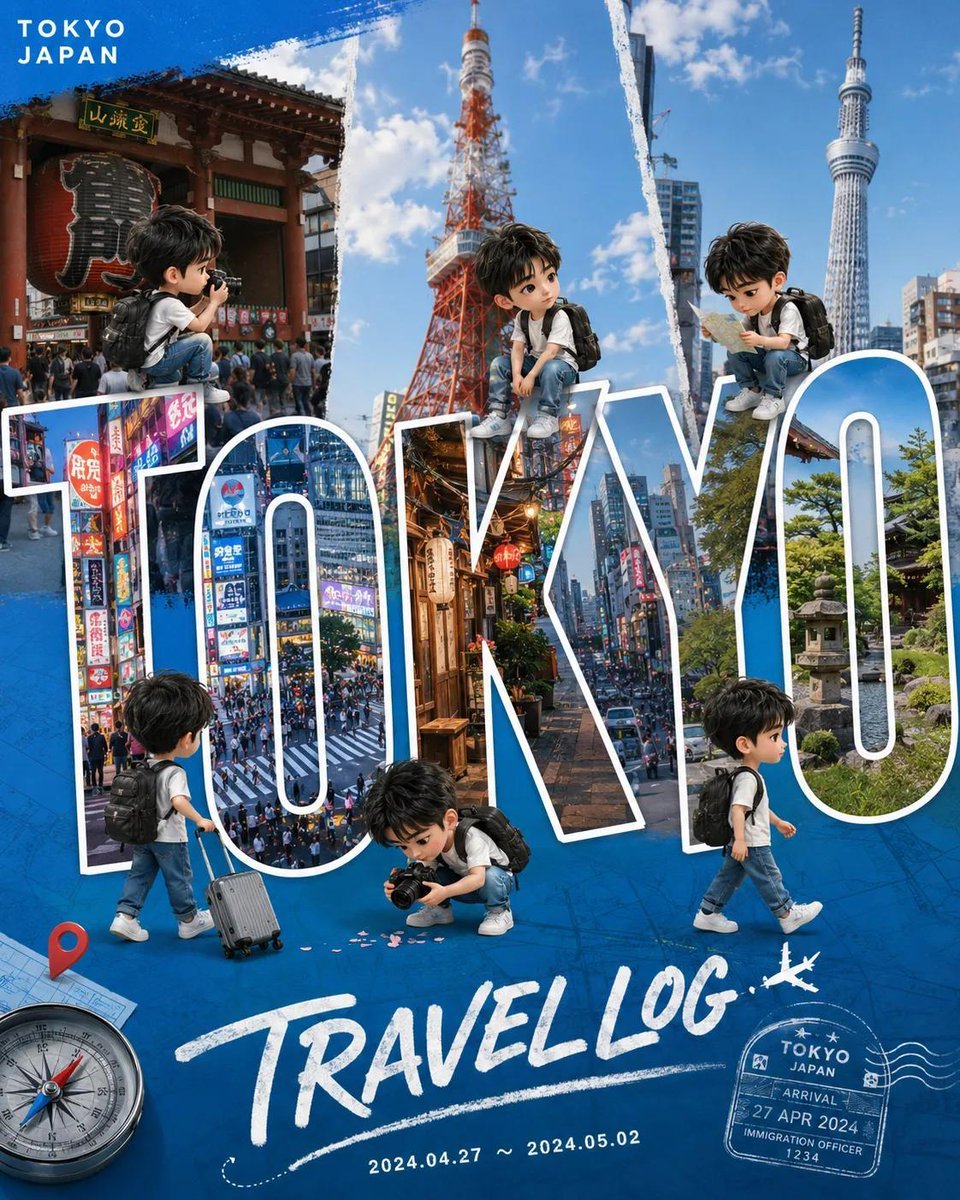
Chibi Travel Vlog Poster Design

Kids Crayon Travel Journal Illustration
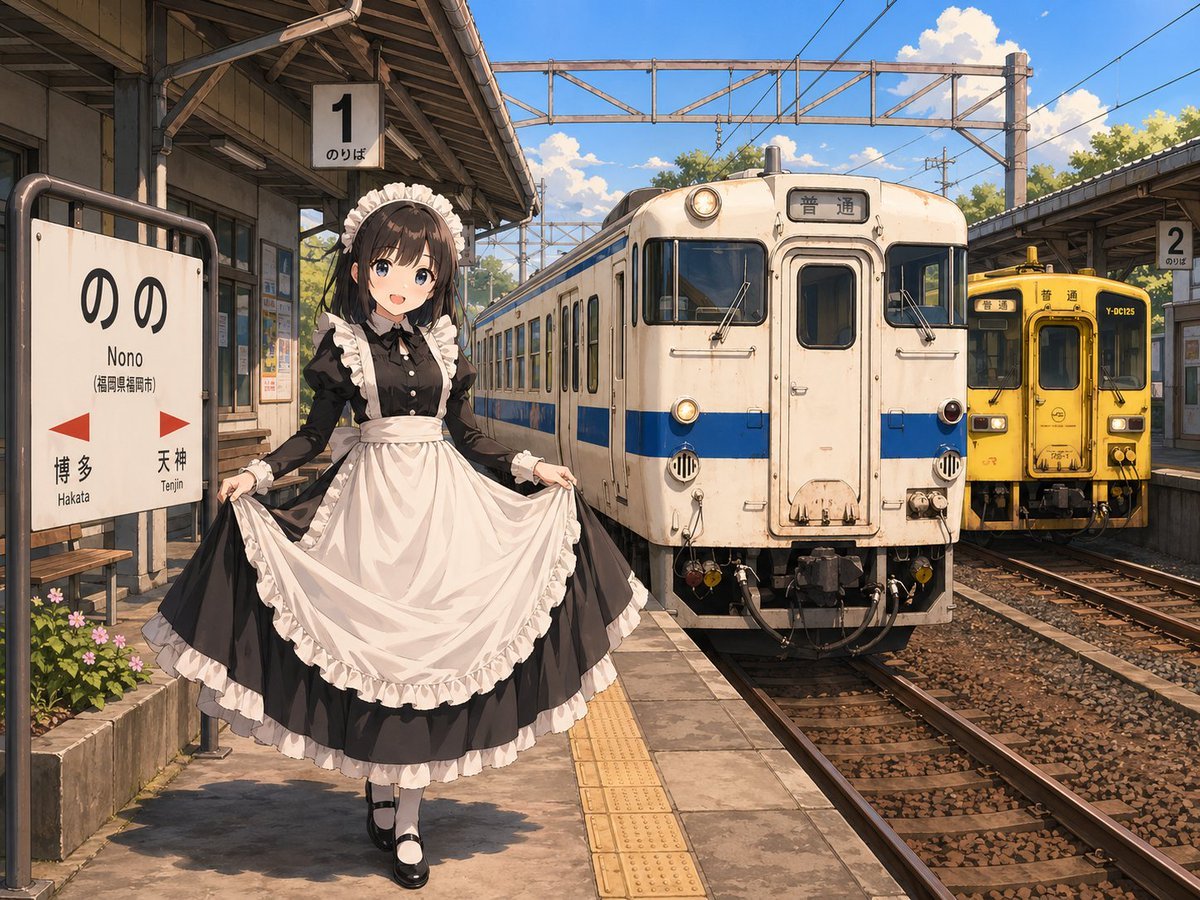
Anime Maid at Rural Train Station
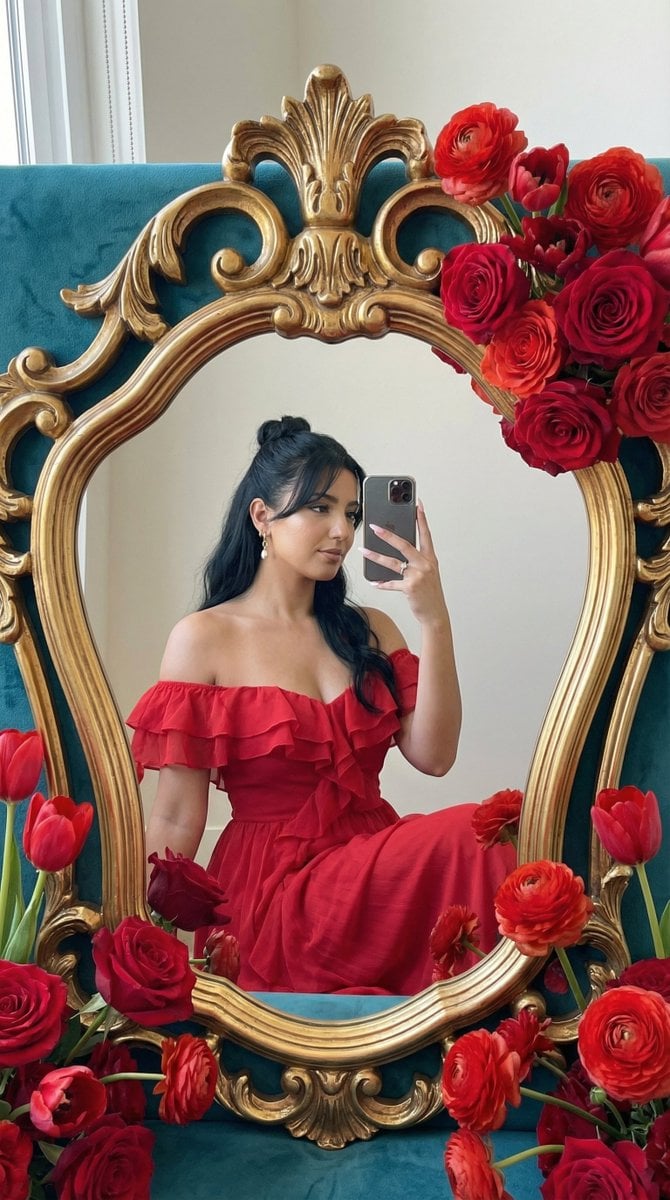
Photoreal Editorial Mirror Selfie with Floral Frame
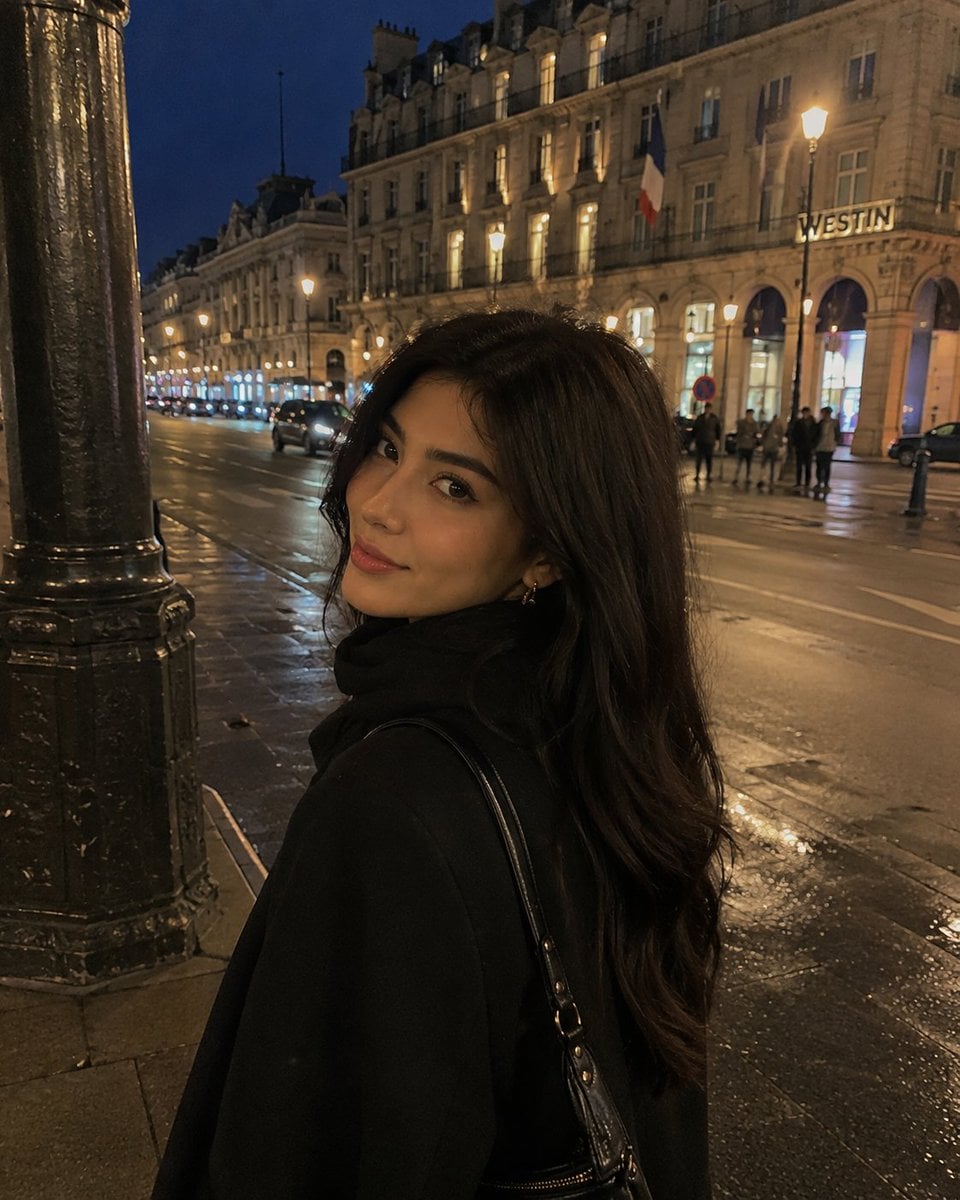
iPhone Night Street Portrait
Browse template categories
Editorial 3x3 Angle Reference Sheet questions
How do I use the Editorial 3x3 Angle Reference Sheet template?
Add your photo if the template asks for one, edit the prompt if you like — the template's model and format are already selected — and press Generate. Your version opens in PicX Studio.
Can I customize the Editorial 3x3 Angle Reference Sheet template?
Yes. You can change the subject, setting, lighting, mood, format, and available model controls before creating your image.
Is the Editorial 3x3 Angle Reference Sheet template free?
Opening and editing this template is free. Generating uses credits, shown on the Generate button when you are signed in.
Which AI model should I use?
Start with GPT Image 2, which is the model associated with this template. You can compare another compatible model for a different finish.
Looking for something else? Browse all templates.

Your photo, any look
Thousands of ready templates for every top image and video model, from one credit balance.