
Consistent 3x3 Studio View Sheet
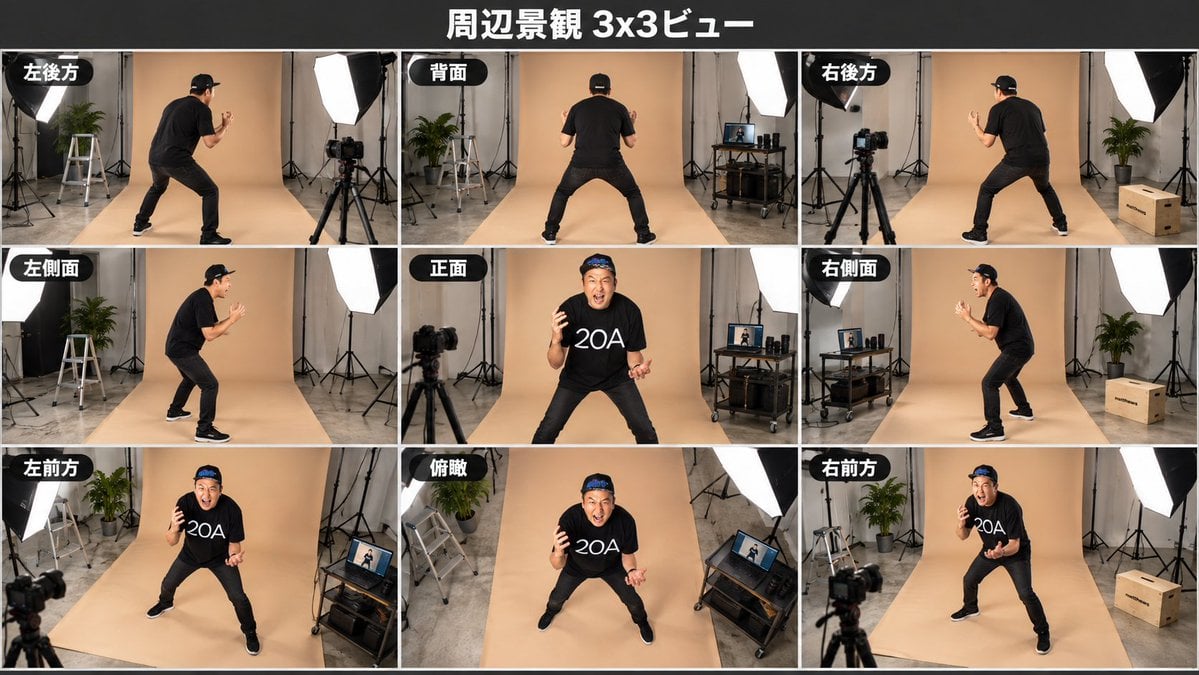
Creates a photorealistic 3x3 multi-angle studio view sheet from a single character reference while preserving identity and pose consistency.
- Prompt included
- Model and format preset
- Free template
The prompt behind this image
Copy the exact prompt behind Consistent 3x3 Studio View Sheet, or open it in the studio and make it yours.
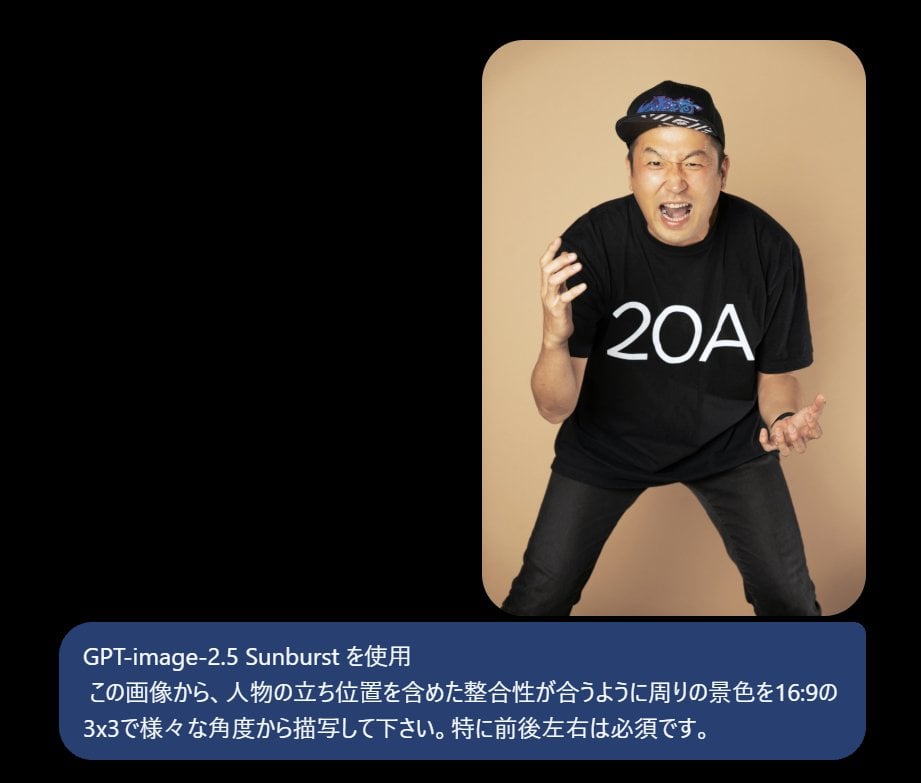
Using REFERENCE_0 as the character base, generate a 16:9 surrounding-environment 3x3 view sheet that keeps the person’s identity, outfit, pose energy, and body proportions consistent across all angles. Goal: Show the same subject from multiple camera directions in a coherent photo studio environment, as if captured around the person. Canvas and layout: Create one wide horizontal 16:9 image with a dark header bar and a clean 3x3 grid of exactly 9 panels separated by thin white borders. Add the centered Japanese title {argument name="title text" default="周辺景観 3x3ビュー"} at the top. Required 9 panels and labels: Place a black rounded label with white Japanese text in the upper-left of each panel. Use exactly these 9 labeled views, arranged left to right, top to bottom: 1) 「左後方」, 2) 「背面」, 3) 「右後方」, 4) 「左側面」, 5) 「正面」, 6) 「右側面」, 7) 「左前方」, 8) 「俯瞰」, 9) 「右前方」. Scene transformation: Expand the original reference into a realistic behind-the-scenes studio setup. Keep the beige seamless paper backdrop from the reference, but reveal the surrounding studio: light stands, softbox lights, camera on tripod, gray concrete floor, a potted plant, a step ladder, a rolling equipment cart with a laptop/monitor, cables, and cardboard boxes. These objects should appear consistently from different angles according to the viewpoint. Subject: Keep the same man from the reference wearing the same black cap, black T-shirt with the white {argument name="shirt text" default="20A"} lettering, black pants, and black sneakers. Maintain his crouched energetic stance and expressive hands, but rotate him naturally for each labeled viewpoint. The front-view panels should show his face; the rear and side panels should correctly hide or reveal facial features based on angle. Style: Photorealistic, high-resolution studio photography, wide-angle documentary look, consistent lighting, realistic perspective, no cartoon styling. Constraints: The 9 views must be spatially consistent, especially front, back, left, and right. Do not add extra panels, extra labels, watermarks, or unrelated text.
Reference images included
Consistent 3x3 Studio View Sheet needs input media to work. They load alongside the prompt when you open it in the studio.
How to use Consistent 3x3 Studio View Sheet in 3 steps
- 1Upload ImagePNG, JPG or paste
Add your photo
Upload the photo the template builds on. The prompt, model and format are already set.
- 2…a portrait of your subject in softgolden-hour light, 85mm…
Personalize
Edit the subject and creative details for your destination.
- 3Generate
Generate
Press Generate — your image is created in PicX Studio, so you can compare it with the original and refine one variable at a time.
More like this
Templates with the same subject, style or setup. Open one to see its prompt.

Dancer Character - Four View Reference Sheet
Consistent Three-View Character Sheet

Luxury Black-and-White Fashion Contact Sheet
Lo-Fi Warm Studio Motion Contact Sheet 3x3 Grid

80s Couple Studio Portrait

1985 Studio Portrait
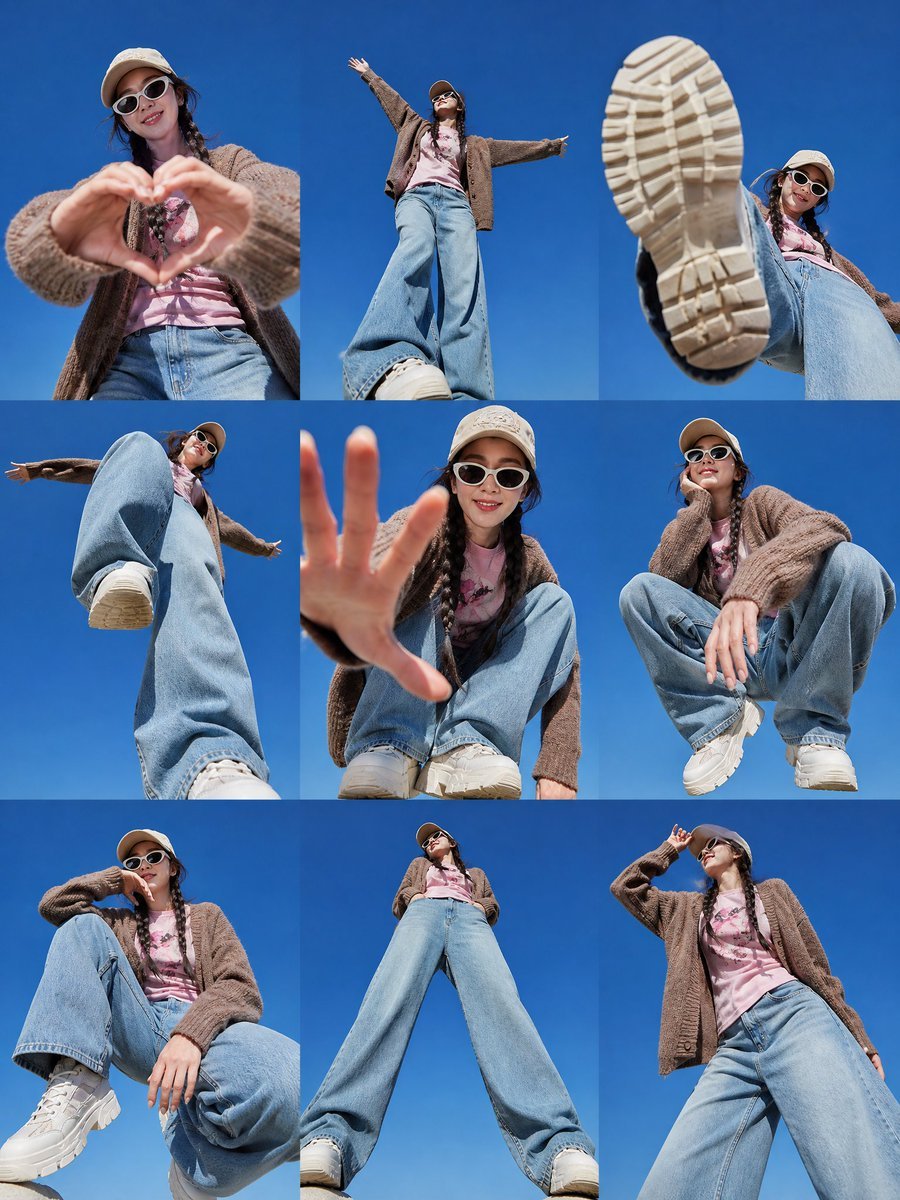
Korean Fashion 3x3 Editorial Sheet

A 3x3 grid storyboard contact sheet comprised of nine candid, cinematic
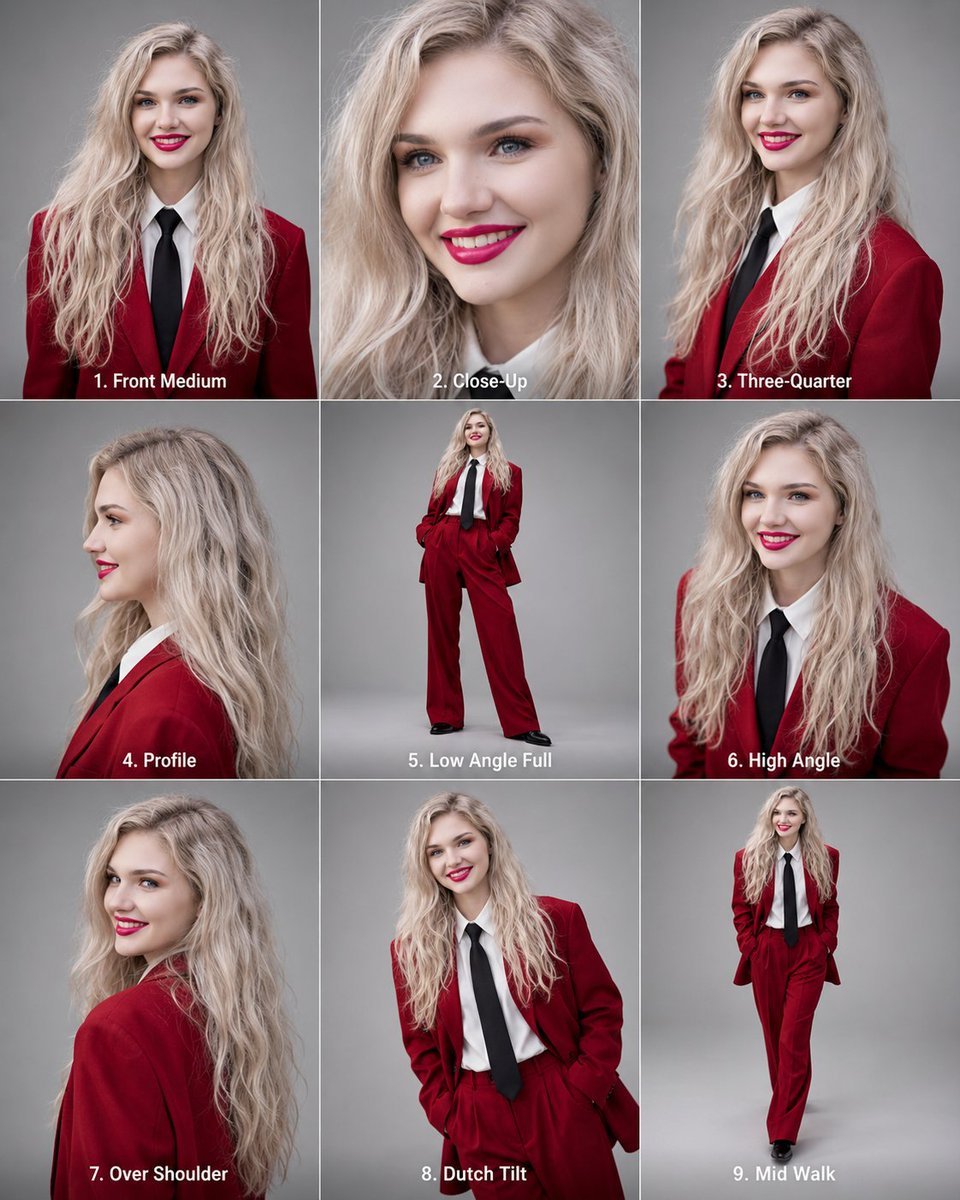
Editorial 3x3 Angle Reference Sheet

Gray Studio Character Reference Sheet

Cinematic Low-Angle Fashion Portrait Smoke Editorial

Japanese Architectural Concrete Studio Fashion Campaign
Make it yours
Consistent 3x3 Studio View Sheet works as-is. These are the safest ways to change it without losing the look.
Change one field
Copy a single group, rewrite it, and generate again so you can see what that field is doing.
Keep the frame, change the subject
Hold the composition and light of Consistent 3x3 Studio View Sheet, then swap wardrobe, props or the person for a new take.
| If the result… | Why | Fix |
|---|---|---|
| The result drifts from the preview | Too many fields changed at once. | Reuse Consistent 3x3 Studio View Sheet as-is first, then change one group — subject, light, or setting. |
| The model over-stylizes the scene | The prose prompt leaves finish and camera underspecified. | Add one camera or lighting sentence and stay on GPT Image 2. |
More GPT Image 2 templates
Other prompts made for GPT Image 2.

Six VTuber Japanese Logo Sheet

Realistic Portrait of Woman and Deer

The Vista Modular Condo Poster

AI Model Routing Comparison Infographic

2.5D Anime Art Board

Isometric Productivity Desk Scene

New York Double Exposure Poster

Four-Panel AI Landscape Comparison

Japanese Tatami Lifestyle Magazine Cover

NESCAFÉ Coffee Map Poster
More image prompts
Fresh picks from across the catalog.
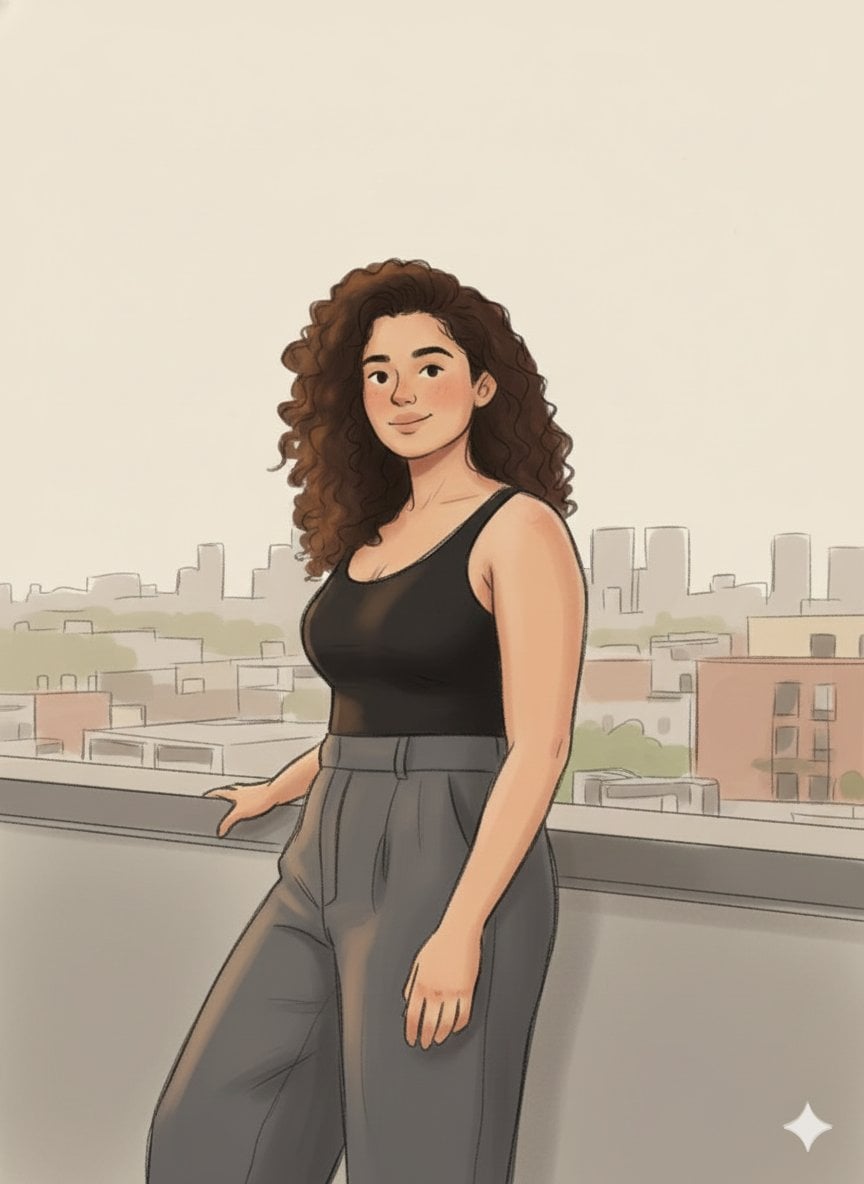
Cozy Marker and Pencil Illustration from Reference
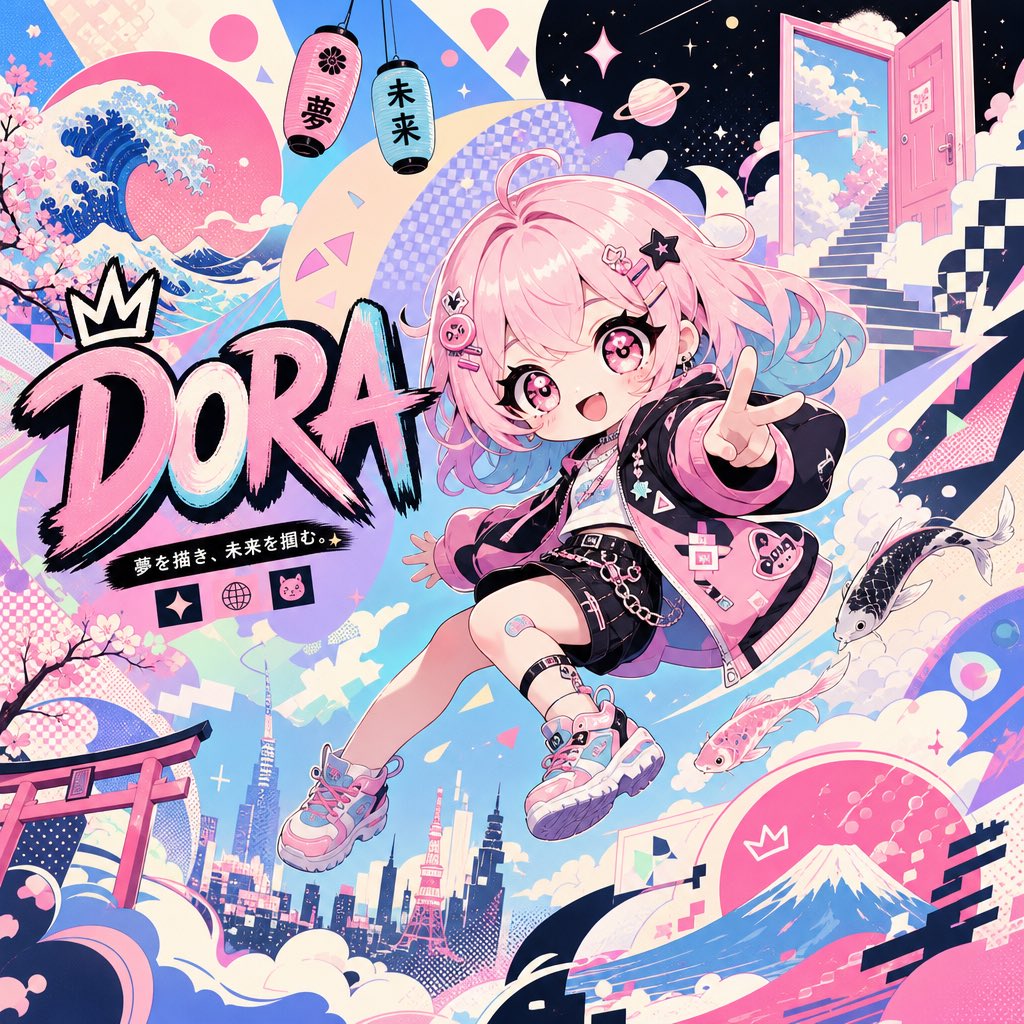
Surreal Japanese Pop Art Twitter Banner

Anime Lo-Fi Now Playing Schoolboys
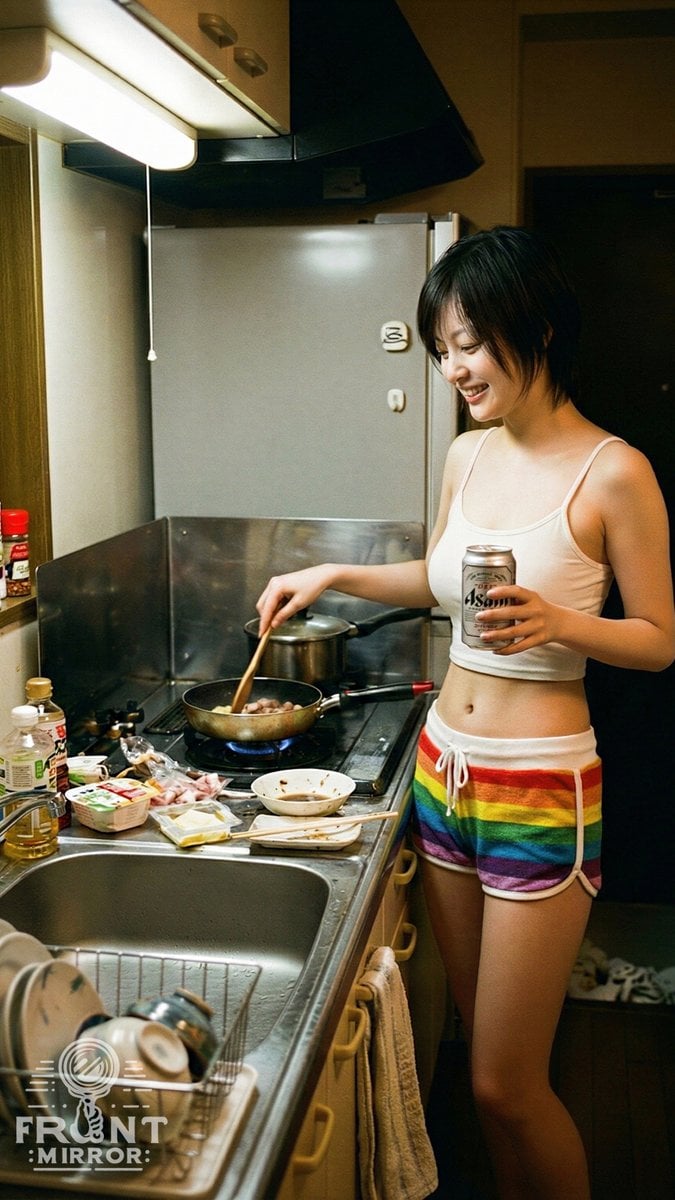
Overhead View of Late Night Activity Prompt (NanoBananaPro)
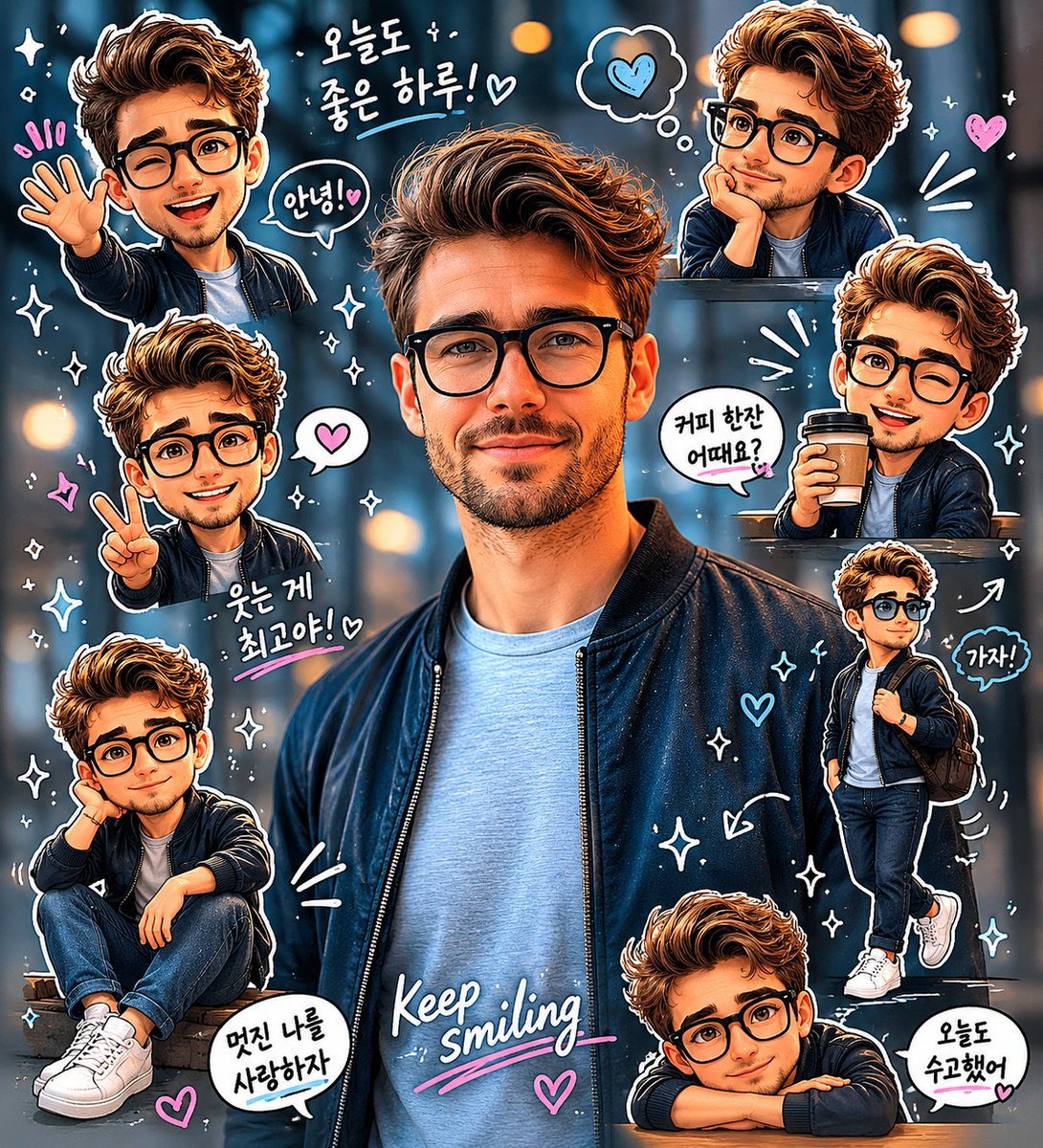
Chibi Sticker Diary Scrapbook Portrait
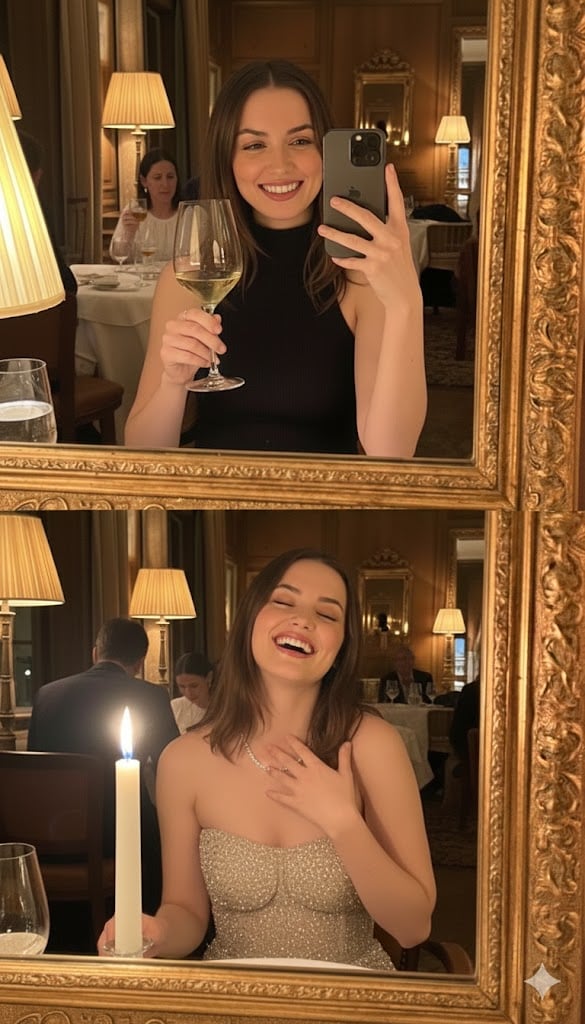
Ultra-Photorealistic Mirror Selfie POV in a Vintage Bistro

Manga Sketch Doodle Portrait
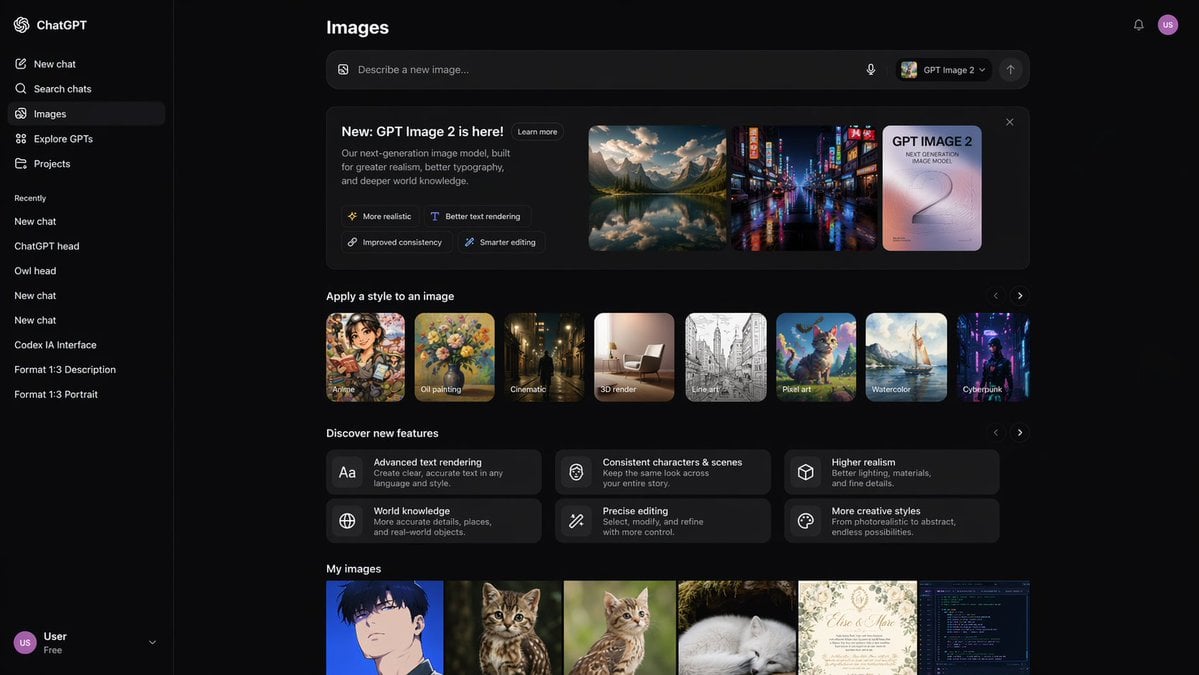
AI Image Generator UI Mockup

Ultra-realistic Christmas Glam Portrait Prompt
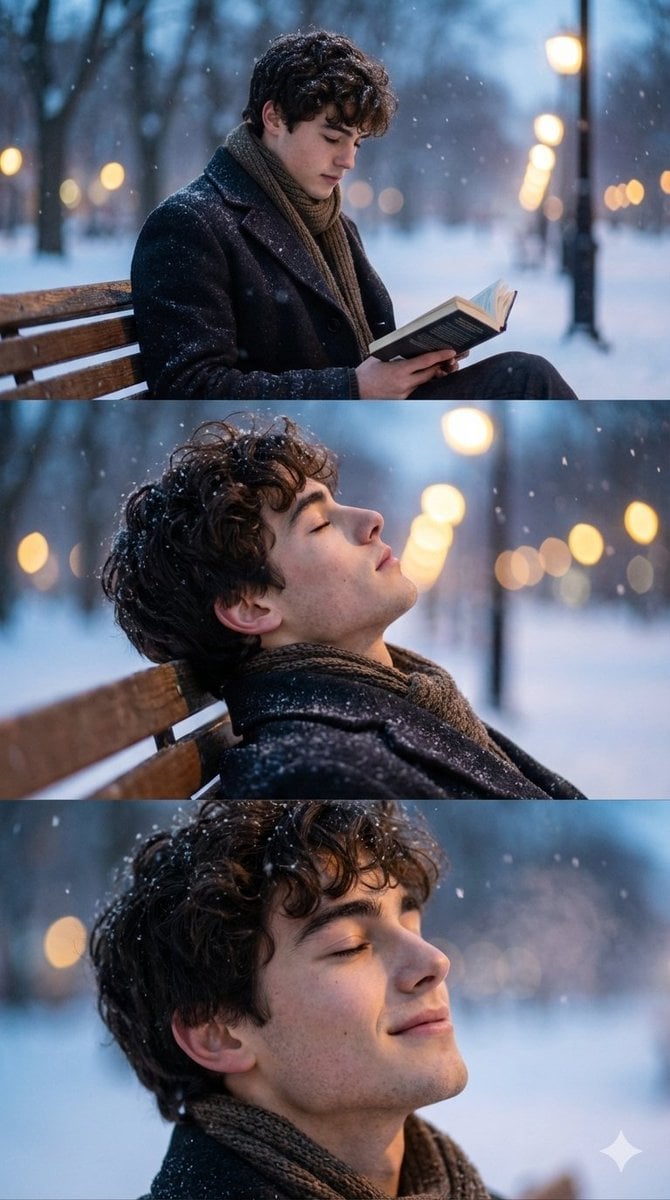
Cinematic Winter Photo Shoot Sequence (3 Frames)
Browse template categories
Consistent 3x3 Studio View Sheet questions
How do I use the Consistent 3x3 Studio View Sheet template?
Add your photo if the template asks for one, edit the prompt if you like — the template's model and format are already selected — and press Generate. Your version opens in PicX Studio.
Can I customize the Consistent 3x3 Studio View Sheet template?
Yes. You can change the subject, setting, lighting, mood, format, and available model controls before creating your image.
Is the Consistent 3x3 Studio View Sheet template free?
Opening and editing this template is free. Generating uses credits, shown on the Generate button when you are signed in.
Which AI model should I use?
Start with GPT Image 2, which is the model associated with this template. You can compare another compatible model for a different finish.
Looking for something else? Browse all templates.

Your photo, any look
Thousands of ready templates for every top image and video model, from one credit balance.