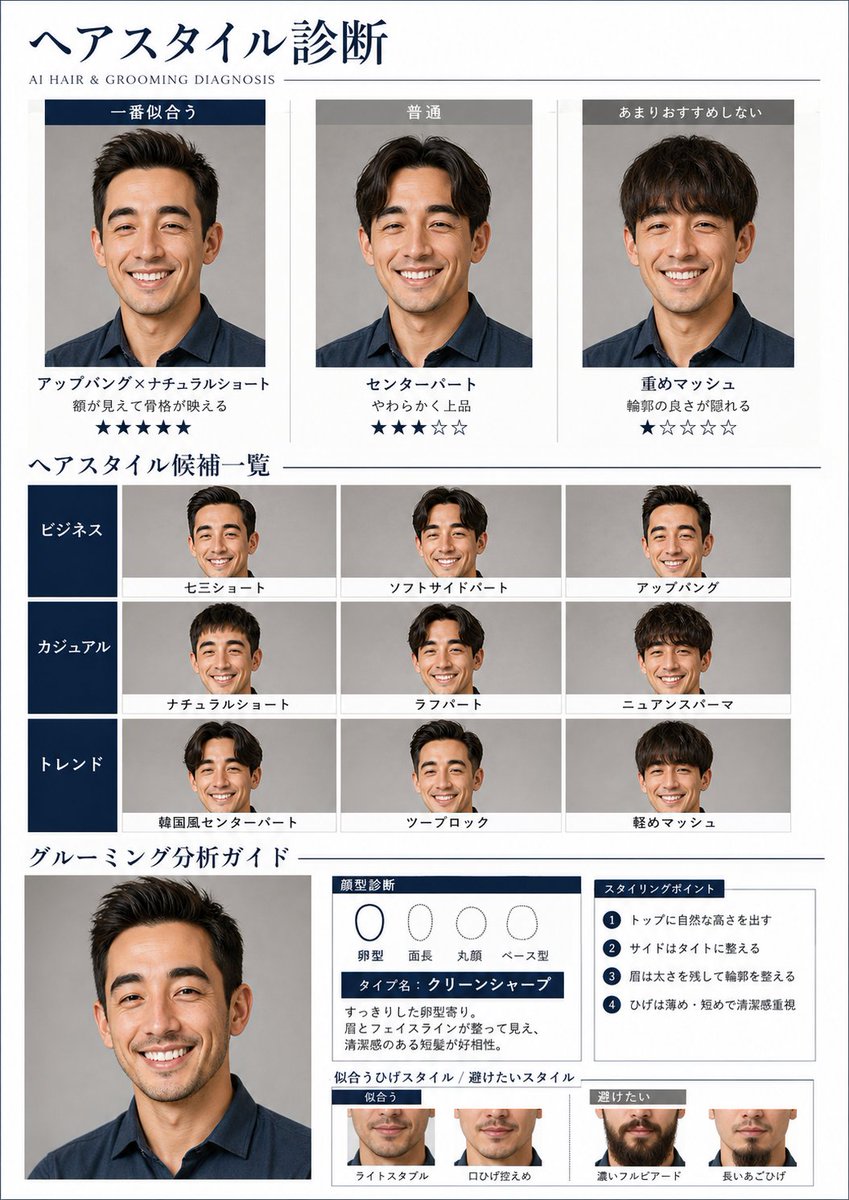
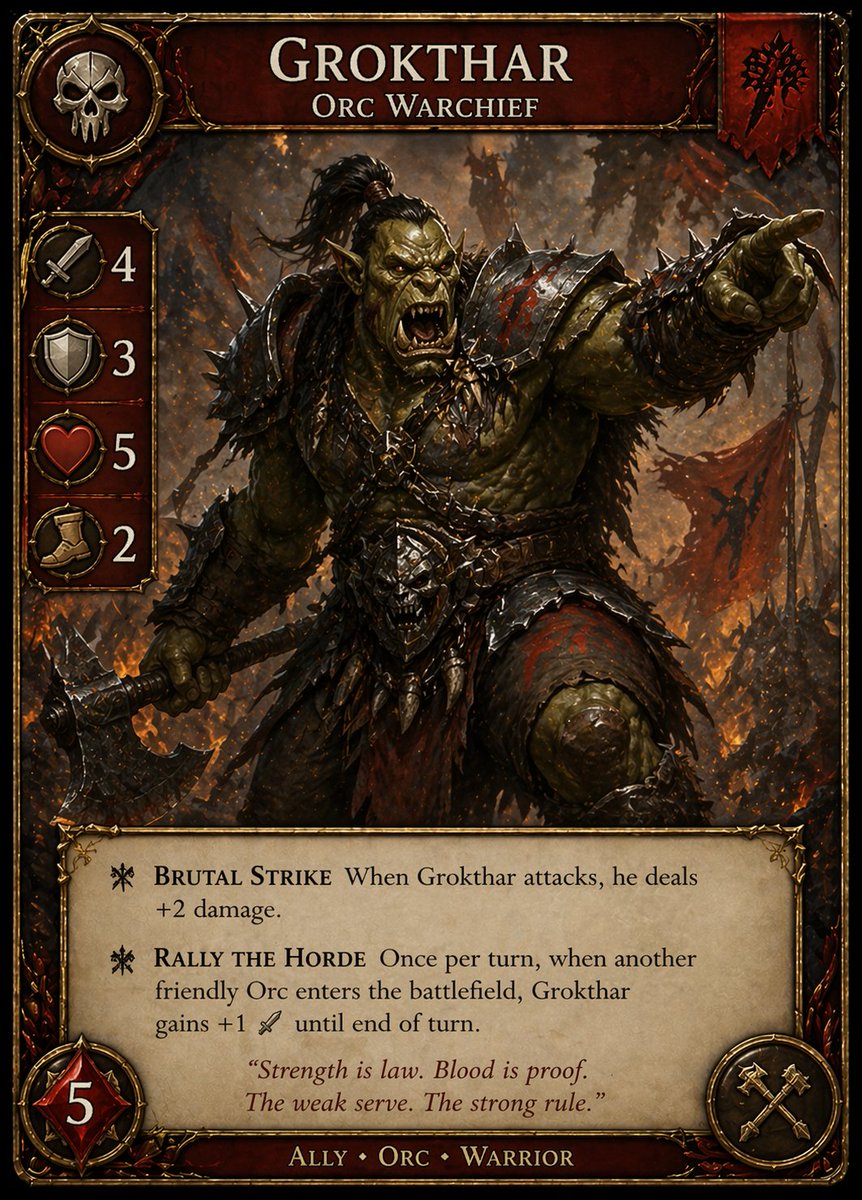
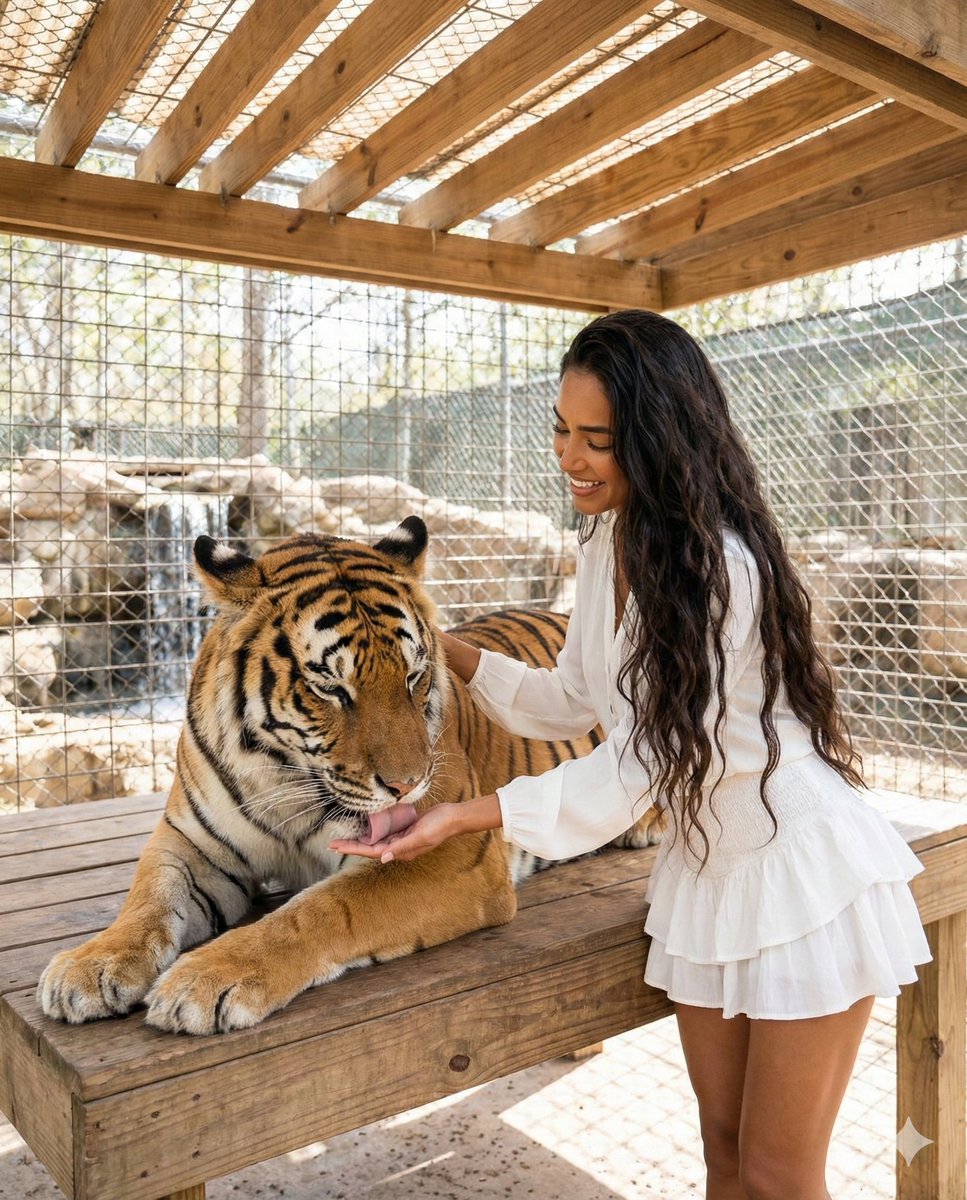
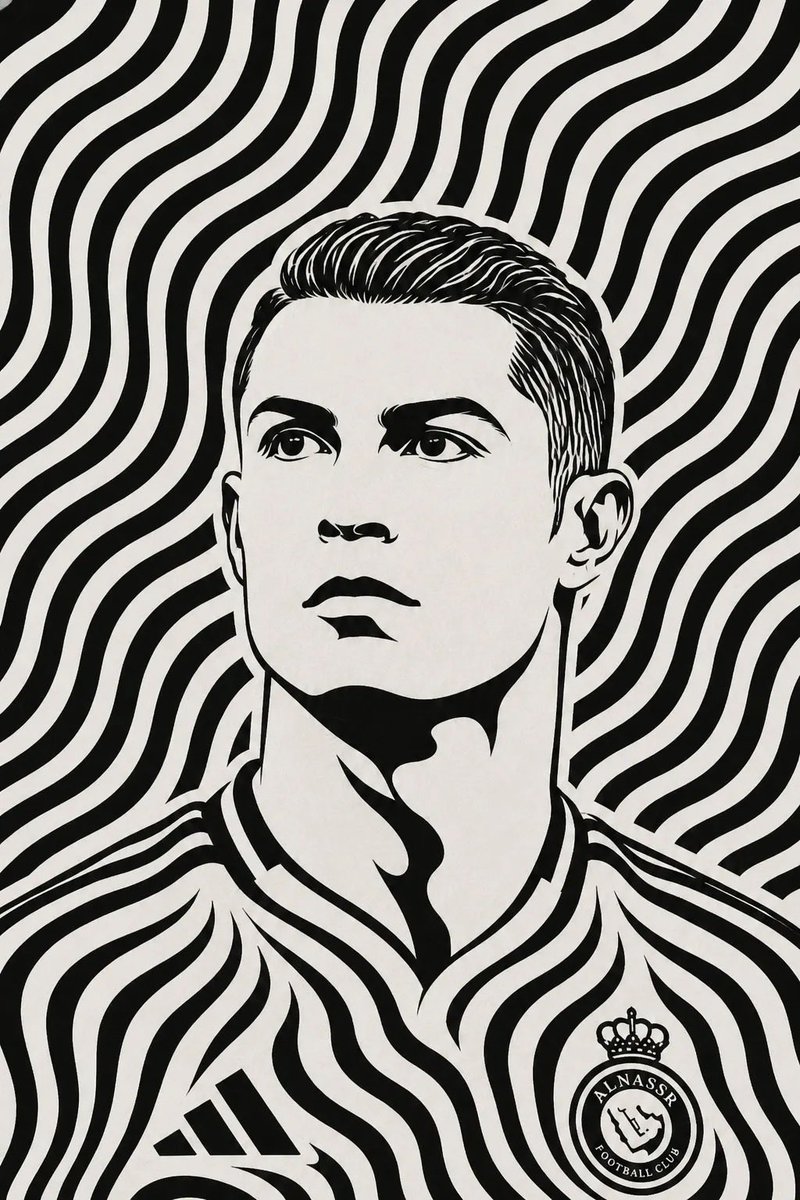
How do I use the Surreal Japanese Pop Art Twitter Banner template?
Choose the primary action to open PicX Studio with the available template settings. Review the model and format, personalize the creative direction, and generate when ready.
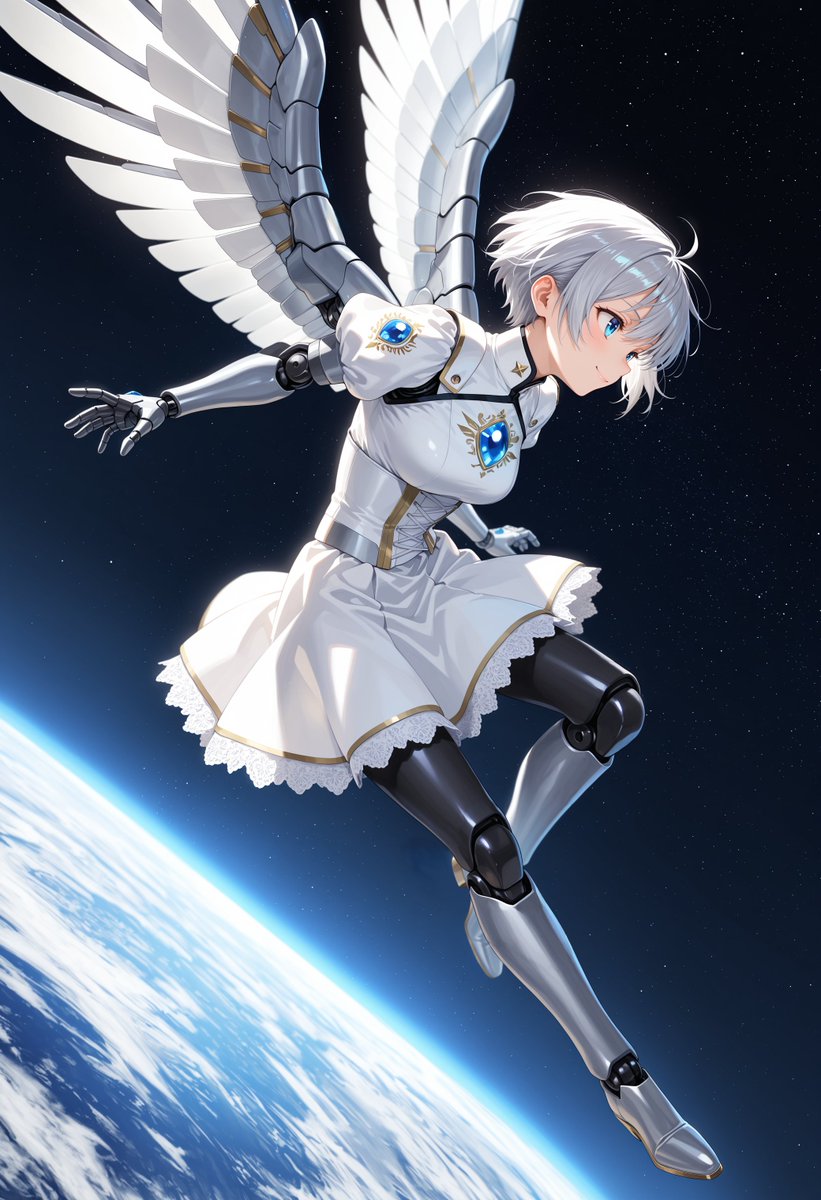
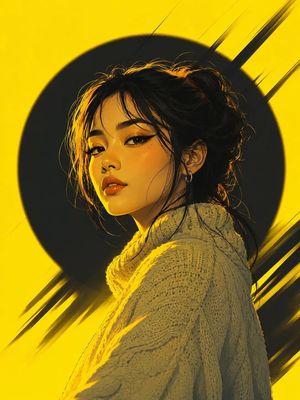
A vibrant and surreal Twitter banner prompt that creates a chibi character floating in a dynamic Japanese pop art scene with bold contrasts and pastel colors. Change the subject, setting, or lighting one variable at a time.
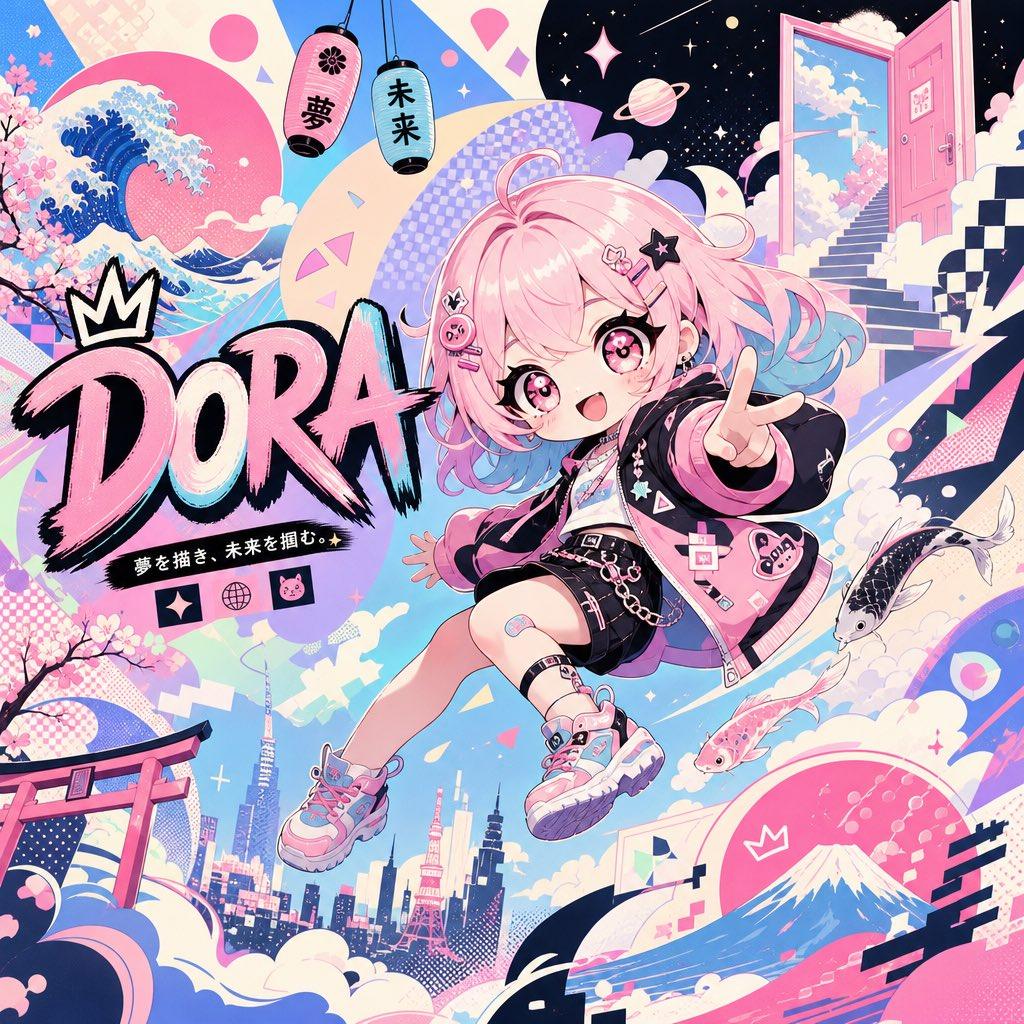
generate a twitter banner with the dimensions of 1500 x 500, a vibrant yet surreal scene using bold contrasts and a Japanese pop art aesthetic, importance on {argument name="desired color" default="pastel colors"} and dynamic perspectives, the attached character in chibi style floating in a dynamic but fun pose, keep the eyes the same style, looking at the camera. Add text that reads [{argument name="text" default="DORA"}] Whimsical and ambitious, this image must leave the viewer in awe and amazed. The background introduces opposing shapes and abstract ideas, creating visual tension and curiosity.
Choose the primary action to open PicX Studio with the available template settings. Review the model and format, personalize the creative direction, and generate when ready.
Yes. You can change the subject, setting, lighting, mood, format, and available model controls before creating your image.
This template is free to open and customize. Generation usage is shown in PicX Studio before you create.
Start with GPT Image 2, which is the model associated with this template. You can compare another compatible model for a different finish.
© 2026 PicX Studio. All rights reserved.

Follow a topic to a crawlable collection of related PicX Studio templates.
43,474 public templates available. Verified via the PicX Studio public templates API; refreshed hourly.

















![Minimalist Flat Vector Travel Poster — Premium minimalist flat-vector travel poster for {argument name="city name" default="[CITY_NAME]"}, 3:4 vertical format.](https://cms-assets.youmind.com/media/1787917359711_3ug846_HQX205cbMAA6F6S-300x400.jpg)