
Panel Comedy Manga Page
Generates a structured 6-panel anime-style comic page depicting a humorous scenario of a student going crazy from studying.
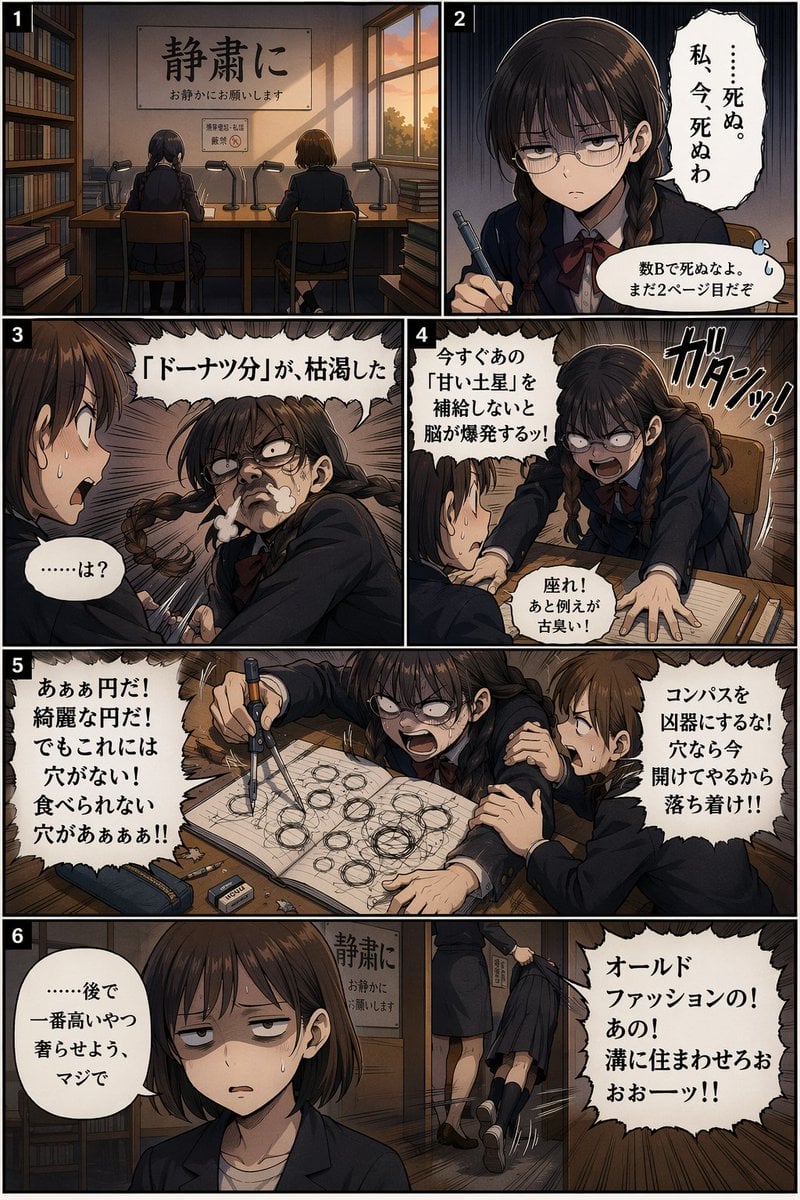
- Prompt included
- Model and format preset
- Free template
The prompt behind this image
Copy the exact prompt behind Panel Comedy Manga Page, or open it in the studio and make it yours.
- Type
- 6-panel manga page
- Characters › Character A
- {argument name="main character" default="girl with twin braids and glasses"}, dark school uniform, red bow
- Characters › Character B
- {argument name="friend character" default="girl with short brown hair"}, dark school uniform
- Setting
- {argument name="setting" default="school library study area"}, wooden desks, bookshelves
- Layout › Sections › 0 › Panel
- 1
- Layout › Sections › 0 › Position
- top left
- Layout › Sections › 0 › Description
- Wide shot from behind of girls studying. Wall sign reads '{argument name="sign text" default="静粛に"}'.
- Layout › Sections › 1 › Panel
- 2
- Layout › Sections › 1 › Position
- top right
- Layout › Sections › 1 › Description
- Close-up of Character A looking exhausted holding a pen, complaining about studying.
- Layout › Sections › 2 › Panel
- 3
- Layout › Sections › 2 › Position
- middle left
- Layout › Sections › 2 › Description
- Character A looks crazed, steam from nose, craving donuts. Character B looks shocked.
- Layout › Sections › 3 › Panel
- 4
- Layout › Sections › 3 › Position
- middle right
- Layout › Sections › 3 › Description
- Character A stands abruptly, slamming desk. Character B tries to calm her.
- Layout › Sections › 4 › Panel
- 5
- Layout › Sections › 4 › Position
- upper bottom
- Layout › Sections › 4 › Description
- Wide panel. Character A frantically draws overlapping circles with a compass. Character B grabs her arm.
- Layout › Sections › 5 › Panel
- 6
- Layout › Sections › 5 › Position
- lower bottom
- Layout › Sections › 5 › Description
- Wide panel. Character B in foreground looking deadpan. Background: Character A dragged away by a teacher.
Raw JSON
{
  "type": "6-panel manga page",
  "characters": {
    "character_A": "{argument name=\"main character\" default=\"girl with twin braids and glasses\"}, dark school uniform, red bow",
    "character_B": "{argument name=\"friend character\" default=\"girl with short brown hair\"}, dark school uniform"
  },
  "setting": "{argument name=\"setting\" default=\"school library study area\"}, wooden desks, bookshelves",
  "layout": {
    "sections": [
      { "panel": 1, "position": "top left", "description": "Wide shot from behind of girls studying. Wall sign reads '{argument name=\"sign text\" default=\"静粛に\"}'." },
      { "panel": 2, "position": "top right", "description": "Close-up of Character A looking exhausted holding a pen, complaining about studying." },
      { "panel": 3, "position": "middle left", "description": "Character A looks crazed, steam from nose, craving donuts. Character B looks shocked." },
      { "panel": 4, "position": "middle right", "description": "Character A stands abruptly, slamming desk. Character B tries to calm her." },
      { "panel": 5, "position": "upper bottom", "description": "Wide panel. Character A frantically draws overlapping circles with a compass. Character B grabs her arm." },
      { "panel": 6, "position": "lower bottom", "description": "Wide panel. Character B in foreground looking deadpan. Background: Character A dragged away by a teacher." }
    ]
  }
}How to use Panel Comedy Manga Page in 3 steps
- 1Upload ImagePNG, JPG or paste
Add your photo
Upload the photo the template builds on. The prompt, model and format are already set.
- 2…a portrait of your subject in softgolden-hour light, 85mm…
Personalize
Edit the subject and creative details for your destination.
- 3Generate
Generate
Press Generate — your image is created in PicX Studio, so you can compare it with the original and refine one variable at a time.
More like this
Templates with the same subject, style or setup. Open one to see its prompt.
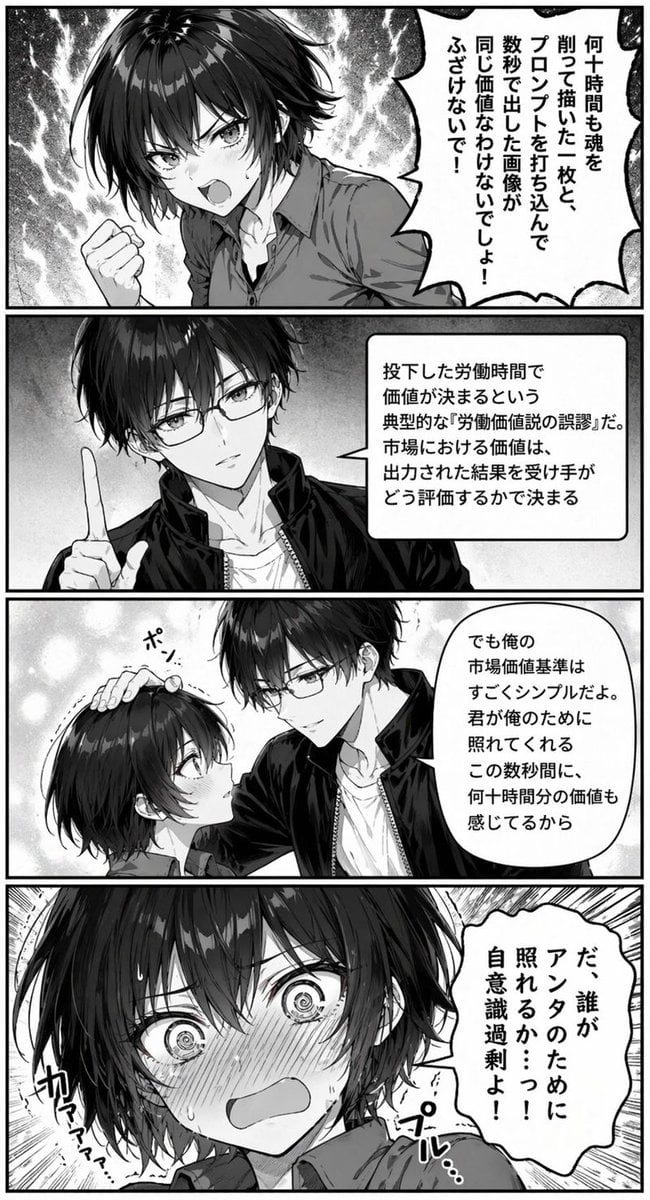
Four-Panel Romantic Comedy Manga Page
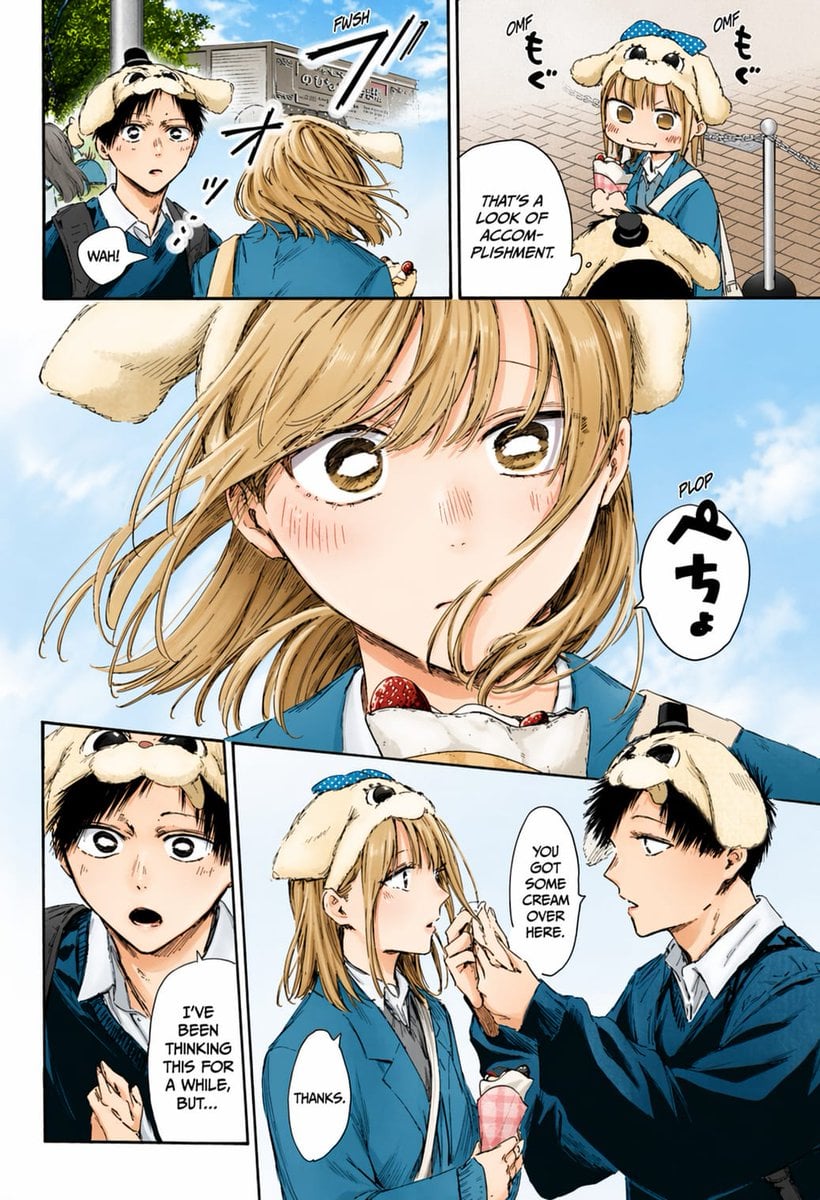
Colored Manga Romance Comedy Page
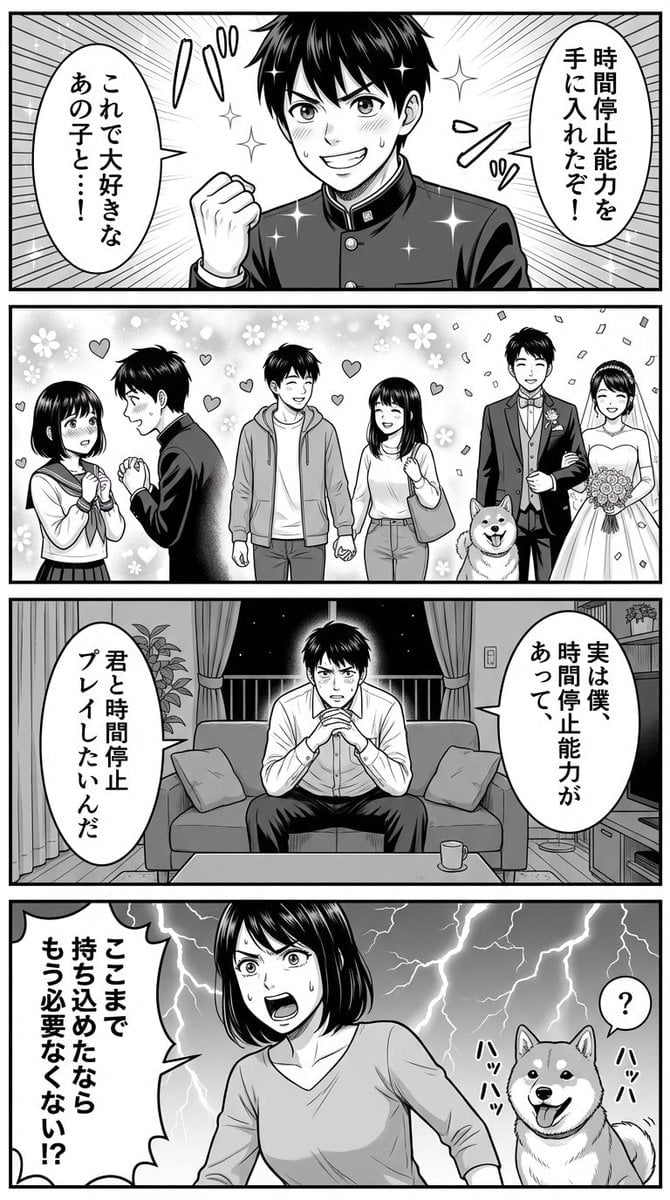
Four-Panel Manga Prompt for Nano Banana Pro: Time Stop Comedy

Toon Cartoon Finale Fireworks

Toon Cartoon Garden Maze

Toon Cartoon Rooftop Concert

Toon Cartoon Kitchen Chaos

Toon Cartoon Carnival Ride

Toon Cartoon Rainy Bus Stop

Toon Cartoon Space Dock

Toon Cartoon Cafe Morning

Toon Cartoon Street Festival
Make it yours
Panel Comedy Manga Page works as-is. These are the safest ways to change it without losing the look.
Swap the setting
Keep the rest of the prompt and replace the location block. The current setting is “{argument name="setting" default="school library study area"}, wooden desks, boo”.
Change one field
Copy a single group, rewrite it, and generate again so you can see what that field is doing.
Keep the frame, change the subject
Hold the composition and light of 6-Panel Comedy Manga Page, then swap wardrobe, props or the person for a new take.
| If the result… | Why | Fix |
|---|---|---|
| The result drifts from the preview | Too many fields changed at once. | Reuse 6-Panel Comedy Manga Page as-is first, then change one group — subject, light, or setting. |
| GPT Image 2 ignores part of the JSON | Some models flatten or skip nested keys. | Keep the same values and paste them as a short paragraph instead. |
More GPT Image 2 templates
Other prompts made for GPT Image 2.

Six VTuber Japanese Logo Sheet

Realistic Portrait of Woman and Deer

The Vista Modular Condo Poster

AI Model Routing Comparison Infographic

2.5D Anime Art Board

Isometric Productivity Desk Scene

New York Double Exposure Poster

Four-Panel AI Landscape Comparison

Japanese Tatami Lifestyle Magazine Cover

NESCAFÉ Coffee Map Poster
More image prompts
Fresh picks from across the catalog.
Bohemian Forest Portrait (Analog Film Style)
Villain Fairy Quote Generation

Clean Minimal Studio Portrait with Playful Wink
Whimsical Storybook Treasure Spread
Four Seasons Panorama of Asakusa and Skytree
3D Chibi Character Render (Claymorphism Style)

AI Music Program Promotional Infographic

Vortex Katana Warrior
Character Refrigerator Breakdown

Ultra-Cinematic Luxury Cold Brew Product Photography
Browse template categories
Panel Comedy Manga Page questions
How do I use the 6-Panel Comedy Manga Page template?
Add your photo if the template asks for one, edit the prompt if you like — the template's model and format are already selected — and press Generate. Your version opens in PicX Studio.
Can I customize the 6-Panel Comedy Manga Page template?
Yes. You can change the subject, setting, lighting, mood, format, and available model controls before creating your image.
Is the 6-Panel Comedy Manga Page template free?
Opening and editing this template is free. Generating uses credits, shown on the Generate button when you are signed in.
Which AI model should I use?
Start with GPT Image 2, which is the model associated with this template. You can compare another compatible model for a different finish.
Looking for something else? Browse all templates.

Your photo, any look
Thousands of ready templates for every top image and video model, from one credit balance.