
Japanese AI Consulting OGP Banner
Creates a clean corporate Japanese OGP banner for a generative AI implementation and workplace adoption support service.

- Prompt included
- Model and format preset
- Free template
The prompt behind this image
Copy the exact prompt behind Japanese AI Consulting OGP Banner, or open it in the studio and make it yours.
Goal: Create a polished Japanese OGP/social media banner for a B2B generative AI implementation support service, emphasizing AI becoming part of daily work. Canvas: Wide horizontal 1200×630 px banner, clean corporate technology style, bright and trustworthy. Use a pale sky-blue to white gradient background with a soft sunrise glow on the right. Layout: Place a semi-transparent frosted white rectangular panel slightly left of center, occupying about 55% of the width and 82% of the height, with a subtle white border and soft shadow. All main text sits inside this panel, left aligned. The right half shows a futuristic city skyline fading into the background, with sweeping highway-like light trails curving from the lower right toward the center. Text content: At the top of the panel, add a small blue brand line with thin horizontal decorative lines on both sides: {argument name="brand text" default="Lightkeeper AI伴走"}. Beneath it, add a smaller dark navy subtitle: {argument name="subtitle text" default="中小企業の生成AI内製化・定着支援"}. The main headline is very large, bold, dark navy Japanese type on two lines: {argument name="headline text" default="AIを、\n日常の仕事に。"}. Near the bottom left, add a short gold horizontal accent line, then a smaller bold navy supporting message on two lines: {argument name="supporting text" default="研修で終わらせず、\n現場定着まで伴走します。"}. Visual style: Use modern Japanese sans-serif typography, heavy weight for the headline, crisp spacing, high contrast navy text. Color palette: deep navy, medium corporate blue, soft white, pale cyan, and warm gold highlights. Add translucent floating UI panels in the background: exactly 5 faint panels, including 1 line chart card on the left, 1 donut chart card on the lower left, 1 bar chart card upper right, 1 organization/network icon card mid-right, and 1 small abstract data card far right. Add subtle hexagon patterns and small glowing particles, but keep the design uncluttered. Constraints: Preserve the Japanese text exactly as written in the default values. No people, no logo icon, no watermark, no mockup frame, no extra text. Ensure the final banner feels like a professional landing-page hero or OGP image for an AI consulting service.
How to use Japanese AI Consulting OGP Banner in 3 steps
- 1Upload ImagePNG, JPG or paste
Add your photo
Upload the photo the template builds on. The prompt, model and format are already set.
- 2…a portrait of your subject in softgolden-hour light, 85mm…
Personalize
Edit the subject and creative details for your destination.
- 3Generate
Generate
Press Generate — your image is created in PicX Studio, so you can compare it with the original and refine one variable at a time.
More like this
Templates with the same subject, style or setup. Open one to see its prompt.

Minecraft Japanese Research Lab Exploration
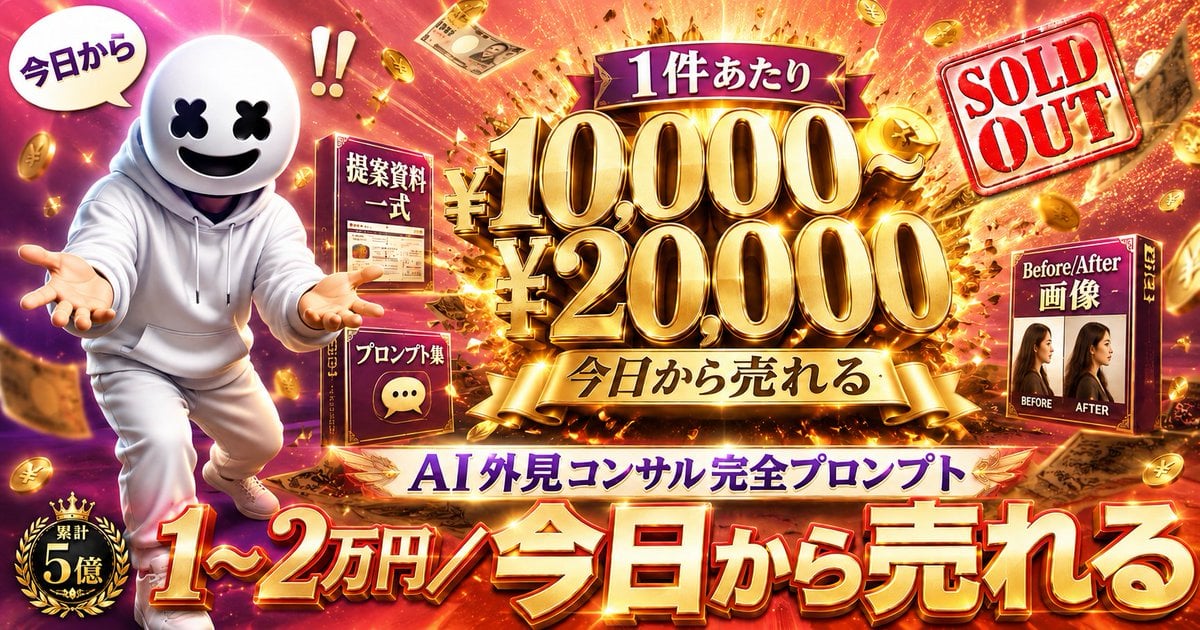
Flashy AI Appearance Consulting Sales Banner

Japanese Architectural Concrete Studio Fashion Campaign

Japanese Minimalist Concrete Studio Fashion Editorial

Blue Backdrop Luxury Fashion Portrait Campaign

Japanese Film Reflection Idol

Coffee Boba Product Poster
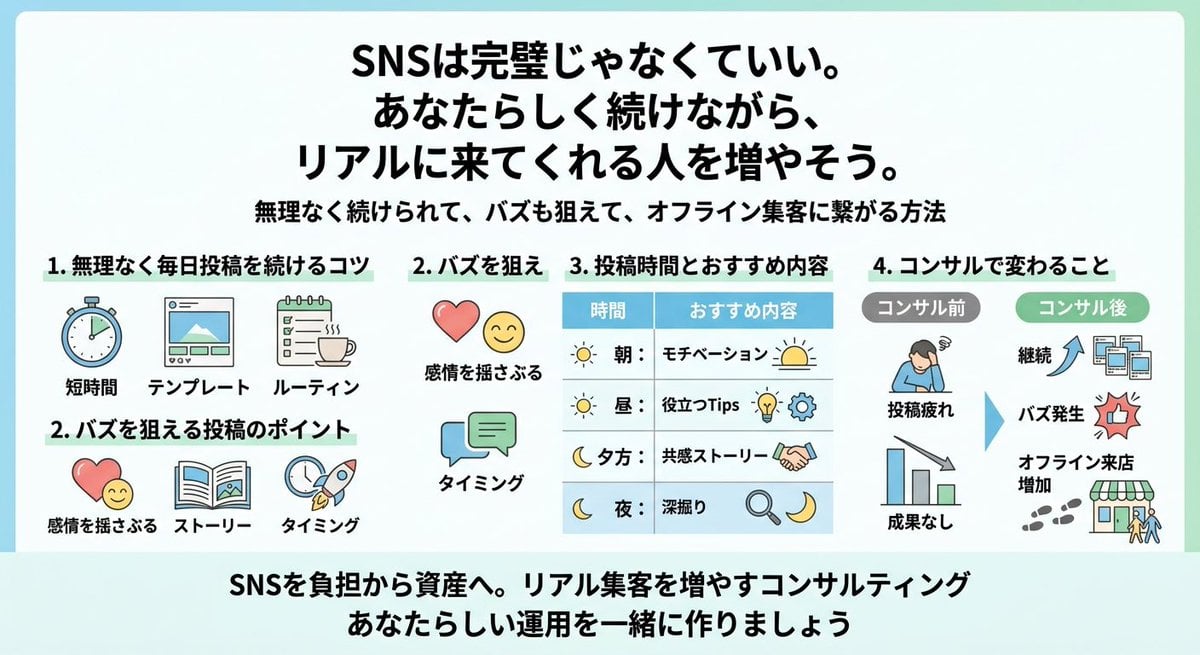
Japanese SNS Consulting Infographic
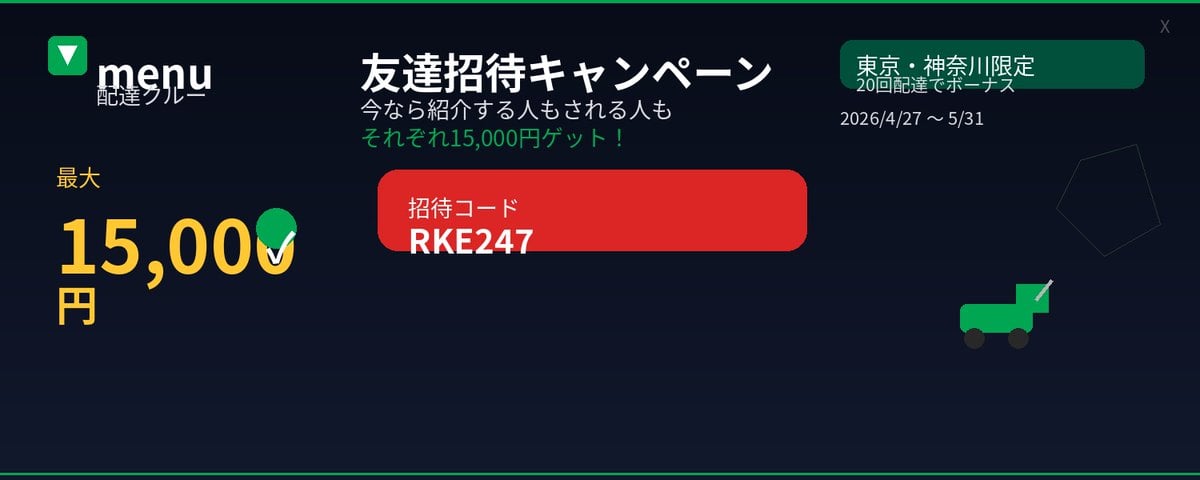
Japanese Delivery Referral Banner
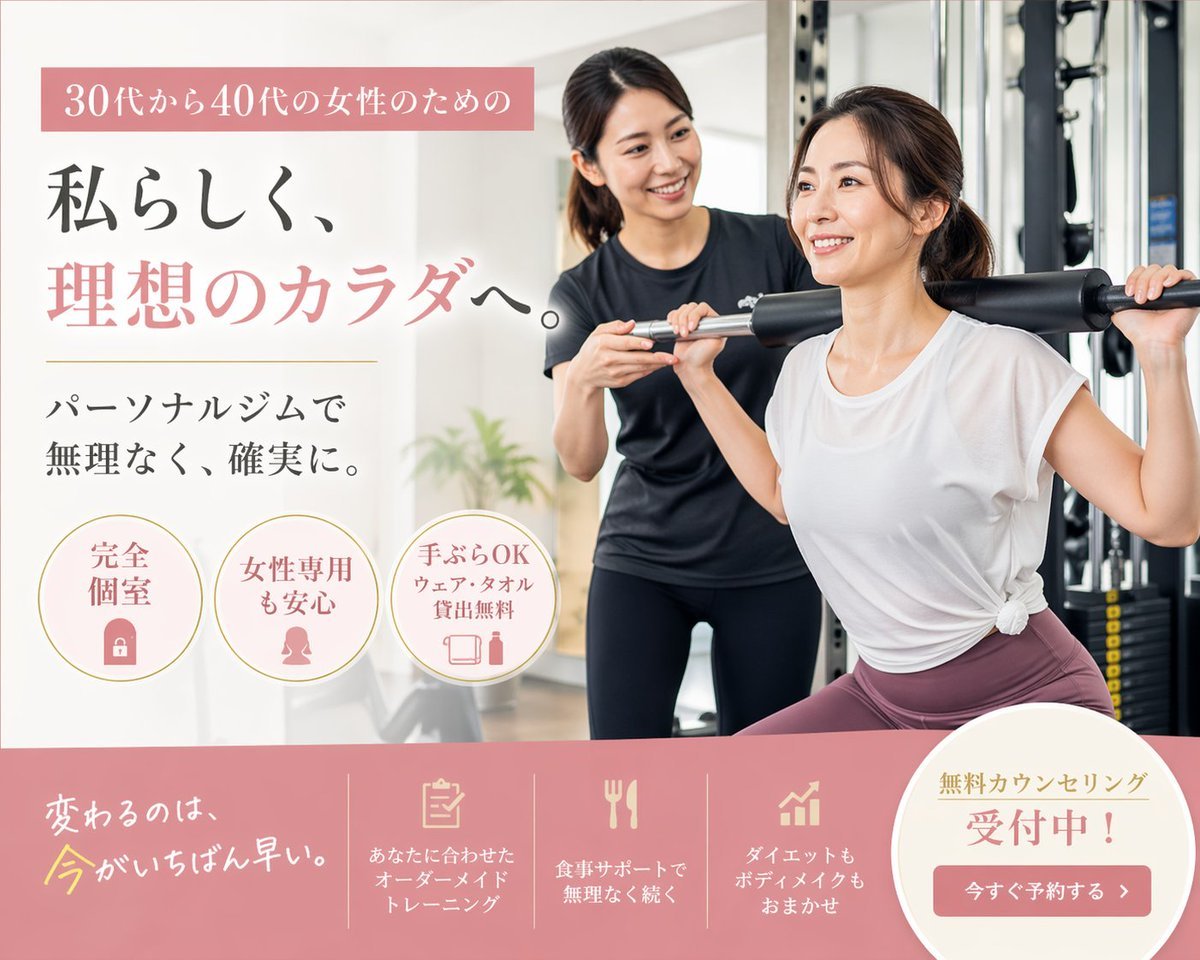
Japanese Women's Gym Hero Banner
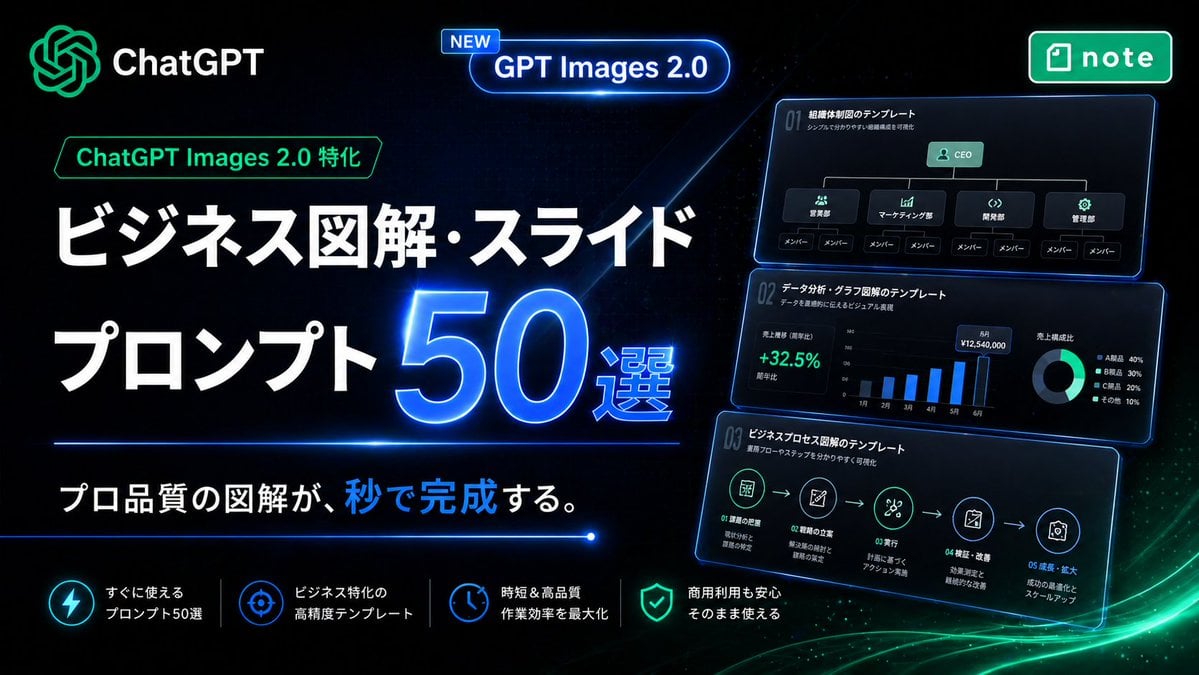
Neon Japanese AI Prompt Promo Banner
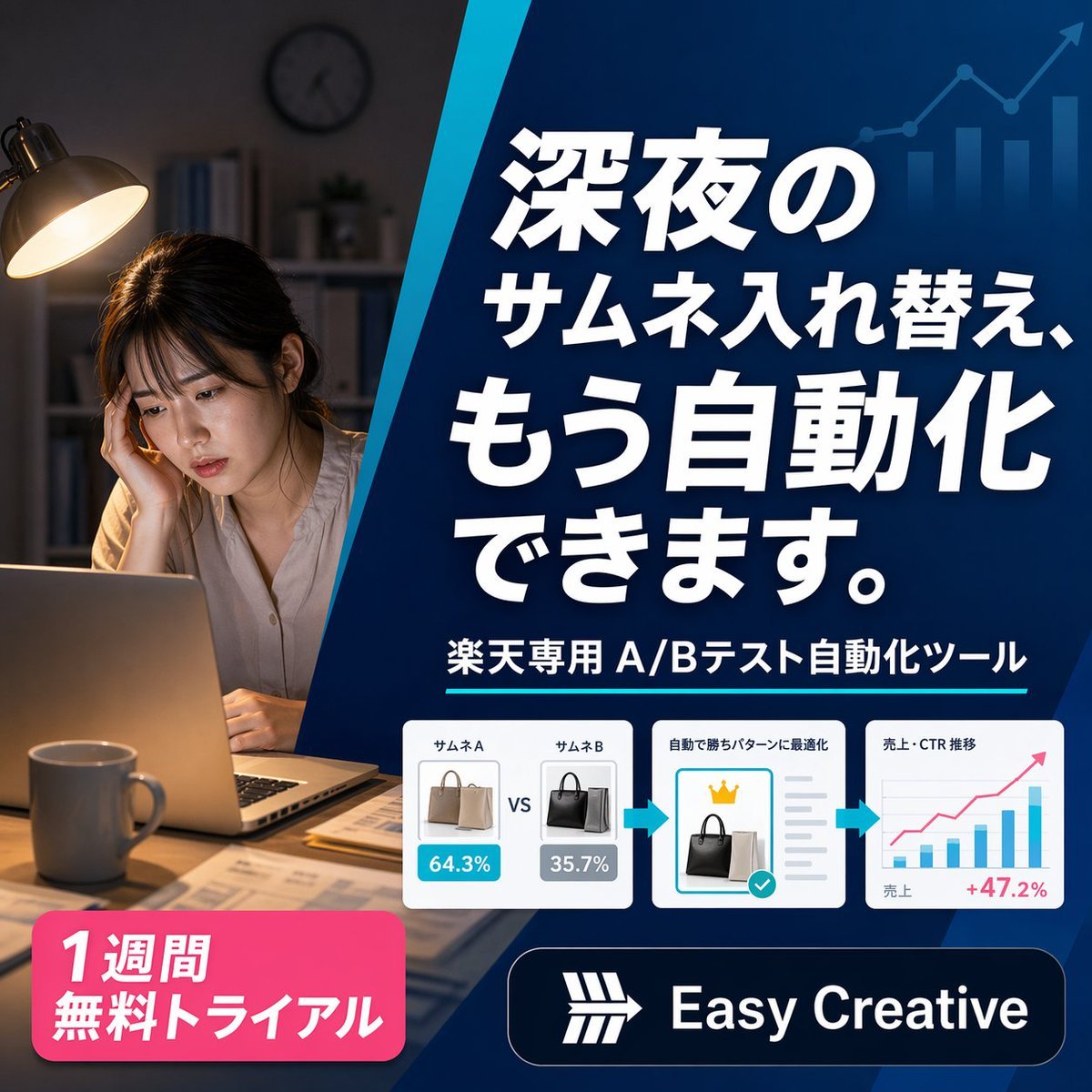
Japanese SaaS Ad Banner at Night
Make it yours
Japanese AI Consulting OGP Banner works as-is. These are the safest ways to change it without losing the look.
Change one field
Copy a single group, rewrite it, and generate again so you can see what that field is doing.
Keep the frame, change the subject
Hold the composition and light of Japanese AI Consulting OGP Banner, then swap wardrobe, props or the person for a new take.
| If the result… | Why | Fix |
|---|---|---|
| The result drifts from the preview | Too many fields changed at once. | Reuse Japanese AI Consulting OGP Banner as-is first, then change one group — subject, light, or setting. |
| The model over-stylizes the scene | The prose prompt leaves finish and camera underspecified. | Add one camera or lighting sentence and stay on GPT Image 2. |
More GPT Image 2 templates
Other prompts made for GPT Image 2.

Six VTuber Japanese Logo Sheet

Realistic Portrait of Woman and Deer

The Vista Modular Condo Poster

AI Model Routing Comparison Infographic

2.5D Anime Art Board

Isometric Productivity Desk Scene

New York Double Exposure Poster

Four-Panel AI Landscape Comparison

Japanese Tatami Lifestyle Magazine Cover

NESCAFÉ Coffee Map Poster
More image prompts
Fresh picks from across the catalog.
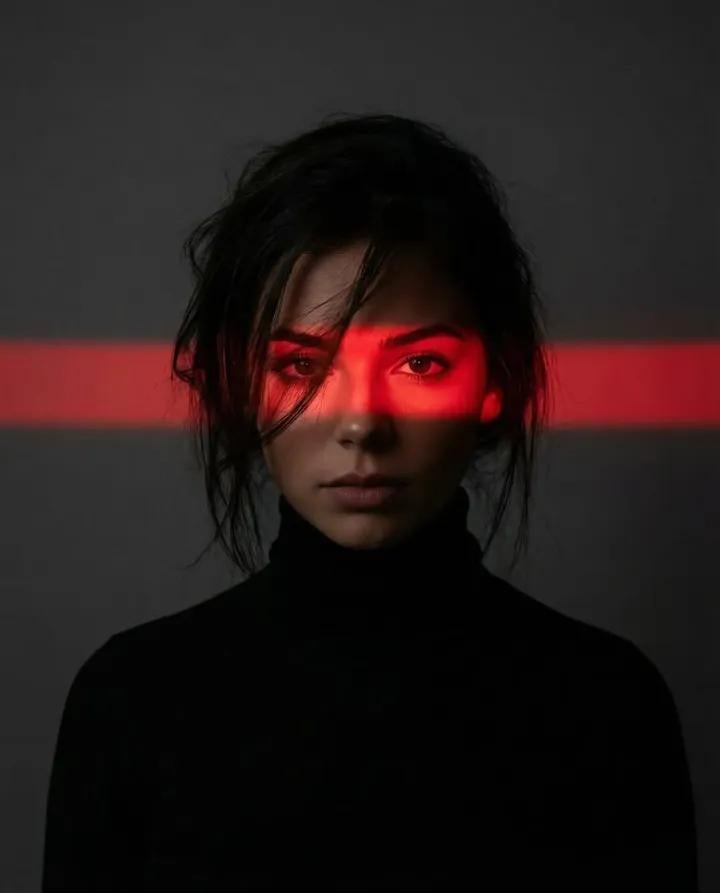
Ultra-Realistic Dramatic Portrait with Red Light Highlight
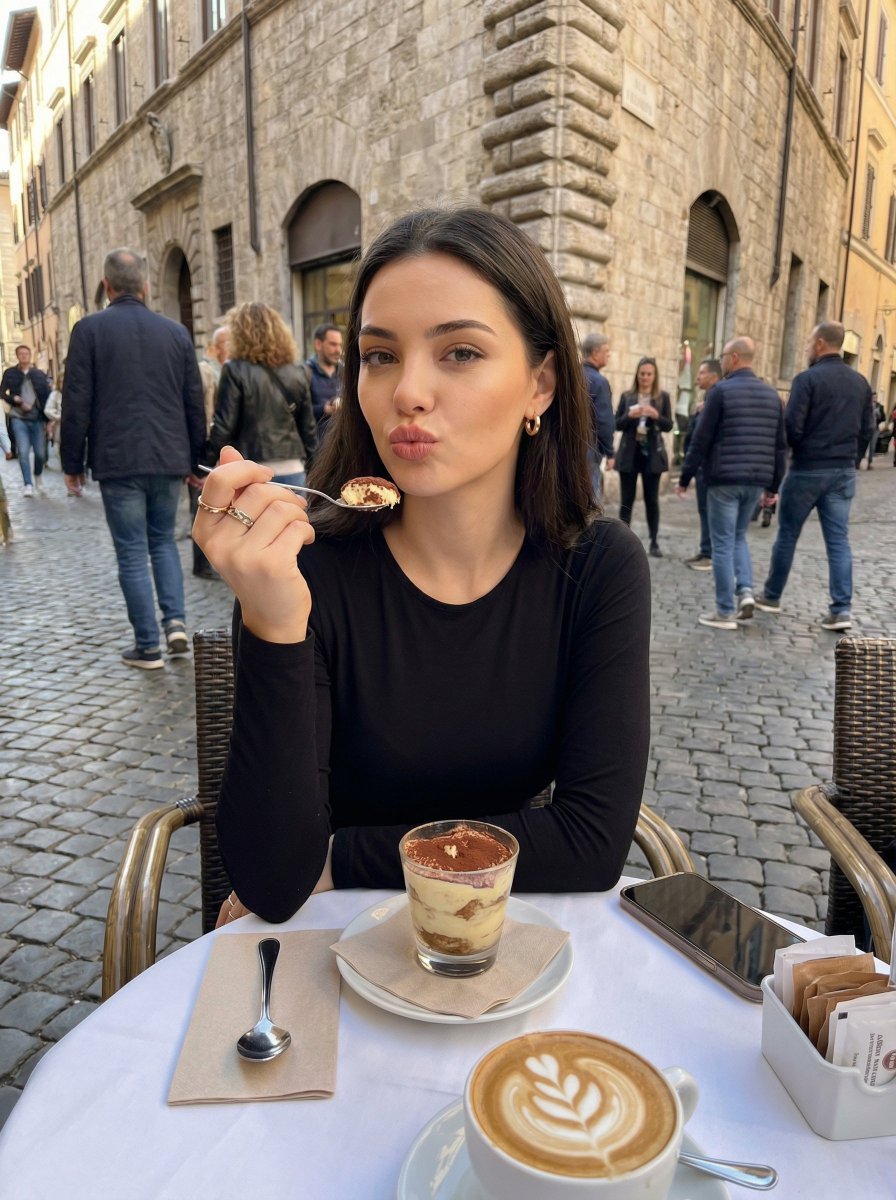
Candid European Café Portrait

Autumn Squirrel Child Street Portrait
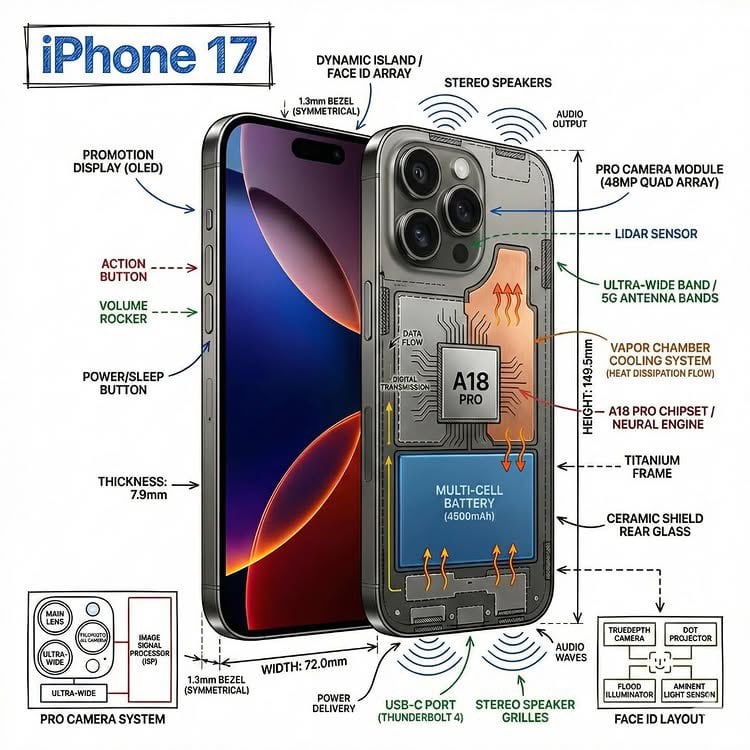
Technical Infographic Overlay on a Photorealistic Object

Raw Editorial Fashion Portrait with Cowboy Hat and Boots
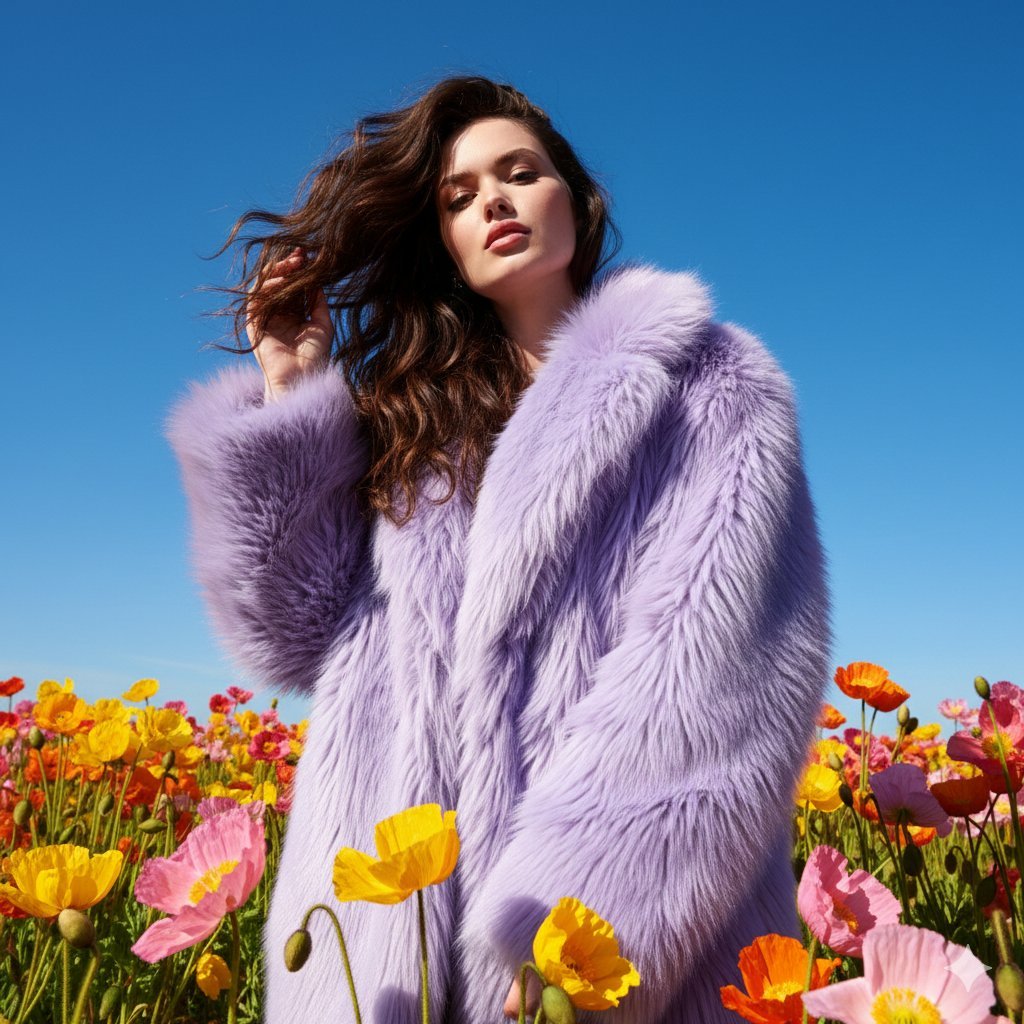
Outdoor Fashion Portrait in Flower Meadow Prompt
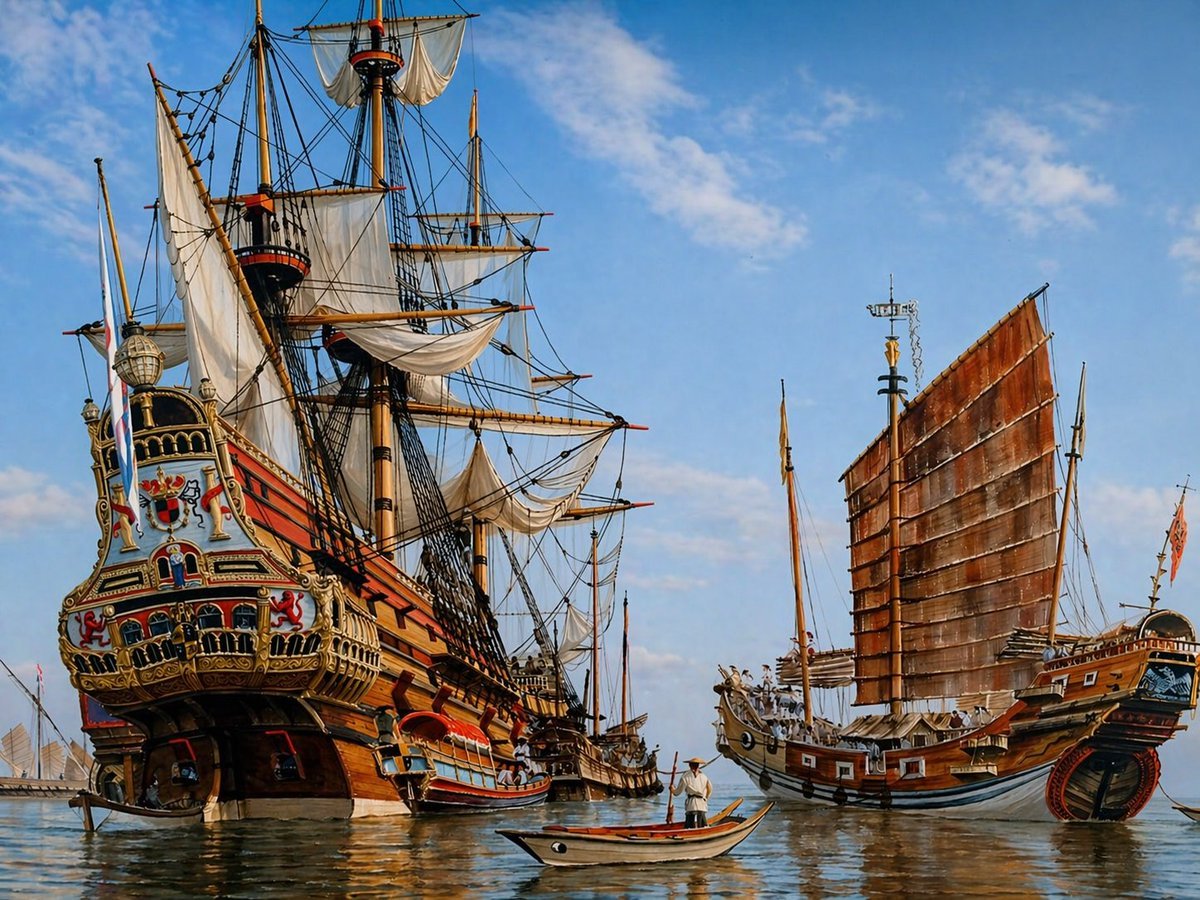
Historic Galleon and Chinese Junk
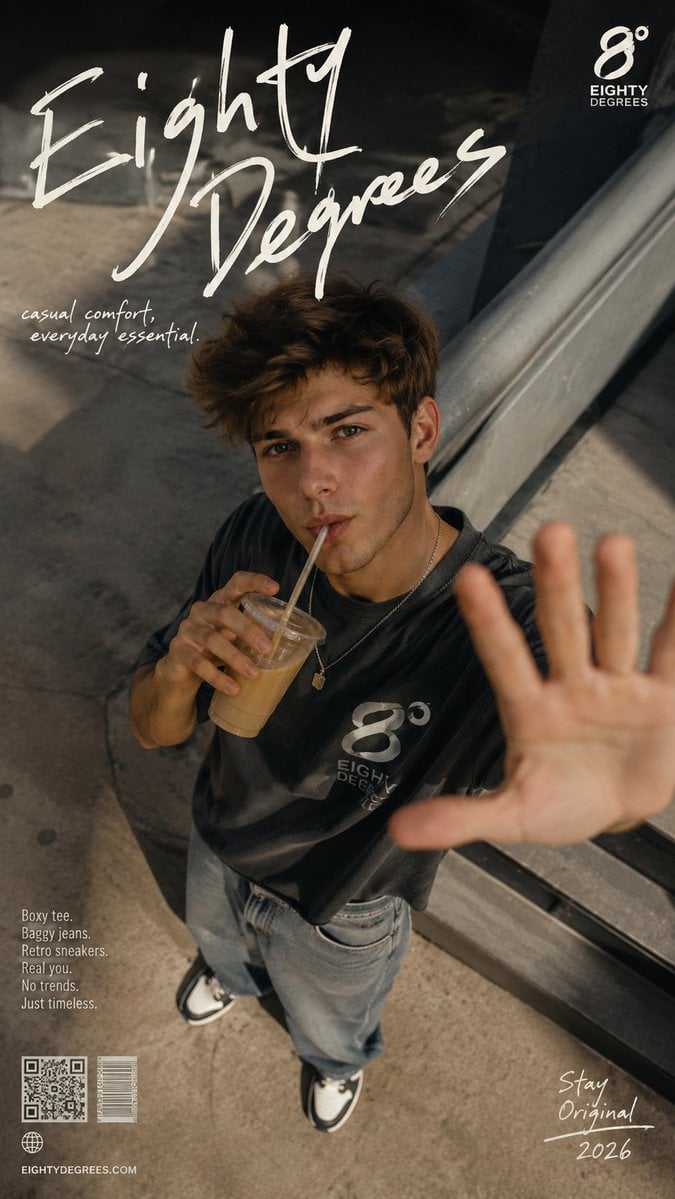
2026 Fashion Editorial Portrait
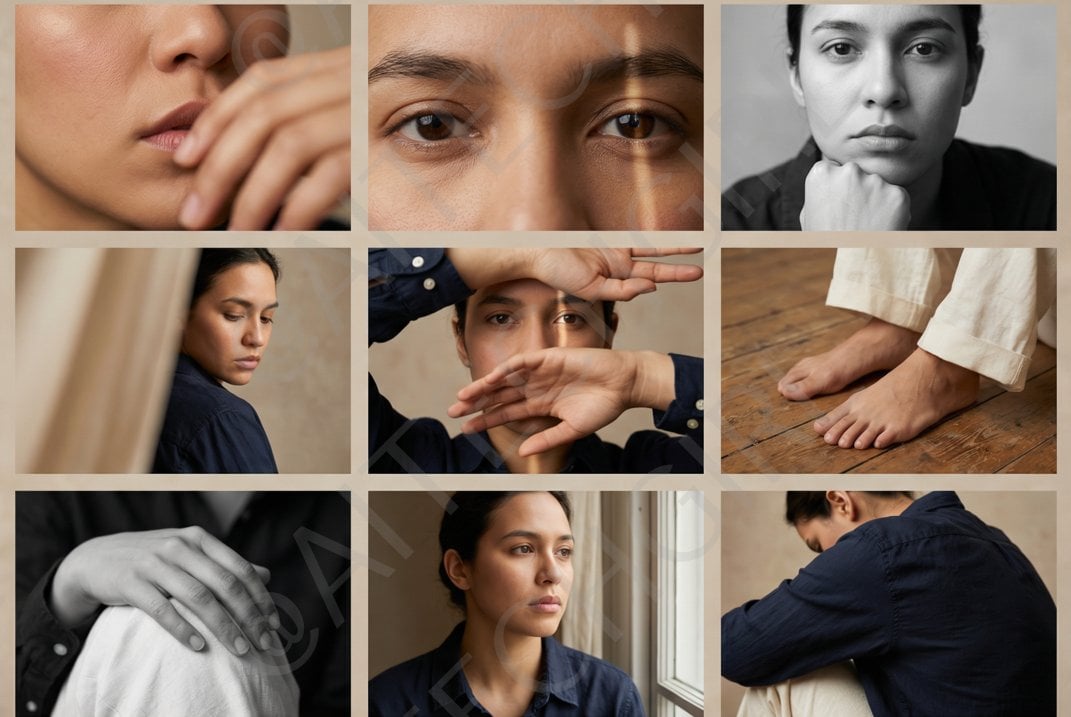
Shot Editorial Photo Grid Prompt for Nano Banana Pro
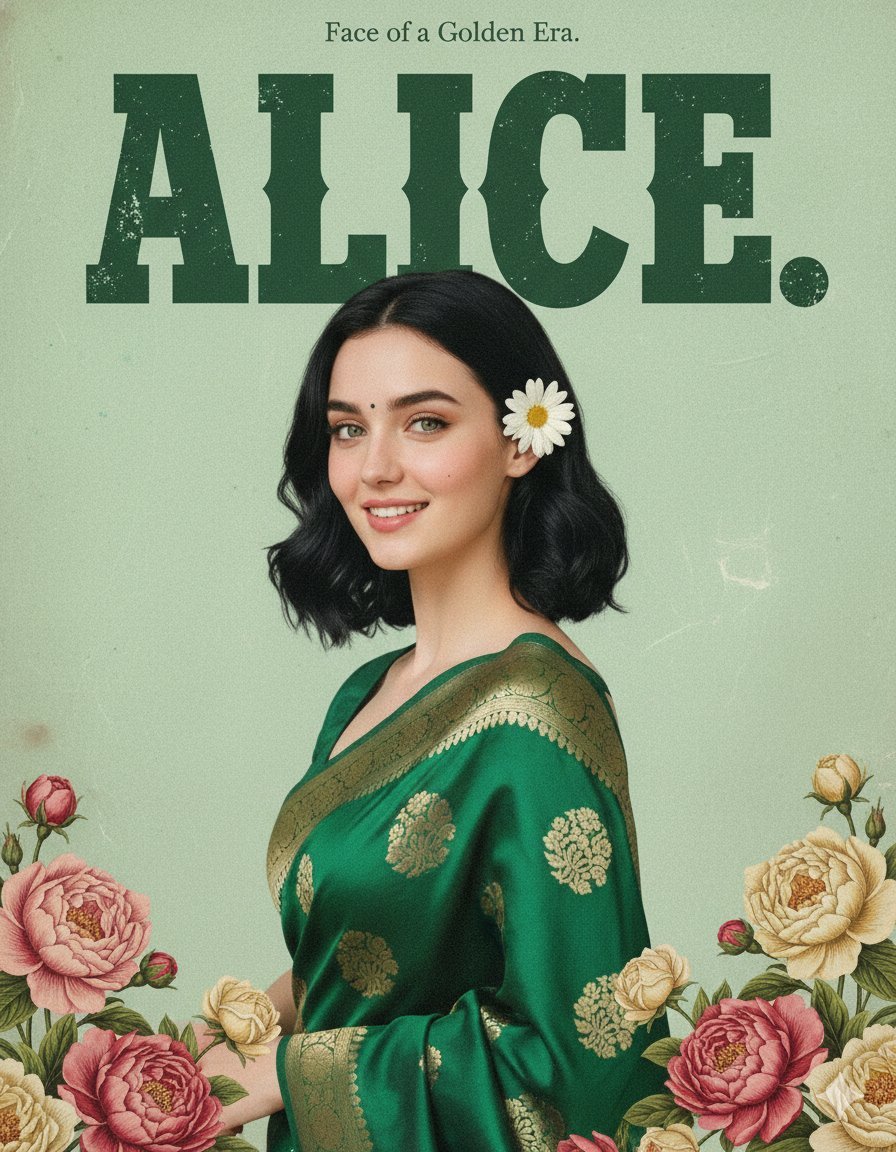
Retro and Modern Name Poster Prompts
Browse template categories
Japanese AI Consulting OGP Banner questions
How do I use the Japanese AI Consulting OGP Banner template?
Add your photo if the template asks for one, edit the prompt if you like — the template's model and format are already selected — and press Generate. Your version opens in PicX Studio.
Can I customize the Japanese AI Consulting OGP Banner template?
Yes. You can change the subject, setting, lighting, mood, format, and available model controls before creating your image.
Is the Japanese AI Consulting OGP Banner template free?
Opening and editing this template is free. Generating uses credits, shown on the Generate button when you are signed in.
Which AI model should I use?
Start with GPT Image 2, which is the model associated with this template. You can compare another compatible model for a different finish.
Looking for something else? Browse all templates.

Your photo, any look
Thousands of ready templates for every top image and video model, from one credit balance.