
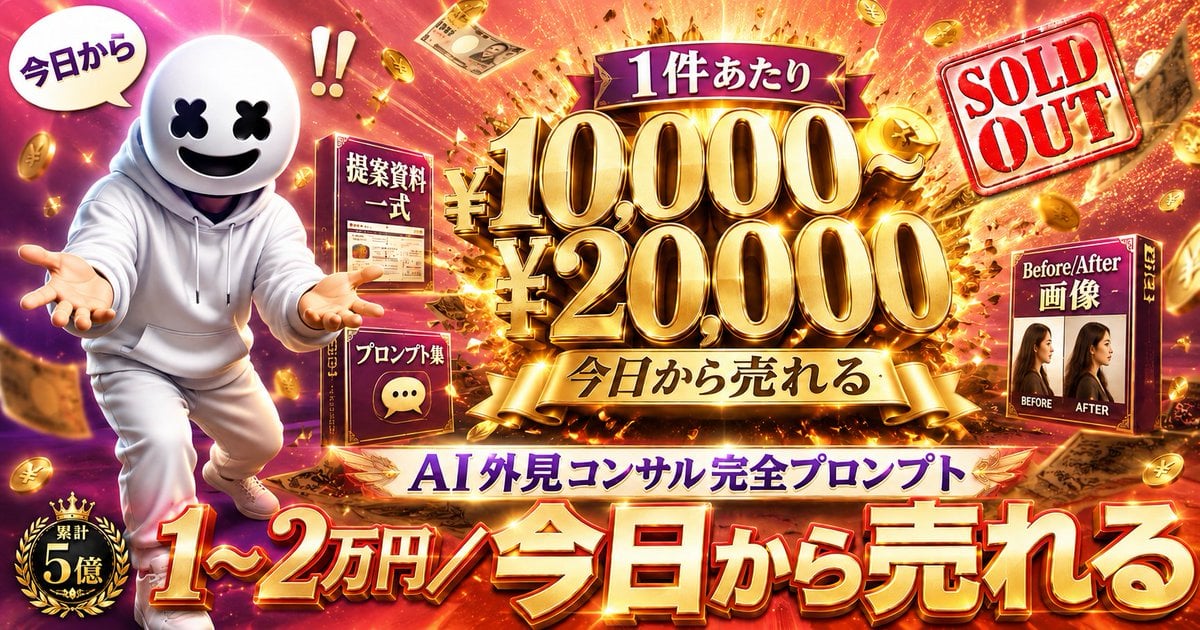
Flashy AI Appearance Consulting Sales Banner
A high-impact Japanese promotional banner for selling an AI appearance-consulting prompt package on social media.
- Prompt included
- Model and format preset
- Premium template
The prompt behind this image
Copy the exact prompt behind Flashy AI Appearance Consulting Sales Banner, or open it in the studio and make it yours.
Goal: Create a flashy Japanese social-media sales banner advertising an AI appearance-consulting prompt package, designed like a high-converting X/Twitter promo thumbnail. Canvas: Wide horizontal 16:9 banner, ultra-saturated, glossy, cinematic ad design. Background is an explosive gold-and-magenta money burst with flying yen coins, banknotes, spark trails, confetti, and intense lens flares. Layout: Left third features a cute mascot character in a white hoodie and white pants, running or leaning forward with both hands extended toward the viewer. The character has a round white helmet-like head, black X-shaped eyes, and a big smiling black mouth, similar to a friendly faceless mascot. Above the mascot is one white speech bubble reading 「今日から」 and a large red exclamation mark pair nearby. Bottom-left has a black-and-gold laurel badge reading 「累計 5億」. Center: The main focal point is huge 3D metallic-gold typography with dramatic bevels, shadows, and glowing highlights. At the top center, place a purple ribbon label reading 「1件あたり」. Below it, show the main price stack: 「¥10,000〜」 on the first line and 「¥20,000」 on the second line, extremely large and gold. Under the price, add a gold ribbon reading 「今日から売れる」. Product elements: Include exactly 3 boxed product/package mockups around the center: 1) a dark red box near the left-center labeled 「提案資料 一式」 with a small document preview, 2) a smaller dark red box lower-left of center labeled 「プロンプト集」 with a chat bubble icon, and 3) a dark red box on the right labeled 「Before/After 画像」 showing two female profile photos side by side with small English labels “BEFORE” and “AFTER”. Right side: Add a tilted red rubber-stamp graphic in the upper-right that says “SOLD OUT” in English, with a transparent white stamp background and distressed texture. Bottom typography: Across the bottom, use enormous red-to-gold 3D Japanese lettering with white highlights and dark drop shadows reading 「1〜2万円/今日から売れる」. Just above that, on a white-and-gold banner, place purple text reading 「AI 外見コンサル完全プロンプト」. Visual style: Maximum-impact Japanese internet marketing thumbnail, luxury gold, red, purple, and magenta palette, high contrast, exaggerated 3D text, glowing outlines, sparkle effects, dynamic motion, dense composition, celebratory “money explosion” atmosphere. Text customization: Use the exact visible Japanese copy unless changed: {argument name="main price text" default="¥10,000〜 ¥20,000"}, {argument name="bottom headline" default="1〜2万円/今日から売れる"}, {argument name="product name" default="AI 外見コンサル完全プロンプト"}, {argument name="top ribbon text" default="1件あたり"}, {argument name="stamp text" default="SOLD OUT"}. Constraints: Keep all text crisp and readable, preserve the exact count of 3 product boxes, 1 mascot, 1 speech bubble, 1 badge, and 1 sold-out stamp. Do not add extra logos, watermarks, or unrelated characters.
How to use Flashy AI Appearance Consulting Sales Banner in 3 steps
- 1Upload ImagePNG, JPG or paste
Add your photo
Upload the photo the template builds on. The prompt, model and format are already set.
- 2…a portrait of your subject in softgolden-hour light, 85mm…
Personalize
Edit the subject and creative details for your destination.
- 3Generate
Generate
Press Generate — your image is created in PicX Studio, so you can compare it with the original and refine one variable at a time.
More like this
Templates with the same subject, style or setup. Open one to see its prompt.

Coffee Boba Product Poster

Japanese AI Consulting OGP Banner
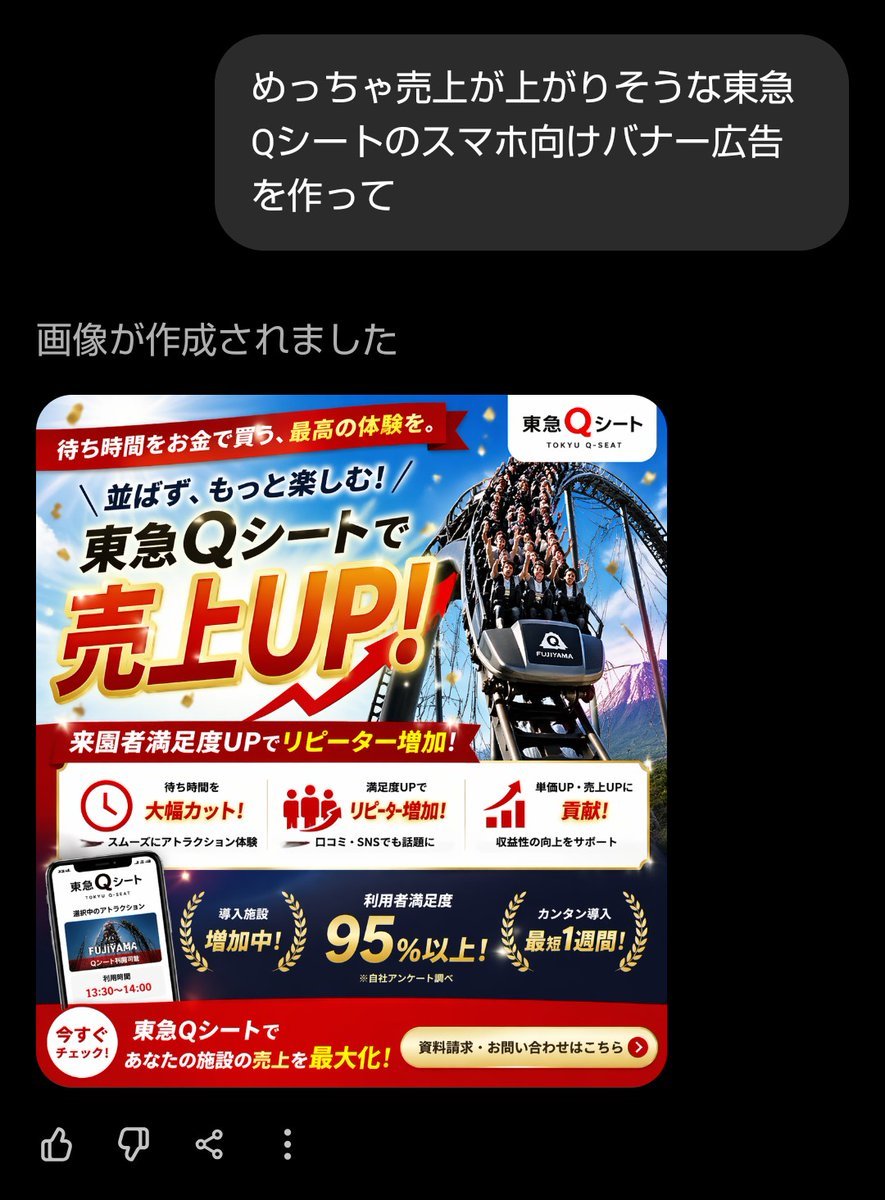
Japanese Roller Coaster Sales Banner
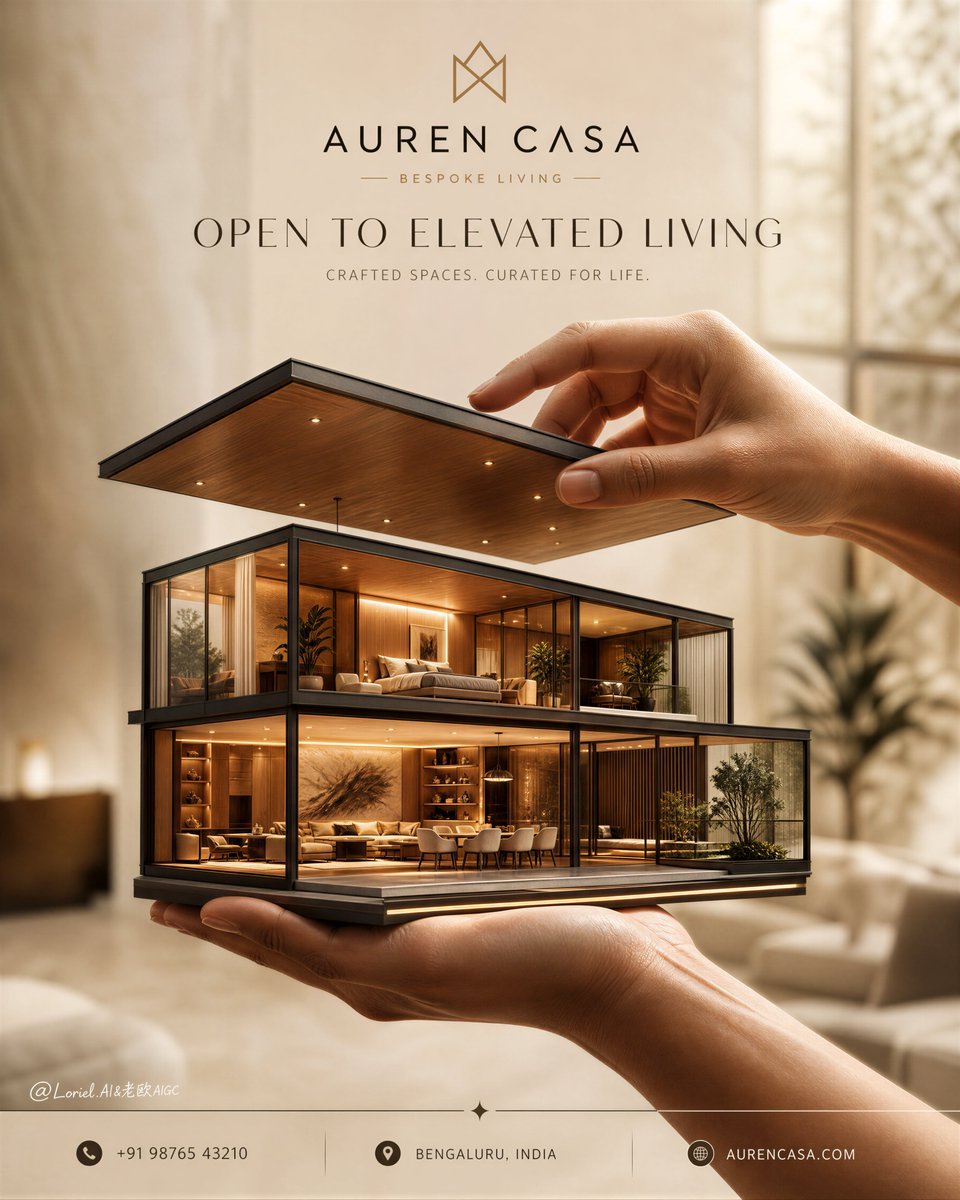
Luxury Real Estate Sales Poster
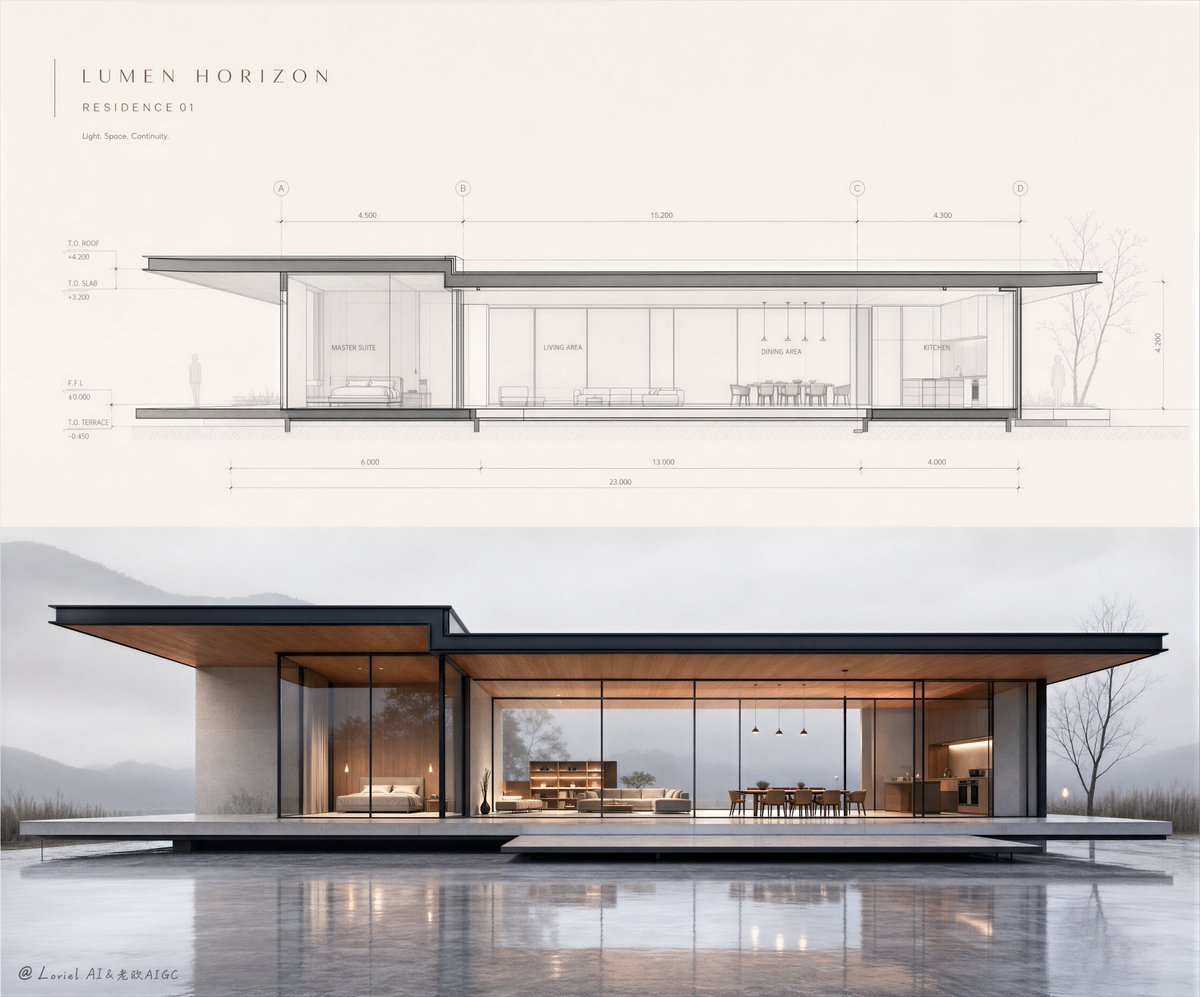
Minimalist Real Estate Sales Poster
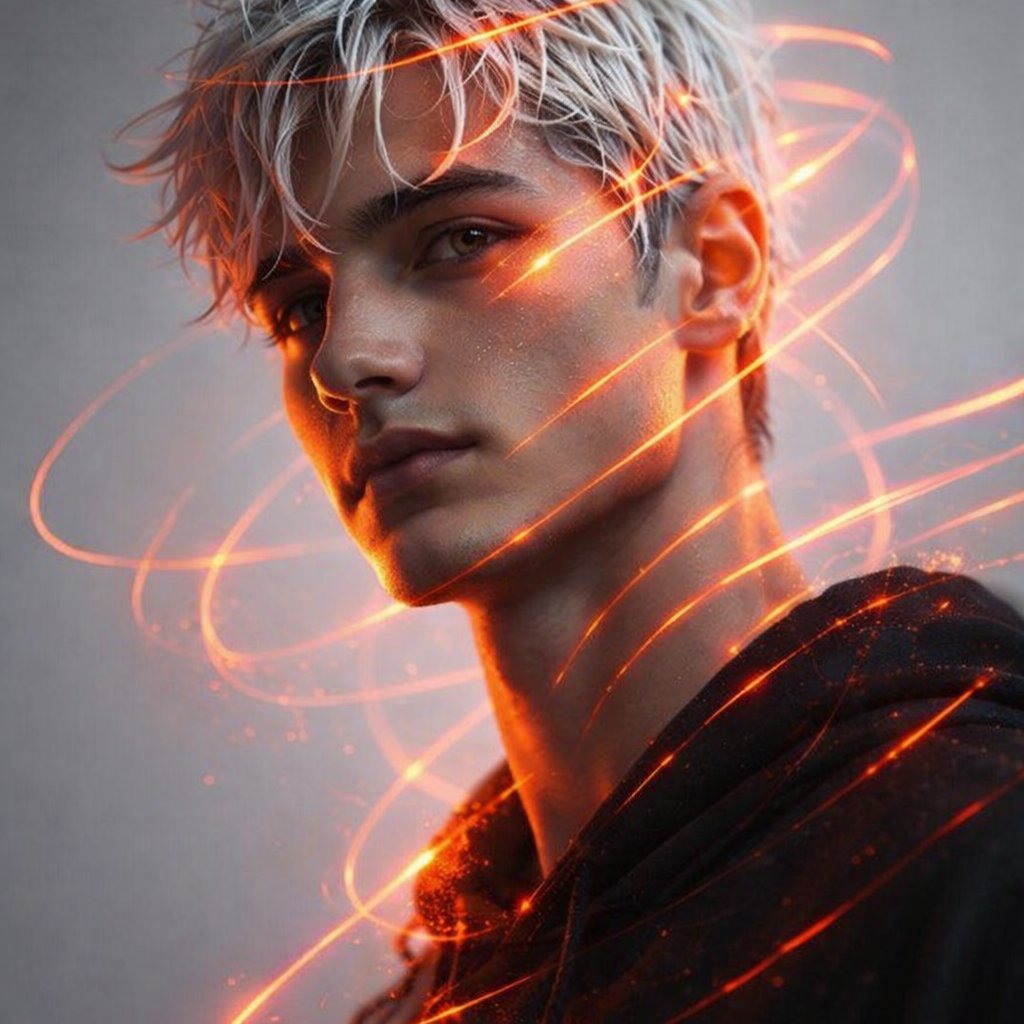
Portrait of a 21-year-old man of appearance with masculine facial
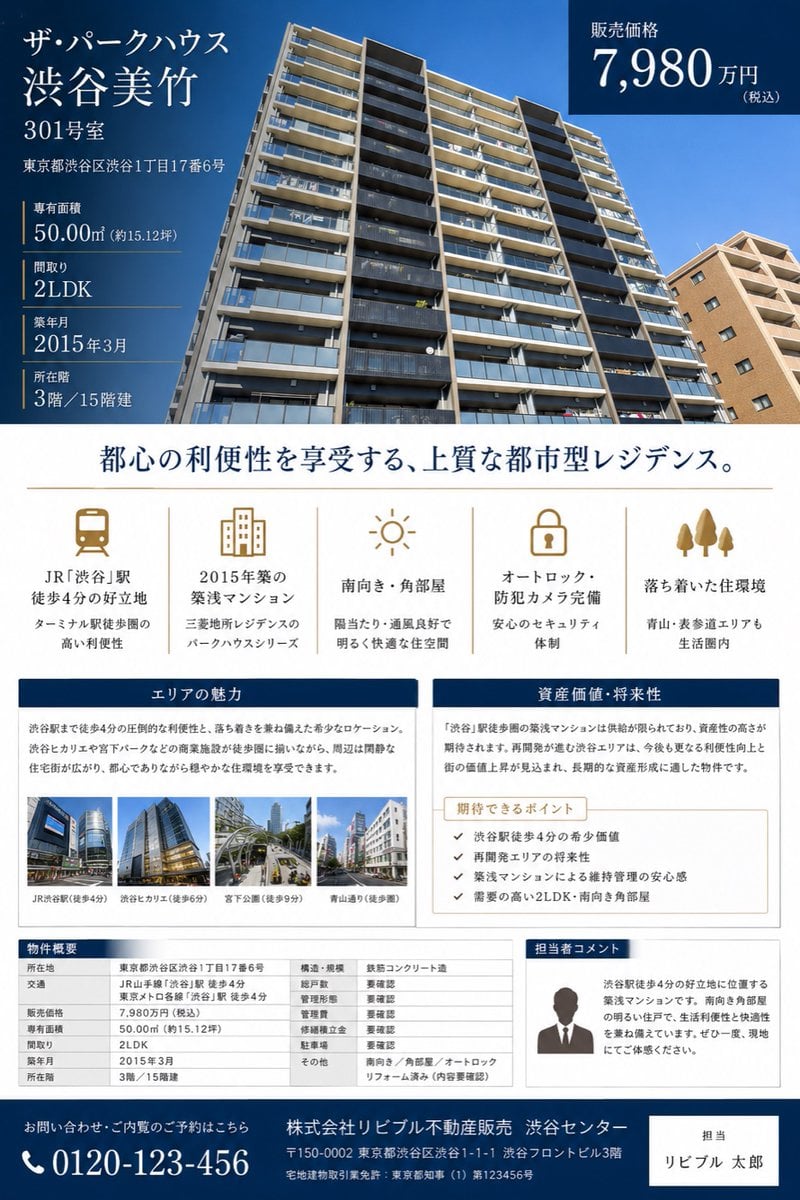
Japanese Luxury Condo Sales Flyer
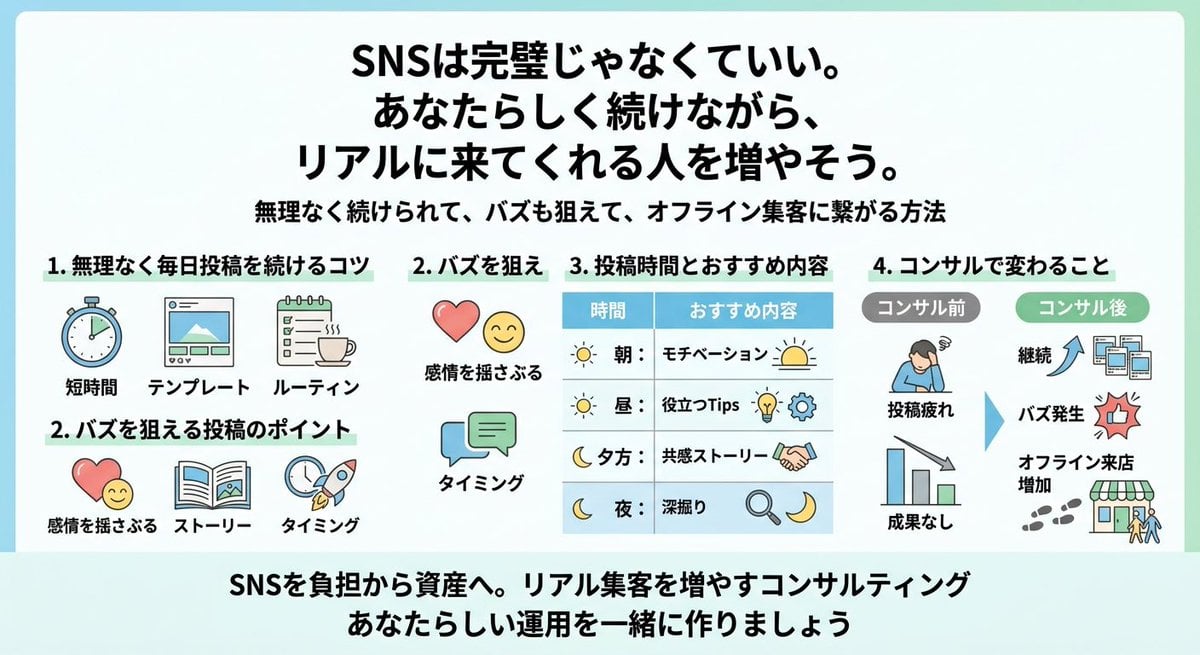
Japanese SNS Consulting Infographic

Two Anime Girls with Flashy Hair

Flashy Gold AI Income Thumbnail

Flashy VTuber Debut Stream Thumbnail
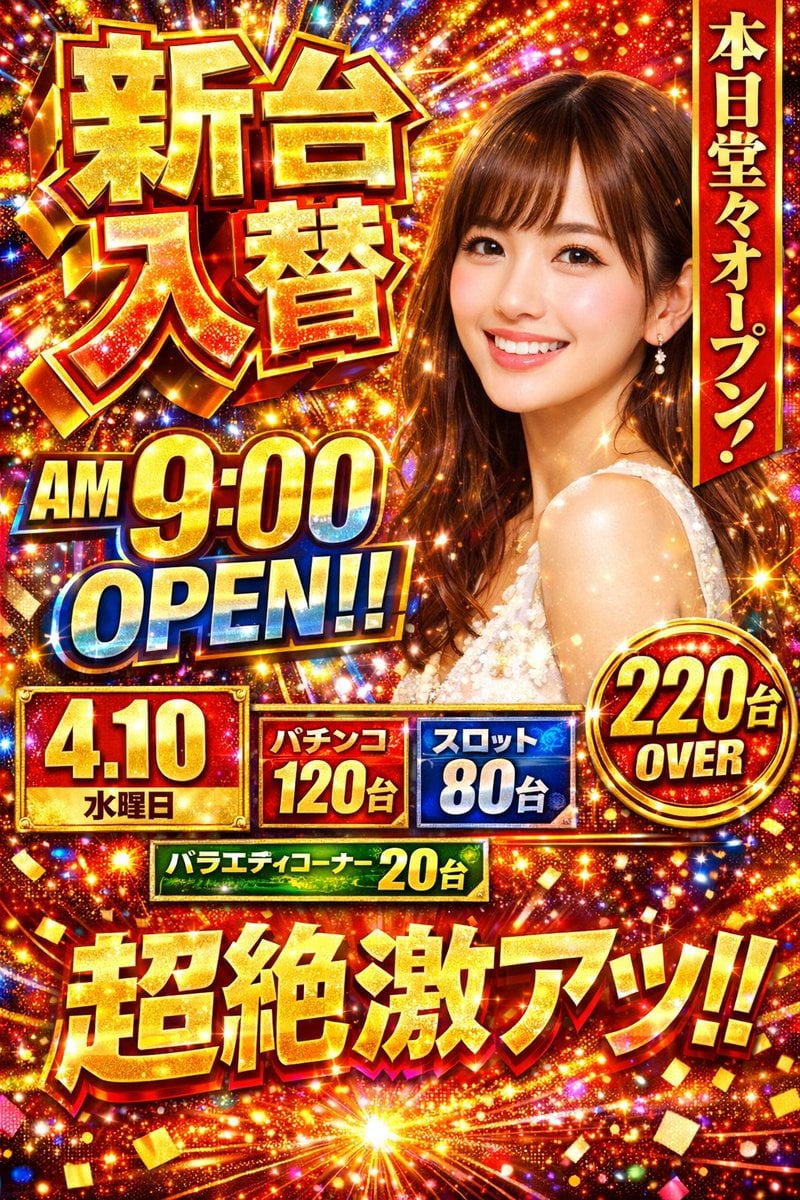
Flashy Pachinko Parlor Promo Poster
Make it yours
Flashy AI Appearance Consulting Sales Banner works as-is. These are the safest ways to change it without losing the look.
Change one field
Copy a single group, rewrite it, and generate again so you can see what that field is doing.
Keep the frame, change the subject
Hold the composition and light of Flashy AI Appearance Consulting Sales Banner, then swap wardrobe, props or the person for a new take.
| If the result… | Why | Fix |
|---|---|---|
| The result drifts from the preview | Too many fields changed at once. | Reuse Flashy AI Appearance Consulting Sales Banner as-is first, then change one group — subject, light, or setting. |
| The model over-stylizes the scene | The prose prompt leaves finish and camera underspecified. | Add one camera or lighting sentence and stay on GPT Image 2. |
More GPT Image 2 templates
Other prompts made for GPT Image 2.

Six VTuber Japanese Logo Sheet

Realistic Portrait of Woman and Deer

The Vista Modular Condo Poster

AI Model Routing Comparison Infographic

2.5D Anime Art Board

Isometric Productivity Desk Scene

New York Double Exposure Poster

Four-Panel AI Landscape Comparison

Japanese Tatami Lifestyle Magazine Cover

NESCAFÉ Coffee Map Poster
More image prompts
Fresh picks from across the catalog.

Anime Doctor Summoning Divine Banana
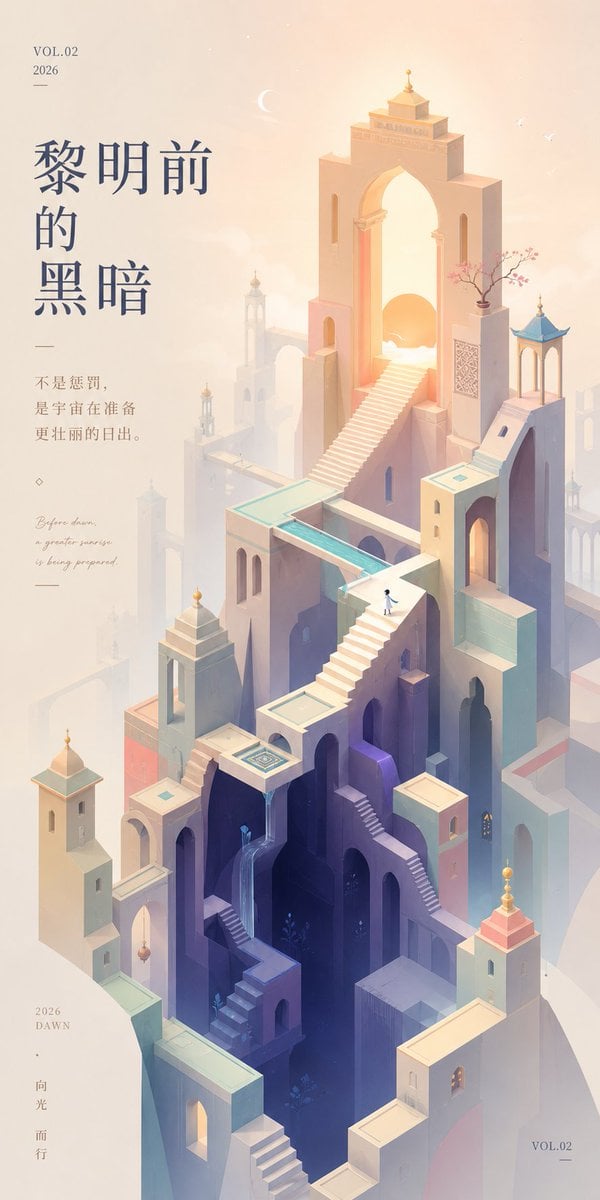
Monument Valley Dawn Quote Wallpaper
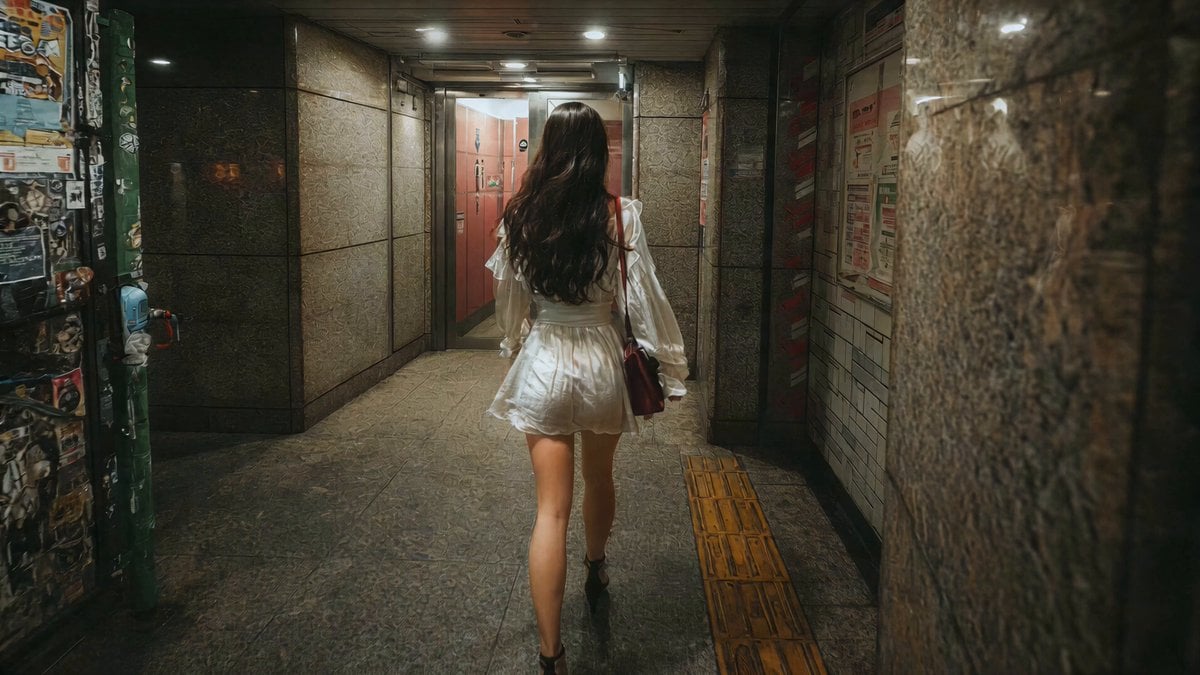
J-Horror Shibuya Station - Seedance 2.0
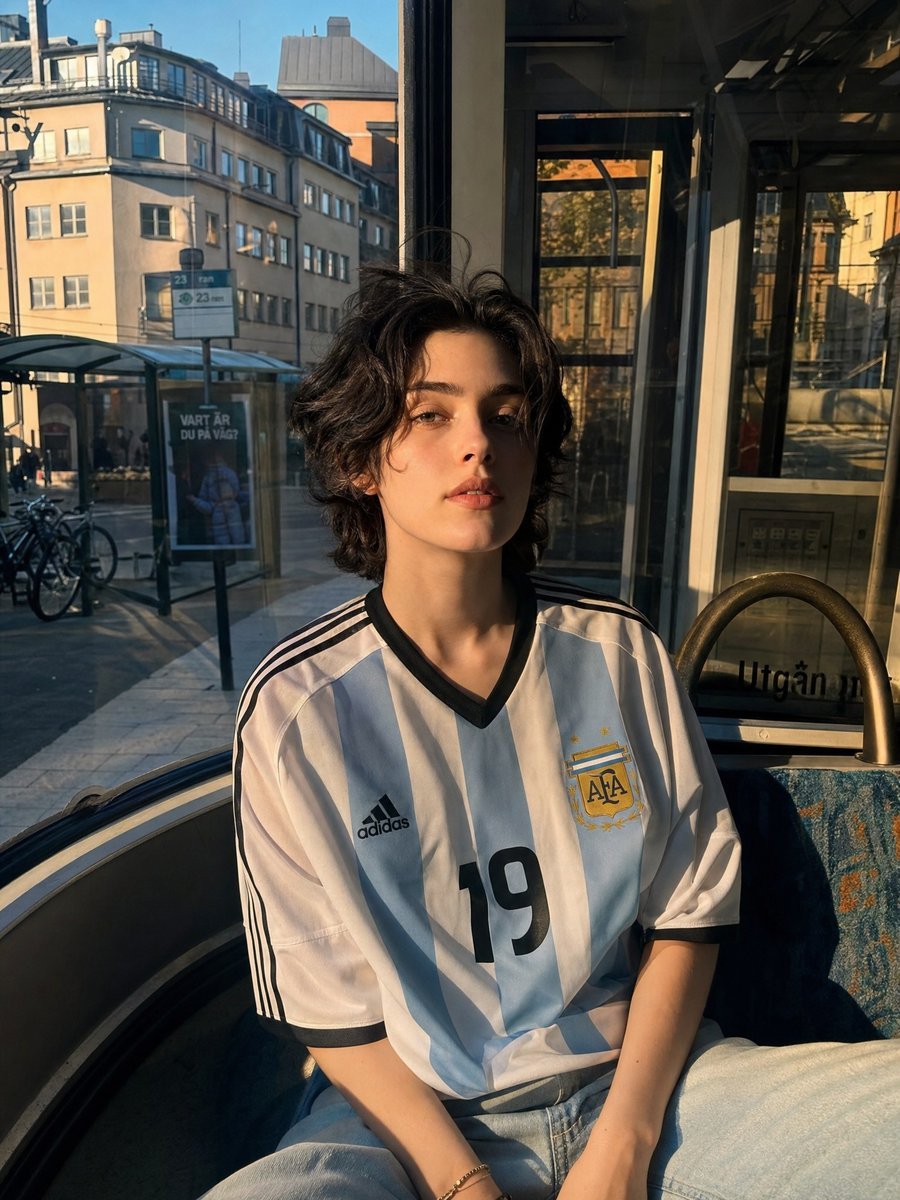
Candid Portrait in Football Jersey
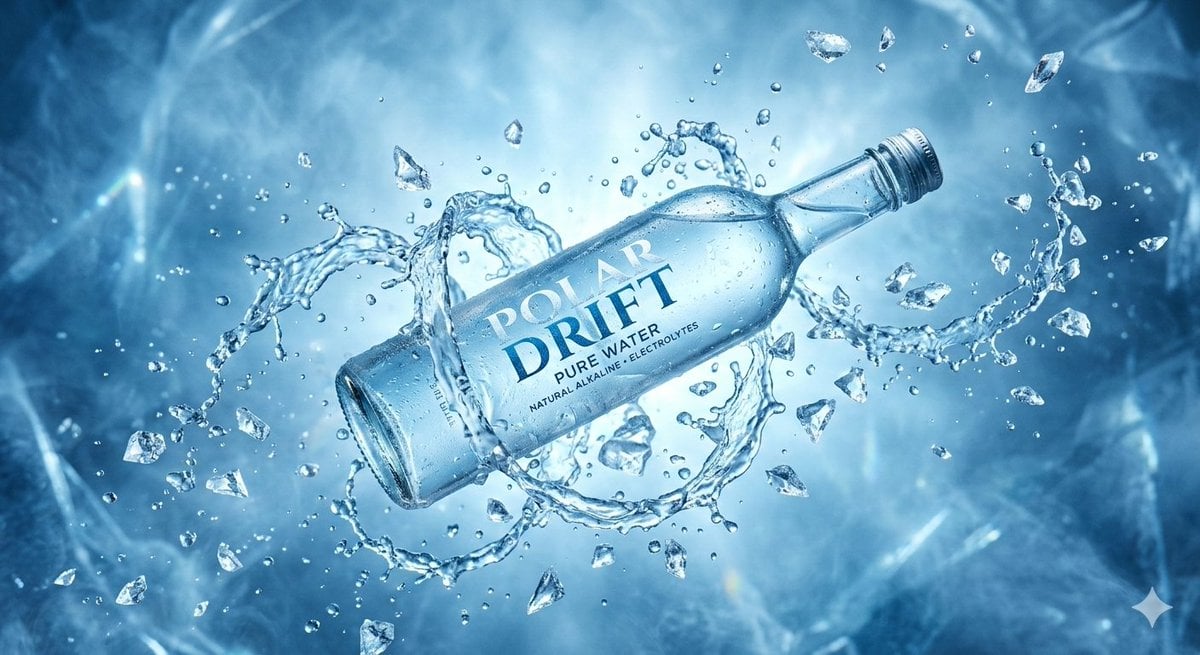
Levitating Bottled Water Commercial Prompt
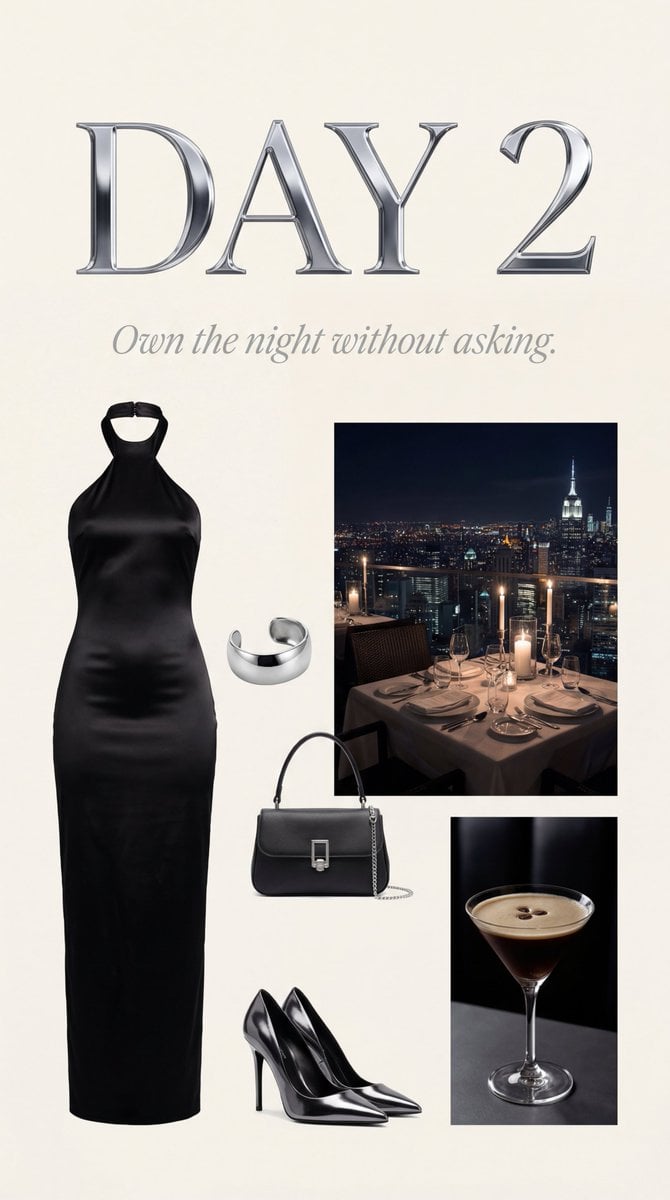
Luxury Night Fashion Moodboard (Day 2)
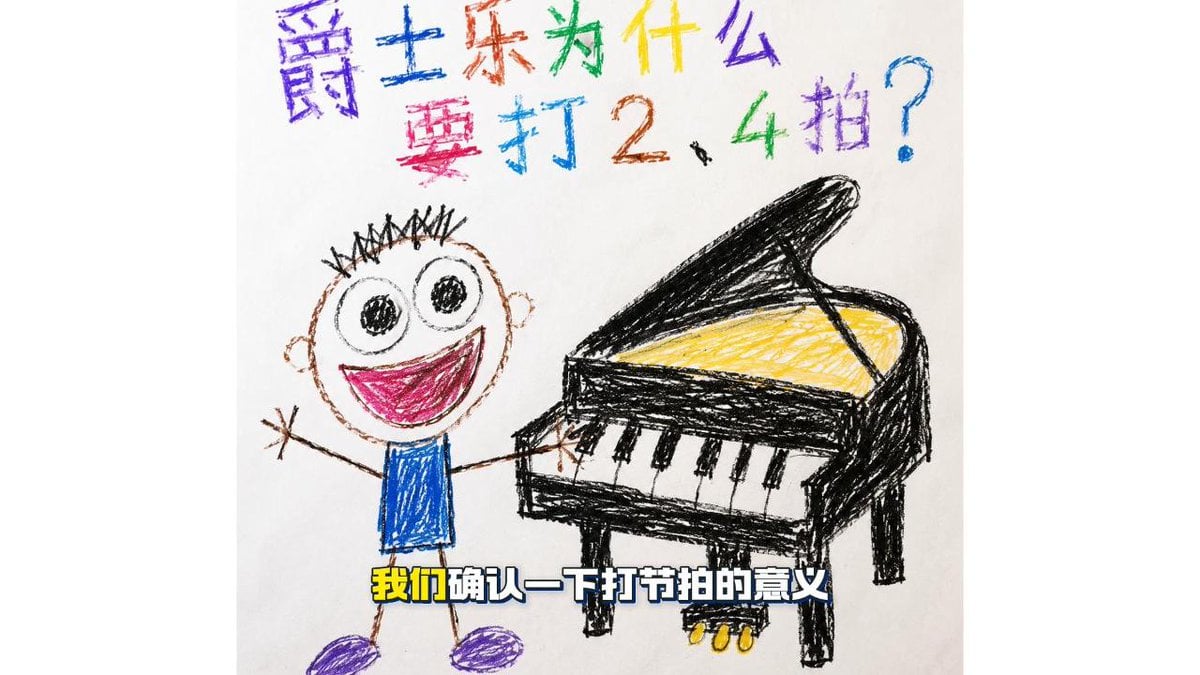
Childlike Jazz Beat Crayon Lesson
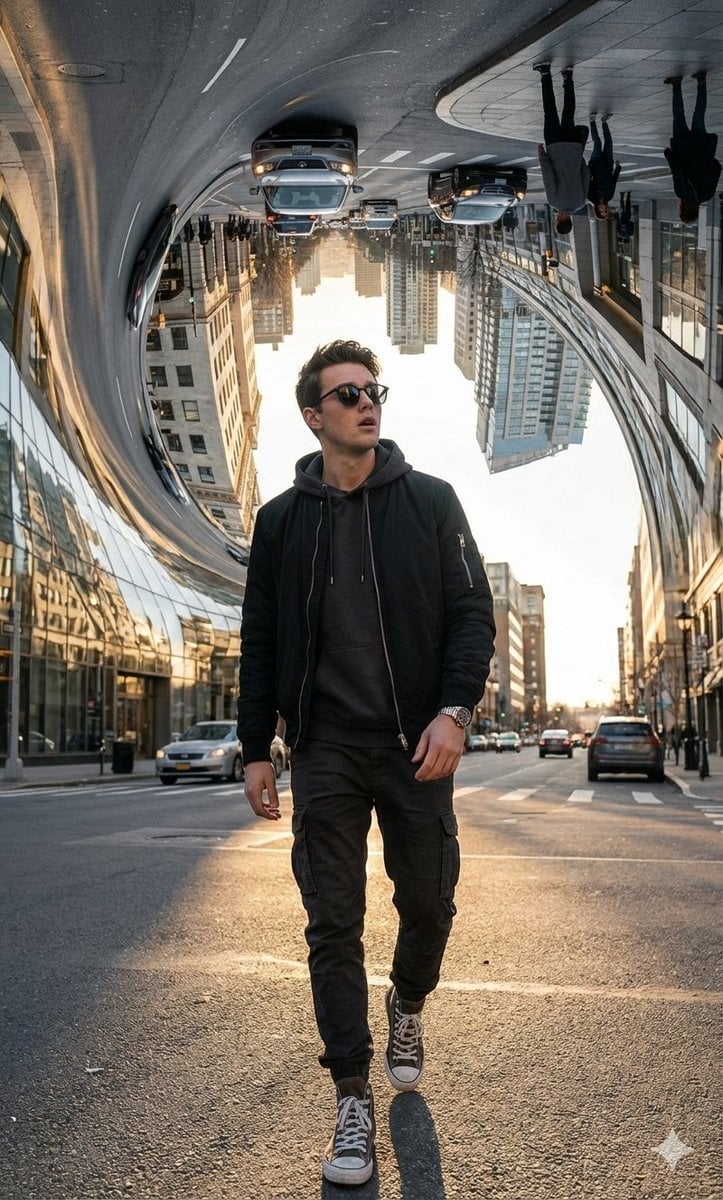
Surreal Bending City Streetwear Portrait
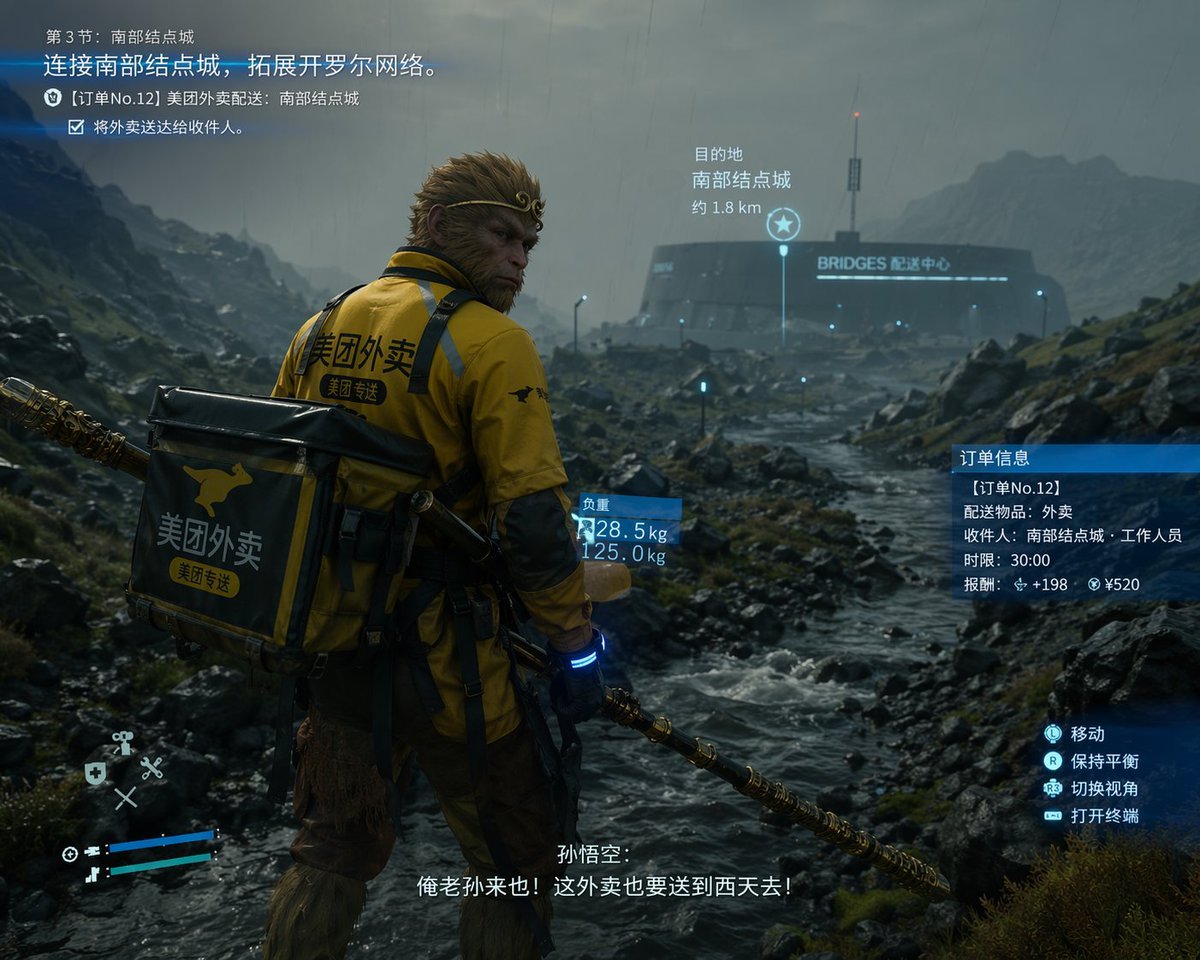
Cinematic Game UI Mockup

Woman Riding Giant Drone Above Mountains
Browse template categories
Flashy AI Appearance Consulting Sales Banner questions
How do I use the Flashy AI Appearance Consulting Sales Banner template?
Add your photo if the template asks for one, edit the prompt if you like — the template's model and format are already selected — and press Generate. Your version opens in PicX Studio.
Can I customize the Flashy AI Appearance Consulting Sales Banner template?
Yes. You can change the subject, setting, lighting, mood, format, and available model controls before creating your image.
Is the Flashy AI Appearance Consulting Sales Banner template free?
Opening and editing this template is free. Generating uses credits, shown on the Generate button when you are signed in.
Which AI model should I use?
Start with GPT Image 2, which is the model associated with this template. You can compare another compatible model for a different finish.
Looking for something else? Browse all templates.

Your photo, any look
Thousands of ready templates for every top image and video model, from one credit balance.