
Flashy Pachinko Parlor Promo Poster
Generates an extremely flashy, information-dense Japanese promotional poster featuring a portrait model, 3D metallic typography, and multiple stat boxes.
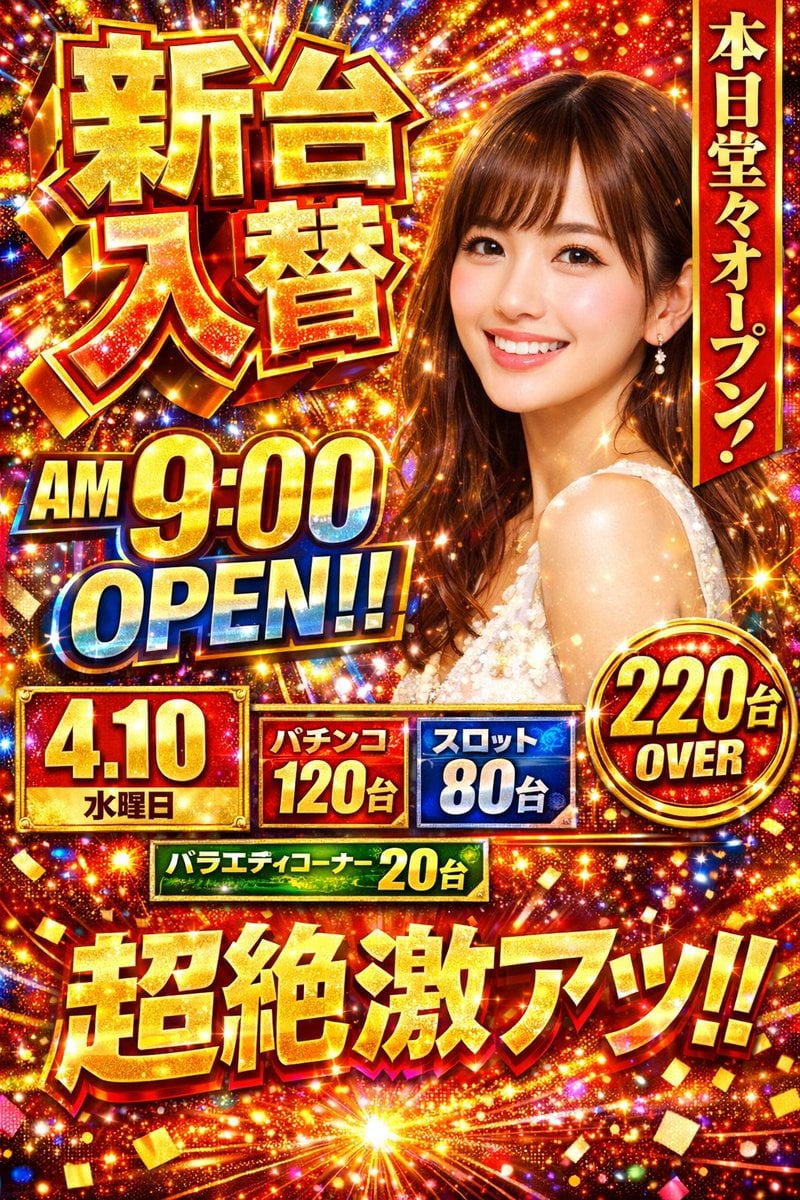
- Prompt included
- Model and format preset
- Free template
The prompt behind this image
Copy the exact prompt behind Flashy Pachinko Parlor Promo Poster, or open it in the studio and make it yours.
- Type
- Japanese pachinko parlor promotional poster
- Style
- hyper-flashy, explosive golden starbursts, red background, floating gold confetti, lens flares, high contrast, 3D metallic text
- Subject
- {argument name="model description" default="smiling young Japanese woman with brown hair and bangs wearing a white sparkly dress"}
- Layout › Top Left › Type
- massive 3D text
- Layout › Top Left › Text
- {argument name="main title" default="新台入替"}
- Layout › Top Left › Style
- gold and red metallic
- Layout › Top Right › Type
- vertical banner
- Layout › Top Right › Text
- 本日堂々オープン!
- Layout › Top Right › Style
- red ribbon with gold text
- Layout › Middle Left › Type
- time announcement
- Layout › Middle Left › Text Line 1
- {argument name="opening time" default="AM 9:00"}
- Layout › Middle Left › Text Line 2
- OPEN!!
- Layout › Middle Left › Style
- gold/yellow top line, blue/white gradient bottom line
- Layout › Middle Lower Stats › Type
- information grid
- Layout › Middle Lower Stats › Count
- 5
- Layout › Middle Lower Stats › Elements › 0 › Label
- Date
- Layout › Middle Lower Stats › Elements › 0 › Text
- {argument name="date" default="4.10"}
- Layout › Middle Lower Stats › Elements › 0 › Subtext
- 水曜日
- Layout › Middle Lower Stats › Elements › 0 › Style
- red and gold box
- Layout › Middle Lower Stats › Elements › 1 › Label
- Pachinko count
- Layout › Middle Lower Stats › Elements › 1 › Text
- パチンコ
- Layout › Middle Lower Stats › Elements › 1 › Subtext
- 120台
- Layout › Middle Lower Stats › Elements › 1 › Style
- red box
- Layout › Middle Lower Stats › Elements › 2 › Label
- Slot count
Raw JSON
{
  "type": "Japanese pachinko parlor promotional poster",
  "style": "hyper-flashy, explosive golden starbursts, red background, floating gold confetti, lens flares, high contrast, 3D metallic text",
  "subject": "{argument name=\"model description\" default=\"smiling young Japanese woman with brown hair and bangs wearing a white sparkly dress\"}",
  "layout": {
    "top_left": {
      "type": "massive 3D text",
      "text": "{argument name=\"main title\" default=\"新台入替\"}",
      "style": "gold and red metallic"
    },
    "top_right": {
      "type": "vertical banner",
      "text": "本日堂々オープン!",
      "style": "red ribbon with gold text"
    },
    "middle_left": {
      "type": "time announcement",
      "text_line_1": "{argument name=\"opening time\" default=\"AM 9:00\"}",
      "text_line_2": "OPEN!!",
      "style": "gold/yellow top line, blue/white gradient bottom line"
    },
    "middle_lower_stats": {
      "type": "information grid",
      "count": 5,
      "elements": [
        { "label": "Date", "text": "{argument name=\"date\" default=\"4.10\"}", "subtext": "水曜日", "style": "red and gold box" },
        { "label": "Pachinko count", "text": "パチンコ", "subtext": "120台", "style": "red box" },
        { "label": "Slot count", "text": "スロット", "subtext": "80台", "style": "blue box" },
        { "label": "Total count", "text": "220台", "subtext": "OVER", "style": "gold circular badge" },
        { "label": "Variety corner", "text": "バラエティコーナー 20台", "style": "green horizontal banner" }
      ]
    },
    "bottom": {
      "type": "massive 3D catchphrase",
      "text": "{argument name=\"catchphrase\" default=\"超絶激アツ!!\"}",
      "style": "gold metallic, explosive background"
    }
  }
}Reference images included
Flashy Pachinko Parlor Promo Poster needs input media to work. They load alongside the prompt when you open it in the studio.
How to use Flashy Pachinko Parlor Promo Poster in 3 steps
- 1Upload ImagePNG, JPG or paste
Add your photo
Upload the photo the template builds on. The prompt, model and format are already set.
- 2…a portrait of your subject in softgolden-hour light, 85mm…
Personalize
Edit the subject and creative details for your destination.
- 3Generate
Generate
Press Generate — your image is created in PicX Studio, so you can compare it with the original and refine one variable at a time.
More like this
Templates with the same subject, style or setup. Open one to see its prompt.

Trendy Cafe Drink Promo Poster

Gpt2 Youtube Thumbnail Anime Music Bootcamp Promo Poster

Japan Travel Brochure Poster

Cartoon TV Show Poster Pack

Urban Fashion Editorial Collage Streetwear Poster

Premium Fashion Editorial Cover Layout System

Polo Ralph Lauren Luxury American Heritage Fashion Campaign

Monochrome Halftone Editorial Fashion Poster

Retro Mirror Luxury Fashion Campaign Poster

Luxury Fashion Campaign Typography Poster System

Premium Fashion Editorial Campaign Poster System

Ultra-Stylized High-Fashion Streetwear Poster
Make it yours
Flashy Pachinko Parlor Promo Poster works as-is. These are the safest ways to change it without losing the look.
Change one field
Copy a single group, rewrite it, and generate again so you can see what that field is doing.
Keep the frame, change the subject
Hold the composition and light of Flashy Pachinko Parlor Promo Poster, then swap wardrobe, props or the person for a new take.
| If the result… | Why | Fix |
|---|---|---|
| The result drifts from the preview | Too many fields changed at once. | Reuse Flashy Pachinko Parlor Promo Poster as-is first, then change one group — subject, light, or setting. |
| GPT Image 2 ignores part of the JSON | Some models flatten or skip nested keys. | Keep the same values and paste them as a short paragraph instead. |
More GPT Image 2 templates
Other prompts made for GPT Image 2.

Six VTuber Japanese Logo Sheet

Realistic Portrait of Woman and Deer

The Vista Modular Condo Poster

AI Model Routing Comparison Infographic

2.5D Anime Art Board

Isometric Productivity Desk Scene

New York Double Exposure Poster

Four-Panel AI Landscape Comparison

Japanese Tatami Lifestyle Magazine Cover

NESCAFÉ Coffee Map Poster
More image prompts
Fresh picks from across the catalog.
Intimate Late Night Bathroom Selfie
Kamehameha Style Transformation Prompts
Song Dynasty Social Media Feed
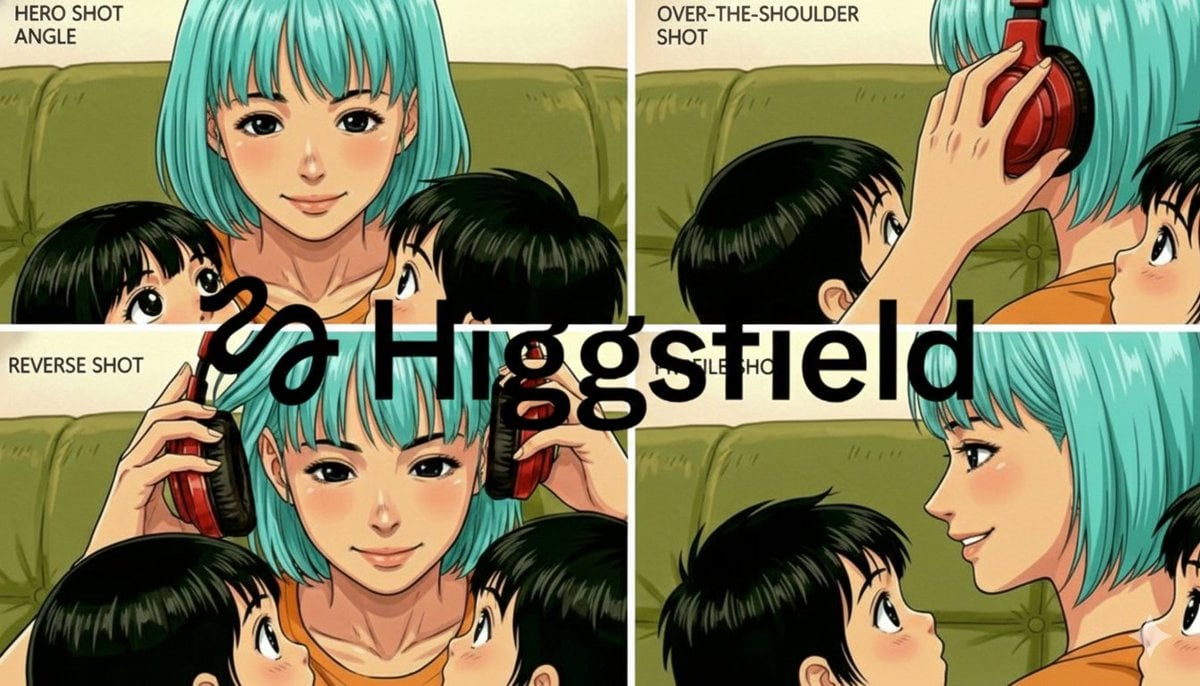
Grid of four camera angles from reference image
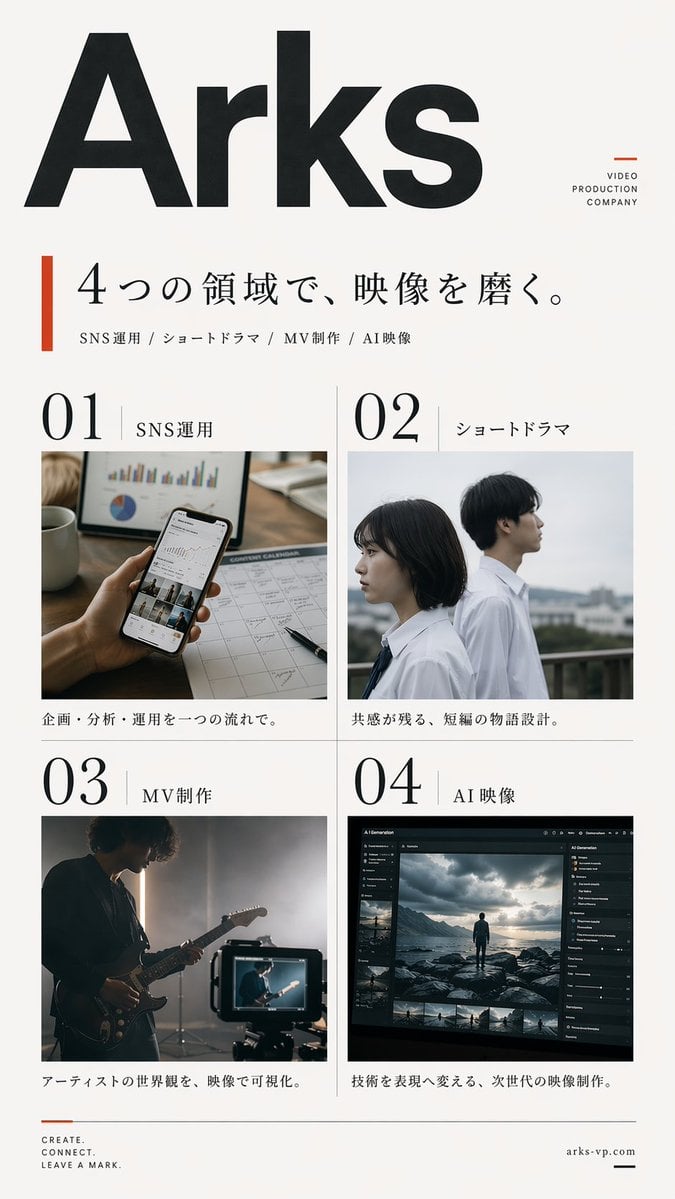
Japanese Video Production Poster
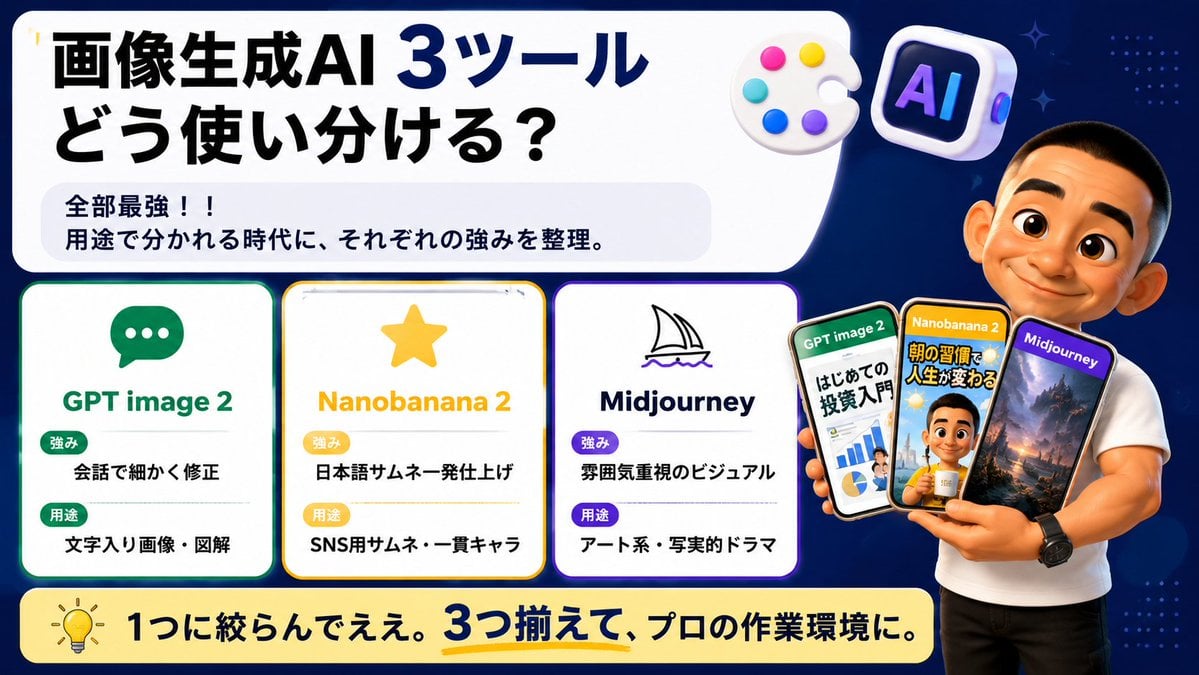
Japanese AI Tool Comparison Thumbnail
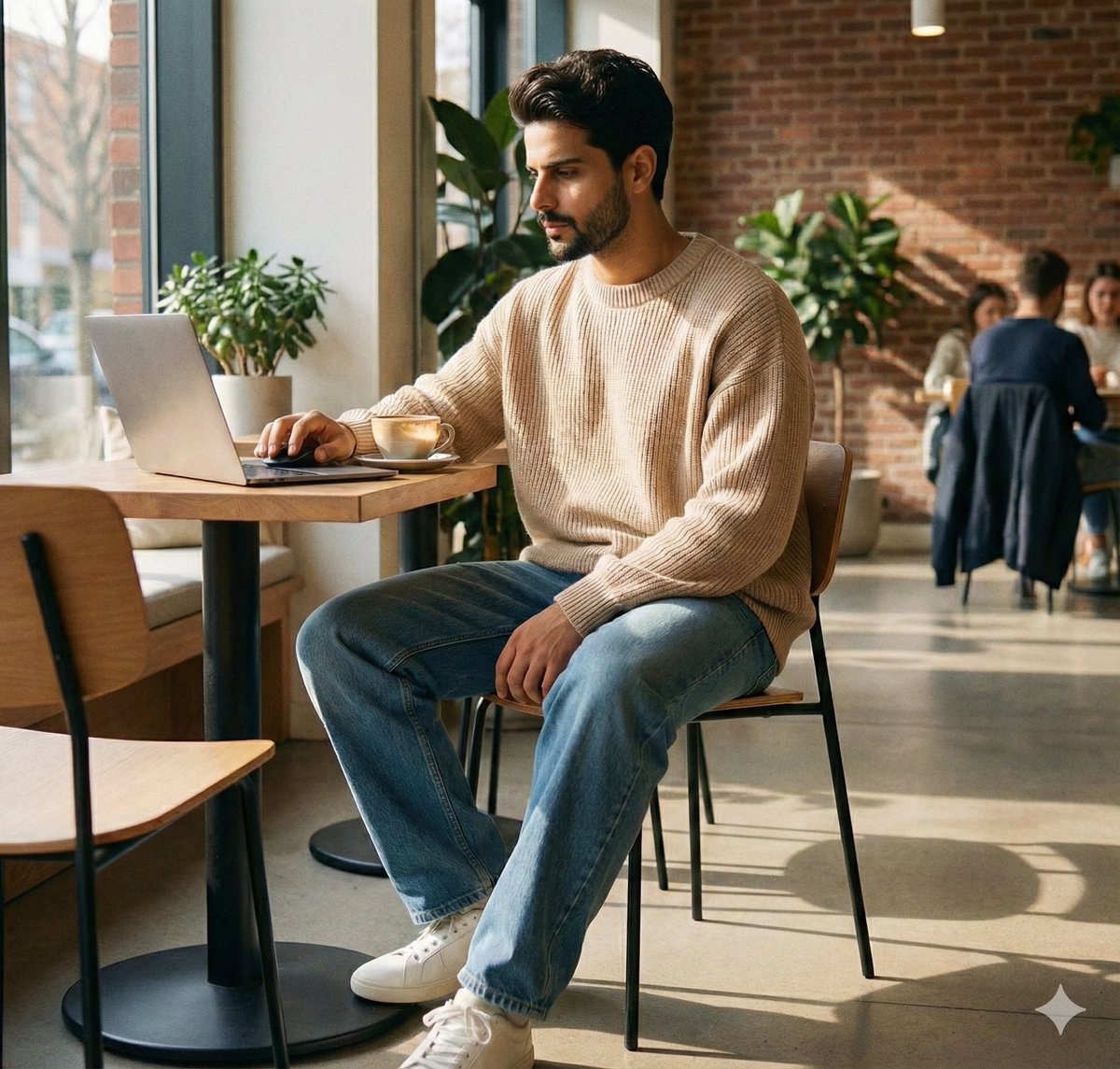
JSON Prompt for Lifestyle Portrait in Coffee Shop
Industrial Concrete Portrait
Soft X-Ray Luminography Style Template
3D Camera Position Control Prompt
Browse template categories
Flashy Pachinko Parlor Promo Poster questions
How do I use the Flashy Pachinko Parlor Promo Poster template?
Add your photo if the template asks for one, edit the prompt if you like — the template's model and format are already selected — and press Generate. Your version opens in PicX Studio.
Can I customize the Flashy Pachinko Parlor Promo Poster template?
Yes. You can change the subject, setting, lighting, mood, format, and available model controls before creating your image.
Is the Flashy Pachinko Parlor Promo Poster template free?
Opening and editing this template is free. Generating uses credits, shown on the Generate button when you are signed in.
Which AI model should I use?
Start with GPT Image 2, which is the model associated with this template. You can compare another compatible model for a different finish.
Looking for something else? Browse all templates.

Your photo, any look
Thousands of ready templates for every top image and video model, from one credit balance.