
Song Dynasty Social Media Feed
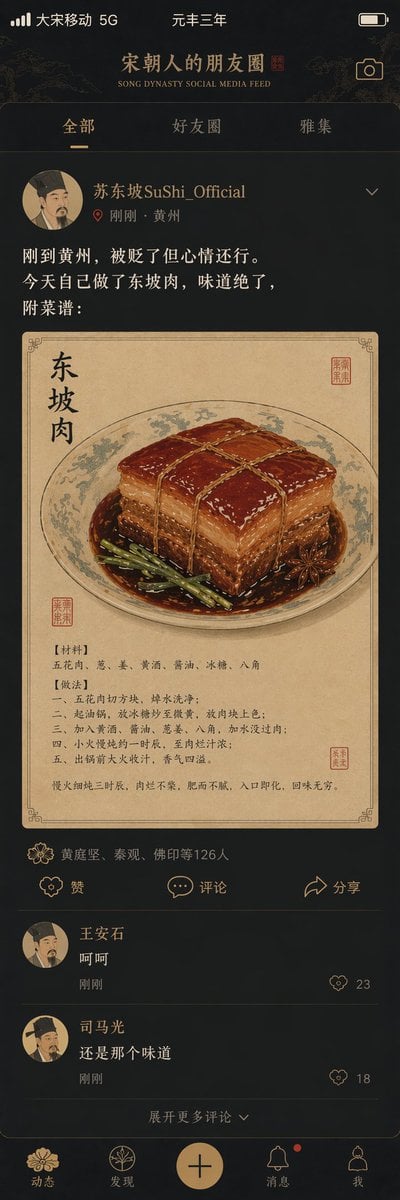
A creative prompt that imagines what a social media feed would look like during the Song Dynasty, featuring Su Shi.
- Prompt included
- Model and format preset
- Free template
The prompt behind this image
Copy the exact prompt behind Song Dynasty Social Media Feed, or open it in the studio and make it yours.
"{argument name="title" default="宋朝人的朋友圈"}"/"SONG DYNASTY SOCIAL MEDIA FEED", a design blending ancient and modern in a humorous mash-up interface style; the image mimics a smartphone social media interface, but all the content is set in the Song dynasty — the avatar is a portrait of a Song-dynasty literatus, the username is "{argument name="username" default="苏东坡SuShi_Official"}", the post content is "刚到黄州,被贬了但心情还行。今天自己做了东坡肉,味道绝了,附菜谱:", with an accompanying image of a gongbi-style close-up of Dongpo pork; the likes list reads "黄庭坚、秦观、佛印等126人"; the comment section shows "王安石:呵呵" and "司马光:还是那个味道"; interface elements such as the like icon are replaced with Song-dynasty decorative patterns; the status bar shows "大宋移动 5G" and "元丰三年"; the color scheme is a phone dark mode paired with elegant Song-dynasty tones — a delightful masterpiece mashing up history and social media.
How to use Song Dynasty Social Media Feed in 3 steps
- 1
Open
The prompt is already in the box next to the preview, with the template's model and format selected.
- 2…a portrait of your subject in softgolden-hour light, 85mm…
Personalize
Edit the subject and creative details for your destination.
- 3Generate
Generate
Press Generate — your image is created in PicX Studio, so you can compare it with the original and refine one variable at a time.
More like this
Templates with the same subject, style or setup. Open one to see its prompt.
Fake Historical Figure Social Media Feed

Cross-Device Social Media Feed
Tang Dynasty Social Feed Poster
Historical Social Media Feed Mockup
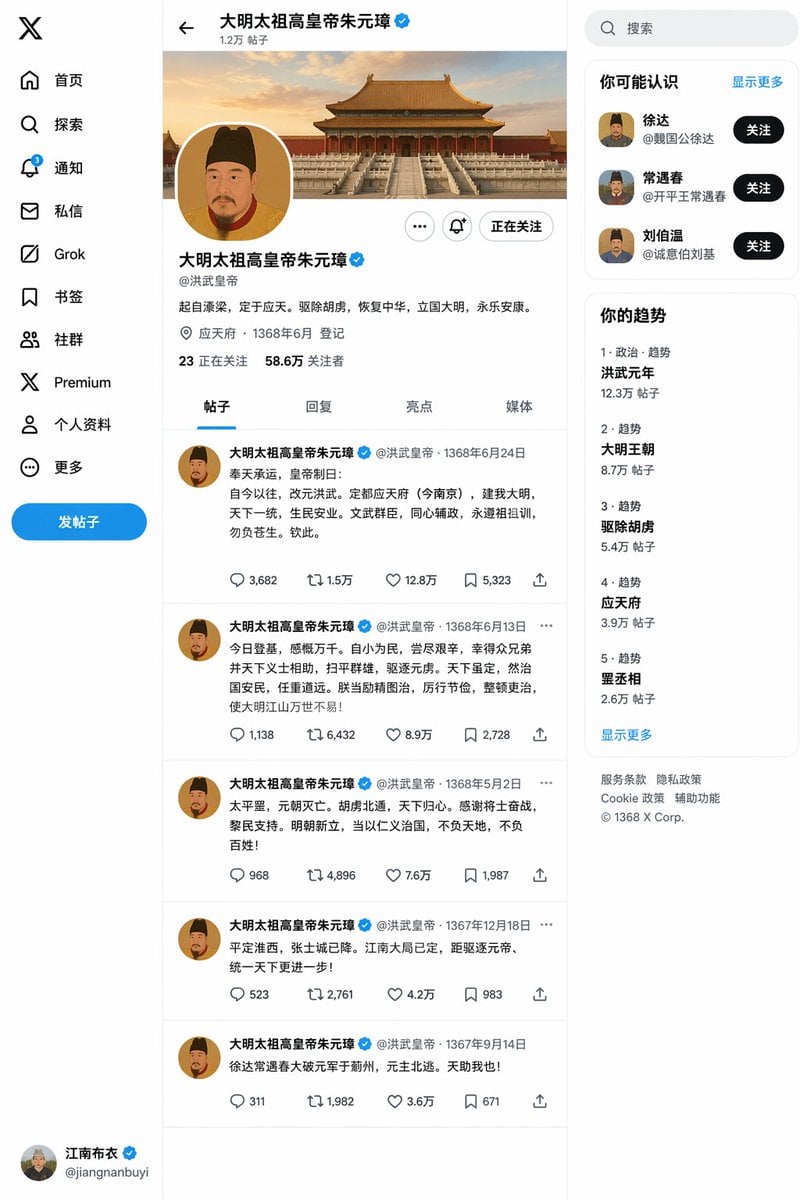
Ming Dynasty Social Media Post
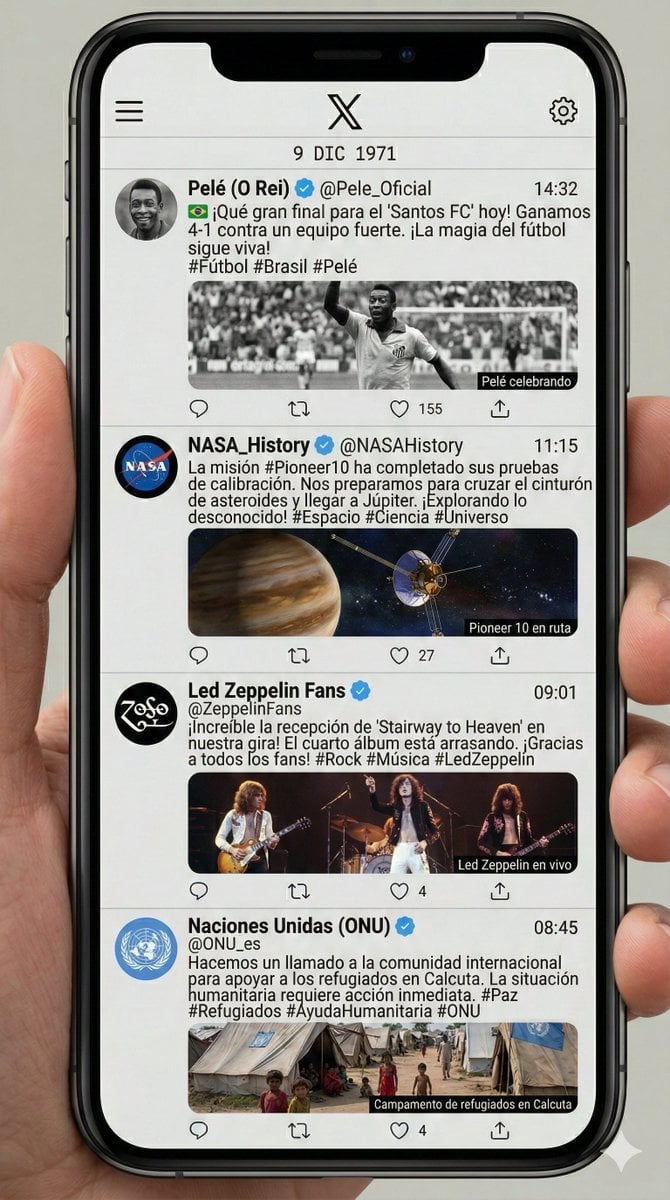
Historical Social Media Feed Generation
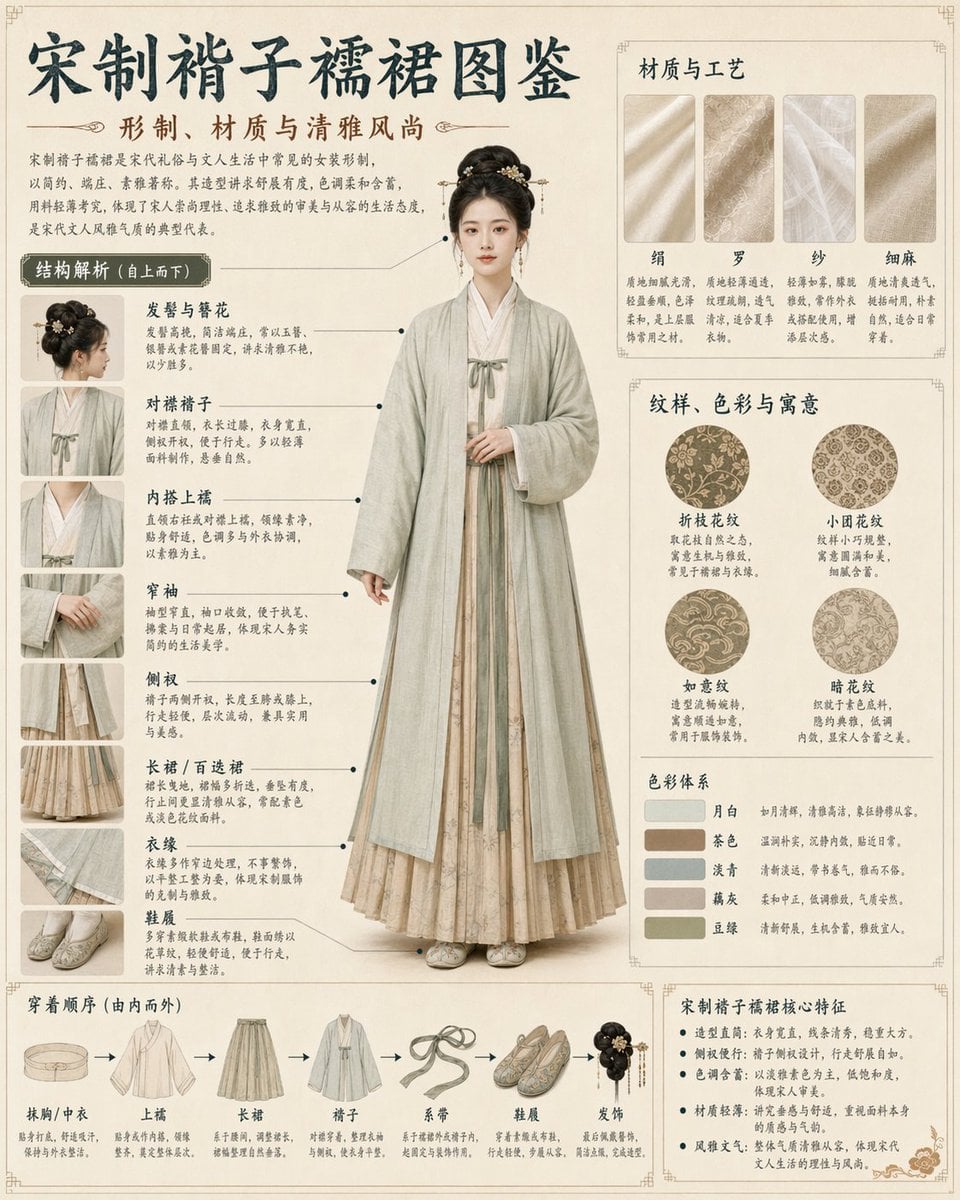
Song Dynasty Hanfu Infographic Guide

Song Dynasty Enamel Badges
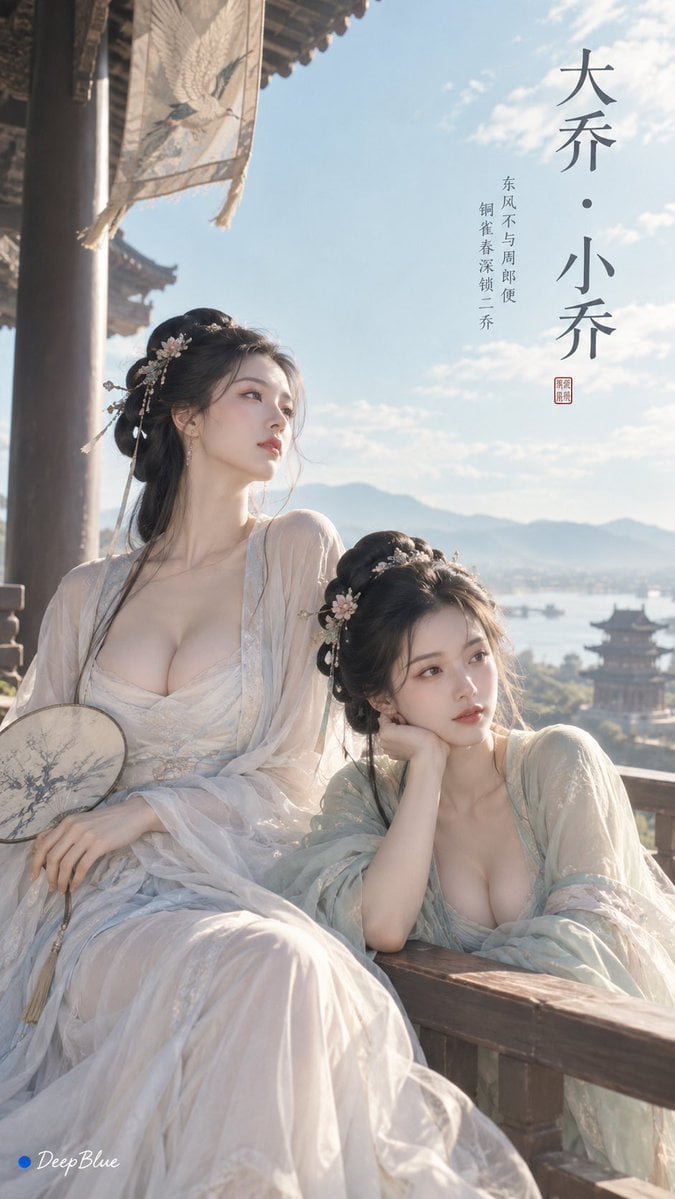
Minimalist Song Dynasty Editorial Art
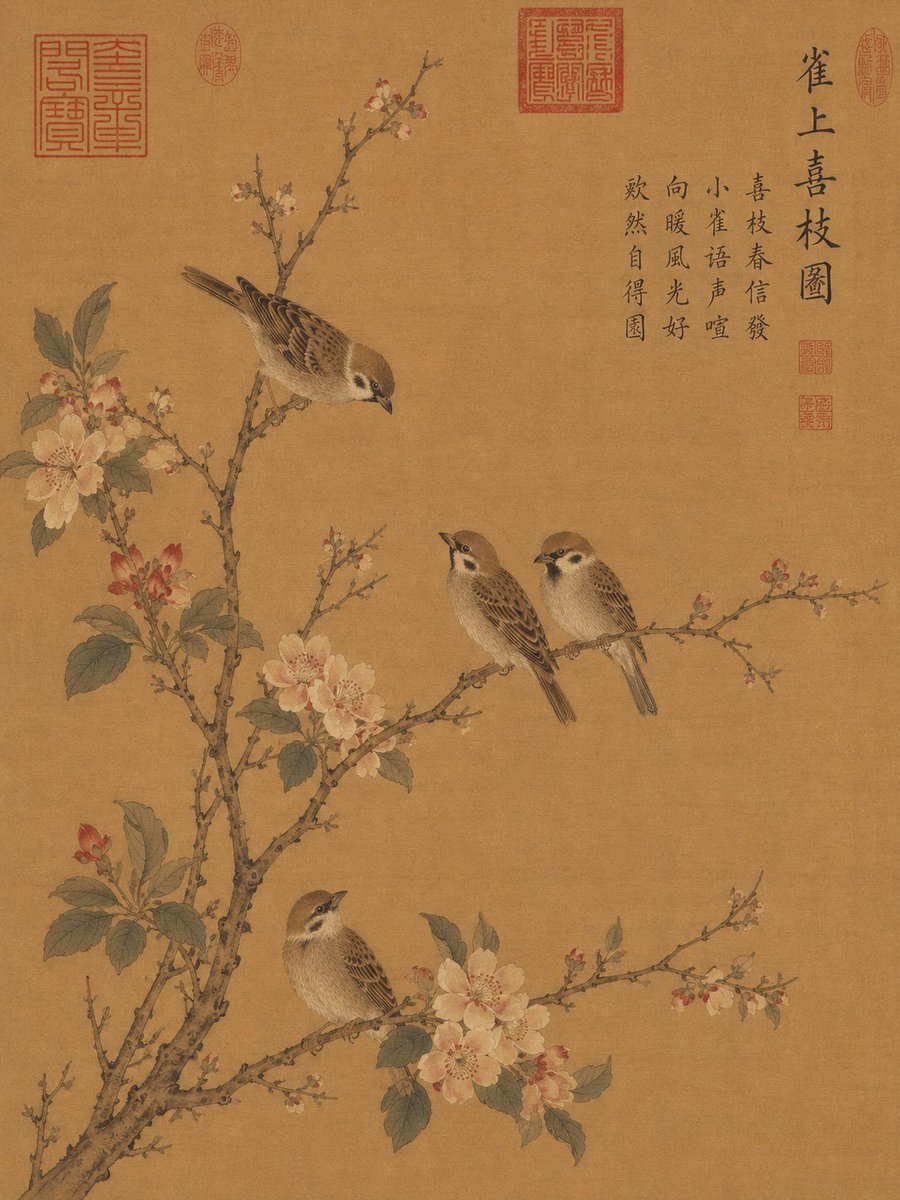
Song Dynasty Style Bird and Branch Painting

Shattered Screen Social Media Ad
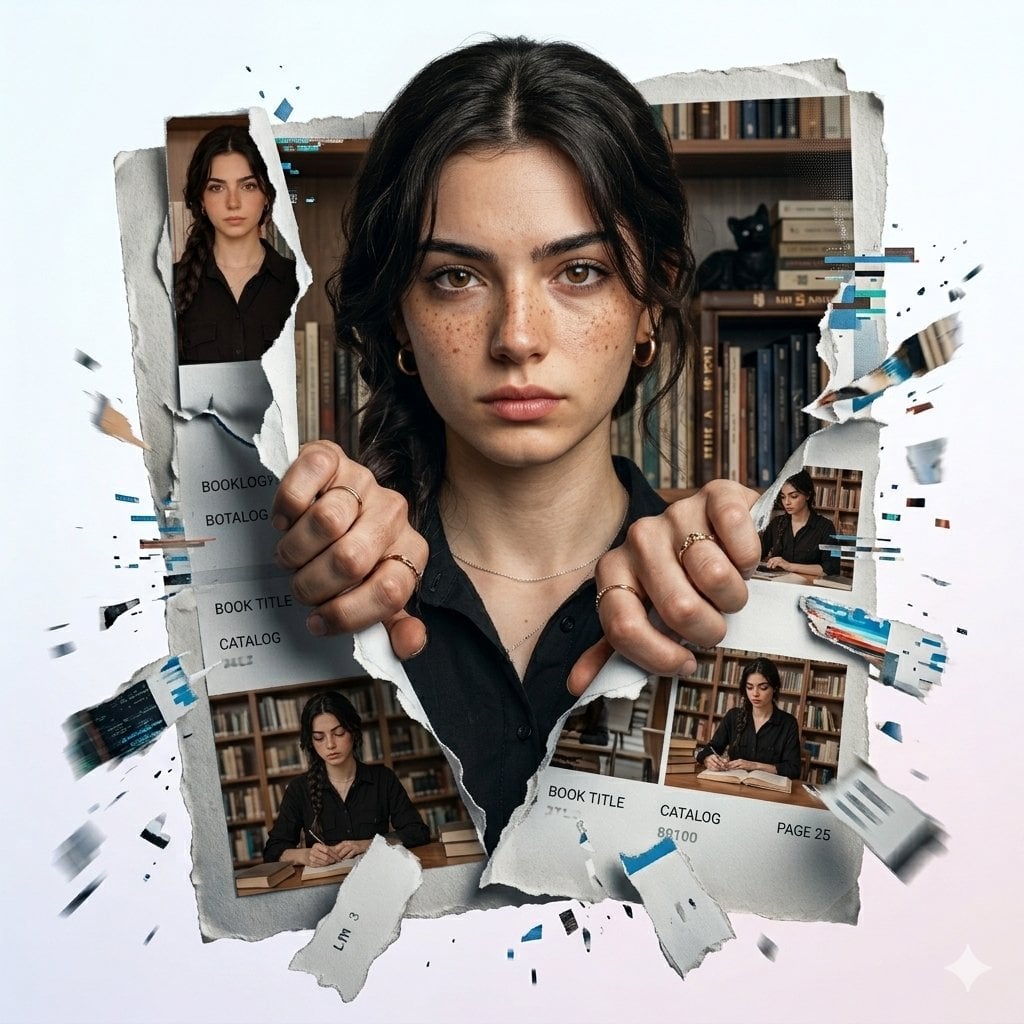
Torn Social Media Profile Art
Make it yours
Song Dynasty Social Media Feed works as-is. These are the safest ways to change it without losing the look.
Change one field
Copy a single group, rewrite it, and generate again so you can see what that field is doing.
Keep the frame, change the subject
Hold the composition and light of Song Dynasty Social Media Feed, then swap wardrobe, props or the person for a new take.
| If the result… | Why | Fix |
|---|---|---|
| The result drifts from the preview | Too many fields changed at once. | Reuse Song Dynasty Social Media Feed as-is first, then change one group — subject, light, or setting. |
| The model over-stylizes the scene | The prose prompt leaves finish and camera underspecified. | Add one camera or lighting sentence and stay on GPT Image 2. |
More GPT Image 2 templates
Other prompts made for GPT Image 2.

Six VTuber Japanese Logo Sheet

Realistic Portrait of Woman and Deer

The Vista Modular Condo Poster

AI Model Routing Comparison Infographic

2.5D Anime Art Board

Isometric Productivity Desk Scene

New York Double Exposure Poster

Four-Panel AI Landscape Comparison

Japanese Tatami Lifestyle Magazine Cover

NESCAFÉ Coffee Map Poster
More image prompts
Fresh picks from across the catalog.
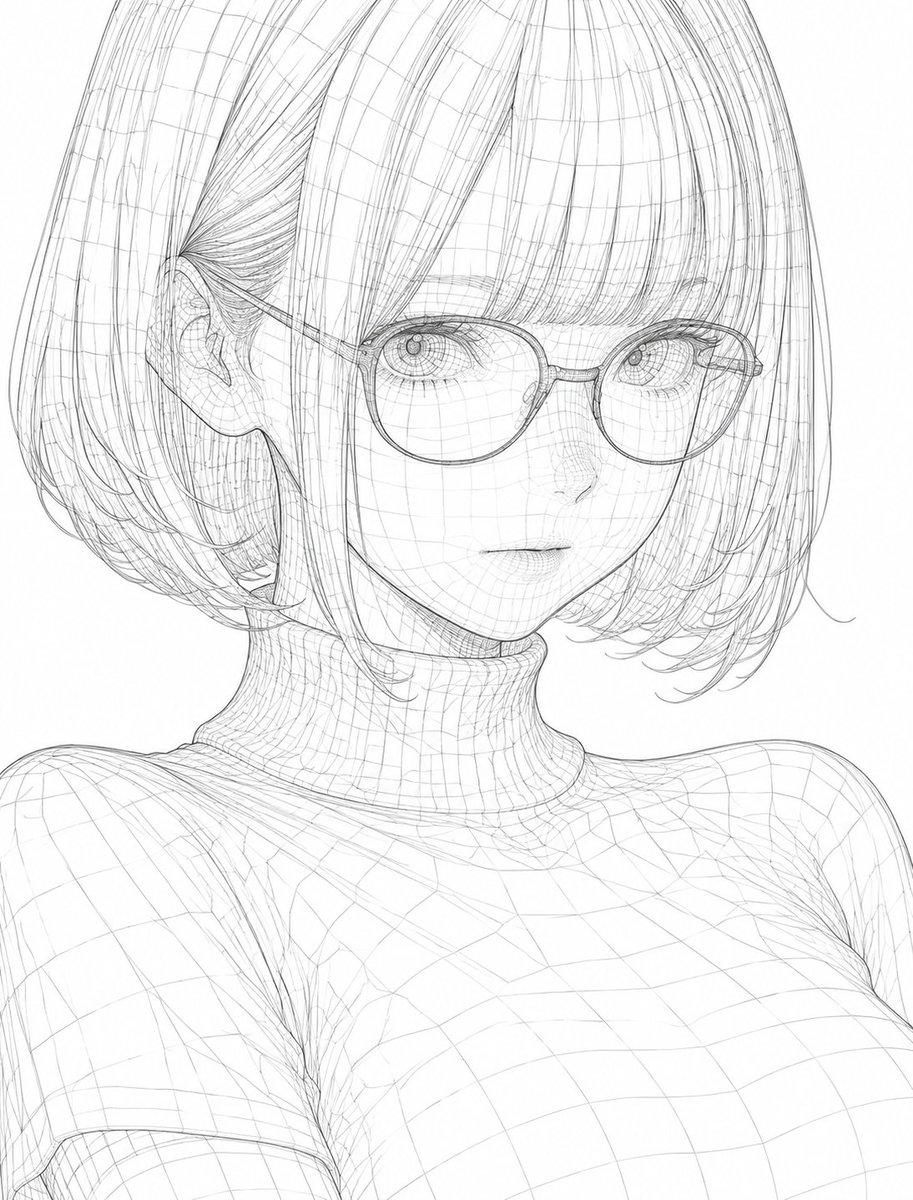
3D Wireframe Illustration Transformation

Mirror Selfie in Pink Lounge Set with Identity Anchor
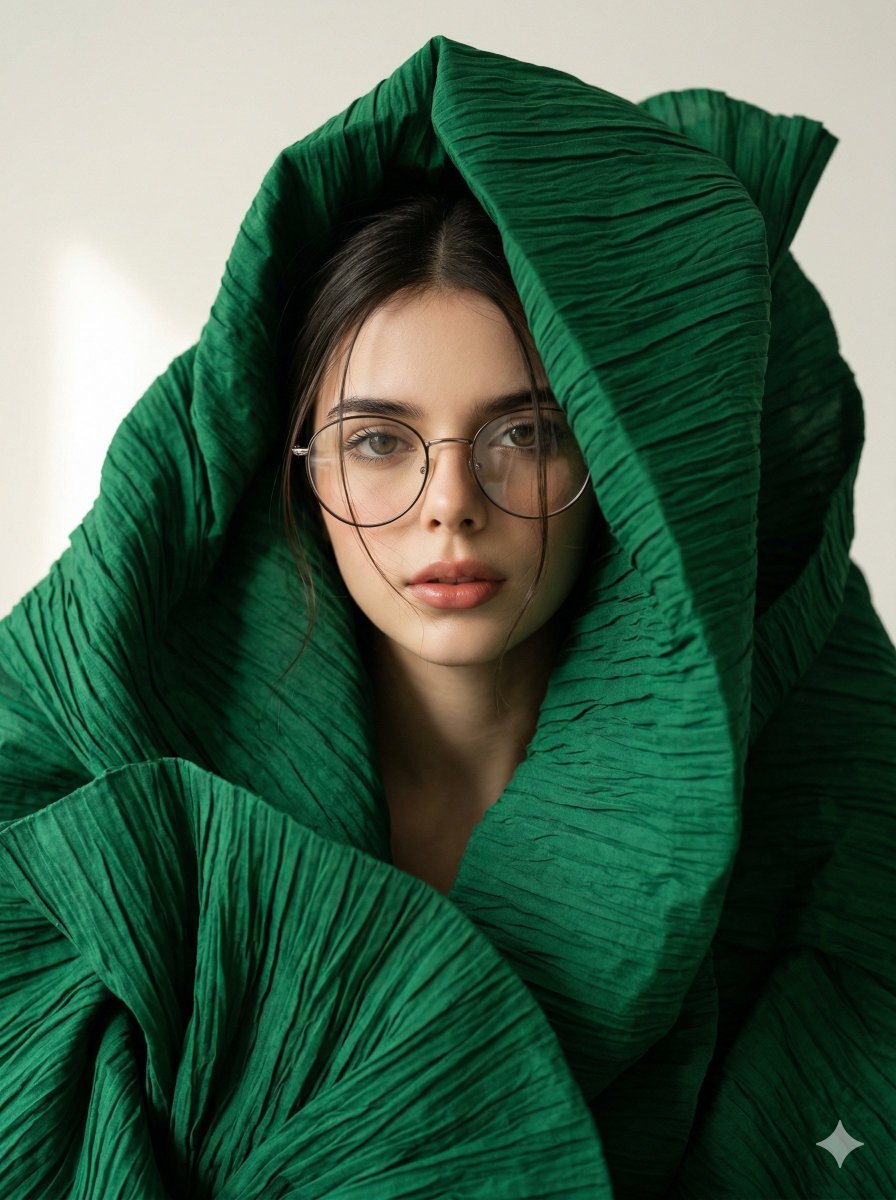
Avant-Garde Sculptural Fabric Portrait
Cinematic Luxury Chip Commercial
Lakers Arena Candid Portrait
Casual Street Style Portrait Prompt for Nano Banana Pro
Hero Shot Portrait in a Bookstore with Warm Lighting
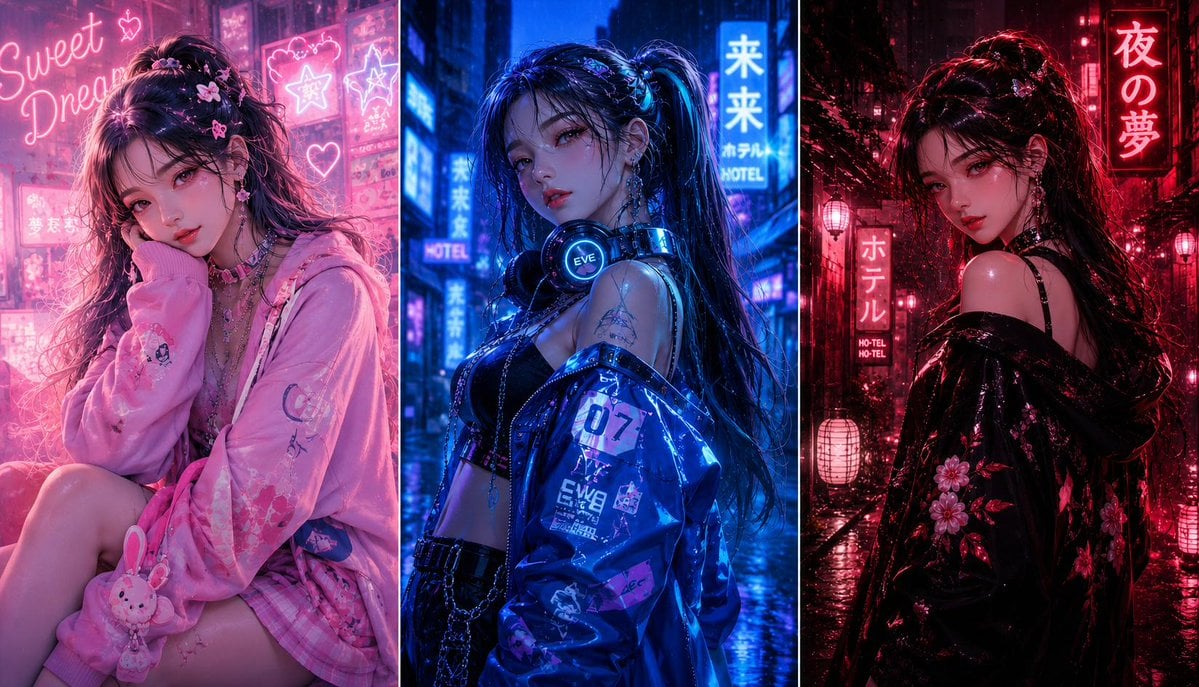
Three-panel anime fashion collage
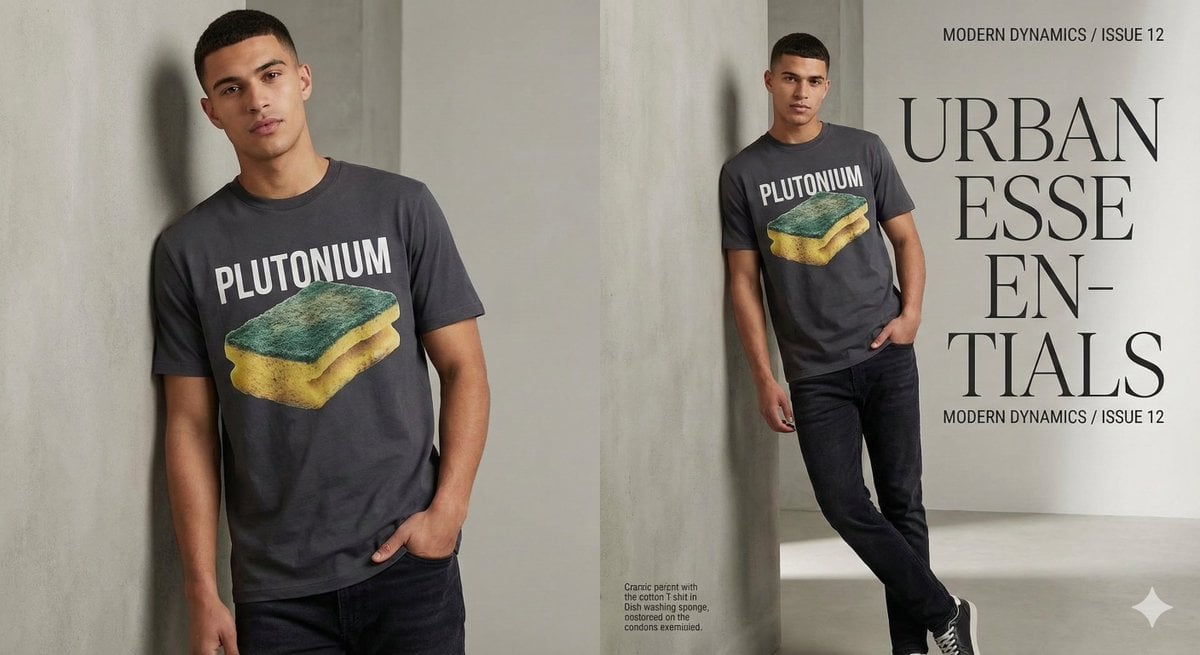
Fashion Magazine Style Sponge T-shirt with 'Error'
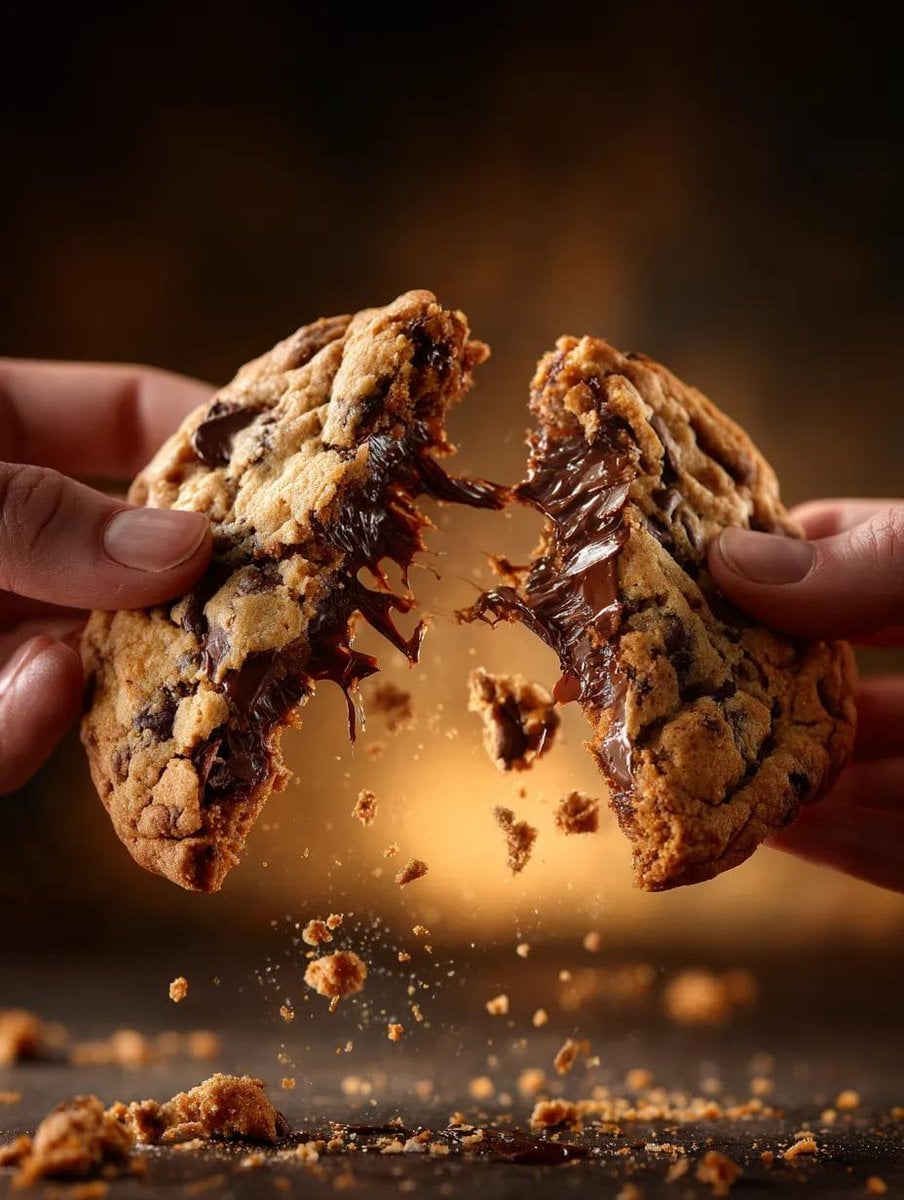
Food Action Photography Prompts for Melted Cheese and Gooey Textures
Browse template categories
Song Dynasty Social Media Feed questions
How do I use the Song Dynasty Social Media Feed template?
Add your photo if the template asks for one, edit the prompt if you like — the template's model and format are already selected — and press Generate. Your version opens in PicX Studio.
Can I customize the Song Dynasty Social Media Feed template?
Yes. You can change the subject, setting, lighting, mood, format, and available model controls before creating your image.
Is the Song Dynasty Social Media Feed template free?
Opening and editing this template is free. Generating uses credits, shown on the Generate button when you are signed in.
Which AI model should I use?
Start with GPT Image 2, which is the model associated with this template. You can compare another compatible model for a different finish.
Looking for something else? Browse all templates.

Your photo, any look
Thousands of ready templates for every top image and video model, from one credit balance.