
Song Dynasty Hanfu Infographic Guide
Generates a highly detailed, museum-style infographic poster analyzing traditional Chinese clothing components, materials, and wearing steps.
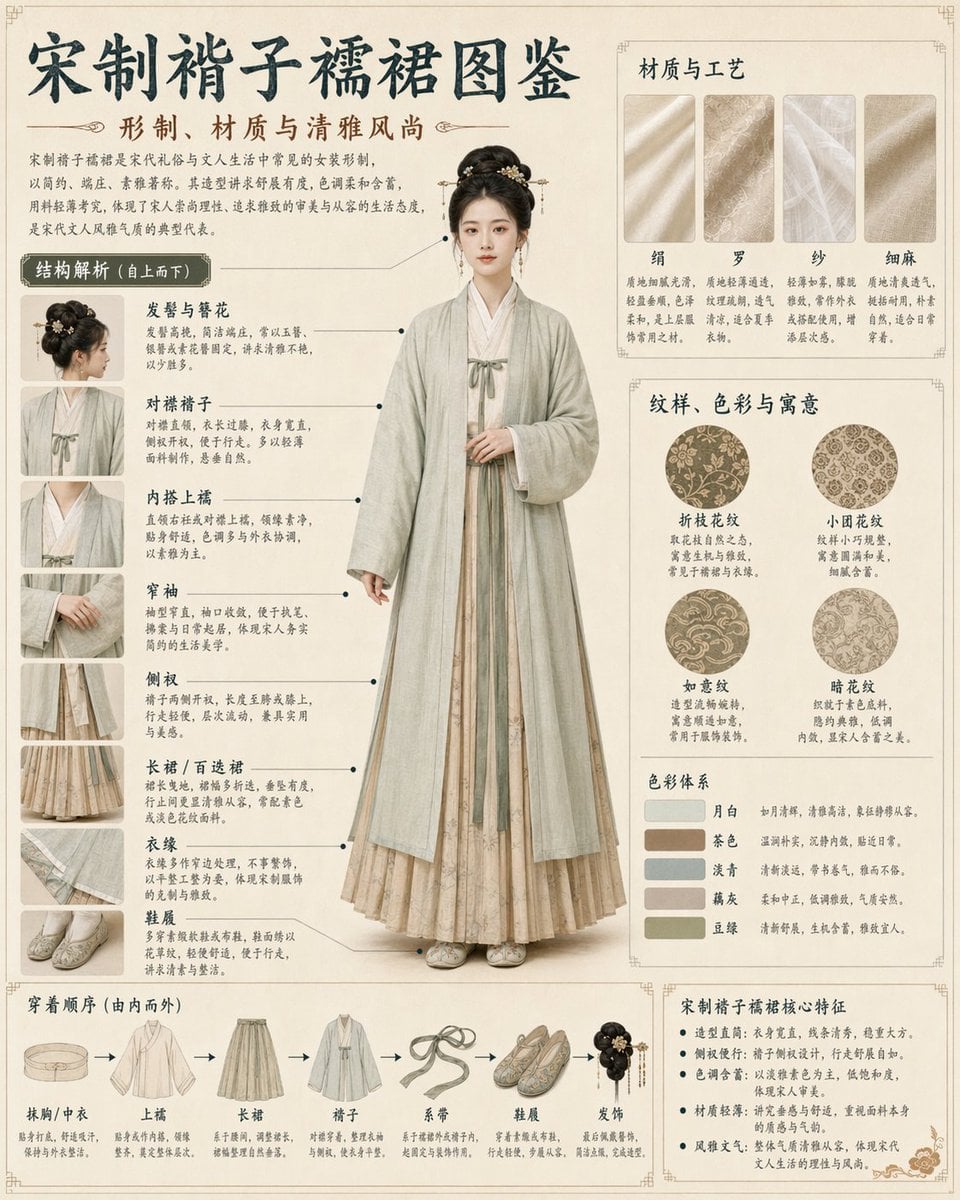
- Prompt included
- Model and format preset
- Free template
The prompt behind this image
Copy the exact prompt behind Song Dynasty Hanfu Infographic Guide, or open it in the studio and make it yours.
- Type
- traditional Chinese clothing infographic poster
- Header › Main Title
- {argument name="main title" default="宋制褙子襦裙图鉴"}
- Header › Subtitle
- 形制、材质与清雅风尚
- Header › Intro Text
- Short paragraph describing the historical context and aesthetic.
- Centerpiece › Description
- Full-body portrait of a young Asian woman standing elegantly with hands clasped.
- Centerpiece › Clothing
- {argument name="clothing style" default="Song Dynasty Beizi and Ruqun, light green outer robe, beige inner dress"}
- Layout › Style
- museum exhibition guide, highly structured, clean grid
- Layout › Background
- {argument name="background texture" default="vintage parchment, beige"}
- Layout › Sections › 0 › Title
- 结构解析 (自上而下)
- Layout › Sections › 0 › Position
- left column
- Layout › Sections › 0 › Count
- 8
- Layout › Sections › 0 › Labels
- 发髻与簪花, 对襟褙子, 内搭上襦, 窄袖, 侧衩, 长裙 / 百迭裙, 衣缘, 鞋履
- Layout › Sections › 0 › Details
- Thumbnail images with text and pointer lines to the central figure.
- Layout › Sections › 1 › Title
- 材质与工艺
- Layout › Sections › 1 › Position
- top right
- Layout › Sections › 1 › Count
- 4
- Layout › Sections › 1 › Labels
- 绢, 罗, 纱, 细麻
- Layout › Sections › 2 › Title
- 纹样、色彩与寓意
- Layout › Sections › 2 › Position
- middle right
- Layout › Sections › 2 › Count
- 4
- Layout › Sections › 2 › Labels
- 折枝花纹, 小团花纹, 如意纹, 暗花纹
- Layout › Sections › 2 › Details
- Circular pattern swatches.
- Layout › Sections › 3 › Title
- 色彩体系
- Layout › Sections › 3 › Position
- middle right, below patterns
Raw JSON
{
  "type": "traditional Chinese clothing infographic poster",
  "header": {
    "main_title": "{argument name=\"main title\" default=\"宋制褙子襦裙图鉴\"}",
    "subtitle": "形制、材质与清雅风尚",
    "intro_text": "Short paragraph describing the historical context and aesthetic."
  },
  "centerpiece": {
    "description": "Full-body portrait of a young Asian woman standing elegantly with hands clasped.",
    "clothing": "{argument name=\"clothing style\" default=\"Song Dynasty Beizi and Ruqun, light green outer robe, beige inner dress\"}"
  },
  "layout": {
    "style": "museum exhibition guide, highly structured, clean grid",
    "background": "{argument name=\"background texture\" default=\"vintage parchment, beige\"}",
    "sections": [
      {
        "title": "结构解析 (自上而下)",
        "position": "left column",
        "count": 8,
        "labels": ["发髻与簪花", "对襟褙子", "内搭上襦", "窄袖", "侧衩", "长裙 / 百迭裙", "衣缘", "鞋履"],
        "details": "Thumbnail images with text and pointer lines to the central figure."
      },
      {
        "title": "材质与工艺",
        "position": "top right",
        "count": 4,
        "labels": ["绢", "罗", "纱", "细麻"]
      },
      {
        "title": "纹样、色彩与寓意",
        "position": "middle right",
        "count": 4,
        "labels": ["折枝花纹", "小团花纹", "如意纹", "暗花纹"],
        "details": "Circular pattern swatches."
      },
      {
        "title": "色彩体系",
        "position": "middle right, below patterns",
        "count": 5,
        "labels": ["月白", "茶色", "淡青", "藕灰", "豆绿"],
        "details": "Rectangular color swatches."
      },
      {
        "title": "穿着顺序 (由内而外)",
        "position": "bottom left",
        "count": 7,
        "labels": ["抹胸/中衣", "上襦", "长裙", "褙子", "系带", "鞋履", "发饰"],
        "details": "Sequential garment illustrations connected by arrows."
      },
      {
        "title": "宋制褙子襦裙核心特征",
        "position": "bottom right",
        "count": 5,
        "details": "Bulleted text list of features."
      }
    ]
  }
}How to use Song Dynasty Hanfu Infographic Guide in 3 steps
- 1Upload ImagePNG, JPG or paste
Add your photo
Upload the photo the template builds on. The prompt, model and format are already set.
- 2…a portrait of your subject in softgolden-hour light, 85mm…
Personalize
Edit the subject and creative details for your destination.
- 3Generate
Generate
Press Generate — your image is created in PicX Studio, so you can compare it with the original and refine one variable at a time.
More like this
Templates with the same subject, style or setup. Open one to see its prompt.

博物馆图鉴式汉服拆解图 — GPT-image-2

Song Dynasty Enamel Badges
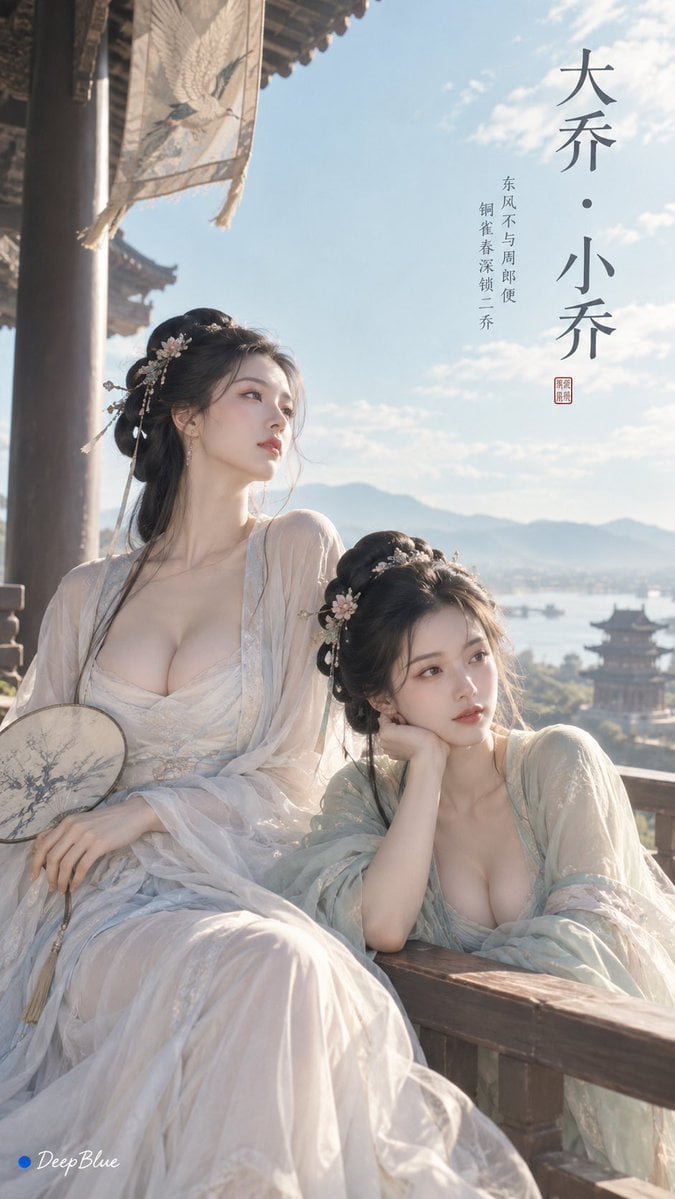
Minimalist Song Dynasty Editorial Art

Japan Travel Brochure Poster
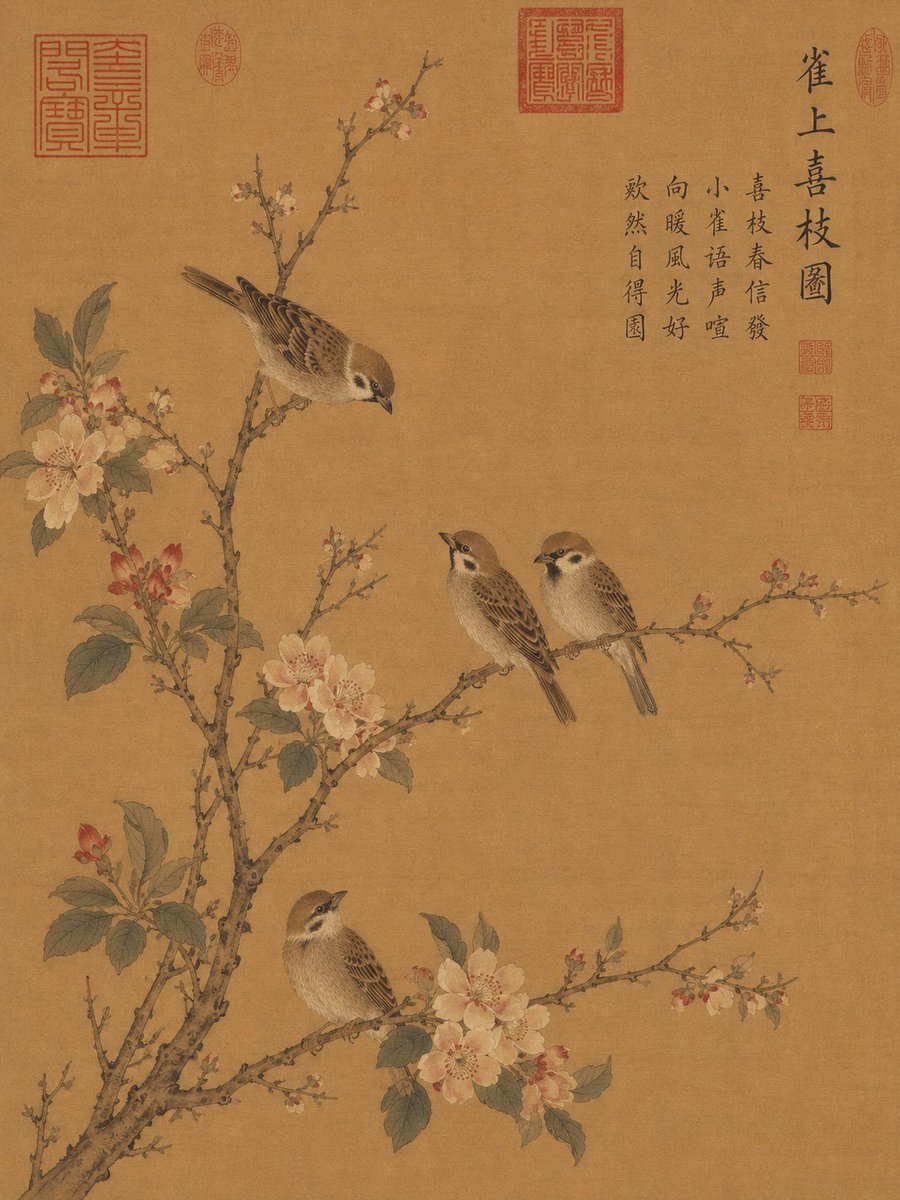
Song Dynasty Style Bird and Branch Painting

Isometric Process Educational Diorama

Isometric Vehicle Teardown Infographic Template
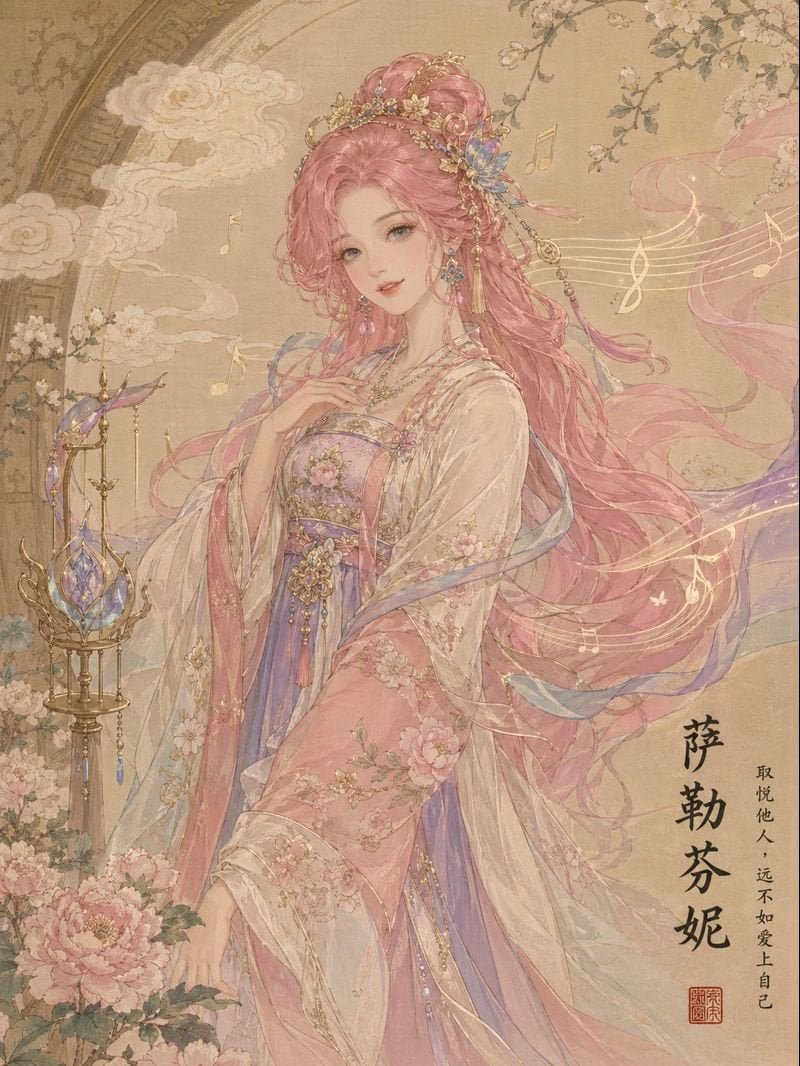
League of Legends in Song Dynasty Style
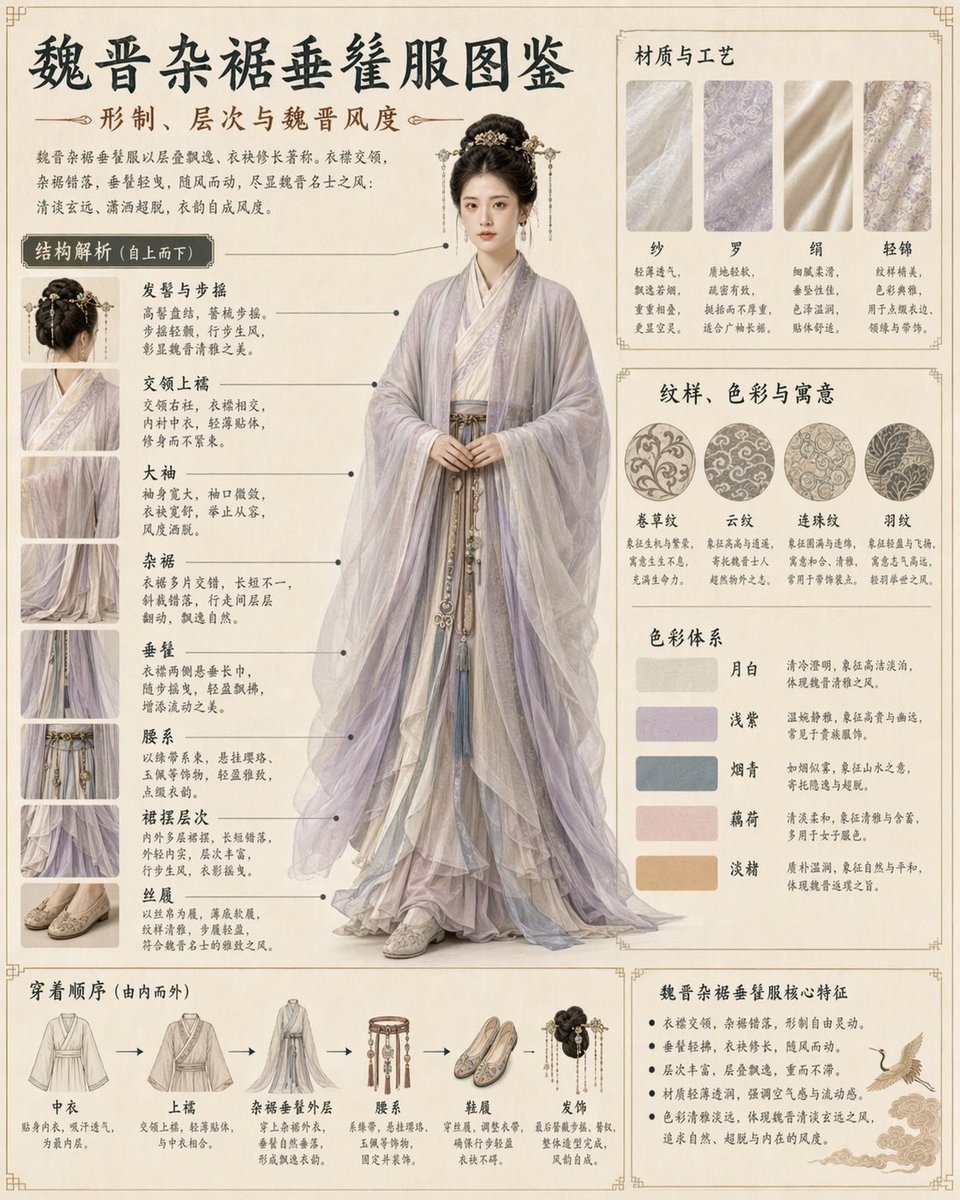
Traditional Clothing Infographic Guide
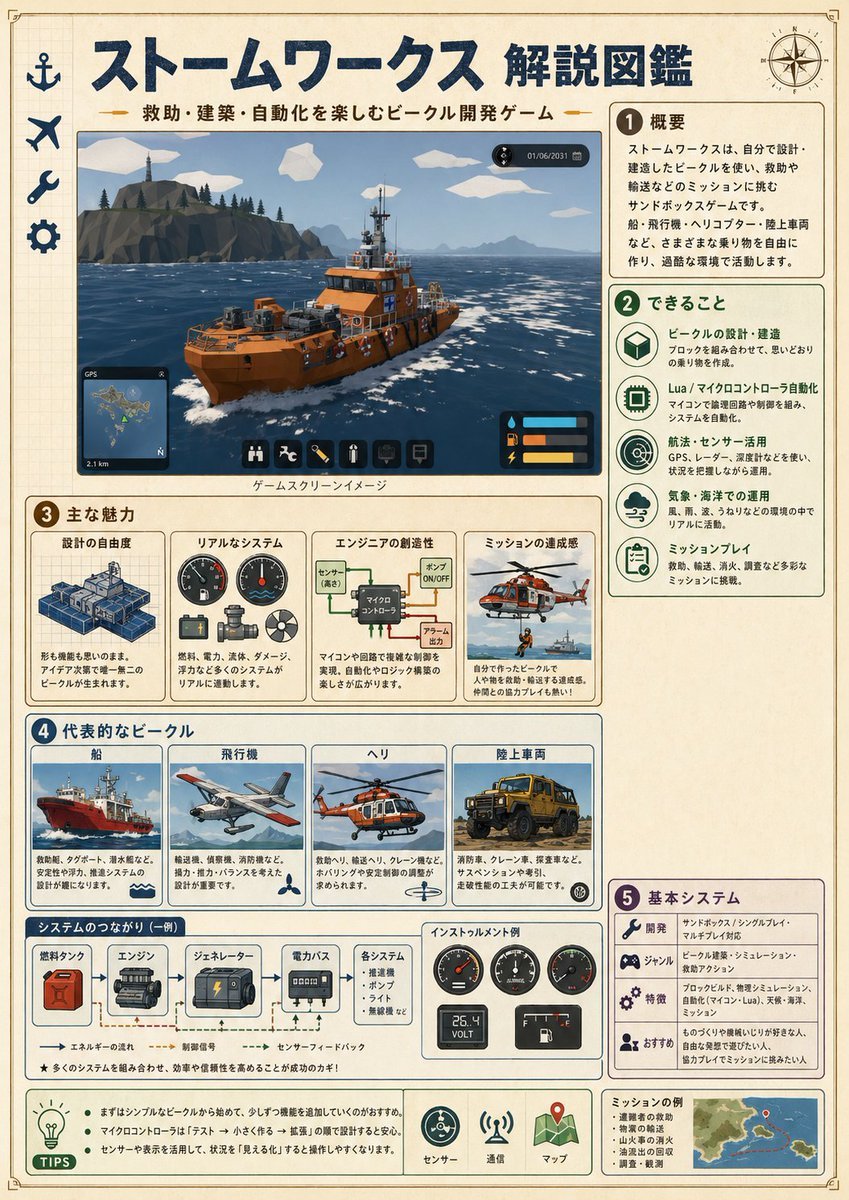
Japanese Stormworks Guide Infographic
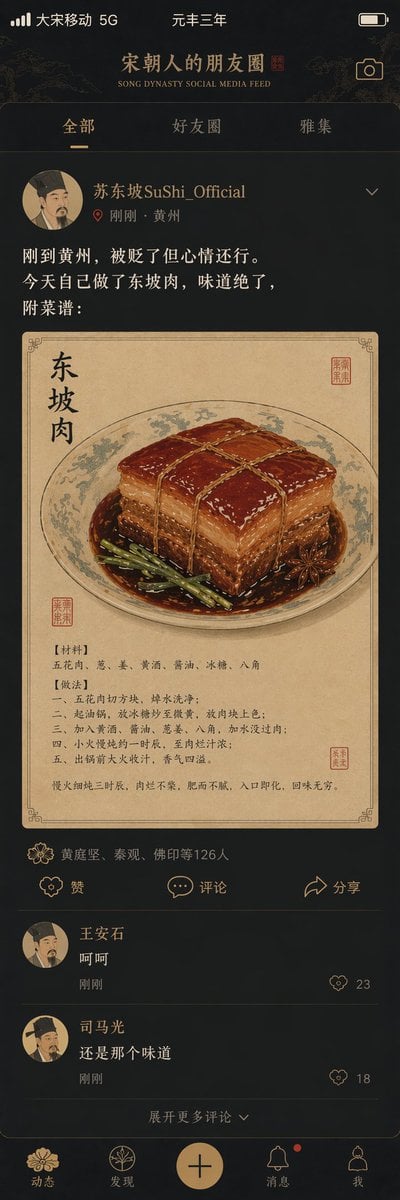
Song Dynasty Social Media Feed
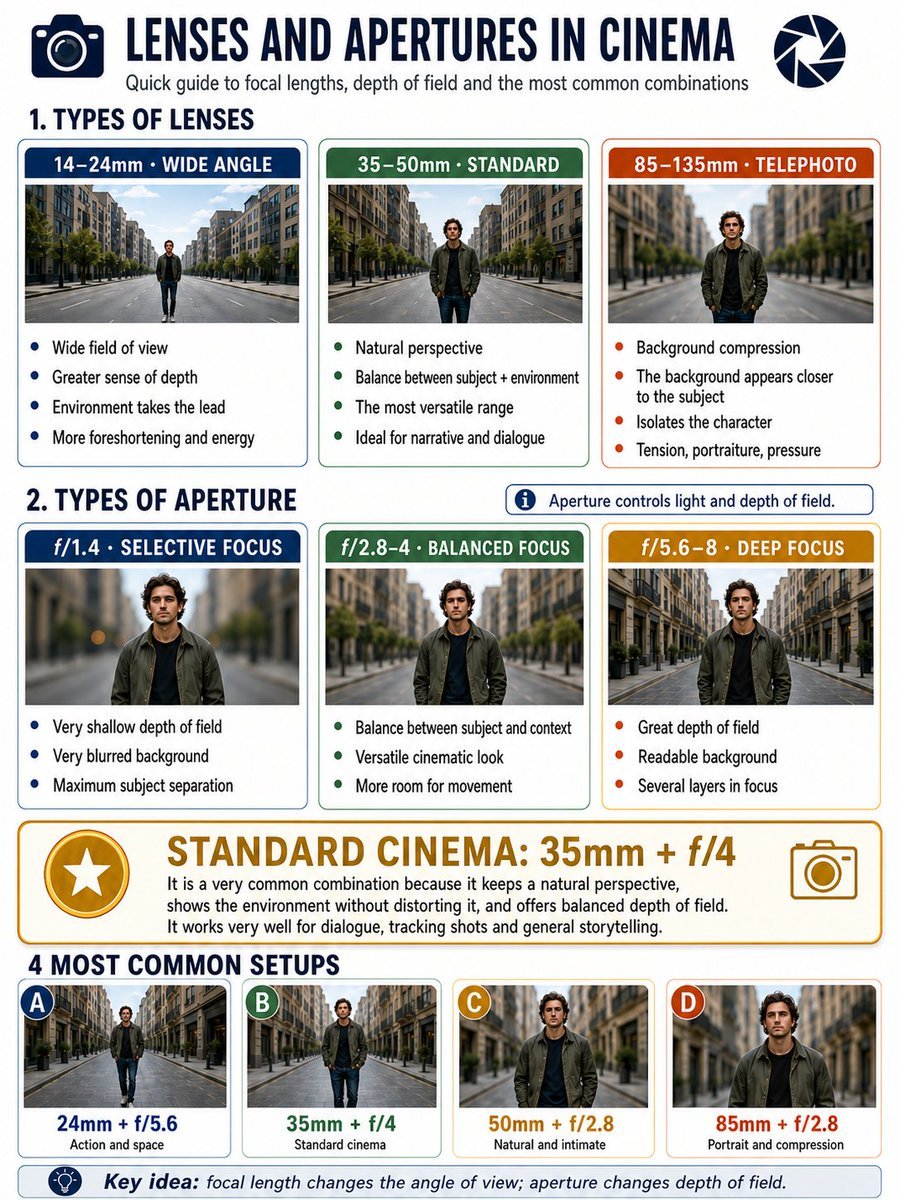
Cinema Lens Infographic Guide
Make it yours
Song Dynasty Hanfu Infographic Guide works as-is. These are the safest ways to change it without losing the look.
Swap the setting
Keep the rest of the prompt and replace the location block. The current setting is “{argument name="background texture" default="vintage parchment, beige"}”.
Change one field
Copy a single group, rewrite it, and generate again so you can see what that field is doing.
Keep the frame, change the subject
Hold the composition and light of Song Dynasty Hanfu Infographic Guide, then swap wardrobe, props or the person for a new take.
| If the result… | Why | Fix |
|---|---|---|
| The result drifts from the preview | Too many fields changed at once. | Reuse Song Dynasty Hanfu Infographic Guide as-is first, then change one group — subject, light, or setting. |
| GPT Image 2 ignores part of the JSON | Some models flatten or skip nested keys. | Keep the same values and paste them as a short paragraph instead. |
More GPT Image 2 templates
Other prompts made for GPT Image 2.

Six VTuber Japanese Logo Sheet

Realistic Portrait of Woman and Deer

The Vista Modular Condo Poster

AI Model Routing Comparison Infographic

2.5D Anime Art Board

Isometric Productivity Desk Scene

New York Double Exposure Poster

Four-Panel AI Landscape Comparison

Japanese Tatami Lifestyle Magazine Cover

NESCAFÉ Coffee Map Poster
More image prompts
Fresh picks from across the catalog.
Prompt for Exploding or Static Food Photography
Pop-style flyer image for a note article
Premium Beverage Commercial Poster
Cinematic Beauty Shot with Sapphire Crystals
Horned Seven-Tailed Mountain Beast
Japanese Woman in Hallstatt Travel Portrait
Vintage Film Camera Portrait

Luxury Underwater Aquarium Lounge Portrait
Holographic Wireframe Character Art
Nancy and Max Realistic Portrait
Browse template categories
Song Dynasty Hanfu Infographic Guide questions
How do I use the Song Dynasty Hanfu Infographic Guide template?
Add your photo if the template asks for one, edit the prompt if you like — the template's model and format are already selected — and press Generate. Your version opens in PicX Studio.
Can I customize the Song Dynasty Hanfu Infographic Guide template?
Yes. You can change the subject, setting, lighting, mood, format, and available model controls before creating your image.
Is the Song Dynasty Hanfu Infographic Guide template free?
Opening and editing this template is free. Generating uses credits, shown on the Generate button when you are signed in.
Which AI model should I use?
Start with GPT Image 2, which is the model associated with this template. You can compare another compatible model for a different finish.
Looking for something else? Browse all templates.

Your photo, any look
Thousands of ready templates for every top image and video model, from one credit balance.