
Horned Seven-Tailed Mountain Beast
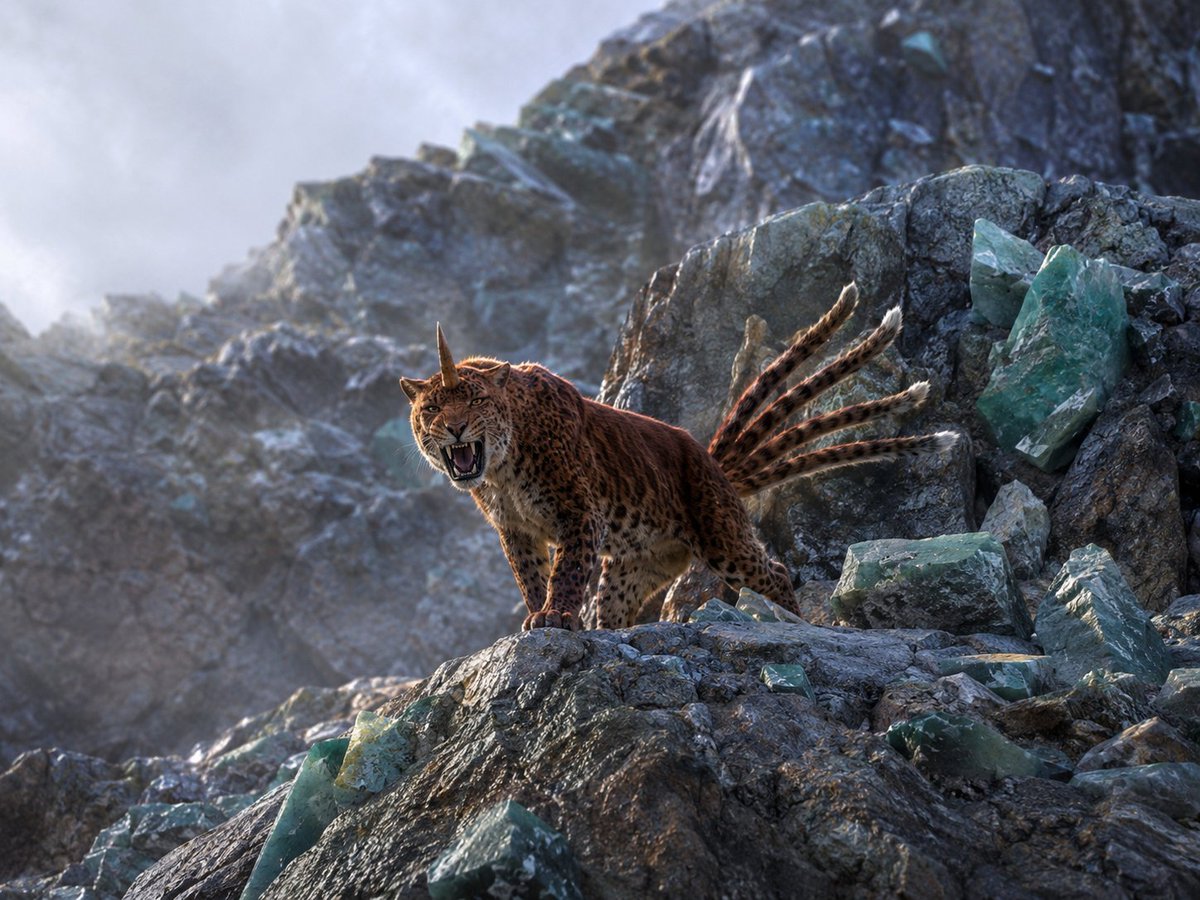
A photorealistic cinematic wildlife scene of a horned, seven-tailed leopard-like mythical creature roaring on a crystal-studded mountain ridge.
- Prompt included
- Model and format preset
- Free template
The prompt behind this image
Copy the exact prompt behind Horned Seven-Tailed Mountain Beast, or open it in the studio and make it yours.
Create a photorealistic, collectible wildlife photograph of a mythical mountain beast inspired by ancient Chinese strange-creature lore: a leopard-like big cat with a tawny spotted coat, muscular body, open roaring mouth, one straight horn rising from the center of its forehead, and exactly seven visible long ringed tails fanning backward with pale white tips. Place the creature on a jagged high-altitude rocky ridge, facing slightly left toward the camera, standing alert and aggressive with its front paws on a ledge. Surround it with exactly 12 prominent translucent teal-green crystal pieces: two tall shards embedded in the right cliff wall, one flat block at mid-right, three broken chunks at lower right, three angular chunks along the bottom foreground, one small shard near the animal’s front paws, and two faint shards in the distant background. The environment is a cold, misty mineral mountain with dark gray fractured stone, pale fog drifting through the ravine, and a softly blurred rocky peak behind it. Use dramatic natural backlight from the upper left, rim lighting on fur and tails, detailed whiskers and teeth, realistic animal anatomy, cinematic depth of field, high dynamic range, sharp foreground texture, muted blue-gray atmosphere, no people, no text, no illustration style. Customize the creature as {argument name="mythical creature" default="a horned leopard with seven tails"}, the setting as {argument name="mountain setting" default="a jagged crystal-studded alpine ridge"}, the crystal color as {argument name="crystal color" default="translucent teal-green"}, the mood as {argument name="mood" default="cold misty dawn"}, and the camera style as {argument name="camera style" default="top-tier wildlife photography with cinematic depth of field"}.
How to use Horned Seven-Tailed Mountain Beast in 3 steps
- 1Upload ImagePNG, JPG or paste
Add your photo
Upload the photo the template builds on. The prompt, model and format are already set.
- 2…a portrait of your subject in softgolden-hour light, 85mm…
Personalize
Edit the subject and creative details for your destination.
- 3Generate
Generate
Press Generate — your image is created in PicX Studio, so you can compare it with the original and refine one variable at a time.
More like this
Templates with the same subject, style or setup. Open one to see its prompt.
Horned Six-Tailed Mountain Beast
Horned Five-Tailed Leopard Beast

Teen Girl Alpine Lake Mountain View

Mountain Lake Sunset Landscape

Premium Vintage Travel Poster Landscape
Albino Ram-Horned Gothic Portrait
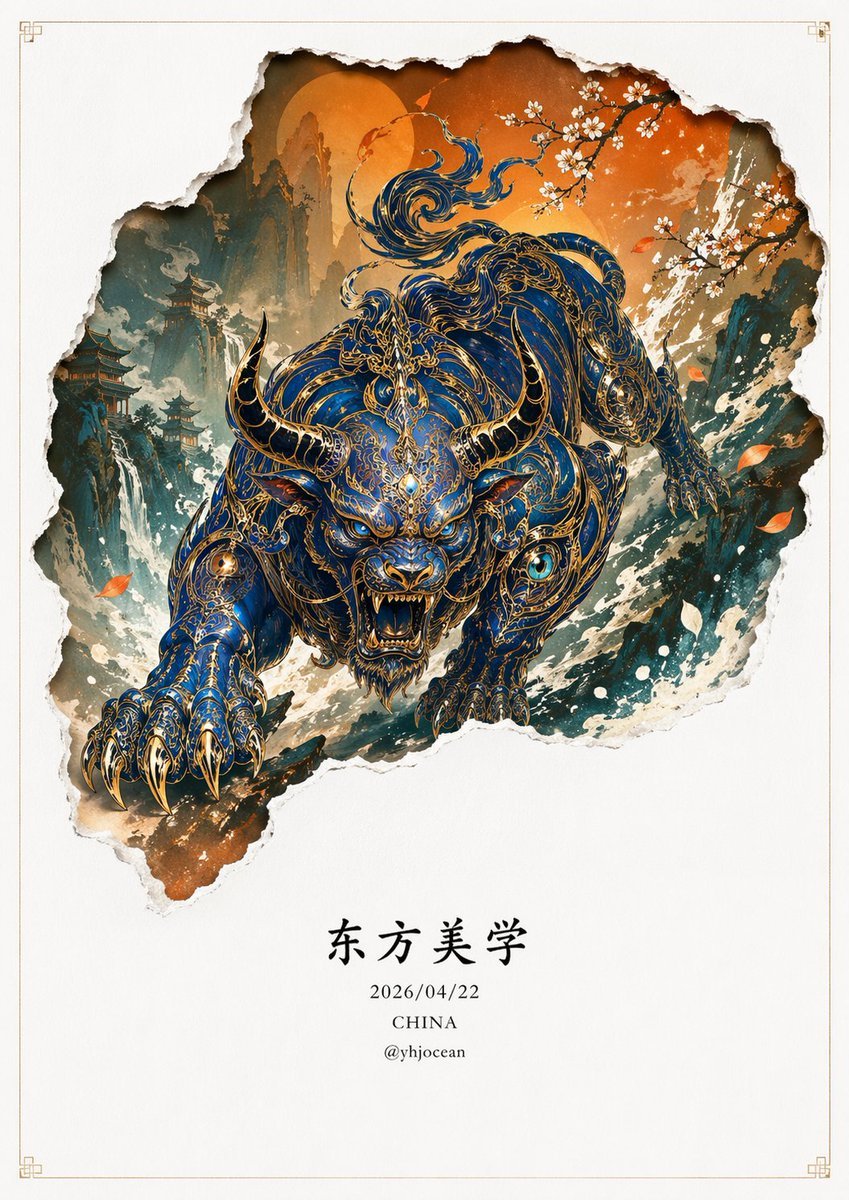
Mythical Beast Character Personality Prompt
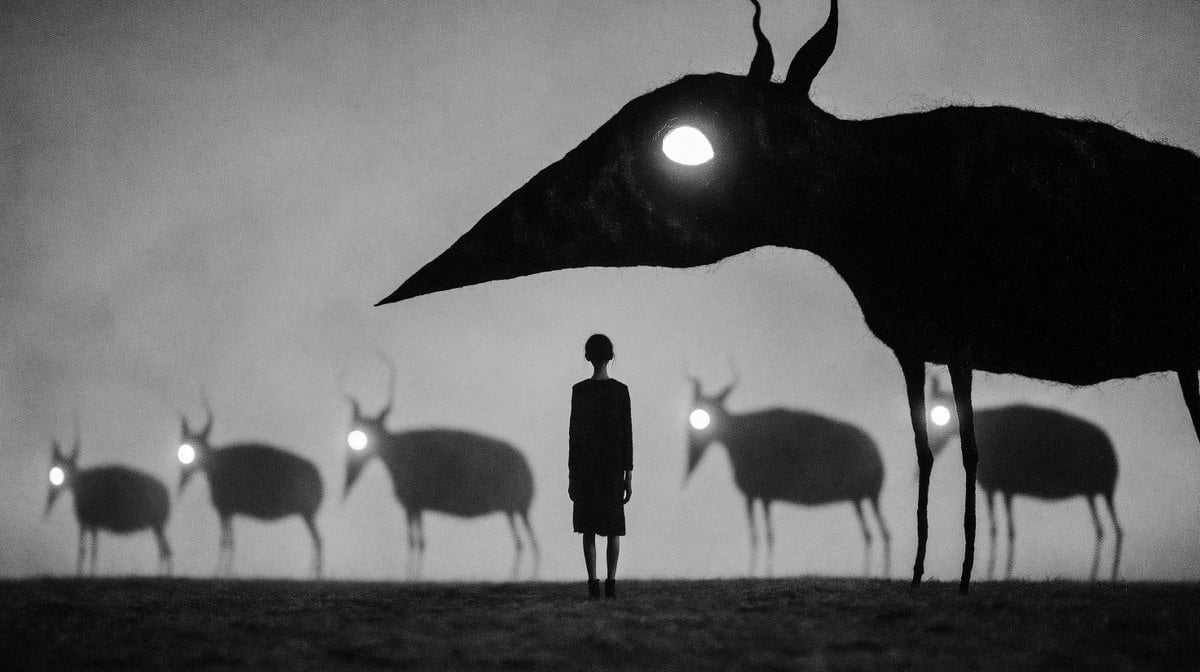
Monochrome Surreal Bird-Beast Encounter
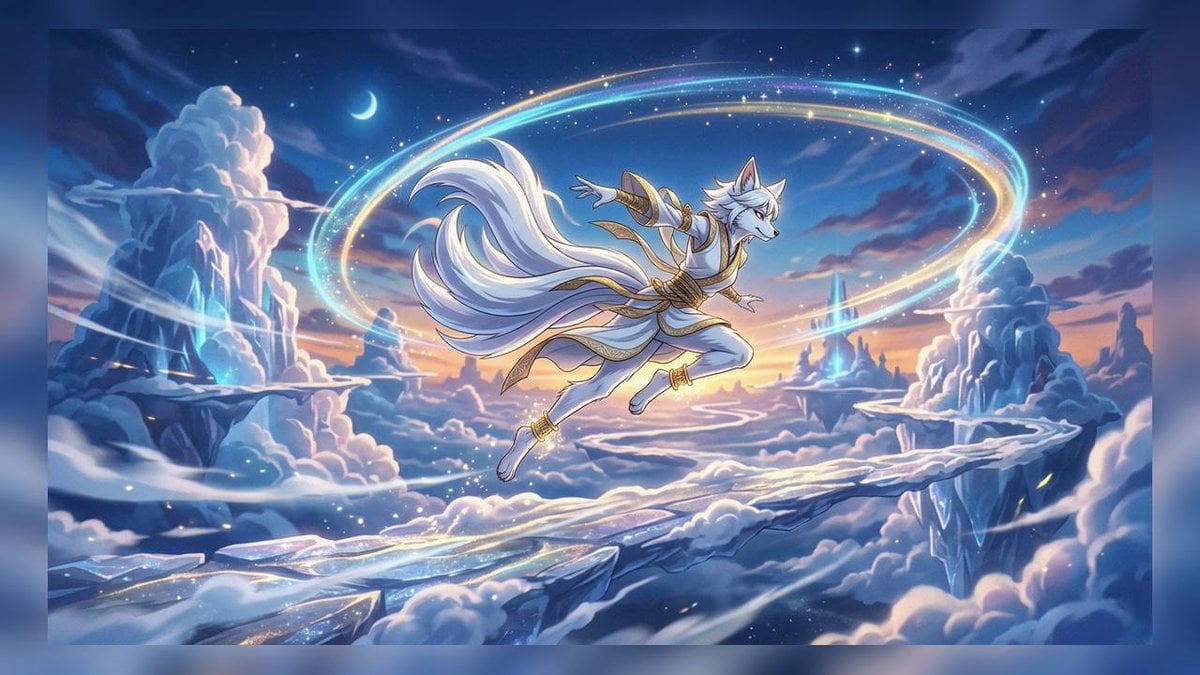
Celestial Nine-Tailed Fox Spirit
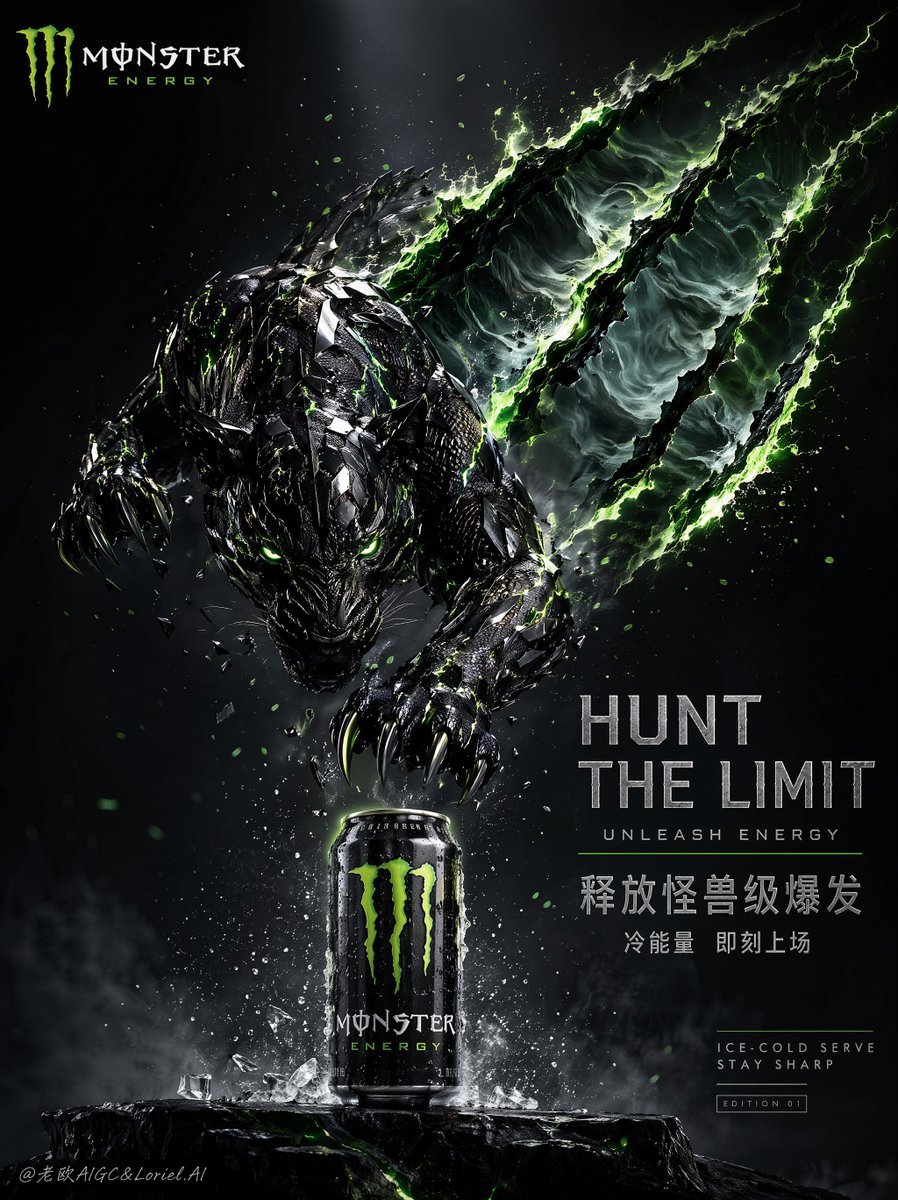
Cinematic Beast Energy Drink Poster

Z-Seven AI Product Matrix Slide

Seven-Panel Cyberpunk Manga Alley
Make it yours
Horned Seven-Tailed Mountain Beast works as-is. These are the safest ways to change it without losing the look.
Change one field
Copy a single group, rewrite it, and generate again so you can see what that field is doing.
Keep the frame, change the subject
Hold the composition and light of Horned Seven-Tailed Mountain Beast, then swap wardrobe, props or the person for a new take.
| If the result… | Why | Fix |
|---|---|---|
| The result drifts from the preview | Too many fields changed at once. | Reuse Horned Seven-Tailed Mountain Beast as-is first, then change one group — subject, light, or setting. |
| The model over-stylizes the scene | The prose prompt leaves finish and camera underspecified. | Add one camera or lighting sentence and stay on GPT Image 2. |
More GPT Image 2 templates
Other prompts made for GPT Image 2.

Six VTuber Japanese Logo Sheet

Realistic Portrait of Woman and Deer

The Vista Modular Condo Poster

AI Model Routing Comparison Infographic

2.5D Anime Art Board

Isometric Productivity Desk Scene

New York Double Exposure Poster

Four-Panel AI Landscape Comparison

Japanese Tatami Lifestyle Magazine Cover

NESCAFÉ Coffee Map Poster
More image prompts
Fresh picks from across the catalog.
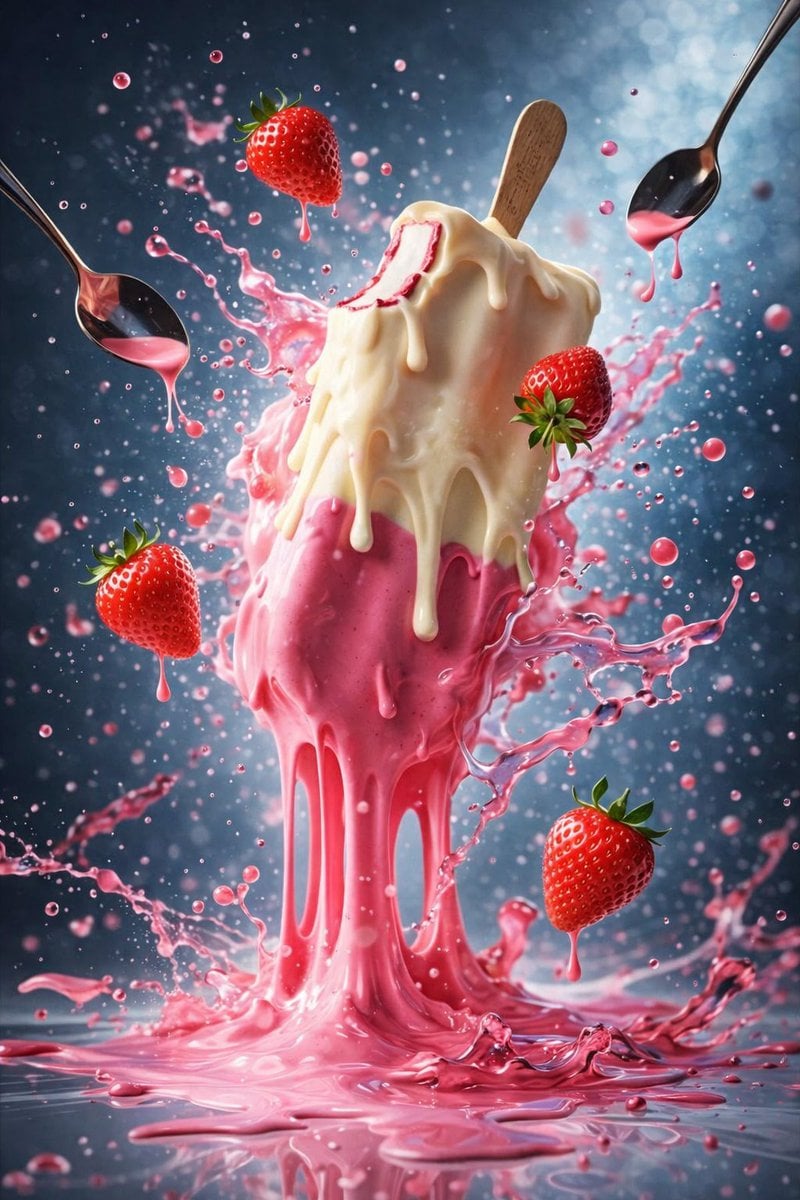
Hyper-Realistic Ice Cream Dessert Photography Prompt

Relationship History Visualization
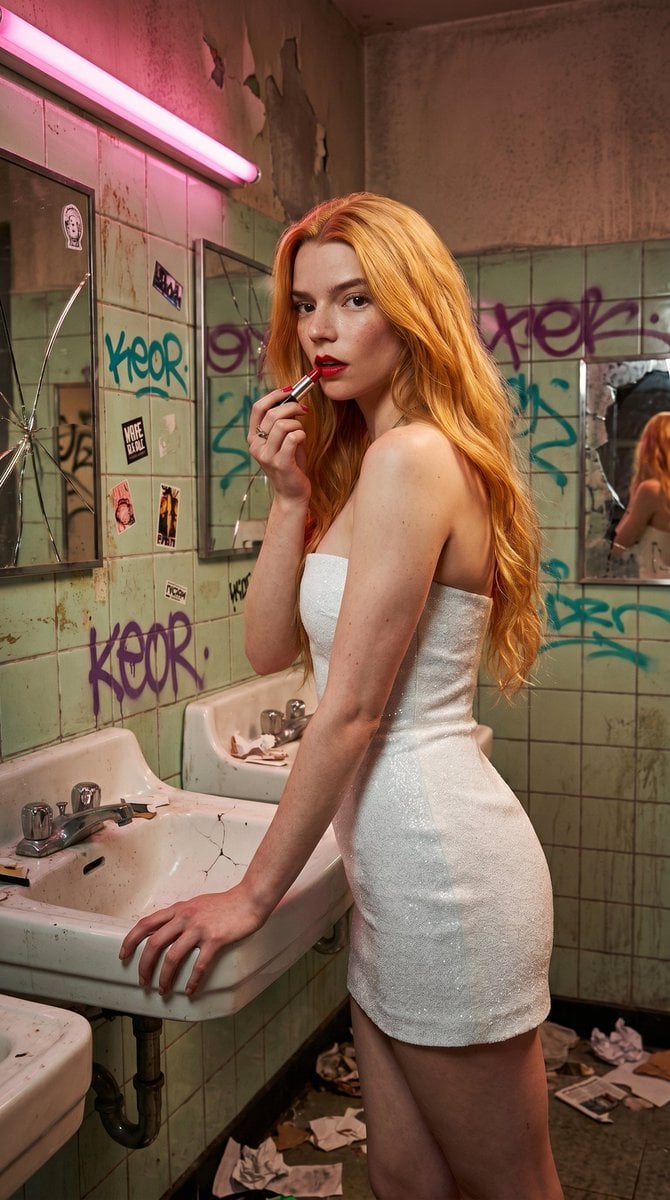
Gritty Urban Restroom Portrait

Shear and moment diagram for a loaded beam

Hyper-Realistic Miniature Scene in a WeChat Chat Bubble

Voxel Chibi Cat-Ear Girl
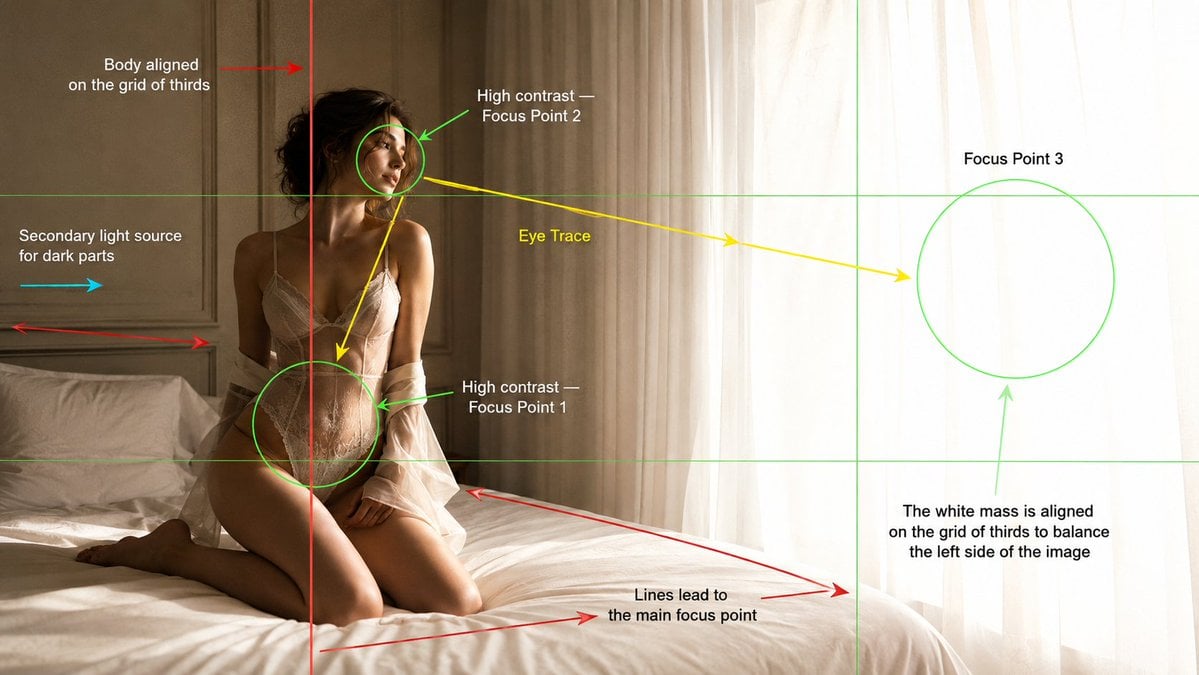
Cinematography Composition Analysis Frame

Japanese Breaking News Broadcast Generator
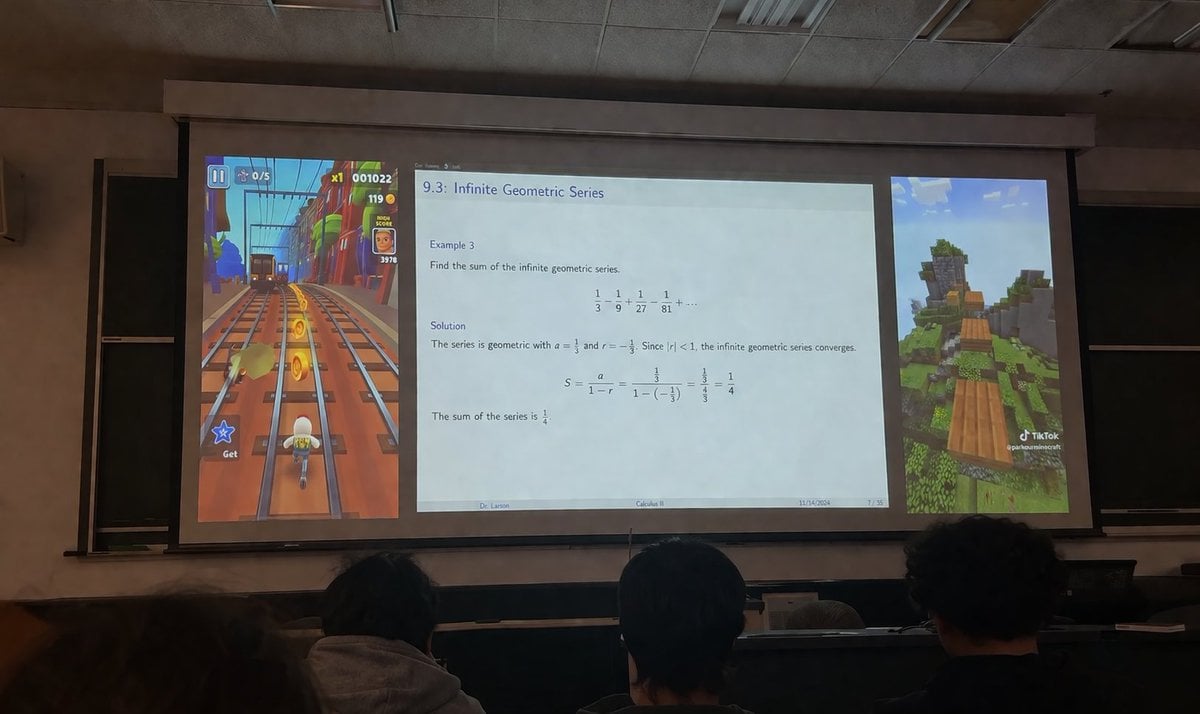
Brainrot Lecture Hall Projector
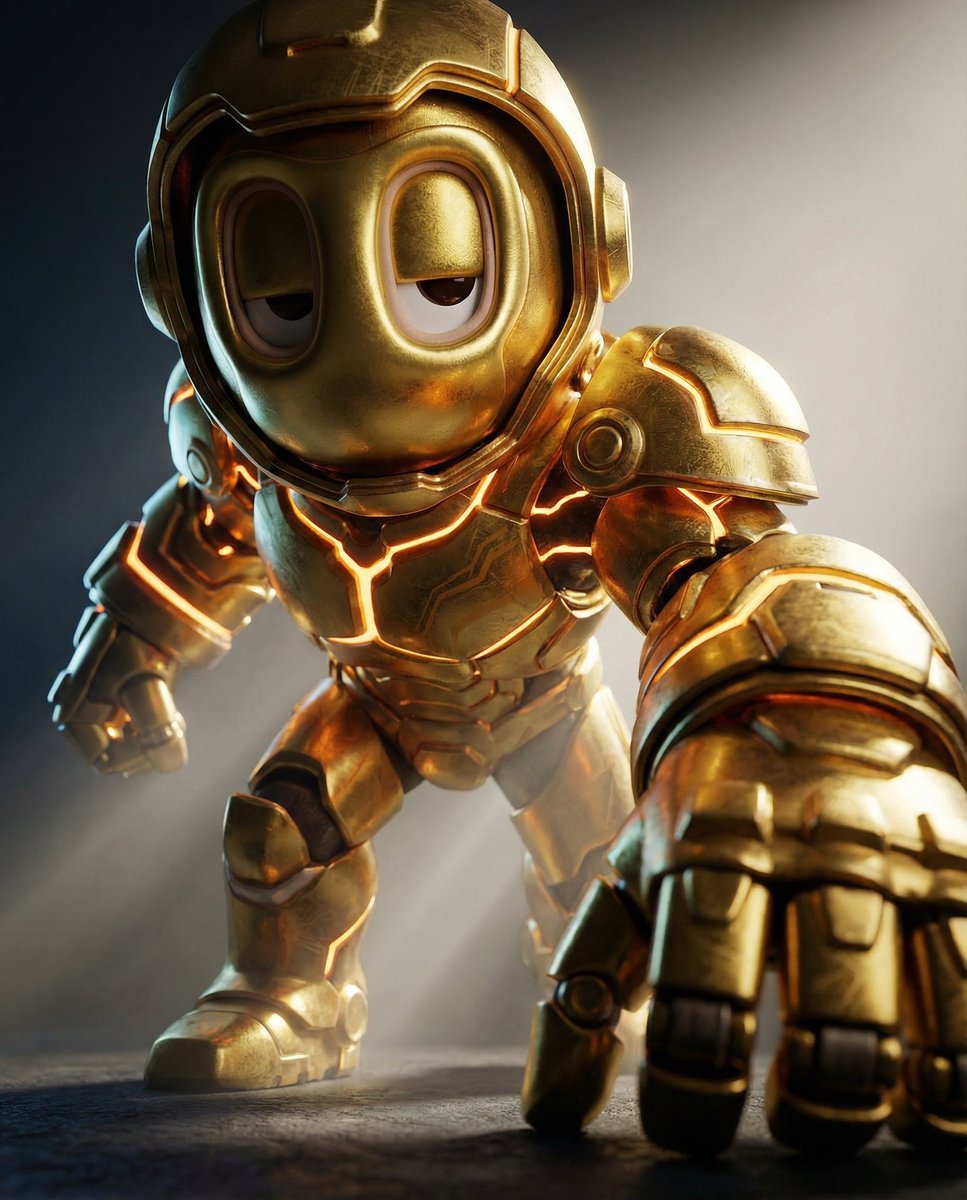
Mech Armor Power Reveal Prompt (Likeness Preservation)
Featured in prompt roundups
Hand-picked collections that include this template.
Browse template categories
Horned Seven-Tailed Mountain Beast questions
How do I use the Horned Seven-Tailed Mountain Beast template?
Add your photo if the template asks for one, edit the prompt if you like — the template's model and format are already selected — and press Generate. Your version opens in PicX Studio.
Can I customize the Horned Seven-Tailed Mountain Beast template?
Yes. You can change the subject, setting, lighting, mood, format, and available model controls before creating your image.
Is the Horned Seven-Tailed Mountain Beast template free?
Opening and editing this template is free. Generating uses credits, shown on the Generate button when you are signed in.
Which AI model should I use?
Start with GPT Image 2, which is the model associated with this template. You can compare another compatible model for a different finish.
Looking for something else? Browse all templates.

Your photo, any look
Thousands of ready templates for every top image and video model, from one credit balance.