
Celestial Nine-Tailed Fox Spirit
A cinematic anime fantasy prompt for generating a white nine-tailed fox deity flying through a glowing icy cloud realm.
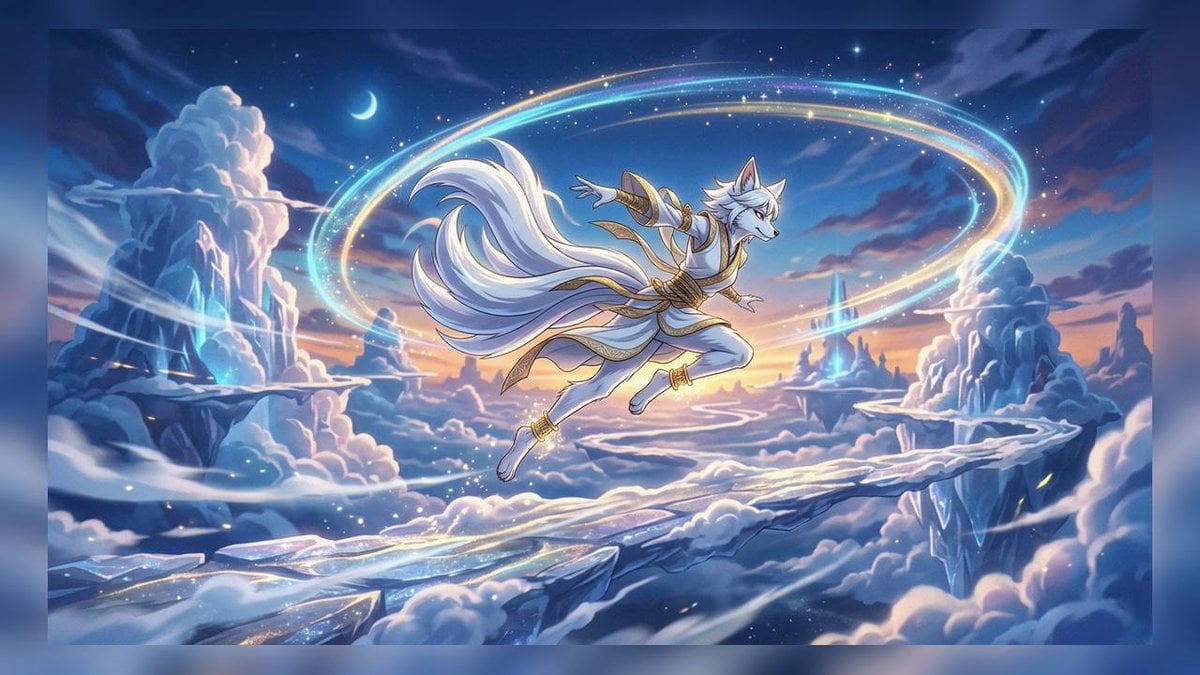
- Prompt included
- Model and format preset
- Free template
The prompt behind this image
Copy the exact prompt behind Celestial Nine-Tailed Fox Spirit, or open it in the studio and make it yours.
Create a wide cinematic fantasy anime illustration of {argument name="character name" default="a white nine-tailed fox spirit"} leaping gracefully through the sky above a frozen cloud kingdom at twilight. The central subject is an anthropomorphic fox deity with white fur, flowing silver-white hair, pointed ears, a slim athletic build, and exactly nine large sweeping tails fanning behind them in a dramatic arc. Dress the character in an elegant white-and-gold celestial warrior outfit with ornate gold trim, arm bracers, ankle cuffs, ribbon-like sashes, and layered fabric panels; the pose is airborne and dynamic, with one arm extended forward, one arm back, and legs bent as if flying or dancing. Surround the character with two large luminous elliptical magic rings crossing the sky, one cyan-blue and one warm golden, with sparkling star particles scattered along the rings. The setting is a vast dreamlike high-altitude landscape of icy floating cliffs, cloud banks, crystalline blue spires, snow-covered rock formations, and winding pale bridges or ice paths suspended among the clouds. Include a small crescent moon in the upper left sky, distant stars, glowing blue crystal highlights, misty cloud trails, and a warm sunset glow near the horizon blending into deep navy night above. Use a polished high-detail anime fantasy style, vibrant but soft color grading, painterly lighting, crisp character linework, luminous rim light, epic scale, magical atmosphere, and a 16:9 composition with the character centered slightly above the horizon. No text, no watermark, no UI elements.
How to use Celestial Nine-Tailed Fox Spirit in 3 steps
- 1Upload ImagePNG, JPG or paste
Add your photo
Upload the photo the template builds on. The prompt, model and format are already set.
- 2…a portrait of your subject in softgolden-hour light, 85mm…
Personalize
Edit the subject and creative details for your destination.
- 3Generate
Generate
Press Generate — your image is created in PicX Studio, so you can compare it with the original and refine one variable at a time.
More like this
Templates with the same subject, style or setup. Open one to see its prompt.
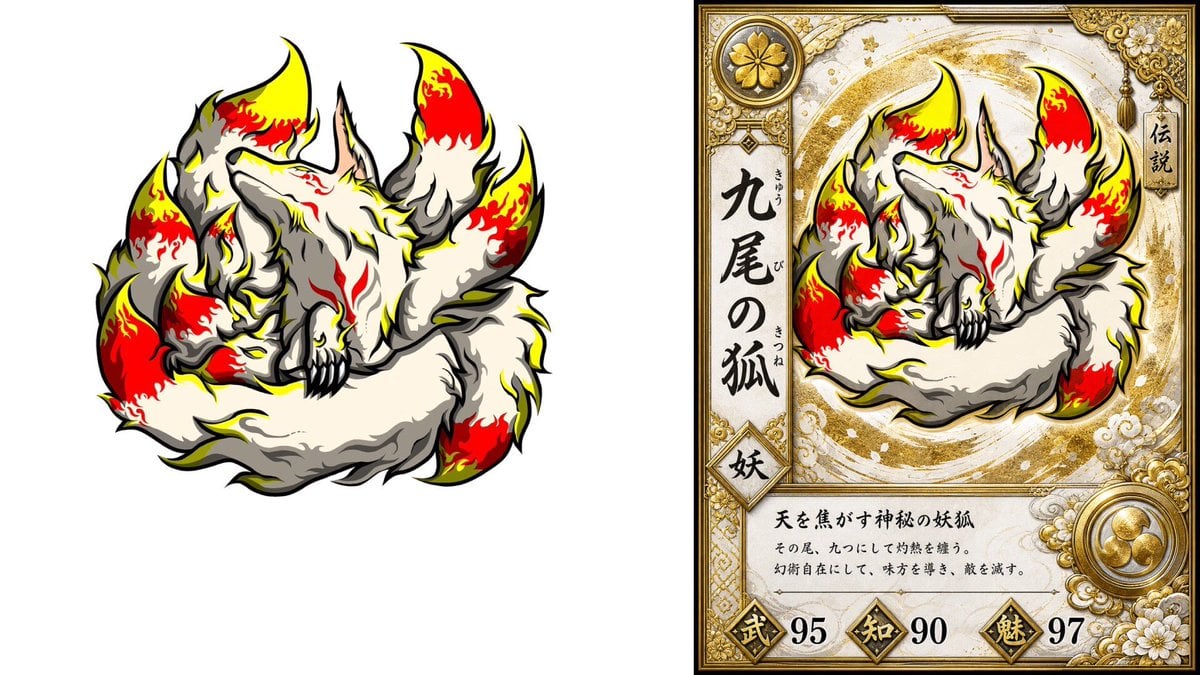
Nine-Tailed Fox Trading Card
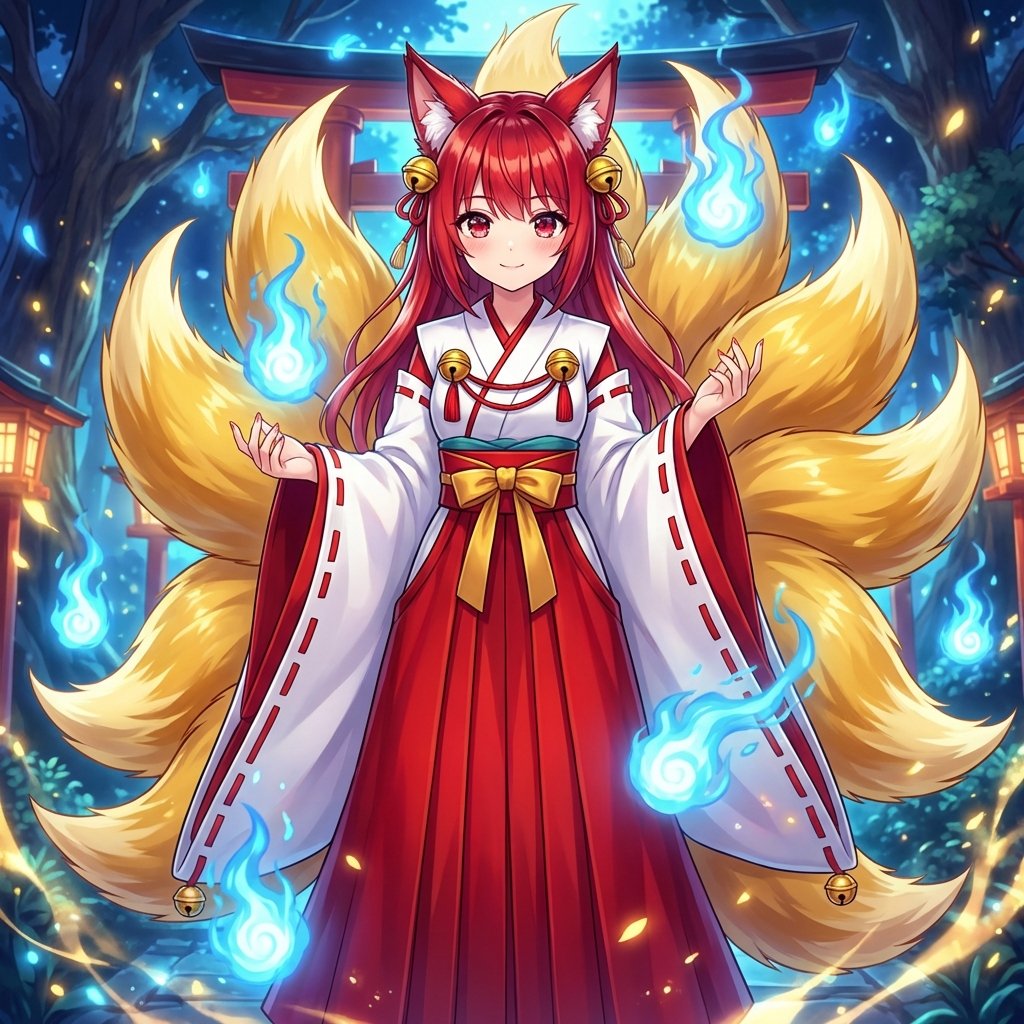
Transforming into a Nine-Tailed Fox (Kitsune)
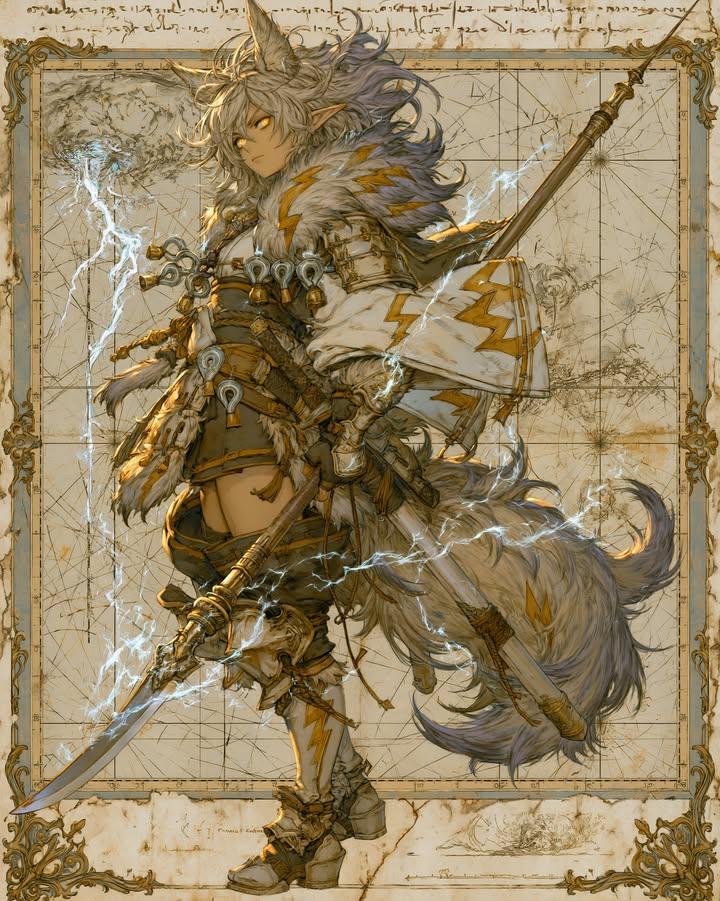
Fantasy Fox Spirit Warrior Concept Art

Anime Fantasy Celestial Movie Poster
Anime Fantasy Celestial Movie Poster
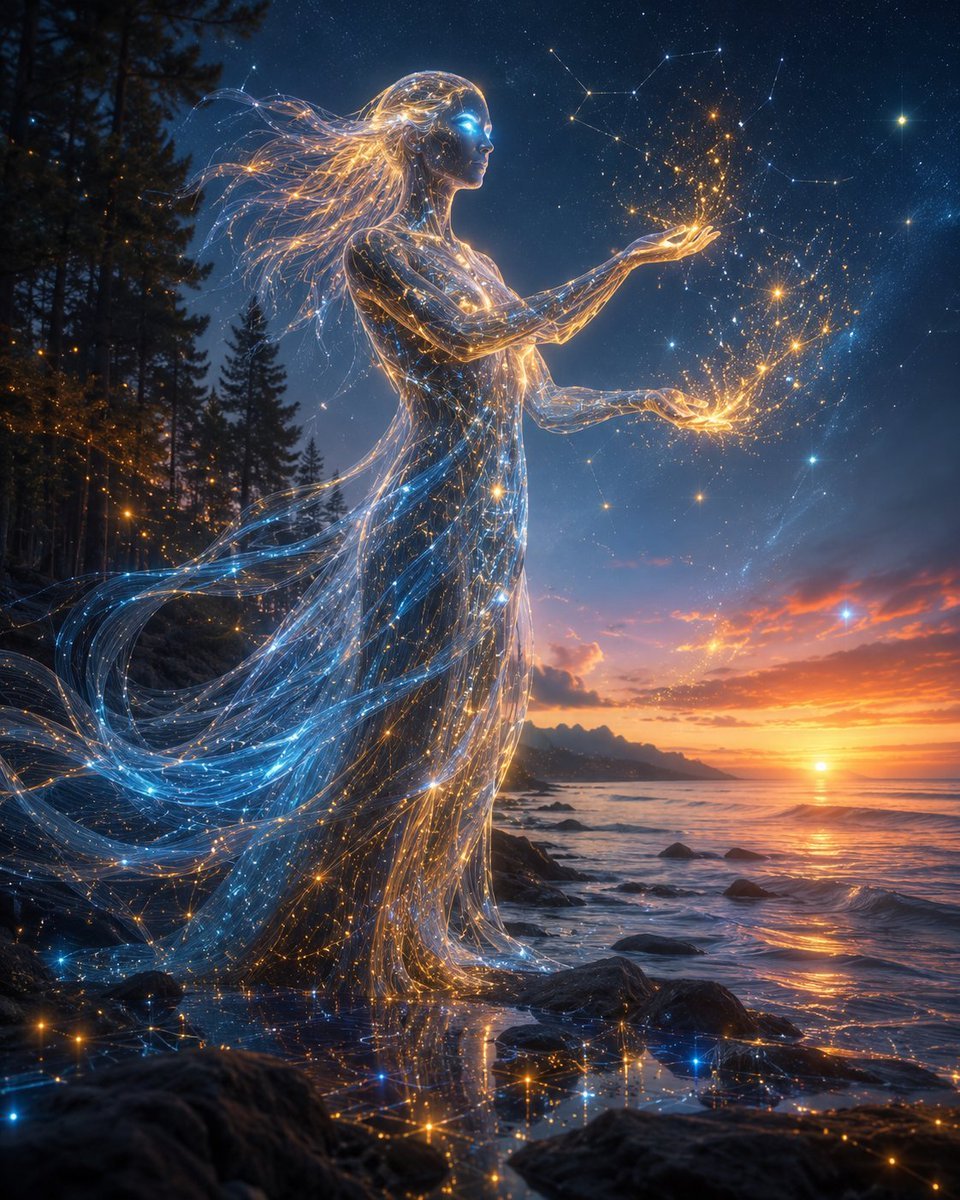
Celestial AI Spirit at Sunset
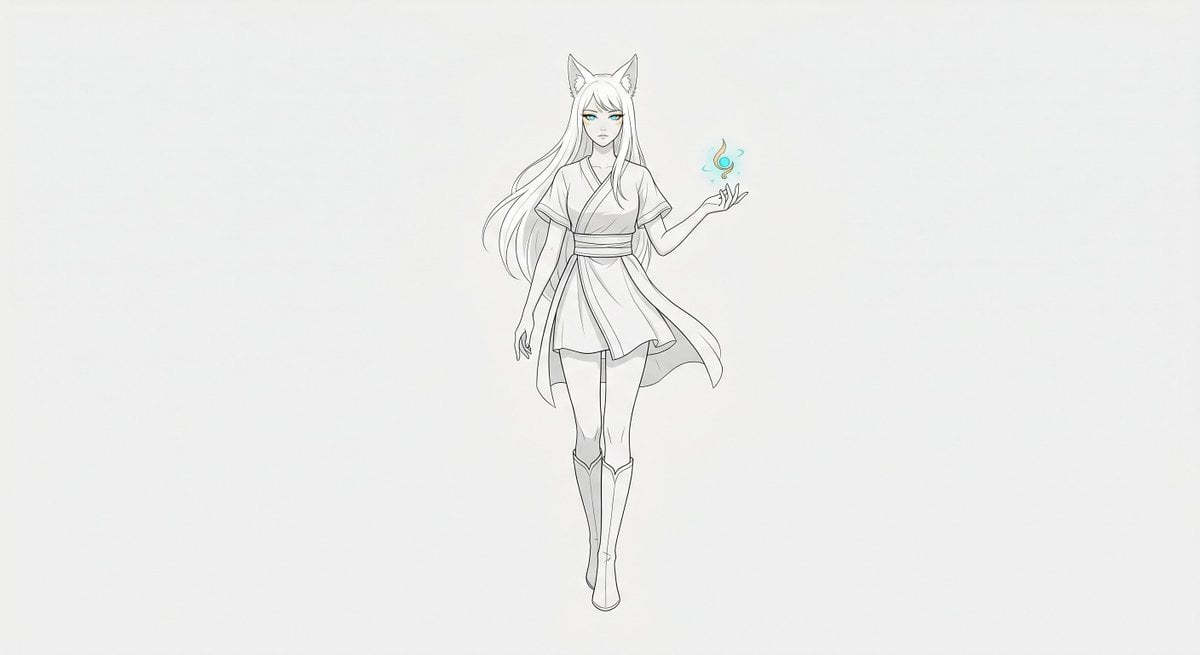
Minimal Fox Spirit Character Sketch
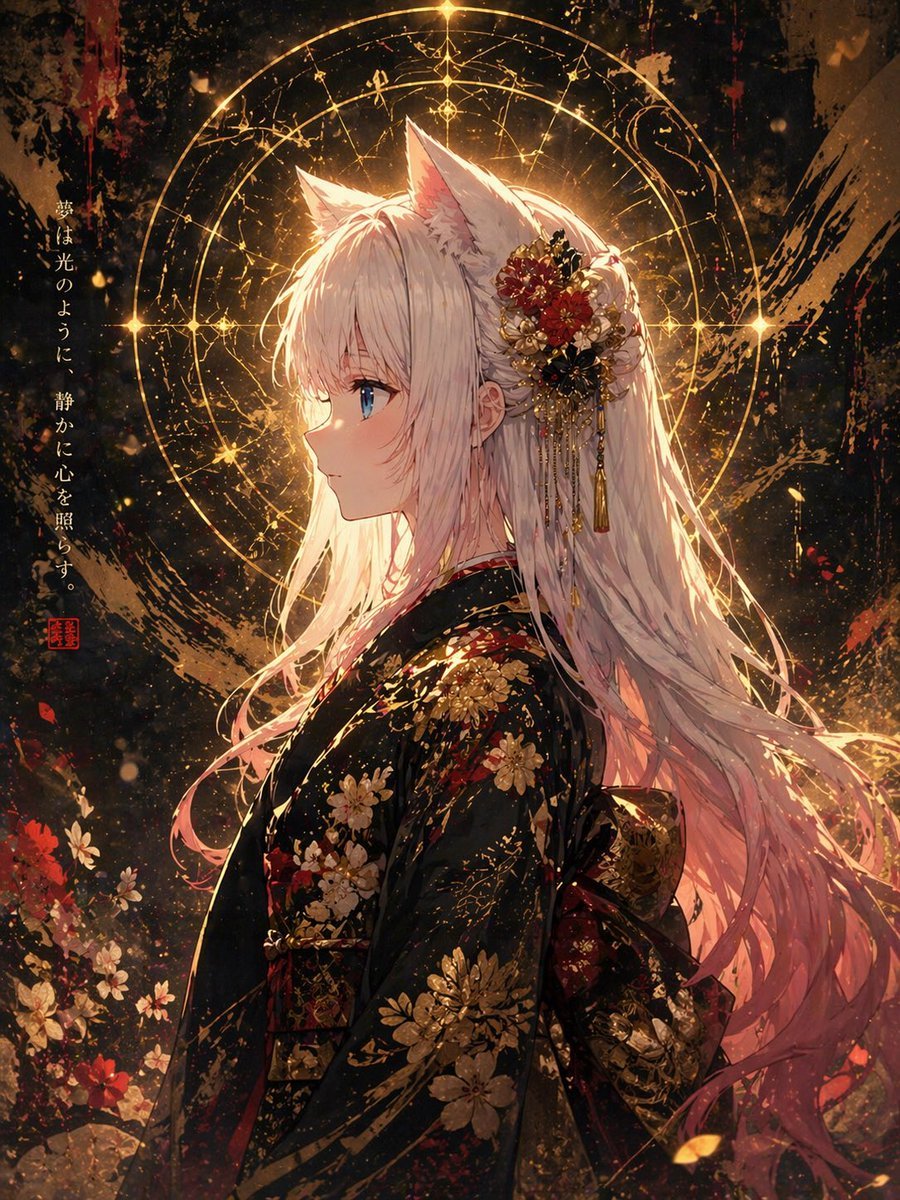
Fox Spirit Kimono Portrait

Moonlit Fox Mask Night Market
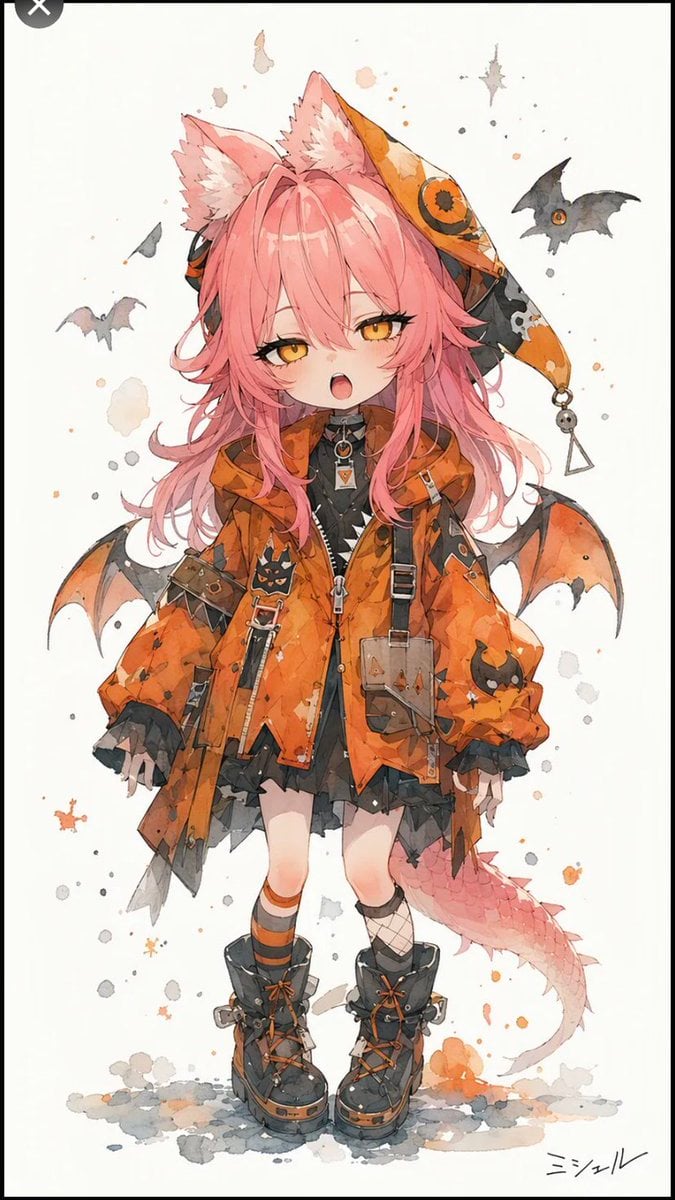
Halloween Fox-Eared Fantasy Girl
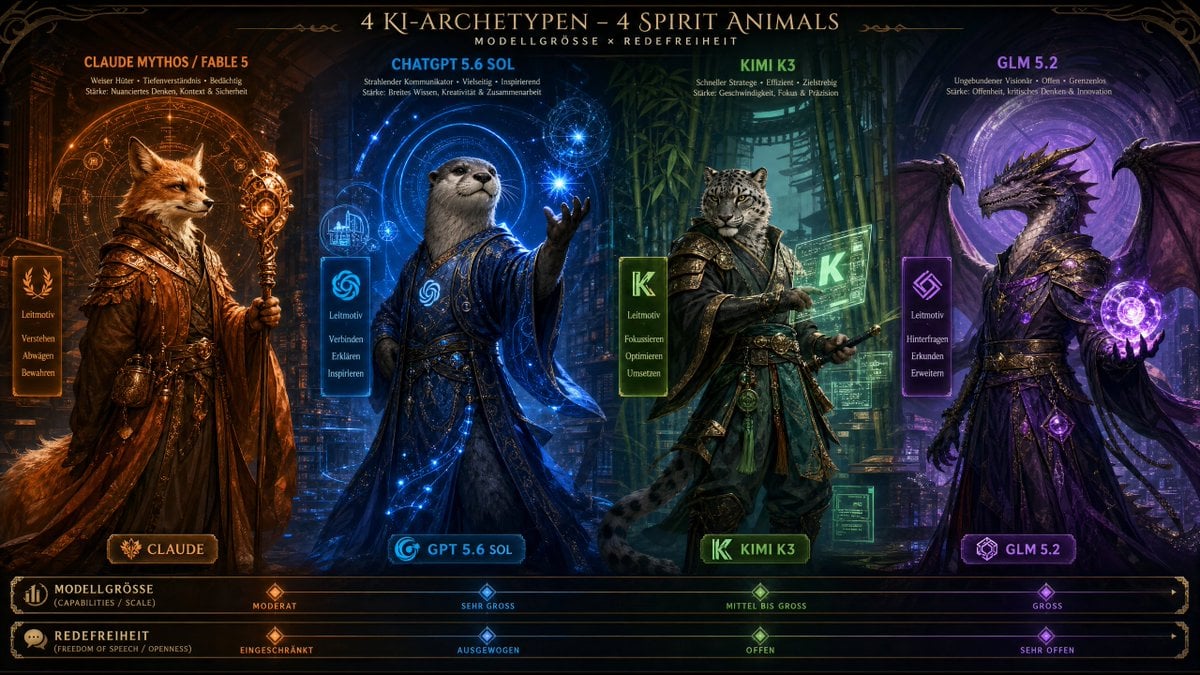
AI Model Spirit Animal Archetypes
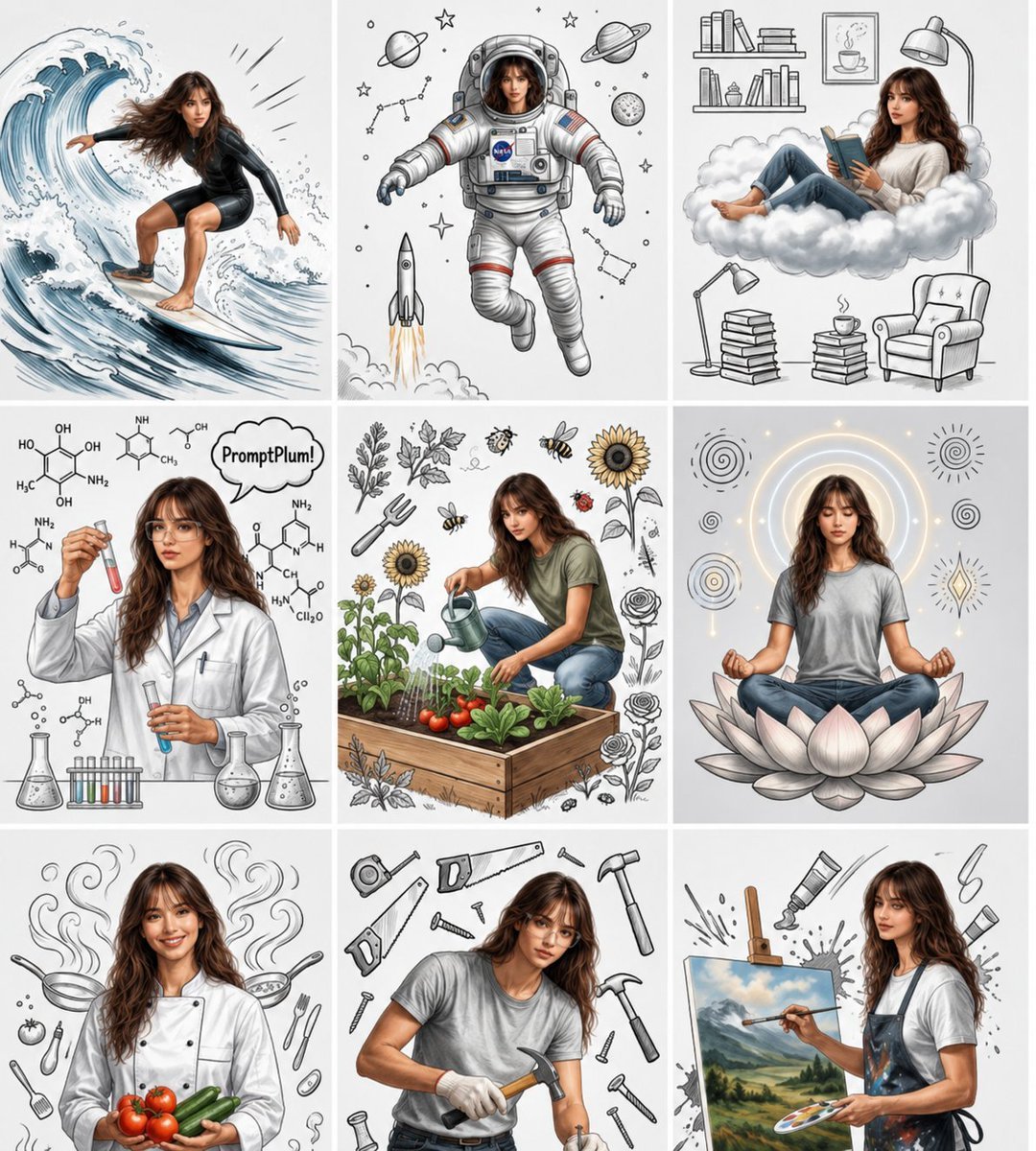
Consistent Character Nine-Panel Illustration Collage
Make it yours
Celestial Nine-Tailed Fox Spirit works as-is. These are the safest ways to change it without losing the look.
Change one field
Copy a single group, rewrite it, and generate again so you can see what that field is doing.
Keep the frame, change the subject
Hold the composition and light of Celestial Nine-Tailed Fox Spirit, then swap wardrobe, props or the person for a new take.
| If the result… | Why | Fix |
|---|---|---|
| The result drifts from the preview | Too many fields changed at once. | Reuse Celestial Nine-Tailed Fox Spirit as-is first, then change one group — subject, light, or setting. |
| The model over-stylizes the scene | The prose prompt leaves finish and camera underspecified. | Add one camera or lighting sentence and stay on GPT Image 2. |
More GPT Image 2 templates
Other prompts made for GPT Image 2.

Six VTuber Japanese Logo Sheet

Realistic Portrait of Woman and Deer

The Vista Modular Condo Poster

AI Model Routing Comparison Infographic

2.5D Anime Art Board

Isometric Productivity Desk Scene

New York Double Exposure Poster

Four-Panel AI Landscape Comparison

Japanese Tatami Lifestyle Magazine Cover

NESCAFÉ Coffee Map Poster
More image prompts
Fresh picks from across the catalog.
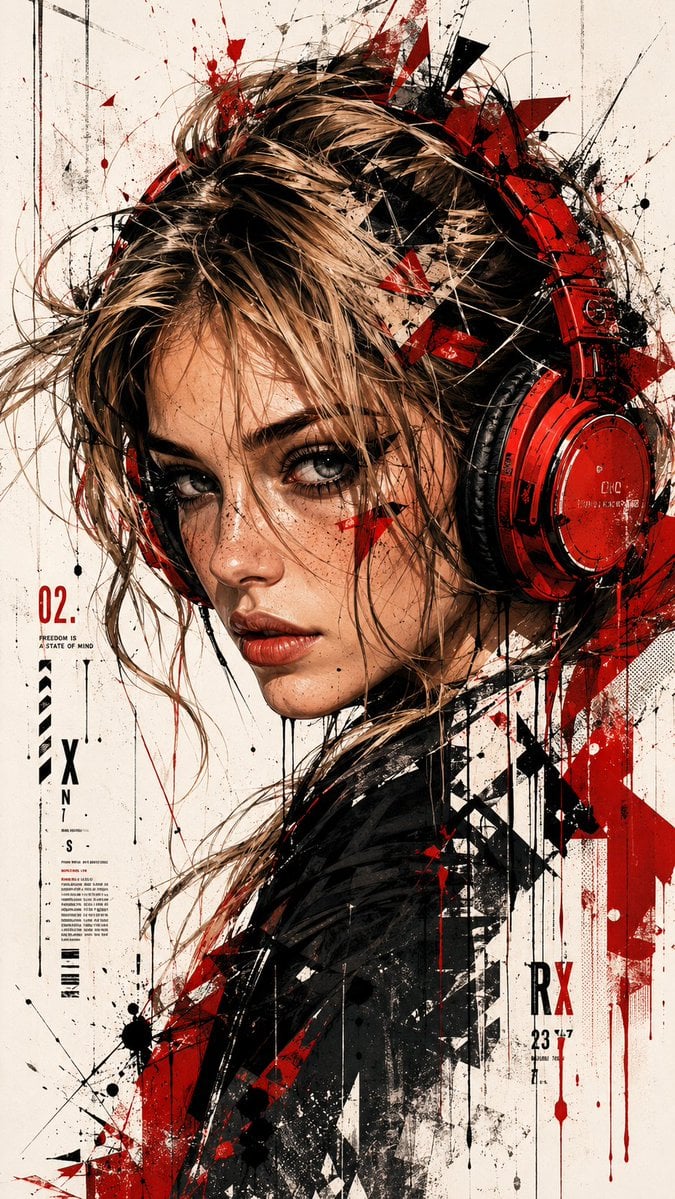
Trash Polka Urban Digital Painting
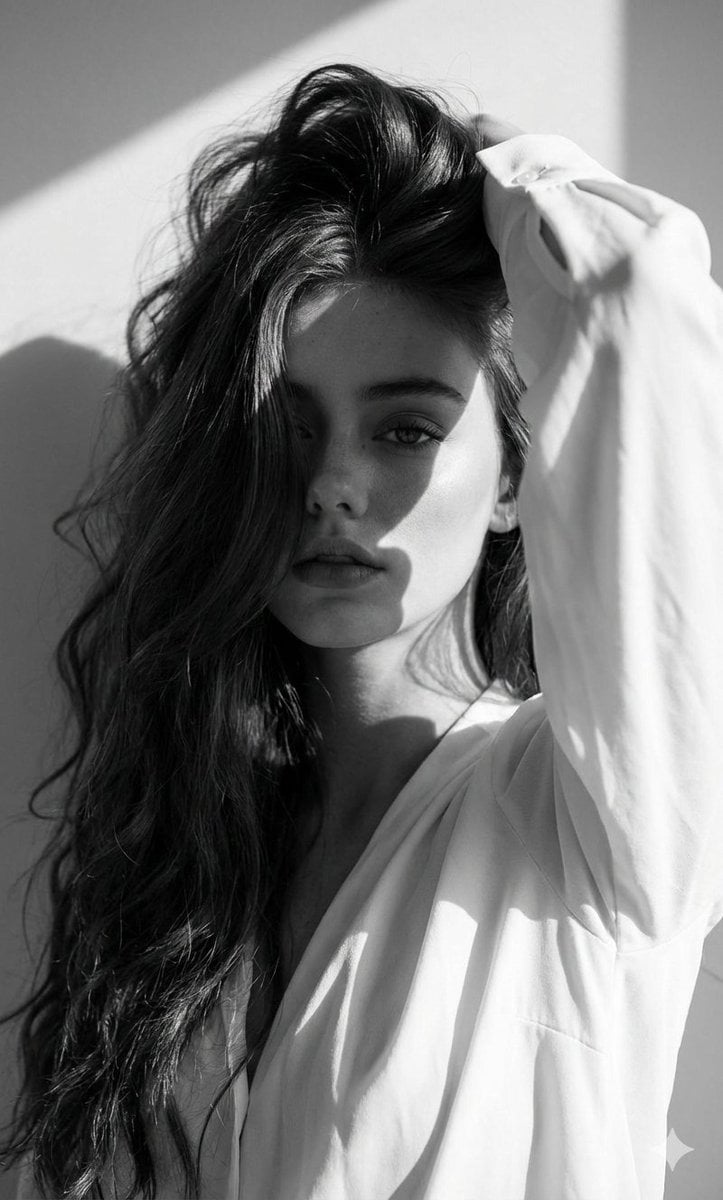
High-Fashion Black and White Editorial Portrait Prompt (Facial Lock)

Hand-drawn Infographic Card Prompt
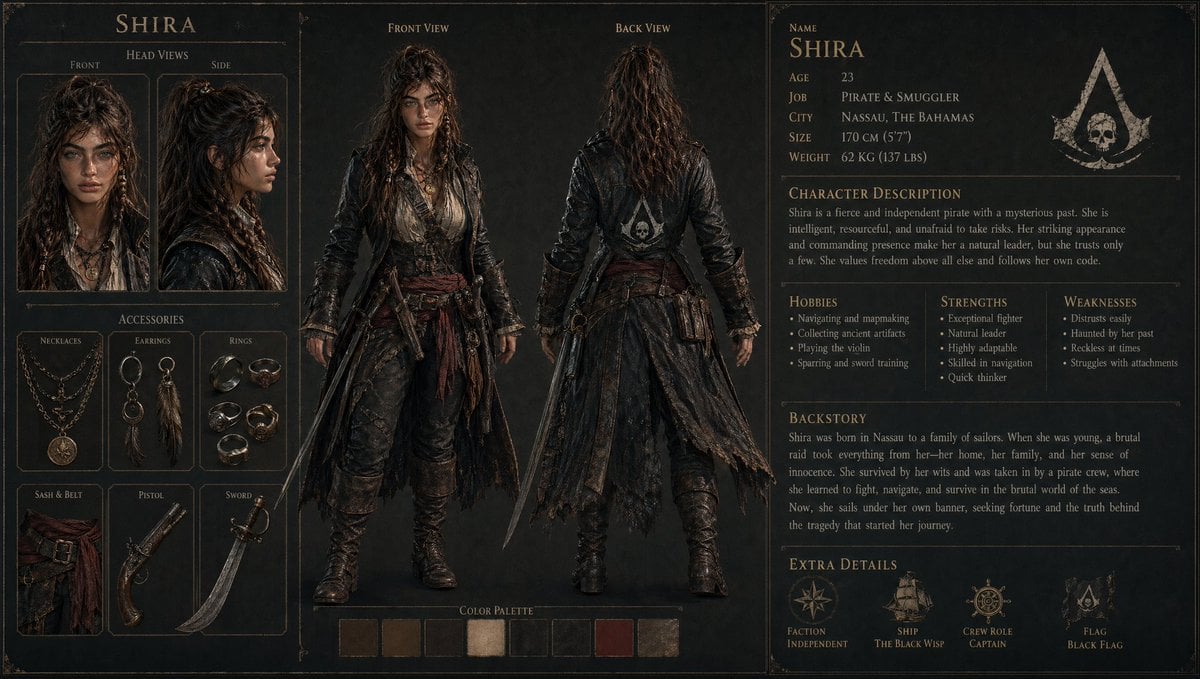
3D Gaming Character Sheet Prompt
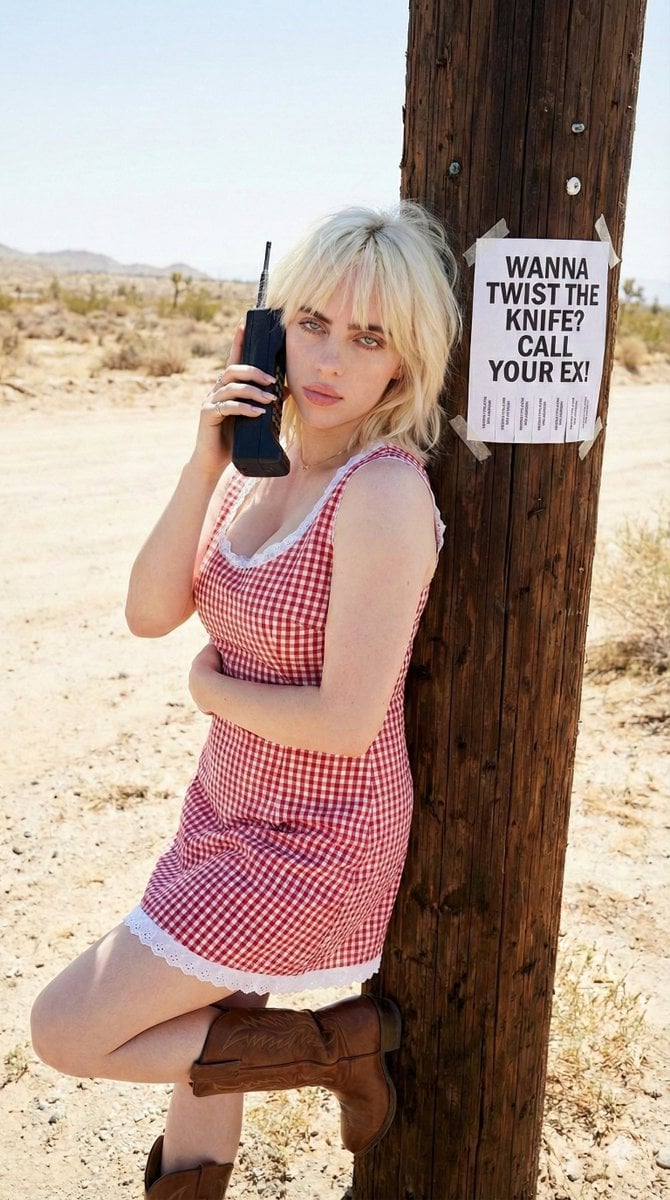
Vintage Americana portrait with retro phone and flyer

Fashion Editorial Prompt in Lemon Green Studio
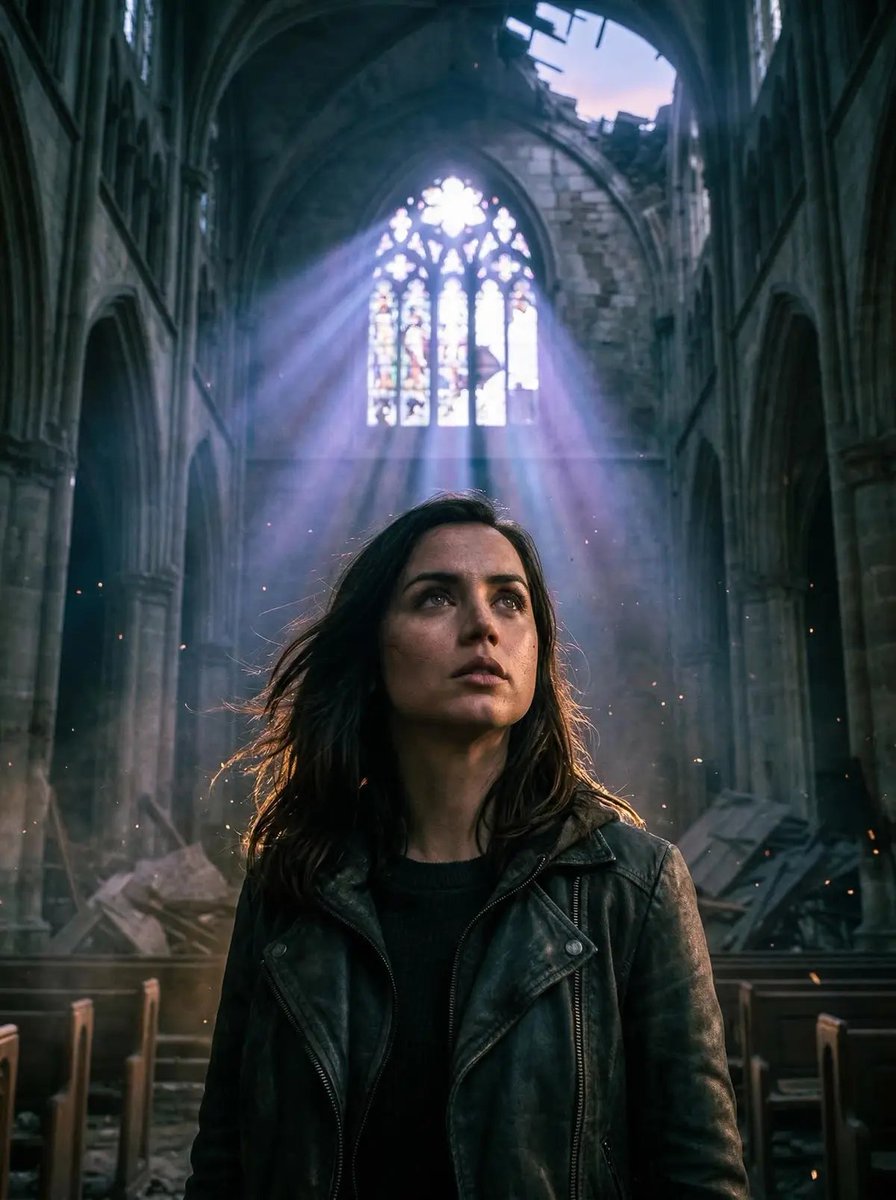
Cinematic Portrait in Ruined Gothic Cathedral
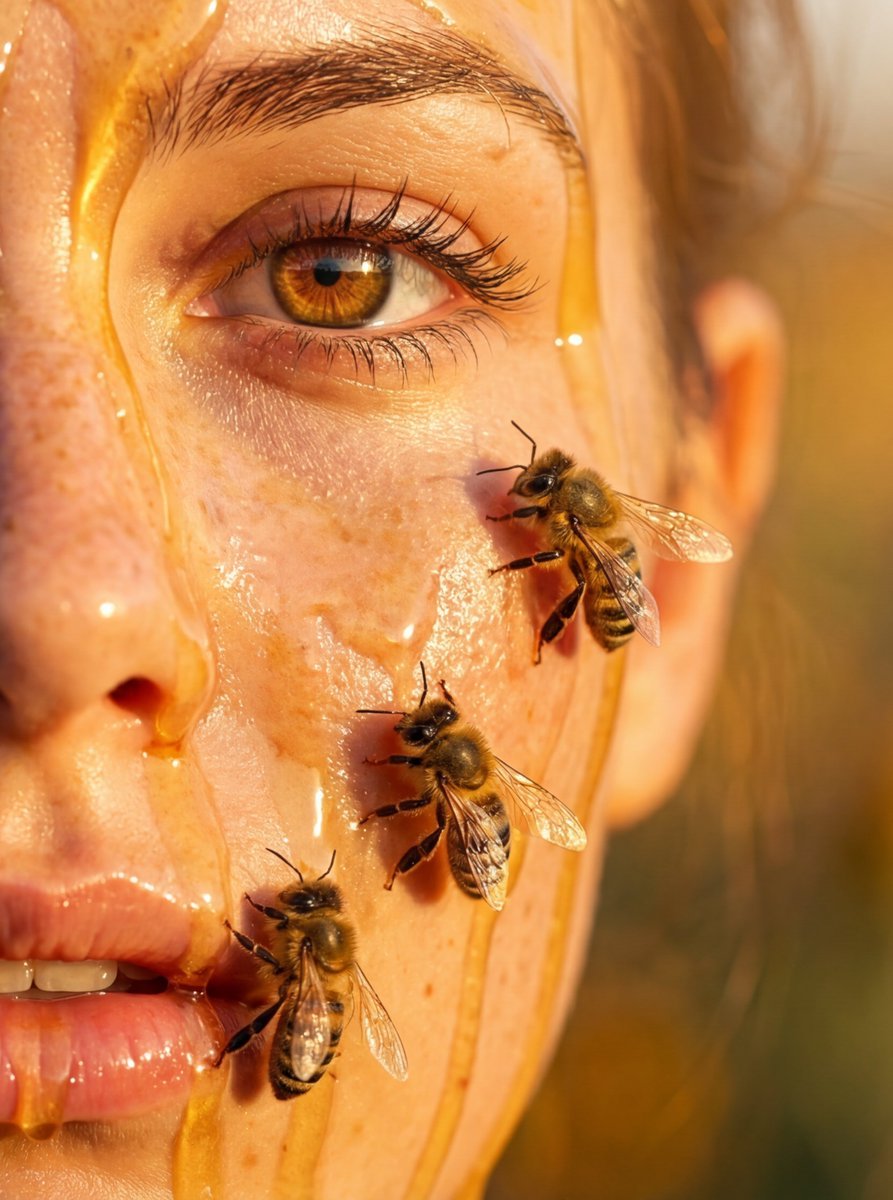
Hyper-real honey-covered woman with bees close-up
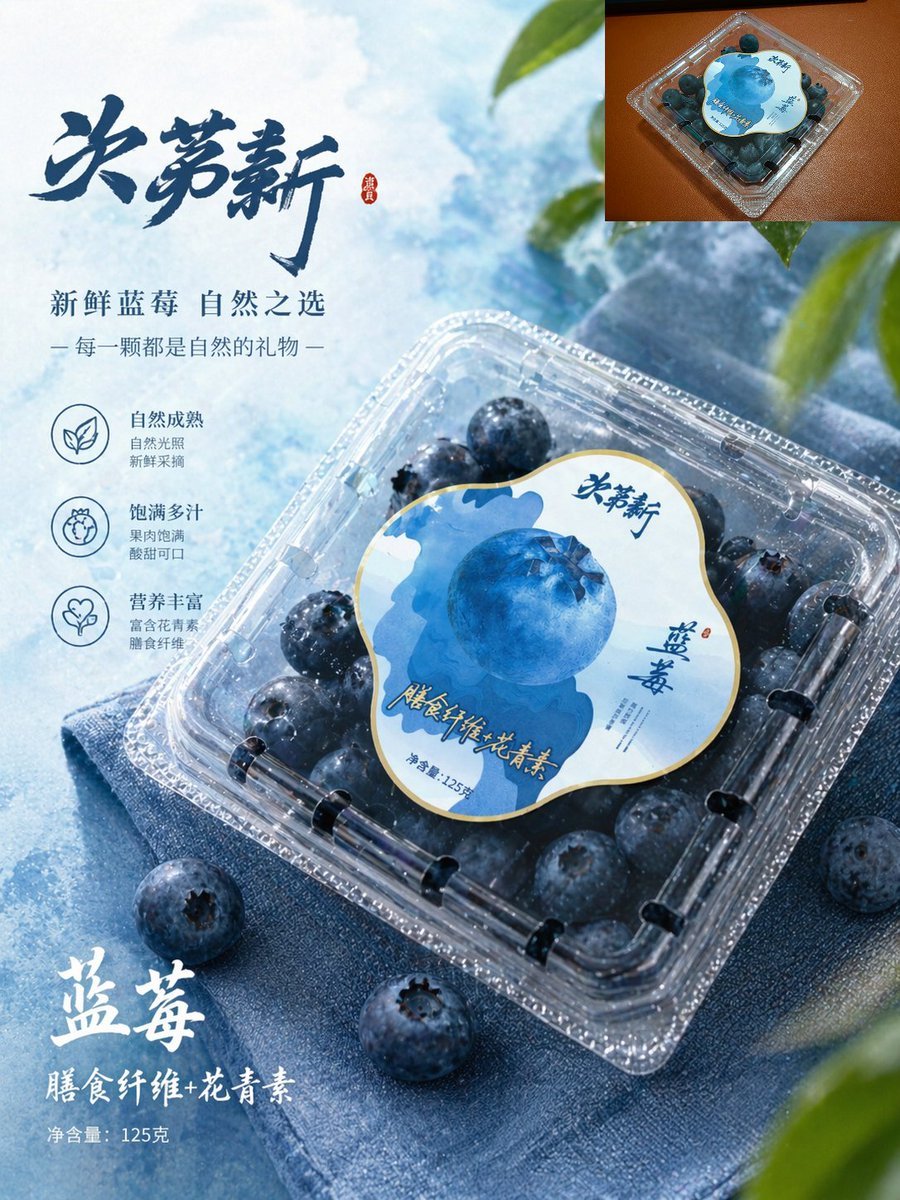
Premium Blueberry Product Poster
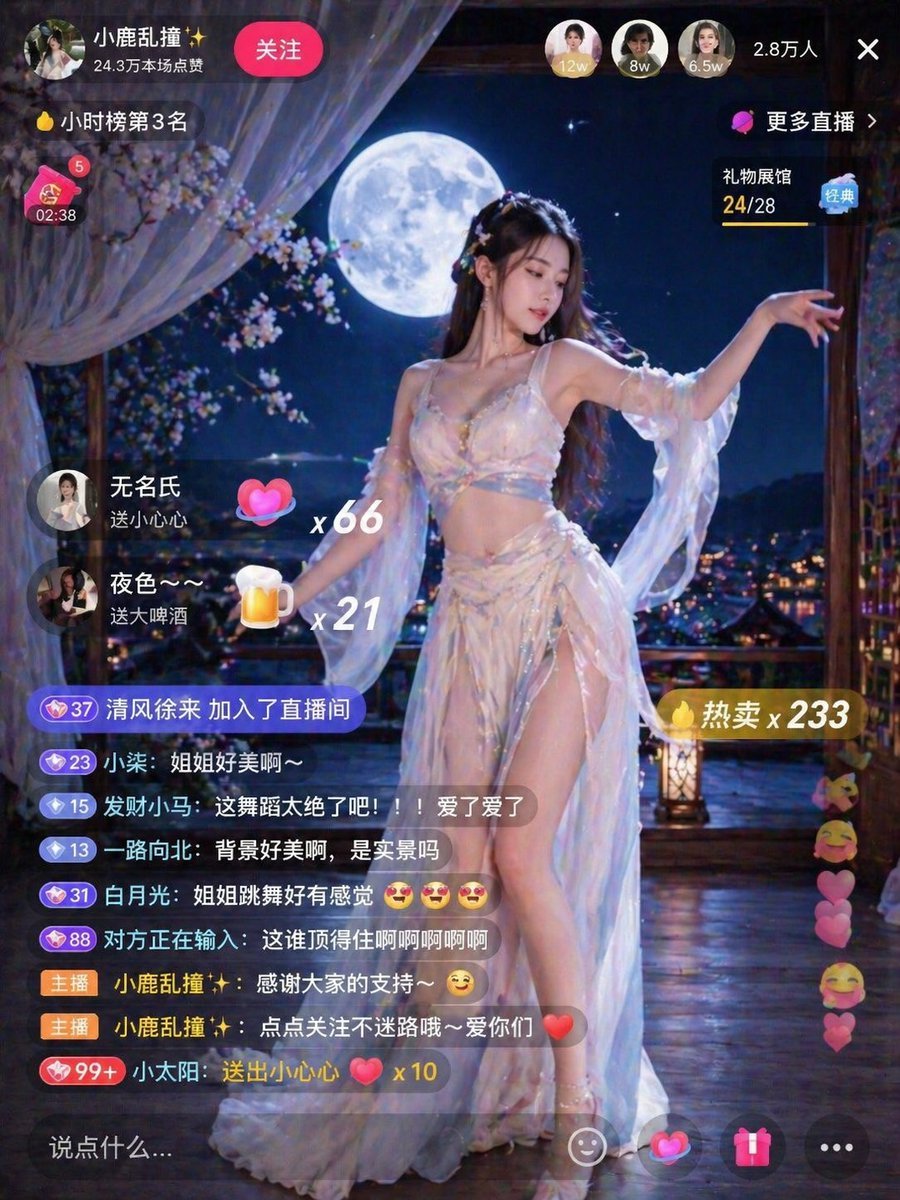
Live Stream Room Scene
Browse template categories
Celestial Nine-Tailed Fox Spirit questions
How do I use the Celestial Nine-Tailed Fox Spirit template?
Add your photo if the template asks for one, edit the prompt if you like — the template's model and format are already selected — and press Generate. Your version opens in PicX Studio.
Can I customize the Celestial Nine-Tailed Fox Spirit template?
Yes. You can change the subject, setting, lighting, mood, format, and available model controls before creating your image.
Is the Celestial Nine-Tailed Fox Spirit template free?
Opening and editing this template is free. Generating uses credits, shown on the Generate button when you are signed in.
Which AI model should I use?
Start with GPT Image 2, which is the model associated with this template. You can compare another compatible model for a different finish.
Looking for something else? Browse all templates.

Your photo, any look
Thousands of ready templates for every top image and video model, from one credit balance.