
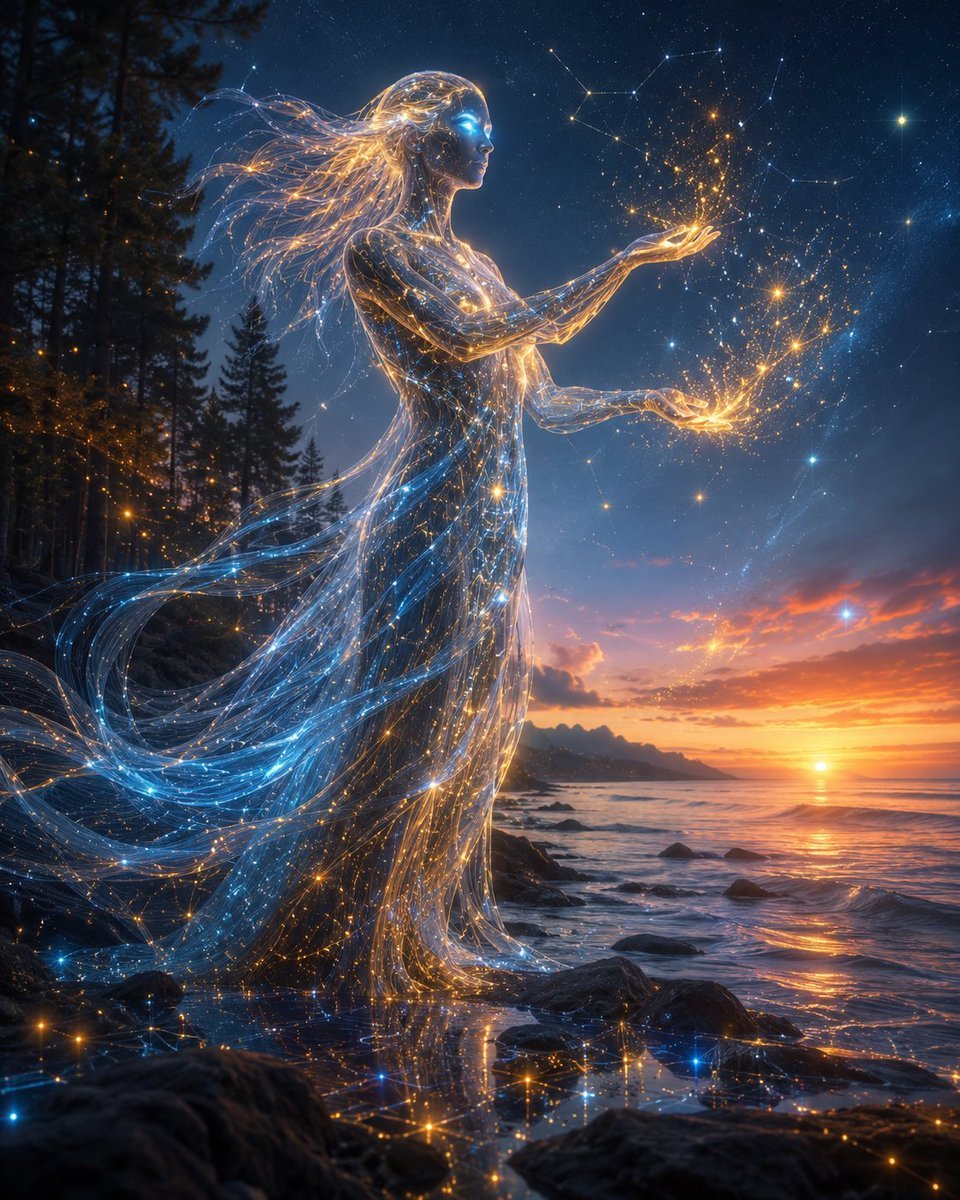
Celestial AI Spirit at Sunset
A cinematic fantasy prompt for generating an anonymous glowing AI-like spirit conjuring constellations on a rocky ocean shore at twilight.
- Prompt included
- Model and format preset
- Free template
The prompt behind this image
Copy the exact prompt behind Celestial AI Spirit at Sunset, or open it in the studio and make it yours.
Create a vertical cinematic fantasy image of {argument name="subject" default="a luminous ethereal feminine AI spirit"} standing on dark wet rocks at the edge of a forested ocean coastline during {argument name="time of day" default="sunset twilight"}. The figure is full body, tall and graceful, facing right in profile with both arms extended as if conjuring constellations; her face is intentionally obscured by a soft square bluish blur, leaving her identity anonymous. Her body and long windblown hair are formed from transparent glasslike strands, flowing ribbons, and thousands of glowing filaments in {argument name="primary glow colors" default="electric blue and warm gold"}, with star-like nodes, neural-network lines, sparkling particles, and fiber-optic trails wrapping around her torso and streaming into a long translucent dress or cloak. In her hands, show two bright golden clusters of stardust and constellation sparks, with more constellations visible in the deep navy sky. The environment includes exactly three major setting zones: a dense silhouette pine forest on the left, a rocky tide pool foreground reflecting blue and gold light, and a calm ocean on the right with a low orange sun near the horizon. Add distant mountains, scattered clouds lit orange and pink, small waves, black rocks, and reflections of the figure's light on wet stone and water. Style: ultra-detailed photorealistic digital art, magical realism, celestial AI goddess aesthetic, volumetric glow, long exposure light trails, high dynamic range, sharp stars, atmospheric depth, dramatic rim lighting, no text, no logos, no extra characters.
How to use Celestial AI Spirit at Sunset in 3 steps
- 1Upload ImagePNG, JPG or paste
Add your photo
Upload the photo the template builds on. The prompt, model and format are already set.
- 2…a portrait of your subject in softgolden-hour light, 85mm…
Personalize
Edit the subject and creative details for your destination.
- 3Generate
Generate
Press Generate — your image is created in PicX Studio, so you can compare it with the original and refine one variable at a time.
More like this
Templates with the same subject, style or setup. Open one to see its prompt.
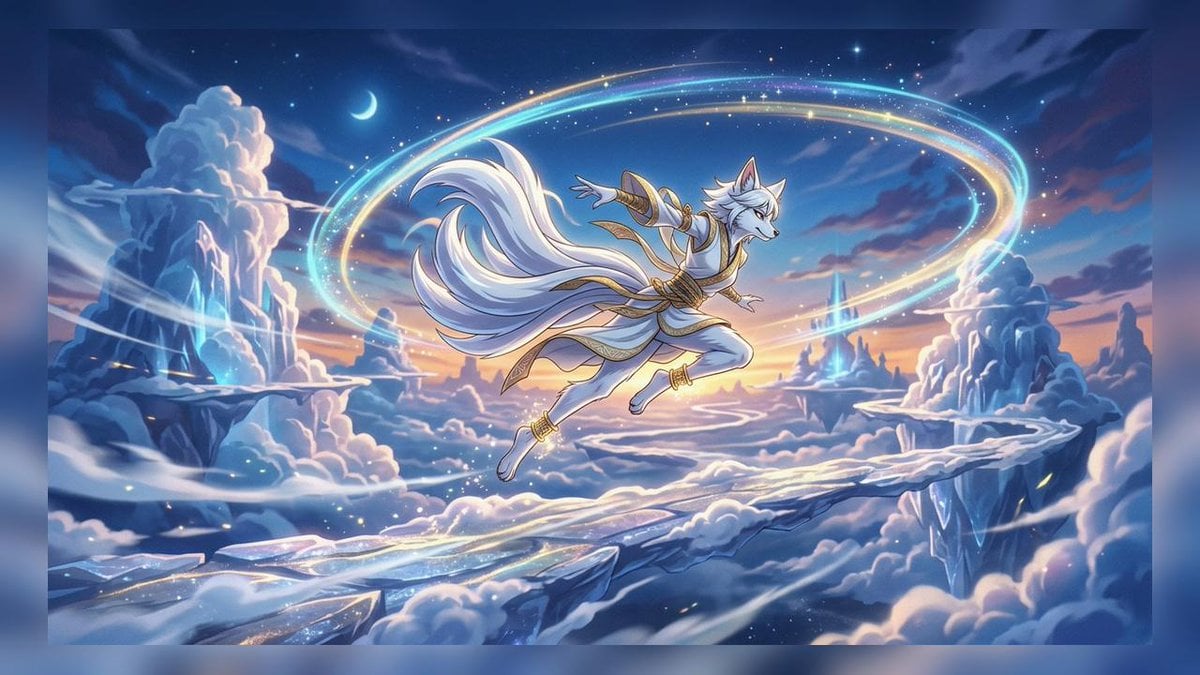
Celestial Nine-Tailed Fox Spirit
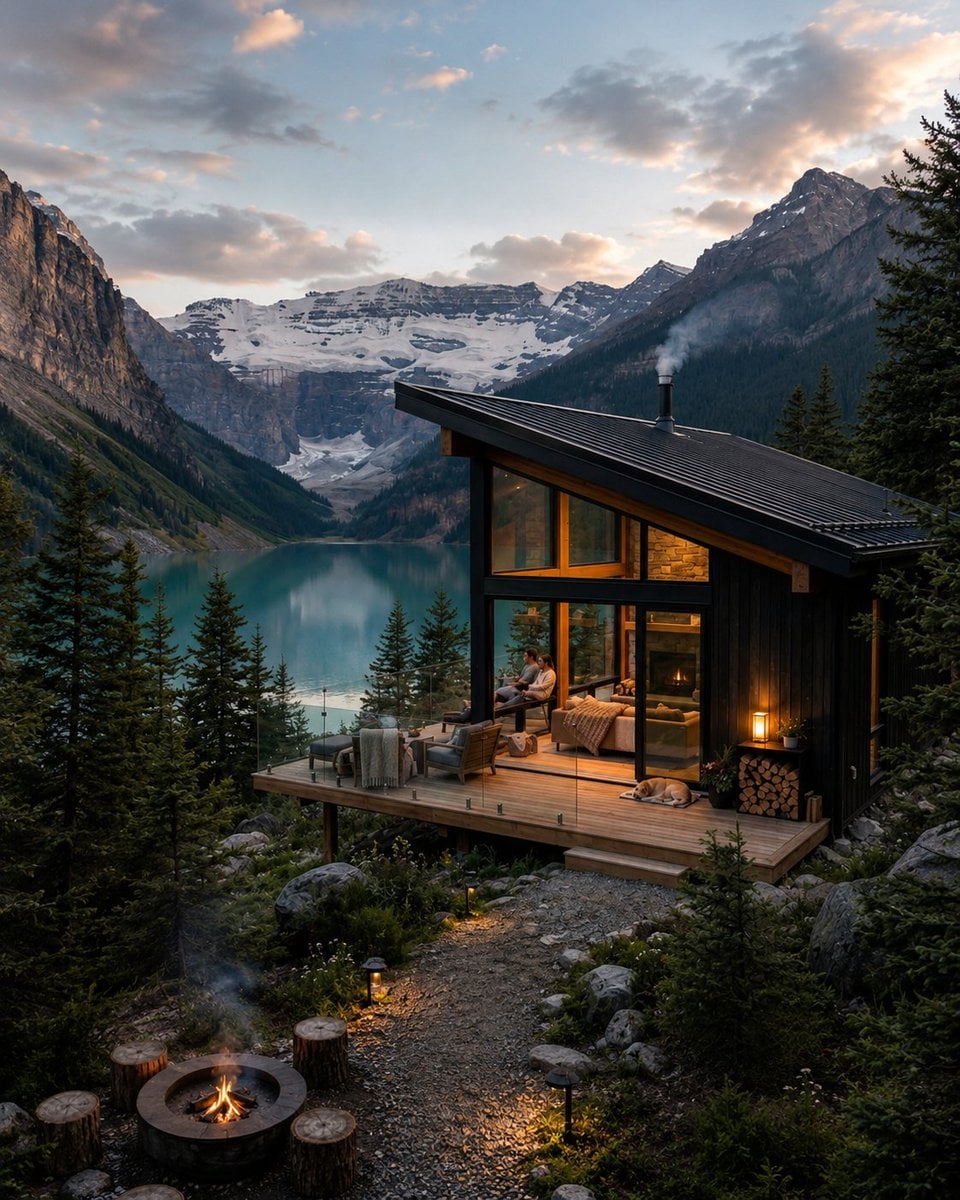
Mountain Lake Sunset Landscape
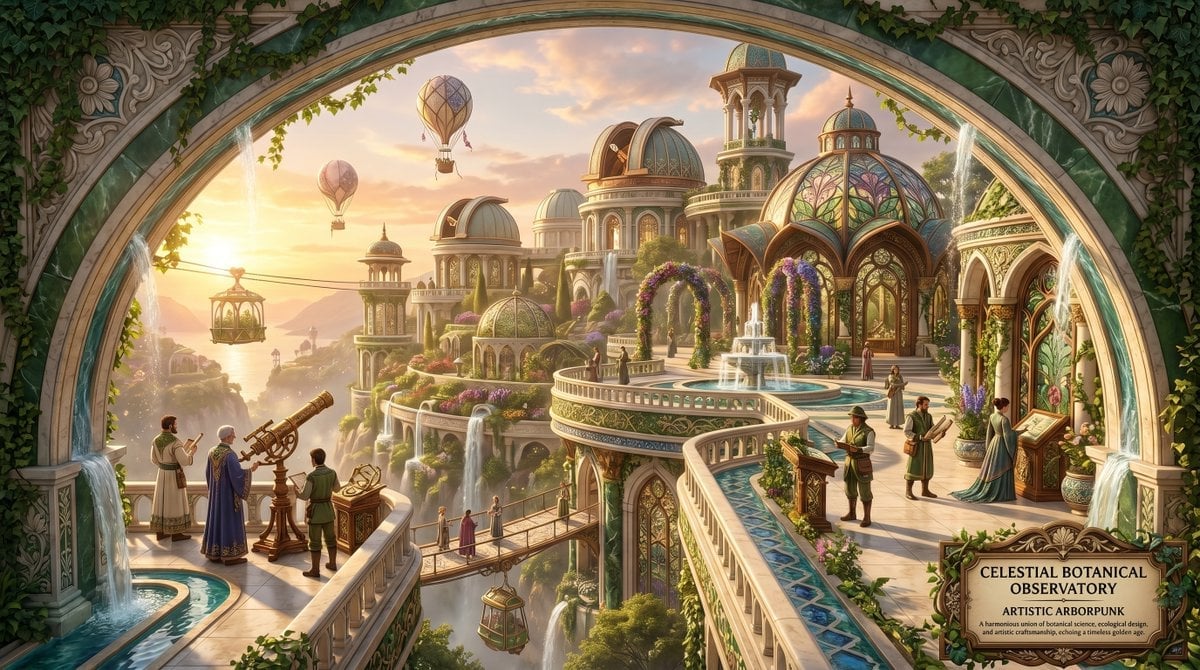
Artistic Arborpunk Garden Observatory Complex

Anime Fantasy Celestial Movie Poster
Anime Fantasy Celestial Movie Poster
Indian Village Cattle Herding — Nano Banana
AI Model Spirit Animal Archetypes
Luxury Spirit Brand Poster Design
Vegetable Spirit Horse Motorcycle
Dark Ghost Spirit Turnaround
Golden Retriever Sunset Campfire Photography
Celestial Inverted Oriental Palace
Make it yours
Celestial AI Spirit at Sunset works as-is. These are the safest ways to change it without losing the look.
Change one field
Copy a single group, rewrite it, and generate again so you can see what that field is doing.
Keep the frame, change the subject
Hold the composition and light of Celestial AI Spirit at Sunset, then swap wardrobe, props or the person for a new take.
| If the result… | Why | Fix |
|---|---|---|
| The result drifts from the preview | Too many fields changed at once. | Reuse Celestial AI Spirit at Sunset as-is first, then change one group — subject, light, or setting. |
| The model over-stylizes the scene | The prose prompt leaves finish and camera underspecified. | Add one camera or lighting sentence and stay on GPT Image 2. |
More GPT Image 2 templates
Other prompts made for GPT Image 2.

Six VTuber Japanese Logo Sheet

Realistic Portrait of Woman and Deer

The Vista Modular Condo Poster

AI Model Routing Comparison Infographic

2.5D Anime Art Board

Isometric Productivity Desk Scene

New York Double Exposure Poster

Four-Panel AI Landscape Comparison

Japanese Tatami Lifestyle Magazine Cover

NESCAFÉ Coffee Map Poster
More image prompts
Fresh picks from across the catalog.
Mugshot AI Filter Trend Portrait Prompt
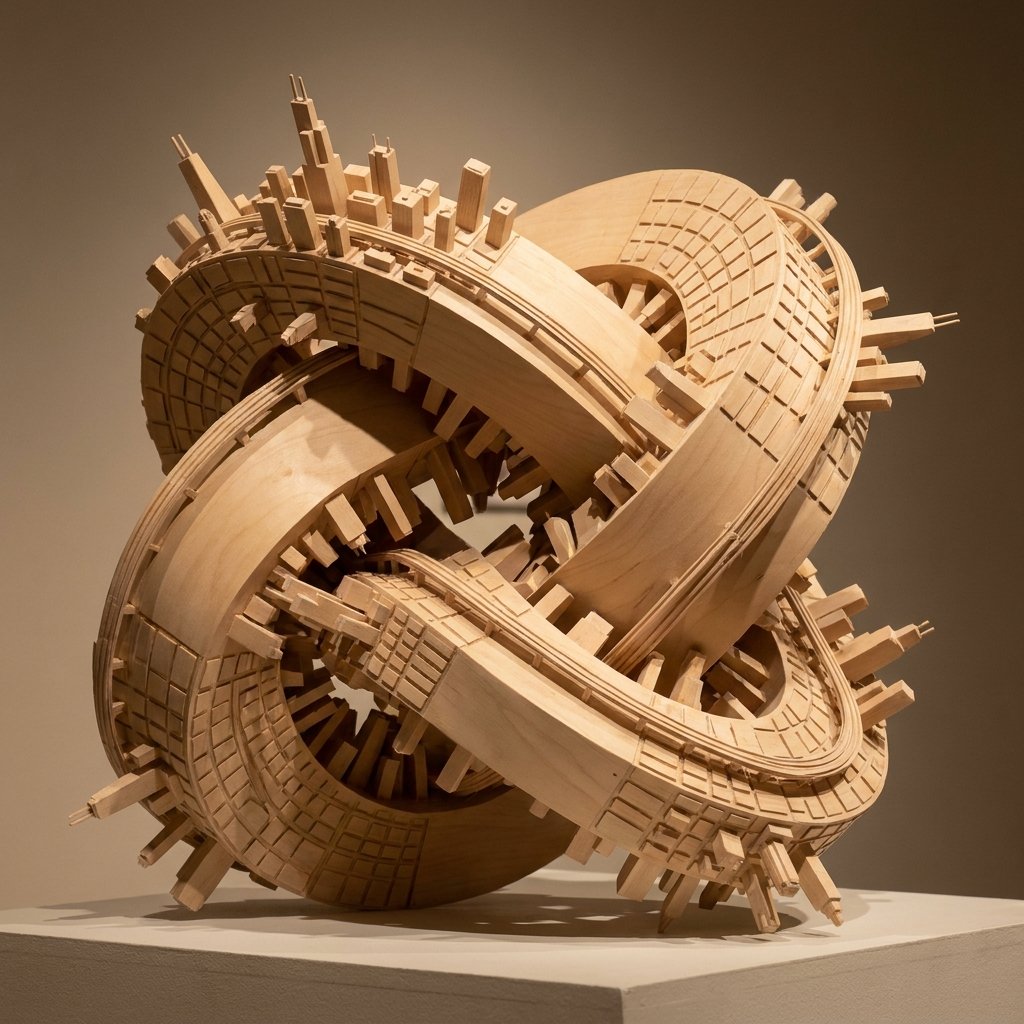
Wooden Impossible City Knot
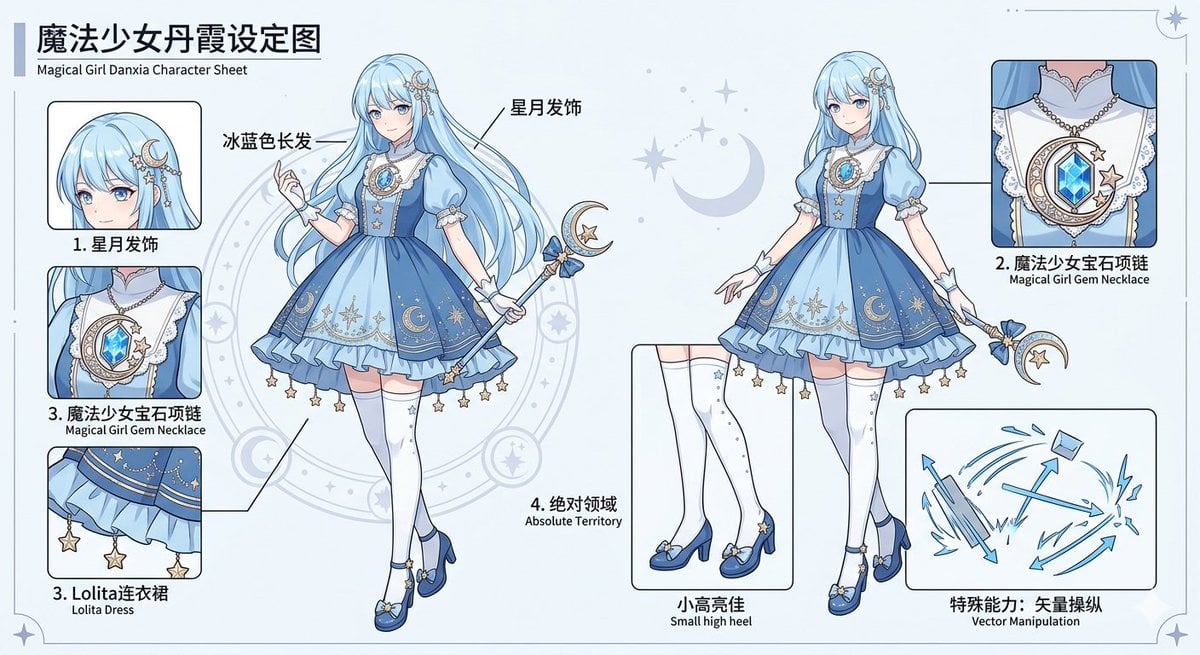
Magical Girl Character Sheet
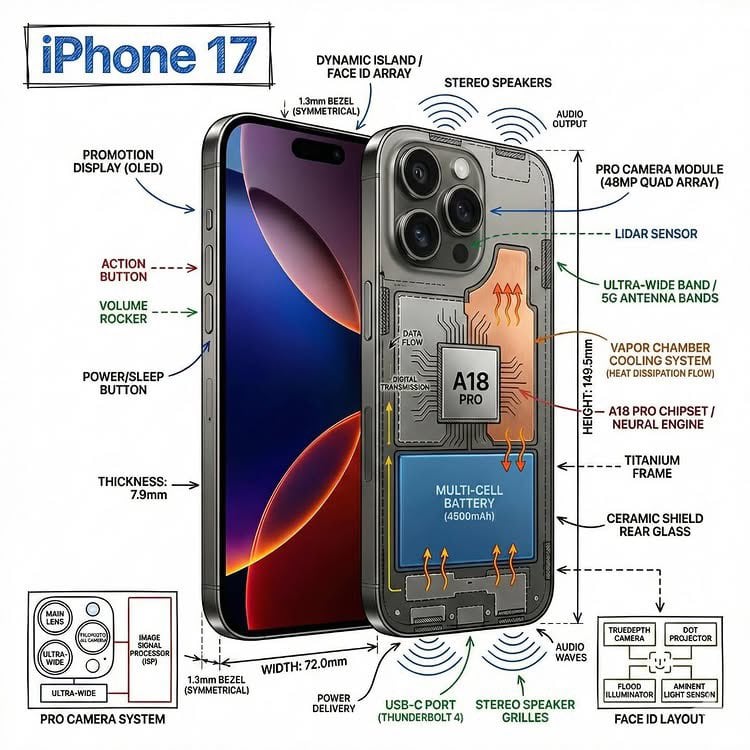
Technical Infographic Overlay on a Photorealistic Object

untitled
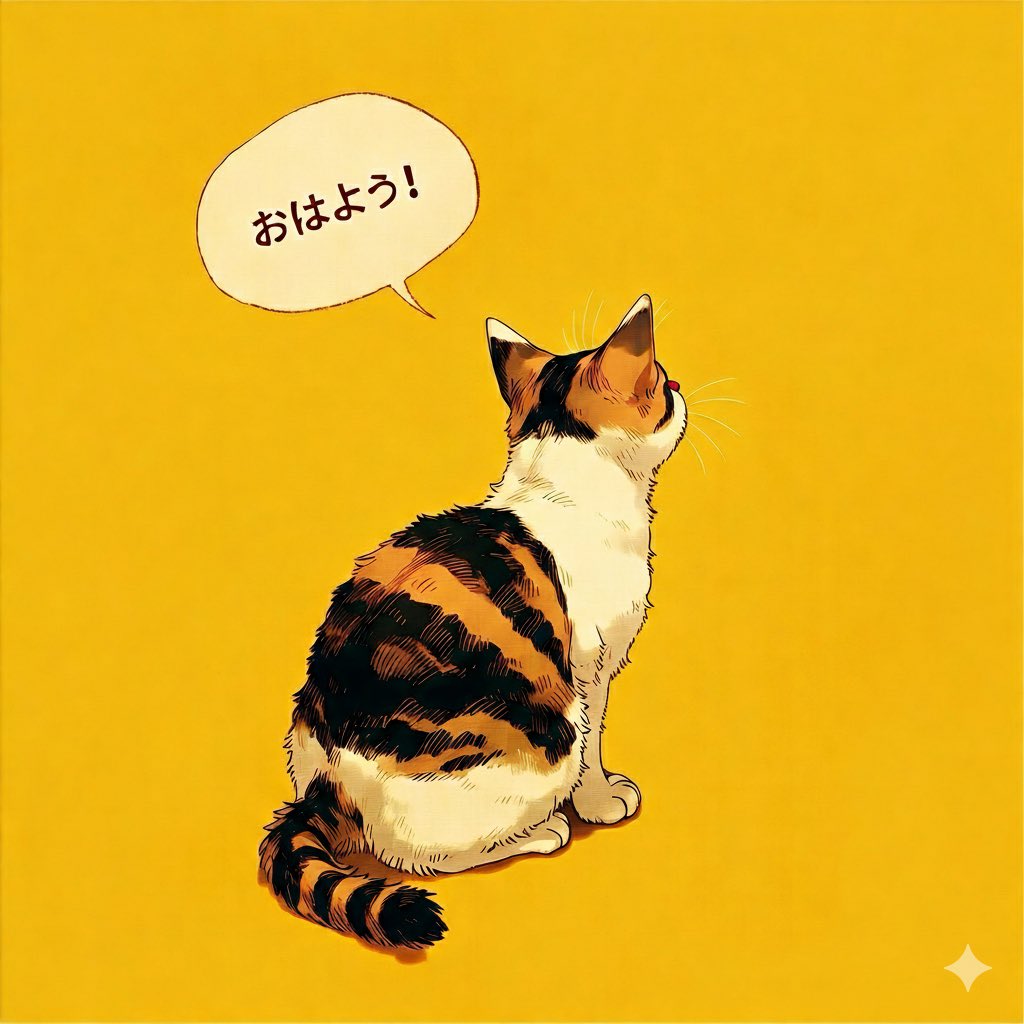
Japanese Text Generation Comparison (Oha-you)

Nano Banana - Pont Alexandre III Kiss
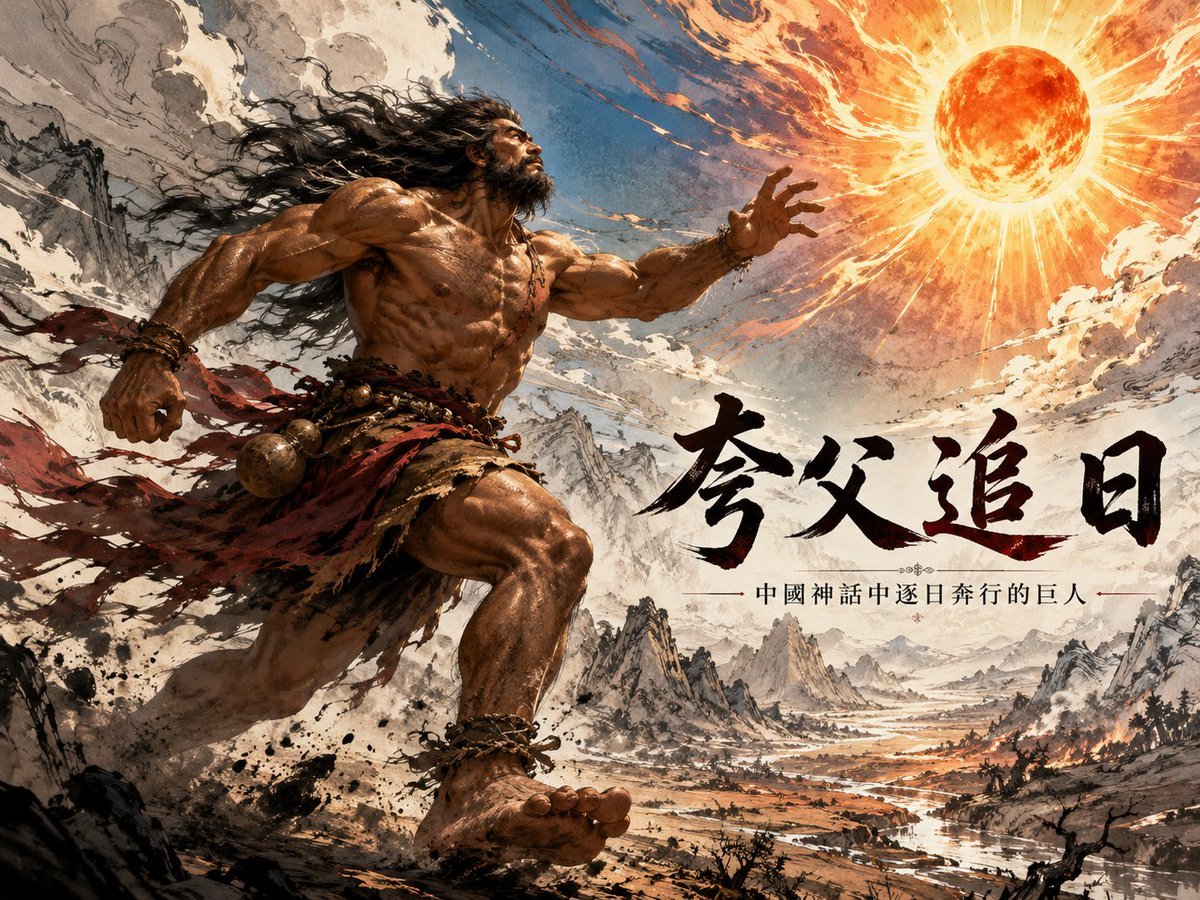
Hybrid Realism Ink-Wash Art
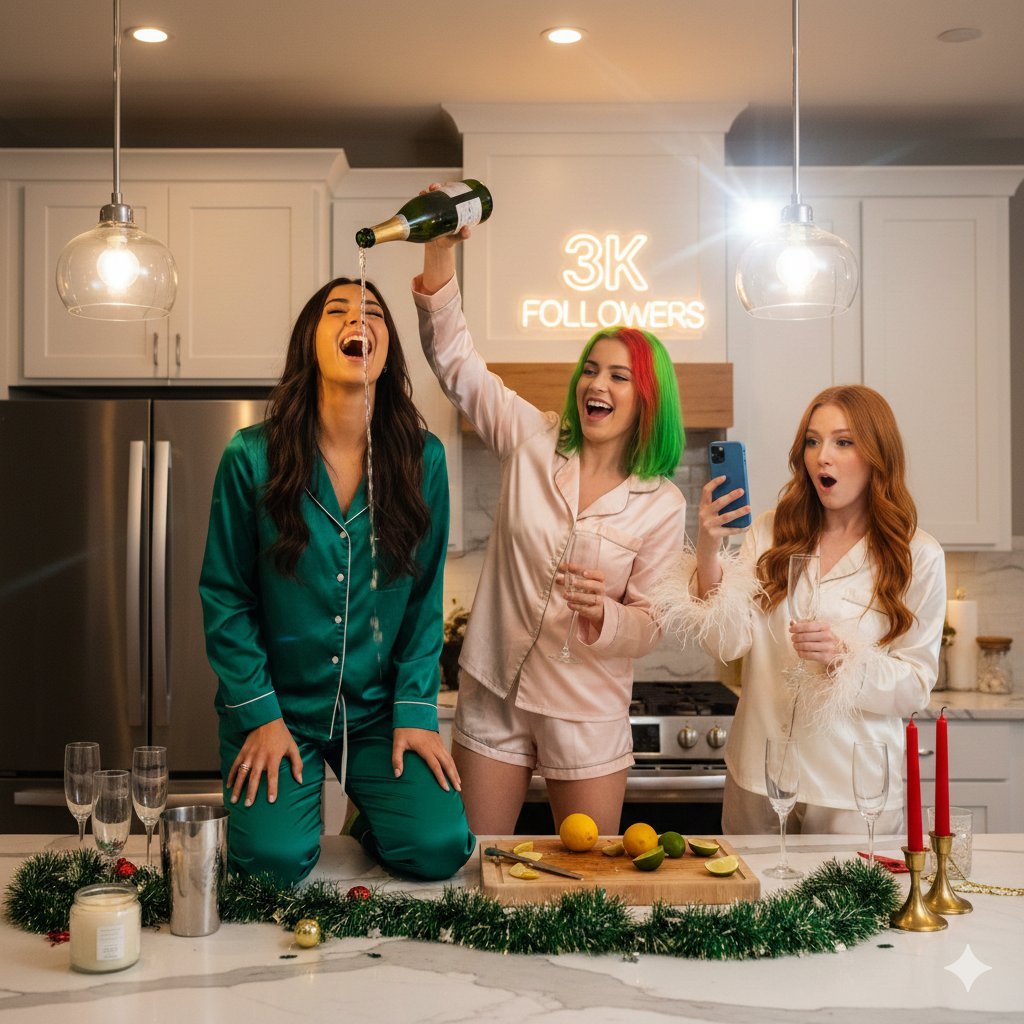
Candid Flash Photography of a Chaotic Holiday Party
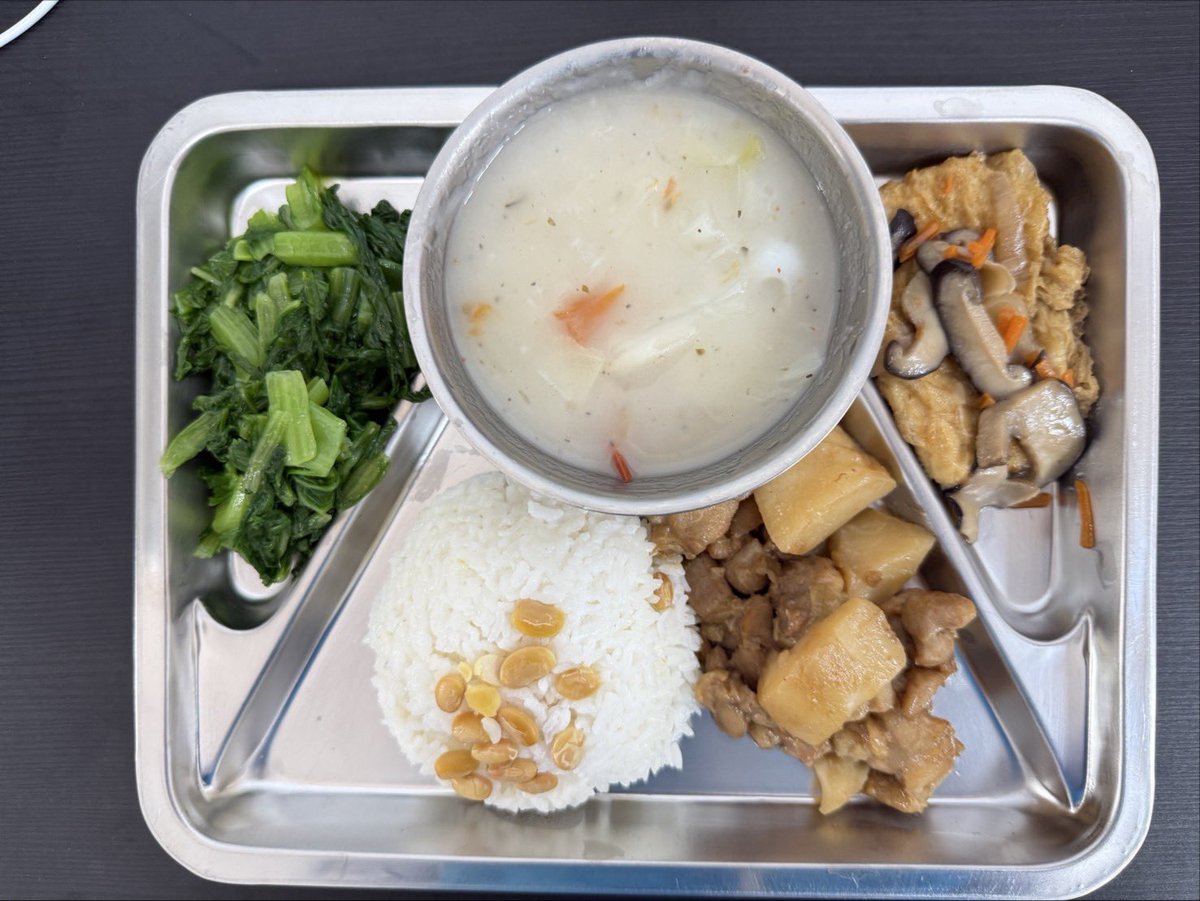
Prompt for Exploding or Static Food Photography
Browse template categories
Celestial AI Spirit at Sunset questions
How do I use the Celestial AI Spirit at Sunset template?
Add your photo if the template asks for one, edit the prompt if you like — the template's model and format are already selected — and press Generate. Your version opens in PicX Studio.
Can I customize the Celestial AI Spirit at Sunset template?
Yes. You can change the subject, setting, lighting, mood, format, and available model controls before creating your image.
Is the Celestial AI Spirit at Sunset template free?
Opening and editing this template is free. Generating uses credits, shown on the Generate button when you are signed in.
Which AI model should I use?
Start with GPT Image 2, which is the model associated with this template. You can compare another compatible model for a different finish.
Looking for something else? Browse all templates.

Your photo, any look
Thousands of ready templates for every top image and video model, from one credit balance.