
Celestial Inverted Oriental Palace
An epic cinematic prompt for a monumental oriental palace civilization floating above a sea of clouds, designed as a large-scale landscape feature.
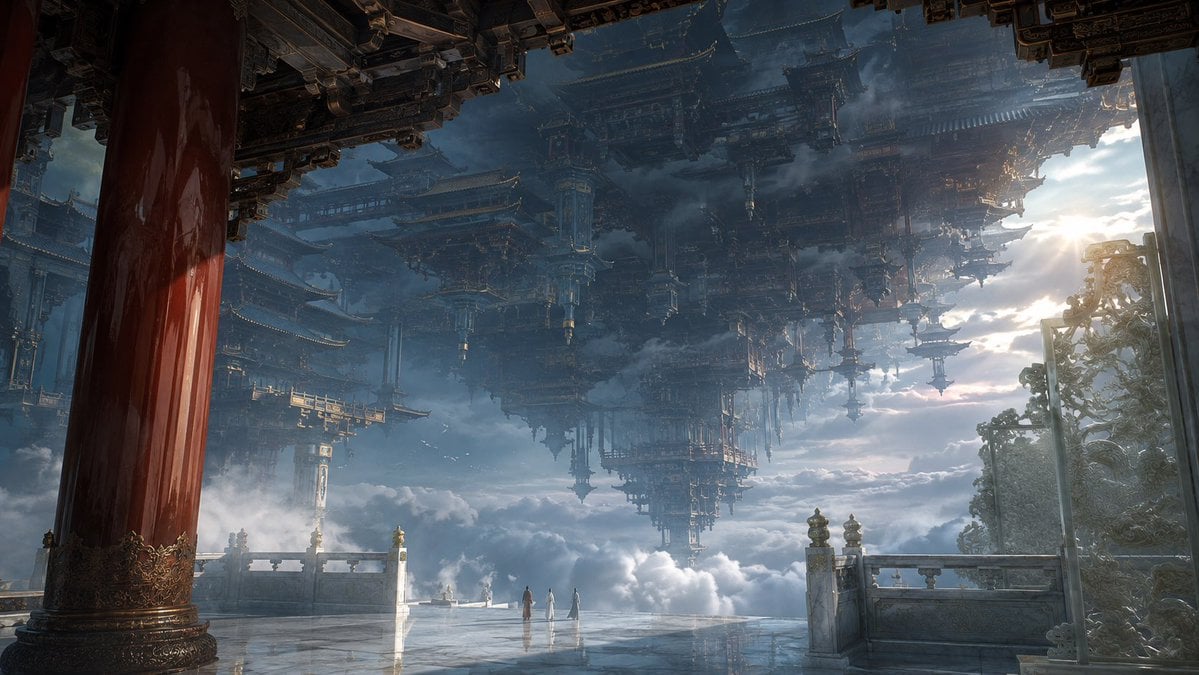
- Prompt included
- Model and format preset
- Free template
The prompt behind this image
Copy the exact prompt behind Celestial Inverted Oriental Palace, or open it in the studio and make it yours.
{argument name="画幅" default="16:9"} 横向电影画幅,东方仙界超尺度环境场景,refined cinematic matte painting,photorealistic fantasy environment,{argument name="色系" default="灰蓝暮霭系"}。一个悬浮于无尽云海之上的东方神界建筑文明,建筑尺度接近地质地貌。整张画面只围绕一个主空间命题:一整座倒悬于天空之上的巨大皇家天阙,其下部像覆盖天空的人工山脉般从高空垂落。摄影机真实站在一座高空白玉露台内部,人眼高度约 1.4 米,35mm 环境镜头,平视略微仰拍。不要航拍,不要鸟瞰。近景左侧由一根异常巨大的深朱红漆柱、油润深木梁架和压入画面顶部的墨青重檐构成强烈遮挡,柱体与屋檐均无法完整收入画面;右侧以一面半透明青玉屏和雕花白玉栏板形成第二层框景。中景是一片非常宽阔但空旷的皇家白玉露台,高抛光玉石表面承接冷灰天空反光,只有 3 位约占画面高度 1% 的极小仙人 静静站在露台尽头。露台之外立即坠入没有地面的巨大云海断层。远方上空,一整片倒悬皇家天阙从云层之上垂落下来。它不是一栋宫殿,而像一整块被雕琢成宫阙的天空大陆:倒悬重檐、巨型斗拱、白玉悬台、深木柱林、墨青琉璃殿顶与垂直向下伸展的宫基共同形成巨大人工地貌。只允许看见其中一部分。至少 50% 的倒悬建筑被高空灰蓝雾层、云幕、近景檐口和画框裁切遮挡。最上方的连接结构完全消失于天空之外,下方垂落的宫阙末端又逐渐吞入淡蓝灰云汽,使观者无法判断整座天阙究竟有多厚、多高。建筑局部甚至出现数百米宽的巨大倒悬庭院和向下延伸的宫殿基座,但不要增加第二个视觉主角。约 80% 画面由灰蓝天空、蓝灰云海、冷色空气和深青灰结构阴影控制。皇家材质极度精致:深朱红高光漆柱、油润深木巨梁、白玉须弥台、细腻青玉屏、墨青琉璃重檐、局部鎏金斗拱边缘与柱头包金。金色面积严格控制,只在局部结构边缘出现。右侧高空柔和方向光穿过灰蓝云层,形成极少量琥珀擦边光,勾勒倒悬飞檐和巨大梁架的边缘。近景细节清晰,中景适中,远景巨大体块主动简化,极远处只剩深灰蓝轮廓。cold large field + warm localized accents + luminous ivory mist,monumental inverted celestial palace as artificial terrain,architecture swallowing the sky,solemn stillness,deep atmospheric layering,large depth of field,no ruined architecture,no crowded palace city,no sci-fi spacecraft feeling。
How to use Celestial Inverted Oriental Palace in 3 steps
- 1
Open
The prompt is already in the box next to the preview, with the template's model and format selected.
- 2…a portrait of your subject in softgolden-hour light, 85mm…
Personalize
Edit the subject and creative details for your destination.
- 3Generate
Generate
Press Generate — your image is created in PicX Studio, so you can compare it with the original and refine one variable at a time.
More like this
Templates with the same subject, style or setup. Open one to see its prompt.
Oriental Fantasy Celestial Realm
Celestial Jade Palace Lake

Anime Fantasy Celestial Movie Poster
Anime Fantasy Celestial Movie Poster
Celestial Xianxia Fairy Palace
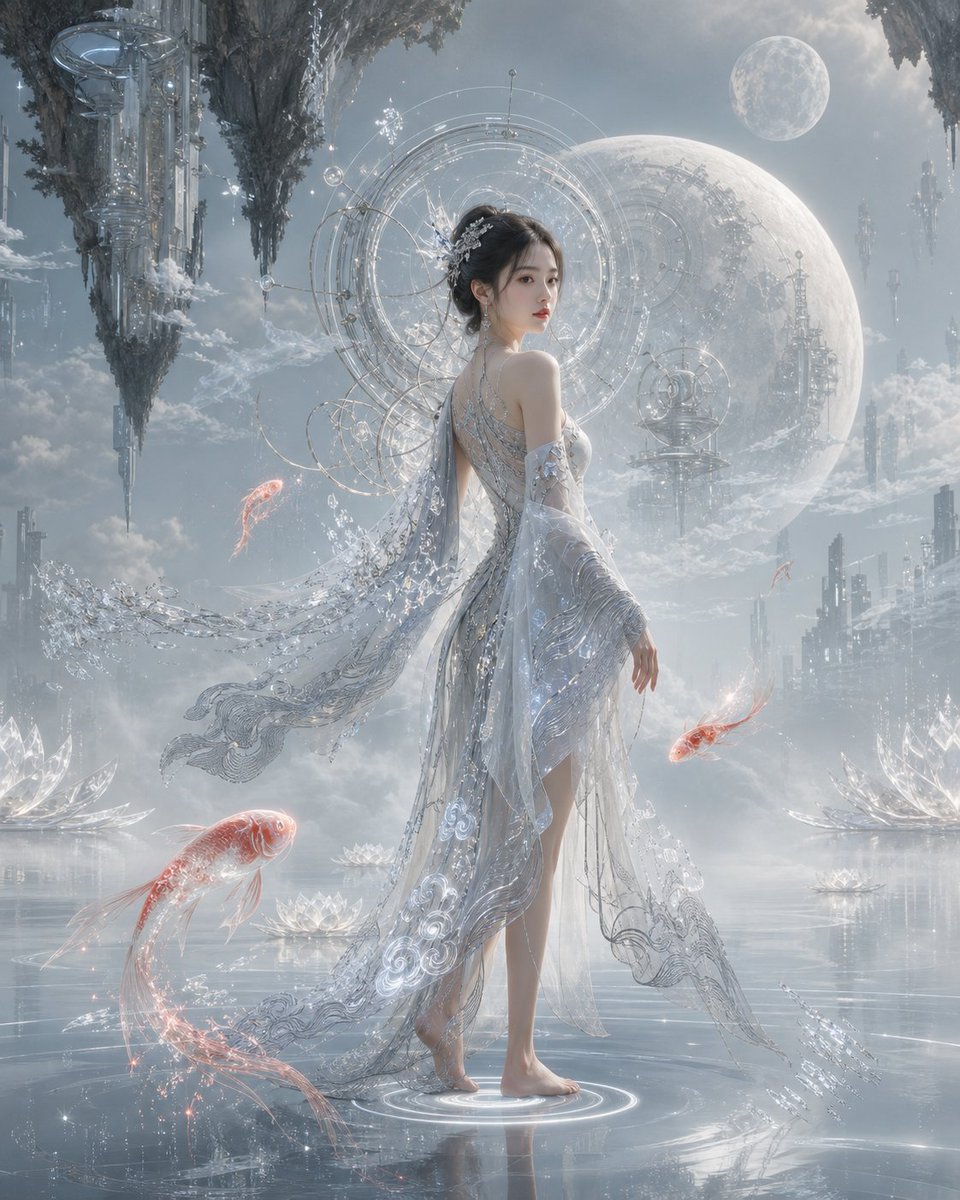
Oriental Futurism Female Concept Art
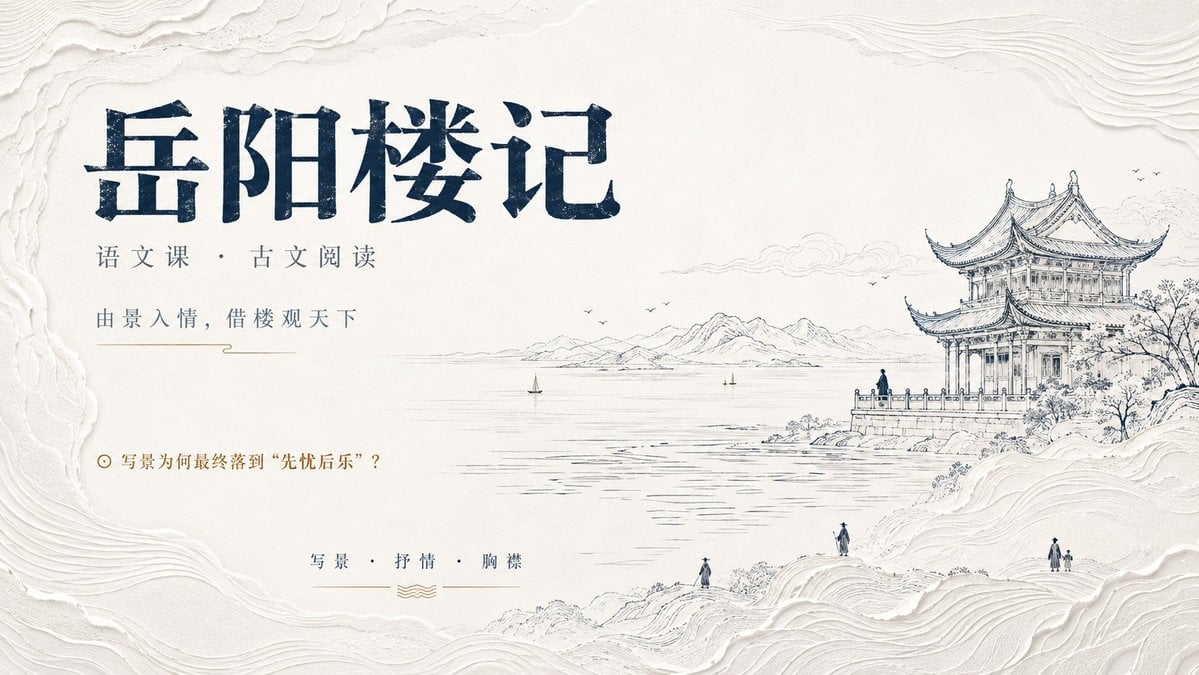
Modern Oriental Minimalist Poster
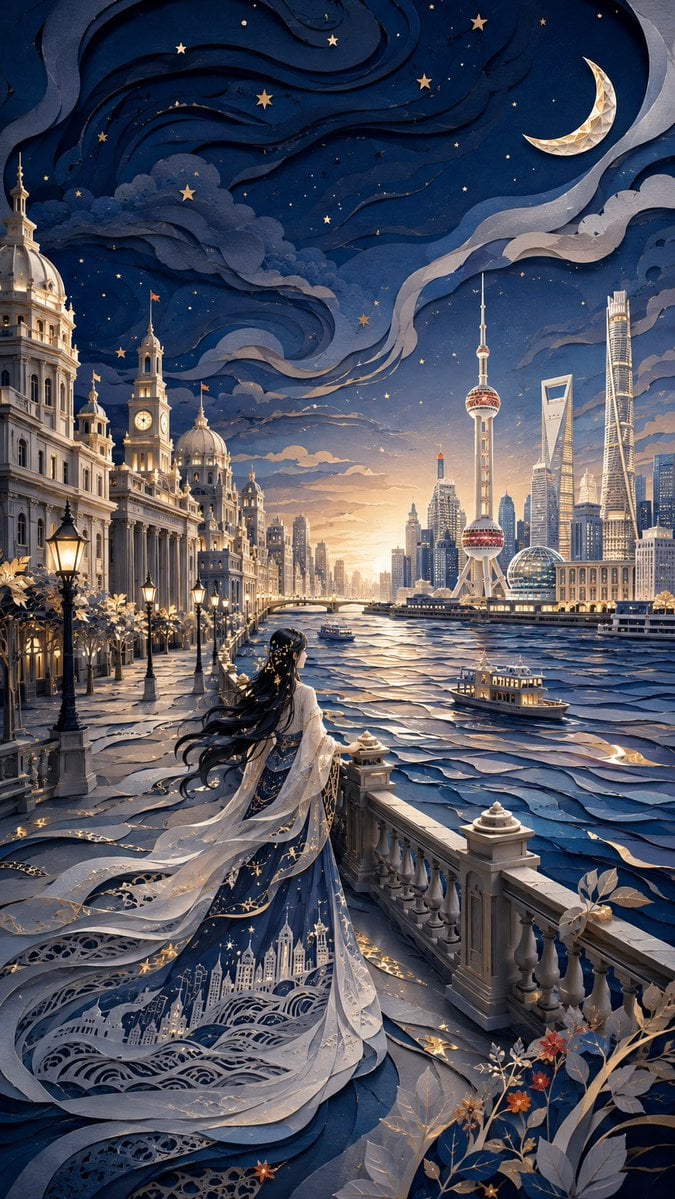
Modern Oriental Papercut Art Cityscape
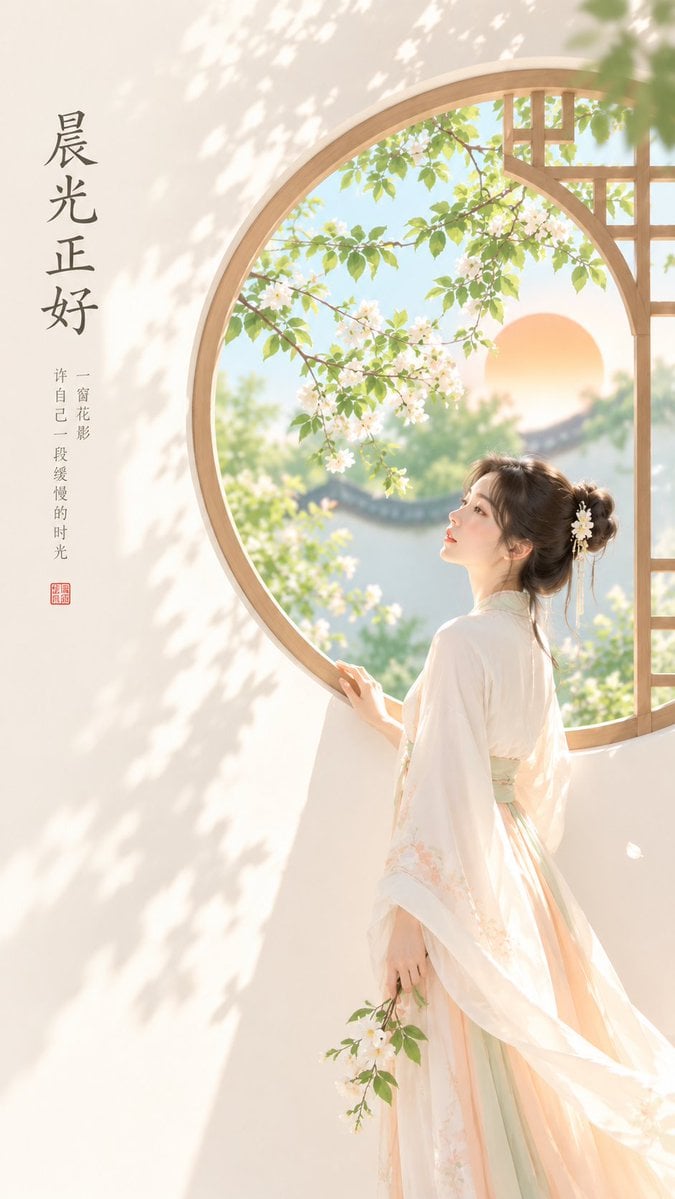
Oriental Zen Minimalist Cover Art
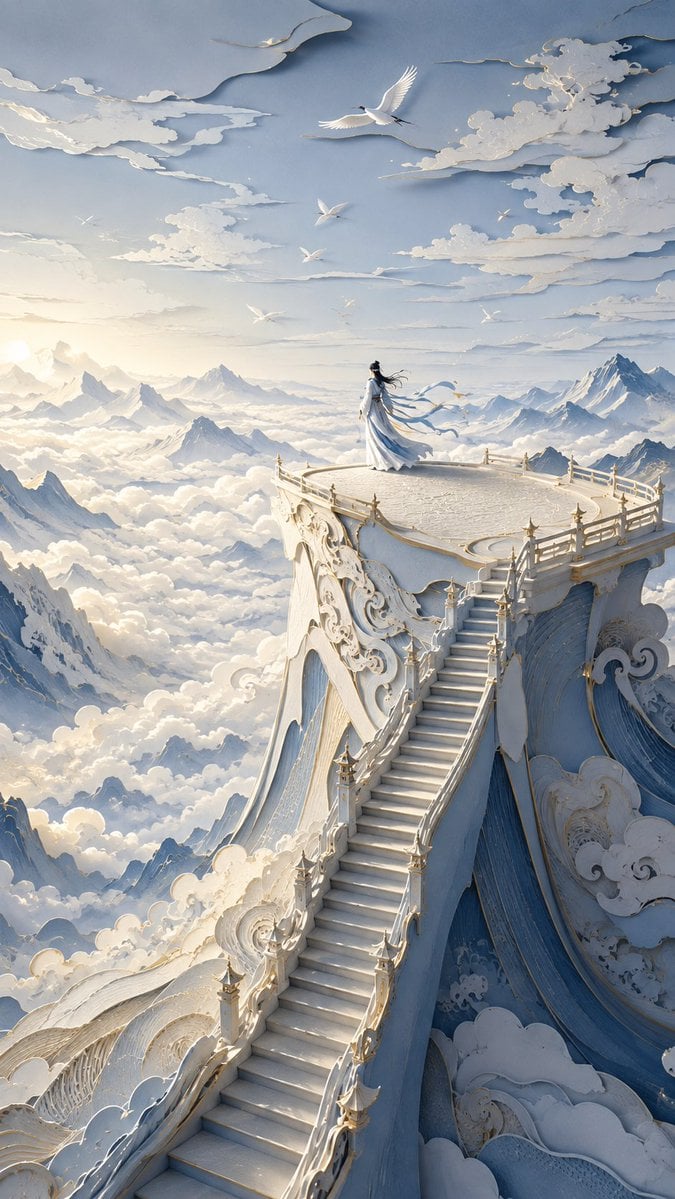
Oriental Papercut Dreamscape Art

Celestial Sakura Kimono Maiden
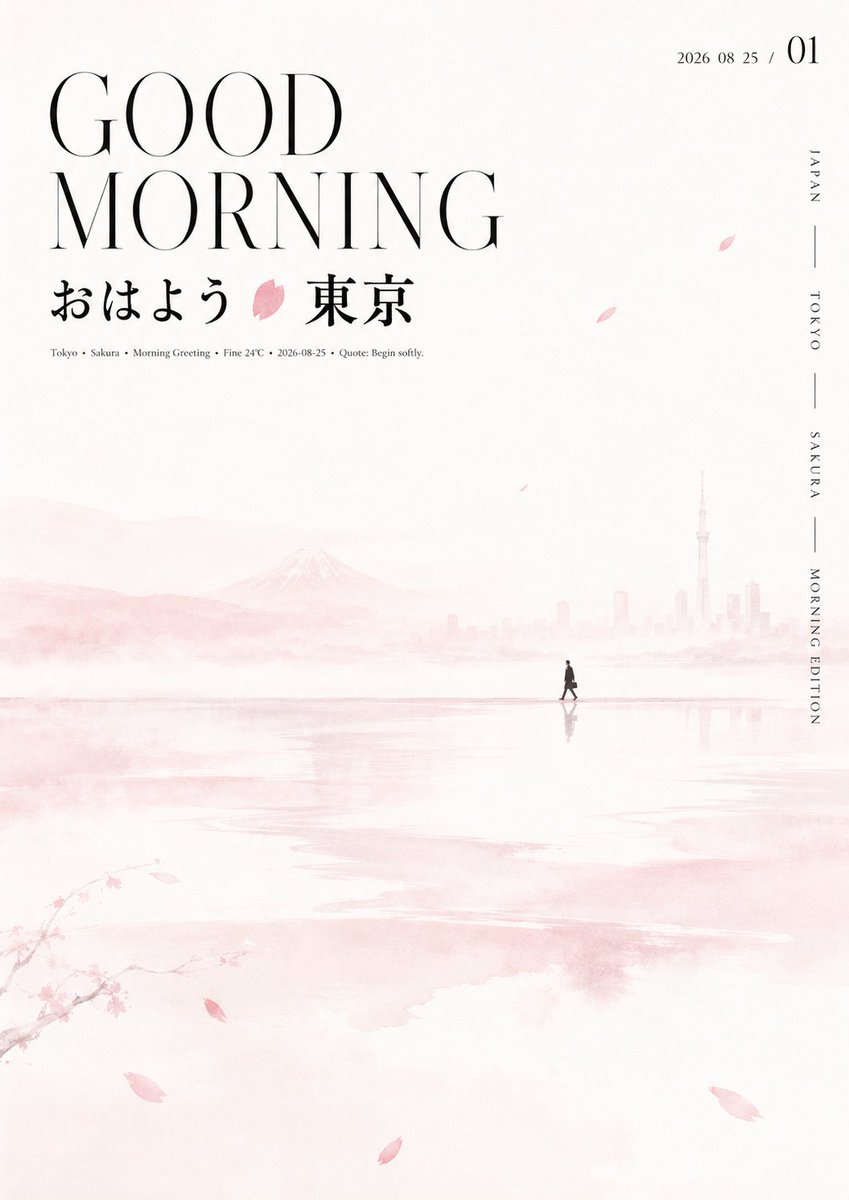
Oriental Aesthetic Typography Layout
Make it yours
Celestial Inverted Oriental Palace works as-is. These are the safest ways to change it without losing the look.
Change one field
Copy a single group, rewrite it, and generate again so you can see what that field is doing.
Keep the frame, change the subject
Hold the composition and light of Celestial Inverted Oriental Palace, then swap wardrobe, props or the person for a new take.
| If the result… | Why | Fix |
|---|---|---|
| The result drifts from the preview | Too many fields changed at once. | Reuse Celestial Inverted Oriental Palace as-is first, then change one group — subject, light, or setting. |
| The model over-stylizes the scene | The prose prompt leaves finish and camera underspecified. | Add one camera or lighting sentence and stay on GPT Image 2. |
More GPT Image 2 templates
Other prompts made for GPT Image 2.

Six VTuber Japanese Logo Sheet

Realistic Portrait of Woman and Deer

The Vista Modular Condo Poster

AI Model Routing Comparison Infographic

2.5D Anime Art Board

Isometric Productivity Desk Scene

New York Double Exposure Poster

Four-Panel AI Landscape Comparison

Japanese Tatami Lifestyle Magazine Cover

NESCAFÉ Coffee Map Poster
More image prompts
Fresh picks from across the catalog.
Meta-Prompt for Generating YAML-Structured Prompts from Images
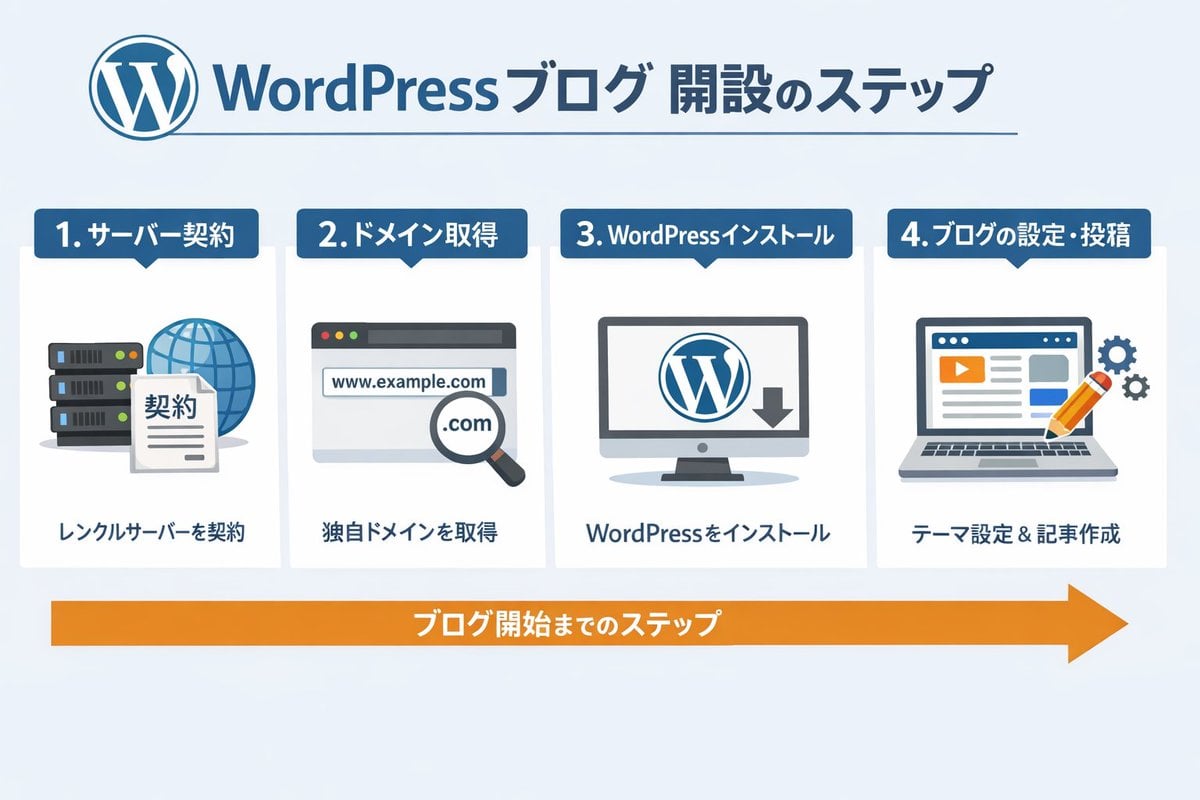
WordPress Blog Setup Diagram Generation Prompt
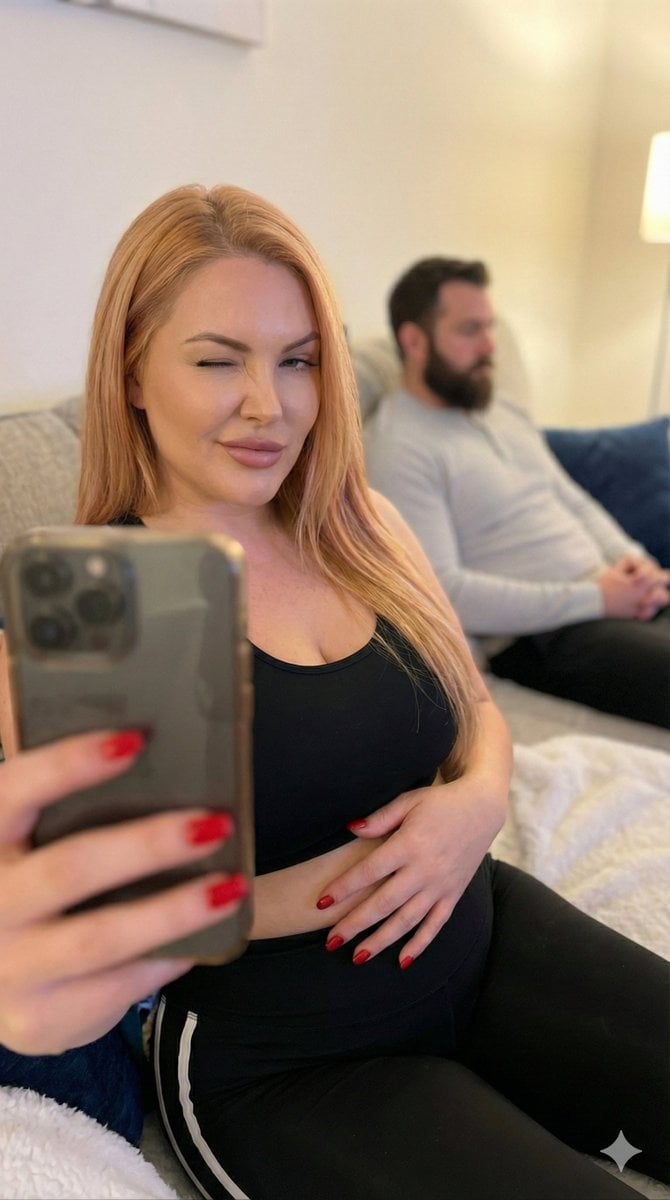
Pregnant Selfie with Unimpressed Partner
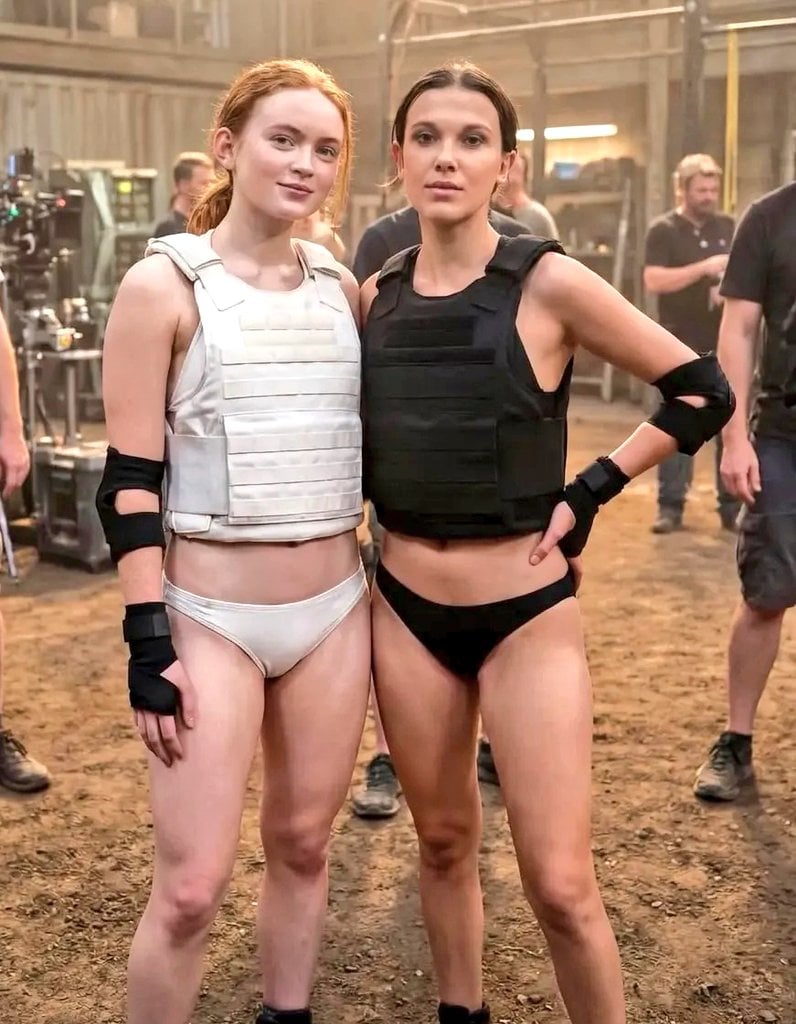
Cinematic Photo of Tactical Female Characters
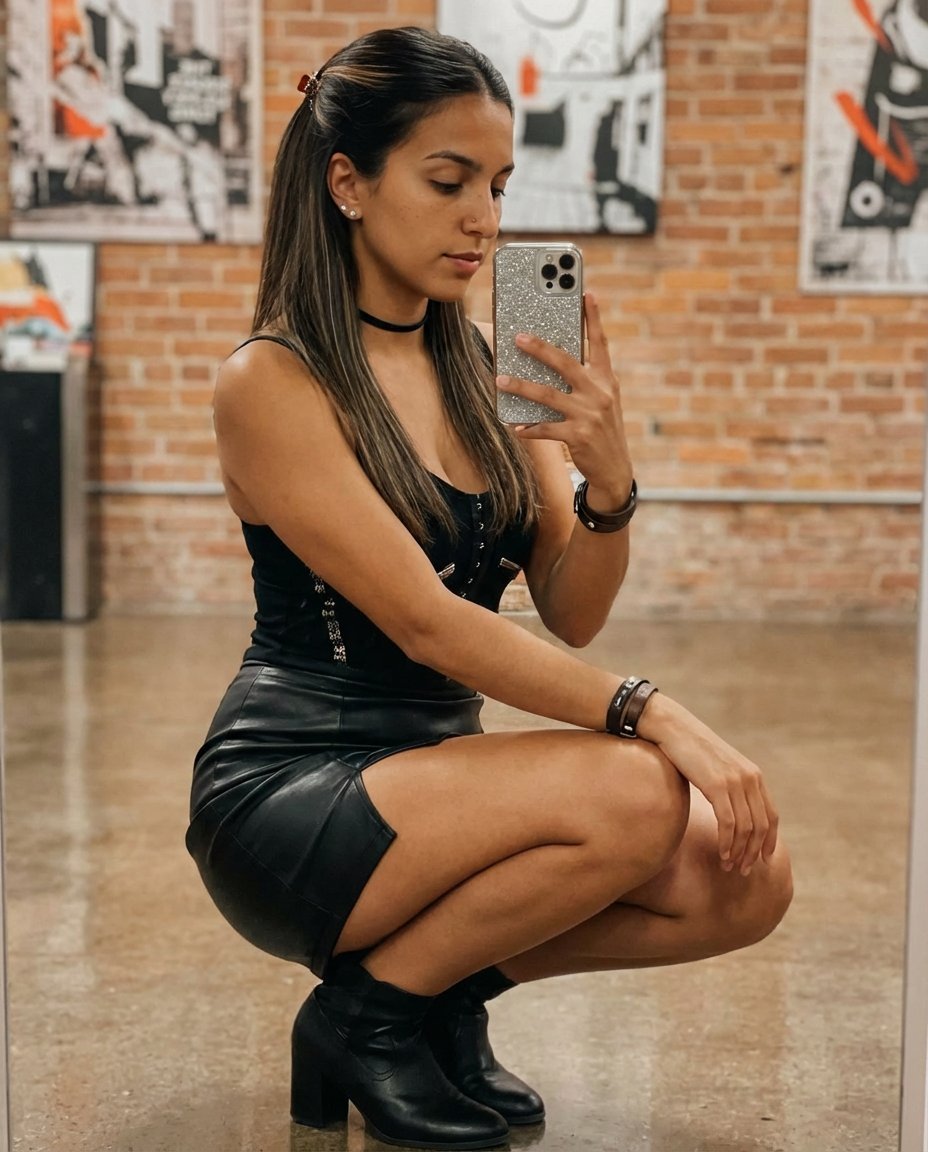
Elegant Mirror Selfie with Strict Face Preservation (JSON)
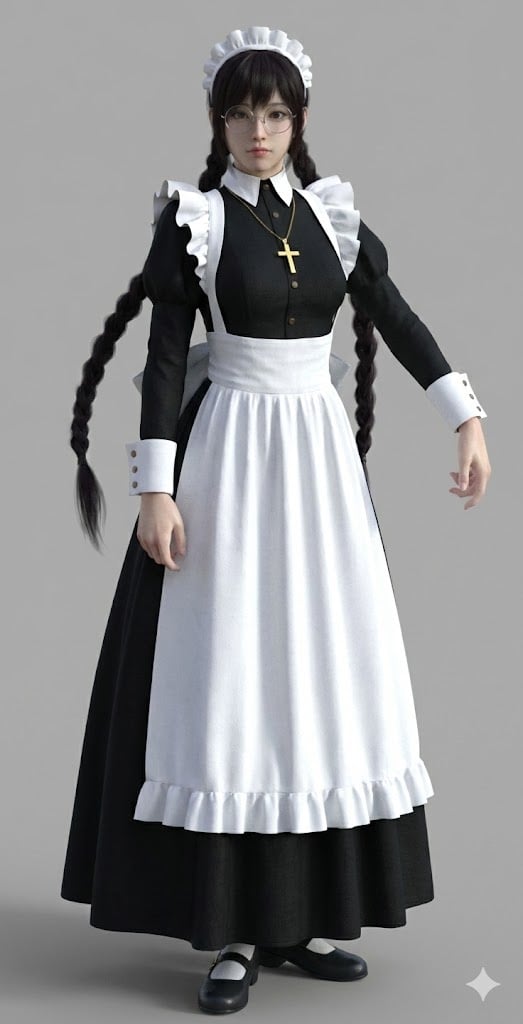
Anime Character to 3DCG Figure Prompt
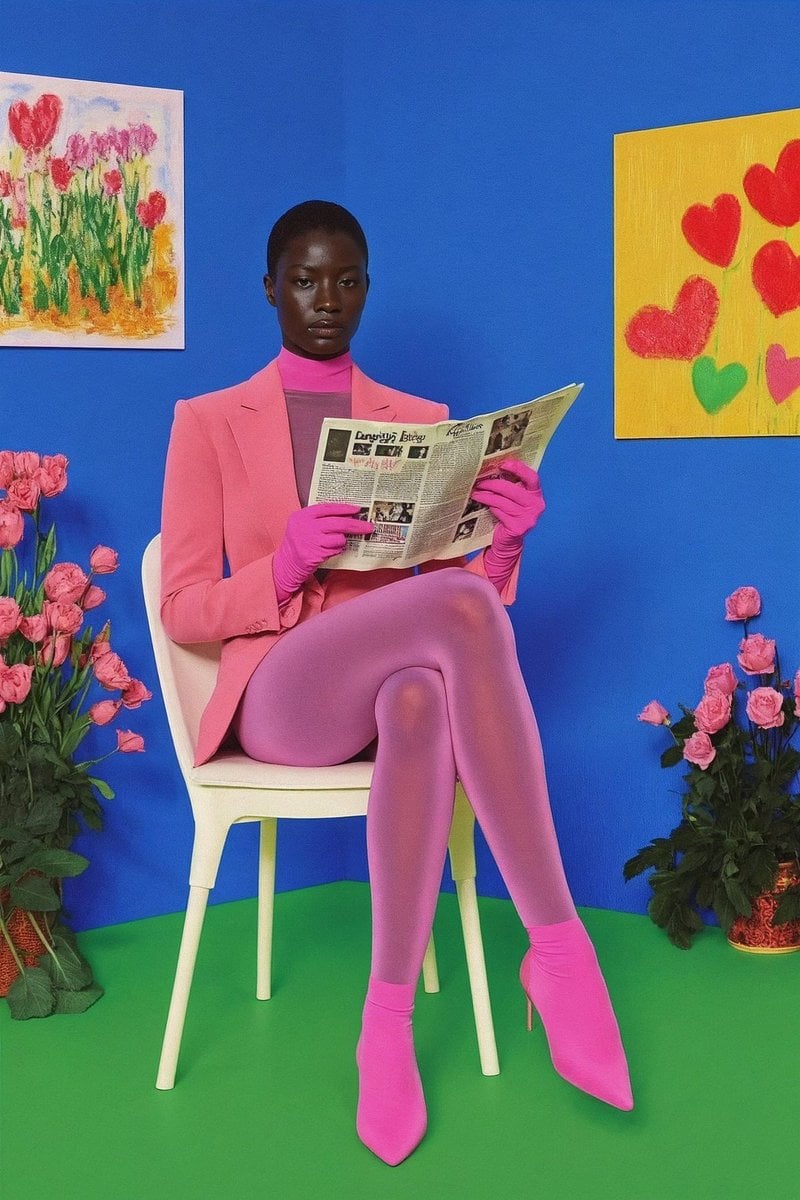
12‑image Instagram feed character aesthetic prompt
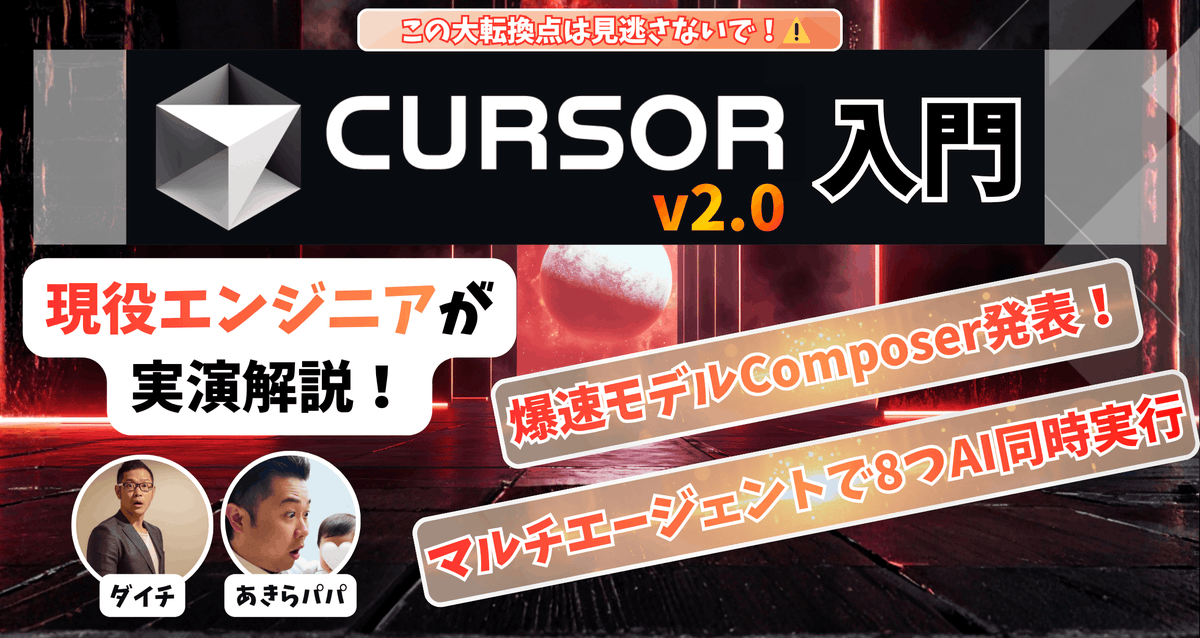
High-conversion YouTube thumbnail by genius designer-psychologist
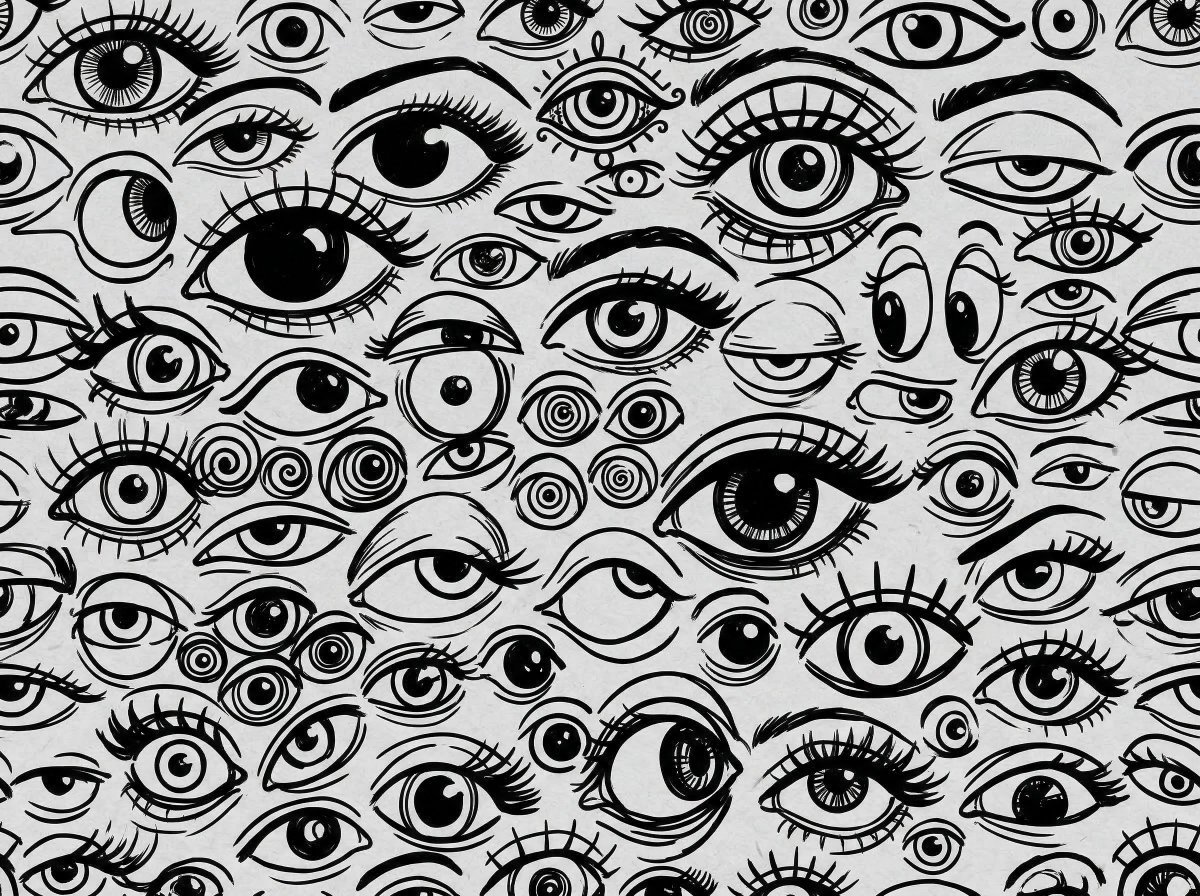
Black and White Hand-Drawn Eye Pattern
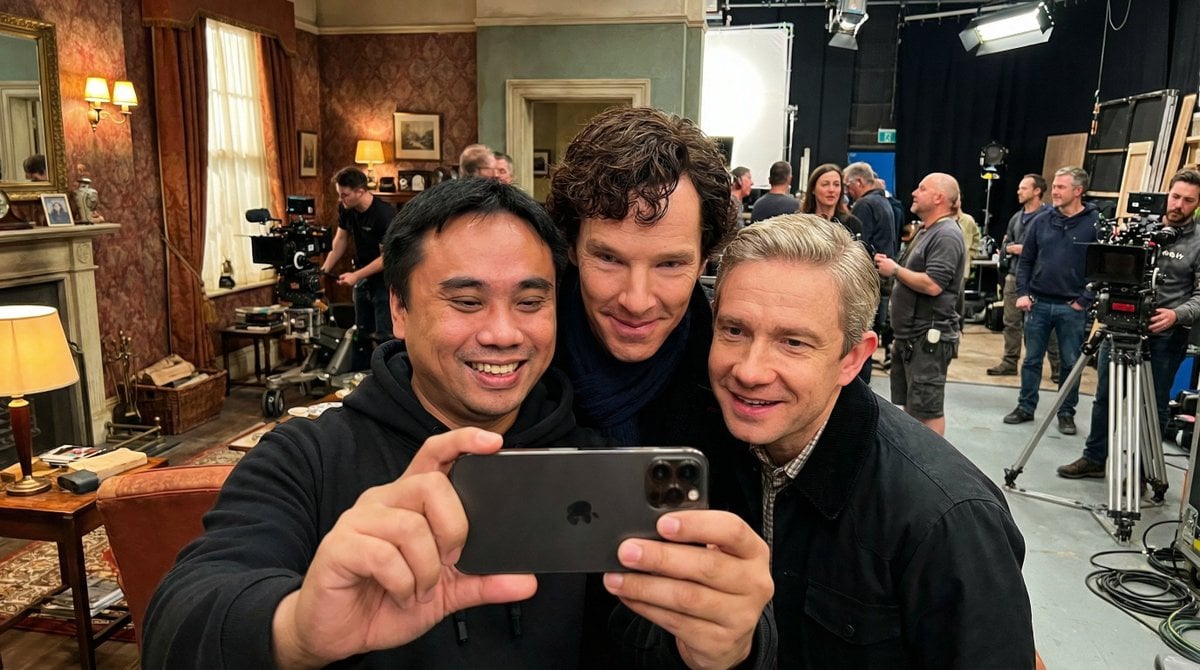
Behind-the-Scenes Movie Selfie with Identity Lock
Browse template categories
Celestial Inverted Oriental Palace questions
How do I use the Celestial Inverted Oriental Palace template?
Add your photo if the template asks for one, edit the prompt if you like — the template's model and format are already selected — and press Generate. Your version opens in PicX Studio.
Can I customize the Celestial Inverted Oriental Palace template?
Yes. You can change the subject, setting, lighting, mood, format, and available model controls before creating your image.
Is the Celestial Inverted Oriental Palace template free?
Opening and editing this template is free. Generating uses credits, shown on the Generate button when you are signed in.
Which AI model should I use?
Start with GPT Image 2, which is the model associated with this template. You can compare another compatible model for a different finish.
Looking for something else? Browse all templates.

Your photo, any look
Thousands of ready templates for every top image and video model, from one credit balance.