
Pregnant Selfie with Unimpressed Partner
A highly detailed JSON prompt for generating a photorealistic, intimate single-panel selfie of an 8-month pregnant woman playfully winking, using a strict face and body reference.
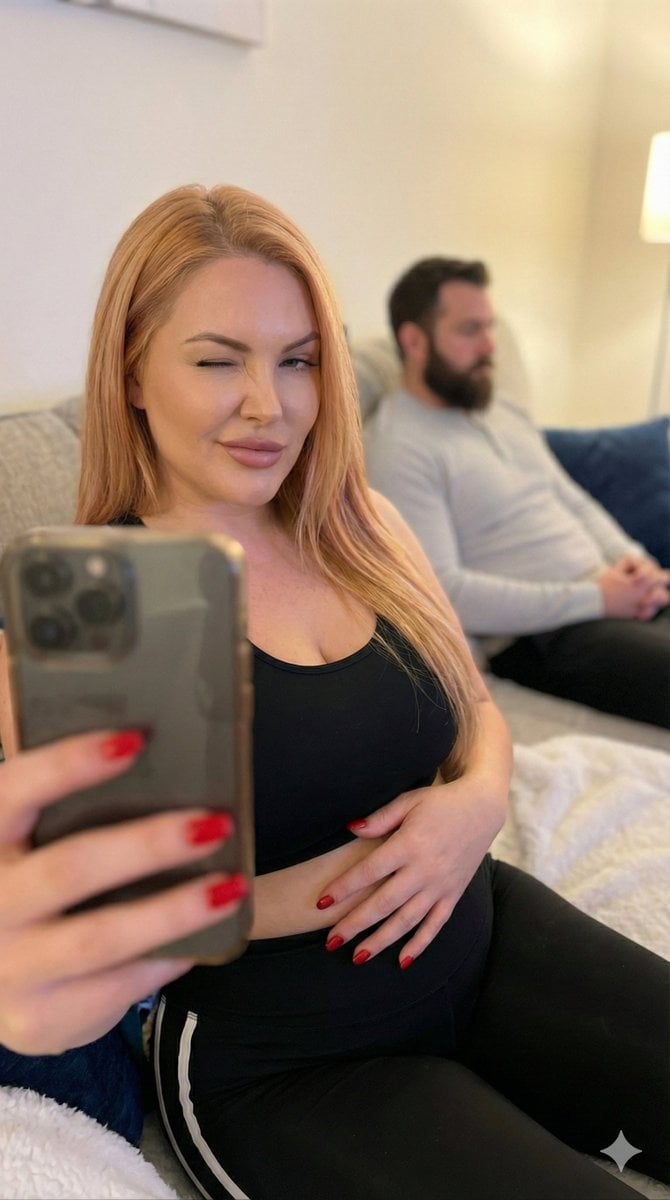
- Prompt included
- Model and format preset
- Free template
The prompt behind this image
Copy the exact prompt behind Pregnant Selfie with Unimpressed Partner, or open it in the studio and make it yours.
{ "image_generation_request": { "meta_protocols": { "reference_adherence": { "instruction": "Use the provided photo as a strict face and body reference for the female subject.", "tolerance": "Zero deviation", "parameters": "Preserve facial proportions, skin texture, expression, body shape, hair color and style, and overall identity with 100% accuracy.", "stylization_constraint": "Do not stylize or alter features; keep completely realistic." }, "format_style": "Single-panel intimate selfie", "aesthetic_quality": "Spontaneous iPhone front-camera photography (candid, cozy, realistic, slight handheld feel)", "global_textures": "Soft natural indoor lighting, subtle skin texture, slight lens softness at edges" }, "consistent_elements": { "subject_look": { "hair": "Long straight reddish-blonde/strawberry-blonde hair, slightly messy from lounging, falling naturally over shoulders", "makeup": "Minimal/no makeup, natural flushed skin, subtle freckles if present in reference", "nails": "Red nail polish", "expression": "Playful wink with one eye closed, slight mischievous smile, relaxed and amused", "presence": "Attractive, confident, relaxed woman in her home setting, realistic proportions" }, "subject_wardrobe": { "top": "Black sports bra/cropped tank top", "bottom": "Black leggings with white side stripes", "style_notes": "Casual athleisure, cozy lounging vibe" }, "background_subject": { "description": "Bearded man with short dark hair, wearing light gray long-sleeve shirt, sitting on the same couch slightly out of focus in the background, looking down or away with neutral/unimpressed expression" }, "setting": { "location": "Cozy living room couch", "props": "Dark blue couch pillows, colorful floral pillow, white fluffy blanket draped over lap/legs, neutral walls" }, "primary_device": { "model": "iPhone (front camera selfie mode)", "usage": "Held by female subject at arm's length, capturing both herself and background" }, "camera_angle": "Close-up selfie angle, slightly low and tilted, arm visible holding phone", "lighting": "Soft natural indoor daylight, warm and even, no harsh shadows" }, "layout_configuration": { "single_panel": { "scene_type": "Intimate casual couch selfie", "subject_action": "Female subject winking playfully at camera, hand resting on stomach, lounging relaxed; male subject in background looking unimpressed", "mood": "Fun, teasing couple moment, cozy and relatable home vibe", "optical_effects": "Natural front-camera perspective, slight wide-angle distortion on edges, realistic depth of field with background softly blurred" } } } }
How to use Pregnant Selfie with Unimpressed Partner in 3 steps
- 1Upload ImagePNG, JPG or paste
Add your photo
Upload the photo the template builds on. The prompt, model and format are already set.
- 2…a portrait of your subject in softgolden-hour light, 85mm…
Personalize
Edit the subject and creative details for your destination.
- 3Generate
Generate
Press Generate — your image is created in PicX Studio, so you can compare it with the original and refine one variable at a time.
More like this
Templates with the same subject, style or setup. Open one to see its prompt.

Rooftop Fisheye — Cat-Ear Balaclava at Golden Hour

Felt & Knit 3D Character — Photo-Exact Face, Pixar-Quality Plush Figurine

Eid al-Adha Cute Chaos — Fisheye Selfie with Farm Selfie, Mosque & Animals

Cat Photobomb Selfie — 0.5x Wide Angle Café Chaos

Gen Z Triple Selfie Collage — Y2K Flash Photography

Surreal Cat Astronaut — Humanoid Face Freefall

Photoreal Village Lanterns Minecraft Scene

Photoreal Snow Biome Name Tag UI

Photoreal Selfie Minecraft Block World

Photoreal Selfie Minecraft Village Ghast UI

Low Angle Floor Selfie With Upside Down Cat

Giant Forced Perspective Street Product Selfie
Make it yours
Pregnant Selfie with Unimpressed Partner works as-is. These are the safest ways to change it without losing the look.
Change one field
Copy a single group, rewrite it, and generate again so you can see what that field is doing.
Keep the frame, change the subject
Hold the composition and light of Pregnant Selfie with Unimpressed Partner, then swap wardrobe, props or the person for a new take.
| If the result… | Why | Fix |
|---|---|---|
| The result drifts from the preview | Too many fields changed at once. | Reuse Pregnant Selfie with Unimpressed Partner as-is first, then change one group — subject, light, or setting. |
| The model over-stylizes the scene | The prose prompt leaves finish and camera underspecified. | Add one camera or lighting sentence and stay on Nano Banana 2. |
More Nano Banana 2 templates
Other prompts made for Nano Banana 2.

Photorealistic Leaf Shaped Like a Dragon

K-Pop Idol Portrait Grid for Rapid Selection

Poetic Rain Forest Portrait During Golden Hour

Urban Street Portrait with Cartoon Inner Self Duo

Candid Nighttime Photo with Cat Prompt

High-Concept 3D Diorama Generation Prompt

Cinematic Futuristic Studio Portrait Template

Skincare Editorial Photography Collage Prompt

Hyper-Realistic Commercial Product Photography (Splash Effect)

Hyper-Realistic Nightclub Portrait Prompt
More image prompts
Fresh picks from across the catalog.
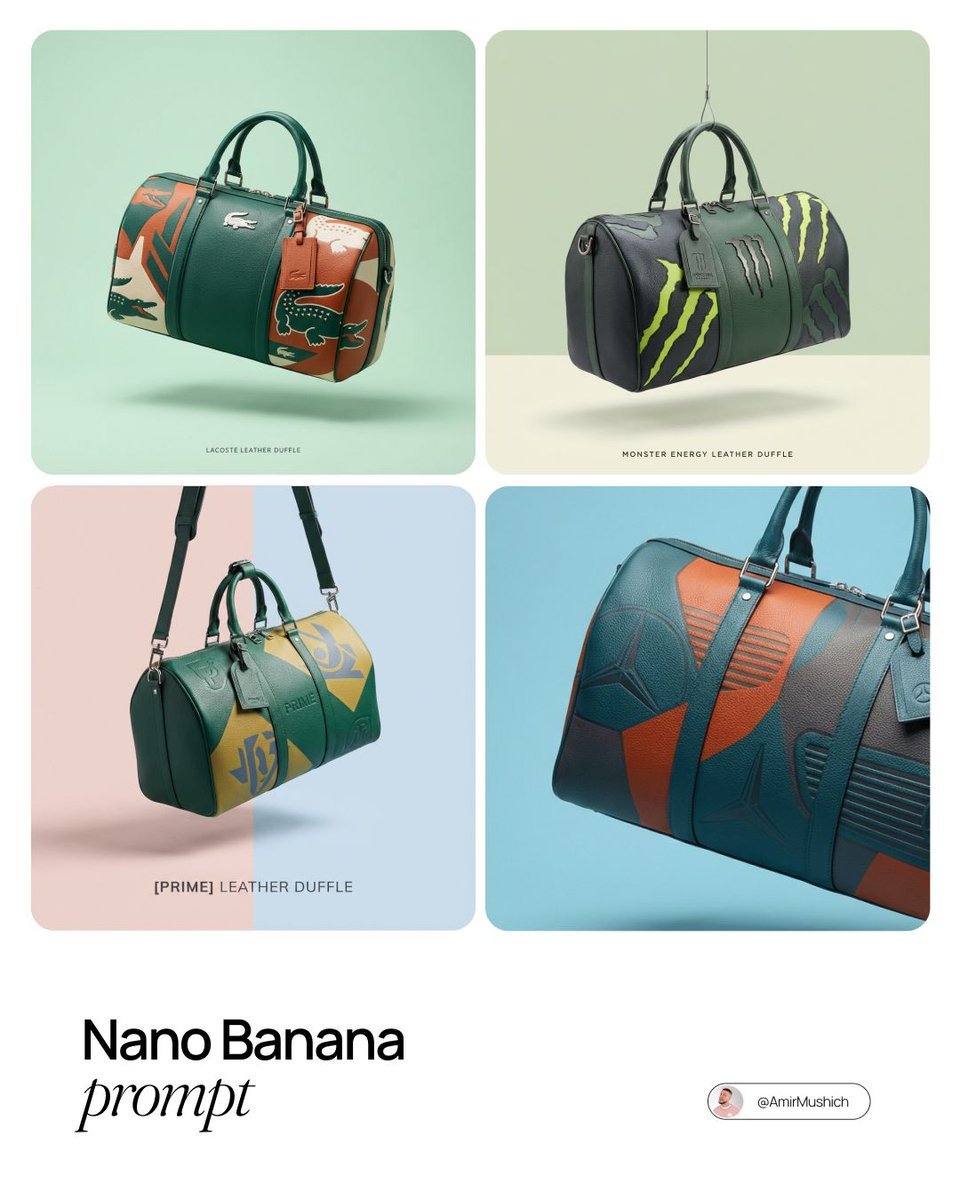
Brand-to-Duffle Design Conversion
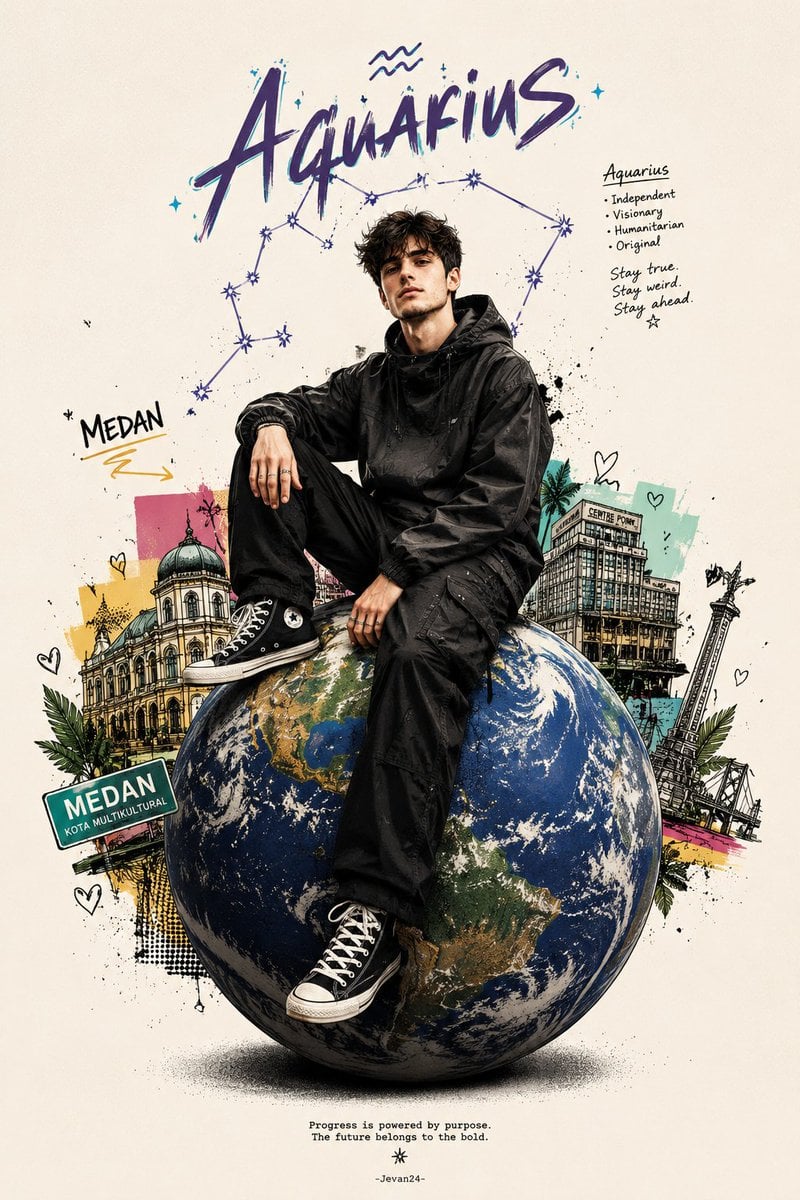
Zodiac Globe and City Doodles Poster
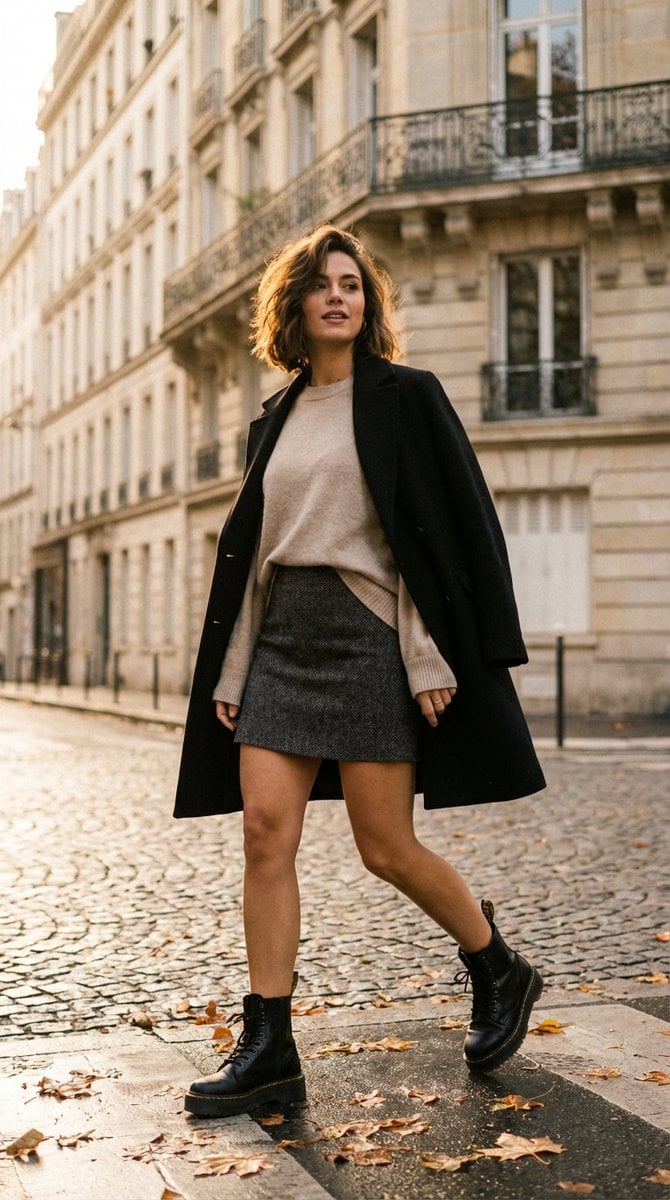
French-Chic Street Photography in Paris Golden Hour
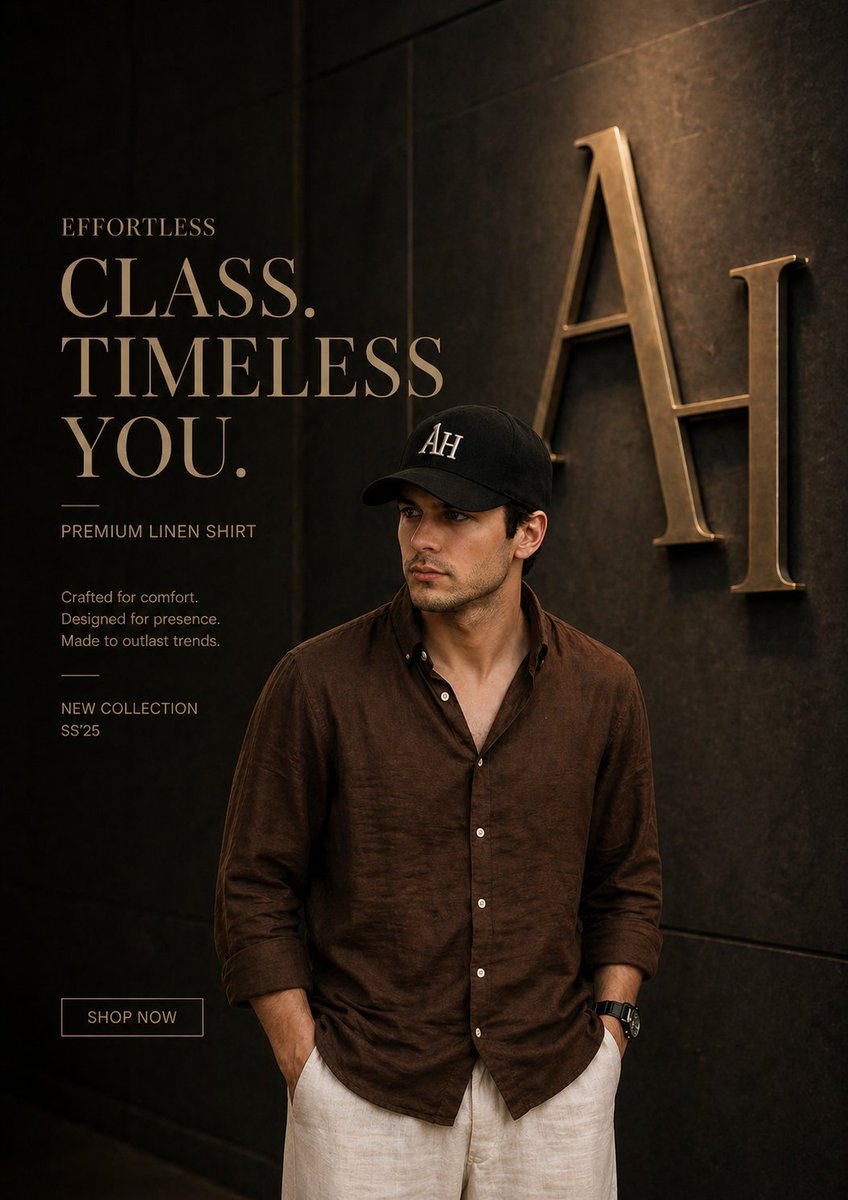
Luxury Fashion Ad Poster
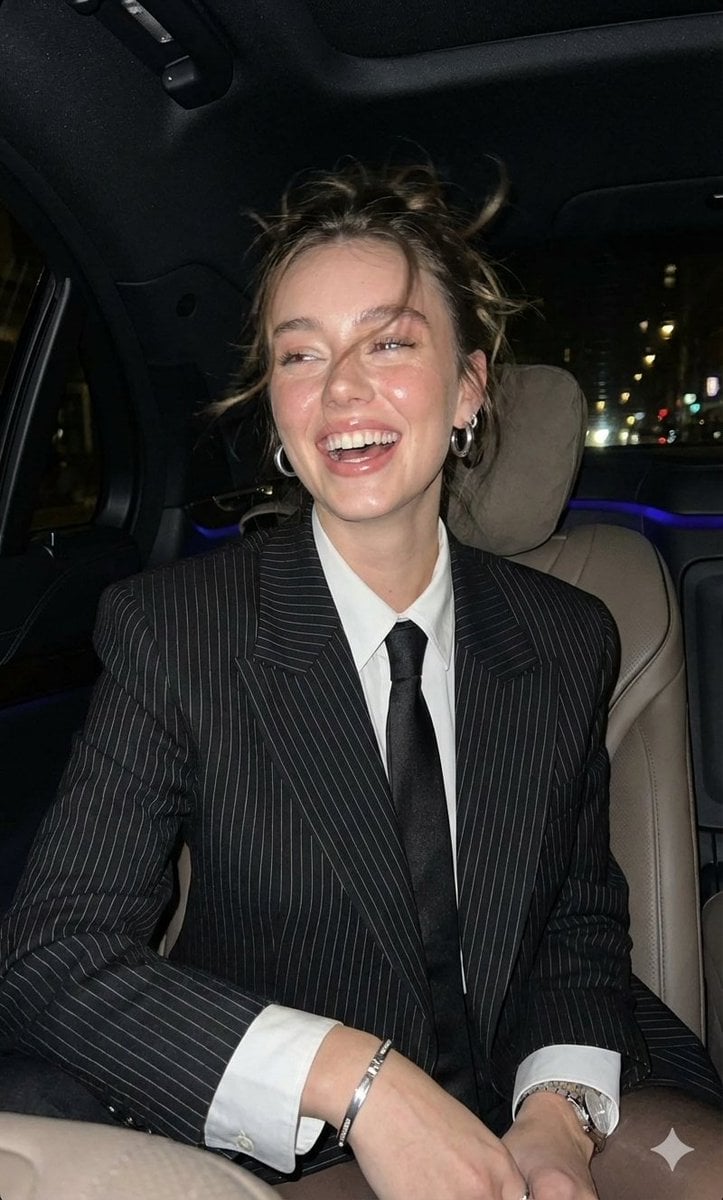
Hyper-Realistic Paparazzi Flash Portrait Prompt

Ice and Liquid Hybrid Logo Design
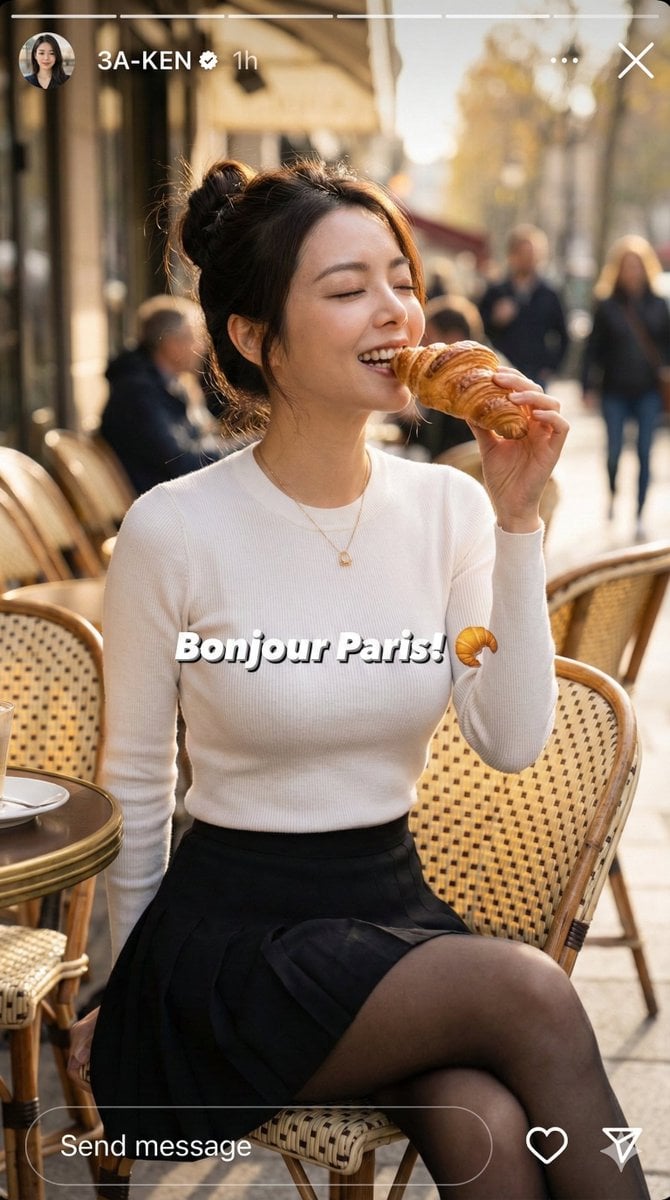
Instagram Story Prompt: Parisian Morning Croissant Selfie
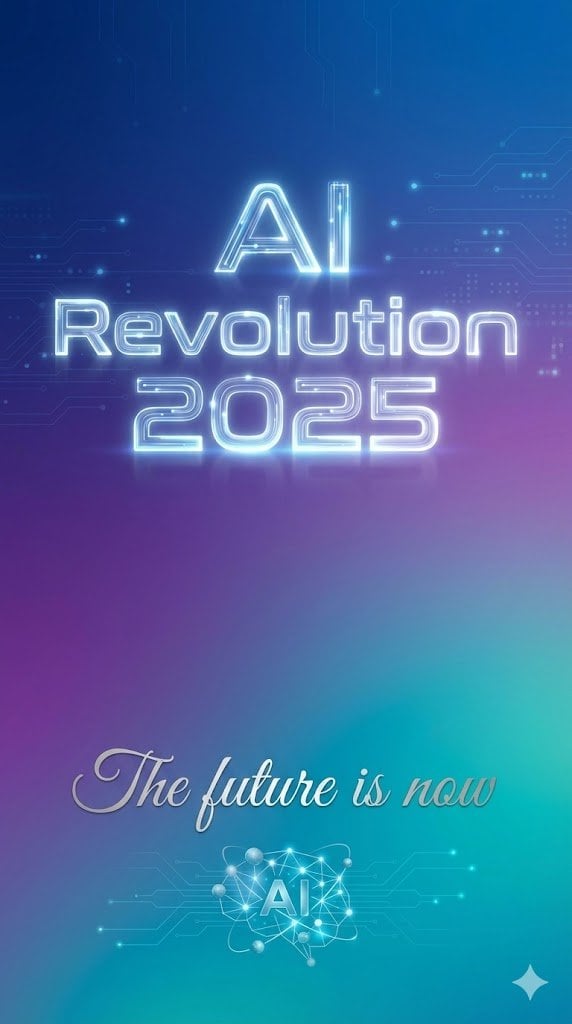
Text Rendering Control Template and Example Prompt
Ultimate Designer Stress Test: Minimal Abstract Visual
Childhood and Present Self Encounter
Browse template categories
Pregnant Selfie with Unimpressed Partner questions
How do I use the Pregnant Selfie with Unimpressed Partner template?
Add your photo if the template asks for one, edit the prompt if you like — the template's model and format are already selected — and press Generate. Your version opens in PicX Studio.
Can I customize the Pregnant Selfie with Unimpressed Partner template?
Yes. You can change the subject, setting, lighting, mood, format, and available model controls before creating your image.
Is the Pregnant Selfie with Unimpressed Partner template free?
Opening and editing this template is free. Generating uses credits, shown on the Generate button when you are signed in.
Which AI model should I use?
Start with Nano Banana 2, which is the model associated with this template. You can compare another compatible model for a different finish.
Looking for something else? Browse all templates.

Your photo, any look
Thousands of ready templates for every top image and video model, from one credit balance.