
Childhood and Present Self Encounter
An emotional photography prompt that depicts a person's current self sitting with their childhood self in a professional studio setting.
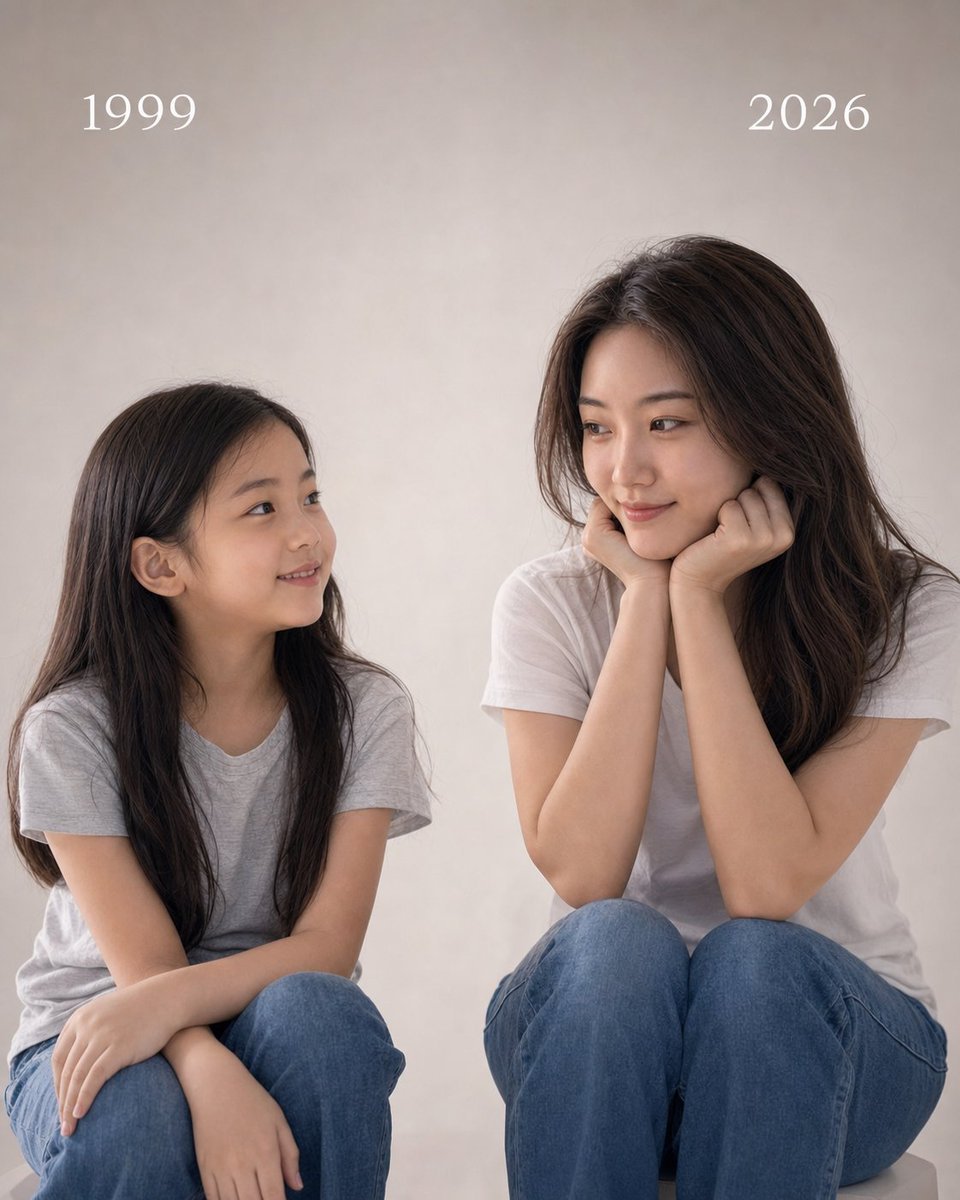
- Prompt included
- Model and format preset
- Free template
The prompt behind this image
Copy the exact prompt behind Childhood and Present Self Encounter, or open it in the studio and make it yours.
Based on the clear personal photo I uploaded, please generate an emotional photography piece of "Childhood Me and Present Me Looking at Each Other in the Same Frame." Please strictly preserve the real identity features from my current photo, including: face shape, facial proportions, brow and eye structure, nose, lips, jawline, skin tone, sense of age, hairline, hair characteristics, and overall temperament. Do not turn me into someone else, do not make it look Western, do not make it look like an internet influencer, do not over-beautify, do not generate an AI fake face. The whole image must make it obvious at a glance that the left and right sides are the same person at different stages of life. Image composition: generate a 4:5 portrait, realistic-feeling portrait photo. There are two figures in the image, sitting in the same simple studio space, looking at each other, forming a gentle emotional exchange. Left side: the childhood version of me. Right side: the present me (the adult version, whose face must match my uploaded photo). Both figures sit in natural poses, the image is clean, the composition stable, with an emphasis on the eye contact and emotional connection between the two of them. Left figure: the childhood version of me. Based on my current appearance, please reasonably generate a childhood version of me, around 7 years old. It needs to retain identity features that echo my current self, so people can tell this is "me as a child," including continuity in facial-feature outline, the quality of the gaze, and face-shape characteristics. Requirements: an innocent, natural, warm smile; the head turned slightly to the right, looking at the adult version of me; wearing a light gray T-shirt and blue jeans; with "1999" clearly written above the head. Right figure: the present me. The right side is the present me, and must strictly reference the real appearance in my uploaded photo. Requirements: a natural, realistic adult figure; sitting, body turned slightly to the left; hands naturally resting under the chin; a calm, gentle, restrained smile; eyes looking toward the childhood self on the left, showing a gentle gaze, like a feeling of conversing with one's past self; wearing a white T-shirt and blue jeans; with "2026" clearly written above the head. Setting and background: the setting is a clean, soft, professional studio background; suggested background colors: light gray, warm gray, beige-gray, or cream-gray; the background should be simple and clean, with no clutter, no furniture, no complex decoration; make the image look like it was actually shot in a photography studio, not like a poster design. Lighting and mood: use soft, warm, cinematic lighting; even, natural light, with slight dimensionality and soft shadows on the face; the overall mood is gentle, quiet, healing, with a sense of time flowing; the emotional focus of the image is: the gentle mutual gaze between the childhood self and the present self. Style requirements: the overall style is: professional portrait photography, minimalist emotional photography, real, natural, restrained, high-quality realistic style, focused on the person's emotion and the visual exchange between the two versions. Important restrictions: do not change my core appearance; do not make the childhood version into a strange, unrelated child; no cartoon style, no illustration style, no AI plastic skin; no exaggerated makeup, no over-smoothing of skin; no complex background, no extra people; no incorrect hands, no extra fingers; no garbled text; aside from the years "1999" and "2026" at the top, no other text should appear. Final output: output a 4:5 portrait, highly realistic, warm, minimalist, cinematic photography piece. On the left is childhood me, on the right is present me, the two of them sitting and looking at each other, like a genuine photograph about time, growth, and self-reconciliation.
Reference images included
Childhood and Present Self Encounter needs input media to work. They load alongside the prompt when you open it in the studio.
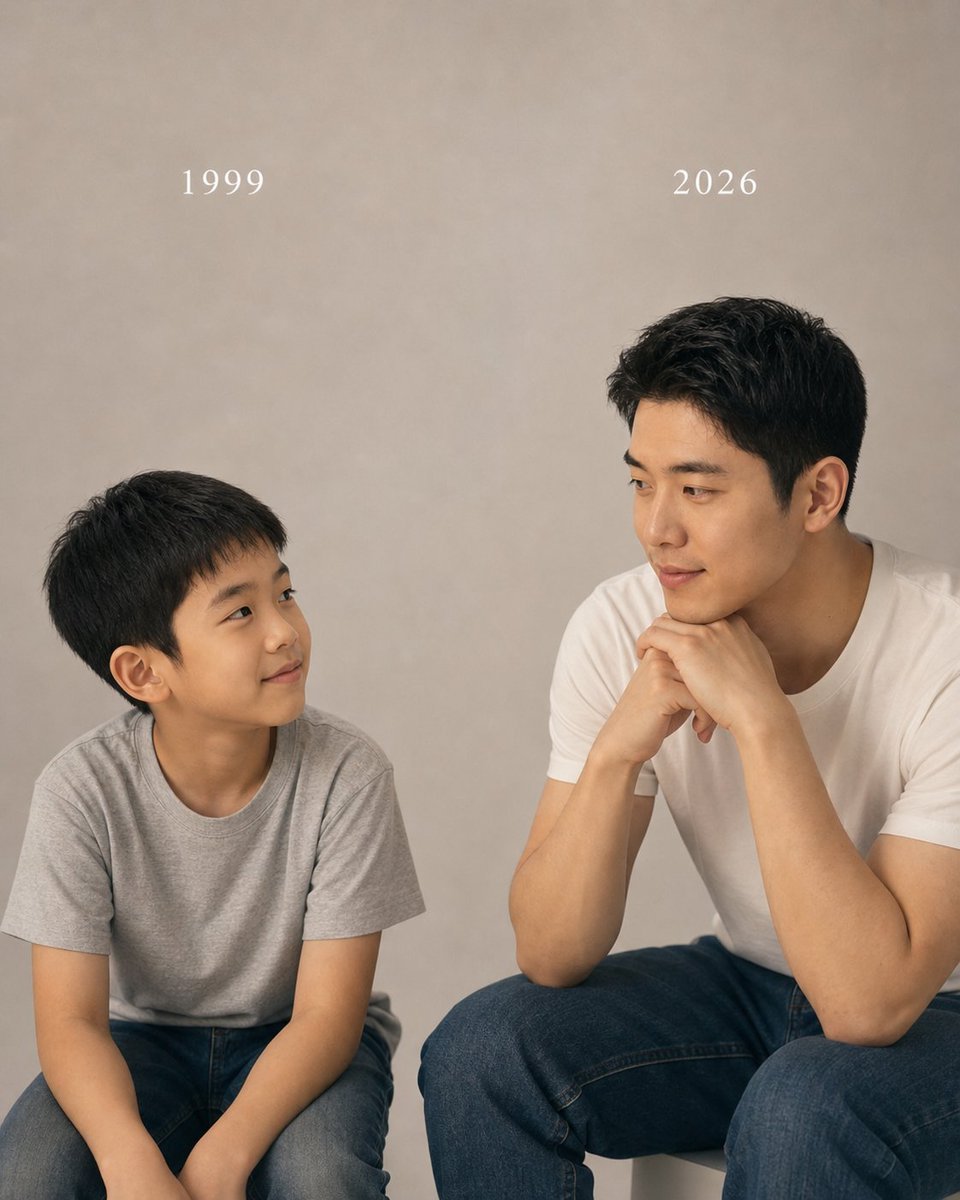
How to use Childhood and Present Self Encounter in 3 steps
- 1Upload ImagePNG, JPG or paste
Add your photo
Upload the photo the template builds on. The prompt, model and format are already set.
- 2…a portrait of your subject in softgolden-hour light, 85mm…
Personalize
Edit the subject and creative details for your destination.
- 3Generate
Generate
Press Generate — your image is created in PicX Studio, so you can compare it with the original and refine one variable at a time.
More like this
Templates with the same subject, style or setup. Open one to see its prompt.
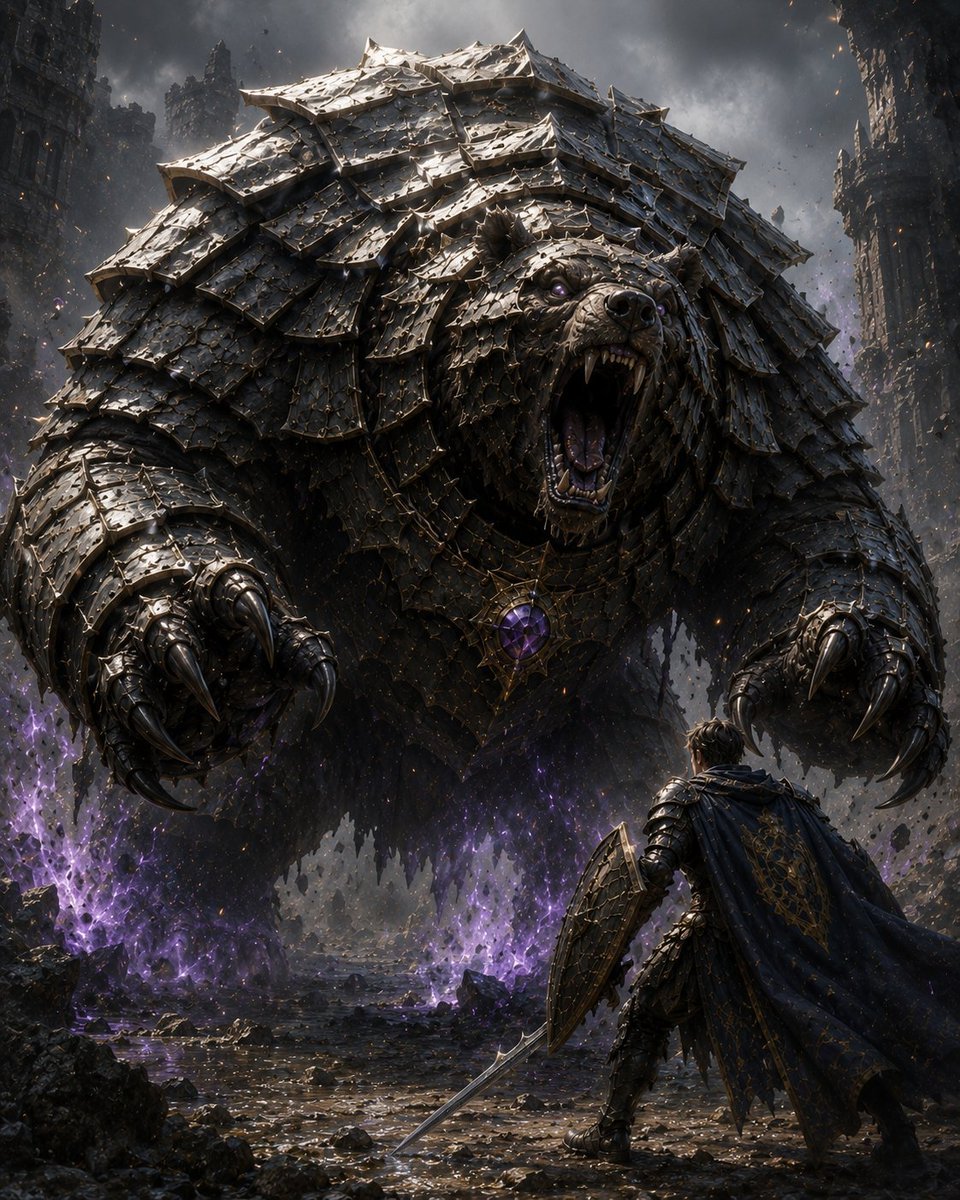
Armored Bear Encounter
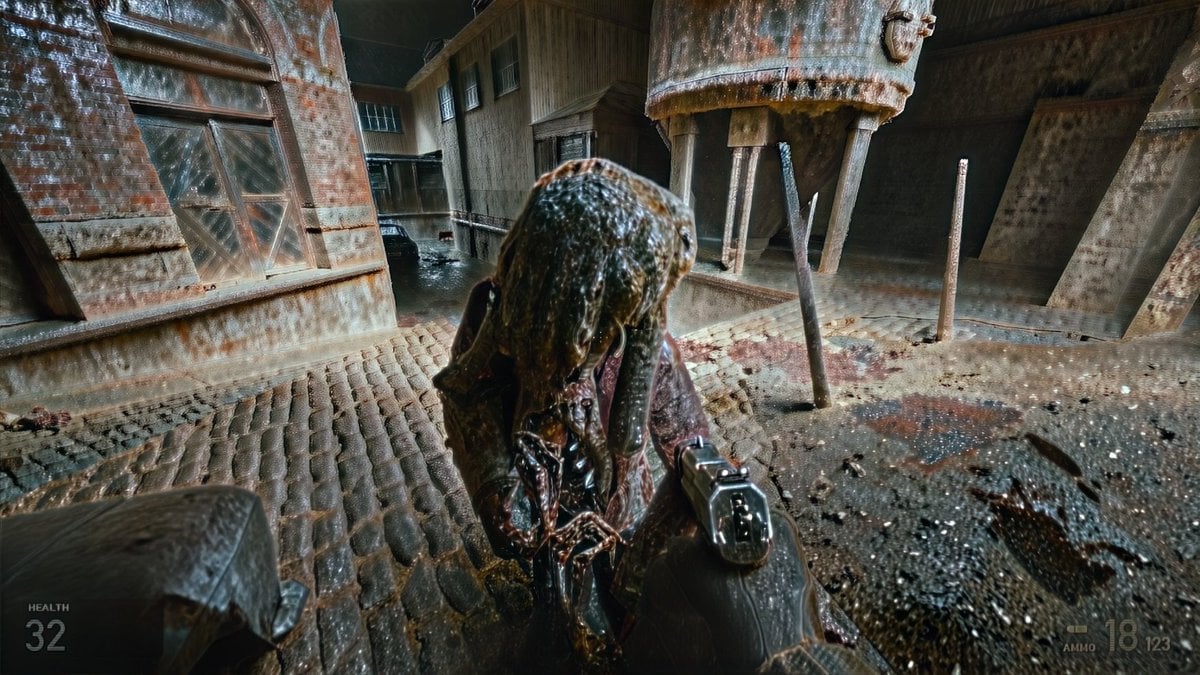
Grimy Survival Horror FPS Encounter
Woman Presenting GitHub Skill Repository
Neon Anime Stairway Encounter
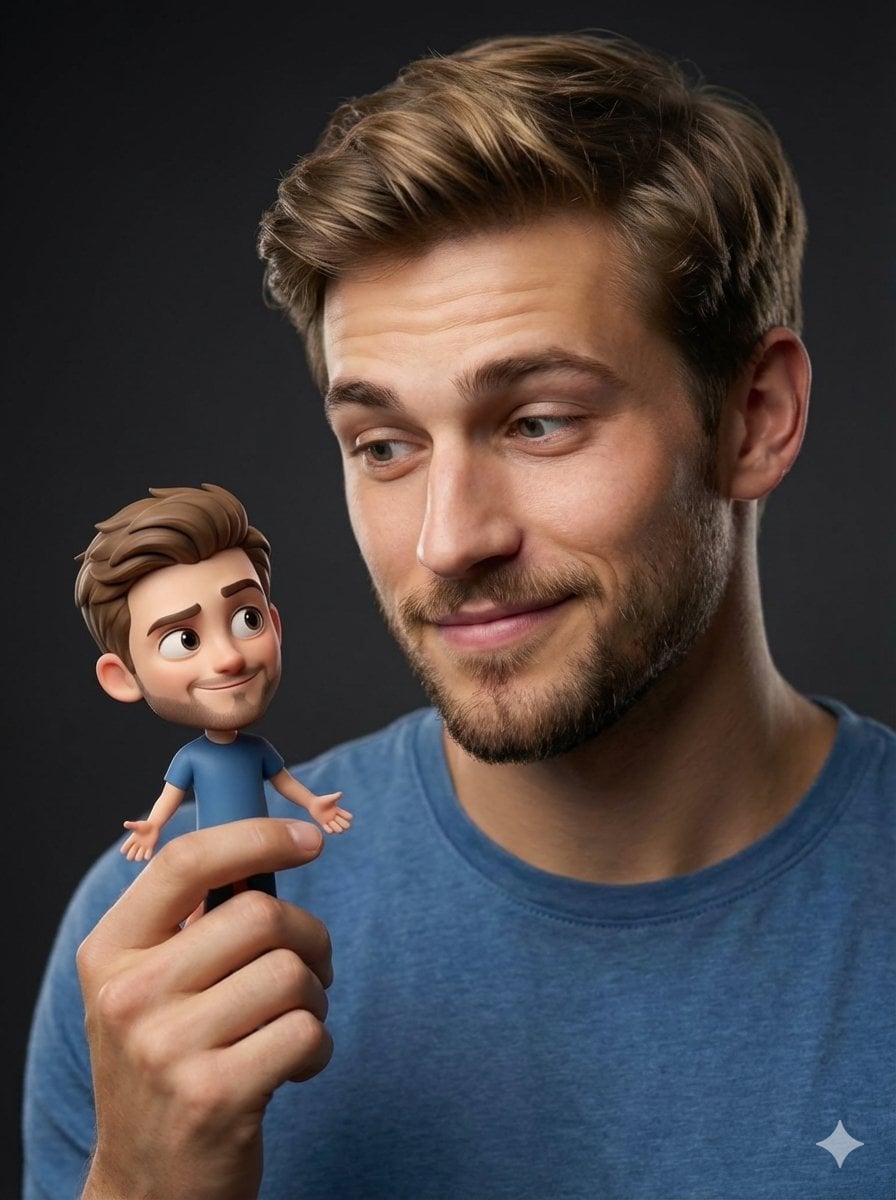
Human with Miniature 3D Self Portrait

Premium 4 3 presentation cover slide introducing Chronicle
Nostalgic Childhood Memory Grid
Monochrome Surreal Bird-Beast Encounter
Industrial Alien Horror Encounter

Photoreal librarian presenting AI book

Cinematic Future Self Motivational Poster
Noir Manga Alley Encounter
Make it yours
Childhood and Present Self Encounter works as-is. These are the safest ways to change it without losing the look.
Change one field
Copy a single group, rewrite it, and generate again so you can see what that field is doing.
Keep the frame, change the subject
Hold the composition and light of Childhood and Present Self Encounter, then swap wardrobe, props or the person for a new take.
| If the result… | Why | Fix |
|---|---|---|
| The result drifts from the preview | Too many fields changed at once. | Reuse Childhood and Present Self Encounter as-is first, then change one group — subject, light, or setting. |
| The model over-stylizes the scene | The prose prompt leaves finish and camera underspecified. | Add one camera or lighting sentence and stay on GPT Image 2. |
More GPT Image 2 templates
Other prompts made for GPT Image 2.

Six VTuber Japanese Logo Sheet

Realistic Portrait of Woman and Deer

The Vista Modular Condo Poster

AI Model Routing Comparison Infographic

2.5D Anime Art Board

Isometric Productivity Desk Scene

New York Double Exposure Poster

Four-Panel AI Landscape Comparison

Japanese Tatami Lifestyle Magazine Cover

NESCAFÉ Coffee Map Poster
More image prompts
Fresh picks from across the catalog.
Urban Alley Night Portrait with Motion Blur
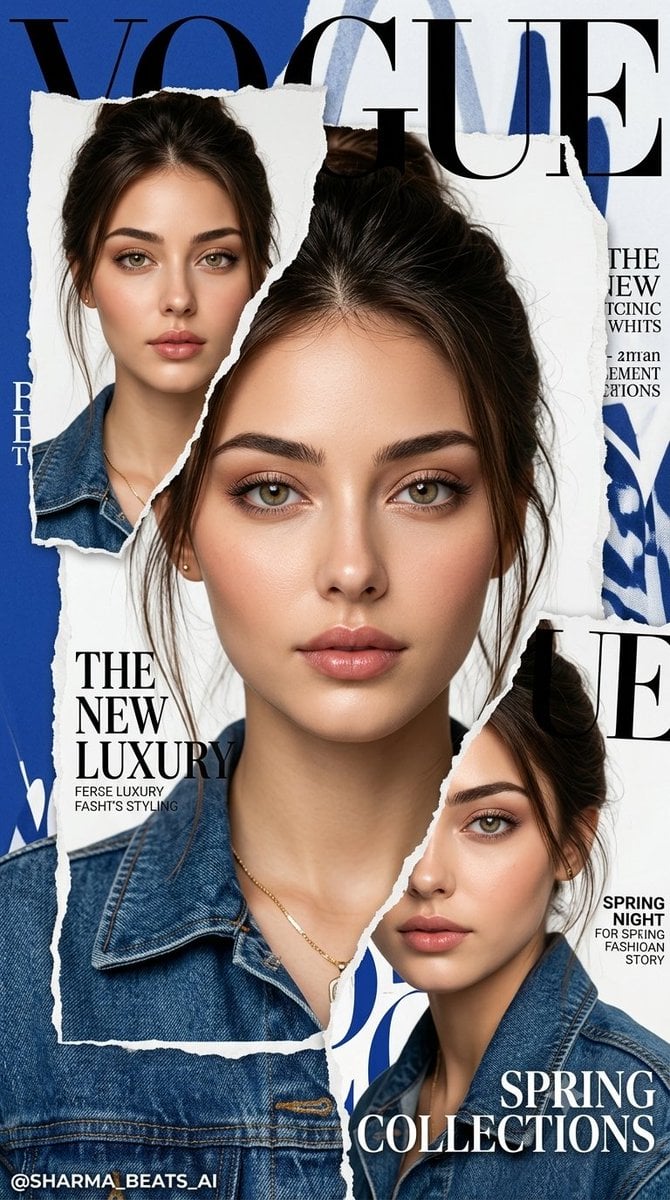
Luxury Vogue Fashion Editorial Poster

Gpt2 Infographic Edu Visual Vintage Claude Shannon Infographic Poster
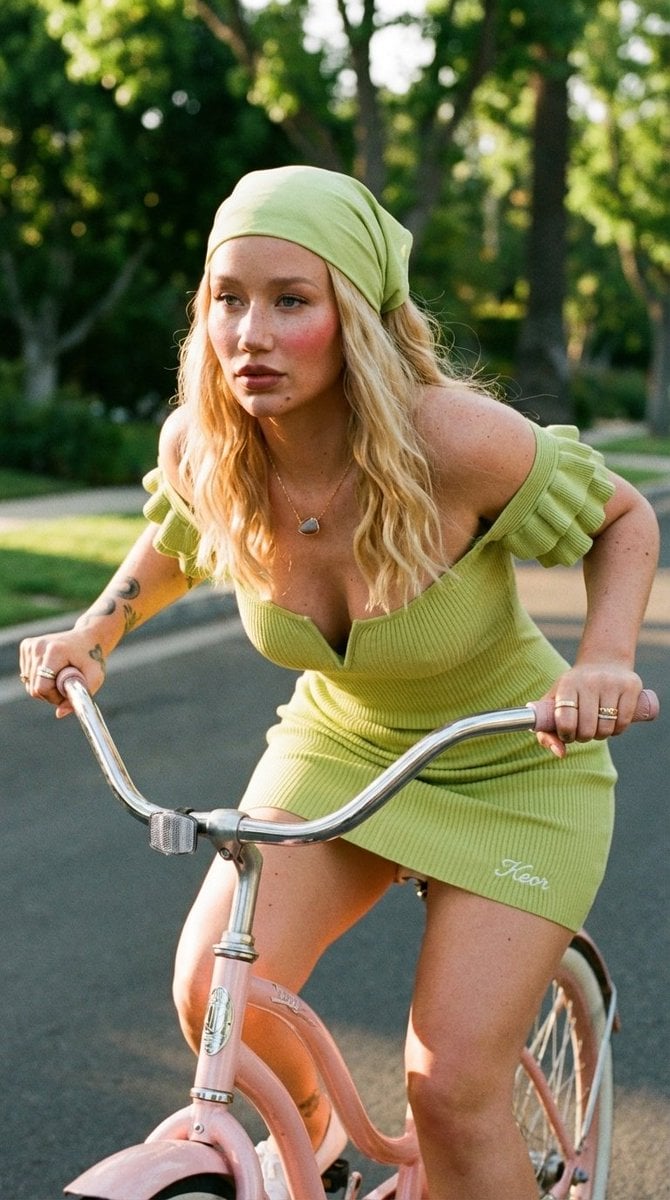
Sunlit Lifestyle Fashion Photography on a Bicycle
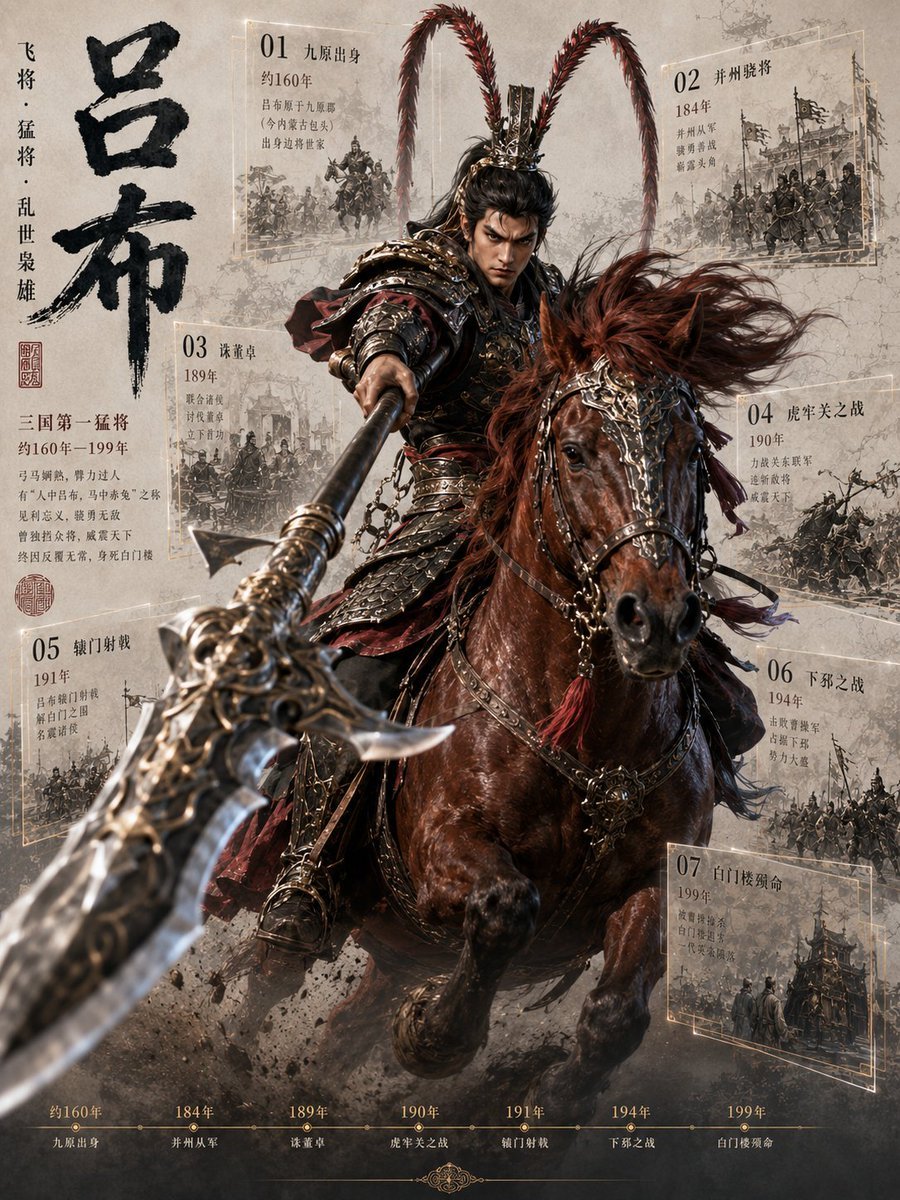
Lü Bu Historical Warrior Poster
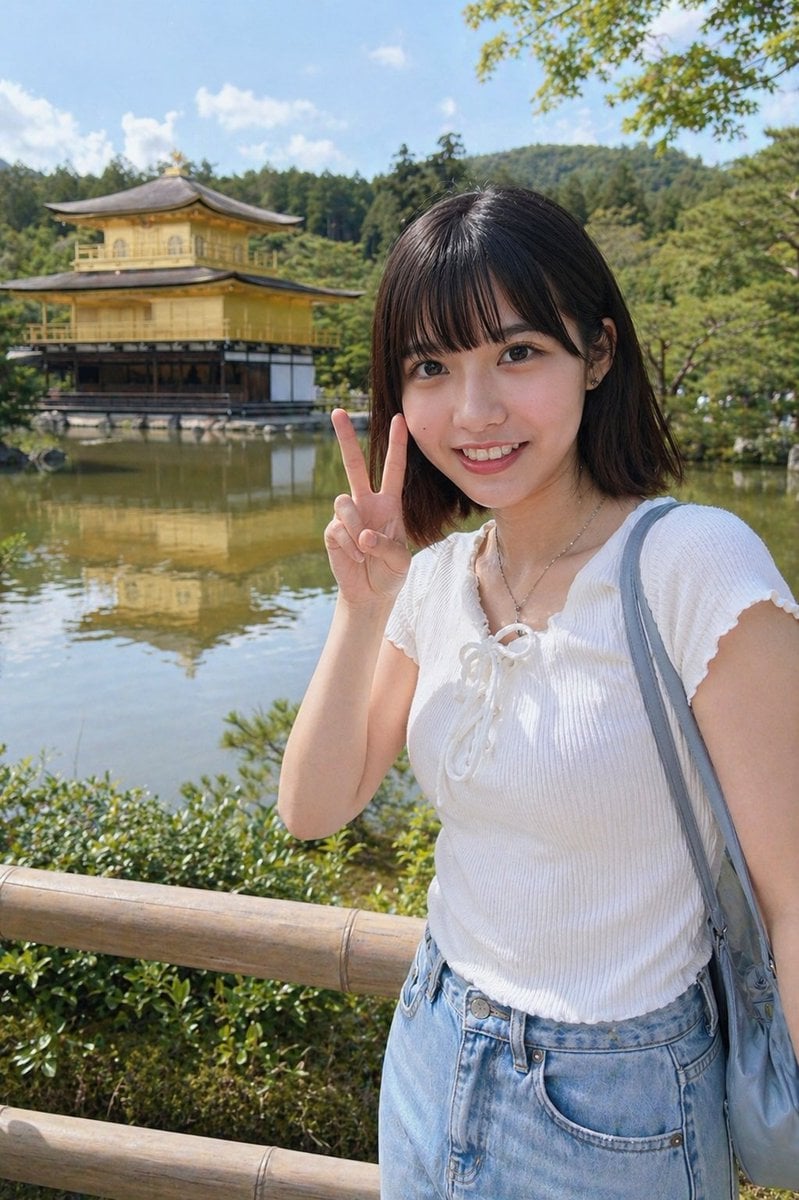
Kyoto Tourist Photo Edit
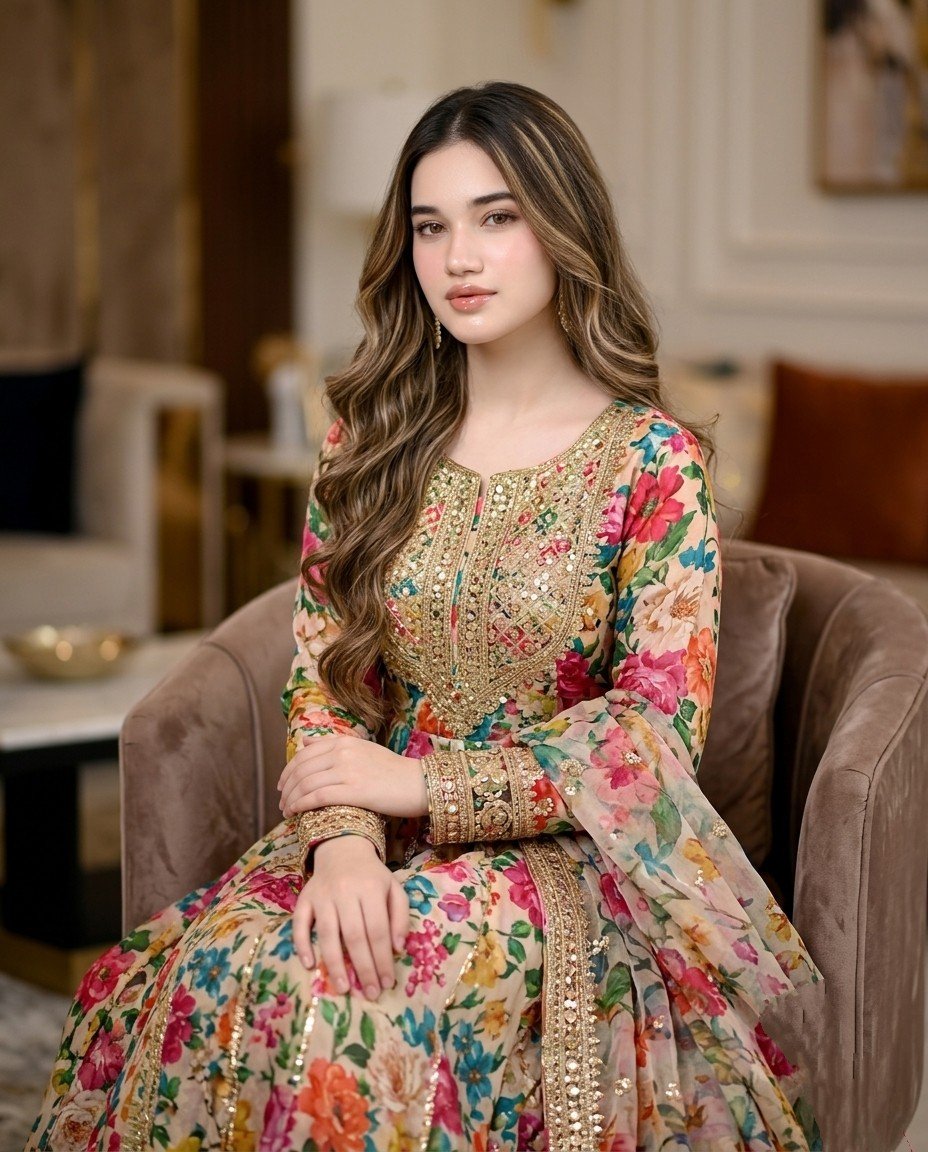
Pakistani Designer Fashion Portrait
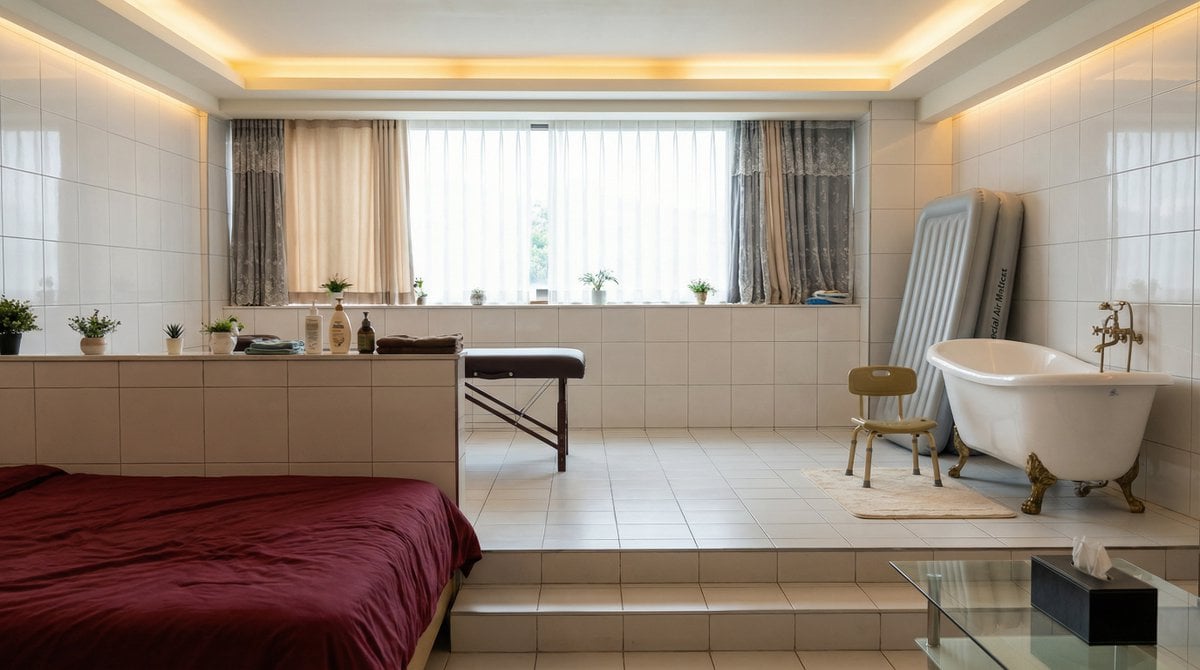
Image Editing Prompt: Replacing an Object in a Scene
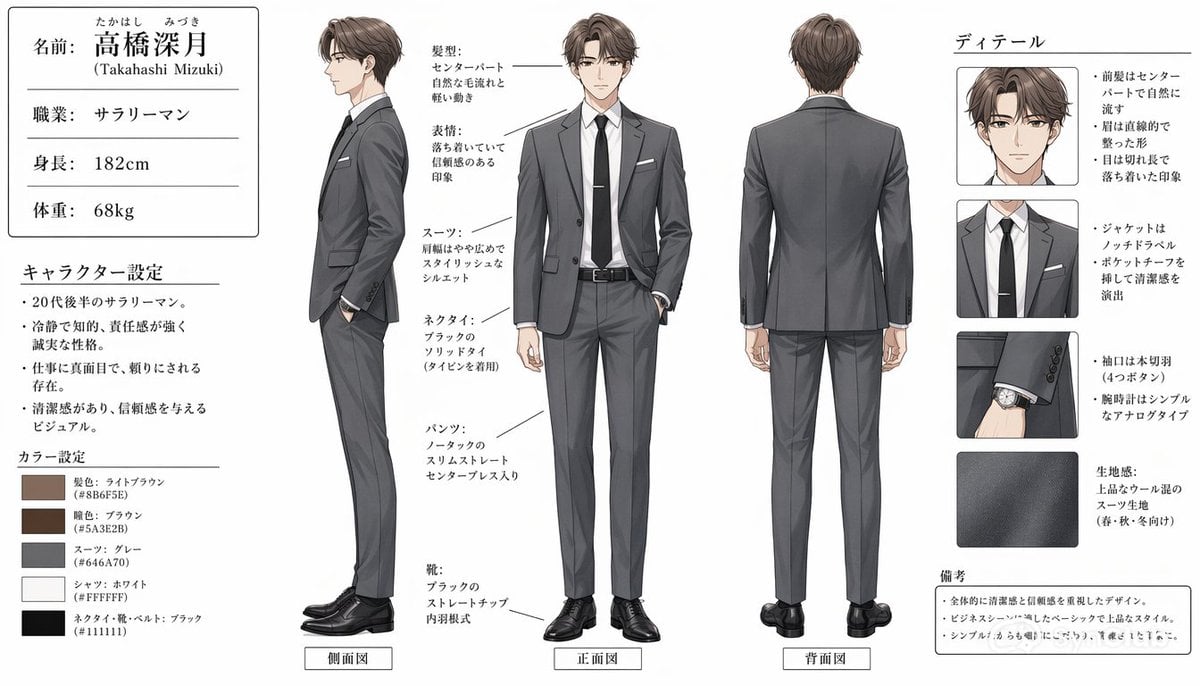
Japanese Salaryman Character Sheet
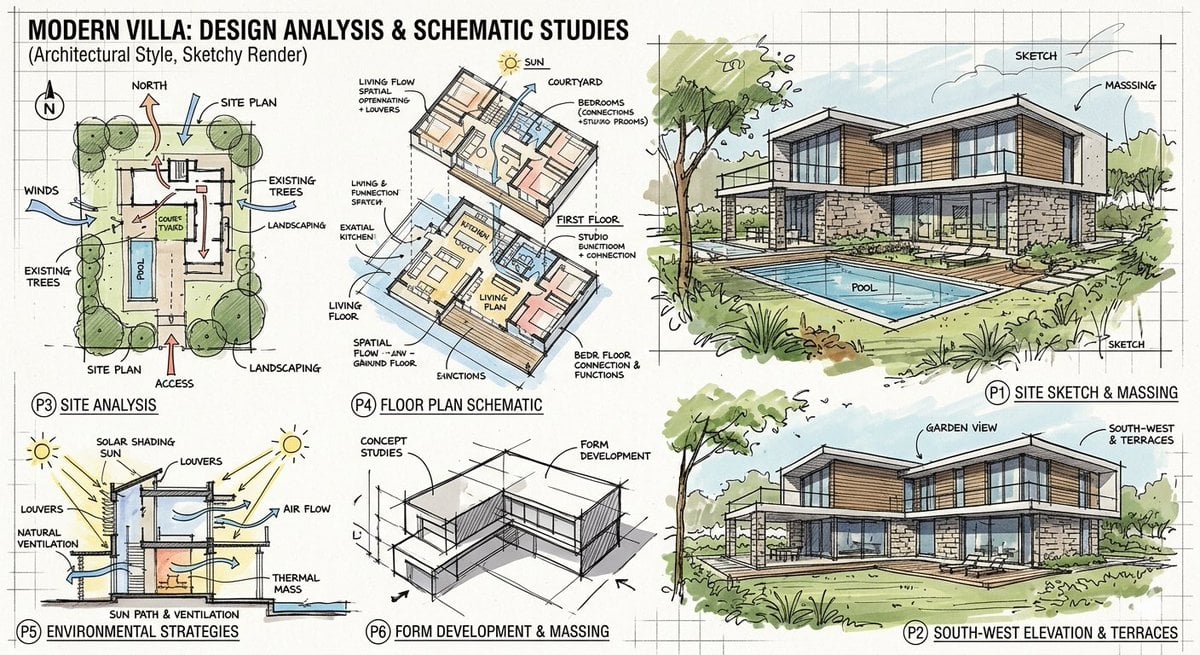
Prompt for a modern villa layout
Browse template categories
Childhood and Present Self Encounter questions
How do I use the Childhood and Present Self Encounter template?
Add your photo if the template asks for one, edit the prompt if you like — the template's model and format are already selected — and press Generate. Your version opens in PicX Studio.
Can I customize the Childhood and Present Self Encounter template?
Yes. You can change the subject, setting, lighting, mood, format, and available model controls before creating your image.
Is the Childhood and Present Self Encounter template free?
Opening and editing this template is free. Generating uses credits, shown on the Generate button when you are signed in.
Which AI model should I use?
Start with GPT Image 2, which is the model associated with this template. You can compare another compatible model for a different finish.
Looking for something else? Browse all templates.

Your photo, any look
Thousands of ready templates for every top image and video model, from one credit balance.