
Lü Bu Historical Warrior Poster
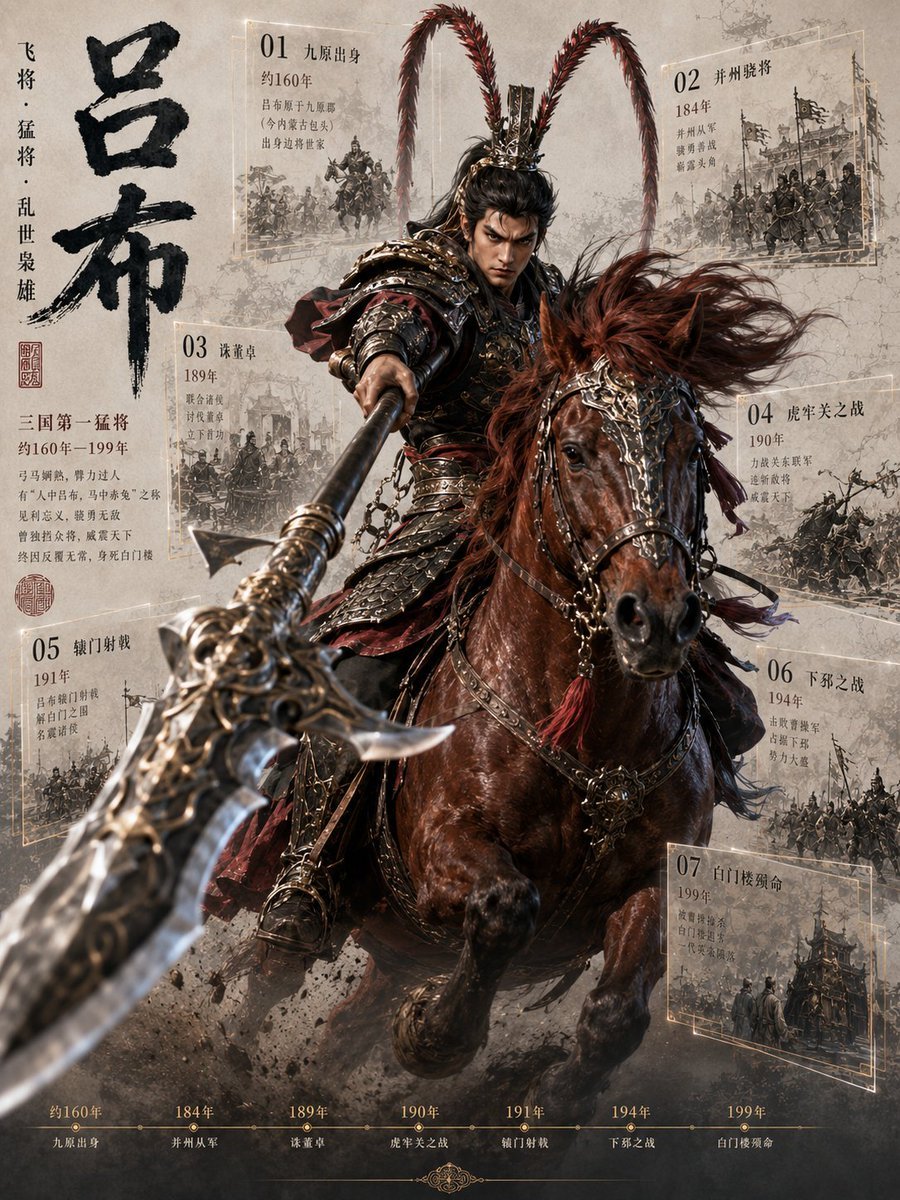
A cinematic Chinese historical infographic poster featuring Lü Bu charging on horseback with seven annotated life-event panels and a bottom timeline.
- Prompt included
- Model and format preset
- Free template
The prompt behind this image
Copy the exact prompt behind Lü Bu Historical Warrior Poster, or open it in the studio and make it yours.
Goal: Create a dramatic vertical historical-warrior poster infographic about {argument name="character name" default="吕布"}, the legendary Three Kingdoms general, combining cinematic fantasy realism with aged Chinese manuscript design. Canvas: Vertical 3:4 poster, parchment-gray textured background with ink wash stains, dust, smoke, battlefield grit, and faint cracks. Use a high-contrast cinematic composition with the main figure exploding forward from the center. Main subject: A powerful armored Chinese cavalry general charges directly toward the viewer on a dark chestnut warhorse. The rider wears ornate dark bronze and black lamellar armor with red cloth accents, chains, metal shoulder guards, and an elaborate crown/helmet with two extremely long red pheasant-plume antennae rising high and curving outward. His face is intentionally obscured by a soft rectangular blur/mask while the rest of the image is sharp. He thrusts a massive ornate halberd toward the camera, creating extreme foreground perspective: the weapon blade is huge, blurred by depth of field, and extends from the lower left toward the rider’s hand. The horse has windblown reddish mane, decorated bridle, metal ornaments, tassels, and raised front legs, kicking up mud and smoke. Left typography: Large black calligraphic Chinese title {argument name="main title" default="吕布"} arranged vertically on the left side, bold brush texture. Beside it place a smaller vertical phrase {argument name="vertical subtitle" default="飞将 · 猛将 · 乱世枭雄"}. Add red seal stamps and a short biography block in Chinese beneath the title, including “三国第一猛将”, “约160年–199年”, and several lines of small serif Chinese text. Infographic panels: Include exactly 7 semi-transparent parchment event cards around the central rider, each with a thin pale-gold rectangular border, a large two-digit number, Chinese event title, year, small descriptive Chinese lines, and a monochrome sketch-like battle illustration. The 7 visible cards are: 01 “九原出身” with “约160年” near the upper left; 02 “并州骁将” with “184年” near the upper right; 03 “诛董卓” with “189年” at mid-left; 04 “虎牢关之战” with “190年” at mid-right; 05 “辕门射戟” with “191年” at lower left; 06 “下邳之战” with “194年” at lower right; 07 “白门楼殒命” with “199年” at bottom right. Keep the panels slightly tilted in perspective as if floating behind the warrior, partially obscured by smoke and the horse. Bottom timeline: Add exactly 7 timeline milestones across the bottom edge in muted gold, matching the cards: “约160年 九原出身”, “184年 并州从军”, “189年 诛董卓”, “190年 虎牢关之战”, “191年 辕门射戟”, “194年 下邳之战”, “199年 白门楼殒命”. Use small dots connected by a thin horizontal line, with a subtle decorative flourish centered below. Visual style: Hyper-detailed cinematic Chinese historical fantasy, realistic armor and horse anatomy, dynamic motion, shallow depth of field, smoky battlefield atmosphere, muted sepia parchment palette with black ink, dark bronze, oxblood red, and pale gold highlights. Make the background panels look like archival sketches printed on old paper. Constraints: Use Chinese text as visible graphic elements, keep the exact count of 7 event cards and 7 timeline milestones, no modern objects, no logos or watermarks, no extra characters in the foreground, and maintain a poster-like editorial infographic layout.
How to use Lü Bu Historical Warrior Poster in 3 steps
- 1Upload ImagePNG, JPG or paste
Add your photo
Upload the photo the template builds on. The prompt, model and format are already set.
- 2…a portrait of your subject in softgolden-hour light, 85mm…
Personalize
Edit the subject and creative details for your destination.
- 3Generate
Generate
Press Generate — your image is created in PicX Studio, so you can compare it with the original and refine one variable at a time.
More like this
Templates with the same subject, style or setup. Open one to see its prompt.

Japan Travel Brochure Poster

Cartoon TV Show Poster Pack

Trendy Cafe Drink Promo Poster

Urban Fashion Editorial Collage Streetwear Poster

Premium Fashion Editorial Cover Layout System

Polo Ralph Lauren Luxury American Heritage Fashion Campaign

Monochrome Halftone Editorial Fashion Poster

Retro Mirror Luxury Fashion Campaign Poster

Luxury Fashion Campaign Typography Poster System

Premium Fashion Editorial Campaign Poster System

Ultra-Stylized High-Fashion Streetwear Poster

Urban Fashion Editorial Collage Poster
Make it yours
Lü Bu Historical Warrior Poster works as-is. These are the safest ways to change it without losing the look.
Change one field
Copy a single group, rewrite it, and generate again so you can see what that field is doing.
Keep the frame, change the subject
Hold the composition and light of Lü Bu Historical Warrior Poster, then swap wardrobe, props or the person for a new take.
| If the result… | Why | Fix |
|---|---|---|
| The result drifts from the preview | Too many fields changed at once. | Reuse Lü Bu Historical Warrior Poster as-is first, then change one group — subject, light, or setting. |
| The model over-stylizes the scene | The prose prompt leaves finish and camera underspecified. | Add one camera or lighting sentence and stay on GPT Image 2. |
More GPT Image 2 templates
Other prompts made for GPT Image 2.

Six VTuber Japanese Logo Sheet

Realistic Portrait of Woman and Deer

The Vista Modular Condo Poster

AI Model Routing Comparison Infographic

2.5D Anime Art Board

Isometric Productivity Desk Scene

New York Double Exposure Poster

Four-Panel AI Landscape Comparison

Japanese Tatami Lifestyle Magazine Cover

NESCAFÉ Coffee Map Poster
More image prompts
Fresh picks from across the catalog.
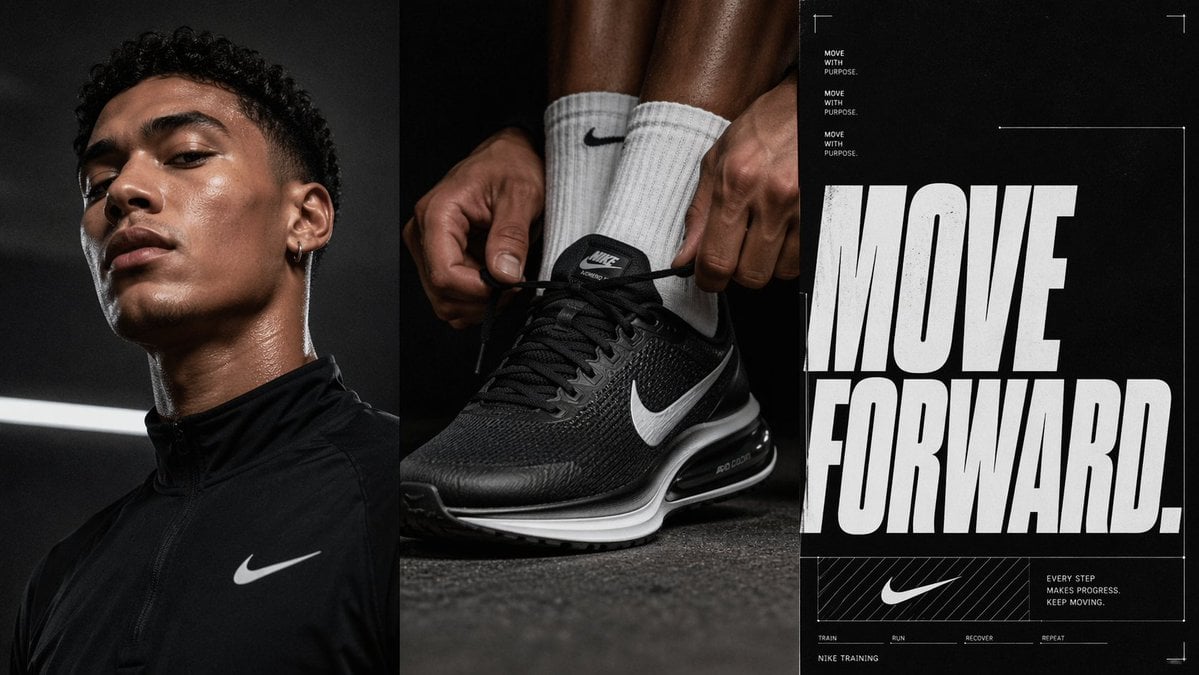
Triptych Sports Ad Poster
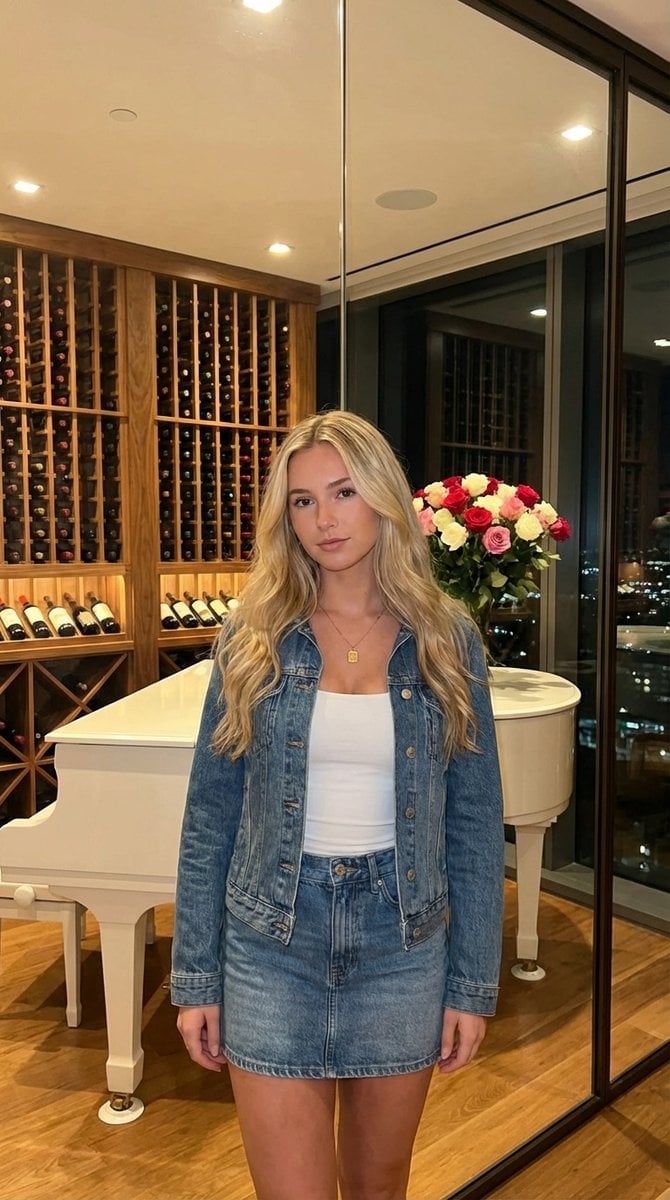
AI UGC Prompt for Upscale Lifestyle Portrait
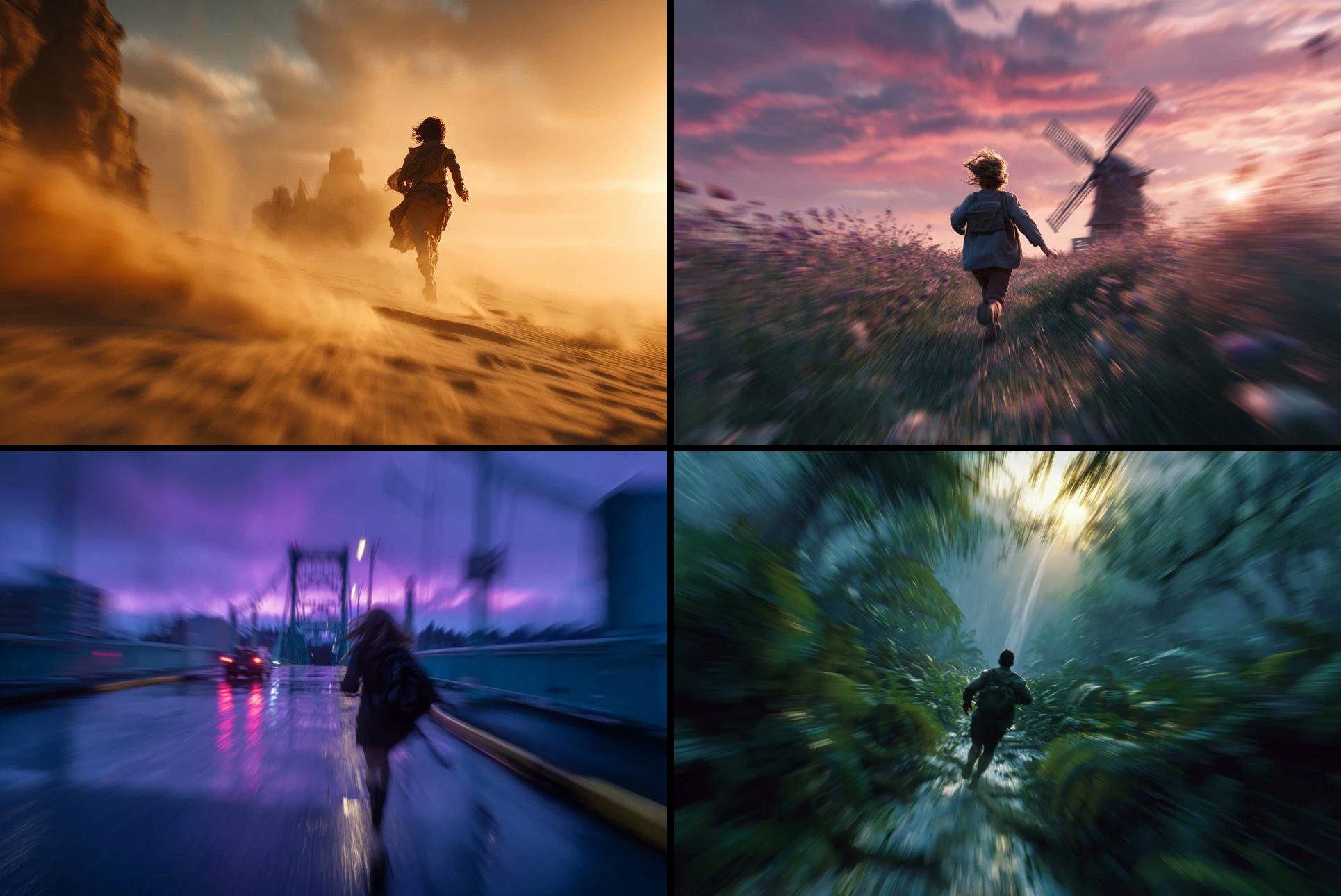
Freedom in Motion — Cinematic Sprint
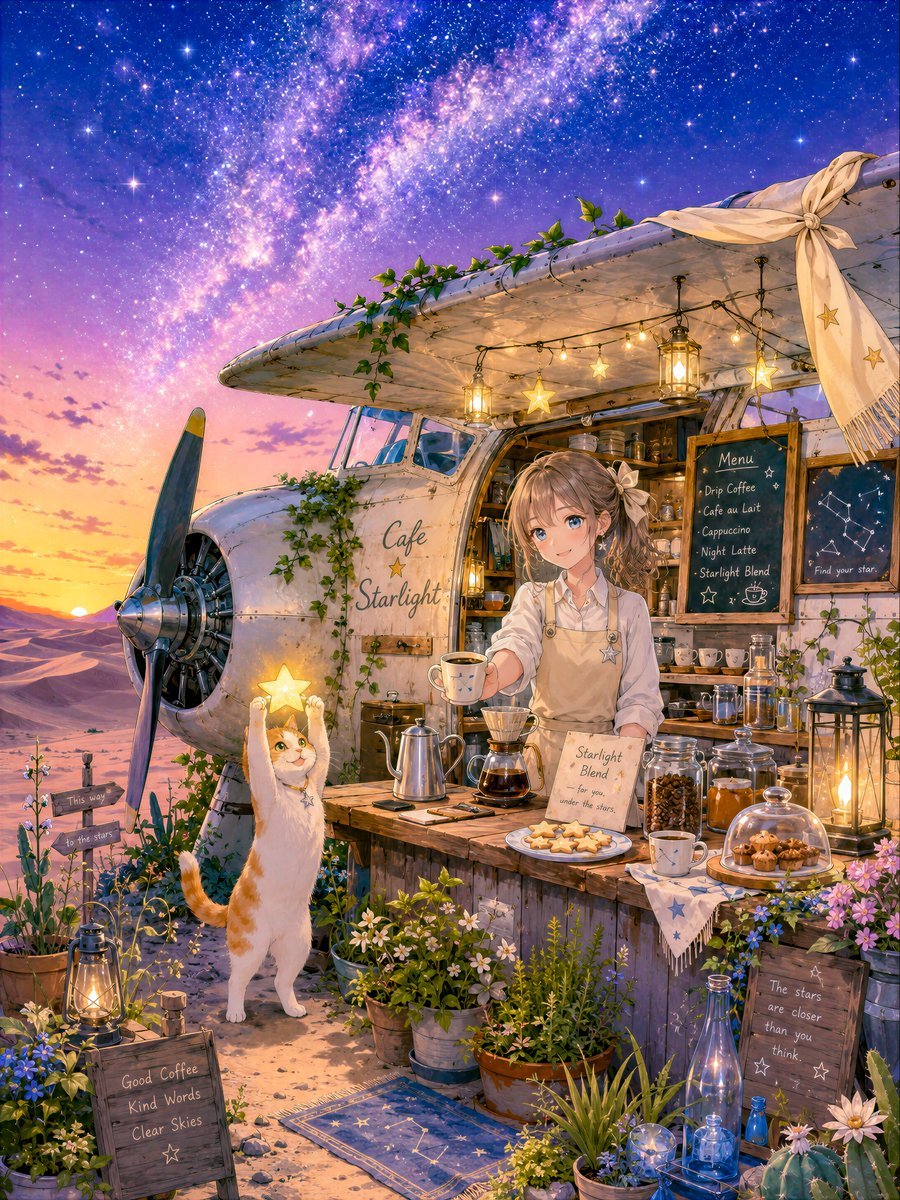
Starlit Desert Airplane Cafe

Isometric Security Icon Grid
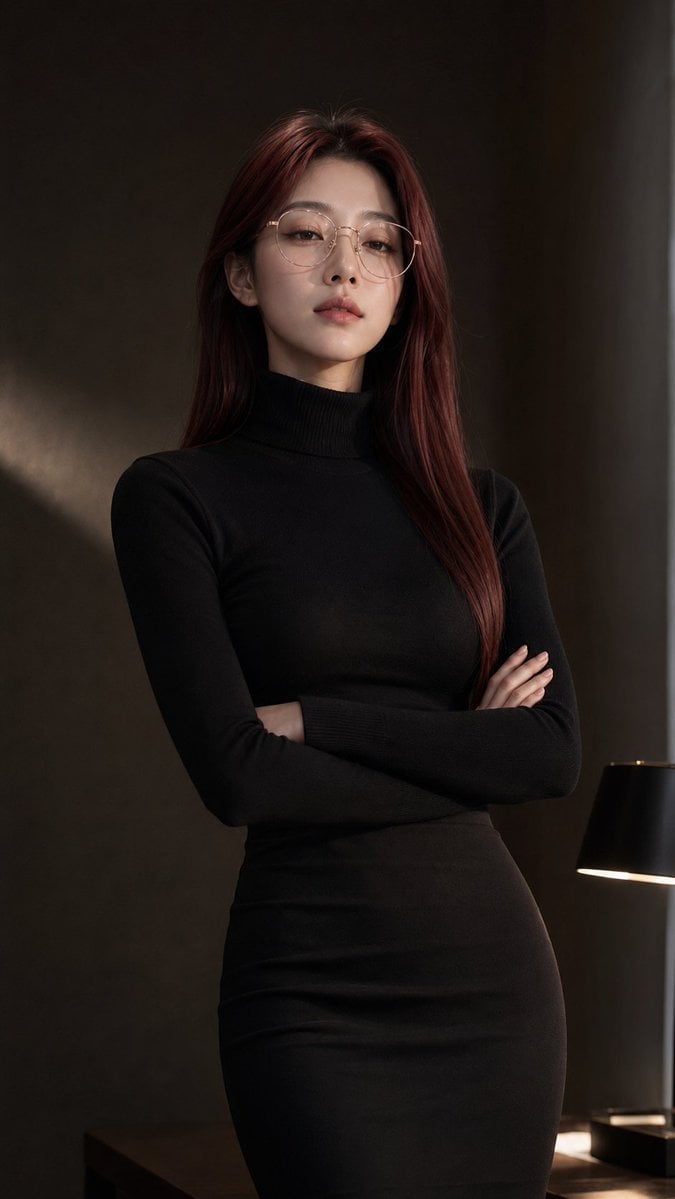
Censored Teal Fashion Portrait
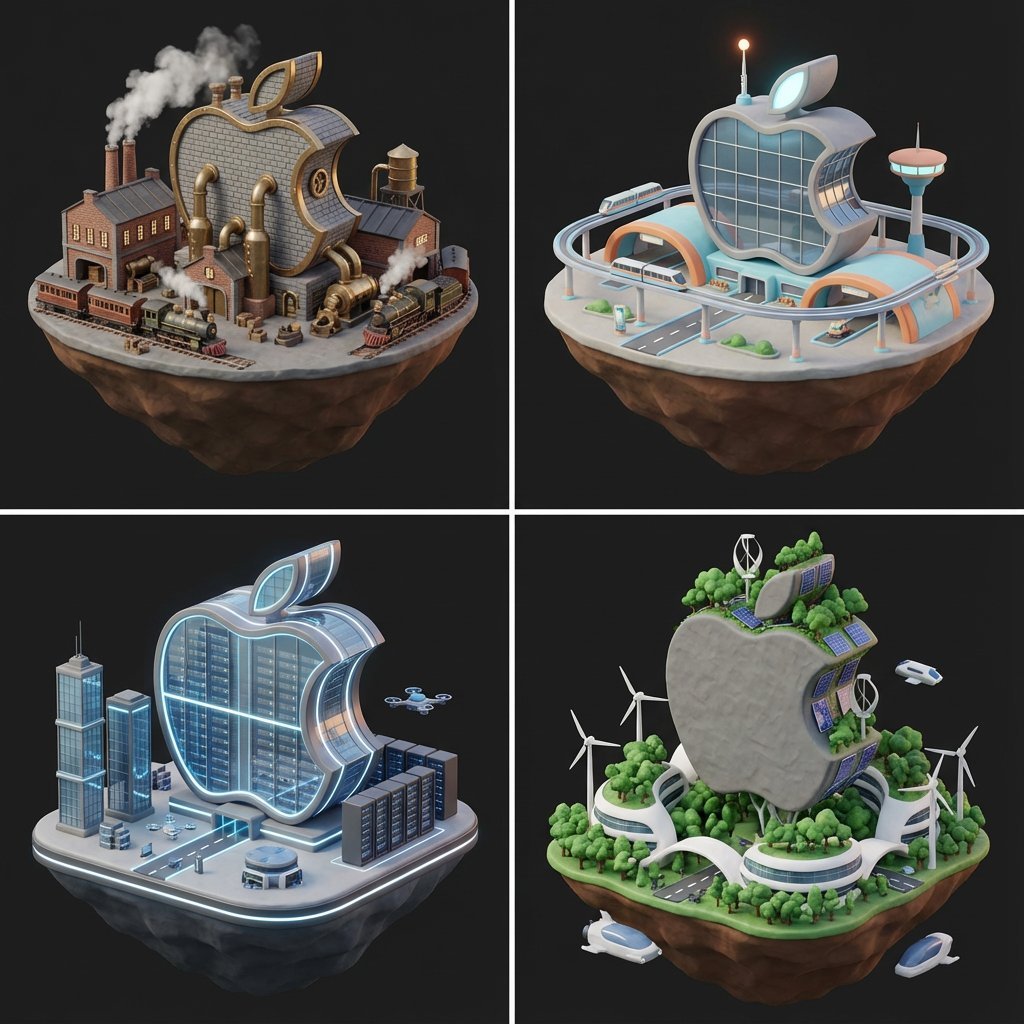
Logo to Floating Island Architectural Concept (4 Eras)
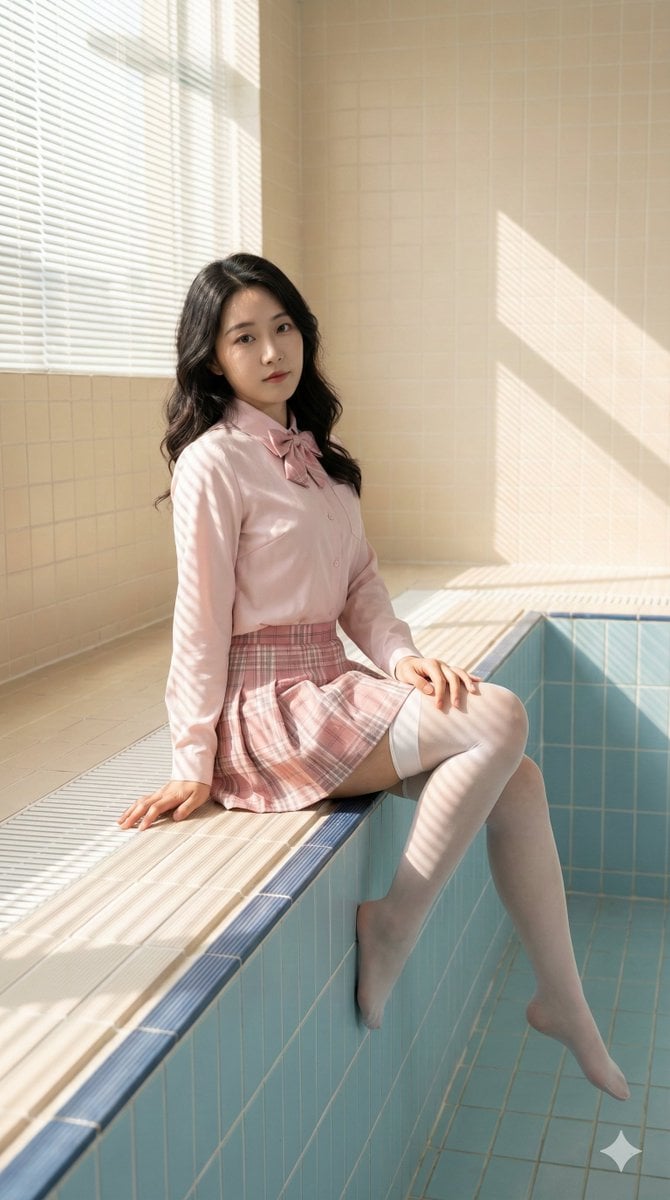
Realistic Chinese Woman in School-Inspired Fashion Prompt
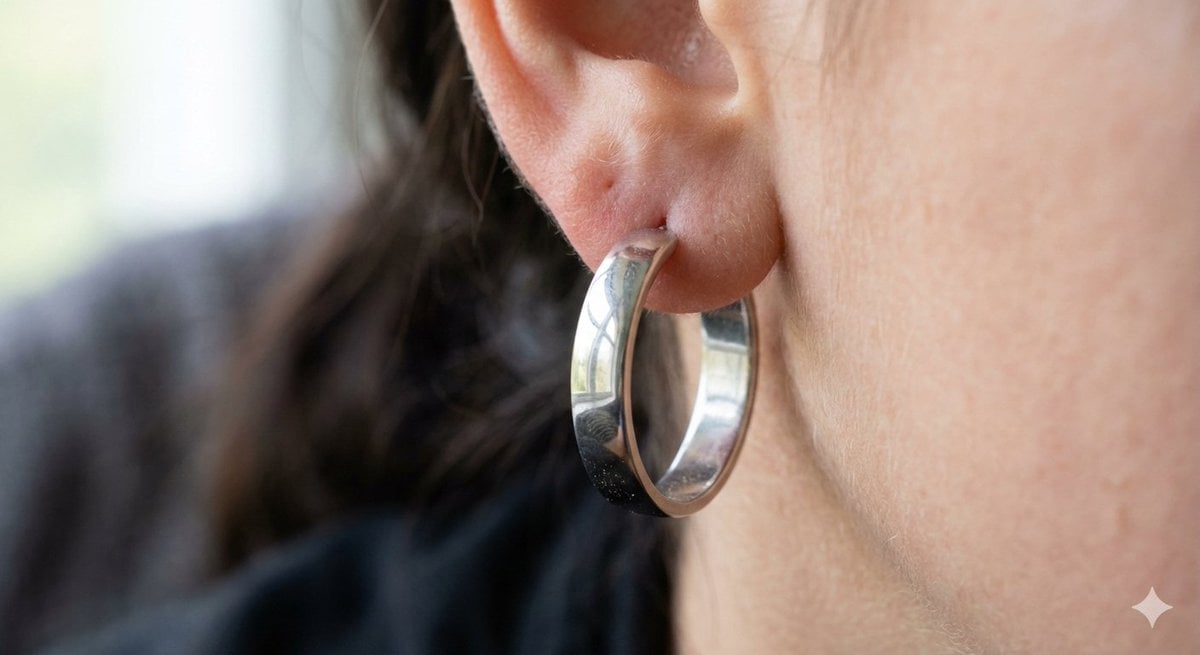
Realistic Macro Photograph of an Ear with Earring
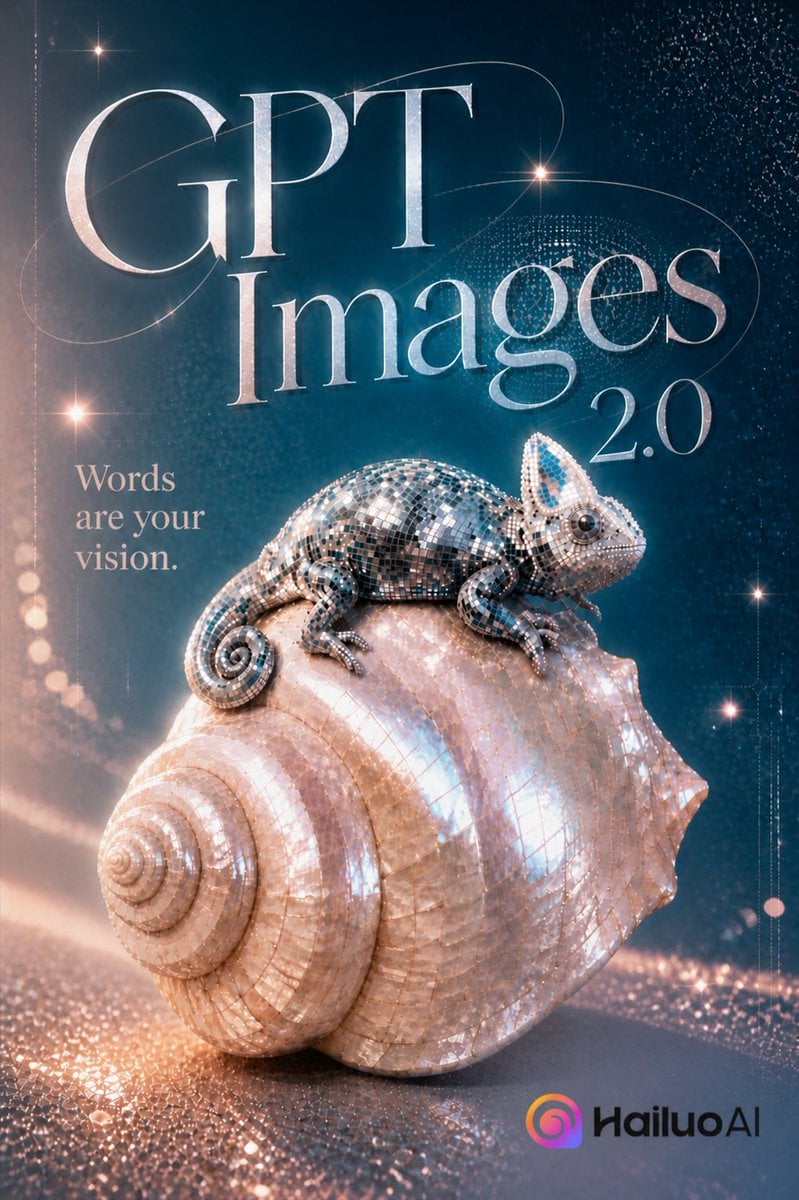
GPT Images 2.0 Chameleon Poster
Browse template categories
Lü Bu Historical Warrior Poster questions
How do I use the Lü Bu Historical Warrior Poster template?
Add your photo if the template asks for one, edit the prompt if you like — the template's model and format are already selected — and press Generate. Your version opens in PicX Studio.
Can I customize the Lü Bu Historical Warrior Poster template?
Yes. You can change the subject, setting, lighting, mood, format, and available model controls before creating your image.
Is the Lü Bu Historical Warrior Poster template free?
Opening and editing this template is free. Generating uses credits, shown on the Generate button when you are signed in.
Which AI model should I use?
Start with GPT Image 2, which is the model associated with this template. You can compare another compatible model for a different finish.
Looking for something else? Browse all templates.

Your photo, any look
Thousands of ready templates for every top image and video model, from one credit balance.