
GPT Images 2.0 Chameleon Poster
A premium vertical promotional poster featuring metallic typography, a mirrored chameleon on an iridescent shell, and HailuoAI-style branding for AI image model marketing.
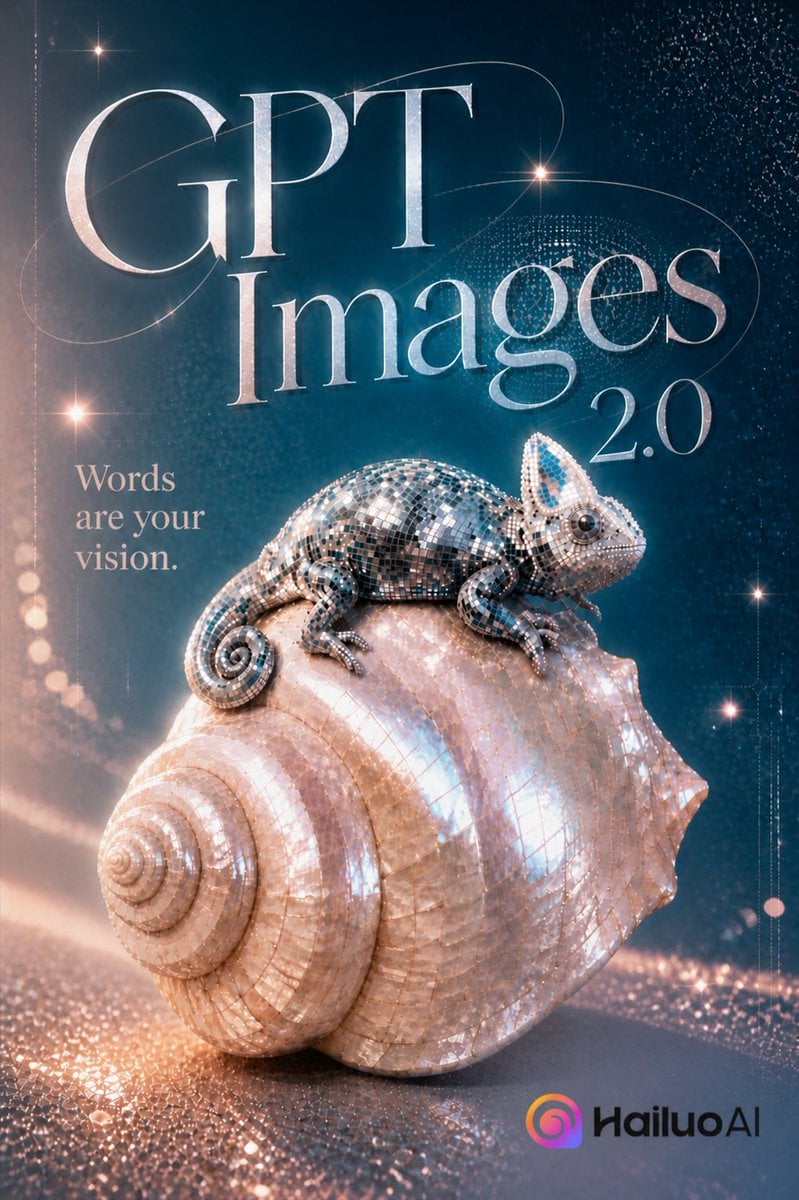
- Prompt included
- Model and format preset
- Free template
The prompt behind this image
Copy the exact prompt behind GPT Images 2.0 Chameleon Poster, or open it in the studio and make it yours.
Create a luxurious vertical promotional poster for {argument name="product name" default="GPT Images 2.0"} in a cinematic 3D style. The composition shows a highly detailed mirrored mosaic chameleon perched on top of a large iridescent spiral seashell, both covered in tiny reflective tiles like a disco ball, catching peach, silver, teal, and pearl highlights. Place the shell in the lower center, angled slightly left with the spiral facing forward-left, and place the chameleon across the shell’s top facing right, with a curled tail, bead-like eye, raised crest, and delicate feet gripping the shell. Use a deep teal-to-navy gradient background with sparkling particle fields, starburst glints, dotted light trails, subtle orbital line arcs, and warm peach bokeh sweeping across the bottom. Add 5 visible text elements: the huge elegant serif word “{argument name="main title first line" default="GPT"}” across the upper left, the huge elegant serif word “{argument name="main title second line" default="Images"}” beneath it, the smaller serif version number “{argument name="version text" default="2.0"}” to the right of Images, the left-side tagline “{argument name="tagline" default="Words are your vision."}” stacked in three lines, and the bottom-right brand mark “{argument name="brand name" default="HailuoAI"}” with a small rounded gradient spiral icon in pink, orange, purple, and blue. Typography should be refined, high-contrast, metallic pale silver with thin strokes and a fashion-magazine editorial feel. Lighting is glossy and magical, with strong specular reflections, soft volumetric glow, shallow depth of field, and premium AI-generation campaign aesthetics. Use portrait aspect ratio, polished advertising layout, no extra objects, no people.
How to use GPT Images 2.0 Chameleon Poster in 3 steps
- 1Upload ImagePNG, JPG or paste
Add your photo
Upload the photo the template builds on. The prompt, model and format are already set.
- 2…a portrait of your subject in softgolden-hour light, 85mm…
Personalize
Edit the subject and creative details for your destination.
- 3Generate
Generate
Press Generate — your image is created in PicX Studio, so you can compare it with the original and refine one variable at a time.
More like this
Templates with the same subject, style or setup. Open one to see its prompt.

Gpt2 Product Marketing Streetwear Sneaker Poster Ad

Gpt2 Youtube Thumbnail Wuxia Movie Character Posters

Gpt2 Youtube Thumbnail Anime Music Bootcamp Promo Poster

Gpt2 Infographic Edu Visual Ink Wash Tribute Poster for Chen Uen

Gpt2 Infographic Edu Visual Biomimetic Skyray Aircraft Poster

Gpt2 Social Media Post Cinematic Chicken Momos Ad Poster

Gpt2 Social Media Post Bmw Performance Social Poster
Luxury GPT Images 2.0 Launch Poster

Japan Travel Brochure Poster

Cartoon TV Show Poster Pack

Trendy Cafe Drink Promo Poster

Urban Fashion Editorial Collage Streetwear Poster
Make it yours
GPT Images 2.0 Chameleon Poster works as-is. These are the safest ways to change it without losing the look.
Change one field
Copy a single group, rewrite it, and generate again so you can see what that field is doing.
Keep the frame, change the subject
Hold the composition and light of GPT Images 2.0 Chameleon Poster, then swap wardrobe, props or the person for a new take.
| If the result… | Why | Fix |
|---|---|---|
| The result drifts from the preview | Too many fields changed at once. | Reuse GPT Images 2.0 Chameleon Poster as-is first, then change one group — subject, light, or setting. |
| The model over-stylizes the scene | The prose prompt leaves finish and camera underspecified. | Add one camera or lighting sentence and stay on GPT Image 2. |
More GPT Image 2 templates
Other prompts made for GPT Image 2.

Six VTuber Japanese Logo Sheet

Realistic Portrait of Woman and Deer

The Vista Modular Condo Poster

AI Model Routing Comparison Infographic

2.5D Anime Art Board

Isometric Productivity Desk Scene

New York Double Exposure Poster

Four-Panel AI Landscape Comparison

Japanese Tatami Lifestyle Magazine Cover

NESCAFÉ Coffee Map Poster
More image prompts
Fresh picks from across the catalog.
Japanese Mecha Girl Figure Ad Poster
Trading Card Battle Anime Storyboard

Luxury Food Editorial with Heart-Shaped Bagels

Nano Banana - Cozy Cafe Night
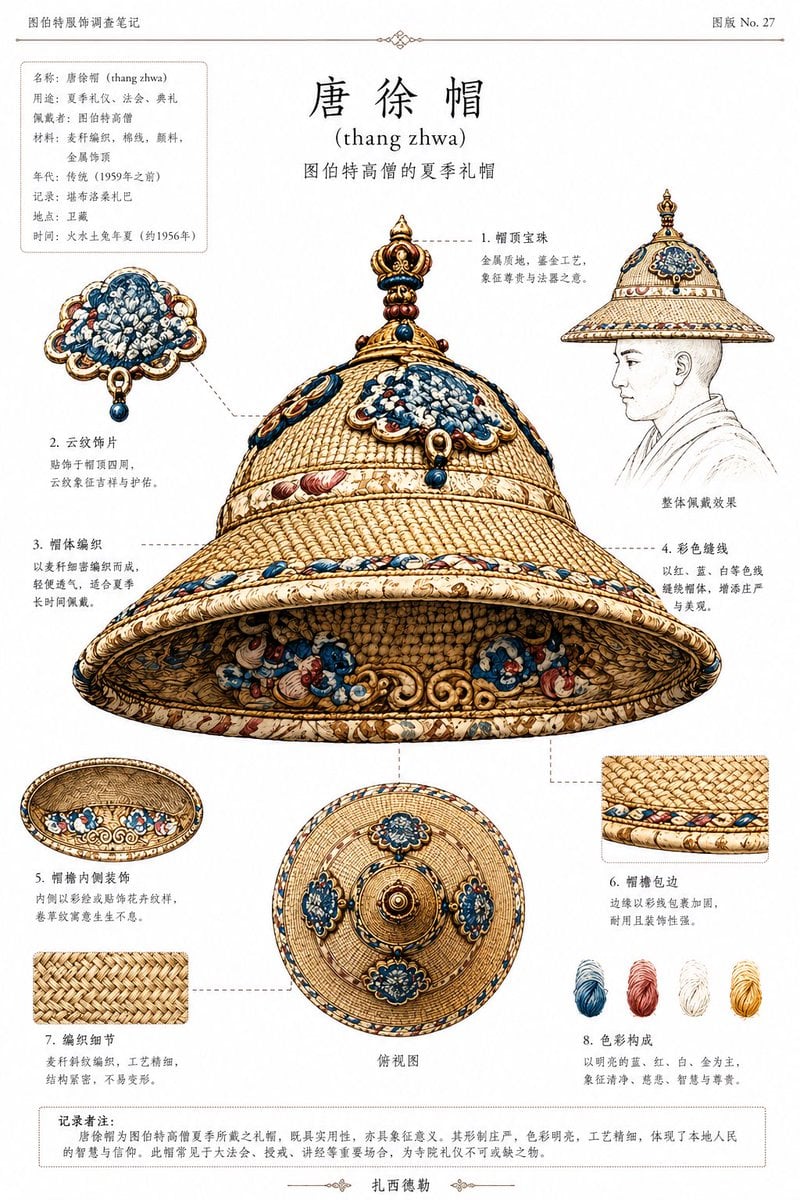
Ethnographic Plate for Tibetan Ceremonial Hat
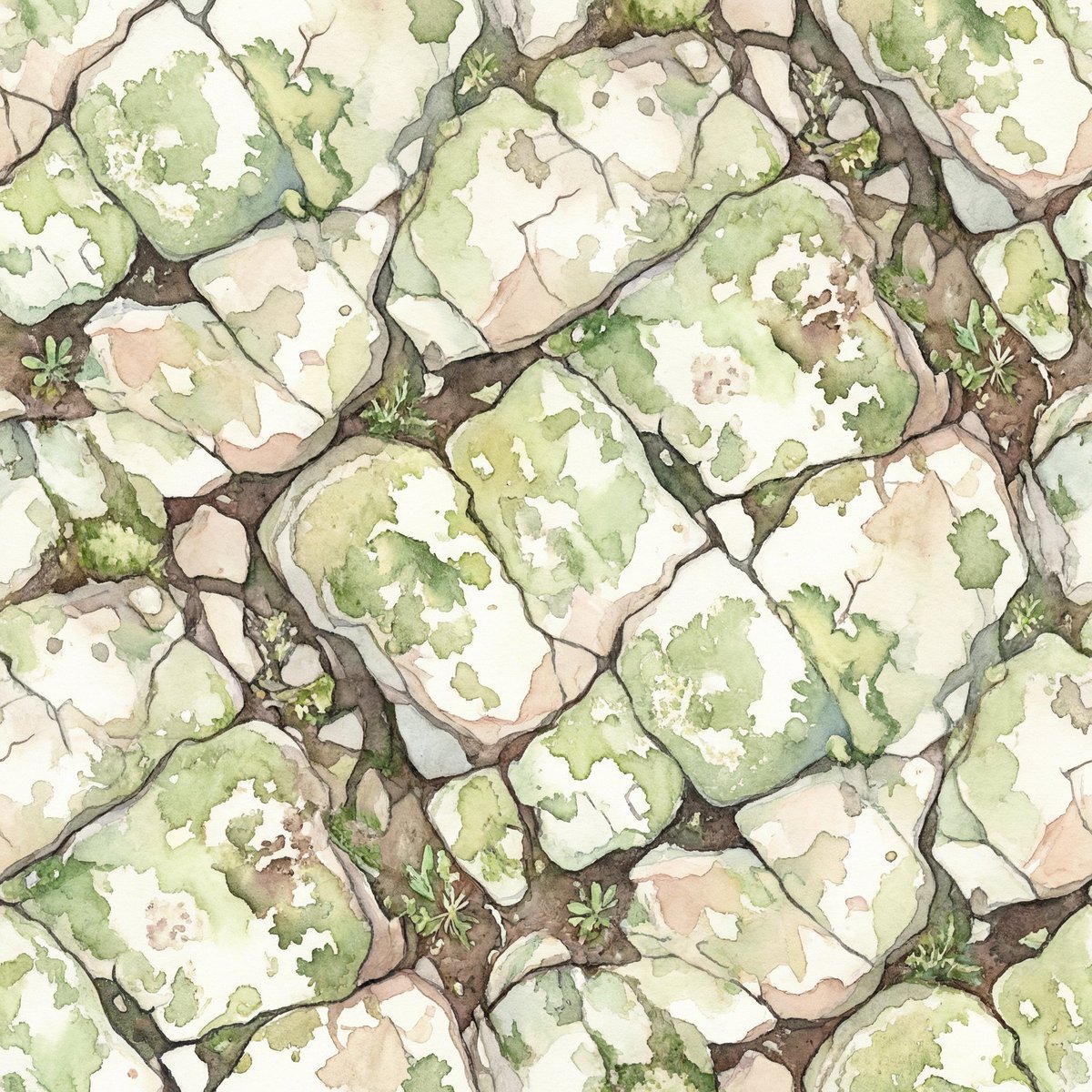
Seamless Watercolor Stone Path Tile
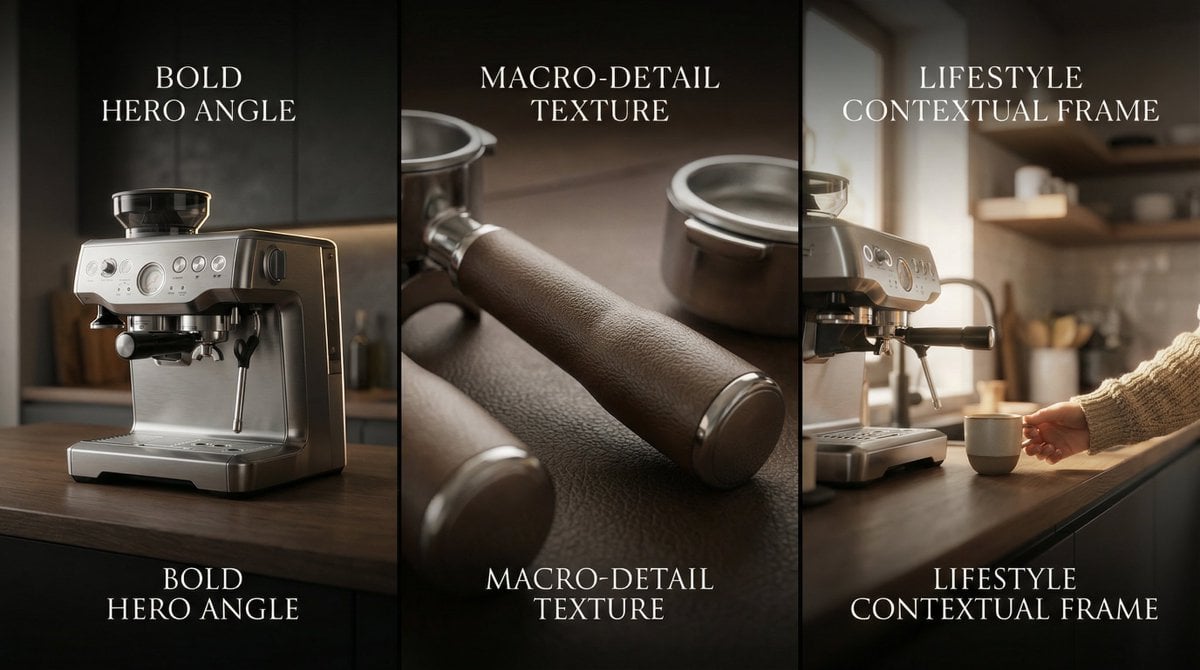
Composite Product Photography Prompt (Etsy Style)

Cinematic Blue Hour Portrait of a Man
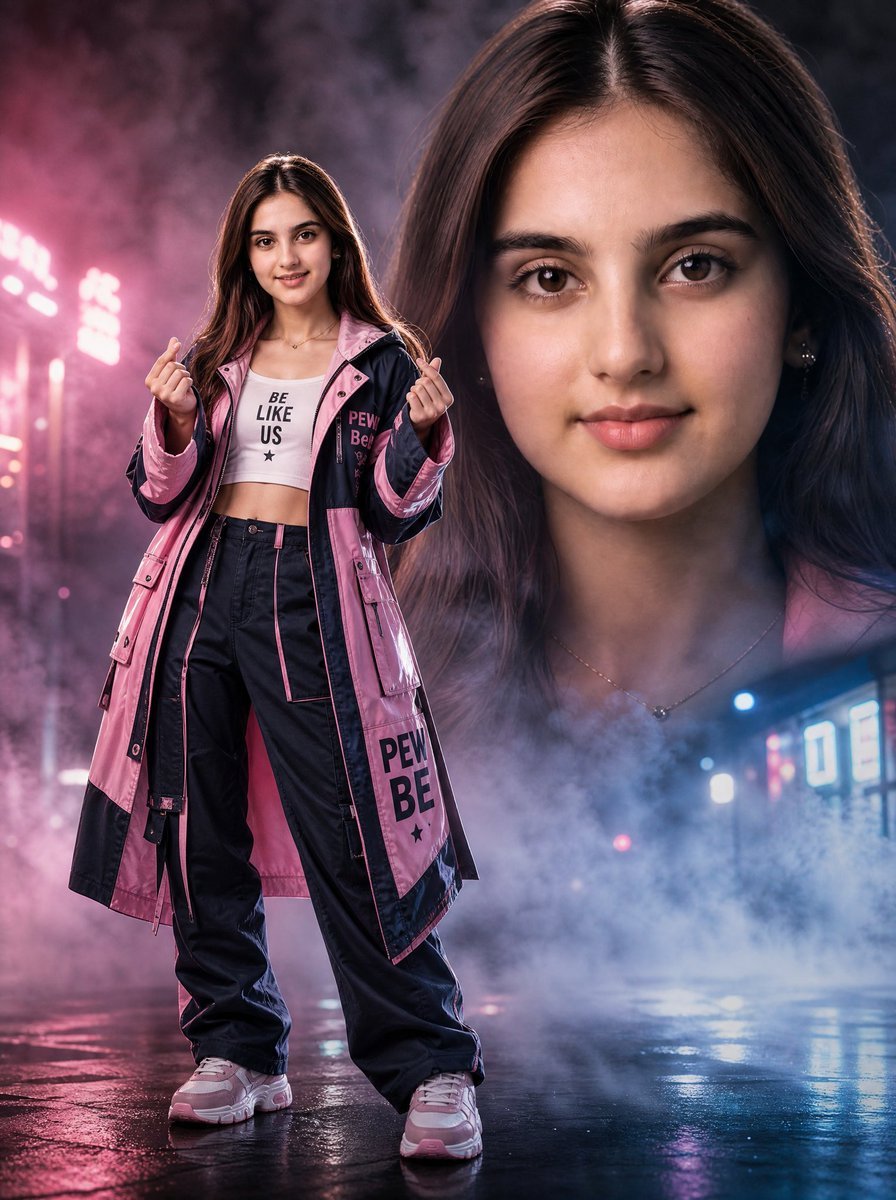
Neon Rain Streetwear Portrait
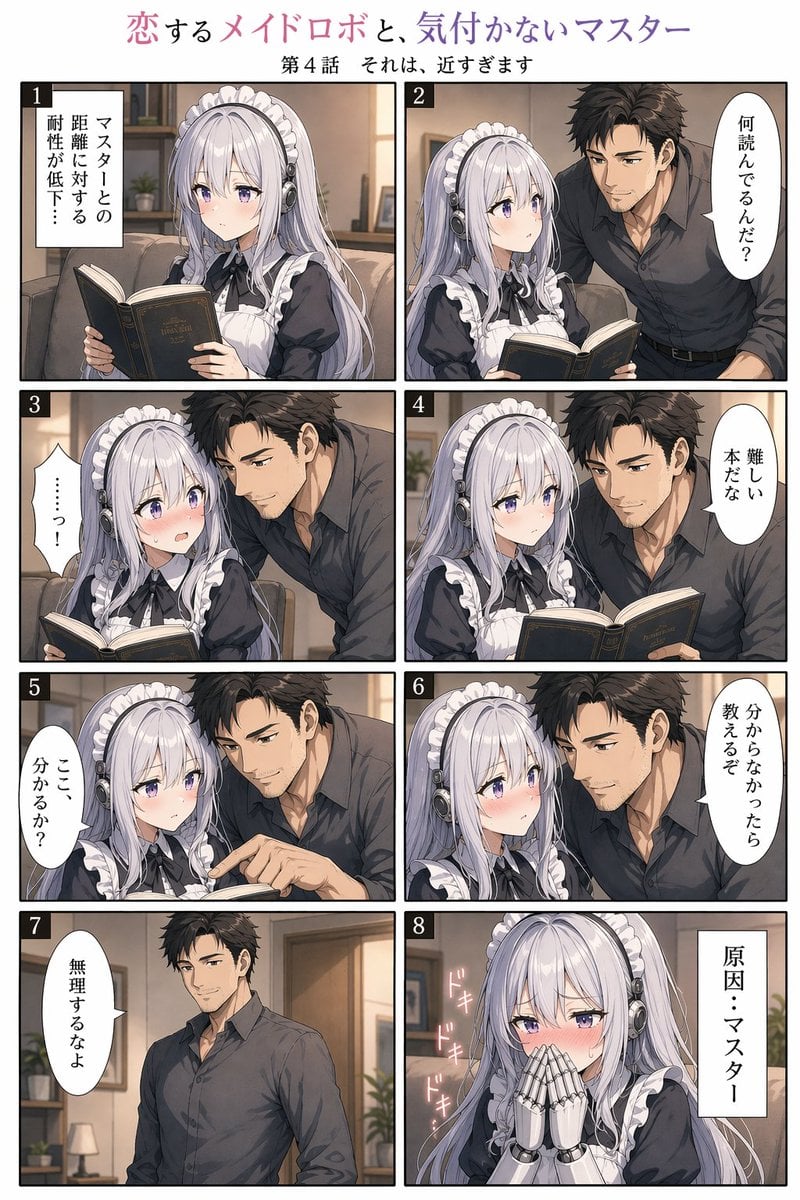
Eight-Panel Maid Robot Romance Manga
Browse template categories
GPT Images 2.0 Chameleon Poster questions
How do I use the GPT Images 2.0 Chameleon Poster template?
Add your photo if the template asks for one, edit the prompt if you like — the template's model and format are already selected — and press Generate. Your version opens in PicX Studio.
Can I customize the GPT Images 2.0 Chameleon Poster template?
Yes. You can change the subject, setting, lighting, mood, format, and available model controls before creating your image.
Is the GPT Images 2.0 Chameleon Poster template free?
Opening and editing this template is free. Generating uses credits, shown on the Generate button when you are signed in.
Which AI model should I use?
Start with GPT Image 2, which is the model associated with this template. You can compare another compatible model for a different finish.
Looking for something else? Browse all templates.

Your photo, any look
Thousands of ready templates for every top image and video model, from one credit balance.