
Trading Card Battle Anime Storyboard
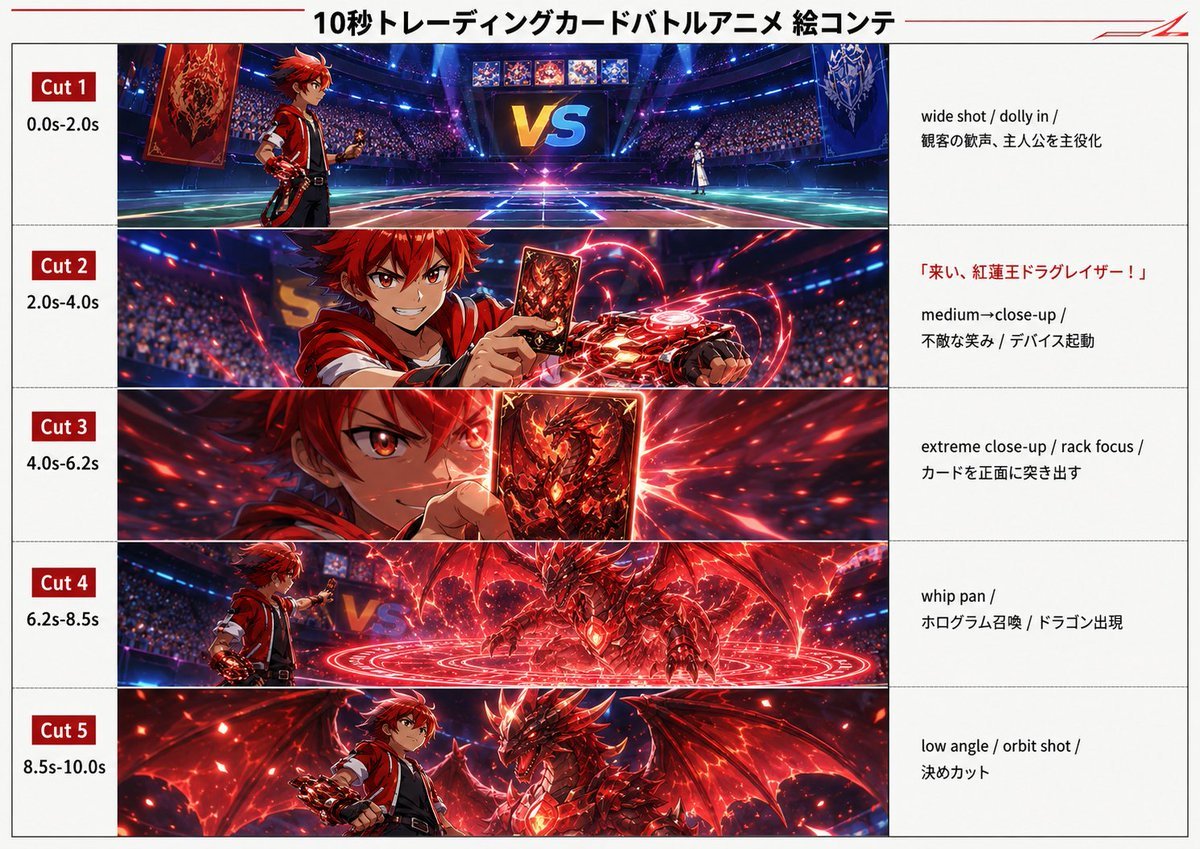
A structured prompt for generating a five-cut cinematic anime storyboard sheet for a fictional trading card battle sequence.
- Prompt included
- Model and format preset
- Free template
The prompt behind this image
Copy the exact prompt behind Trading Card Battle Anime Storyboard, or open it in the studio and make it yours.
Goal: Create a polished anime storyboard sheet for a fictional 10-second trading card battle anime sequence, designed like a cinematic ad storyboard made from five horizontal panels. Canvas: Landscape 16:10 white storyboard page with thin gray table borders, a centered Japanese headline at the top reading {argument name="headline text" default="10秒トレーディングカードバトルアニメ 絵コンテ"}, a thin red line accent near the top left, and a small angular red logo-like mark in the top right. Layout: Use a three-column storyboard grid. The left column is narrow and contains red cut labels plus timing. The center column is wide and contains cinematic anime stills. The right column is a white notes column with camera direction and action notes. There are exactly 5 horizontal rows, separated by light gray lines. Visible cut list: 1) Cut 1, 0.0s-2.0s: wide establishing arena shot. 2) Cut 2, 2.0s-4.0s: medium-close shot of the protagonist activating a card device. 3) Cut 3, 4.0s-6.2s: extreme close-up of a card thrust toward the viewer. 4) Cut 4, 6.2s-8.5s: whip-pan summoning scene with a dragon hologram appearing. 5) Cut 5, 8.5s-10.0s: final low-angle hero-and-dragon shot. Subject details: The protagonist is {argument name="protagonist description" default="a fiery red-haired teenage anime boy wearing a red-and-black battle jacket, fingerless gloves, and a glowing mechanical card duel device on one arm"}. The summoned monster is {argument name="dragon description" default="a crimson armored dragon with huge wings, jagged horns, glowing red crystal chest core, and ember-like highlights"}. The arena is {argument name="arena description" default="a futuristic packed stadium at night with blue neon spotlights, a glowing duel field, massive audience stands, and a giant VS screen"}. The main card art shows a red demonic dragon emblem and fiery energy. Center-panel imagery: Cut 1 shows the full stadium duel field with the red-haired protagonist on the left, an opponent in white far away on the right, giant red and blue card banners, and a large glowing “VS” display in the background. Cut 2 shows the protagonist grinning confidently, holding up a red dragon card while red energy coils around the wrist-mounted duel device; intentionally obscure or soften the exact face area as if motion-blurred/censored. Cut 3 shows a sharp close-up of one intense red eye and the raised dragon card, with rack-focus depth of field and explosive red particle streaks behind it. Cut 4 shows a red magic circle covering the arena floor as the dragon materializes in holographic flame beside the protagonist. Cut 5 shows the protagonist standing heroically beside the fully formed dragon, both lit from below by red embers and dramatic battle light. Right-column text notes: For Cut 1 write “wide shot / dolly in / audience cheers, introduce protagonist”. For Cut 2 include the red Japanese quote {argument name="summon quote" default="「来い、紅蓮王ドラグレイザー!」"} followed by “medium-close-up / fearless smile / device activation”. For Cut 3 write “extreme close-up / rack focus / thrust card toward camera”. For Cut 4 write “whip pan / hologram summon / dragon appears”. For Cut 5 write “low angle / orbit shot / decisive cut”. Visual style: High-energy modern shonen anime, glossy digital painting, cinematic lighting, red and blue color contrast, intense lens flares, speed lines, sparks, holographic particles, dramatic perspective, crisp storyboard presentation, professional production-board clarity. Constraints: Keep exactly 5 storyboard rows, exactly 3 columns, and preserve the timing labels. Do not add extra cuts, extra characters, watermarks, or unrelated UI elements.
How to use Trading Card Battle Anime Storyboard in 3 steps
- 1Upload ImagePNG, JPG or paste
Add your photo
Upload the photo the template builds on. The prompt, model and format are already set.
- 2…a portrait of your subject in softgolden-hour light, 85mm…
Personalize
Edit the subject and creative details for your destination.
- 3Generate
Generate
Press Generate — your image is created in PicX Studio, so you can compare it with the original and refine one variable at a time.
More like this
Templates with the same subject, style or setup. Open one to see its prompt.
Anime Pin Trading Board
Anime Trading Card Album Photo
Streamer Trading Card Product Shot

Fictional Soccer Snack Trading Card Product Photo
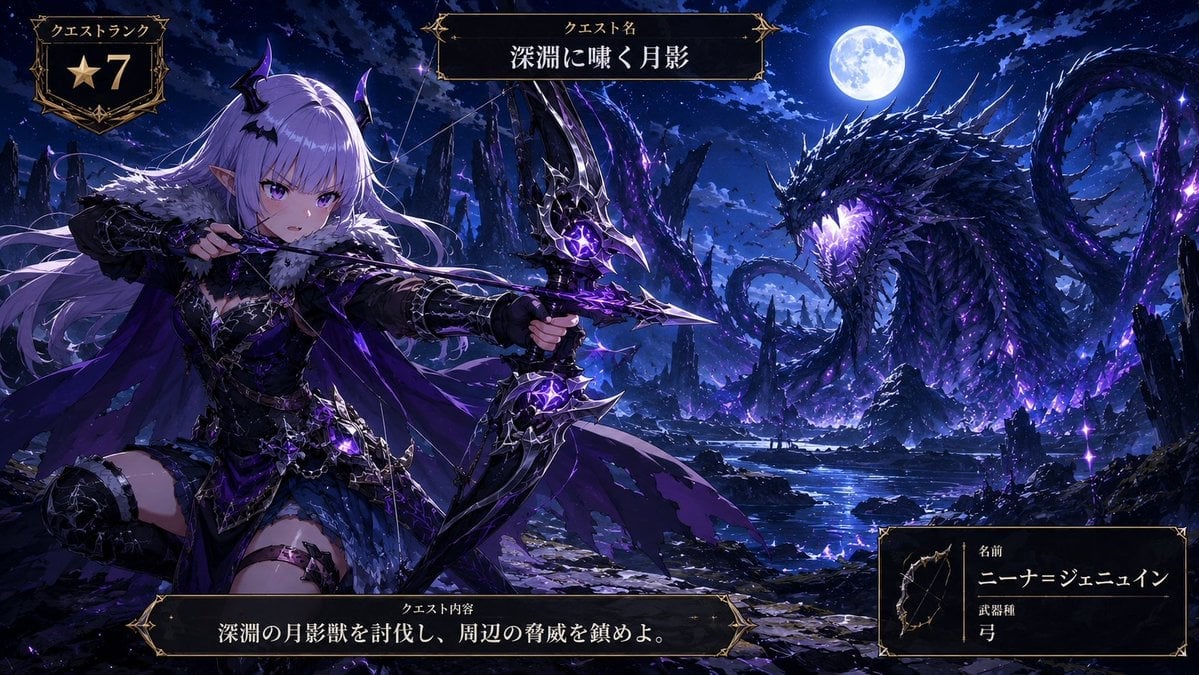
Anime Monster Hunter Quest Card
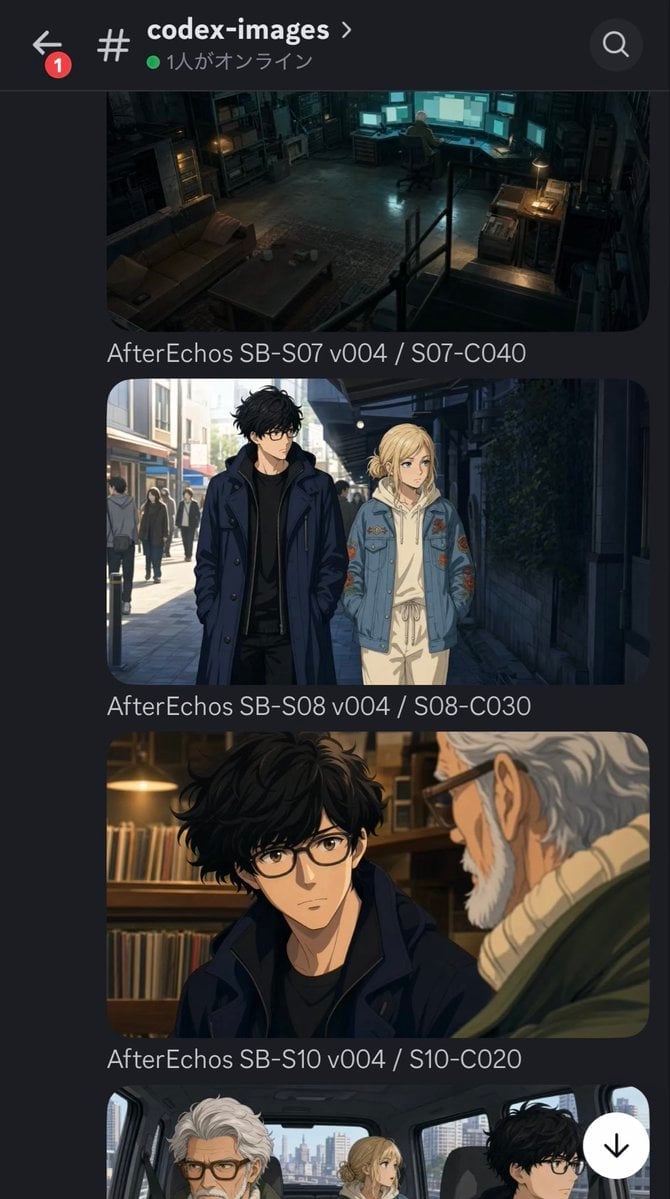
Discord Anime Storyboard Feed
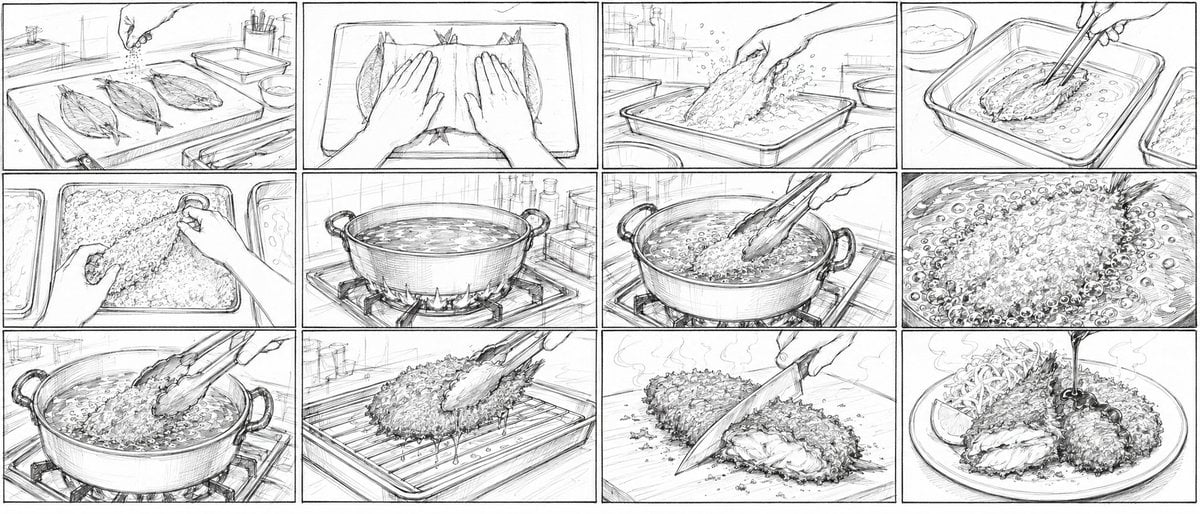
Aji Fry Anime Cooking Storyboard

Cel 2D Finale Fireworks

Cel 2D Garden Maze

Cel 2D Rooftop Concert

Cel 2D Bicycle Coast

Cel 2D Castle Gate
Make it yours
Trading Card Battle Anime Storyboard works as-is. These are the safest ways to change it without losing the look.
Change one field
Copy a single group, rewrite it, and generate again so you can see what that field is doing.
Keep the frame, change the subject
Hold the composition and light of Trading Card Battle Anime Storyboard, then swap wardrobe, props or the person for a new take.
| If the result… | Why | Fix |
|---|---|---|
| The result drifts from the preview | Too many fields changed at once. | Reuse Trading Card Battle Anime Storyboard as-is first, then change one group — subject, light, or setting. |
| The model over-stylizes the scene | The prose prompt leaves finish and camera underspecified. | Add one camera or lighting sentence and stay on GPT Image 2. |
More GPT Image 2 templates
Other prompts made for GPT Image 2.

Six VTuber Japanese Logo Sheet

Realistic Portrait of Woman and Deer

The Vista Modular Condo Poster

AI Model Routing Comparison Infographic

2.5D Anime Art Board

Isometric Productivity Desk Scene

New York Double Exposure Poster

Four-Panel AI Landscape Comparison

Japanese Tatami Lifestyle Magazine Cover

NESCAFÉ Coffee Map Poster
More image prompts
Fresh picks from across the catalog.
Social Media App Interface Mockup
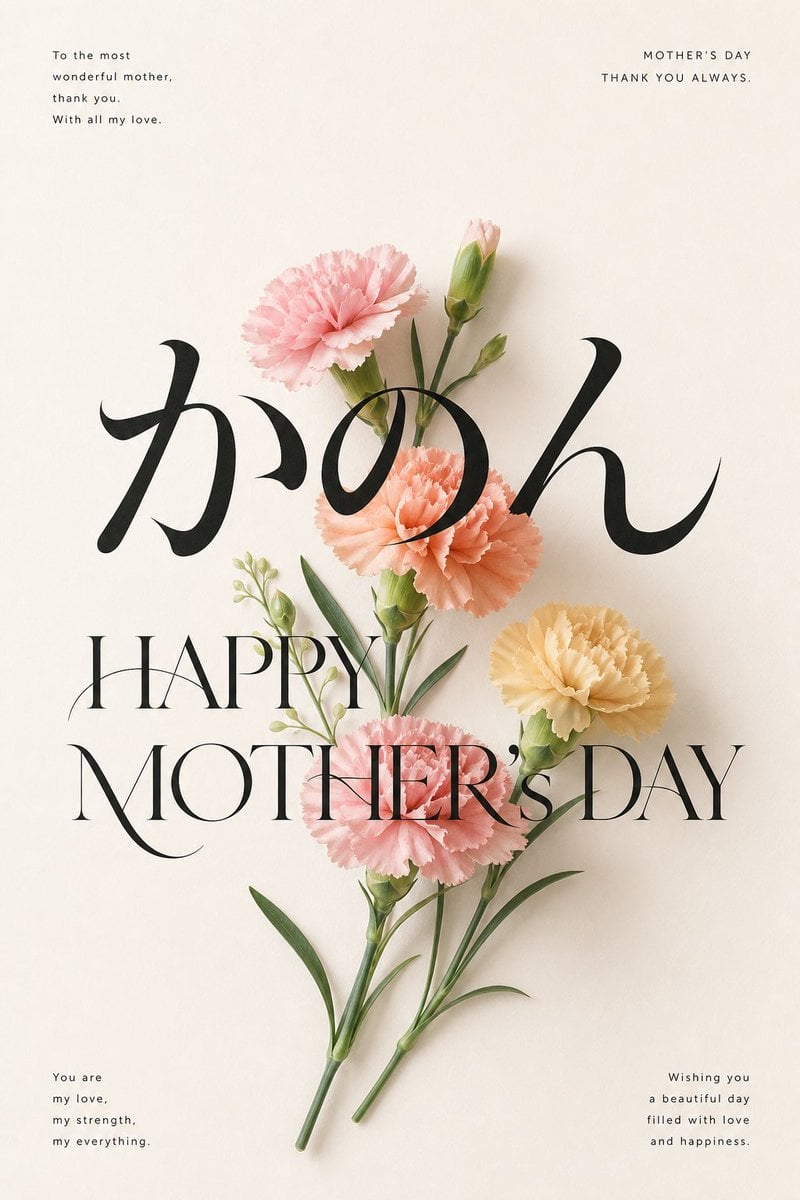
Elegant Carnation Mother's Day Wallpaper
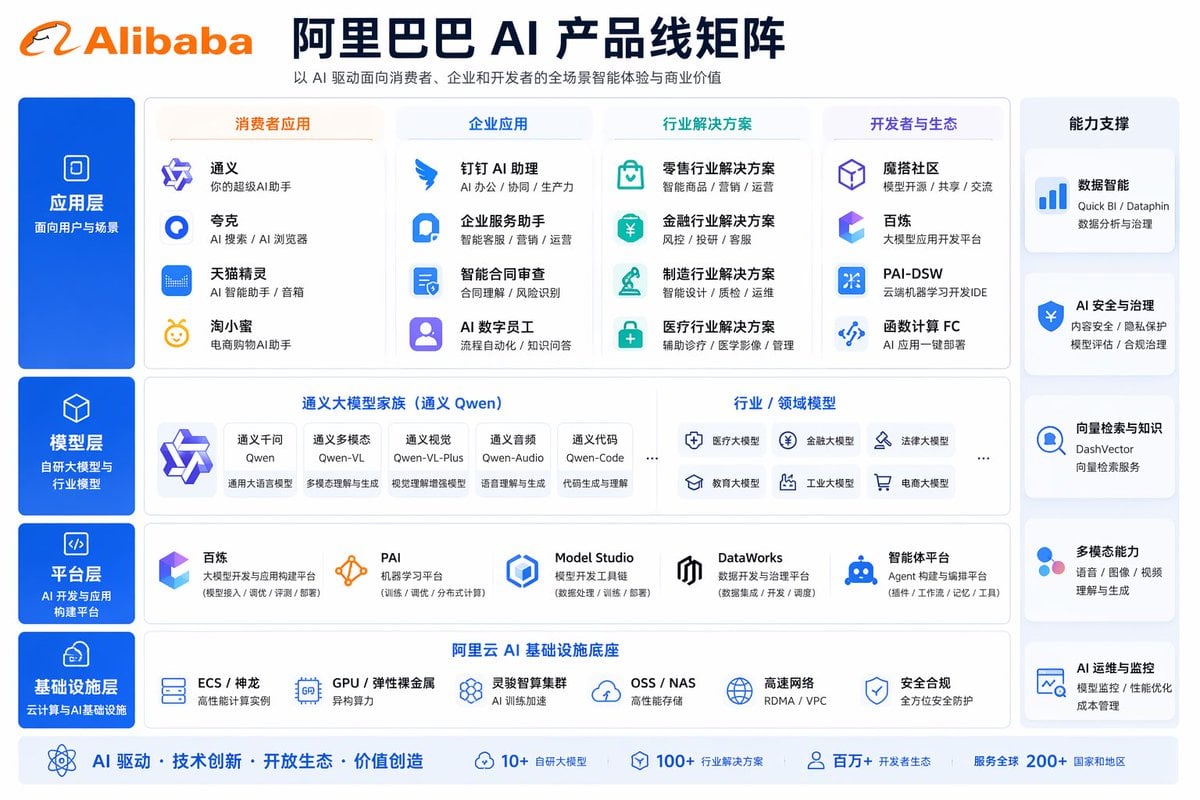
Corporate AI Product Line Infographic
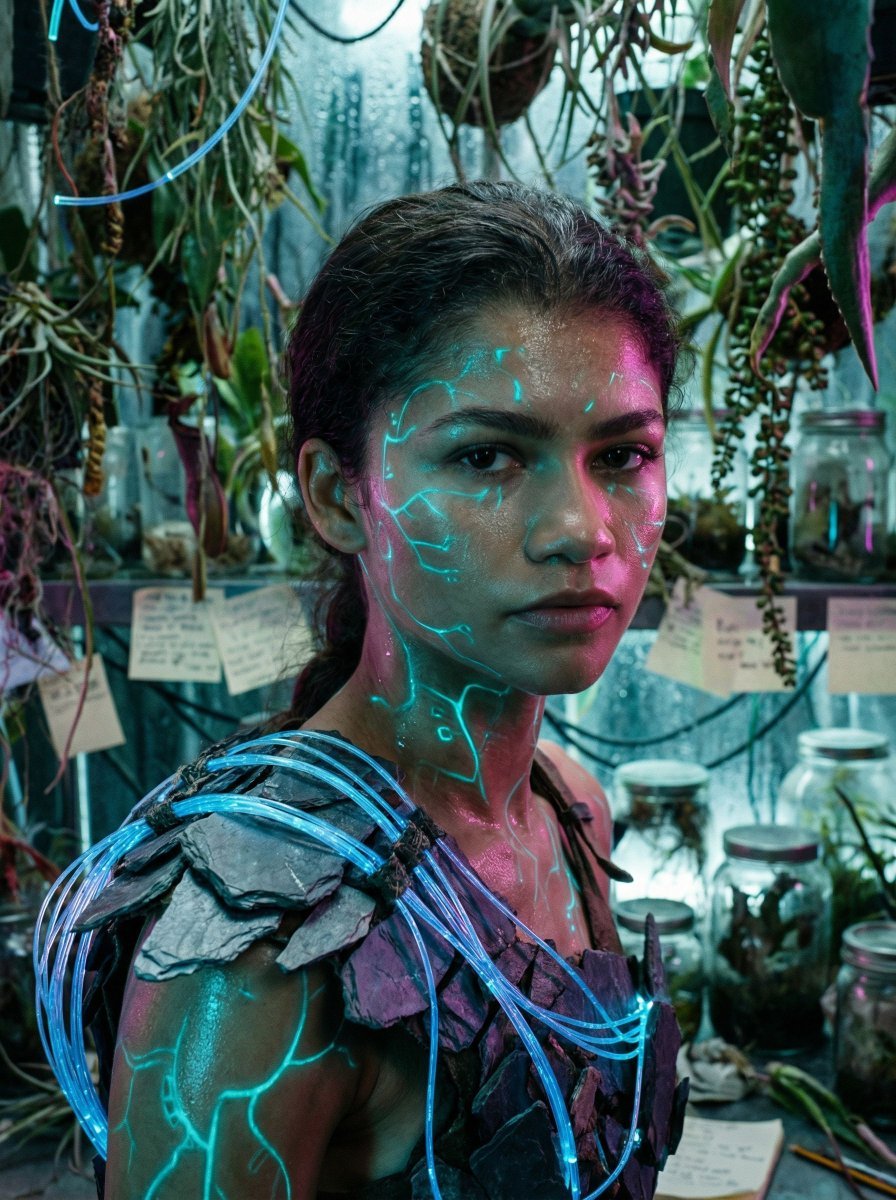
Bioluminescent Archivist Sci-Fi Portrait Prompt
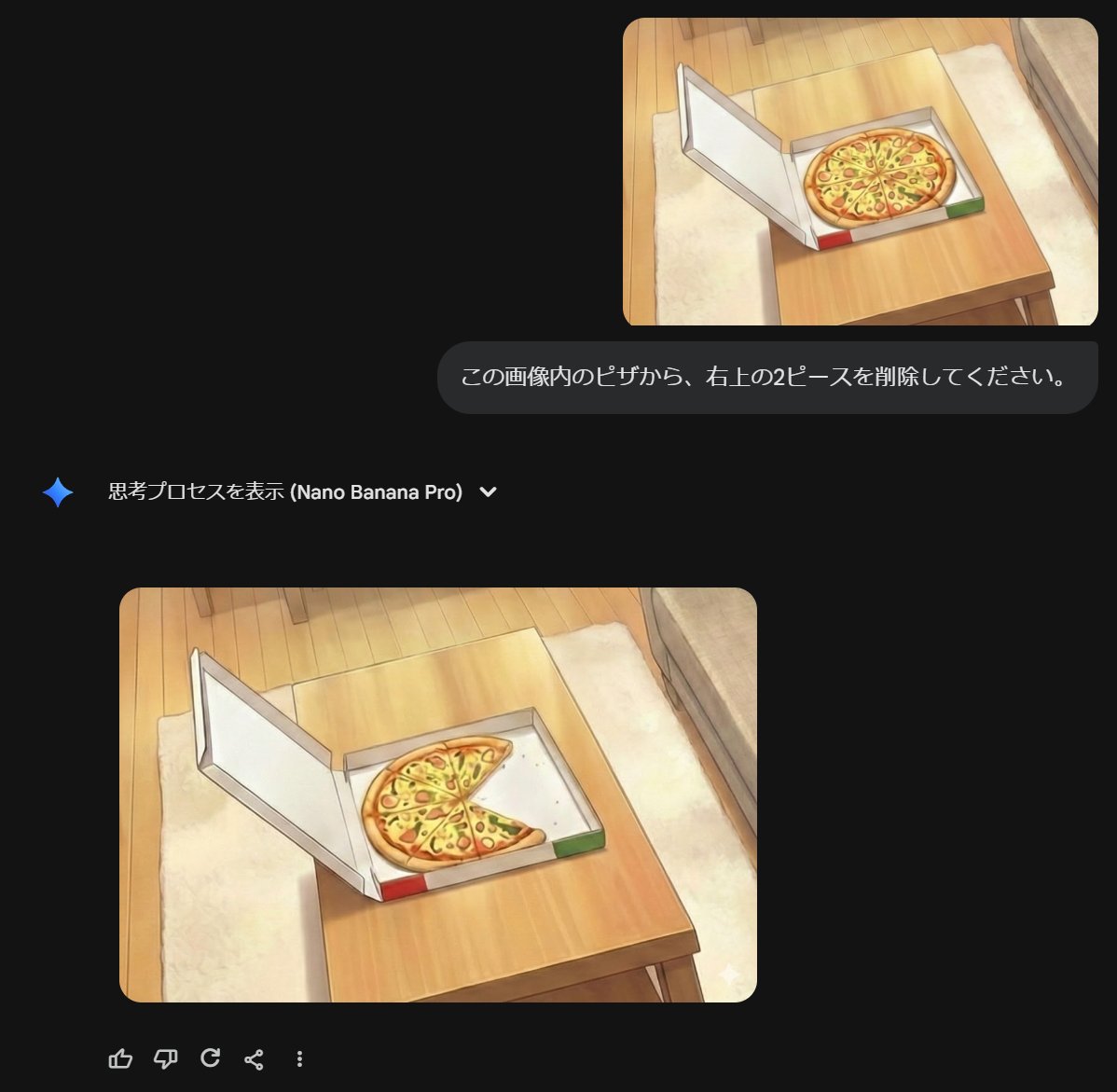
Prompt for Refining Text-Described Images
Triptych Composition Prompt for Abstract Fashion Editorial
Y2K Flash Photography Portrait Prompt (Face Locked)
Surreal High-Fashion Portrait with Liquid Gold and Classical Architecture
Ancient Beauty Livestream Scene
Recipe Generation Prompt for Bento Box
Browse template categories
Trading Card Battle Anime Storyboard questions
How do I use the Trading Card Battle Anime Storyboard template?
Add your photo if the template asks for one, edit the prompt if you like — the template's model and format are already selected — and press Generate. Your version opens in PicX Studio.
Can I customize the Trading Card Battle Anime Storyboard template?
Yes. You can change the subject, setting, lighting, mood, format, and available model controls before creating your image.
Is the Trading Card Battle Anime Storyboard template free?
Opening and editing this template is free. Generating uses credits, shown on the Generate button when you are signed in.
Which AI model should I use?
Start with GPT Image 2, which is the model associated with this template. You can compare another compatible model for a different finish.
Looking for something else? Browse all templates.

Your photo, any look
Thousands of ready templates for every top image and video model, from one credit balance.