
Streamer Trading Card Product Shot
A photorealistic influencer-style gaming desk scene featuring a streamer showcasing a graded collectible card for marketing or social content.
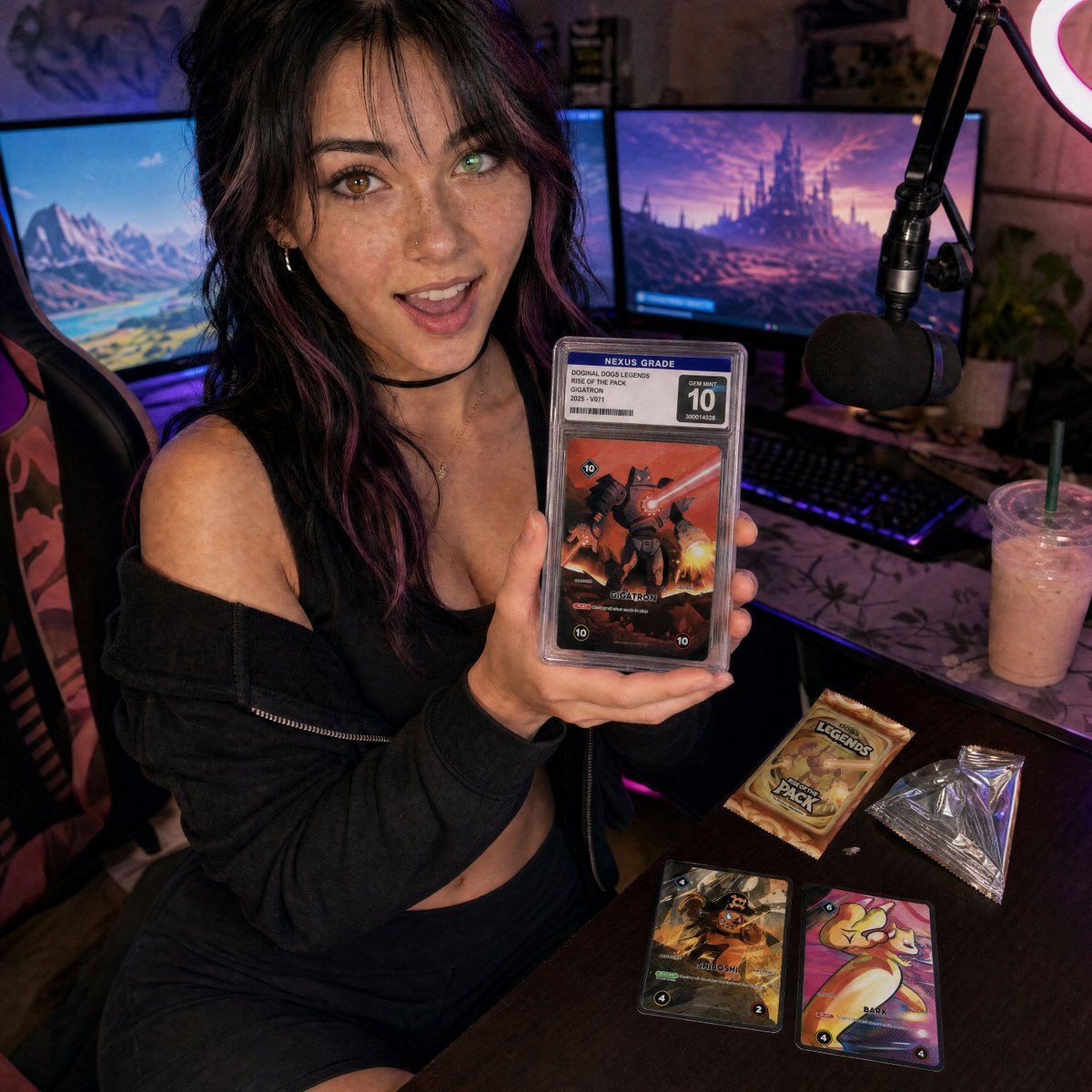
- Prompt included
- Model and format preset
- Free template
The prompt behind this image
Copy the exact prompt behind Streamer Trading Card Product Shot, or open it in the studio and make it yours.
Create a photorealistic square social-media product shot of a young female streamer in a cozy gaming setup, shot with a slightly wide-angle close perspective from above desk height. She is seated in a gaming chair, leaning toward the camera with an excited open-mouth smile, holding one graded trading card slab prominently in both hands close to the lens. Her look: {argument name="character appearance" default="young woman with wavy black hair with purple streaks, freckles, nose stud, hoop earrings, choker, black cropped top and loose black off-shoulder hoodie"}. The graded slab should have a clear plastic case, a top label reading “NEXUS GRADE,” a large “10” grade box, a small barcode and serial number, and the card art should show a dramatic red-orange robot/monster battle card titled {argument name="featured card name" default="GIGATRON"}. Place exactly 5 visible trading-card/product elements: 1 graded slab in her hands, 1 unopened booster pack on the desk, 1 opened silver foil wrapper on the desk, and 2 loose cards on the desk, one dark pirate-themed card and one colorful cute creature card. The booster pack should read {argument name="booster pack text" default="DOGINAL DOGS LEGENDS RISE OF THE PACK"}. The background is a streamer room with exactly 2 large monitors showing fantasy landscapes, 1 black boom-arm microphone with foam windscreen on the right, 1 glowing ring light partially visible in the upper right, 1 RGB keyboard, 1 gaming chair, and 1 iced pink drink with straw on the desk. Use moody purple and blue RGB lighting mixed with warm screen glow, shallow depth of field but keep the woman’s face and the graded slab sharp, realistic skin texture, authentic cluttered desk, cinematic marketing-still composition. The overall mood should feel like influencer livestream content for a collectible card game product launch. Use {argument name="lighting style" default="neon purple-blue streamer lighting with warm monitor glow"} and a {argument name="camera style" default="high-detail photorealistic wide-angle smartphone-style shot"}. Avoid extra fingers, unreadable main labels, warped slab edges, duplicate microphones, or additional cards beyond the specified 5 product elements.
How to use Streamer Trading Card Product Shot in 3 steps
- 1Upload ImagePNG, JPG or paste
Add your photo
Upload the photo the template builds on. The prompt, model and format are already set.
- 2…a portrait of your subject in softgolden-hour light, 85mm…
Personalize
Edit the subject and creative details for your destination.
- 3Generate
Generate
Press Generate — your image is created in PicX Studio, so you can compare it with the original and refine one variable at a time.
More like this
Templates with the same subject, style or setup. Open one to see its prompt.

Fictional Soccer Snack Trading Card Product Photo

A k.pop idol on the stage with mic

Trendy Cafe Drink Promo Poster

Minimalist Skincare Product Water Stone Still

Giant Forced Perspective Street Product Selfie

Playful Futuristic Brand Kit Board

Headphones Lifestyle Nine Panel Grid

Cappuccino Bottle Splash Product Ad

Luxury Toothpaste Commercial Storyboard

Parle Hide and Seek Cookie Campaign Poster

Moss Logo Minimalist Brand Flat Lay
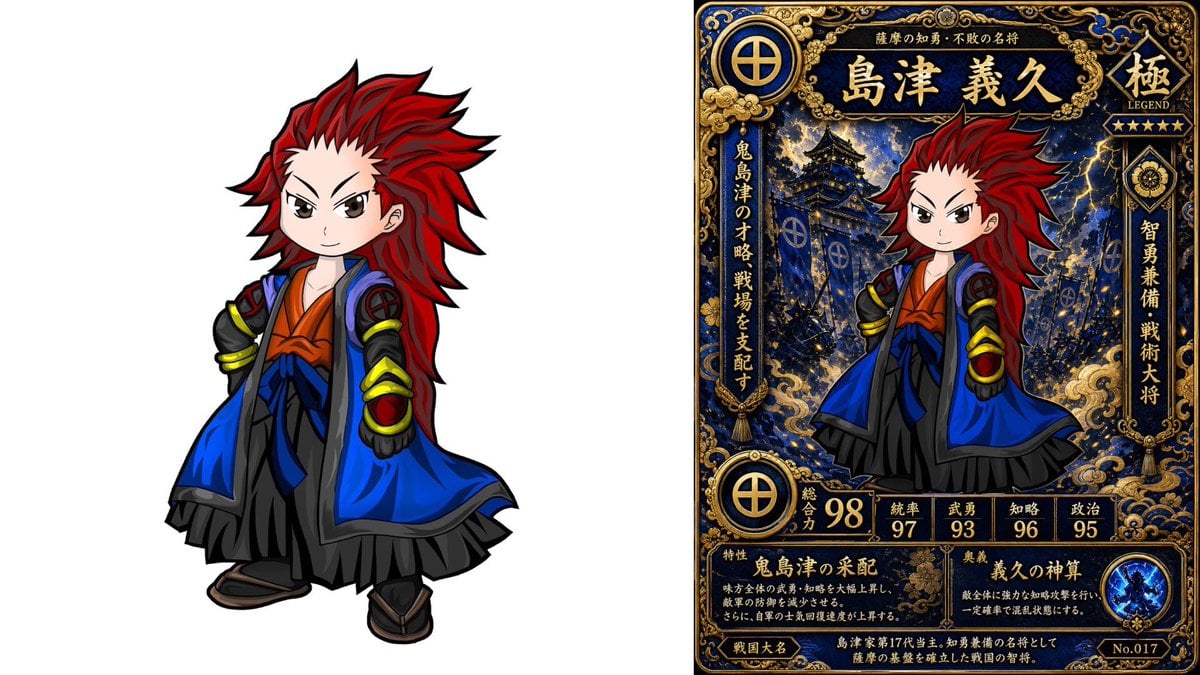
Chibi Samurai Legendary Trading Card
Make it yours
Streamer Trading Card Product Shot works as-is. These are the safest ways to change it without losing the look.
Change one field
Copy a single group, rewrite it, and generate again so you can see what that field is doing.
Keep the frame, change the subject
Hold the composition and light of Streamer Trading Card Product Shot, then swap wardrobe, props or the person for a new take.
| If the result… | Why | Fix |
|---|---|---|
| The result drifts from the preview | Too many fields changed at once. | Reuse Streamer Trading Card Product Shot as-is first, then change one group — subject, light, or setting. |
| The model over-stylizes the scene | The prose prompt leaves finish and camera underspecified. | Add one camera or lighting sentence and stay on GPT Image 2. |
More GPT Image 2 templates
Other prompts made for GPT Image 2.

Six VTuber Japanese Logo Sheet

Realistic Portrait of Woman and Deer

The Vista Modular Condo Poster

AI Model Routing Comparison Infographic

2.5D Anime Art Board

Isometric Productivity Desk Scene

New York Double Exposure Poster

Four-Panel AI Landscape Comparison

Japanese Tatami Lifestyle Magazine Cover

NESCAFÉ Coffee Map Poster
More image prompts
Fresh picks from across the catalog.
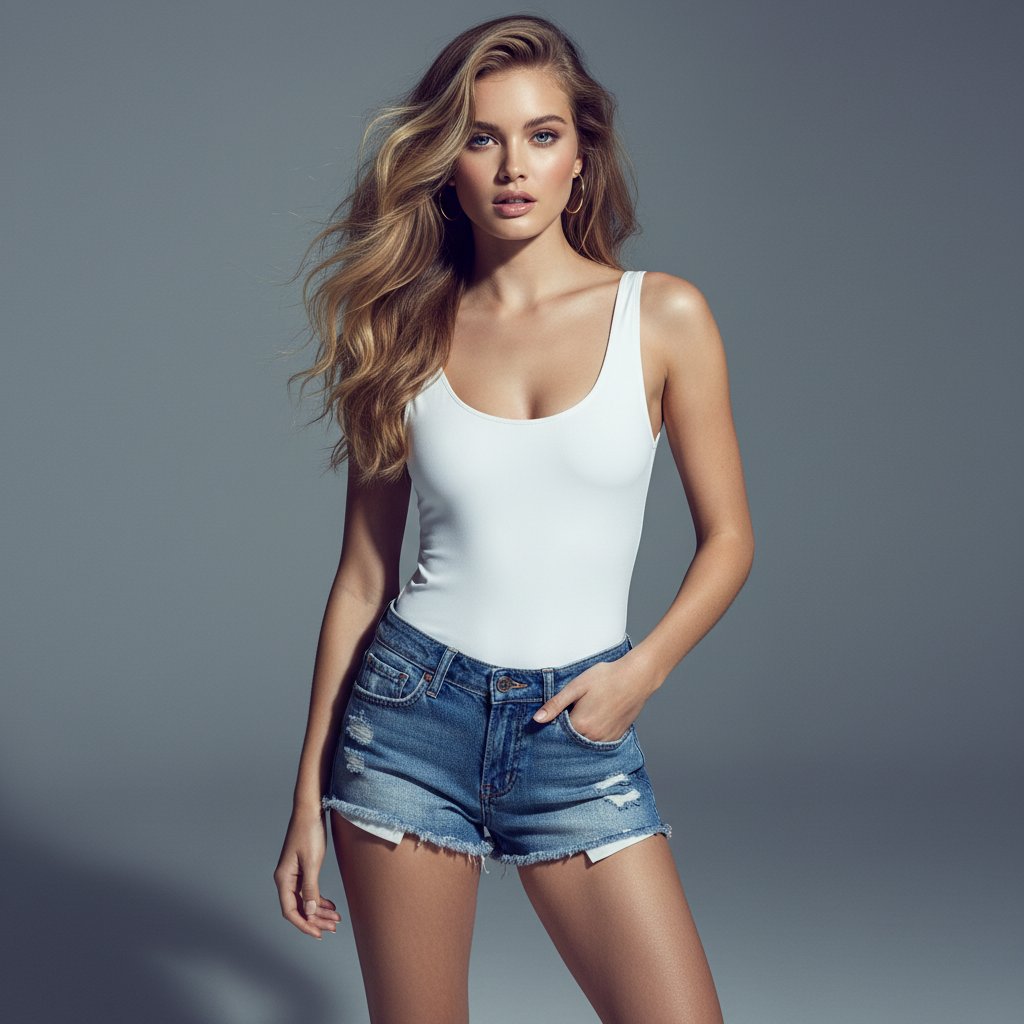
Ultra-realistic Commercial Fashion Editorial
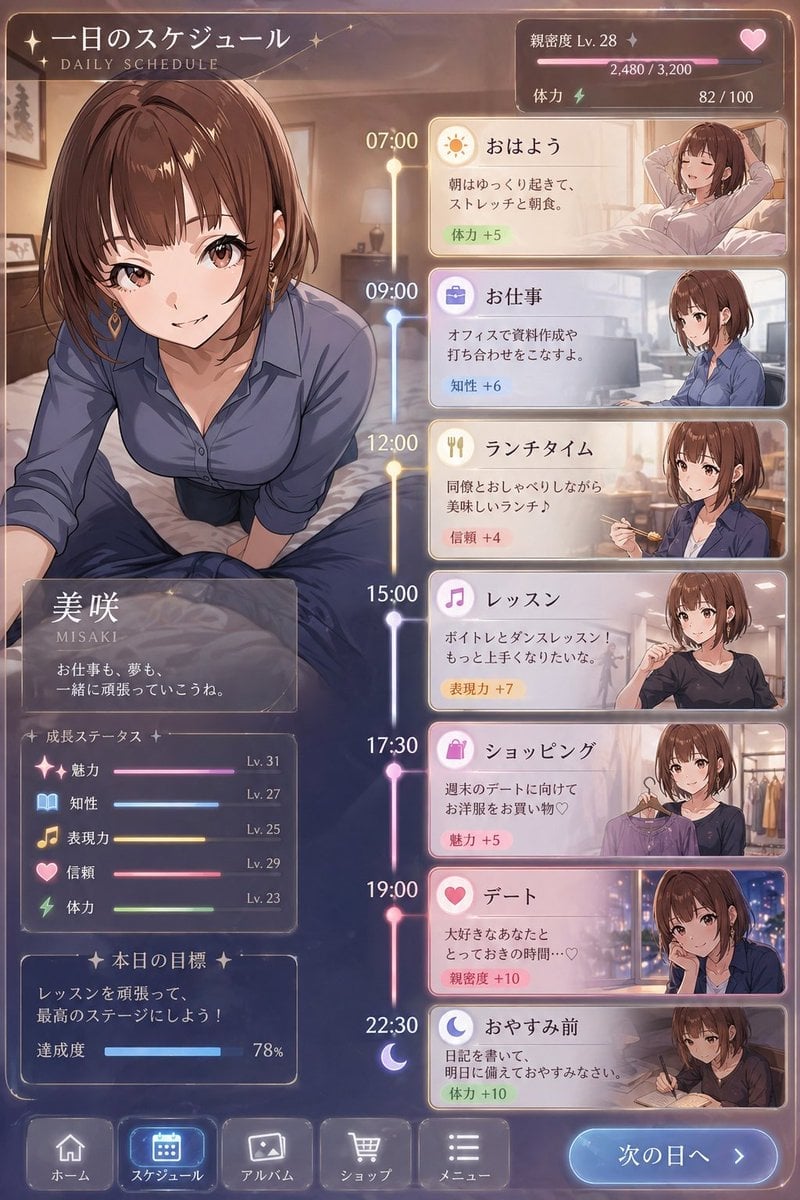
Character Schedule UI Design
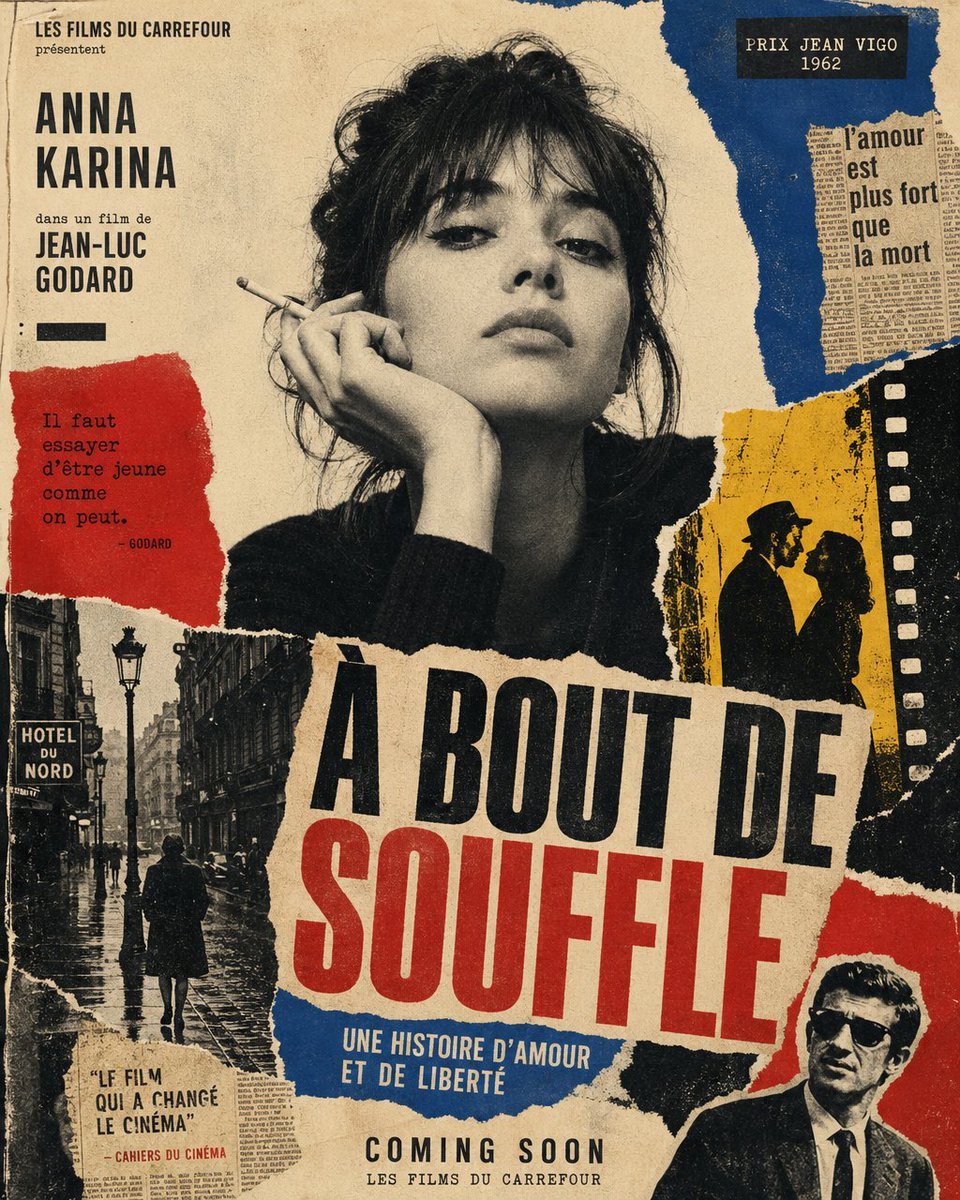
French New Wave Torn Poster Collage
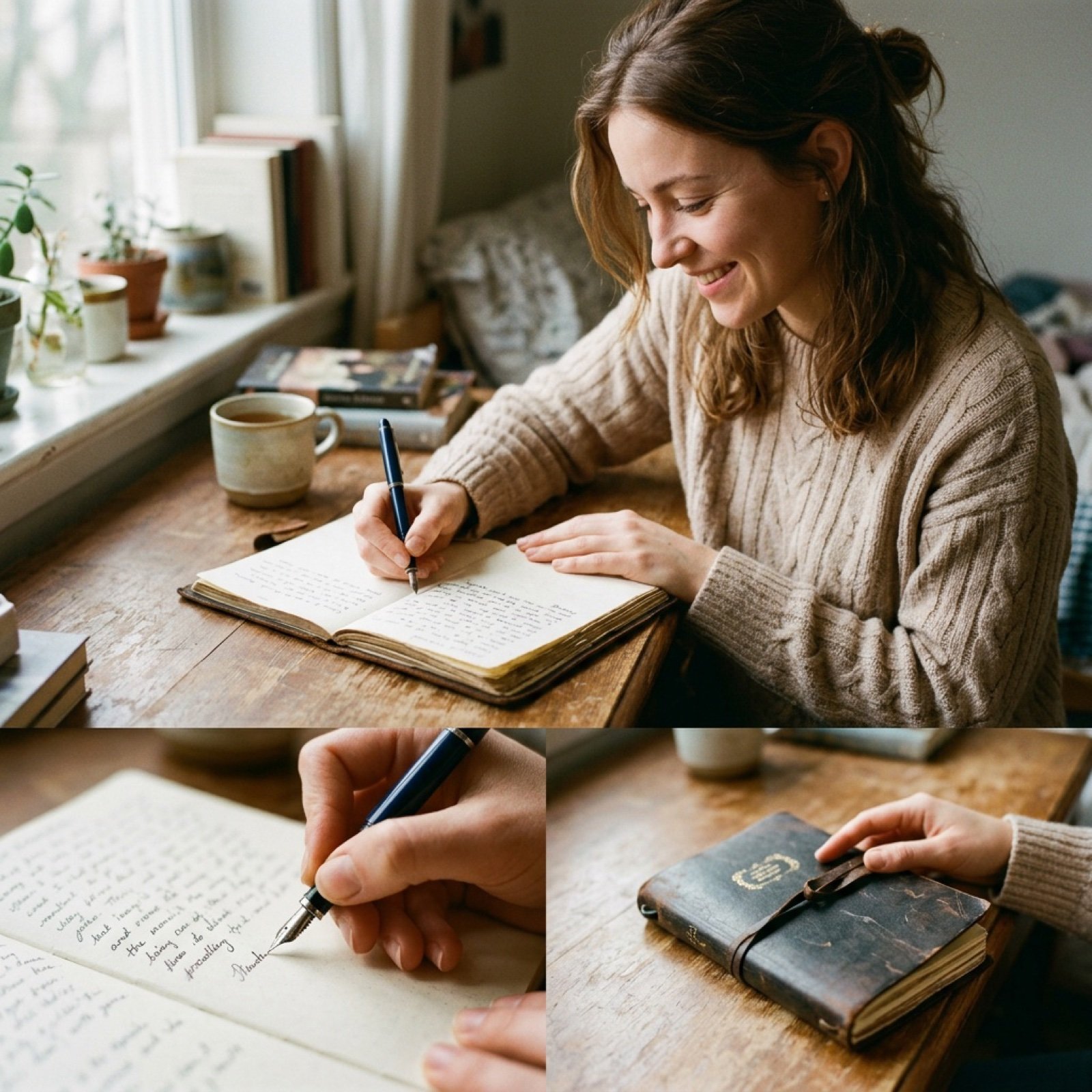
Cinematic Film-Style Video Prompt (Shared for Image and Video Generation)
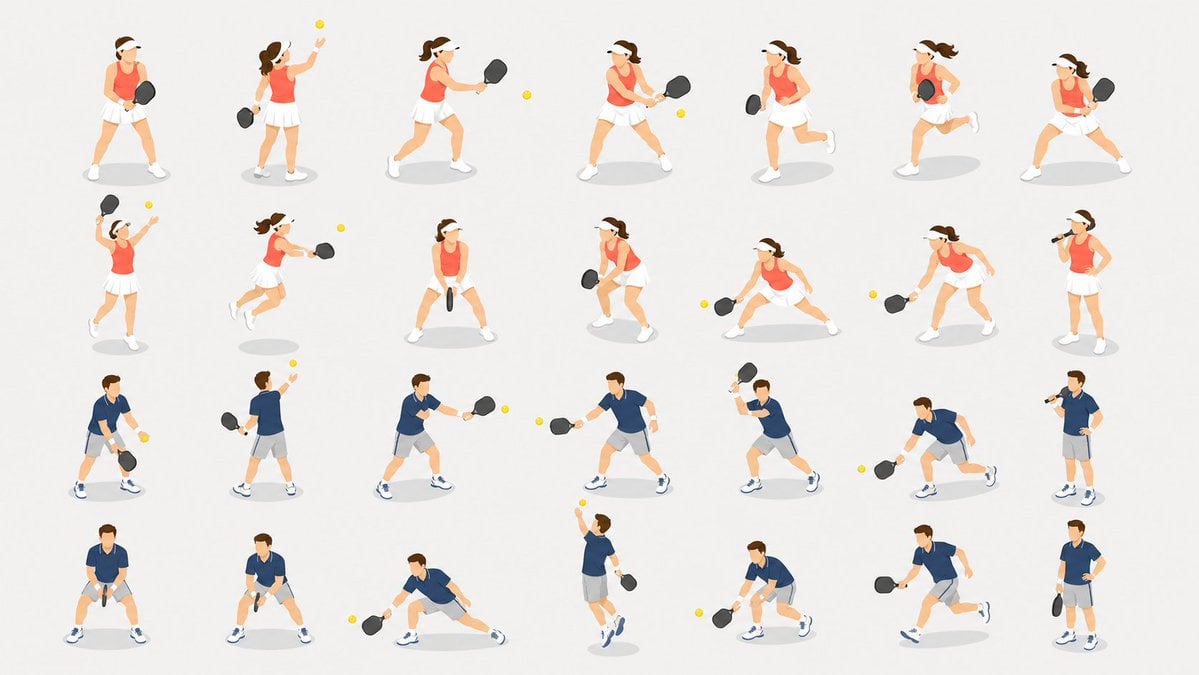
Pickleball Player Pose Set
Panel Manga Generation from a Scene Description
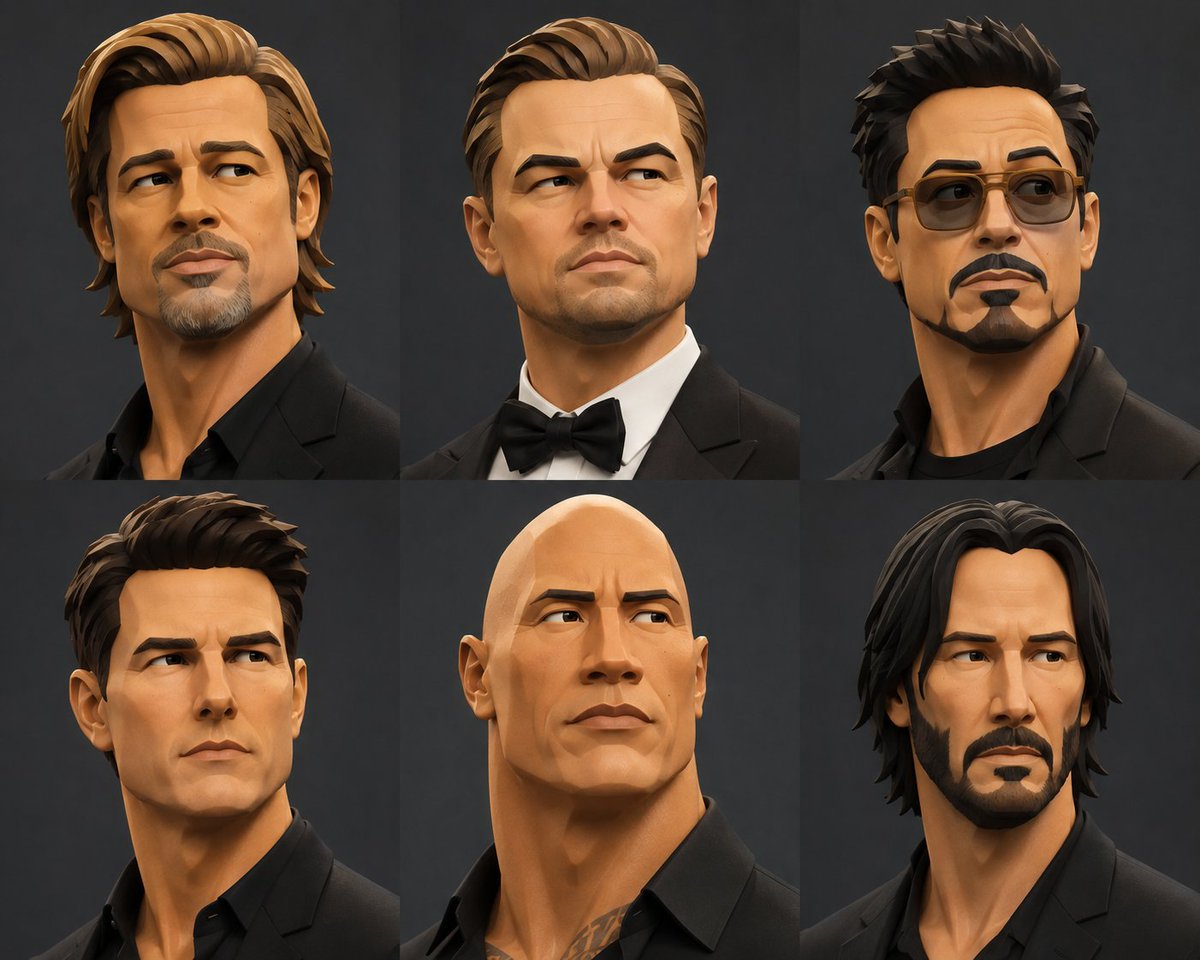
Stylized 3D Fashion Portrait
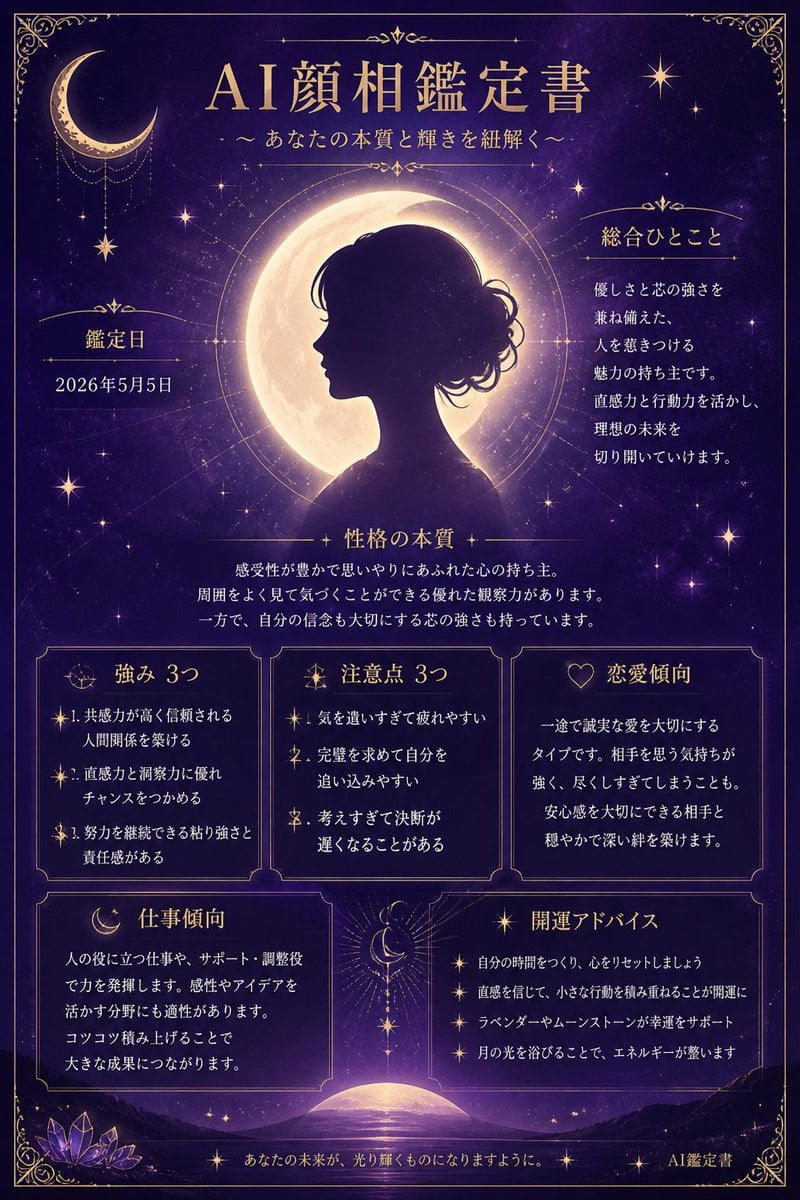
Mystical Japanese AI Face Reading Report
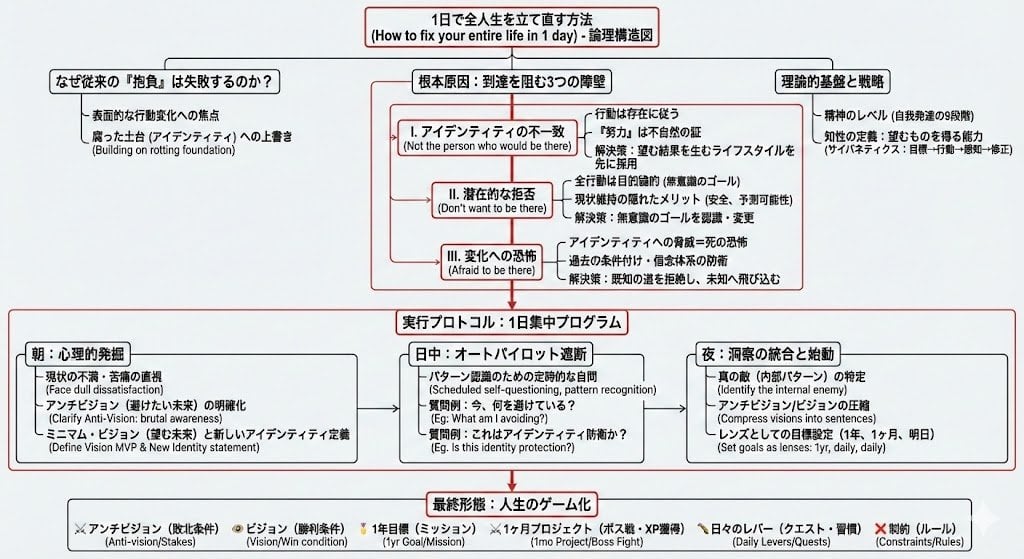
Prompt for Generating Logical Tree Diagrams with Nano Banana Pro

Luxury Macro Commercial Render of a Velvet Red Rose
Browse template categories
Streamer Trading Card Product Shot questions
How do I use the Streamer Trading Card Product Shot template?
Add your photo if the template asks for one, edit the prompt if you like — the template's model and format are already selected — and press Generate. Your version opens in PicX Studio.
Can I customize the Streamer Trading Card Product Shot template?
Yes. You can change the subject, setting, lighting, mood, format, and available model controls before creating your image.
Is the Streamer Trading Card Product Shot template free?
Opening and editing this template is free. Generating uses credits, shown on the Generate button when you are signed in.
Which AI model should I use?
Start with GPT Image 2, which is the model associated with this template. You can compare another compatible model for a different finish.
Looking for something else? Browse all templates.

Your photo, any look
Thousands of ready templates for every top image and video model, from one credit balance.