
Luxury Macro Commercial Render of a Velvet Red Rose
A highly detailed JSON prompt for generating an 8K hyper-realistic luxury commercial render of a velvet red rose in full bloom, emphasizing macro details, micro dewdrops, dramatic low-key studio lighting, and cinematic…
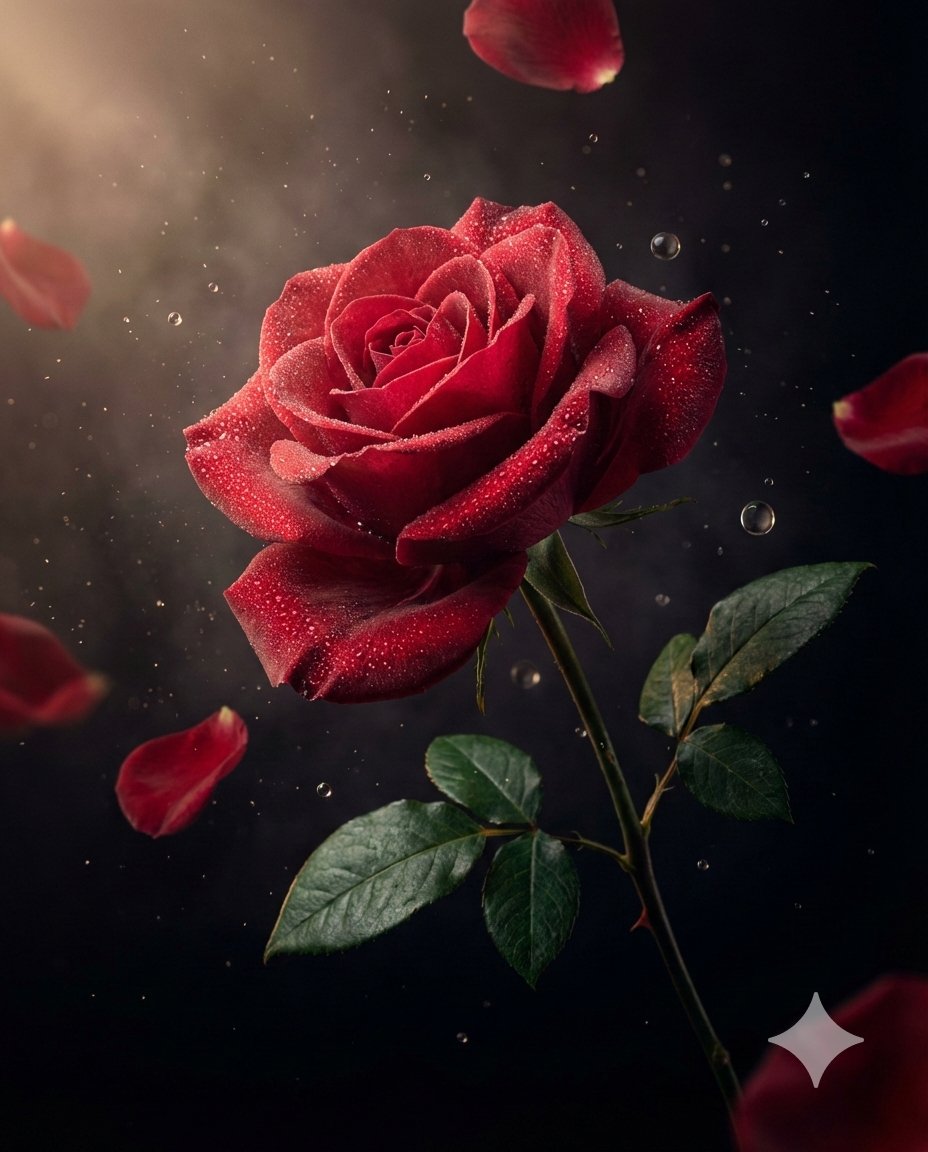
- Prompt included
- Model and format preset
- Free template
The prompt behind this image
Copy the exact prompt behind Luxury Macro Commercial Render of a Velvet Red Rose, or open it in the studio and make it yours.
{ "master_prompt": { "subject": { "type": "luxury aesthetic flower", "species": "velvet red rose in full bloom", "petal_texture": "soft velvety petals with delicate natural curvature", "color_gradient": "deep crimson transitioning into rich ruby tones", "details": "micro dewdrops resting on petals enhancing realism", "stem_style": "slender dark green stem with subtle thorns", "leaf_texture": "glossy deep emerald leaves with natural veining" }, "composition": { "scene_type": "ultra-cinematic luxury botanical advertising photography", "orientation": "vertical", "aspect_ratio": "4:5", "camera_angle": "dramatic diagonal hero angle", "subject_position": "floating mid-air with elegant natural tilt", "motion": "petals and fine mist particles suspended in motion" }, "environment": { "background": "deep black velvet gradient fading into shadow", "atmosphere": "soft volumetric mist enhancing depth and softness", "floating_elements": [ "delicate falling rose petals", "microscopic water droplets suspended mid-air", "fine dust particles shimmering in light", "subtle glass-like dew spheres catching highlights" ], "surface_effects": "micro condensation beads and soft reflective moisture enhancing realism" }, "lighting": { "style": "dramatic low-key studio lighting", "key_light": "soft directional light sculpting petal texture", "rim_lights": "gentle rim lighting outlining petal edges", "accent_lights": "warm highlights adding depth and softness", "shadow_depth": "deep cinematic shadows for luxury mood", "contrast": "high contrast with luminous highlights and soft falloff" }, "color_palette": { "primary_colors": ["deep crimson", "ruby red", "velvet burgundy"], "accent_colors": ["emerald green", "soft champagne glow"] }, "camera_settings": { "lens": "macro cinema prime lens", "depth_of_field": "shallow depth isolating flower from background", "focus_point": "central petals and dew droplets", "bokeh": "smooth cinematic bokeh from floating particles", "detail_capture": "extreme micro-detail clarity" }, "render_quality": { "resolution": "8K ultra high definition", "render_style": "hyper-realistic luxury commercial render", "petal_physics": "natural curvature and translucency", "moisture_simulation": "physically accurate droplet behavior", "textures": "ultra-detailed petal fibers, dew droplets, and micro particles", "sharpness": "tack sharp subject focus with cinematic background softness", "noise": "none", "artifacts": "none" }, "mood": { "tone": "romantic, elegant, and serene", "emotion": "beauty, purity, luxury, timeless sophistication" }, "final_output": { "usage": "luxury floral campaign, fine art print, botanical advertising", "branding_focus": "hero floral elegance with premium aesthetic", "visual_style": "cinematic botanical commercial aesthetic" } }
How to use Luxury Macro Commercial Render of a Velvet Red Rose in 3 steps
- 1
Open
The prompt is already in the box next to the preview, with the template's model and format selected.
- 2…a portrait of your subject in softgolden-hour light, 85mm…
Personalize
Edit the subject and creative details for your destination.
- 3Generate
Generate
Press Generate — your image is created in PicX Studio, so you can compare it with the original and refine one variable at a time.
More like this
Templates with the same subject, style or setup. Open one to see its prompt.
Seedance - Brand Commercial

Opera Curtain Red Gold
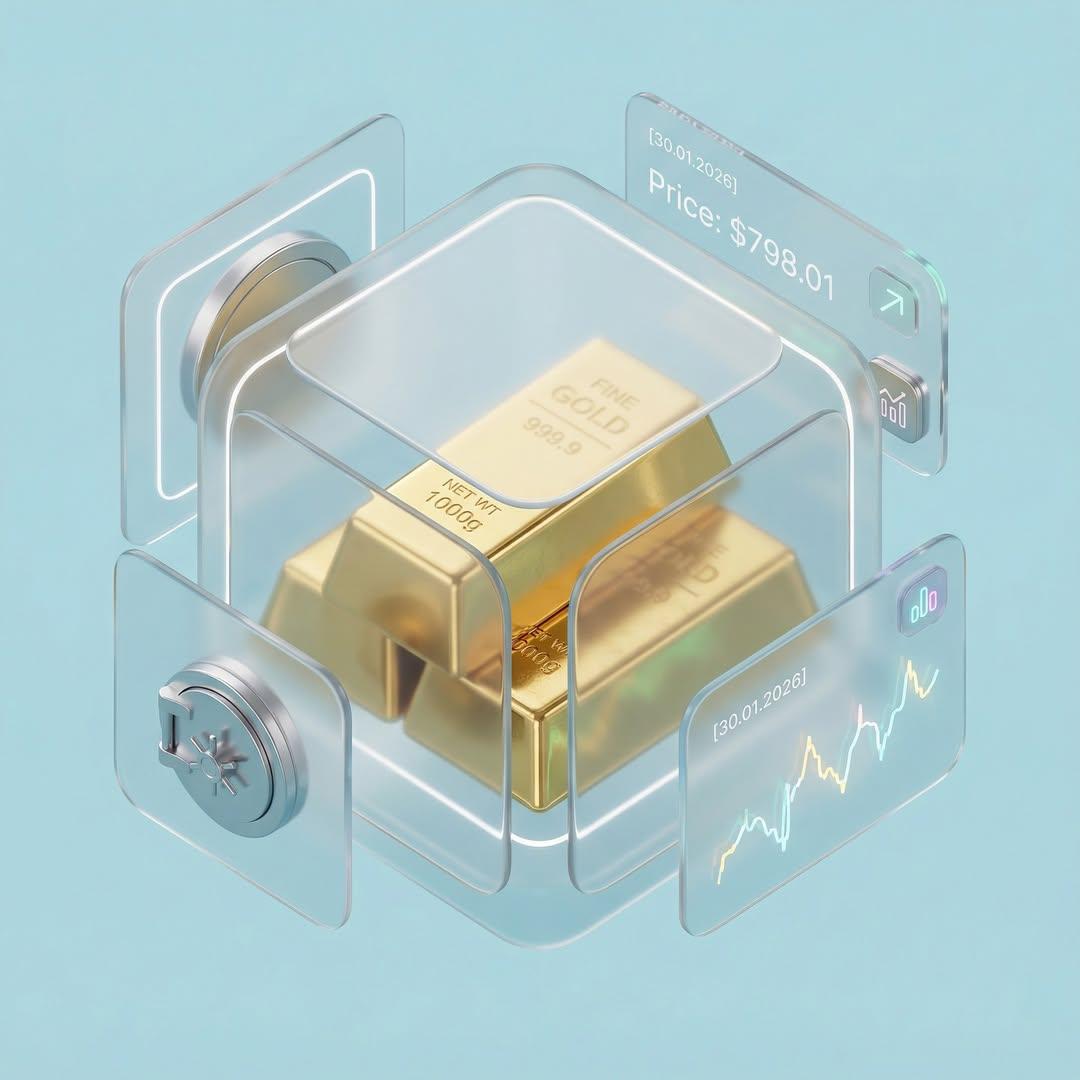
Credit Card Levitation
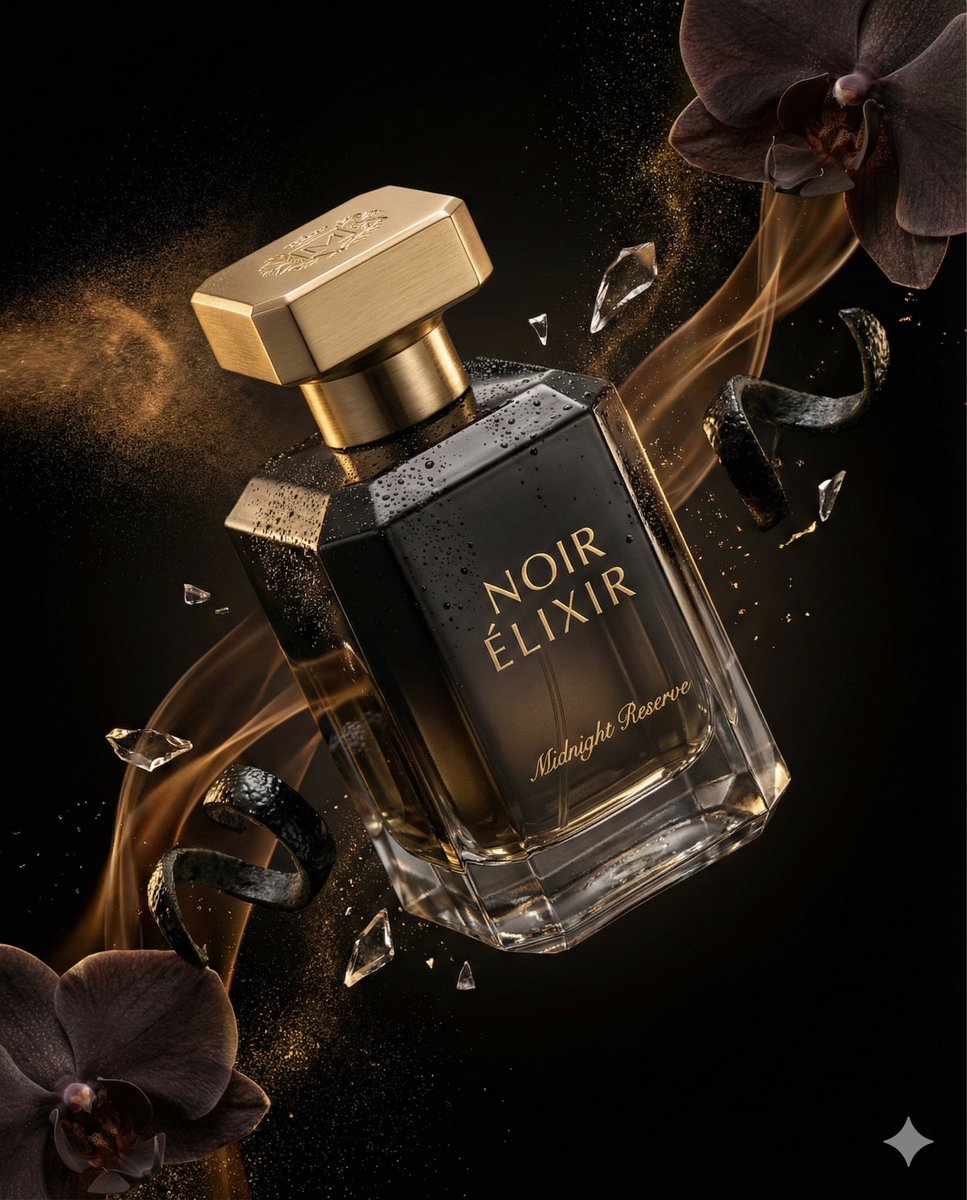
Luxury Perfume Commercial Render Prompt (NOIR ÉLIXIR)
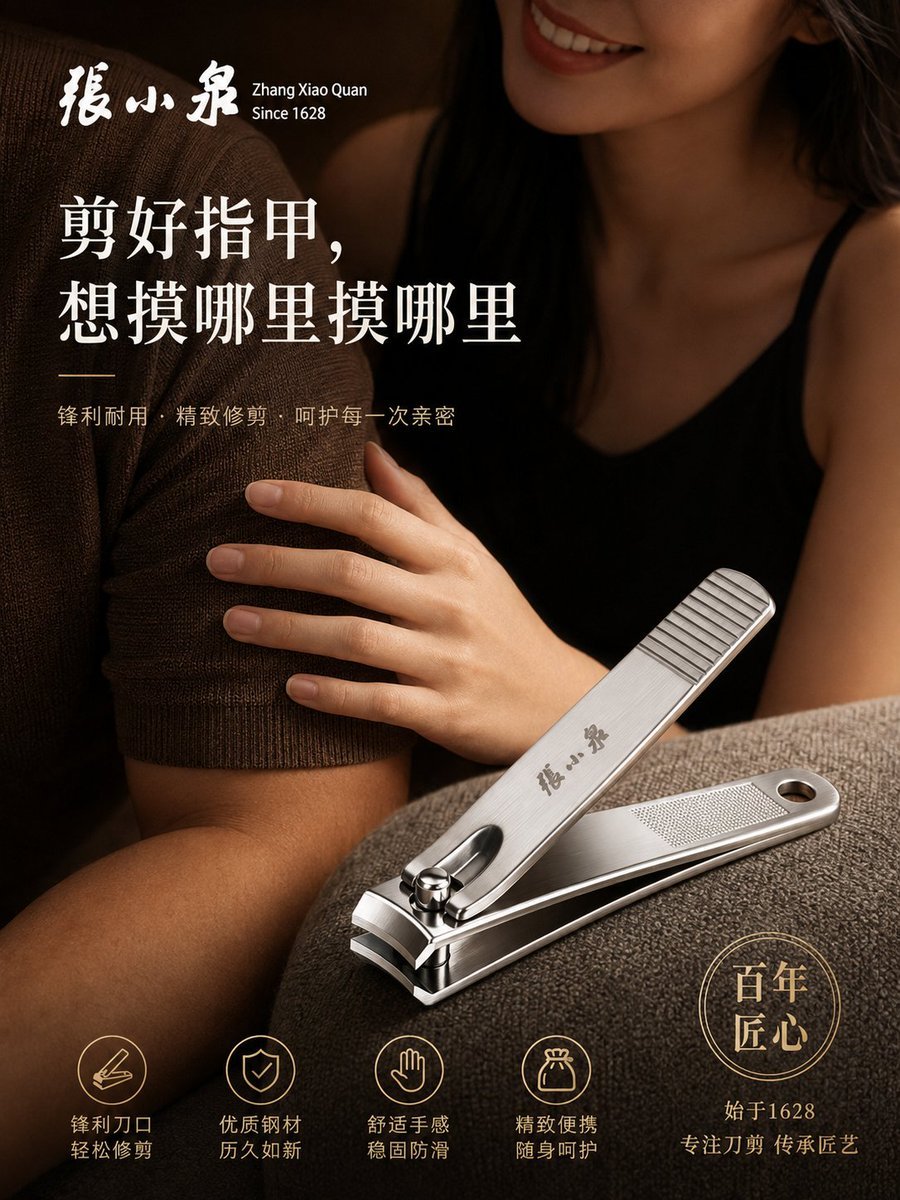
Luxury Nail Clipper Commercial Ad
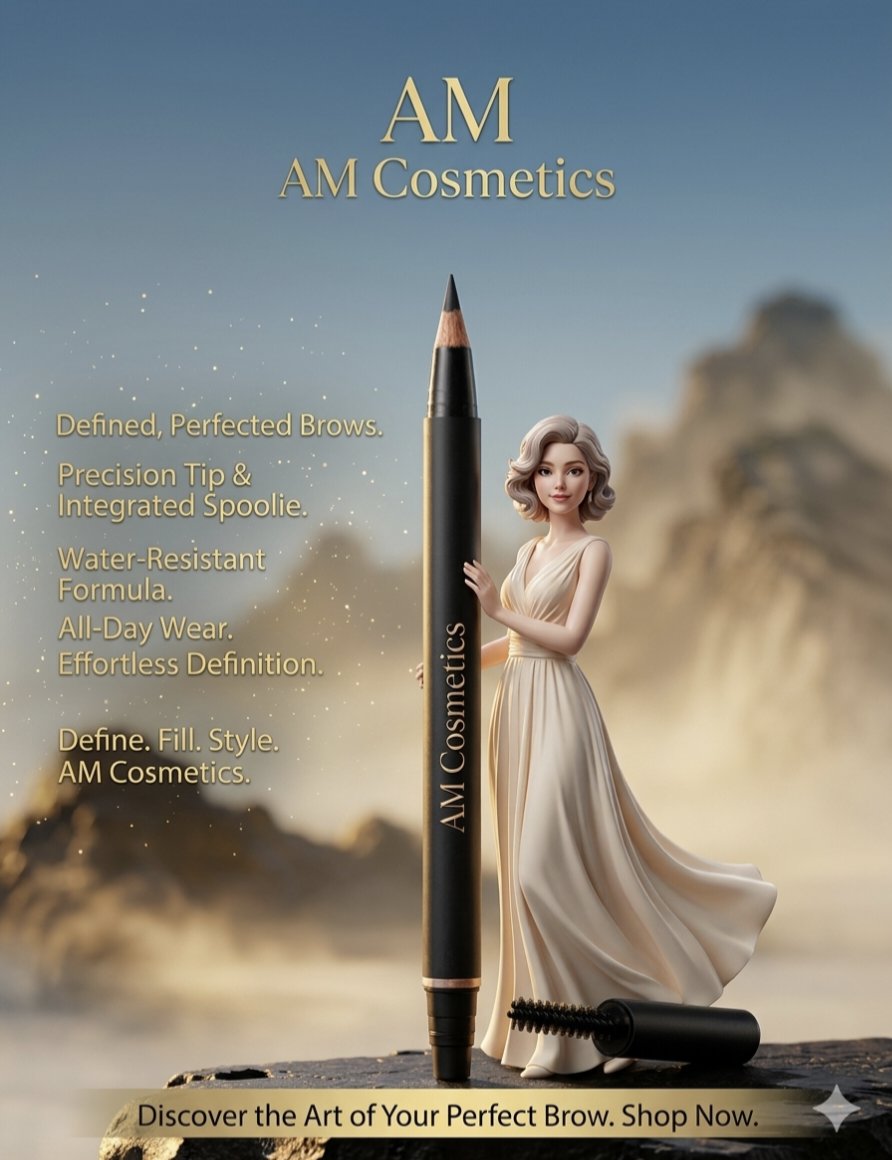
3D Rendered Eyebrow Pencil Advertisement
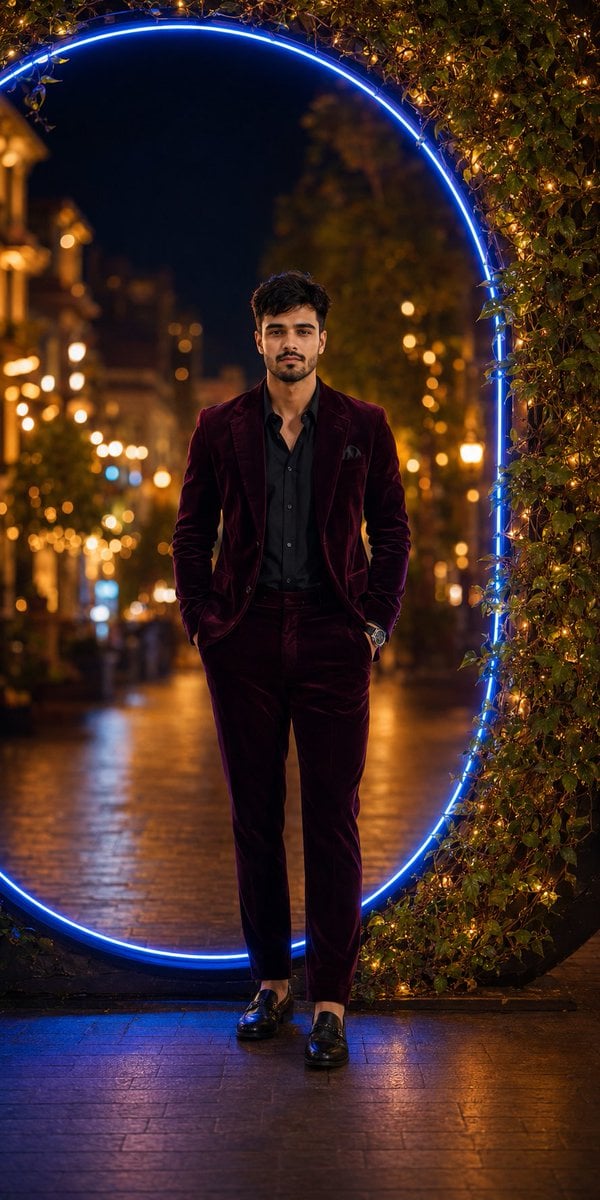
Luxury Velvet Suit Neon Portrait

Sealing Wax Letter Desk

Ballroom Floor Reflections

Vintage Camera Leather Case

Hedge Maze Aerial Dawn

Tuxedo Cuff Adjust
Make it yours
Luxury Macro Commercial Render of a Velvet Red Rose works as-is. These are the safest ways to change it without losing the look.
Change one field
Copy a single group, rewrite it, and generate again so you can see what that field is doing.
Keep the frame, change the subject
Hold the composition and light of Luxury Macro Commercial Render of a Velvet Red Rose, then swap wardrobe, props or the person for a new take.
| If the result… | Why | Fix |
|---|---|---|
| The result drifts from the preview | Too many fields changed at once. | Reuse Luxury Macro Commercial Render of a Velvet Red Rose as-is first, then change one group — subject, light, or setting. |
| The model over-stylizes the scene | The prose prompt leaves finish and camera underspecified. | Add one camera or lighting sentence and stay on Nano Banana 2. |
More Nano Banana 2 templates
Other prompts made for Nano Banana 2.

Photorealistic Leaf Shaped Like a Dragon

K-Pop Idol Portrait Grid for Rapid Selection

Poetic Rain Forest Portrait During Golden Hour

Urban Street Portrait with Cartoon Inner Self Duo

Candid Nighttime Photo with Cat Prompt

High-Concept 3D Diorama Generation Prompt

Cinematic Futuristic Studio Portrait Template

Skincare Editorial Photography Collage Prompt

Hyper-Realistic Commercial Product Photography (Splash Effect)

Hyper-Realistic Nightclub Portrait Prompt
More image prompts
Fresh picks from across the catalog.
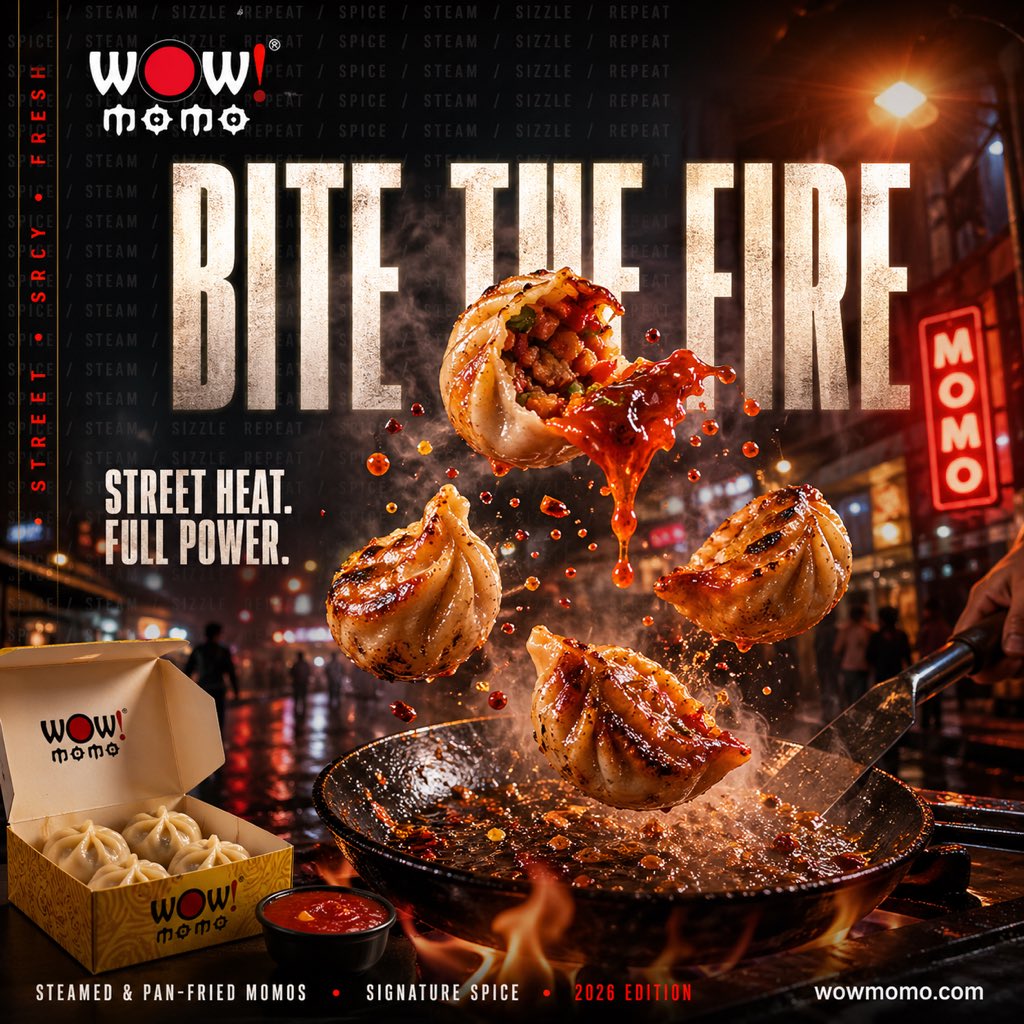
Cinematic Fiery Momo Street Food Ad
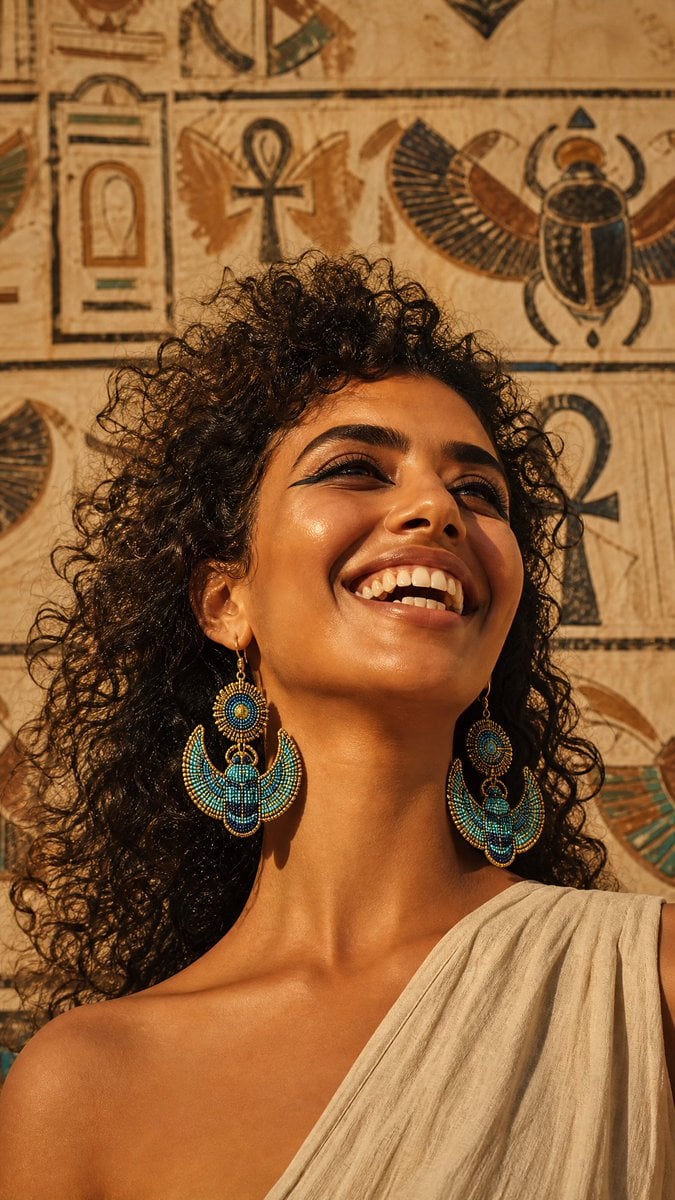
Egyptian Scarab Earring Portrait
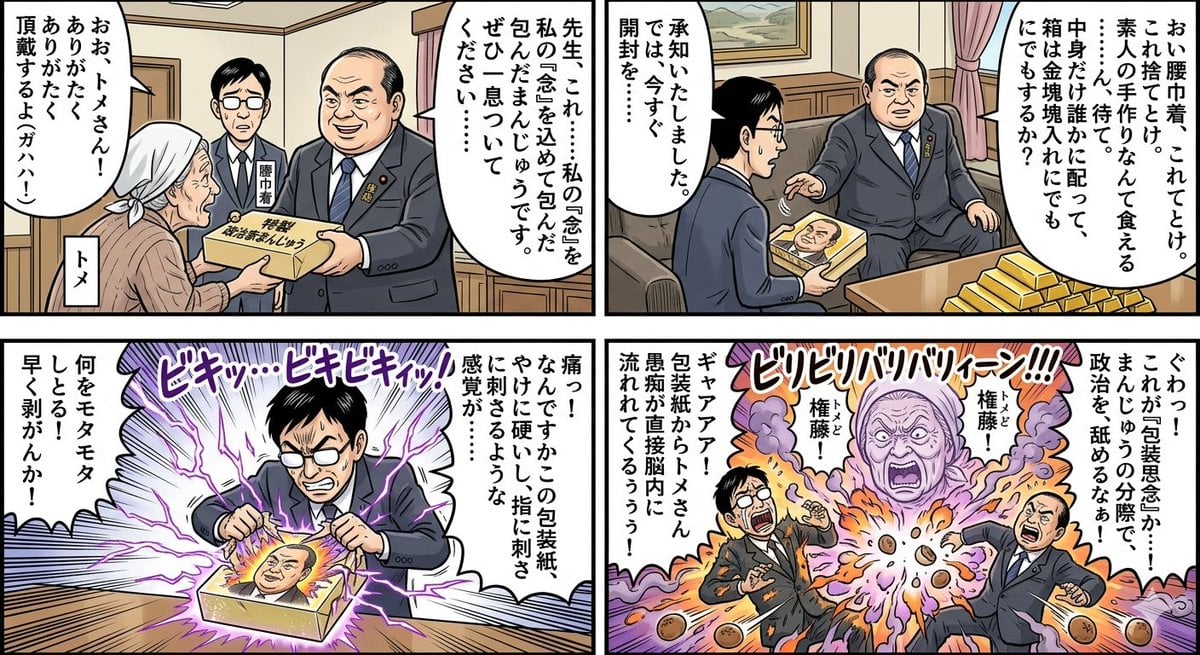
Four-Panel Manga: Politician Manju Incident
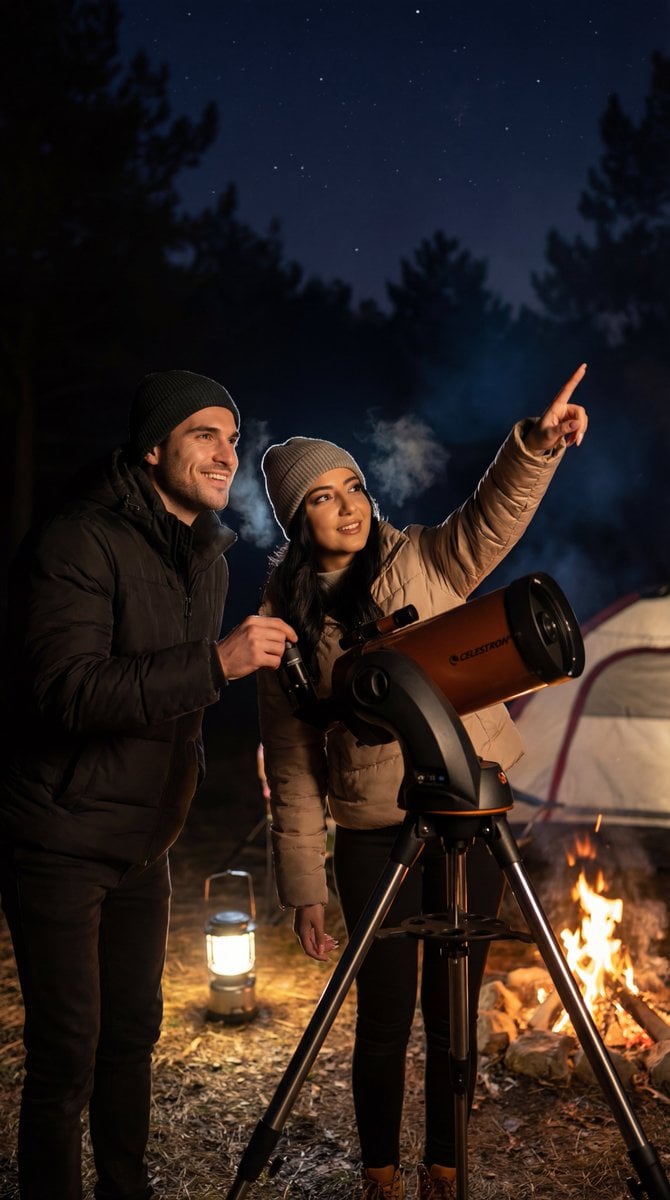
Ultra-Photorealistic Candid Film Still of Night Camping and Stargazing
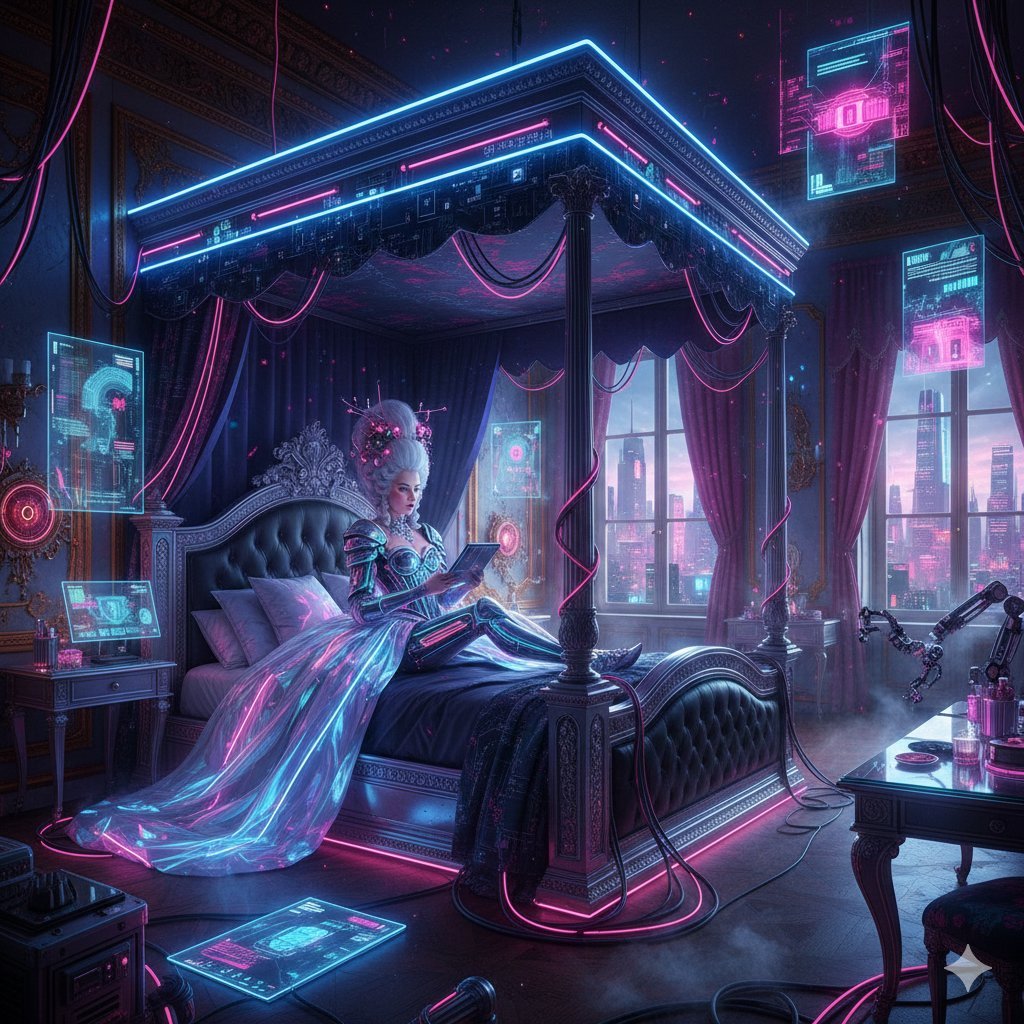
Cyberpunk Versailles Palace Generation

Ultra-Realistic Professional Headshot for Creator Economy

Four Seasons Panorama of Asakusa and Skytree
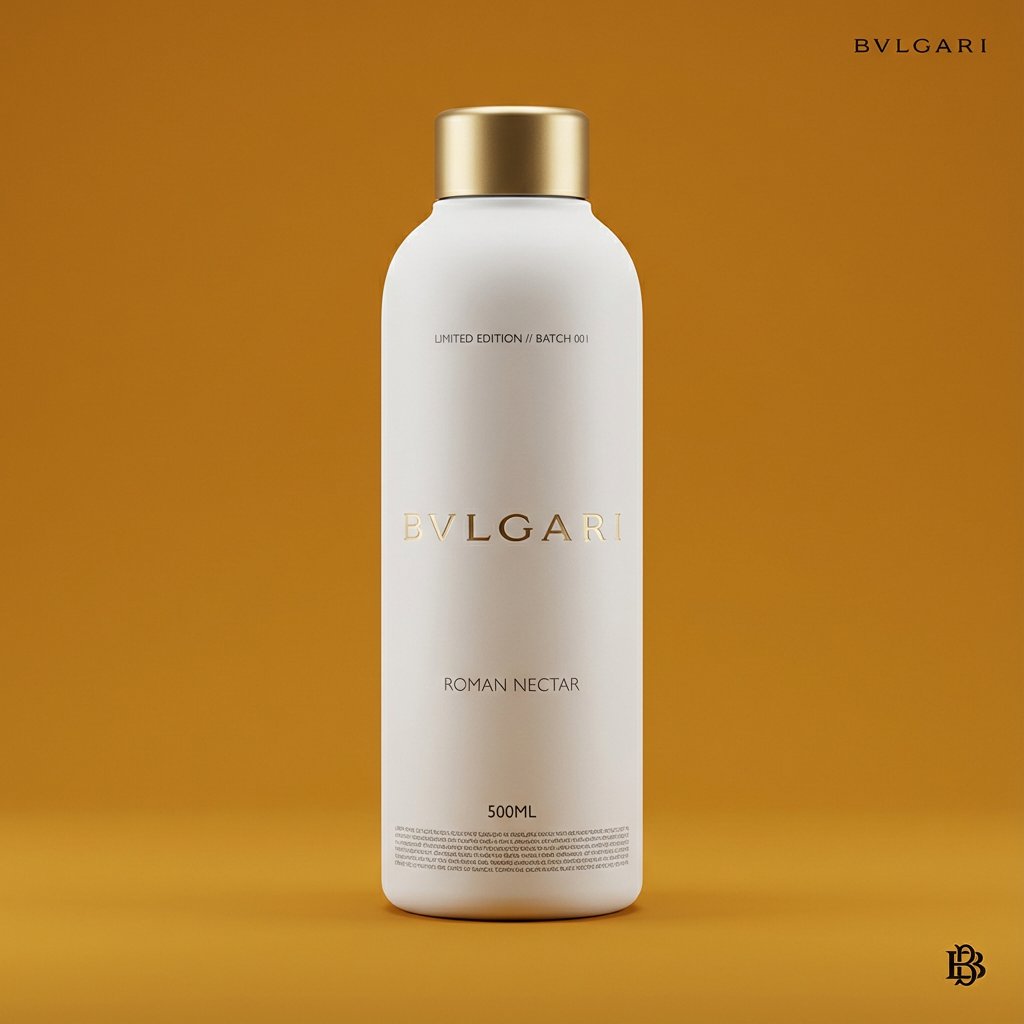
Premium Beverage Package Design Prompt
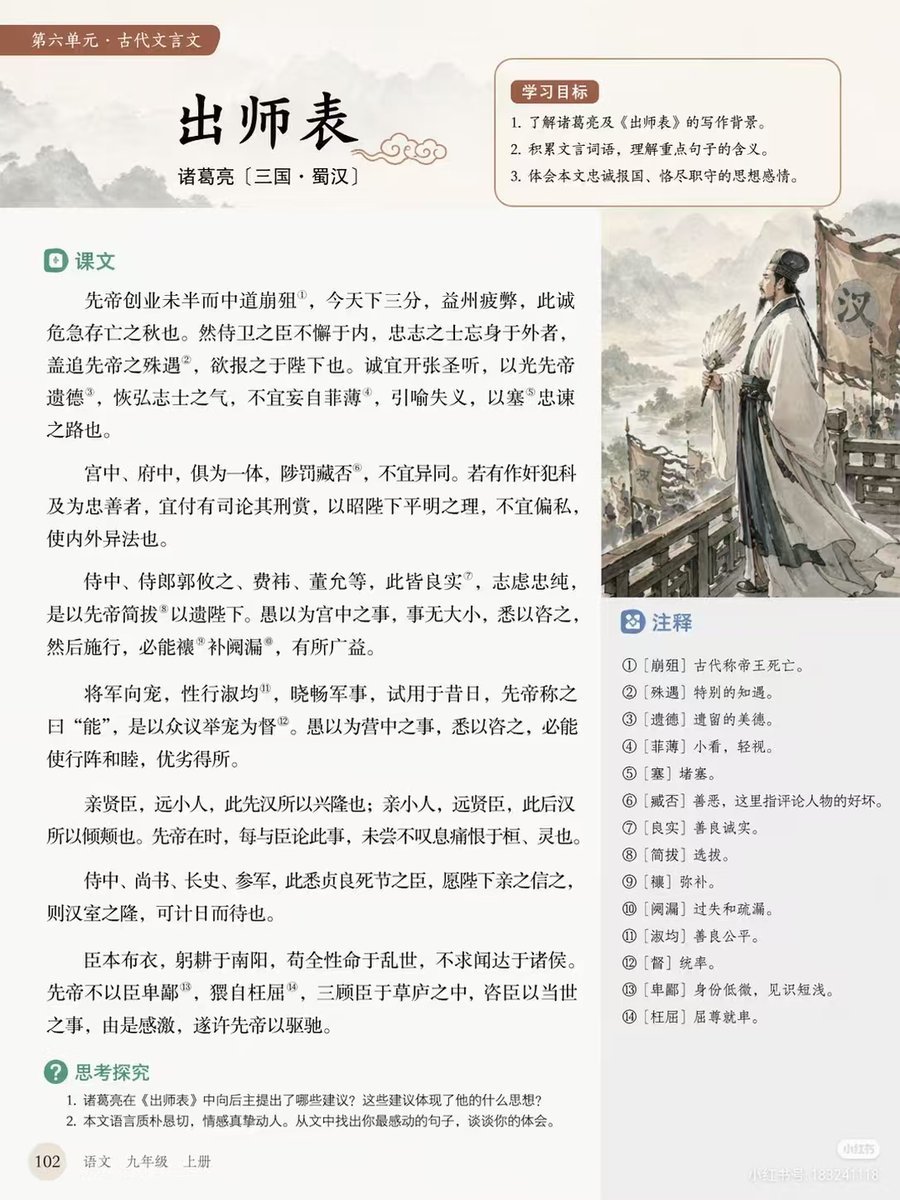
Chinese Literature Textbook Page Layout
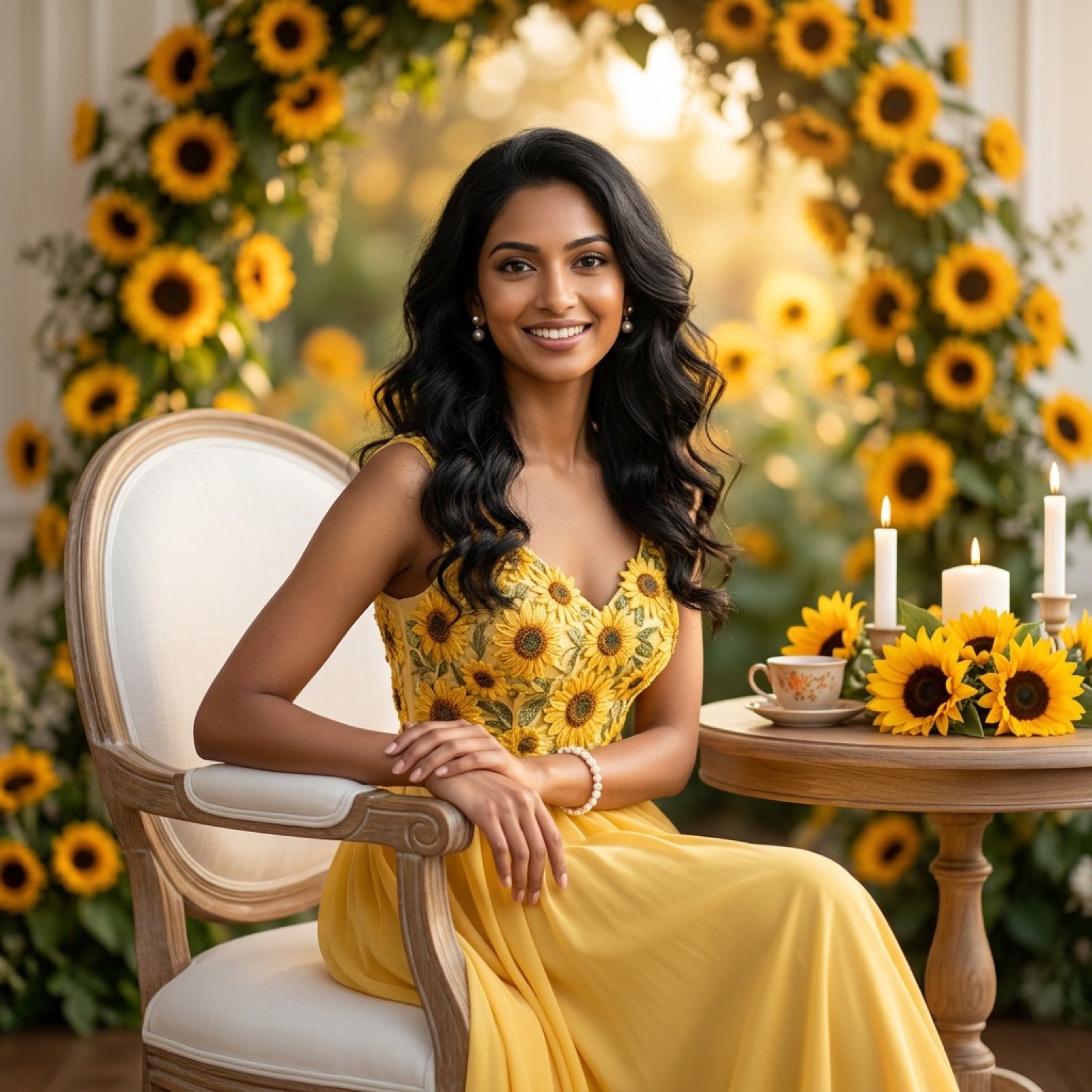
Ultra-Realistic Studio Portrait of Lady in Yellow Gown
Browse template categories
Luxury Macro Commercial Render of a Velvet Red Rose questions
How do I use the Luxury Macro Commercial Render of a Velvet Red Rose template?
Add your photo if the template asks for one, edit the prompt if you like — the template's model and format are already selected — and press Generate. Your version opens in PicX Studio.
Can I customize the Luxury Macro Commercial Render of a Velvet Red Rose template?
Yes. You can change the subject, setting, lighting, mood, format, and available model controls before creating your image.
Is the Luxury Macro Commercial Render of a Velvet Red Rose template free?
Opening and editing this template is free. Generating uses credits, shown on the Generate button when you are signed in.
Which AI model should I use?
Start with Nano Banana 2, which is the model associated with this template. You can compare another compatible model for a different finish.
Looking for something else? Browse all templates.

Your photo, any look
Thousands of ready templates for every top image and video model, from one credit balance.