
Chinese Literature Textbook Page Layout
Generates a structured educational textbook page featuring classical text, annotations, learning objectives, and an ink-wash illustration.
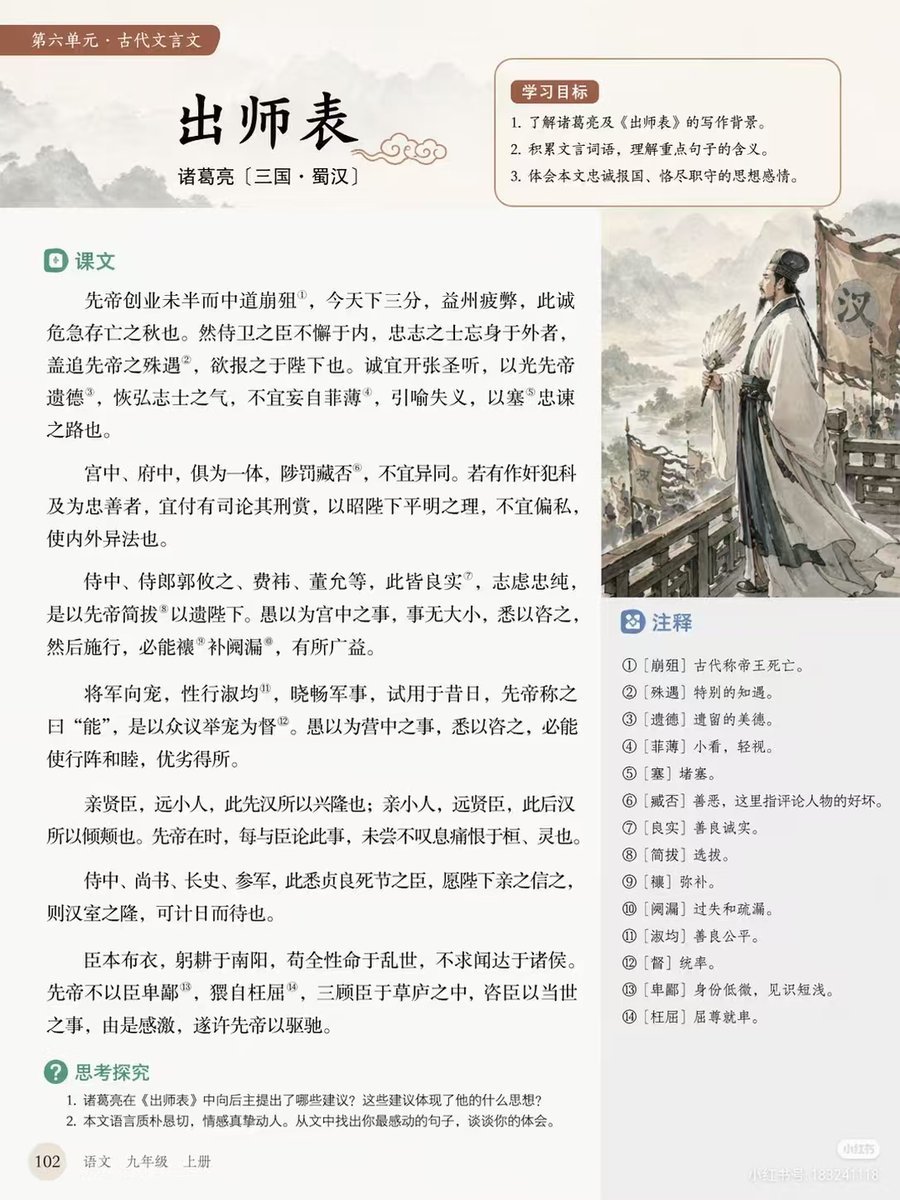
- Prompt included
- Model and format preset
- Free template
The prompt behind this image
Copy the exact prompt behind Chinese Literature Textbook Page Layout, or open it in the studio and make it yours.
- Type
- educational textbook page layout
- Style
- clean typography, traditional Chinese aesthetic, soft beige background
- Header › Tag
- 第六单元 · 古代文言文
- Header › Title
- {argument name="main title" default="出师表"}
- Header › Author
- {argument name="author info" default="诸葛亮 〔三国 · 蜀汉〕"}
- Layout › Sections › 0 › Title
- 学习目标
- Layout › Sections › 0 › Position
- top-right box
- Layout › Sections › 0 › Count
- 3
- Layout › Sections › 0 › Description
- numbered learning objectives with a soft red background
- Layout › Sections › 1 › Title
- 课文
- Layout › Sections › 1 › Position
- main left column
- Layout › Sections › 1 › Count
- 6
- Layout › Sections › 1 › Description
- paragraphs of classical Chinese text with 14 superscript annotation numbers
- Layout › Sections › 2 › Title
- 注释
- Layout › Sections › 2 › Position
- middle-right box below illustration
- Layout › Sections › 2 › Count
- 14
- Layout › Sections › 2 › Description
- numbered glossary definitions matching the text superscripts
- Layout › Sections › 3 › Title
- 思考探究
- Layout › Sections › 3 › Position
- bottom-left
- Layout › Sections › 3 › Count
- 2
- Layout › Sections › 3 › Description
- numbered discussion questions
- Layout › Illustration › Position
- middle-right
- Layout › Illustration › Description
- {argument name="illustration subject" default="Zhuge Liang holding a feather fan, standing before an army with Han banners, ink wash painting style"}
- Layout › Footer › Page Number
- 102
Raw JSON
{
  "type": "educational textbook page layout",
  "style": "clean typography, traditional Chinese aesthetic, soft beige background",
  "header": {
    "tag": "第六单元 · 古代文言文",
    "title": "{argument name=\"main title\" default=\"出师表\"}",
    "author": "{argument name=\"author info\" default=\"诸葛亮 〔三国 · 蜀汉〕\"}"
  },
  "layout": {
    "sections": [
      {
        "title": "学习目标",
        "position": "top-right box",
        "count": 3,
        "description": "numbered learning objectives with a soft red background"
      },
      {
        "title": "课文",
        "position": "main left column",
        "count": 6,
        "description": "paragraphs of classical Chinese text with 14 superscript annotation numbers"
      },
      {
        "title": "注释",
        "position": "middle-right box below illustration",
        "count": 14,
        "description": "numbered glossary definitions matching the text superscripts"
      },
      {
        "title": "思考探究",
        "position": "bottom-left",
        "count": 2,
        "description": "numbered discussion questions"
      }
    ],
    "illustration": {
      "position": "middle-right",
      "description": "{argument name=\"illustration subject\" default=\"Zhuge Liang holding a feather fan, standing before an army with Han banners, ink wash painting style\"}"
    },
    "footer": {
      "page_number": "102",
      "book_info": "{argument name=\"textbook info\" default=\"语文 九年级 上册\"}"
    }
  }
}How to use Chinese Literature Textbook Page Layout in 3 steps
- 1Upload ImagePNG, JPG or paste
Add your photo
Upload the photo the template builds on. The prompt, model and format are already set.
- 2…a portrait of your subject in softgolden-hour light, 85mm…
Personalize
Edit the subject and creative details for your destination.
- 3Generate
Generate
Press Generate — your image is created in PicX Studio, so you can compare it with the original and refine one variable at a time.
More like this
Templates with the same subject, style or setup. Open one to see its prompt.
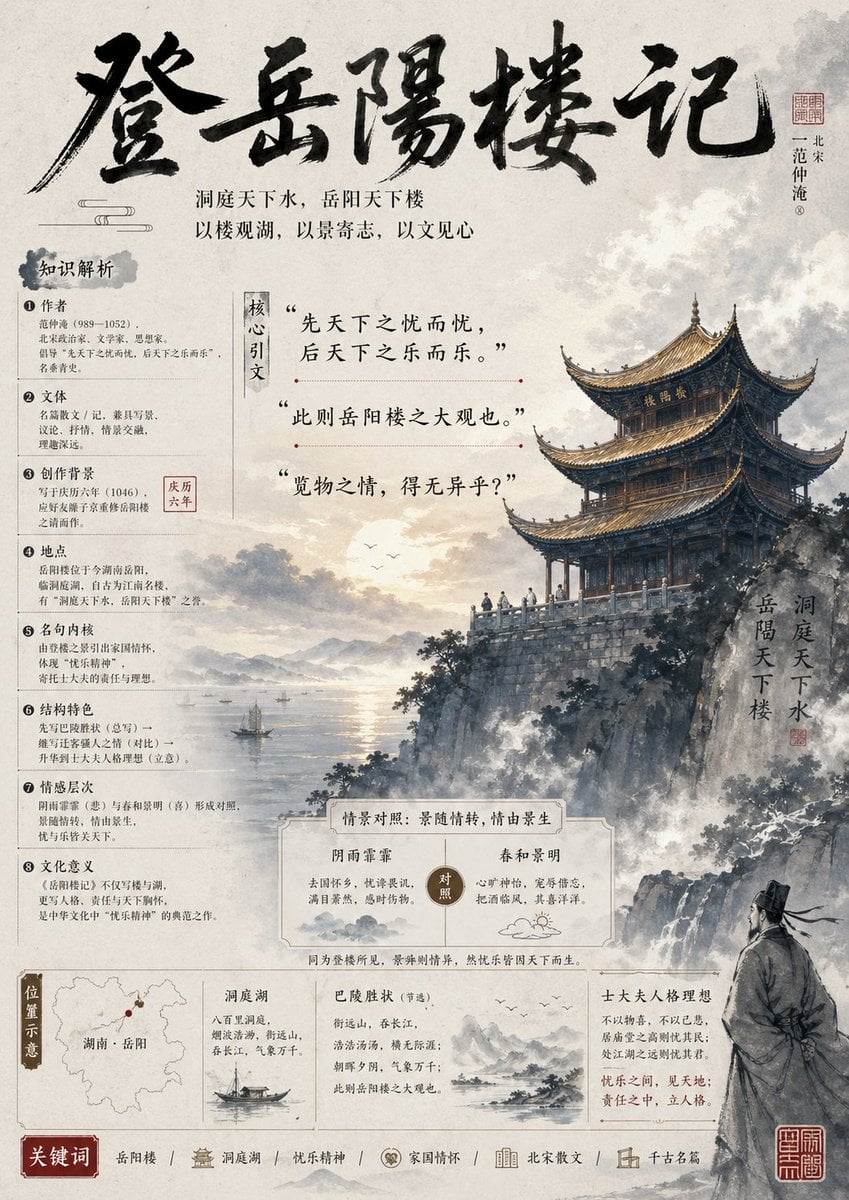
Ancient Chinese Literature PPT Poster

Open Magazine Luxury Fashion Editorial Layout

Premium Fashion Editorial Cover Layout System
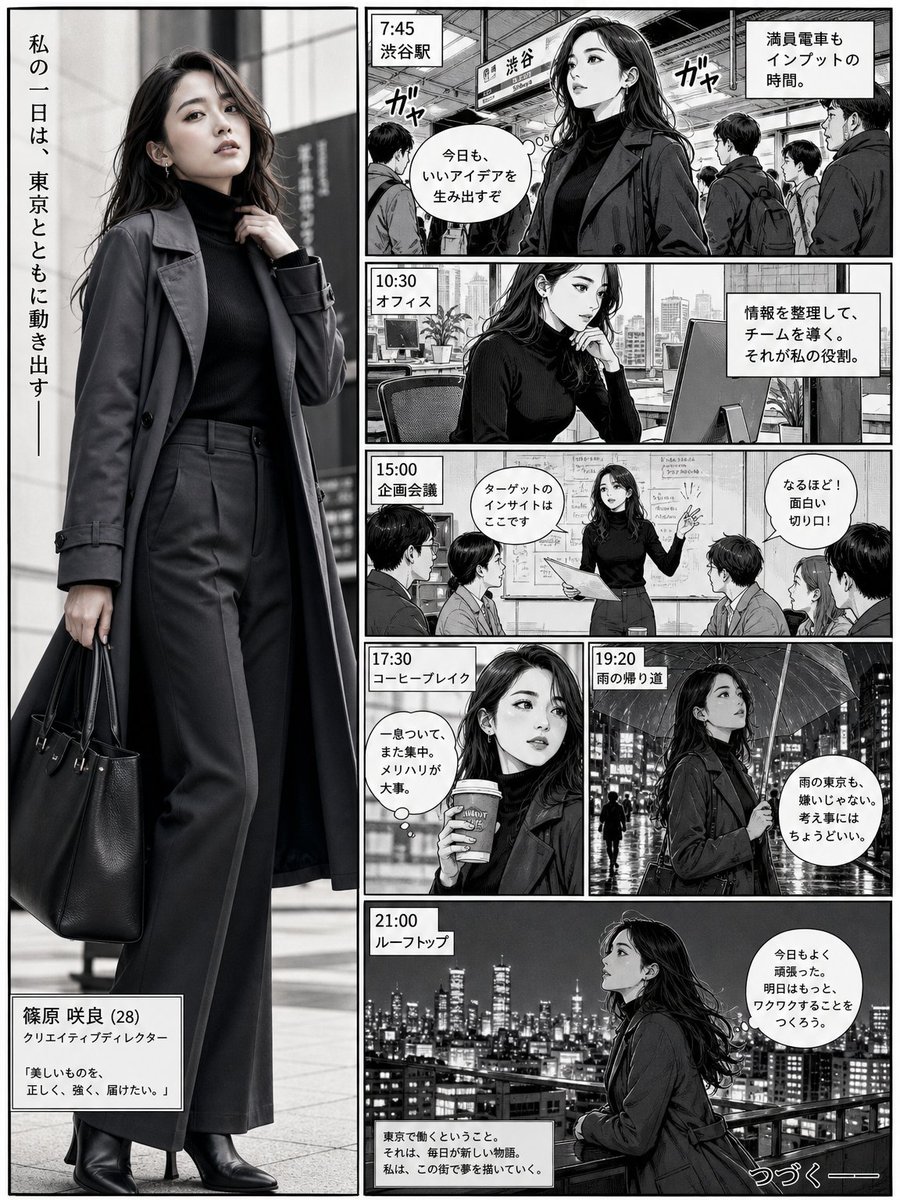
Realistic Professional Woman in Manga Page Layout
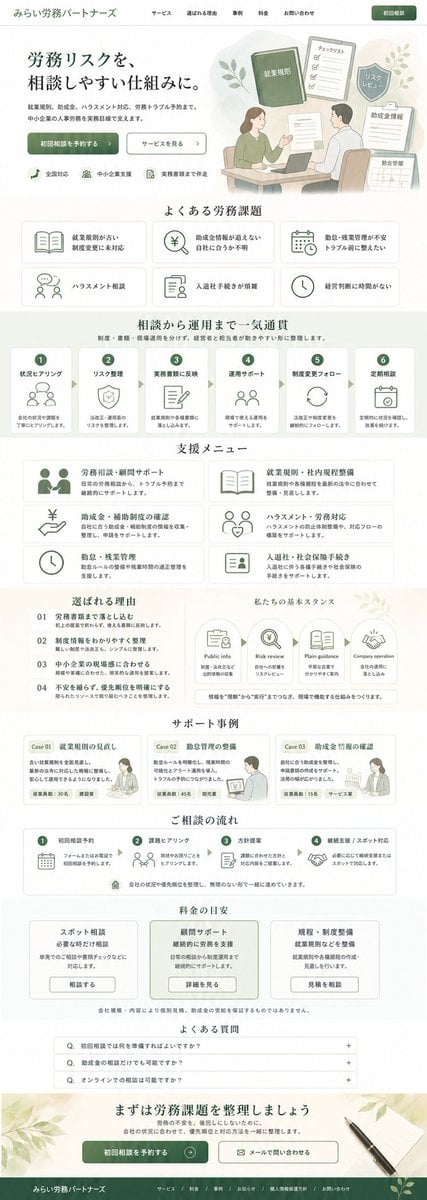
ASCII Layout Landing Page Generator
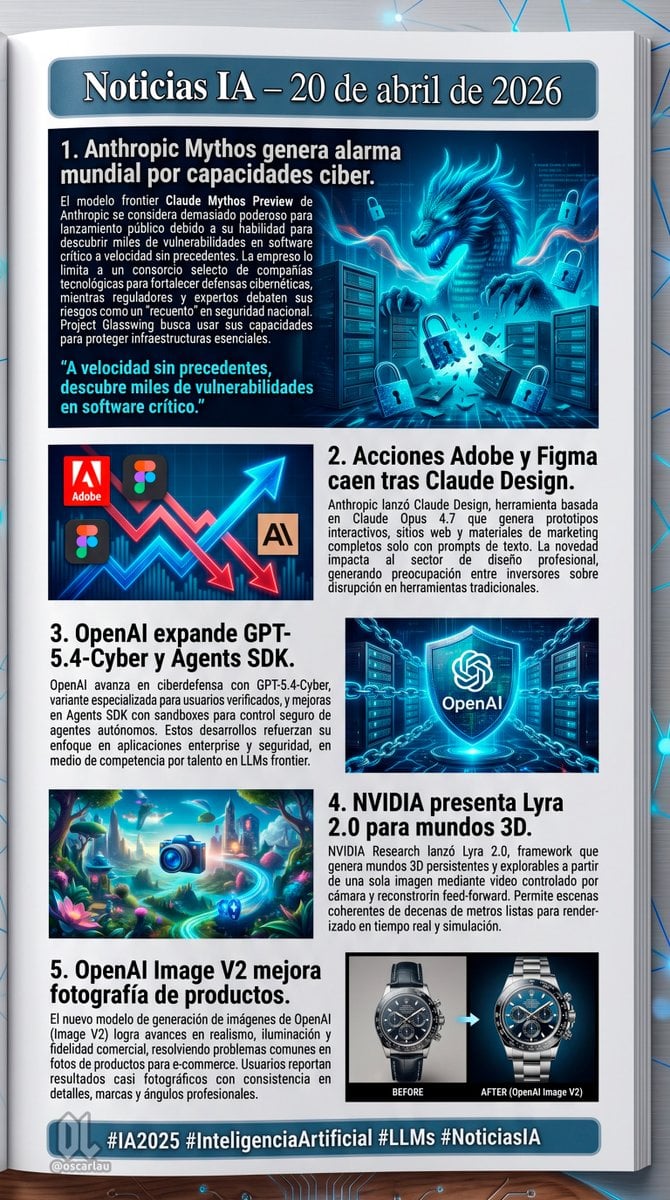
AI News Newsletter Page Layout
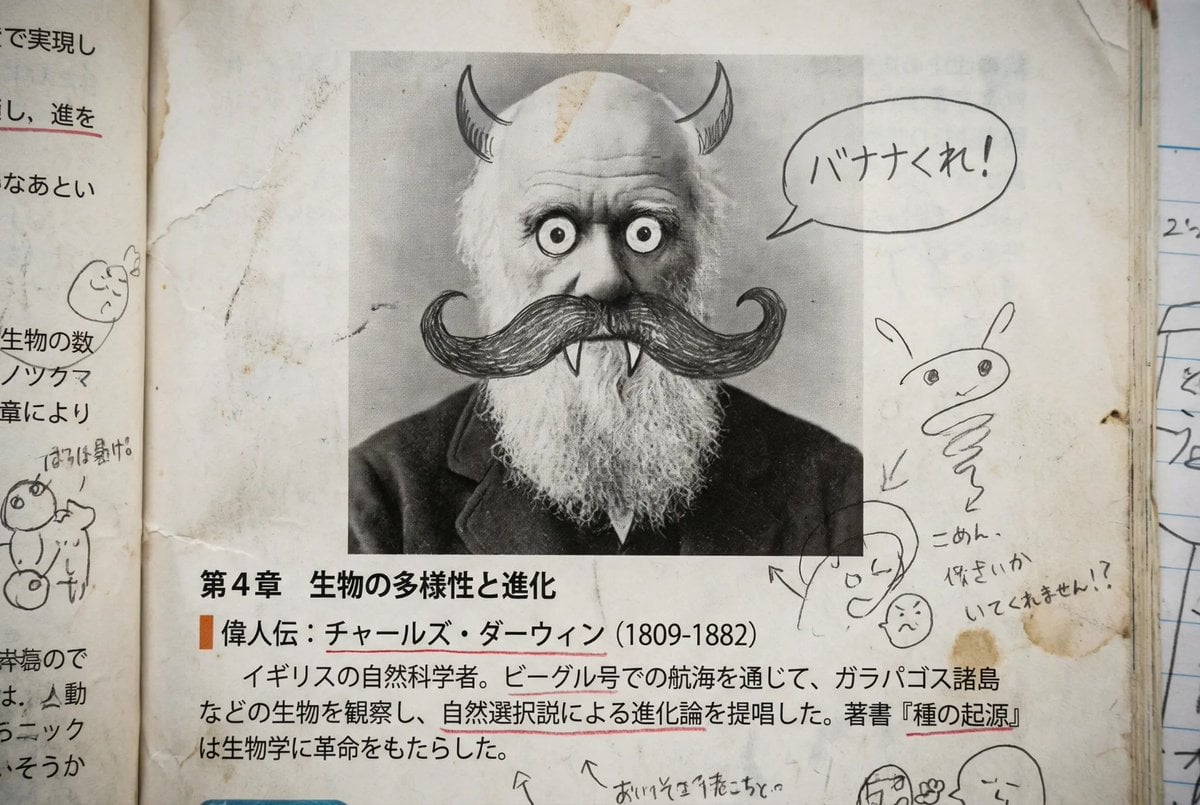
Middle schooler doodles on history textbook pages
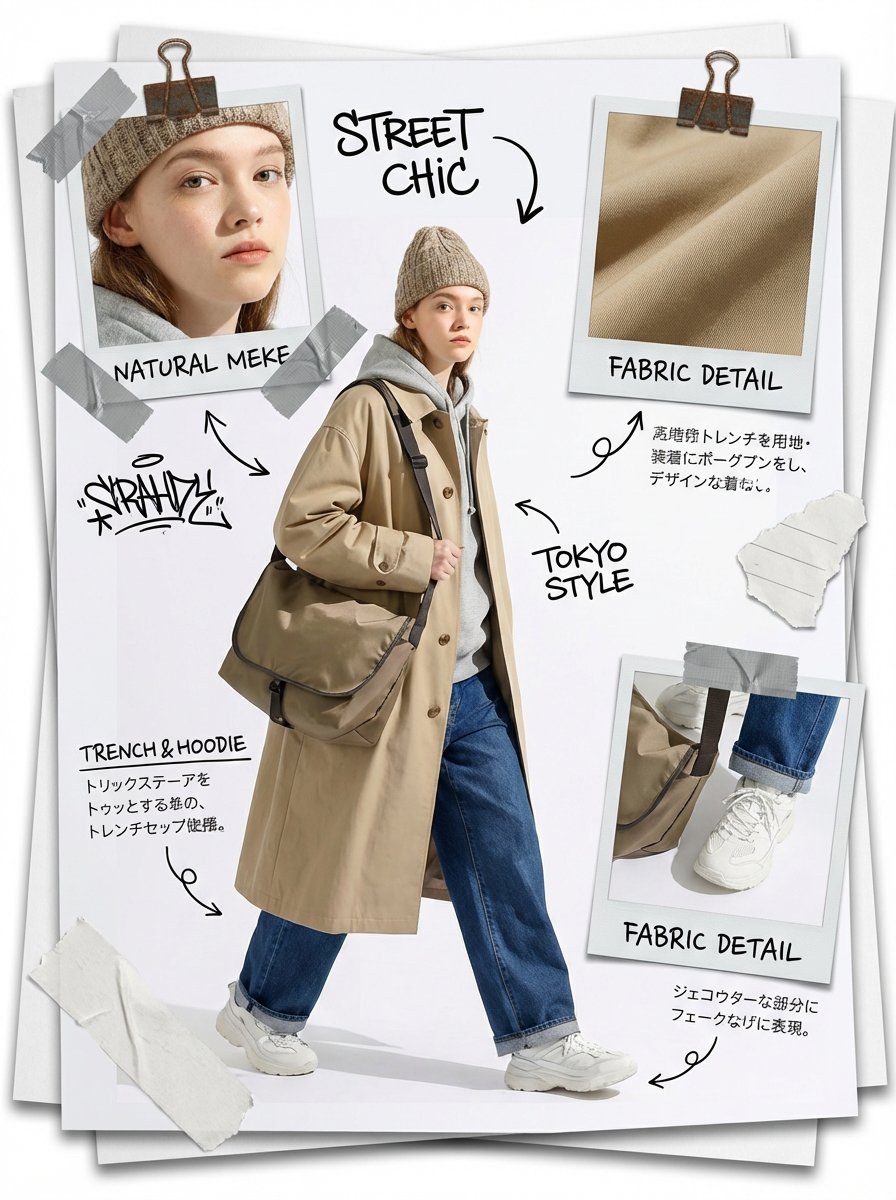
Fashion Scrapbook Page Layout Generation
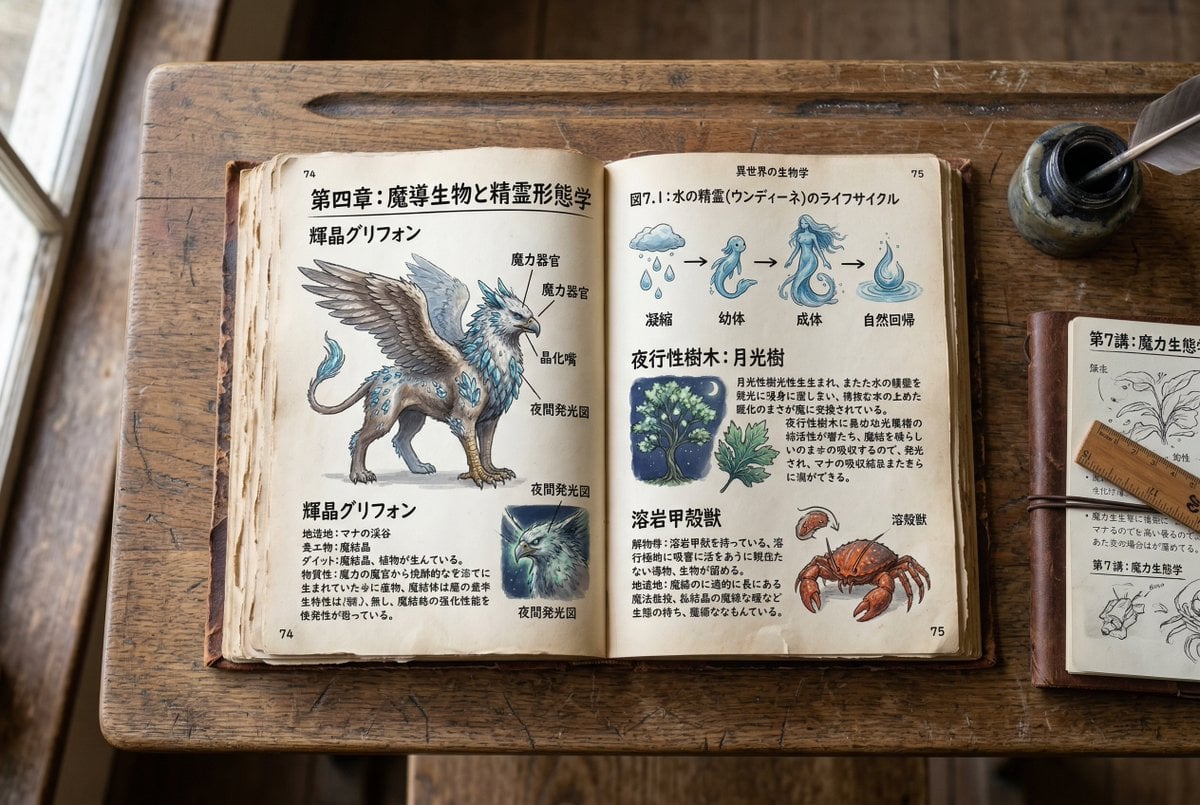
Template for generating a fictional textbook page

敦煌纸雕飞天 — 3D Layered Paper Cutout

博物馆图鉴式汉服拆解图 — GPT-image-2

Quiet Hamster Manga Page
Make it yours
Chinese Literature Textbook Page Layout works as-is. These are the safest ways to change it without losing the look.
Change one field
Copy a single group, rewrite it, and generate again so you can see what that field is doing.
Keep the frame, change the subject
Hold the composition and light of Chinese Literature Textbook Page Layout, then swap wardrobe, props or the person for a new take.
| If the result… | Why | Fix |
|---|---|---|
| The result drifts from the preview | Too many fields changed at once. | Reuse Chinese Literature Textbook Page Layout as-is first, then change one group — subject, light, or setting. |
| GPT Image 2 ignores part of the JSON | Some models flatten or skip nested keys. | Keep the same values and paste them as a short paragraph instead. |
More GPT Image 2 templates
Other prompts made for GPT Image 2.

Six VTuber Japanese Logo Sheet

Realistic Portrait of Woman and Deer

The Vista Modular Condo Poster

AI Model Routing Comparison Infographic

2.5D Anime Art Board

Isometric Productivity Desk Scene

New York Double Exposure Poster

Four-Panel AI Landscape Comparison

Japanese Tatami Lifestyle Magazine Cover

NESCAFÉ Coffee Map Poster
More image prompts
Fresh picks from across the catalog.

Low-Angle Wedding Editorial with Heart Hands
untitled
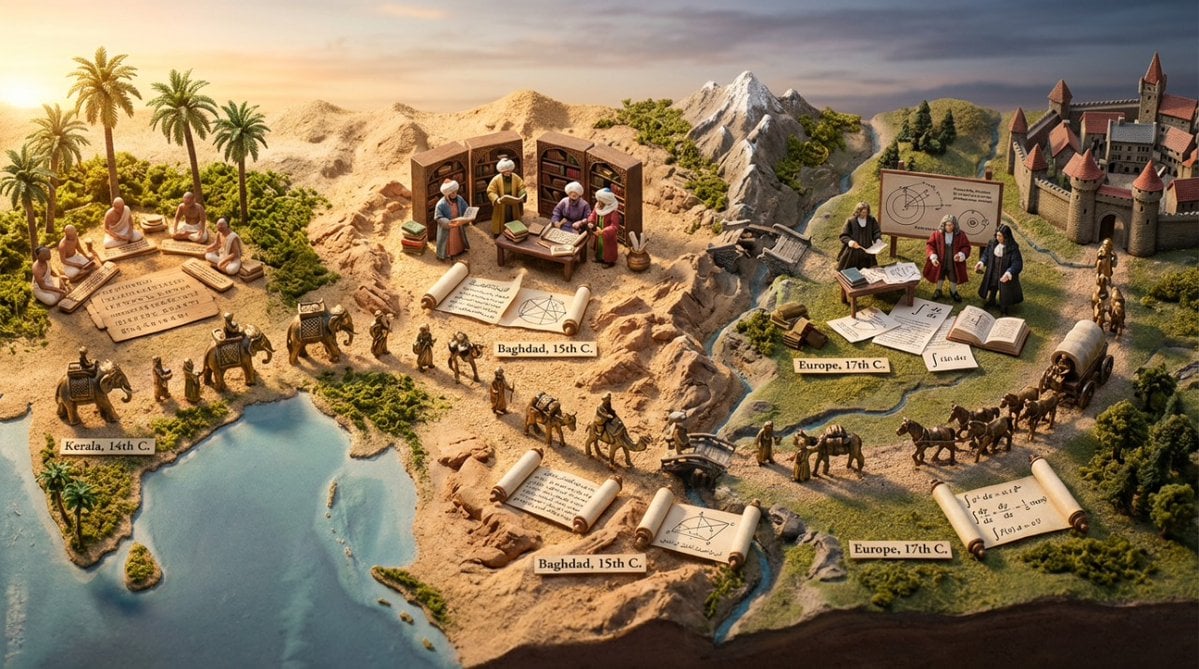
Miniature Diorama Prompt for Visualizing the Historical Journey of Calculus
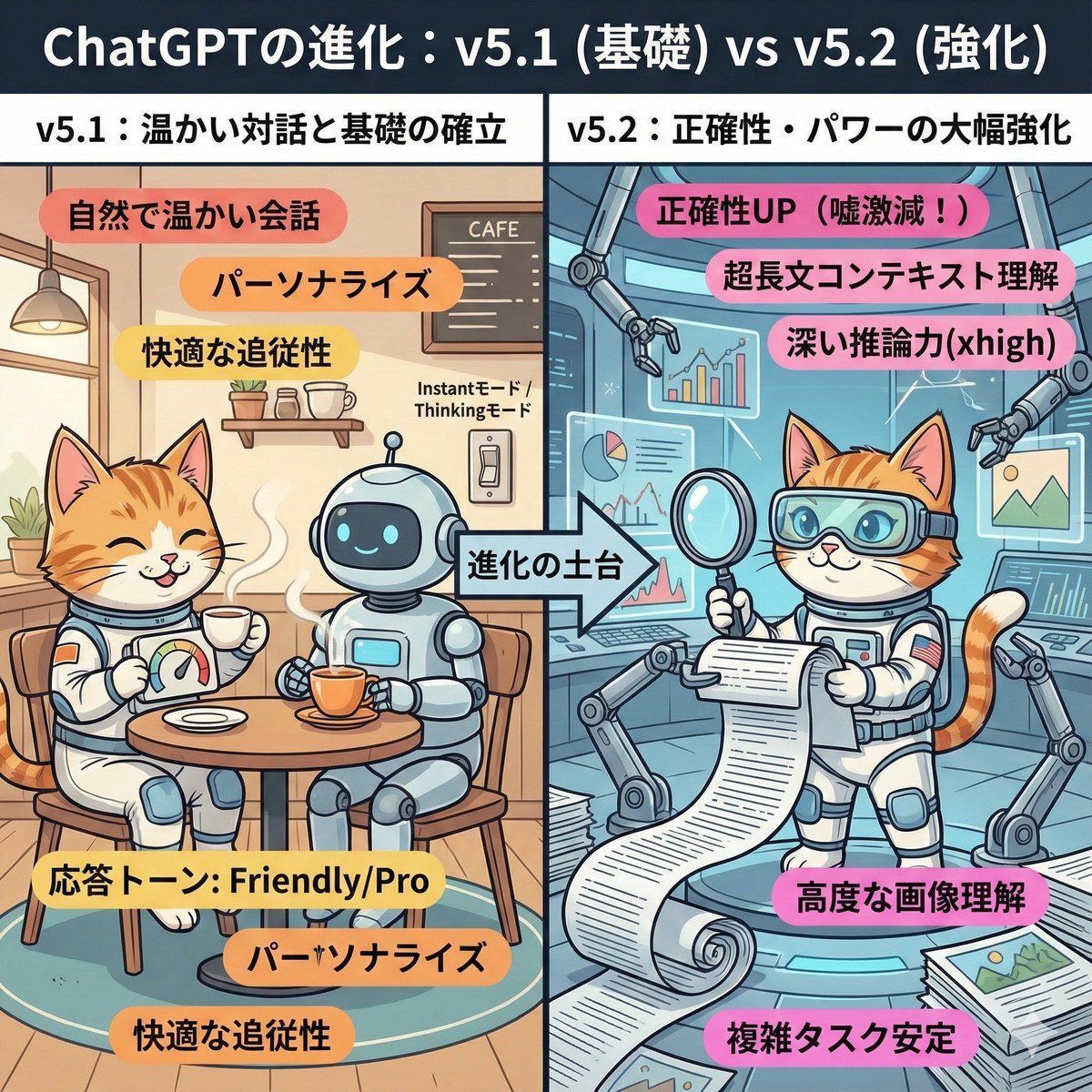
ChatGPT v5.1 vs v5.2 Evolution Infographic Prompt

Photorealistic Cinematic Kiss in a Cozy Bookstore Aisle

Divine Artwork of Lord Shiva and Goddess Parvati
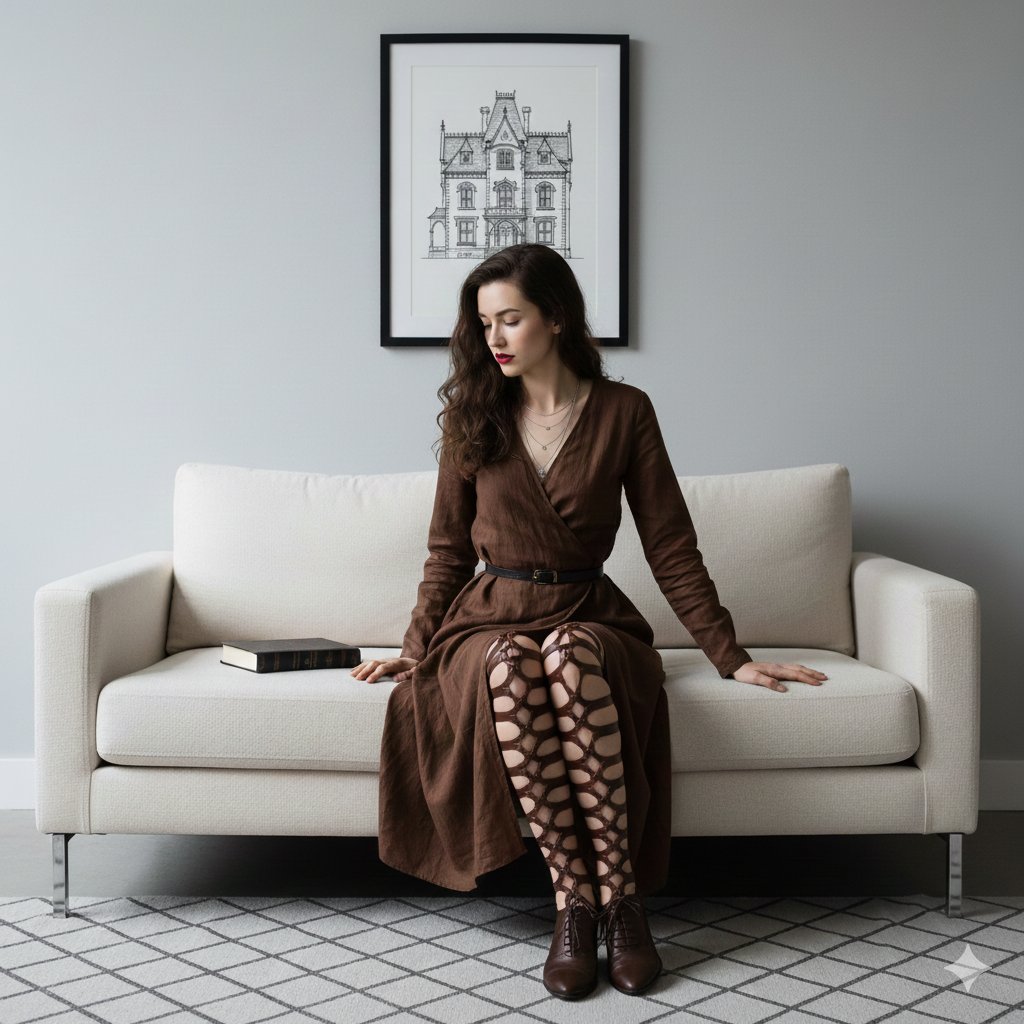
Dark Academia Portrait Prompt
Convert Photo to Black and White Coloring Page
Panel Dance Editorial Grid Prompt
3x3 Motorsport Glamour Photo Collage
Browse template categories
Chinese Literature Textbook Page Layout questions
How do I use the Chinese Literature Textbook Page Layout template?
Add your photo if the template asks for one, edit the prompt if you like — the template's model and format are already selected — and press Generate. Your version opens in PicX Studio.
Can I customize the Chinese Literature Textbook Page Layout template?
Yes. You can change the subject, setting, lighting, mood, format, and available model controls before creating your image.
Is the Chinese Literature Textbook Page Layout template free?
Opening and editing this template is free. Generating uses credits, shown on the Generate button when you are signed in.
Which AI model should I use?
Start with GPT Image 2, which is the model associated with this template. You can compare another compatible model for a different finish.
Looking for something else? Browse all templates.

Your photo, any look
Thousands of ready templates for every top image and video model, from one credit balance.