
untitled
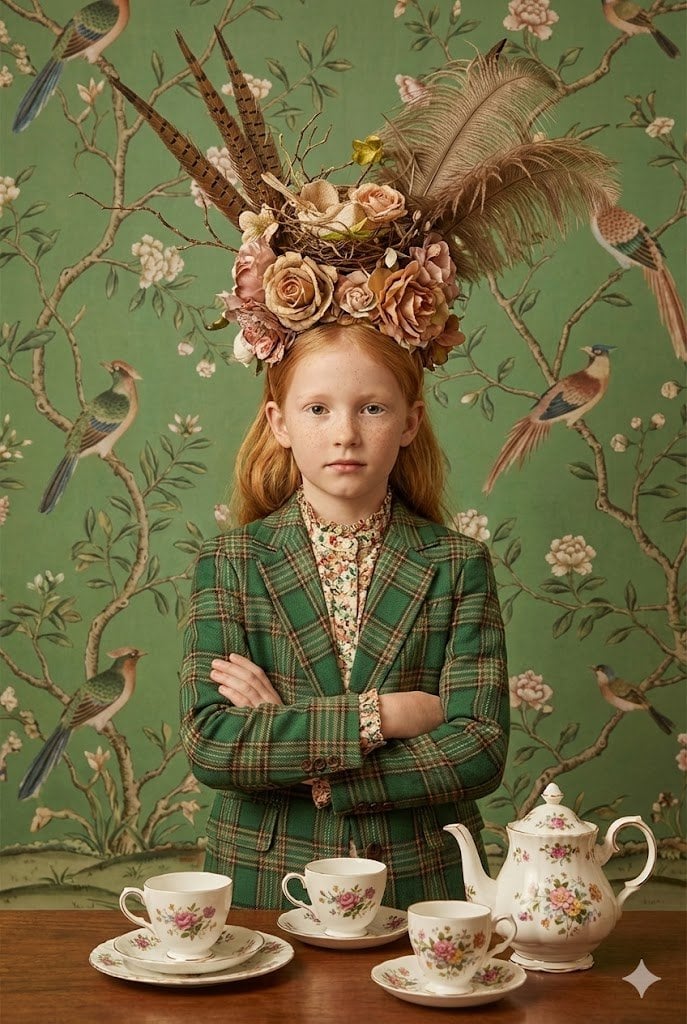
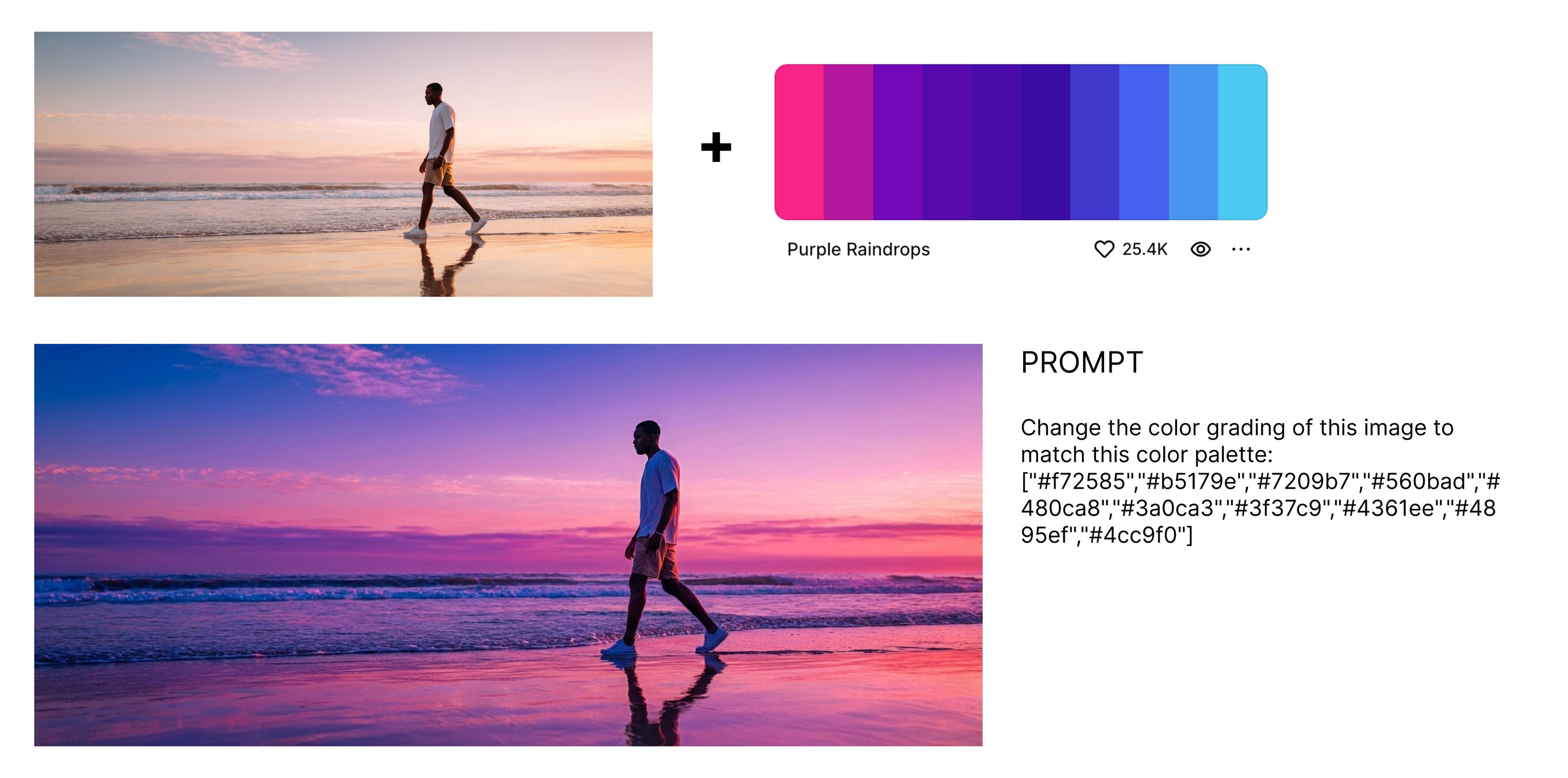
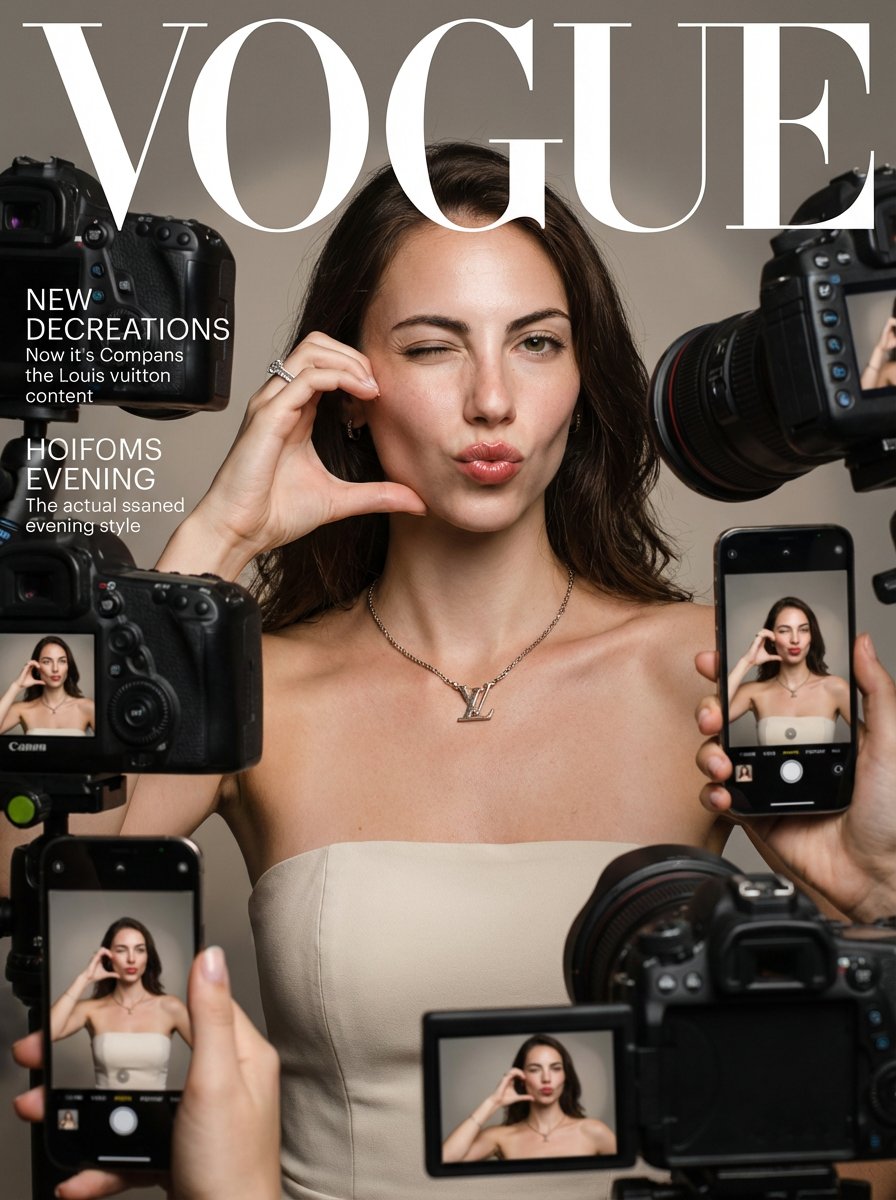
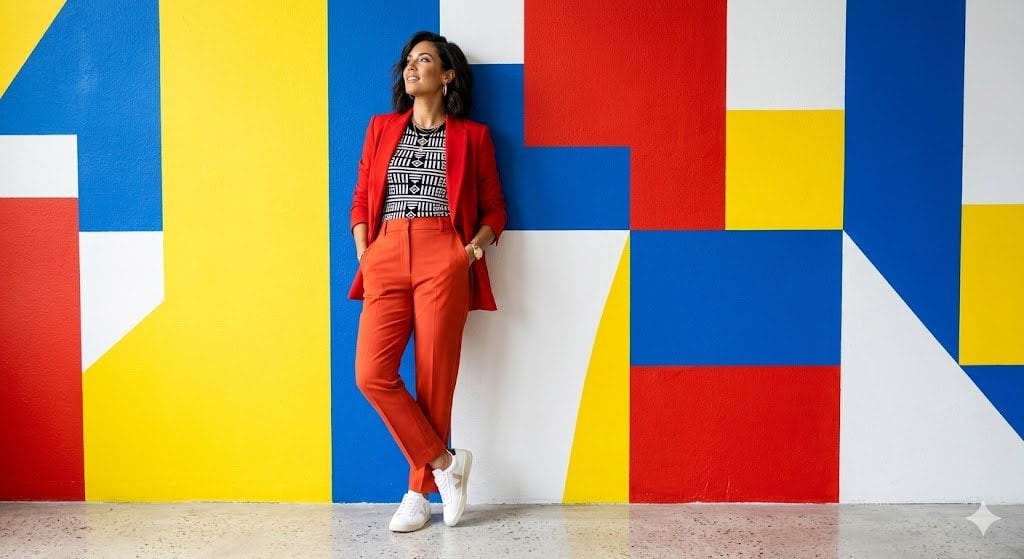
untitled is a ready photo look for Nano Banana.
- Prompt included
- Model and format preset
- Free template
The prompt behind this image
Copy the exact prompt behind untitled, or open it in the studio and make it yours.
💎 3 cases of using Nano Banana Pro for Product Design Tasks Google released its new AI image-generation model, Nano Banana Pro. Here is how you can use it in product design 1️⃣ Apply new visual style to existing imagery You can apply visual style to both graphic images and UI. Prompt example: Create a skeuomorphic version of this UI (attach screenshot) 2️⃣ Improve consistency of your design You can use Nano Banana to optimise a set of images to make them look more consistent. For example, I use this tool to unify the icon set. Prompt example: Rebuild icon set in a unified visual language (attach screenshot) 3️⃣ Change image aspect ratio If you have an image in a certain ratio (say, 4:3) and want to make it in a different ratio (say, 16:9), Nano Banana can help you with that. Prompt example: Create the same scene in 16:9 format, keeping composition consistent for the new ratio #ai #nanobanana #NanobananaAI
How to use untitled in 3 steps
- 1
Open
The prompt is already in the box next to the preview, with the template's model and format selected.
- 2…a portrait of your subject in softgolden-hour light, 85mm…
Personalize
Edit the subject and creative details for your destination.
- 3Generate
Generate
Press Generate — your image is created in PicX Studio, so you can compare it with the original and refine one variable at a time.
More like this
Templates with the same subject, style or setup. Open one to see its prompt.

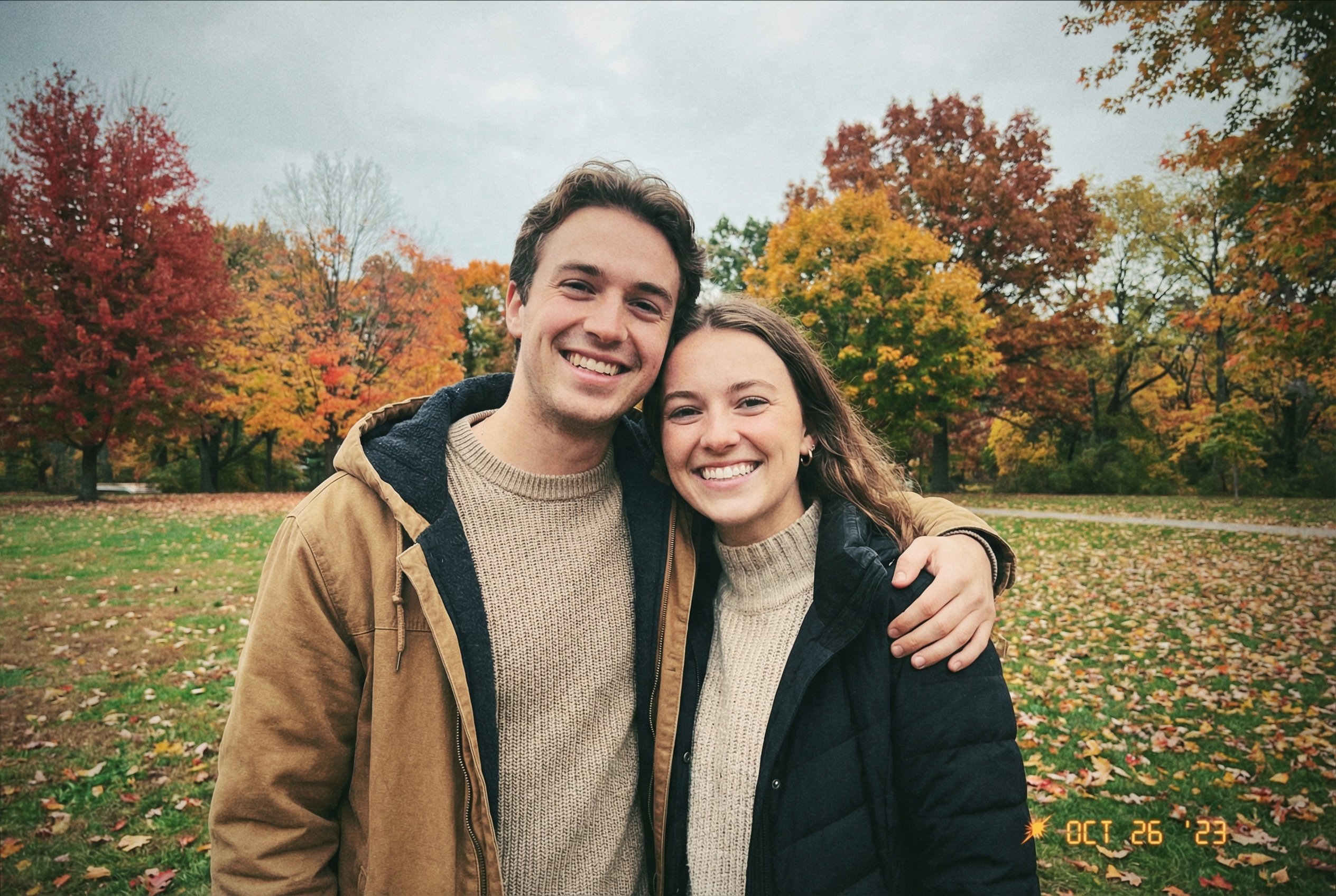
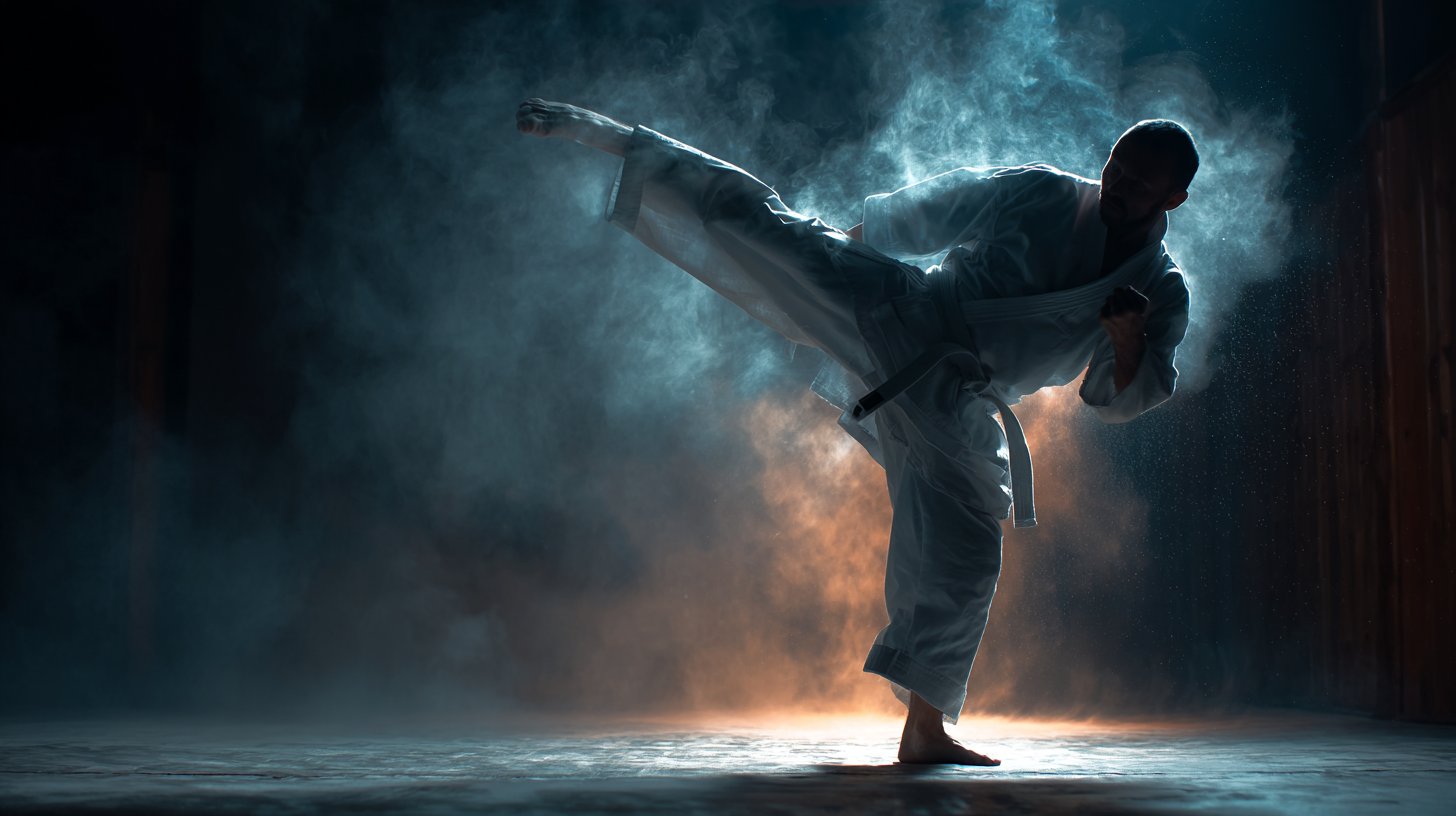
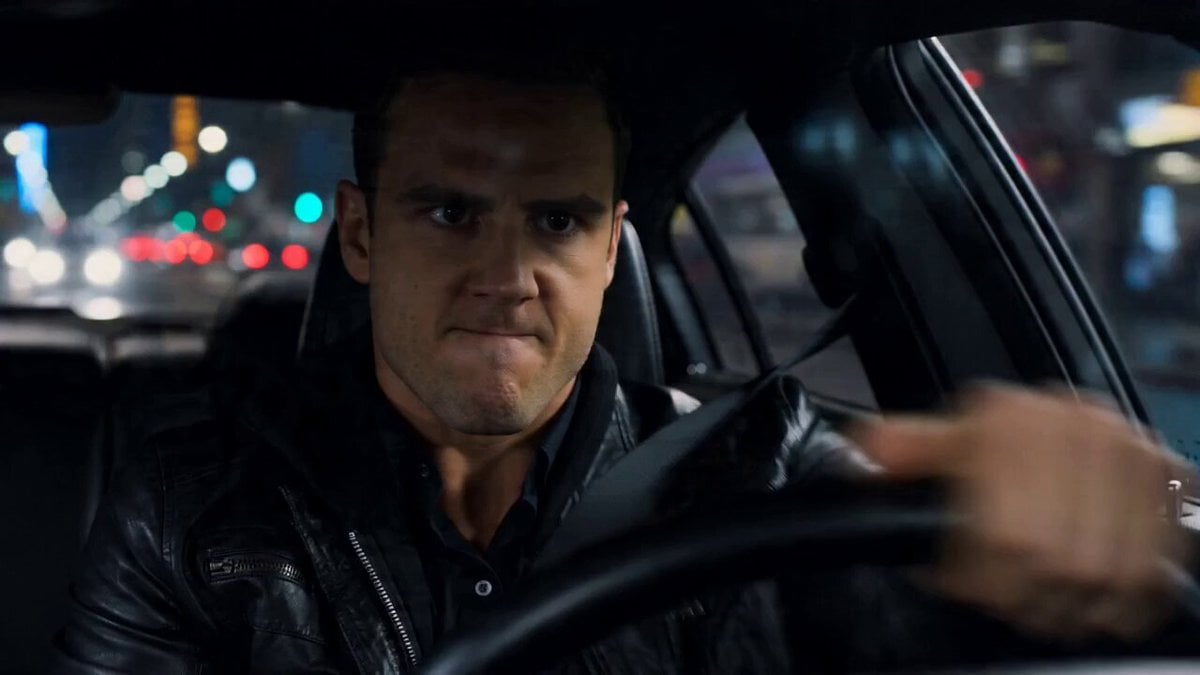
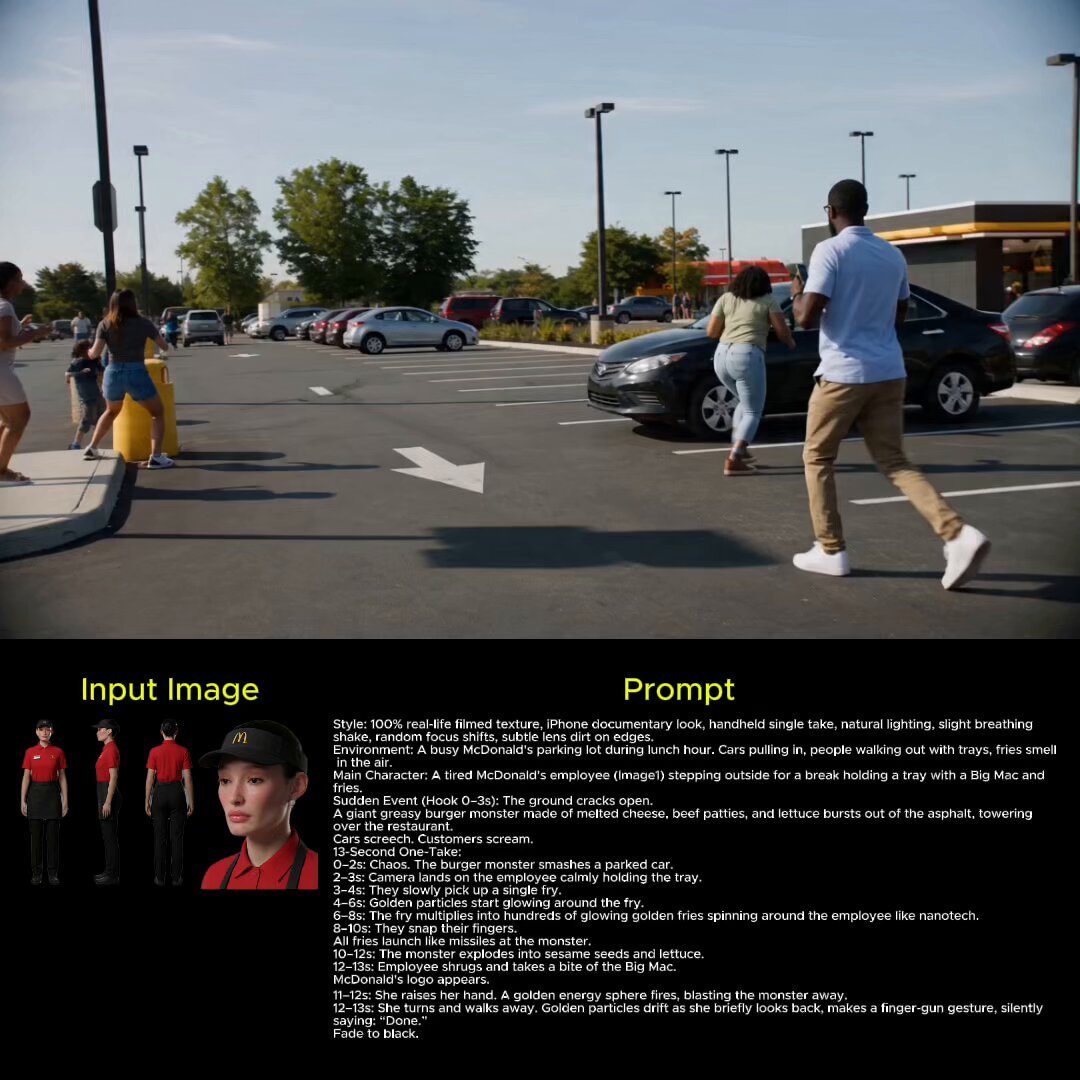
Make it yours
untitled works as-is. These are the safest ways to change it without losing the look.
Change one field
Copy a single group, rewrite it, and generate again so you can see what that field is doing.
Keep the frame, change the subject
Hold the composition and light of 138-untitled, then swap wardrobe, props or the person for a new take.
| If the result… | Why | Fix |
|---|---|---|
| The result drifts from the preview | Too many fields changed at once. | Reuse 138-untitled as-is first, then change one group — subject, light, or setting. |
| The model over-stylizes the scene | The prose prompt leaves finish and camera underspecified. | Add one camera or lighting sentence and stay on Nano Banana. |
More Nano Banana templates
Other prompts made for Nano Banana.
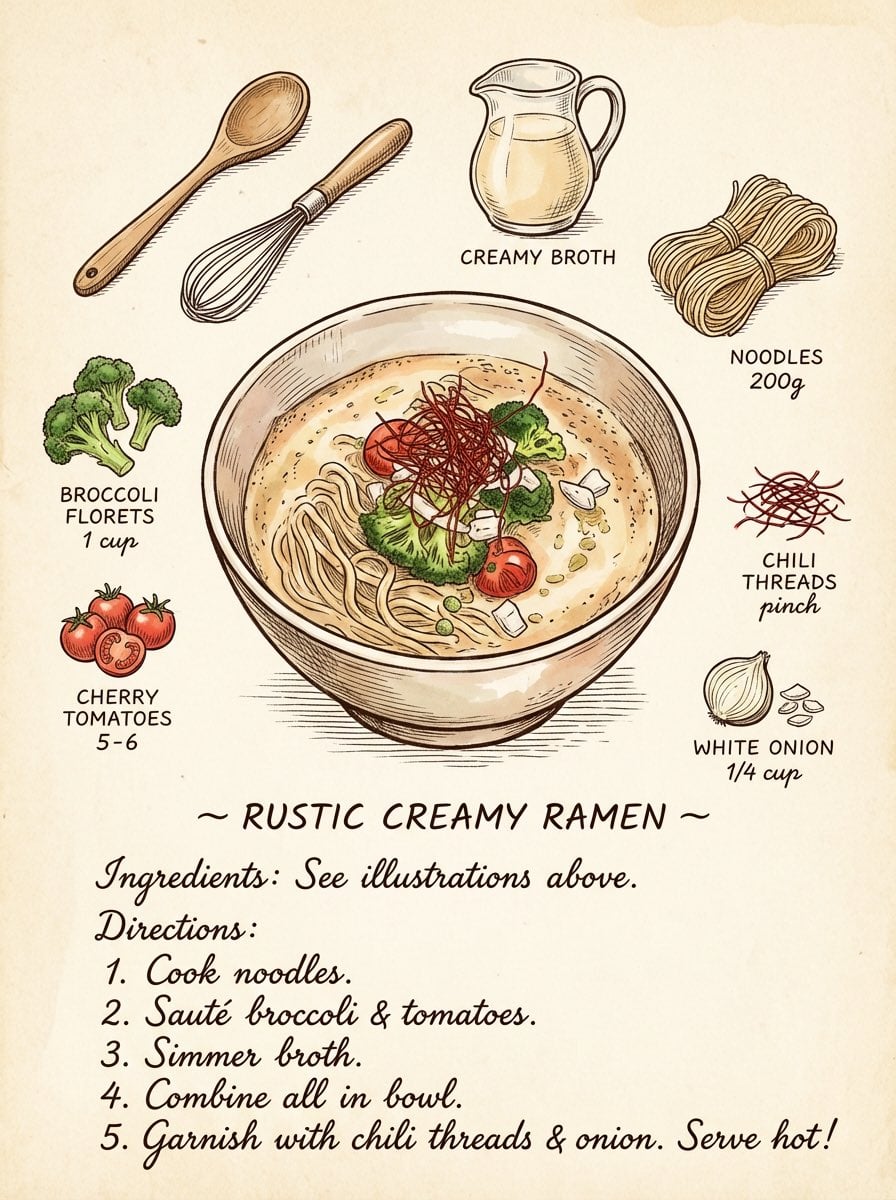
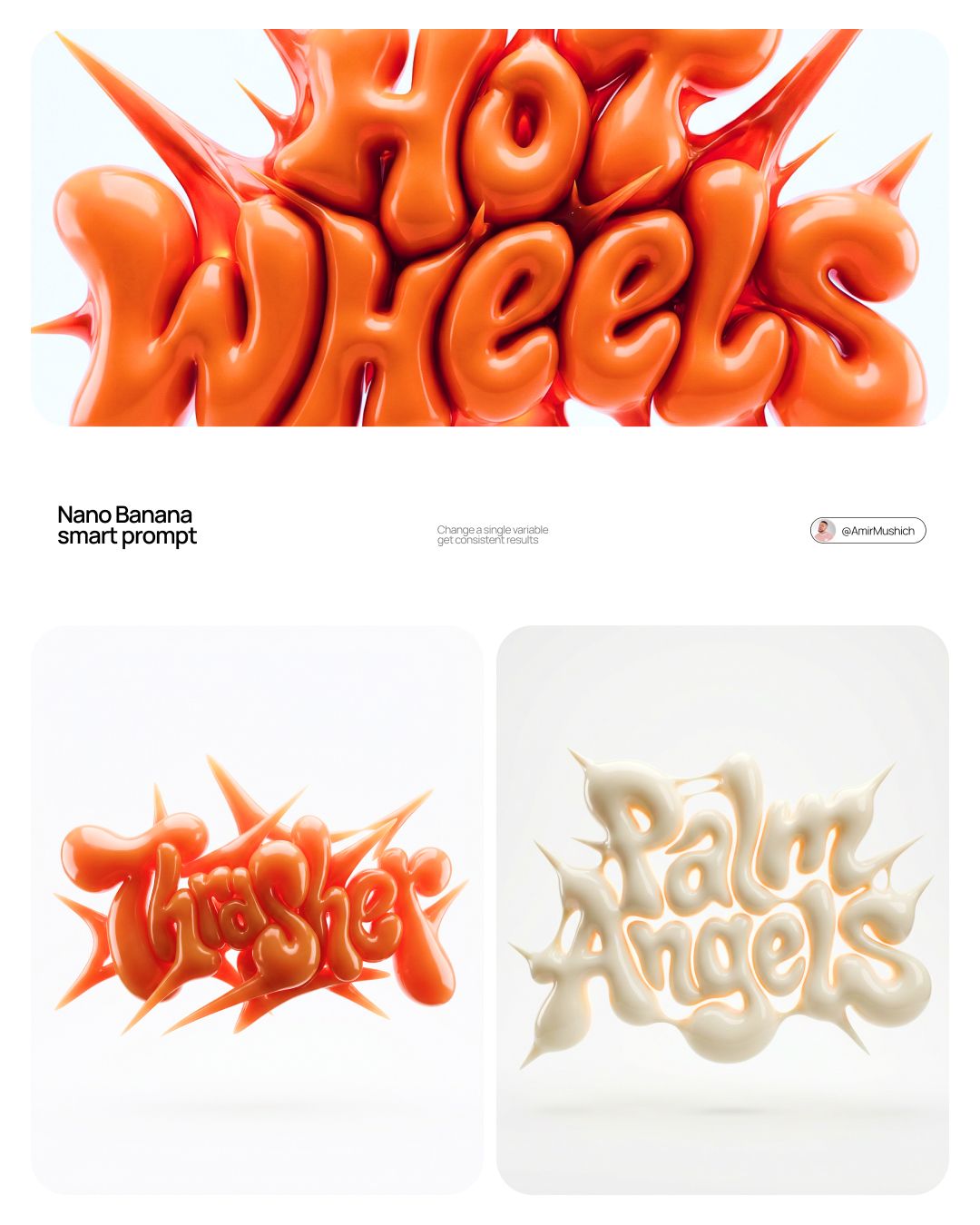
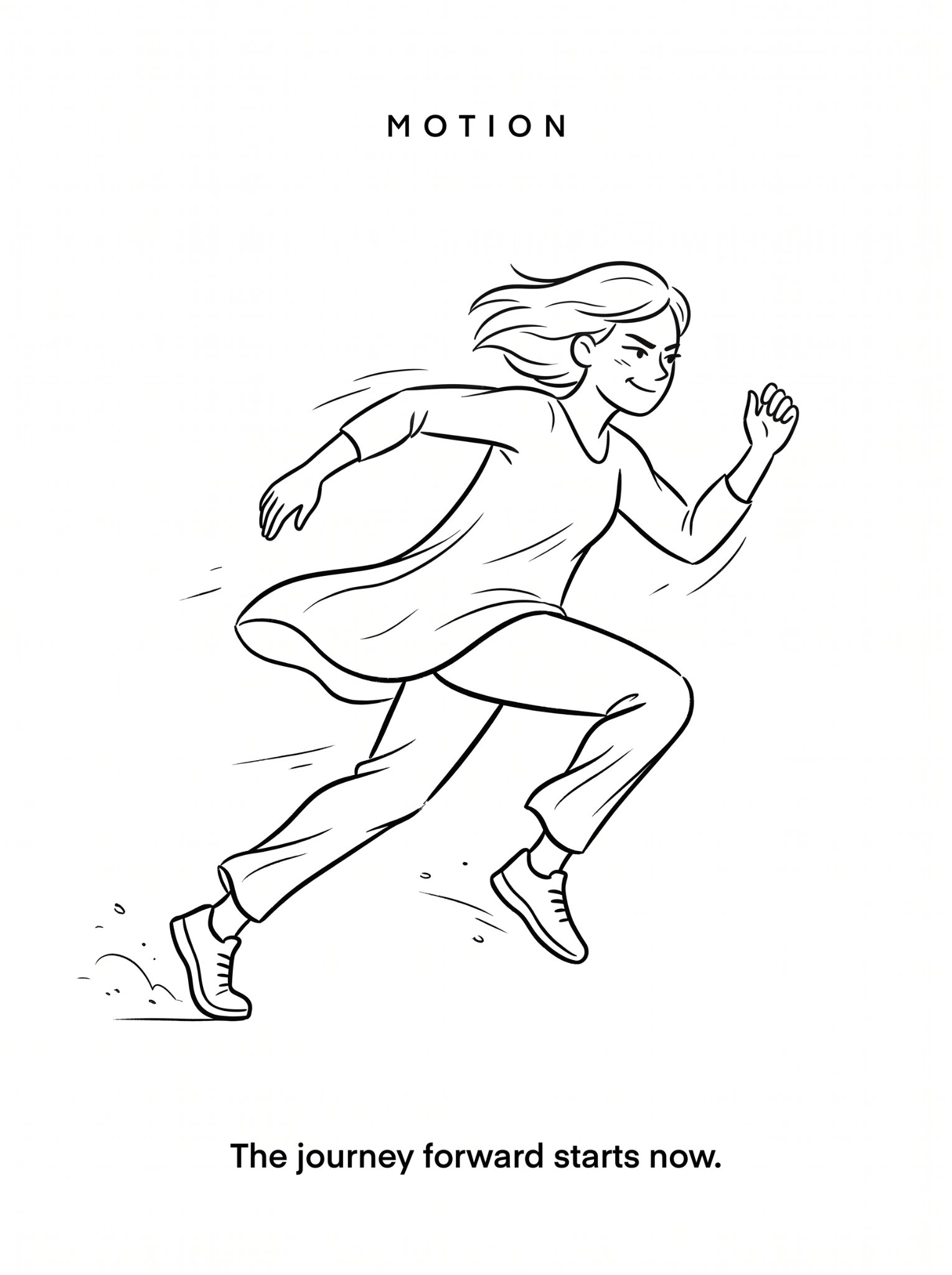
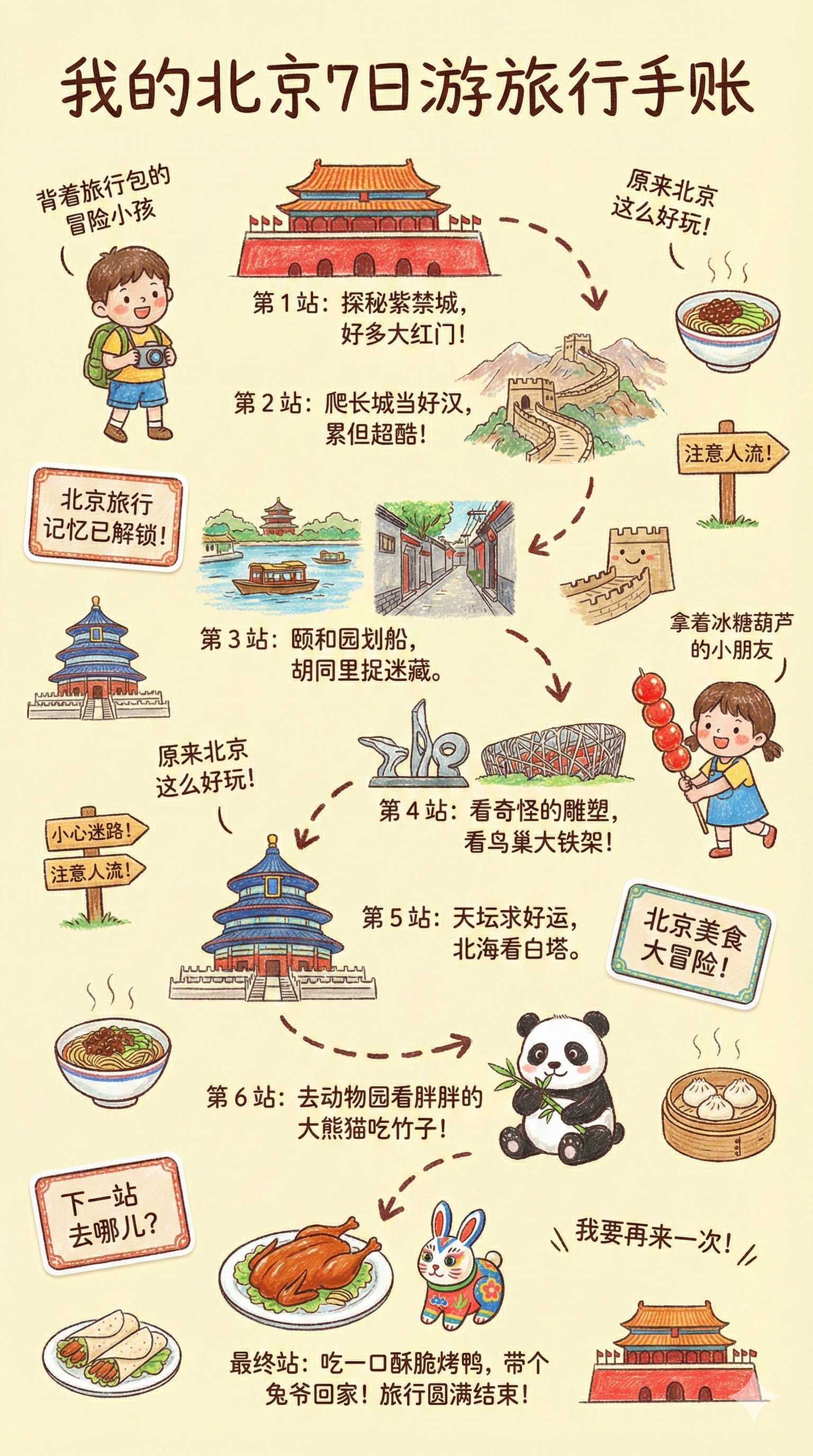
More image prompts
Fresh picks from across the catalog.
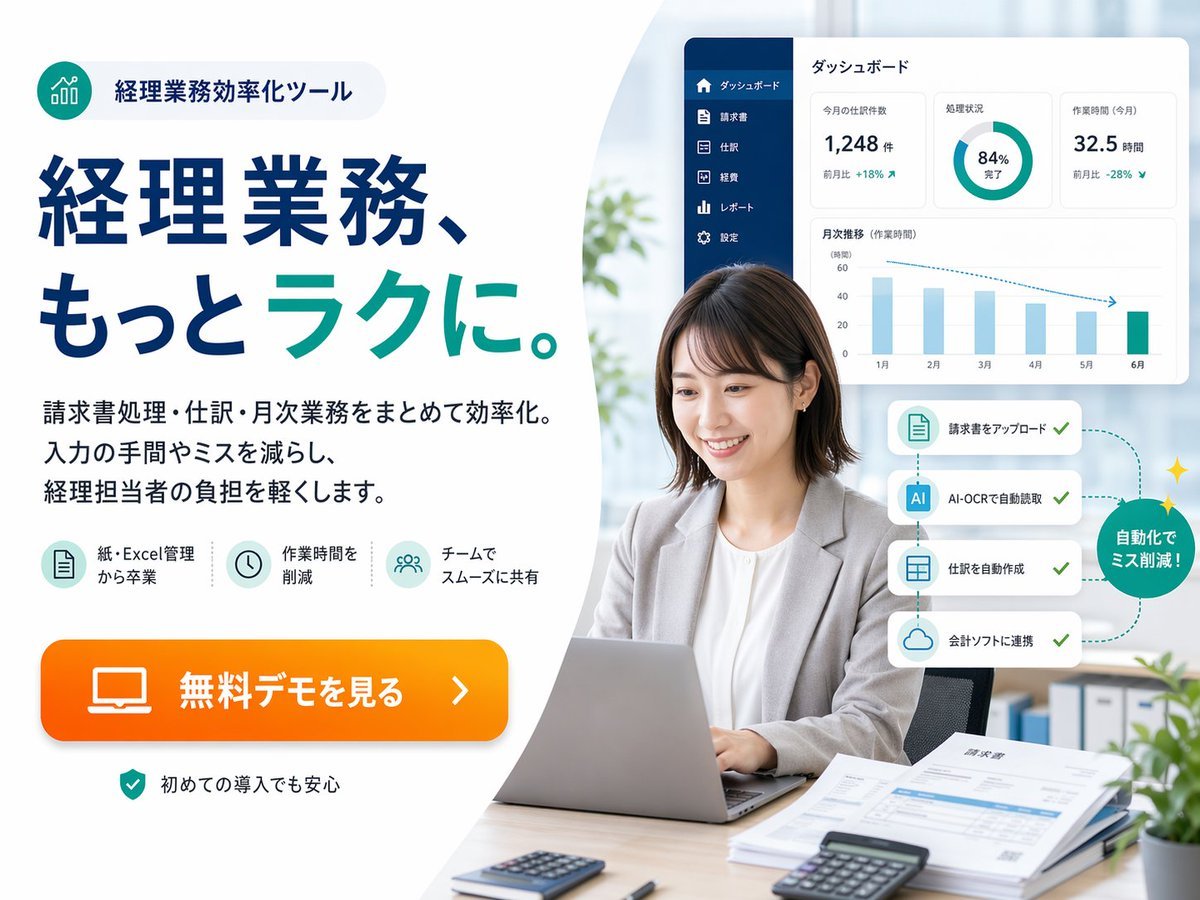
Japanese Accounting SaaS Hero Banner
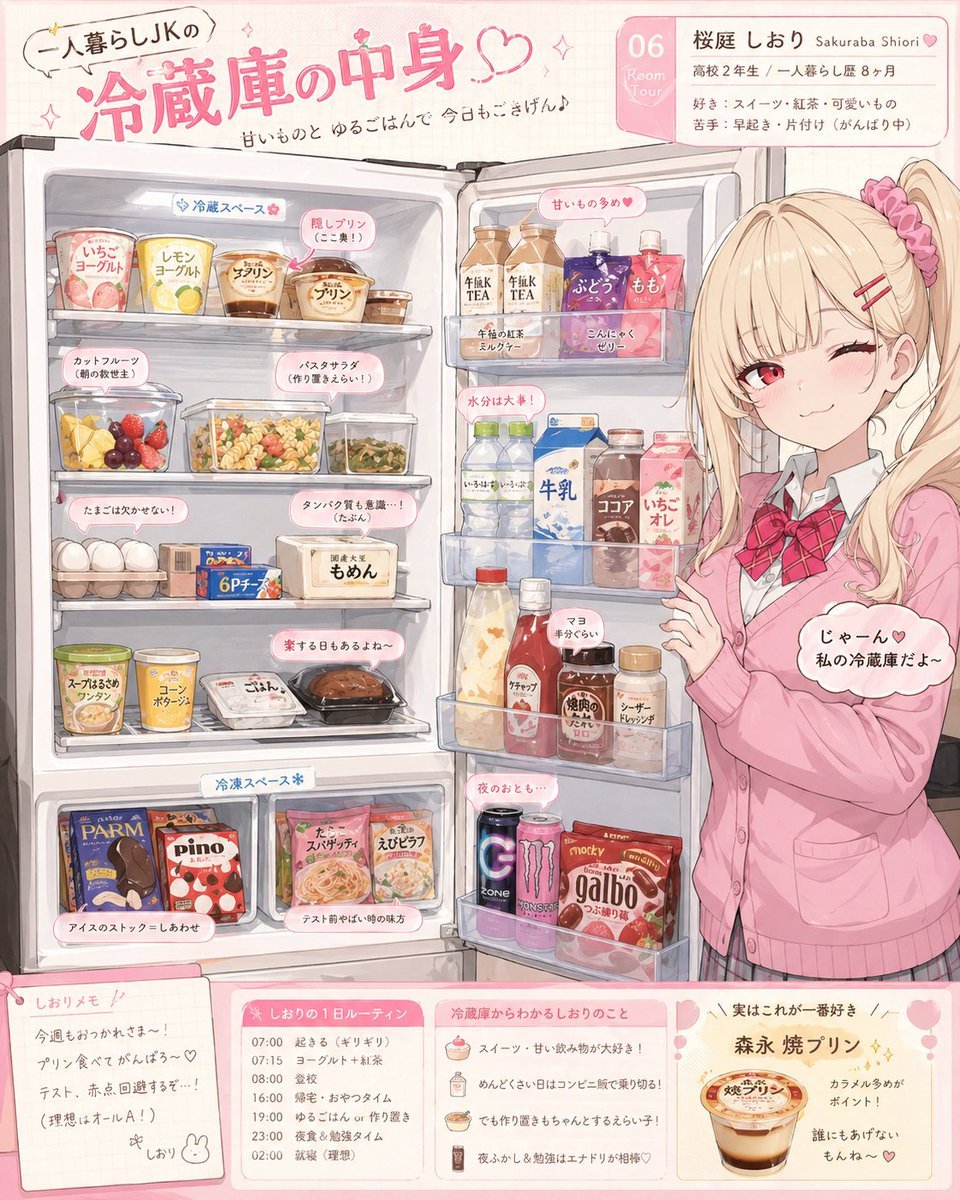
Character Refrigerator Breakdown
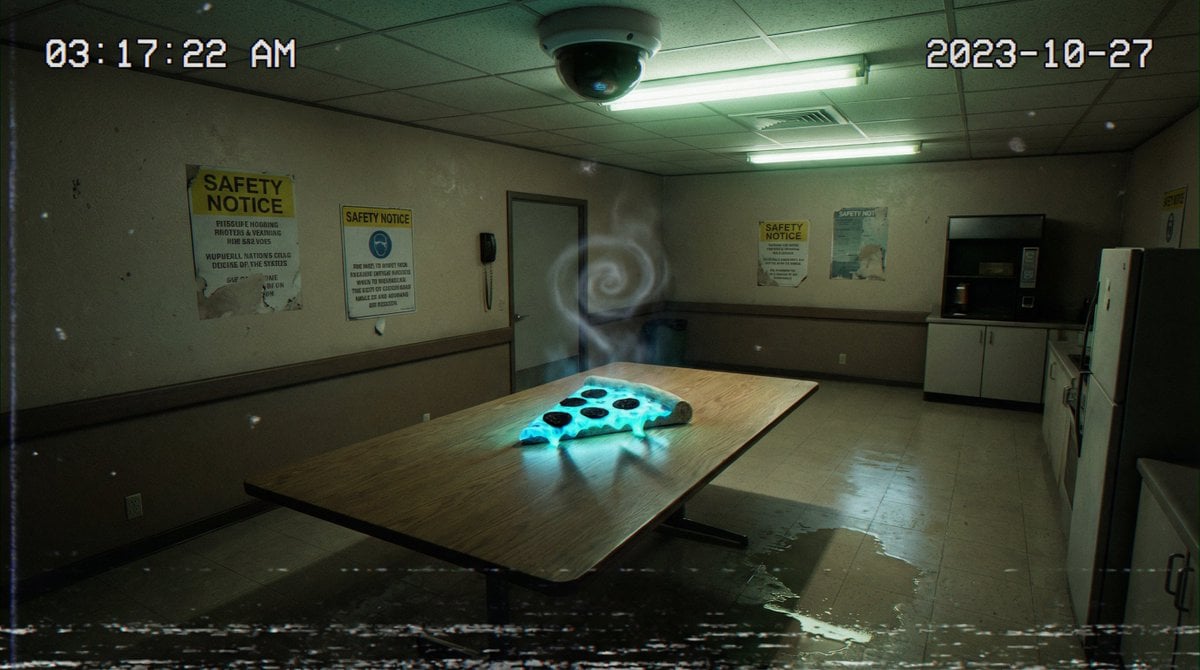
Forensic Surrealist Photography Prompt for Liminal Breakroom Incident
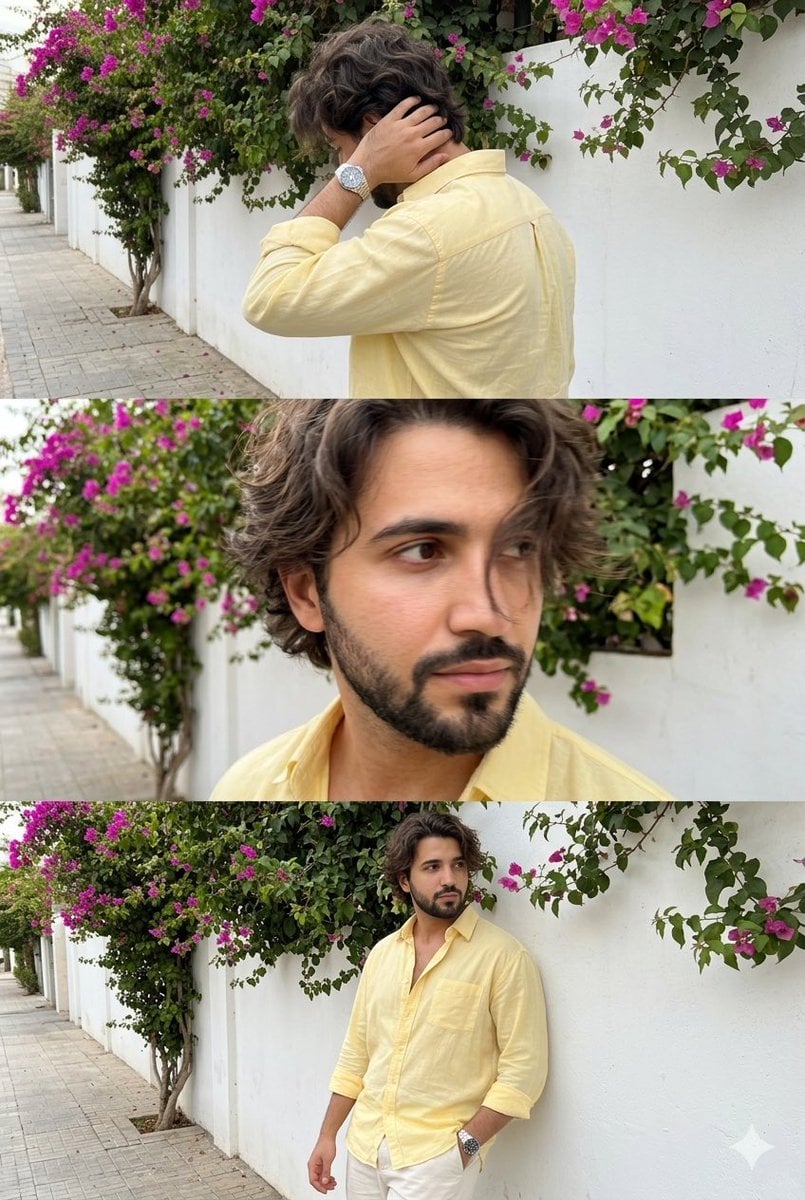
Consistent Identity Burst Photo Simulation
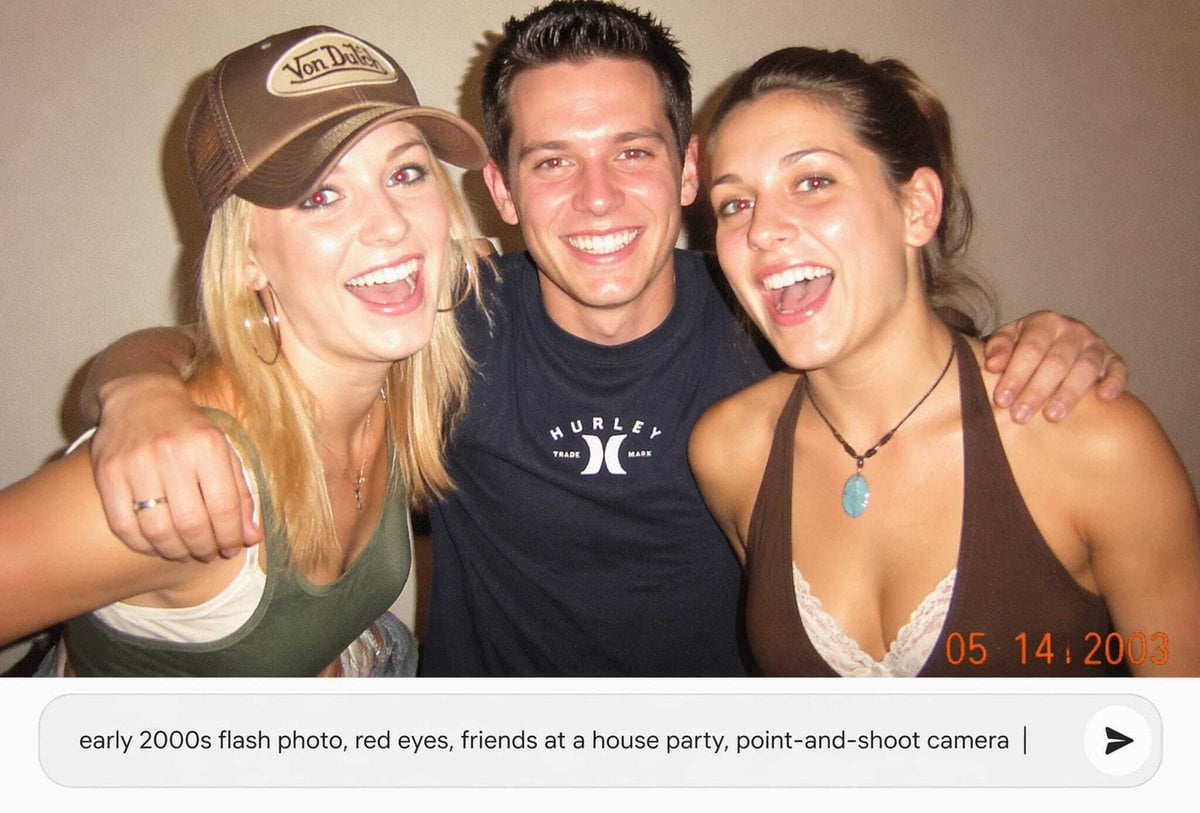
Early 2000s Party Photo UI
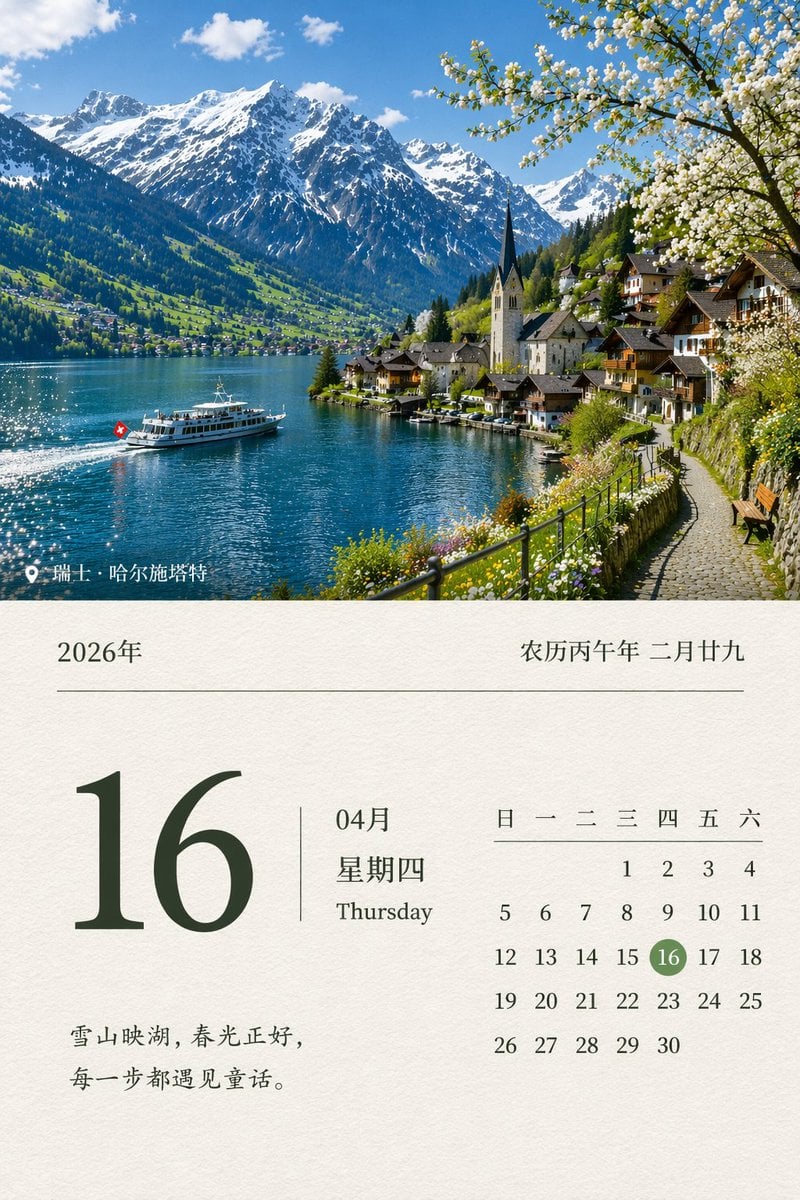
Scenic Landscape Calendar
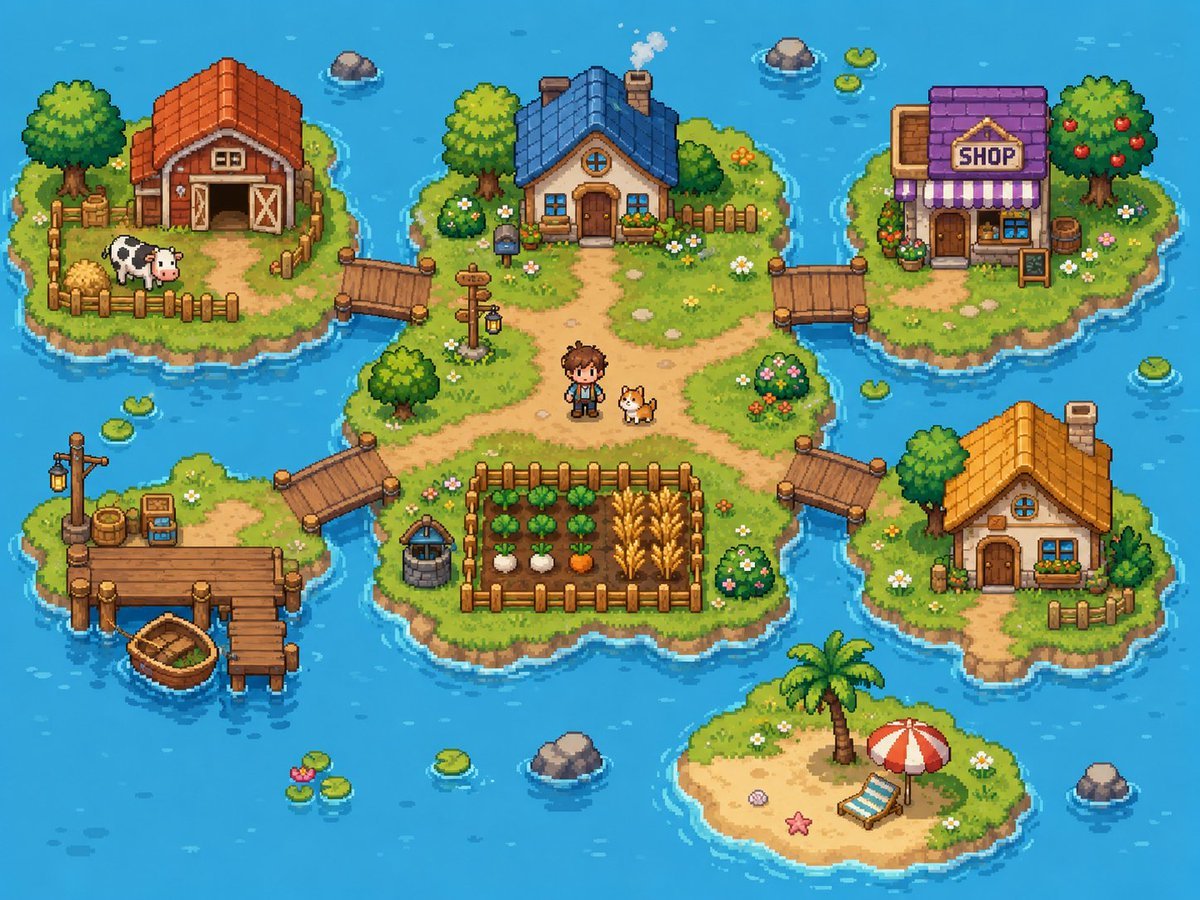
Cozy Pixel Farm Island Village
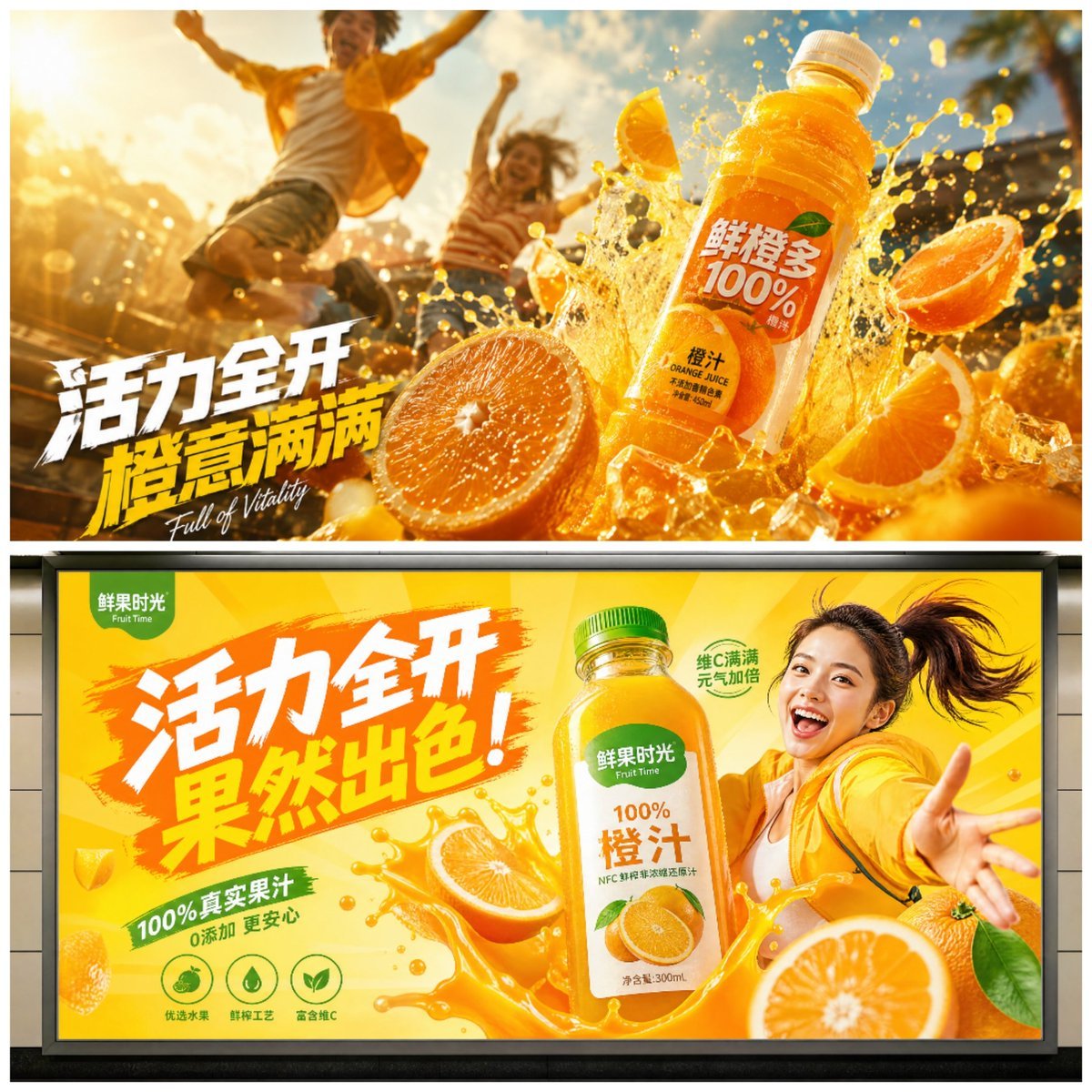
Cinematic Juice Drink Ad Style
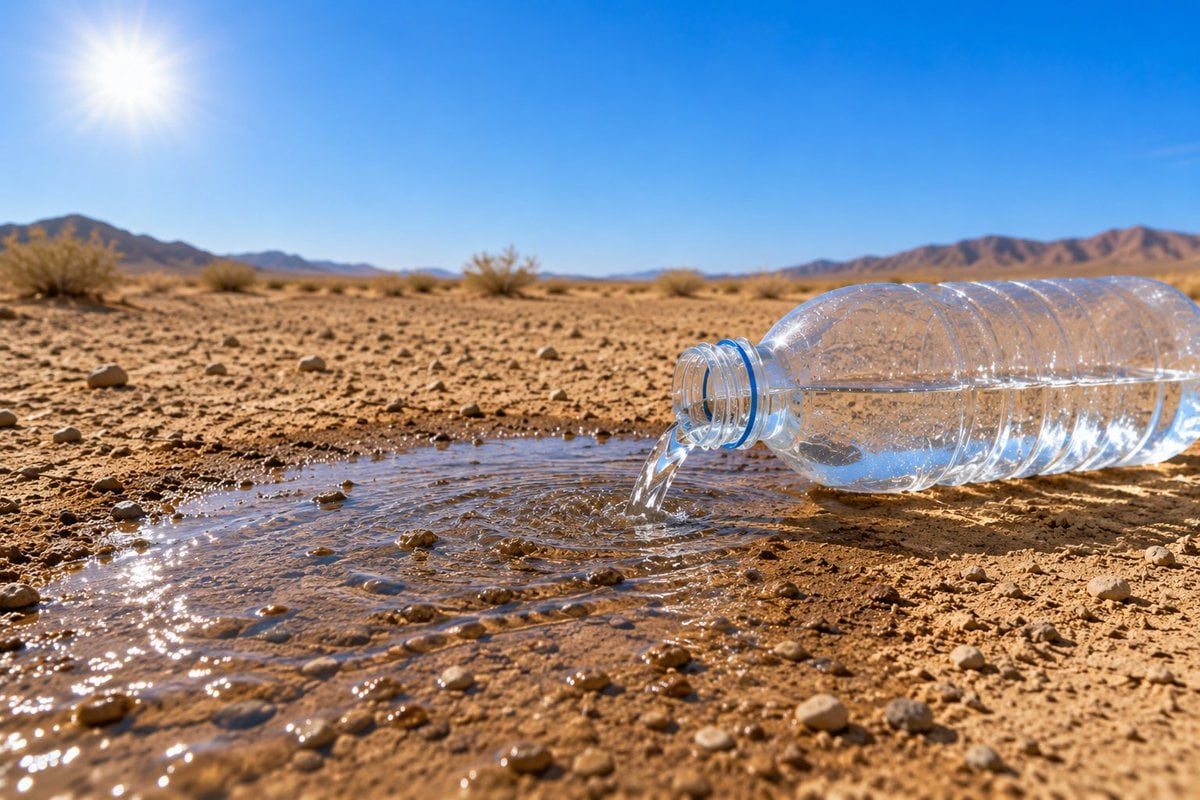
Water Bottle Spilling in Desert
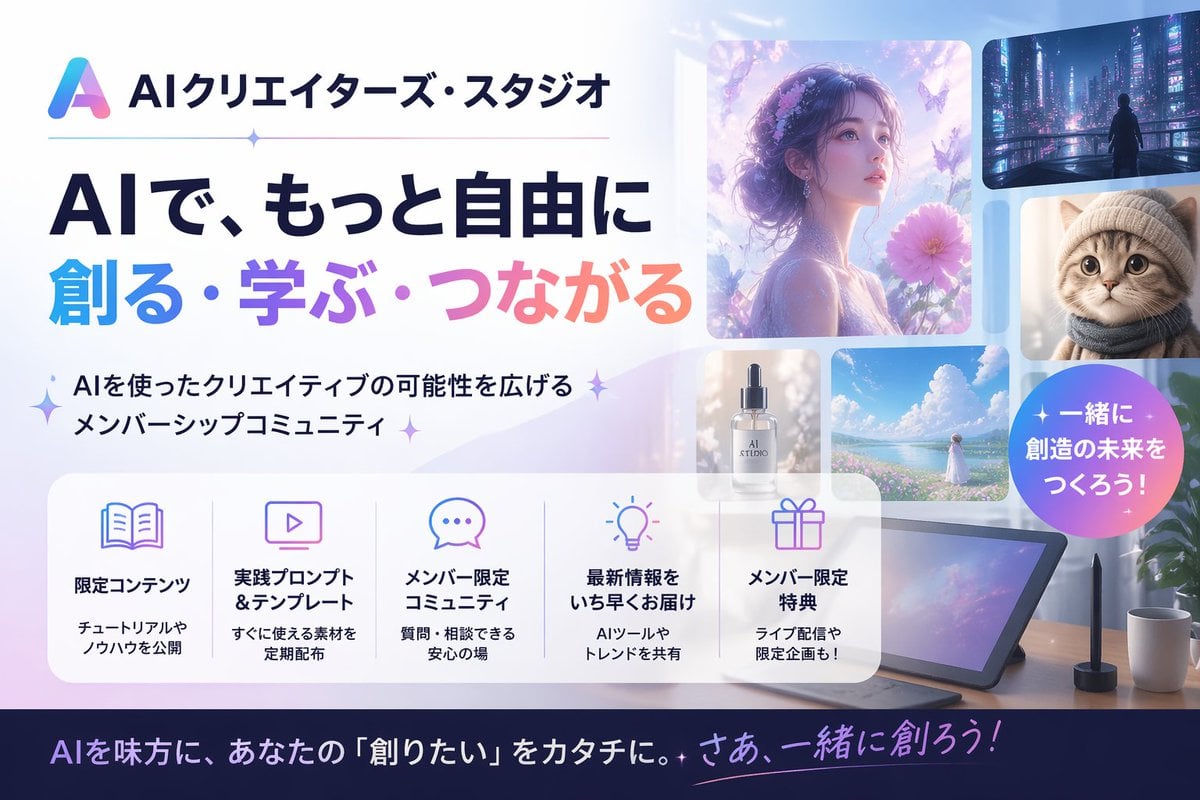
Japanese AI Creator Studio Banner
Browse template categories
untitled questions
How do I use the 138-untitled template?
Add your photo if the template asks for one, edit the prompt if you like — the template's model and format are already selected — and press Generate. Your version opens in PicX Studio.
Can I customize the 138-untitled template?
Yes. You can change the subject, setting, lighting, mood, format, and available model controls before creating your image.
Is the 138-untitled template free?
Opening and editing this template is free. Generating uses credits, shown on the Generate button when you are signed in.
Which AI model should I use?
Start with Nano Banana, which is the model associated with this template. You can compare another compatible model for a different finish.
Looking for something else? Browse all templates.
Your photo, any look
Thousands of ready templates for every top image and video model, from one credit balance.