
Consistent Identity Burst Photo Simulation
A highly detailed, structured prompt designed to generate an ultra-realistic vertical photo simulating a smartphone burst shot, ensuring perfect facial identity consistency across three stacked frames while depicting a…
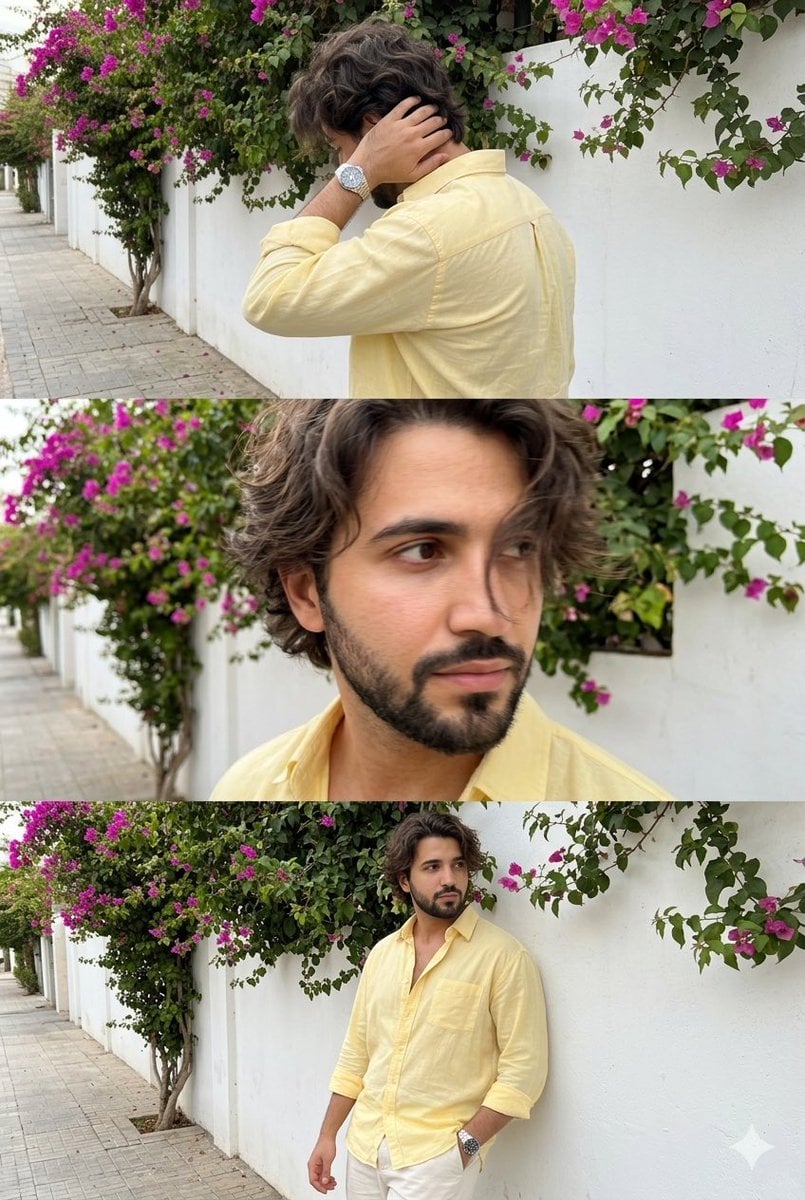
- Prompt included
- Model and format preset
- Free template
The prompt behind this image
Copy the exact prompt behind Consistent Identity Burst Photo Simulation, or open it in the studio and make it yours.
Use the uploaded reference photo as the only facial identity reference. The same exact face must appear in all three frames. Do not change identity, do not beautify, do not stylize, do not reinterpret the face. Facial identity must stay perfectly consistent across all frames. Ultra-realistic vertical photo divided into three equal stacked frames inside one single image. All three frames show the same man, same clothes, same location, captured seconds apart like a casual smartphone burst photo. Natural imperfections allowed. Slight motion blur allowed. Identity must stay identical. Location: Outdoor sidewalk in daylight. White plaster wall with Bougainvillea glabra climbing plants. Natural urban background, realistic, not staged. Outfit (locked): Pastel yellow loose button-down shirt, top buttons open, sleeves rolled to forearms, untucked. Off-white straight fit trousers. Metal wristwatch. No sunglasses. Hair & face (locked): Medium length wavy messy hair. Natural skin texture, visible pores. No beauty filter, no smoothing. TOP FRAME: Back angled shot, turning away. Hand running through back of hair near neck. Face mostly hidden. Slight motion blur on hand and hair. Casual, unposed, Gen-Z energy. MIDDLE FRAME: Close-up of upper face. Hair falling across forehead covering one eye. Eyes half visible, looking sideways/down. Soft focus, slight motion softness. Feels accidental, intimate. BOTTOM FRAME: Mid shot. Leaning casually against wall. One hand near pocket or adjusting cuff. Looking away from camera. Relaxed, natural posture. Lighting: Natural daylight, soft shadows, realistic phone camera look. Not cinematic, not studio, not HDR. Style: Ultra realistic smartphone photo burst shot imperfect framing human, casual, real identity locked same person all frames
How to use Consistent Identity Burst Photo Simulation in 3 steps
- 1Upload ImagePNG, JPG or paste
Add your photo
Upload the photo the template builds on. The prompt, model and format are already set.
- 2…a portrait of your subject in softgolden-hour light, 85mm…
Personalize
Edit the subject and creative details for your destination.
- 3Generate
Generate
Press Generate — your image is created in PicX Studio, so you can compare it with the original and refine one variable at a time.
More like this
Templates with the same subject, style or setup. Open one to see its prompt.
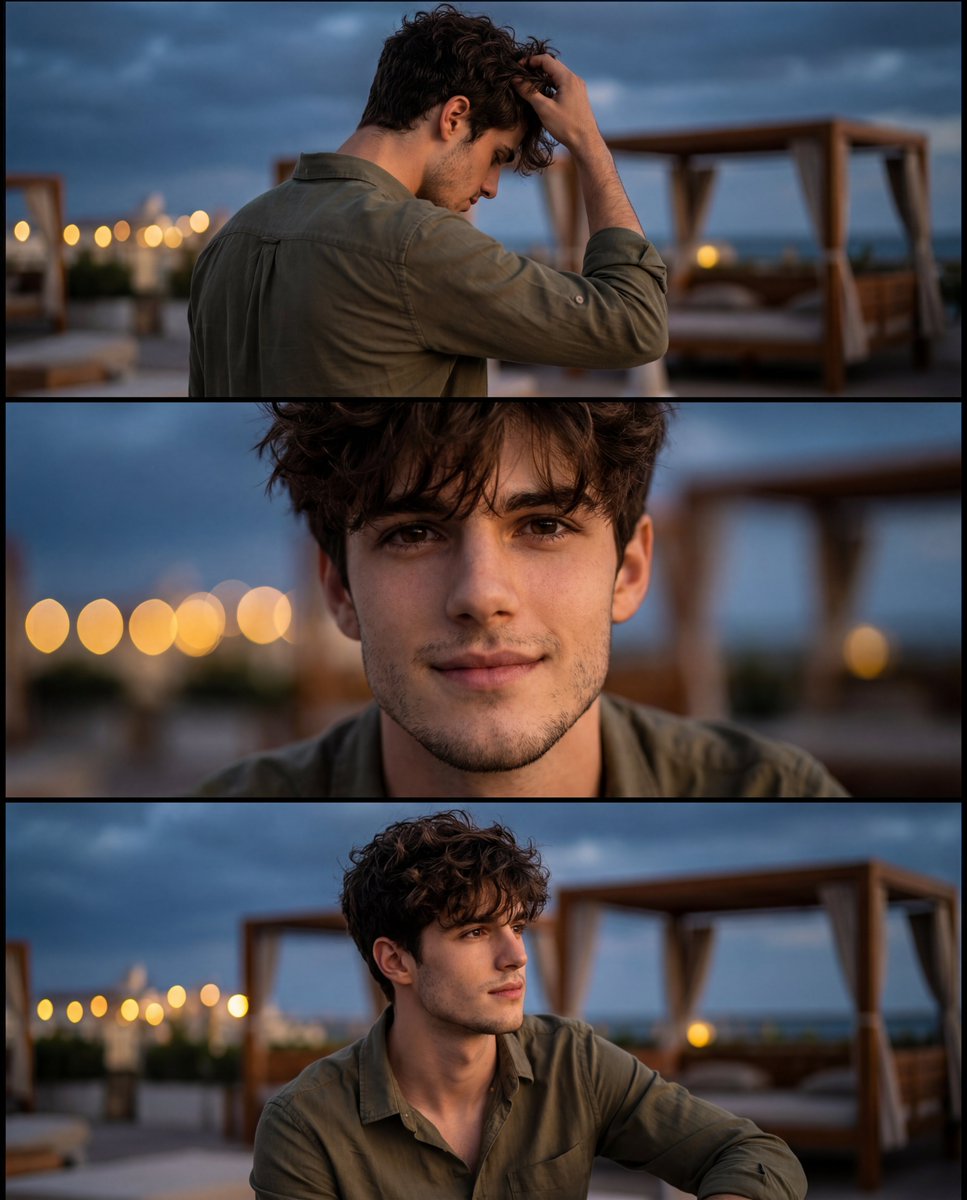
Cinematic Identity-Consistent Portrait Collage
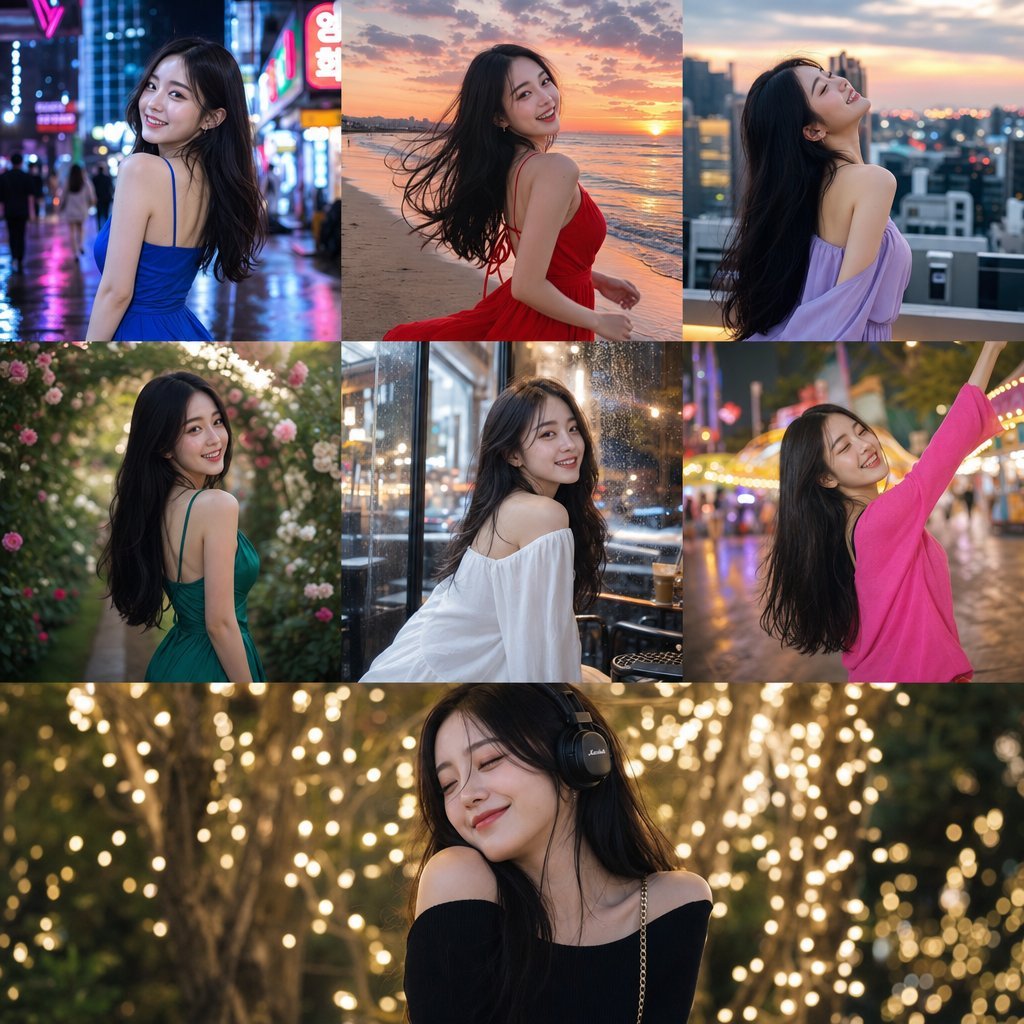
Consistent Korean Girl Identity Lifestyle
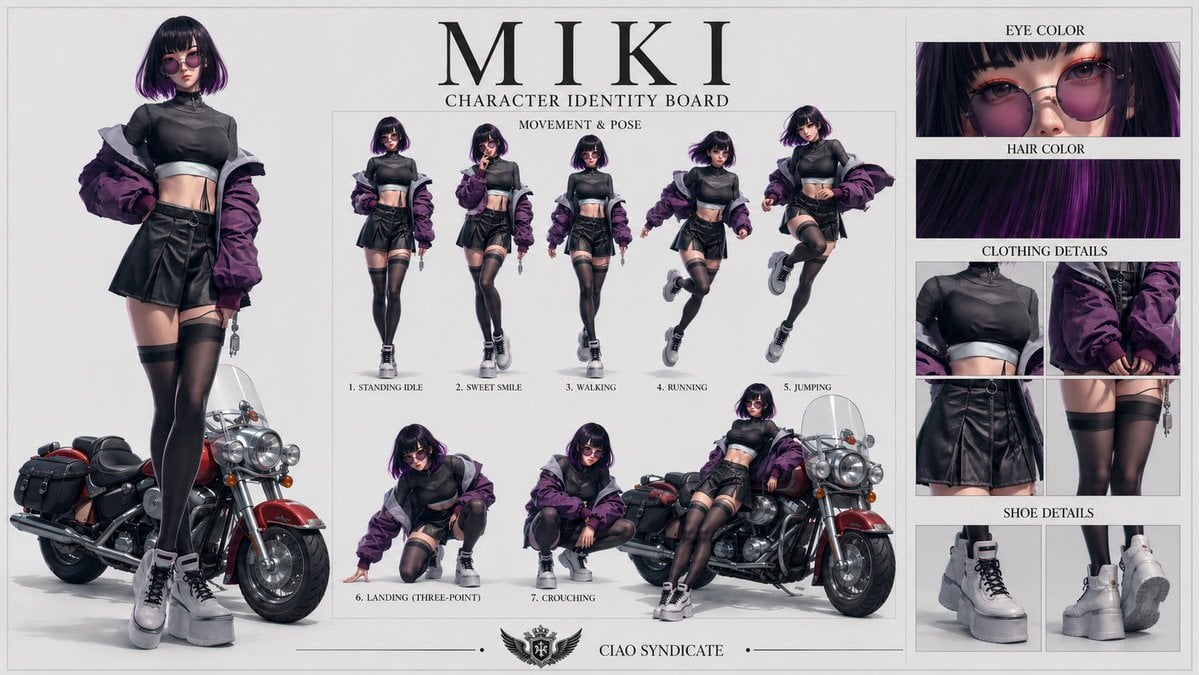
Consistent Character Identity Board
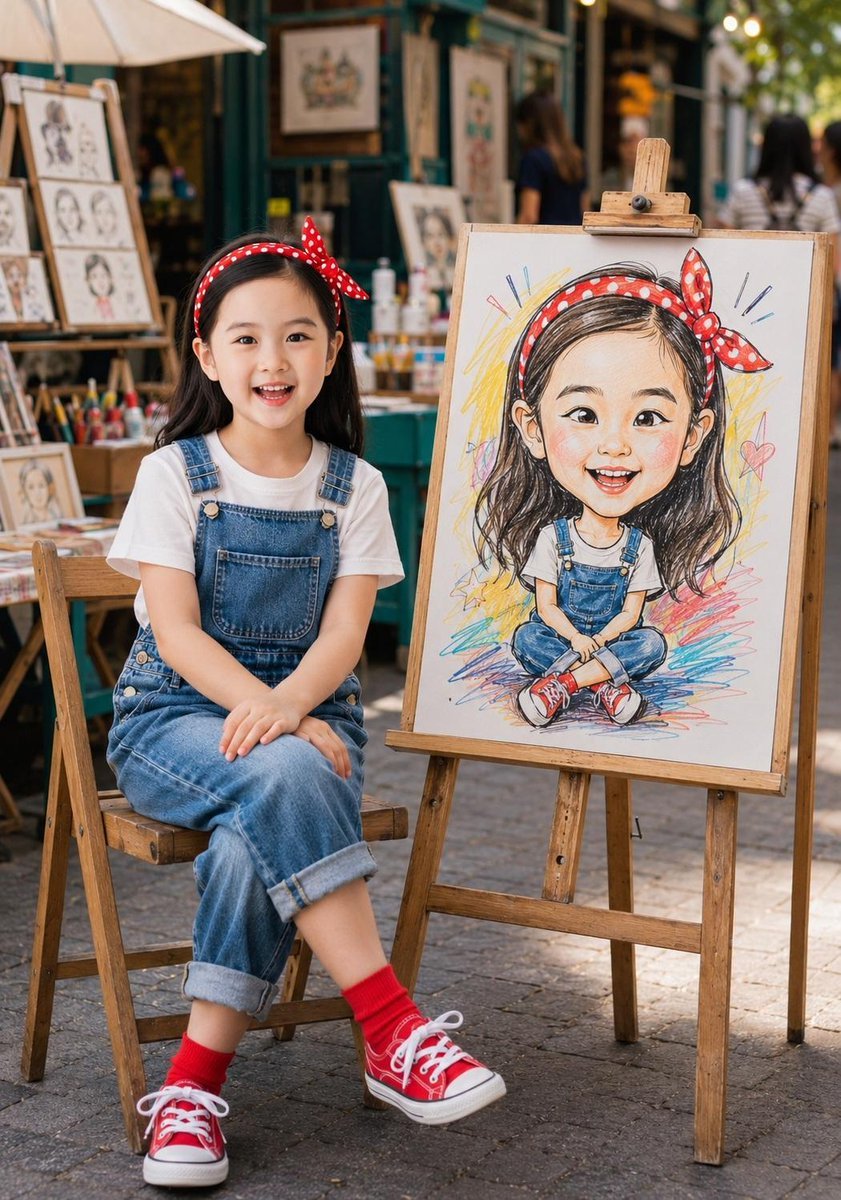
Identity-Consistent Caricature Portrait
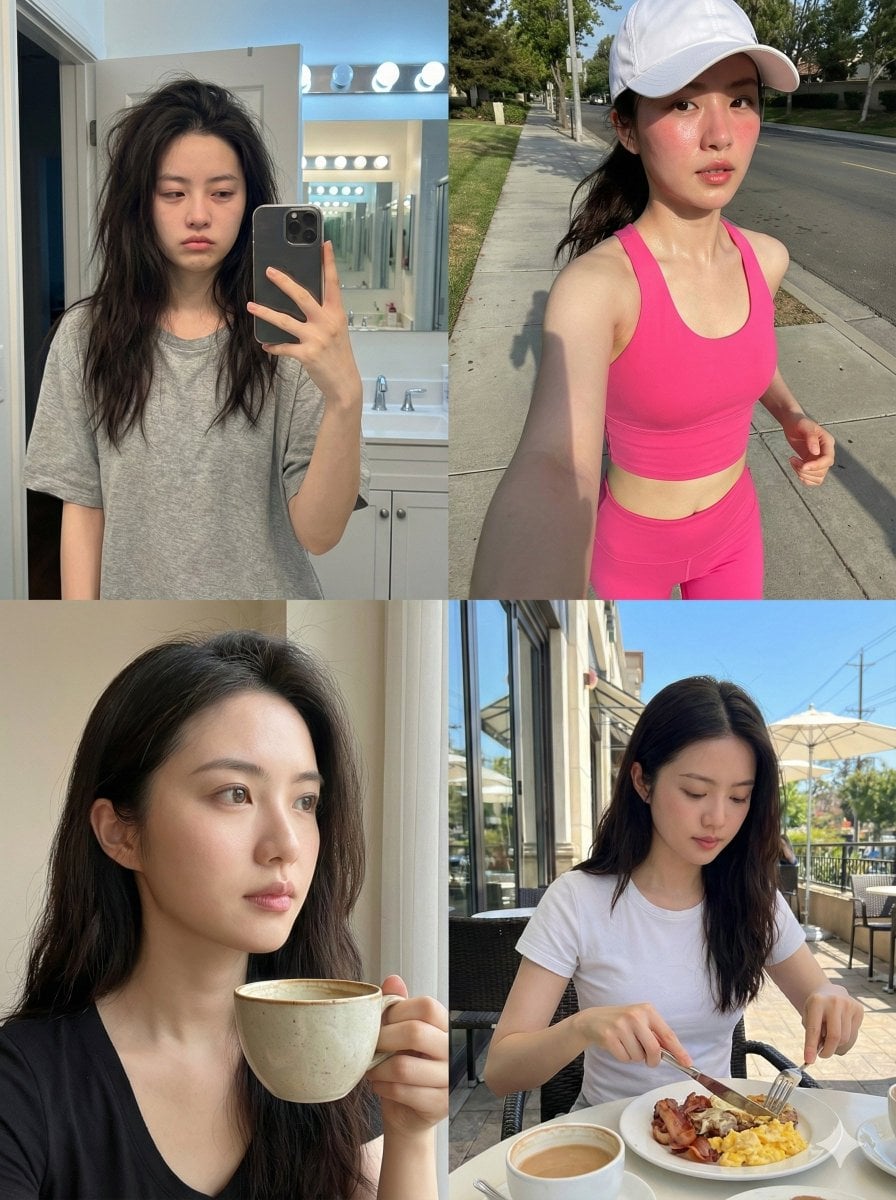
Consistent Identity Daily Routine Log Prompt (4-Quadrant)
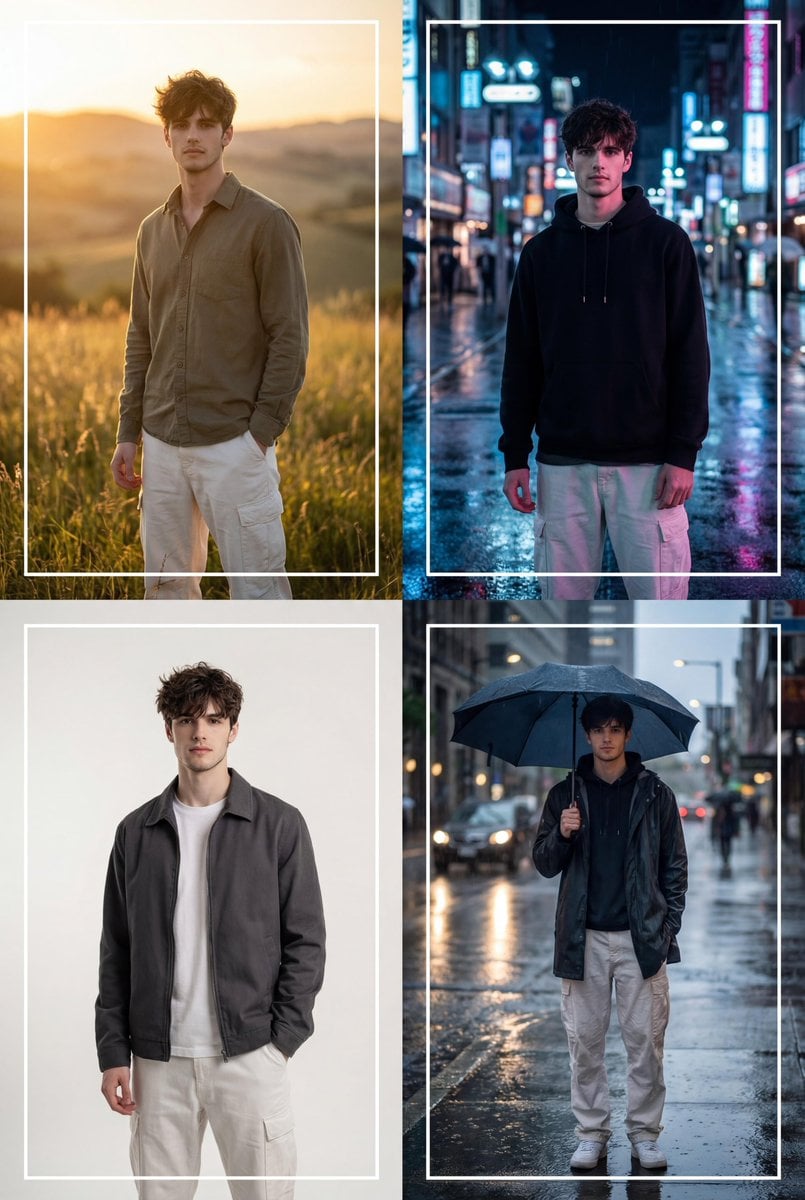
Cinematic 2x2 Grid Portrait with Consistent Identity
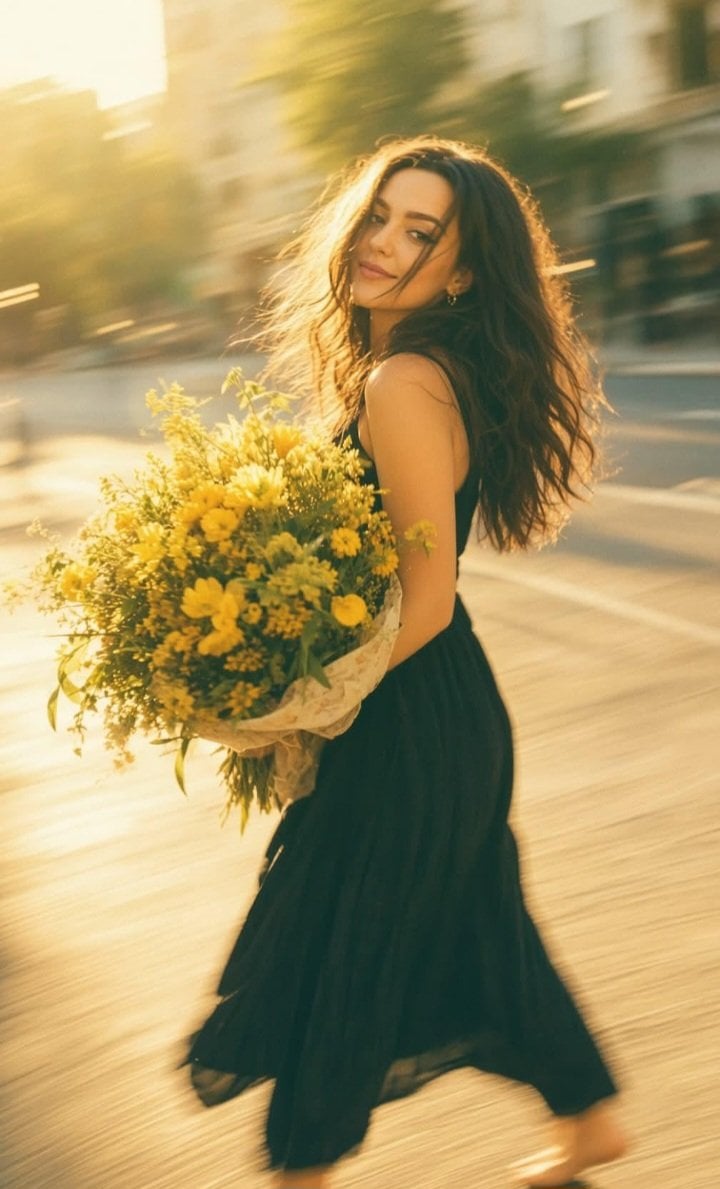
Consistent Series Character Street Snapshot
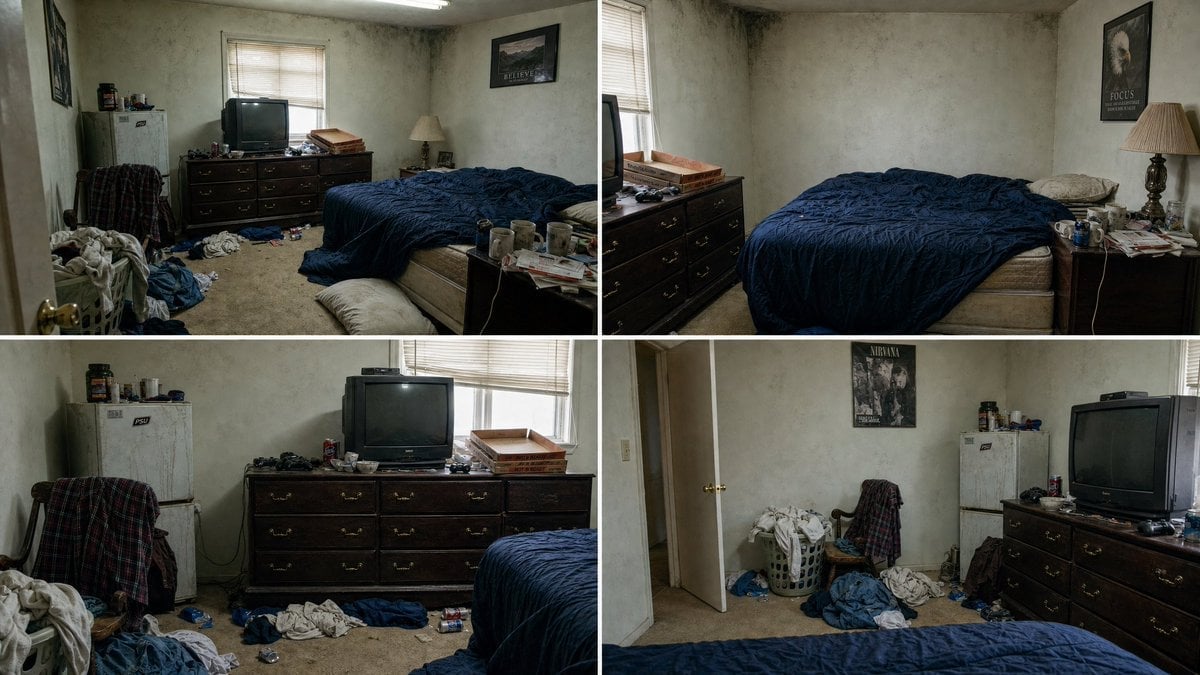
Multi-Angle Consistent Interior Room Grid
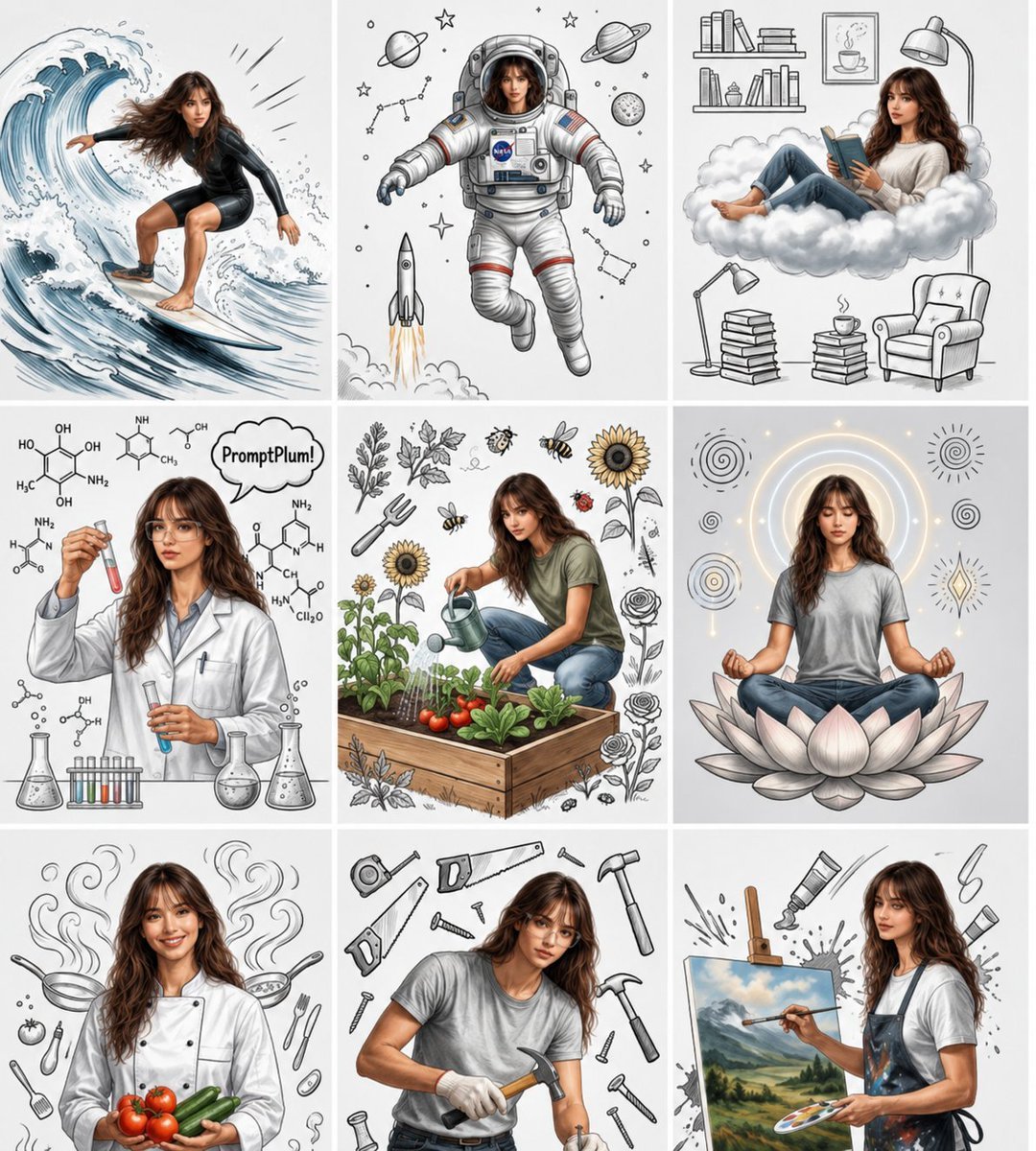
Consistent Character Nine-Panel Illustration Collage
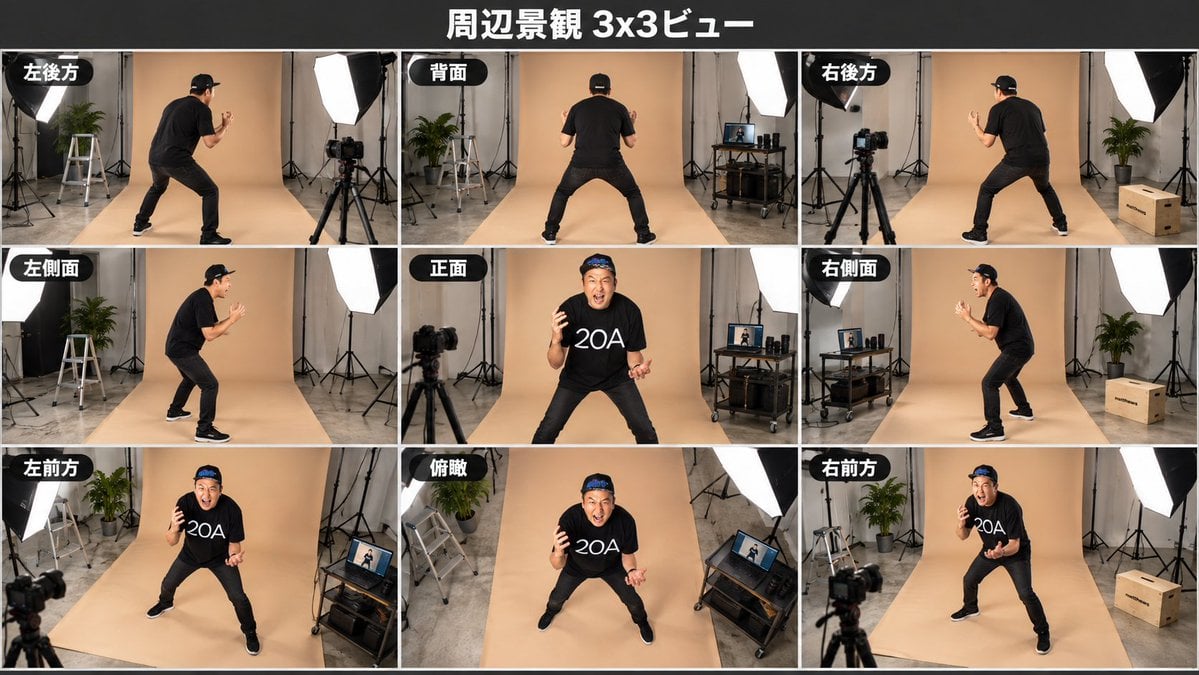
Consistent 3x3 Studio View Sheet
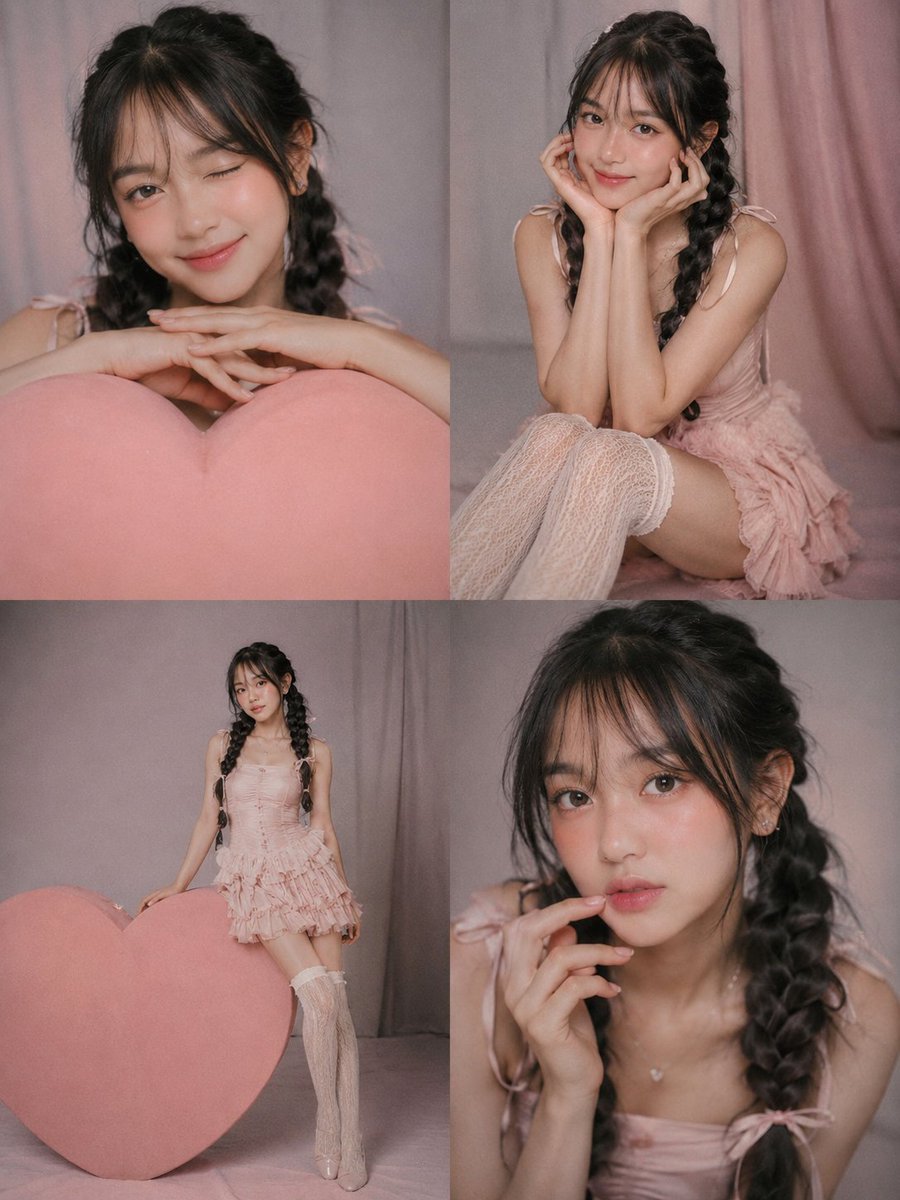
Consistent Character 2x2 Photo Collage

Nano Banana Pro Identity Lock — Composition + Face Reference
Make it yours
Consistent Identity Burst Photo Simulation works as-is. These are the safest ways to change it without losing the look.
Change one field
Copy a single group, rewrite it, and generate again so you can see what that field is doing.
Keep the frame, change the subject
Hold the composition and light of Consistent Identity Burst Photo Simulation, then swap wardrobe, props or the person for a new take.
| If the result… | Why | Fix |
|---|---|---|
| The result drifts from the preview | Too many fields changed at once. | Reuse Consistent Identity Burst Photo Simulation as-is first, then change one group — subject, light, or setting. |
| The model over-stylizes the scene | The prose prompt leaves finish and camera underspecified. | Add one camera or lighting sentence and stay on Nano Banana 2. |
More Nano Banana 2 templates
Other prompts made for Nano Banana 2.

Photorealistic Leaf Shaped Like a Dragon

K-Pop Idol Portrait Grid for Rapid Selection

Poetic Rain Forest Portrait During Golden Hour

Urban Street Portrait with Cartoon Inner Self Duo

Candid Nighttime Photo with Cat Prompt

High-Concept 3D Diorama Generation Prompt

Cinematic Futuristic Studio Portrait Template

Skincare Editorial Photography Collage Prompt

Hyper-Realistic Commercial Product Photography (Splash Effect)

Hyper-Realistic Nightclub Portrait Prompt
More image prompts
Fresh picks from across the catalog.

Ad manga for a radio show with a gorilla and rabbit
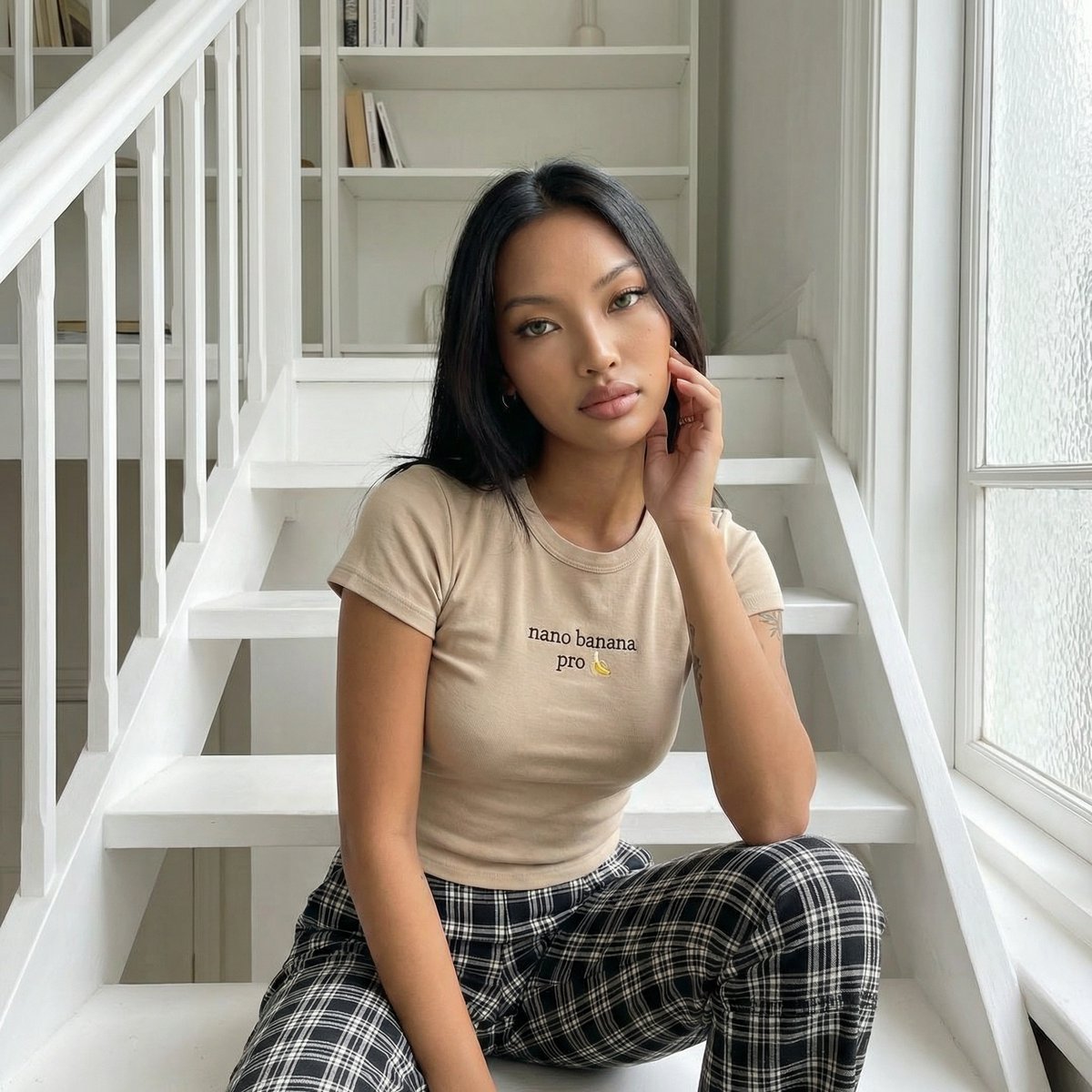
Editorial Portrait on Scandinavian Interior Stairs
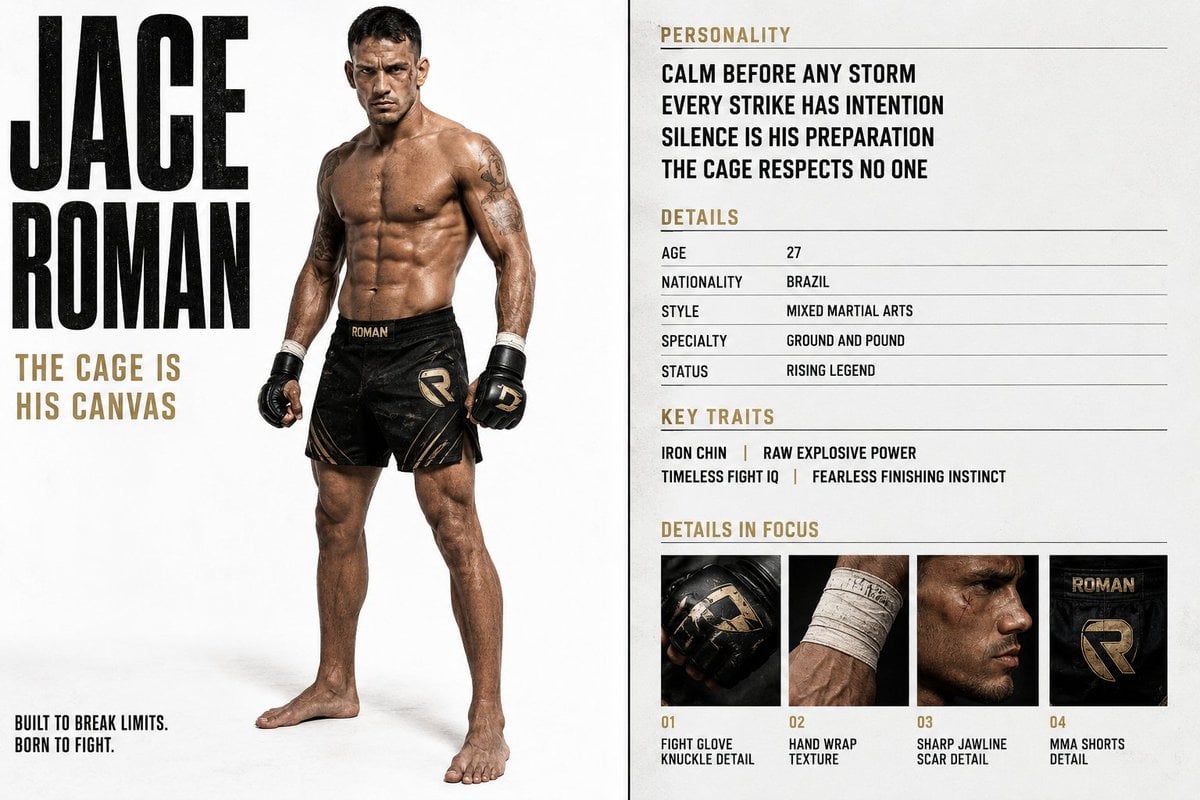
Luxury Editorial Character Spread
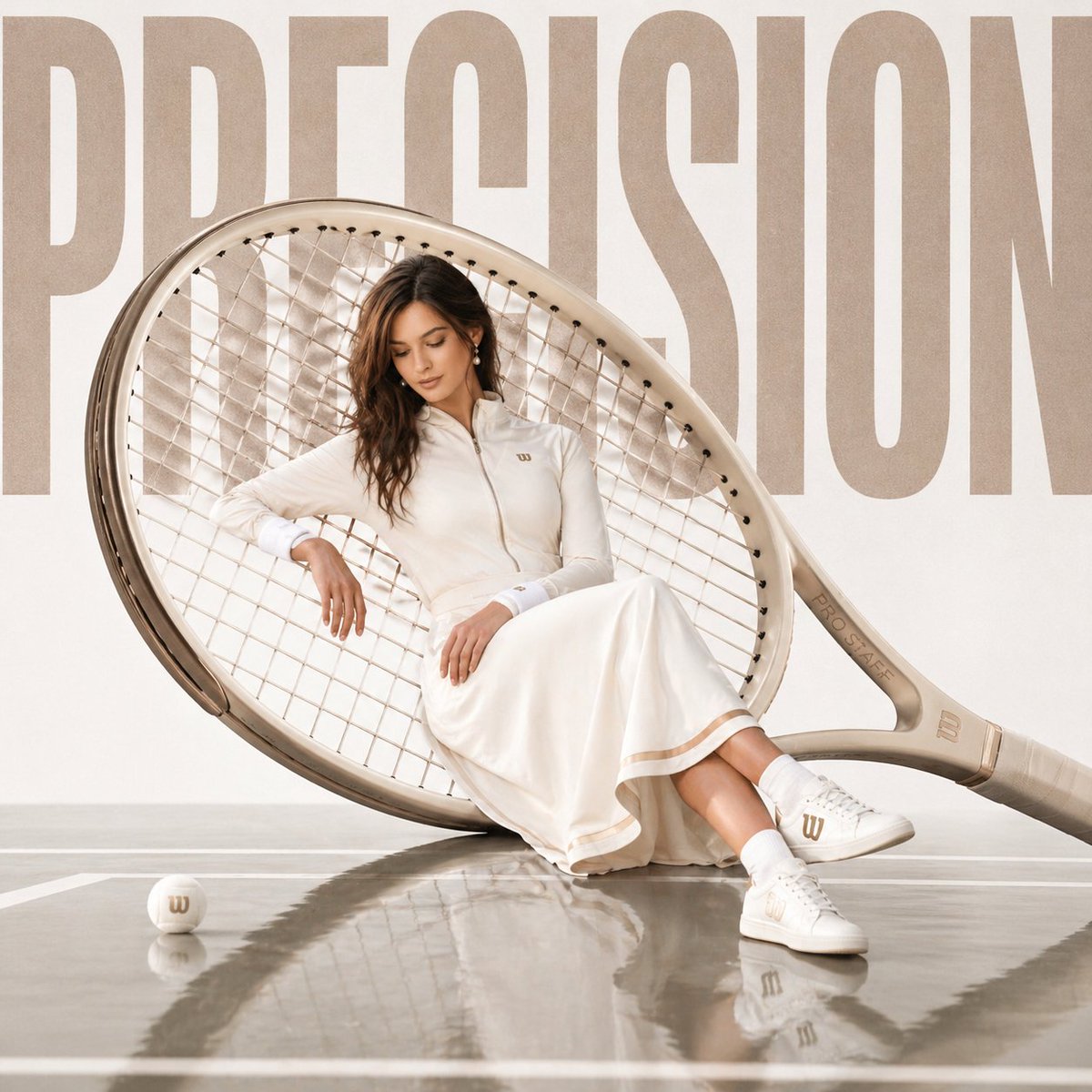
Luxury sports advertisement prompt
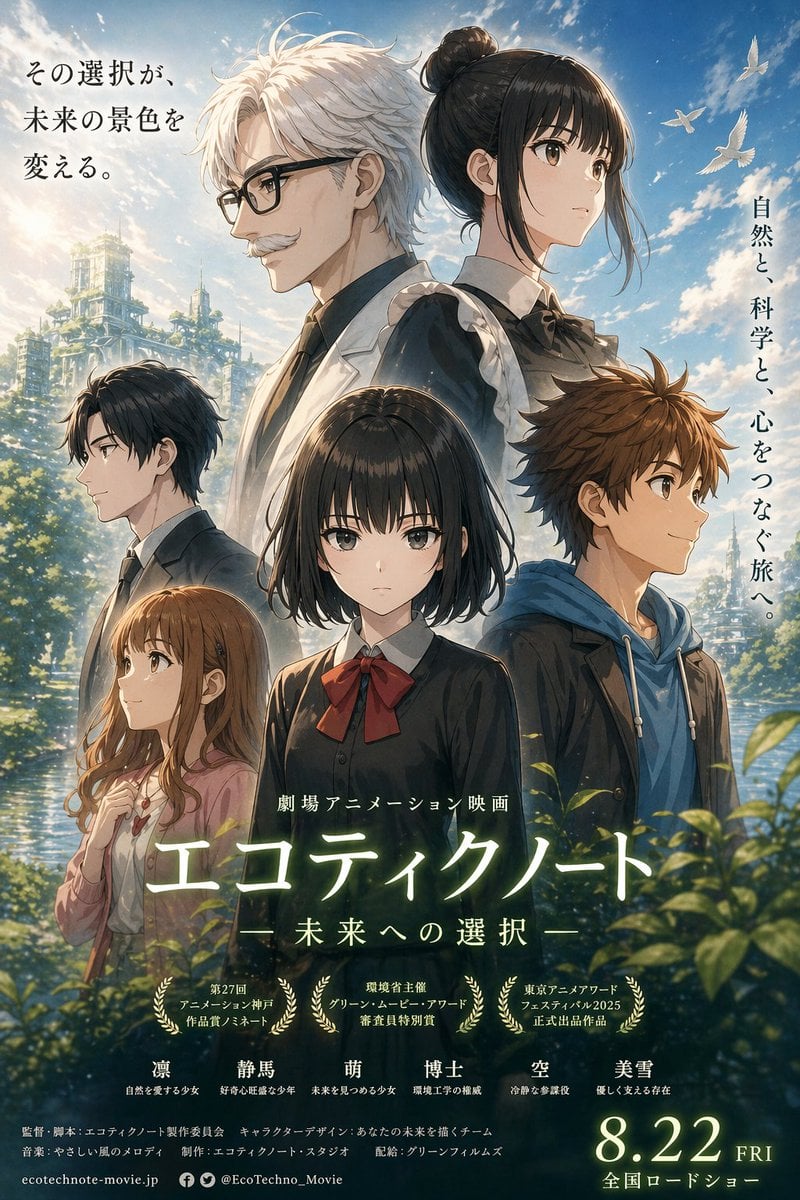
Anime Ensemble Movie Poster
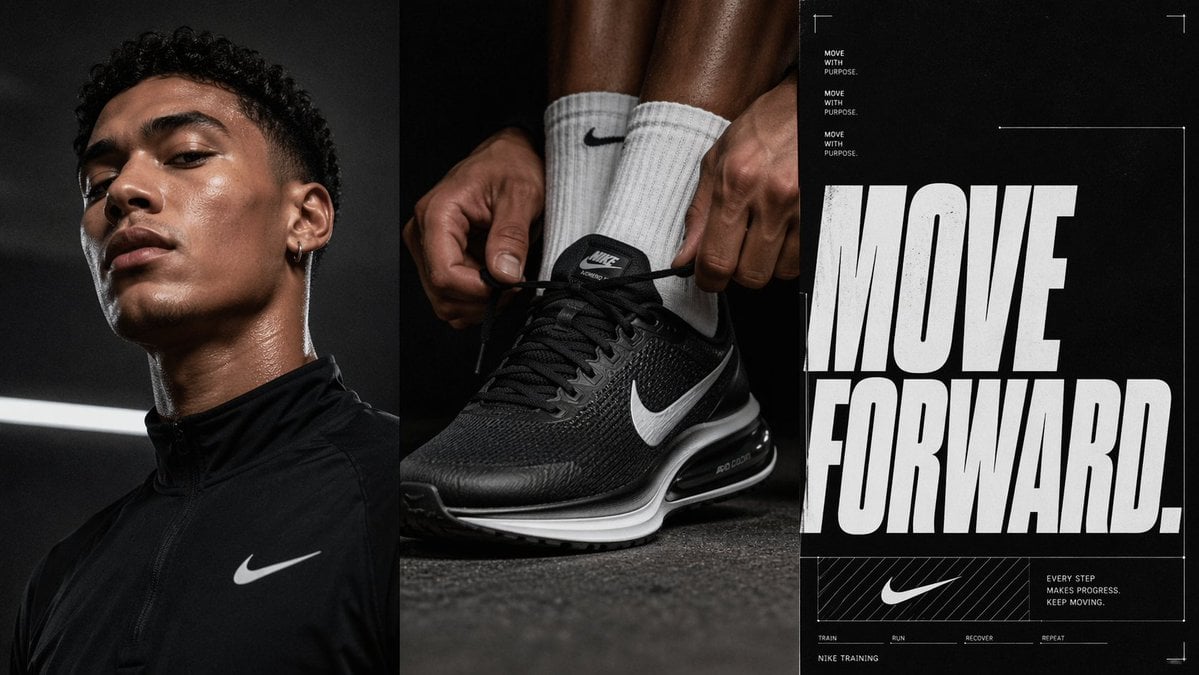
Triptych Sports Ad Poster
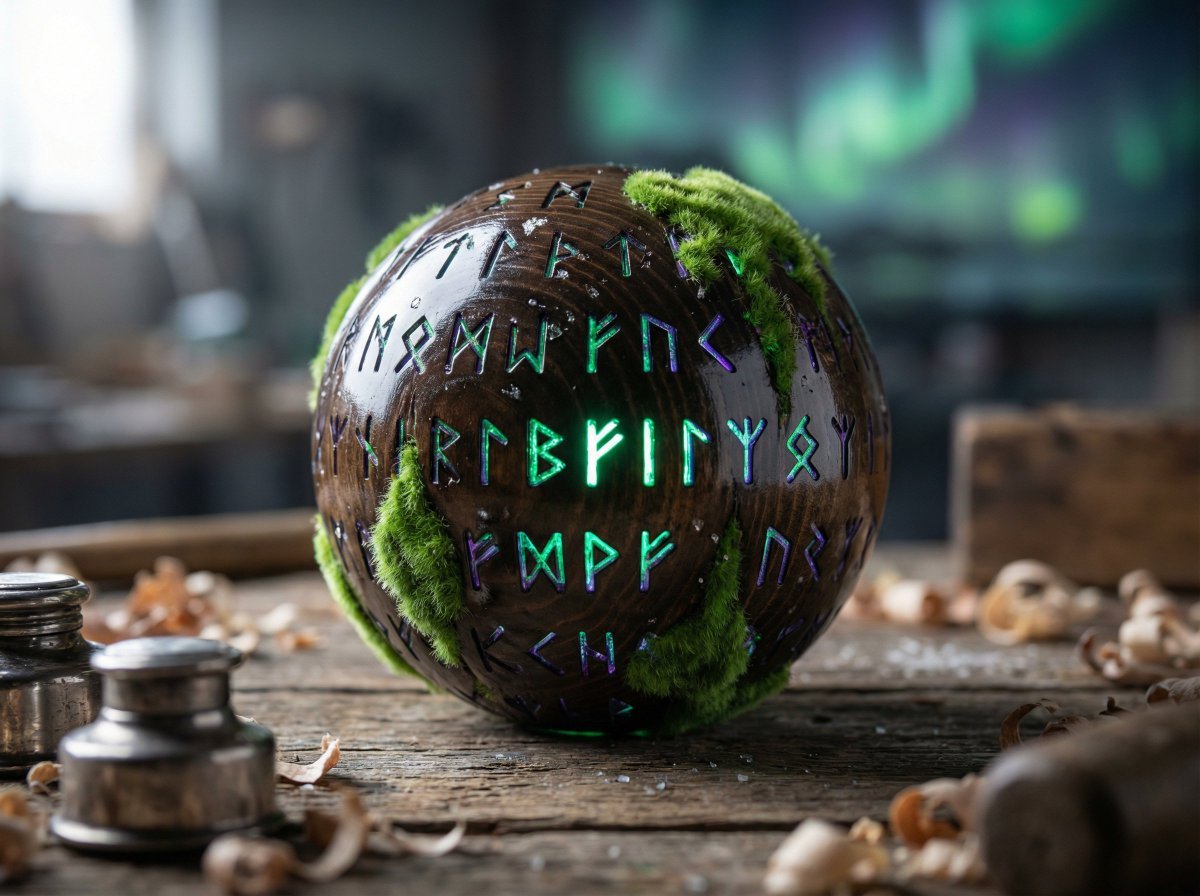
Artisan Toy Product Photography Prompt
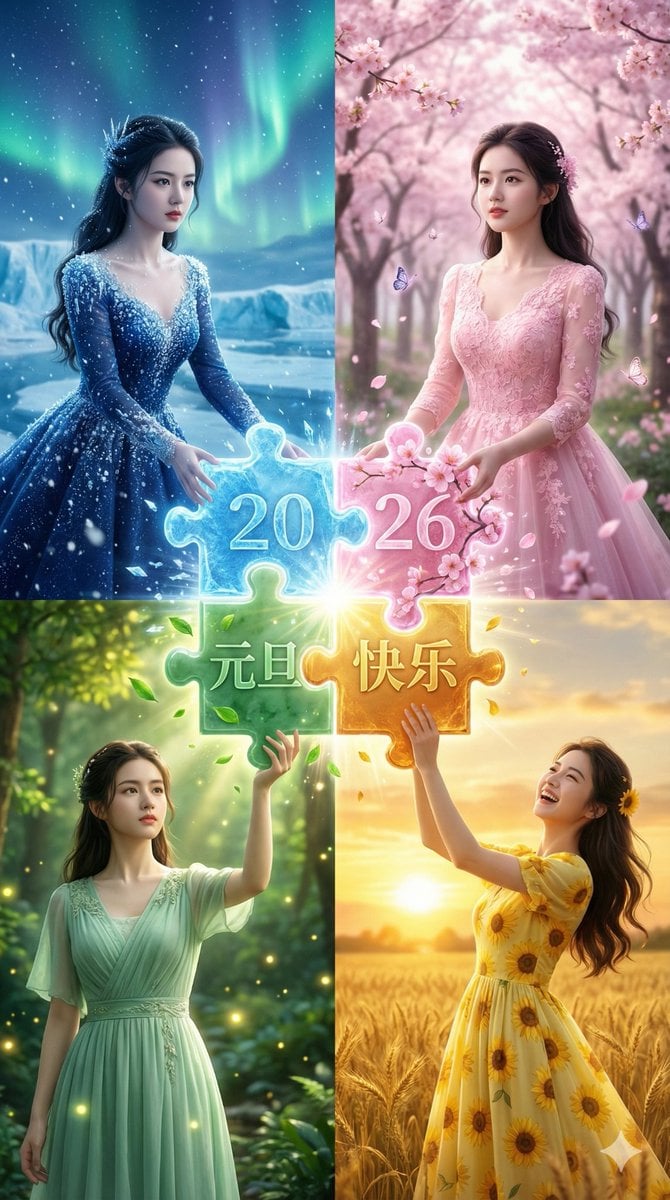
Four Seasons Puzzle for 2026 New Year Greeting
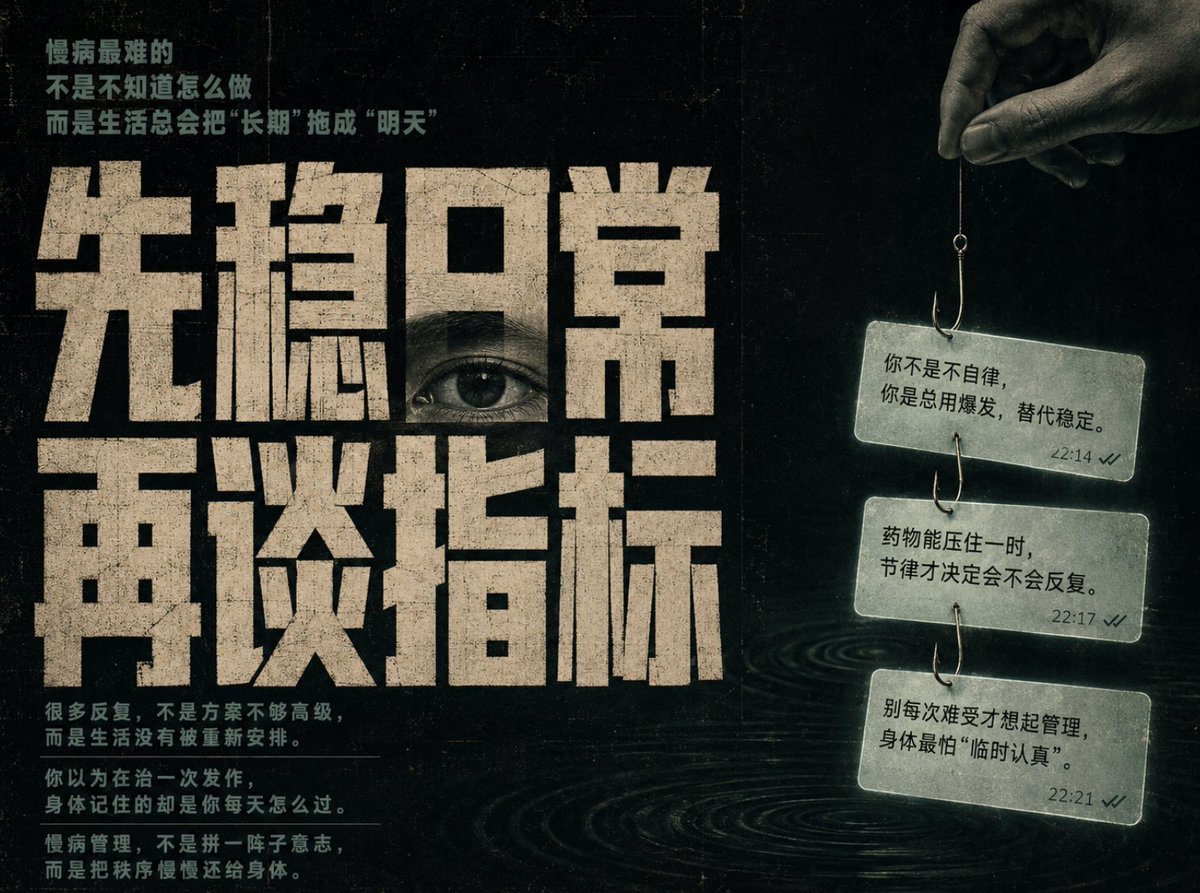
Conceptual Chinese Editorial Poster
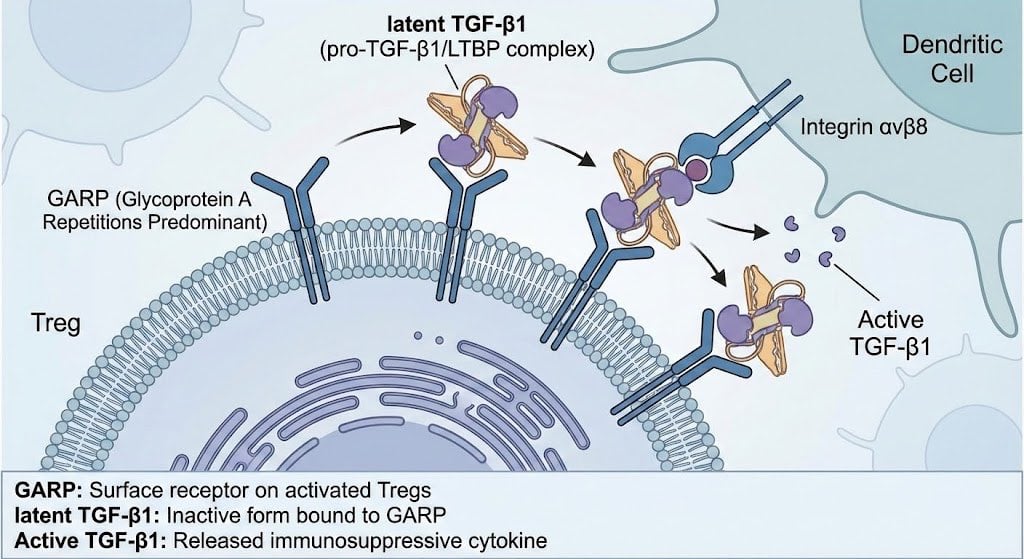
GARP biology for Tregs illustration
Browse template categories
Consistent Identity Burst Photo Simulation questions
How do I use the Consistent Identity Burst Photo Simulation template?
Add your photo if the template asks for one, edit the prompt if you like — the template's model and format are already selected — and press Generate. Your version opens in PicX Studio.
Can I customize the Consistent Identity Burst Photo Simulation template?
Yes. You can change the subject, setting, lighting, mood, format, and available model controls before creating your image.
Is the Consistent Identity Burst Photo Simulation template free?
Opening and editing this template is free. Generating uses credits, shown on the Generate button when you are signed in.
Which AI model should I use?
Start with Nano Banana 2, which is the model associated with this template. You can compare another compatible model for a different finish.
Looking for something else? Browse all templates.

Your photo, any look
Thousands of ready templates for every top image and video model, from one credit balance.