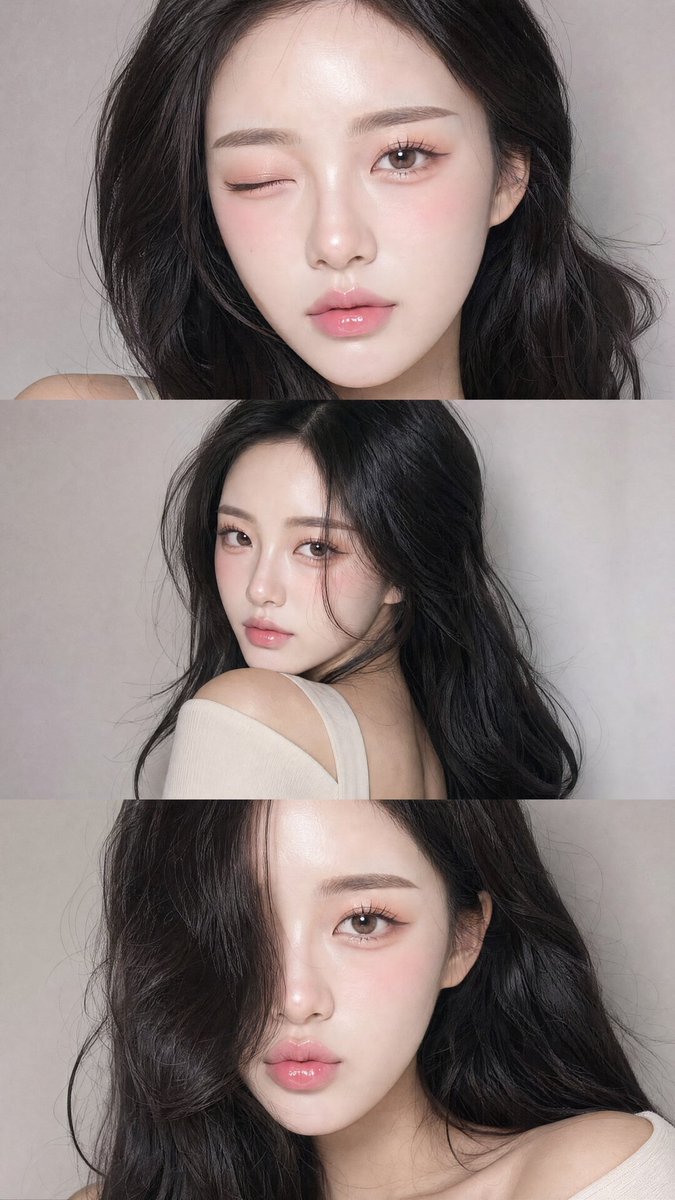
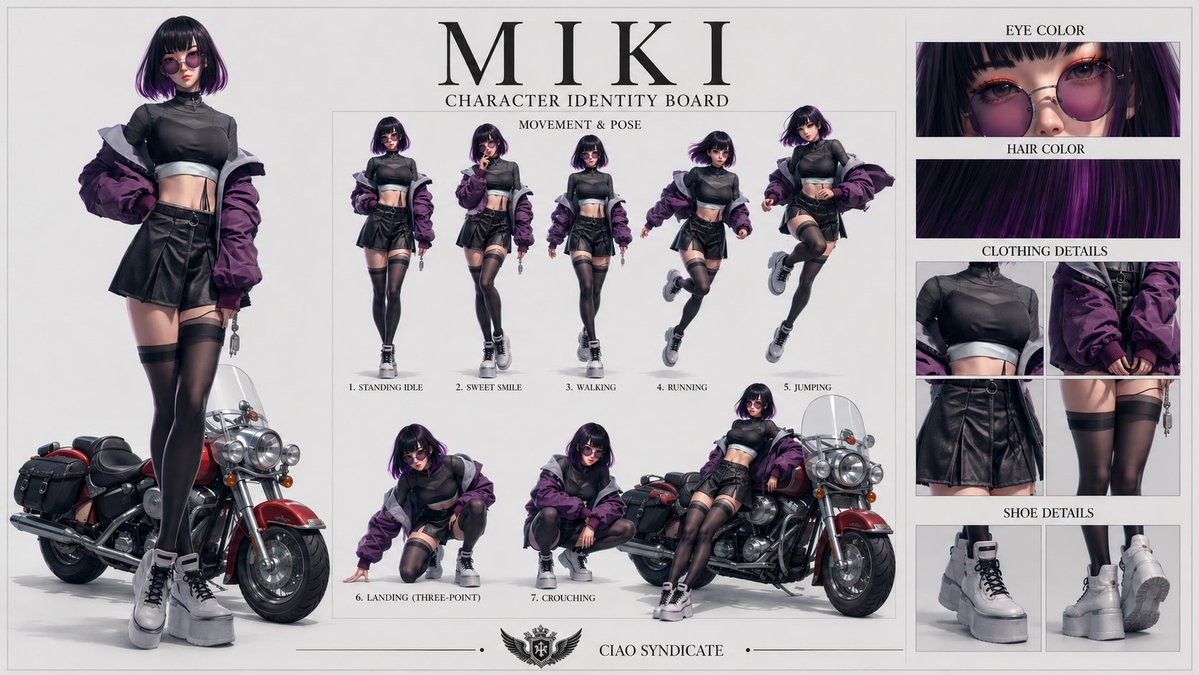
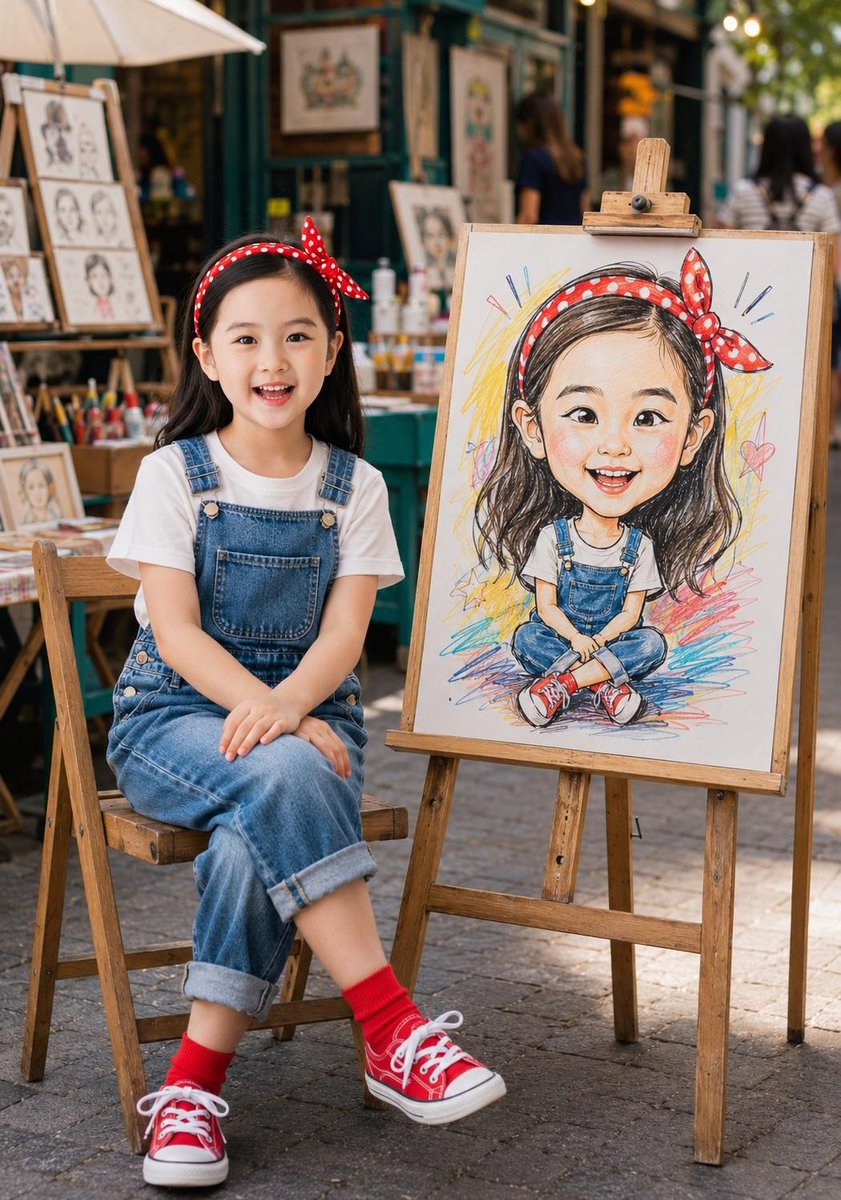
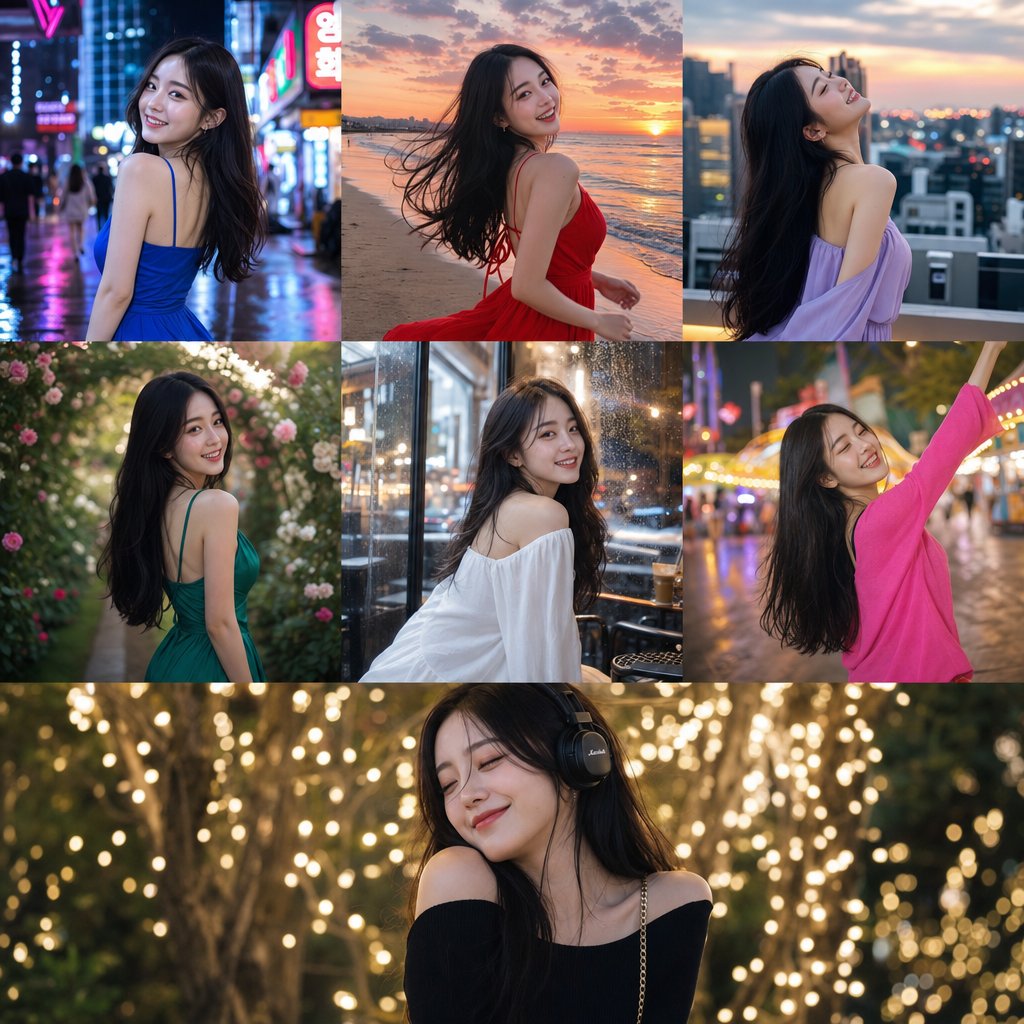
How do I use the Cinematic Identity-Consistent Portrait Collage template?
Choose the primary action to open PicX Studio with the available template settings. Review the model and format, personalize the creative direction, and generate when ready.
A comprehensive prompt for creating a 3-frame vertical collage that maintains consistent facial identity based on a reference image.
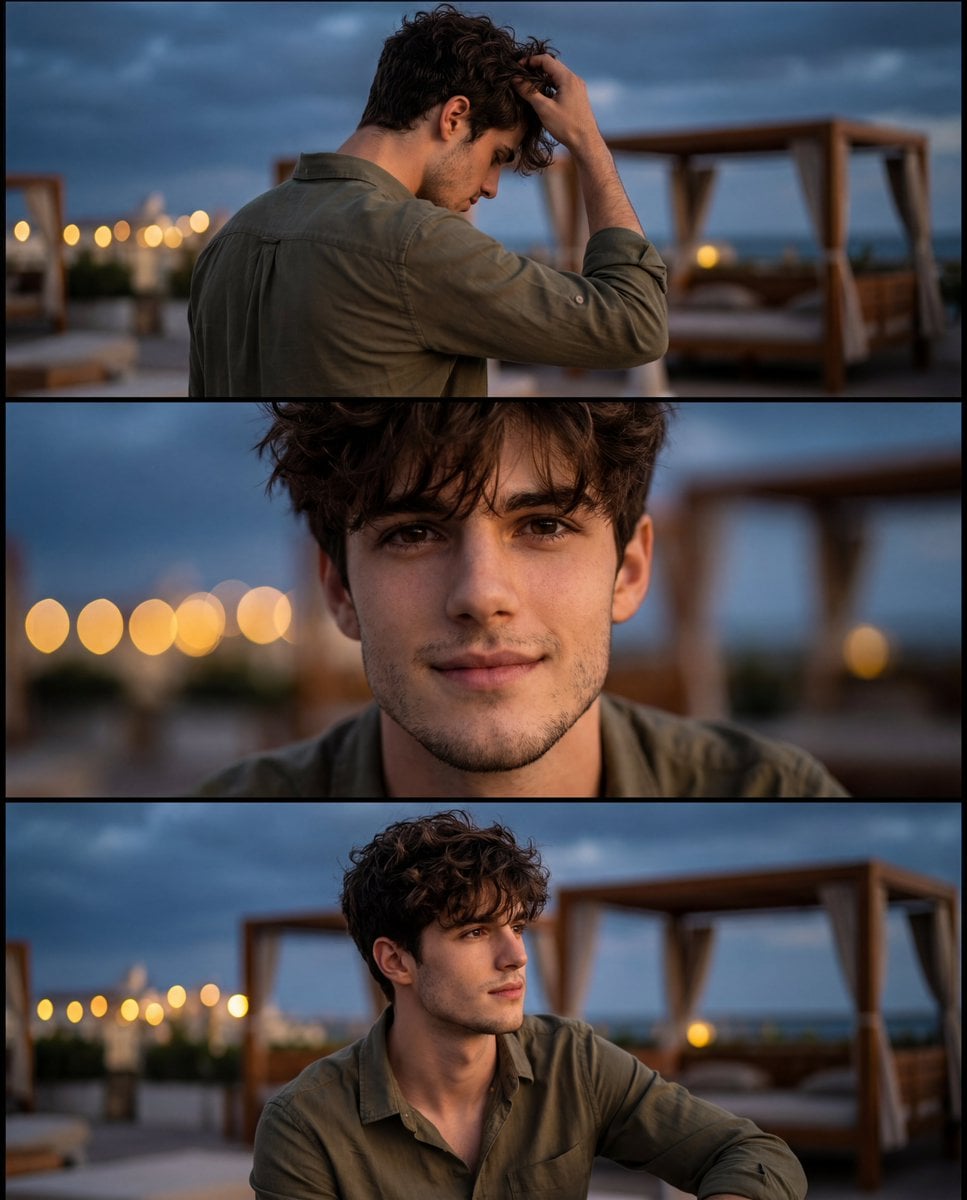
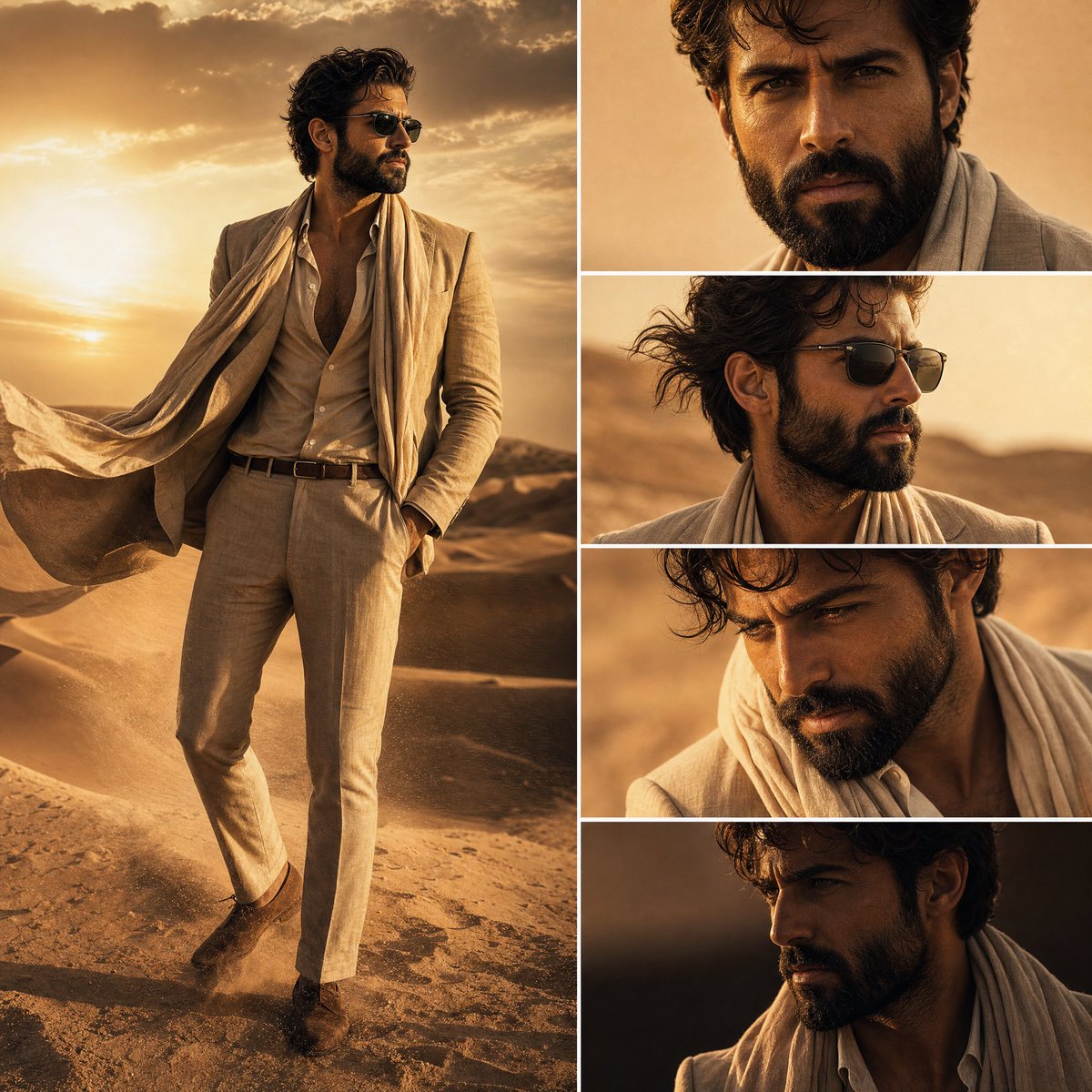
Use the uploaded reference image as the exact facial identity reference for the character. Maintain the same facial structure, curly hairstyle, beard shape, skin tone, jawline, eye shape, and overall appearance consistency exactly as the reference. Create a cinematic nighttime portrait photoshoot with a warm moody aesthetic. The man is wearing an {argument name="shirt color" default="olive green"} casual shirt with sleeves rolled up, standing outdoors near a {argument name="location" default="luxury rooftop or beachside café"} during blue hour. The background should feature soft golden bokeh lights, blurred wooden cabanas, and a deep cloudy evening sky. Generate a 3 frame vertical collage: Back side pose with the man touching his hair naturally while slightly looking down. Close up cinematic portrait with a soft confident smile and shallow depth of field. Medium shot with relaxed posture looking sideways naturally. Style should feel ultra realistic, DSLR photography, 85mm lens look, creamy background blur, warm cinematic lighting, realistic skin texture, soft shadows, high detail, luxury lifestyle vibe, Instagram editorial aesthetic, natural color grading, premium portrait photography. Aspect ratio 4:5, ultra detailed, photorealistic, shallow depth of field, cinematic composition.
Choose the primary action to open PicX Studio with the available template settings. Review the model and format, personalize the creative direction, and generate when ready.
Yes. You can change the subject, setting, lighting, mood, format, and available model controls before creating your image.
This template is free to open and customize. Generation usage is shown in PicX Studio before you create.
Start with Nano Banana 2, which is the model associated with this template. You can compare another compatible model for a different finish.
Follow a topic to a crawlable collection of related PicX Studio templates.