
Four Seasons Puzzle for 2026 New Year Greeting
A highly detailed, multi-panel prompt for Nano Banana Pro, inspired by a previous puzzle prompt.
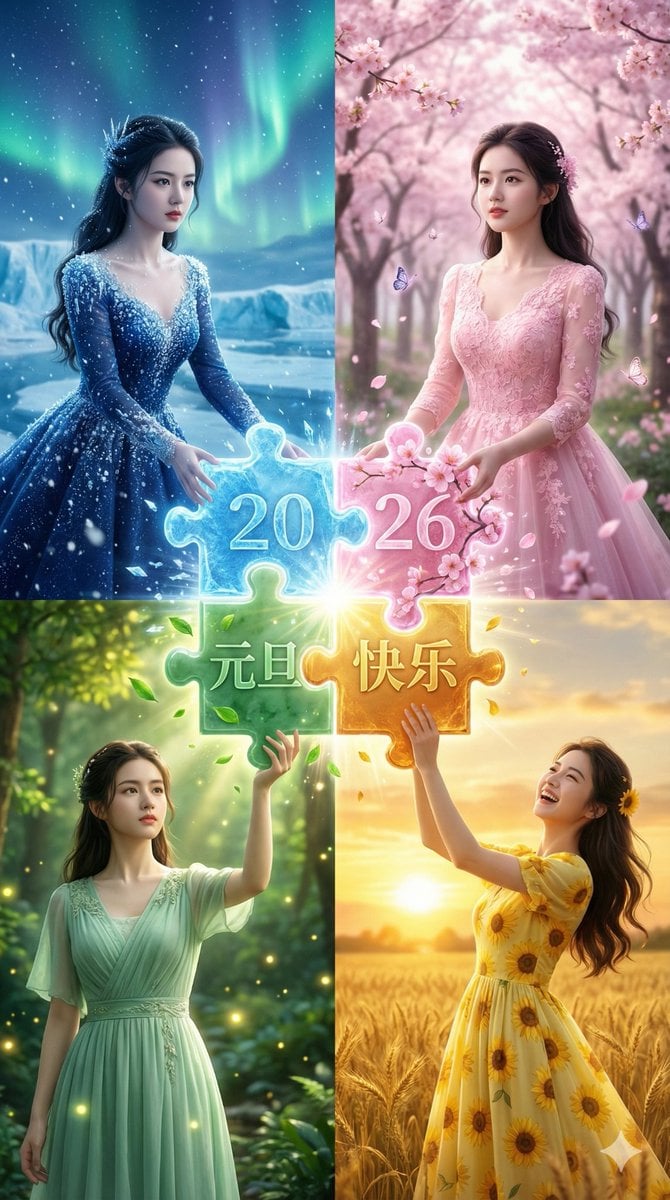
- Prompt included
- Model and format preset
- Free template
The prompt behind this image
Copy the exact prompt behind Four Seasons Puzzle for 2026 New Year Greeting, or open it in the studio and make it yours.
一张 2x2 的四宫格构图摄影,展示同一位女性主角在四个不同的季节奇幻场景中,亲手拼凑出新年魔法拼图。 [左上格,冬季蓝主题]:同一位女性,冰雪王后装扮,穿着缀满冰晶的海军蓝礼服。她双手托举着一块巨大的蓝色发光冰晶拼图块,上面刻有数字“20”,正向画面中心移动。眼神专注,背景是极光下的冰川与漫天飞雪。 [右上格,春季粉主题]:同一位女性,花之精灵装扮,穿着樱花粉色蕾丝裙。她双手托举着一块缠绕着盛开花朵的粉色发光拼图块,上面刻有数字“26”,眼神充满期待。背景是梦幻的樱花林和飞舞的蝴蝶。 [左下格,夏季绿主题]:同一位女性,森林女神装扮,穿着薄荷绿色的自然风格连衣裙。她双手向上托举着一块蕴含森林能量的绿色翡翠拼图块,上面刻有“元旦”字样,表情认真。背景是阳光穿透的繁茂森林和发光的萤火虫。 [右下格,秋季黄主题]:同一位女性,流金岁月装扮,穿着柠檬黄色向日葵礼服。她推入最后一块金黄色琥珀材质的拼图块,上面刻有“快乐”字样。她头向后仰,爆发出成功的喜悦笑容。背景是金色的落日麦田。 [中心视觉锁定]:四块拼图在画面中心完美咬合,迸发出包含冰晶、花瓣、绿叶和金光的夺目光芒,在中心汇聚成清晰的汉字“2026元旦快乐”。 [统一渲染]:电影级唯美光效,超高清画质,极高细节处理,保持人物面部特征在四格中完全一致。
How to use Four Seasons Puzzle for 2026 New Year Greeting in 3 steps
- 1
Open
The prompt is already in the box next to the preview, with the template's model and format selected.
- 2…a portrait of your subject in softgolden-hour light, 85mm…
Personalize
Edit the subject and creative details for your destination.
- 3Generate
Generate
Press Generate — your image is created in PicX Studio, so you can compare it with the original and refine one variable at a time.
More like this
Templates with the same subject, style or setup. Open one to see its prompt.
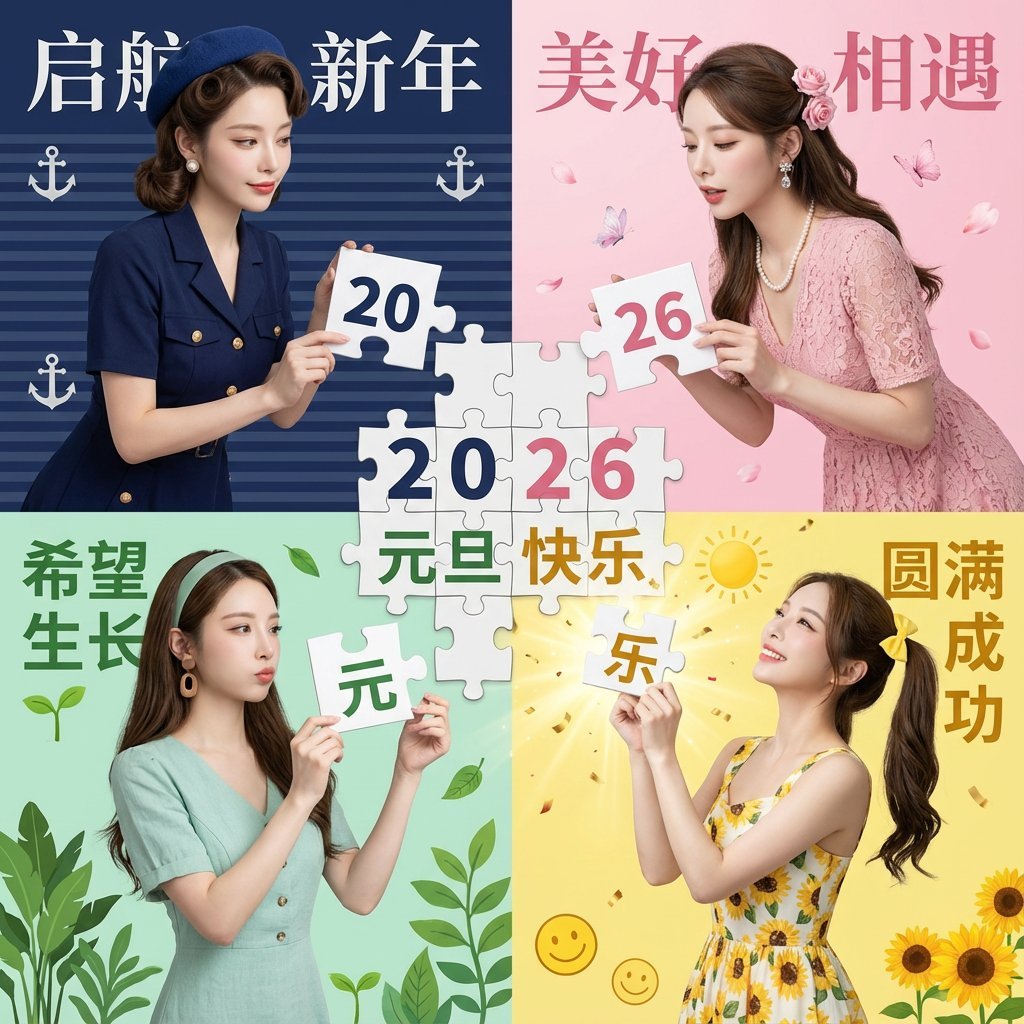
New Year's Day Special: Four-Panel Puzzle for 2026 Blessing
Four Seasons Eye Macro Art
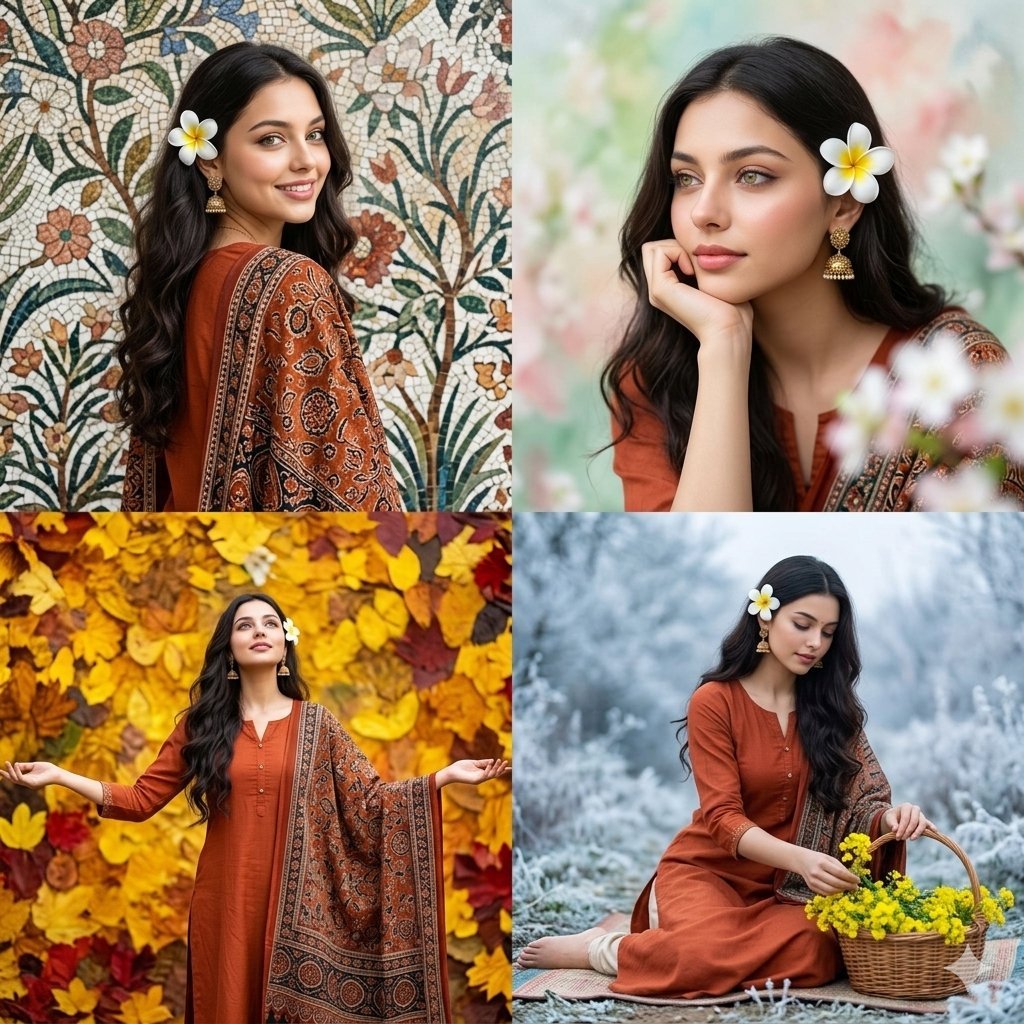
Four Seasons Portrait Collage
Four Seasons Japanese Panorama
Four Theme Pie Puzzle Game Sheet
Four Seasons Anime Girl Collage
Japanese Onsen Town in Four Seasons
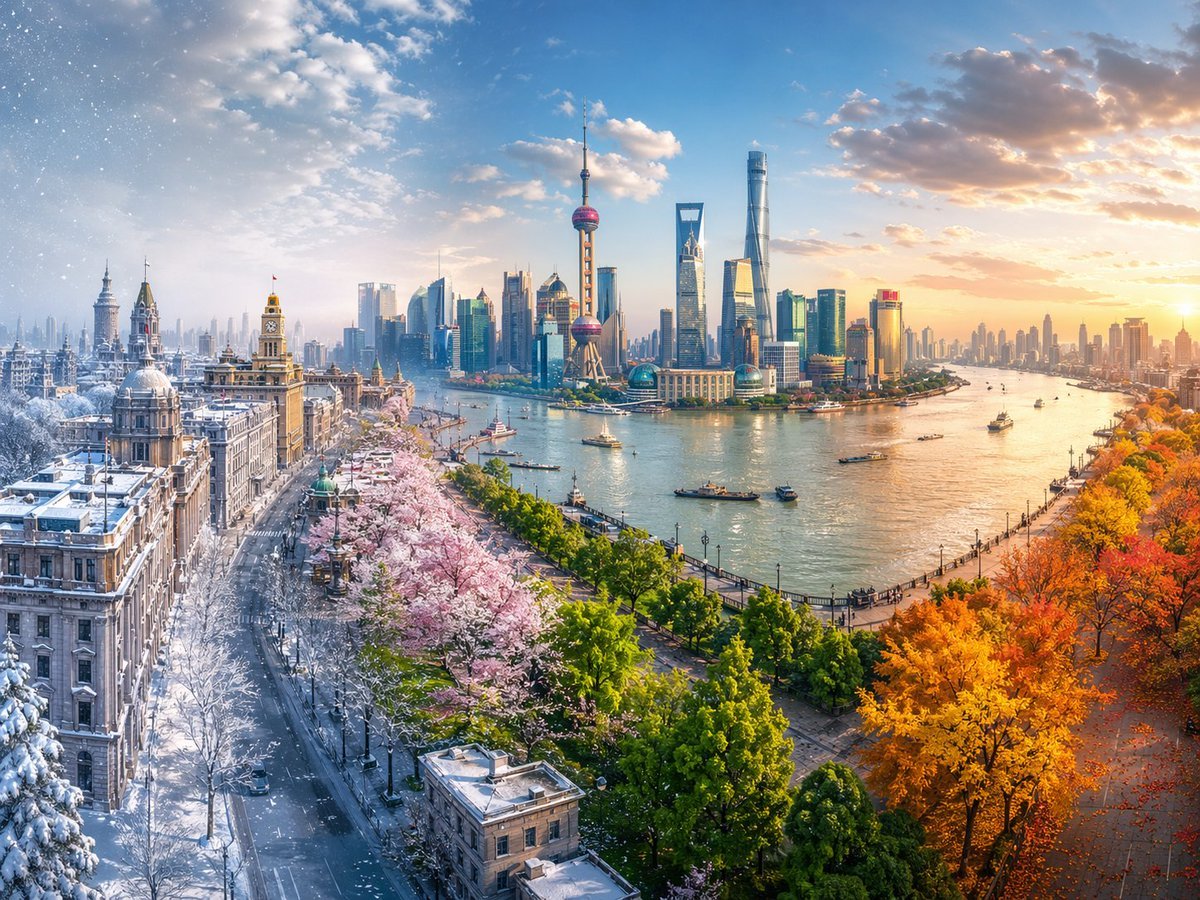
Four Seasons Continuous Panorama

Dancer Character - Four View Reference Sheet
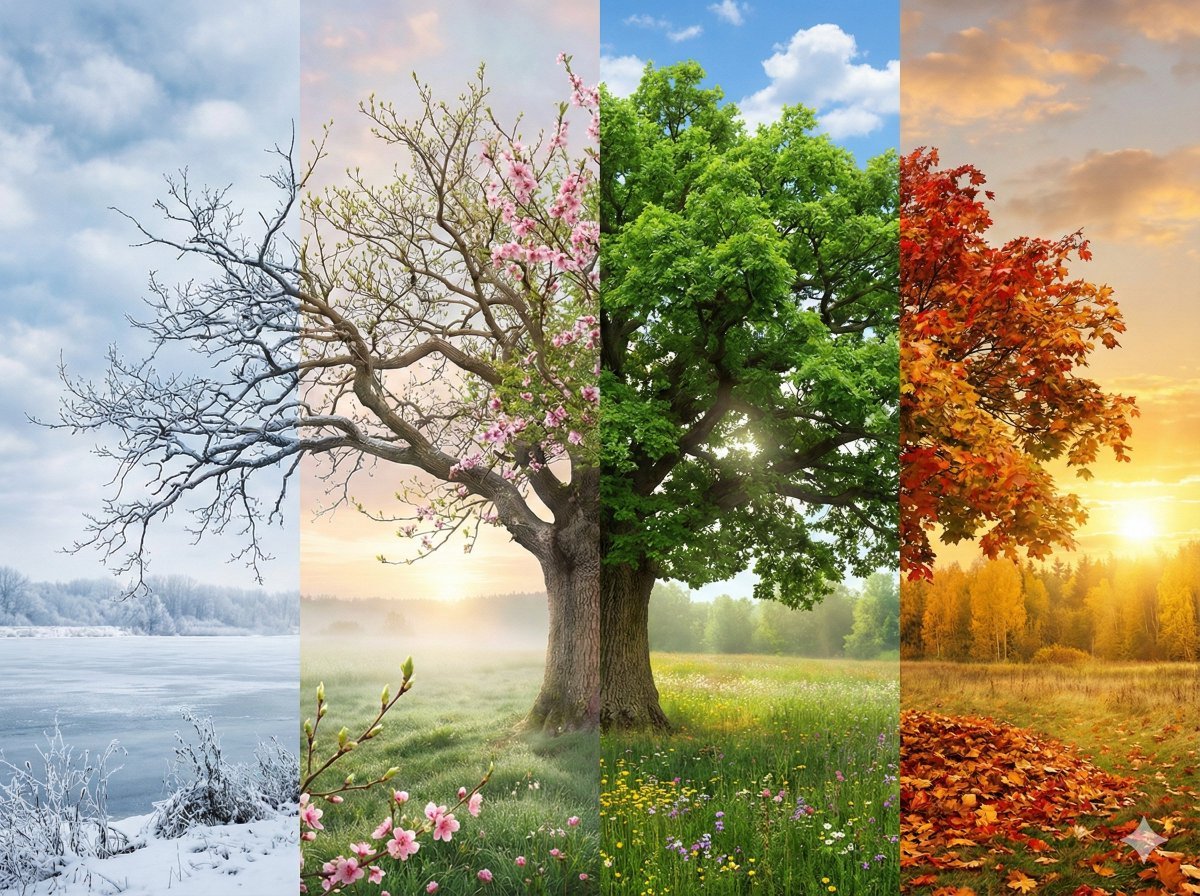
Seamless Four Seasons Panorama of Shanghai Bund
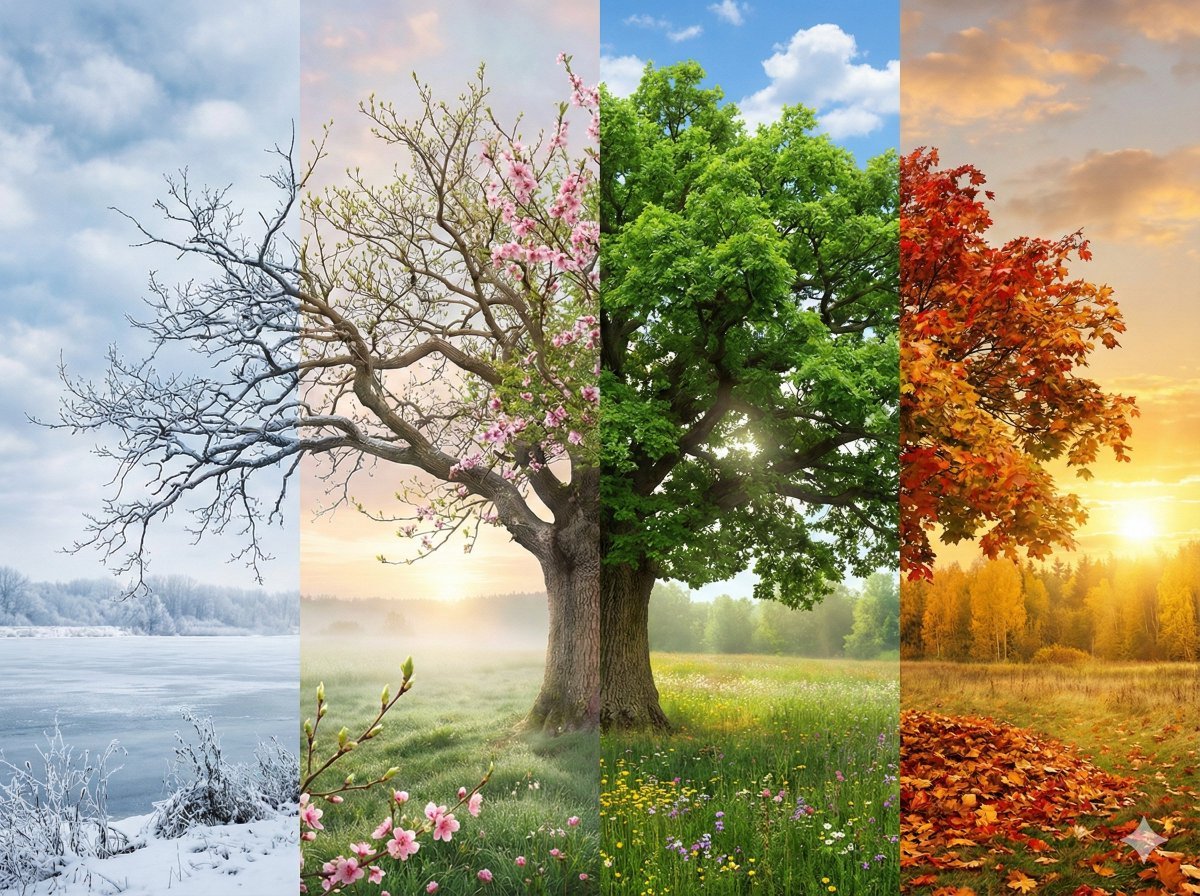
Four Seasons Transition Prompt
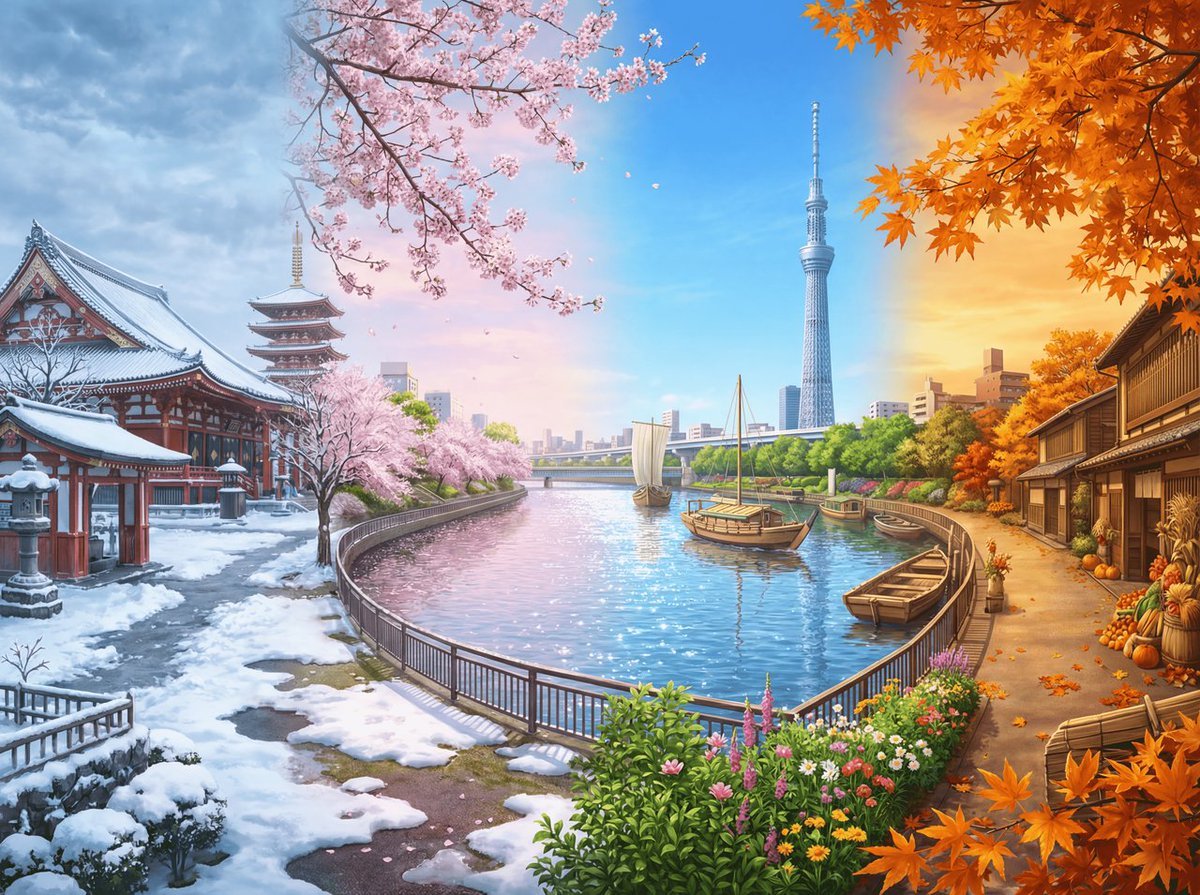
Four Seasons Panorama of Asakusa and Skytree
Make it yours
Four Seasons Puzzle for 2026 New Year Greeting works as-is. These are the safest ways to change it without losing the look.
Change one field
Copy a single group, rewrite it, and generate again so you can see what that field is doing.
Keep the frame, change the subject
Hold the composition and light of Four Seasons Puzzle for 2026 New Year Greeting, then swap wardrobe, props or the person for a new take.
| If the result… | Why | Fix |
|---|---|---|
| The result drifts from the preview | Too many fields changed at once. | Reuse Four Seasons Puzzle for 2026 New Year Greeting as-is first, then change one group — subject, light, or setting. |
| The model over-stylizes the scene | The prose prompt leaves finish and camera underspecified. | Add one camera or lighting sentence and stay on Nano Banana 2. |
More Nano Banana 2 templates
Other prompts made for Nano Banana 2.

Photorealistic Leaf Shaped Like a Dragon

K-Pop Idol Portrait Grid for Rapid Selection

Poetic Rain Forest Portrait During Golden Hour

Urban Street Portrait with Cartoon Inner Self Duo

Candid Nighttime Photo with Cat Prompt

High-Concept 3D Diorama Generation Prompt

Cinematic Futuristic Studio Portrait Template

Skincare Editorial Photography Collage Prompt

Hyper-Realistic Commercial Product Photography (Splash Effect)

Hyper-Realistic Nightclub Portrait Prompt
More image prompts
Fresh picks from across the catalog.
Neon Crime Game Street Screenshot
Miniature Metropolis Inside a Vintage Pocket Watch
Horizontal three-panel emotional portrait from one image

Dark Fantasy Route Map
Futuristic Metro Station Fashion Shoot
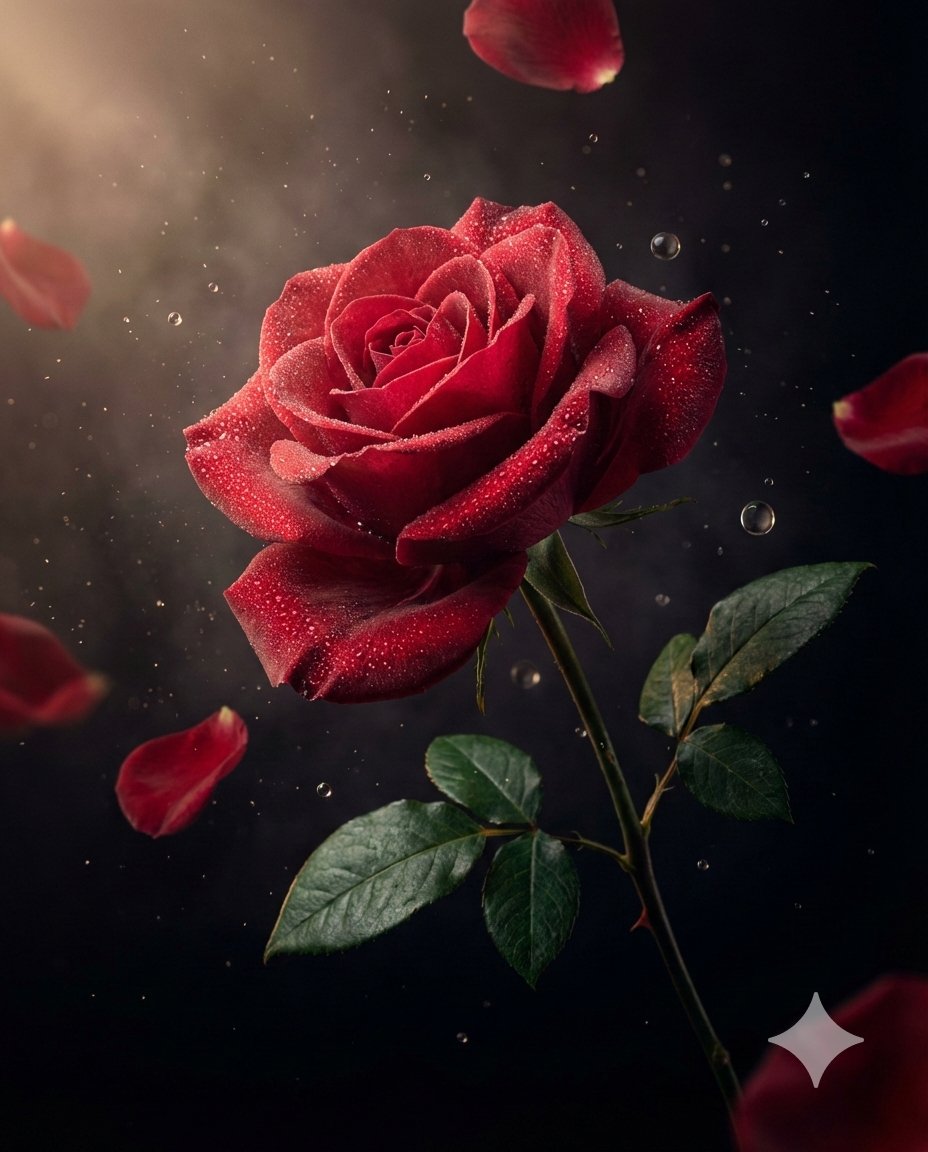
Luxury Macro Commercial Render of a Velvet Red Rose

Romantic Night Park Couple Portrait
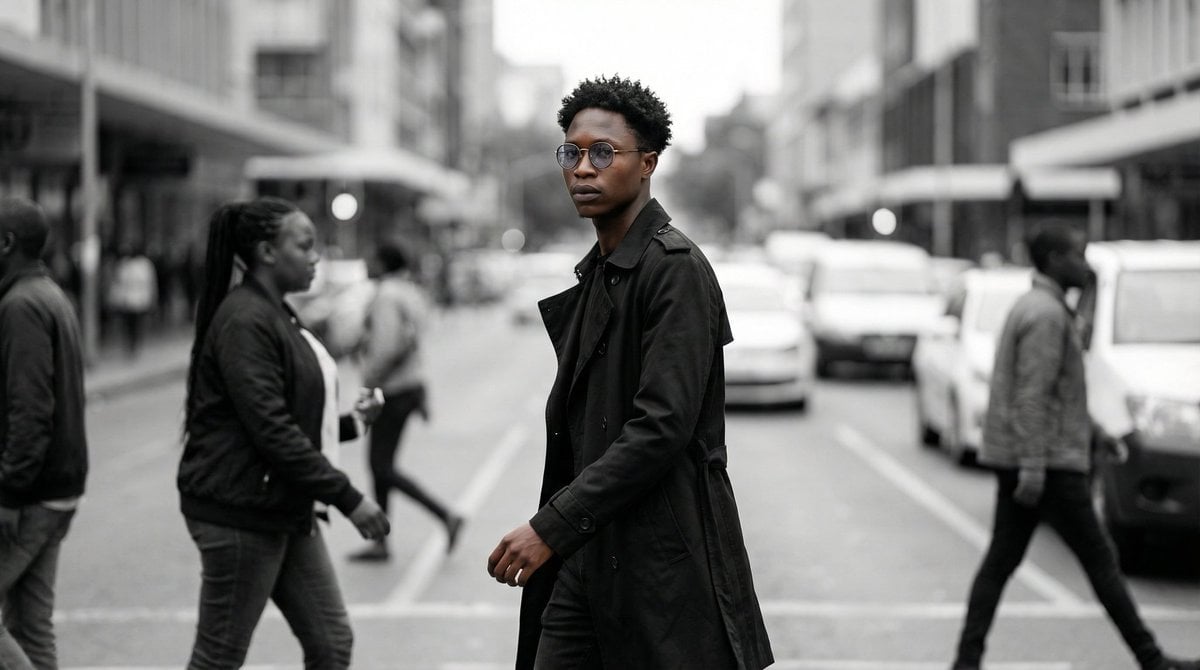
Cinematic Street Portrait
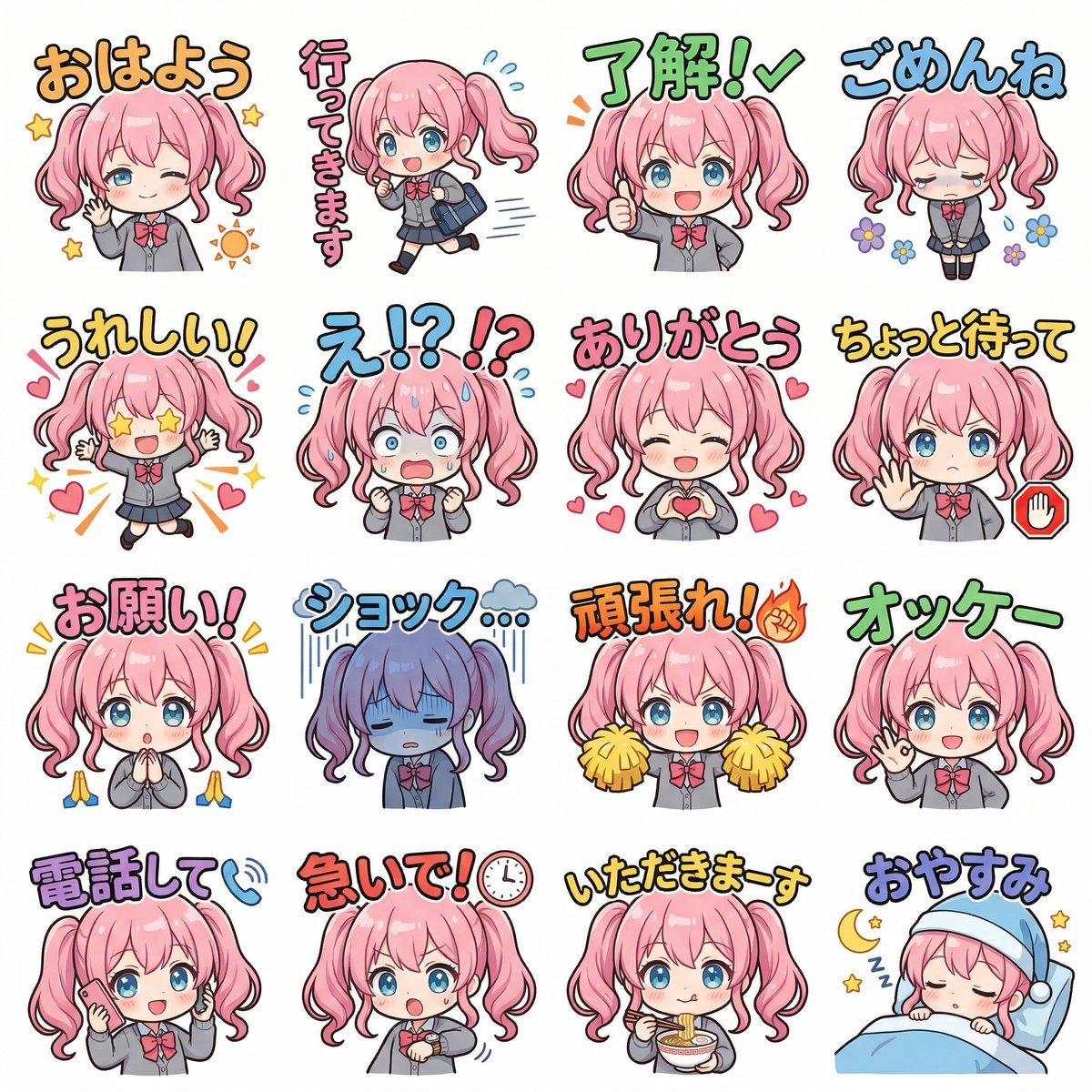
Creating LINE Stickers with Nano Banana 2
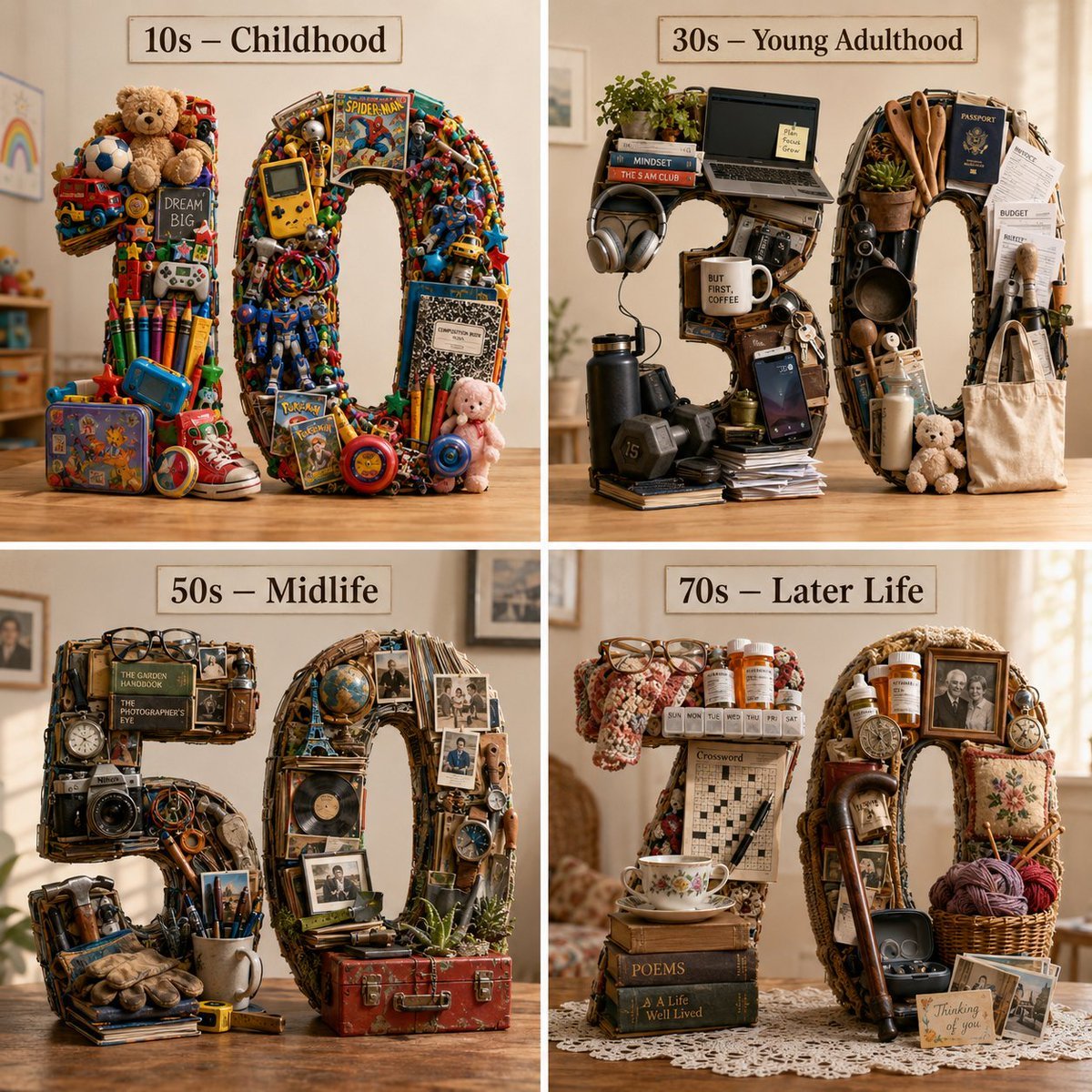
Typographic Human Life Stages Sculpture
Browse template categories
Four Seasons Puzzle for 2026 New Year Greeting questions
How do I use the Four Seasons Puzzle for 2026 New Year Greeting template?
Add your photo if the template asks for one, edit the prompt if you like — the template's model and format are already selected — and press Generate. Your version opens in PicX Studio.
Can I customize the Four Seasons Puzzle for 2026 New Year Greeting template?
Yes. You can change the subject, setting, lighting, mood, format, and available model controls before creating your image.
Is the Four Seasons Puzzle for 2026 New Year Greeting template free?
Opening and editing this template is free. Generating uses credits, shown on the Generate button when you are signed in.
Which AI model should I use?
Start with Nano Banana 2, which is the model associated with this template. You can compare another compatible model for a different finish.
Looking for something else? Browse all templates.

Your photo, any look
Thousands of ready templates for every top image and video model, from one credit balance.